
Futuristic Cyberpunk Fashion Editorial
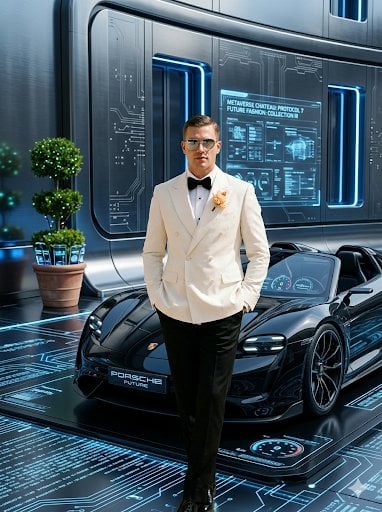
A JSON prompt for generating a high-fashion editorial portrait of a man in a cream tuxedo blazer and aviator sunglasses, set in a futuristic cyberpunk showroom with neon circuitry, holographic displays, and a sleek…
- Prompt included
- Model and format preset
- Premium template
The prompt behind this image
Copy the exact prompt behind Futuristic Cyberpunk Fashion Editorial, or open it in the studio and make it yours.
- Subject › Description
- A sophisticated man in a high-fashion editorial pose
- Subject › Attire › Jacket
- Cream-colored double-breasted tuxedo blazer, sharp peak lapels
- Subject › Attire › Details
- Black bow tie, white formal shirt, peach-colored floral boutonniere
- Subject › Attire › Lower Wear
- Tailored black formal trousers
- Subject › Attire › Accessories
- Classic silver-frame aviator sunglasses
- Environment › Setting
- Futuristic cyberpunk showroom or metaverse chateau
- Environment › Architecture
- Brushed metal walls with integrated blue neon circuitry patterns
- Environment › Technology
- Transparent holographic HUD displays with data analytics and 'METAVERSE CHATEAU' text
- Environment › Vehicle
- Sleek black electric supercar, low profile, modern LED headlights, parked on a digital glass floor
- Composition And Lighting › Shot Type
- Full-body fashion portrait, eye-level
- Composition And Lighting › Lighting
- Cinematic soft-box lighting on the subject, cool blue ambient glow from background panels
- Composition And Lighting › Color Palette
- Monochromatic metallic silver and black, accented with vibrant cyan neon and soft cream
- Technical Specs › Camera
- Phase One XF, 80mm lens
- Technical Specs › Texture
- Ultra-realistic skin pores, fabric weave detail, polished car paint reflections
- Technical Specs › Vibe
- Quiet luxury, stealth wealth, futuristic elegance, 8k resolution
Raw JSON
{
  "subject": {
    "description": "A sophisticated man in a high-fashion editorial pose",
    "attire": {
      "jacket": "Cream-colored double-breasted tuxedo blazer, sharp peak lapels",
      "details": "Black bow tie, white formal shirt, peach-colored floral boutonniere",
      "lower_wear": "Tailored black formal trousers",
      "accessories": "Classic silver-frame aviator sunglasses"
    }
  },
  "environment": {
    "setting": "Futuristic cyberpunk showroom or metaverse chateau",
    "architecture": "Brushed metal walls with integrated blue neon circuitry patterns",
    "technology": "Transparent holographic HUD displays with data analytics and 'METAVERSE CHATEAU' text",
    "vehicle": "Sleek black electric supercar, low profile, modern LED headlights, parked on a digital glass floor"
  },
  "composition_and_lighting": {
    "shot_type": "Full-body fashion portrait, eye-level",
    "lighting": "Cinematic soft-box lighting on the subject, cool blue ambient glow from background panels",
    "color_palette": "Monochromatic metallic silver and black, accented with vibrant cyan neon and soft cream"
  },
  "technical_specs": {
    "camera": "Phase One XF, 80mm lens",
    "texture": "Ultra-realistic skin pores, fabric weave detail, polished car paint reflections",
    "vibe": "Quiet luxury, stealth wealth, futuristic elegance, 8k resolution"
  }
}How to use Futuristic Cyberpunk Fashion Editorial in 3 steps
- 1
Open
The prompt is already in the box next to the preview, with the template's model and format selected.
- 2…a portrait of your subject in softgolden-hour light, 85mm…
Personalize
Edit the subject and creative details for your destination.
- 3Generate
Generate
Press Generate — your image is created in PicX Studio, so you can compare it with the original and refine one variable at a time.
More like this
Templates with the same subject, style or setup. Open one to see its prompt.
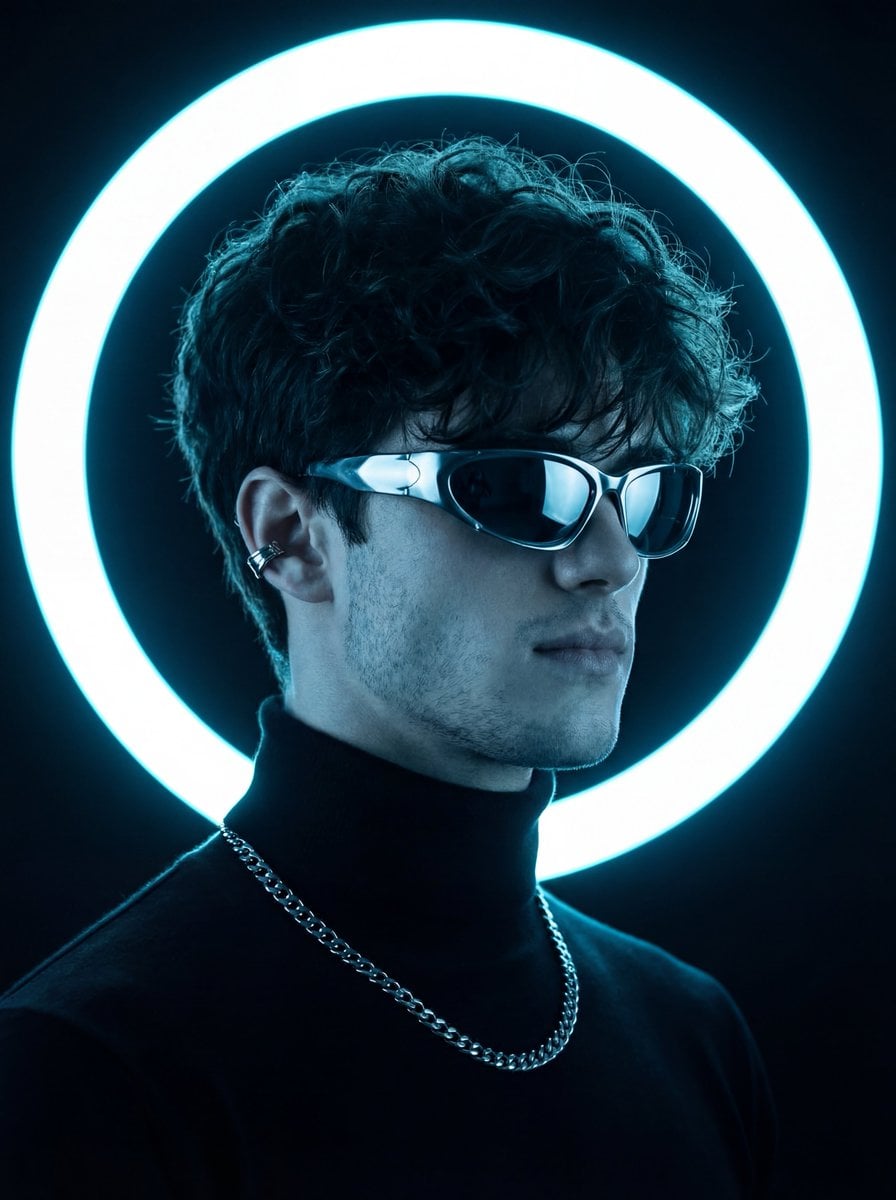
Futuristic Studio Neon Ring Minimalist Portrait
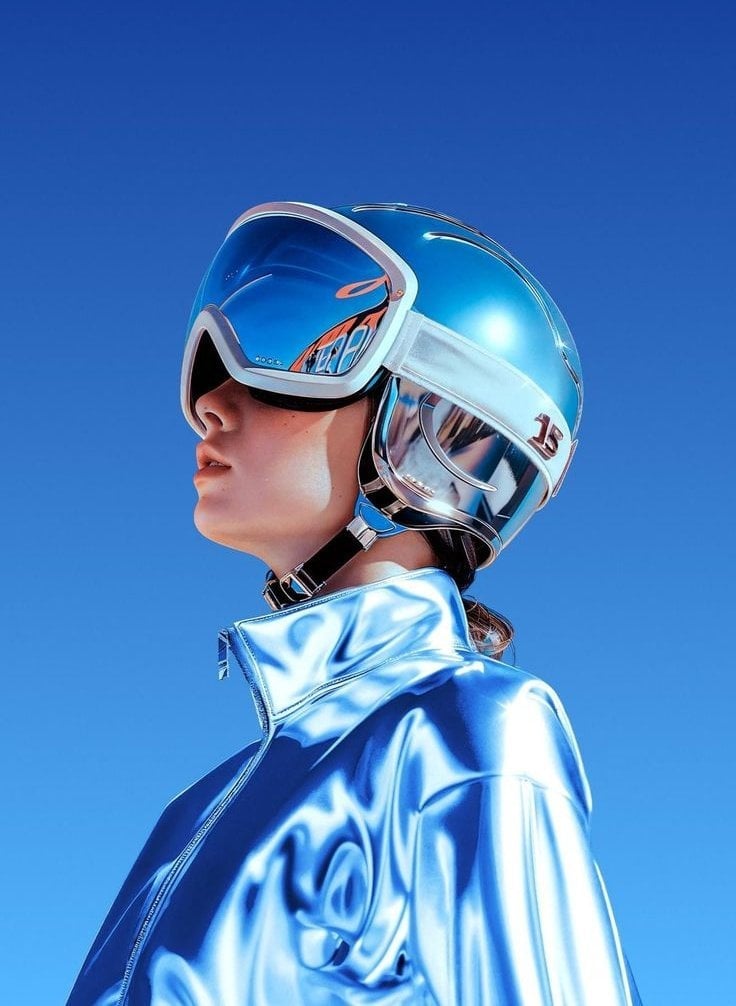
Futuristic Chrome Helmet Fashion Portrait
Futuristic Chrome Helmet Fashion Portrait
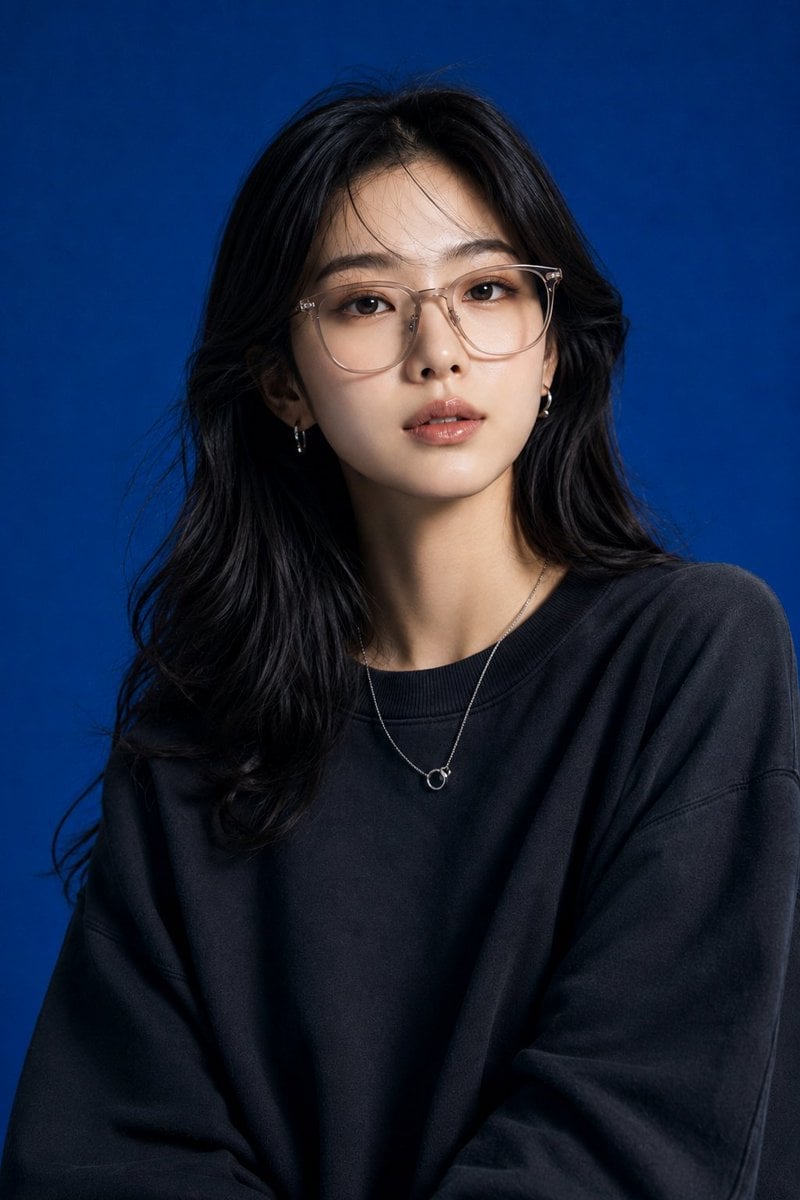
Blue Backdrop Luxury Fashion Portrait Campaign
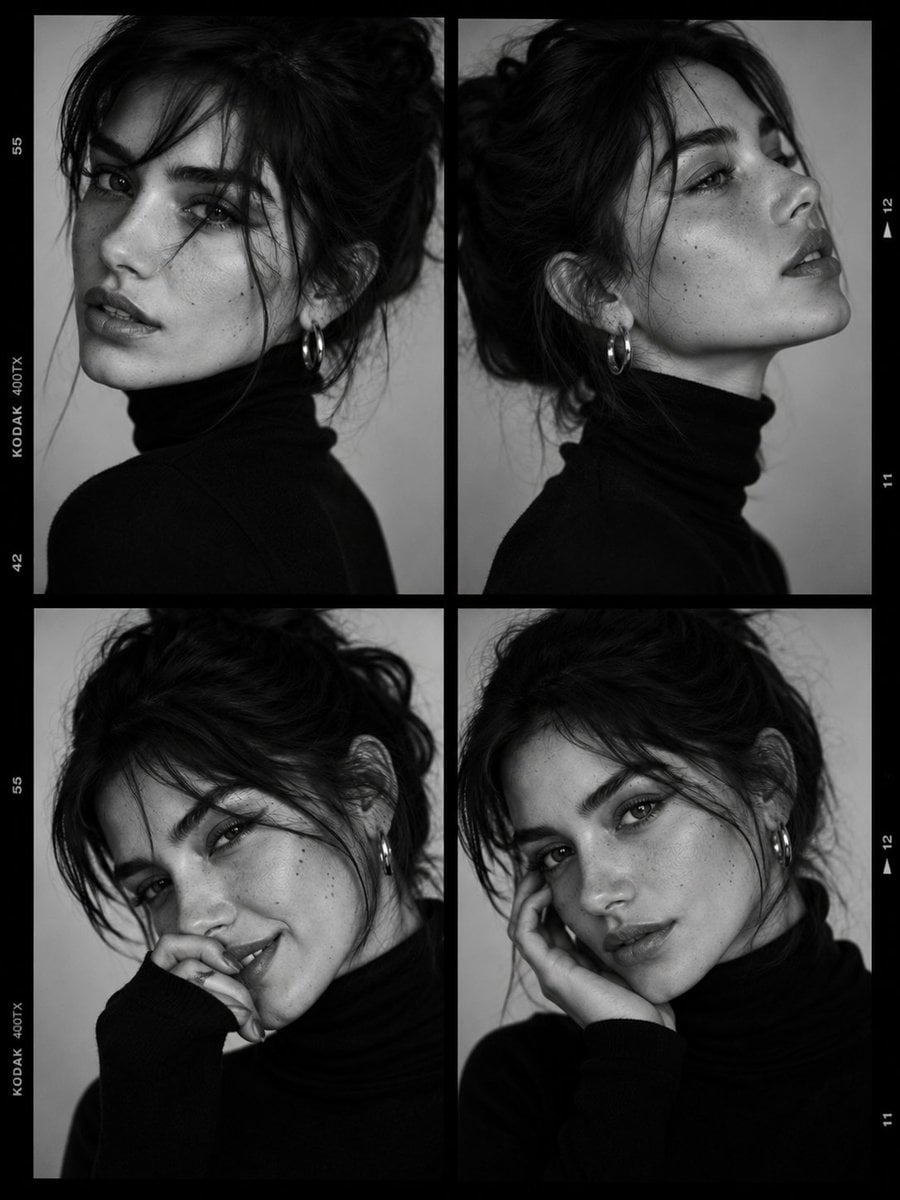
Luxury Black-and-White Fashion Contact Sheet
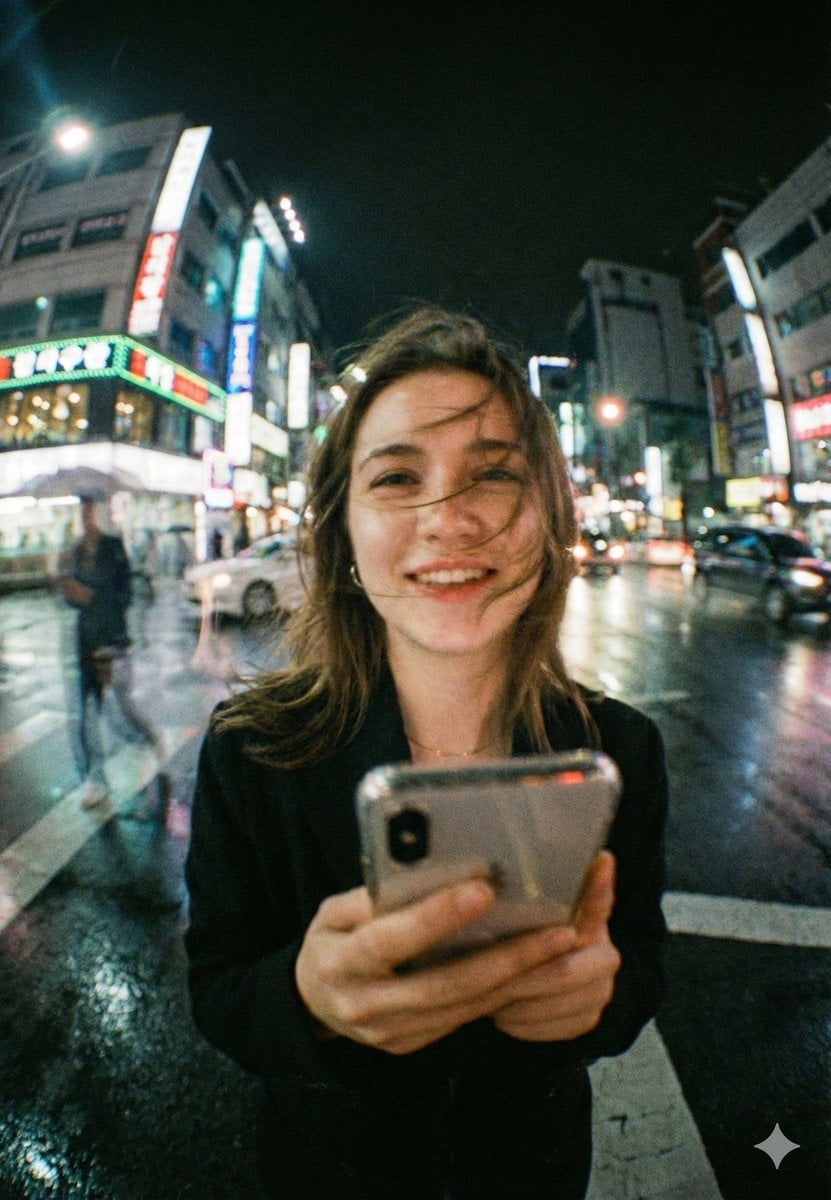
Neon Night Crosswalk Candid Portrait
Futuristic Studio Neon Ring Minimalist Portrait
Neon Night Crosswalk Candid Portrait
untitled
Google Gemini Nano Banana Pro
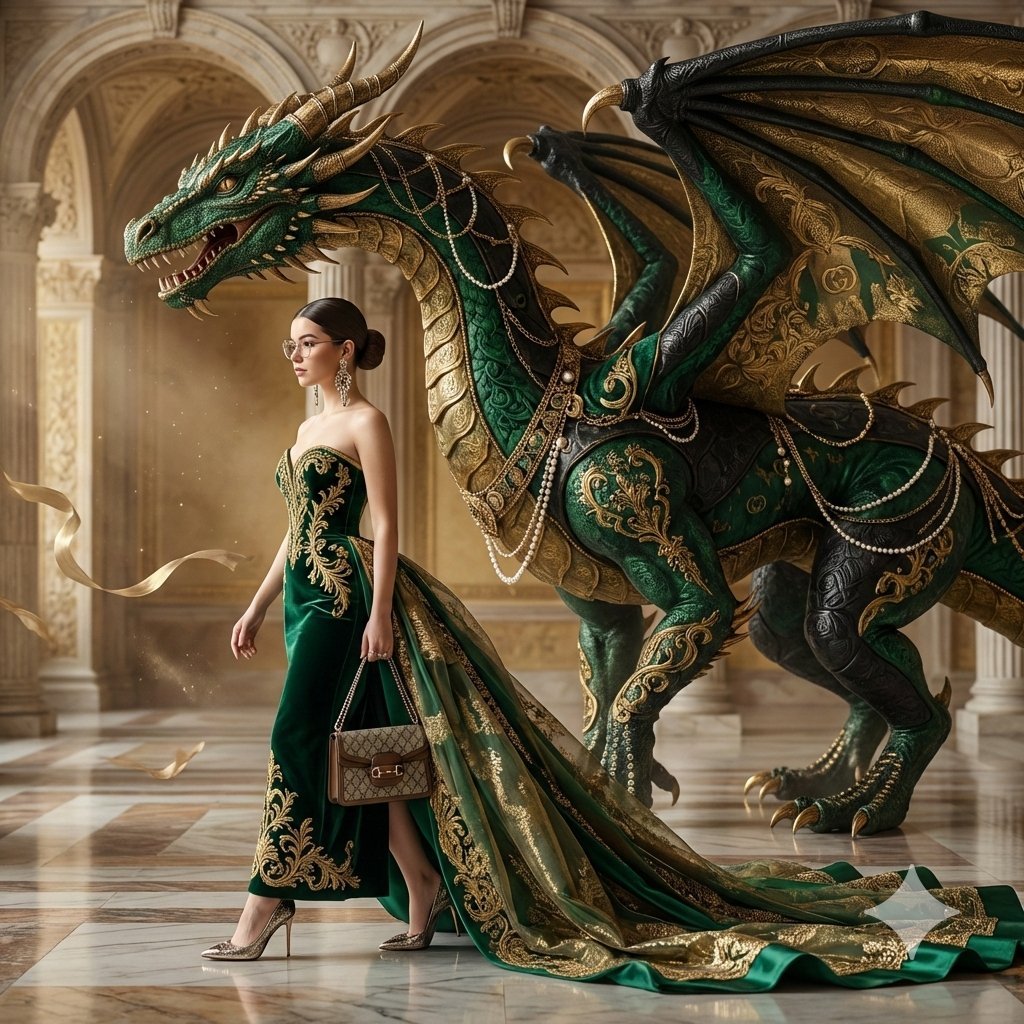
Conceptual Fashion Portrait in Spider We
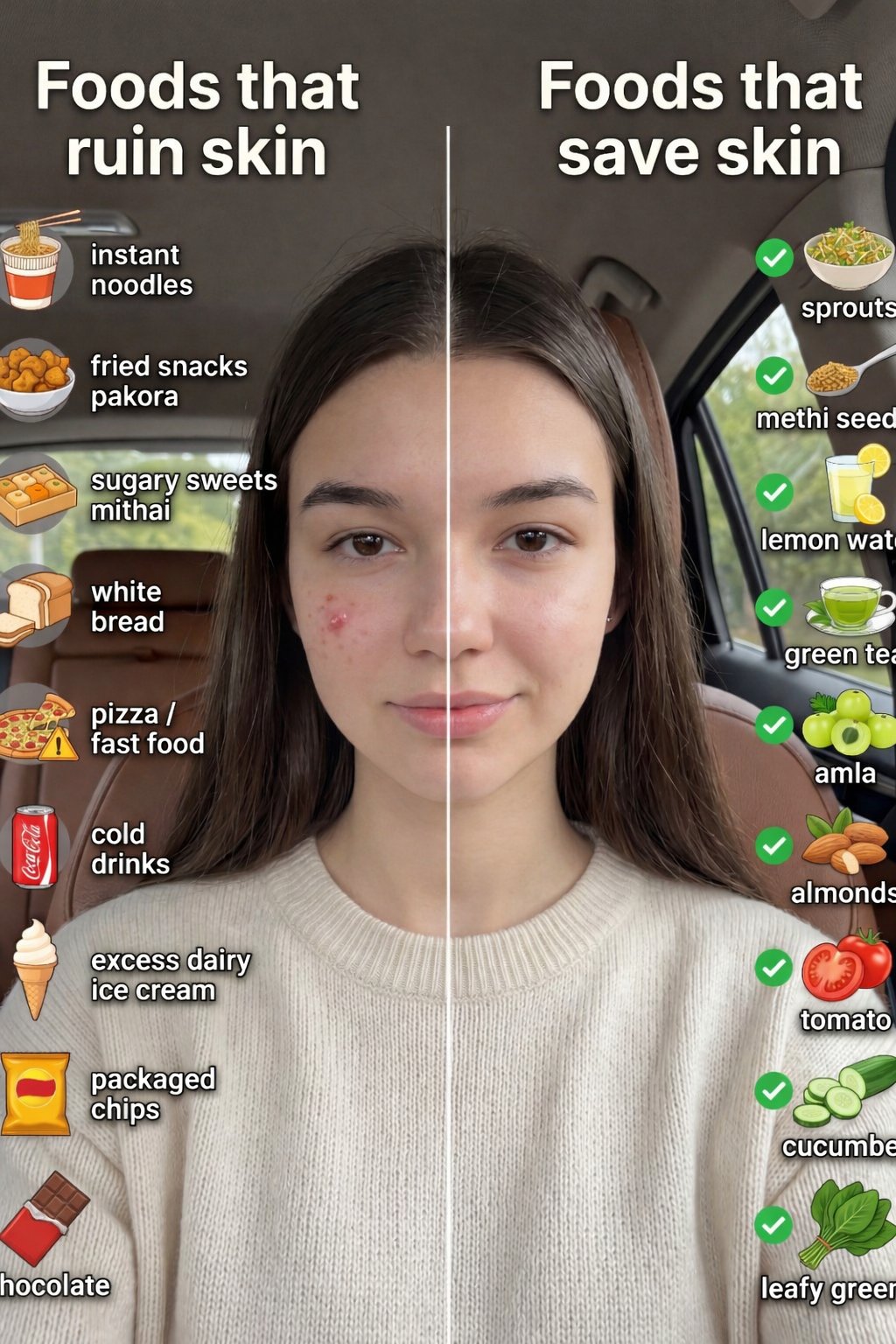
01 Skincare Split Portrait — Nano Banana 2
Make it yours
Futuristic Cyberpunk Fashion Editorial works as-is. These are the safest ways to change it without losing the look.
Swap the setting
Keep the rest of the prompt and replace the location block. The current setting is “Futuristic cyberpunk showroom or metaverse chateau”.
Swap the light
One lighting change is enough to compare takes. Current light: “Full-body fashion portrait, eye-level”.
Change one field
Copy a single group, rewrite it, and generate again so you can see what that field is doing.
| If the result… | Why | Fix |
|---|---|---|
| The result drifts from the preview | Too many fields changed at once. | Reuse Futuristic Cyberpunk Fashion Editorial as-is first, then change one group — subject, light, or setting. |
| Nano Banana 2 ignores part of the JSON | Some models flatten or skip nested keys. | Keep the same values and paste them as a short paragraph instead. |
More Nano Banana 2 templates
Other prompts made for Nano Banana 2.

Photorealistic Leaf Shaped Like a Dragon

K-Pop Idol Portrait Grid for Rapid Selection

Poetic Rain Forest Portrait During Golden Hour

Urban Street Portrait with Cartoon Inner Self Duo

Candid Nighttime Photo with Cat Prompt

High-Concept 3D Diorama Generation Prompt

Cinematic Futuristic Studio Portrait Template

Skincare Editorial Photography Collage Prompt

Hyper-Realistic Commercial Product Photography (Splash Effect)

Hyper-Realistic Nightclub Portrait Prompt
More image prompts
Fresh picks from across the catalog.
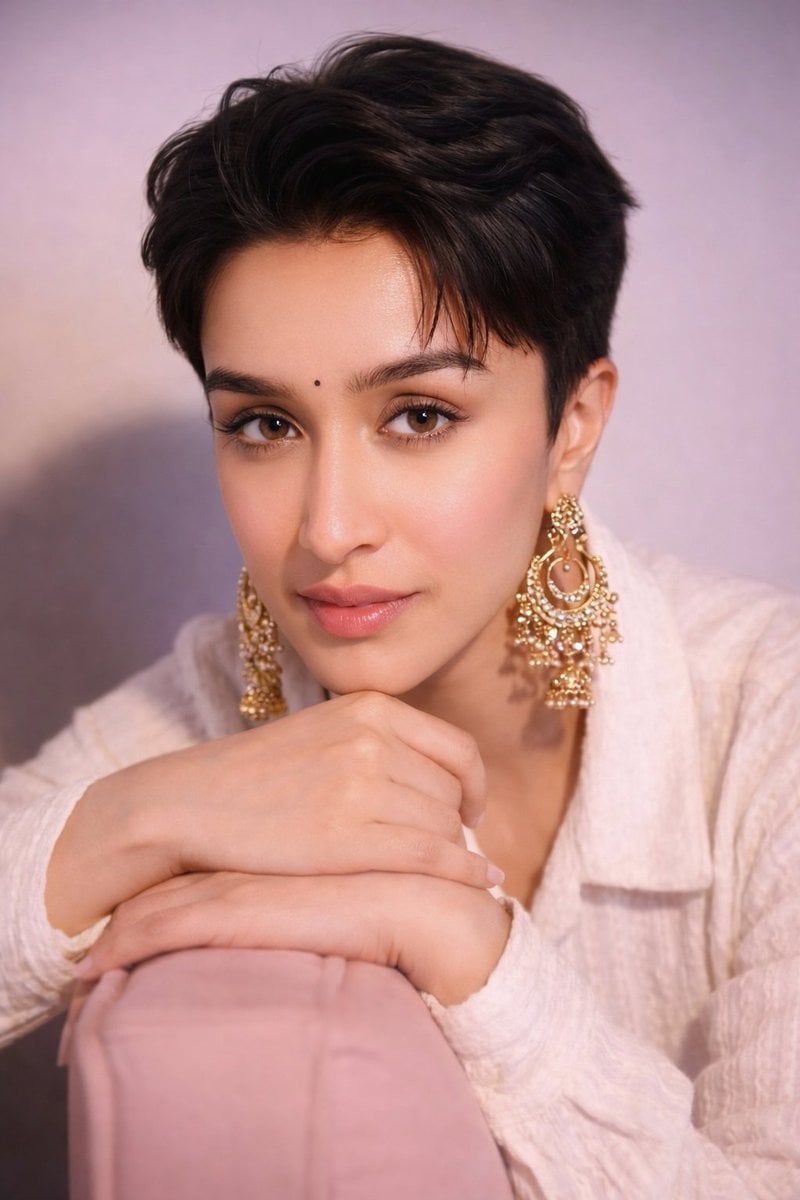
Portrait of Shraddha Kapoor with Pixie Cut and Jhumka Earrings
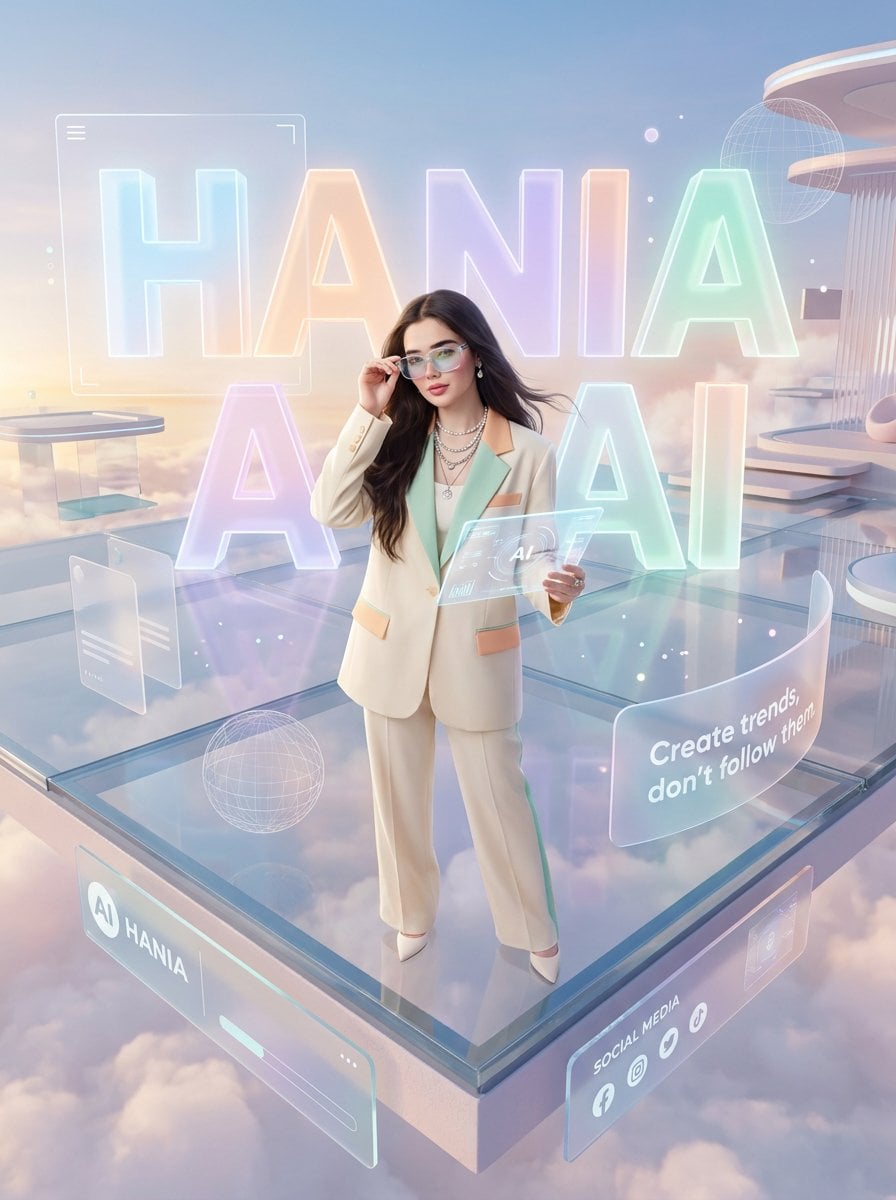
Pastel Luxury AI Branding Poster
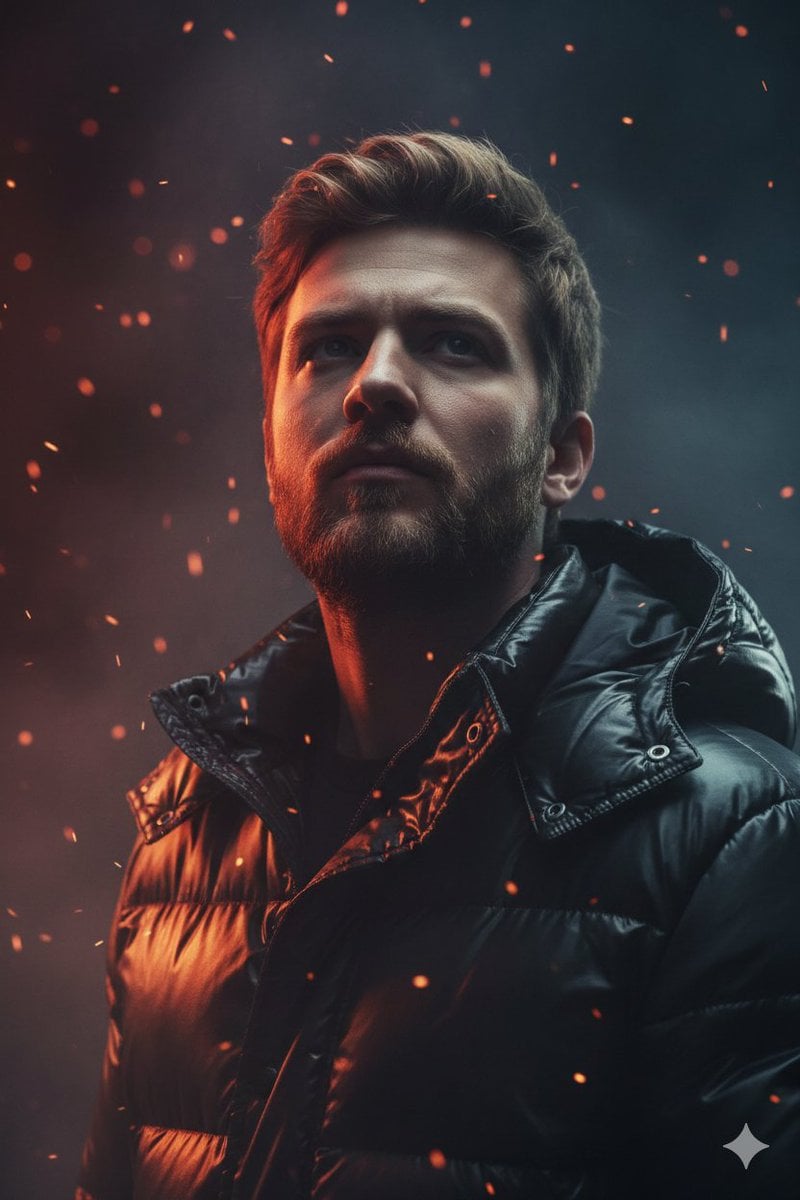
Dramatic Cinematic Portrait of a Rugged Young Man
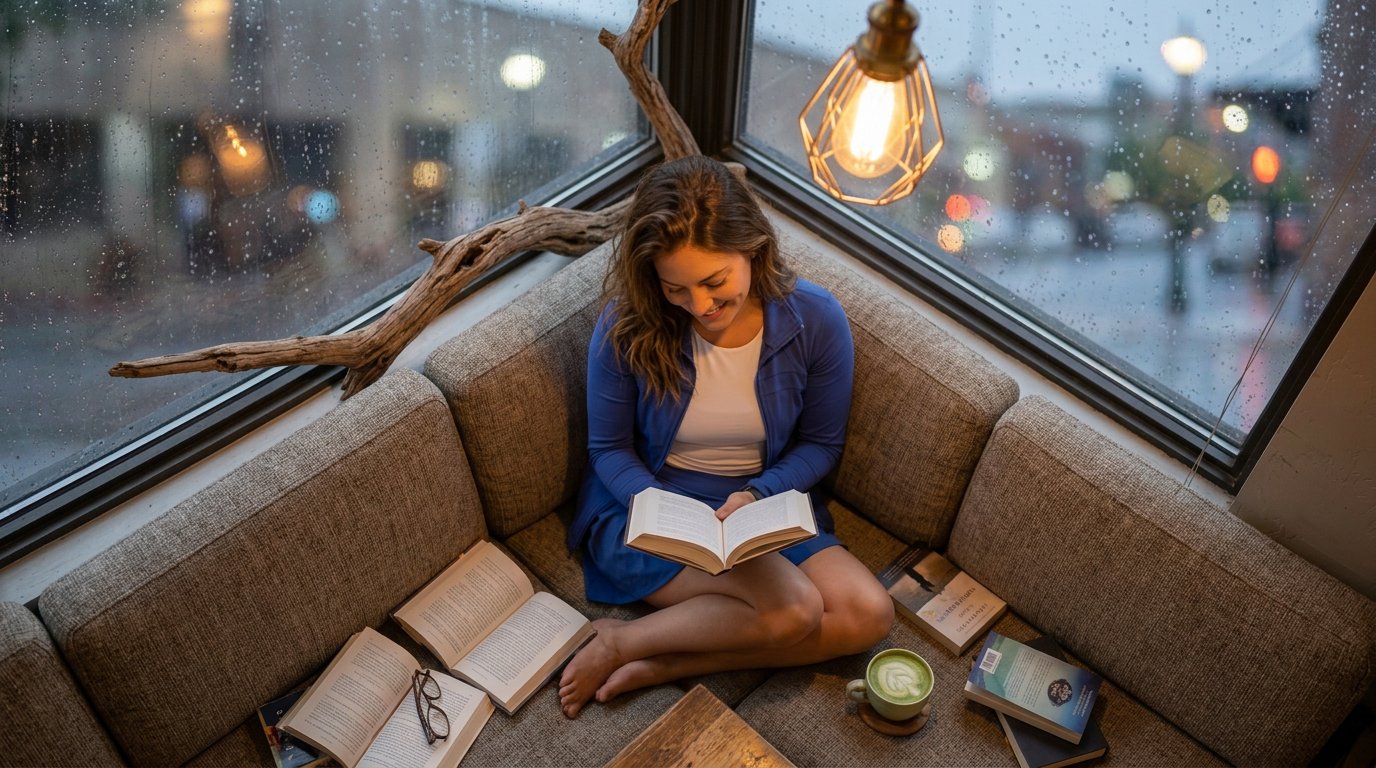
reading
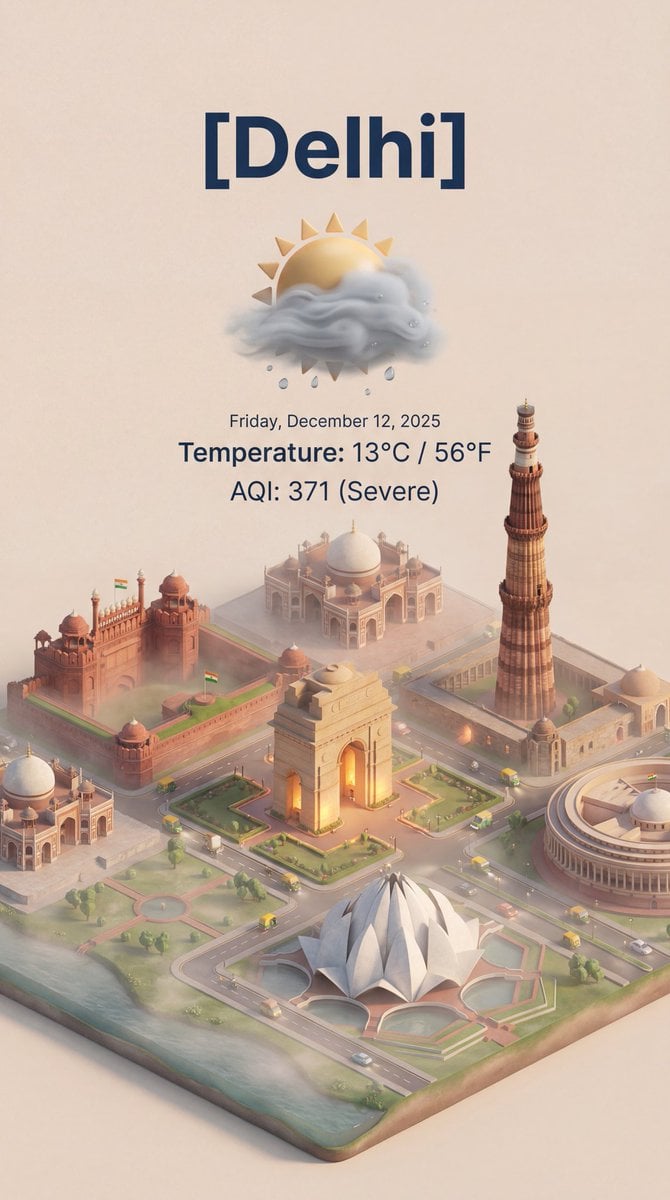
Isometric 3D Cartoon Scene of a City
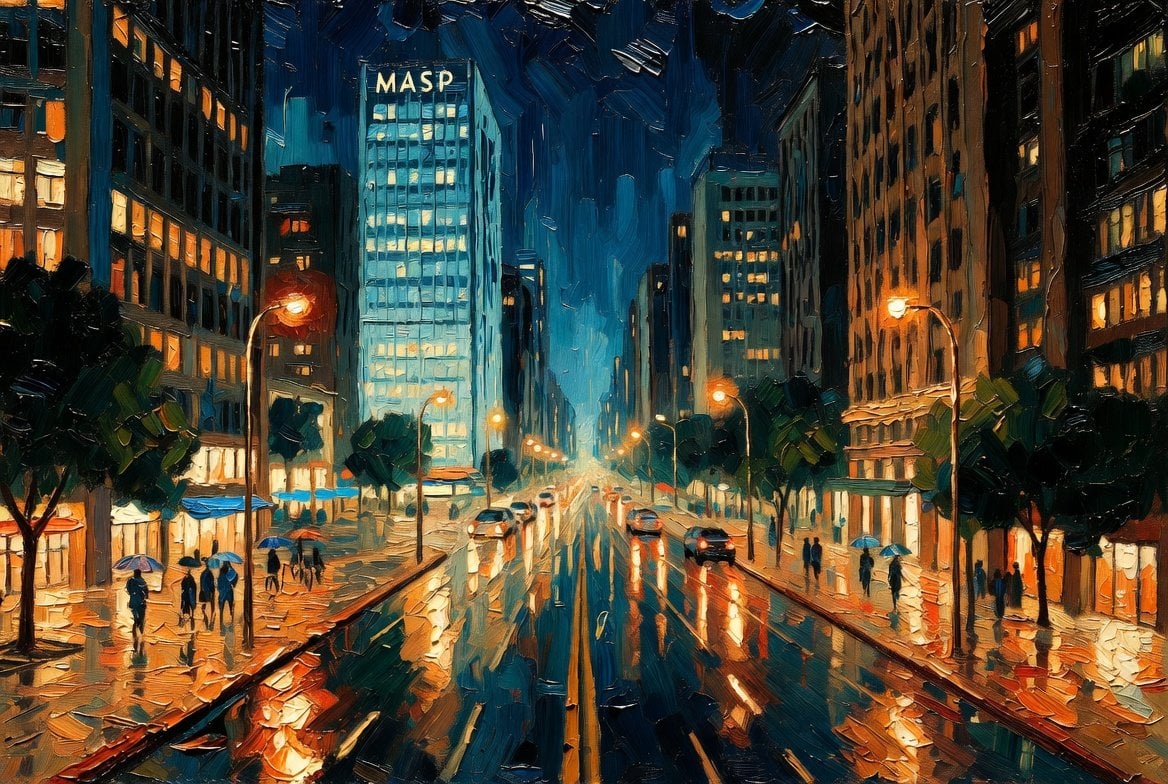
São Paulo Avenida Paulista Painting Prompt (JSON reference)
Cross-Strait Dialogue Editorial Illustration
Golden Hour Ferrari Interior Fashion Prompt
High-Fashion Winter Editorial Portrait in Alpine Setting
Nostalgic Film Print Portrait on Wooden Table
Browse template categories
Futuristic Cyberpunk Fashion Editorial questions
How do I use the Futuristic Cyberpunk Fashion Editorial template?
Add your photo if the template asks for one, edit the prompt if you like — the template's model and format are already selected — and press Generate. Your version opens in PicX Studio.
Can I customize the Futuristic Cyberpunk Fashion Editorial template?
Yes. You can change the subject, setting, lighting, mood, format, and available model controls before creating your image.
Is the Futuristic Cyberpunk Fashion Editorial template free?
Opening and editing this template is free. Generating uses credits, shown on the Generate button when you are signed in.
Which AI model should I use?
Start with Nano Banana 2, which is the model associated with this template. You can compare another compatible model for a different finish.
Looking for something else? Browse all templates.

Your photo, any look
Thousands of ready templates for every top image and video model, from one credit balance.