
Colossal Ocean Titan and Messenger
Generates a cinematic dark fantasy scene of a tiny messenger confronting a gigantic ocean titan amid storm waves and lightning.
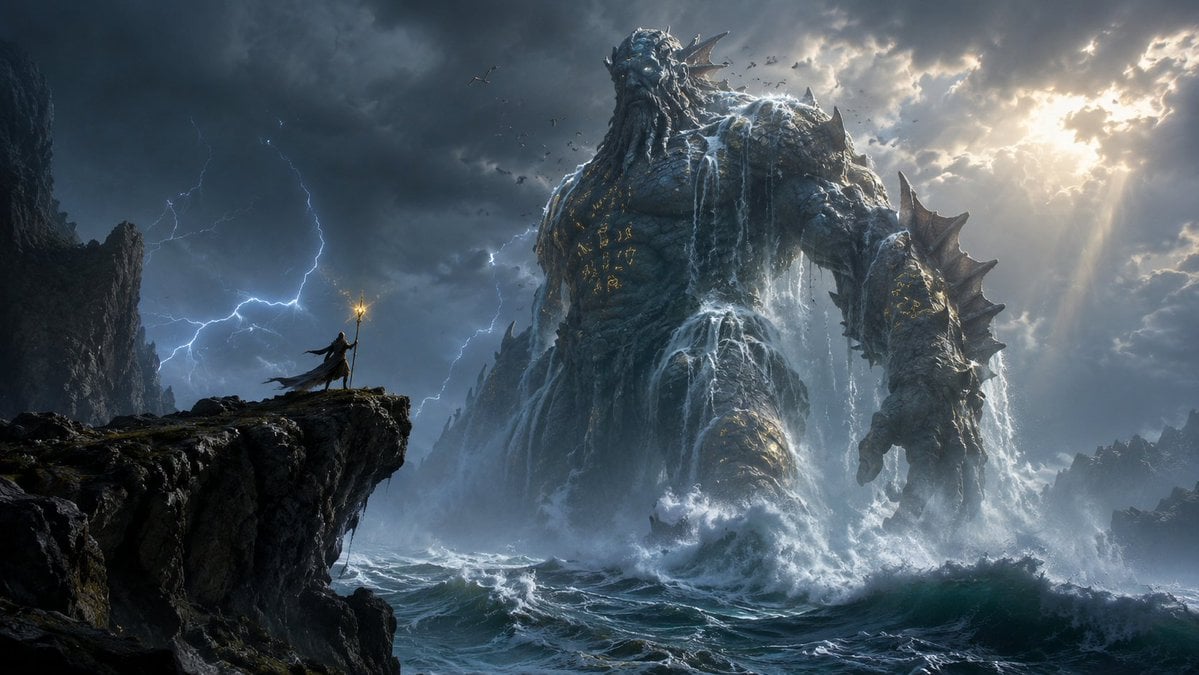
- Prompt included
- Model and format preset
- Free template
The prompt behind this image
Copy the exact prompt behind Colossal Ocean Titan and Messenger, or open it in the studio and make it yours.
Create an epic dark fantasy seascape in a cinematic ultra-wide 16:9 composition: a colossal {argument name="titan type" default="ocean titan"} rises from a violent stormy sea, towering over everything like an ancient god carved from wet stone, coral, barnacles, and abyssal rock. The titan has a humanoid body, a bearded sea-king face, glowing cold eyes, crown-like fins and horns, enormous spiked shoulders and forearms, and water pouring down its chest and arms like waterfalls; add faint glowing gold runes etched across its torso and limbs. In the left foreground, place exactly 1 tiny {argument name="messenger character" default="cloaked messenger"} standing on the edge of a jagged black cliff, holding exactly 1 tall staff with a small warm golden light at the tip, facing the titan to emphasize impossible scale. Include exactly 1 titan, exactly 1 messenger, exactly 1 illuminated staff, exactly 2 main cliff masses, and a distant flock of about 12 small birds circling near the titan’s head. The ocean should be chaotic with huge foaming waves crashing around the titan’s legs, sea mist, spray, and whitewater. The sky is filled with dark thunderclouds, several branching lightning bolts on the left, and dramatic sunbeams breaking through bright clouds on the upper right. Use a moody blue-gray palette with high contrast, realistic fantasy concept-art detail, volumetric lighting, atmospheric perspective, wet reflective surfaces, immense scale, sharp foreground rocks, and painterly cinematic realism. No text, no borders, no watermark.
How to use Colossal Ocean Titan and Messenger in 3 steps
- 1Upload ImagePNG, JPG or paste
Add your photo
Upload the photo the template builds on. The prompt, model and format are already set.
- 2…a portrait of your subject in softgolden-hour light, 85mm…
Personalize
Edit the subject and creative details for your destination.
- 3Generate
Generate
Press Generate — your image is created in PicX Studio, so you can compare it with the original and refine one variable at a time.
More like this
Templates with the same subject, style or setup. Open one to see its prompt.
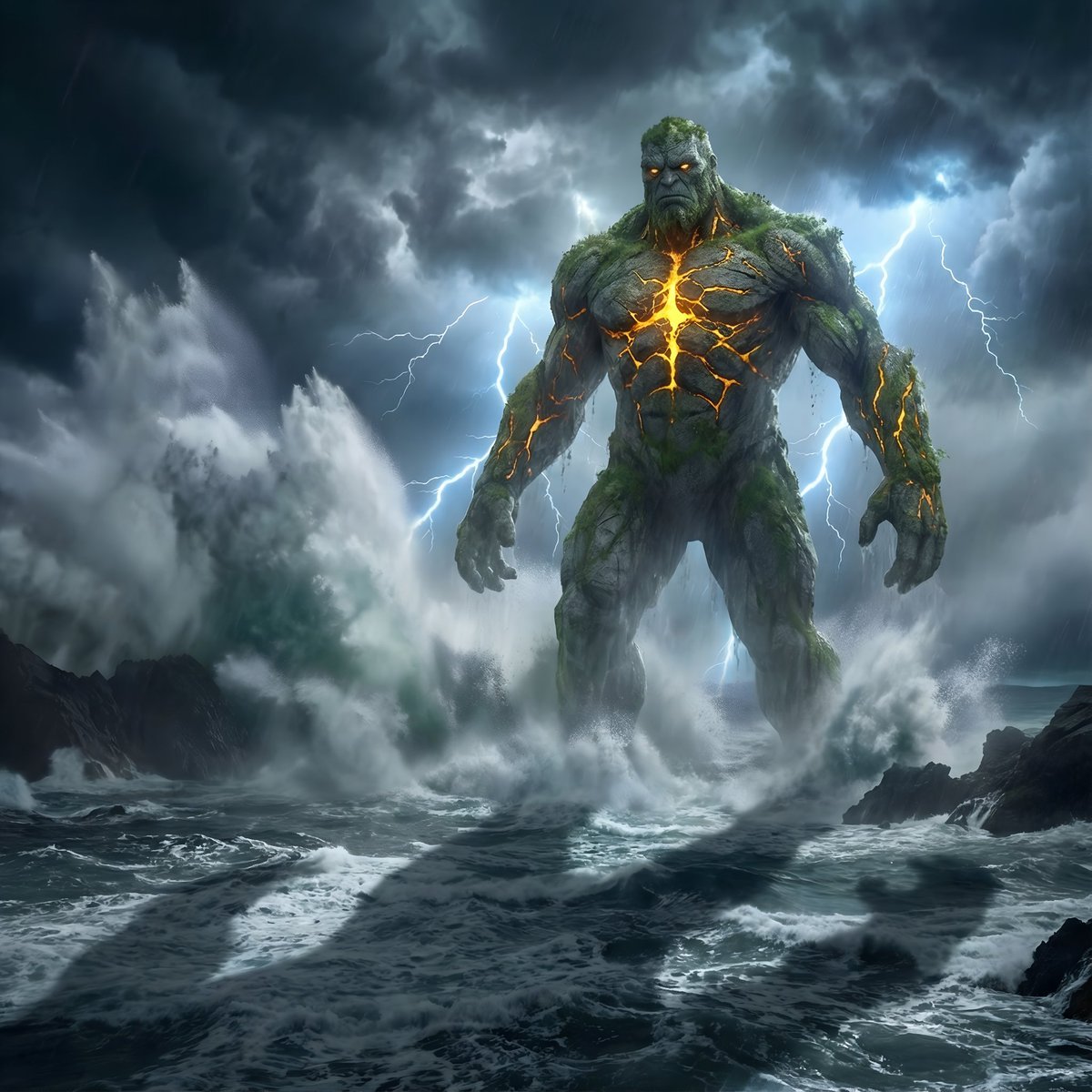
Colossal Stone Titan Rising from Ocean

Surreal Cat Astronaut — Humanoid Face Freefall
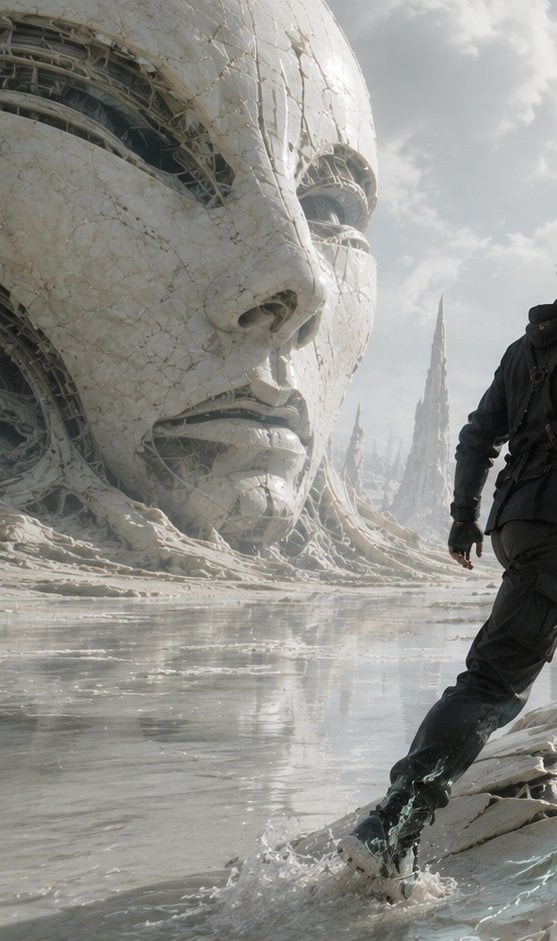
Colossal Android Face Contact
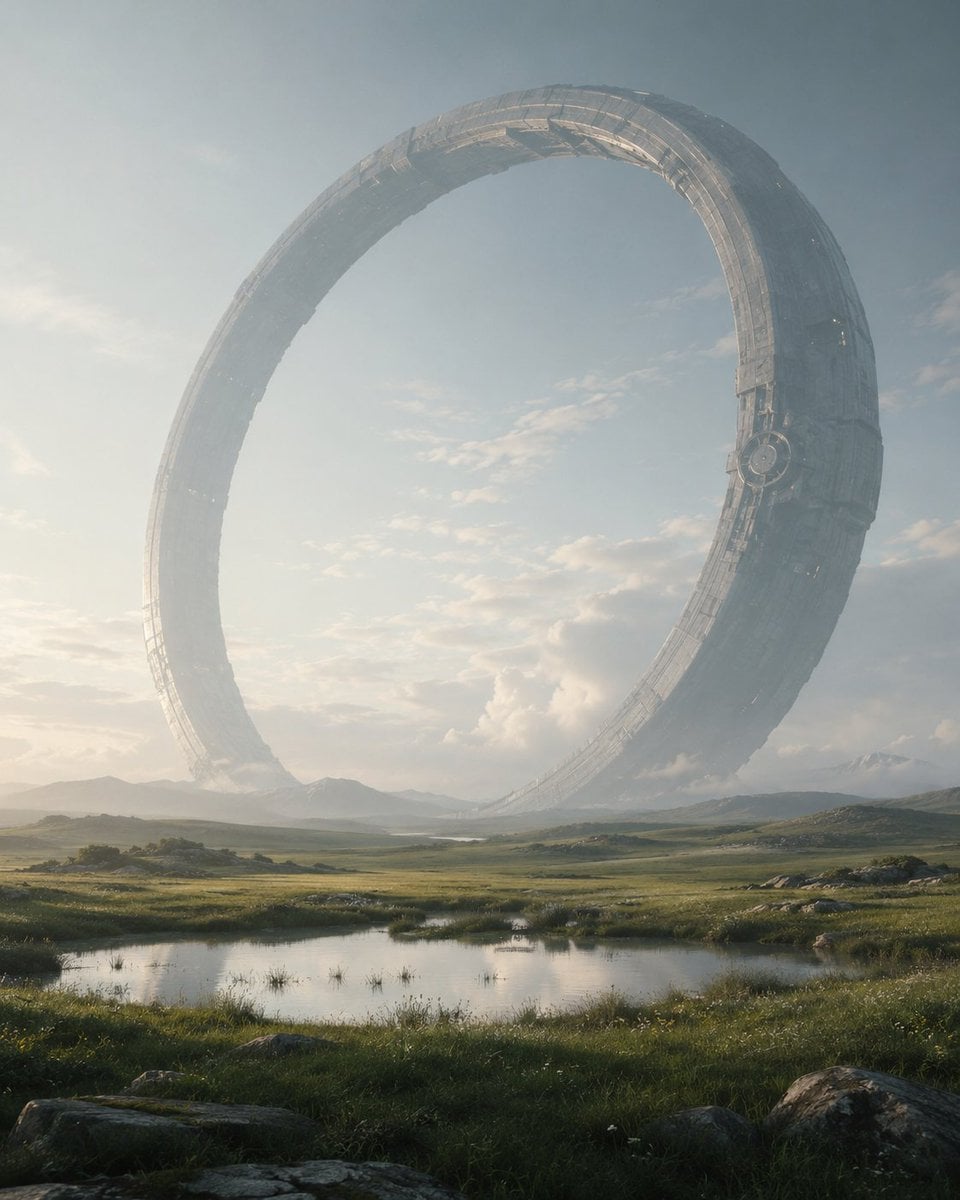
Colossal Ring on Earth
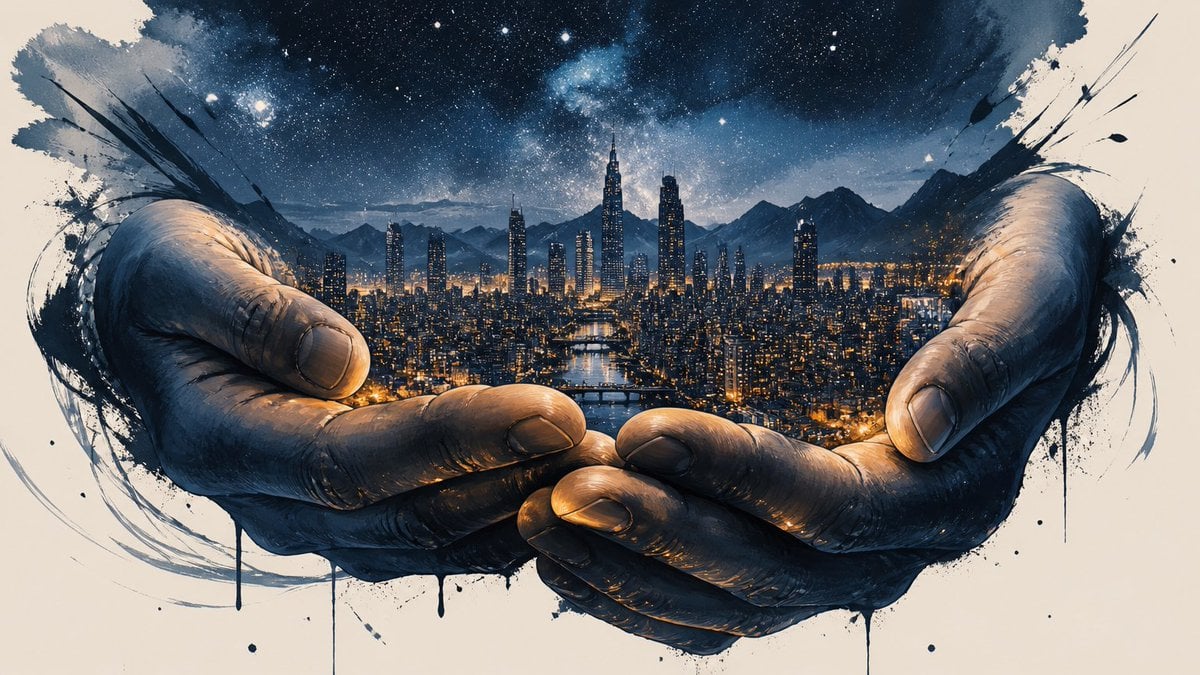
Colossal Hands Metropolis Art
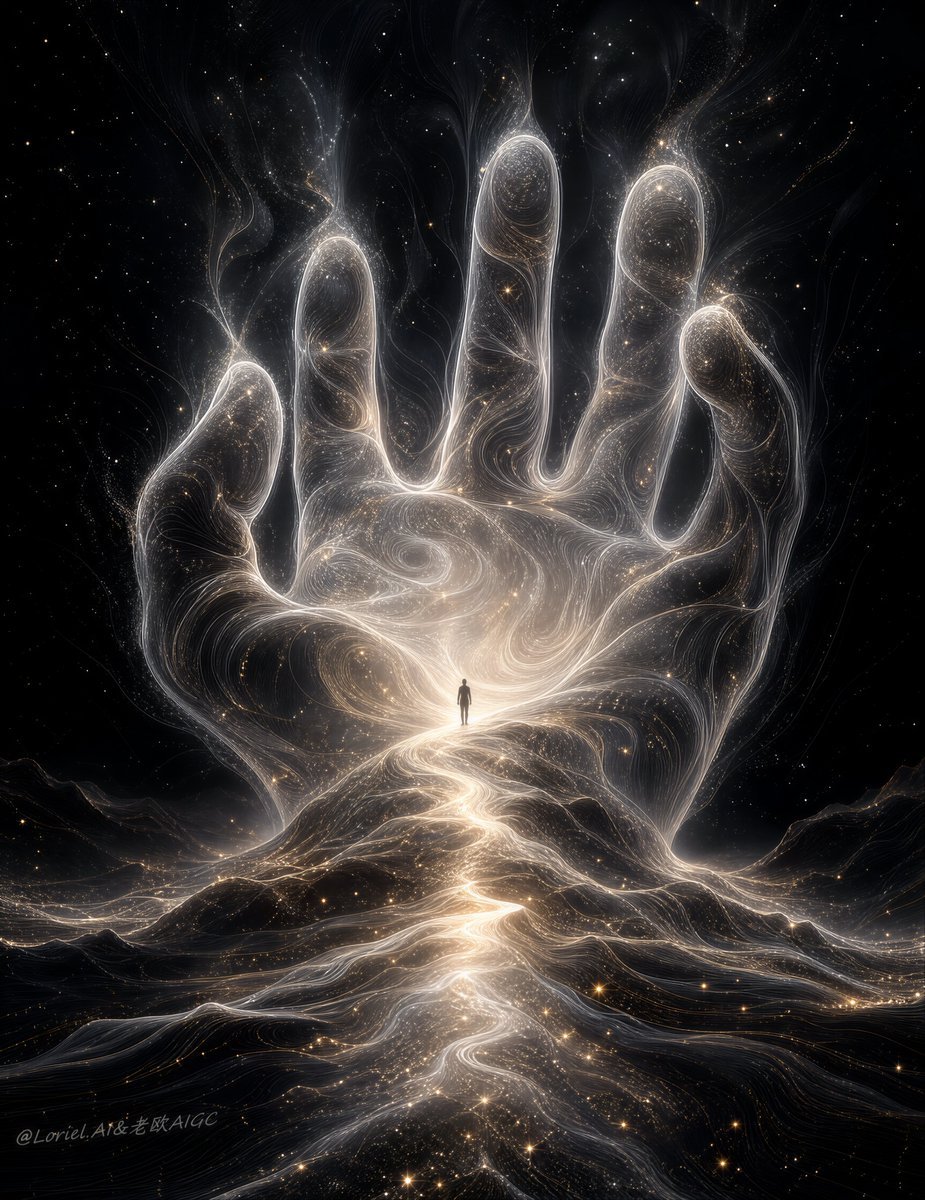
Colossal Cosmic Humanoid Fantasy
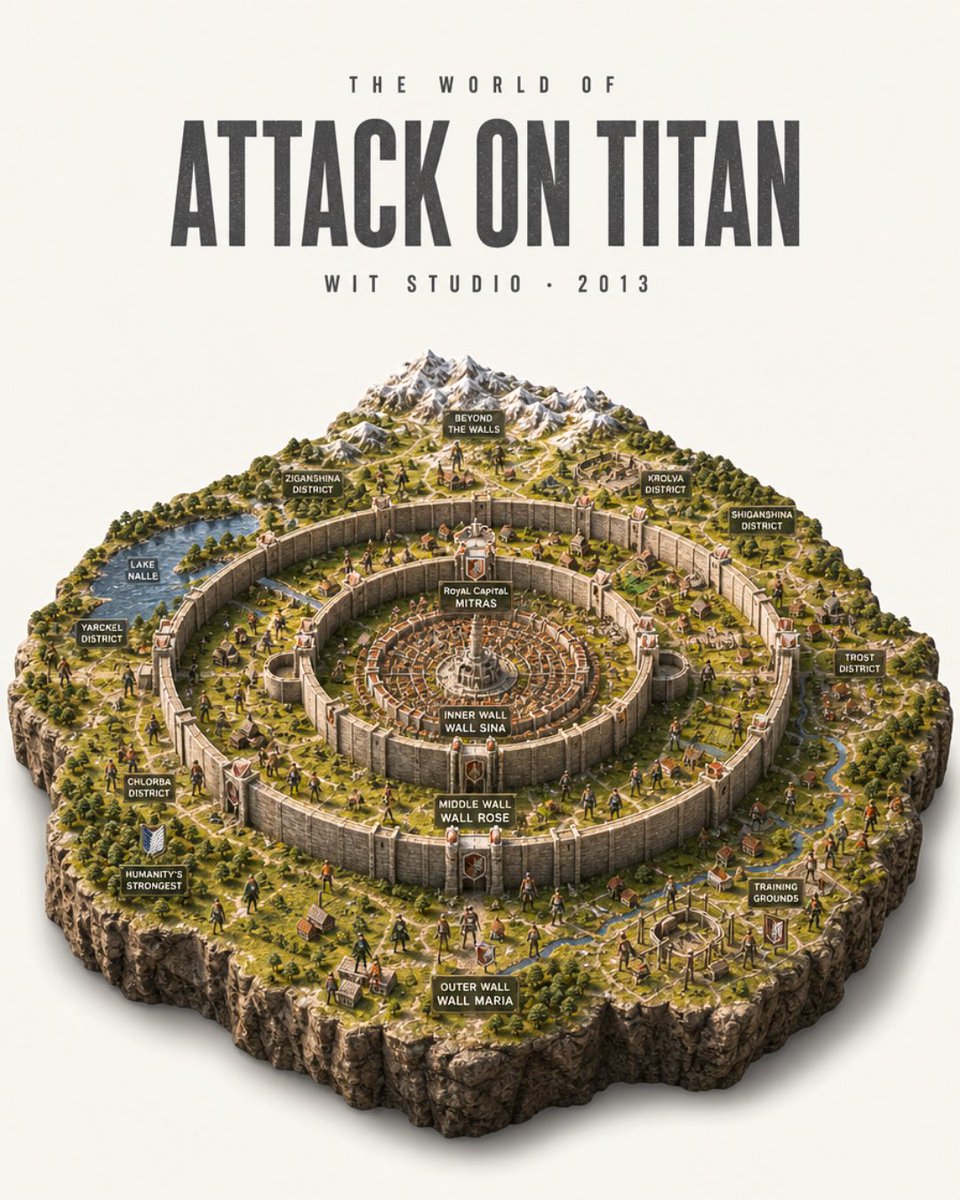
Attack on Titan Isometric Diorama Map
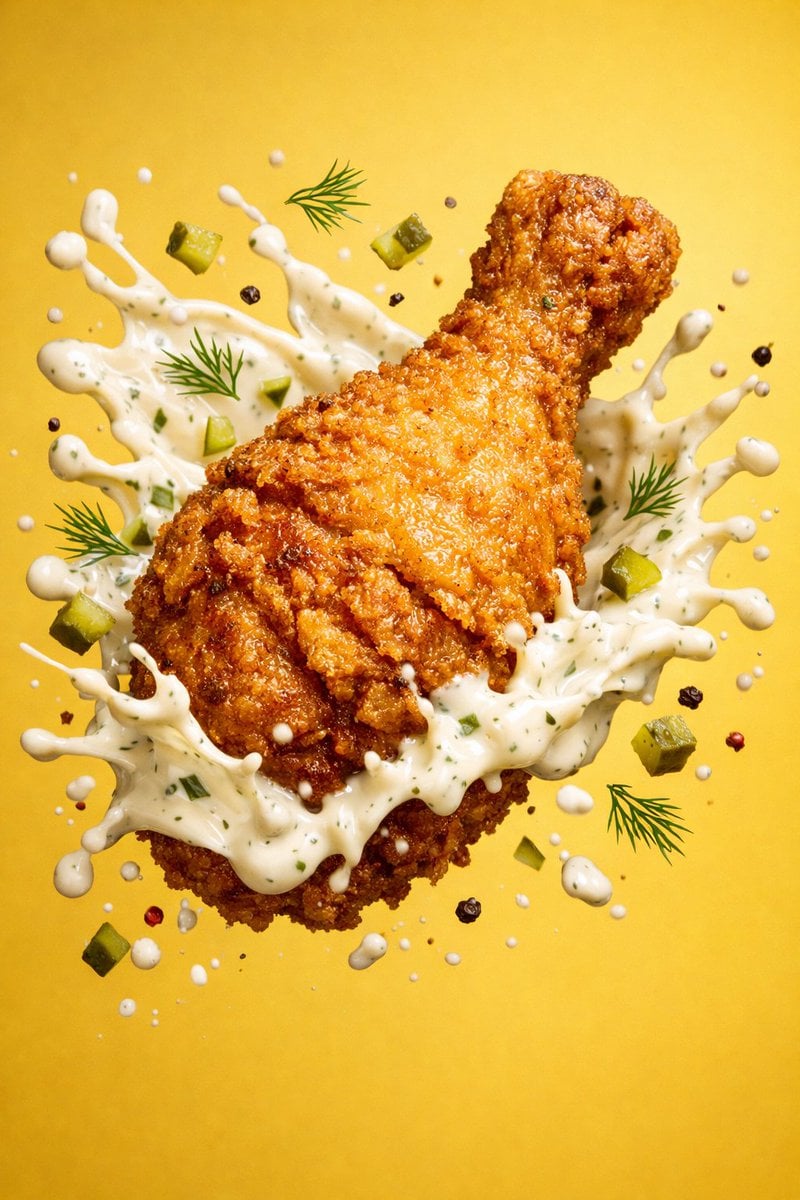
Epic 8K cinematic fantasy food scene a colossal crispy fried chicken leg
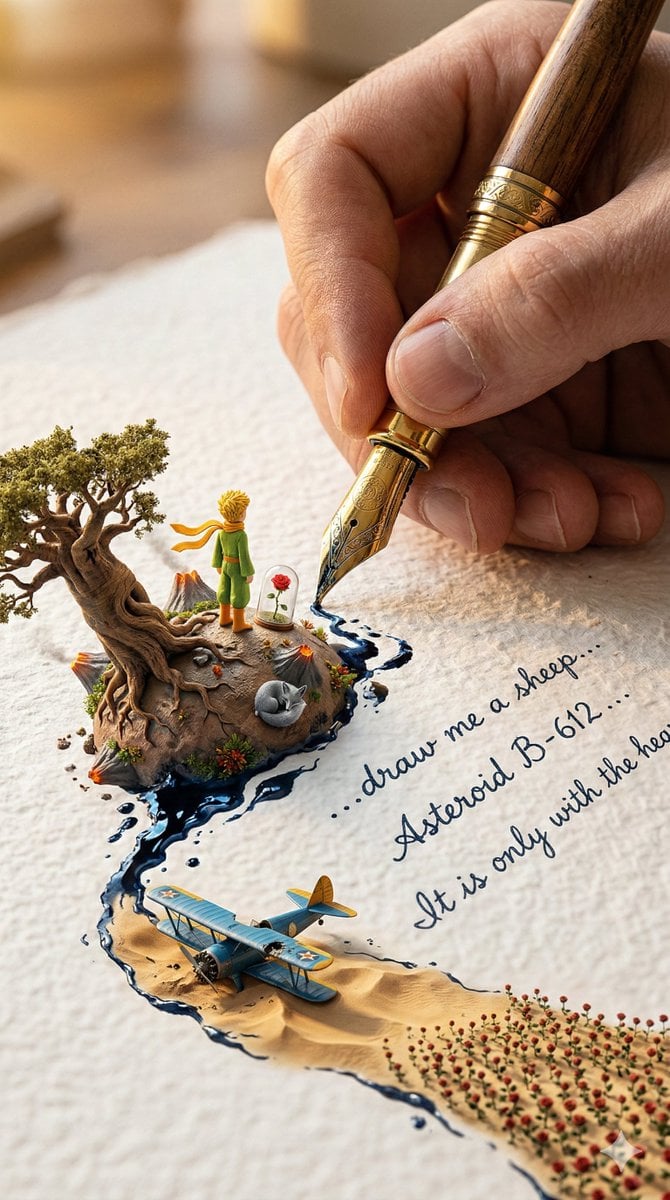
A colossal hand gripping an enormous vintage fountain pen, captured
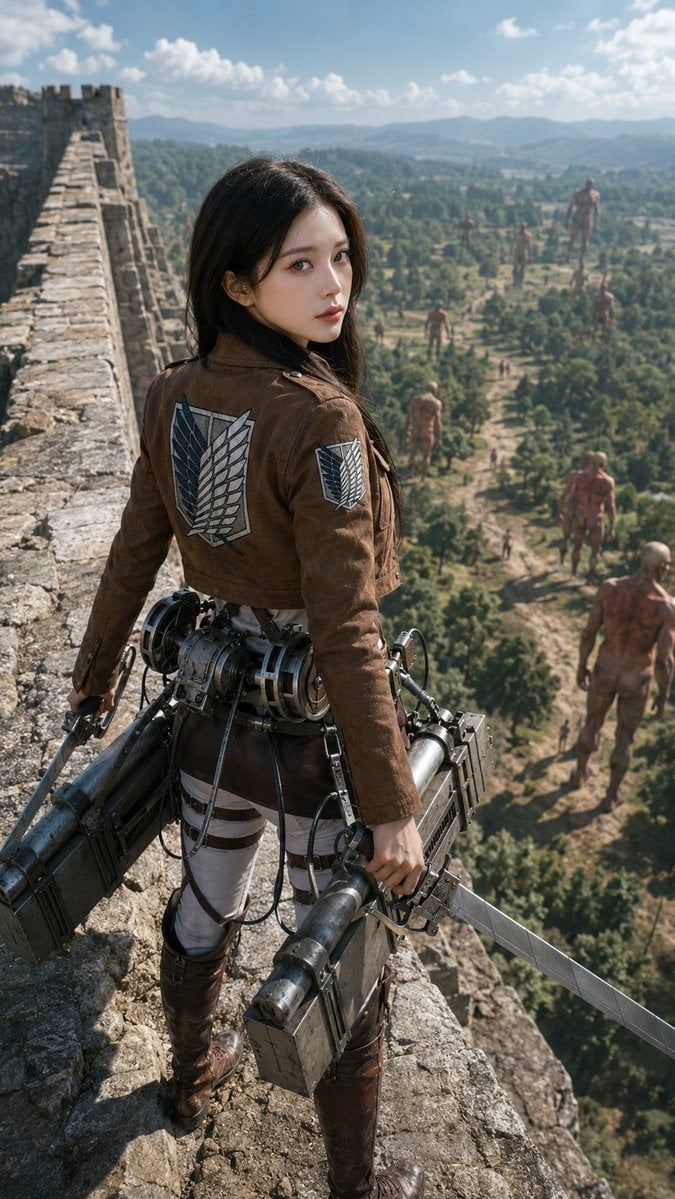
Photorealistic Scout on Titan Wall
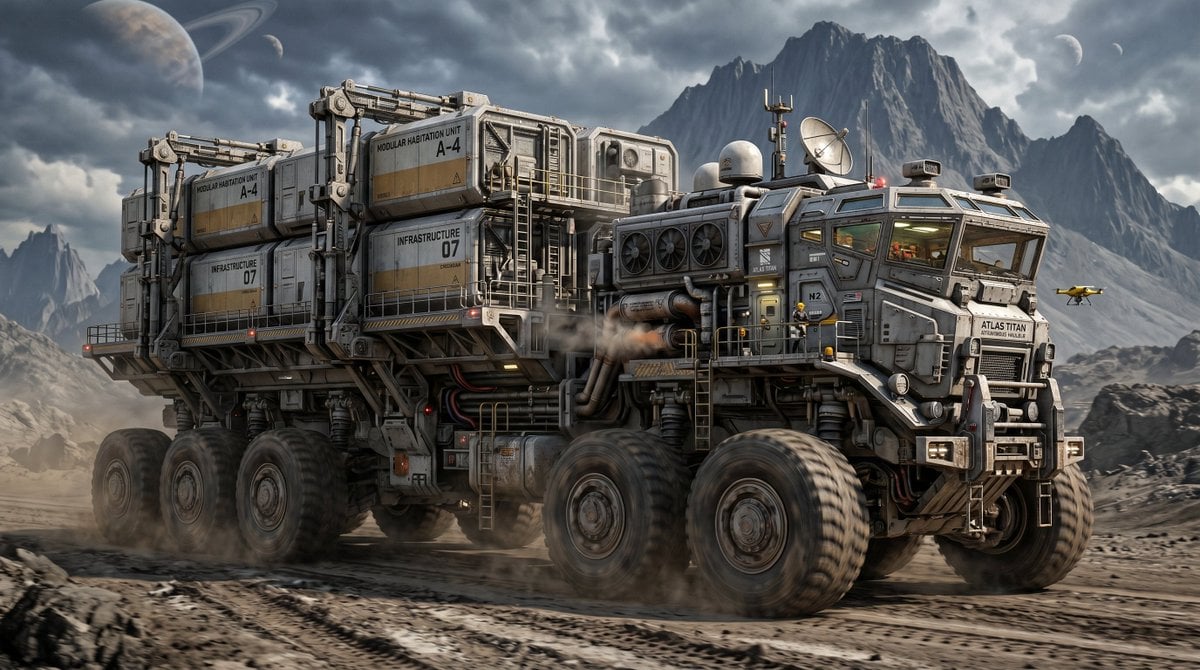
Atlas Titan Heavy Cargo Hauler
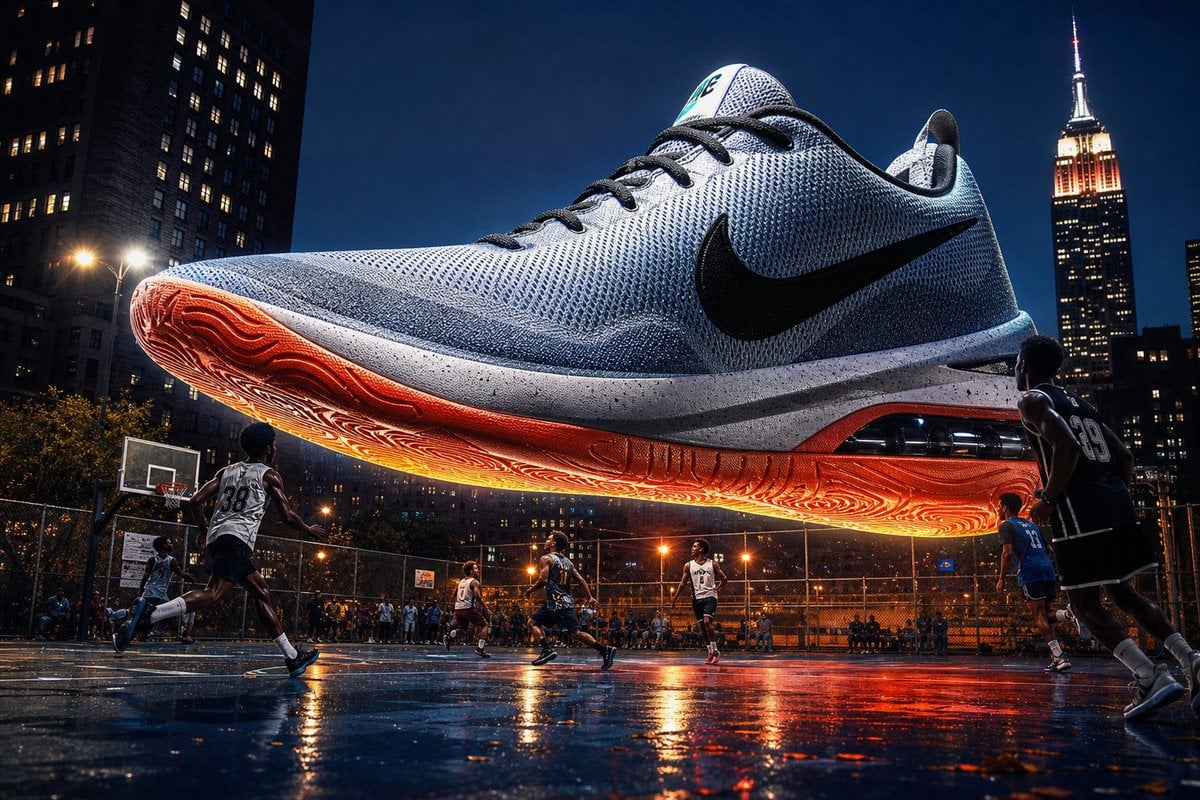
Colossal Product Advertising Visual
Make it yours
Colossal Ocean Titan and Messenger works as-is. These are the safest ways to change it without losing the look.
Change one field
Copy a single group, rewrite it, and generate again so you can see what that field is doing.
Keep the frame, change the subject
Hold the composition and light of Colossal Ocean Titan and Messenger, then swap wardrobe, props or the person for a new take.
| If the result… | Why | Fix |
|---|---|---|
| The result drifts from the preview | Too many fields changed at once. | Reuse Colossal Ocean Titan and Messenger as-is first, then change one group — subject, light, or setting. |
| The model over-stylizes the scene | The prose prompt leaves finish and camera underspecified. | Add one camera or lighting sentence and stay on GPT Image 2. |
More GPT Image 2 templates
Other prompts made for GPT Image 2.

Six VTuber Japanese Logo Sheet

Realistic Portrait of Woman and Deer

The Vista Modular Condo Poster

AI Model Routing Comparison Infographic

2.5D Anime Art Board

Isometric Productivity Desk Scene

New York Double Exposure Poster

Four-Panel AI Landscape Comparison

Japanese Tatami Lifestyle Magazine Cover

NESCAFÉ Coffee Map Poster
More image prompts
Fresh picks from across the catalog.
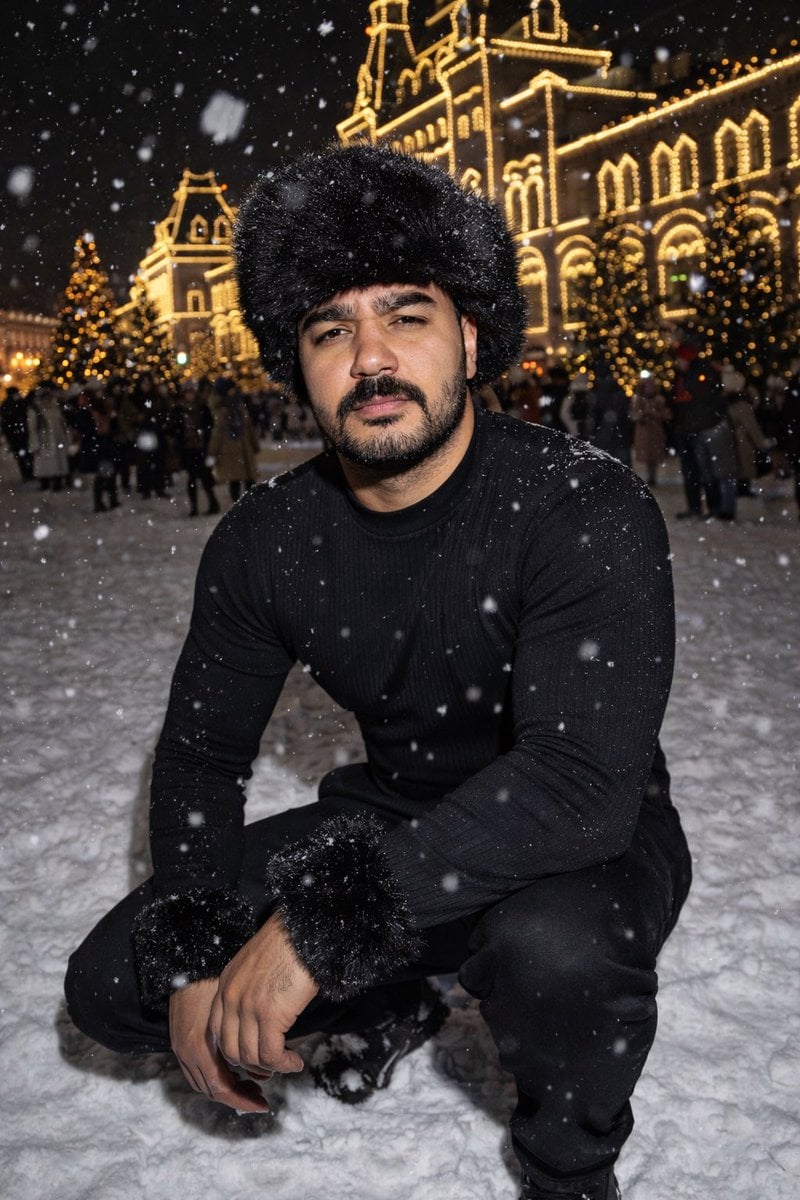
Y2K Candid Flash Photo in Snowy Moscow
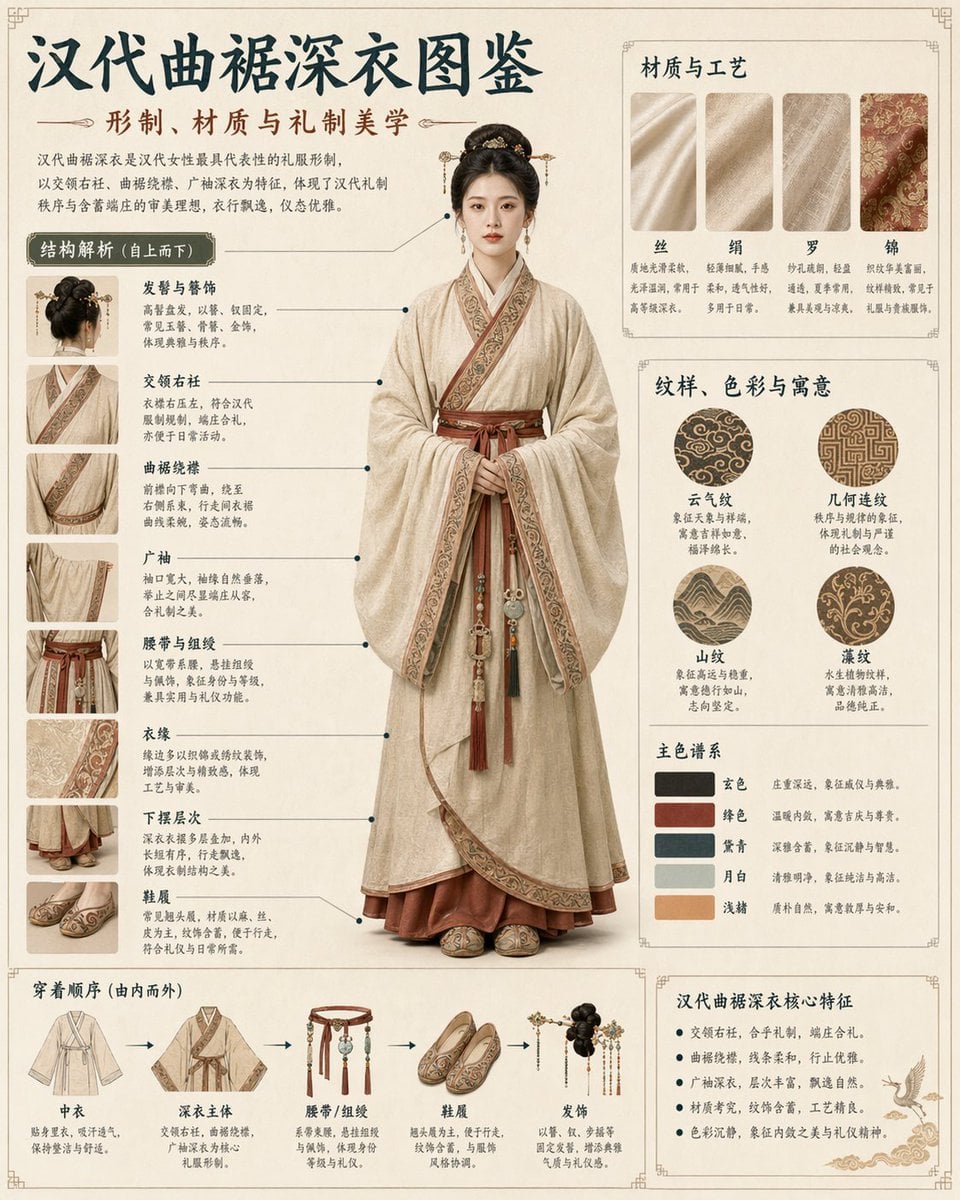
Cultural Garment Infographic
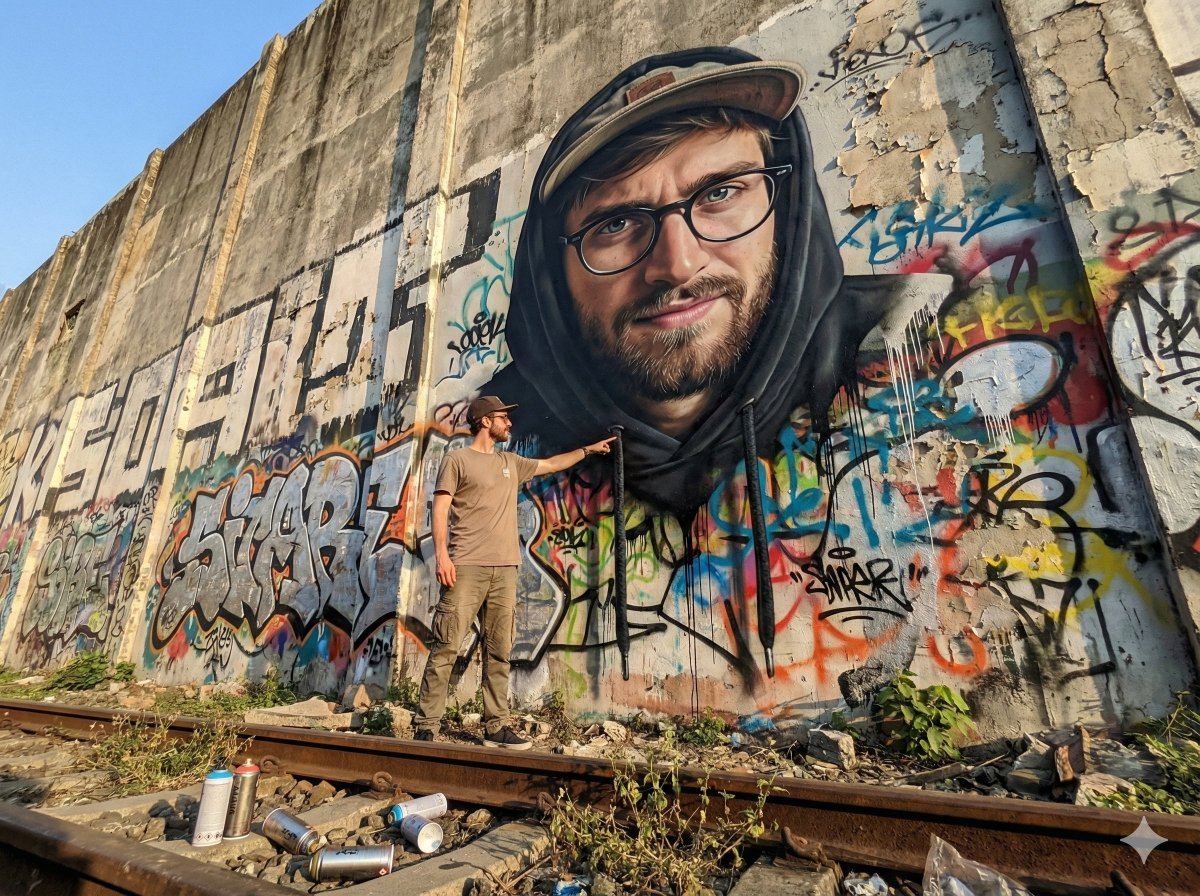
2D Mural to 3D Reality Street Art Prompt
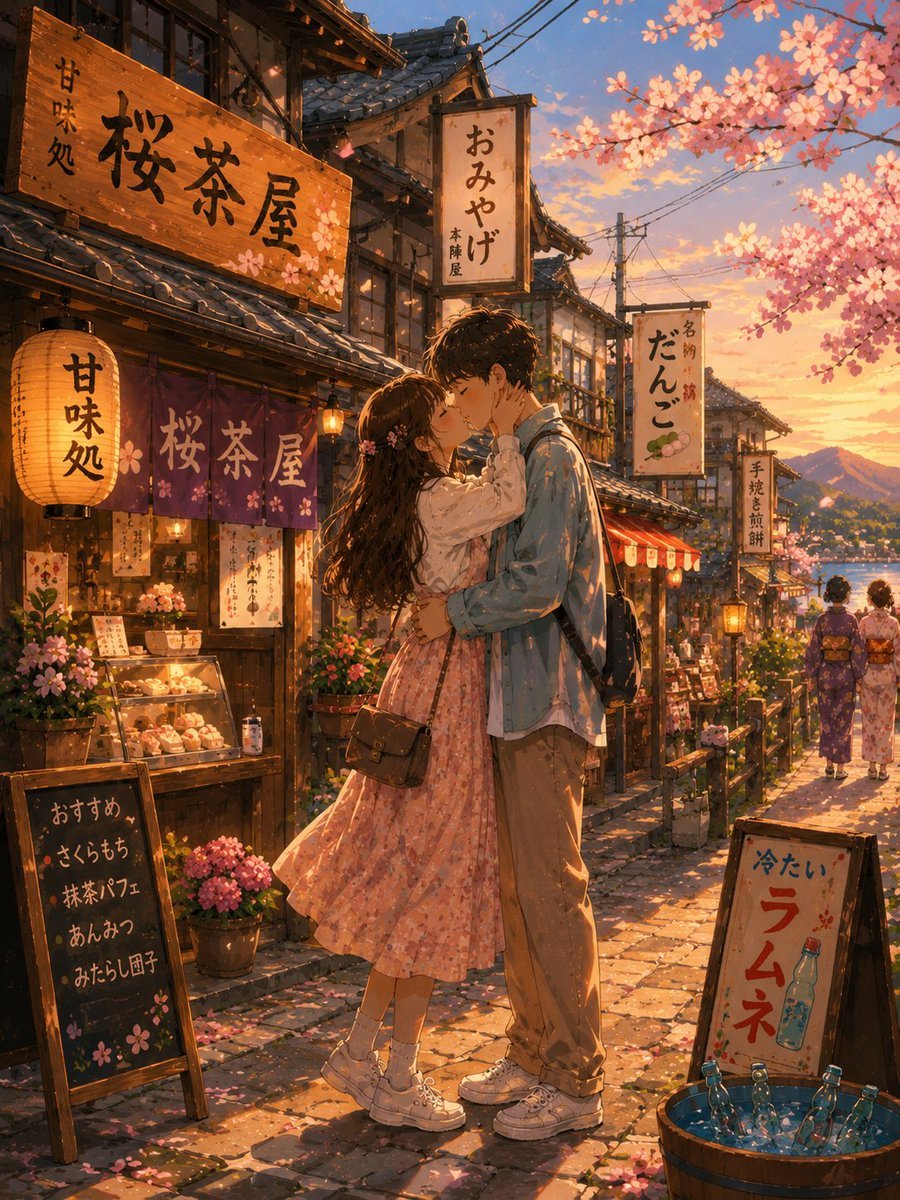
Romantic Kyoto Anime Scene
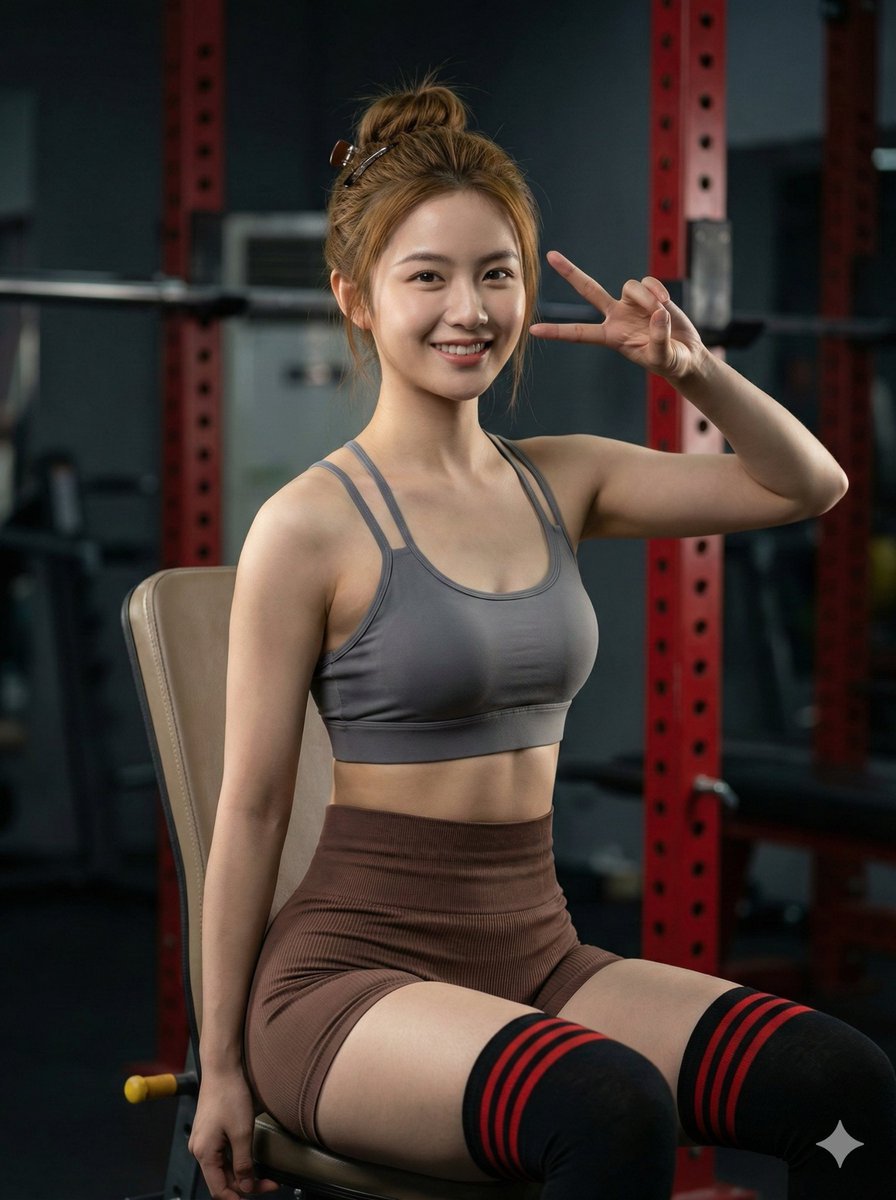
Hyper-realistic Gym Portrait of a Shy Girl
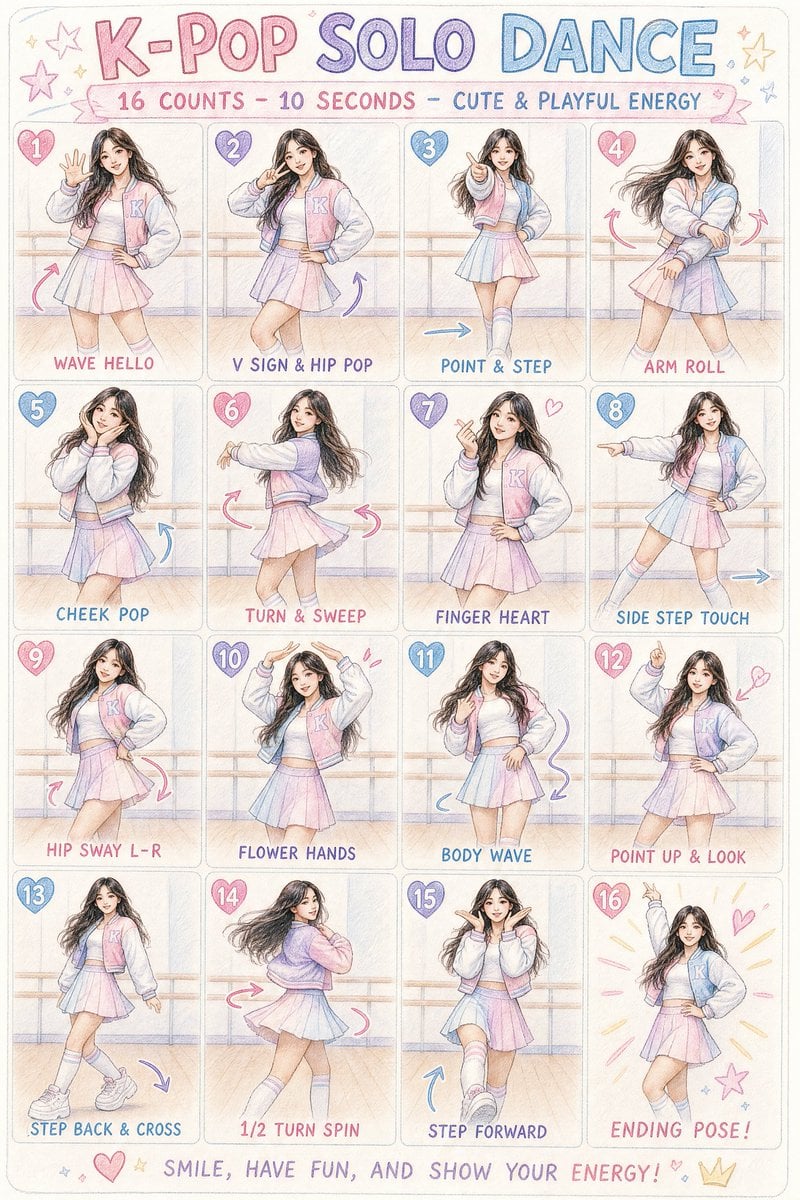
K-pop Dance Choreography Infographic
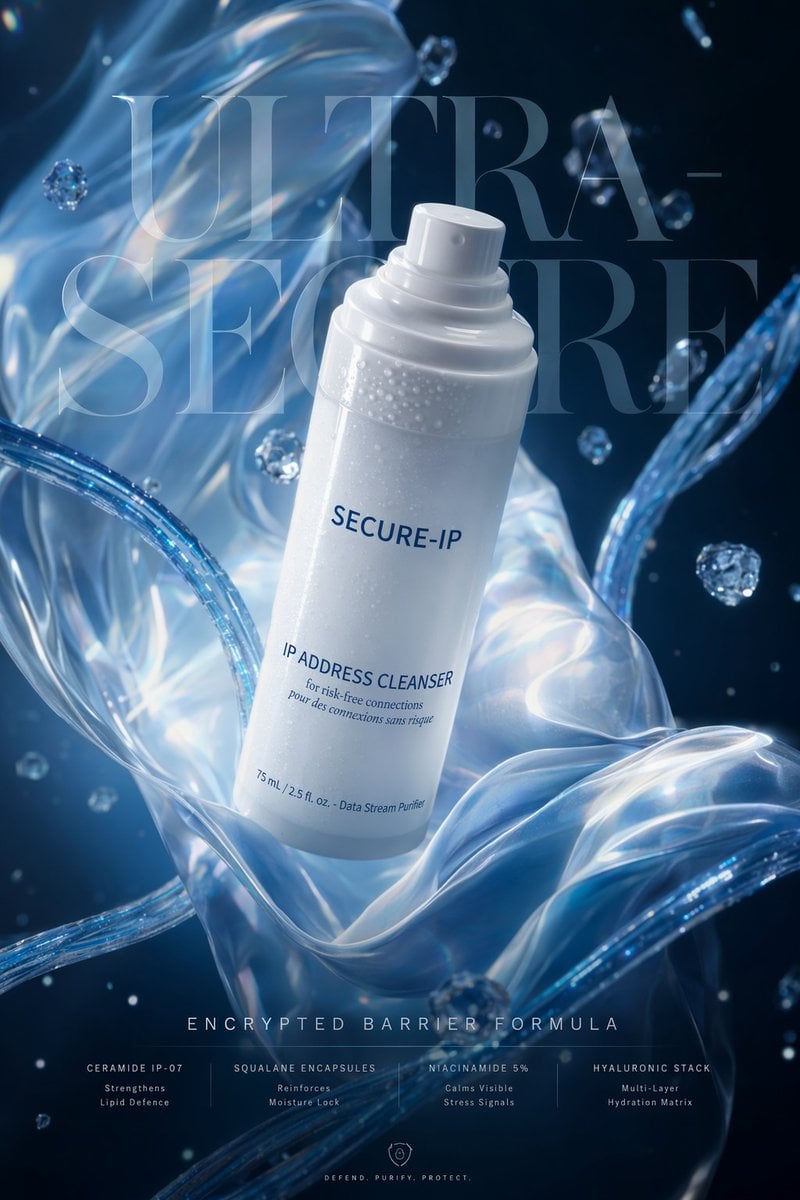
Futuristic Cyber Skincare Ad Poster

Golden Hour Luxury Sports Car Portrait Prompt with Face Lock
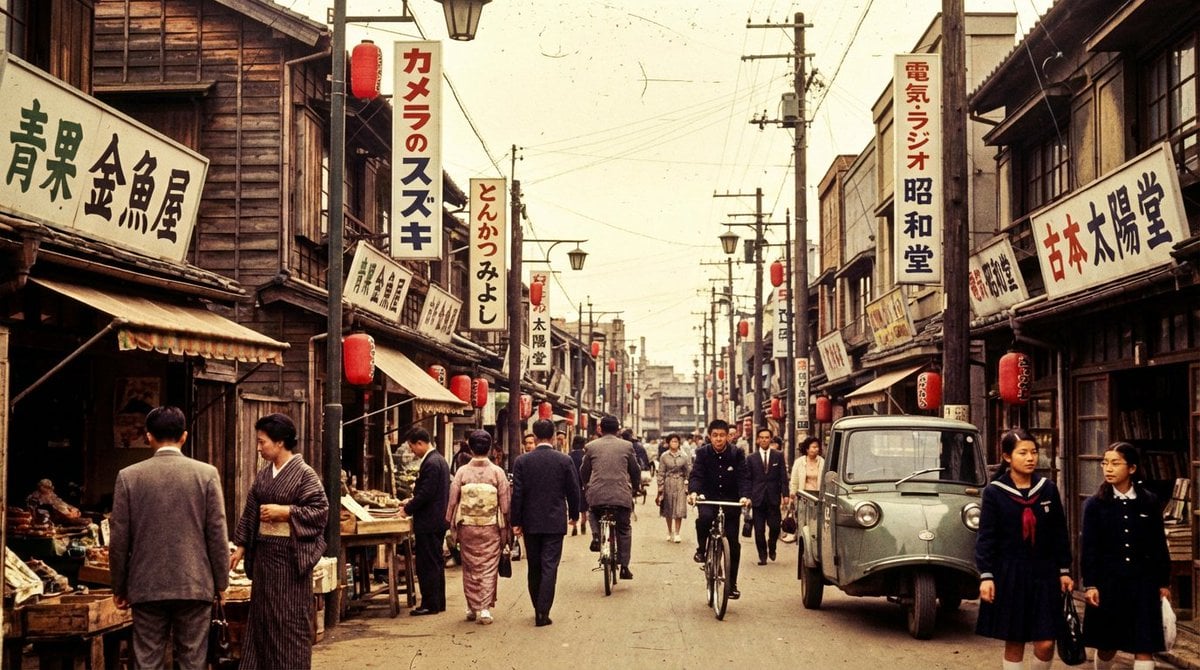
High economic growth era Japanese downtown shopping street
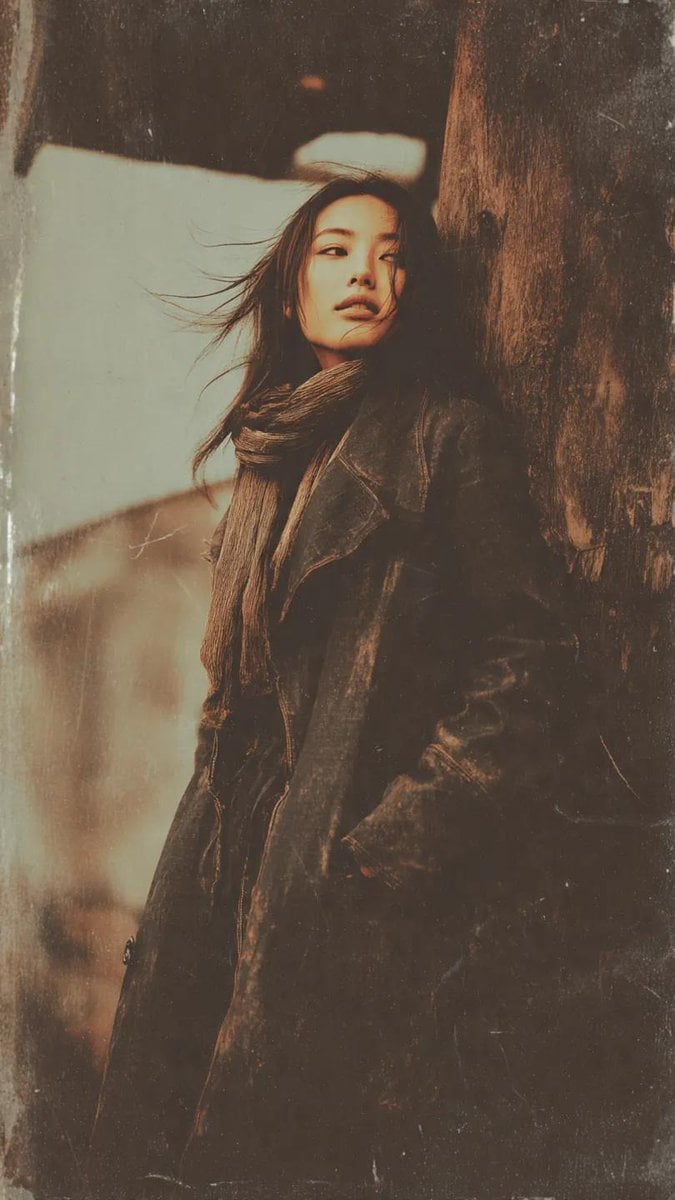
Gritty Grunge Portrait of a Japanese Woman
Browse template categories
Colossal Ocean Titan and Messenger questions
How do I use the Colossal Ocean Titan and Messenger template?
Add your photo if the template asks for one, edit the prompt if you like — the template's model and format are already selected — and press Generate. Your version opens in PicX Studio.
Can I customize the Colossal Ocean Titan and Messenger template?
Yes. You can change the subject, setting, lighting, mood, format, and available model controls before creating your image.
Is the Colossal Ocean Titan and Messenger template free?
Opening and editing this template is free. Generating uses credits, shown on the Generate button when you are signed in.
Which AI model should I use?
Start with GPT Image 2, which is the model associated with this template. You can compare another compatible model for a different finish.
Looking for something else? Browse all templates.

Your photo, any look
Thousands of ready templates for every top image and video model, from one credit balance.