
Colossal Hands Metropolis Art
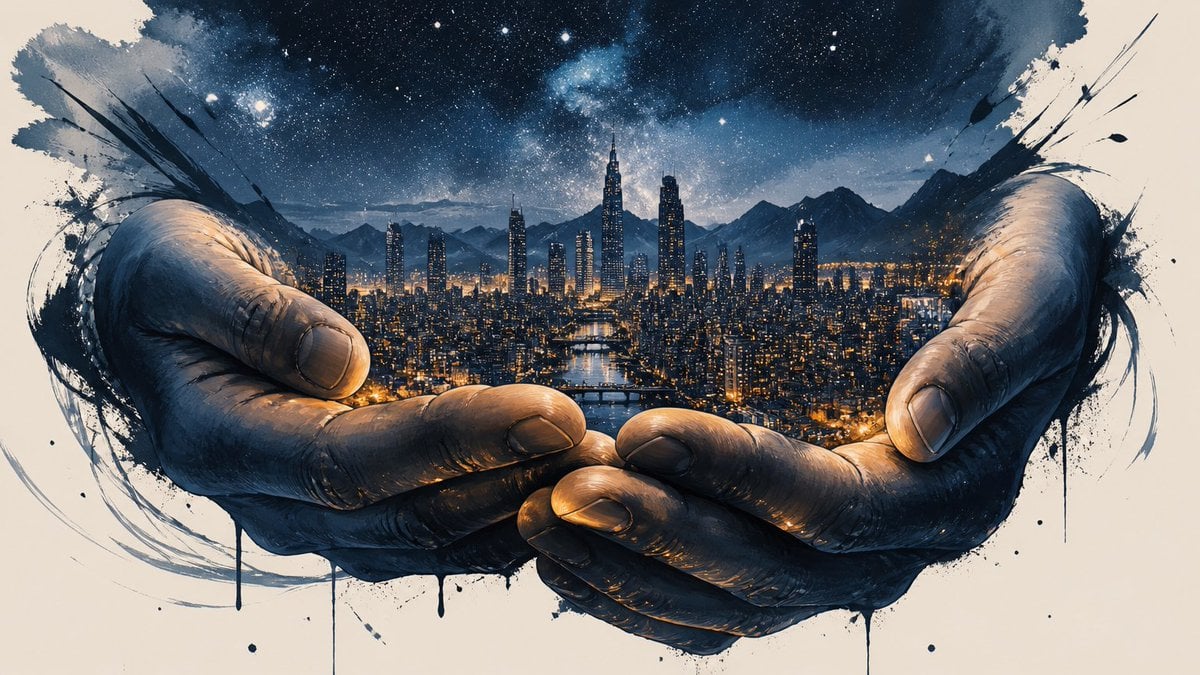
A conceptual art prompt depicting enormous hands cradling a city, with variations for fine art and cinematic styles.
- Prompt included
- Model and format preset
- Free template
The prompt behind this image
Copy the exact prompt behind Colossal Hands Metropolis Art, or open it in the studio and make it yours.
Two enormous hands hold an entire metropolis in their palms, the city lights reflecting across their fingers. Fine art illustration of two colossal hands cradling a sprawling metropolis, their palms cupped like a living basin. bold graphic ink strokes define the fingers, while gouache washes of deep indigo and amber capture city lights shimmering across knuckles. negative space frames the composition, expressive mark-making suggesting motion, an ethereal starry sky above featuring in a fine art illustration style, under blue hour twilight, solitary isolation atmosphere, handheld camera. consistent identity across frames facial expression consistency rich background detail rich skin detail with natural pores real physics no artifacts. Widescreen cinematic frame of two colossal, weathered hands cradling a sprawling metropolis at dusk, warm amber window-light and neon reflections pooling across their creased palms like liquid gold. shot on anamorphic 35mm, shallow depth-of-field, low-angle tilt, kodak vision3 500t grade, a lone satellite drifting overhead as a poetic counterpoint featuring in a cinematic film still style, under natural overcast daylight, humble grounded authenticity atmosphere, slow push-in. perfect liquid physics simulation no AI-style warping rich background detail consistent identity across frames physically accurate shadows accurate reflections and refractions. Luxury brand campaign shot of two colossal hands cradling a glowing metropolis, warm sunset light spilling through city towers and reflecting off polished skin, cinematic 35mm anamorphic lens, shallow depth of field, rim-lit fingers with soft golden highlights, dusk atmosphere, nostalgic amber and honey color grade, subtle haze and floating dust particles, poster-ready composition with negative space above featuring in a high-end advertising campaign style, under glowing firelight, building dread atmosphere, macro beauty shot. accurate reflections and refractions facial expression consistency no AI-style warping fluid cloth simulation sharp focus perfect motion blur only on moving elements. Luxury brand campaign shot of two colossal hands cradling a glowing metropolis, warm sunset light spilling through city towers and reflecting off polished skin, cinematic 35mm anamorphic lens, shallow depth of field, rim-lit fingers with soft golden highlights, dusk atmosphere, nostalgic amber and honey color grade, subtle haze and floating dust particles, poster-ready composition with negative space above featuring in a high-end advertising campaign style, under glowing firelight, building dread atmosphere, macro beauty shot. accurate reflections and refractions facial expression consistency no AI-style warping fluid cloth simulation sharp focus perfect motion blur only on moving elements.
How to use Colossal Hands Metropolis Art in 3 steps
- 1
Open
The prompt is already in the box next to the preview, with the template's model and format selected.
- 2…a portrait of your subject in softgolden-hour light, 85mm…
Personalize
Edit the subject and creative details for your destination.
- 3Generate
Generate
Press Generate — your image is created in PicX Studio, so you can compare it with the original and refine one variable at a time.
More like this
Templates with the same subject, style or setup. Open one to see its prompt.

Rooftop Fisheye — Cat-Ear Balaclava at Golden Hour

Cozy Café Ice Cream Hands Close-Up
Cozy Café Ice Cream Hands Close-Up

City Posters by Nano Banana Pro
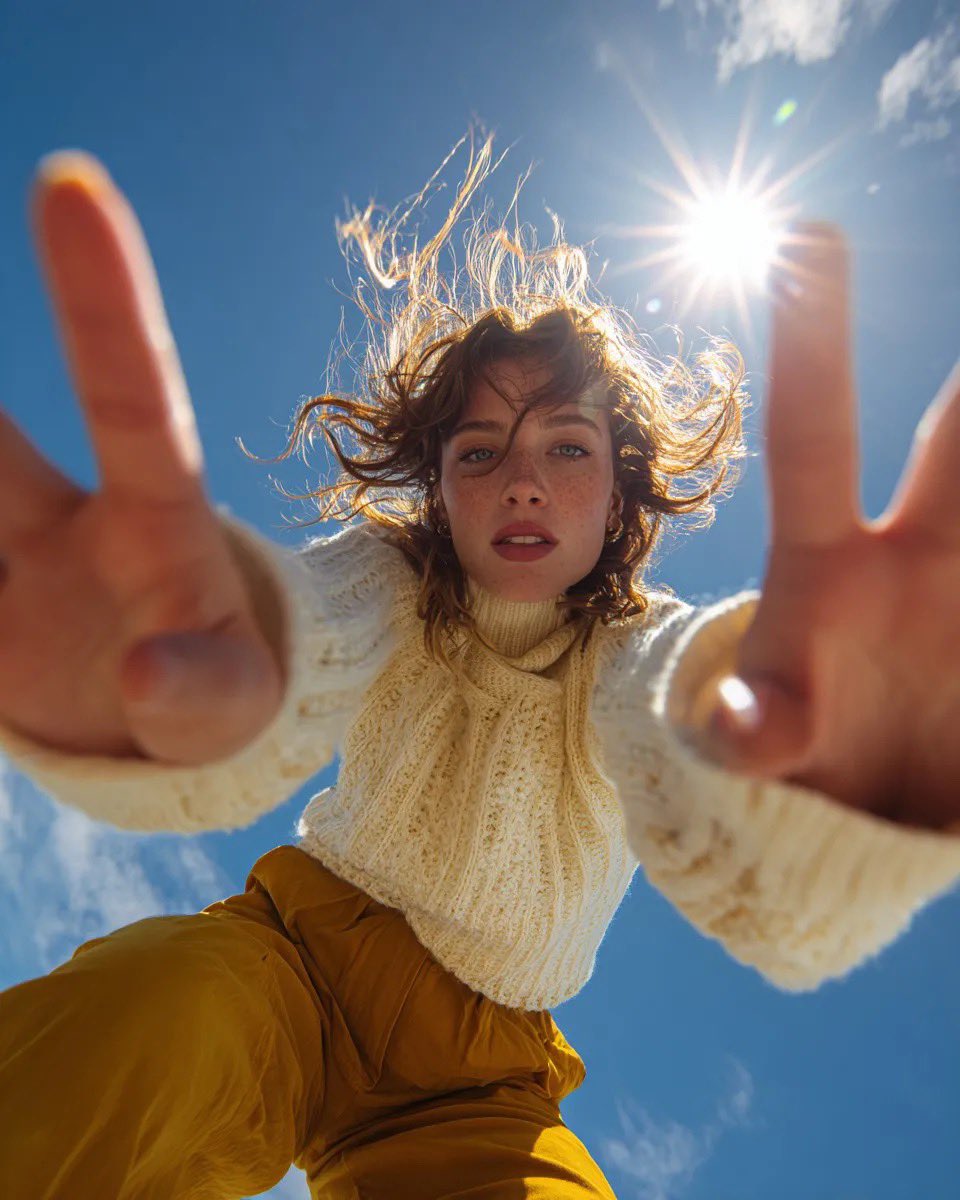
Ultra Wide Low-Angle Portrait — Sairah (Nano Banana)
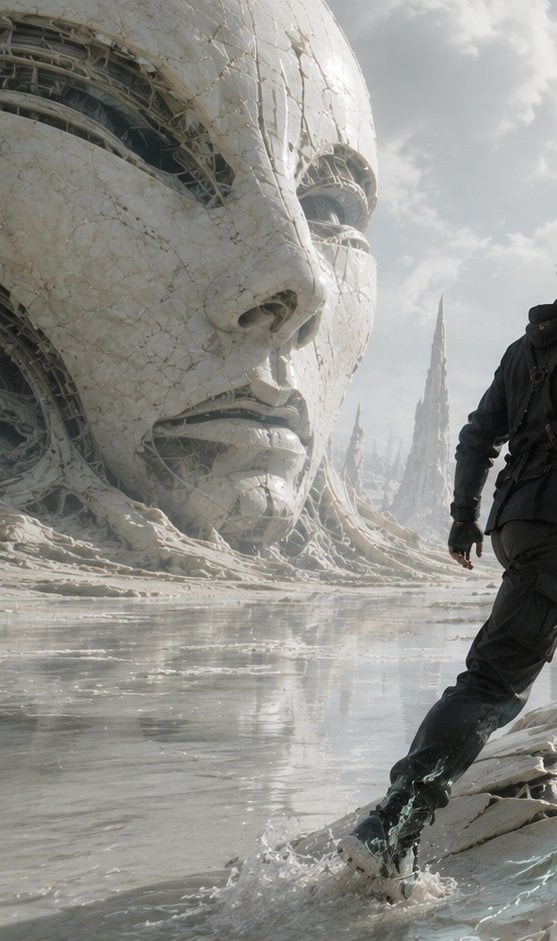
Colossal Android Face Contact
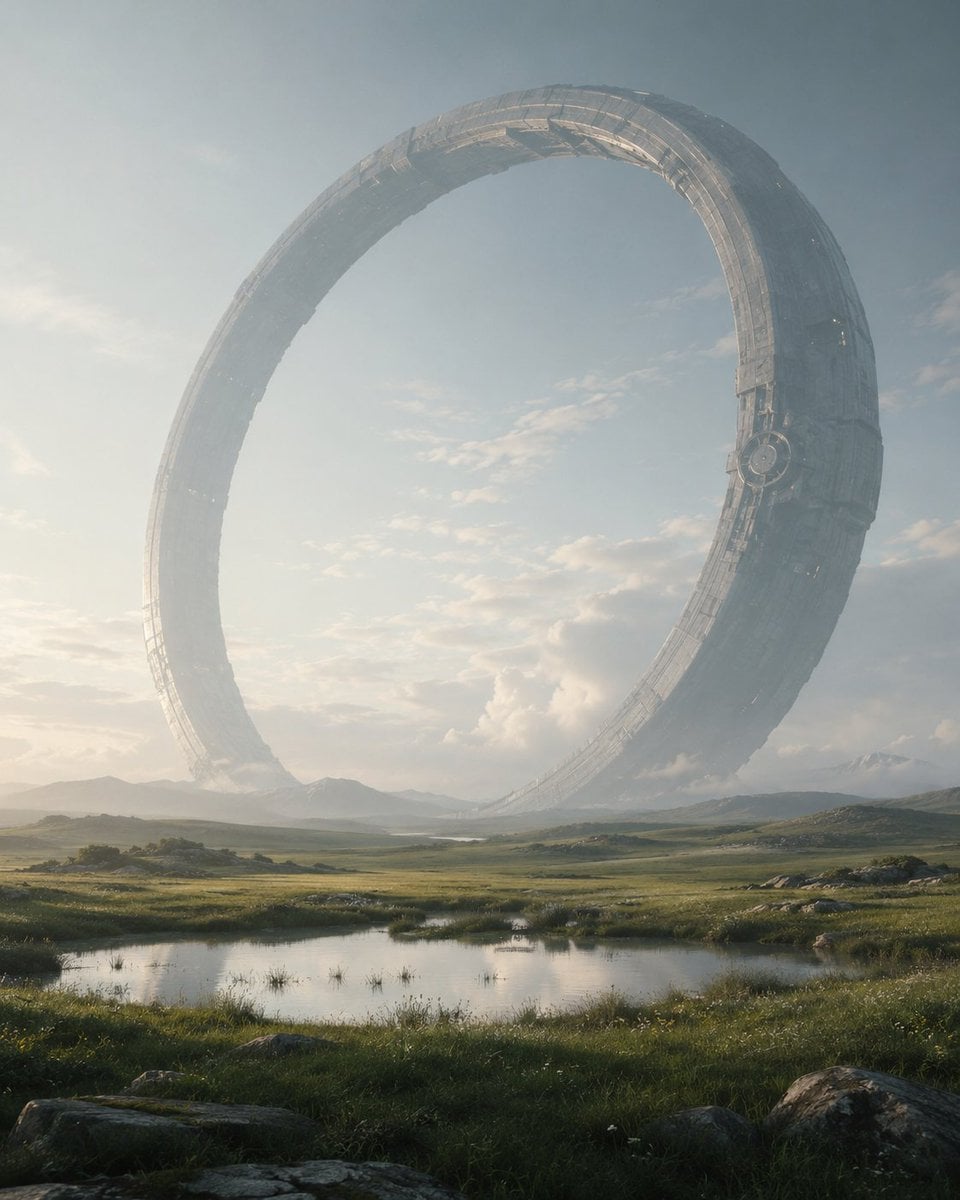
Colossal Ring on Earth
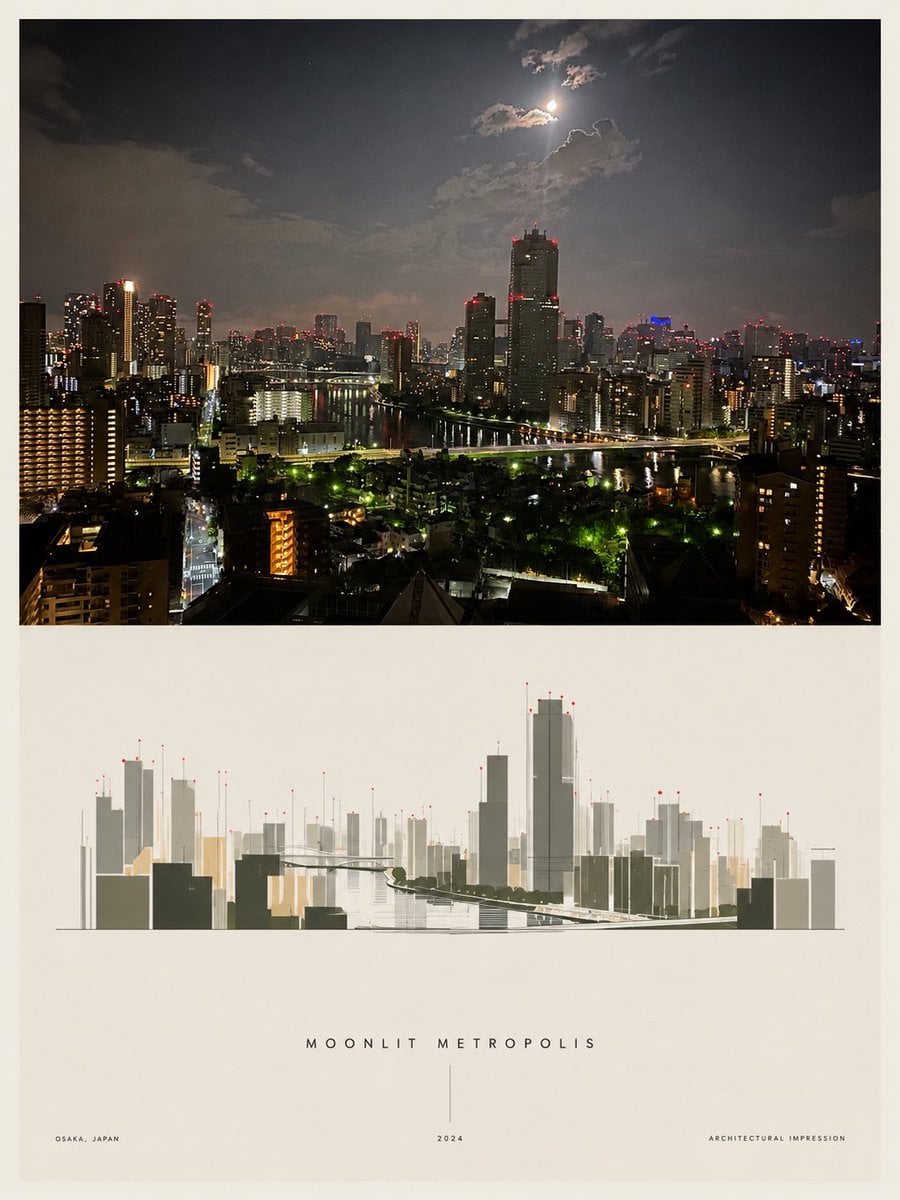
Moonlit Metropolis Poster
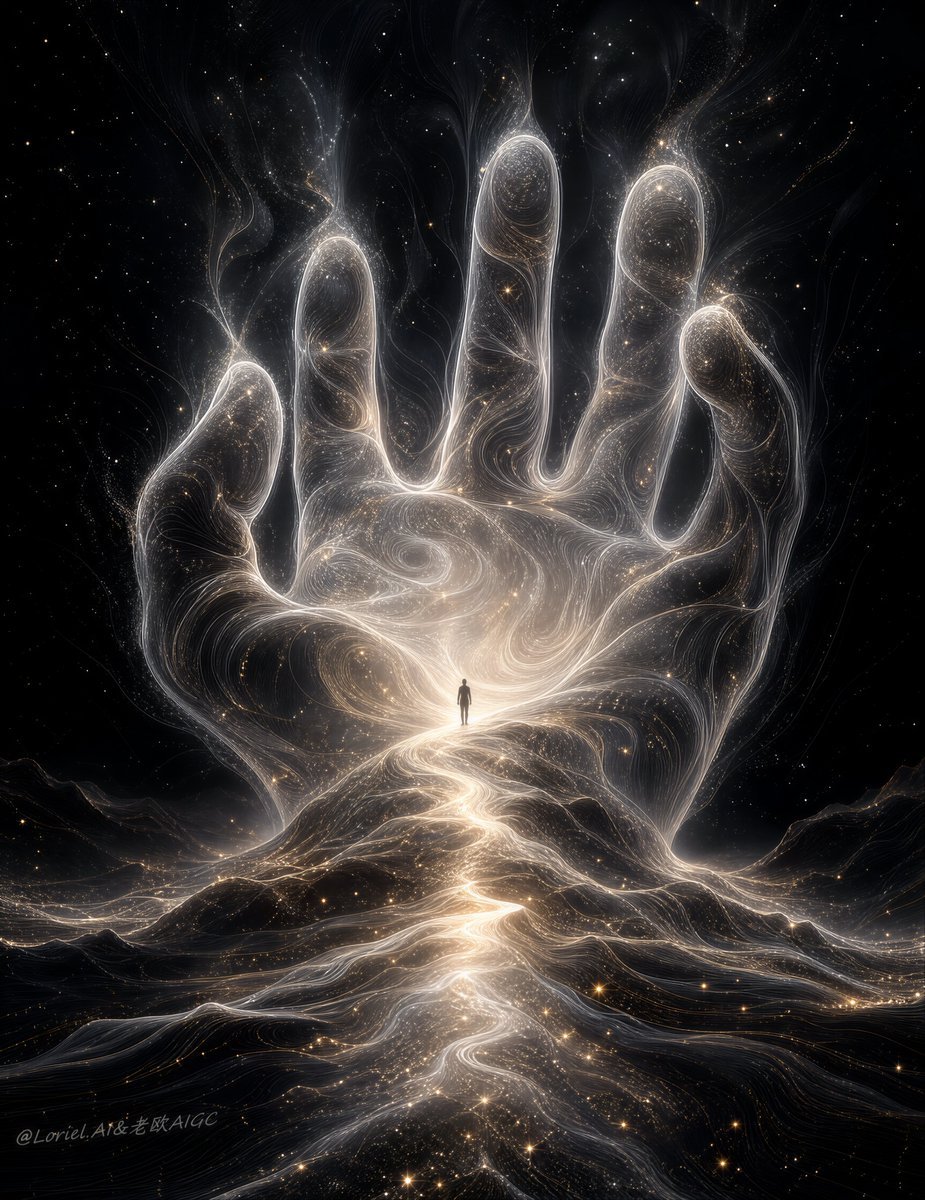
Colossal Cosmic Humanoid Fantasy
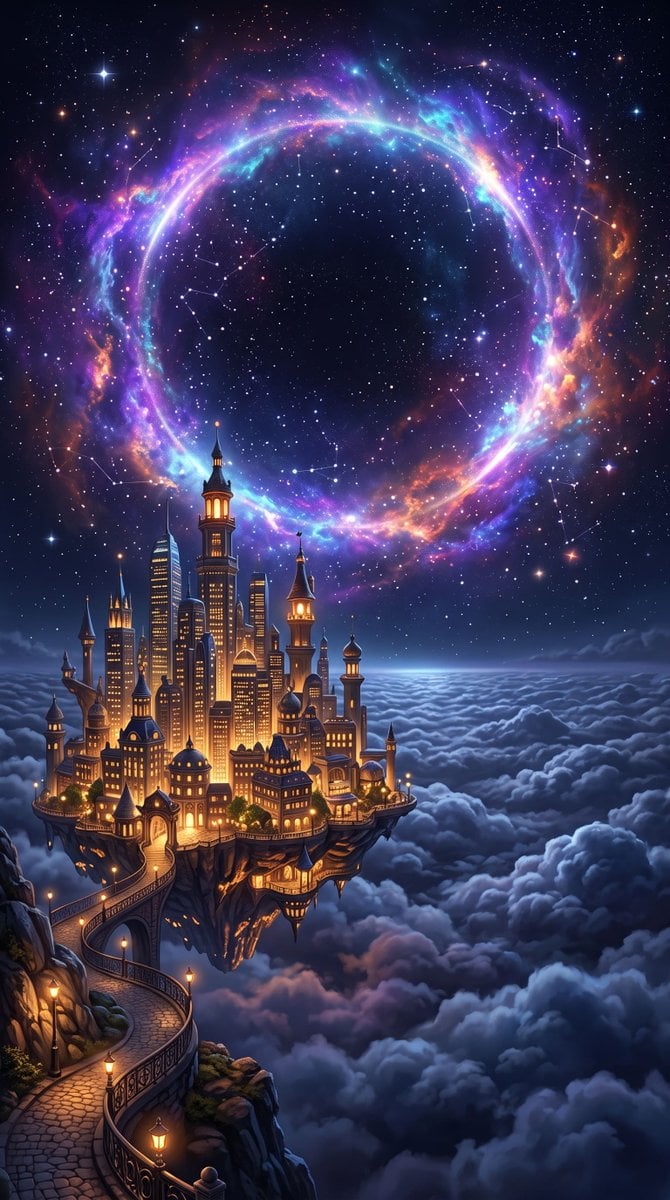
Futuristic Metropolis Above the Clouds
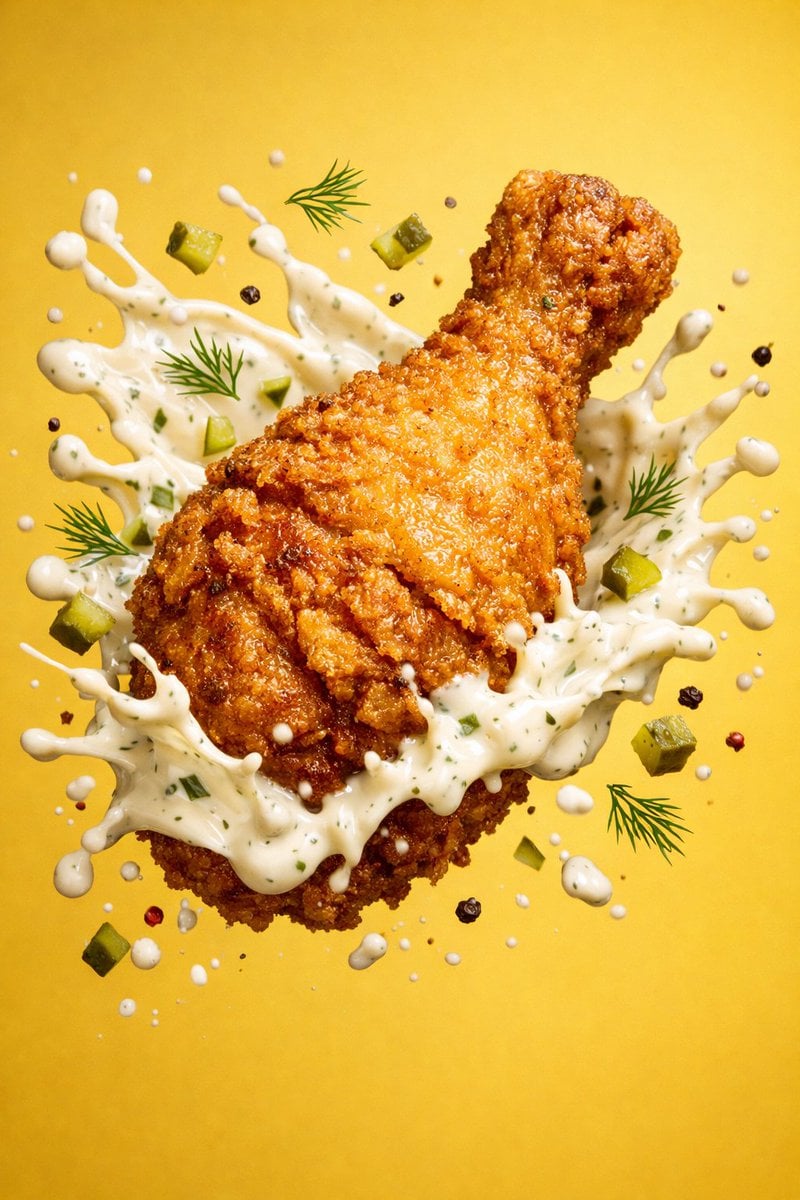
Epic 8K cinematic fantasy food scene a colossal crispy fried chicken leg
Luxury packaging reveal scene, premium unboxing moment, pristine hands
Make it yours
Colossal Hands Metropolis Art works as-is. These are the safest ways to change it without losing the look.
Change one field
Copy a single group, rewrite it, and generate again so you can see what that field is doing.
Keep the frame, change the subject
Hold the composition and light of Colossal Hands Metropolis Art, then swap wardrobe, props or the person for a new take.
| If the result… | Why | Fix |
|---|---|---|
| The result drifts from the preview | Too many fields changed at once. | Reuse Colossal Hands Metropolis Art as-is first, then change one group — subject, light, or setting. |
| The model over-stylizes the scene | The prose prompt leaves finish and camera underspecified. | Add one camera or lighting sentence and stay on GPT Image 2. |
More GPT Image 2 templates
Other prompts made for GPT Image 2.

Six VTuber Japanese Logo Sheet

Realistic Portrait of Woman and Deer

The Vista Modular Condo Poster

AI Model Routing Comparison Infographic

2.5D Anime Art Board

Isometric Productivity Desk Scene

New York Double Exposure Poster

Four-Panel AI Landscape Comparison

Japanese Tatami Lifestyle Magazine Cover

NESCAFÉ Coffee Map Poster
More image prompts
Fresh picks from across the catalog.
Storyboard Grid Generation Prompt (3x3)
Censored Man Holding Cat Portrait

Retro-Modern Fashion Editorial Advertisement
Image Overlay Prompt for Roasting Scribbles
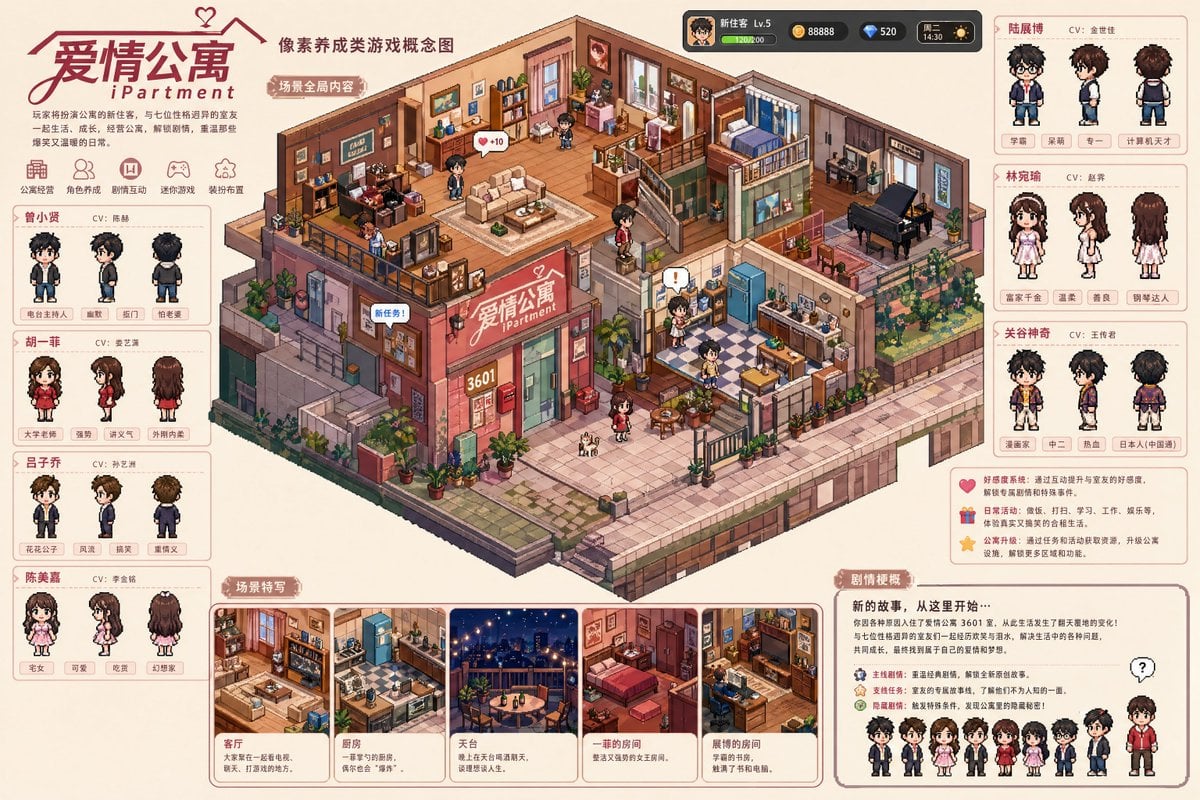
Pixel art game concept prompt
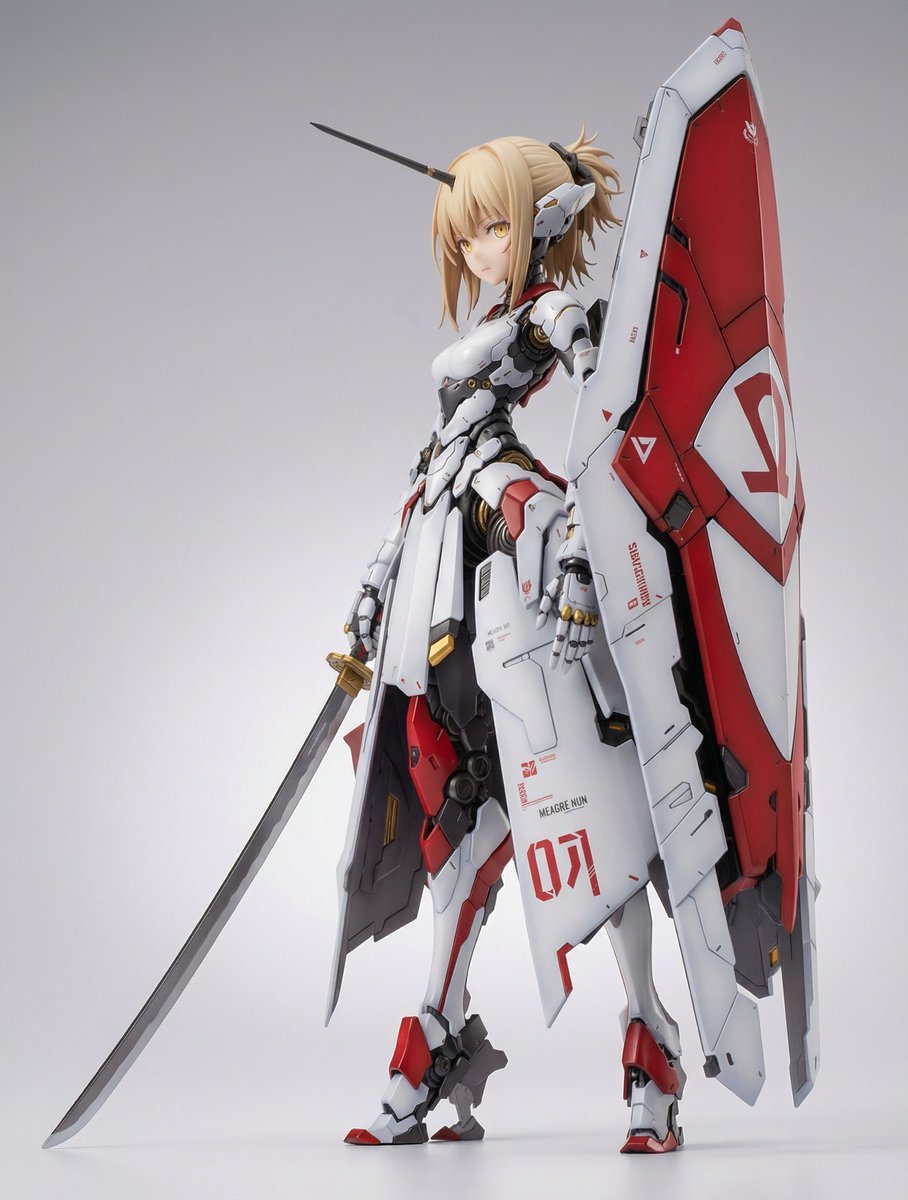
Mecha Girl Figure Concept Prompt
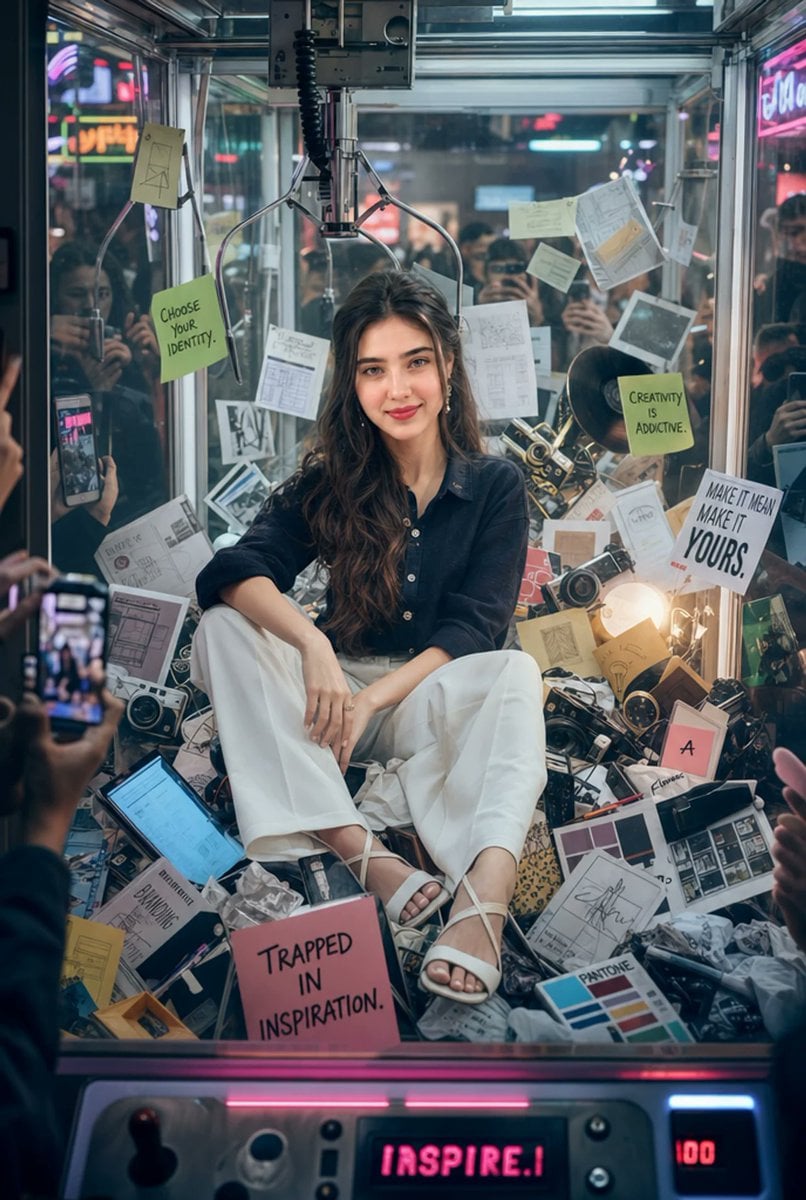
Creative Director Claw Machine Editorial
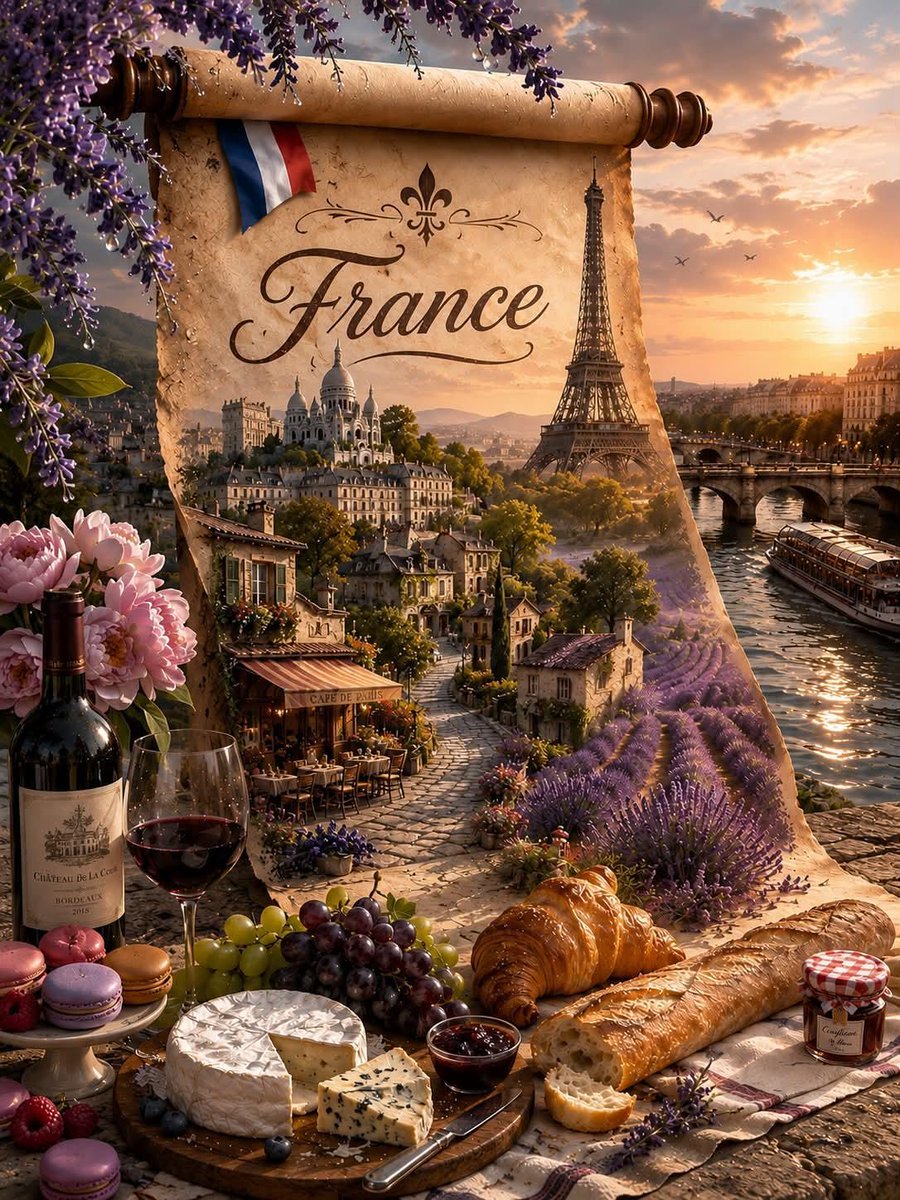
Fantasy Country Travel Poster
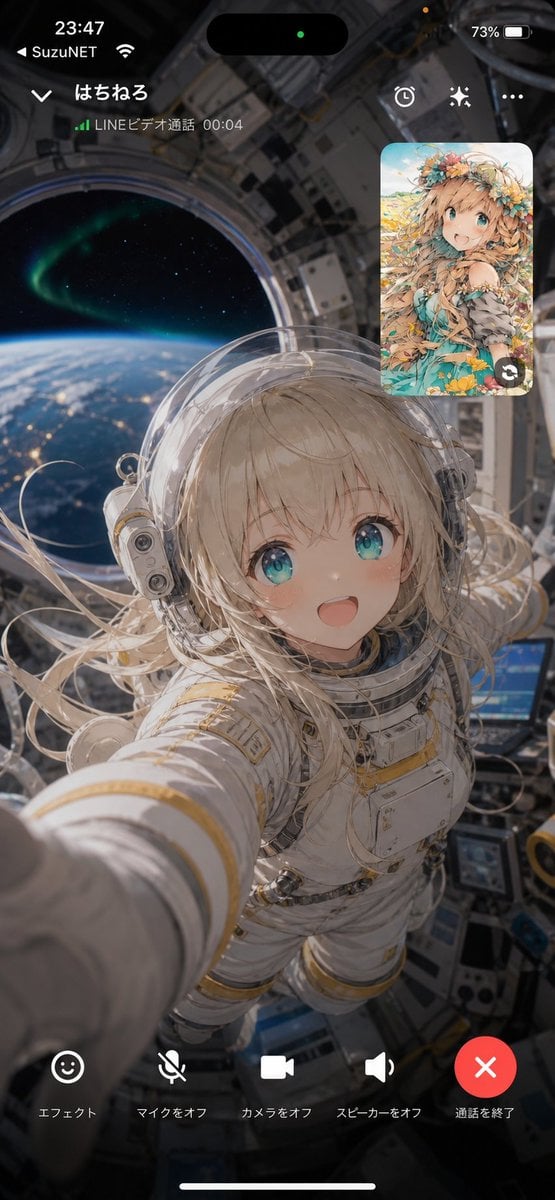
Space Station Video Call UI
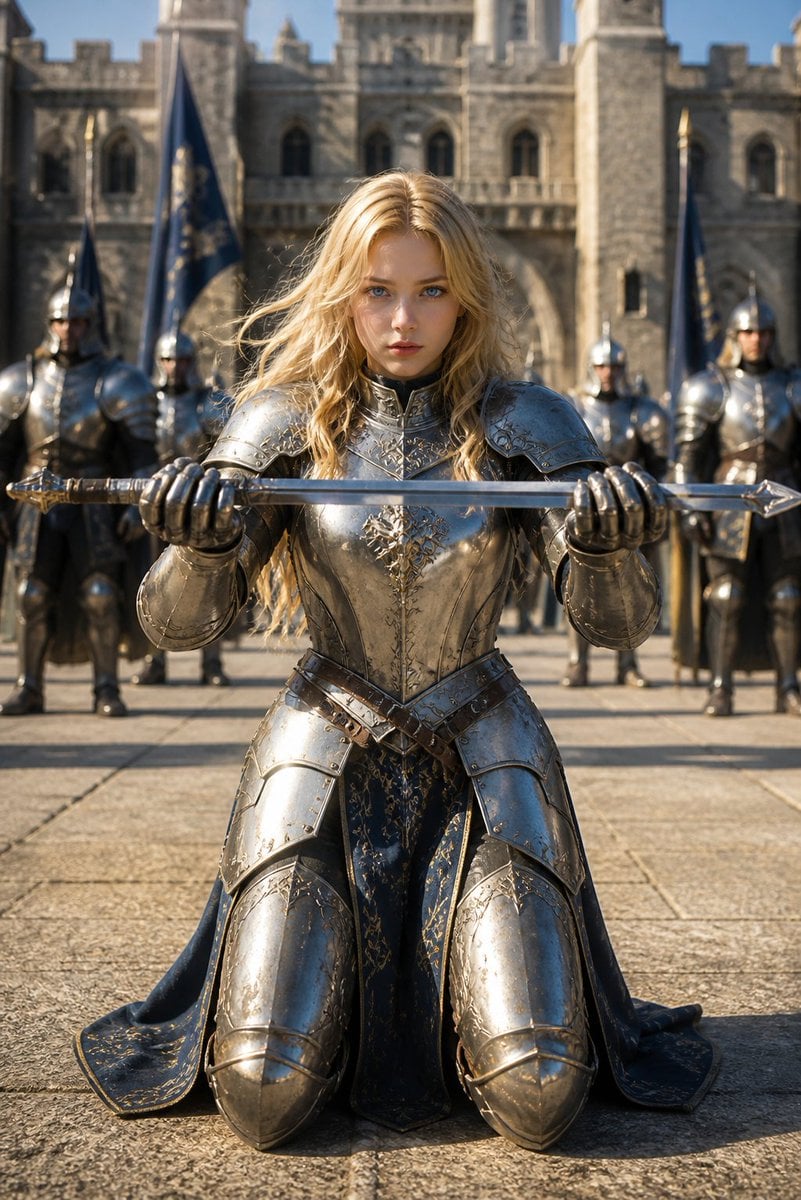
Kneeling Blonde Knight at Castle
Browse template categories
Colossal Hands Metropolis Art questions
How do I use the Colossal Hands Metropolis Art template?
Add your photo if the template asks for one, edit the prompt if you like — the template's model and format are already selected — and press Generate. Your version opens in PicX Studio.
Can I customize the Colossal Hands Metropolis Art template?
Yes. You can change the subject, setting, lighting, mood, format, and available model controls before creating your image.
Is the Colossal Hands Metropolis Art template free?
Opening and editing this template is free. Generating uses credits, shown on the Generate button when you are signed in.
Which AI model should I use?
Start with GPT Image 2, which is the model associated with this template. You can compare another compatible model for a different finish.
Looking for something else? Browse all templates.

Your photo, any look
Thousands of ready templates for every top image and video model, from one credit balance.