
Moonlit Metropolis Poster
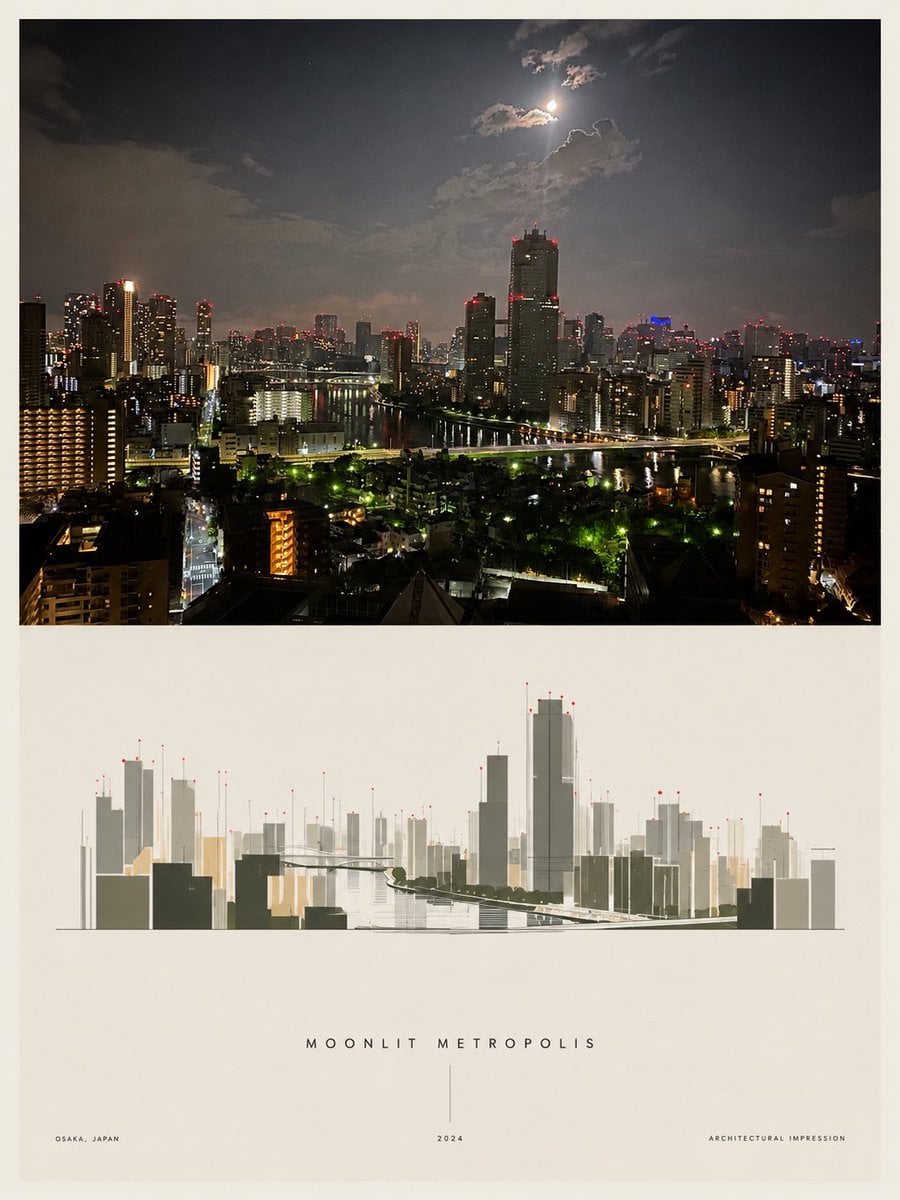
Generates a minimalist architectural poster pairing a realistic moonlit city skyline photo with a clean stylized skyline impression and refined typography.
- Prompt included
- Model and format preset
- Free template
The prompt behind this image
Copy the exact prompt behind Moonlit Metropolis Poster, or open it in the studio and make it yours.
Goal: Create a minimalist architectural poster that contrasts a realistic night city photograph with a stylized architectural impression below it, titled {argument name="poster title" default="MOONLIT METROPOLIS"}. Canvas: Vertical poster, 3:4 aspect ratio, warm off-white paper background with generous margins and a refined gallery-print look. Layout: Use exactly 2 main visual sections stacked vertically. Section 1 is a large rectangular panoramic night city photograph occupying the top half, framed by a thin off-white border. Section 2 is a centered minimalist city skyline illustration beneath it, leaving a large blank lower margin for typography. Top section details: Show a dense modern riverside metropolis at night, viewed from a high apartment or hotel window. Include many illuminated high-rise buildings, dark residential blocks in the foreground, a river or canal running through the center with reflections, bridges and road lights, red aircraft warning lights on rooftops, and a dramatic cloudy night sky. Place a bright moon near the upper center-right, partially veiled by clouds, casting a pale glow. The mood should feel like Osaka at night: humid, cinematic, realistic, slightly hazy, high dynamic range, sharp building lights. Bottom illustration details: Create a clean architectural line-art interpretation of the same skyline in muted gray, charcoal, beige, and pale gold. Use thin vertical skyscraper forms, simplified blocky buildings, a river corridor receding into the center, a bridge silhouette, faint perspective construction lines, and tiny red aviation lights on rooftop antennae. Keep the illustration low-contrast and elegant, centered horizontally, with lots of surrounding negative space. Text content: Include exactly 4 text elements: 1) centered spaced-out title under the illustration: {argument name="poster title" default="MOONLIT METROPOLIS"}; 2) bottom-left small uppercase location: {argument name="location text" default="OSAKA, JAPAN"}; 3) bottom-center small year with a thin vertical line above it: {argument name="year" default="2024"}; 4) bottom-right small uppercase descriptor: {argument name="descriptor text" default="ARCHITECTURAL IMPRESSION"}. Use very small letter-spaced sans-serif typography. Visual style: Premium architectural poster, editorial design, quiet Japanese minimalism, off-white matte paper, balanced negative space, realistic photo above and delicate vector-like architectural rendering below. No people, no cars in close-up, no logos, no watermark, no extra text.
How to use Moonlit Metropolis Poster in 3 steps
- 1Upload ImagePNG, JPG or paste
Add your photo
Upload the photo the template builds on. The prompt, model and format are already set.
- 2…a portrait of your subject in softgolden-hour light, 85mm…
Personalize
Edit the subject and creative details for your destination.
- 3Generate
Generate
Press Generate — your image is created in PicX Studio, so you can compare it with the original and refine one variable at a time.
More like this
Templates with the same subject, style or setup. Open one to see its prompt.

Japan Travel Brochure Poster

Rooftop Fisheye — Cat-Ear Balaclava at Golden Hour

Cartoon TV Show Poster Pack

Trendy Cafe Drink Promo Poster

Urban Fashion Editorial Collage Streetwear Poster

Premium Fashion Editorial Cover Layout System

Polo Ralph Lauren Luxury American Heritage Fashion Campaign

Monochrome Halftone Editorial Fashion Poster

Retro Mirror Luxury Fashion Campaign Poster

Luxury Fashion Campaign Typography Poster System

Premium Fashion Editorial Campaign Poster System

Ultra-Stylized High-Fashion Streetwear Poster
Make it yours
Moonlit Metropolis Poster works as-is. These are the safest ways to change it without losing the look.
Change one field
Copy a single group, rewrite it, and generate again so you can see what that field is doing.
Keep the frame, change the subject
Hold the composition and light of Moonlit Metropolis Poster, then swap wardrobe, props or the person for a new take.
| If the result… | Why | Fix |
|---|---|---|
| The result drifts from the preview | Too many fields changed at once. | Reuse Moonlit Metropolis Poster as-is first, then change one group — subject, light, or setting. |
| The model over-stylizes the scene | The prose prompt leaves finish and camera underspecified. | Add one camera or lighting sentence and stay on GPT Image 2. |
More GPT Image 2 templates
Other prompts made for GPT Image 2.

Six VTuber Japanese Logo Sheet

Realistic Portrait of Woman and Deer

The Vista Modular Condo Poster

AI Model Routing Comparison Infographic

2.5D Anime Art Board

Isometric Productivity Desk Scene

New York Double Exposure Poster

Four-Panel AI Landscape Comparison

Japanese Tatami Lifestyle Magazine Cover

NESCAFÉ Coffee Map Poster
More image prompts
Fresh picks from across the catalog.
Moody Noir Portrait
Neo-Noir Close-up Portrait
Ordinary Schoolgirl Street Snapshot
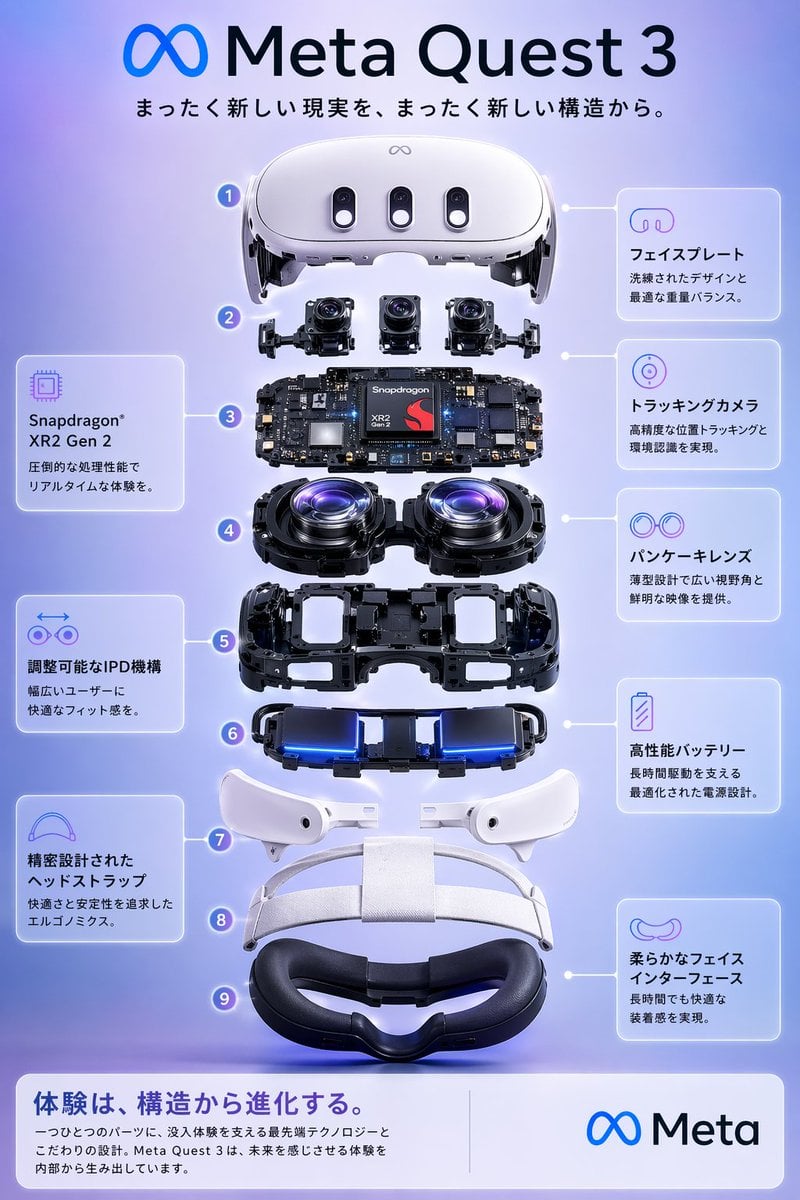
Meta Quest 3 Exploded View Poster
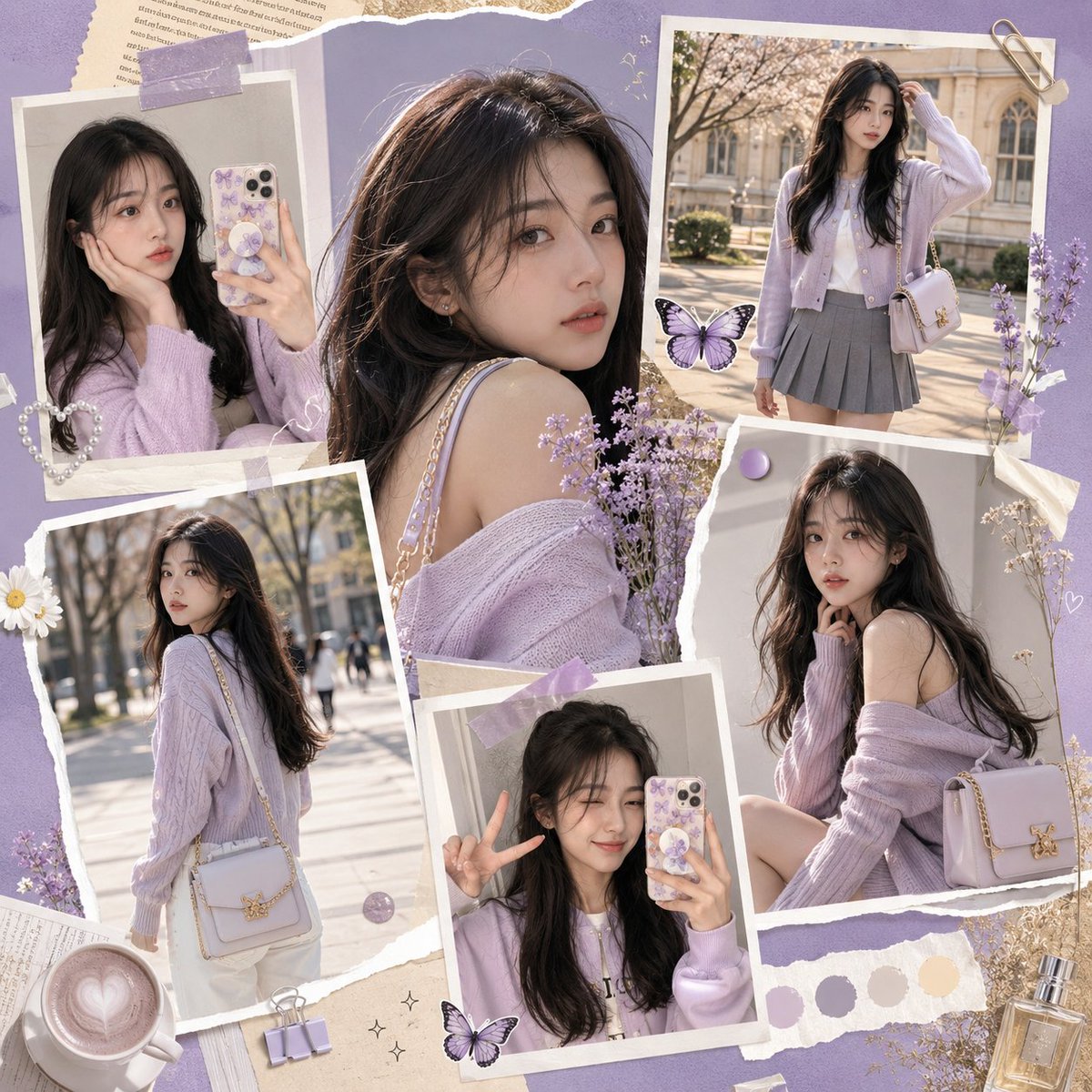
K-Fashion Gen-Z Social Media Collage
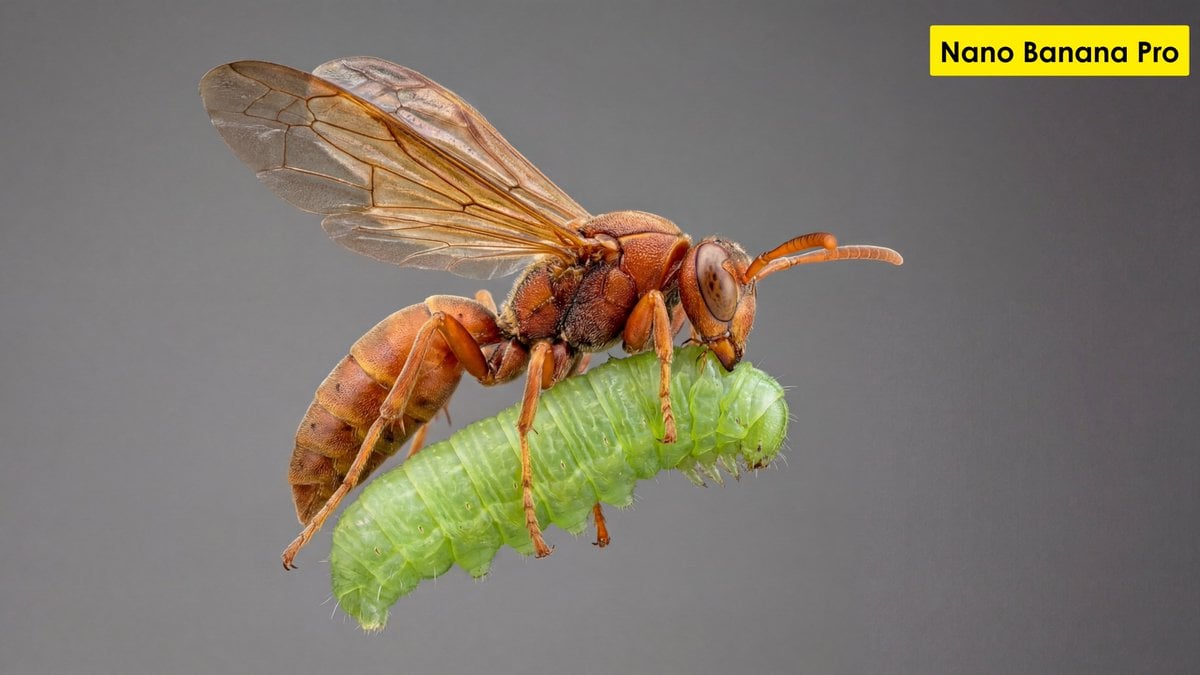
Scientific Ultra-Macro Insect Capture Prompt
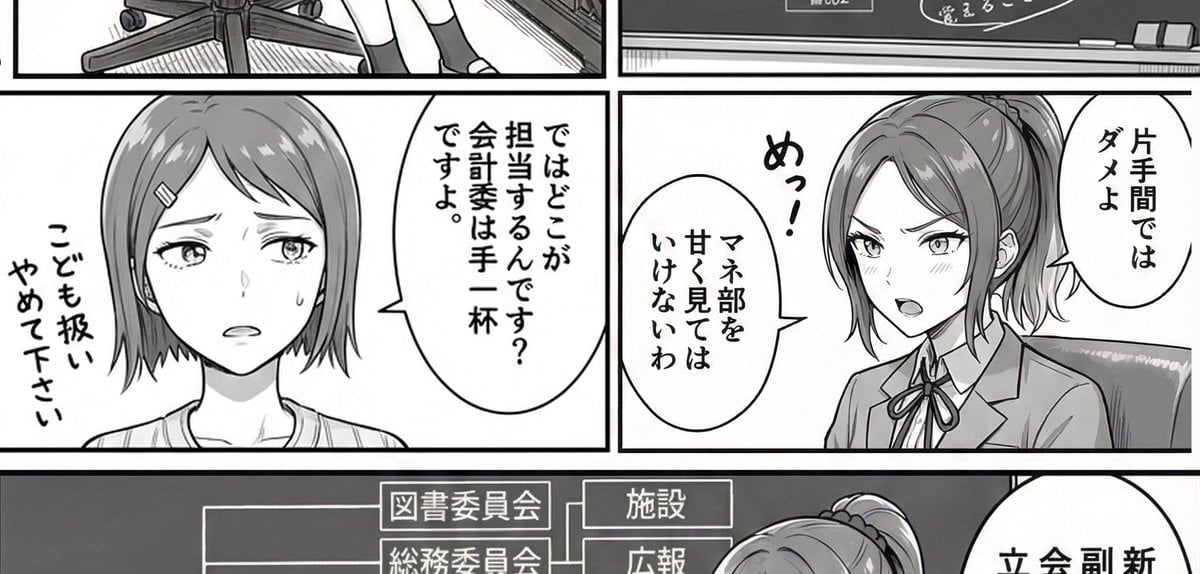
AI Art Experiment: Speech Bubbles and Hand-Drawn Text
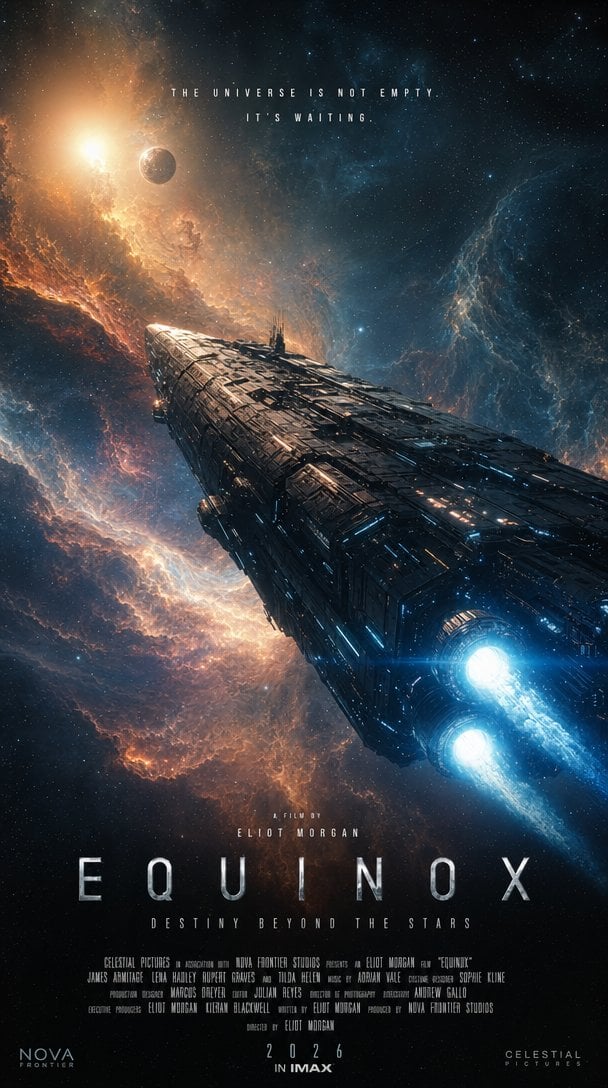
IMAX Sci-Fi Movie Poster
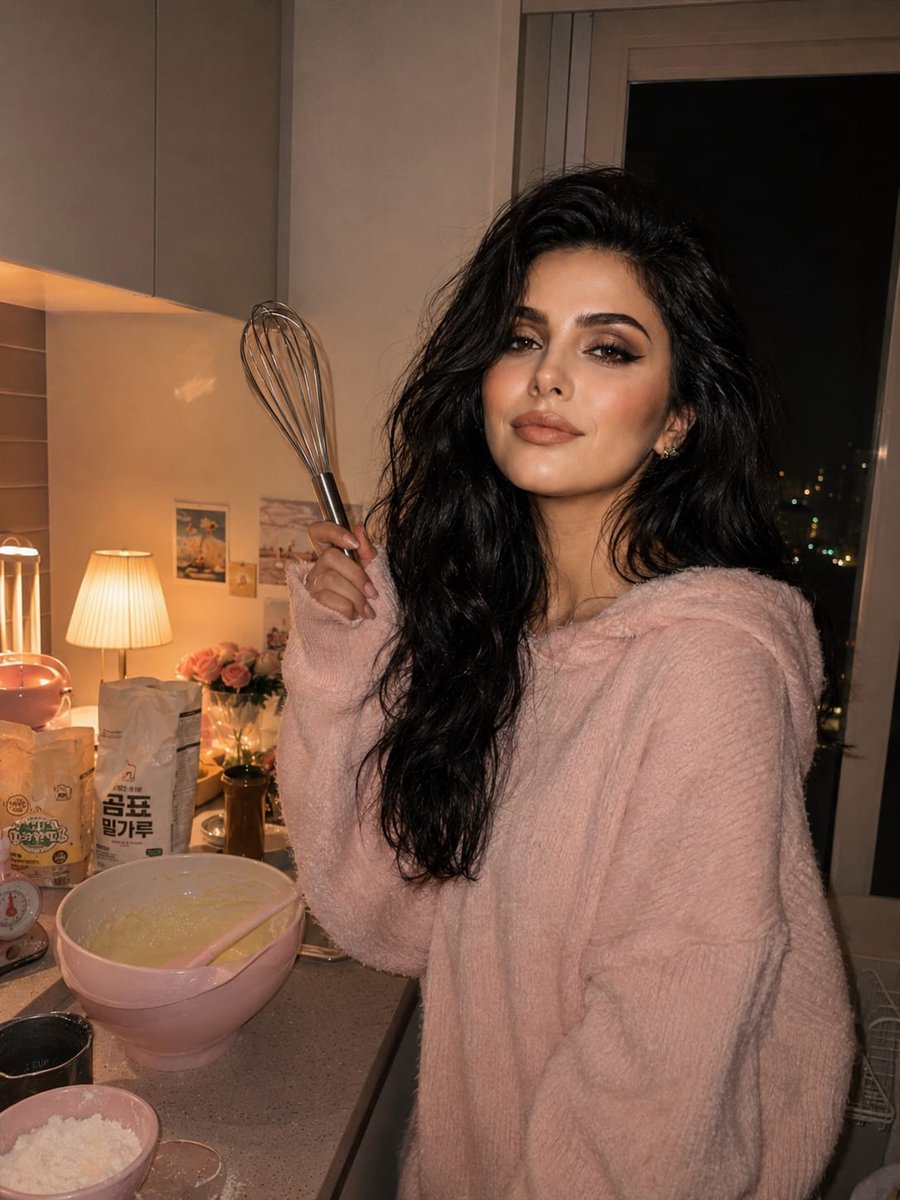
Cozy Kitchen Late Night Baking Portrait
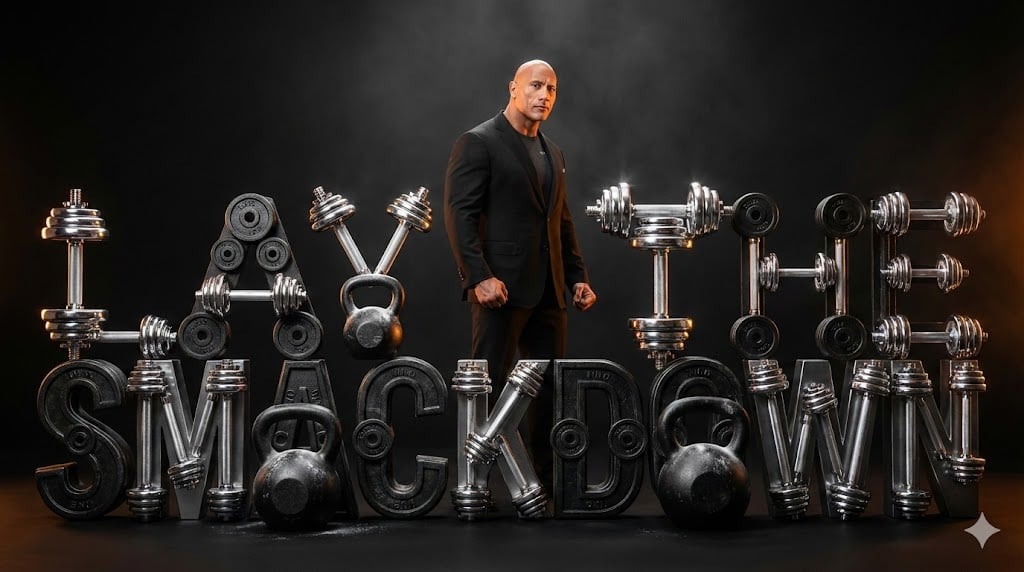
The Rock 'Lay the Smackdown' Cinematic Visual
Browse template categories
Moonlit Metropolis Poster questions
How do I use the Moonlit Metropolis Poster template?
Add your photo if the template asks for one, edit the prompt if you like — the template's model and format are already selected — and press Generate. Your version opens in PicX Studio.
Can I customize the Moonlit Metropolis Poster template?
Yes. You can change the subject, setting, lighting, mood, format, and available model controls before creating your image.
Is the Moonlit Metropolis Poster template free?
Opening and editing this template is free. Generating uses credits, shown on the Generate button when you are signed in.
Which AI model should I use?
Start with GPT Image 2, which is the model associated with this template. You can compare another compatible model for a different finish.
Looking for something else? Browse all templates.

Your photo, any look
Thousands of ready templates for every top image and video model, from one credit balance.