
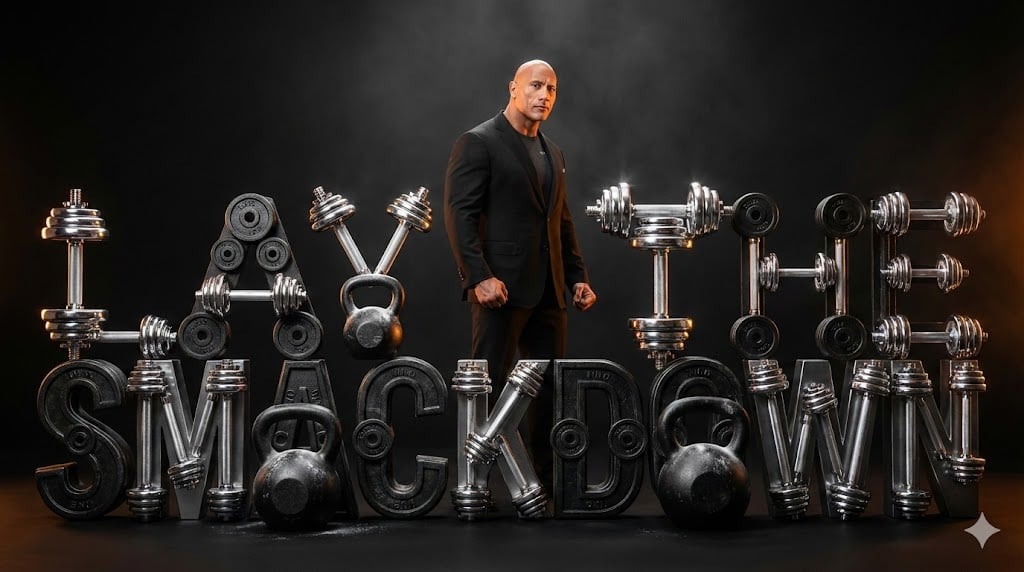
The Rock 'Lay the Smackdown' Cinematic Visual
A highly detailed prompt for generating a cinematic, high-contrast studio shot featuring Dwayne 'The Rock' Johnson.
- Prompt included
- Model and format preset
- Free template
The prompt behind this image
Copy the exact prompt behind The Rock 'Lay the Smackdown' Cinematic Visual, or open it in the studio and make it yours.
A colossal, photorealistic studio shot centered on the phrase **"{argument name="phrase" default="LAY THE SMACKDOWN"}**" meticulously constructed as a three-dimensional sculpture. The letters are built entirely from precision-machined, miniature fitness equipment: polished chrome dumbbells, textured black cast-iron kettlebells, and deeply etched micro-weight plates. The sculpture exhibits extreme detail, showing fingerprints on the polished metal and subtle chalk dust on the iron components. Standing just behind the sculpture is Dwayne "The Rock" Johnson, captured mid-pose, radiating immense confidence. He is wearing a tailored, deep black suit jacket over a high-neck fitted t-shirt, emphasizing his physique. His gaze is intense, directed slightly off-camera. **Visual Style:** High-contrast cinematic studio photography, resembling a blockbuster movie title card. Deep saturation, razor sharpness, and immense texture across all surfaces. **Setting and Lighting:** Set against a monolithic, seamless matte black backdrop. The scene is illuminated by dramatic, controlled studio lighting. Hard, focused key light highlights the chrome surfaces with brilliant specular reflection. A powerful amber-orange rim light defines Johnson's outline and separates the sculpture from the darkness, creating a sense of heat and power. Subtle atmospheric haze enhances the volumetric lighting effects. **Camera Settings:** Shot on Hasselblad X2D, 85mm prime lens. Aperture f/2.0. Extremely shallow depth of field (DoF) isolating the foreground text and the subject. Cinematic color grade, ultra-detailed texture mapping. **Aspect Ratio:** --ar 16:9 --style raw --v 6.0
How to use The Rock 'Lay the Smackdown' Cinematic Visual in 3 steps
- 1
Open
The prompt is already in the box next to the preview, with the template's model and format selected.
- 2…a portrait of your subject in softgolden-hour light, 85mm…
Personalize
Edit the subject and creative details for your destination.
- 3Generate
Generate
Press Generate — your image is created in PicX Studio, so you can compare it with the original and refine one variable at a time.
More like this
Templates with the same subject, style or setup. Open one to see its prompt.
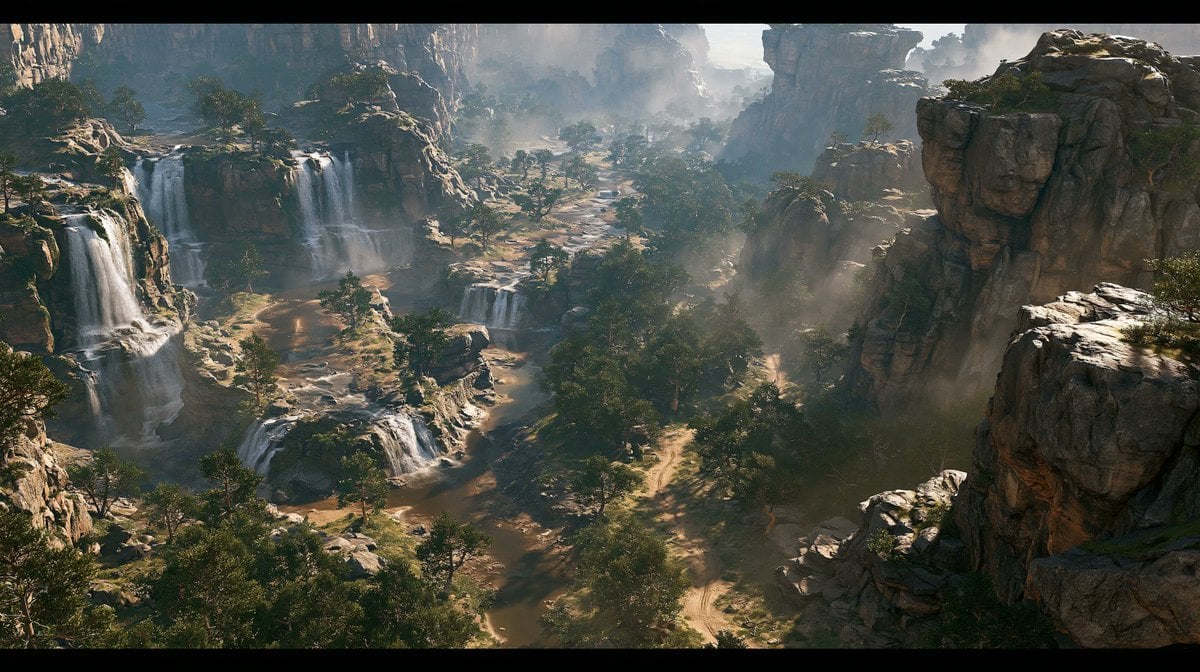
Cinematic Rocky Waterfall Valley
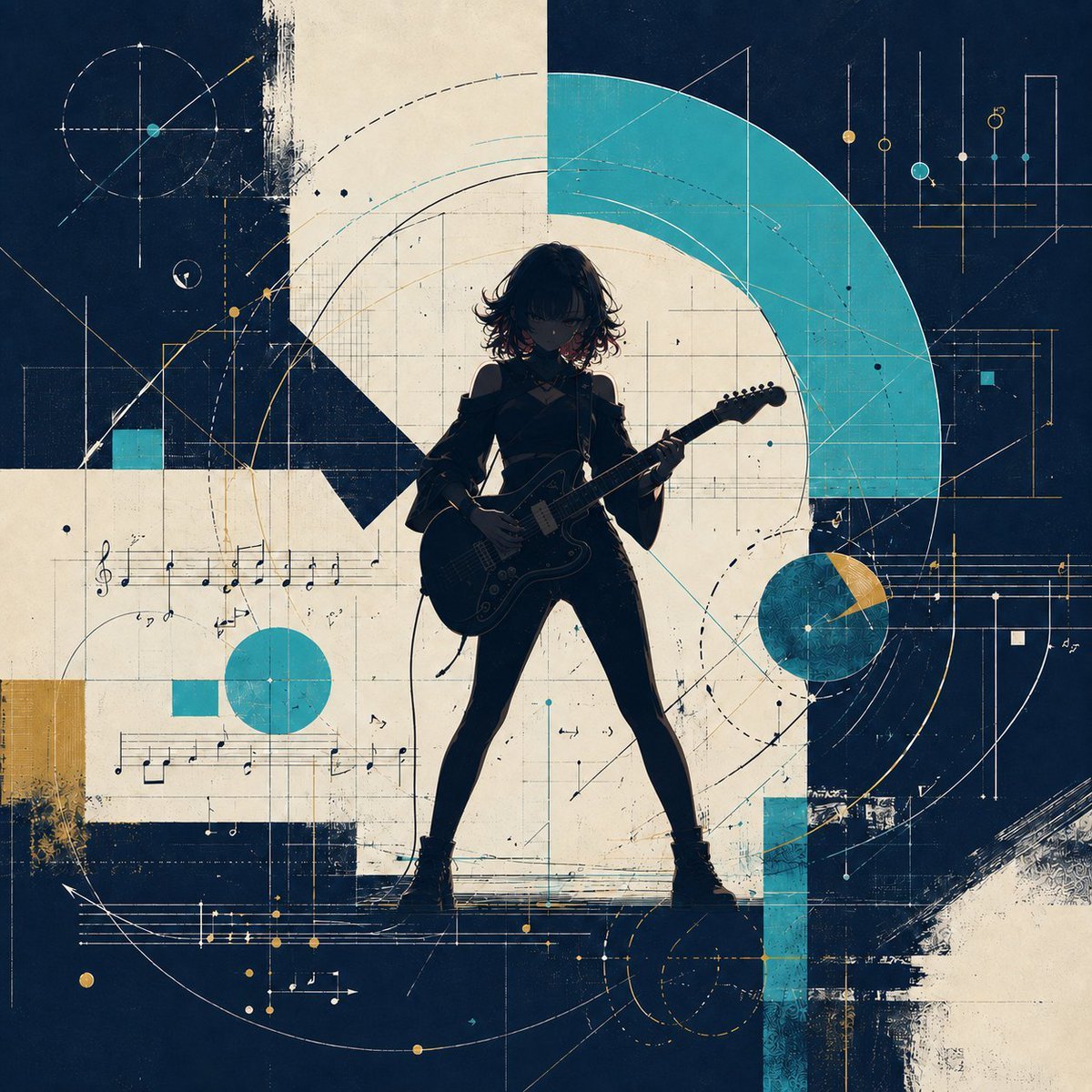
Abstract Rock Guitarist Album Art
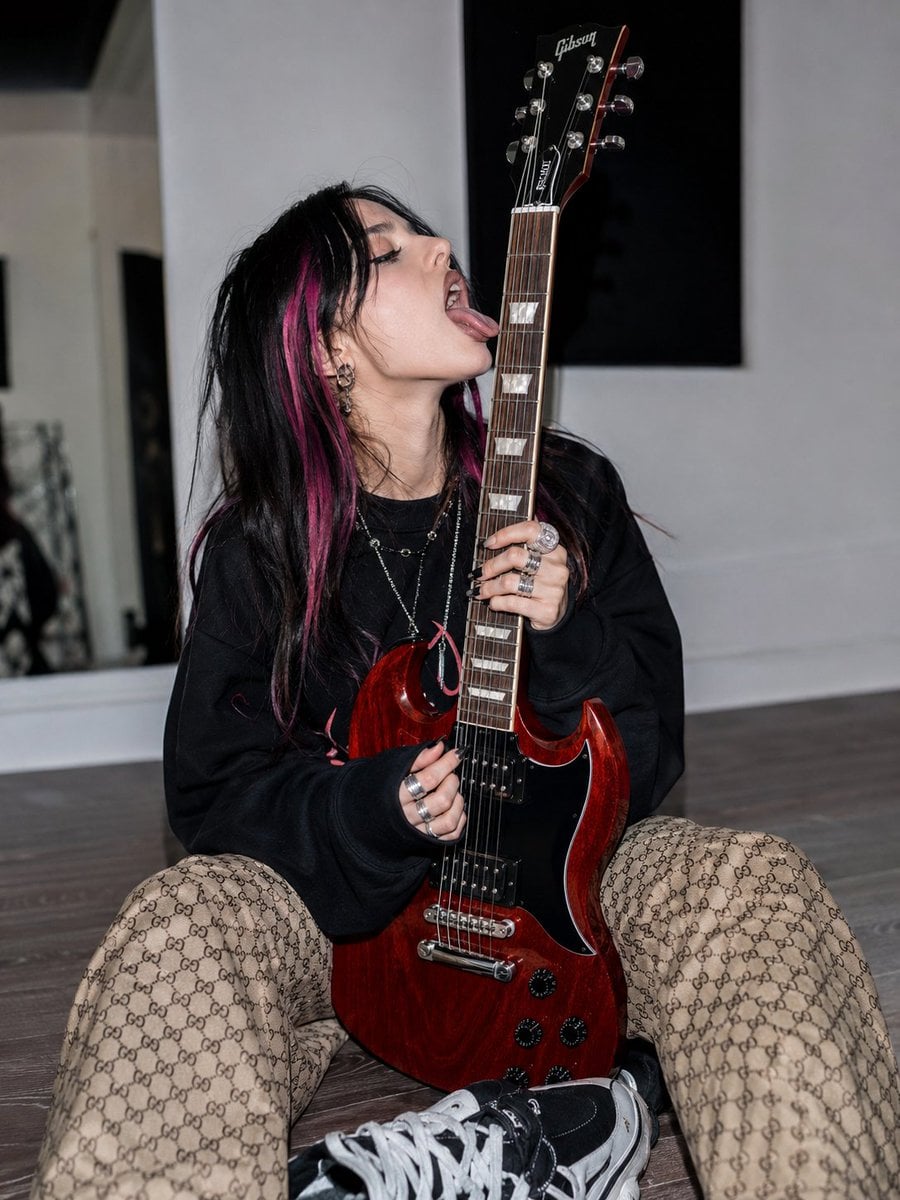
Alt-Rock Aesthetic Photoshoot

Anime Classroom Losing Heroines Key Visual

Anime Losing Heroines Classroom Key Visual

Anime School Rom-Com Key Visual

3D Layered Paper Quilling Fashion

Act as a 3D Product Visualization Artist
Each module shares structure but maintains unique visual dynamics
Anime Rock Duo with Guitar and Sheet Music
Couple Lock Screen iPhone Flat Lay
Playful Semi-Chibi Lifestyle Editorial
Make it yours
The Rock 'Lay the Smackdown' Cinematic Visual works as-is. These are the safest ways to change it without losing the look.
Change one field
Copy a single group, rewrite it, and generate again so you can see what that field is doing.
Keep the frame, change the subject
Hold the composition and light of The Rock 'Lay the Smackdown' Cinematic Visual, then swap wardrobe, props or the person for a new take.
| If the result… | Why | Fix |
|---|---|---|
| The result drifts from the preview | Too many fields changed at once. | Reuse The Rock 'Lay the Smackdown' Cinematic Visual as-is first, then change one group — subject, light, or setting. |
| The model over-stylizes the scene | The prose prompt leaves finish and camera underspecified. | Add one camera or lighting sentence and stay on Nano Banana 2. |
More Nano Banana 2 templates
Other prompts made for Nano Banana 2.

Photorealistic Leaf Shaped Like a Dragon

K-Pop Idol Portrait Grid for Rapid Selection

Poetic Rain Forest Portrait During Golden Hour

Urban Street Portrait with Cartoon Inner Self Duo

Candid Nighttime Photo with Cat Prompt

High-Concept 3D Diorama Generation Prompt

Cinematic Futuristic Studio Portrait Template

Skincare Editorial Photography Collage Prompt

Hyper-Realistic Commercial Product Photography (Splash Effect)

Hyper-Realistic Nightclub Portrait Prompt
More image prompts
Fresh picks from across the catalog.
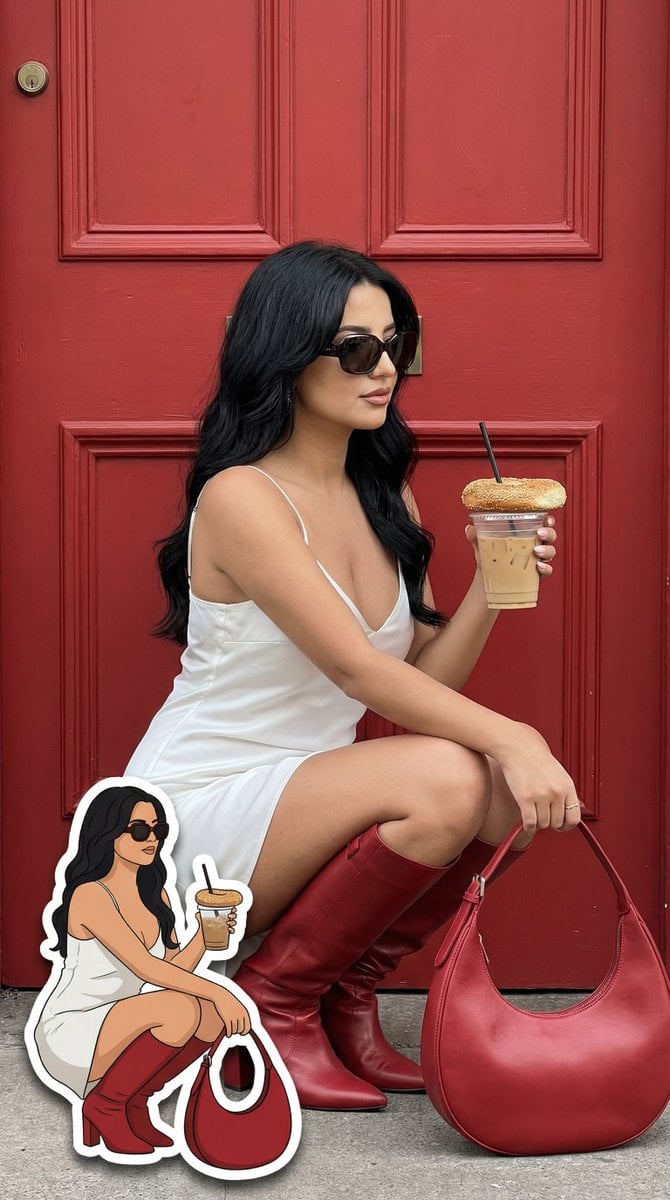
Fashion Editorial with Exact 2D Cartoon Duplicate
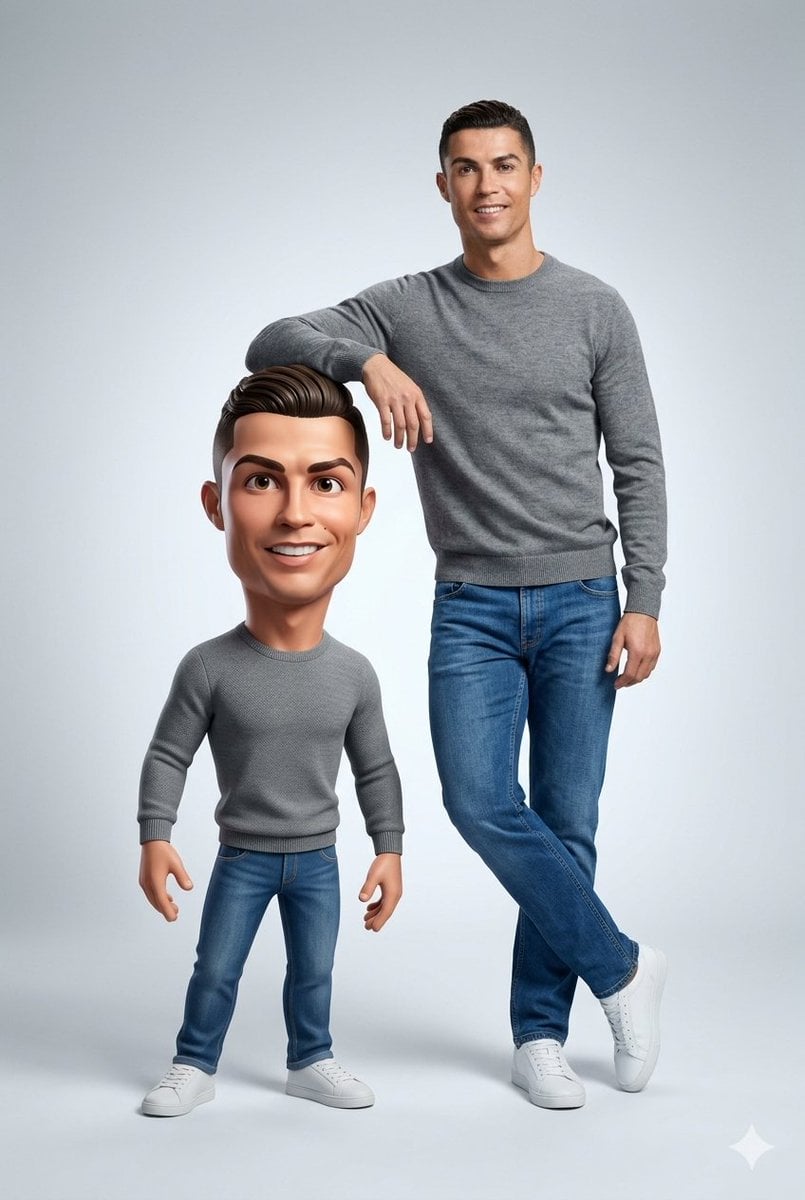
Ultra-Clean Realistic Human and Stylized 3D Caricature Composition Prompt
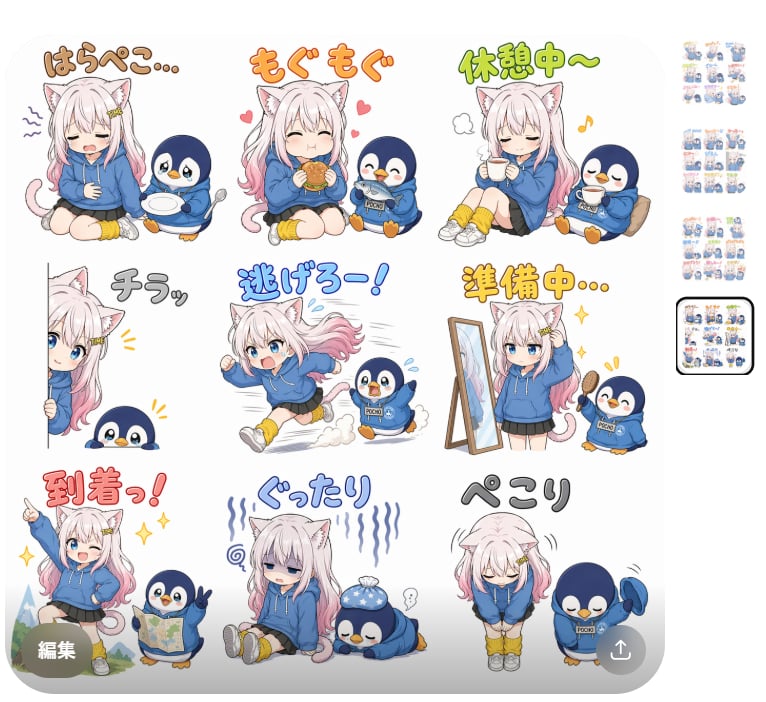
Cat Girl Penguin LINE Sticker Sheet

Girl in Oversized Tank Top Doing Pushups
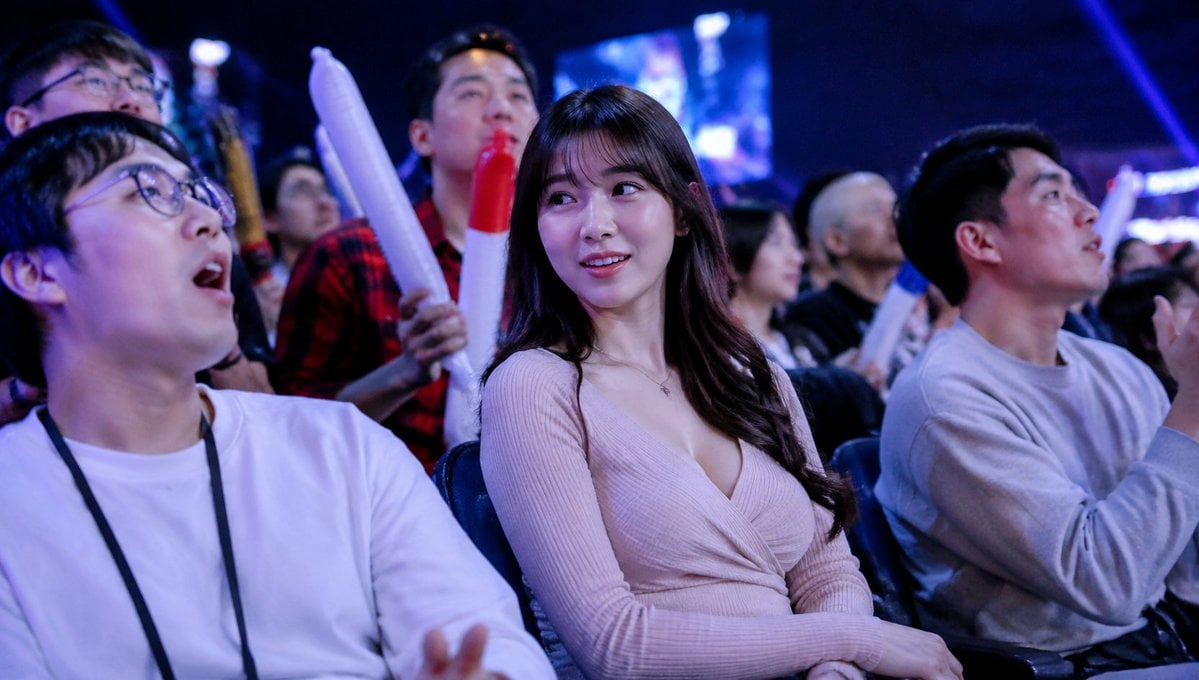
Blurred Esports Audience Crowd Shot

Surrealist Luxury Vogue Cover
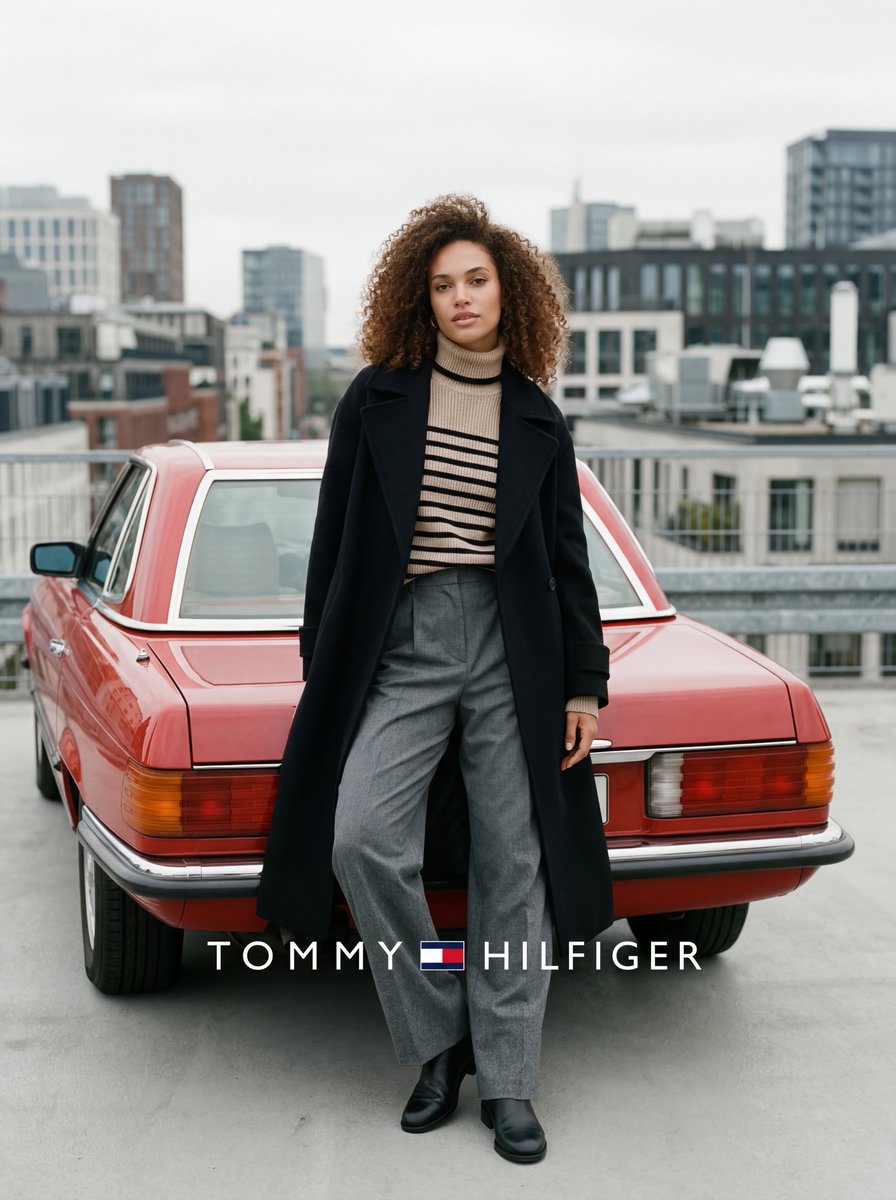
Fashion advertisement photo with classic car
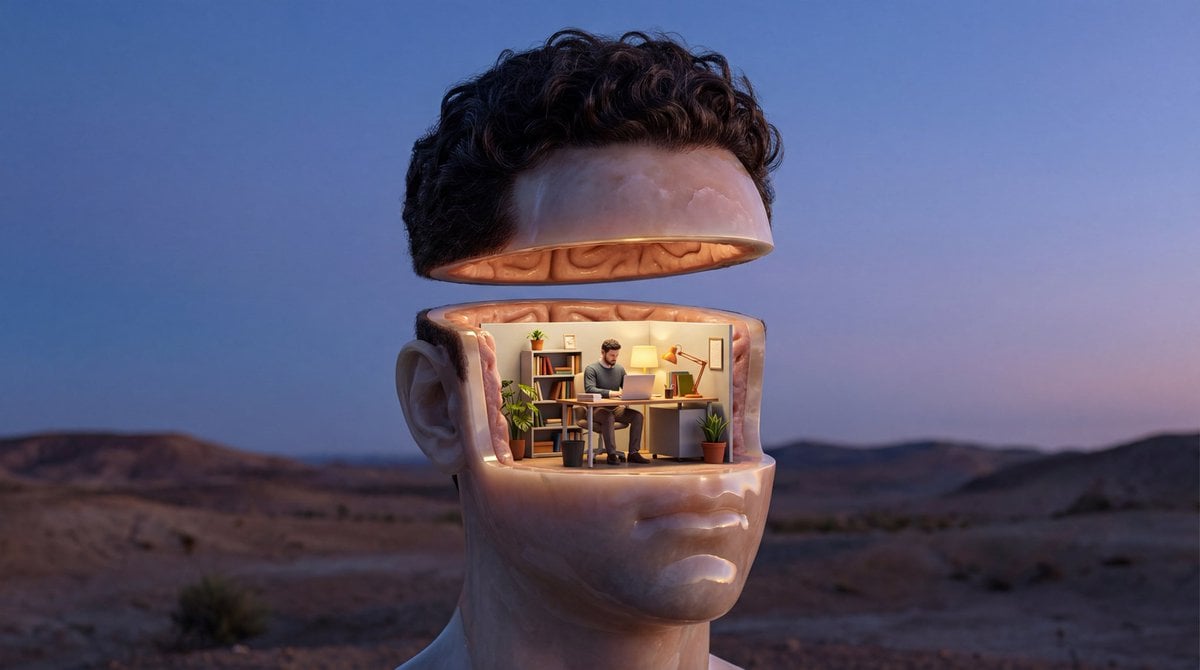
Surreal Symbolic Head Prompt
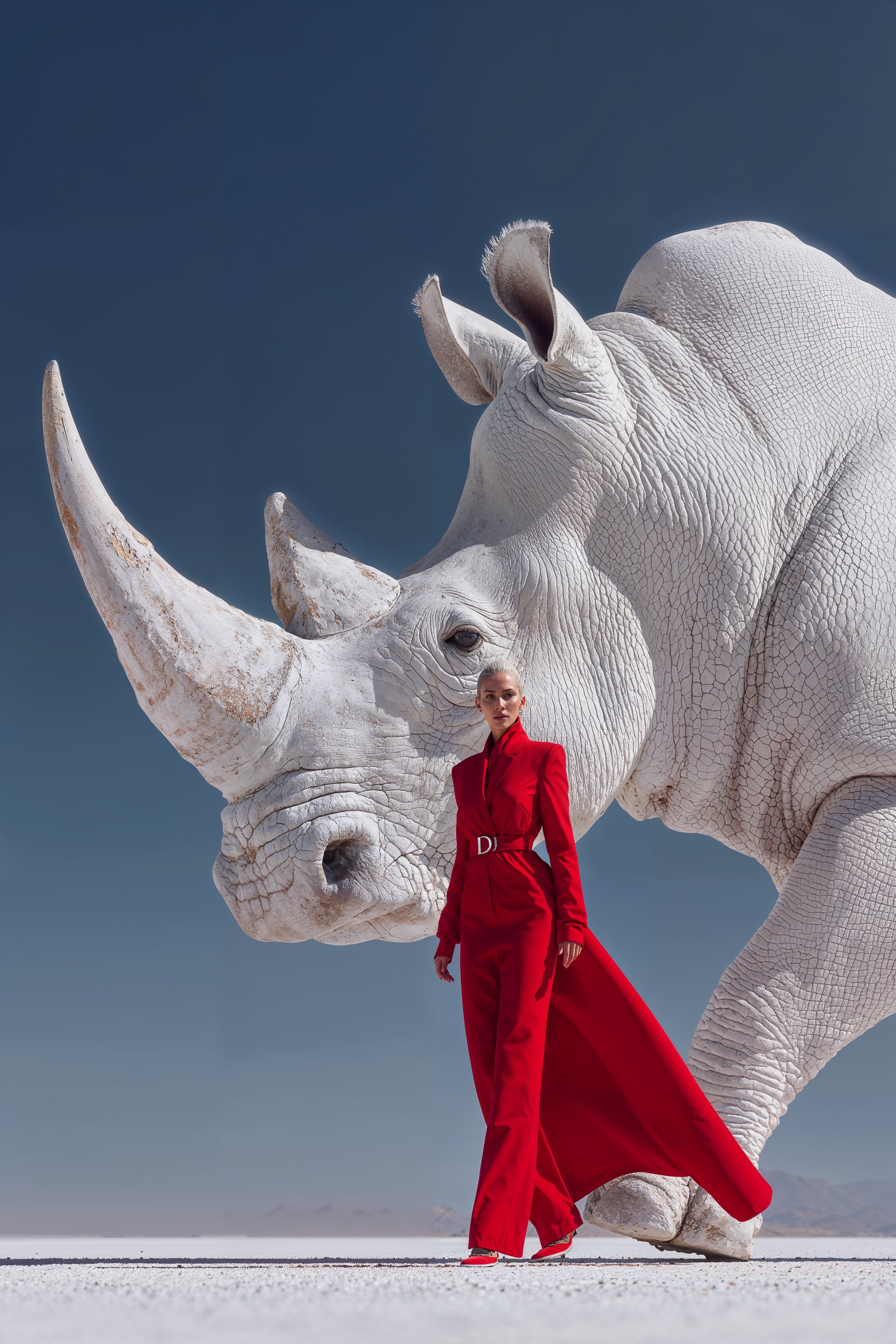
Midjourney Magnific Power Couple
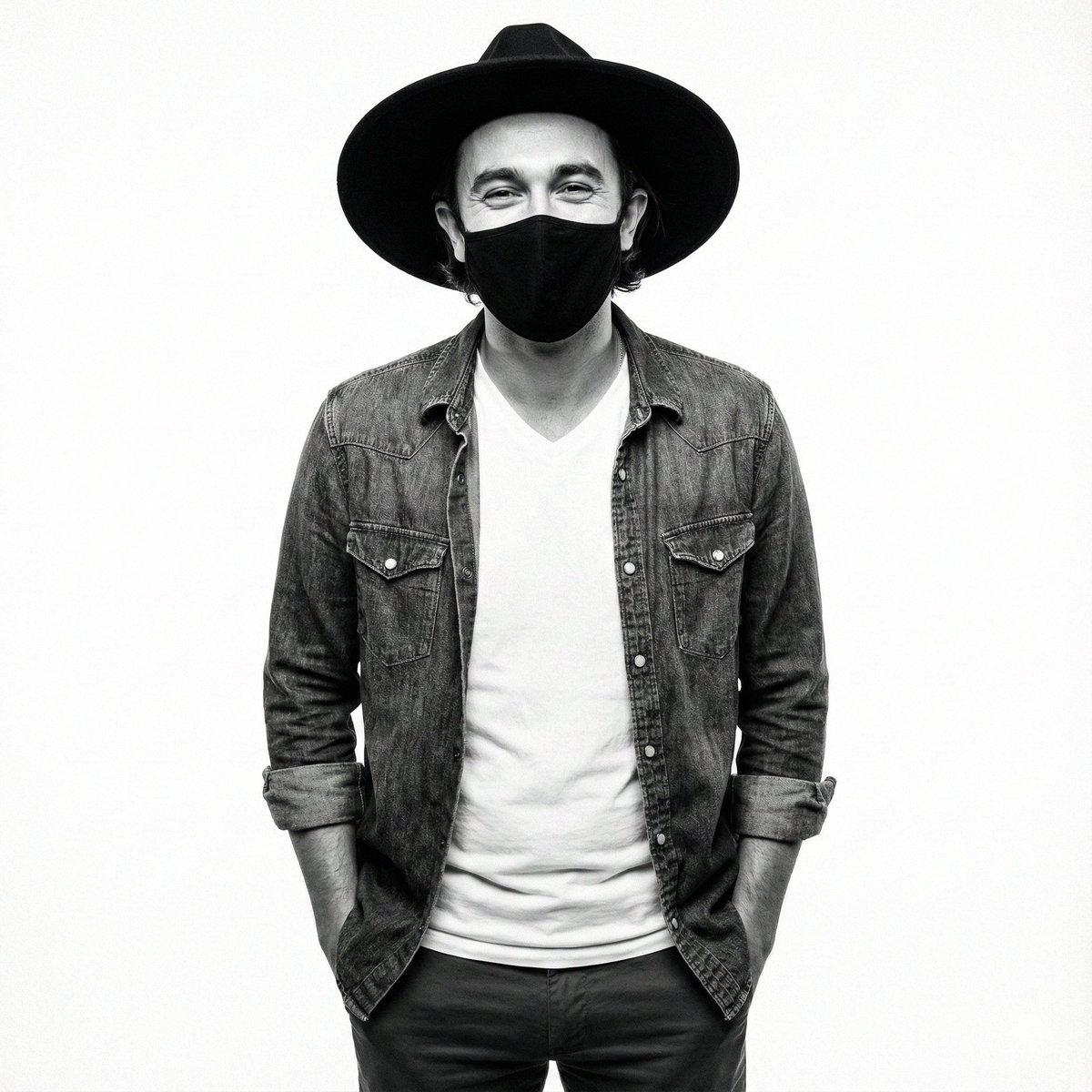
High-Contrast Monochrome Studio Portrait Prompt
Browse template categories
The Rock 'Lay the Smackdown' Cinematic Visual questions
How do I use the The Rock 'Lay the Smackdown' Cinematic Visual template?
Add your photo if the template asks for one, edit the prompt if you like — the template's model and format are already selected — and press Generate. Your version opens in PicX Studio.
Can I customize the The Rock 'Lay the Smackdown' Cinematic Visual template?
Yes. You can change the subject, setting, lighting, mood, format, and available model controls before creating your image.
Is the The Rock 'Lay the Smackdown' Cinematic Visual template free?
Opening and editing this template is free. Generating uses credits, shown on the Generate button when you are signed in.
Which AI model should I use?
Start with Nano Banana 2, which is the model associated with this template. You can compare another compatible model for a different finish.
Looking for something else? Browse all templates.

Your photo, any look
Thousands of ready templates for every top image and video model, from one credit balance.