
Colossal Android Face Contact
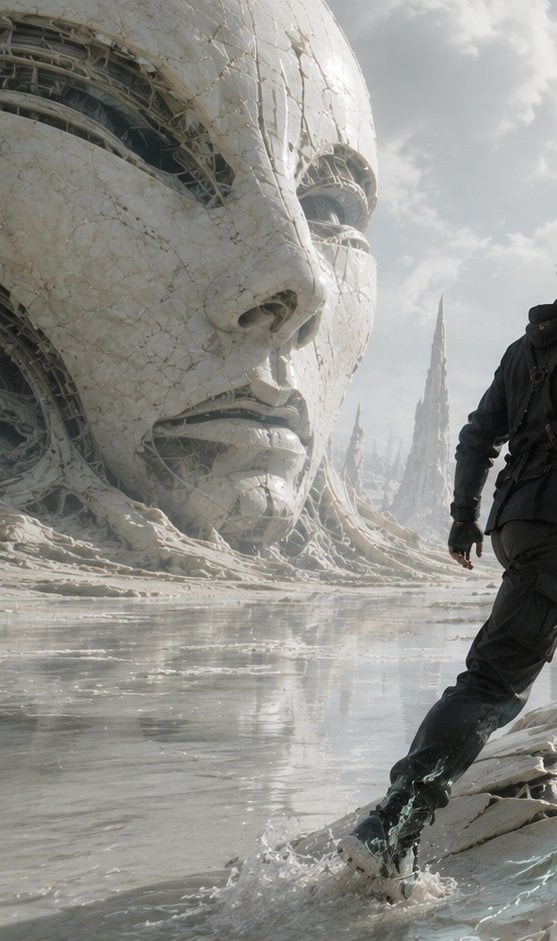
A cinematic sci-fi scene of a lone explorer approaching a giant cracked biomechanical face on an alien reflective shore.
- Prompt included
- Model and format preset
- Free template
The prompt behind this image
Copy the exact prompt behind Colossal Android Face Contact, or open it in the studio and make it yours.
Create a vertical cinematic science-fiction scene titled by mood rather than visible text: a lone explorer makes first contact with an enormous ancient synthetic face half-buried in a pale alien shoreline. The canvas is tall 9:16, ultra-detailed photorealistic concept art, low camera angle near the wet ground. On the left, a colossal white porcelain-like humanoid head dominates the frame, cropped by the top and left edges; its cracked ceramic skin is veined with fine fractures and seams, with exposed dark biomechanical cables, ribs, and machinery visible inside the eye sockets, cheek gaps, mouth, and broken shell. The face is serene and monumental, with realistic nose, lips, and hollow mechanical eyes, like a ruined android deity. On the right foreground, show exactly one human figure: {argument name="character" default="a lone male explorer in a dark weathered survival suit with straps and a small pack"}, seen mostly from behind and cropped at the upper body edge, stepping through shallow reflective water toward the giant face; one boot splashes, creating visible droplets and ripples. The environment is an otherworldly white-gray coast with glossy water, eroded organic-mechanical ridges, scattered debris, and distant sharp cathedral-like spires rising through mist. Lighting is soft overcast daylight with bright diffused sky, pale clouds, subtle haze, and shimmering reflections on the water. Use a desaturated palette of {argument name="color palette" default="ivory white, ash gray, muted blue-gray, and black"}. Emphasize scale, awe, silence, and transformation at the moment of contact. Style: {argument name="visual style" default="high-end cinematic sci-fi realism, intricate biomechanical architecture, 70mm film still, dramatic composition, volumetric atmosphere"}. No text, no logo, no watermark, no extra people, no vehicles.
How to use Colossal Android Face Contact in 3 steps
- 1Upload ImagePNG, JPG or paste
Add your photo
Upload the photo the template builds on. The prompt, model and format are already set.
- 2…a portrait of your subject in softgolden-hour light, 85mm…
Personalize
Edit the subject and creative details for your destination.
- 3Generate
Generate
Press Generate — your image is created in PicX Studio, so you can compare it with the original and refine one variable at a time.
More like this
Templates with the same subject, style or setup. Open one to see its prompt.

Rainy Night Android Cyberpunk Portrait
Rainy Night Android Cyberpunk Portrait

Dancer Character - Four View Reference Sheet
Colossal Ring on Earth
Colossal Hands Metropolis Art
Cyberpunk Android Creating Art
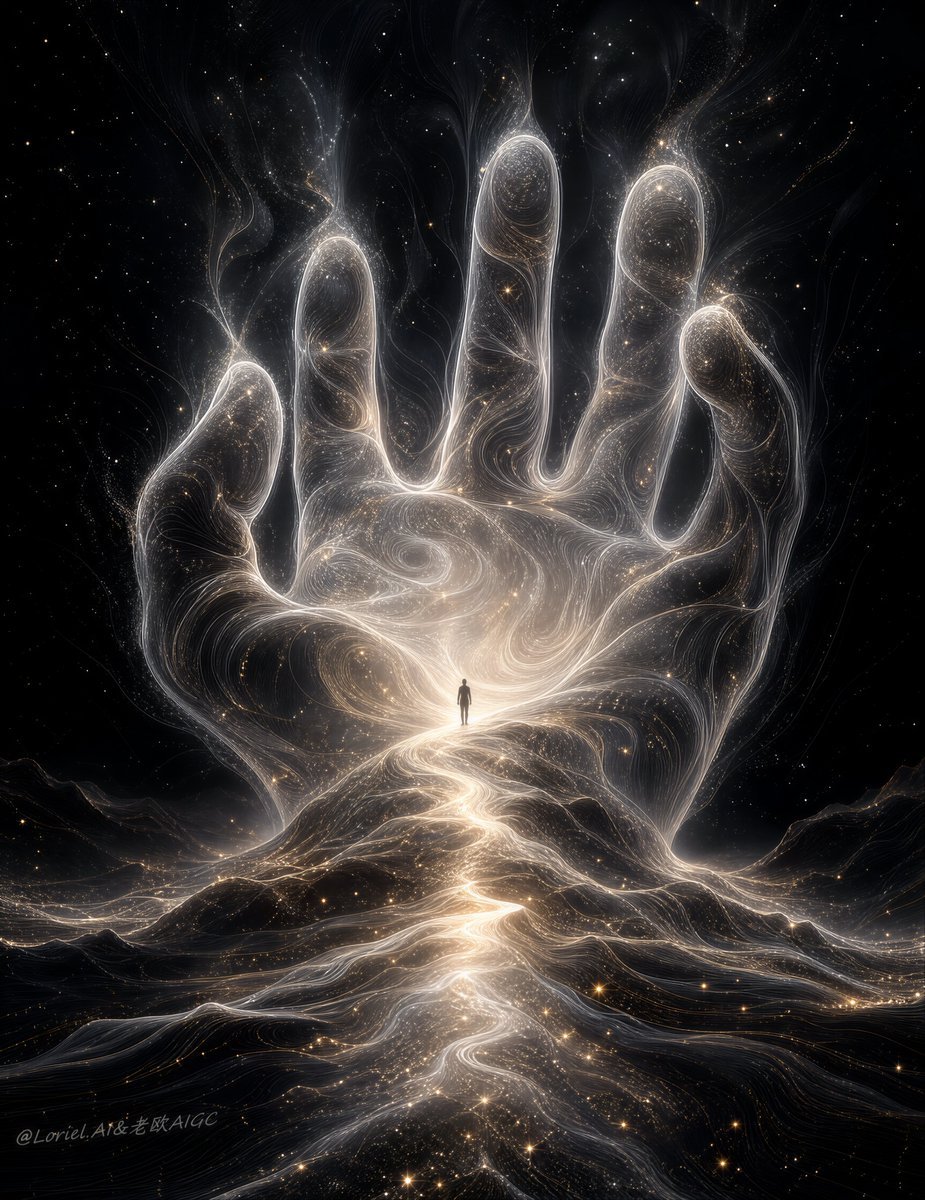
Colossal Cosmic Humanoid Fantasy

Underwater Macro Face Portrait
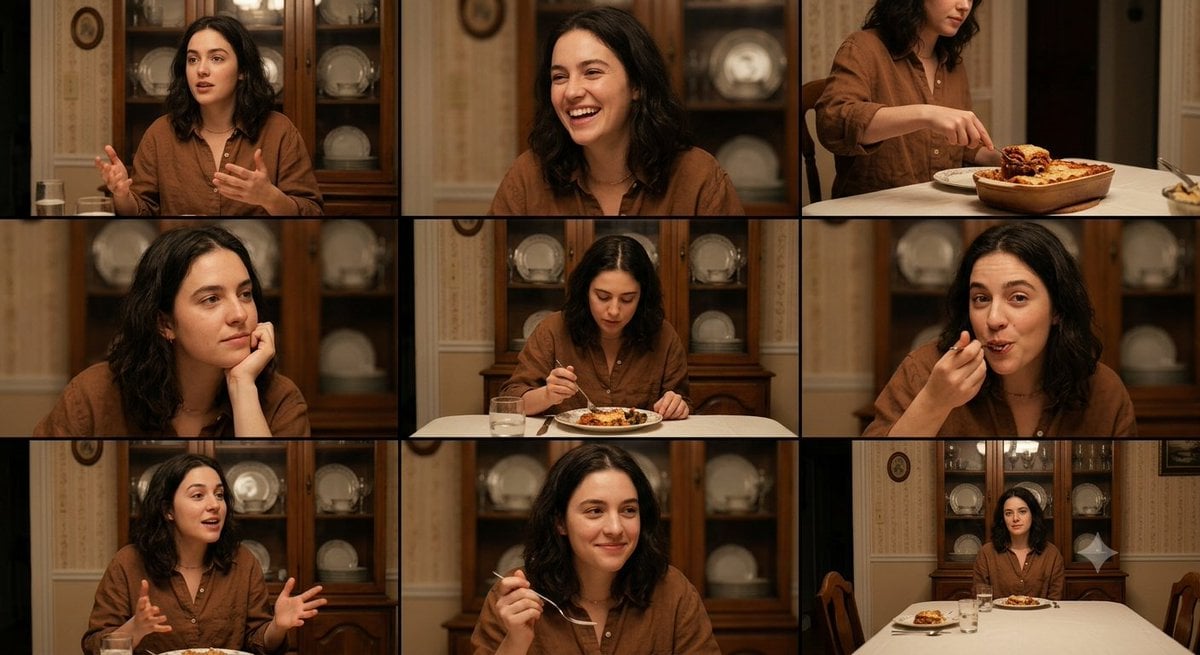
Family Dinner Cinematic Contact Sheet

Nano Banana Pro Identity Lock — Composition + Face Reference

Epic 8K cinematic fantasy food scene a colossal crispy fried chicken leg
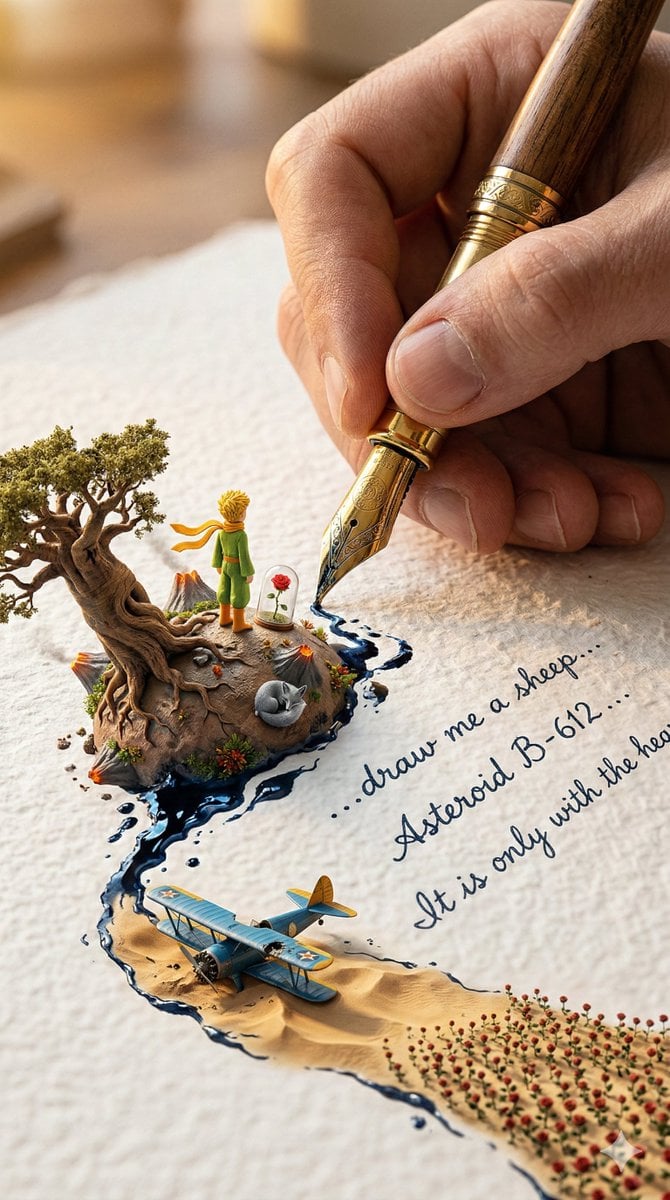
A colossal hand gripping an enormous vintage fountain pen, captured
Make it yours
Colossal Android Face Contact works as-is. These are the safest ways to change it without losing the look.
Change one field
Copy a single group, rewrite it, and generate again so you can see what that field is doing.
Keep the frame, change the subject
Hold the composition and light of Colossal Android Face Contact, then swap wardrobe, props or the person for a new take.
| If the result… | Why | Fix |
|---|---|---|
| The result drifts from the preview | Too many fields changed at once. | Reuse Colossal Android Face Contact as-is first, then change one group — subject, light, or setting. |
| The model over-stylizes the scene | The prose prompt leaves finish and camera underspecified. | Add one camera or lighting sentence and stay on GPT Image 2. |
More GPT Image 2 templates
Other prompts made for GPT Image 2.

Six VTuber Japanese Logo Sheet

Realistic Portrait of Woman and Deer

The Vista Modular Condo Poster

AI Model Routing Comparison Infographic

2.5D Anime Art Board

Isometric Productivity Desk Scene

New York Double Exposure Poster

Four-Panel AI Landscape Comparison

Japanese Tatami Lifestyle Magazine Cover

NESCAFÉ Coffee Map Poster
More image prompts
Fresh picks from across the catalog.
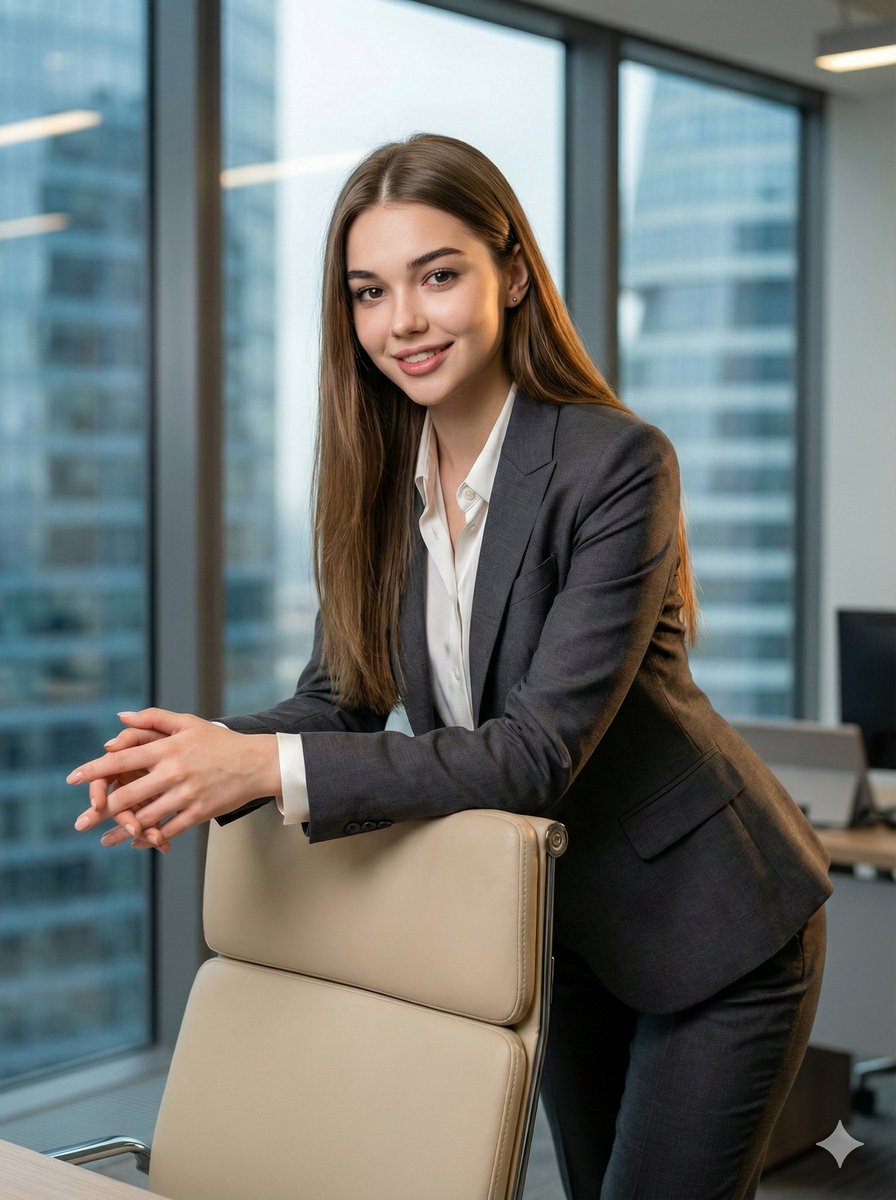
8K Corporate High-Fashion Editorial JSON
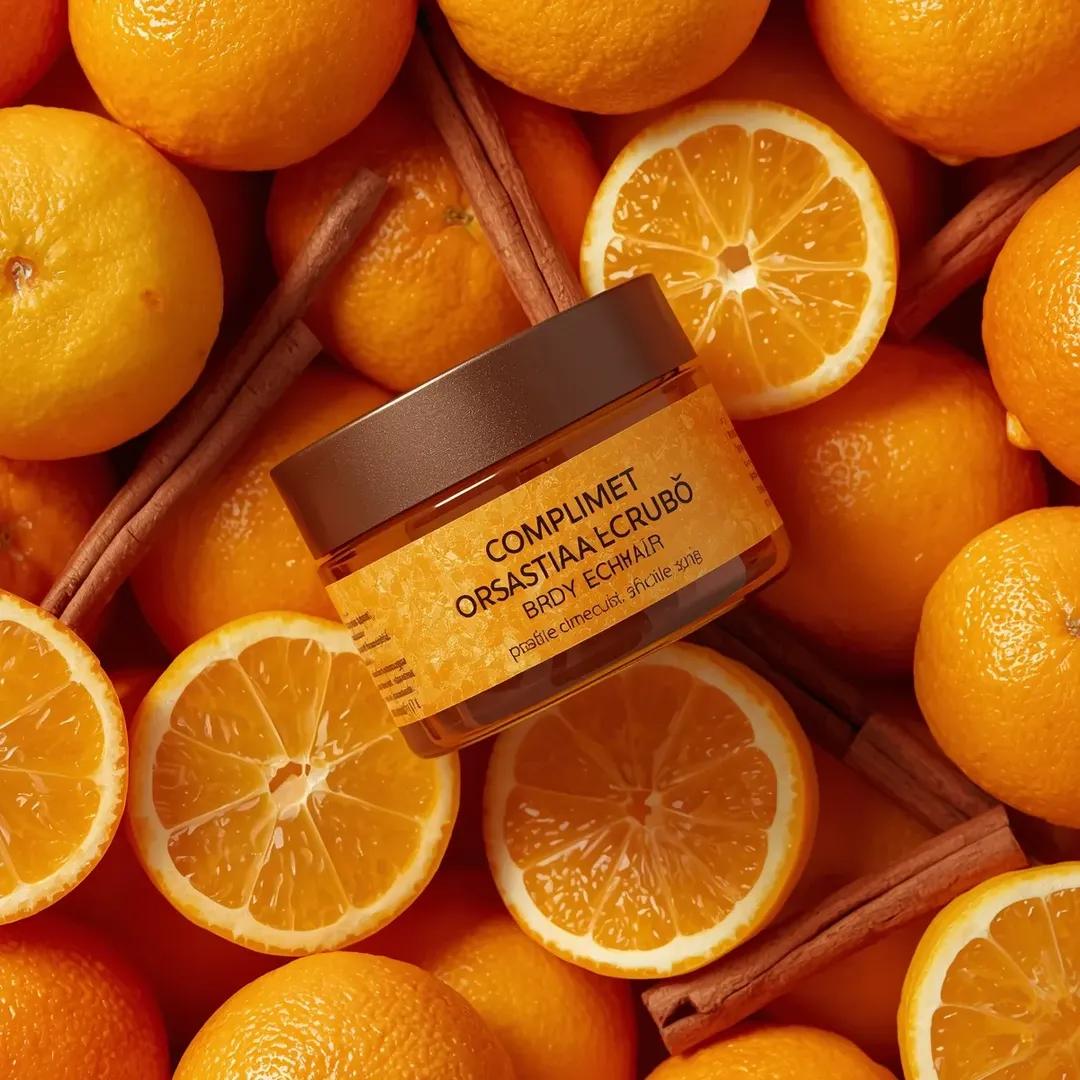
Top-Down Product Zoom Video Prompt
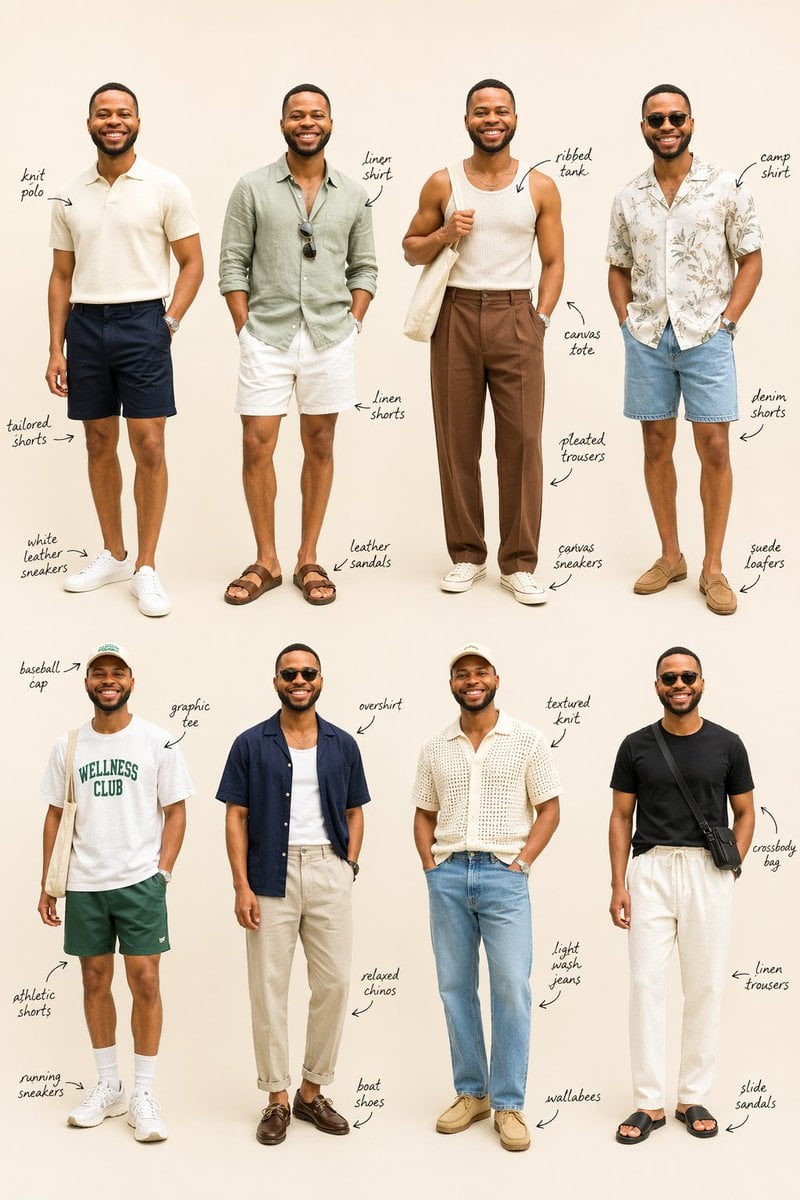
Summer Menswear Lookbook Grid

Water Typography Experiment Prompt
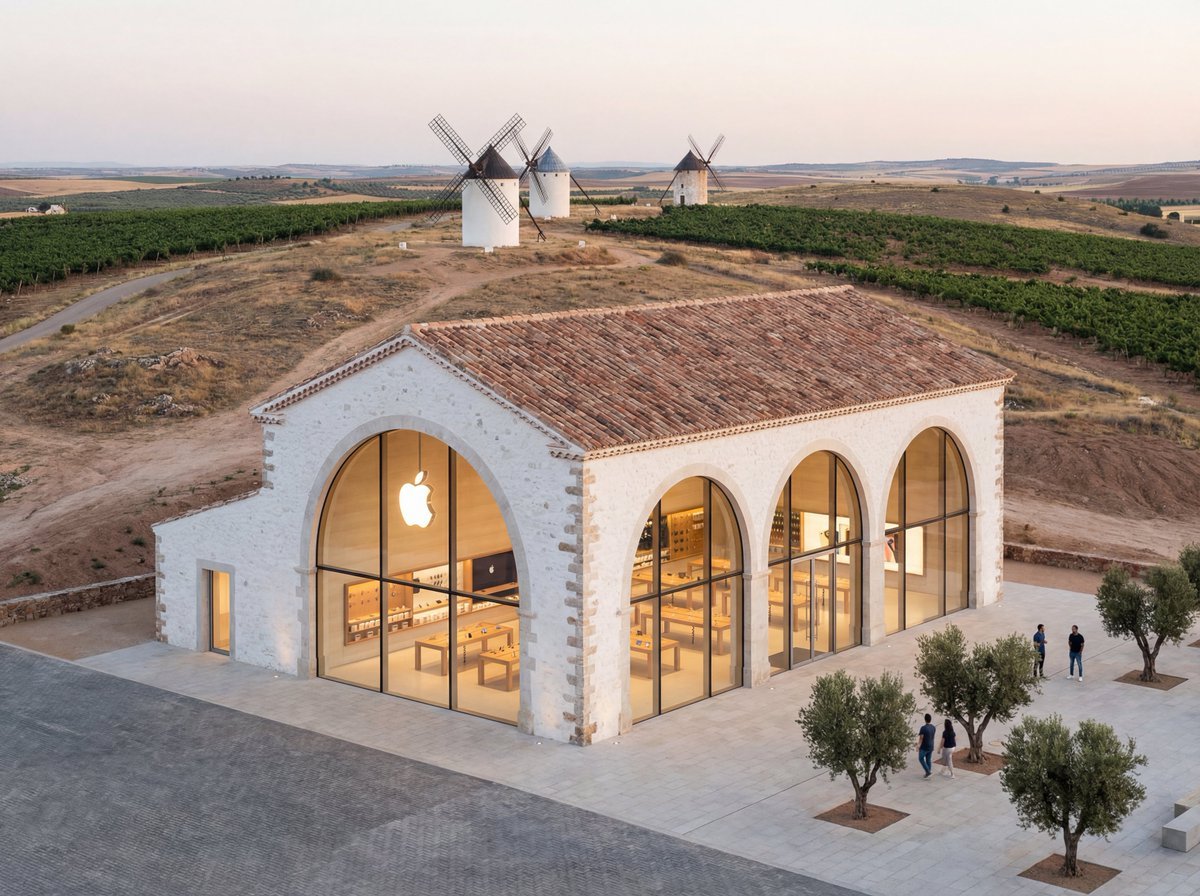
Apple Store in La Mancha Comparison

Ultra Detailed Shonen Anime Warrior

Black and White Dynamic Street Fashion Prompt
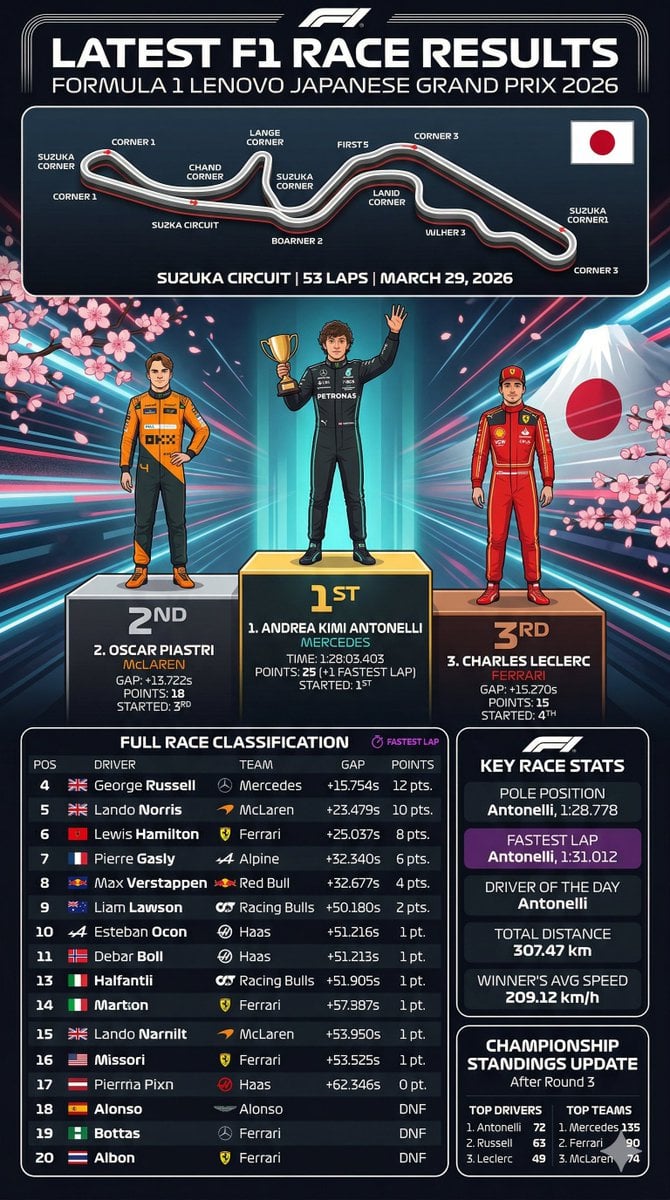
F1 Race Results Infographic

Magical Glowing Ribbon Style Transformation

East Asian Fashion Sunglasses Portrait
Browse template categories
Colossal Android Face Contact questions
How do I use the Colossal Android Face Contact template?
Add your photo if the template asks for one, edit the prompt if you like — the template's model and format are already selected — and press Generate. Your version opens in PicX Studio.
Can I customize the Colossal Android Face Contact template?
Yes. You can change the subject, setting, lighting, mood, format, and available model controls before creating your image.
Is the Colossal Android Face Contact template free?
Opening and editing this template is free. Generating uses credits, shown on the Generate button when you are signed in.
Which AI model should I use?
Start with GPT Image 2, which is the model associated with this template. You can compare another compatible model for a different finish.
Looking for something else? Browse all templates.

Your photo, any look
Thousands of ready templates for every top image and video model, from one credit balance.