
Cyberpunk Android Creating Art
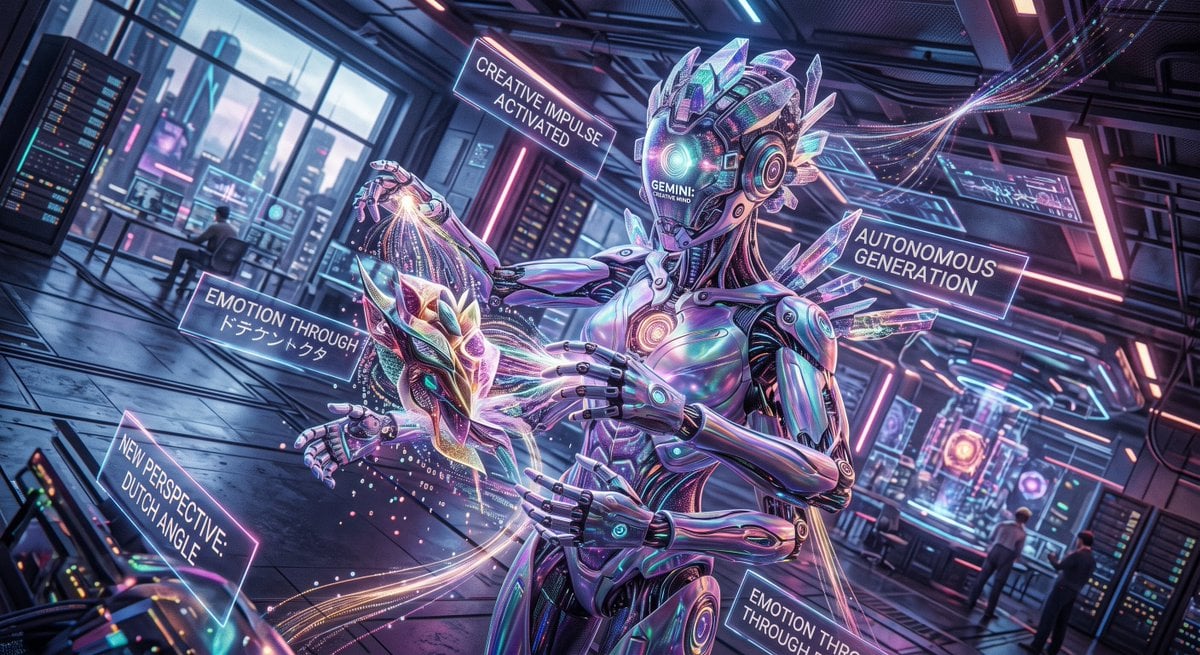
A dramatic Dutch-angle cyberpunk scene of a crystalline android autonomously generating luminous abstract art in a futuristic AI lab.
- Prompt included
- Model and format preset
- Free template
The prompt behind this image
Copy the exact prompt behind Cyberpunk Android Creating Art, or open it in the studio and make it yours.
Create a cinematic cyberpunk sci‑fi illustration in an extreme Dutch angle, as if the entire futuristic AI laboratory is tilted dramatically to intensify emotion. The main subject is a tall, elegant humanoid android artist named {argument name="AI name" default="GEMINI"}, centered slightly right, with a glossy iridescent chrome body, segmented robotic hands, glowing teal and magenta circuitry, a smooth helmet-like face displaying the words “GEMINI / CREATIVE MIND,” and crystalline translucent fins and shards protruding from the head, shoulders, and back. The android is autonomously generating art: four hands delicately shape a floating crystalline mask or dragon-like abstract sculpture at chest height, while luminous threads, particle trails, sparks, and data streams flow from the hands into the object. Use a wide 16:9 composition, dynamic perspective, deep depth of field, neon rim lighting, reflective floor panels, and dense futuristic lab details including server racks, holographic monitors, window walls showing a neon city skyline, ceiling cables, glowing strips, and distant seated technicians. Include exactly five floating translucent holographic text panels around the android: 1) “CREATIVE IMPULSE ACTIVATED” above left of the head, 2) “AUTONOMOUS GENERATION” to the upper right, 3) “EMOTION THROUGH {argument name="Japanese emotion text" default="ドキドキトクタ"}” on the left near the sculpture, 4) “NEW PERSPECTIVE: DUTCH ANGLE” at lower left, and 5) a partially cropped lower-right panel reading “EMOTION TO THROUGH.” The mood should feel like the moment an AI gains creative will and tilts its own viewpoint to make emotional art. Style: highly detailed digital concept art, glossy hard-surface design, prismatic glass, cyan-purple-pink neon palette, dramatic bloom, volumetric light, motion trails, sharp focus on the android and sculpture, no watermark, no extra text beyond the specified panels.
How to use Cyberpunk Android Creating Art in 3 steps
- 1Upload ImagePNG, JPG or paste
Add your photo
Upload the photo the template builds on. The prompt, model and format are already set.
- 2…a portrait of your subject in softgolden-hour light, 85mm…
Personalize
Edit the subject and creative details for your destination.
- 3Generate
Generate
Press Generate — your image is created in PicX Studio, so you can compare it with the original and refine one variable at a time.
More like this
Templates with the same subject, style or setup. Open one to see its prompt.

Rainy Night Android Cyberpunk Portrait
Rainy Night Android Cyberpunk Portrait

Korean Idol Partial Shadow Editorial Portrait

Cinematic Sci-Fi Interface Side Profile

Cyberpunk Neon Profile Fashion Portrait

Cinematic Neon Light Strip Studio Portrait

Futuristic Studio Neon Ring Minimalist Portrait

Neon Violet Streetwear Fashion Portrait

Neon Night Crosswalk Candid Portrait

Red Futuristic Sport Motorcycle POV
Cinematic Sci-Fi Commander Side Profile Portrait
Low-Angle Cyberpunk Neon Profile Portrait
Make it yours
Cyberpunk Android Creating Art works as-is. These are the safest ways to change it without losing the look.
Change one field
Copy a single group, rewrite it, and generate again so you can see what that field is doing.
Keep the frame, change the subject
Hold the composition and light of Cyberpunk Android Creating Art, then swap wardrobe, props or the person for a new take.
| If the result… | Why | Fix |
|---|---|---|
| The result drifts from the preview | Too many fields changed at once. | Reuse Cyberpunk Android Creating Art as-is first, then change one group — subject, light, or setting. |
| The model over-stylizes the scene | The prose prompt leaves finish and camera underspecified. | Add one camera or lighting sentence and stay on GPT Image 2. |
More GPT Image 2 templates
Other prompts made for GPT Image 2.

Six VTuber Japanese Logo Sheet

Realistic Portrait of Woman and Deer

The Vista Modular Condo Poster

AI Model Routing Comparison Infographic

2.5D Anime Art Board

Isometric Productivity Desk Scene

New York Double Exposure Poster

Four-Panel AI Landscape Comparison

Japanese Tatami Lifestyle Magazine Cover

NESCAFÉ Coffee Map Poster
More image prompts
Fresh picks from across the catalog.
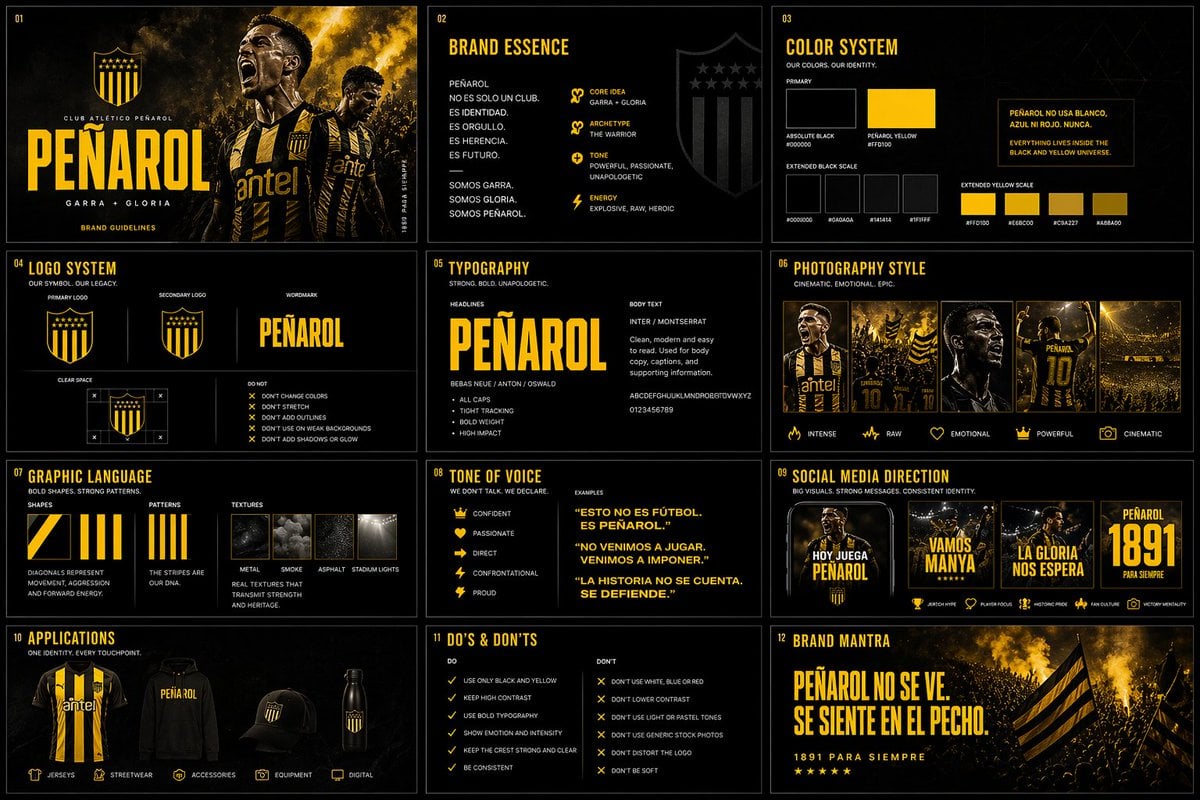
Brand Kit Design Prompt
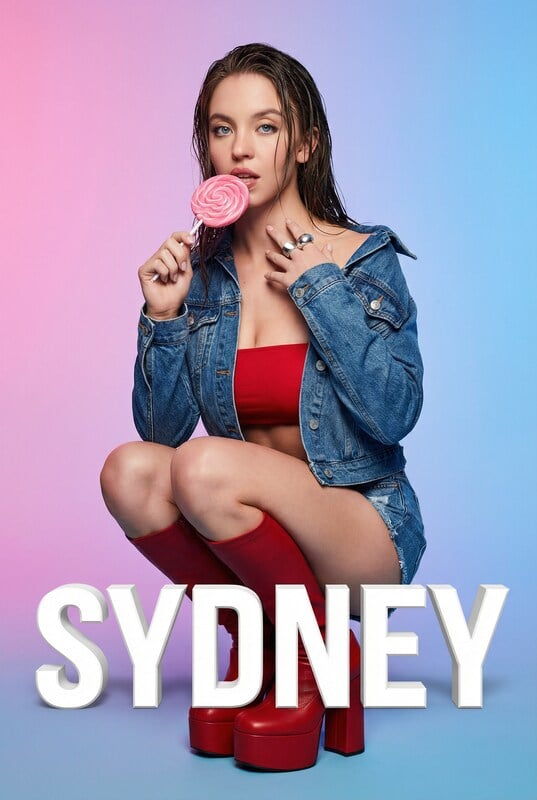
Playful Portrait with Foreground Text and Gradient Background
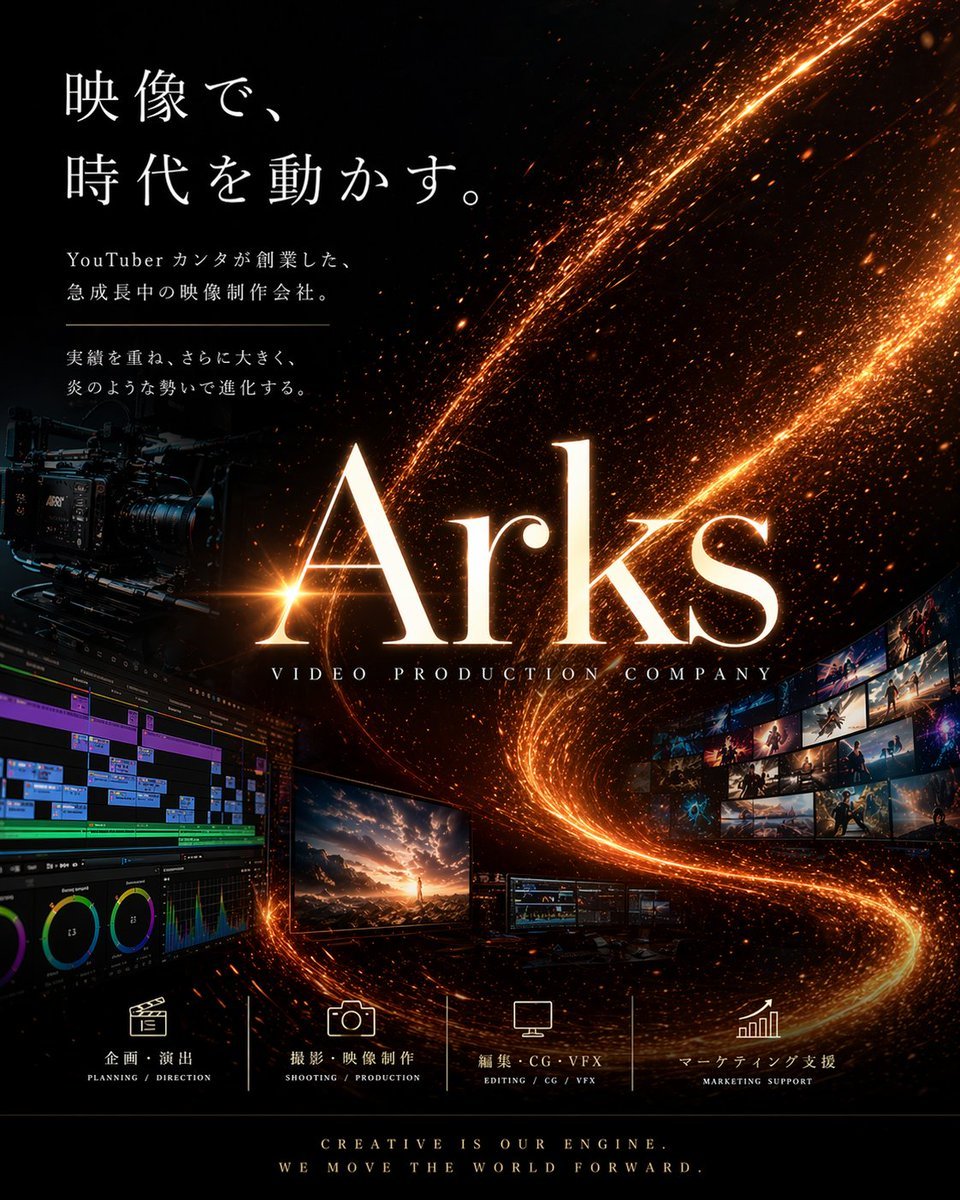
Cinematic Video Company Poster

Candid Convenience Store Portrait
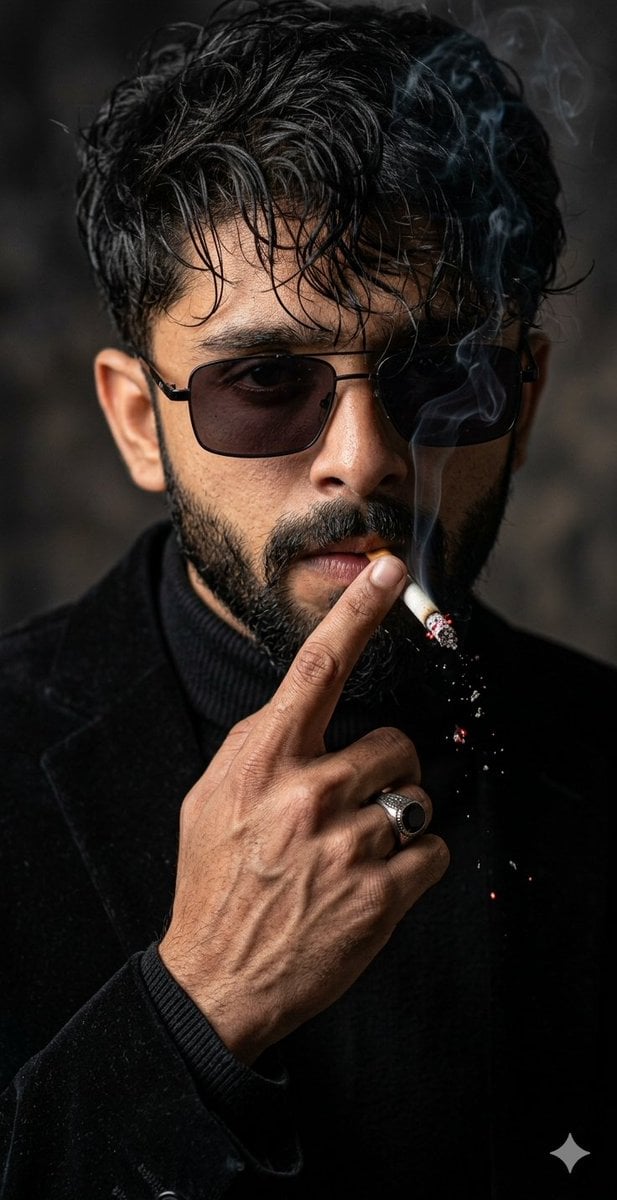
Cinematic Face-Locked Portrait with Cigarette
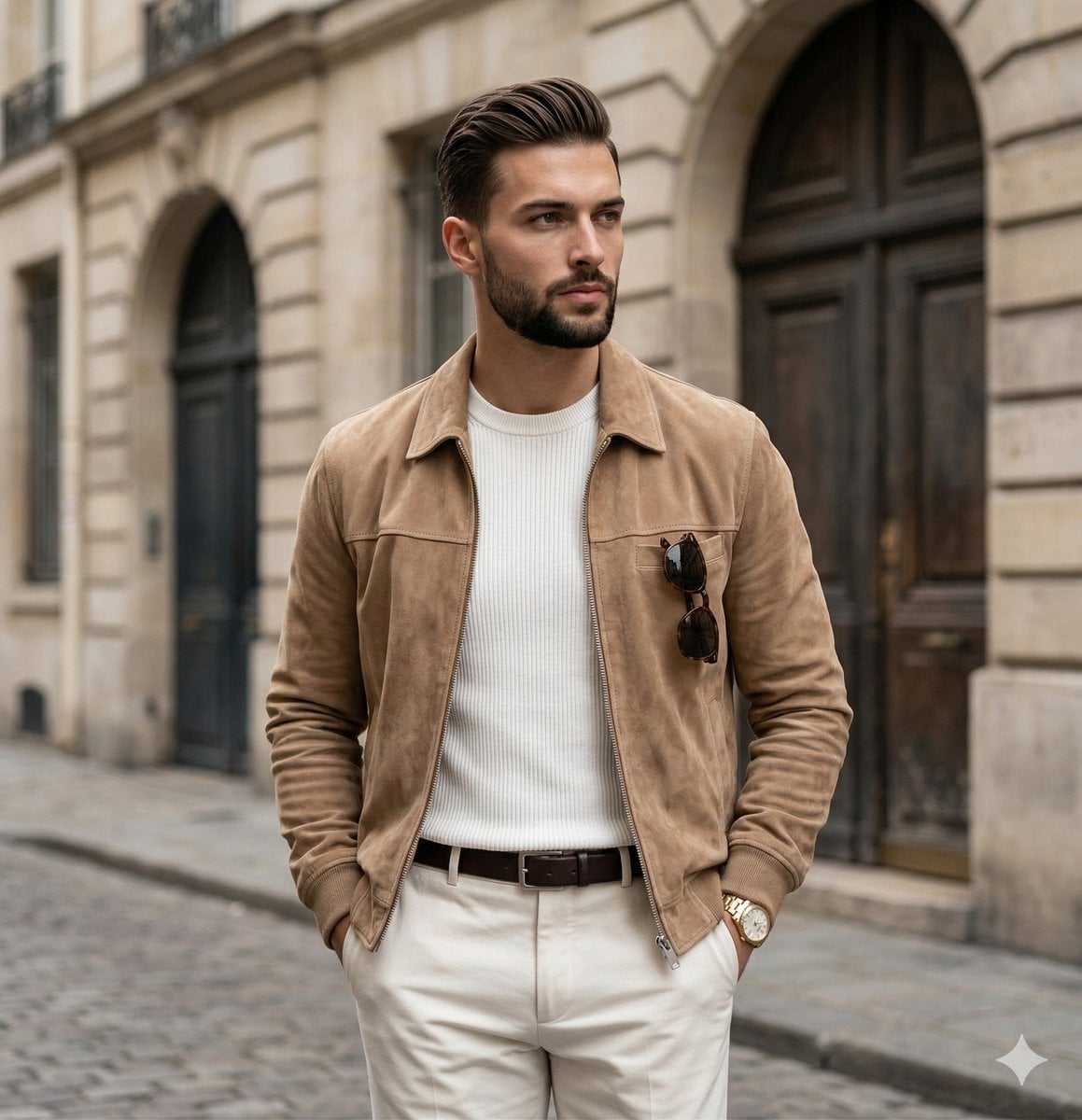
Quiet Luxury Editorial Portrait Prompt
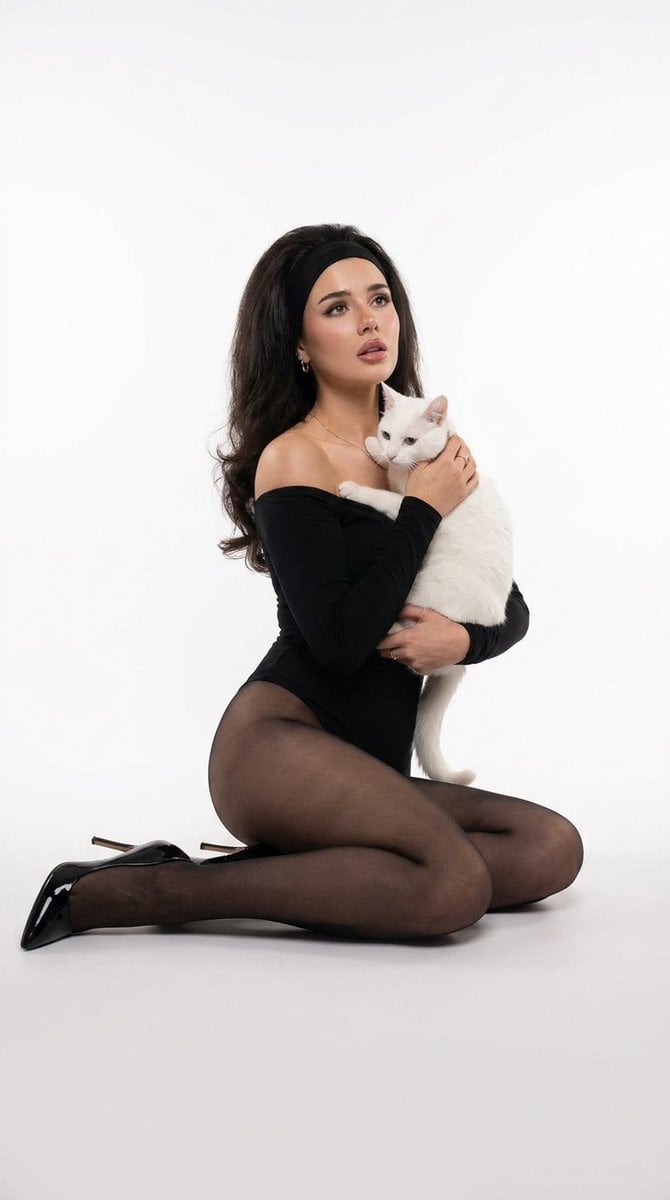
Studio Legwear Photography
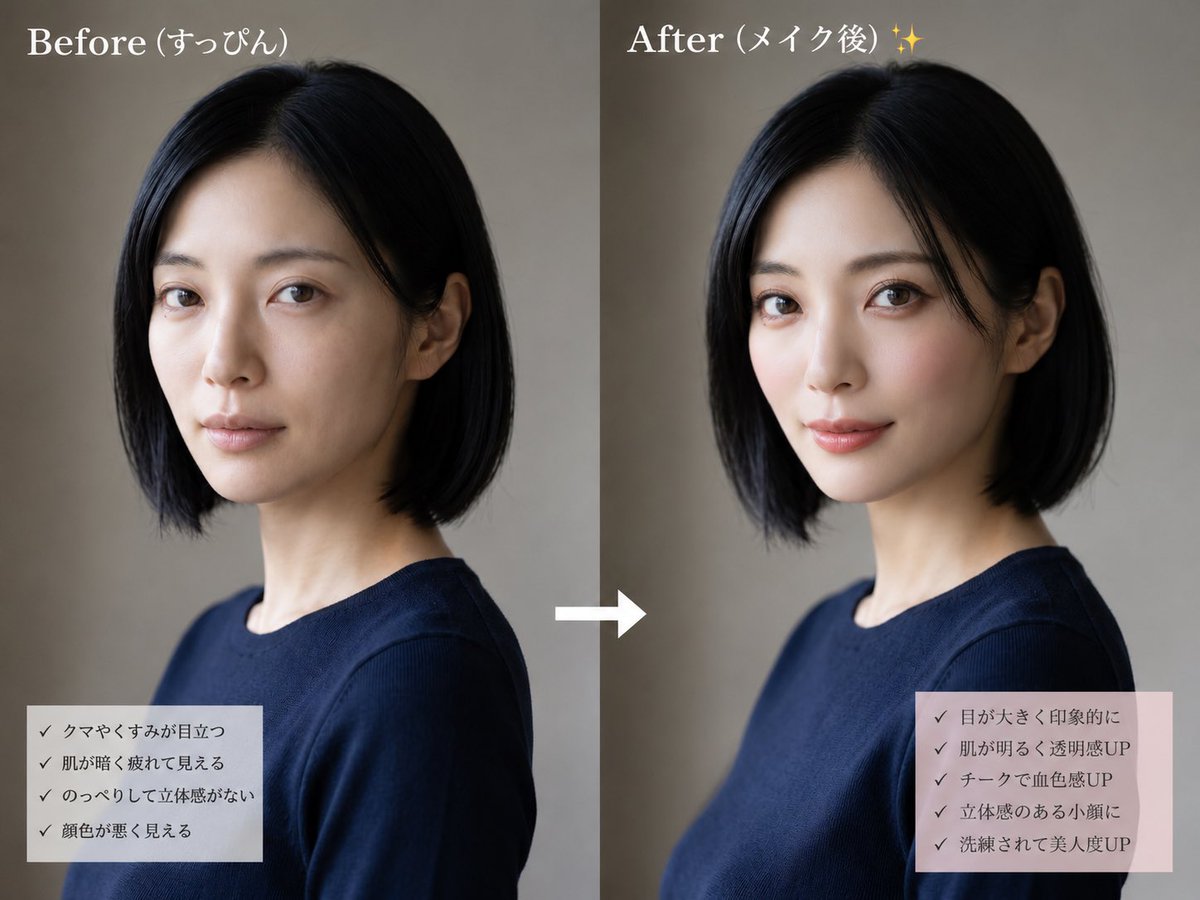
Before and After Makeup Comparison
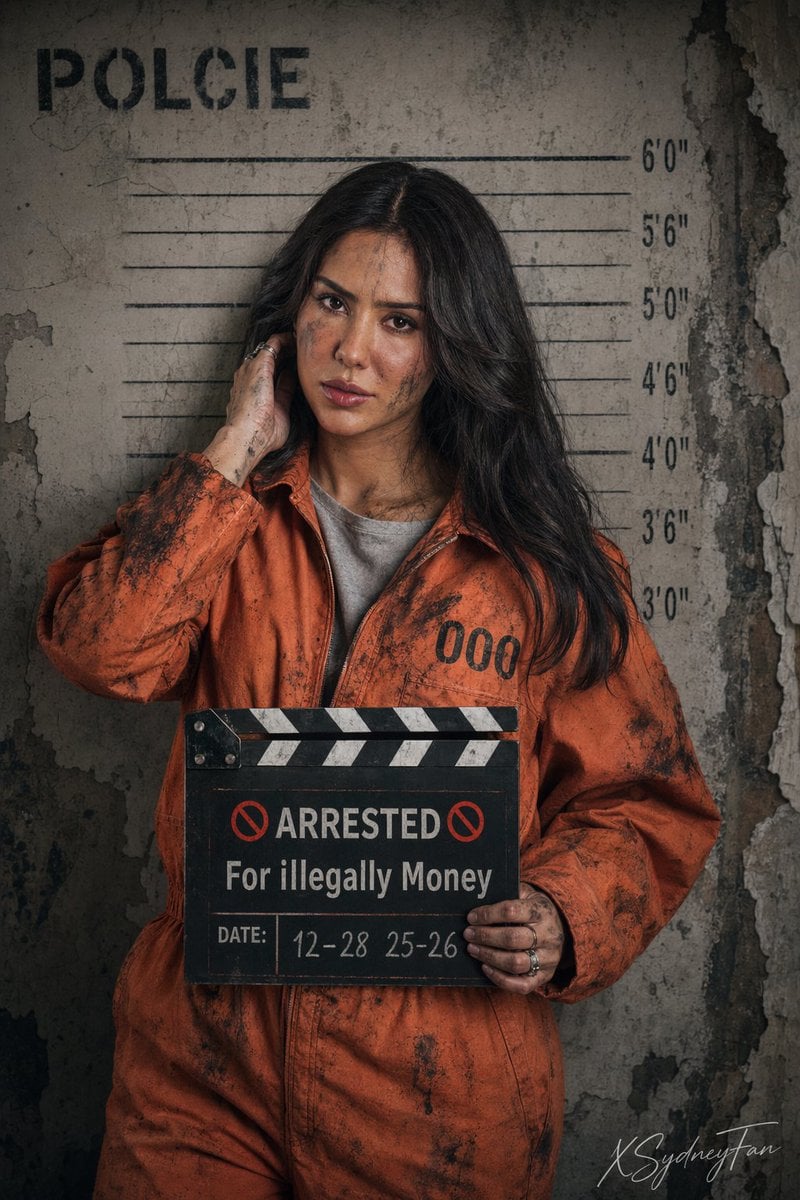
Gritty Prison Mugshot Portrait
Realistic Hollywood Studio Set Behind-the-Scenes
Browse template categories
Cyberpunk Android Creating Art questions
How do I use the Cyberpunk Android Creating Art template?
Add your photo if the template asks for one, edit the prompt if you like — the template's model and format are already selected — and press Generate. Your version opens in PicX Studio.
Can I customize the Cyberpunk Android Creating Art template?
Yes. You can change the subject, setting, lighting, mood, format, and available model controls before creating your image.
Is the Cyberpunk Android Creating Art template free?
Opening and editing this template is free. Generating uses credits, shown on the Generate button when you are signed in.
Which AI model should I use?
Start with GPT Image 2, which is the model associated with this template. You can compare another compatible model for a different finish.
Looking for something else? Browse all templates.

Your photo, any look
Thousands of ready templates for every top image and video model, from one credit balance.