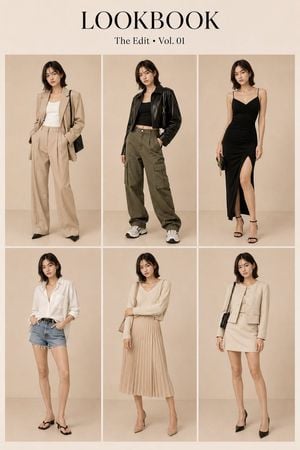
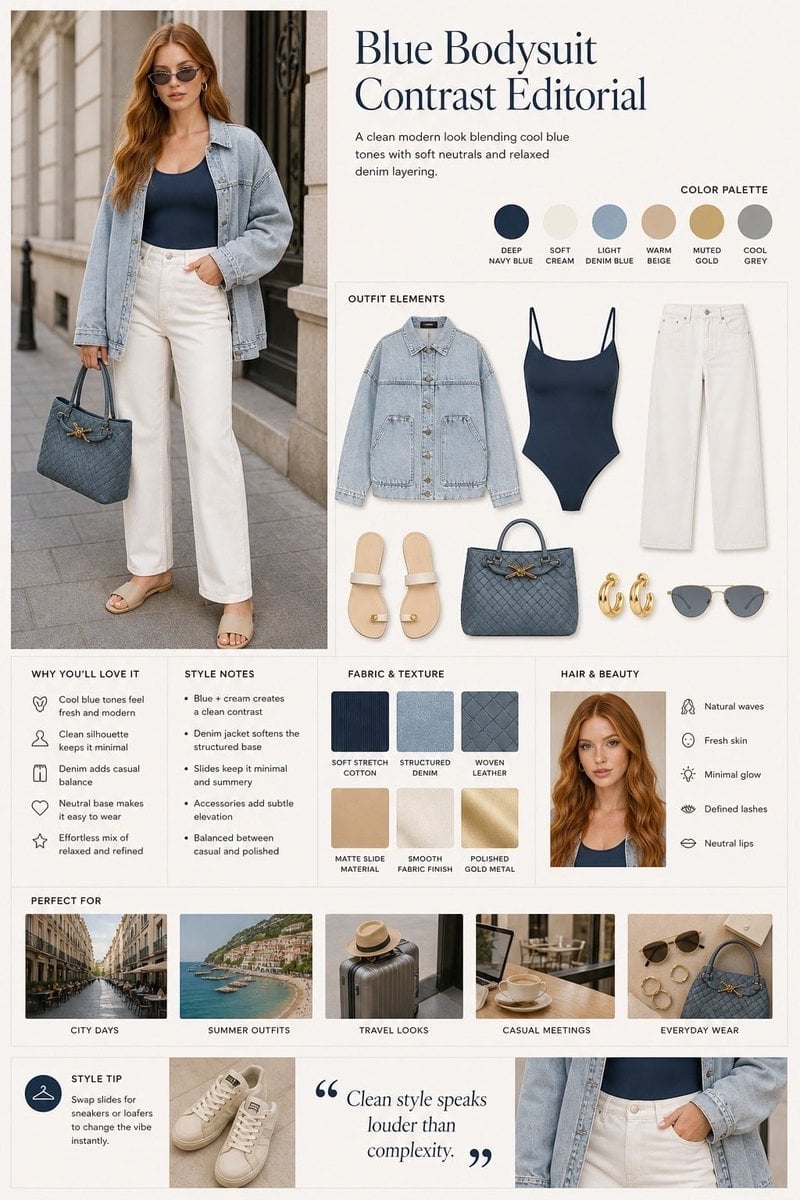
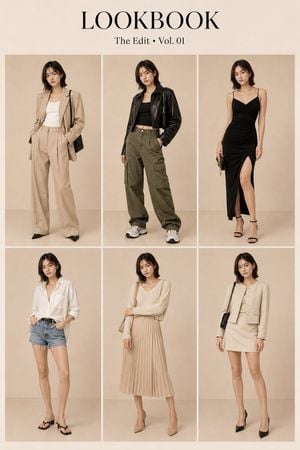
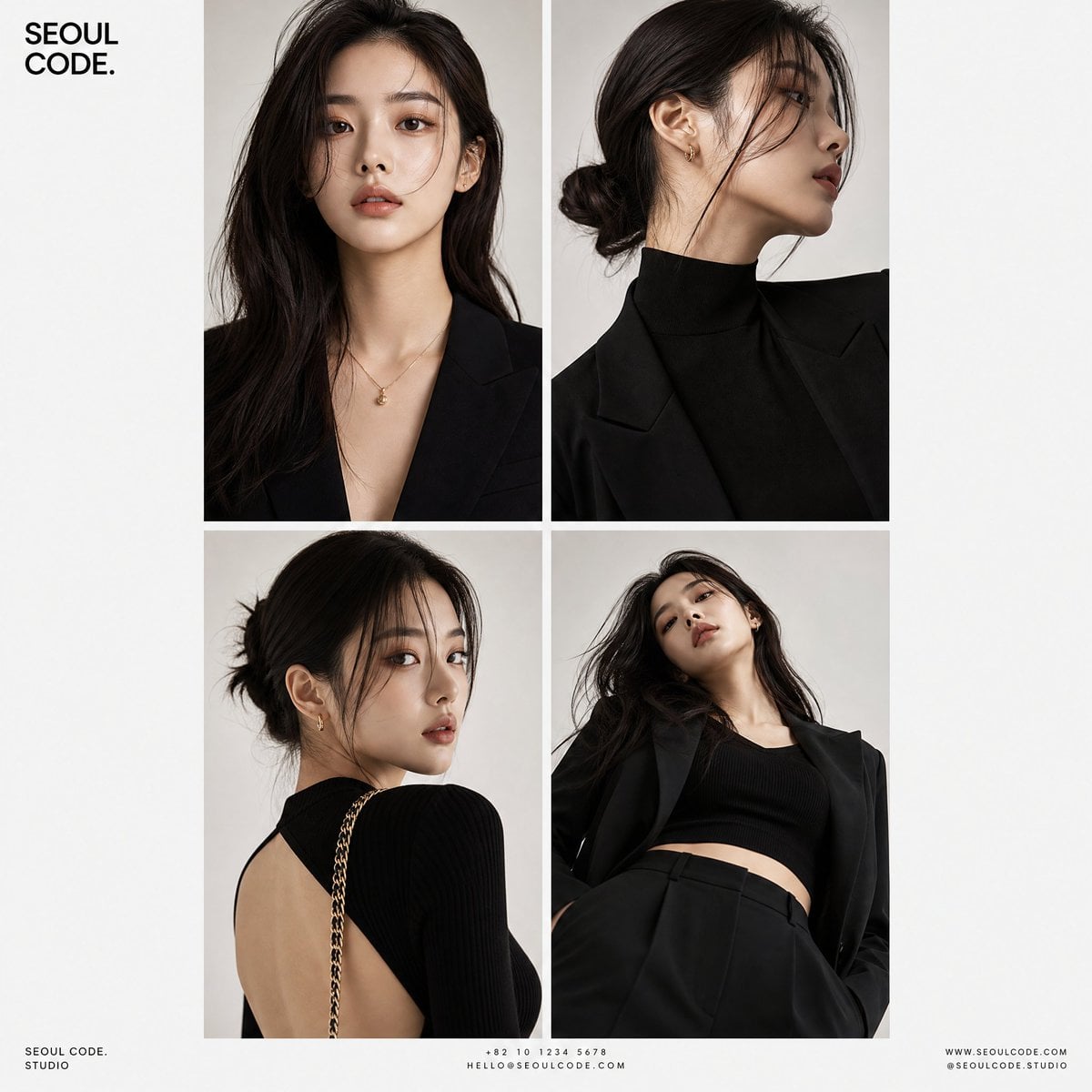
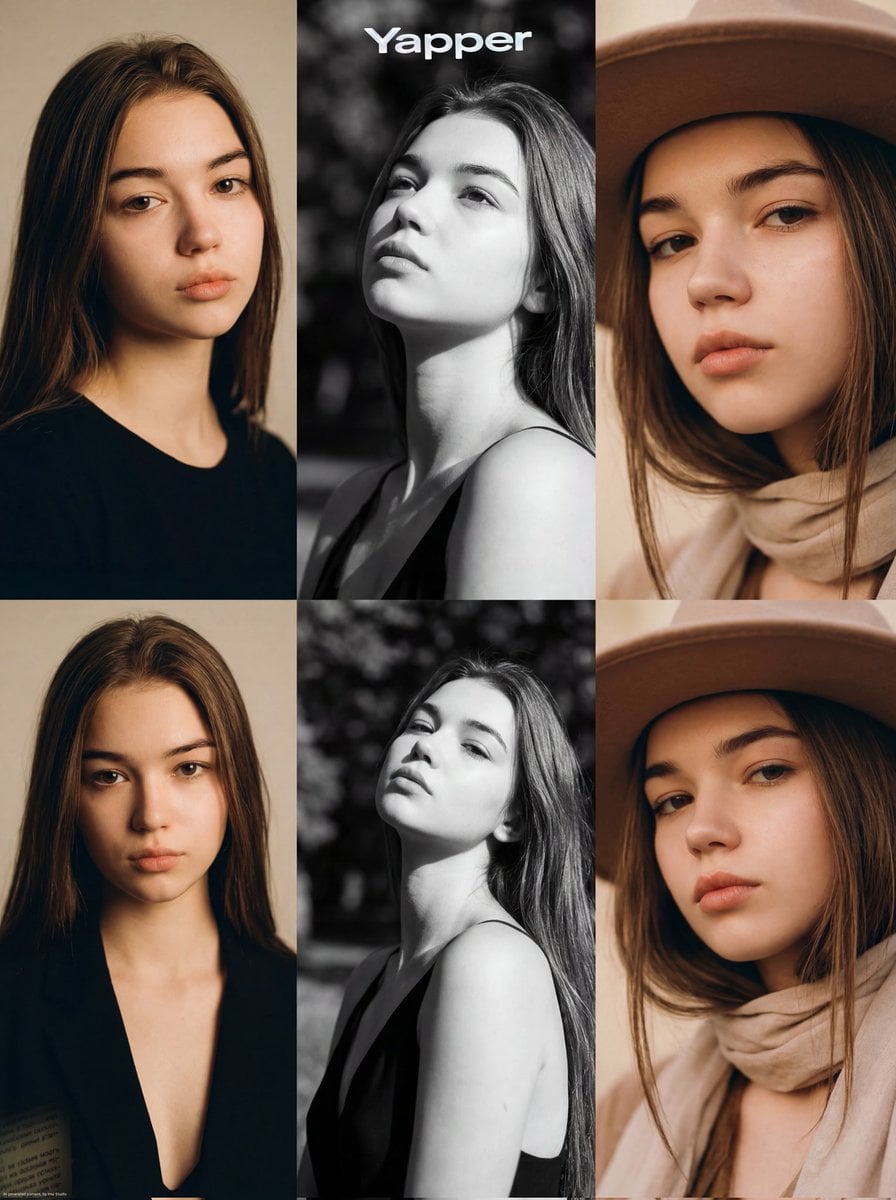
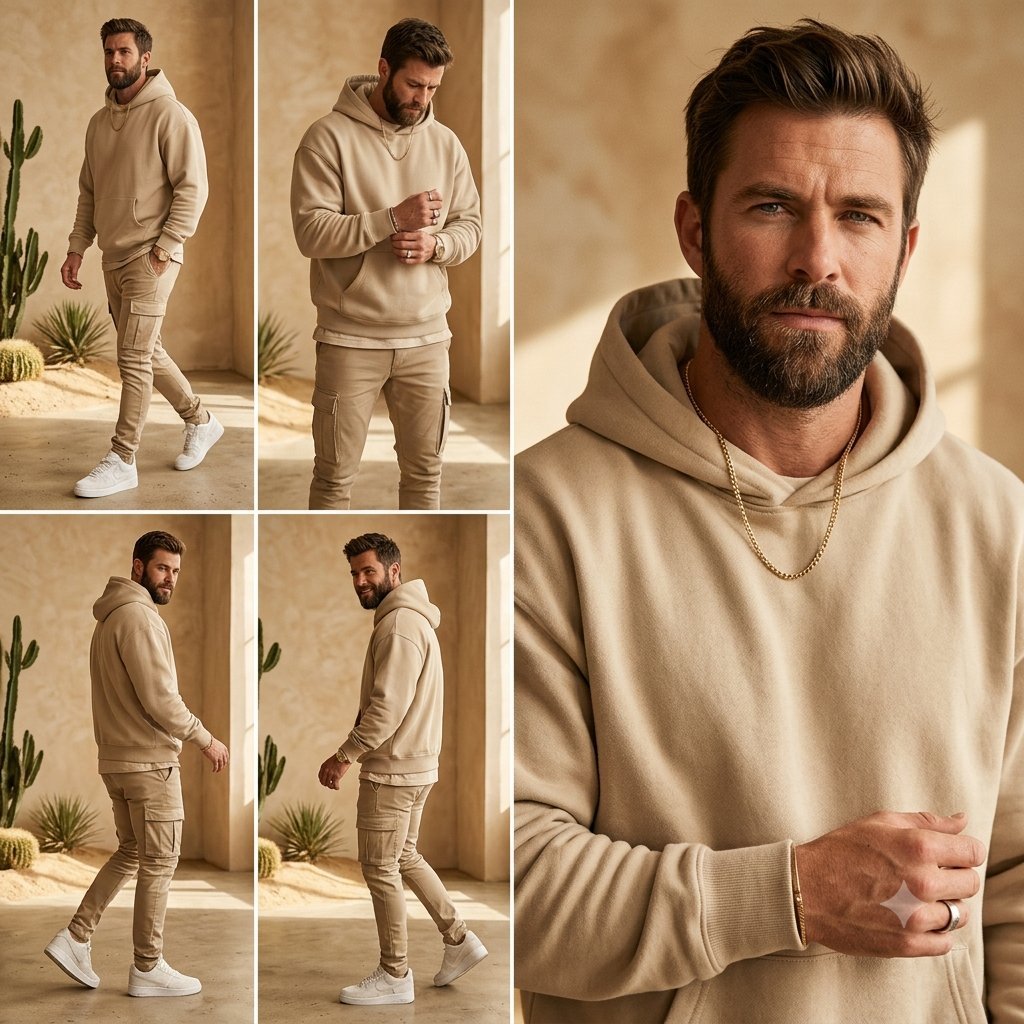
How do I use the Summer Menswear Lookbook Grid template?
Edit the prompt in the box under the preview — the template's model and format are already selected — and press Generate. Your version appears right on this page.
This prompt turns a single reference portrait into an 8-look men's fashion styling board with full-body outfit variations and handwritten item labels, useful for wardrobe visualization and editorial outfit planning.

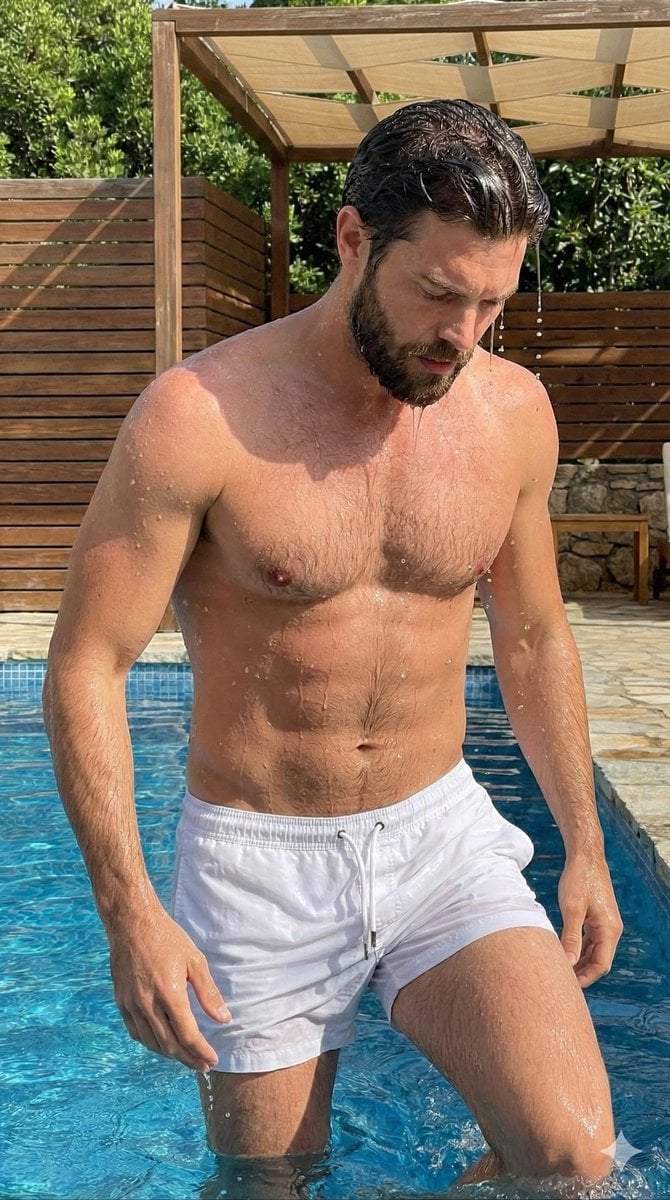
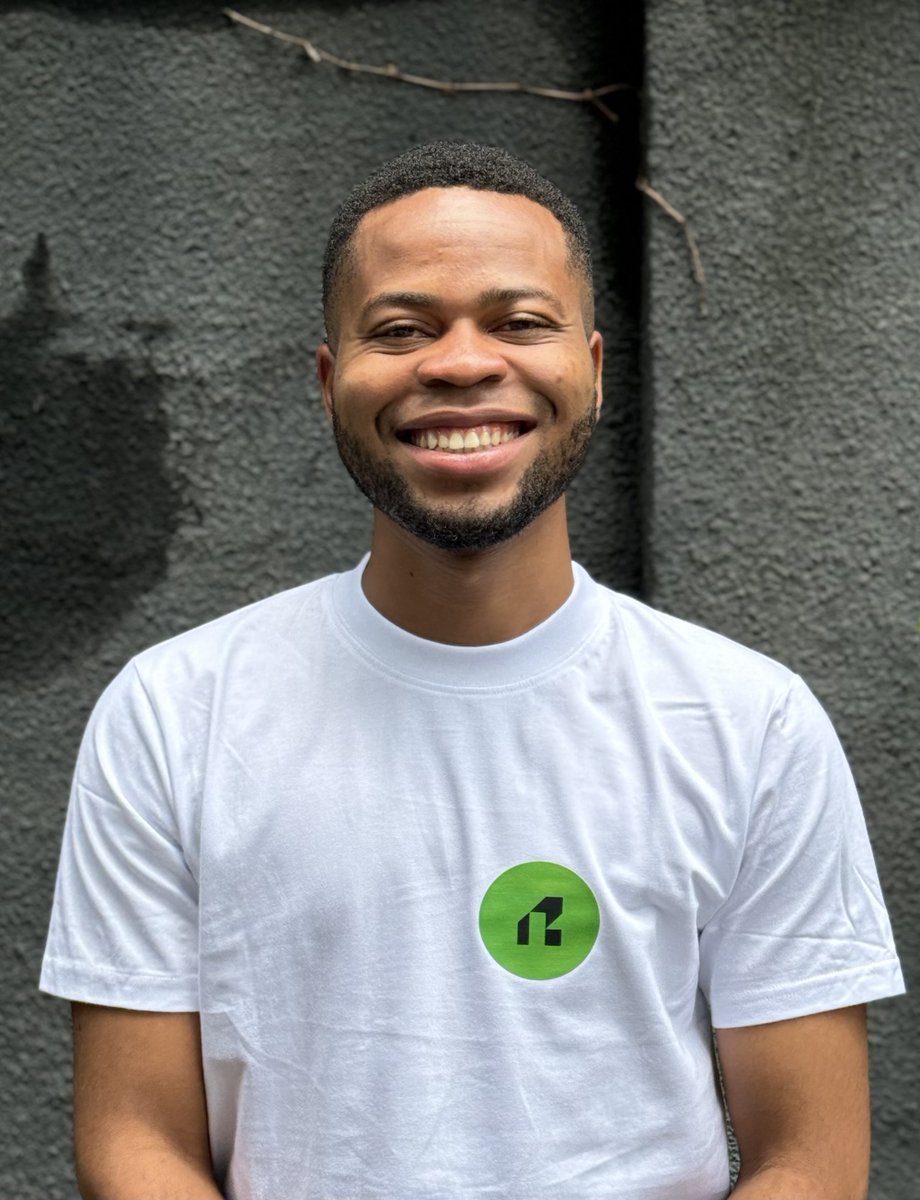
This template uses your photo — add one with the + button.
Using the provided reference image as the same person and body base, transform it into a clean men's summer fashion lookbook on a plain warm beige studio background. Keep the subject recognizable, with the face intentionally blurred in every look, and generate 8 full-body outfit variations arranged in a 4-by-2 editorial grid. Add handwritten stylist notes with arrows labeling the key clothing items for each outfit. Top row look 1: cream knit polo, navy tailored shorts, white leather sneakers. Top row look 2: sage green linen shirt, white linen shorts, brown leather sandals, sunglasses hanging from the shirt. Top row look 3: off-white ribbed tank, brown pleated trousers, white canvas sneakers, cream canvas tote bag over one shoulder. Top row look 4: light camp-collar floral shirt, light blue denim shorts, tan suede loafers. Bottom row look 5: white graphic tee with green "WELLNESS CLUB" text, dark green athletic shorts, white running sneakers, white crew socks, light baseball cap, canvas tote bag. Bottom row look 6: navy short-sleeve overshirt worn open over a white tank, beige relaxed chinos, dark brown boat shoes. Bottom row look 7: cream textured knit short-sleeve shirt, light wash jeans, tan wallabees, light cap. Bottom row look 8: black fitted tee, white linen drawstring trousers, black slide sandals, black crossbody bag. Make it look like a polished fashion styling guide with realistic proportions, soft even lighting, minimal shadows, and elegant handwritten annotations beside each person.
Using the provided reference image as the same person and body base, transform it into a clean men's summer fashion lookbook on a plain warm beige studio background. Keep the subject recognizable, with the face intentionally blurred in every look, and generate 8 full-body outfit variations arranged in a 4-by-2 editorial grid. Add handwritten stylist notes with arrows labeling the key clothing items for each outfit. Top row look 1: cream knit polo, navy tailored shorts, white leather sneakers. Top row look 2: sage green linen shirt, white linen shorts, brown leather sandals, sunglasses hanging from the shirt. Top row look 3: off-white ribbed tank, brown pleated trousers, white canvas sneakers, cream canvas tote bag over one shoulder. Top row look 4: light camp-collar floral shirt, light blue denim shorts, tan suede loafers. Bottom row look 5: white graphic tee with green "WELLNESS CLUB" text, dark green athletic shorts, white running sneakers, white crew socks, light baseball cap, canvas tote bag. Bottom row look 6: navy short-sleeve overshirt worn open over a white tank, beige relaxed chinos, dark brown boat shoes. Bottom row look 7: cream textured knit short-sleeve shirt, light wash jeans, tan wallabees, light cap. Bottom row look 8: black fitted tee, white linen drawstring trousers, black slide sandals, black crossbody bag. Make it look like a polished fashion styling guide with realistic proportions, soft even lighting, minimal shadows, and elegant handwritten annotations beside each person.
Summer Menswear Lookbook Grid needs input media to work. Open it in the studio and these load alongside the prompt — pick whichever ones your chosen model can take.
Edit the prompt in the box under the preview — the template's model and format are already selected — and press Generate. Your version appears right on this page.
Yes. You can change the subject, setting, lighting, mood, format, and available model controls before creating your image.
Opening and editing this template is free. Generating uses credits, shown on the Generate button when you are signed in.
Start with GPT Image 2, which is the model associated with this template. You can compare another compatible model for a different finish.
Follow a topic to a crawlable collection of related PicX Studio templates.