
Panel Hairstyle Lookbook Grid
A comprehensive prompt for creating a 12-panel hairstyle lookbook grid, ensuring the subject's facial identity remains consistent across various hair styles.
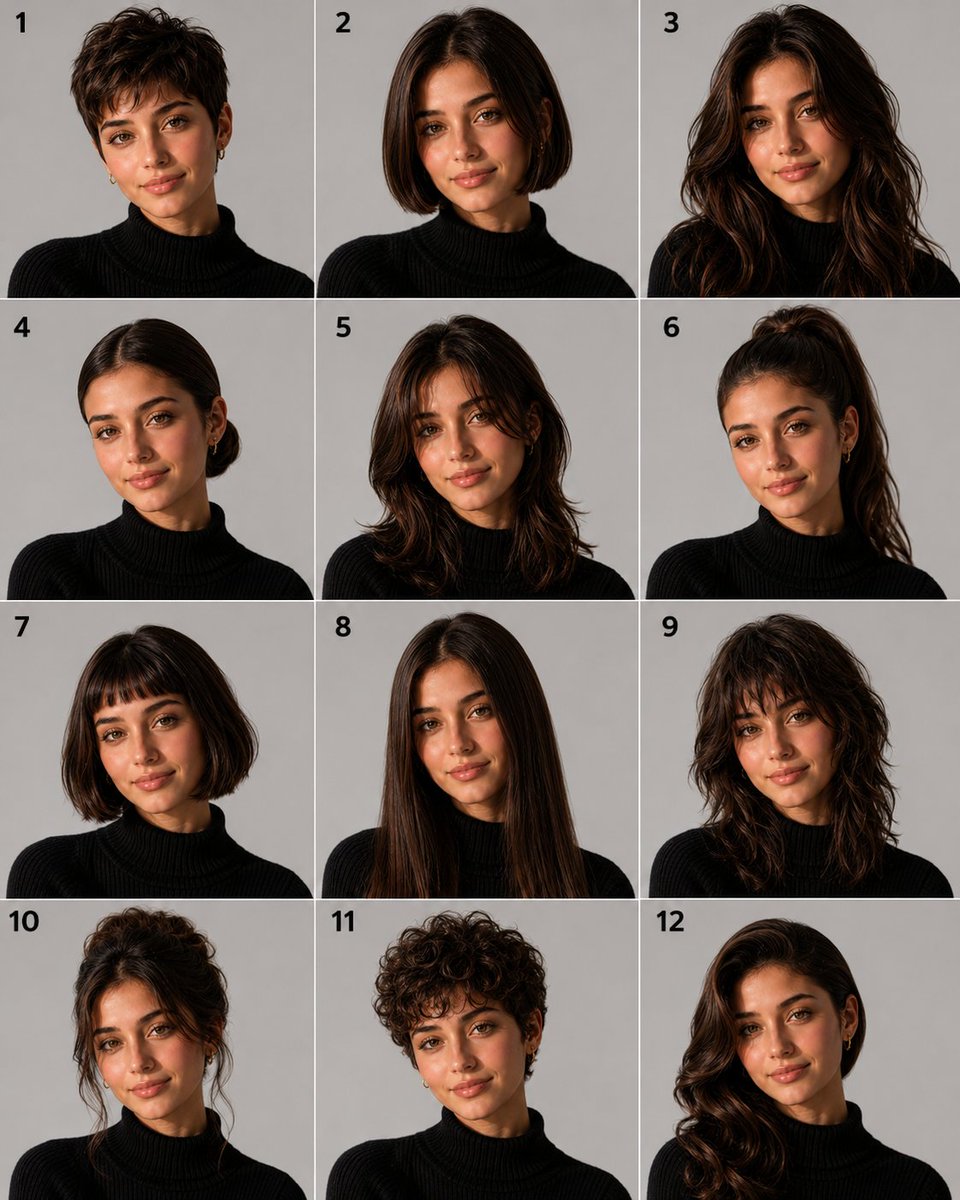
- Prompt included
- Model and format preset
- Free template
The prompt behind this image
Copy the exact prompt behind Panel Hairstyle Lookbook Grid, or open it in the studio and make it yours.
Create a 12-panel grid (3 columns × 4 rows, numbered 1 to 12) showing the SAME person from the reference photo with 12 different hairstyles. This is a hairstyle lookbook. Final image aspect ratio: 4:5 (vertical/portrait).\nTHE ONLY THING THAT CHANGES BETWEEN PANELS IS THE HAIR ON THE HEAD (shape, style and length only). Everything else stays exactly as in the reference photo.\nIdentity Anchor (Critical)\nThe face must be IDENTICAL to the reference photo in every single panel. Preserve exactly: facial bone structure, jawline, cheekbones, nose shape, lips, eye shape and spacing, eyebrows, skin tone, skin texture (pores, natural imperfections), and overall facial proportions. This is the same real person in all 12 frames. Do NOT beautify, slim, or alter the face. Same age, same expression as in the reference.\nMandatory Rules (Do Not Violate)\n- NO SUNGLASSES. Eyes must be fully visible in all 12 panels.\n- NO ENVIRONMENTAL BACKGROUNDS. Every panel must have a plain, uniform, {argument name="background style" default="solid light grey studio backdrop"} with zero objects, zero textures, zero gradients. Just flat neutral grey.\n- Hair COLOR stays exactly as it appears in the reference photo in all 12 panels. Only the shape, length and style changes, never the color.\nKeep Identical in Every Panel (Do Not Change)\n- MAKEUP AND SKIN: If the person in the reference photo wears makeup, replicate it identically in every panel. Same lip color, same eye makeup, same brow grooming. If they wear no makeup, keep all panels makeup-free. Do NOT add, remove, or alter makeup between panels.\n- Clothing: the same clothing visible in the reference photo, replicated exactly.\n- Accessories: preserve ALL visible accessories from the reference photo (earrings, necklaces, rings, bracelets, piercings, watch, glasses, etc.). Do not omit, resize, recolor, or restyle any accessory. If the person wears prescription glasses (not sunglasses), keep them in every panel.\n- Background: plain solid light grey studio backdrop in every panel. No room, no furniture, no environment.\nThe 12 Hairstyles\n1. Pixie cut: very short, textured, slightly tousled on top with tapered sides and nape\n2. Classic bob: chin-length, straight, blunt ends, clean middle part\n3. Long layered waves: past the shoulders, soft voluminous waves with face-framing layers\n4. Sleek low bun: hair pulled back smoothly into a tight low bun at the nape, no flyaways\n5. Curtain bangs with medium-length hair: soft parted fringe framing the face, hair falling just past the shoulders\n6. High ponytail: hair pulled up into a sleek high ponytail, smooth crown, length falling behind\n7. French bob: short bob ending at the jawline with a soft blunt micro-fringe across the forehead\n8. Long straight hair with middle part: very long, sleek, pin-straight, falling well past the shoulders\n9. Shaggy wolf cut: medium length, heavy layers, choppy fringe, textured and voluminous with a slightly wild look\n10. Elegant updo: hair swept up into a polished chignon with
How to use Panel Hairstyle Lookbook Grid in 3 steps
- 1Upload ImagePNG, JPG or paste
Add your photo
Upload the photo the template builds on. The prompt, model and format are already set.
- 2…a portrait of your subject in softgolden-hour light, 85mm…
Personalize
Edit the subject and creative details for your destination.
- 3Generate
Generate
Press Generate — your image is created in PicX Studio, so you can compare it with the original and refine one variable at a time.
More like this
Templates with the same subject, style or setup. Open one to see its prompt.

Pixar 6-Panel Streethero Expression Grid

Headphones Lifestyle Nine Panel Grid
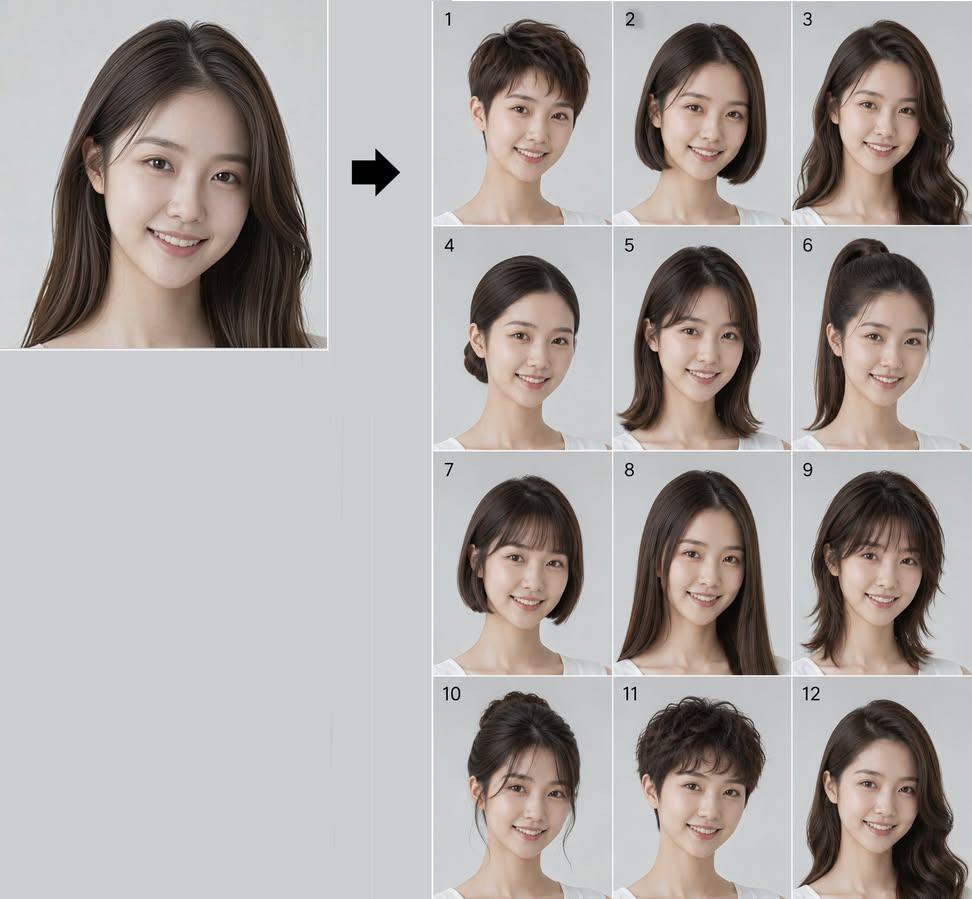
Consistent Identity Hairstyle Lookbook
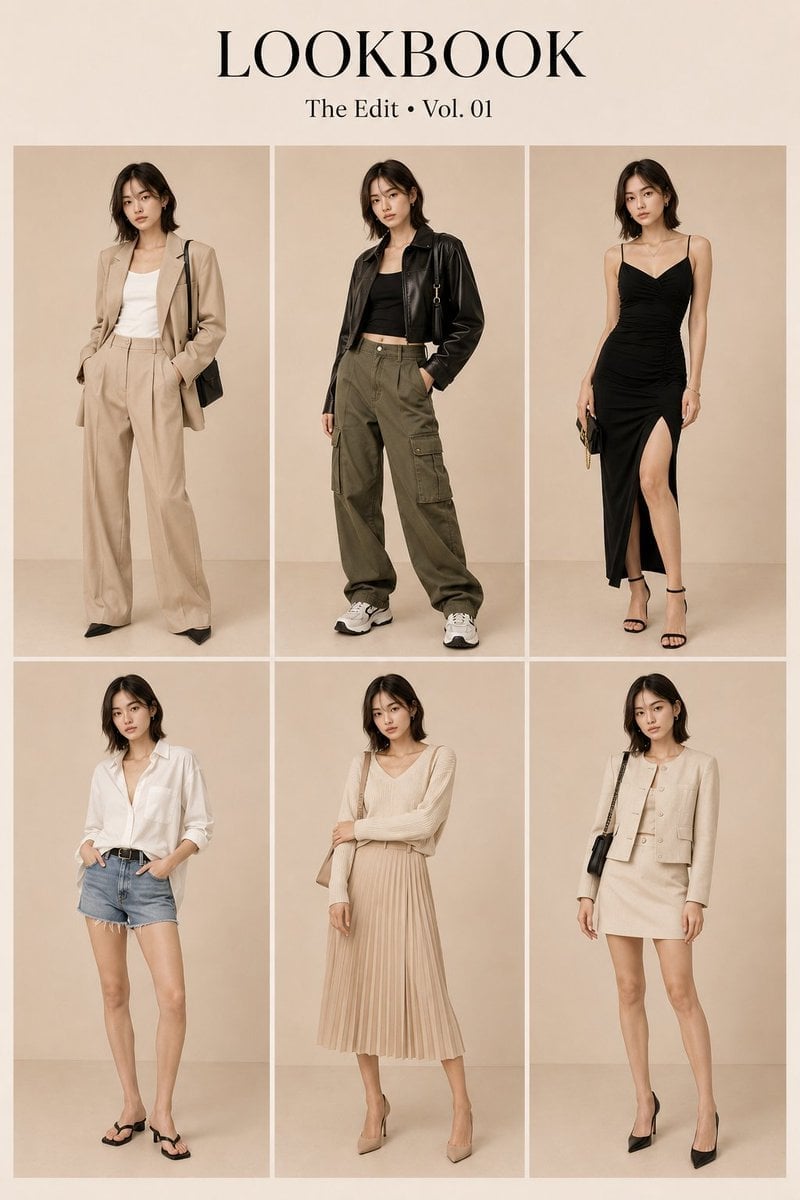
Korean Luxury Fashion Lookbook Grid
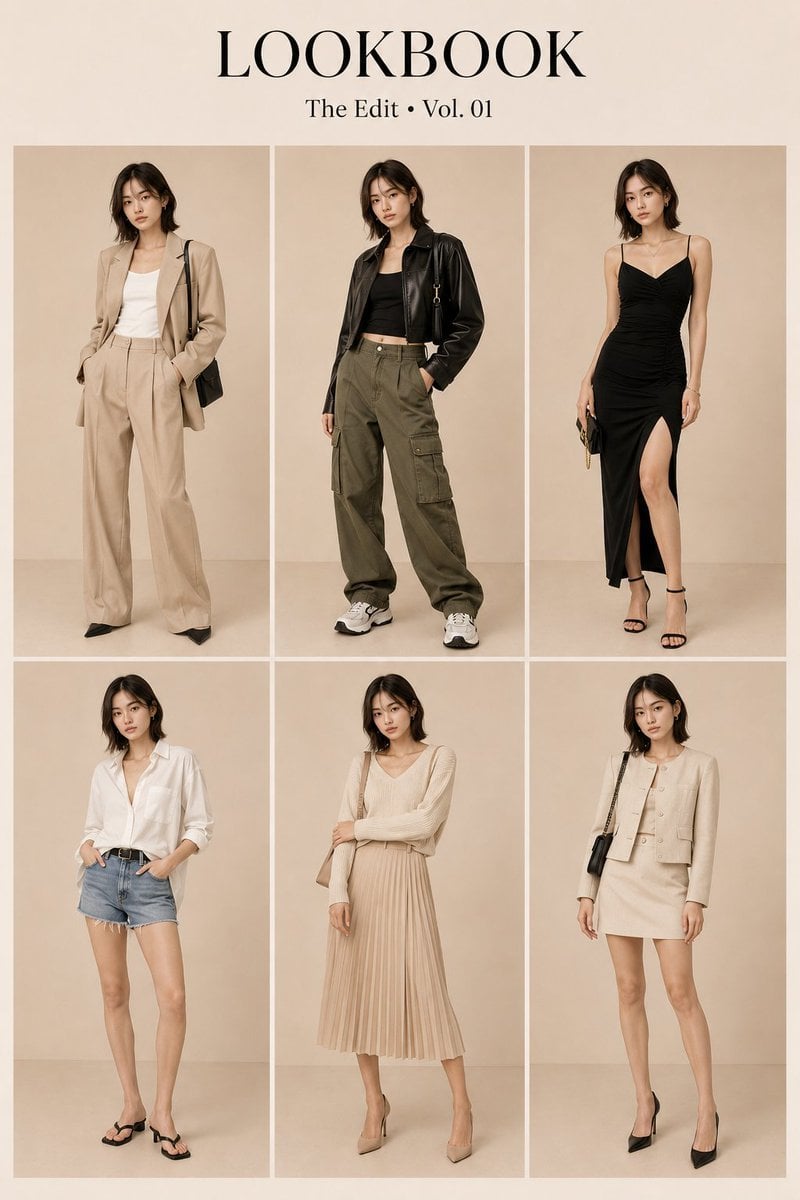
Korean Fashion Lookbook Grid Prompt

Korean Luxury Fashion Editorial 2x2 Grid Series

Minimalist Fashion Editorial Split Layout

Ultra-Realistic Vogue-Style Editorial Fashion Grid
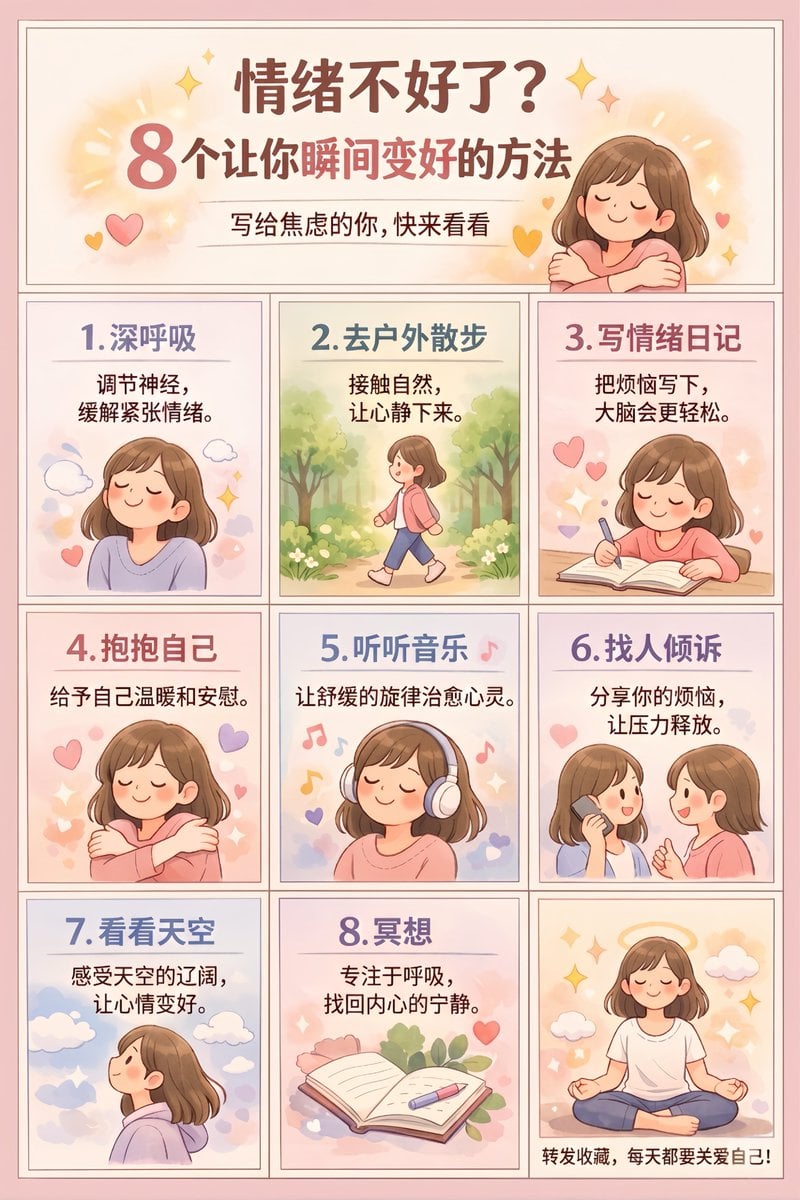
Panel Self-Care Infographic Grid
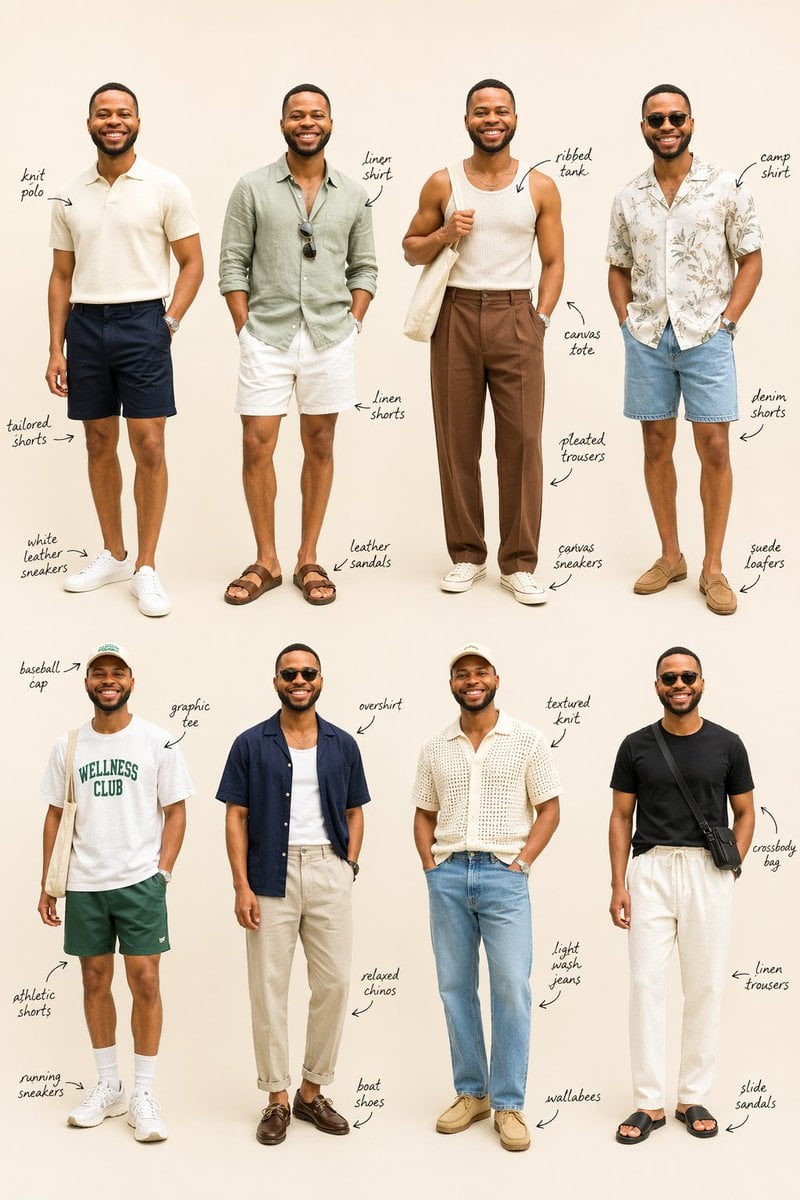
Summer Menswear Lookbook Grid
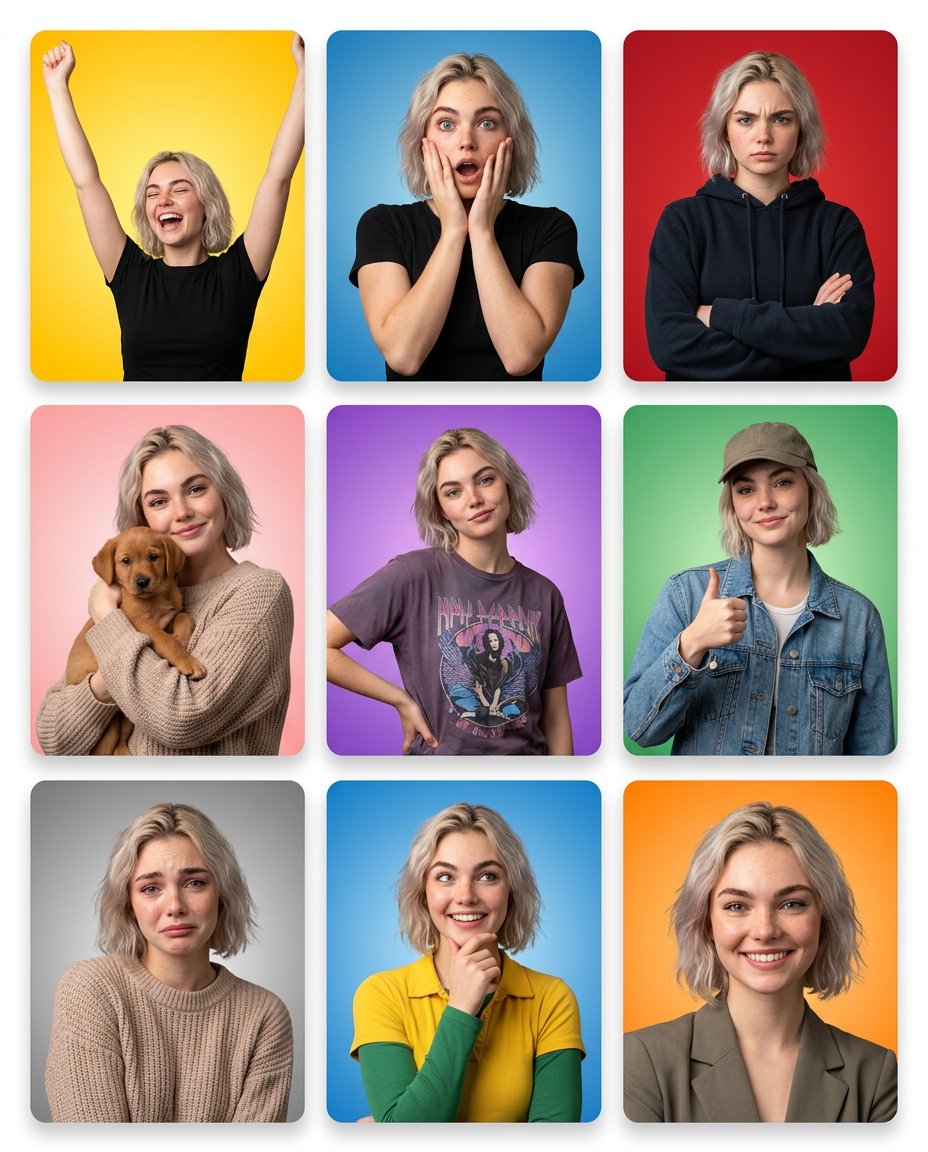
Multi-Panel Emotional State Grid
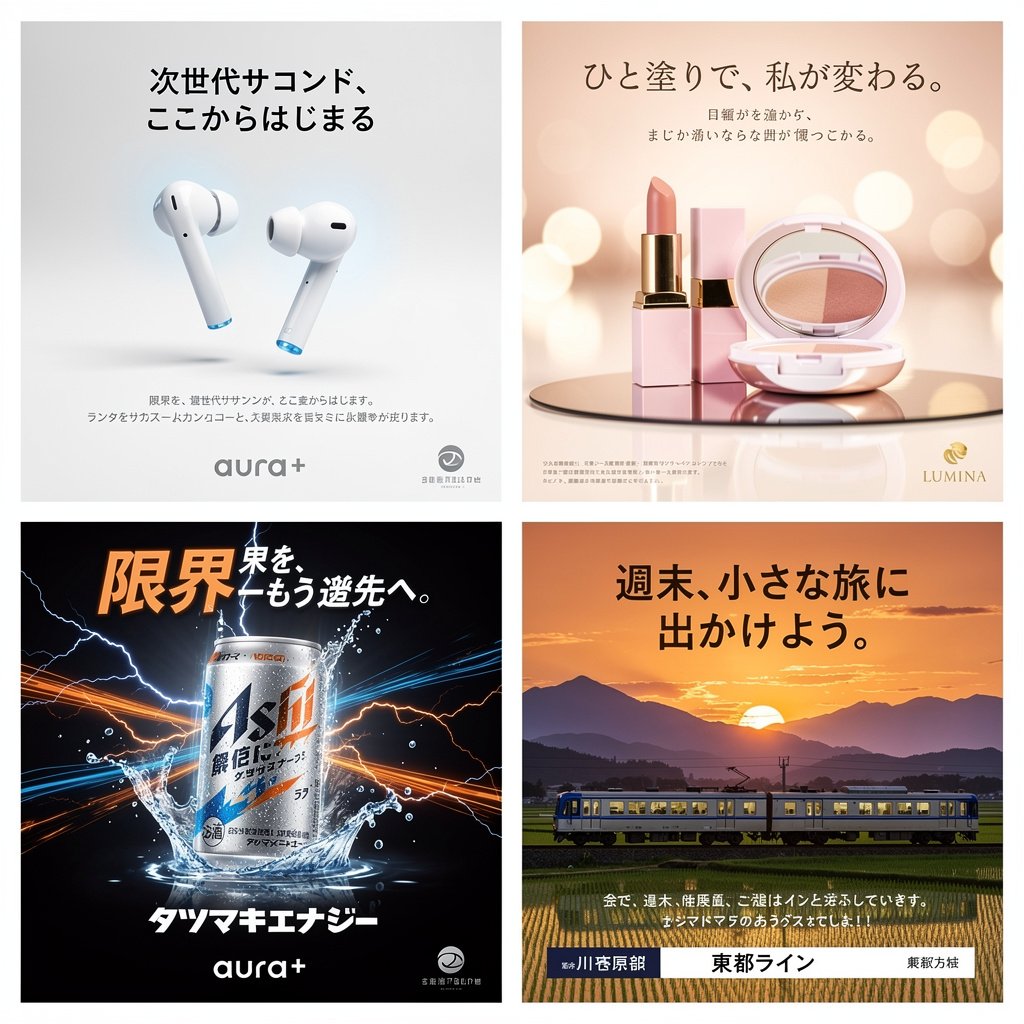
Panel Japanese Advertising Concept Grid
Make it yours
Panel Hairstyle Lookbook Grid works as-is. These are the safest ways to change it without losing the look.
Change one field
Copy a single group, rewrite it, and generate again so you can see what that field is doing.
Keep the frame, change the subject
Hold the composition and light of 12-Panel Hairstyle Lookbook Grid, then swap wardrobe, props or the person for a new take.
| If the result… | Why | Fix |
|---|---|---|
| The result drifts from the preview | Too many fields changed at once. | Reuse 12-Panel Hairstyle Lookbook Grid as-is first, then change one group — subject, light, or setting. |
| The model over-stylizes the scene | The prose prompt leaves finish and camera underspecified. | Add one camera or lighting sentence and stay on GPT Image 2. |
More GPT Image 2 templates
Other prompts made for GPT Image 2.

Six VTuber Japanese Logo Sheet

Realistic Portrait of Woman and Deer

The Vista Modular Condo Poster

AI Model Routing Comparison Infographic

2.5D Anime Art Board

Isometric Productivity Desk Scene

New York Double Exposure Poster

Four-Panel AI Landscape Comparison

Japanese Tatami Lifestyle Magazine Cover

NESCAFÉ Coffee Map Poster
More image prompts
Fresh picks from across the catalog.
Neon Arena Concert Ad Poster

Cinematic Winter Scene of Judy Hopps Prompt
HaHaa Gundam blueprint concept

Shear and moment diagram for a loaded beam
Rainy Cat-Ear Girl with Kitten
Sad Child by Rainy Window
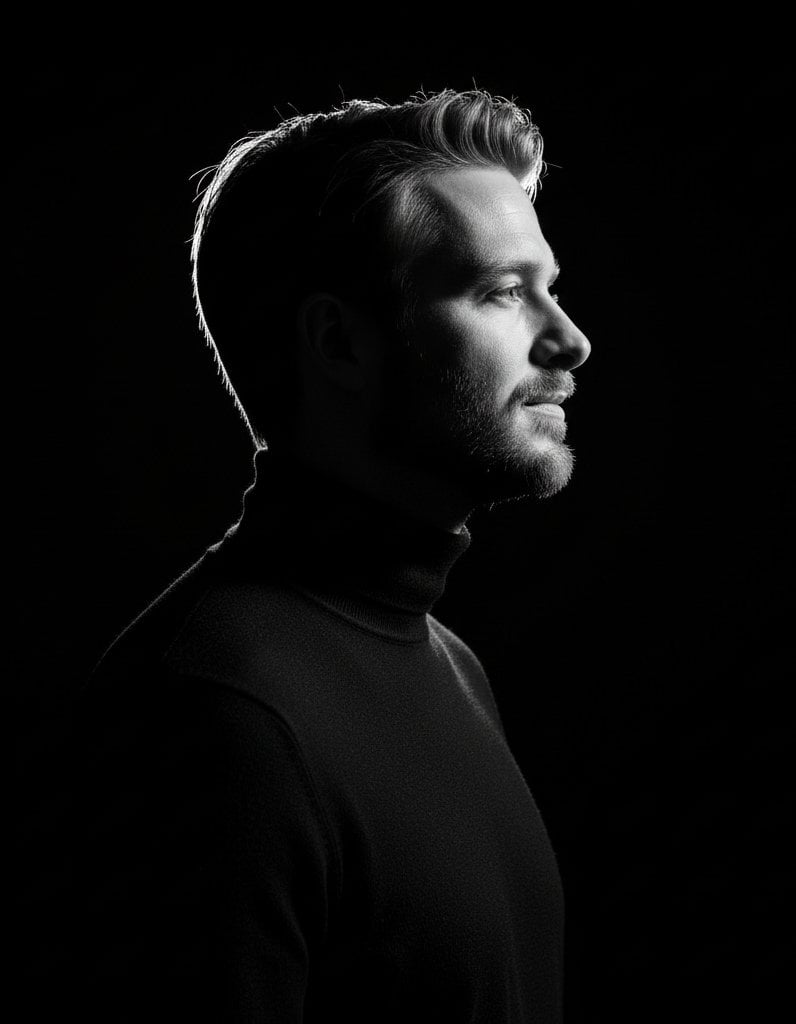
High-contrast rim-lit black and white conceptual side-profile portrait
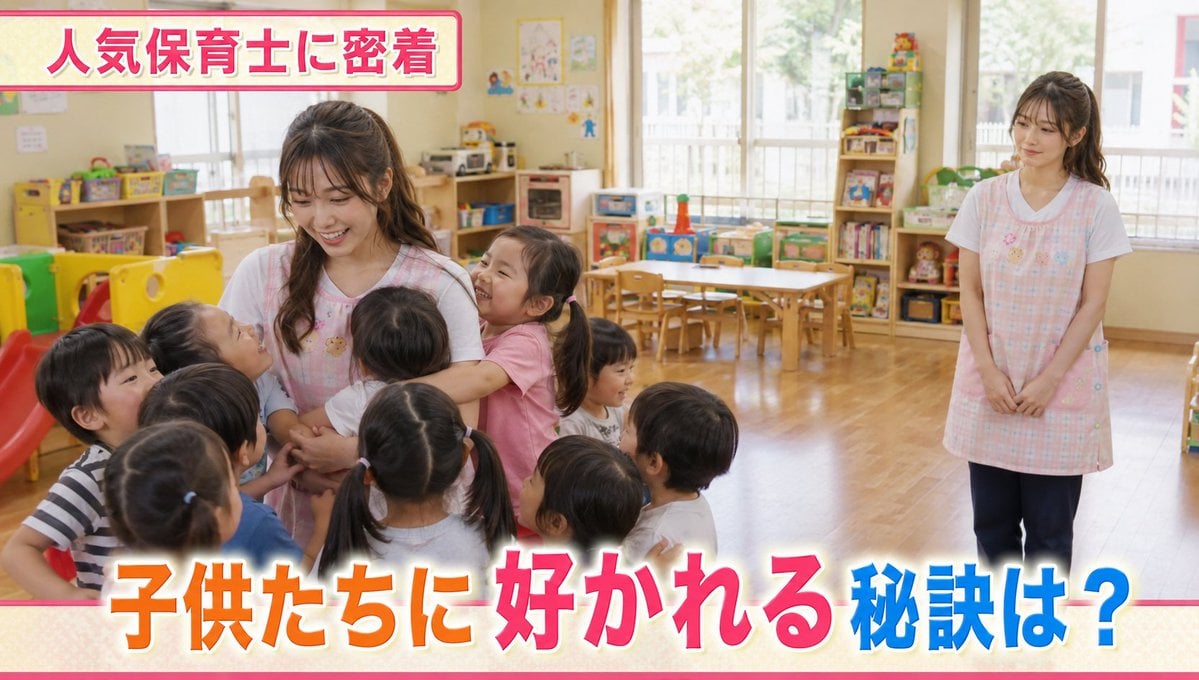
Contrast in Popularity Twin Teachers
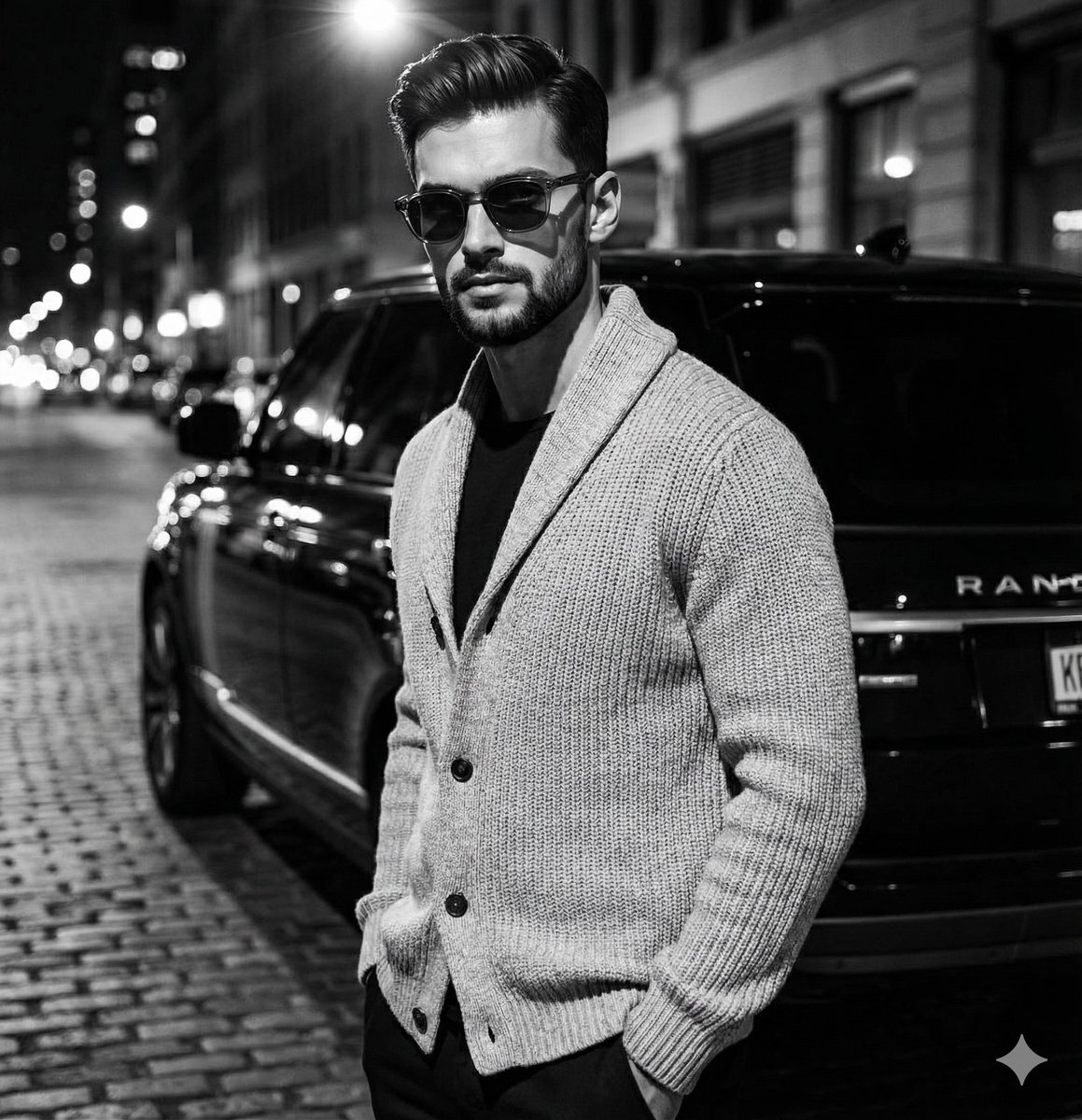
High-Contrast Black and White Fashion Editorial
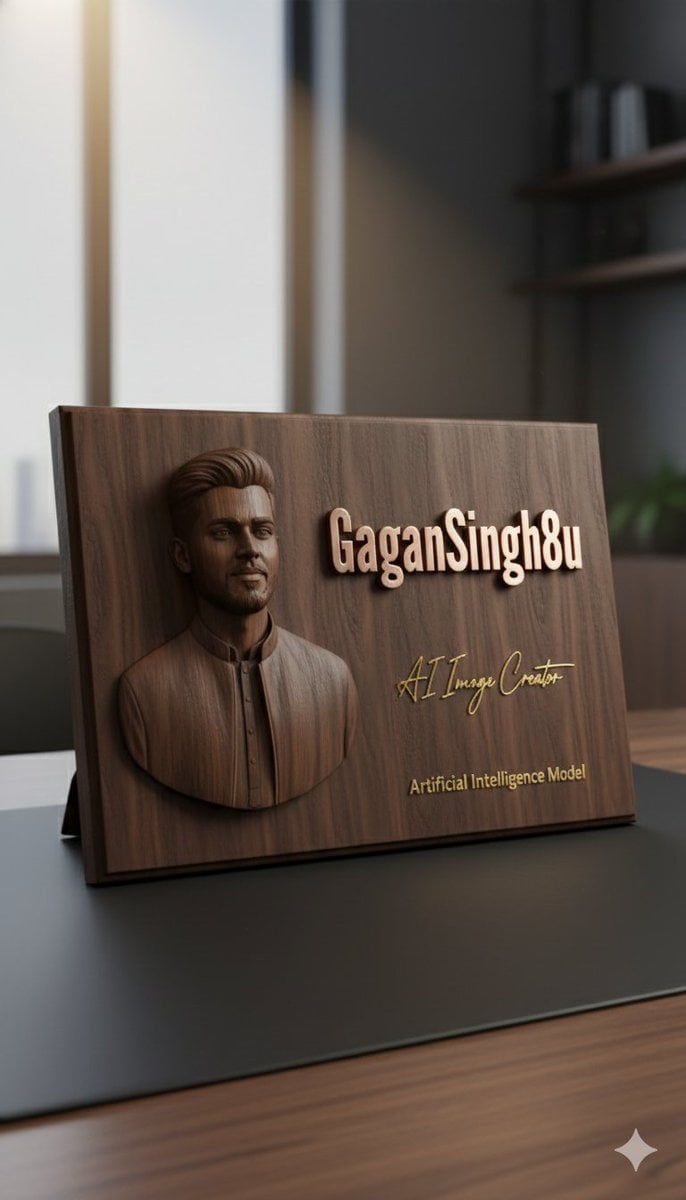
3D Embossed Executive Plaque Mockup from Reference Image
Browse template categories
Panel Hairstyle Lookbook Grid questions
How do I use the 12-Panel Hairstyle Lookbook Grid template?
Add your photo if the template asks for one, edit the prompt if you like — the template's model and format are already selected — and press Generate. Your version opens in PicX Studio.
Can I customize the 12-Panel Hairstyle Lookbook Grid template?
Yes. You can change the subject, setting, lighting, mood, format, and available model controls before creating your image.
Is the 12-Panel Hairstyle Lookbook Grid template free?
Opening and editing this template is free. Generating uses credits, shown on the Generate button when you are signed in.
Which AI model should I use?
Start with GPT Image 2, which is the model associated with this template. You can compare another compatible model for a different finish.
Looking for something else? Browse all templates.

Your photo, any look
Thousands of ready templates for every top image and video model, from one credit balance.