
Neo-Noir Character Exploration Sheet
A sophisticated prompt for creating character concept sheets for neo-noir thriller films, including close-ups and material studies.
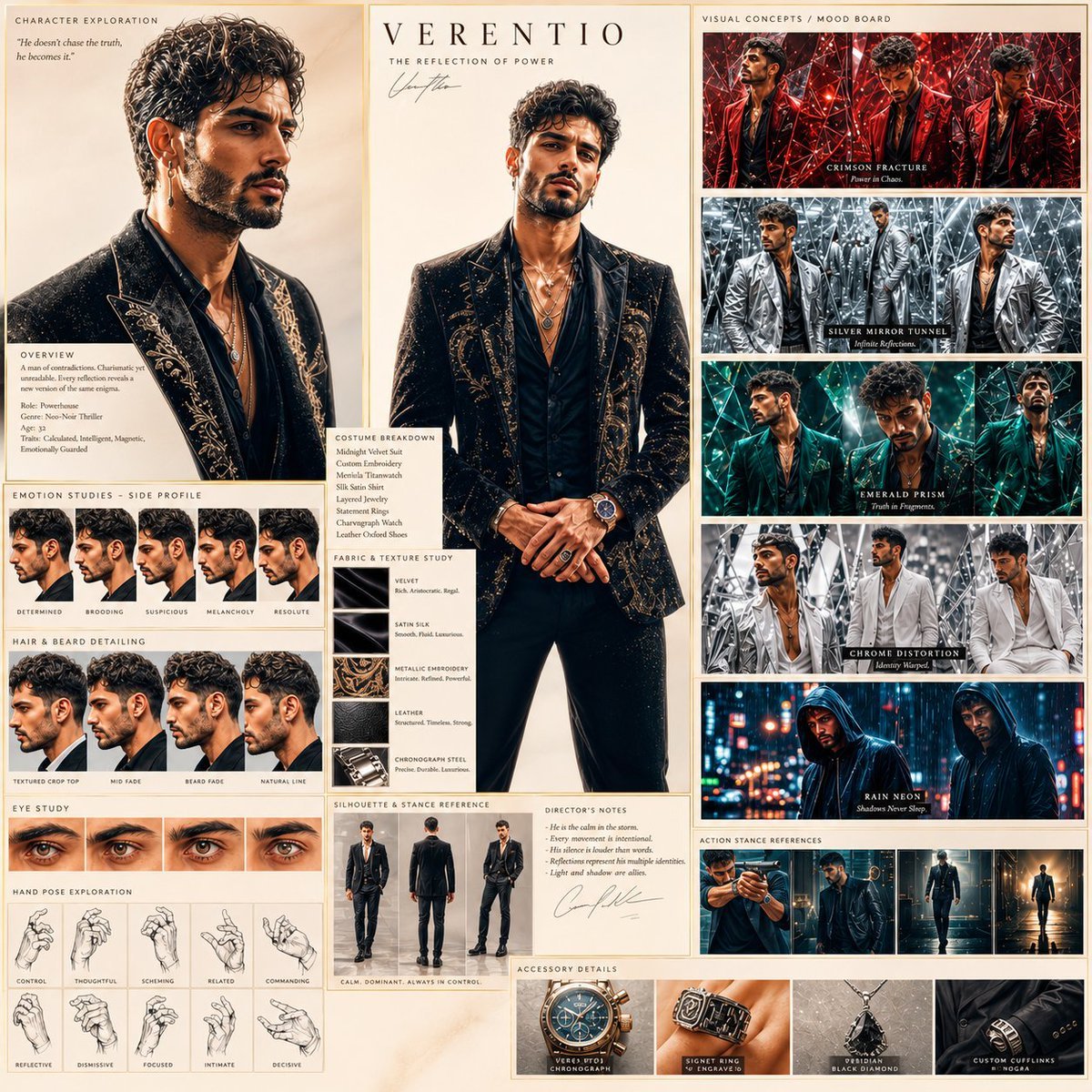
- Prompt included
- Model and format preset
- Free template
The prompt behind this image
Copy the exact prompt behind Neo-Noir Character Exploration Sheet, or open it in the studio and make it yours.
Create a cinematic character exploration sheet for a premium neo-noir thriller film. A charismatic young male protagonist with a {argument name="physical features" default="sculpted jawline, sharp cheekbones, textured beard fade, intense eyes, and calm dominant body language"}. He wears a custom midnight-black velvet suit with metallic detailing, layered jewelry, luxury rings, and an expensive chronograph watch. Include cinematic close-up portraits, side-profile emotion studies, action stance references, beard and hairstyle detailing, luxury fabric texture studies, hand pose sketches, and director-style annotation notes. Mood: {argument name="mood" default="moody noir lighting, glowing reflections, soft smoke atmosphere, deep shadows, cinematic bokeh, glossy luxury editorial look"}. Visual concepts: Crimson suit male reflected through shattered crystal panels, Silver trench coat male inside mirrored tunnel reflections, Emerald fashion suit male fractured through floating prism glass, White monochrome outfit male in distorted chrome geometry, Dark hoodie male under rain-lit neon reflections. High-fashion cinematic concept art, {argument name="visual style" default="futuristic gallery installation aesthetic, luxury fashion campaign energy, surreal mirrored environment"}.
How to use Neo-Noir Character Exploration Sheet in 3 steps
- 1
Open
The prompt is already in the box next to the preview, with the template's model and format selected.
- 2…a portrait of your subject in softgolden-hour light, 85mm…
Personalize
Edit the subject and creative details for your destination.
- 3Generate
Generate
Press Generate — your image is created in PicX Studio, so you can compare it with the original and refine one variable at a time.
More like this
Templates with the same subject, style or setup. Open one to see its prompt.
Neo-Noir Typographic Avatar Poster

Minecraft Japanese Research Lab Exploration
Neo-Noir Futuristic Cityscape
Neo-Noir Japanese Fashion Collage
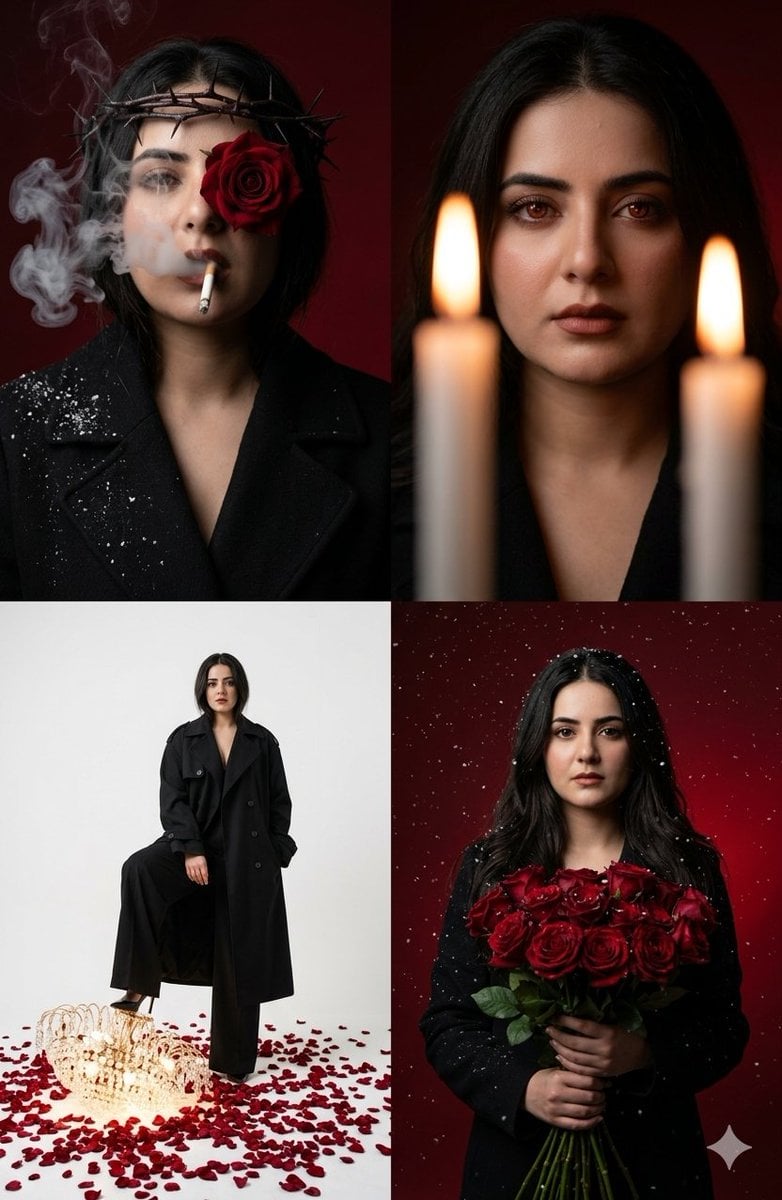
Neo-Noir Editorial Collage
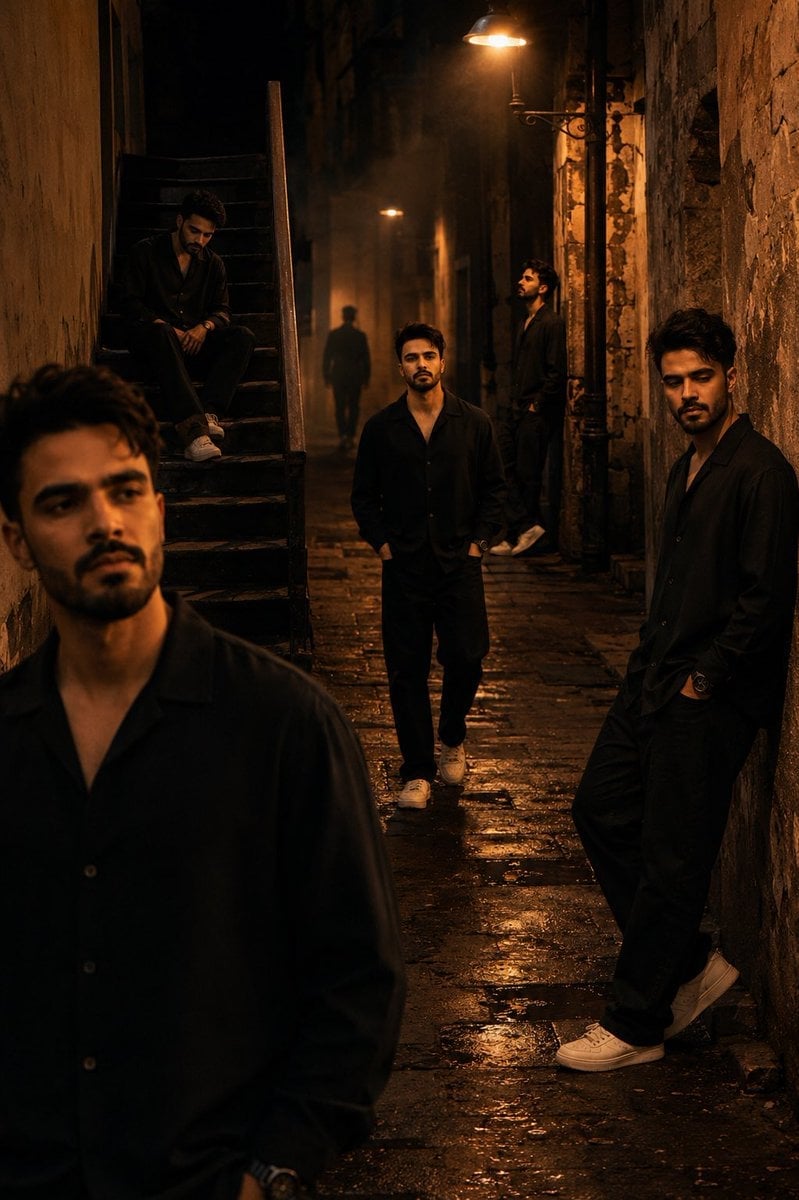
Cinematic Neo-Noir Image Transformation
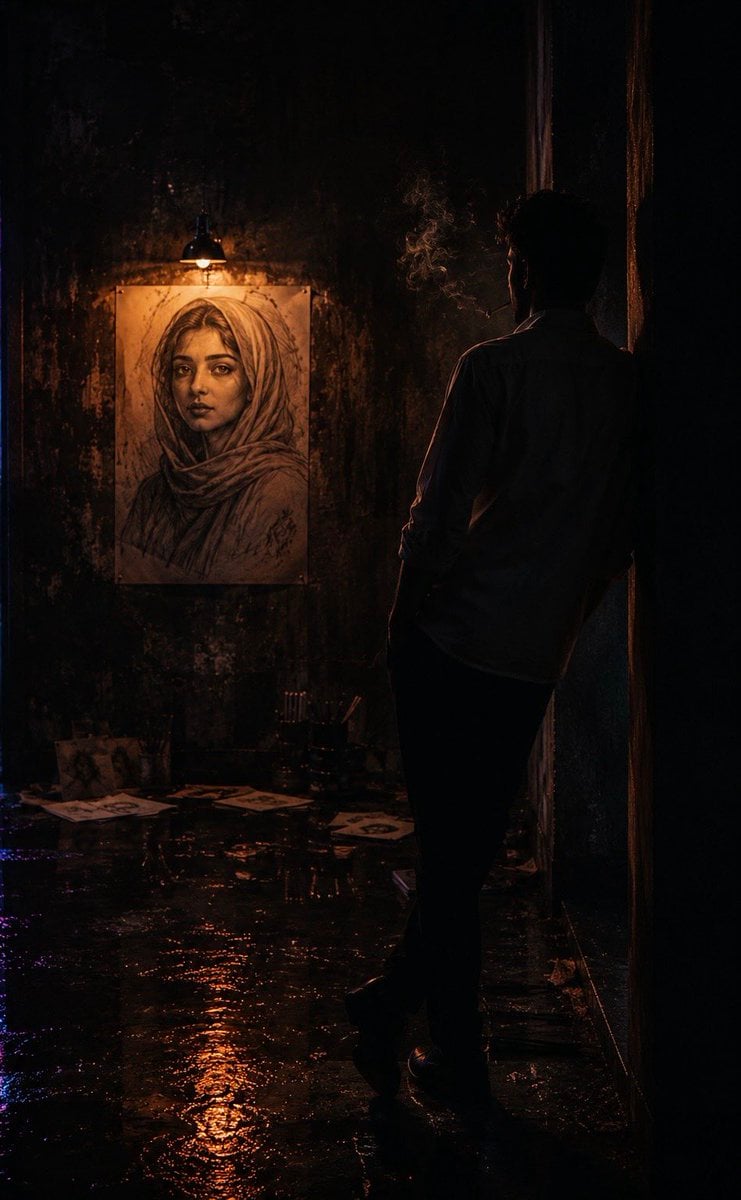
Cinematic Neo-Noir Identity Reference
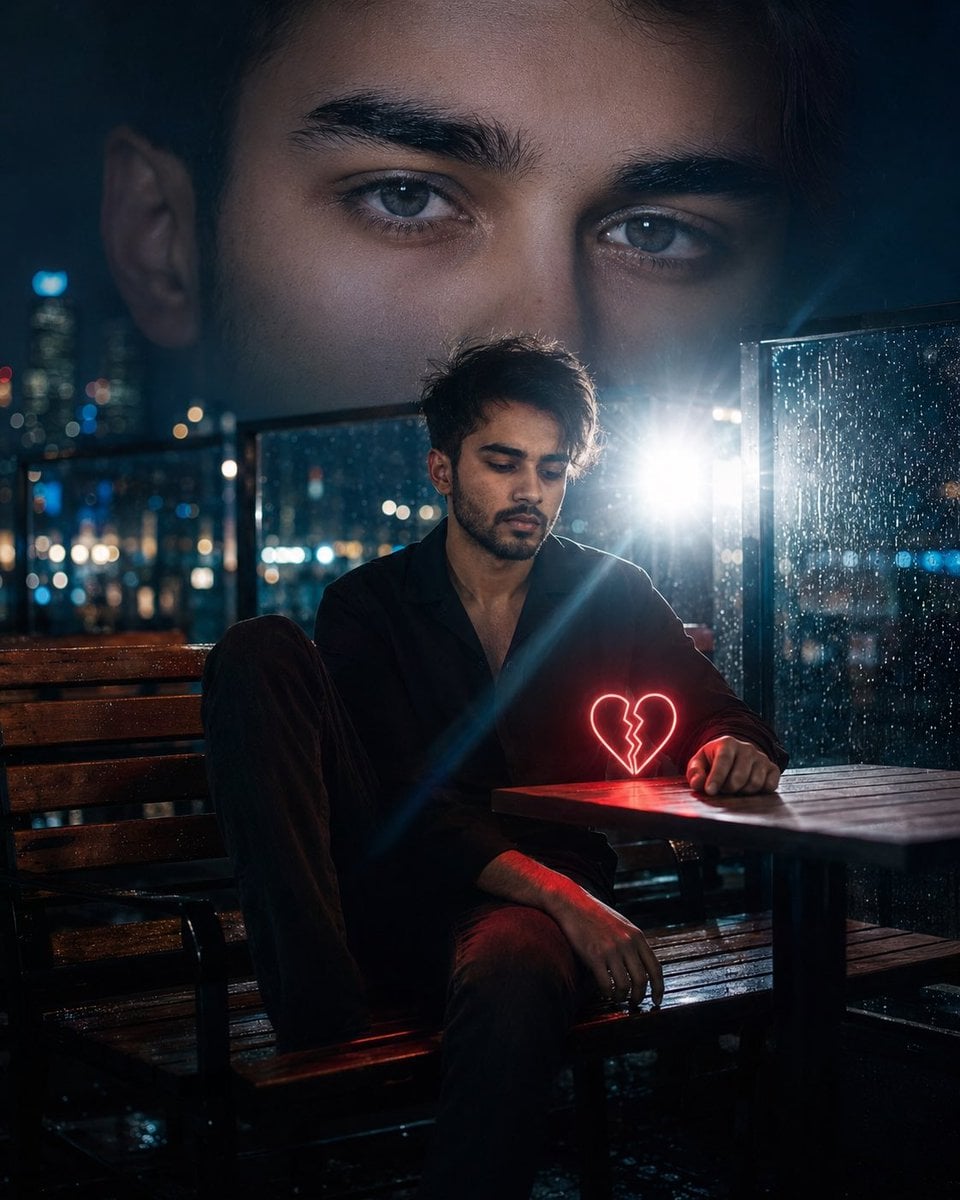
Neo-Noir Heartbreak Cinematic Portrait
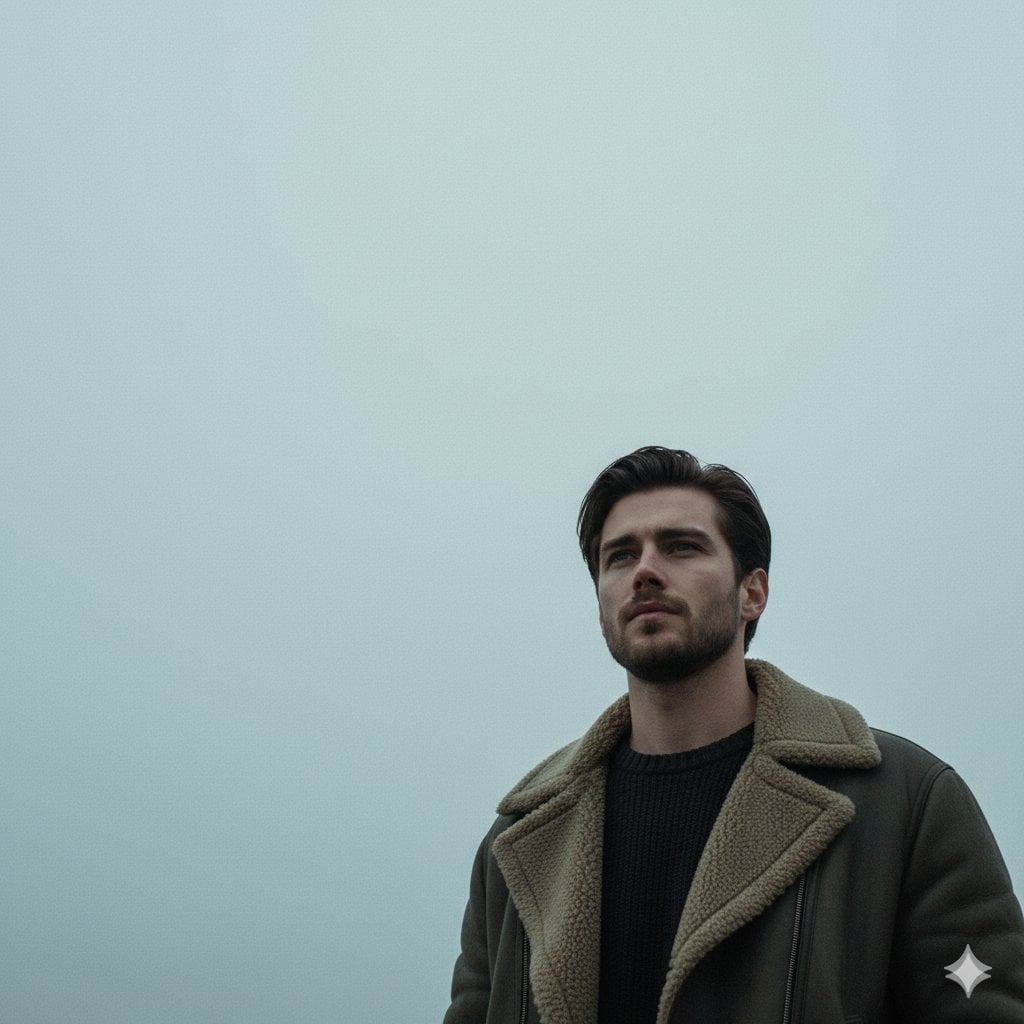
Neo-Noir Sci-Fi Sky Portrait
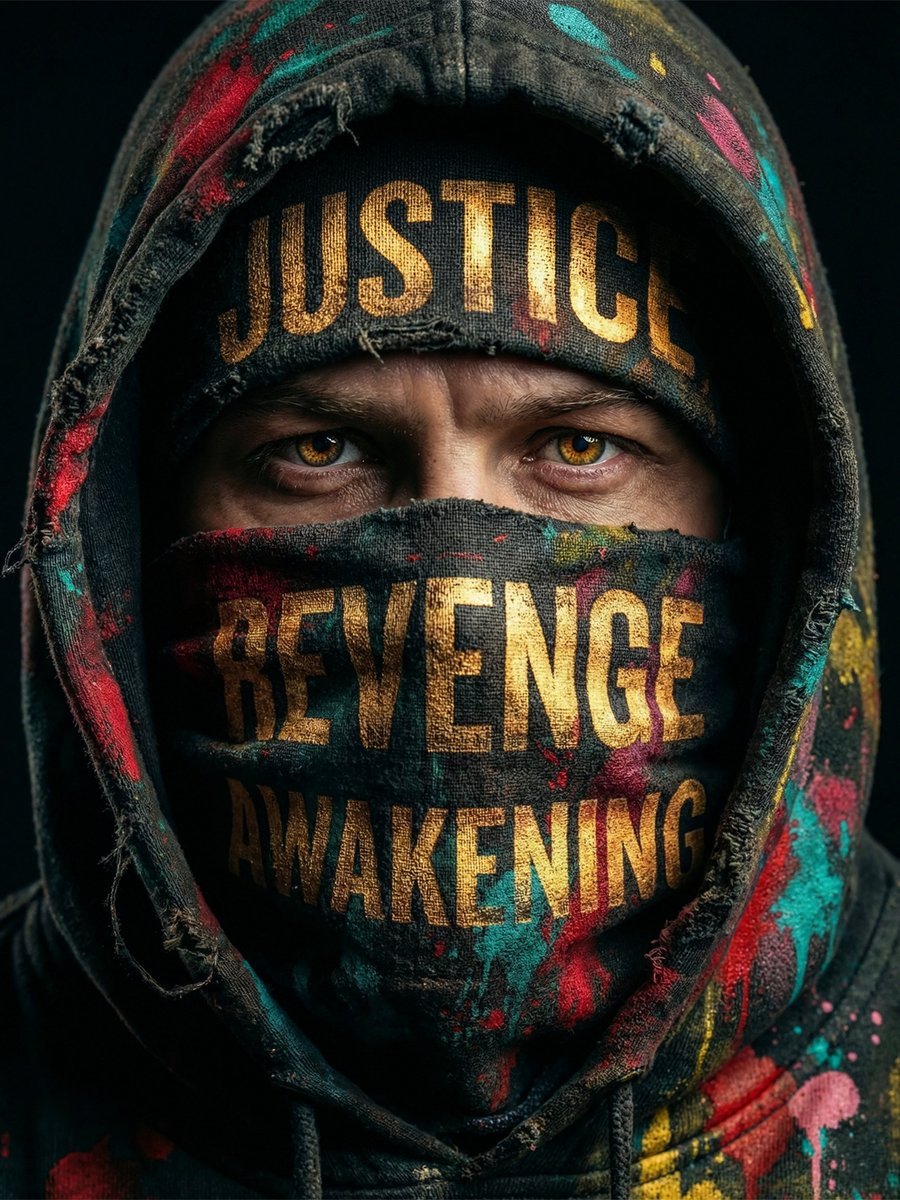
Noir Justice Revenge Awakening Portrait
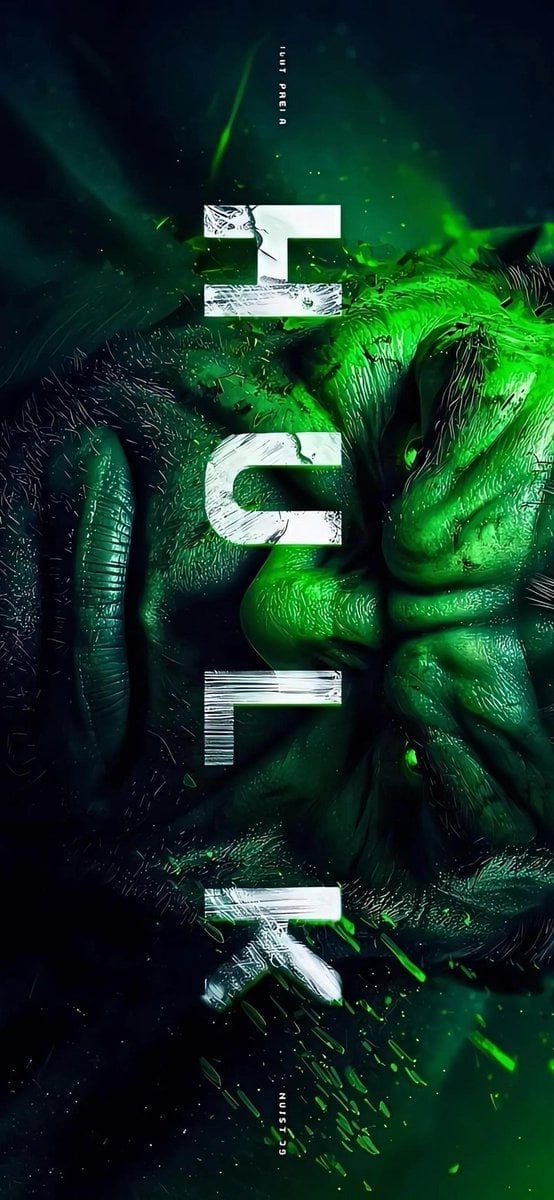
Masked Vigilante Noir Poster

Spider-Man Noir Detective Rain Alley
Make it yours
Neo-Noir Character Exploration Sheet works as-is. These are the safest ways to change it without losing the look.
Change one field
Copy a single group, rewrite it, and generate again so you can see what that field is doing.
Keep the frame, change the subject
Hold the composition and light of Neo-Noir Character Exploration Sheet, then swap wardrobe, props or the person for a new take.
| If the result… | Why | Fix |
|---|---|---|
| The result drifts from the preview | Too many fields changed at once. | Reuse Neo-Noir Character Exploration Sheet as-is first, then change one group — subject, light, or setting. |
| The model over-stylizes the scene | The prose prompt leaves finish and camera underspecified. | Add one camera or lighting sentence and stay on GPT Image 2. |
More GPT Image 2 templates
Other prompts made for GPT Image 2.

Six VTuber Japanese Logo Sheet

Realistic Portrait of Woman and Deer

The Vista Modular Condo Poster

AI Model Routing Comparison Infographic

2.5D Anime Art Board

Isometric Productivity Desk Scene

New York Double Exposure Poster

Four-Panel AI Landscape Comparison

Japanese Tatami Lifestyle Magazine Cover

NESCAFÉ Coffee Map Poster
More image prompts
Fresh picks from across the catalog.
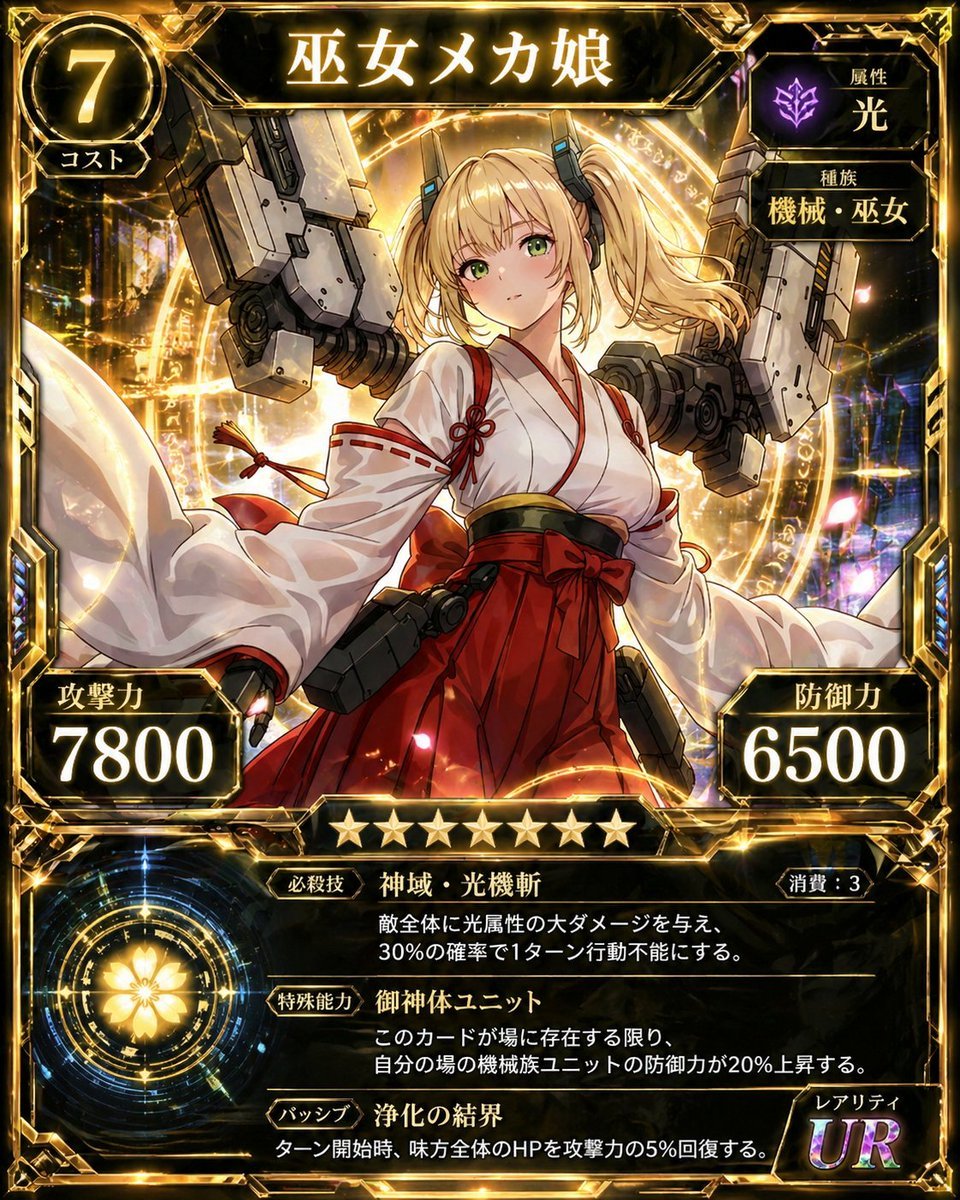
Ultra Rare Miko Mecha Card
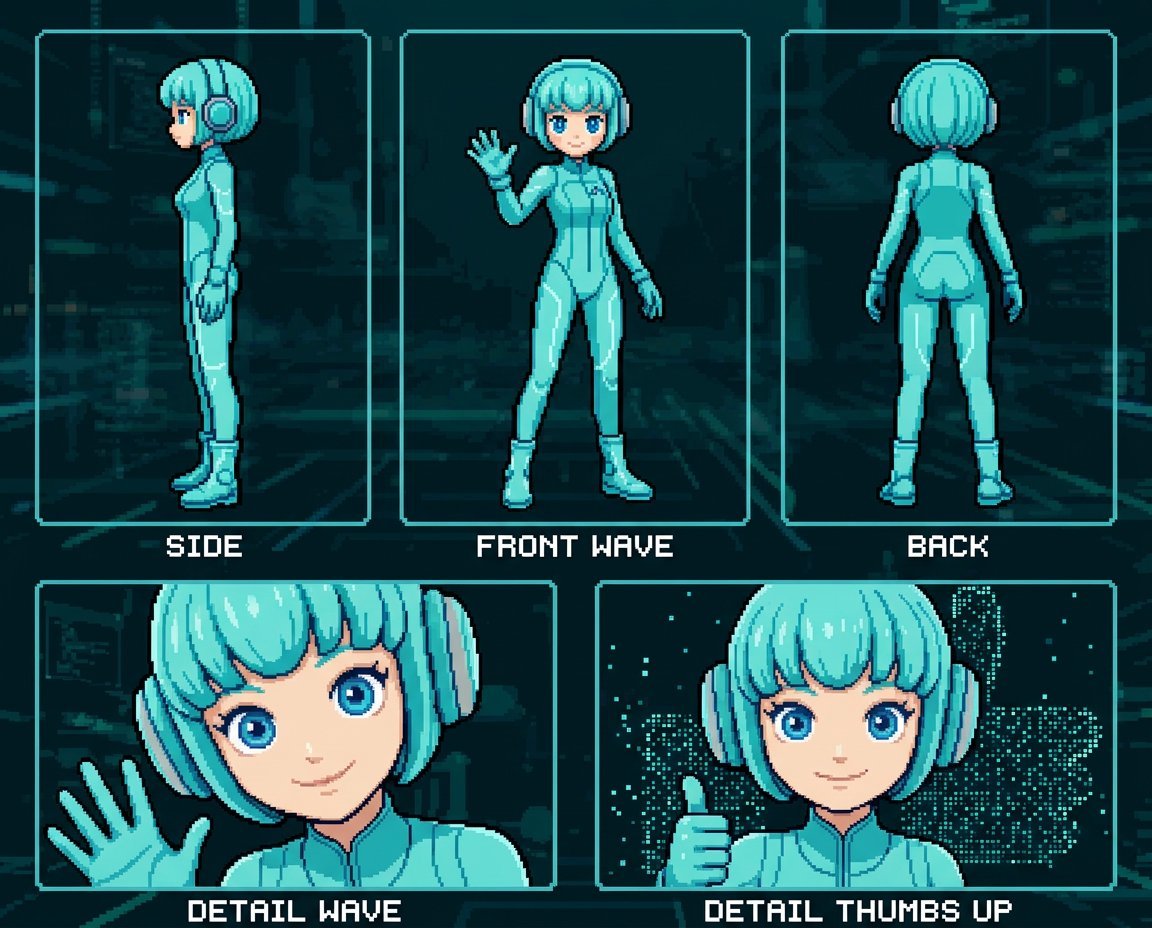
Retro 8-Bit Game Aesthetic Prompt
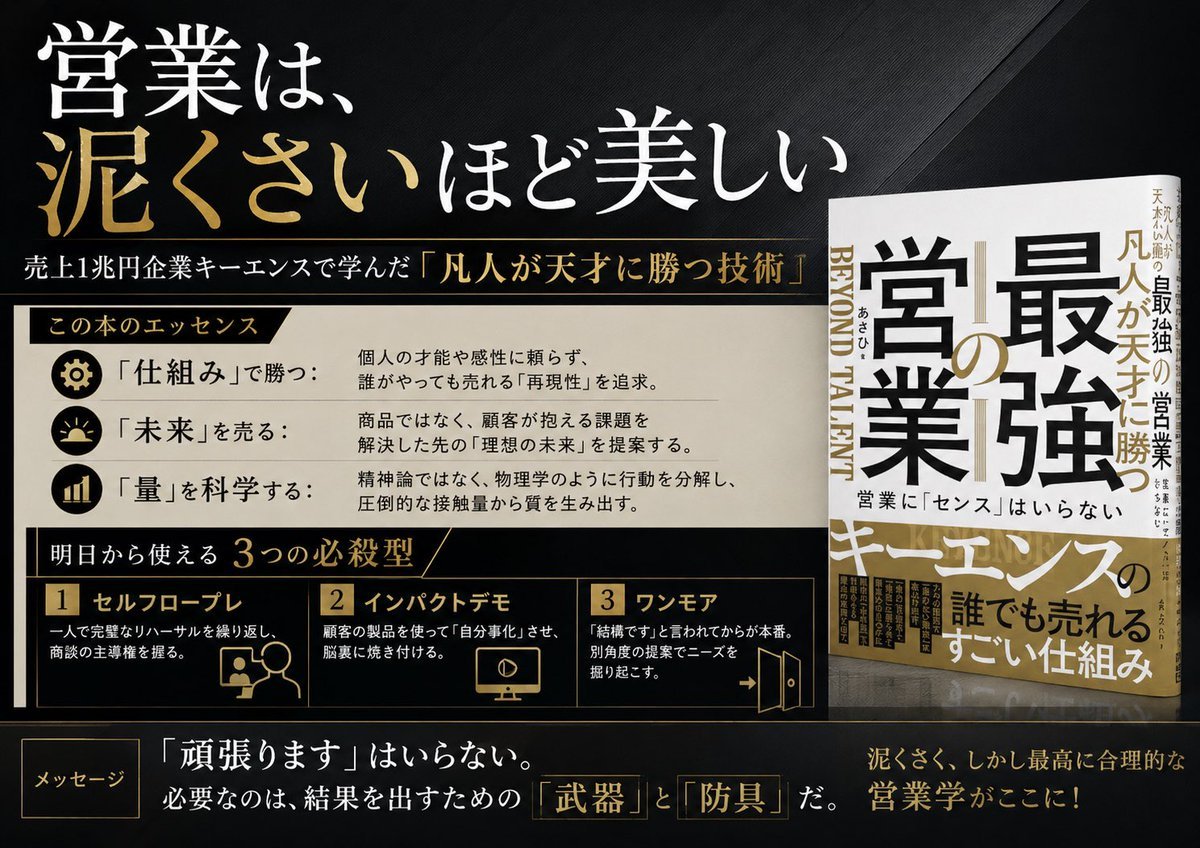
Japanese Sales Book Infographic Ad
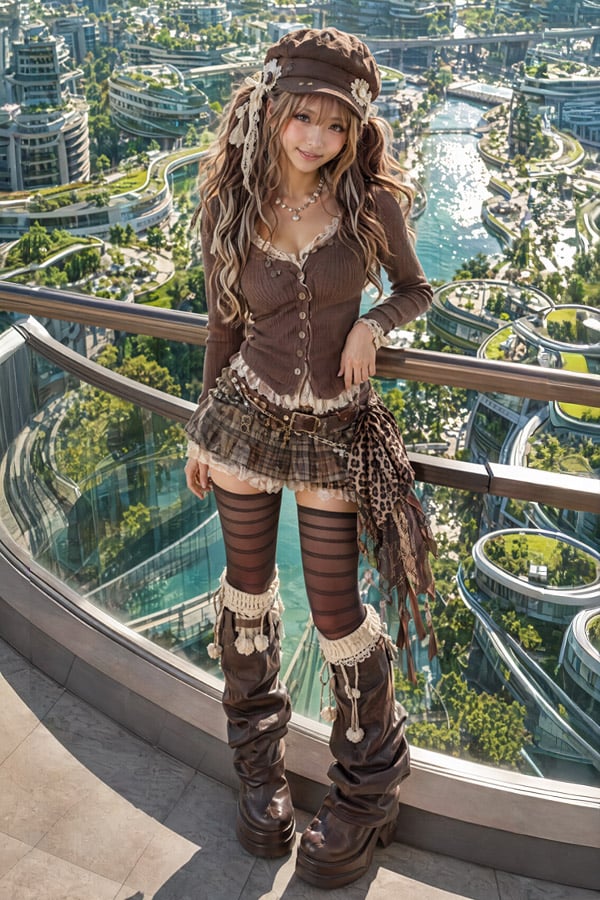
2.5D Futuristic Boho Gyaru Fashion Lady
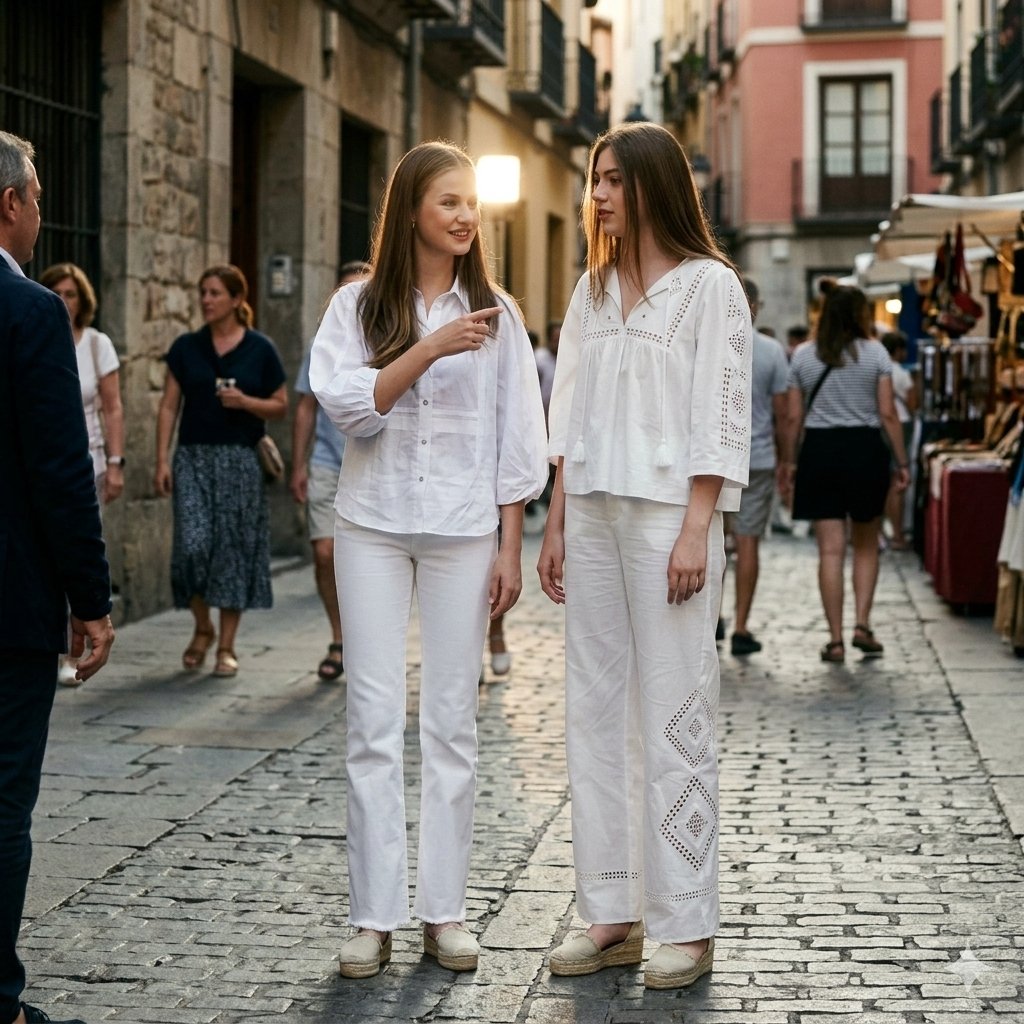
Candid Paparazzi Street Fashion in All White
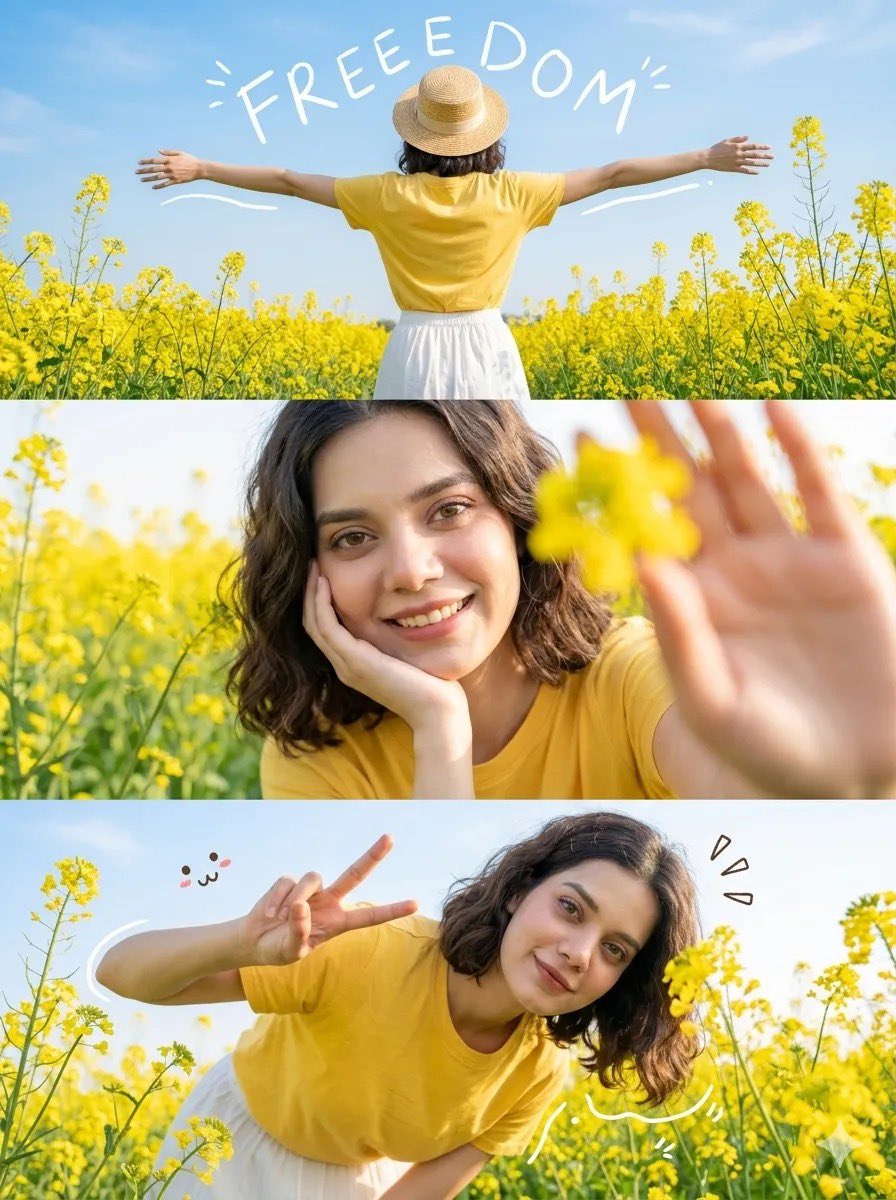
Flower Field Lifestyle Photography
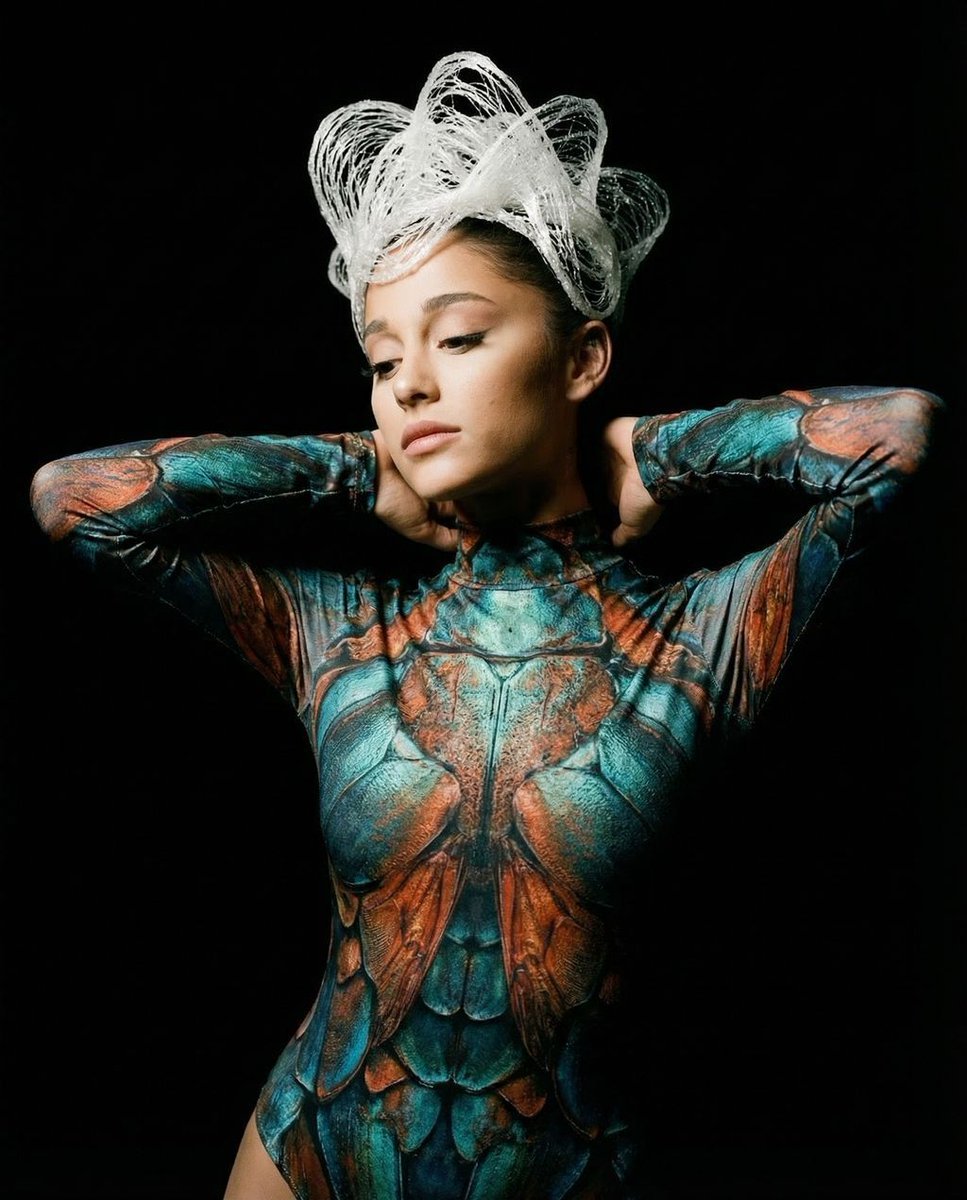
Hyper-Realistic Avant-Garde Fashion Portrait: Cellular Elegance
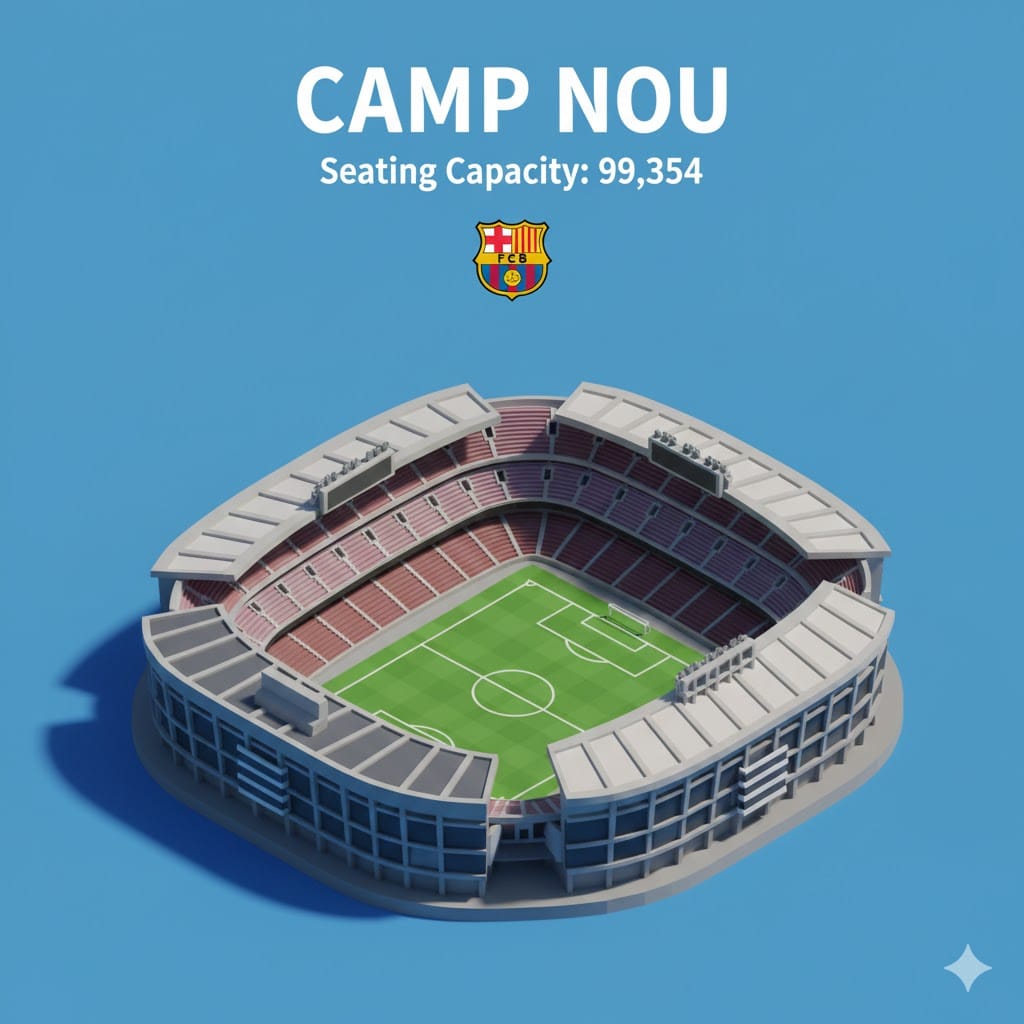
Isometric 3D Miniature Stadium Infographic
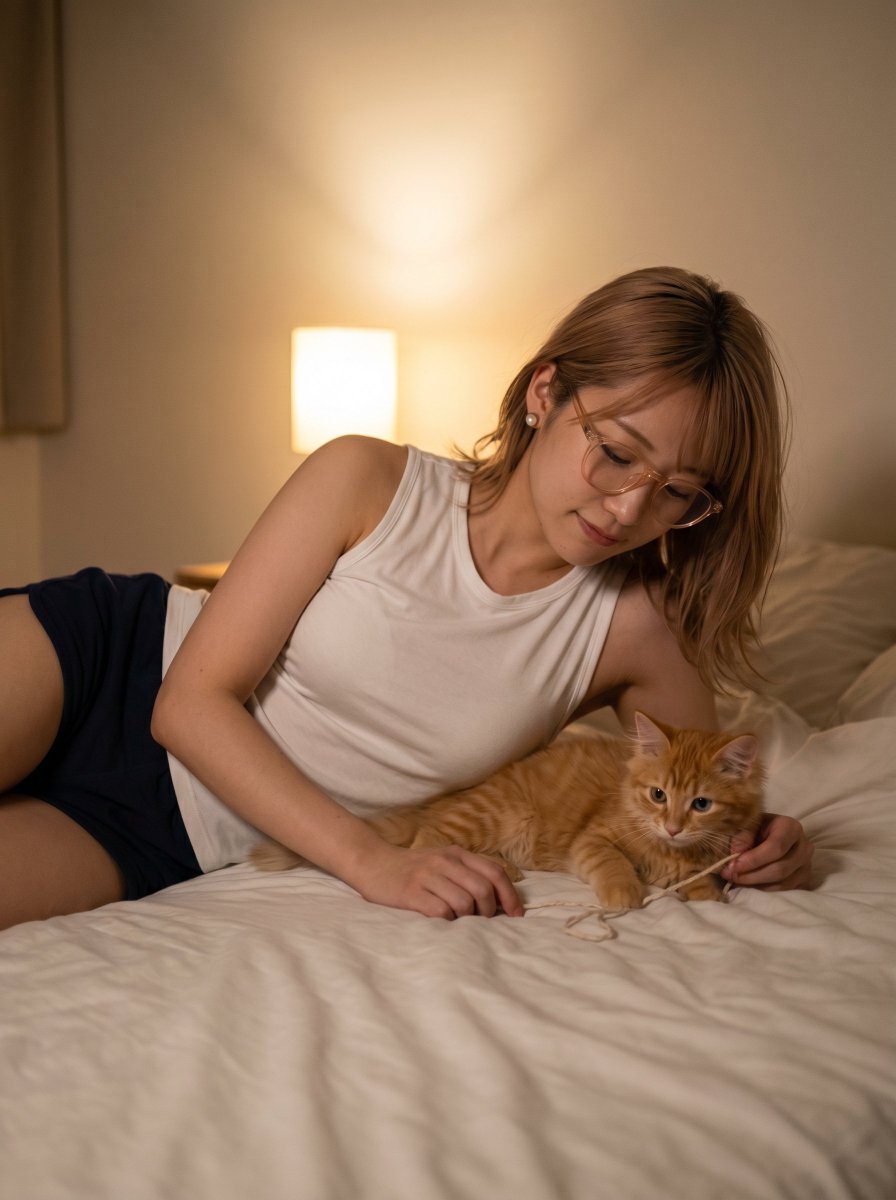
Cozy Bedroom Woman with Orange Kitten
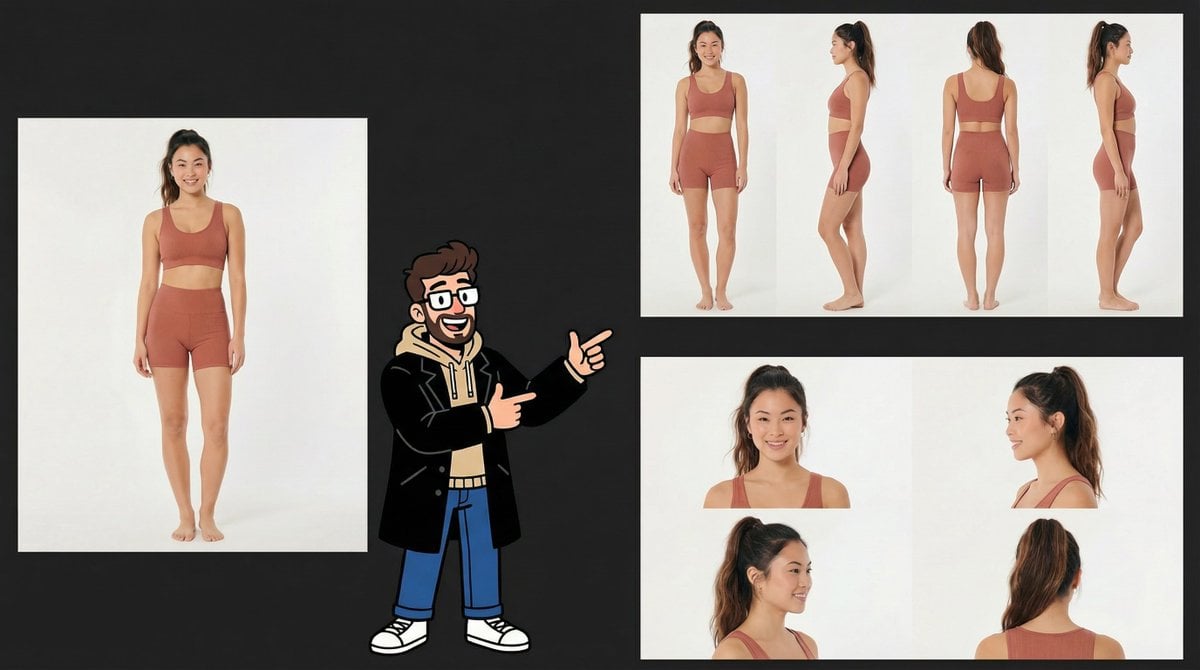
Consistency Prompt for 360 Turnaround Views
Browse template categories
Neo-Noir Character Exploration Sheet questions
How do I use the Neo-Noir Character Exploration Sheet template?
Add your photo if the template asks for one, edit the prompt if you like — the template's model and format are already selected — and press Generate. Your version opens in PicX Studio.
Can I customize the Neo-Noir Character Exploration Sheet template?
Yes. You can change the subject, setting, lighting, mood, format, and available model controls before creating your image.
Is the Neo-Noir Character Exploration Sheet template free?
Opening and editing this template is free. Generating uses credits, shown on the Generate button when you are signed in.
Which AI model should I use?
Start with GPT Image 2, which is the model associated with this template. You can compare another compatible model for a different finish.
Looking for something else? Browse all templates.

Your photo, any look
Thousands of ready templates for every top image and video model, from one credit balance.