How do I use the Cinematic Neo-Noir Identity Reference template?
Choose the primary action to open PicX Studio with the available template settings. Review the model and format, personalize the creative direction, and generate when ready.
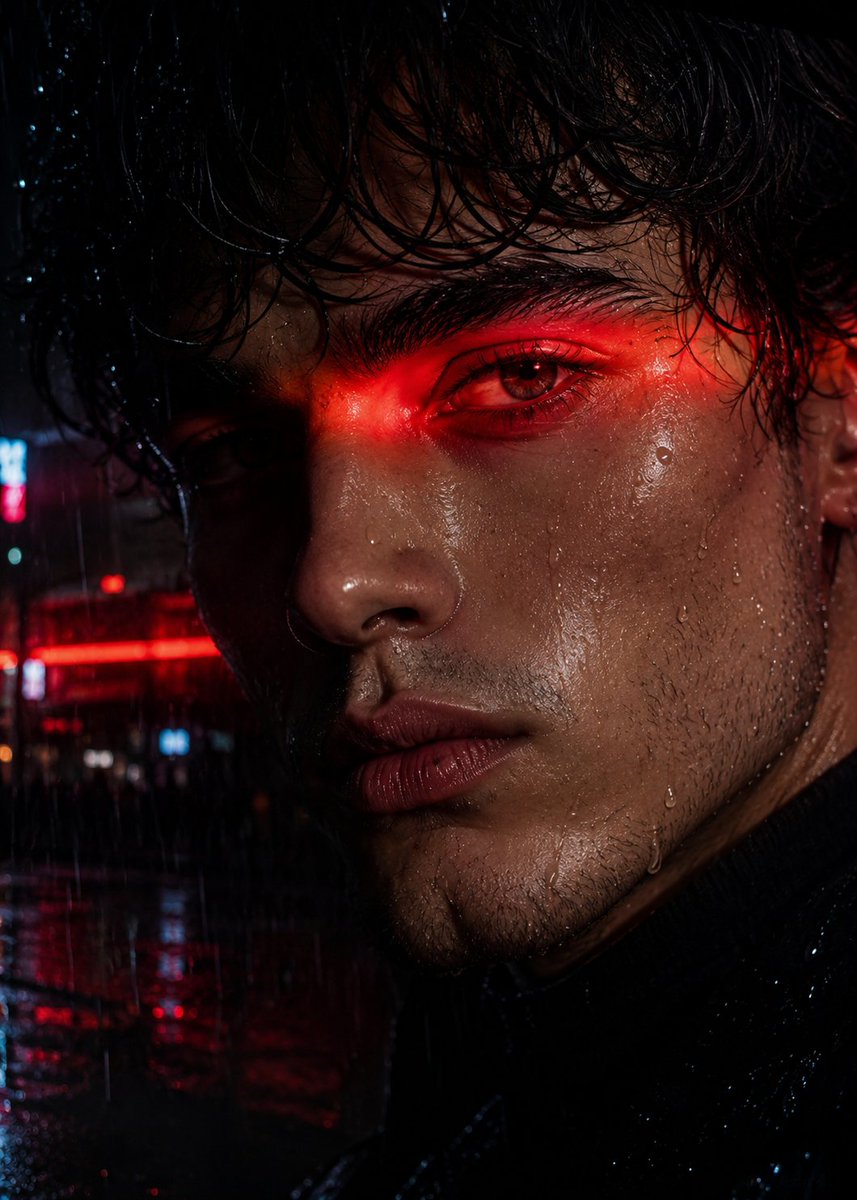
A sophisticated prompt designed for face-swapping identity onto a cinematic, moody nighttime scene involving art and nostalgic themes.
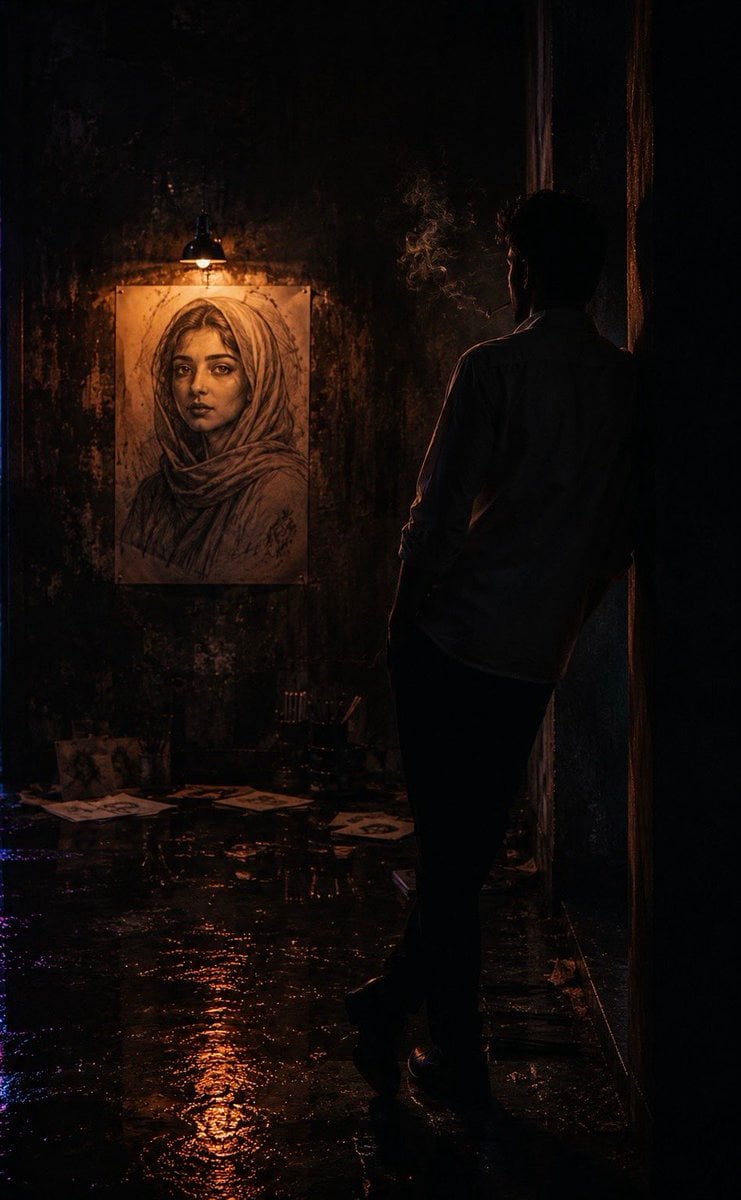
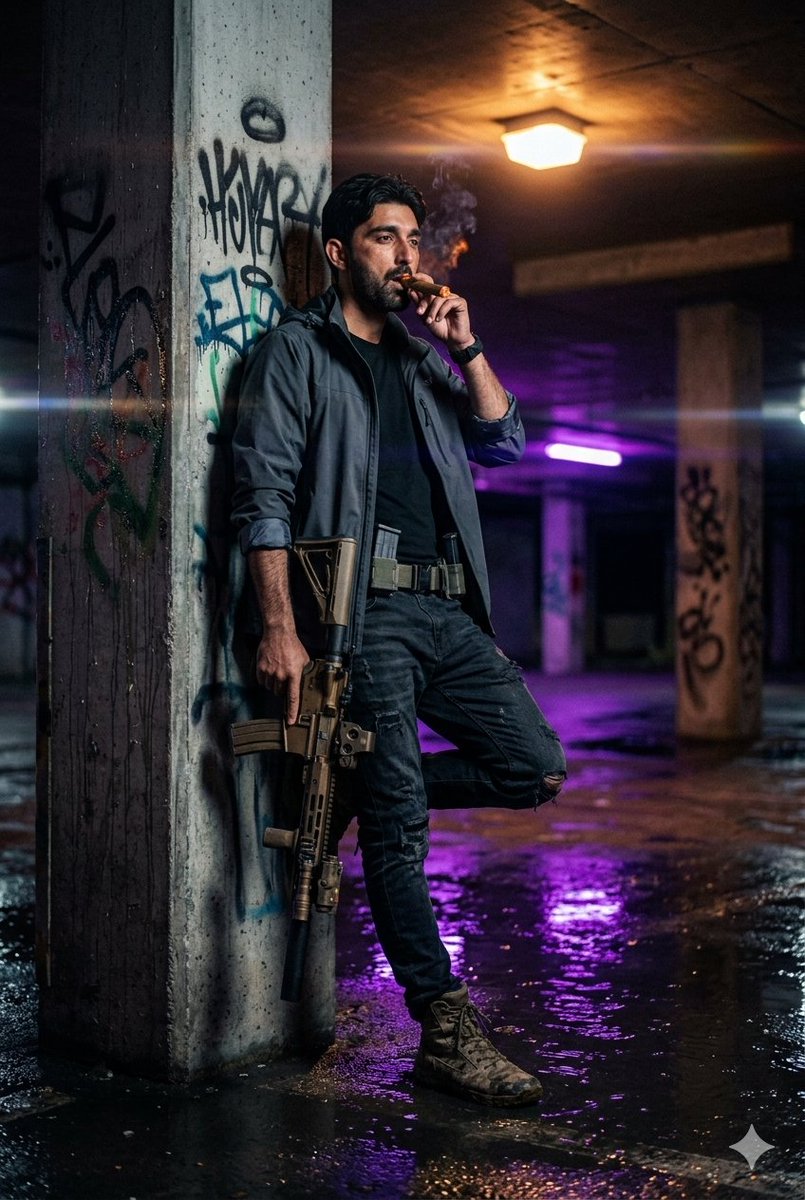
Use the uploaded face image as the facial identity reference for the male subject. Preserve the exact facial structure, hairstyle, beard/stubble details, skin tone, and realistic masculine appearance. Maintain natural skin texture and cinematic realism. Create a cinematic ultra-realistic nighttime scene inside a dark moody room with a deep shadowy atmosphere. The environment is illuminated by {argument name="neon lighting" default="subtle blue, magenta, and warm orange neon lighting"} reflecting softly across the walls and floor. The mood is emotional, lonely, nostalgic, and artistic. The camera is positioned behind the man at a cinematic over-the-shoulder/back-view angle. The {argument name="male subject" default="male subject"} is leaning casually against a dark textured wall with one shoulder touching the surface, standing still while gazing at {argument name="viewed object" default="a large hand-drawn portrait sketch mounted on the opposite wall"}. His face is mostly seen in side profile or partially obscured from the rear angle, emphasizing the feeling of solitude and remembrance. The portrait depicts a breathtakingly beautiful young woman wearing a soft elegant scarf/hijab loosely covering her head. She has a stunning diamond-shaped face, sharp jawline, expressive eyes, delicate features, soft lips, and timeless beauty. The artwork appears handcrafted with charcoal and pencil strokes blended with subtle painterly realism, softly illuminated by a warm hanging lamp above it. The man stares intensely at the portrait as if lost in memories. His posture conveys silent love, longing, and nostalgia. He holds a slowly burning cigarette in his right hand, with delicate smoke rising upward and blending into the atmospheric haze and neon light. He wears fitted black pants and a slightly loose light whitish shirt with sleeves rolled to the forearms. The upper buttons remain naturally open, subtly revealing part of his chest and collarbone. The fabric reacts realistically to the ambient neon lighting and shadows. Add cinematic details: • Camera angle from behind the man, focusing on both the subject and portrait • Wet reflective floor with neon reflections • Floating smoke particles and volumetric fog • Soft depth of field and creamy cinematic bokeh • Warm rim lighting outlining the man’s silhouette • Dramatic shadows and high contrast lighting • Slight premium film grain • Neo-noir cinematic color grading • Glowing cigarette ember illuminating fingertips • Scattered sketch papers and art supplies beneath the portrait • Moody urban artist studio aesthetic • Ultra-detailed skin, fabric, smoke, and wall textures • Shot on a 50mm cinematic lens • Shallow depth of field • 8K ultra-realistic cinematic composition The final image should feel like a lonely artist leaning against a wall in darkness, viewed from behind, silently staring at the portrait of the woman he loves, creating a powerful story of longing, memory, romance, and melancholy through cinematic lighting and atmosphere
Choose the primary action to open PicX Studio with the available template settings. Review the model and format, personalize the creative direction, and generate when ready.
Yes. You can change the subject, setting, lighting, mood, format, and available model controls before creating your image.
This template is free to open and customize. Generation usage is shown in PicX Studio before you create.
Start with Nano Banana 2, which is the model associated with this template. You can compare another compatible model for a different finish.
Follow a topic to a crawlable collection of related PicX Studio templates.