How do I use the Cinematic Neo-Noir Image Transformation template?
Choose the primary action to open PicX Studio with the available template settings. Review the model and format, personalize the creative direction, and generate when ready.
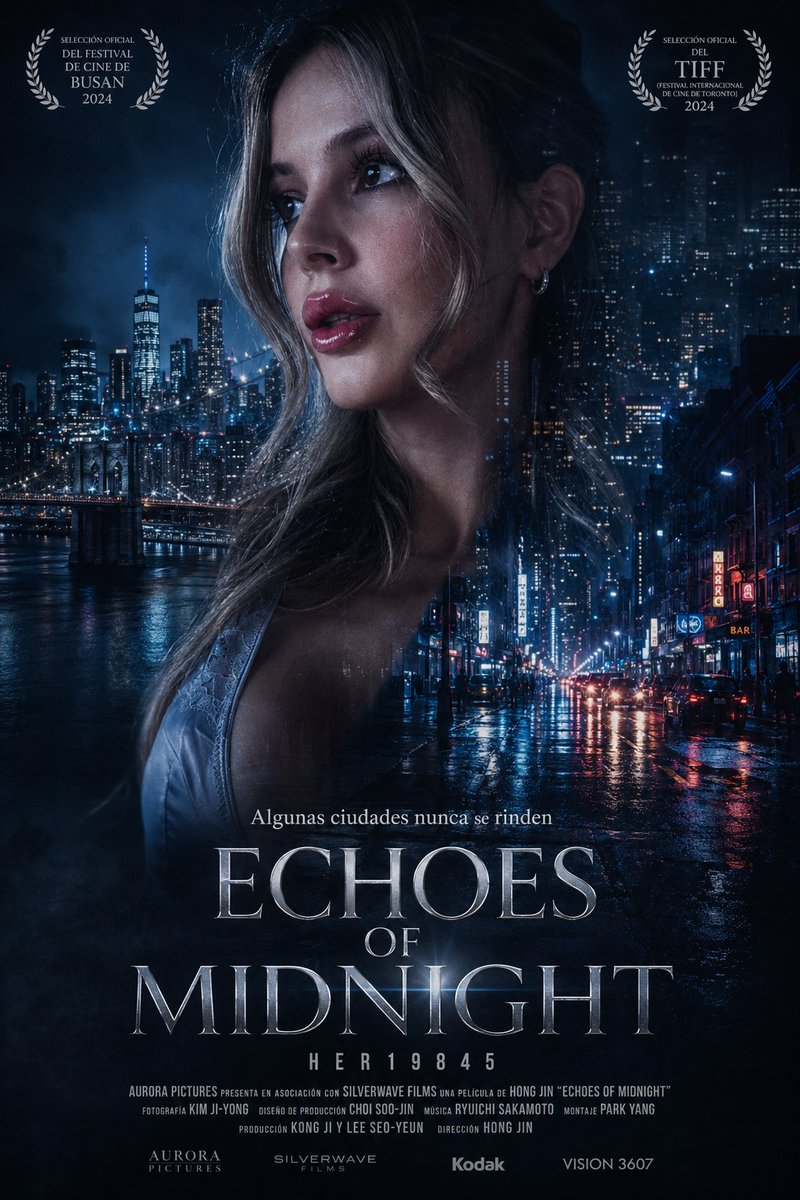
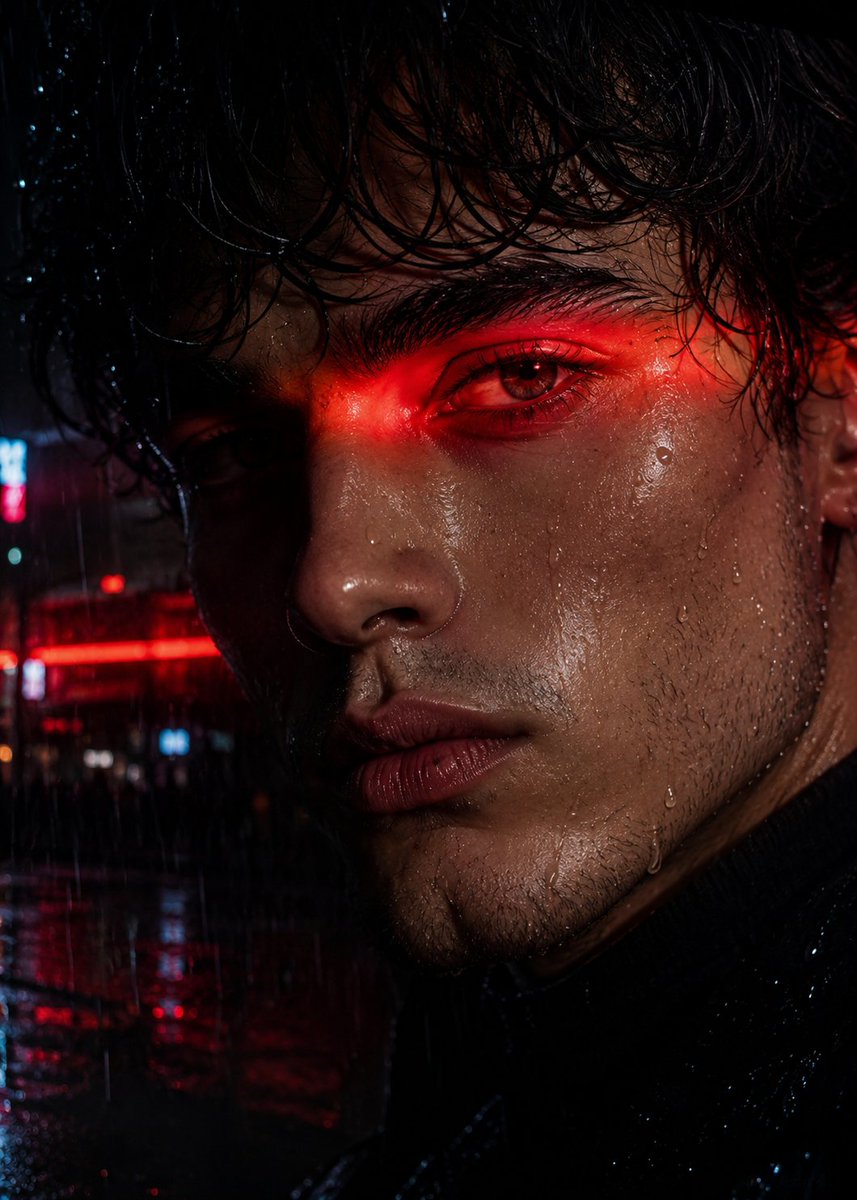
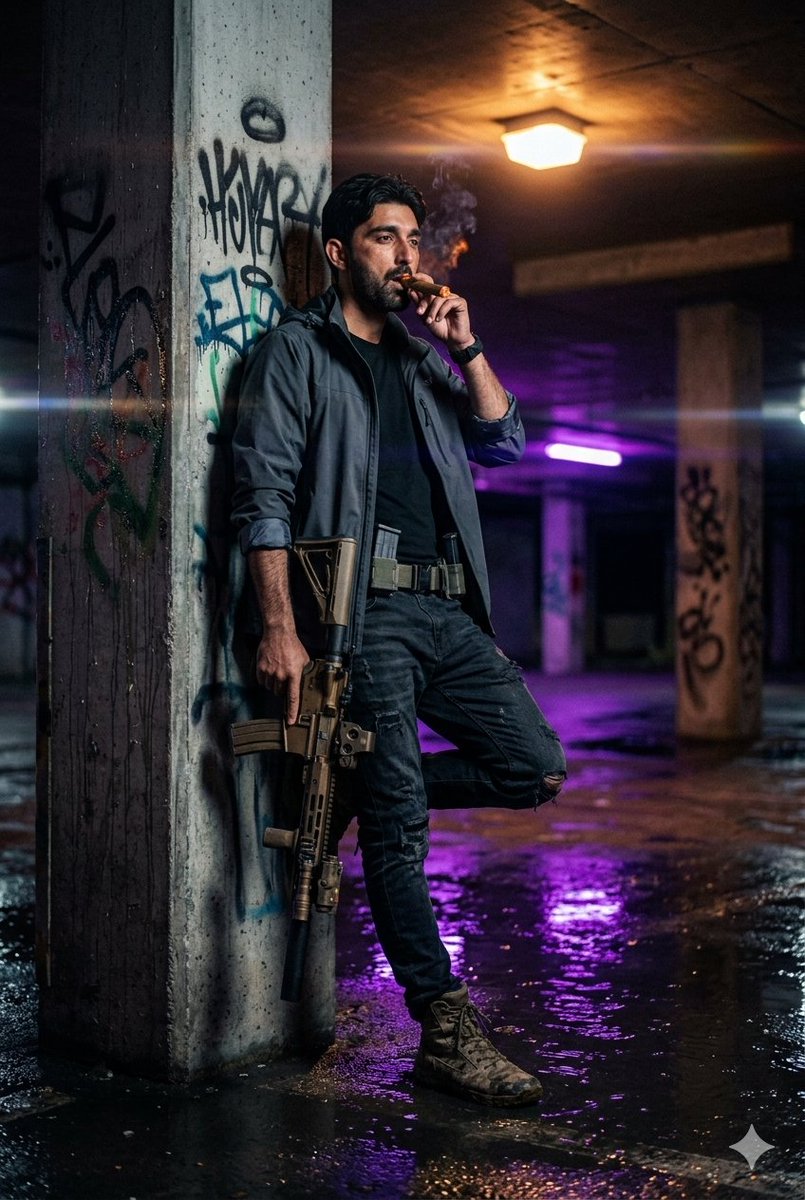
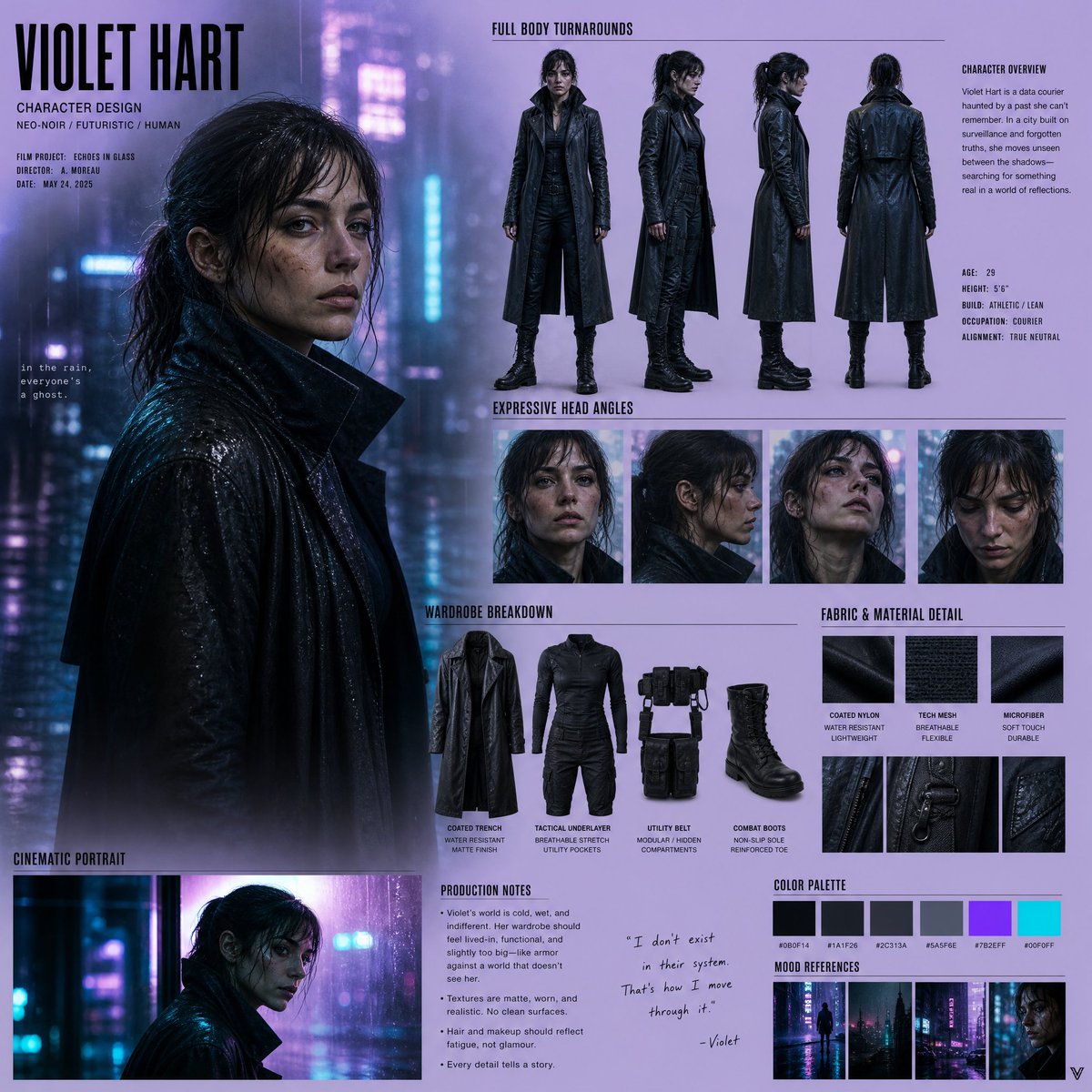
A sophisticated prompt designed to transform an uploaded portrait into a moody, high-detail neo-noir street scene with multiple clones of the subject.
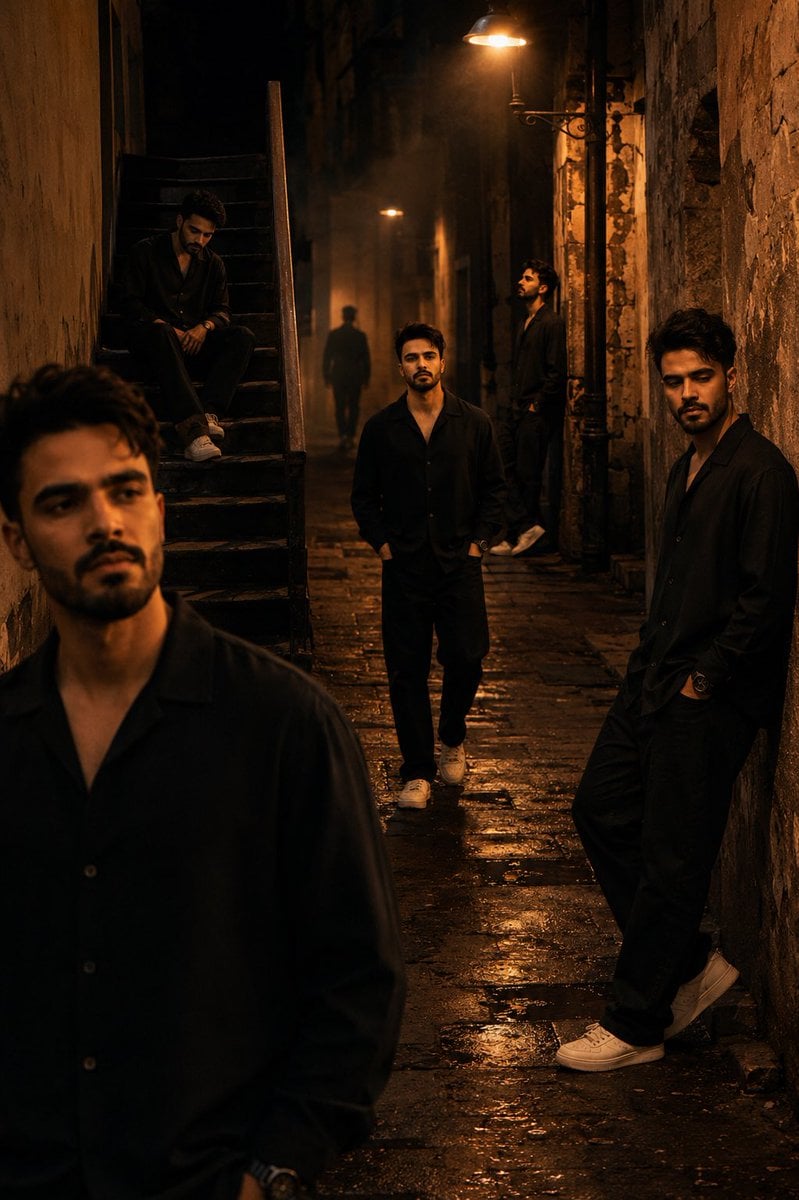
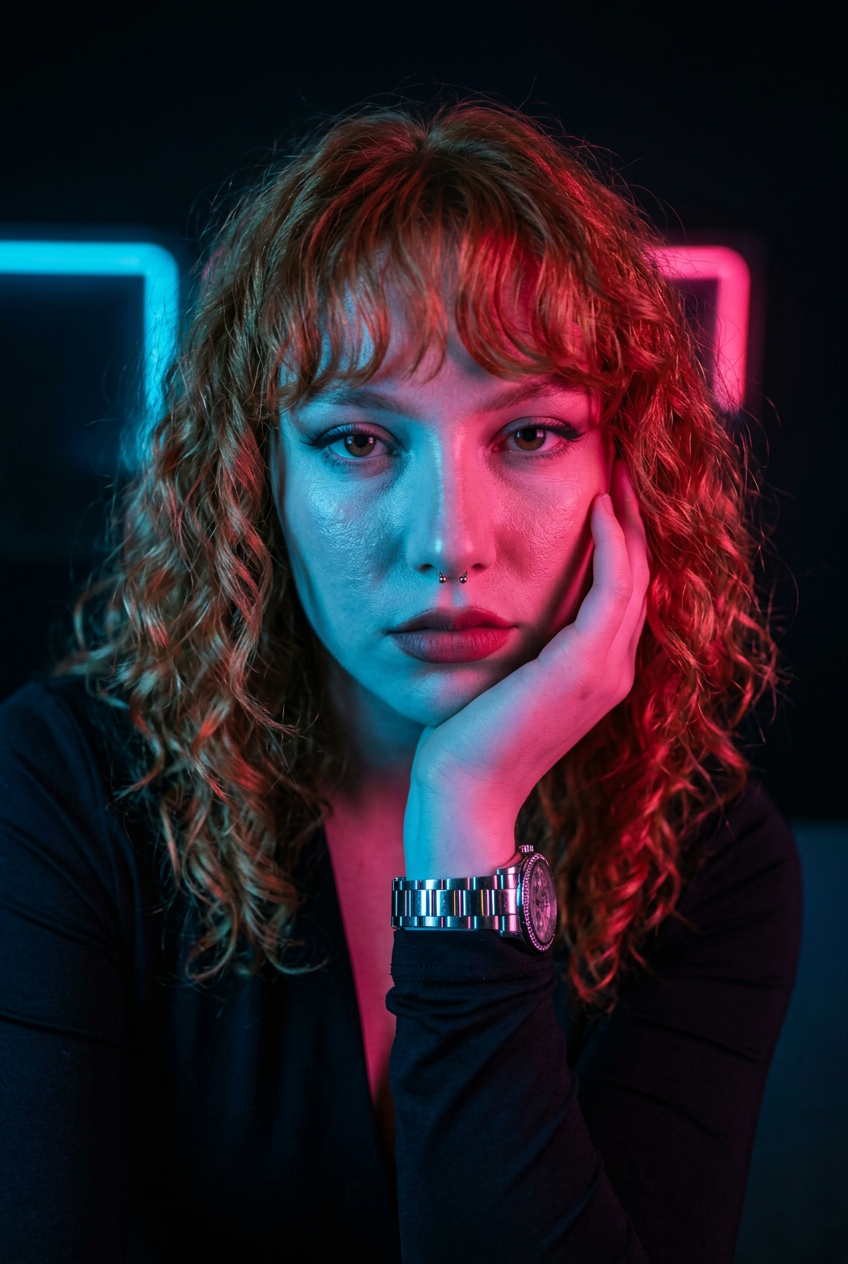
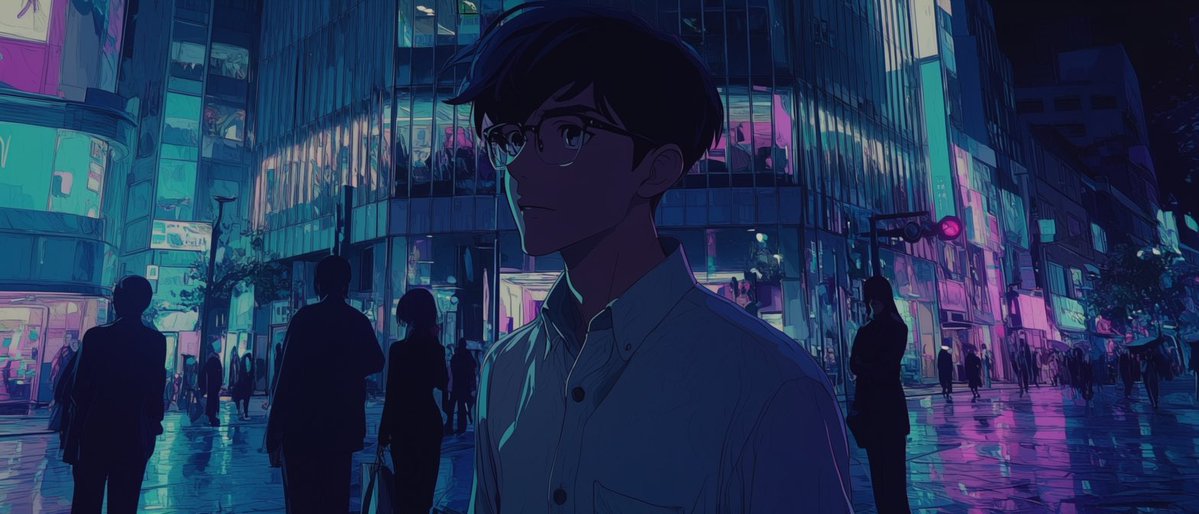
Transform this uploaded image into a cinematic 64K ultra-HD {argument name="style" default="neo-noir street photography"} scene featuring multiple versions of the same person appearing throughout the frame in different realistic poses and positions, while perfectly preserving the uploaded face identity across every character. Scene set in a {argument name="location" default="narrow deserted urban alley"} at night under dim amber streetlights with wet reflective pavement, textured old walls, cinematic fog, and deep moody shadows. Create the feeling of loneliness, introspection, and parallel moments frozen in time. Include: •One version leaning against a wall with hands in pockets •One walking toward the camera confidently •One sitting on stairs looking down •One standing beneath a streetlight looking sideways •One blurred silhouette walking in the background •One close foreground pose partially lit by warm light. All characters must look like the exact same person from the uploaded image with realistic facial consistency, natural beard details, authentic expressions, and cinematic body language. Style: ultra-photorealistic low-light street photography, neo-noir atmosphere, DSLR 85mm lens, shallow depth of field, soft bokeh, volumetric lighting, subtle film grain, dramatic contrast between warm orange lights and cool dark shadows, luxury editorial fashion photography aesthetic, masterpiece cinematic composition, realistic reflections and textures, highly detailed urban environment.
Choose the primary action to open PicX Studio with the available template settings. Review the model and format, personalize the creative direction, and generate when ready.
Yes. You can change the subject, setting, lighting, mood, format, and available model controls before creating your image.
This template is free to open and customize. Generation usage is shown in PicX Studio before you create.
Start with Nano Banana 2, which is the model associated with this template. You can compare another compatible model for a different finish.
Follow a topic to a crawlable collection of related PicX Studio templates.