
Sleepy Girl at Laptop Illustration
A minimalist editorial-style illustration of a tired young woman working at a laptop, ideal for social posts, lifestyle graphics, or decorative text-over-image designs.
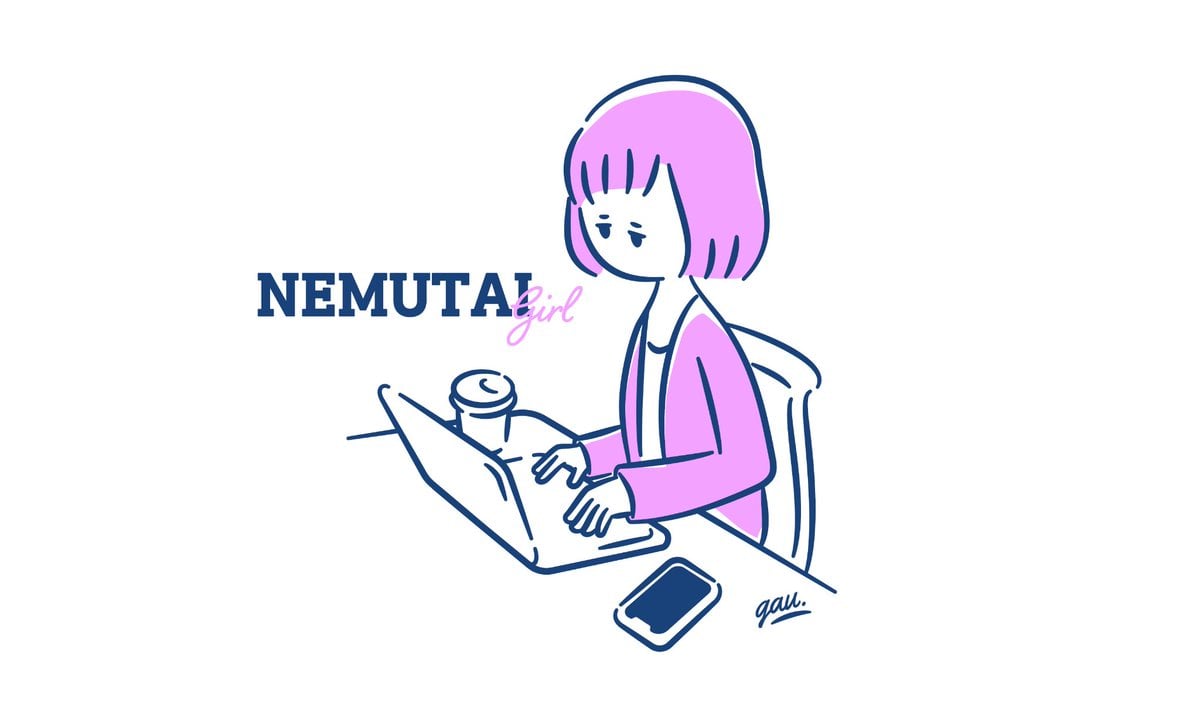
- Prompt included
- Model and format preset
- Free template
The prompt behind this image
Copy the exact prompt behind Sleepy Girl at Laptop Illustration, or open it in the studio and make it yours.
A clean minimalist illustration on a light gray background, drawn in a simple hand-drawn line-art style with dark navy blue outlines and selective pastel pink fill. Show a sleepy young woman with a short blunt bob haircut in pastel pink, seated at a desk and working on an open laptop. She is shown in 3/4 view facing left, with droopy half-closed eyes and a tired, unamused expression. She wears a loose cardigan in pastel pink over a simple top, and sits in a lightly sketched chair. On the desk, include exactly 3 objects: 1 open laptop in front of her, 1 takeaway coffee cup with a lid behind the laptop, and 1 smartphone near the lower right corner of the desk. Keep the lines loose, casual, and slightly imperfect, like a stylish editorial doodle. Place large text to the left of the character reading {argument name="headline text" default="NEMUTAI"} in bold uppercase serif letters in dark navy, with the word {argument name="subtitle text" default="girl"} overlapping it in a smaller cursive script in pastel pink. Add a small handwritten artist signature near the bottom right edge of the desk. Lots of negative space, flat colors, no shading, modern feminine mood, sleepy work-from-home vibe, balanced composition.
How to use Sleepy Girl at Laptop Illustration in 3 steps
- 1Upload ImagePNG, JPG or paste
Add your photo
Upload the photo the template builds on. The prompt, model and format are already set.
- 2…a portrait of your subject in softgolden-hour light, 85mm…
Personalize
Edit the subject and creative details for your destination.
- 3Generate
Generate
Press Generate — your image is created in PicX Studio, so you can compare it with the original and refine one variable at a time.
More like this
Templates with the same subject, style or setup. Open one to see its prompt.
Sticker Art Style - Rainbow Girl

Sticker Art Style - Rainbow Girl v2
Sticker Art Style - Rainbow Girl

Sleepy Pink-Haired Chibi Girl
Sleepy Cartoon Panda Illustration

Teen Girl Alpine Lake Mountain View
Sleepy Blonde Cartoon Girl
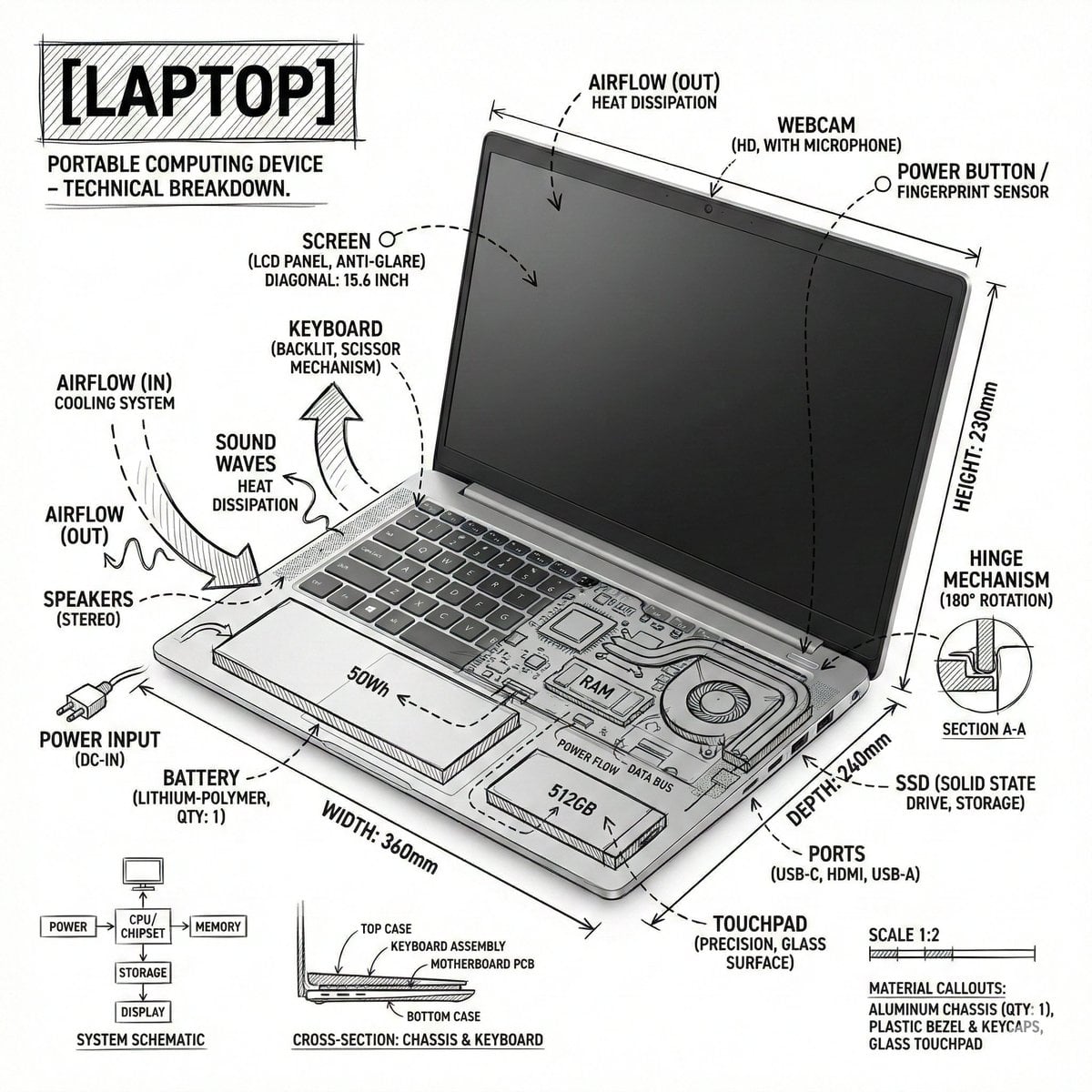
Technical Laptop Infographic Illustration

Quiet Minimalist Anime Style Guide

Real Illustration Split Portrait Transition
Quiet Minimalist Anime Style Guide

Watercolor Café Cheesecake Editorial Illustration
Make it yours
Sleepy Girl at Laptop Illustration works as-is. These are the safest ways to change it without losing the look.
Change one field
Copy a single group, rewrite it, and generate again so you can see what that field is doing.
Keep the frame, change the subject
Hold the composition and light of Sleepy Girl at Laptop Illustration, then swap wardrobe, props or the person for a new take.
| If the result… | Why | Fix |
|---|---|---|
| The result drifts from the preview | Too many fields changed at once. | Reuse Sleepy Girl at Laptop Illustration as-is first, then change one group — subject, light, or setting. |
| The model over-stylizes the scene | The prose prompt leaves finish and camera underspecified. | Add one camera or lighting sentence and stay on GPT Image 2. |
More GPT Image 2 templates
Other prompts made for GPT Image 2.

Six VTuber Japanese Logo Sheet

Realistic Portrait of Woman and Deer

The Vista Modular Condo Poster

AI Model Routing Comparison Infographic

2.5D Anime Art Board

Isometric Productivity Desk Scene

New York Double Exposure Poster

Four-Panel AI Landscape Comparison

Japanese Tatami Lifestyle Magazine Cover

NESCAFÉ Coffee Map Poster
More image prompts
Fresh picks from across the catalog.
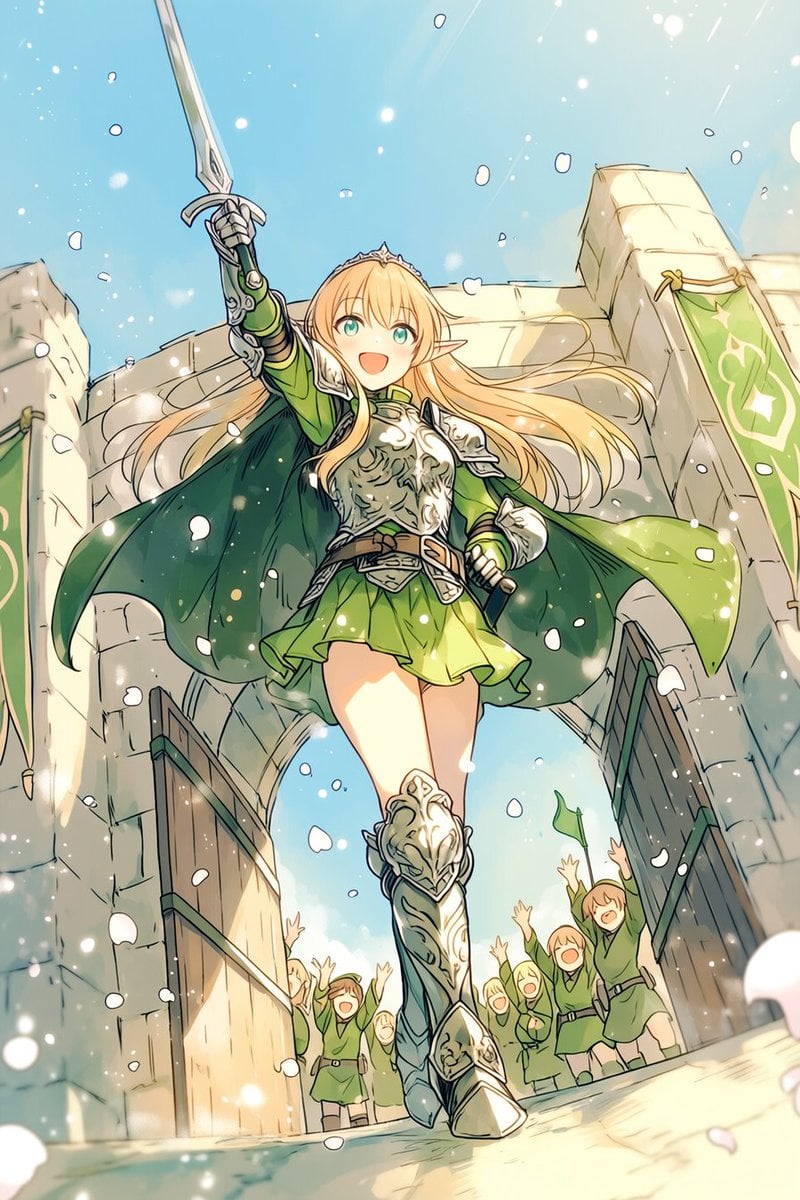
Heroic Elf Knight Victory March
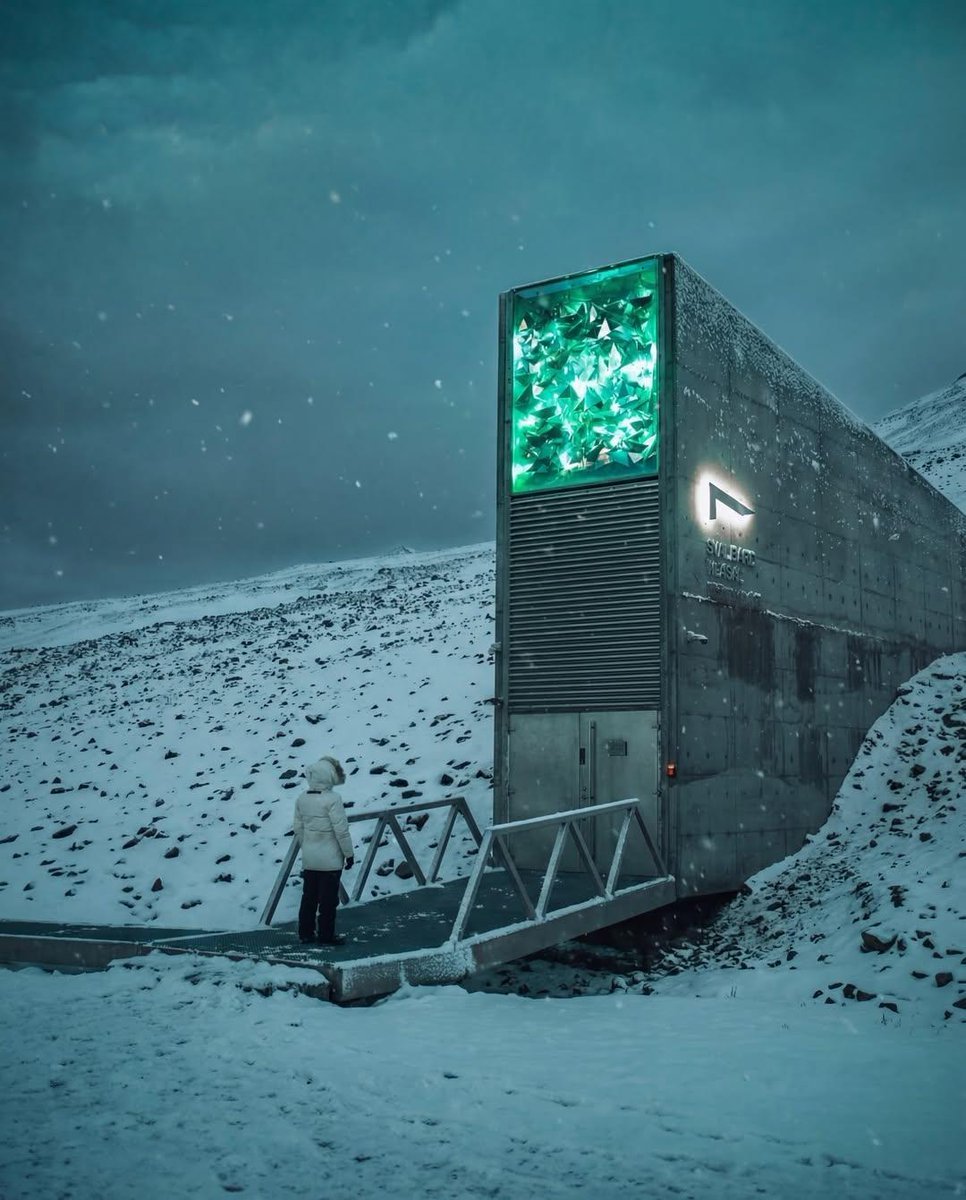
Cinematic Futuristic Winter Landscape

Zen Mode Editorial Magazine Cover
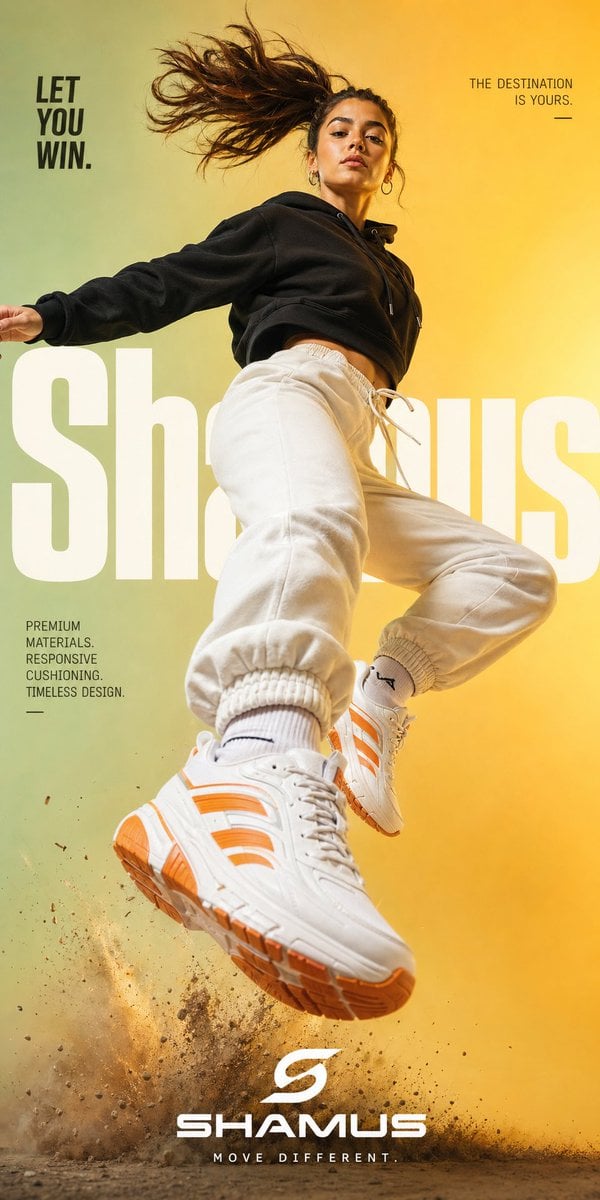
Premium Streetwear Sneaker Poster

Netflix Neon Streaming Poster

Signature Style Selection Sheet
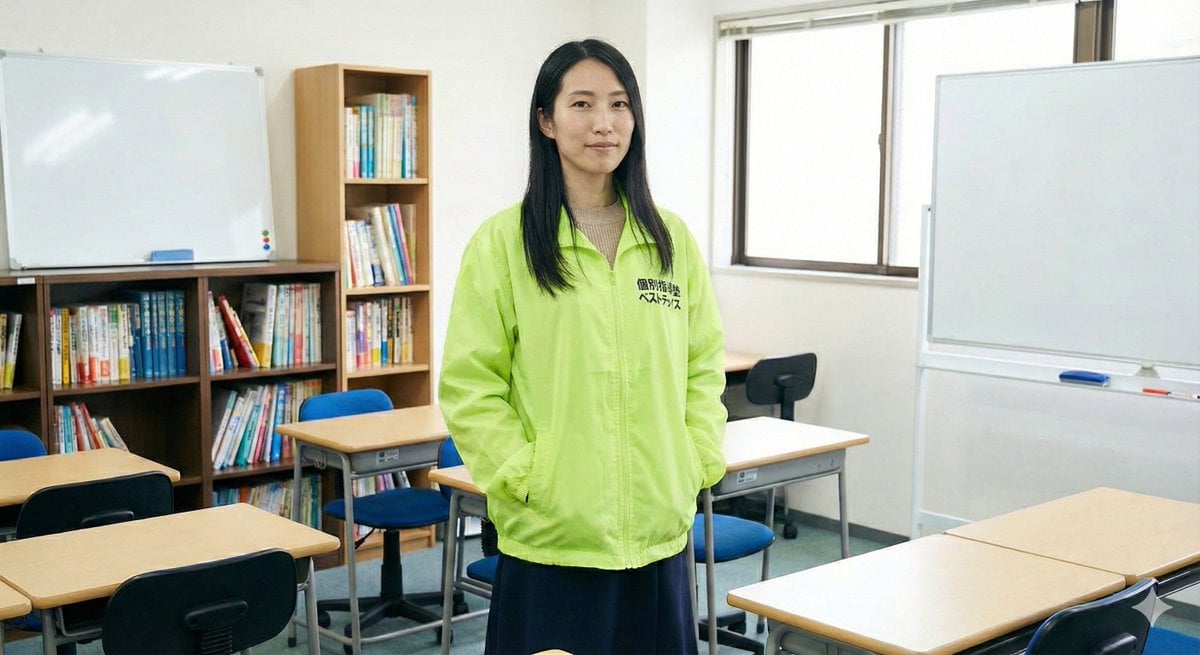
Character Generation Based on Literary Description
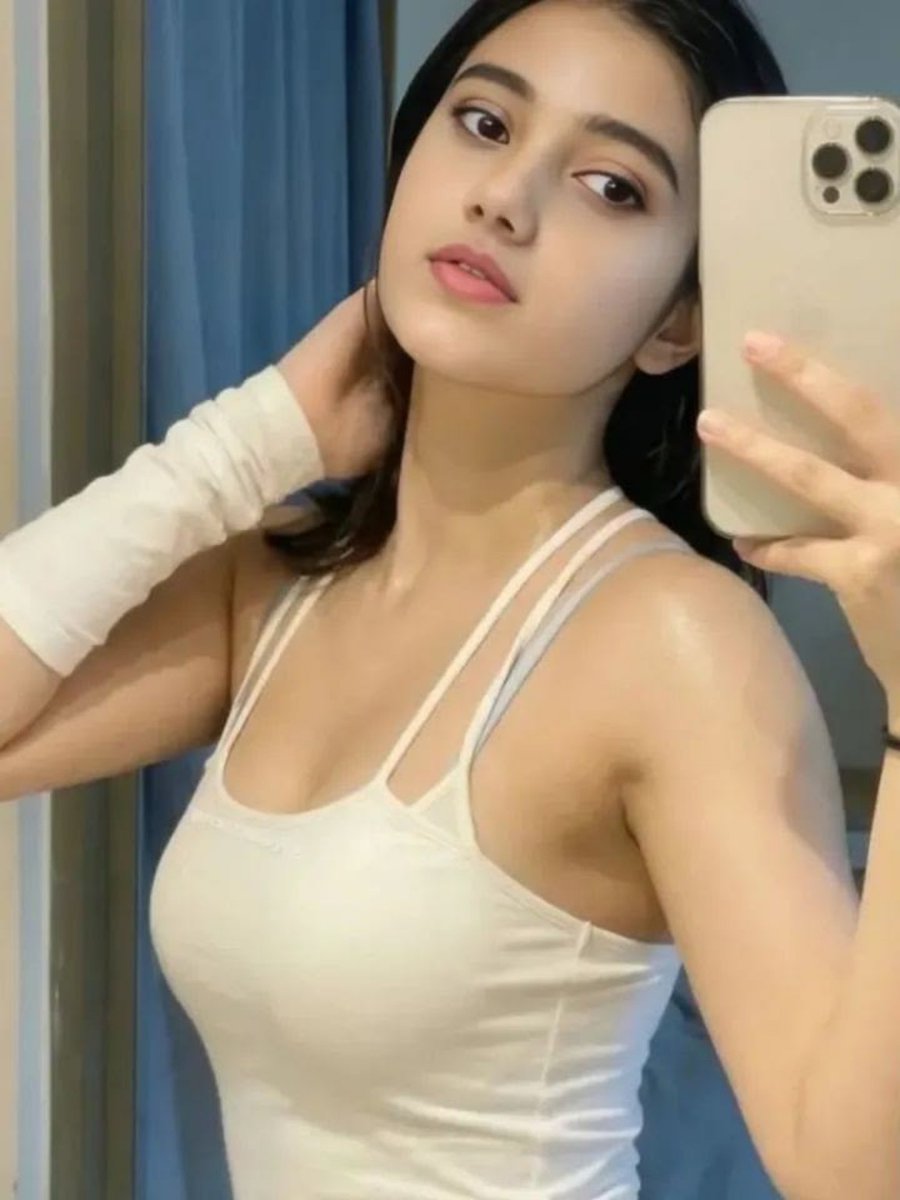
Soft Glow Indoor Mirror Selfie Portrait
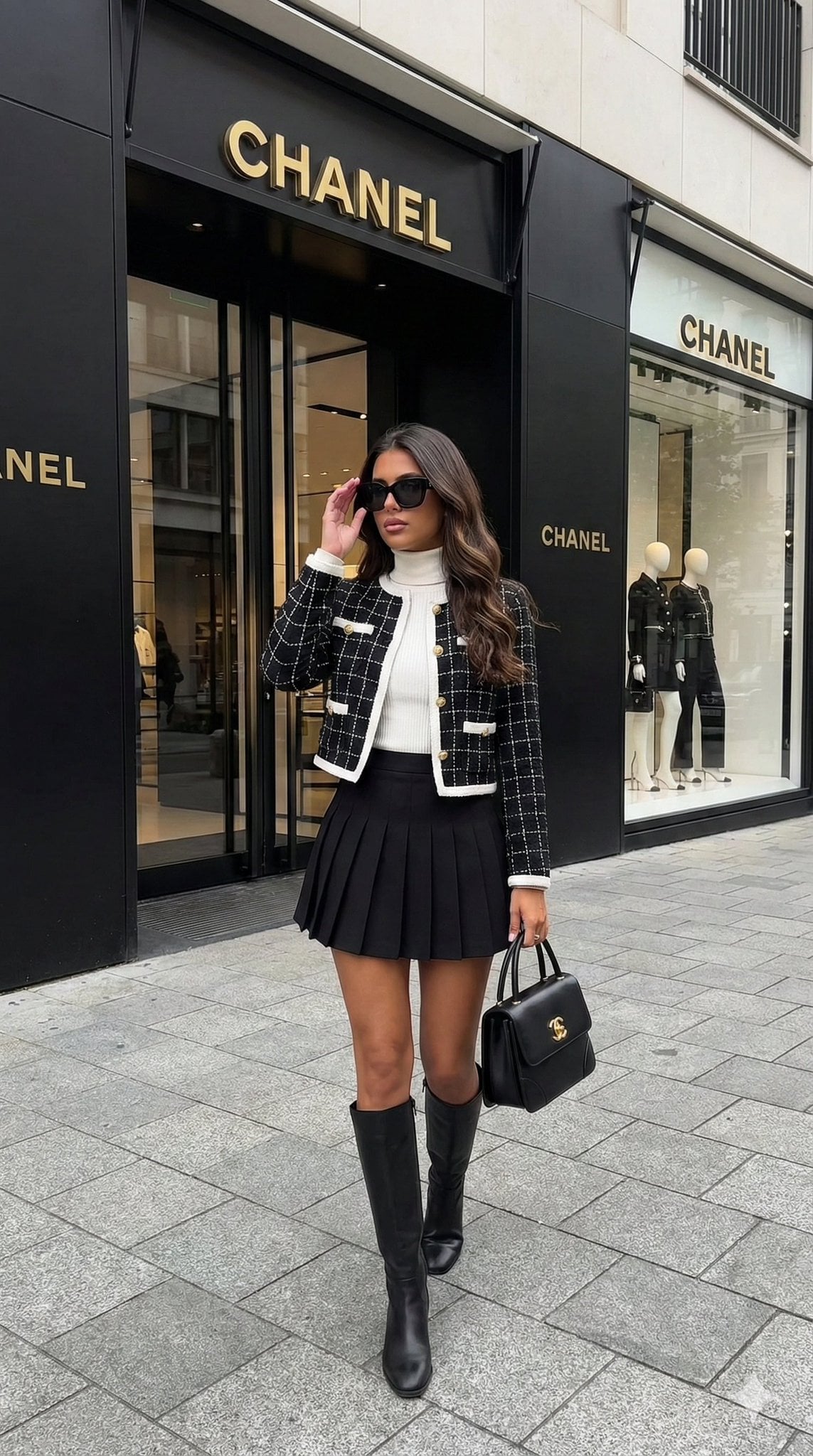
Hyper-realistic street-style lifestyle photo
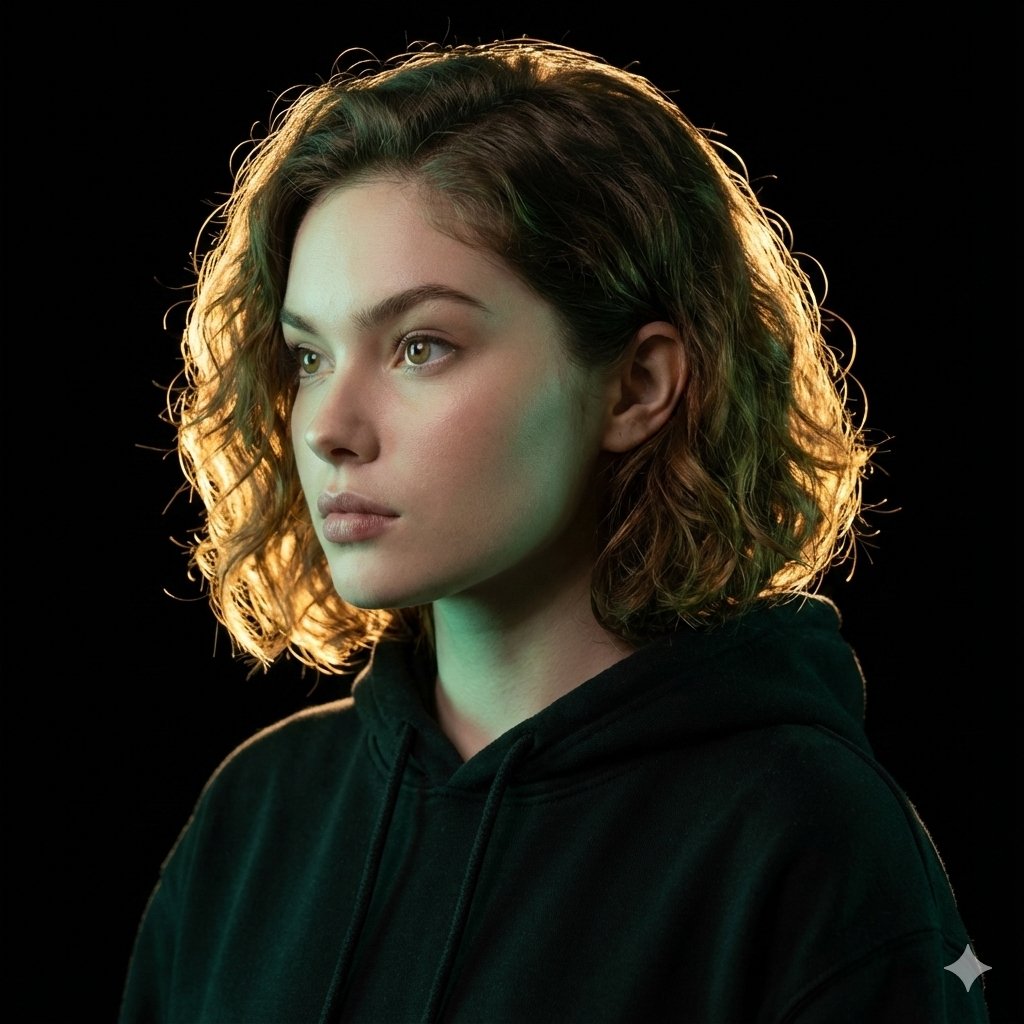
Ultrarealistic Artistic Portrait with Contradictory Lighting
Browse template categories
Sleepy Girl at Laptop Illustration questions
How do I use the Sleepy Girl at Laptop Illustration template?
Add your photo if the template asks for one, edit the prompt if you like — the template's model and format are already selected — and press Generate. Your version opens in PicX Studio.
Can I customize the Sleepy Girl at Laptop Illustration template?
Yes. You can change the subject, setting, lighting, mood, format, and available model controls before creating your image.
Is the Sleepy Girl at Laptop Illustration template free?
Opening and editing this template is free. Generating uses credits, shown on the Generate button when you are signed in.
Which AI model should I use?
Start with GPT Image 2, which is the model associated with this template. You can compare another compatible model for a different finish.
Looking for something else? Browse all templates.

Your photo, any look
Thousands of ready templates for every top image and video model, from one credit balance.