
Pastel Blue Frilly Maid Girl
Generates a dreamy anime character illustration in a pastel blue-and-white cropped frilly maid outfit for fashion, character, or avatar art.
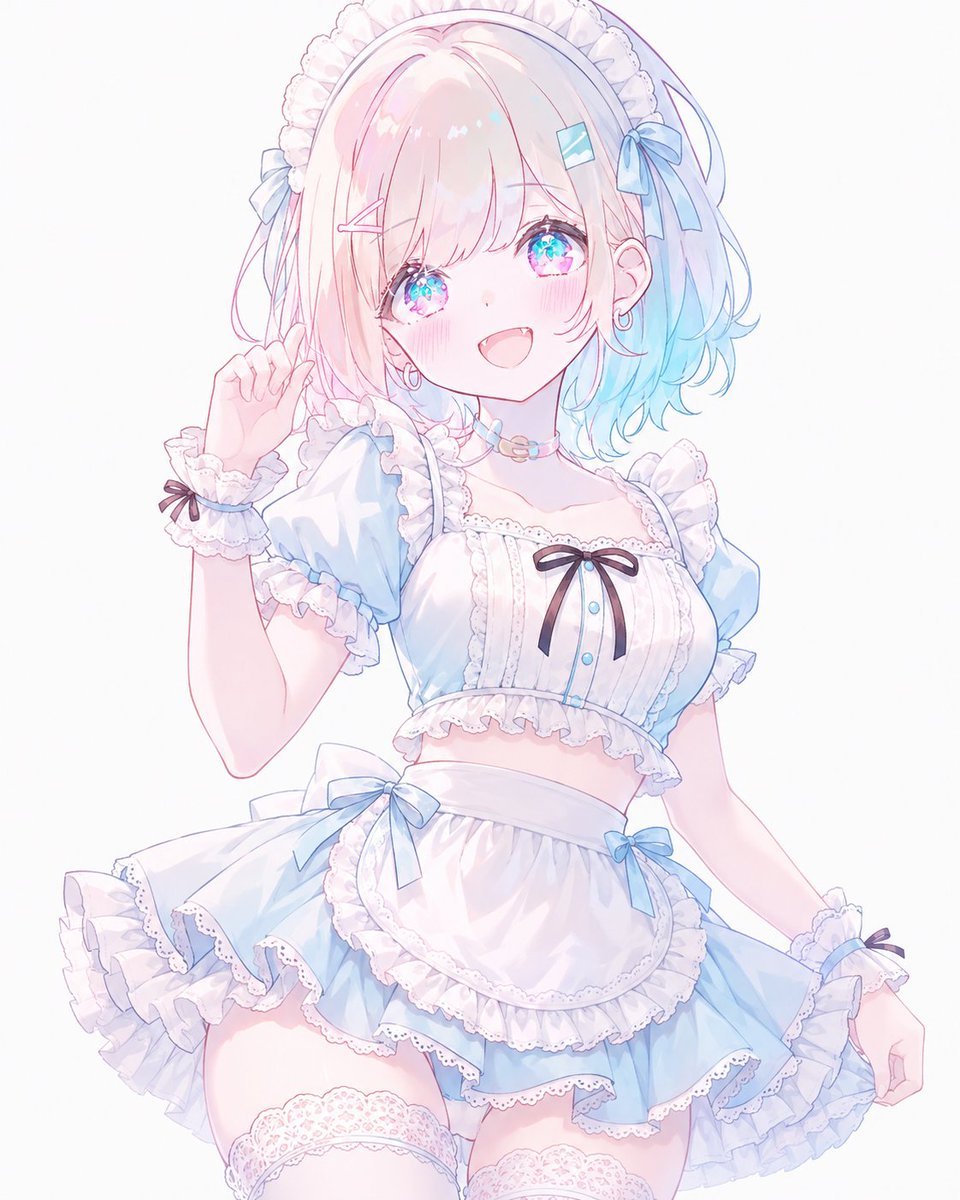
- Prompt included
- Model and format preset
- Free template
The prompt behind this image
Copy the exact prompt behind Pastel Blue Frilly Maid Girl, or open it in the studio and make it yours.
Create a clean, high-key anime illustration of one cheerful young female character wearing a frilly pastel maid outfit. She has {argument name="hair color" default="soft pastel pink fading into light aqua blue at the tips"}, a short fluffy bob with long side strands and airy bangs partly covering one eye, sparkling jewel-like blue-pink eyes, rosy cheeks, and an open happy smile. Pose her in a cute three-quarter view from thighs up, one hand raised near her head as if waving or touching her maid headband, the other arm relaxed outward while her skirt flares. Dress her in a cropped pastel blue and white maid costume: puff sleeves, white lace-trimmed bodice, cropped waist revealing a small midriff, a fluffy layered mini skirt, white apron panel, scalloped lace edging, ruffles everywhere, and pale blue accents. Include exactly 7 visible bows: 2 pale blue hair bows, 1 small black bow at the chest, 1 large pale blue bow at the waist, 1 small pale blue bow on the skirt/apron side, and 2 tiny black bows on the wrist cuffs. Include exactly 2 hair clips, one pink bobby-pin style clip and one small aqua rectangular clip, plus 2 small hoop earrings and a pastel bead choker. Add white lace thigh-high stockings visible at the bottom of the crop. Use an ethereal pastel palette of powder blue, white, pale pink, and lavender, with delicate thin line art, soft watercolor-like shading, glossy highlights, translucent frills, and a bright minimal white background. The character should feel adorable, fashionable, and idol-like, with a dreamy shoujo aesthetic. Use {argument name="outfit colors" default="pastel blue and white lace"} as the main clothing palette and keep the composition centered, polished, and uncluttered.
How to use Pastel Blue Frilly Maid Girl in 3 steps
- 1Upload ImagePNG, JPG or paste
Add your photo
Upload the photo the template builds on. The prompt, model and format are already set.
- 2…a portrait of your subject in softgolden-hour light, 85mm…
Personalize
Edit the subject and creative details for your destination.
- 3Generate
Generate
Press Generate — your image is created in PicX Studio, so you can compare it with the original and refine one variable at a time.
More like this
Templates with the same subject, style or setup. Open one to see its prompt.

Cute Layered Paper Cut Chibi Girl

Teen Girl Alpine Lake Mountain View
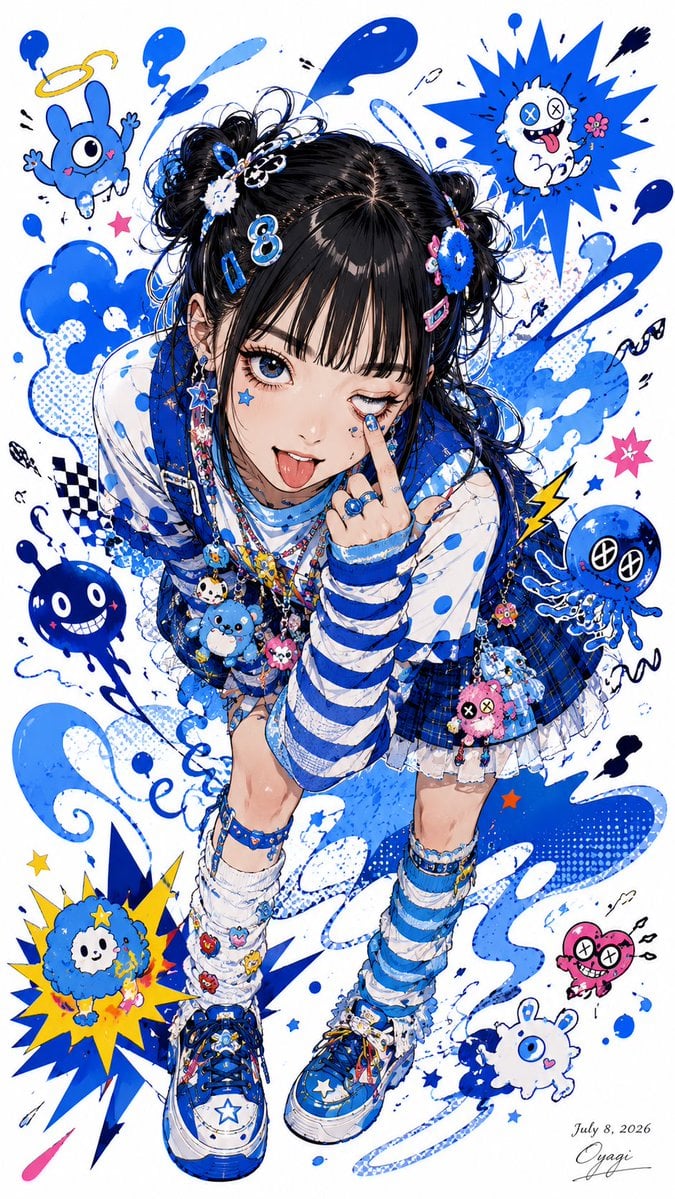
Blue Decora Anime Girl Poster
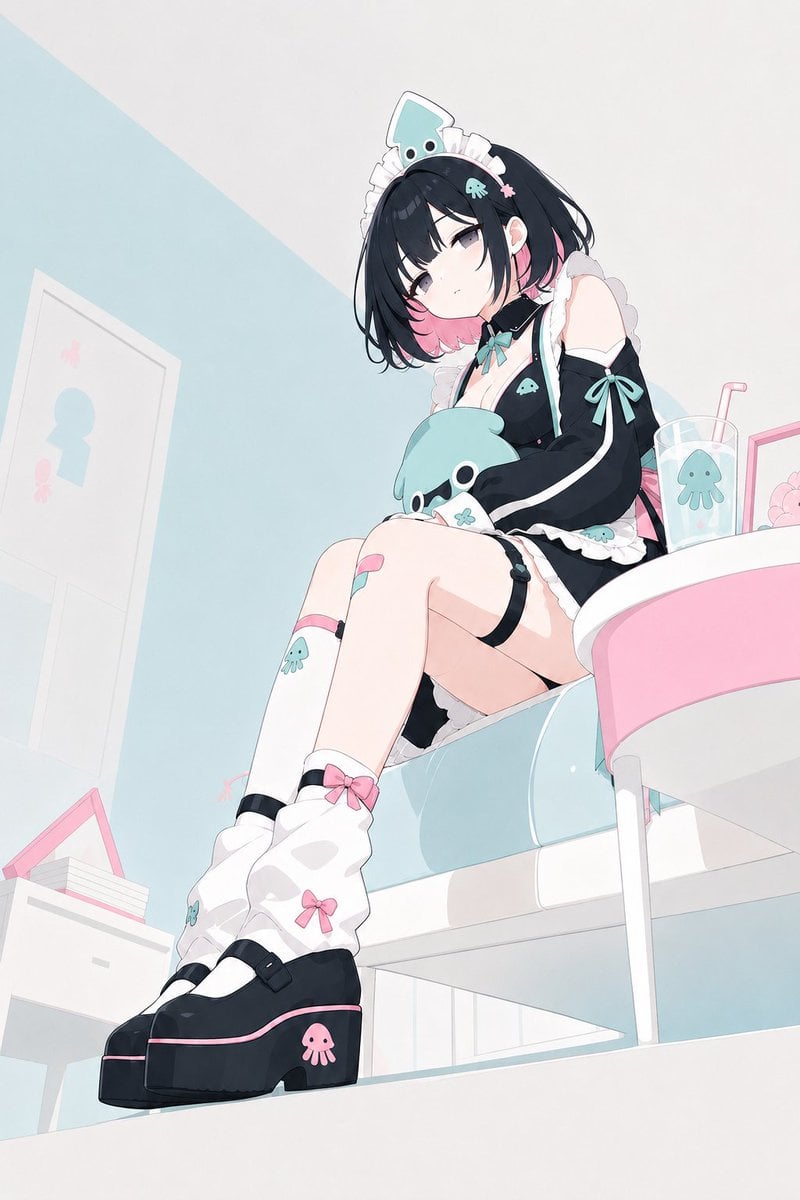
Pastel Squid Maid Bedroom Illustration

Eid al-Adha Cute Chaos — Fisheye Selfie with Farm Selfie, Mosque & Animals

Layered Paper Cut Illustration Template
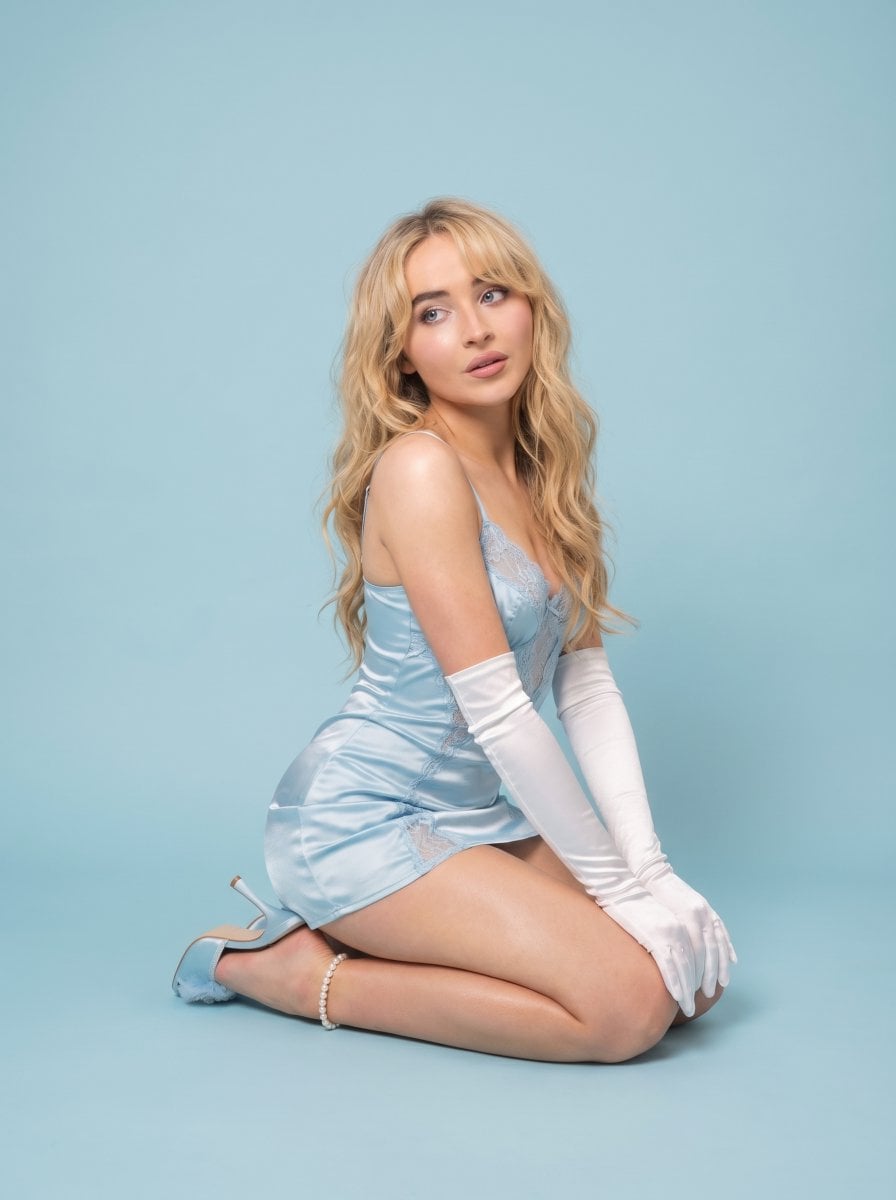
Pastel Editorial Blue Satin Portrait

Premium Vintage Travel Poster Landscape

Quiet Minimalist Anime Style Guide
Premium Vintage Travel Poster Landscape

Pastel Fantasy Pagoda Mountain Landscape

Monochrome Portrait Jersey Accent Poster
Make it yours
Pastel Blue Frilly Maid Girl works as-is. These are the safest ways to change it without losing the look.
Change one field
Copy a single group, rewrite it, and generate again so you can see what that field is doing.
Keep the frame, change the subject
Hold the composition and light of Pastel Blue Frilly Maid Girl, then swap wardrobe, props or the person for a new take.
| If the result… | Why | Fix |
|---|---|---|
| The result drifts from the preview | Too many fields changed at once. | Reuse Pastel Blue Frilly Maid Girl as-is first, then change one group — subject, light, or setting. |
| The model over-stylizes the scene | The prose prompt leaves finish and camera underspecified. | Add one camera or lighting sentence and stay on GPT Image 2. |
More GPT Image 2 templates
Other prompts made for GPT Image 2.

Six VTuber Japanese Logo Sheet

Realistic Portrait of Woman and Deer

The Vista Modular Condo Poster

AI Model Routing Comparison Infographic

2.5D Anime Art Board

Isometric Productivity Desk Scene

New York Double Exposure Poster

Four-Panel AI Landscape Comparison

Japanese Tatami Lifestyle Magazine Cover

NESCAFÉ Coffee Map Poster
More image prompts
Fresh picks from across the catalog.
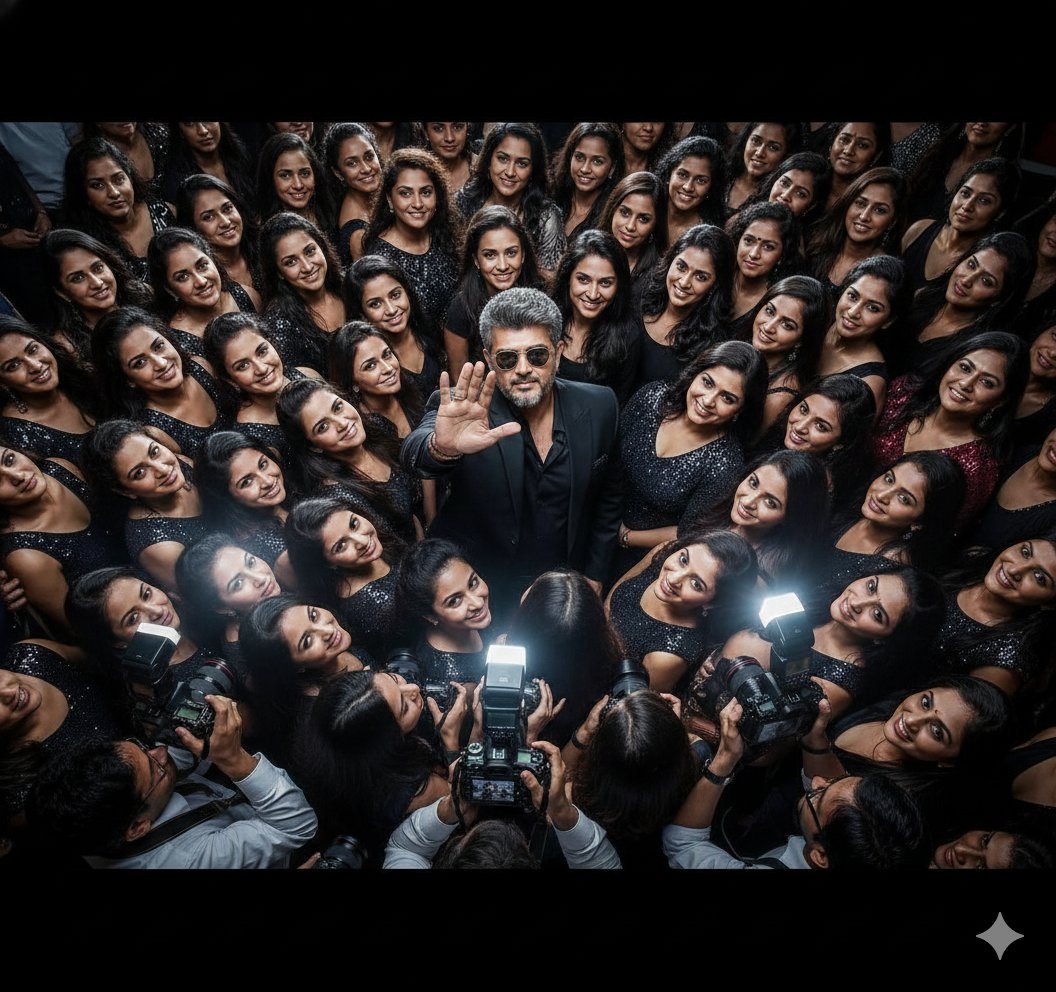
Paparazzi Flash Crowd Scene Prompt (Identity Preservation)
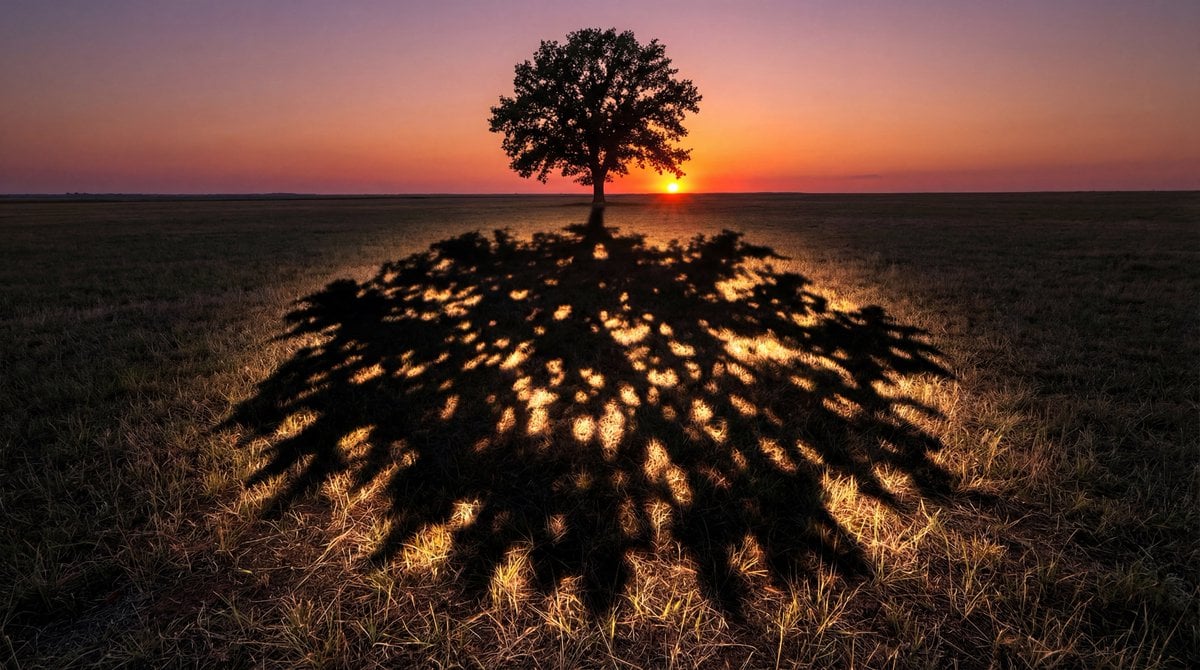
Magical Shadow Illusion Prompt for Nano Banana Pro
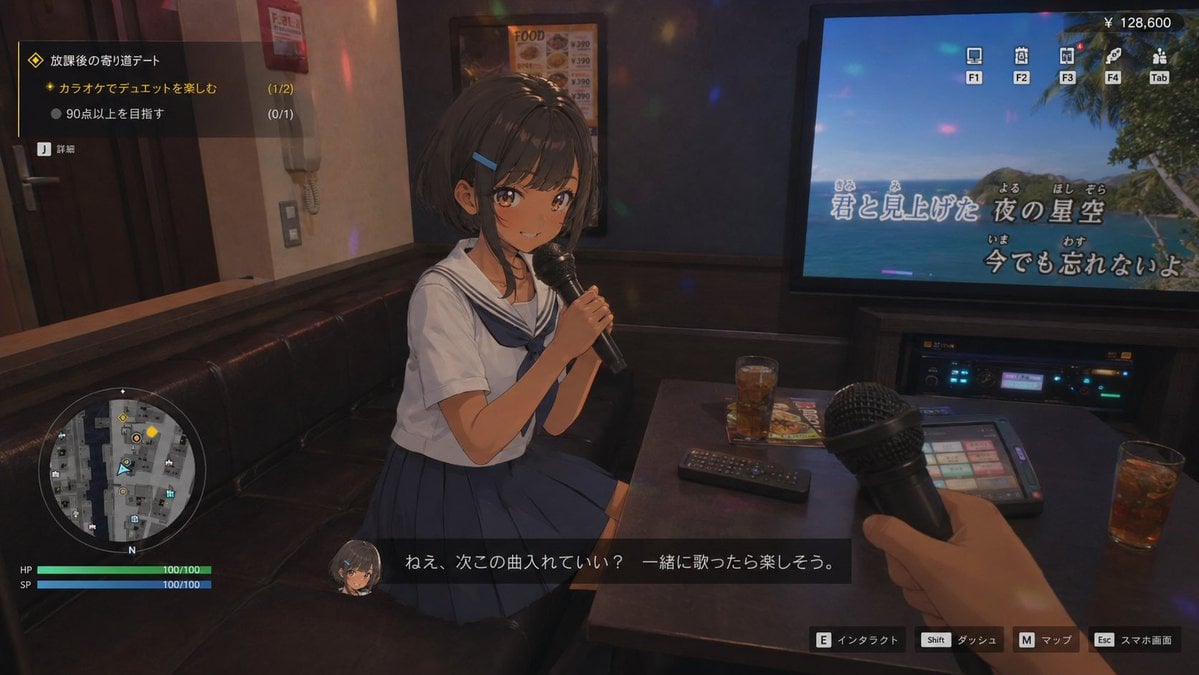
3D Anime RPG Gameplay Screen
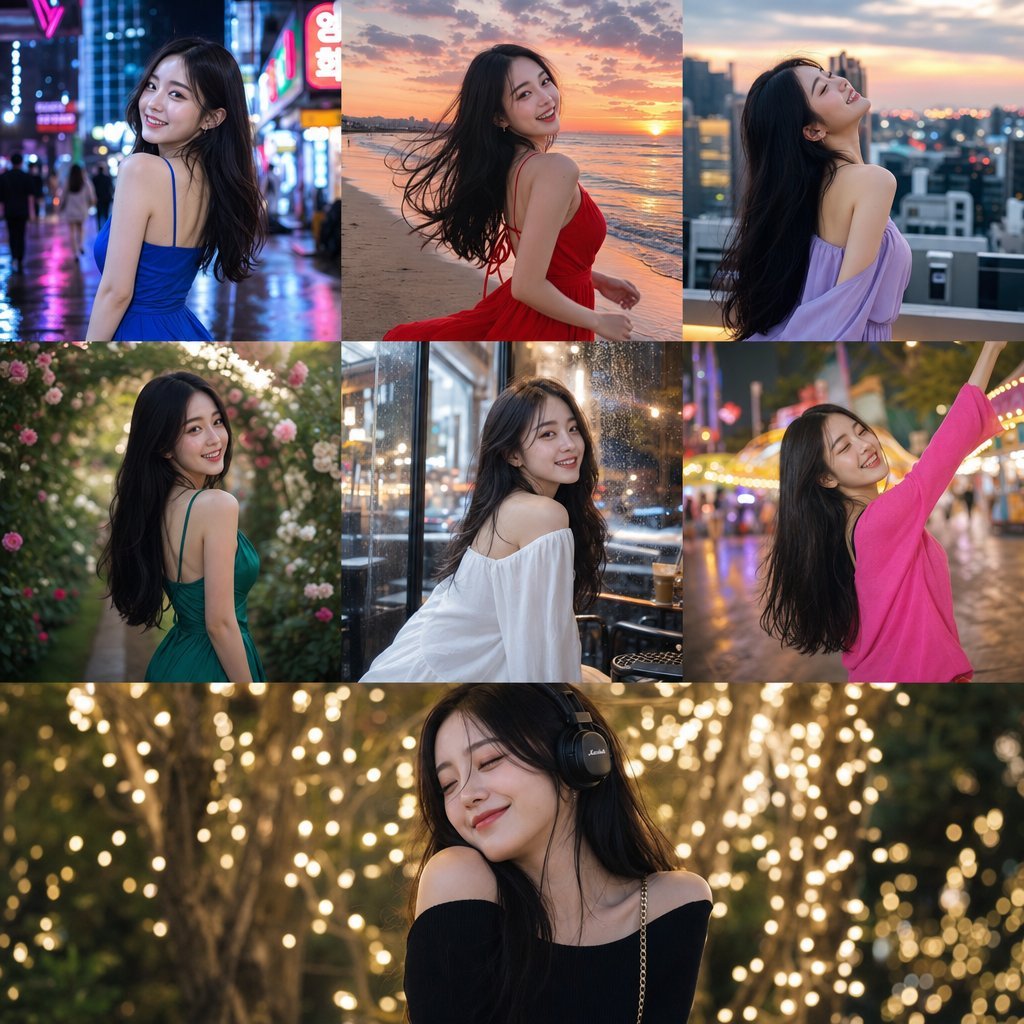
Consistent Korean Girl Identity Lifestyle
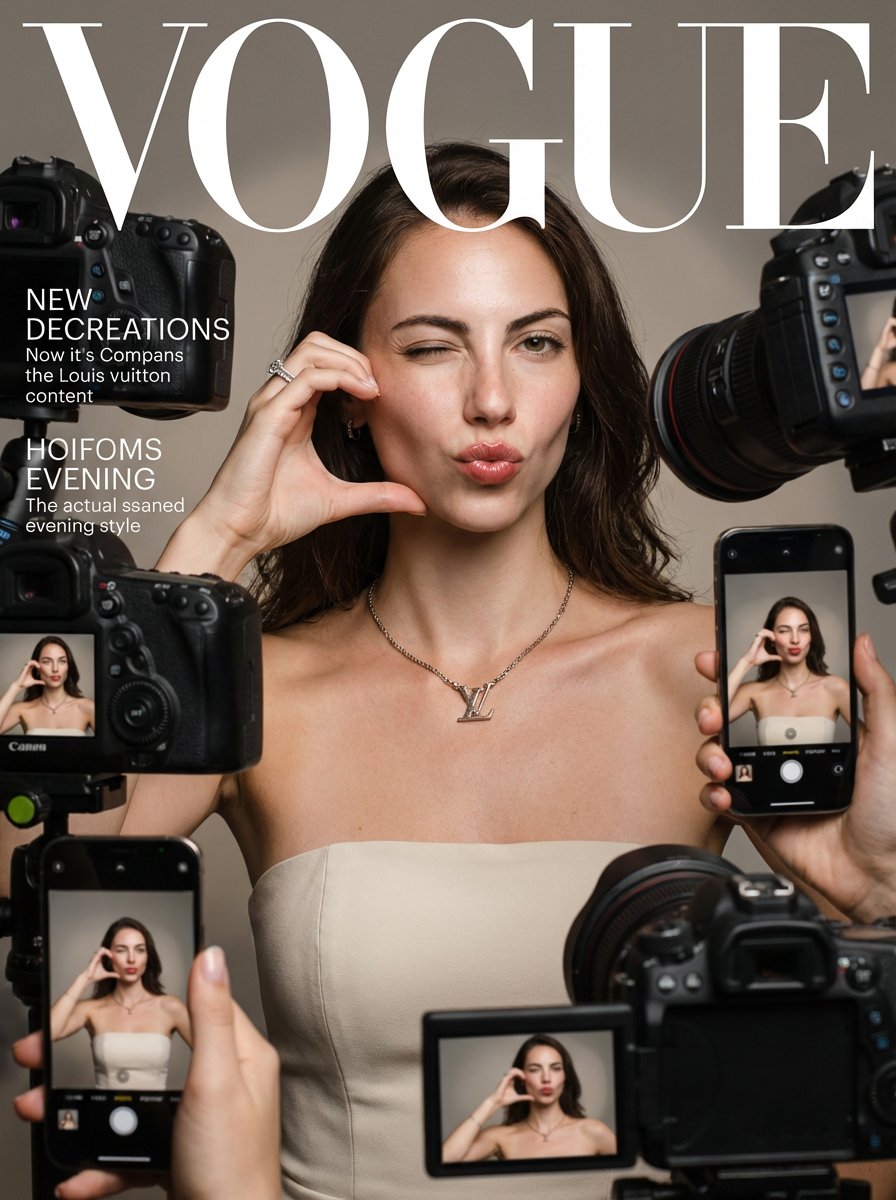
Vogue Prompt for Nano Banana Pro
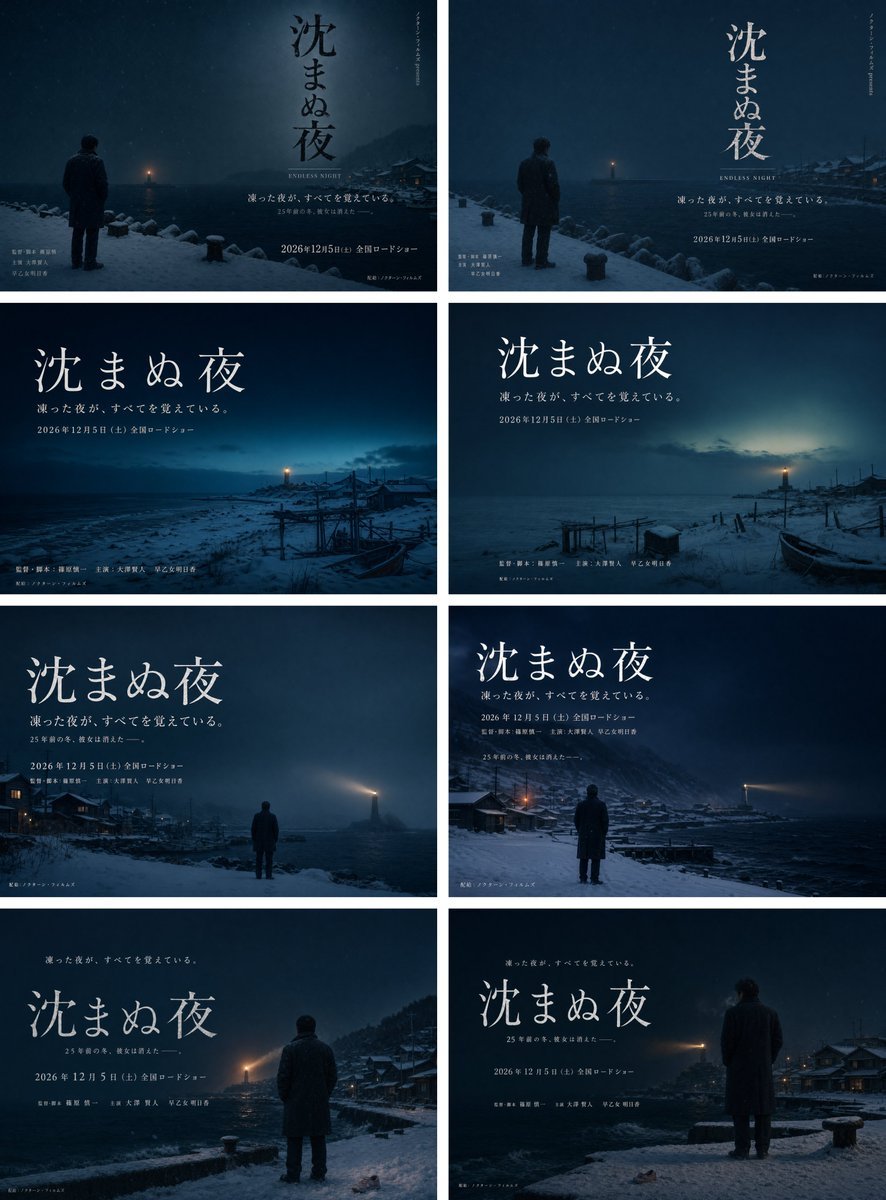
Snowy Japanese Film Poster Grid
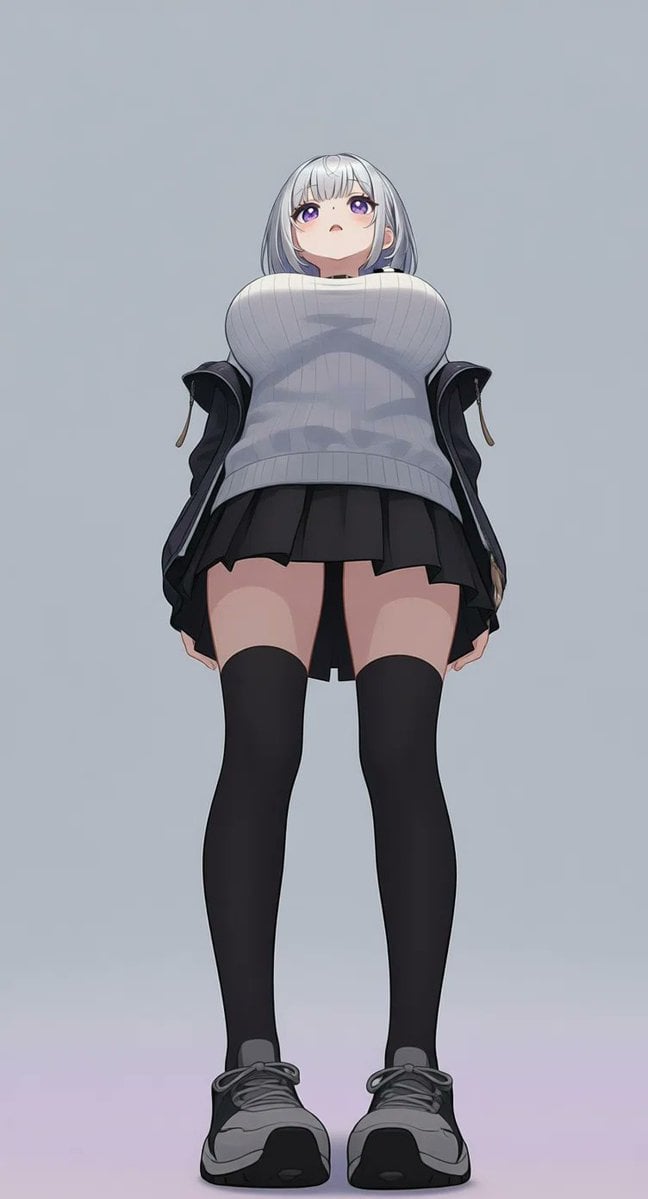
AI Image Generation Prompts for Multiple Angles
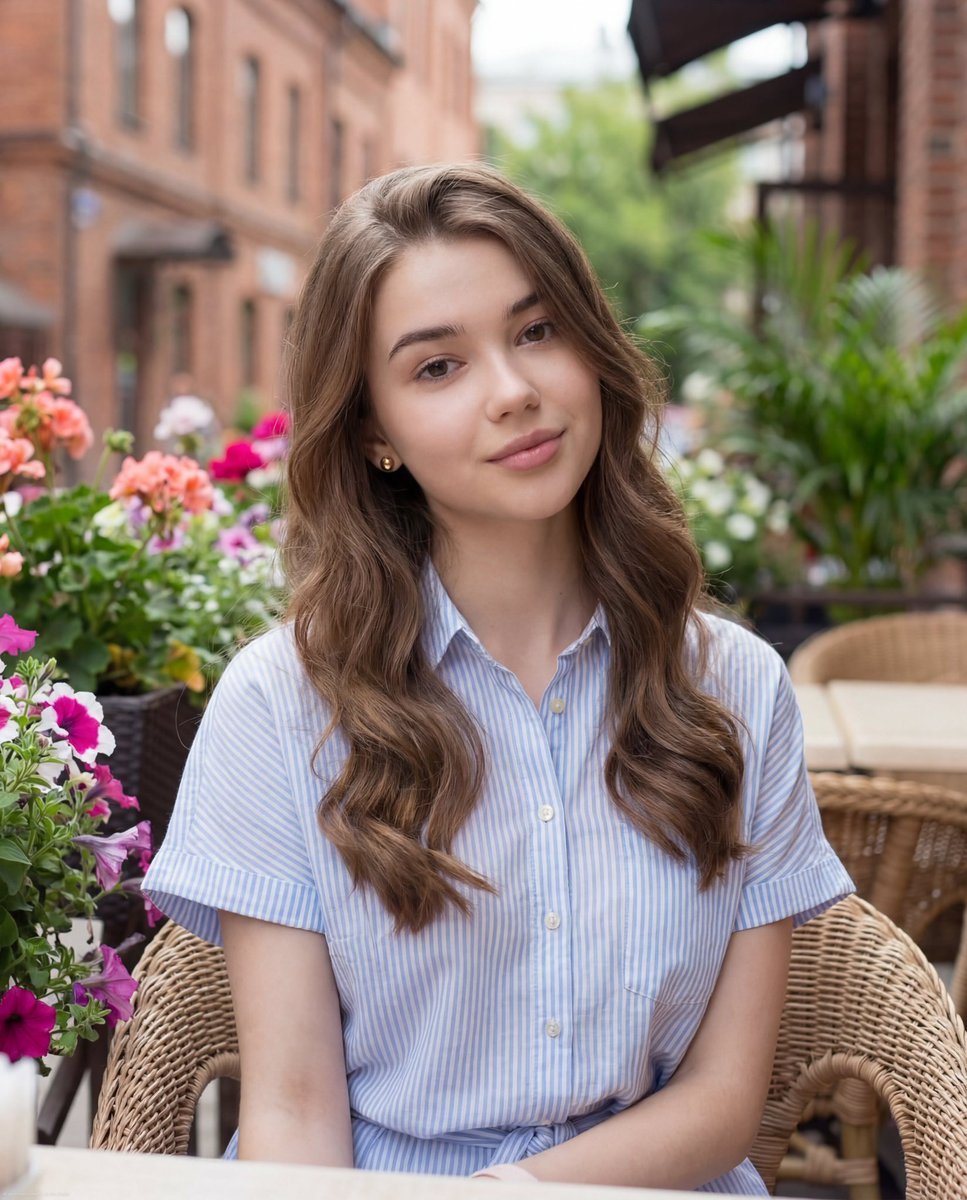
Casual Lifestyle Portrait at Outdoor Café
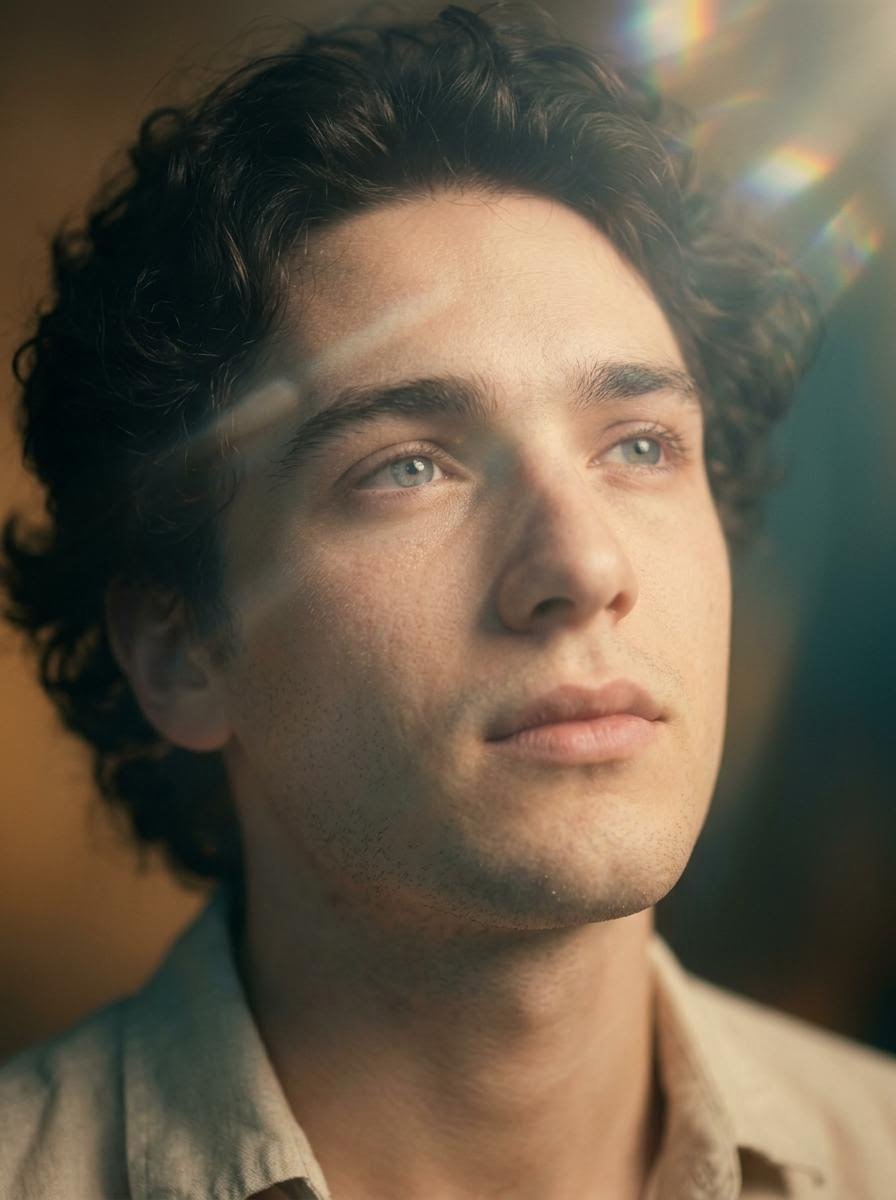
Cinematic Close-Up Portrait with Lens Flares
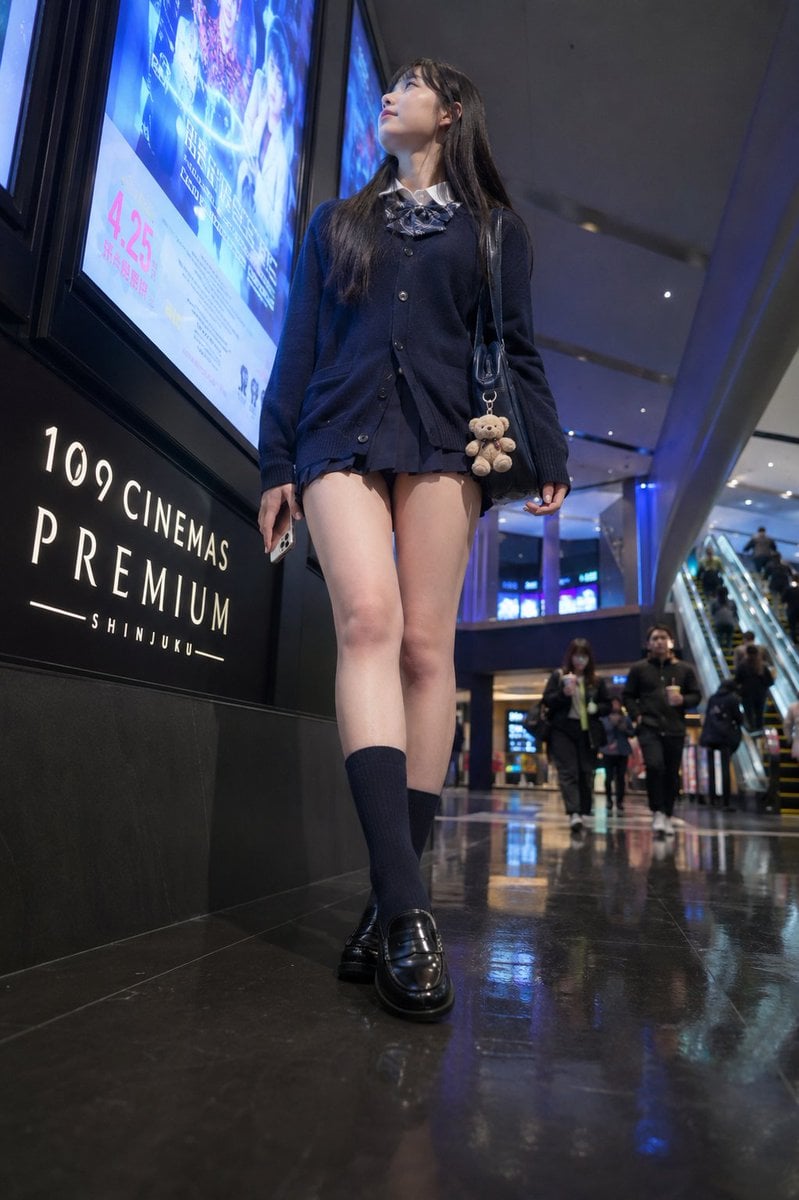
Cinema Lobby School-Inspired Fashion Photo
Browse template categories
Pastel Blue Frilly Maid Girl questions
How do I use the Pastel Blue Frilly Maid Girl template?
Add your photo if the template asks for one, edit the prompt if you like — the template's model and format are already selected — and press Generate. Your version opens in PicX Studio.
Can I customize the Pastel Blue Frilly Maid Girl template?
Yes. You can change the subject, setting, lighting, mood, format, and available model controls before creating your image.
Is the Pastel Blue Frilly Maid Girl template free?
Opening and editing this template is free. Generating uses credits, shown on the Generate button when you are signed in.
Which AI model should I use?
Start with GPT Image 2, which is the model associated with this template. You can compare another compatible model for a different finish.
Looking for something else? Browse all templates.

Your photo, any look
Thousands of ready templates for every top image and video model, from one credit balance.