
Acrylic Hand-Painted Style Poster Design
A sophisticated prompt for creating high-end design posters that blend original photography with minimalist acrylic hand-painted illustrations in a clean split-screen layout.
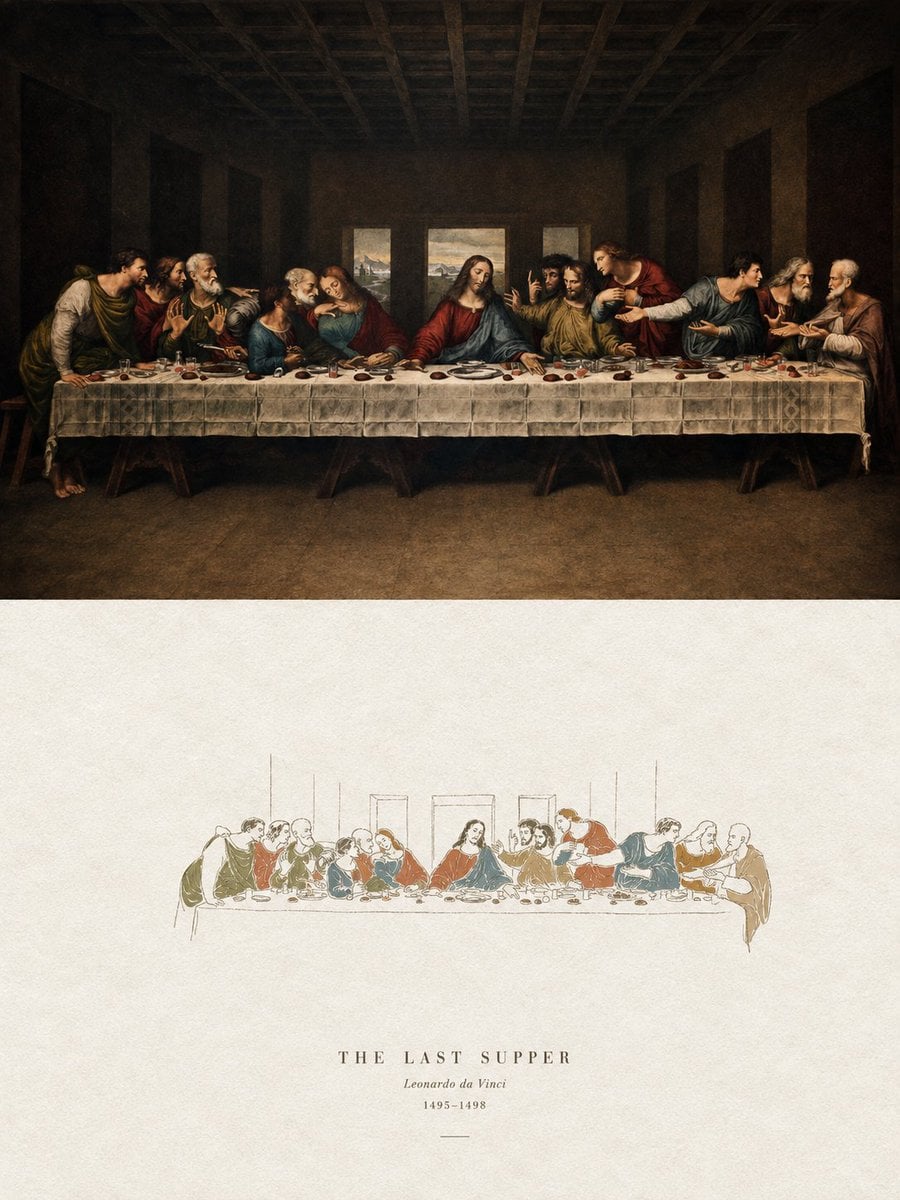
- Prompt included
- Model and format preset
- Free template
The prompt behind this image
Copy the exact prompt behind Acrylic Hand-Painted Style Poster Design, or open it in the studio and make it yours.
请将我上传的每一张照片分别制作成一张独立的高级设计海报,不多图拼接,每张照片单独输出。整体采用{argument name="构图比例" default="3:4"}竖版构图,上下两个区域高度严格1:1,各占画面50%。 上半部分保留原始照片,保持主体结构、真实质感、自然光影和原有色彩氛围,仅进行轻微高级摄影调色,使其具有杂志摄影和艺术出版物质感。为适配画幅,可自然扩展天空、地面或环境背景,但不得拉伸、扭曲或改变主体。 下半部分提取照片中最具识别性的主体、轮廓、姿态与叙事关系,重构为极简纸感手绘封面插画。高度提炼并删减复杂细节,只保留最关键的视觉特征,以纤细、略带不稳定感的手绘线条和少量明确的丙烯平涂色块重新表达,让人一眼识别原始主题。主体保持小而集中,约占下半部分{argument name="主体占比" default="10%–20%"},四周大面积留白,背景以粗糙白纸或浅色纸张为主,仅用极少量线条或色面暗示环境。 配色从上方照片提取并压缩为不超过4种主要颜色,色块鲜明、完整、克制,保留纸张颗粒、手工涂抹和轻微不规则边缘。线条负责提示结构,色块负责建立主体。避免彩铅、蜡笔、水彩晕染、纯线稿、复杂写实、厚重油画、光滑数字插画和3D质感。 可加入少量简洁文字,根据照片内容灵活使用标题、主题词、对象名称、地点、年份、编号或短句,不局限于城市题材。文字排版疏朗克制,与留白和插画自然融合,具有艺术书封、独立出版物和儿童绘本式设计感。整体呈现小主体、大留白、强提炼、高识别度、安静、童趣、轻松、诗意而高级的视觉气质,避免商业卡通感、电商感和模板感。
How to use Acrylic Hand-Painted Style Poster Design in 3 steps
- 1Upload ImagePNG, JPG or paste
Add your photo
Upload the photo the template builds on. The prompt, model and format are already set.
- 2…a portrait of your subject in softgolden-hour light, 85mm…
Personalize
Edit the subject and creative details for your destination.
- 3Generate
Generate
Press Generate — your image is created in PicX Studio, so you can compare it with the original and refine one variable at a time.
More like this
Templates with the same subject, style or setup. Open one to see its prompt.
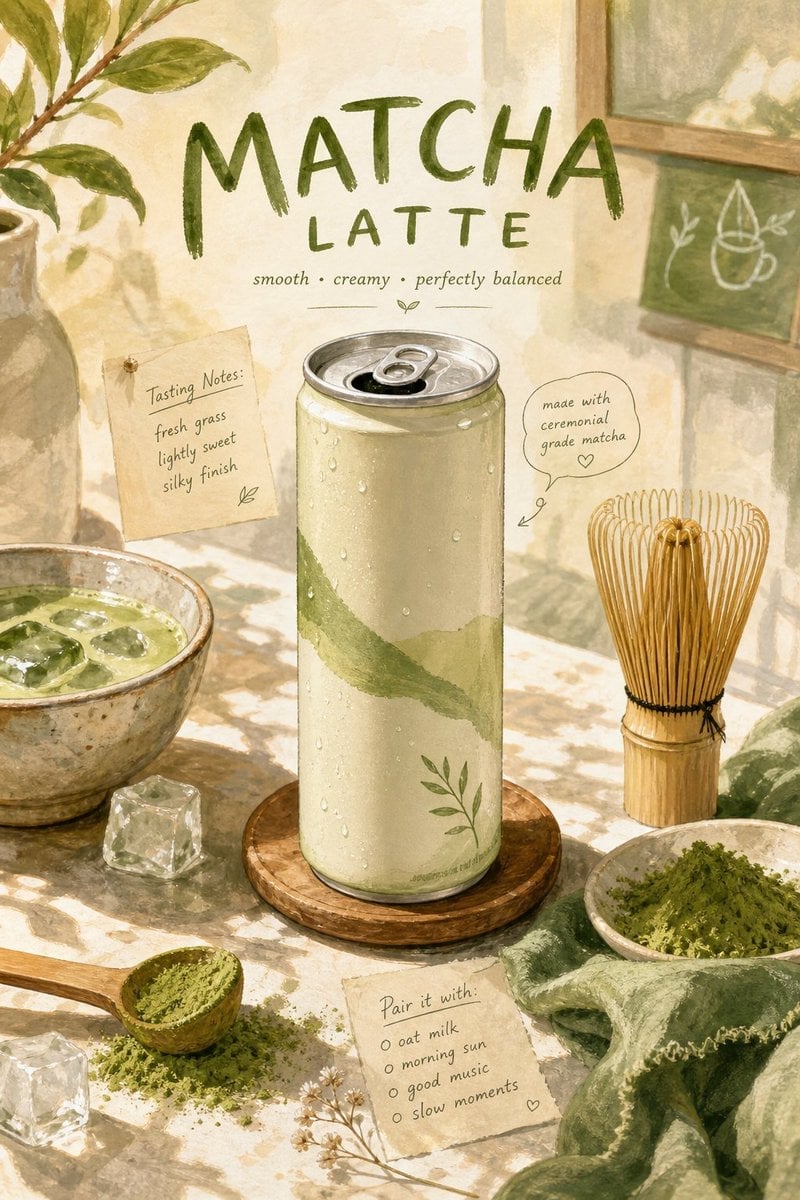
Hand-Painted Gouache Product Poster
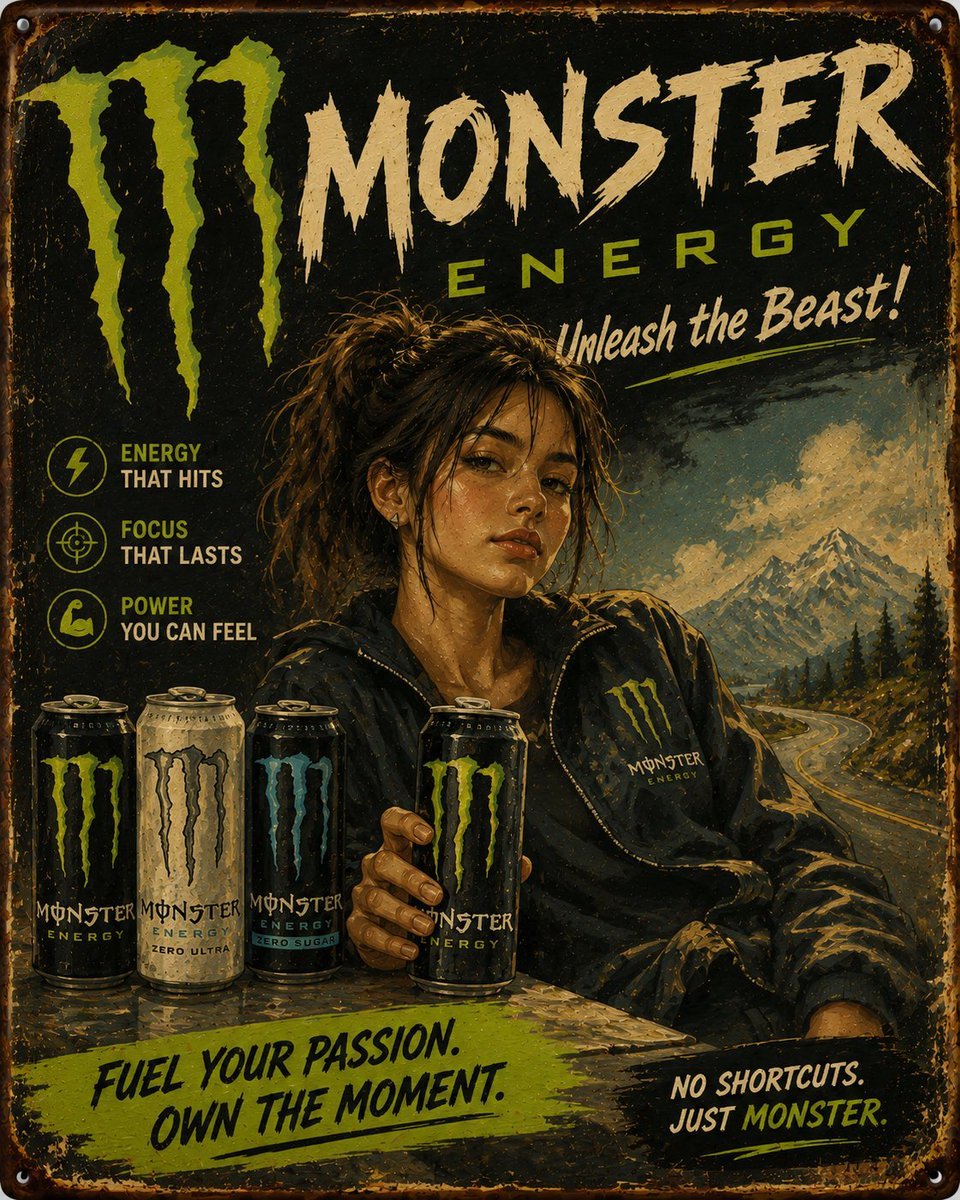
Vintage Hand-Painted Advertising Poster
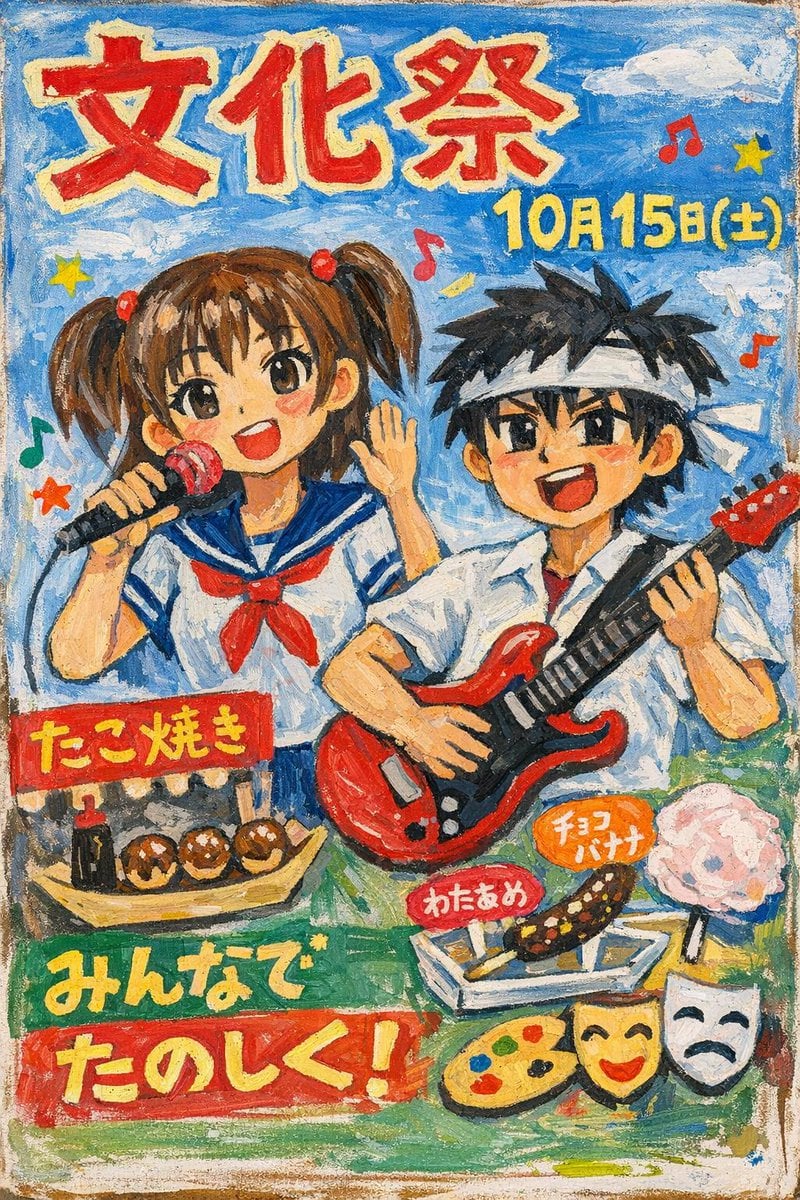
Hand-Painted Japanese Culture Festival Poster
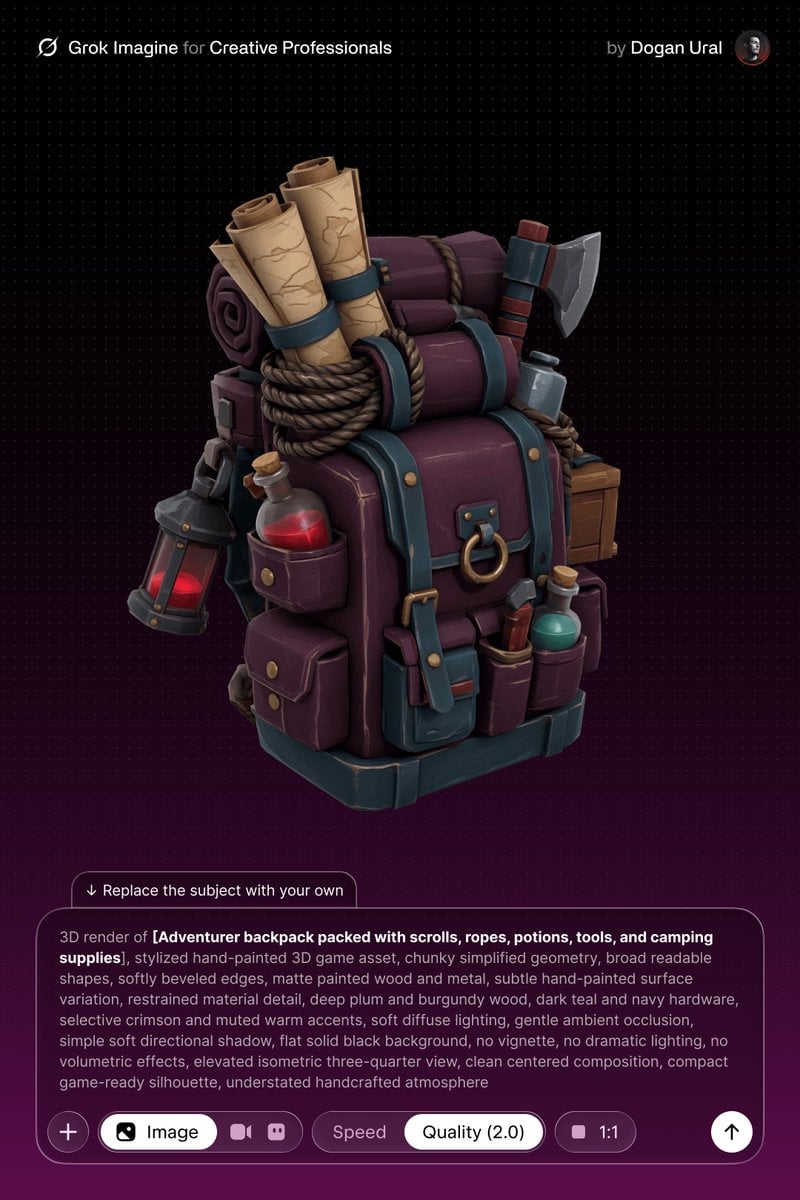
Stylized Hand-Painted 3D Game Asset

Japan Travel Brochure Poster
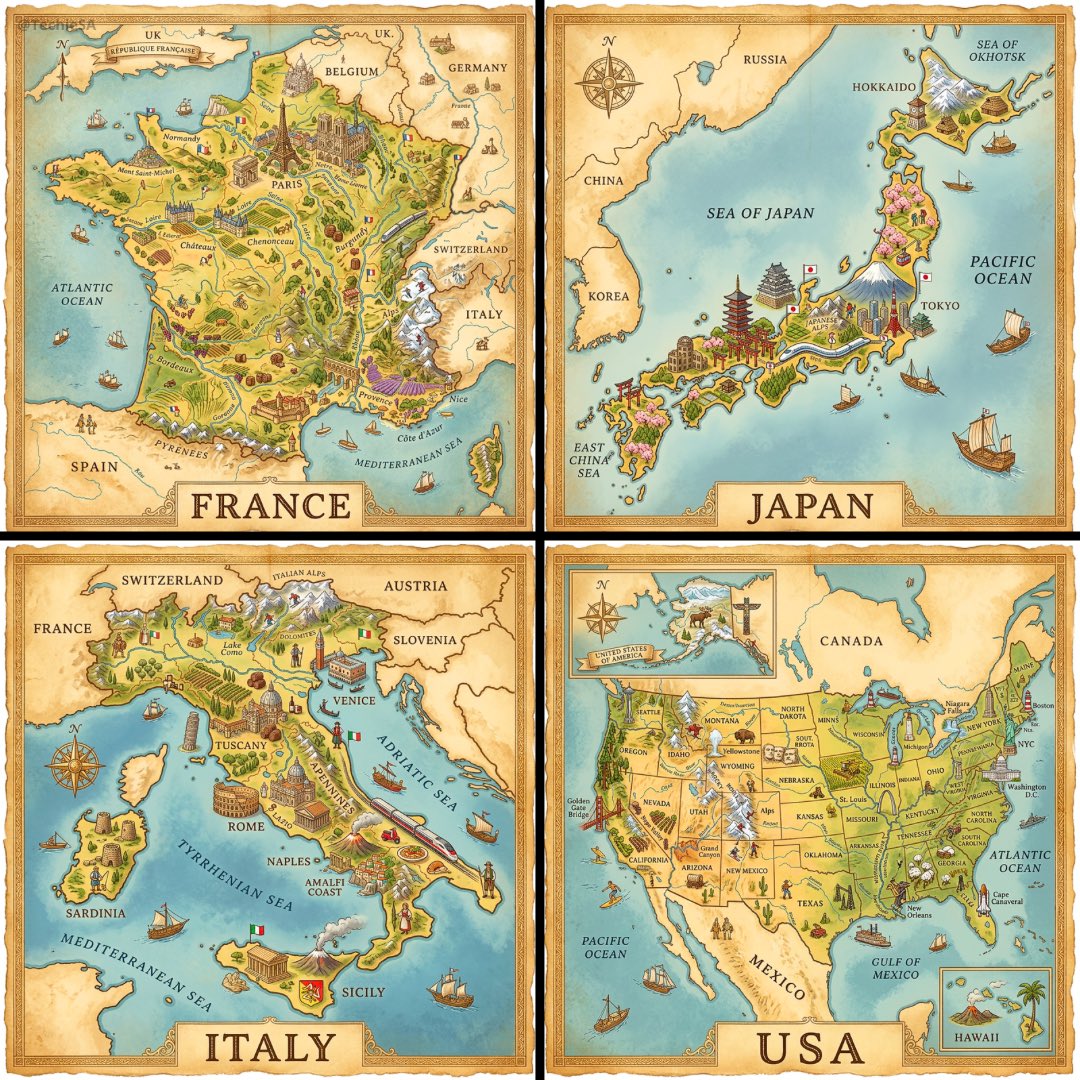
A hand-painted isometric bird s-eye view illustration of in a vintage
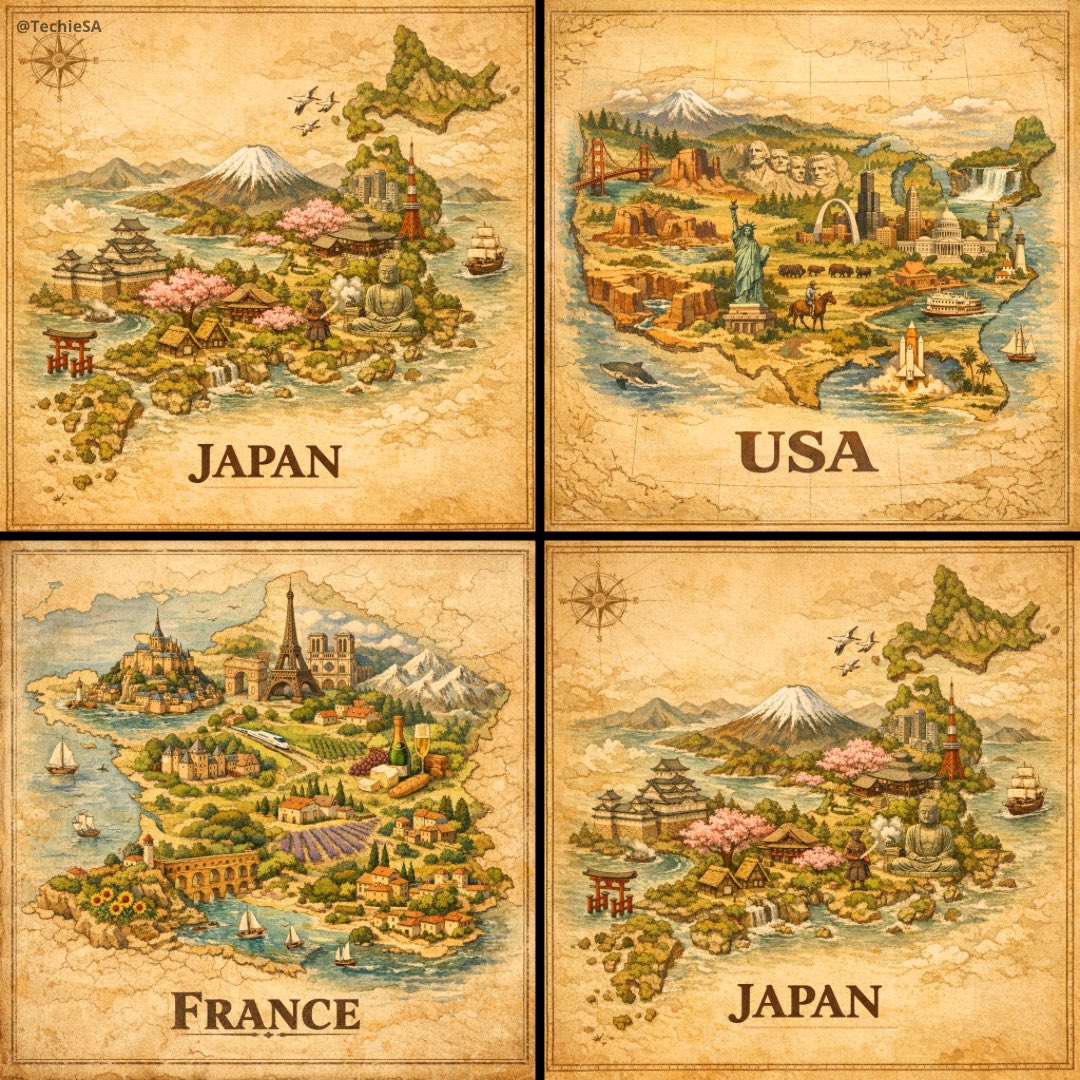
A hand-painted isometric bird s-eye view illustration of in a vintage
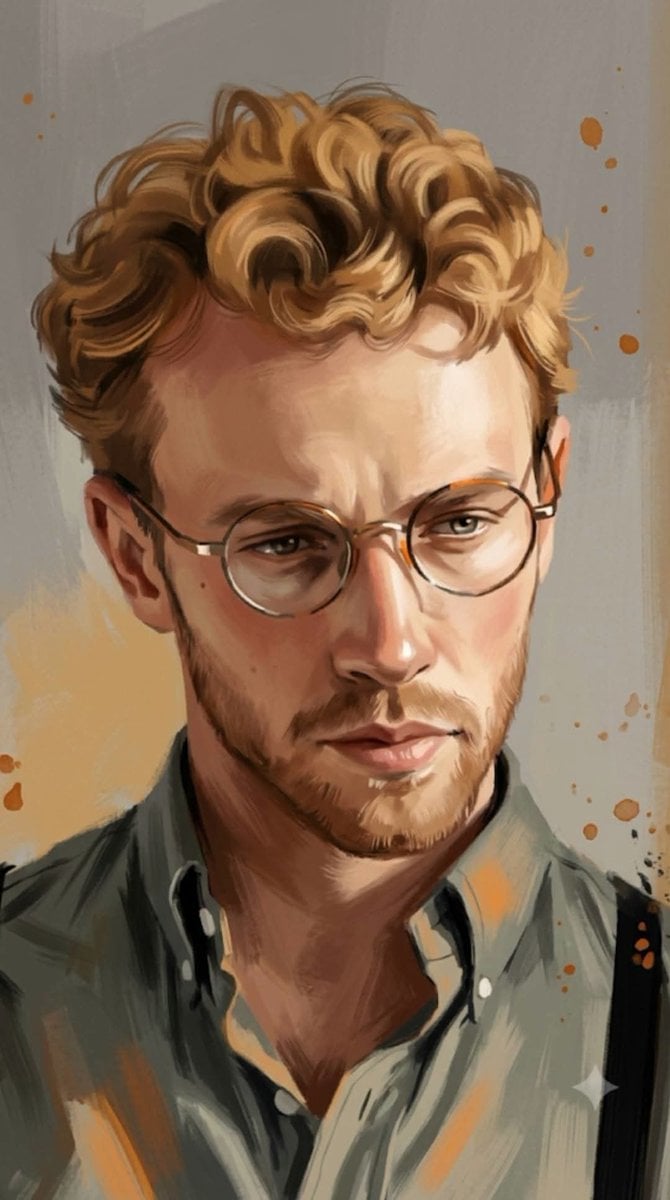
Hand-Painted Digital Art Illustration

Cartoon TV Show Poster Pack

Trendy Cafe Drink Promo Poster

Urban Fashion Editorial Collage Streetwear Poster

Premium Fashion Editorial Cover Layout System
Make it yours
Acrylic Hand-Painted Style Poster Design works as-is. These are the safest ways to change it without losing the look.
Change one field
Copy a single group, rewrite it, and generate again so you can see what that field is doing.
Keep the frame, change the subject
Hold the composition and light of Acrylic Hand-Painted Style Poster Design, then swap wardrobe, props or the person for a new take.
| If the result… | Why | Fix |
|---|---|---|
| The result drifts from the preview | Too many fields changed at once. | Reuse Acrylic Hand-Painted Style Poster Design as-is first, then change one group — subject, light, or setting. |
| The model over-stylizes the scene | The prose prompt leaves finish and camera underspecified. | Add one camera or lighting sentence and stay on GPT Image 2. |
More GPT Image 2 templates
Other prompts made for GPT Image 2.

Six VTuber Japanese Logo Sheet

Realistic Portrait of Woman and Deer

The Vista Modular Condo Poster

AI Model Routing Comparison Infographic

2.5D Anime Art Board

Isometric Productivity Desk Scene

New York Double Exposure Poster

Four-Panel AI Landscape Comparison

Japanese Tatami Lifestyle Magazine Cover

NESCAFÉ Coffee Map Poster
More image prompts
Fresh picks from across the catalog.
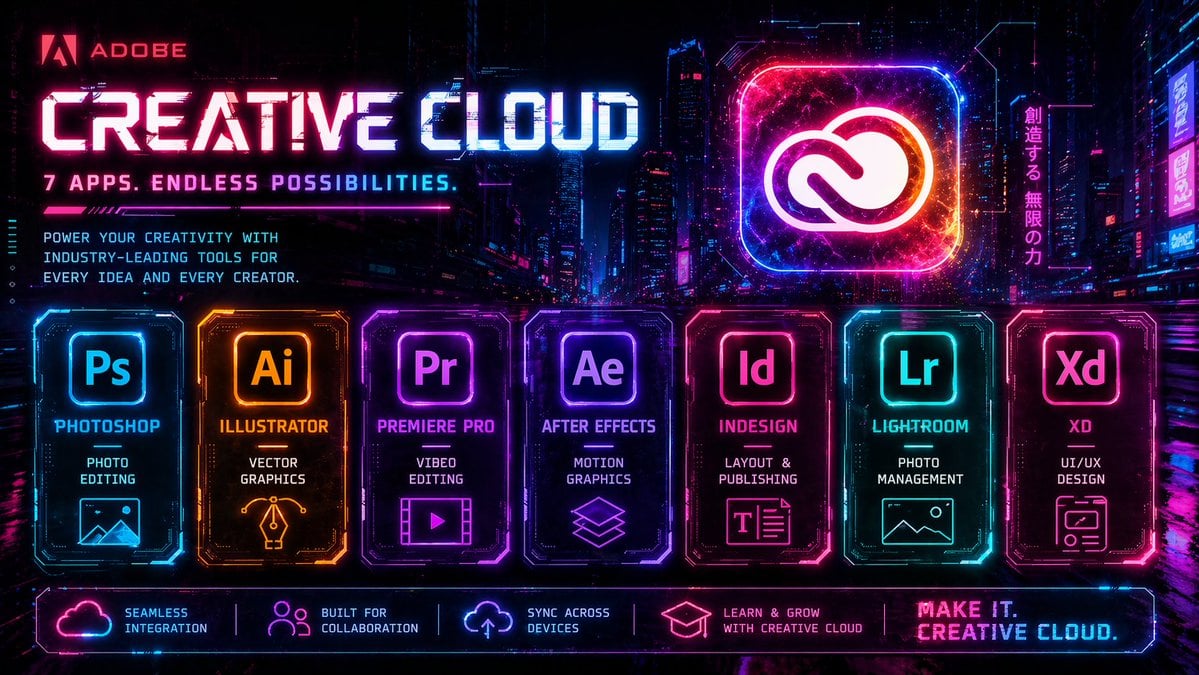
Cyberpunk Creative Cloud Ad Poster
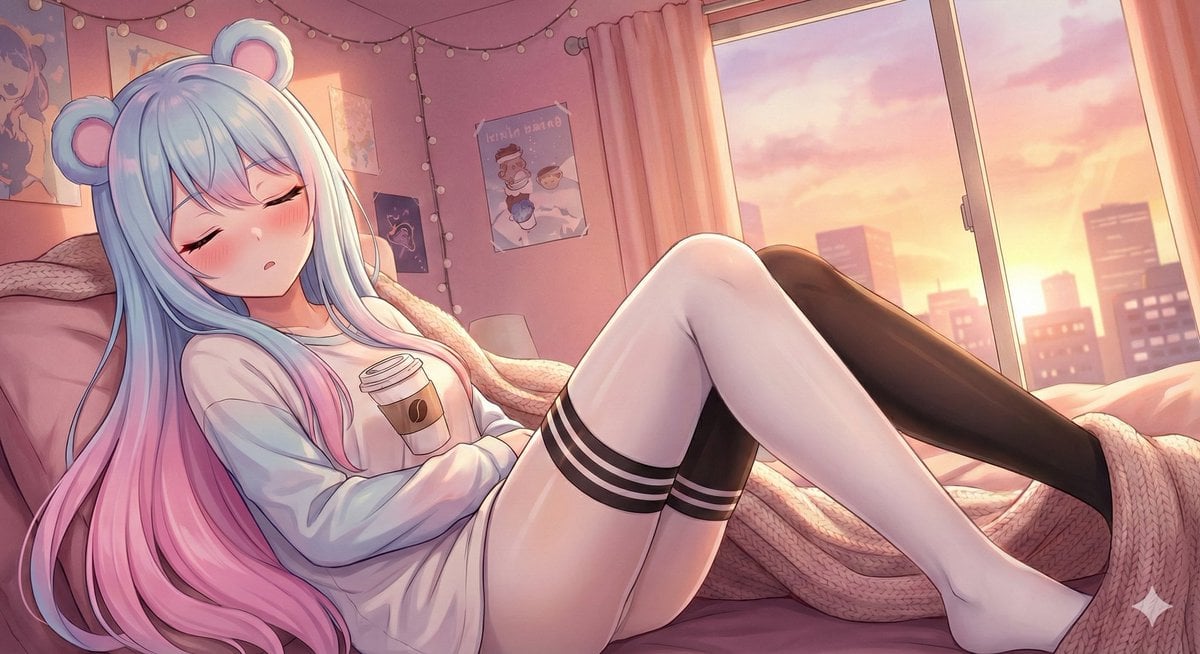
Wake Her Up Gently
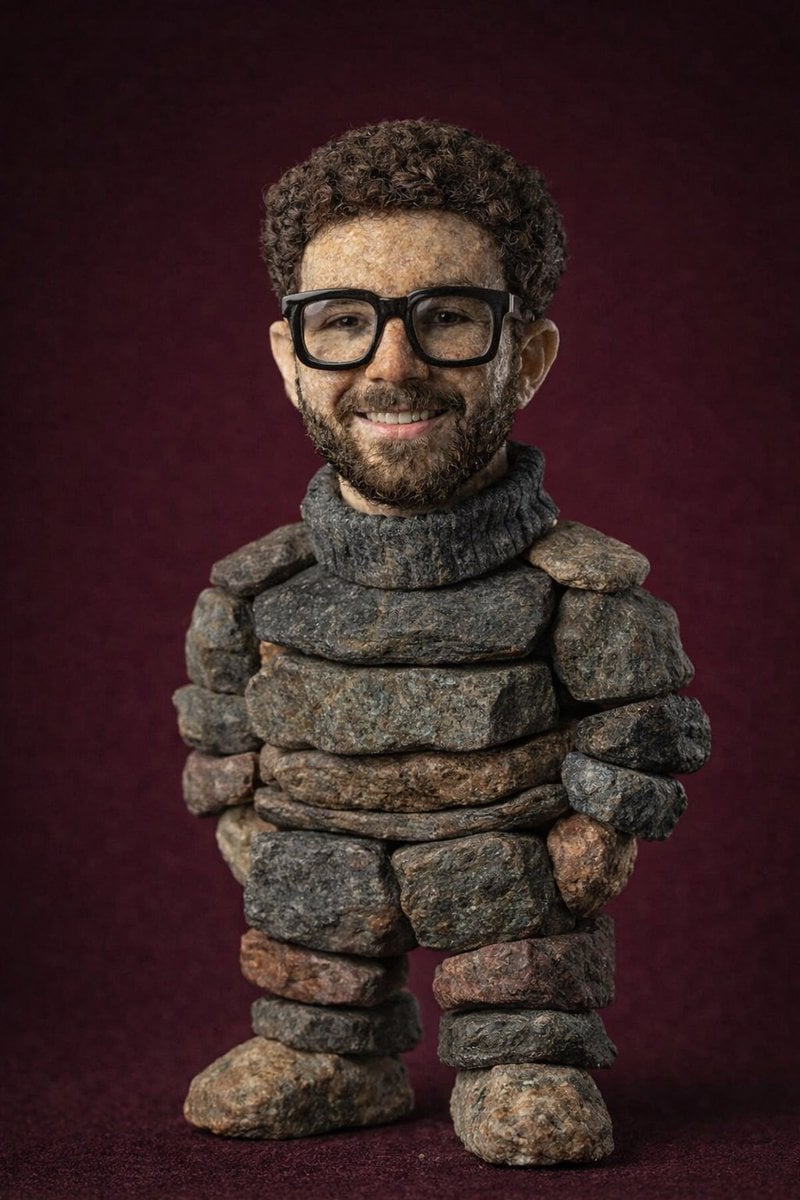
Handcrafted Stone Figurine Transformation Prompt
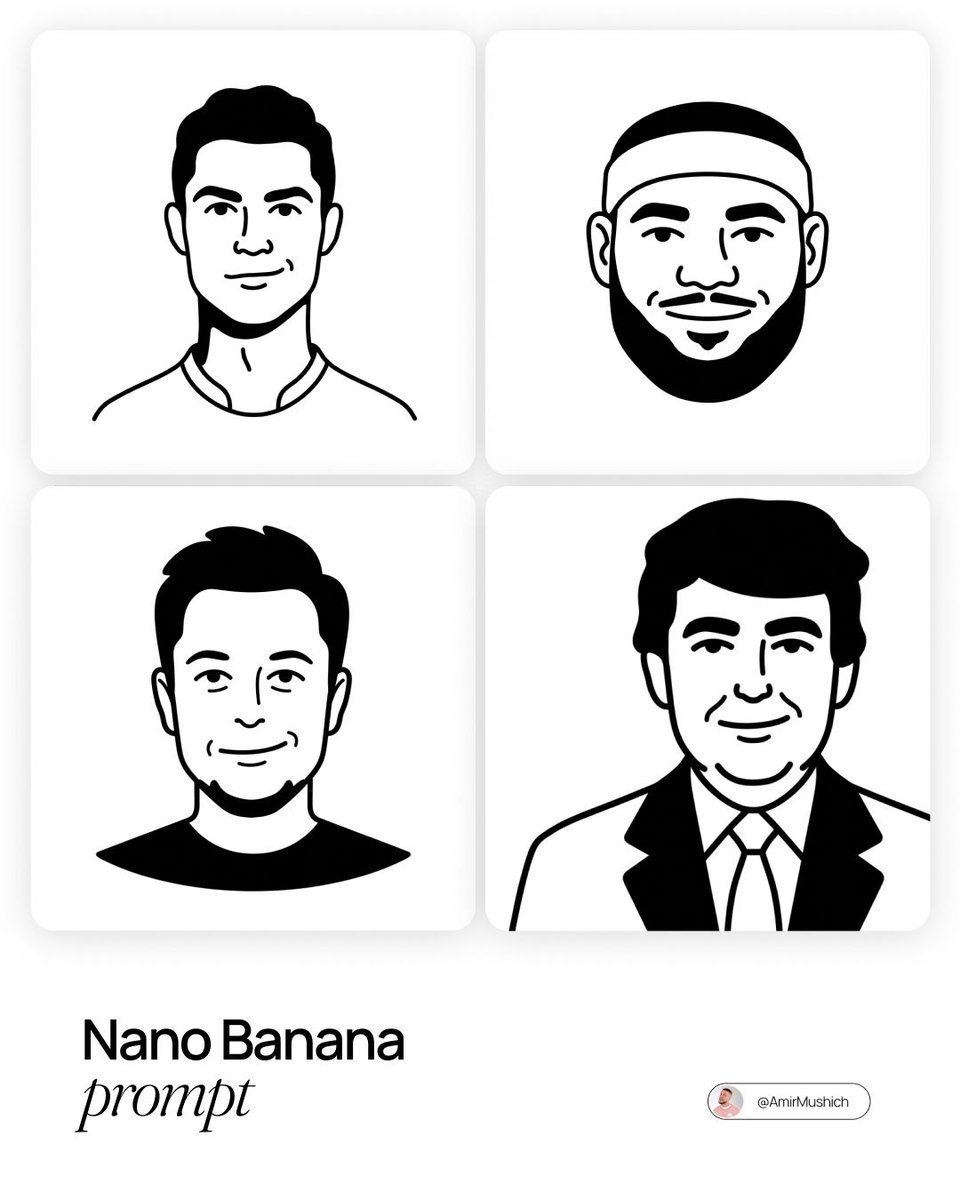
Notion-Styled Minimalist Illustrations Prompt
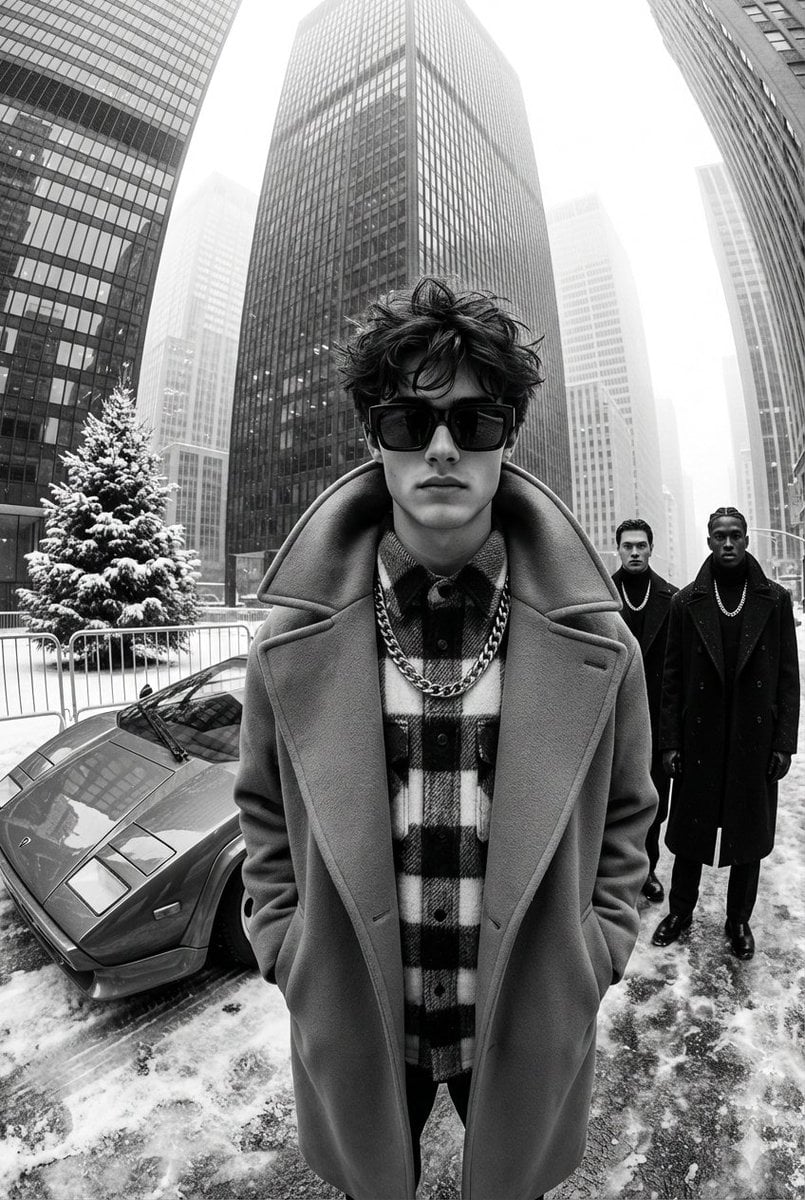
High-Contrast Black and White Street Fashion Editorial
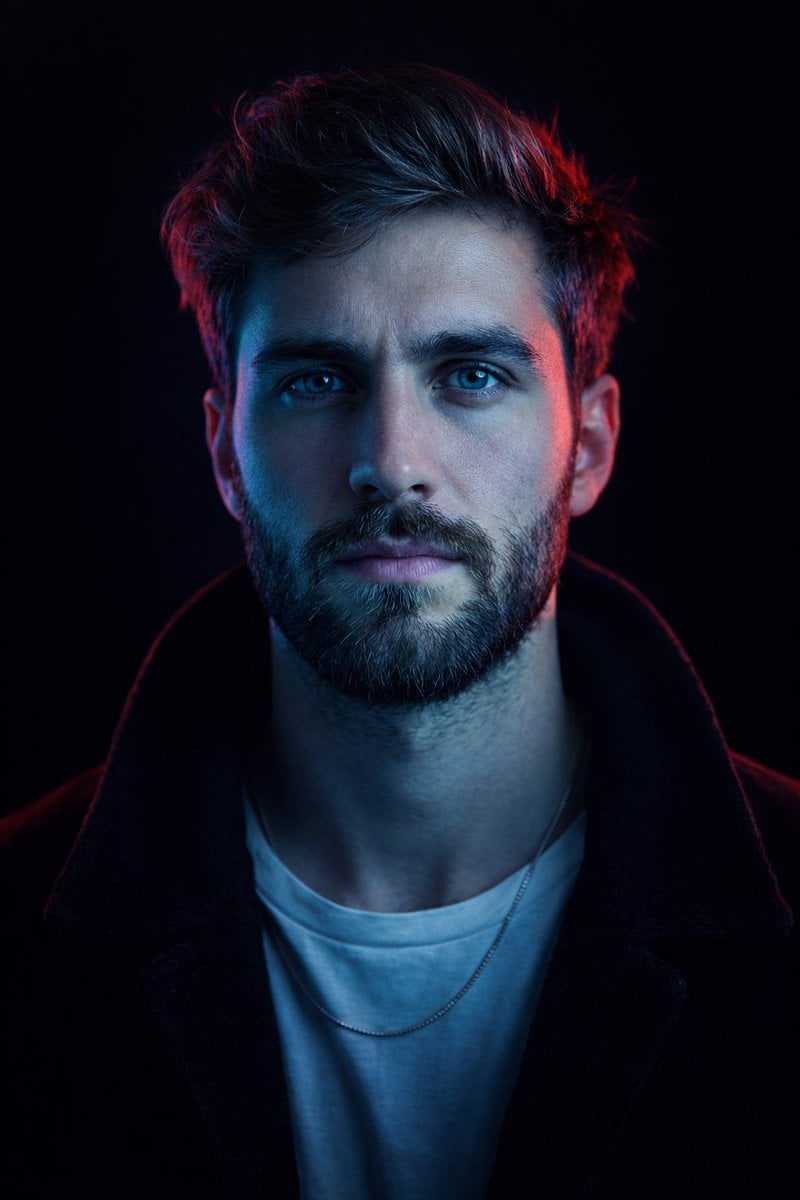
Cyberpunk Neon Split Lighting Portrait
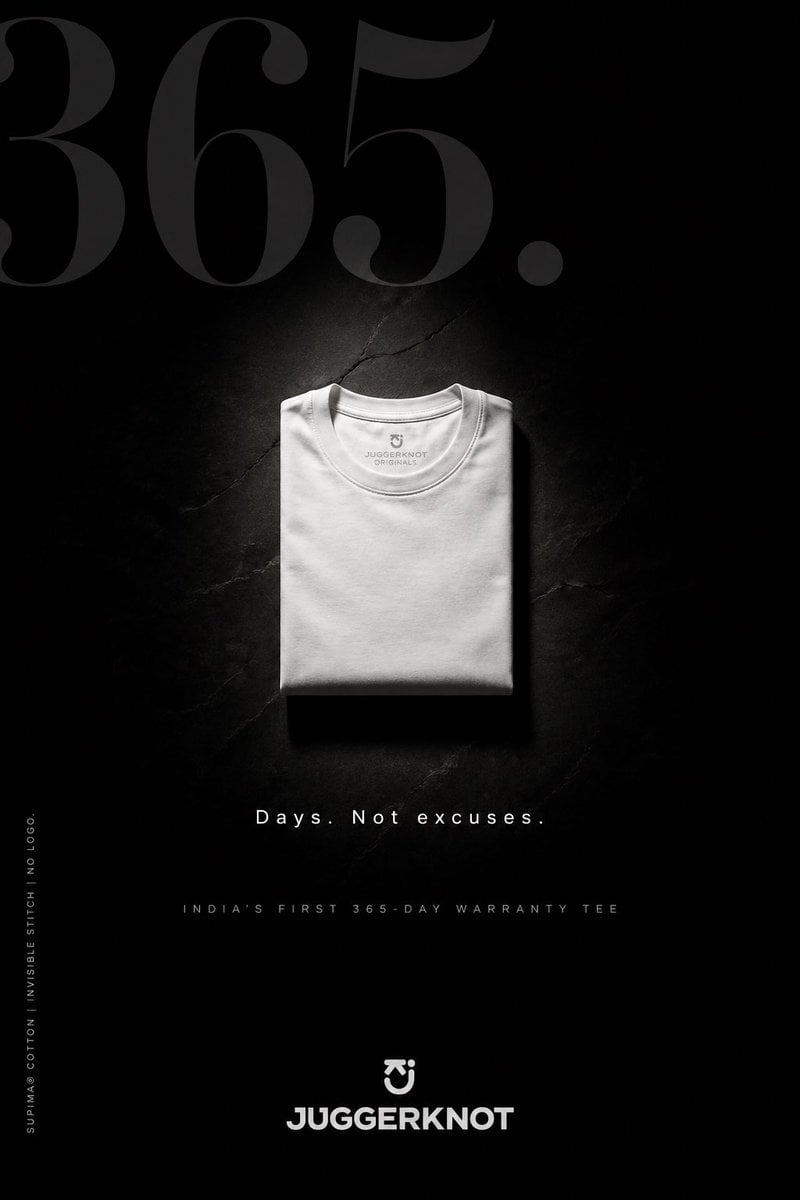
Minimal Luxury T-Shirt Ad Poster
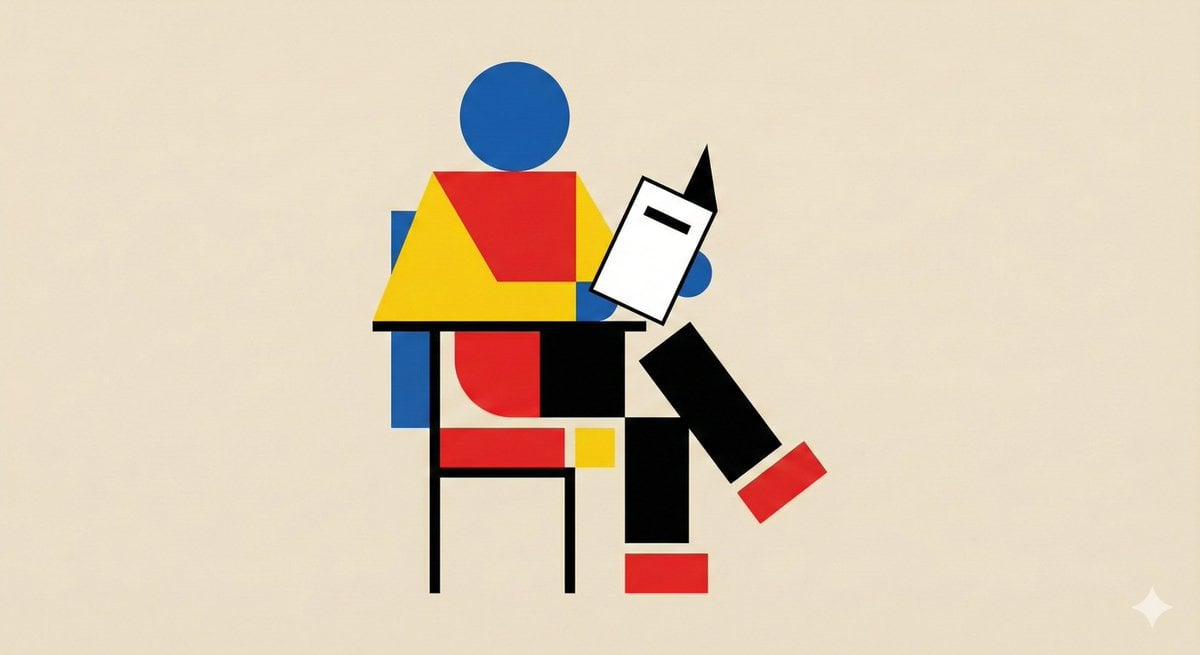
Bauhaus Geometry Minimal Illustration Template
Cinematic Sequences with Midjourney V7
Ultra-realistic Gorilla Luxury Audio Poster
Browse template categories
Acrylic Hand-Painted Style Poster Design questions
How do I use the Acrylic Hand-Painted Style Poster Design template?
Add your photo if the template asks for one, edit the prompt if you like — the template's model and format are already selected — and press Generate. Your version opens in PicX Studio.
Can I customize the Acrylic Hand-Painted Style Poster Design template?
Yes. You can change the subject, setting, lighting, mood, format, and available model controls before creating your image.
Is the Acrylic Hand-Painted Style Poster Design template free?
Opening and editing this template is free. Generating uses credits, shown on the Generate button when you are signed in.
Which AI model should I use?
Start with GPT Image 2, which is the model associated with this template. You can compare another compatible model for a different finish.
Looking for something else? Browse all templates.

Your photo, any look
Thousands of ready templates for every top image and video model, from one credit balance.