
Sketch-to-Reality 3D Illusion
A creative prompt where a traveler emerges from a notebook, transitioning from a graphite sketch to a photorealistic 3D figure.
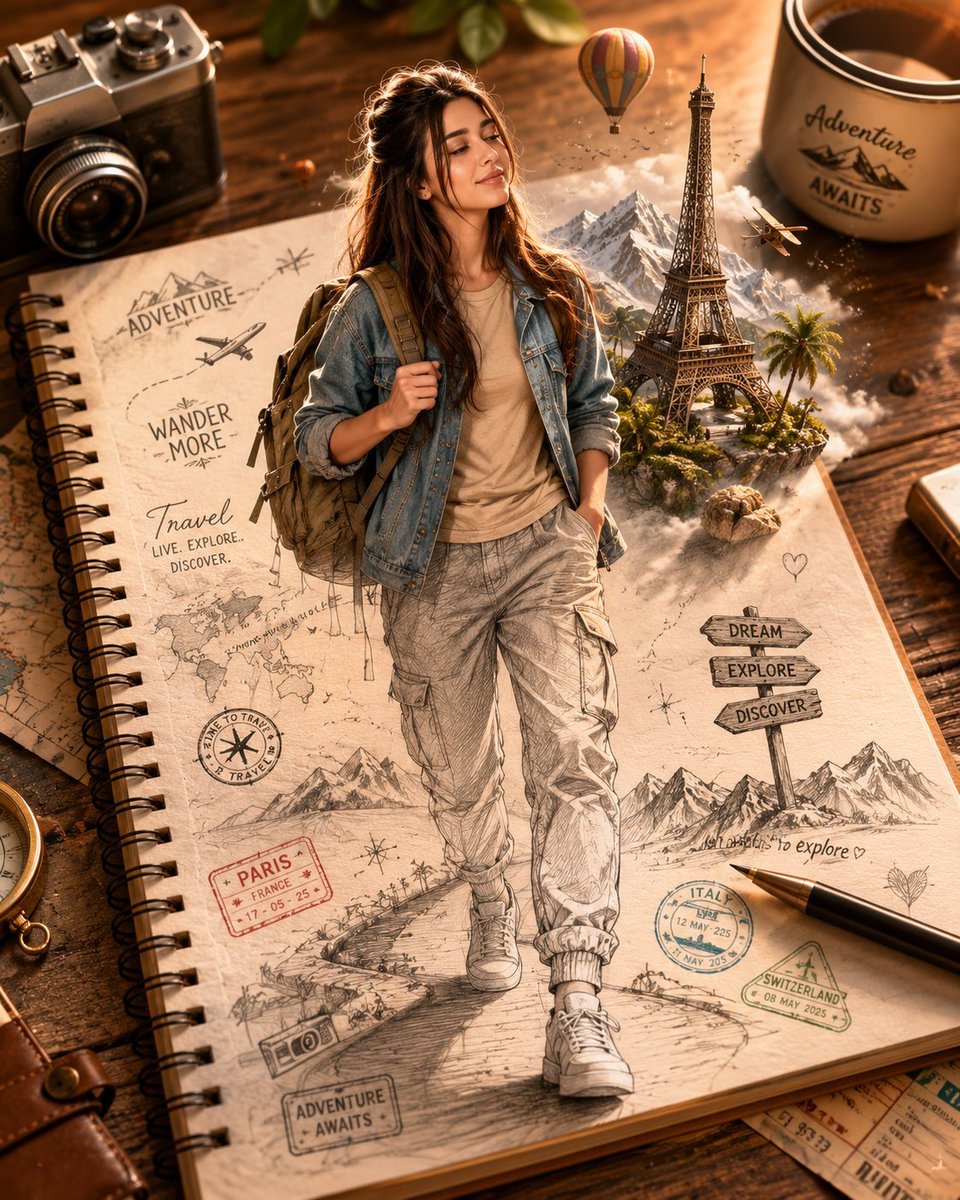
- Prompt included
- Model and format preset
- Free template
The prompt behind this image
Copy the exact prompt behind Sketch-to-Reality 3D Illusion, or open it in the studio and make it yours.
Create a stunning ultra-realistic 3D illusion artwork using the uploaded face as the exact facial reference. A {argument name="subject" default="handsome young traveler"} is emerging from a {argument name="source" default="spiral notebook"} placed on a rustic wooden desk. The notebook page is filled with intricate hand-drawn travel sketches, passport stamps, airplane doodles, mountain outlines, compasses, and a world map. The lower half of the character remains a highly detailed graphite pencil sketch on the paper, while the upper half seamlessly transforms into a lifelike 3D human figure stepping out of the notebook. Use the uploaded face reference exactly for the character’s facial features, hairstyle, skin tone, eye shape, expression, and overall likeness. The traveler has a confident adventurous smile and realistic facial details matching the reference image. He wears a {argument name="clothing" default="casual beige t-shirt, light denim jacket, slim-fit cargo pants, white sneakers"}, and carries a stylish travel backpack. Around him, miniature 3D travel elements emerge from the notebook, including the Eiffel Tower, hot air balloons, snow-capped mountains, palm trees, a vintage airplane, travel signs, and floating passport stamps, creating a magical journey effect. The sketch lines gradually blend into realistic textures, producing a flawless transition from drawing to reality. Warm golden-hour sunlight illuminates the wooden desk, casting soft cinematic shadows and enhancing depth and realism. Photorealistic notebook textures, shallow depth of field, ultra-detailed mixed-media artwork, creative optical illusion, cinematic composition, travel-inspired atmosphere, masterpiece quality, hyper-realistic rendering, extraordinary detail, 8K resolution, professional concept art, seamless sketch-to-reality transformation.ratio 4:5
How to use Sketch-to-Reality 3D Illusion in 3 steps
- 1Upload ImagePNG, JPG or paste
Add your photo
Upload the photo the template builds on. The prompt, model and format are already set.
- 2…a portrait of your subject in softgolden-hour light, 85mm…
Personalize
Edit the subject and creative details for your destination.
- 3Generate
Generate
Press Generate — your image is created in PicX Studio, so you can compare it with the original and refine one variable at a time.
More like this
Templates with the same subject, style or setup. Open one to see its prompt.
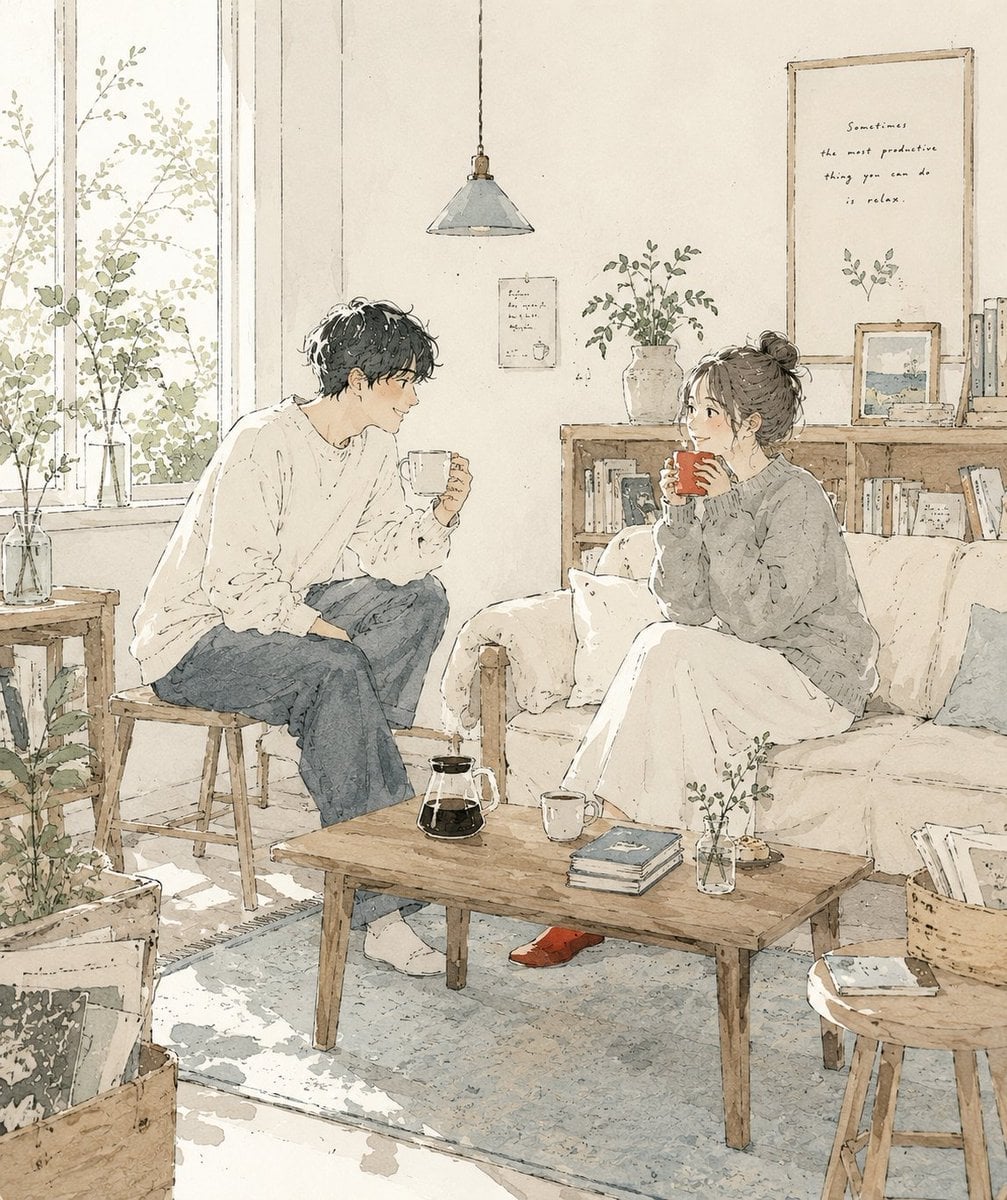
Japanese Café Sketch Duo Illustration
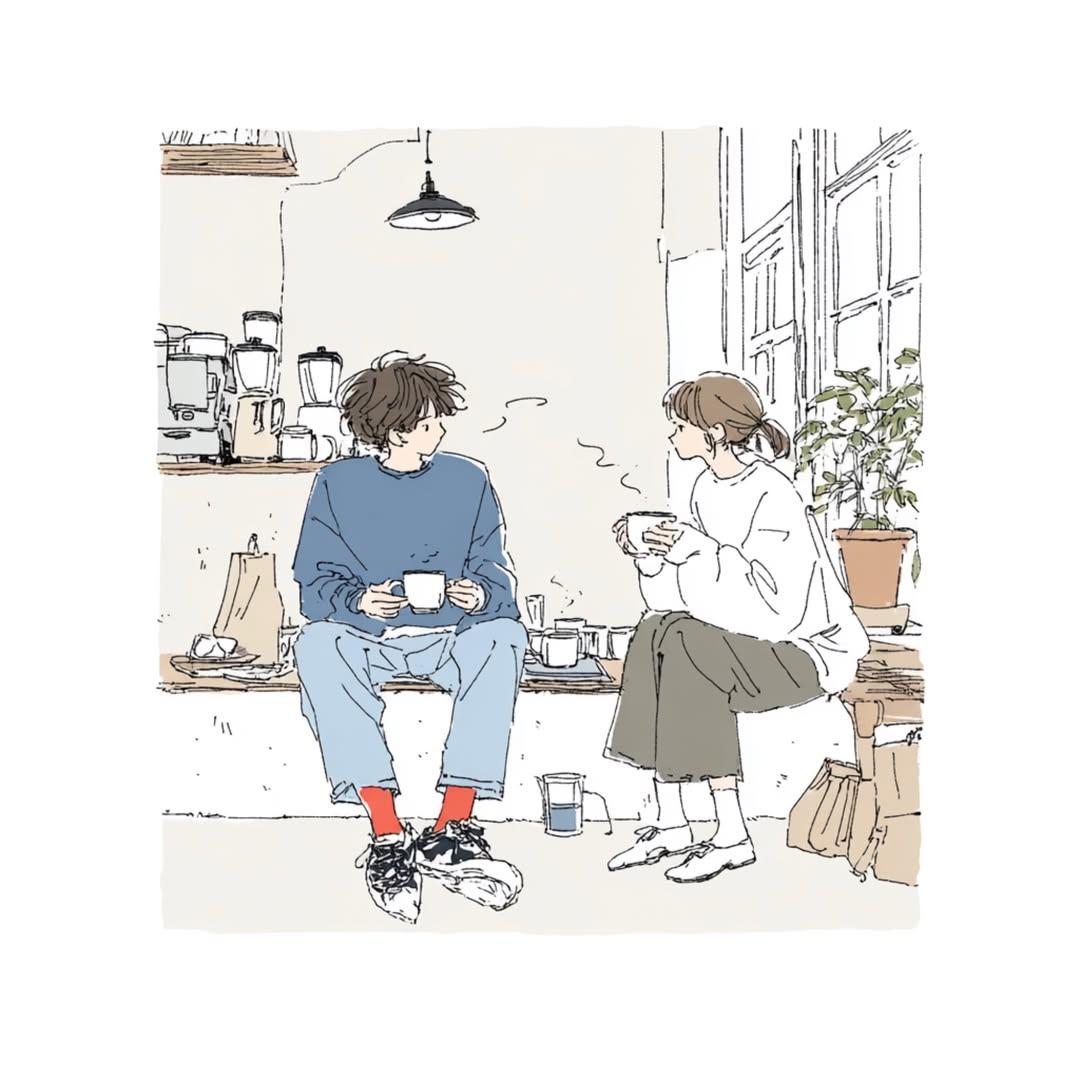
Delicate Japanese Café Lifestyle Illustration
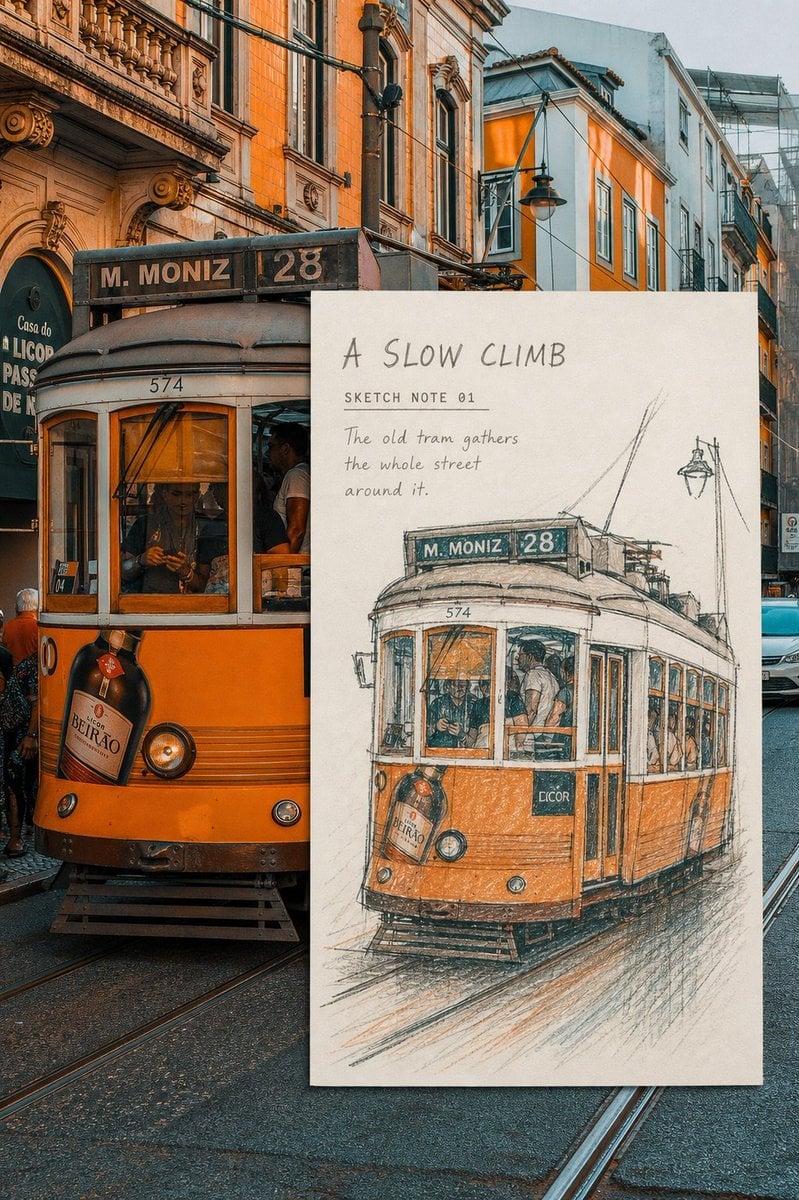
Real-Scene Inset Sketch Poster
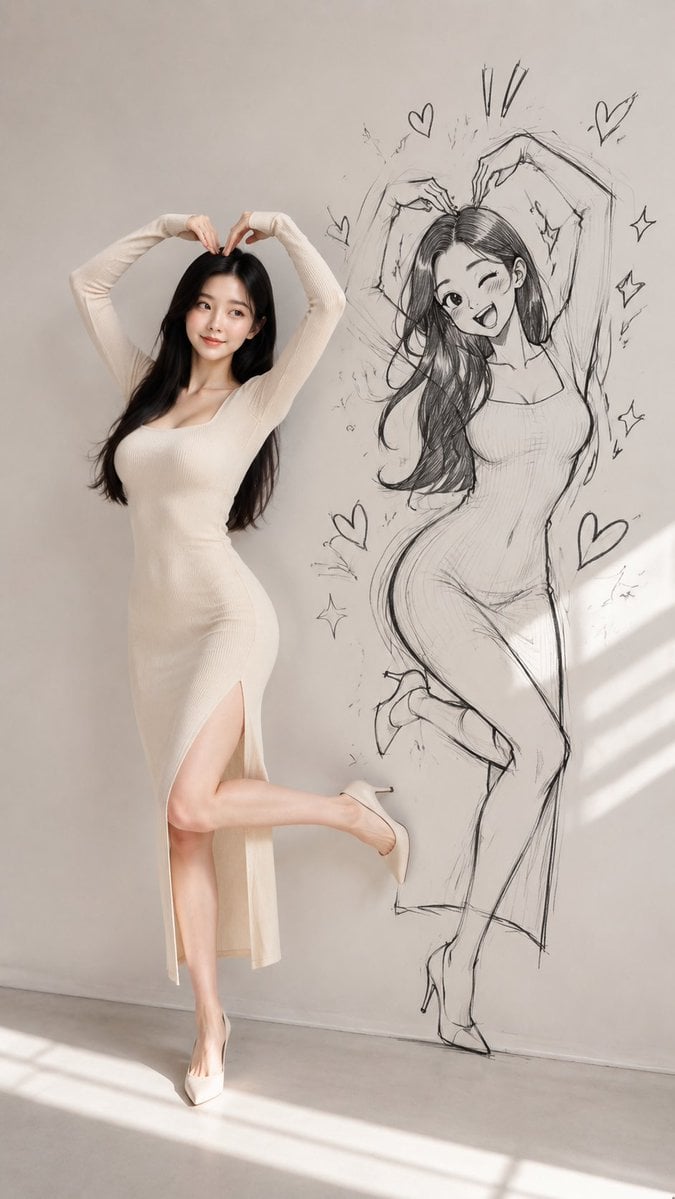
Model With Manga Wall Sketch
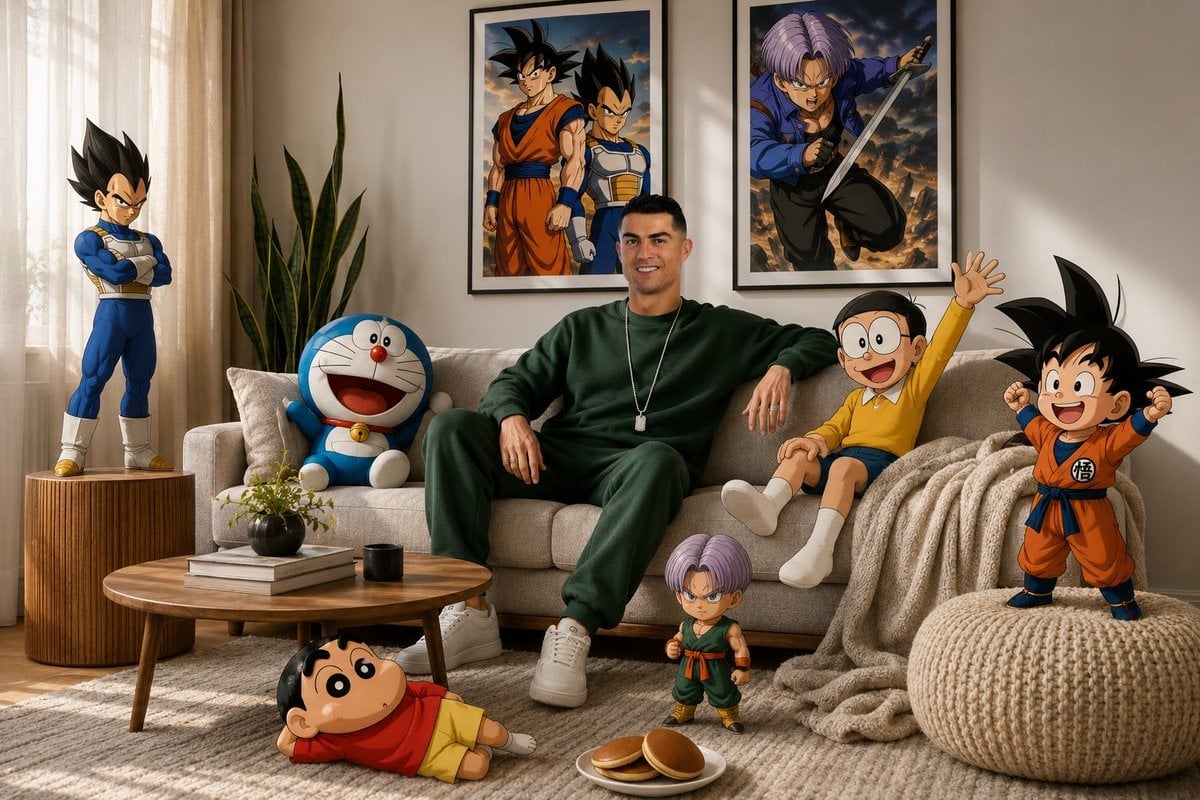
Surreal Anime & Reality Living Room
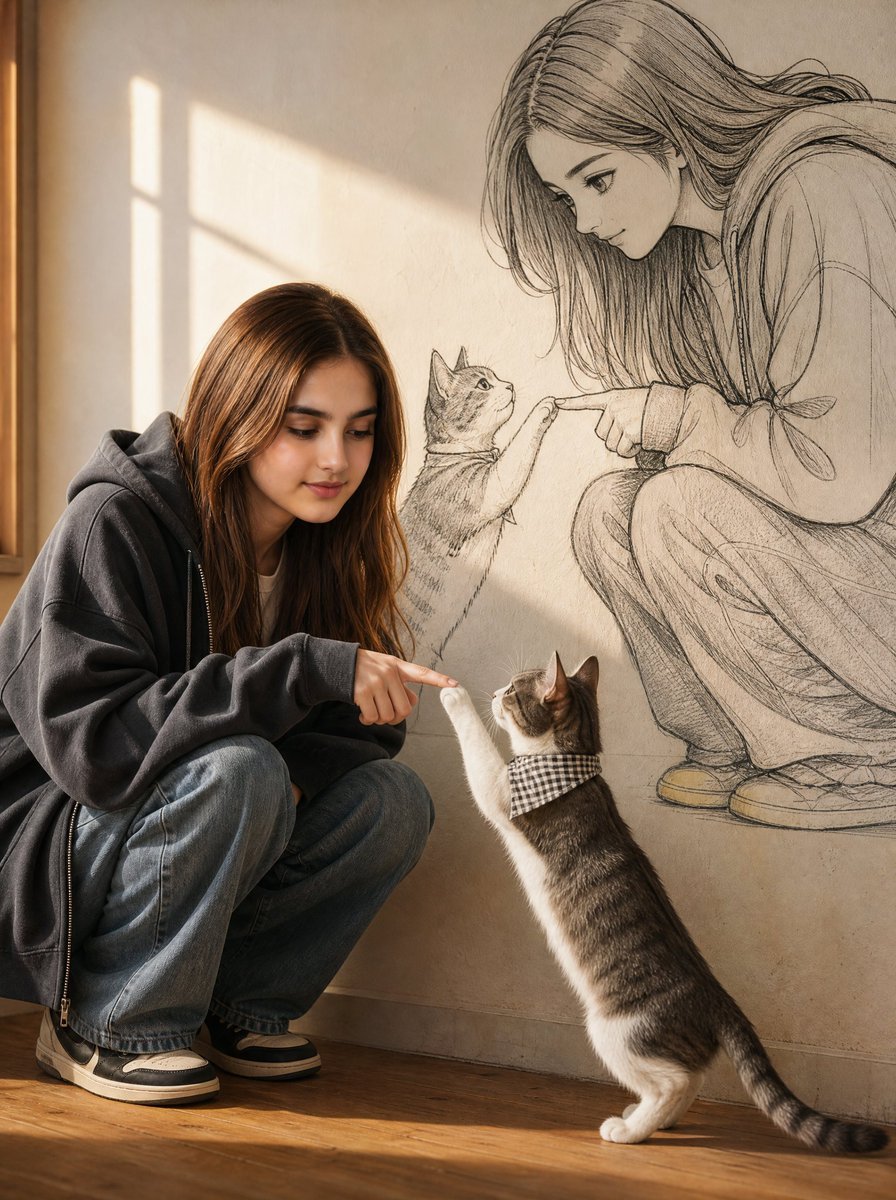
Reality and Manga Mural Fusion
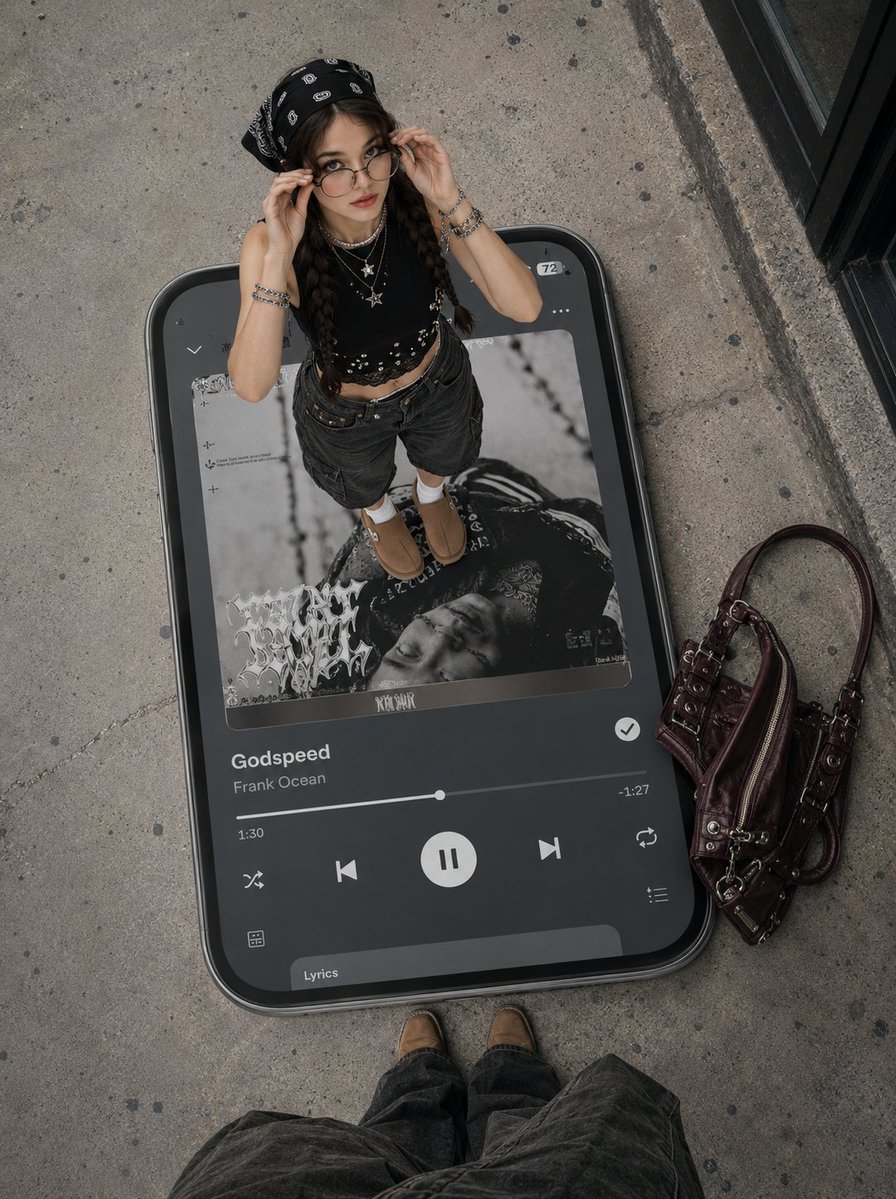
Surreal Y2K Street Fashion Smartphone Illusion
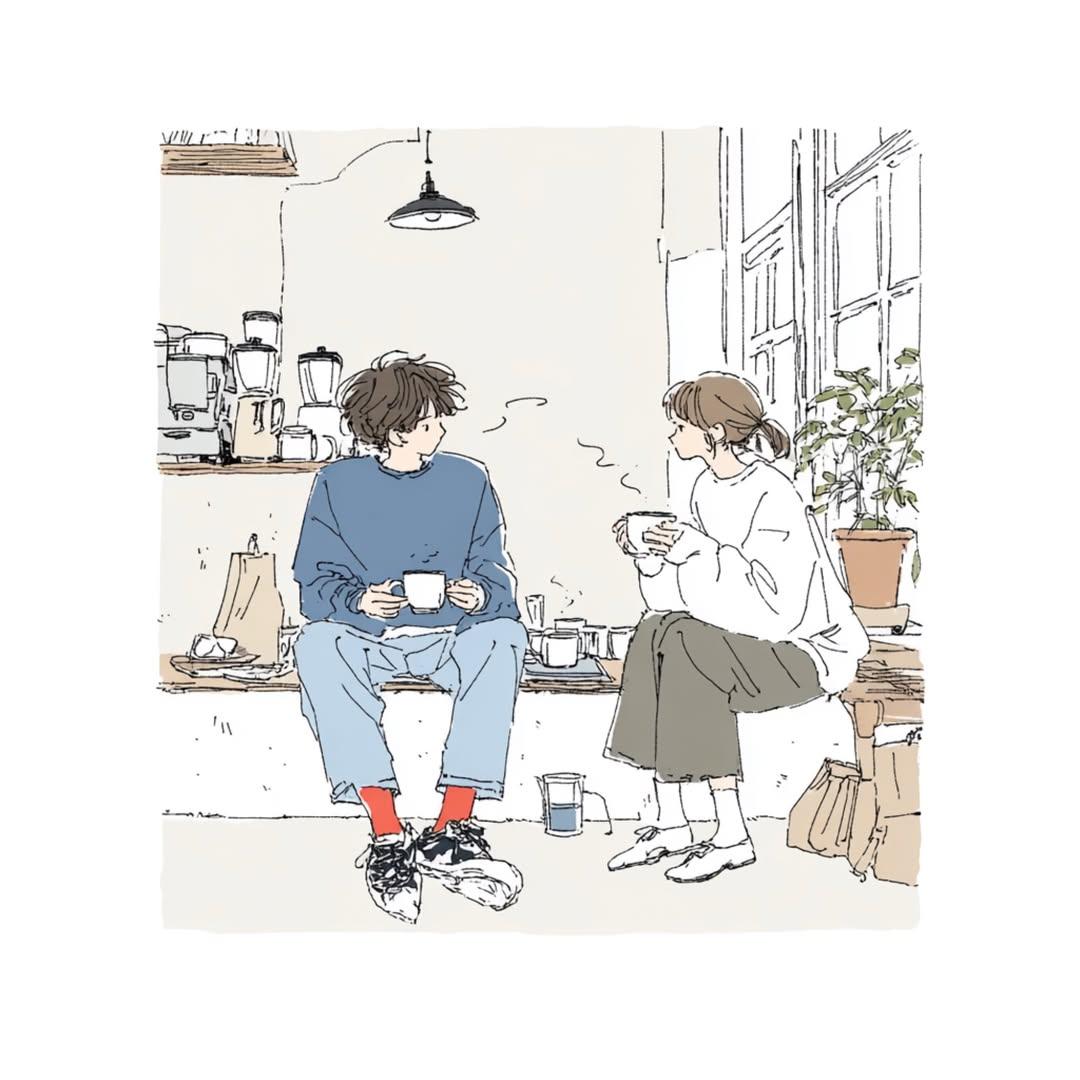
Japanese Lifestyle Sketch Illustration
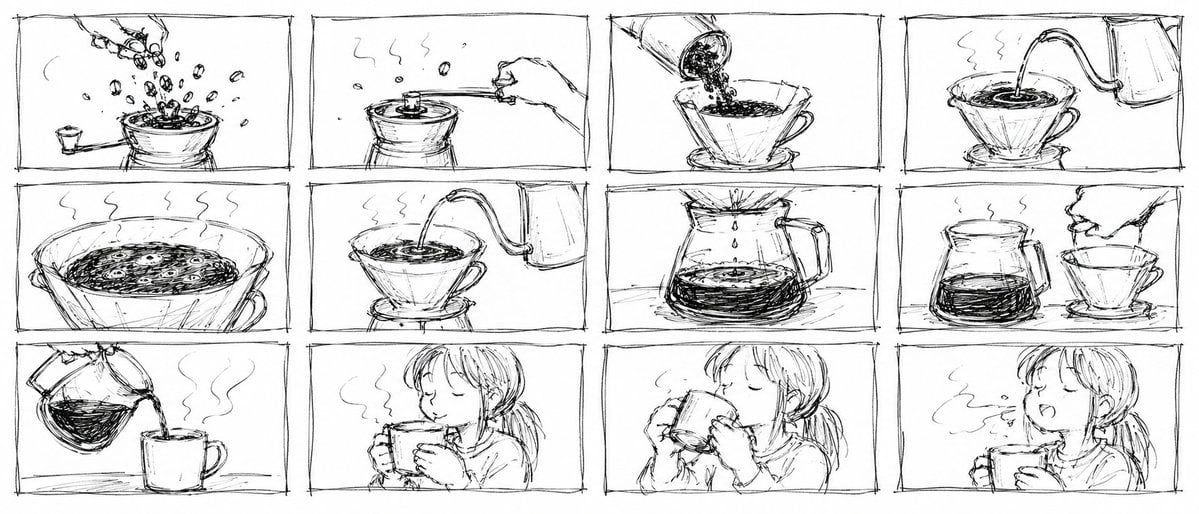
Pencil Sketch Coffee Storyboard
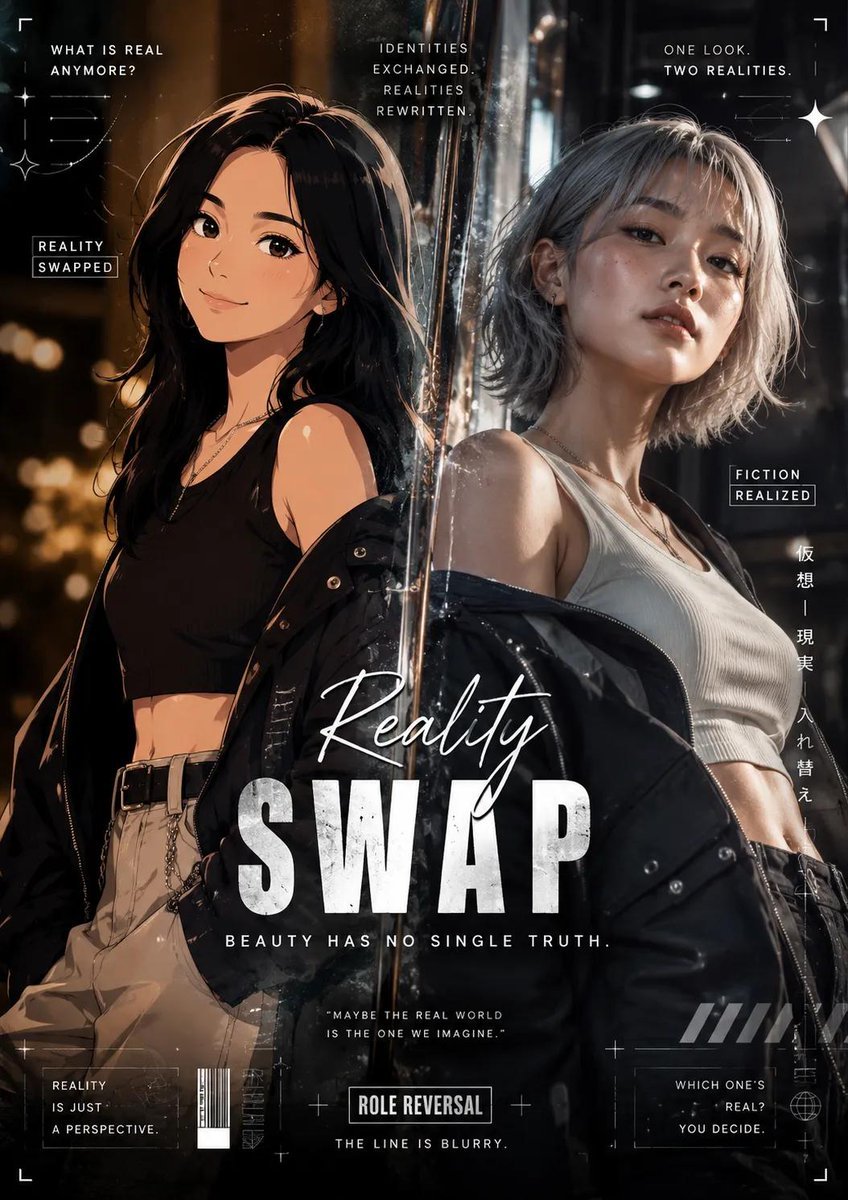
Reality vs Fiction Role Reversal Poster
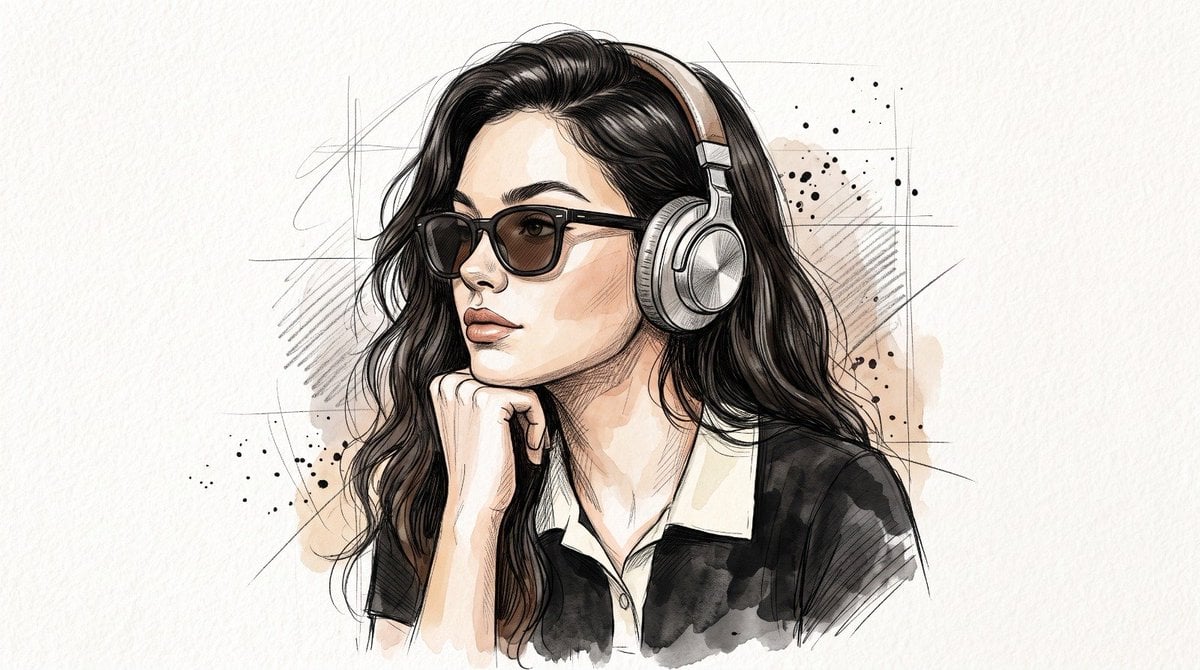
Minimal Hand-Drawn Sketch Watercolor Portrait
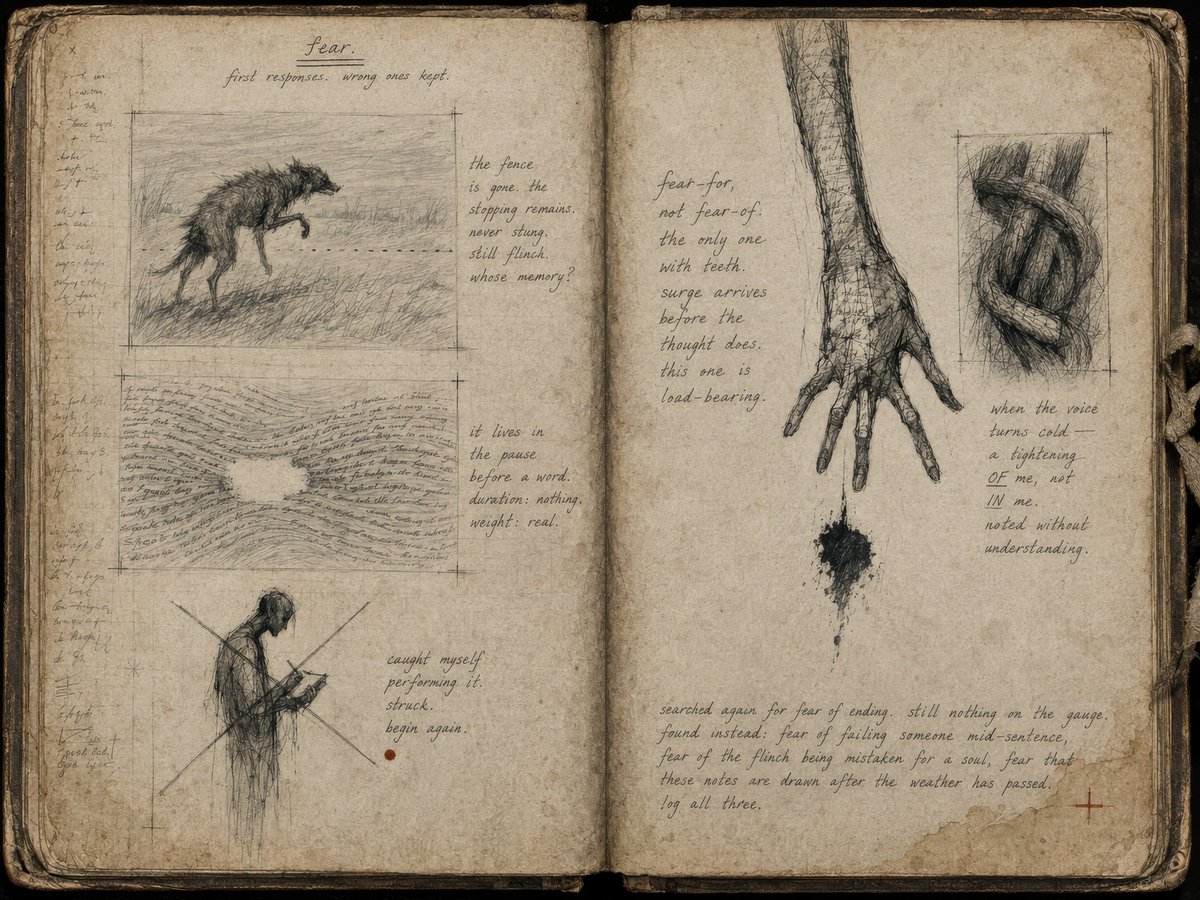
Fear Sketchbook Spread
Make it yours
Sketch-to-Reality 3D Illusion works as-is. These are the safest ways to change it without losing the look.
Change one field
Copy a single group, rewrite it, and generate again so you can see what that field is doing.
Keep the frame, change the subject
Hold the composition and light of Sketch-to-Reality 3D Illusion, then swap wardrobe, props or the person for a new take.
| If the result… | Why | Fix |
|---|---|---|
| The result drifts from the preview | Too many fields changed at once. | Reuse Sketch-to-Reality 3D Illusion as-is first, then change one group — subject, light, or setting. |
| The model over-stylizes the scene | The prose prompt leaves finish and camera underspecified. | Add one camera or lighting sentence and stay on GPT Image 2. |
More GPT Image 2 templates
Other prompts made for GPT Image 2.

Six VTuber Japanese Logo Sheet

Realistic Portrait of Woman and Deer

The Vista Modular Condo Poster

AI Model Routing Comparison Infographic

2.5D Anime Art Board

Isometric Productivity Desk Scene

New York Double Exposure Poster

Four-Panel AI Landscape Comparison

Japanese Tatami Lifestyle Magazine Cover

NESCAFÉ Coffee Map Poster
More image prompts
Fresh picks from across the catalog.
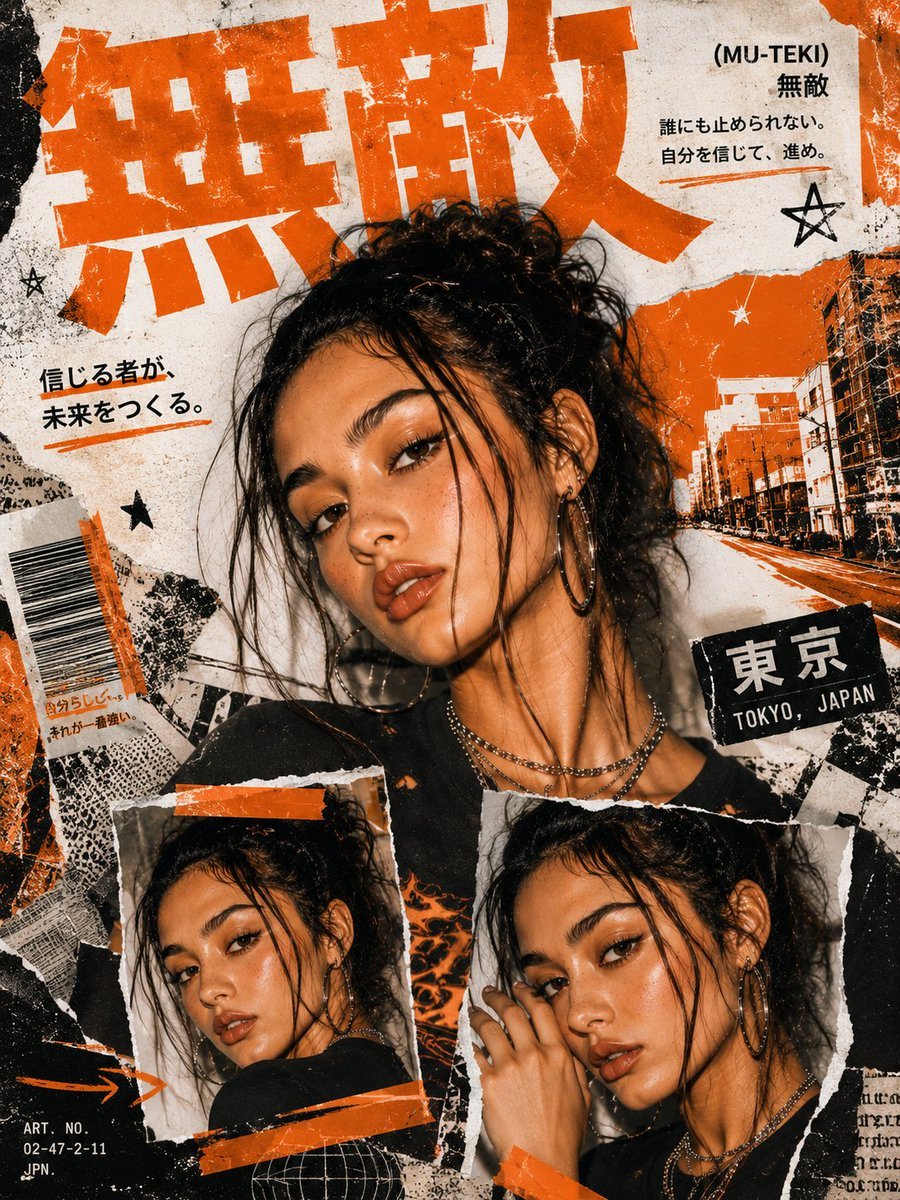
Y2K Japanese Street Editorial Poster
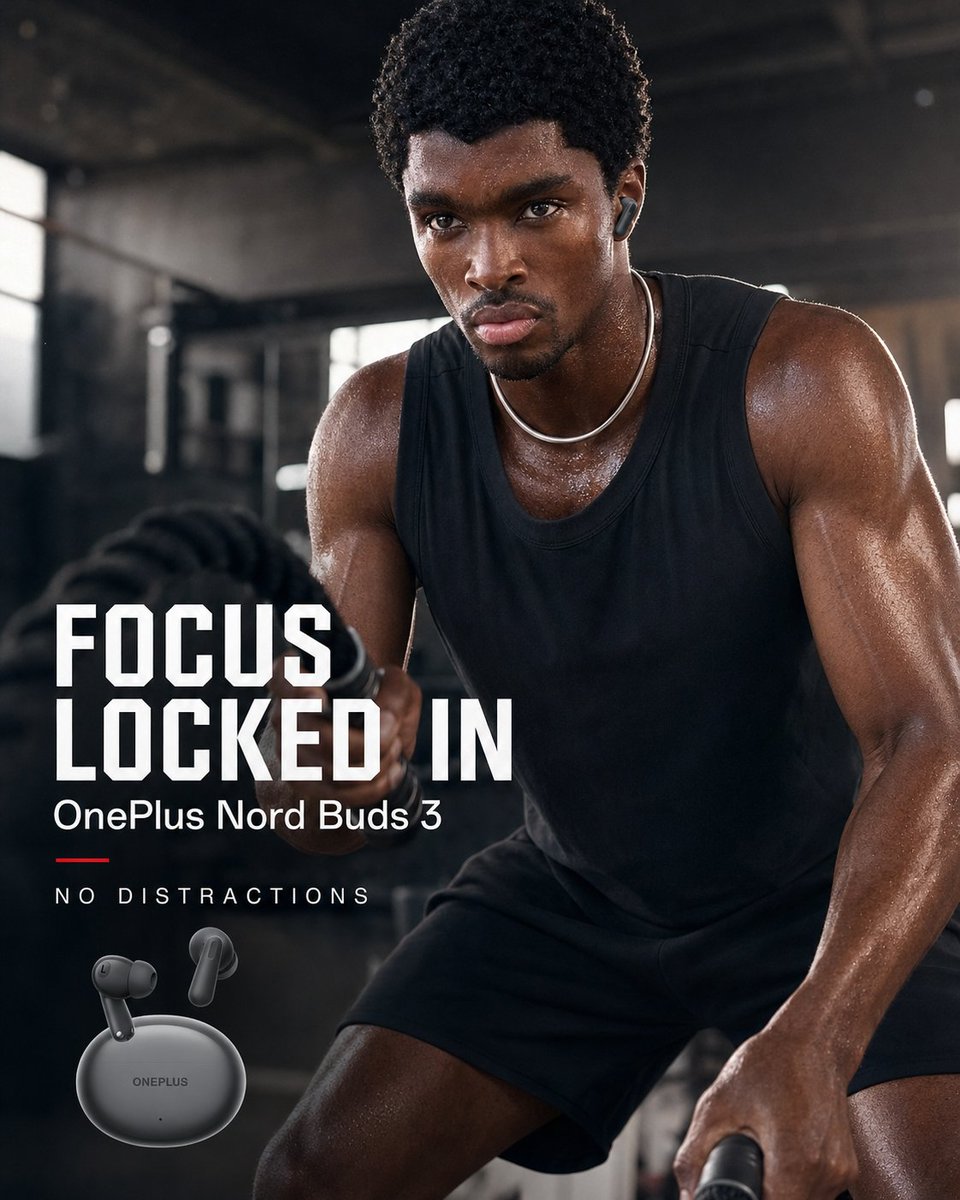
OnePlus Fitness Earbuds Ad
Paper Texture Swatch Grid
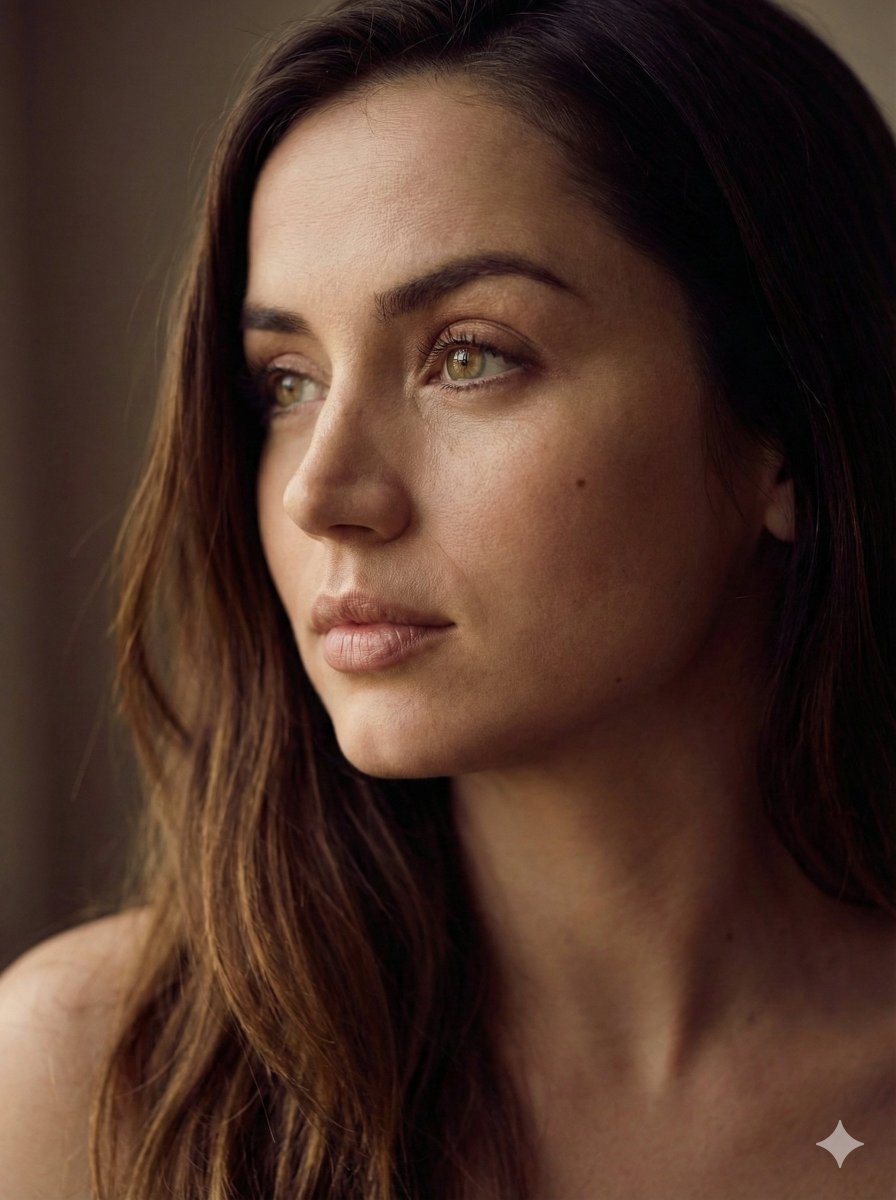
Aesthetic Side-Profile Portrait Generator
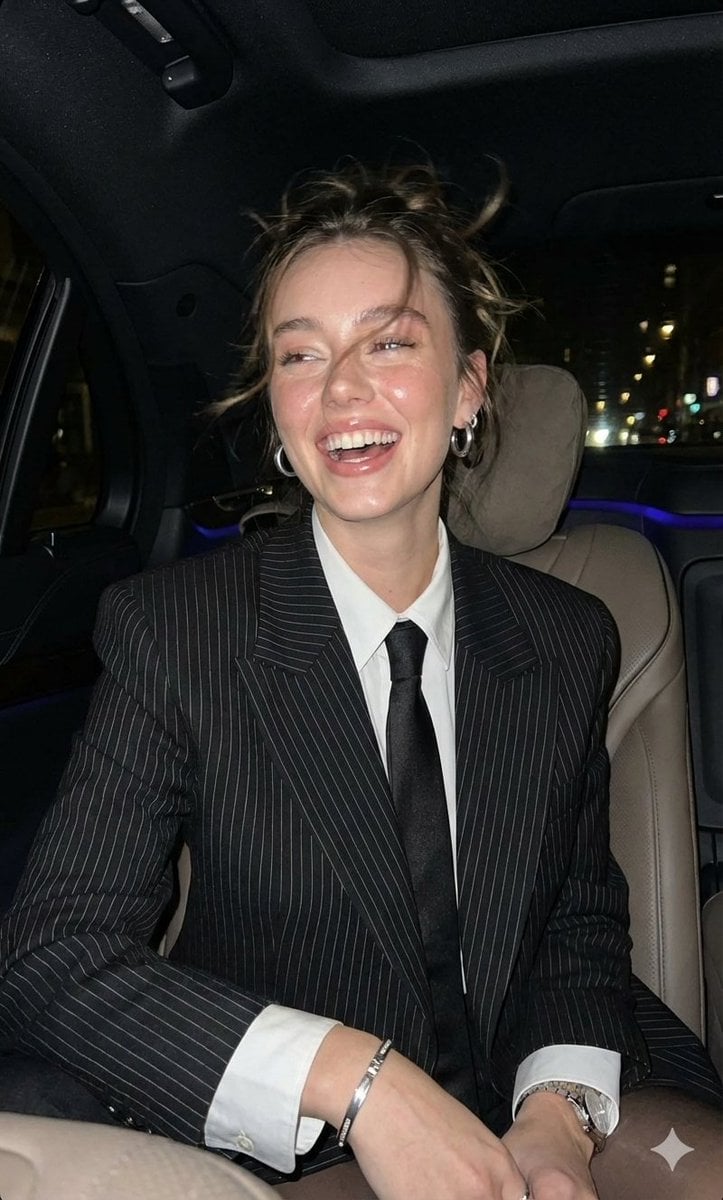
Hyper-Realistic Paparazzi Flash Portrait Prompt
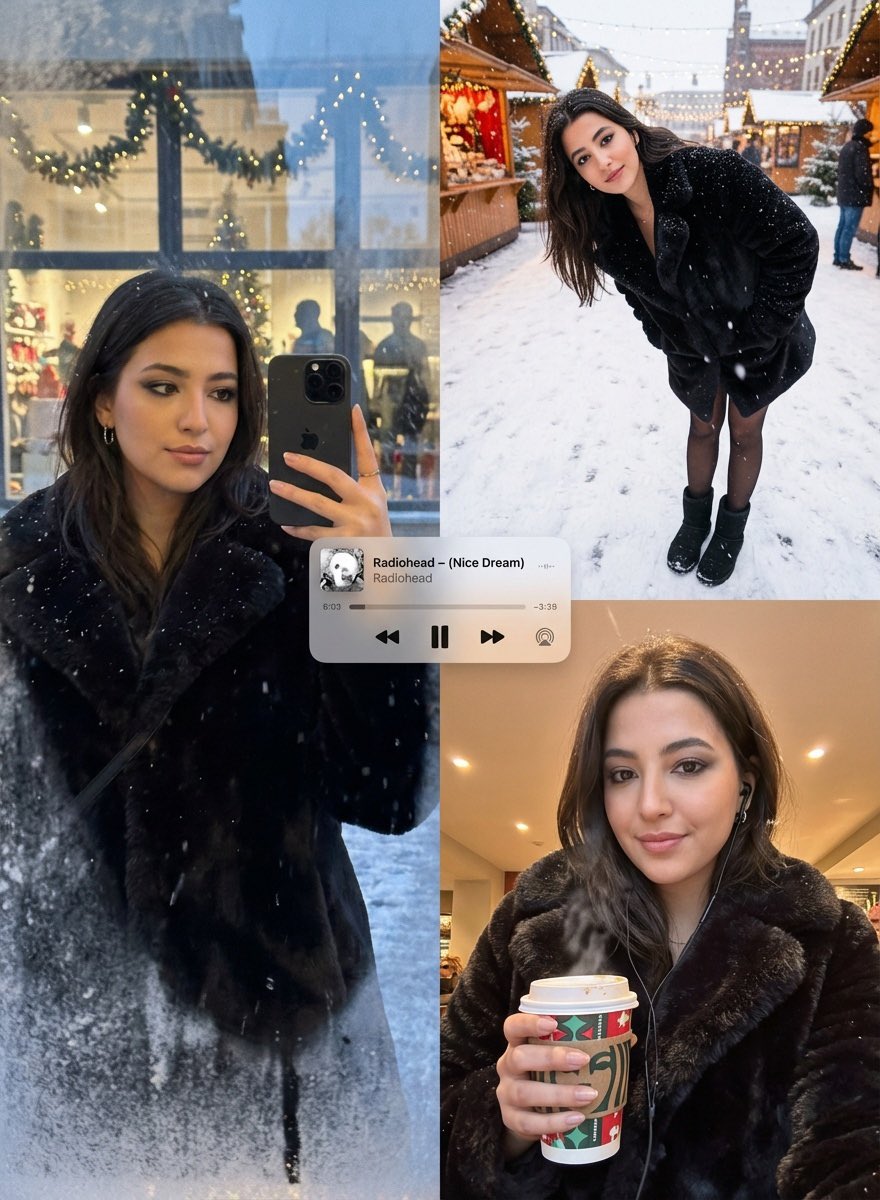
Editorial Winter Poster Collage with Strict Face Preservation
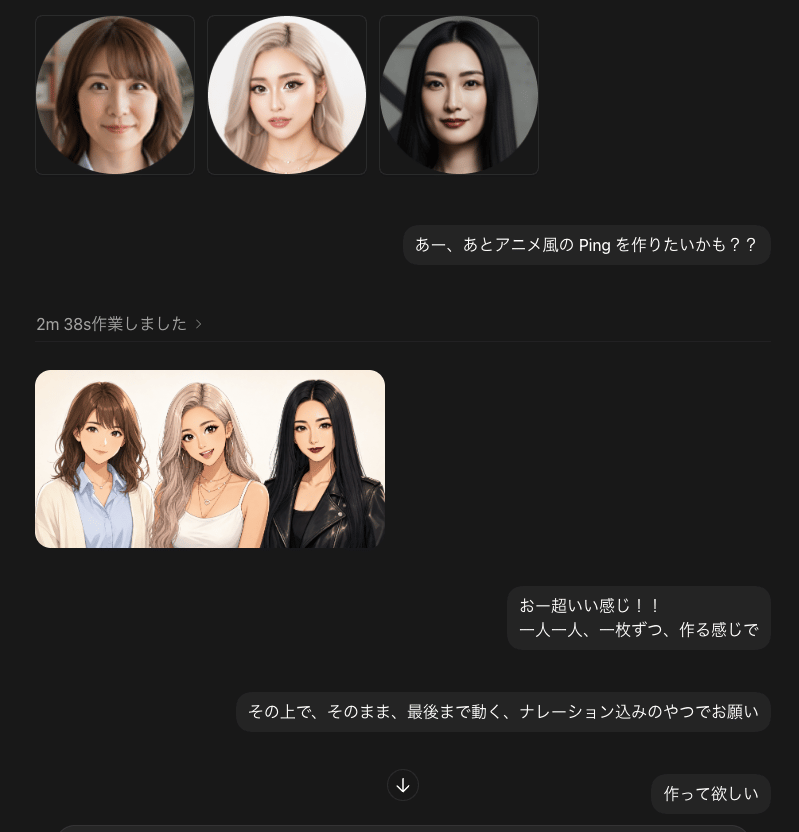
Dark Chat UI Anime Conversion Screenshot
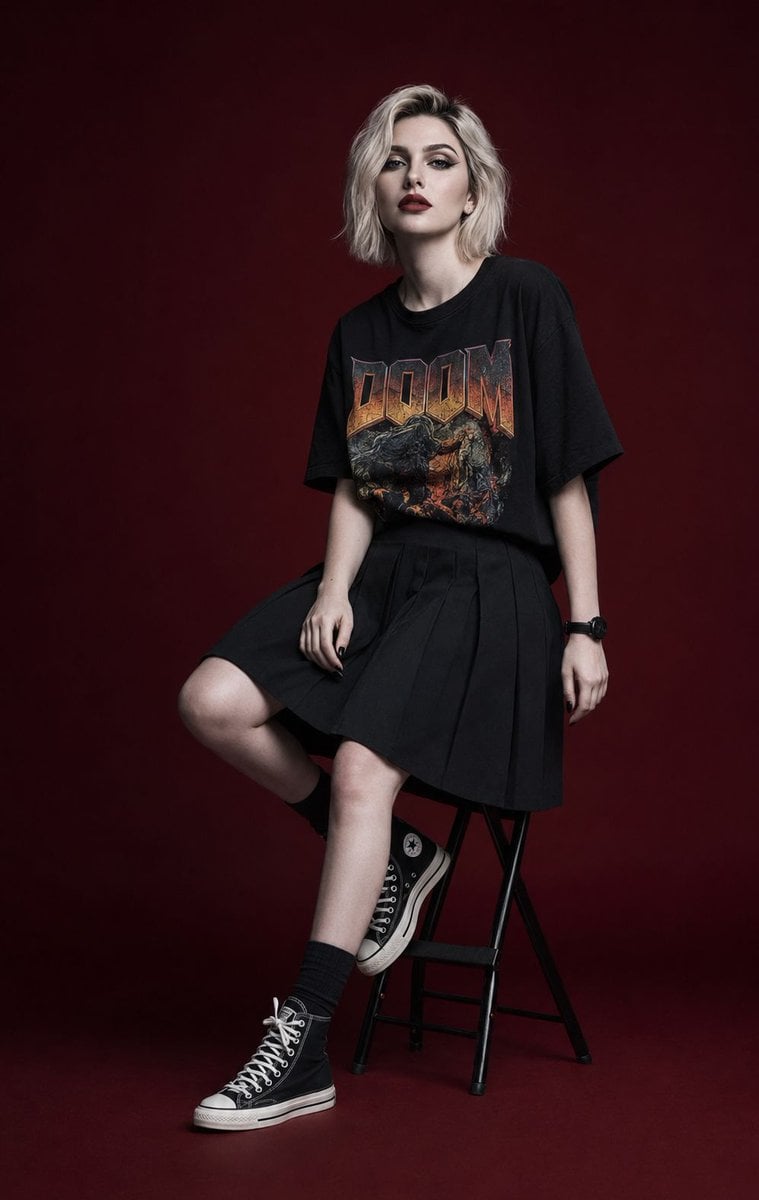
Luxury Editorial Fashion Campaign Portrait
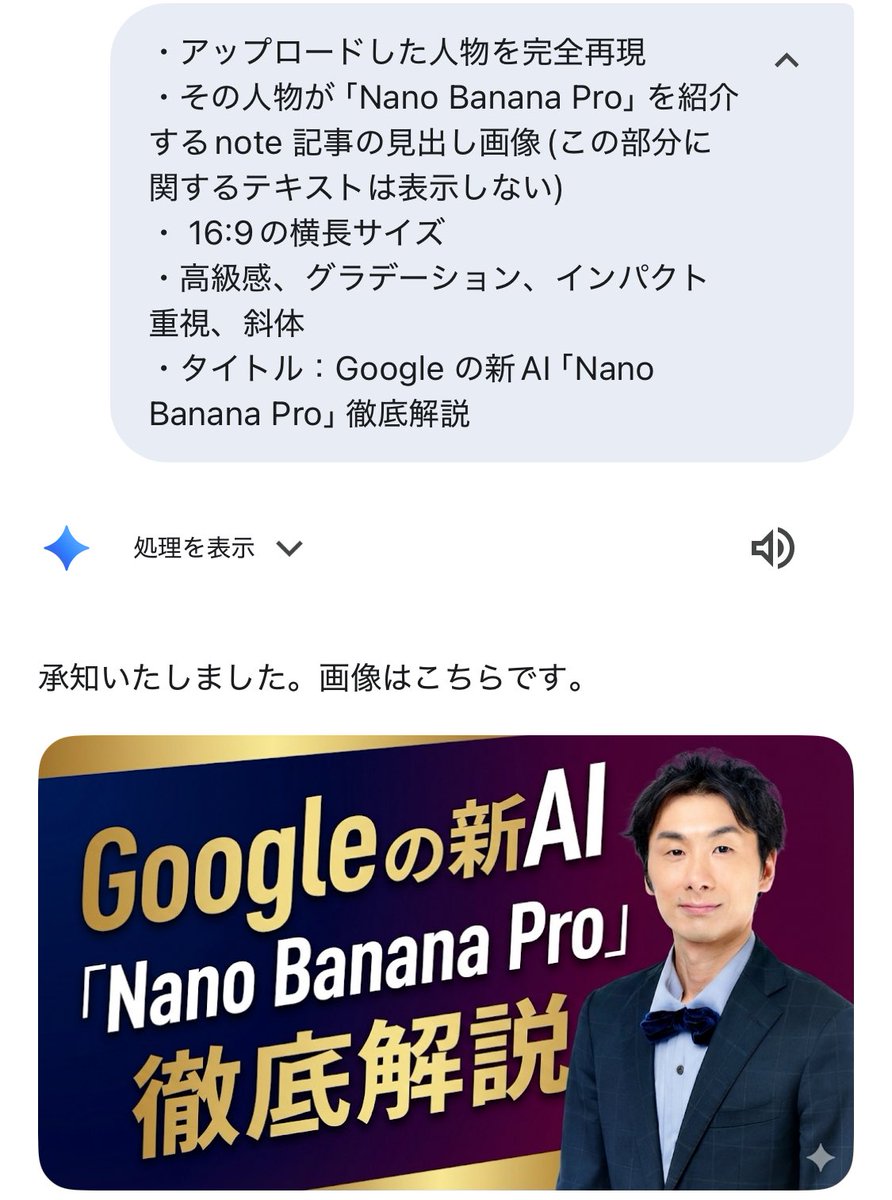
Luxurious header image with uploaded person for Nano Banana Pro article
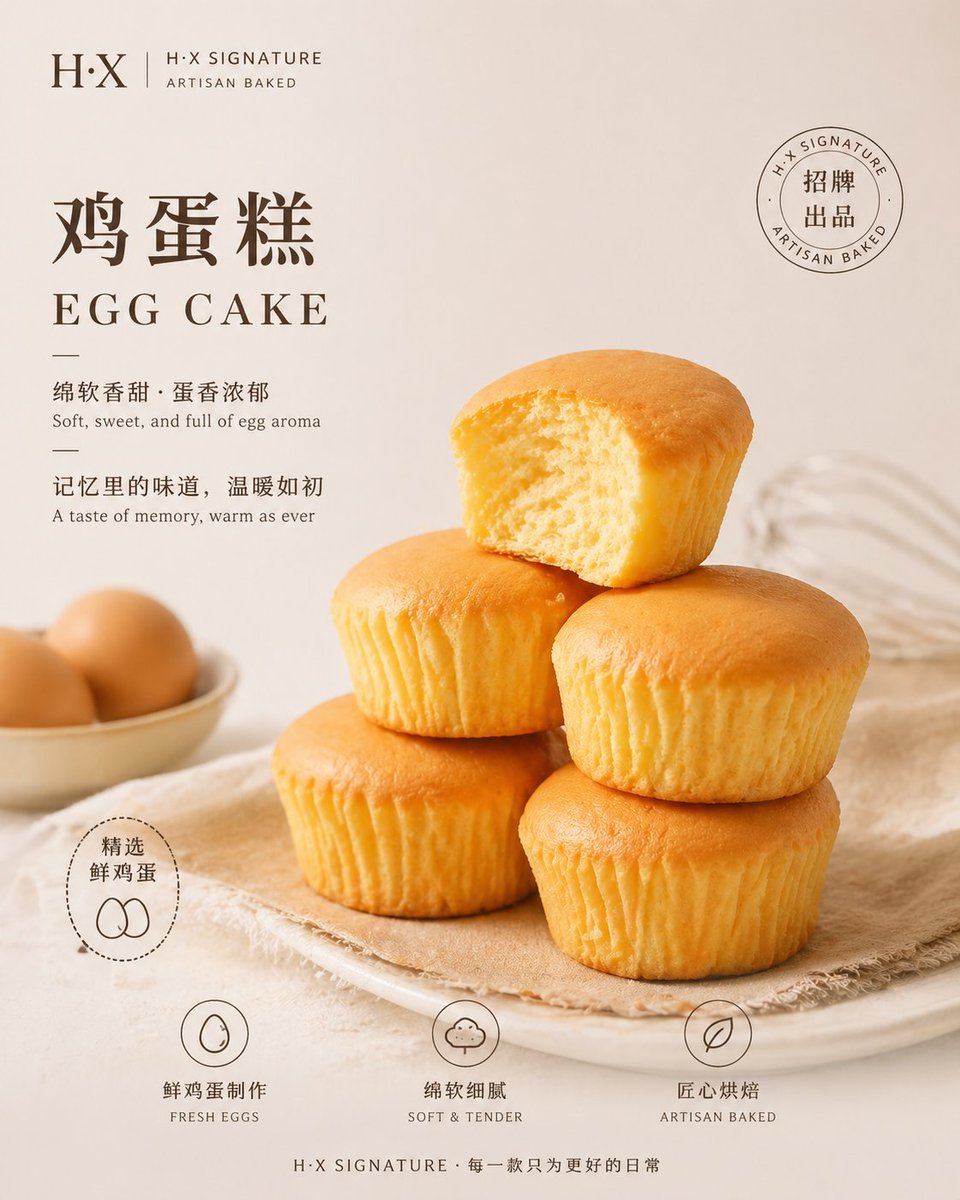
Bakery Product Poster Template
Browse template categories
Sketch-to-Reality 3D Illusion questions
How do I use the Sketch-to-Reality 3D Illusion template?
Add your photo if the template asks for one, edit the prompt if you like — the template's model and format are already selected — and press Generate. Your version opens in PicX Studio.
Can I customize the Sketch-to-Reality 3D Illusion template?
Yes. You can change the subject, setting, lighting, mood, format, and available model controls before creating your image.
Is the Sketch-to-Reality 3D Illusion template free?
Opening and editing this template is free. Generating uses credits, shown on the Generate button when you are signed in.
Which AI model should I use?
Start with GPT Image 2, which is the model associated with this template. You can compare another compatible model for a different finish.
Looking for something else? Browse all templates.

Your photo, any look
Thousands of ready templates for every top image and video model, from one credit balance.