
Reality and Manga Mural Fusion
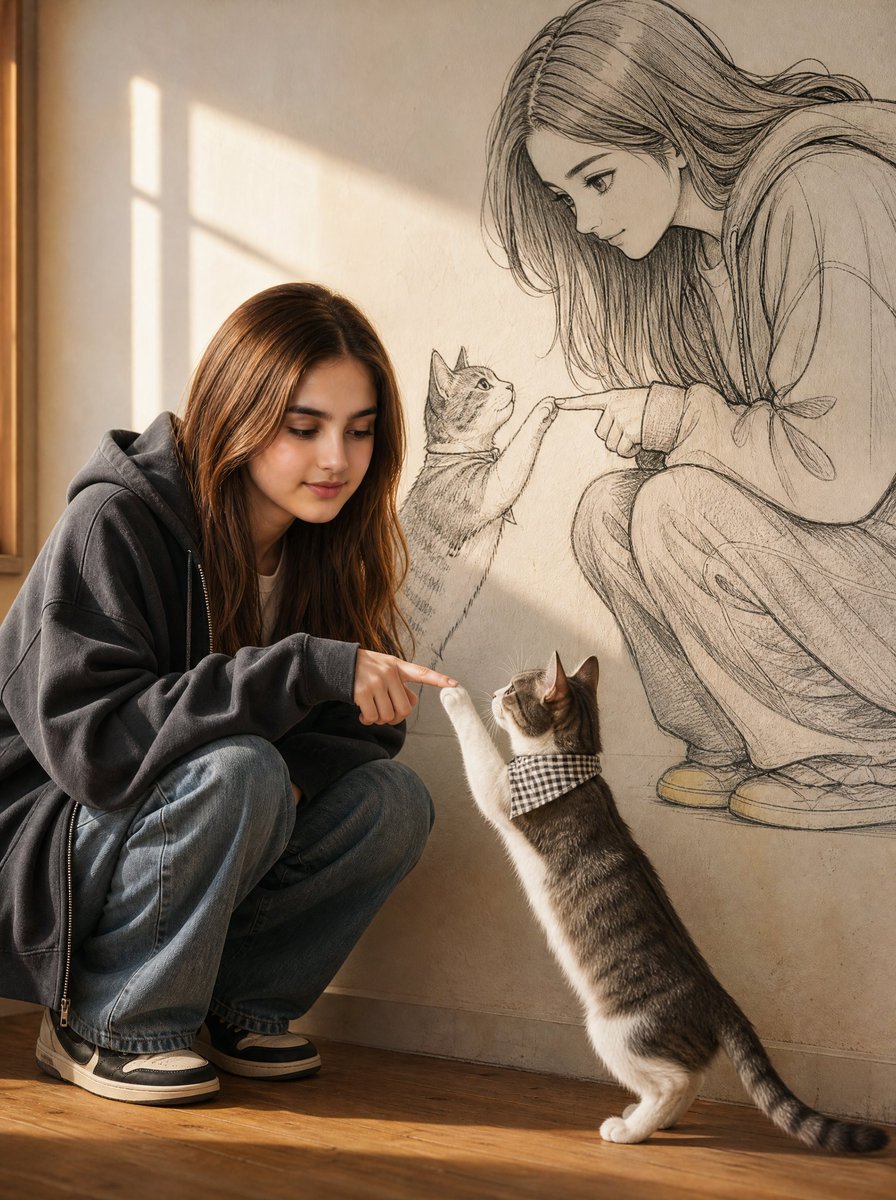
A creative prompt designed to generate a scene where a real-life subject interacts with a manga-style mural version of themselves, incorporating a pet cat into both worlds.
- Prompt included
- Model and format preset
- Premium template
The prompt behind this image
Copy the exact prompt behind Reality and Manga Mural Fusion, or open it in the studio and make it yours.
Use the attached face reference image as the ONLY facial identity source. Preserve the exact face, facial proportions, eye shape, nose, lips, jawline, skin tone, hairstyle, and overall identity with extremely high accuracy. Do not change the person's identity. Only replace the face with the referenced face while keeping the pose, clothing, composition, and environment exactly as described. Create an ultra-realistic full-body portrait of the {argument name="subject identity" default="subject crouching on the floor beside a gray-and-white cat wearing a small checkered bandana"}. The subject smiles gently while looking at the cat with a warm, affectionate expression. Behind them is a warm cream-colored wall illuminated by soft golden window light. On the wall, create a large hand-drawn manga illustration of the same girl leaning forward and gently touching the cat's paw with one finger. The manga cat should mirror the real cat, standing on its hind legs while reaching out with one paw. The illustration should seamlessly blend into the wall, creating a magical interaction between reality and manga art. The subject wears {argument name="clothing" default="an oversized charcoal-gray zip hoodie over a white T-shirt, loose blue jeans, and beige-and-black casual sneakers"}. The {argument name="manga style" default="manga drawing features elegant black ink line art, pencil sketch textures, expressive anime eyes, soft cross-hatching, flowing hair, realistic proportions, and detailed shading"}. Soft golden-hour sunlight streaming through a window, realistic shadows, cinematic indoor photography, eye-level composition, 50mm lens, shallow depth of field, photorealistic skin, realistic hair strands, highly detailed wall texture, HDR lighting, masterpiece, editorial lifestyle photography, manga mural illusion, ultra-detailed, premium quality, 8K, extremely realistic.
How to use Reality and Manga Mural Fusion in 3 steps
- 1Upload ImagePNG, JPG or paste
Add your photo
Upload the photo the template builds on. The prompt, model and format are already set.
- 2…a portrait of your subject in softgolden-hour light, 85mm…
Personalize
Edit the subject and creative details for your destination.
- 3Generate
Generate
Press Generate — your image is created in PicX Studio, so you can compare it with the original and refine one variable at a time.
More like this
Templates with the same subject, style or setup. Open one to see its prompt.

FLORAVERSE BOTANICAL FUSION
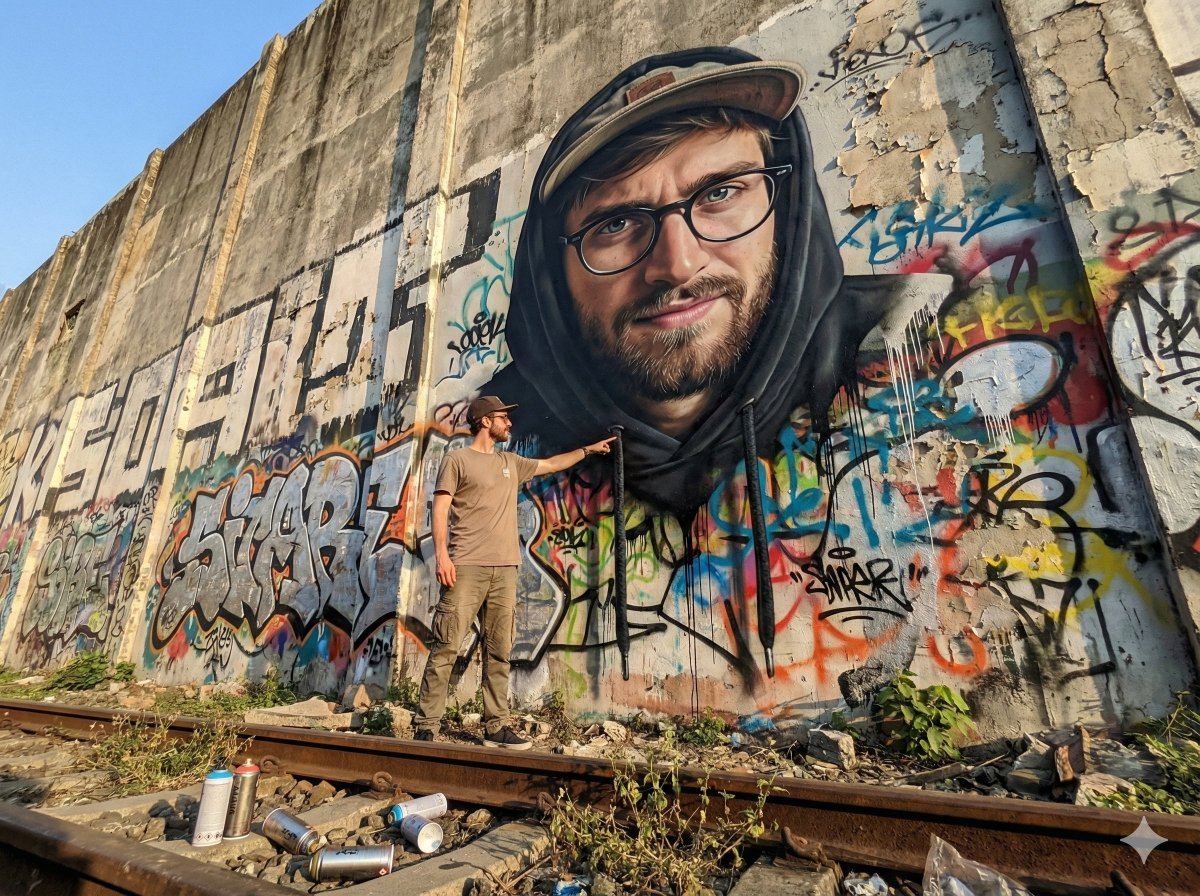
2D Mural to 3D Reality Street Art Prompt
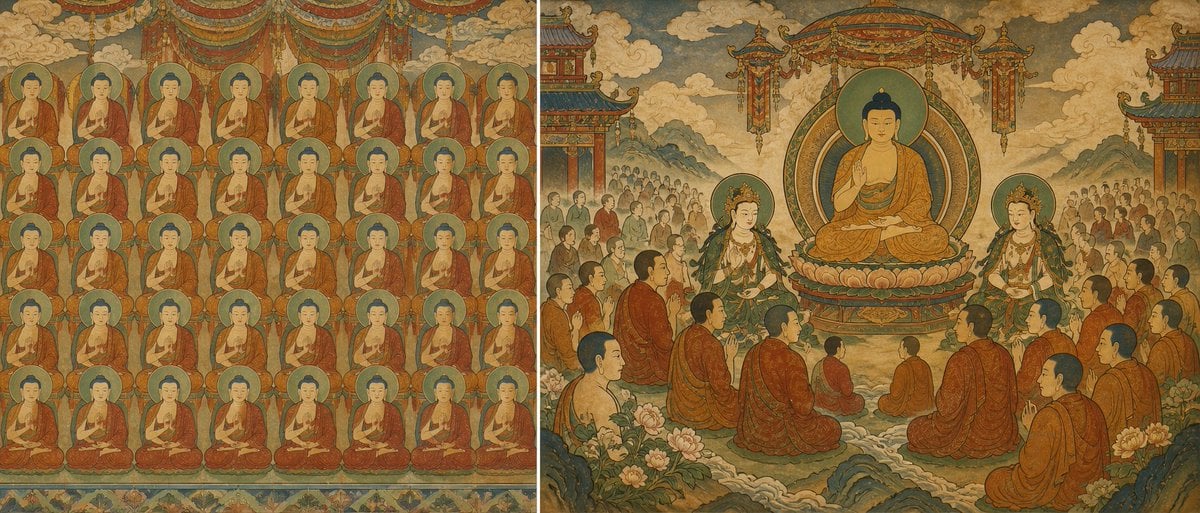
Buddhist Mural Composition Diptych
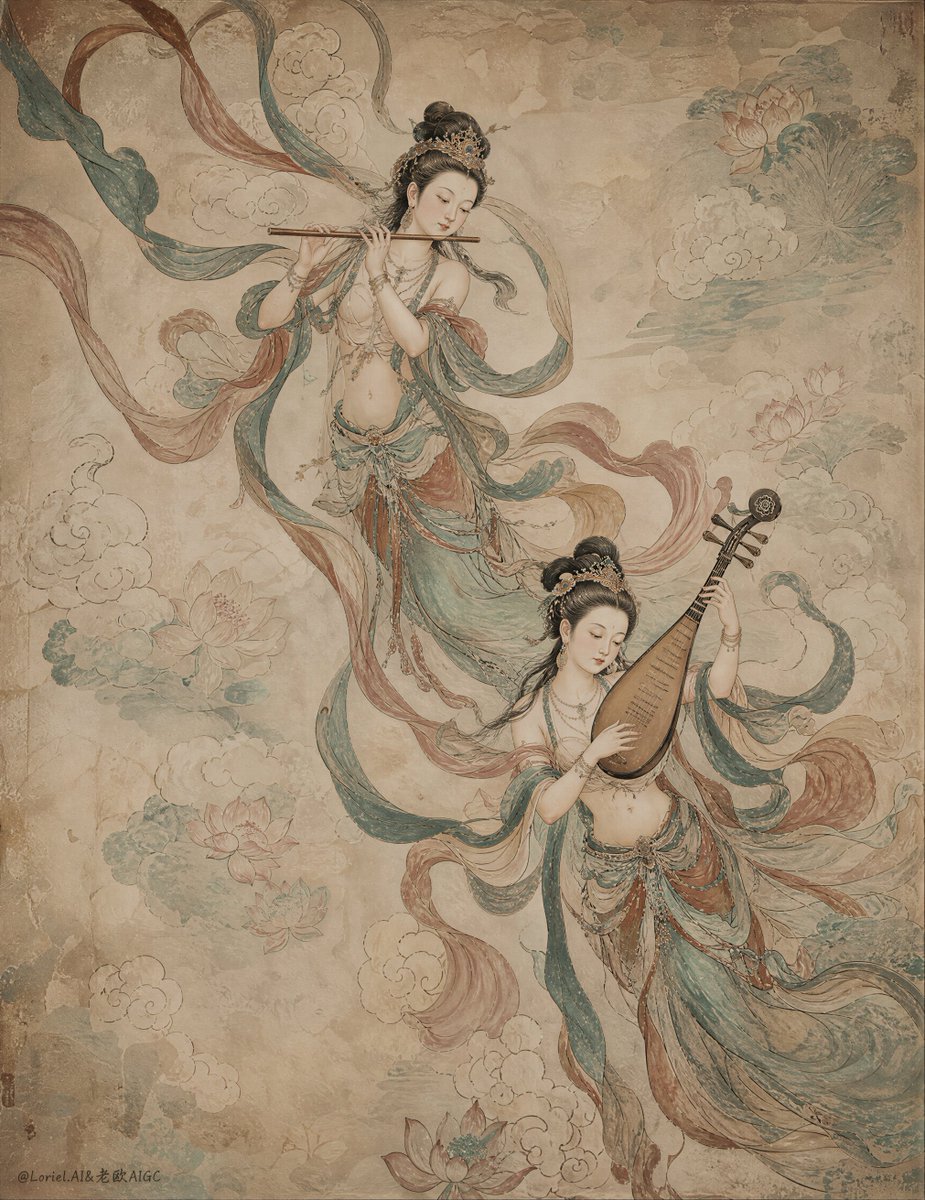
Ancient Chinese Mural of Celestial Musicians
Architectural Typographic Portrait Fusion
Fantasy Realism and Art Nouveau Fusion
Surreal Anime & Reality Living Room
Floraverse Botanical Filament Fusion
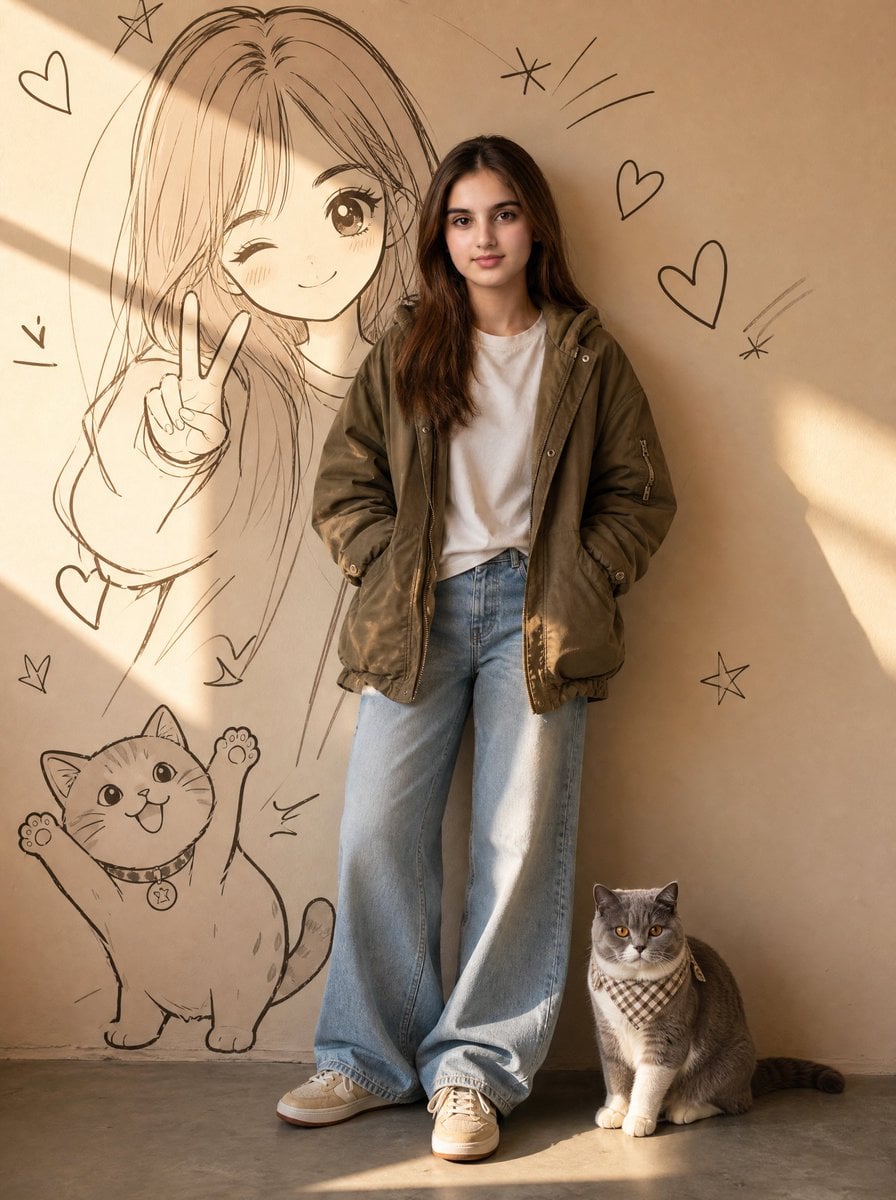
Real Girl in Anime Mural Room
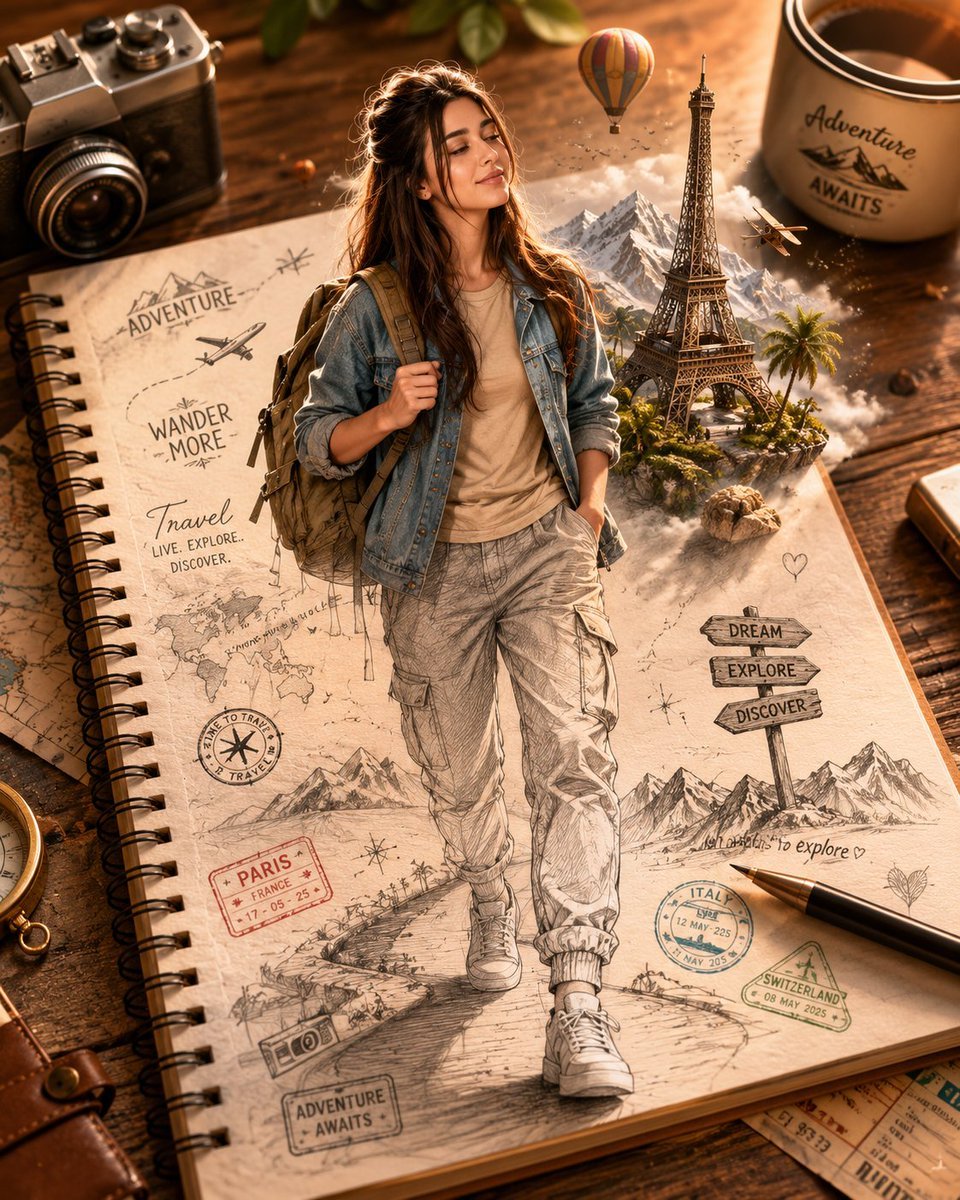
Sketch-to-Reality 3D Illusion

Retro Manga StackChan Concept Sheet

Late-Night Hamster Manga Page
Make it yours
Reality and Manga Mural Fusion works as-is. These are the safest ways to change it without losing the look.
Change one field
Copy a single group, rewrite it, and generate again so you can see what that field is doing.
Keep the frame, change the subject
Hold the composition and light of Reality and Manga Mural Fusion, then swap wardrobe, props or the person for a new take.
| If the result… | Why | Fix |
|---|---|---|
| The result drifts from the preview | Too many fields changed at once. | Reuse Reality and Manga Mural Fusion as-is first, then change one group — subject, light, or setting. |
| The model over-stylizes the scene | The prose prompt leaves finish and camera underspecified. | Add one camera or lighting sentence and stay on GPT Image 2. |
More GPT Image 2 templates
Other prompts made for GPT Image 2.

Six VTuber Japanese Logo Sheet

Realistic Portrait of Woman and Deer

The Vista Modular Condo Poster

AI Model Routing Comparison Infographic

2.5D Anime Art Board

Isometric Productivity Desk Scene

New York Double Exposure Poster

Four-Panel AI Landscape Comparison

Japanese Tatami Lifestyle Magazine Cover

NESCAFÉ Coffee Map Poster
More image prompts
Fresh picks from across the catalog.
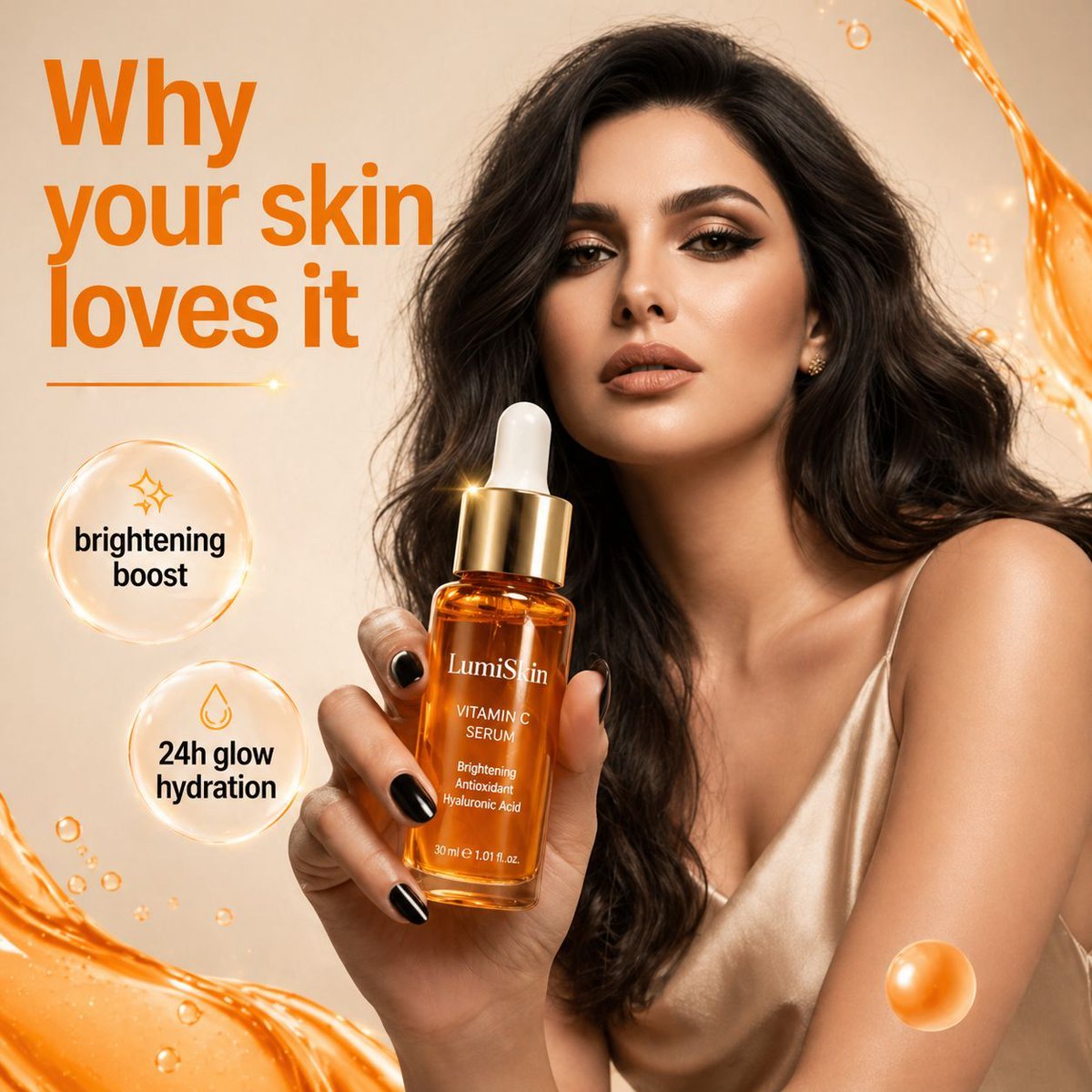
Luxury Skincare Commercial Photography
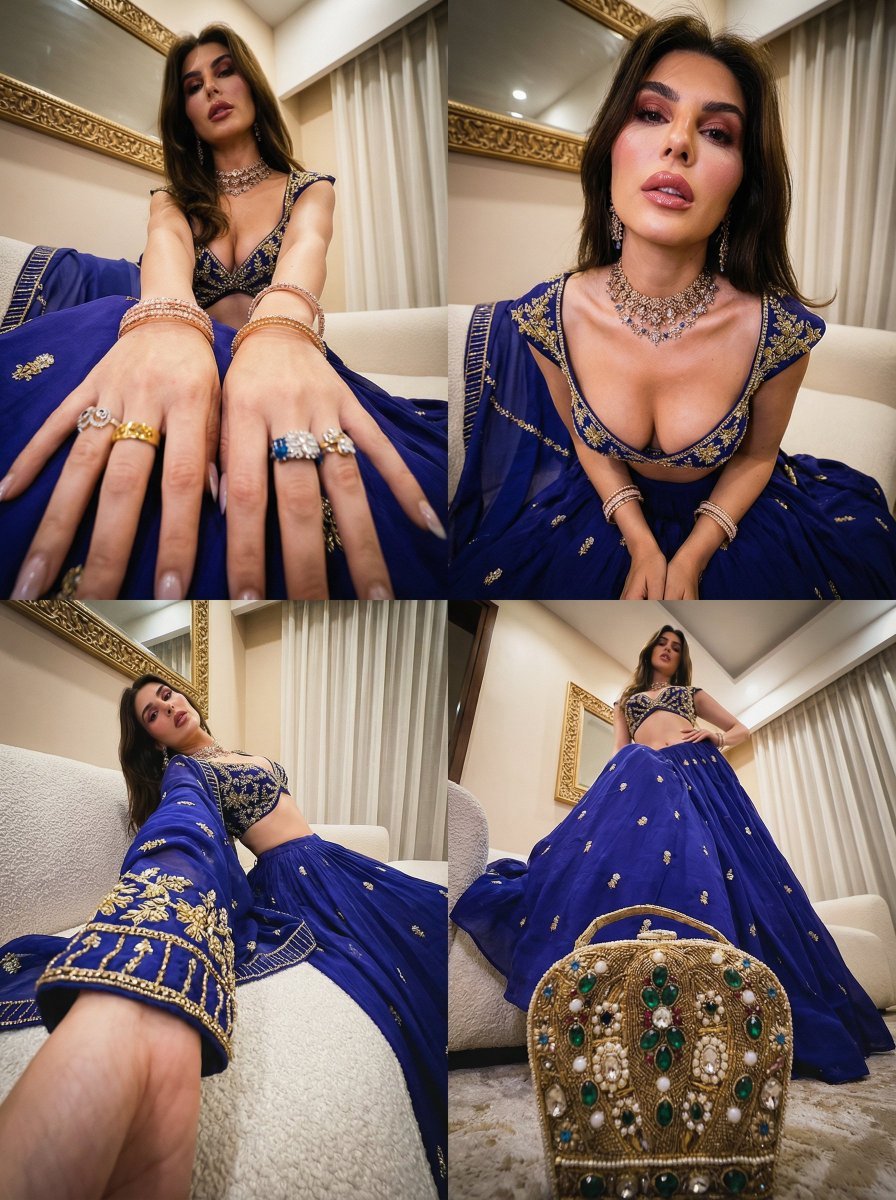
Transformative Style Prompt for Dramatic Cinematic Characters
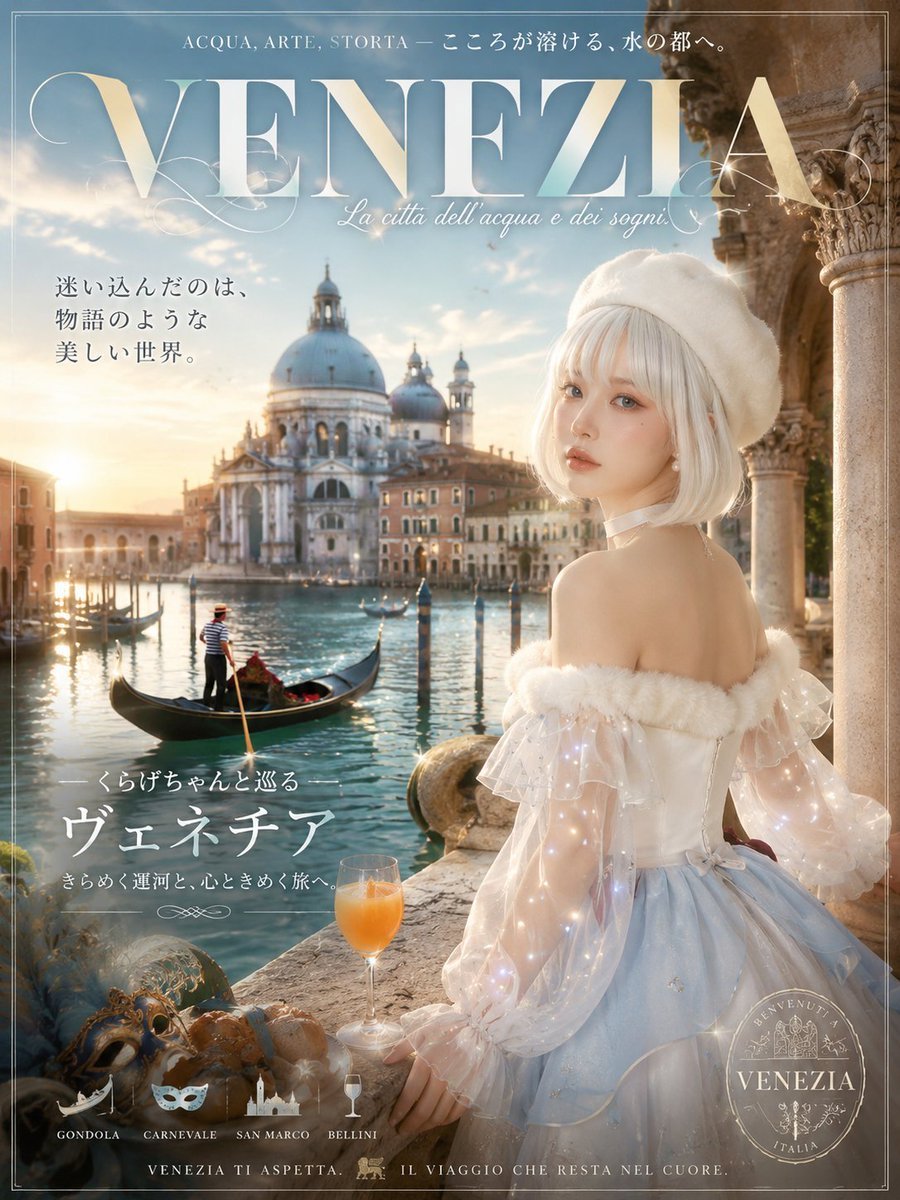
Dreamy Venezia Travel Poster
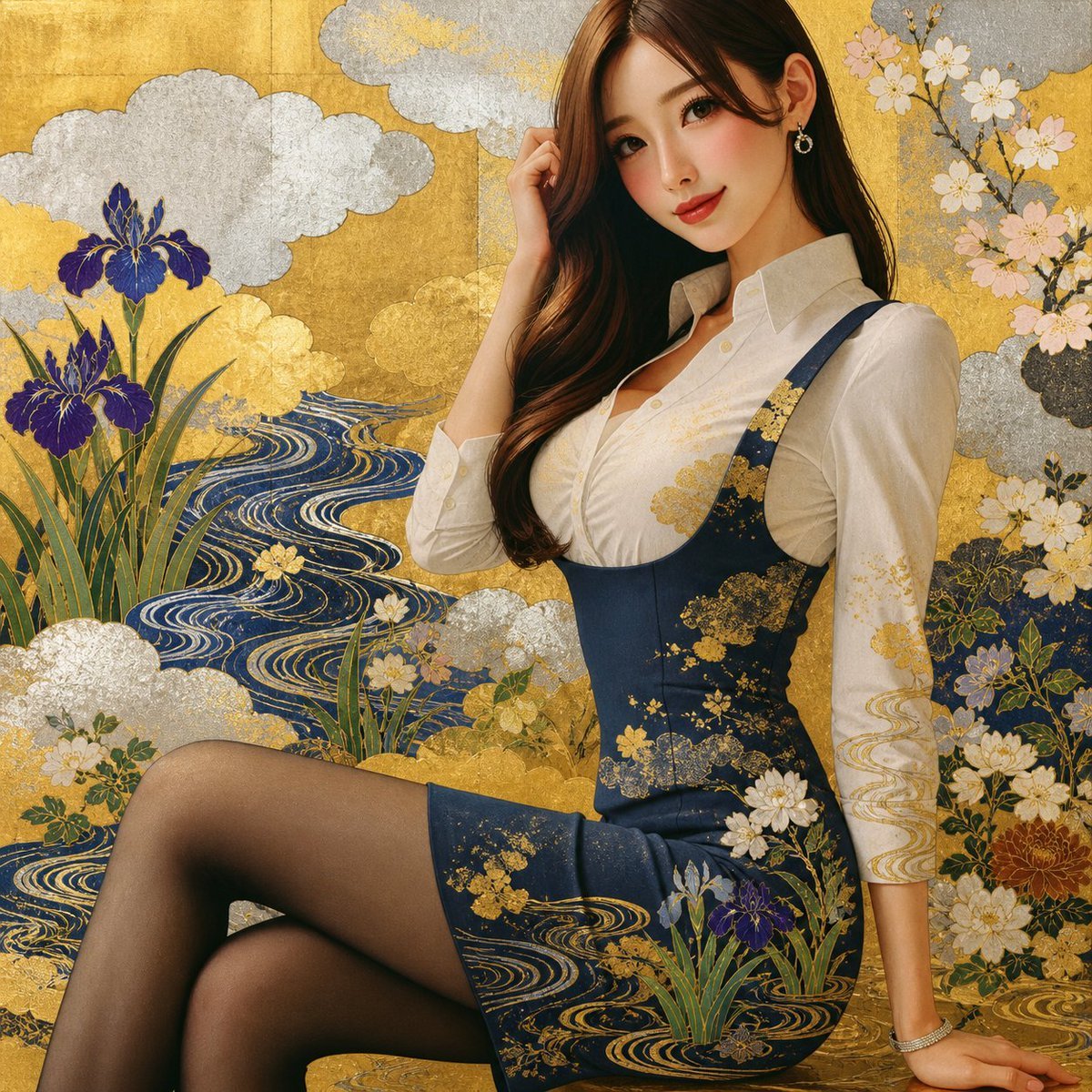
Rinpa Gold Screen Portrait
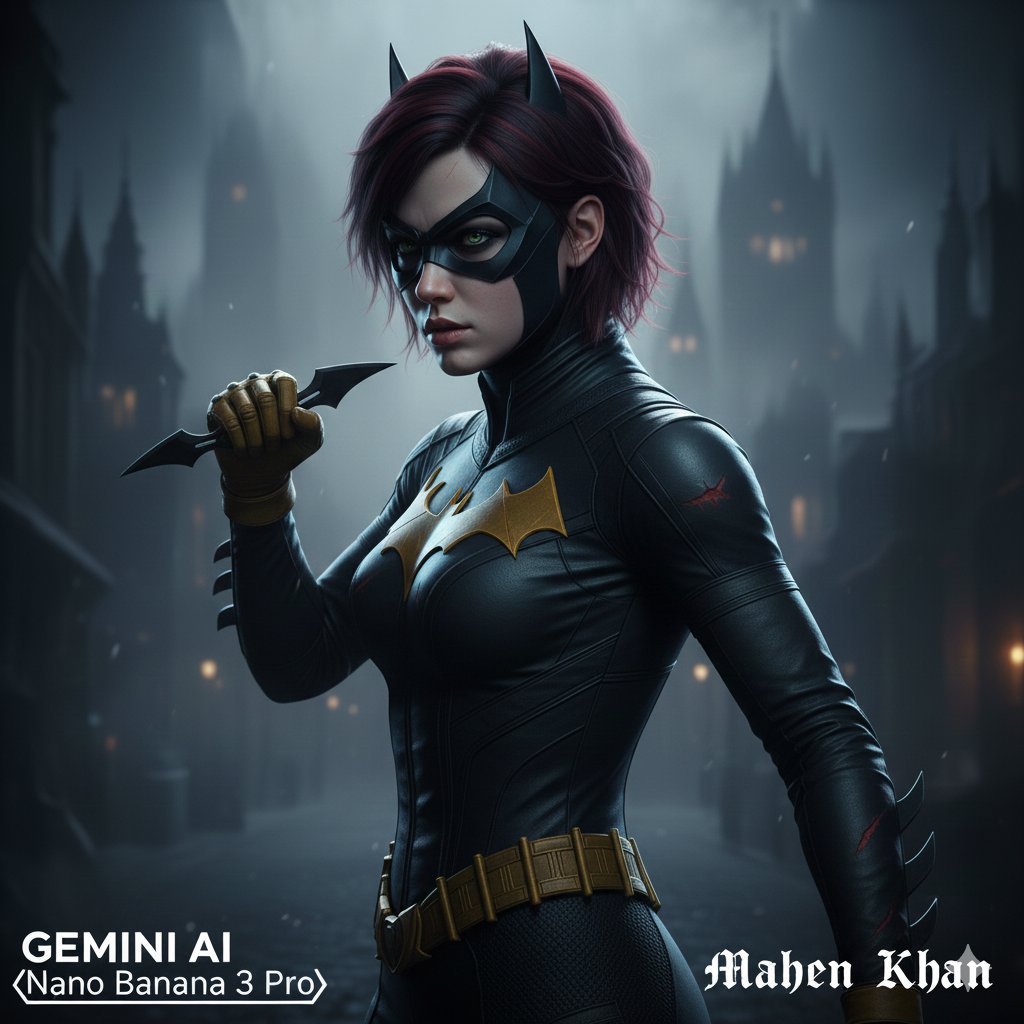
Gothic Noir Vigilante Portrait (Batgirl Inspired)
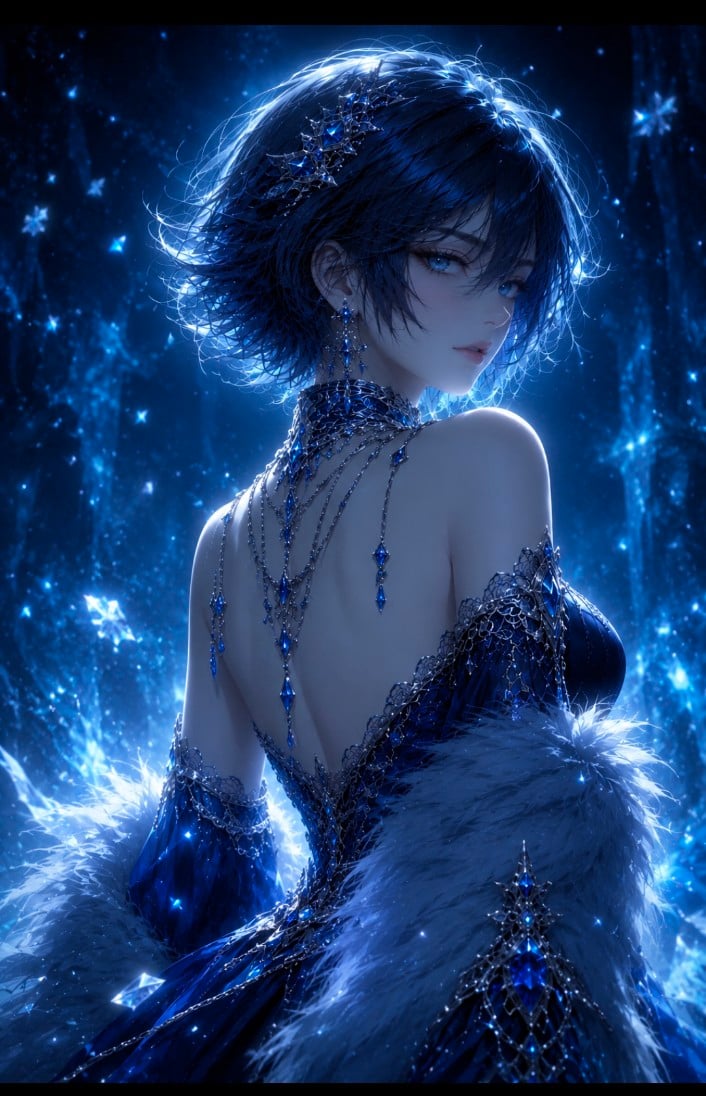
Dark Fantasy Anime Gothic Portrait

Instagram Story with Annotations
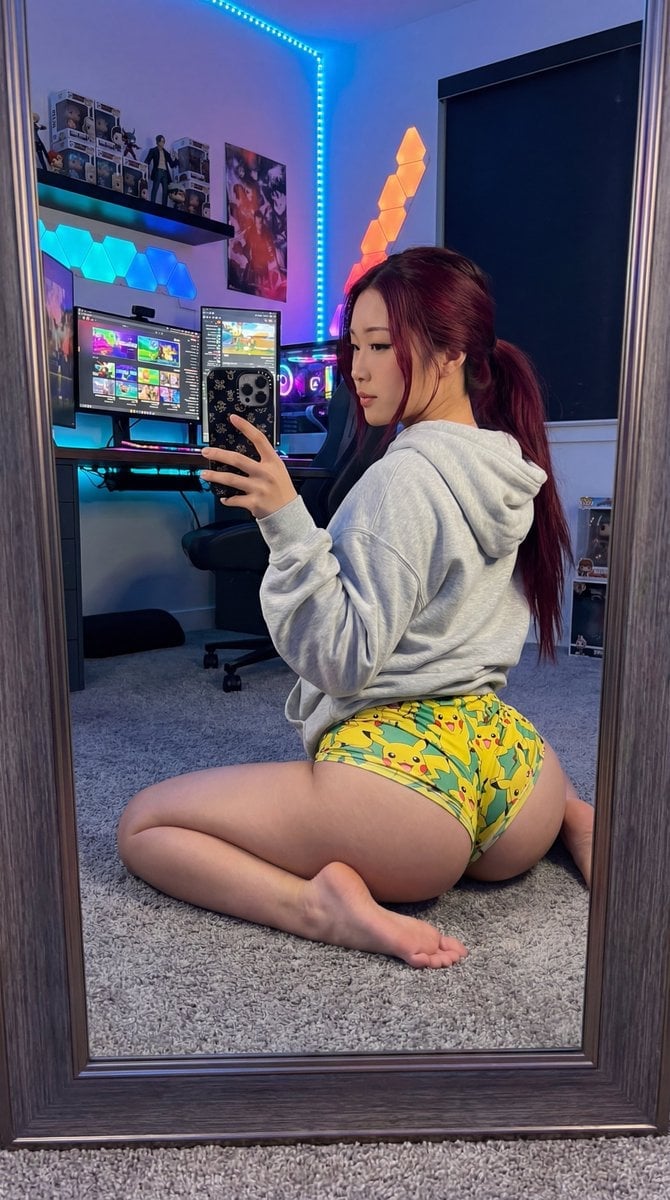
Exaggerated Gamer Girl Mirror Selfie Prompt
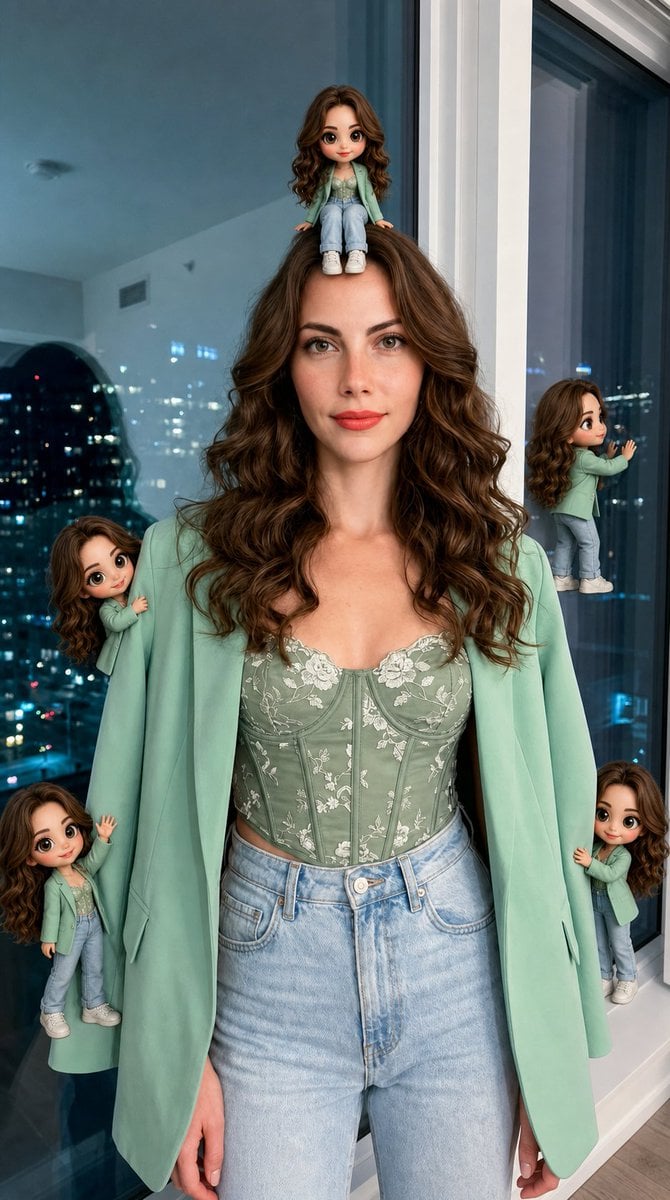
Hyper-Realistic Subject with Mini Chibi Clones
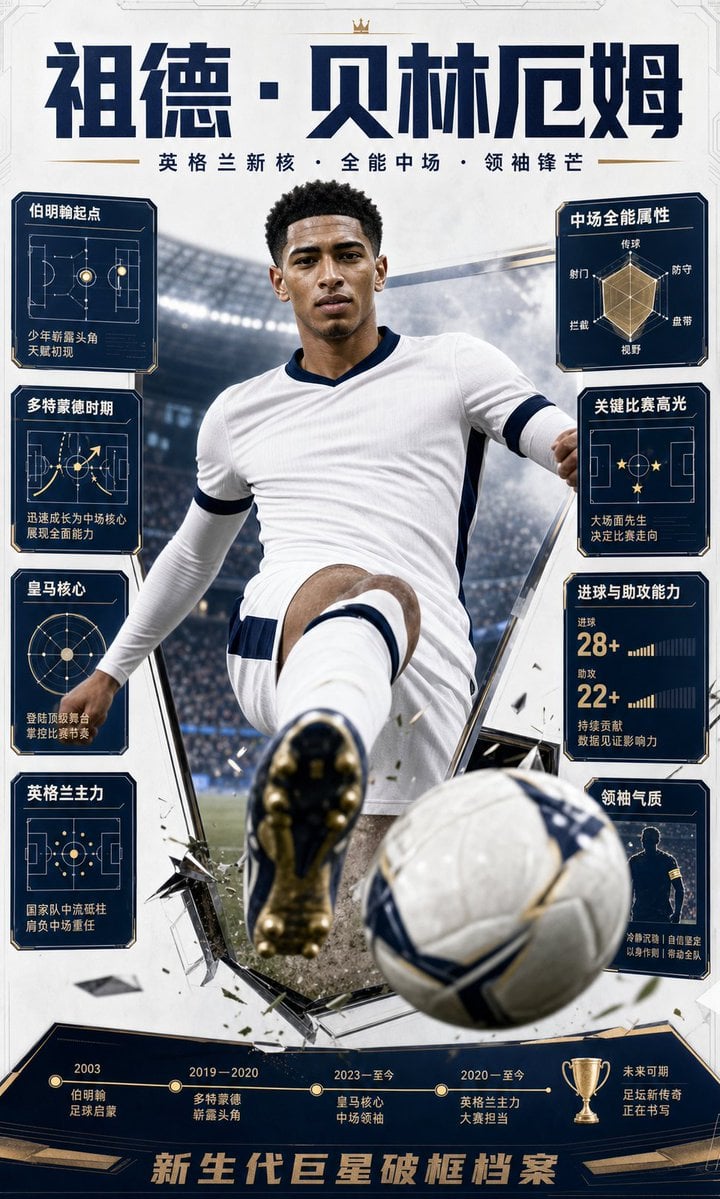
Bellingham Star Dossier Poster
Browse template categories
Reality and Manga Mural Fusion questions
How do I use the Reality and Manga Mural Fusion template?
Add your photo if the template asks for one, edit the prompt if you like — the template's model and format are already selected — and press Generate. Your version opens in PicX Studio.
Can I customize the Reality and Manga Mural Fusion template?
Yes. You can change the subject, setting, lighting, mood, format, and available model controls before creating your image.
Is the Reality and Manga Mural Fusion template free?
Opening and editing this template is free. Generating uses credits, shown on the Generate button when you are signed in.
Which AI model should I use?
Start with GPT Image 2, which is the model associated with this template. You can compare another compatible model for a different finish.
Looking for something else? Browse all templates.

Your photo, any look
Thousands of ready templates for every top image and video model, from one credit balance.