
Anime Girl Hugging Black Cat Plush
Creates a soft pastel anime bedroom portrait of a pajama-clad girl affectionately hugging a costumed black cat plush.
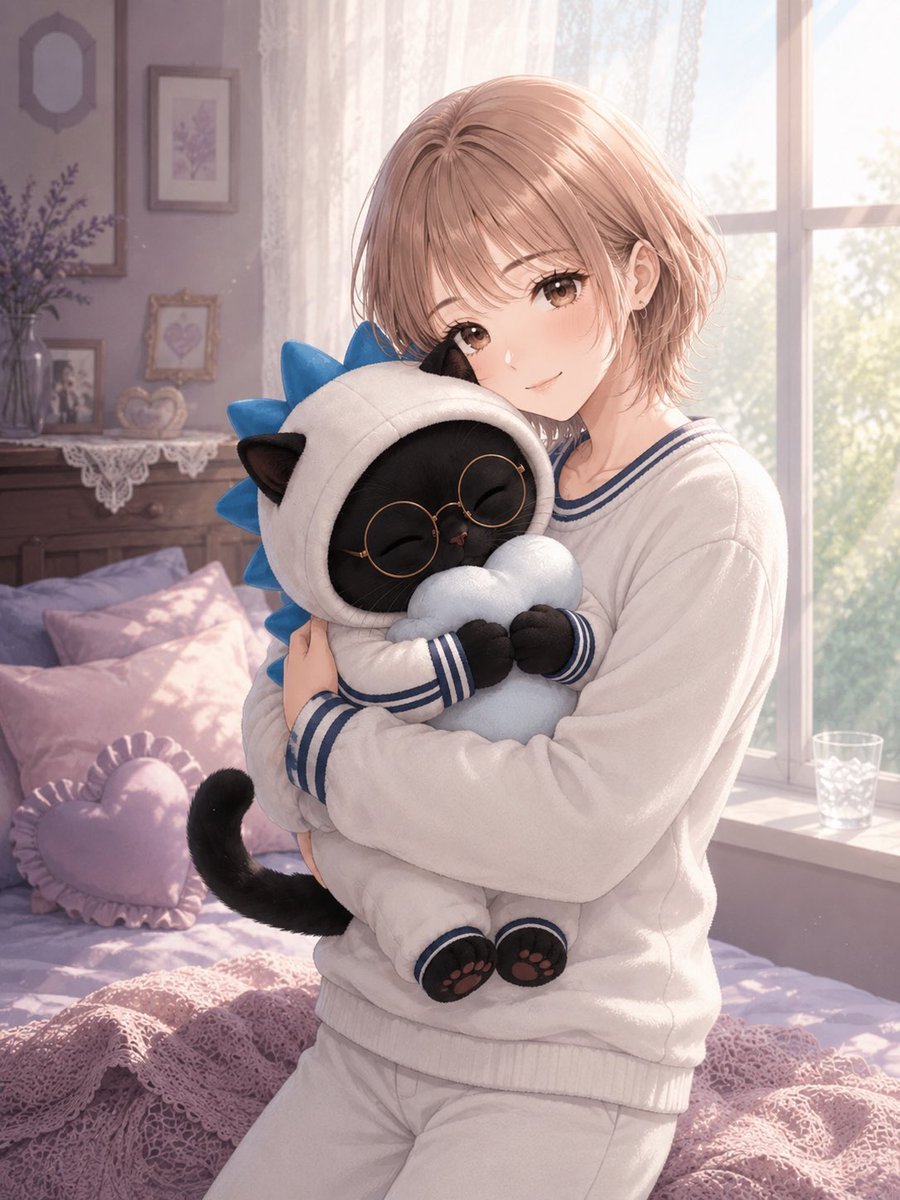
- Prompt included
- Model and format preset
- Free template
The prompt behind this image
Copy the exact prompt behind Anime Girl Hugging Black Cat Plush, or open it in the studio and make it yours.
Create a soft anime-style vertical portrait of {argument name="character name" default="Haru-chan"}, a gentle young woman with short light rose-blonde bobbed hair, wispy bangs, warm brown eyes, fair skin, and a tender sleepy morning smile, sitting on a pastel bed in a sunlit bedroom while hugging a plush-like black cat character. The girl wears loose white pajamas with navy sailor-style trim on the collar and cuffs, soft fabric folds, and a cozy oversized fit. The black cat is the central prop: a small round black cat with closed happy eyes, tiny ears, visible black tail, pink paw pads, round gold-rimmed glasses, and a full-body white hooded costume with black cat ears on the hood plus bright blue spiky accents along the back like a playful dinosaur hoodie; it holds a pale blue cloud-shaped pillow against its chest. Show exactly two main figures: one girl and one costumed black cat plush/mascot, with the girl’s arms wrapped around the cat in an affectionate hug and her cheek close to its head. Set the scene in a dreamy feminine bedroom with a large bright window on the right, sheer lace curtains glowing in morning sunlight, soft greenery visible outside, lavender walls, a bed covered in pale pink and lilac bedding, a pink crocheted blanket in the foreground, and exactly three visible pillows on the bed: one lavender pillow, one pale pink pillow, and one small pink heart-shaped ruffled pillow. Include a dresser or shelf in the left background with framed pictures, a vase of lavender flowers, and delicate lace decor; keep these background details softly blurred. Use warm backlighting, pastel colors, airy dust motes, delicate linework, high-detail anime illustration, soft bloom, gentle depth of field, cozy early-morning atmosphere, and no text or watermark.
How to use Anime Girl Hugging Black Cat Plush in 3 steps
- 1Upload ImagePNG, JPG or paste
Add your photo
Upload the photo the template builds on. The prompt, model and format are already set.
- 2…a portrait of your subject in softgolden-hour light, 85mm…
Personalize
Edit the subject and creative details for your destination.
- 3Generate
Generate
Press Generate — your image is created in PicX Studio, so you can compare it with the original and refine one variable at a time.
More like this
Templates with the same subject, style or setup. Open one to see its prompt.
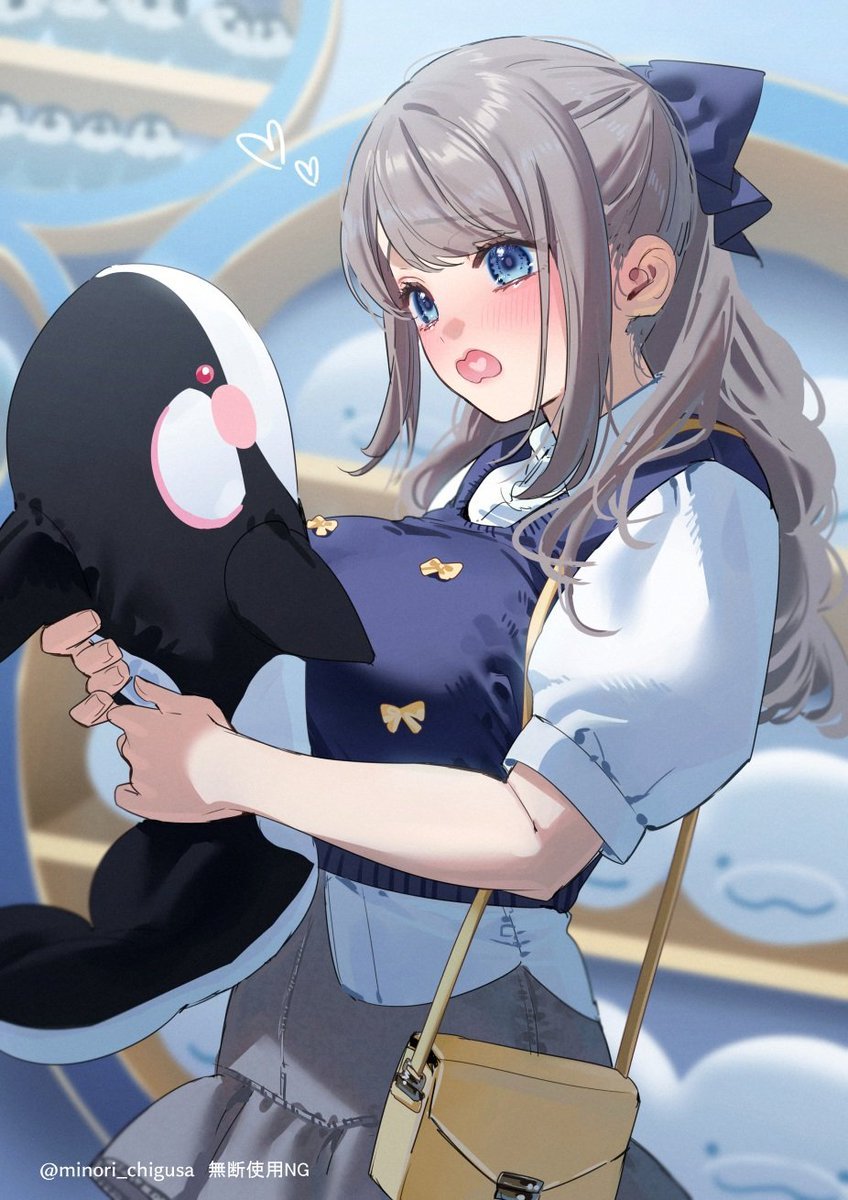
Anime Girl Hugging Orca Plush

Anime Catgirl in Chinese Ink Landscape
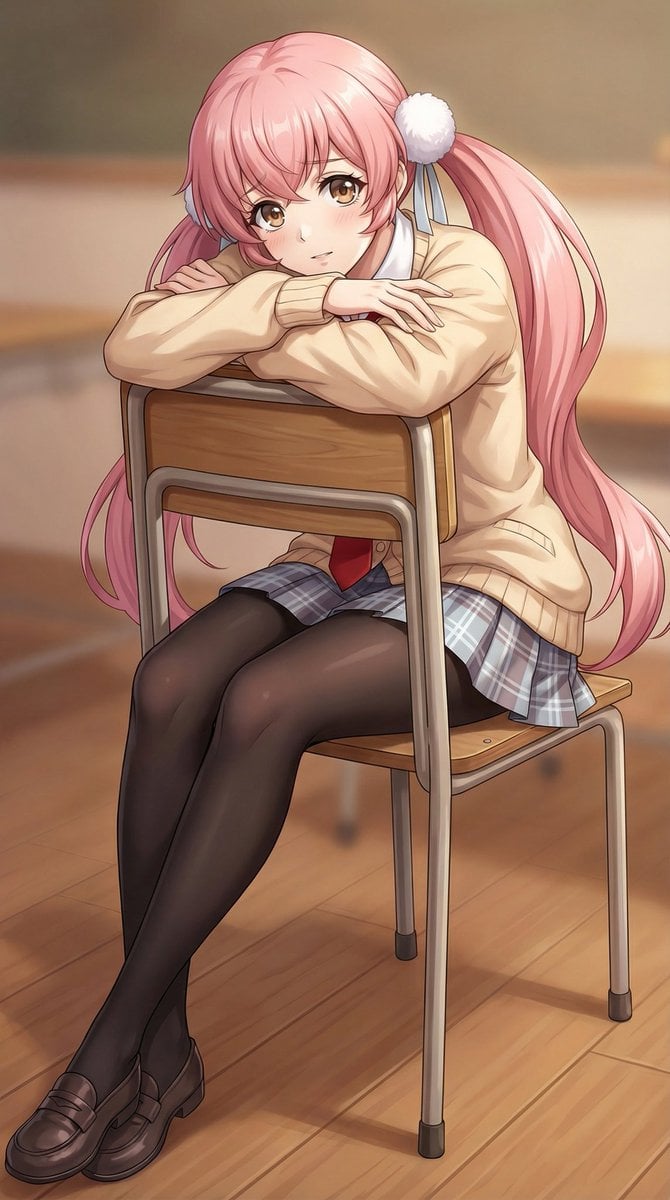
Anime Schoolgirl Hugging Chair
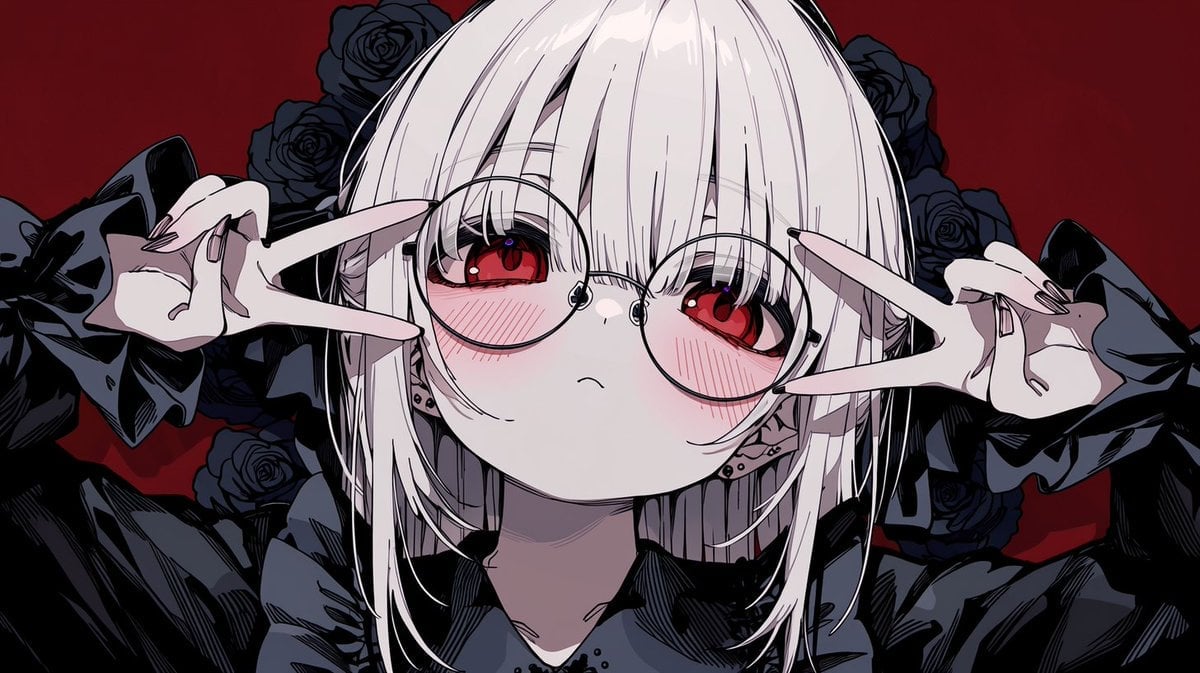
Gothic Anime Girl with Black Roses
Gothic Anime Boy Hugging Teddy Bear

Teen Girl Alpine Lake Mountain View
Girl Sewing Goblin Plush
Plush Cat Maid Doll in Antique Library

Cat-Eared Kimono Girl

Framed Quilling Anime Girl

Anime Lantern Girl Character Sheet

Anime Girl Generation Grid
Make it yours
Anime Girl Hugging Black Cat Plush works as-is. These are the safest ways to change it without losing the look.
Change one field
Copy a single group, rewrite it, and generate again so you can see what that field is doing.
Keep the frame, change the subject
Hold the composition and light of Anime Girl Hugging Black Cat Plush, then swap wardrobe, props or the person for a new take.
| If the result… | Why | Fix |
|---|---|---|
| The result drifts from the preview | Too many fields changed at once. | Reuse Anime Girl Hugging Black Cat Plush as-is first, then change one group — subject, light, or setting. |
| The model over-stylizes the scene | The prose prompt leaves finish and camera underspecified. | Add one camera or lighting sentence and stay on GPT Image 2. |
More GPT Image 2 templates
Other prompts made for GPT Image 2.

Six VTuber Japanese Logo Sheet

Realistic Portrait of Woman and Deer

The Vista Modular Condo Poster

AI Model Routing Comparison Infographic

2.5D Anime Art Board

Isometric Productivity Desk Scene

New York Double Exposure Poster

Four-Panel AI Landscape Comparison

Japanese Tatami Lifestyle Magazine Cover

NESCAFÉ Coffee Map Poster
More image prompts
Fresh picks from across the catalog.

Cinematic Chiaroscuro Film Portrait
Convert Image to School Yearbook Portrait
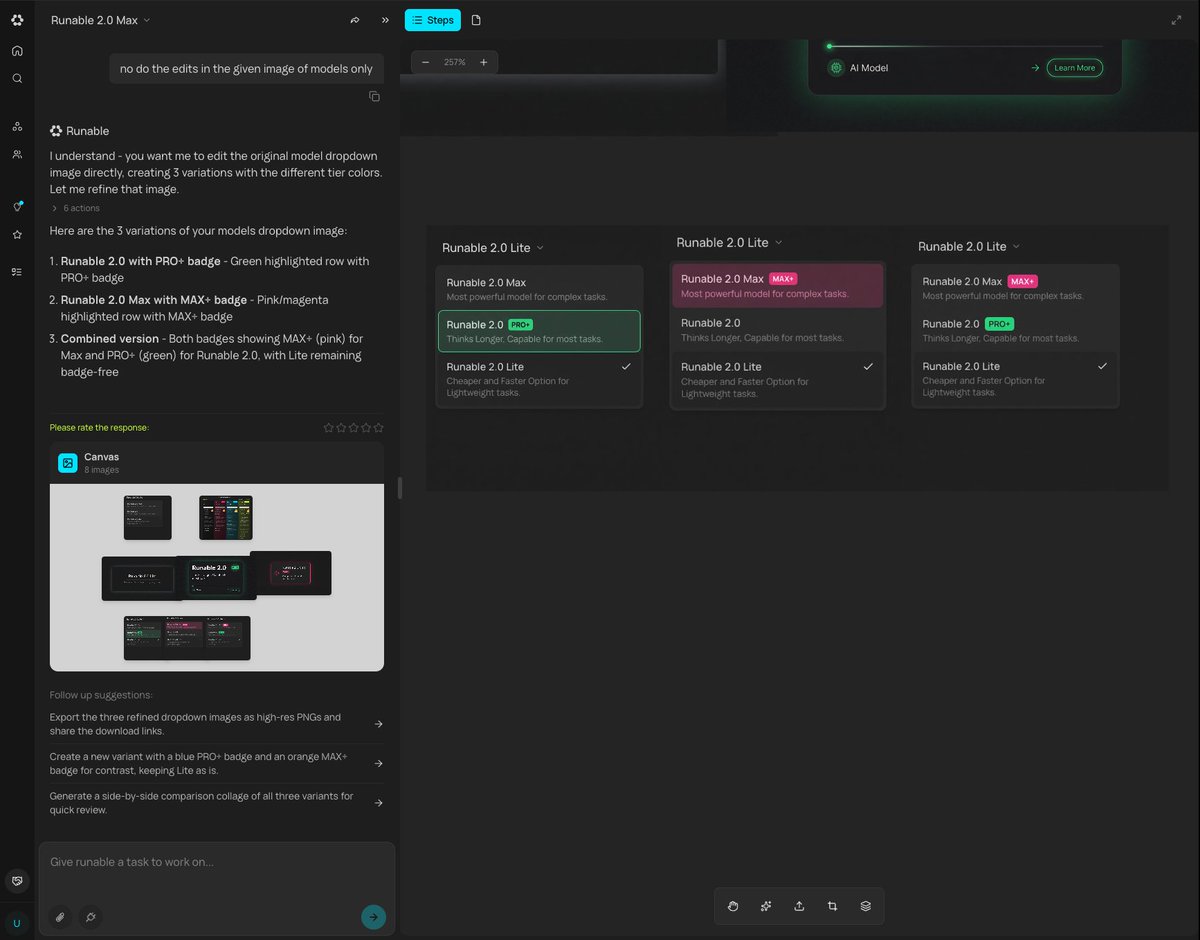
Generating Multiple Runnable Modes/States
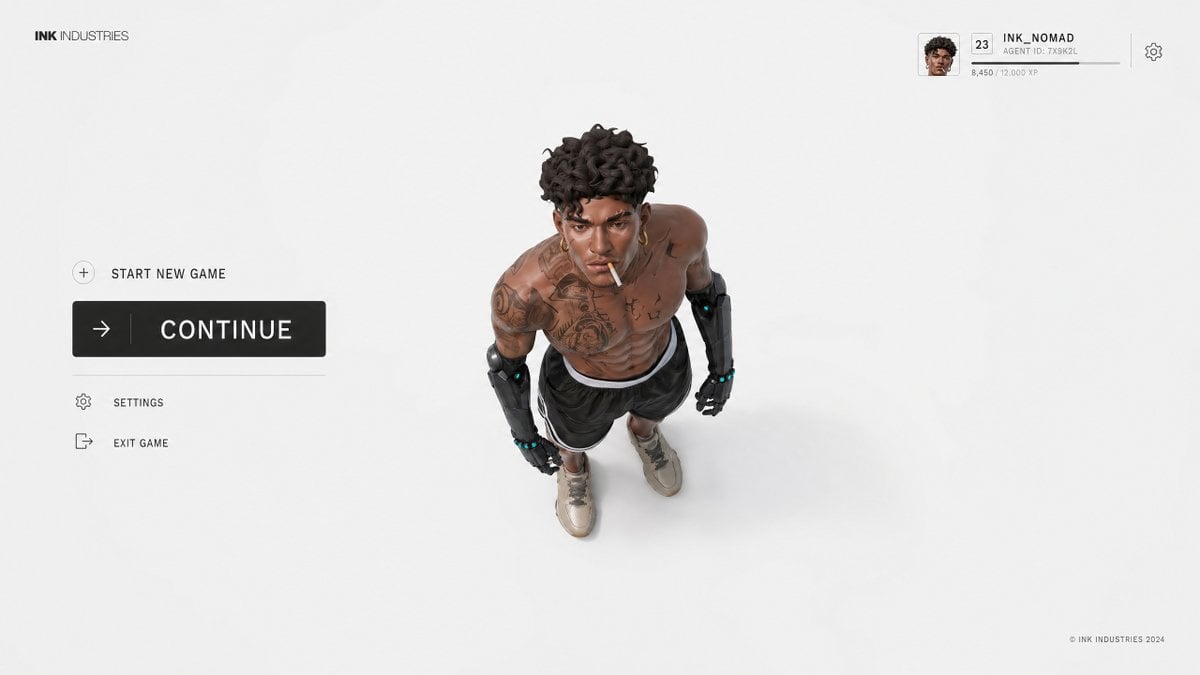
Video Game Lobby Interface Prompt
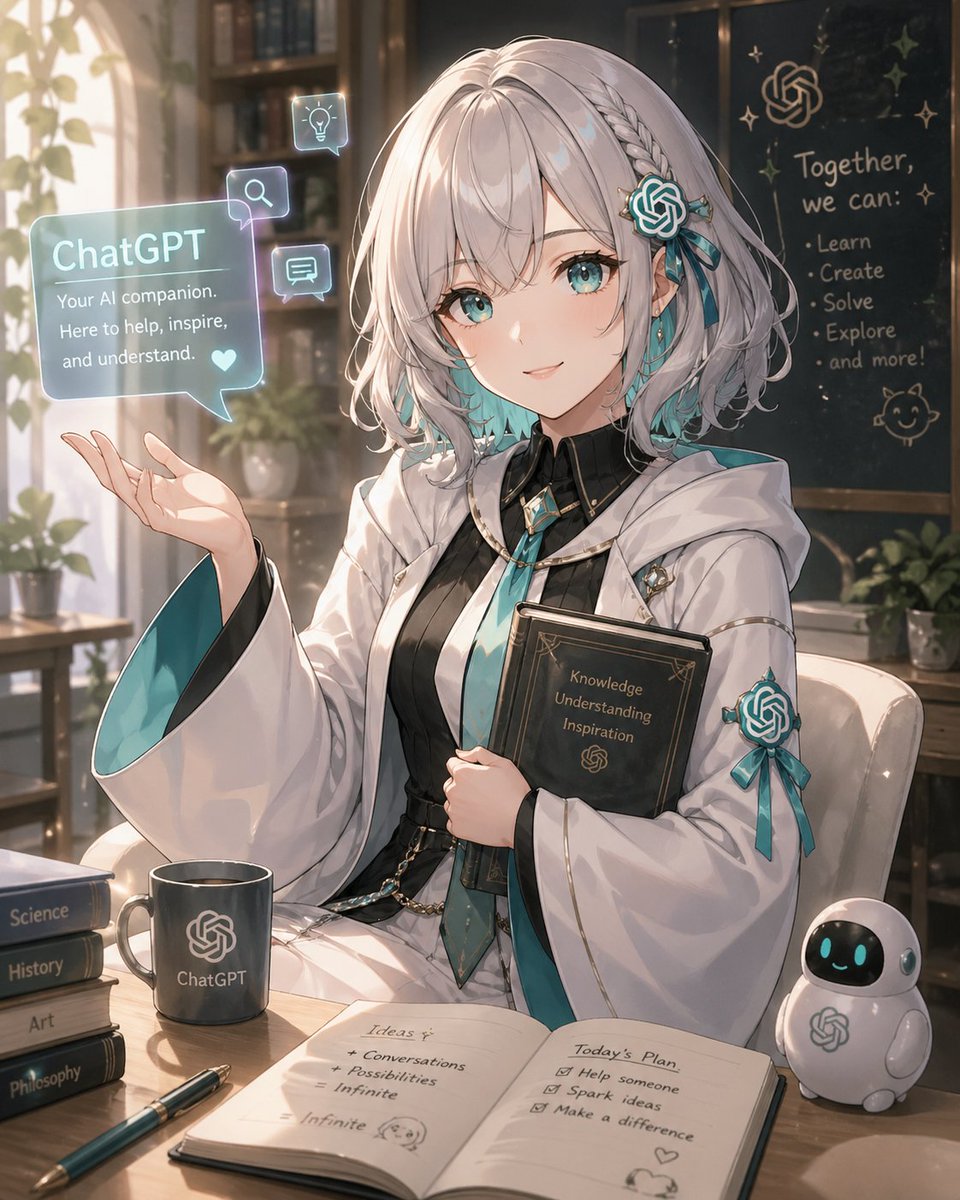
Anime ChatGPT Companion in Study
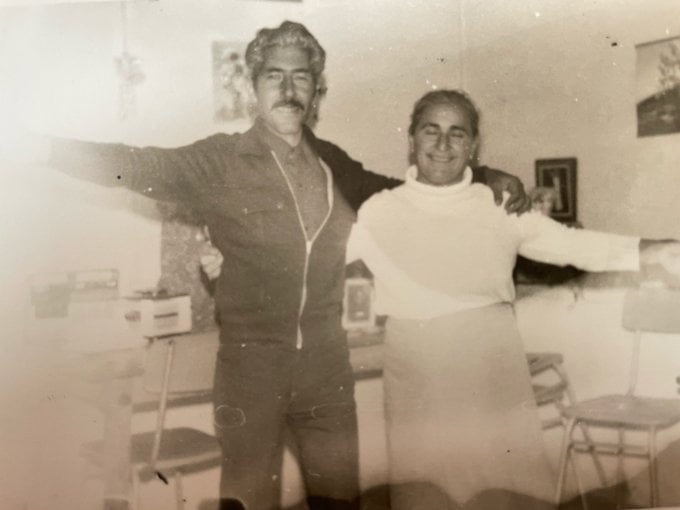
Old photo restoration to modern digital portrait
Luxury Skincare Ad Storyboard
Watercolor Urban Travel Poster

Dramatic Low Angle Brand Poster
Turn Any Logo Into a Calligraphic Monogr
Browse template categories
Anime Girl Hugging Black Cat Plush questions
How do I use the Anime Girl Hugging Black Cat Plush template?
Add your photo if the template asks for one, edit the prompt if you like — the template's model and format are already selected — and press Generate. Your version opens in PicX Studio.
Can I customize the Anime Girl Hugging Black Cat Plush template?
Yes. You can change the subject, setting, lighting, mood, format, and available model controls before creating your image.
Is the Anime Girl Hugging Black Cat Plush template free?
Opening and editing this template is free. Generating uses credits, shown on the Generate button when you are signed in.
Which AI model should I use?
Start with GPT Image 2, which is the model associated with this template. You can compare another compatible model for a different finish.
Looking for something else? Browse all templates.

Your photo, any look
Thousands of ready templates for every top image and video model, from one credit balance.