
Plush Cat Maid Doll in Antique Library
A warm watercolor prompt for generating a cute pink-haired cat-eared plush maid doll seated in a nostalgic sunlit library.
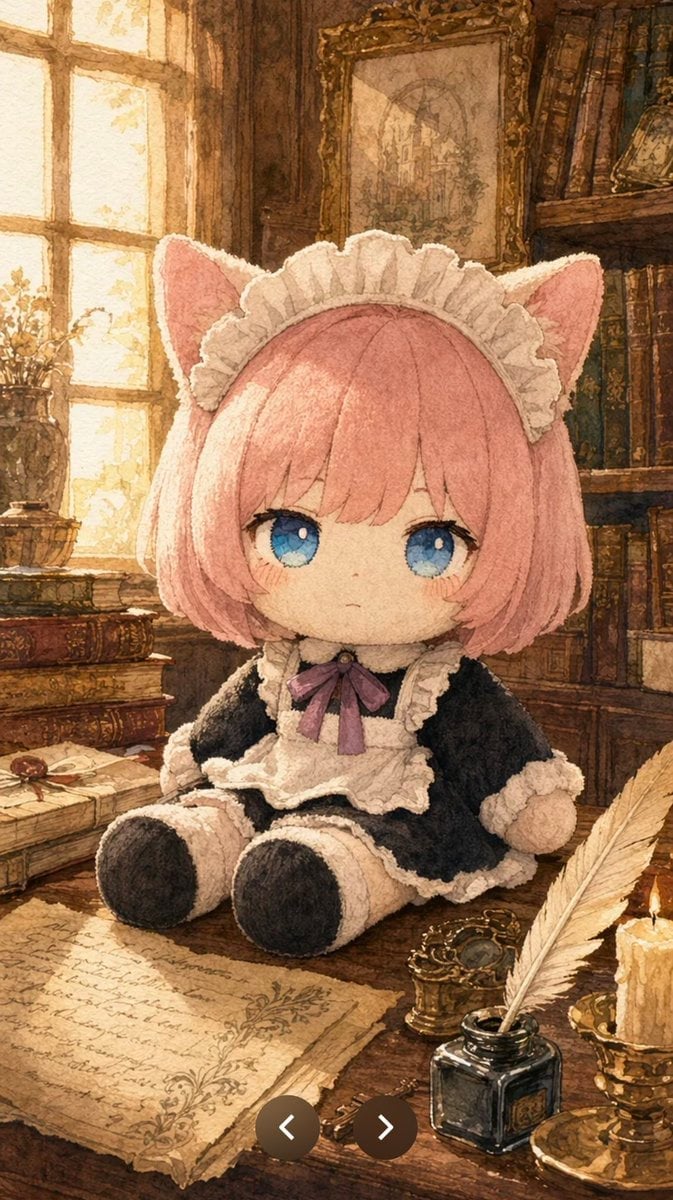
- Prompt included
- Model and format preset
- Free template
The prompt behind this image
Copy the exact prompt behind Plush Cat Maid Doll in Antique Library, or open it in the studio and make it yours.
Create a vertical storybook-style watercolor illustration of a soft plush doll named {argument name="character name" default="Mimi"} sitting on an antique wooden writing desk in a cozy old library. The doll is centered and shown full body, with a large round chibi head, tiny seated body, velvety fabric texture, pale cream plush skin, short bobbed {argument name="hair color" default="pastel pink"} hair with blunt bangs, 2 large blue embroidered-looking eyes, a small neutral mouth, faint blush, and 2 cat ears with pink inner fabric. Dress the doll in a black-and-white maid outfit: white ruffled headband, black long-sleeve dress, white ruffled apron, cream frill trim at cuffs and hem, black plush shoes, and a purple ribbon bow at the collar. The scene should feel warm, nostalgic, and tactile, emphasizing fuzzy fabric and hand-sewn plush seams. The background is a richly detailed antique study: a glowing sunlit window on the left, dark wooden bookshelves filled with old books on the right, a framed vintage painting above the doll, and stacks of aged books on the desk. Include exactly 5 prominent foreground desk items: 1 handwritten parchment sheet, 1 black ink bottle, 1 white feather quill, 1 lit candle in a brass holder, and 1 small ornate brass object. Use golden afternoon light streaming from the left window, soft shadows, sepia browns, cream highlights, and delicate watercolor pencil linework. Composition should be vertical 9:16, intimate close-up, with the plush doll occupying the middle of the frame and the desk objects framing the lower foreground. Add a subtle illustrated texture like handmade paper, high detail, cozy fantasy atmosphere, no modern objects, no visible text, no watermark.
How to use Plush Cat Maid Doll in Antique Library in 3 steps
- 1Upload ImagePNG, JPG or paste
Add your photo
Upload the photo the template builds on. The prompt, model and format are already set.
- 2…a portrait of your subject in softgolden-hour light, 85mm…
Personalize
Edit the subject and creative details for your destination.
- 3Generate
Generate
Press Generate — your image is created in PicX Studio, so you can compare it with the original and refine one variable at a time.
More like this
Templates with the same subject, style or setup. Open one to see its prompt.
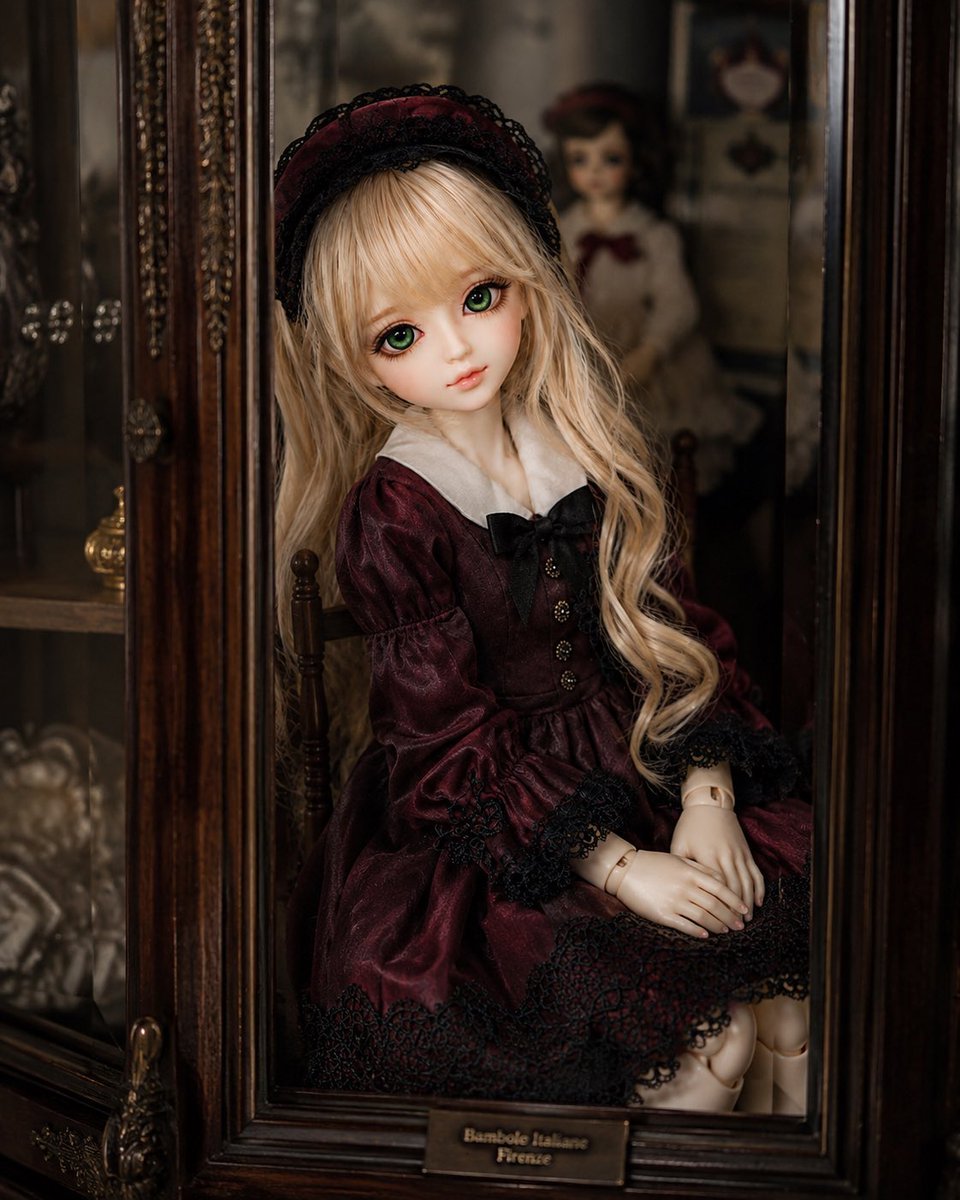
Antique Cabinet Ball-Jointed Doll
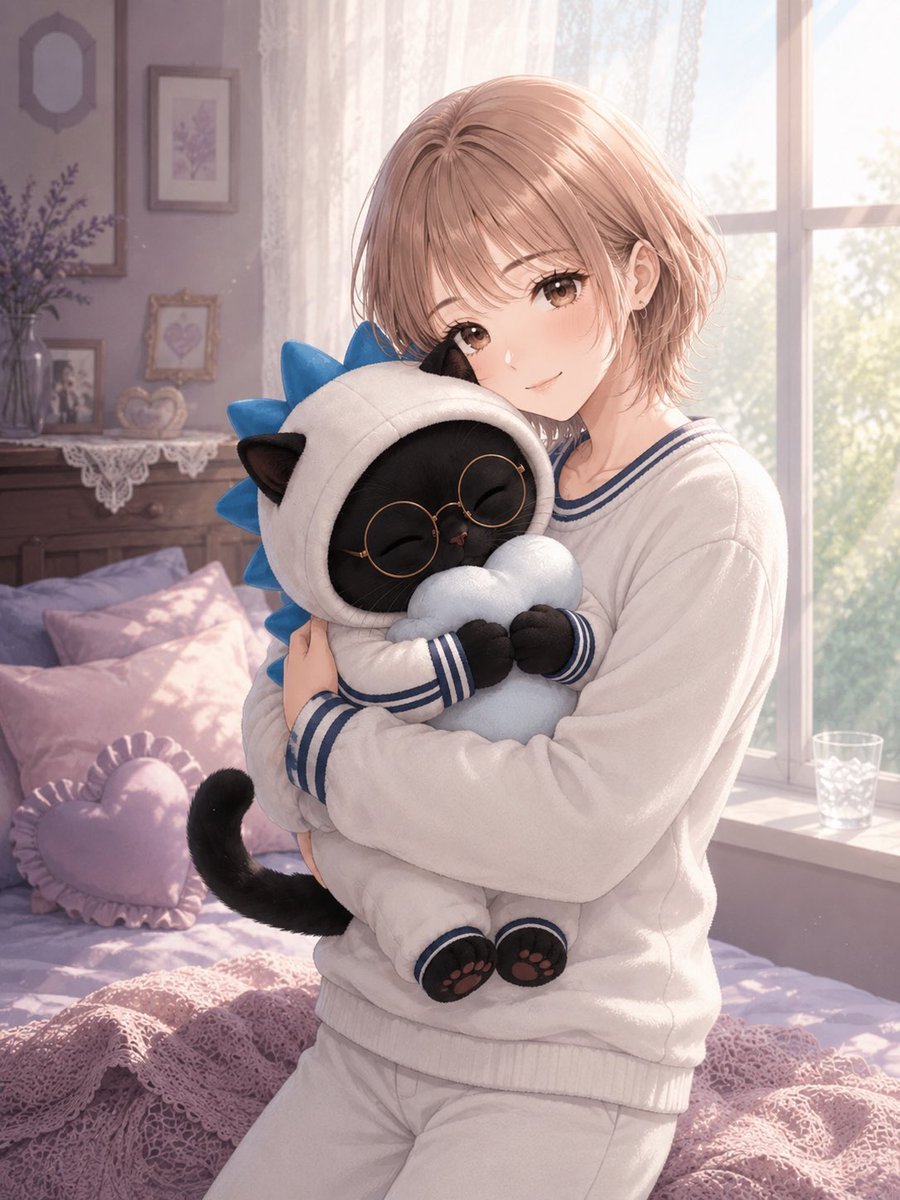
Anime Girl Hugging Black Cat Plush
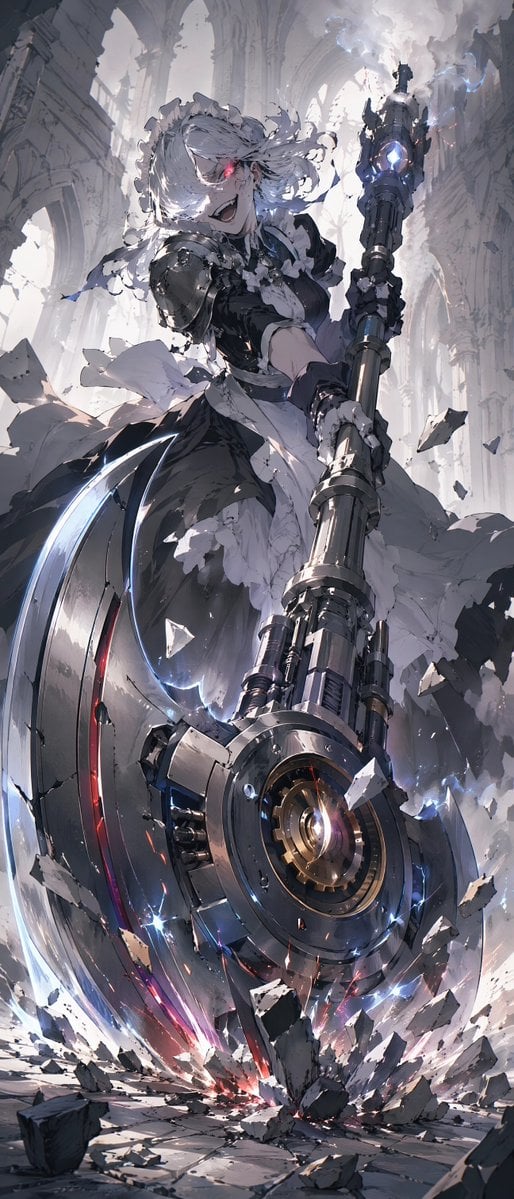
Battle Maid in Ruined Cathedral
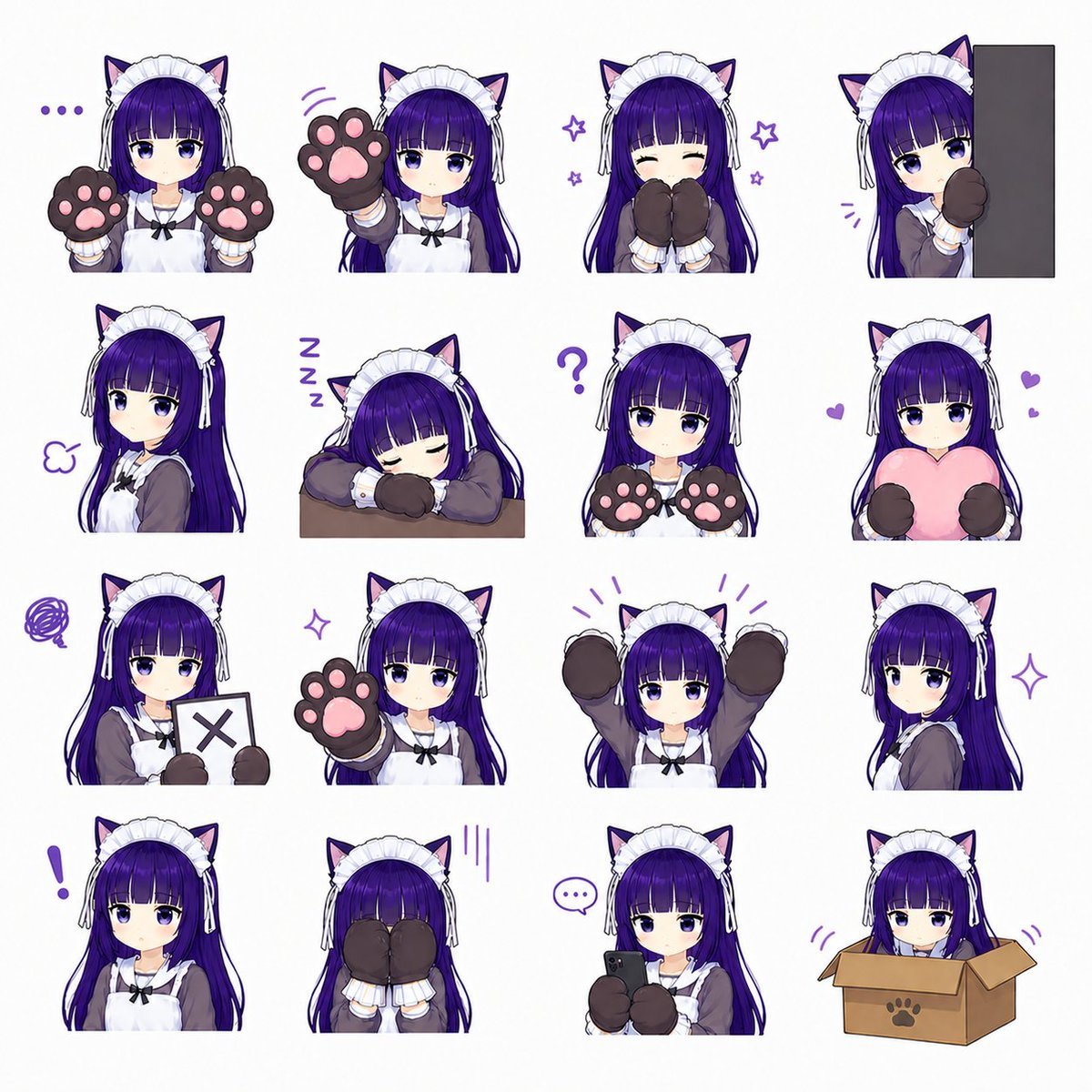
Cat-Eared Maid Emote Sticker Sheet

Felt & Knit 3D Character — Photo-Exact Face, Pixar-Quality Plush Figurine

Cat Photobomb Selfie — 0.5x Wide Angle Café Chaos

Surreal Cat Astronaut — Humanoid Face Freefall

Low Angle Floor Selfie With Upside Down Cat
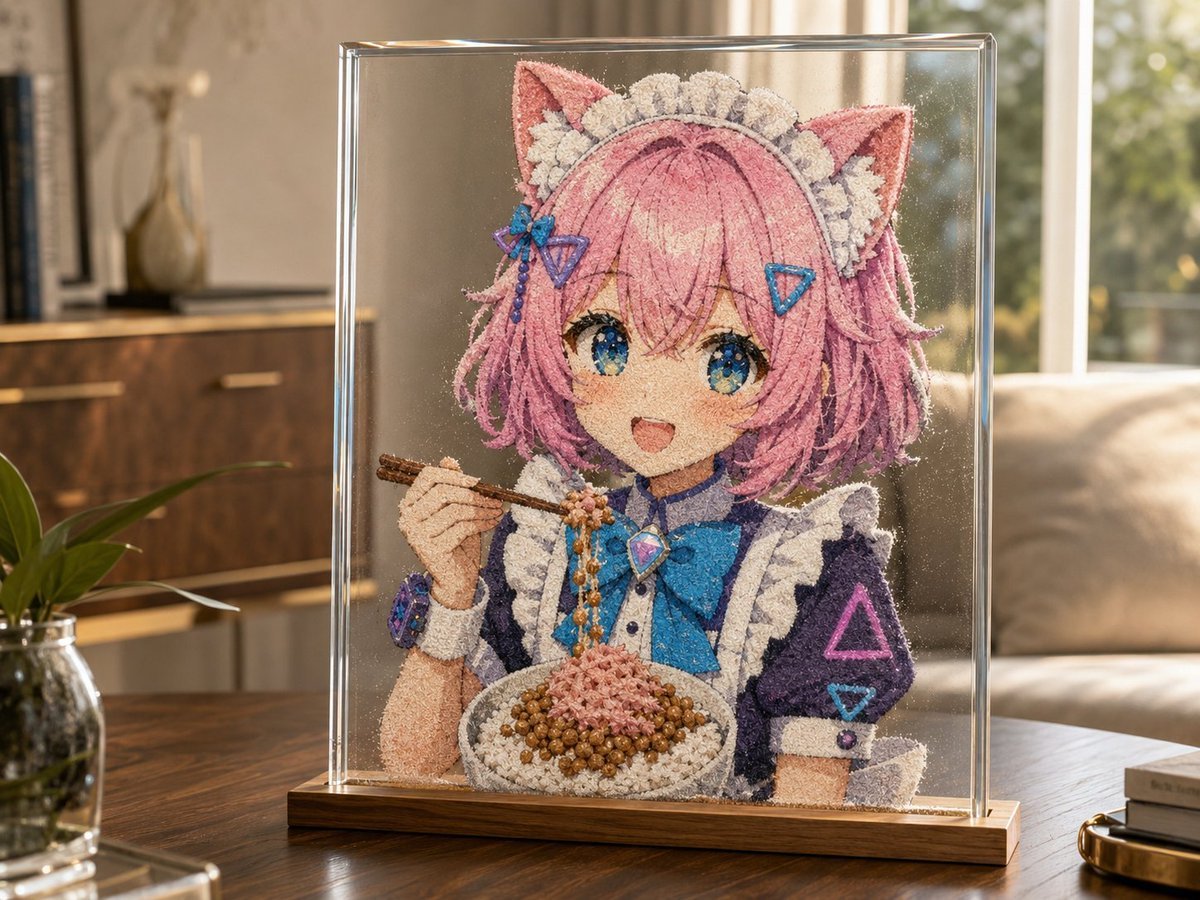
Cat-Eared Maid Sand Art Display

Cyber Cat Maid Peace Pose
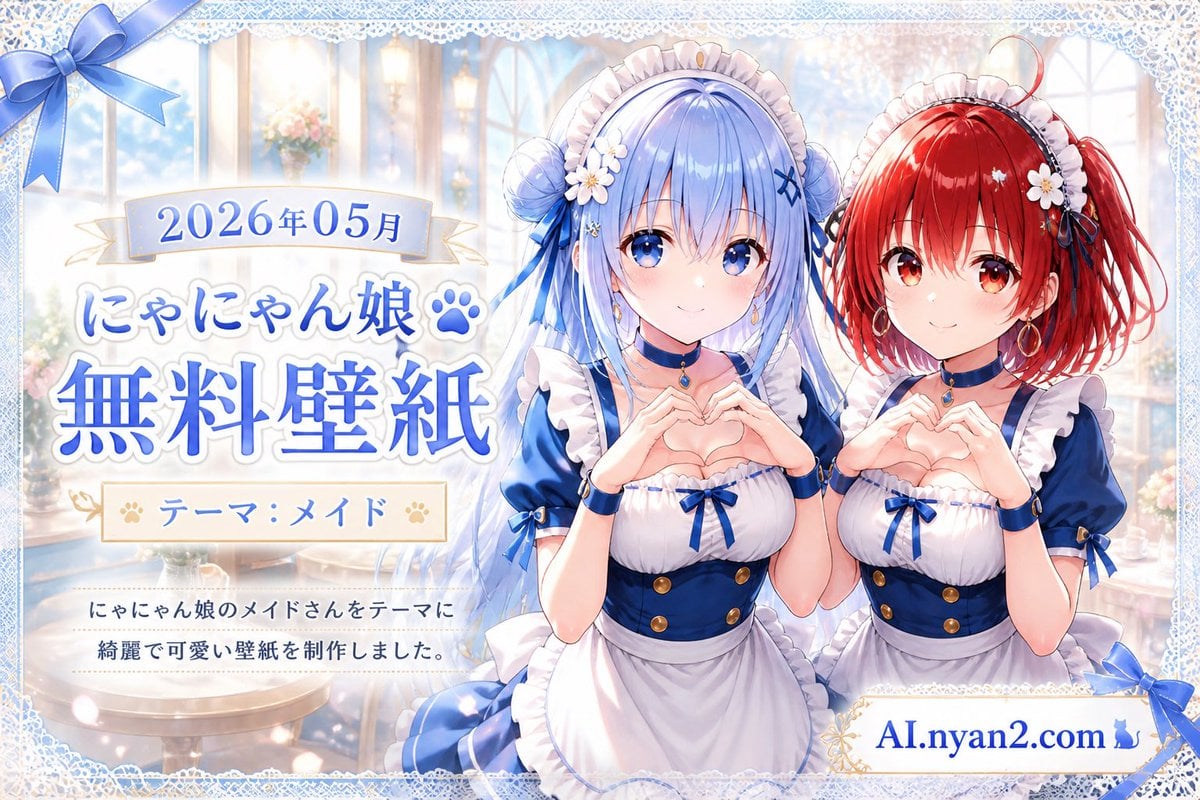
Catgirl Maid Free Wallpaper Banner
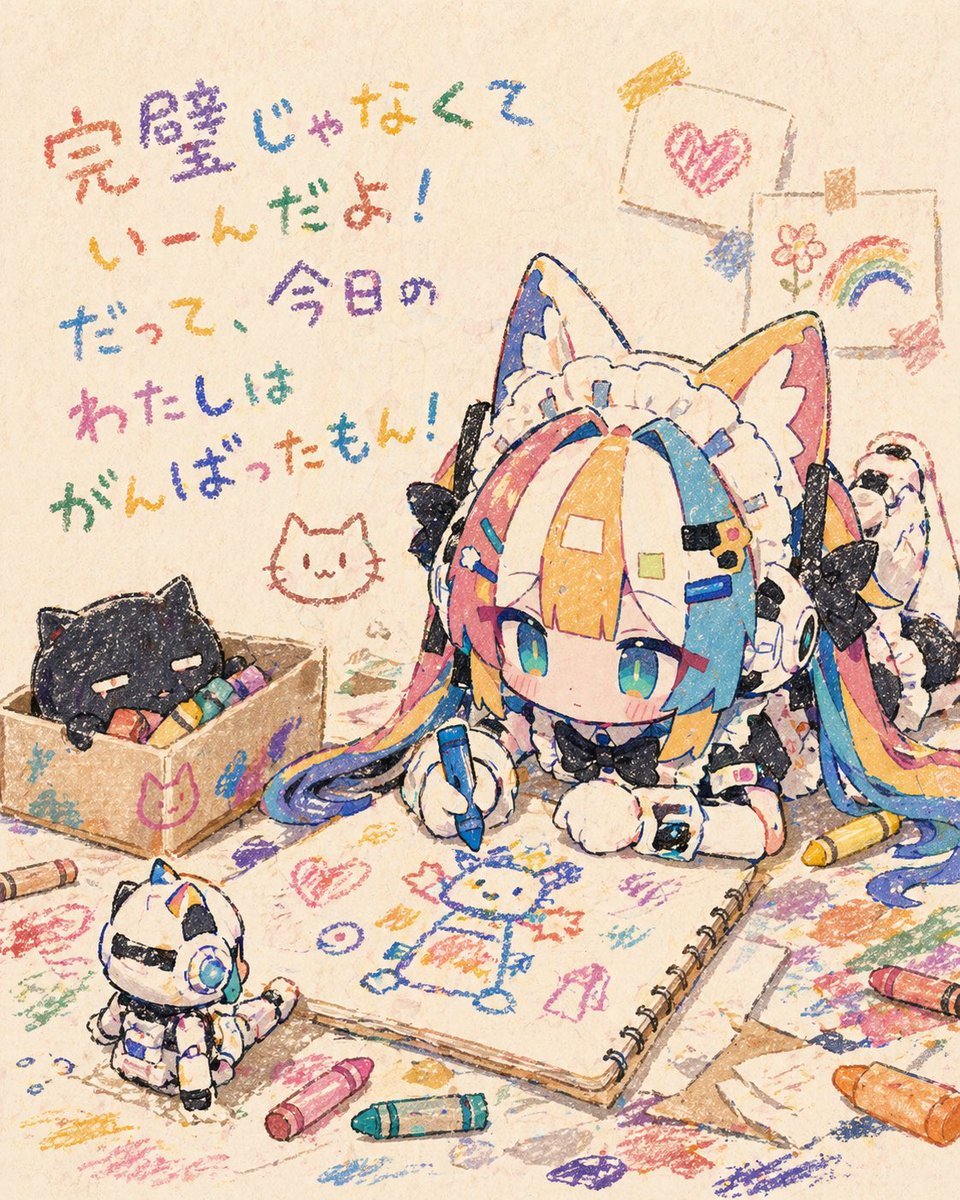
Chibi Cat Maid Crayon Art Scene
Make it yours
Plush Cat Maid Doll in Antique Library works as-is. These are the safest ways to change it without losing the look.
Change one field
Copy a single group, rewrite it, and generate again so you can see what that field is doing.
Keep the frame, change the subject
Hold the composition and light of Plush Cat Maid Doll in Antique Library, then swap wardrobe, props or the person for a new take.
| If the result… | Why | Fix |
|---|---|---|
| The result drifts from the preview | Too many fields changed at once. | Reuse Plush Cat Maid Doll in Antique Library as-is first, then change one group — subject, light, or setting. |
| The model over-stylizes the scene | The prose prompt leaves finish and camera underspecified. | Add one camera or lighting sentence and stay on GPT Image 2. |
More GPT Image 2 templates
Other prompts made for GPT Image 2.

Six VTuber Japanese Logo Sheet

Realistic Portrait of Woman and Deer

The Vista Modular Condo Poster

AI Model Routing Comparison Infographic

2.5D Anime Art Board

Isometric Productivity Desk Scene

New York Double Exposure Poster

Four-Panel AI Landscape Comparison

Japanese Tatami Lifestyle Magazine Cover

NESCAFÉ Coffee Map Poster
More image prompts
Fresh picks from across the catalog.
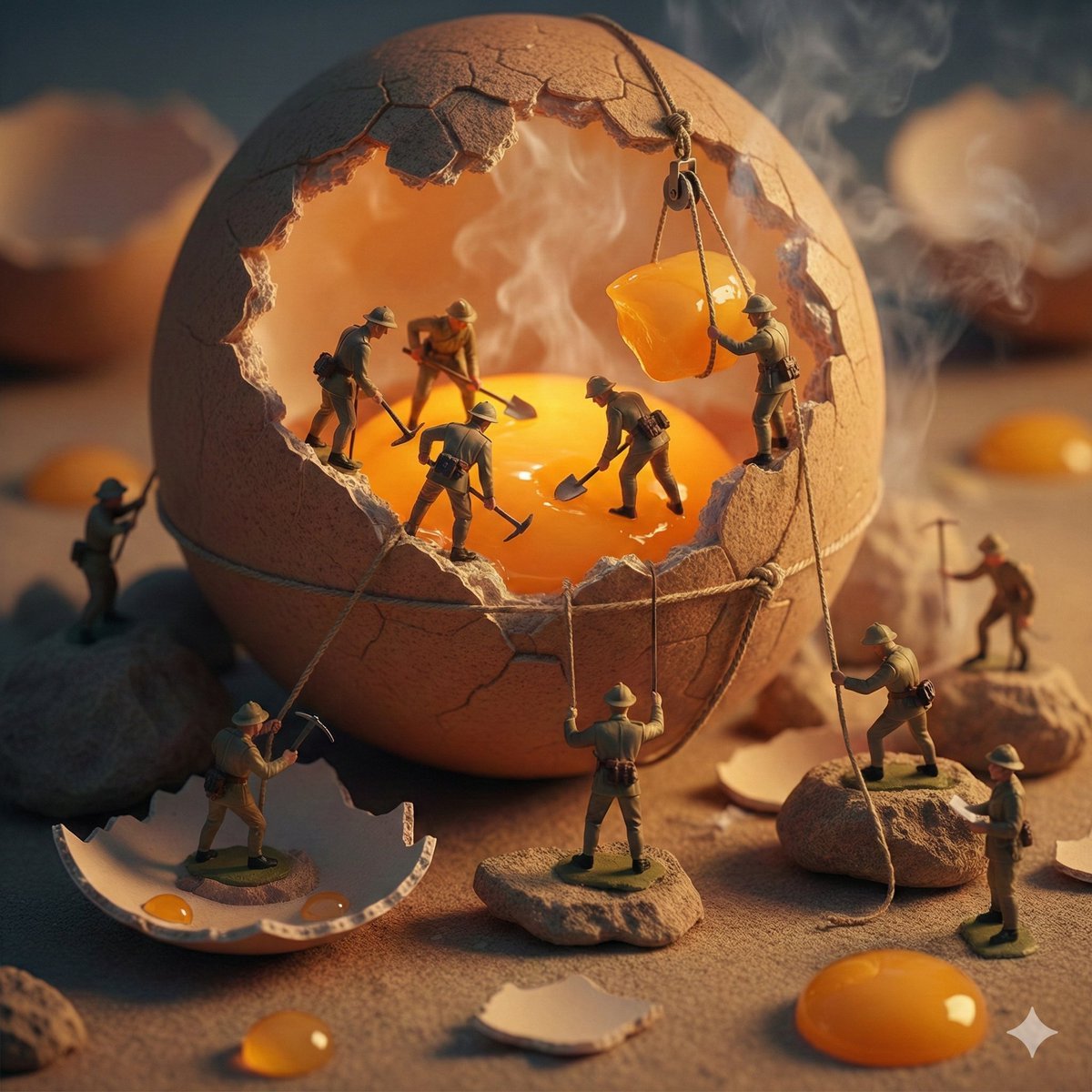
Miniature Toy Soldiers on a Giant Eggshell
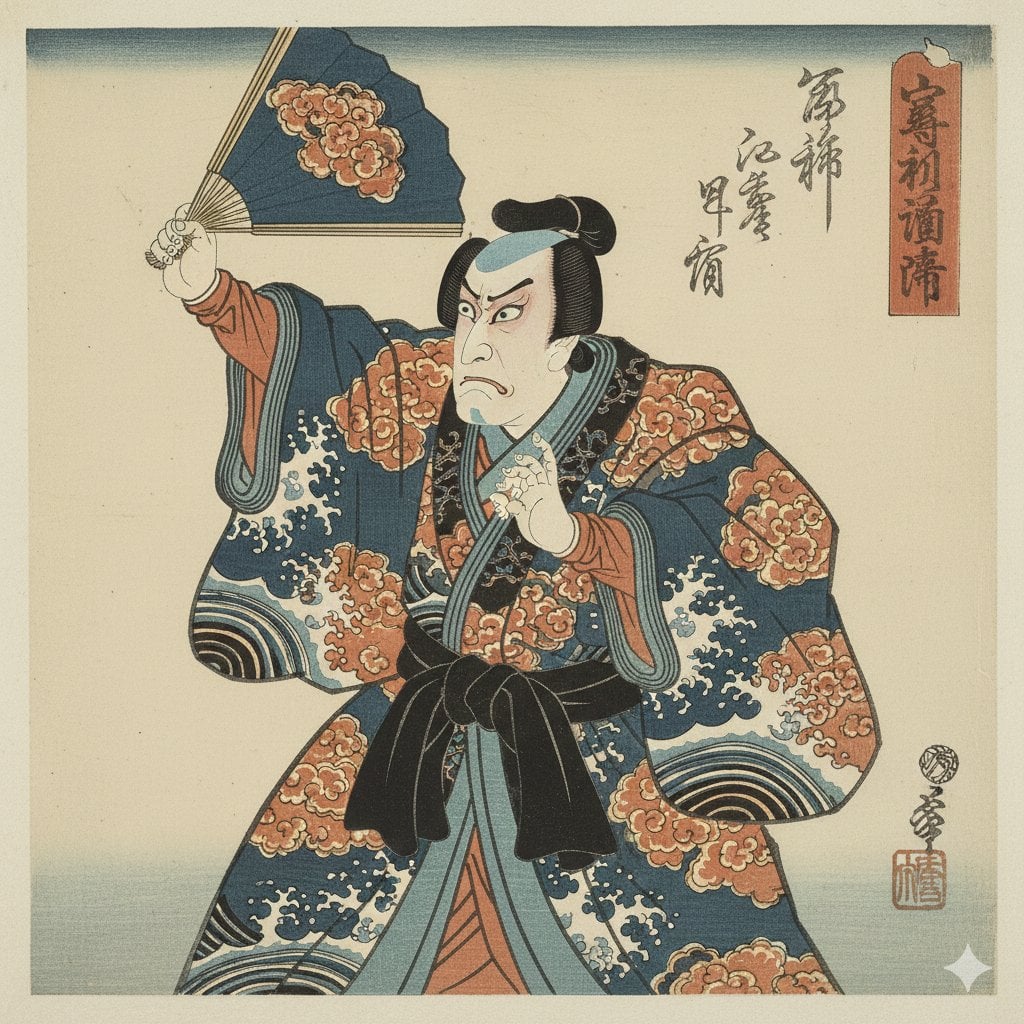
Ukiyo-e Style Image Generation in the style of Sharaku
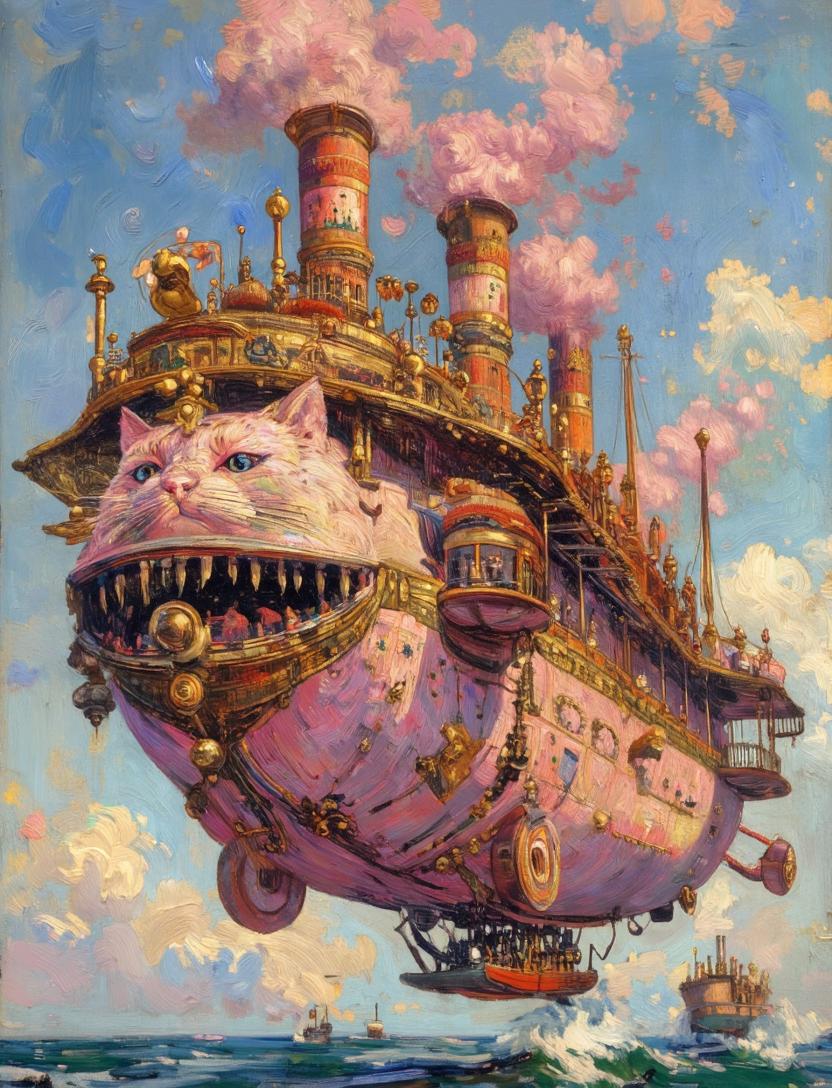
Steampunk Cat Airship Over the Sea
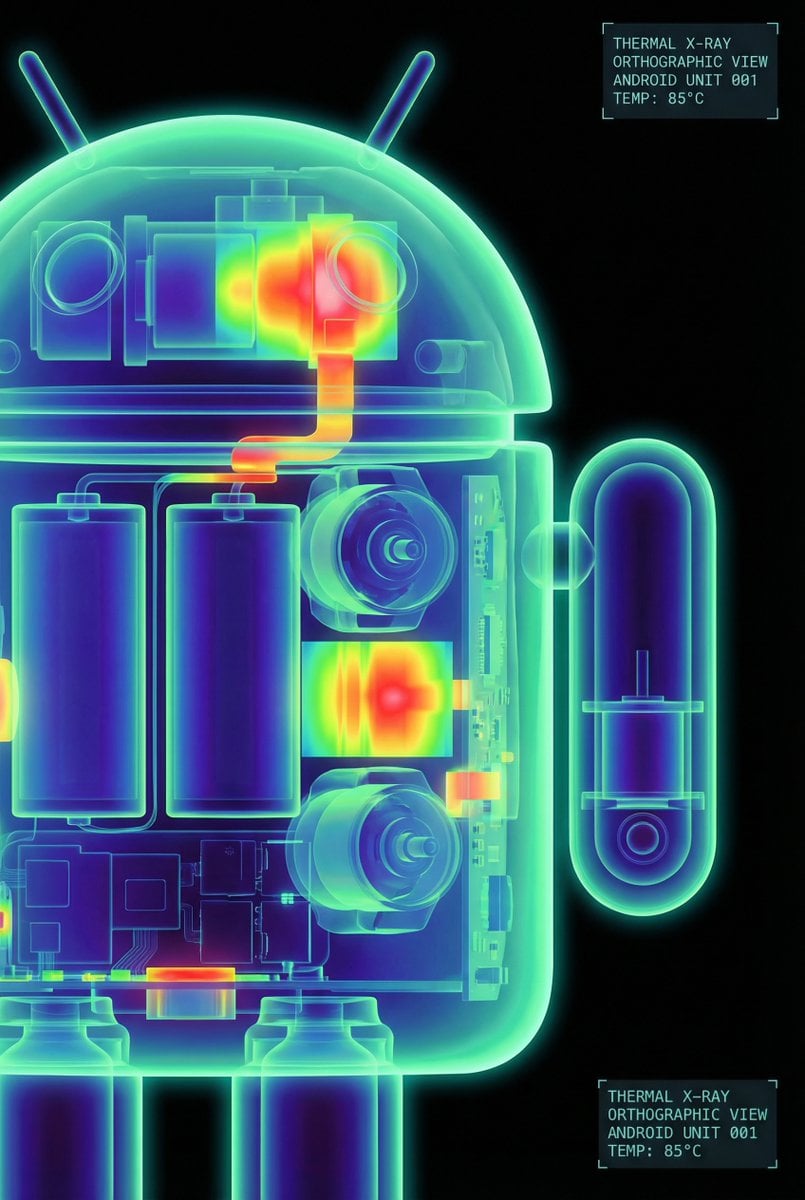
High-Contrast Thermal X-Ray Render of Android Robot
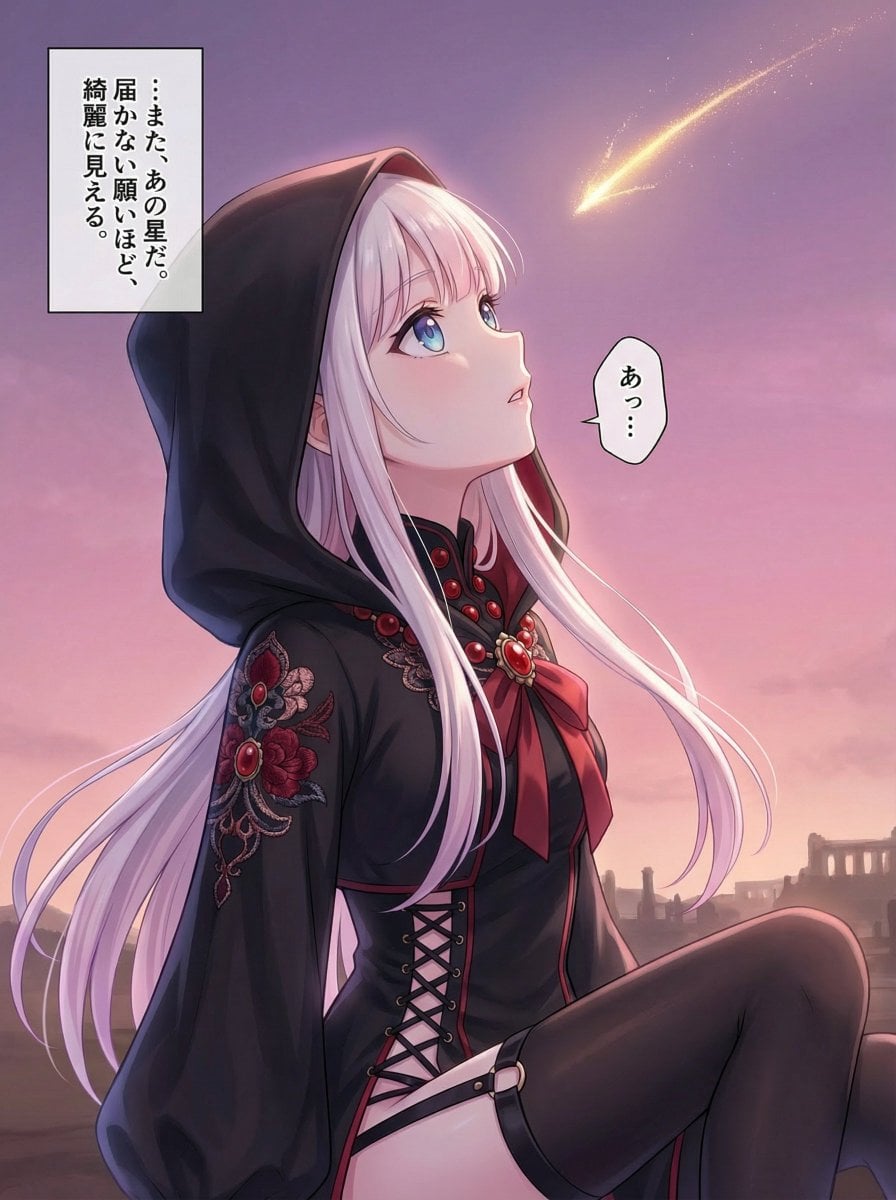
Comprehensive manga one-page scene creation system prompt

Flat UI/Startup Style Illustration Prompt
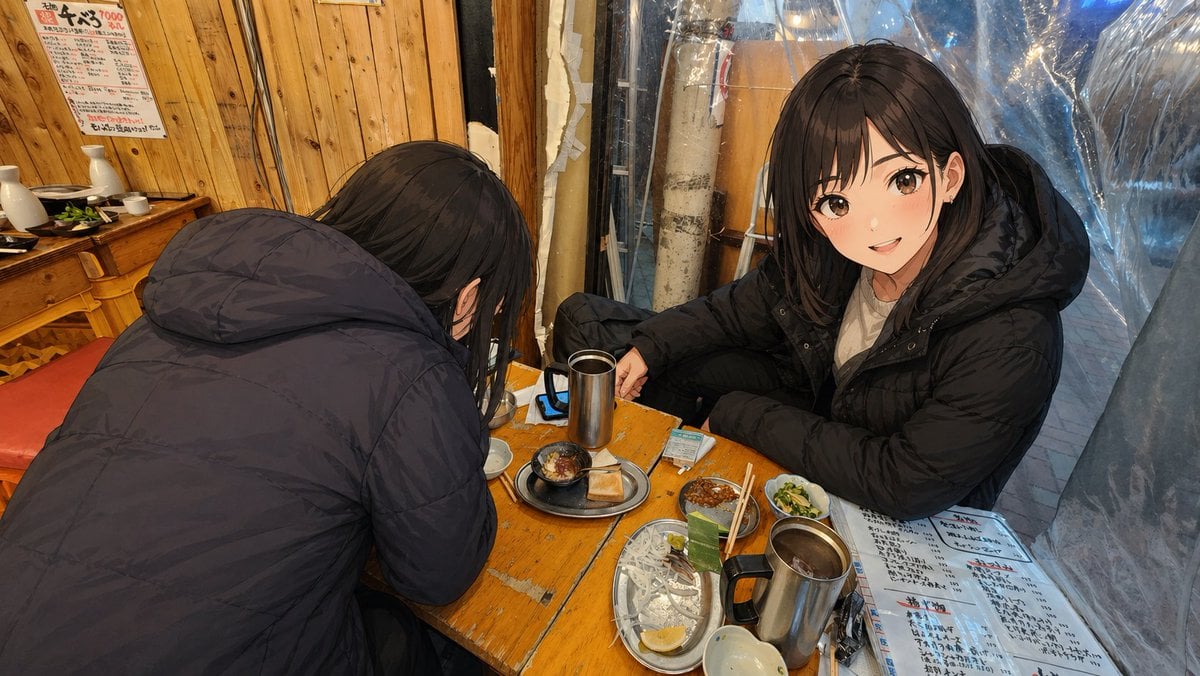
Anime Characters in Real Izakaya Photo

Standard Stadium Support Poster
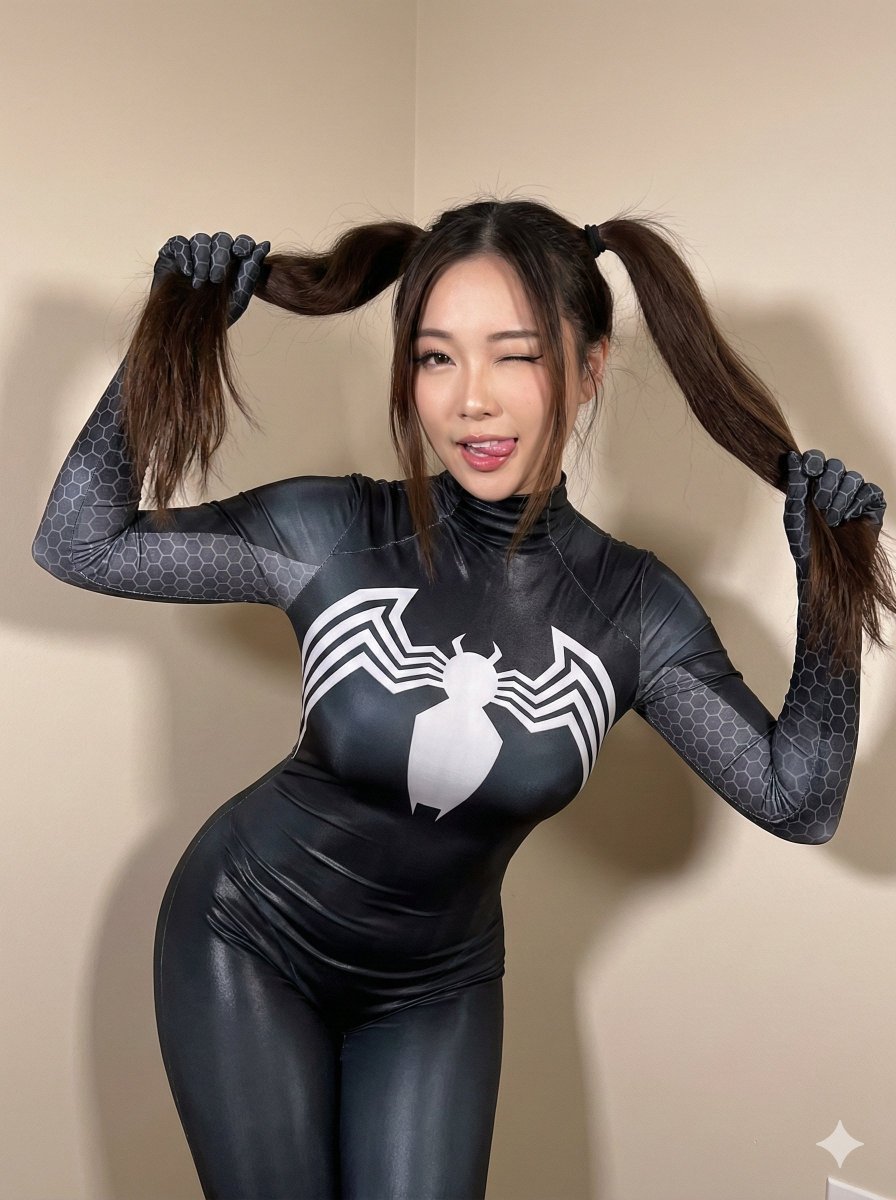
Black Spider Girl Symbiote Cosplay
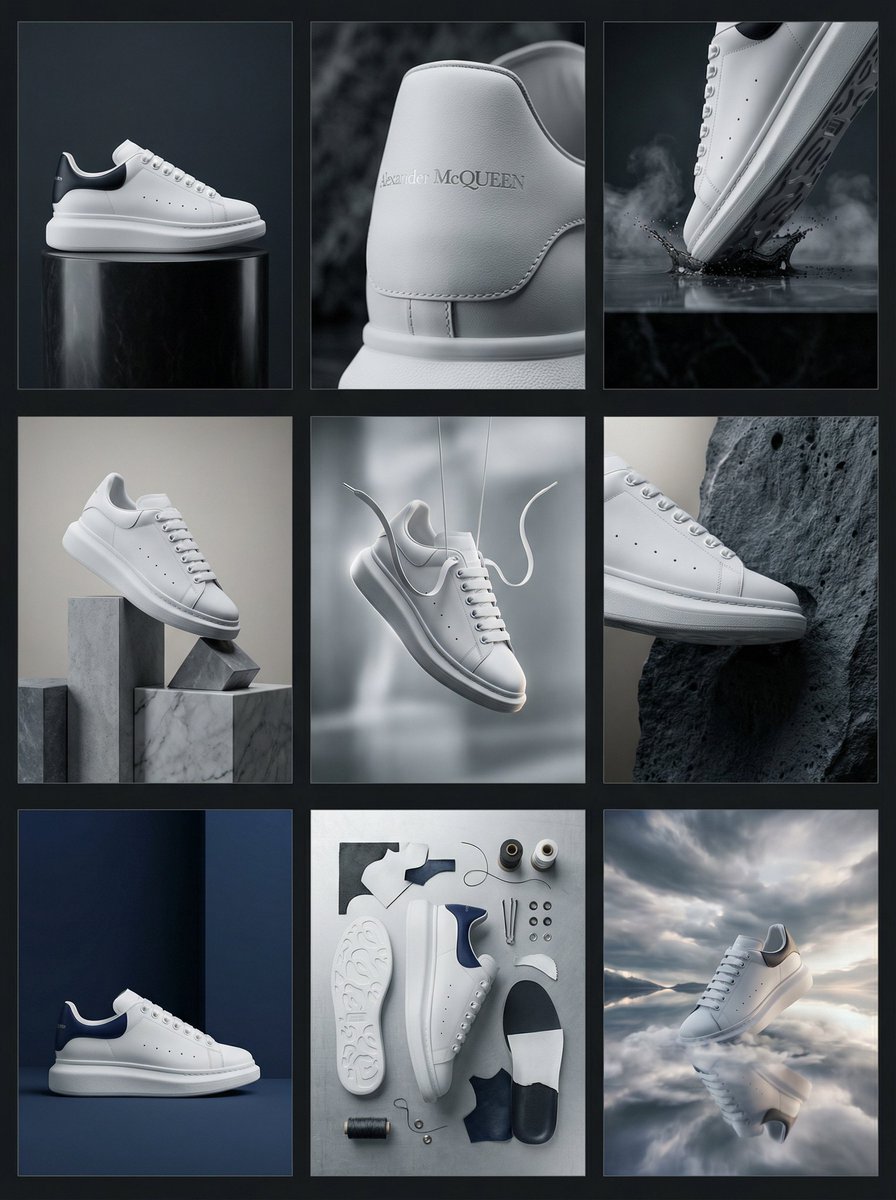
Alexander McQueen Sneaker Commercial Grid Prompt (3x3)
Browse template categories
Plush Cat Maid Doll in Antique Library questions
How do I use the Plush Cat Maid Doll in Antique Library template?
Add your photo if the template asks for one, edit the prompt if you like — the template's model and format are already selected — and press Generate. Your version opens in PicX Studio.
Can I customize the Plush Cat Maid Doll in Antique Library template?
Yes. You can change the subject, setting, lighting, mood, format, and available model controls before creating your image.
Is the Plush Cat Maid Doll in Antique Library template free?
Opening and editing this template is free. Generating uses credits, shown on the Generate button when you are signed in.
Which AI model should I use?
Start with GPT Image 2, which is the model associated with this template. You can compare another compatible model for a different finish.
Looking for something else? Browse all templates.

Your photo, any look
Thousands of ready templates for every top image and video model, from one credit balance.