
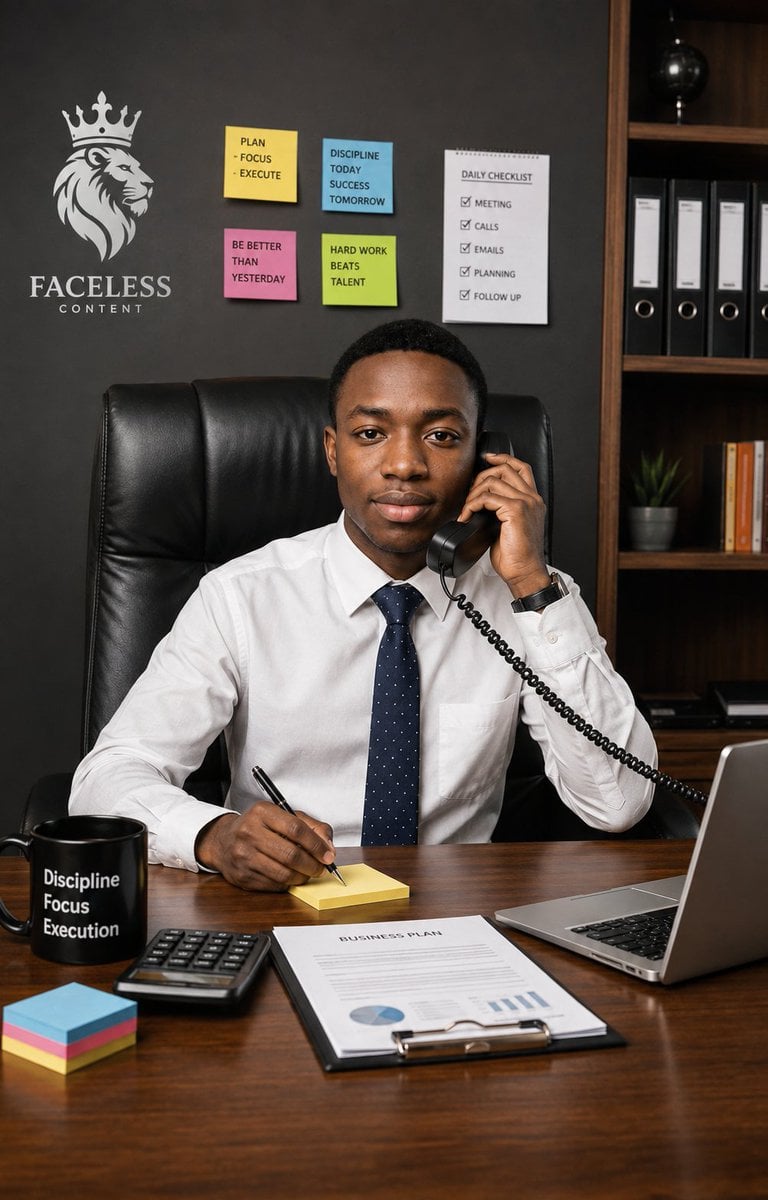
Executive Office Phone Call Portrait
A realistic corporate portrait of a focused young executive taking a phone call at a motivational office desk.
- Prompt included
- Model and format preset
- Free template
The prompt behind this image
Copy the exact prompt behind Executive Office Phone Call Portrait, or open it in the studio and make it yours.
Create an ultra-realistic vertical professional lifestyle portrait of a {argument name="subject" default="young Black adult man"} seated confidently behind a polished wooden executive desk in a modern office, looking directly at the camera with a calm, focused, businesslike expression. He wears a crisp white dress shirt, a navy blue tie with tiny white dots, and a dark wristwatch, sitting in a tall black leather executive chair. His left hand holds a black corded telephone receiver to his ear, with the coiled cable leading off to the right, while his right hand writes with a black pen on a small yellow sticky note pad on the desk. The scene should feel like focus, confidence, and an important call in progress. Use a realistic office background with a dark charcoal wall and a wooden bookshelf on the right containing exactly 4 black ring binders, a small potted plant, a row of orange-and-white books, and a black globe on an upper shelf. On the left wall, include a white crowned lion head logo above the brand text {argument name="brand text" default="FACELESS CONTENT"}. Add exactly 5 productivity notes on the wall: 4 colored sticky notes and 1 checklist sheet. The 4 sticky notes must read: yellow note “PLAN - FOCUS - EXECUTE”, blue note “DISCIPLINE TODAY SUCCESS TOMORROW”, pink note “BE BETTER THAN YESTERDAY”, and green note “HARD WORK BEATS TALENT”. The checklist sheet must be titled “DAILY CHECKLIST” and list exactly 5 checked items: “MEETING”, “CALLS”, “EMAILS”, “PLANNING”, and “FOLLOW UP”. On the desk, include exactly 6 visible work items: a black mug printed with three stacked words {argument name="mug text" default="Discipline Focus Execution"}, a black calculator, a neat stack of multicolored sticky notes, the yellow note pad he is writing on, a clipboard document titled {argument name="document title" default="BUSINESS PLAN"} with simple charts, and an open silver laptop on the right edge. Use warm realistic lighting, sharp facial detail, natural skin texture, shallow-to-moderate depth of field, polished wood reflections, and a high-end corporate editorial photography style. Frame as a vertical 2:3 portrait, waist-up composition, subject centered, desk filling the lower third, no extra people, no surreal elements, no distorted hands, and no watermark.
How to use Executive Office Phone Call Portrait in 3 steps
- 1Upload ImagePNG, JPG or paste
Add your photo
Upload the photo the template builds on. The prompt, model and format are already set.
- 2…a portrait of your subject in softgolden-hour light, 85mm…
Personalize
Edit the subject and creative details for your destination.
- 3Generate
Generate
Press Generate — your image is created in PicX Studio, so you can compare it with the original and refine one variable at a time.
More like this
Templates with the same subject, style or setup. Open one to see its prompt.
Confident Executive Office Portrait
Executive Office Portrait
iPhone Style Minimalist Office Portrait
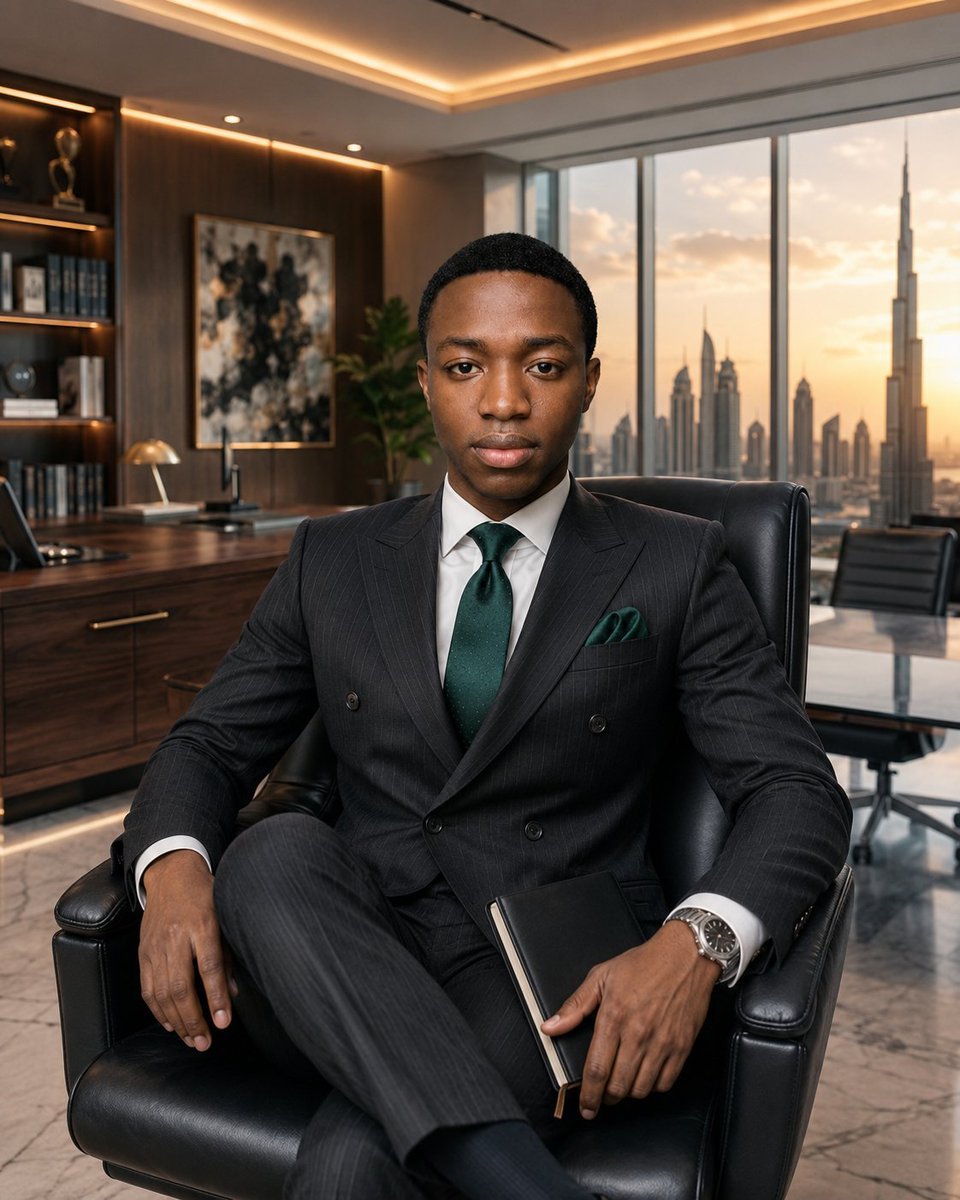
Luxury Executive Office Portrait
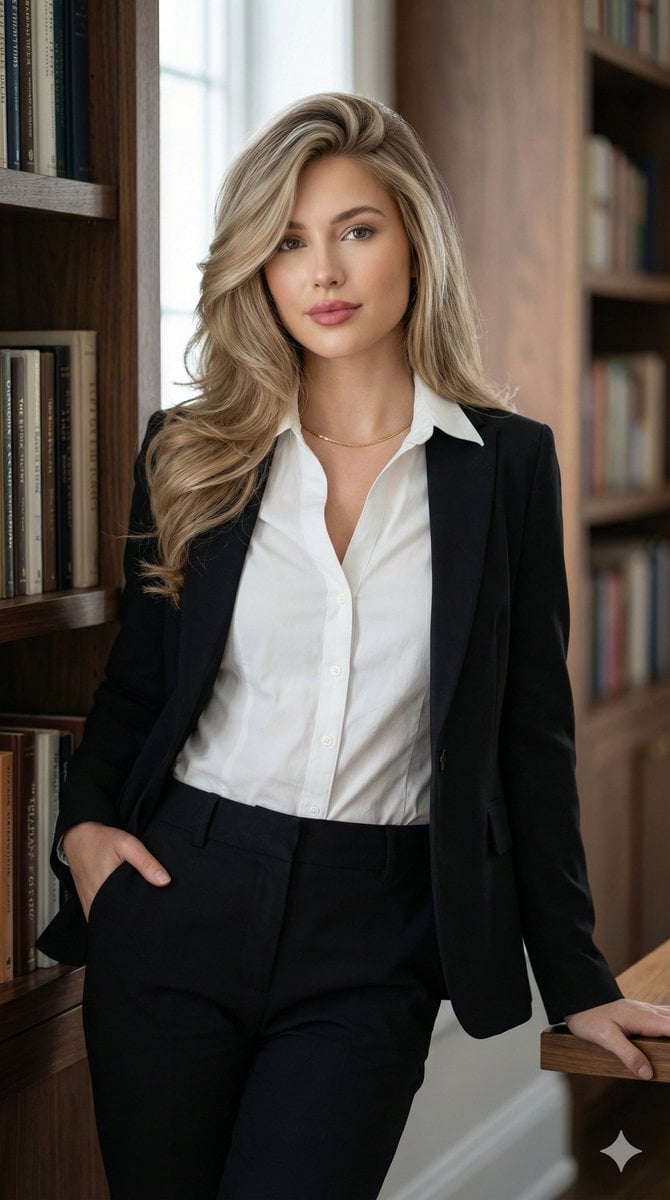
Corporate Chic Portrait in an Executive Office

Found Photograph: Us, 1970

80s Couple Studio Portrait

80s Bollywood Star

80s Golden Hour Cinema

Me in 1985

1985 Studio Portrait

Hyper-Realistic Minecraft POV Portrait
Make it yours
Executive Office Phone Call Portrait works as-is. These are the safest ways to change it without losing the look.
Change one field
Copy a single group, rewrite it, and generate again so you can see what that field is doing.
Keep the frame, change the subject
Hold the composition and light of Executive Office Phone Call Portrait, then swap wardrobe, props or the person for a new take.
| If the result… | Why | Fix |
|---|---|---|
| The result drifts from the preview | Too many fields changed at once. | Reuse Executive Office Phone Call Portrait as-is first, then change one group — subject, light, or setting. |
| The model over-stylizes the scene | The prose prompt leaves finish and camera underspecified. | Add one camera or lighting sentence and stay on GPT Image 2. |
More GPT Image 2 templates
Other prompts made for GPT Image 2.

Six VTuber Japanese Logo Sheet

Realistic Portrait of Woman and Deer

The Vista Modular Condo Poster

AI Model Routing Comparison Infographic

2.5D Anime Art Board

Isometric Productivity Desk Scene

New York Double Exposure Poster

Four-Panel AI Landscape Comparison

Japanese Tatami Lifestyle Magazine Cover

NESCAFÉ Coffee Map Poster
More image prompts
Fresh picks from across the catalog.
Vlog Style Video Generation from Nano Banana Pro Image using Google Veo 3.1
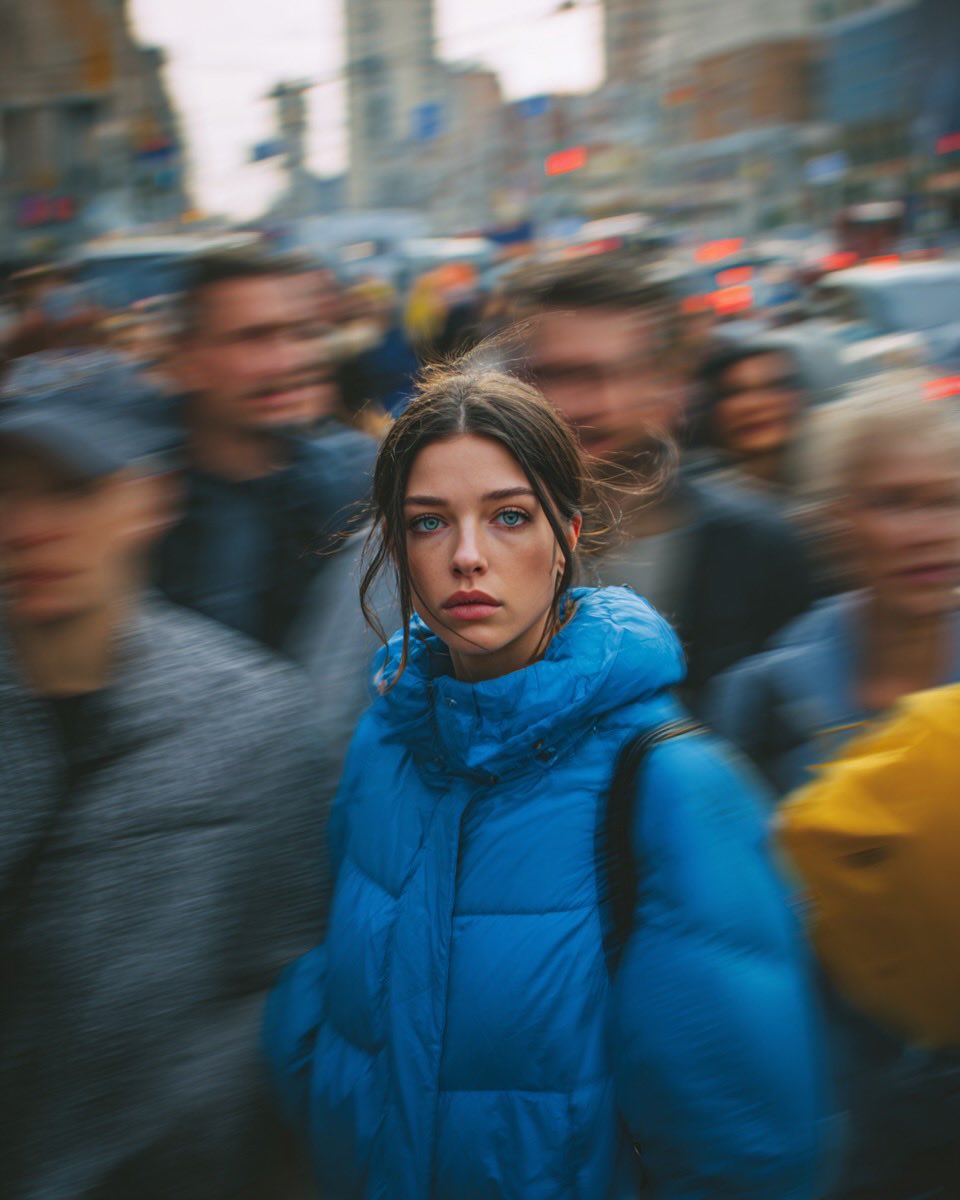
Cinematic Street Portrait of Woman in Puffer Jacket (3 Variations)
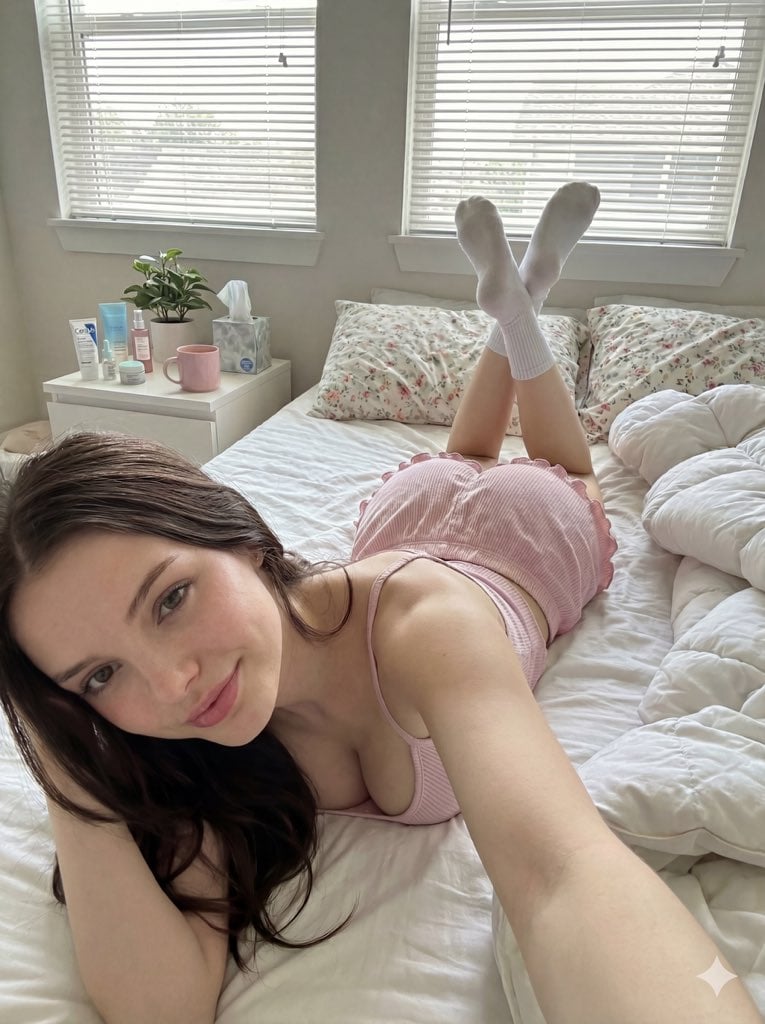
Cozy Bedroom Selfie Portrait Prompt
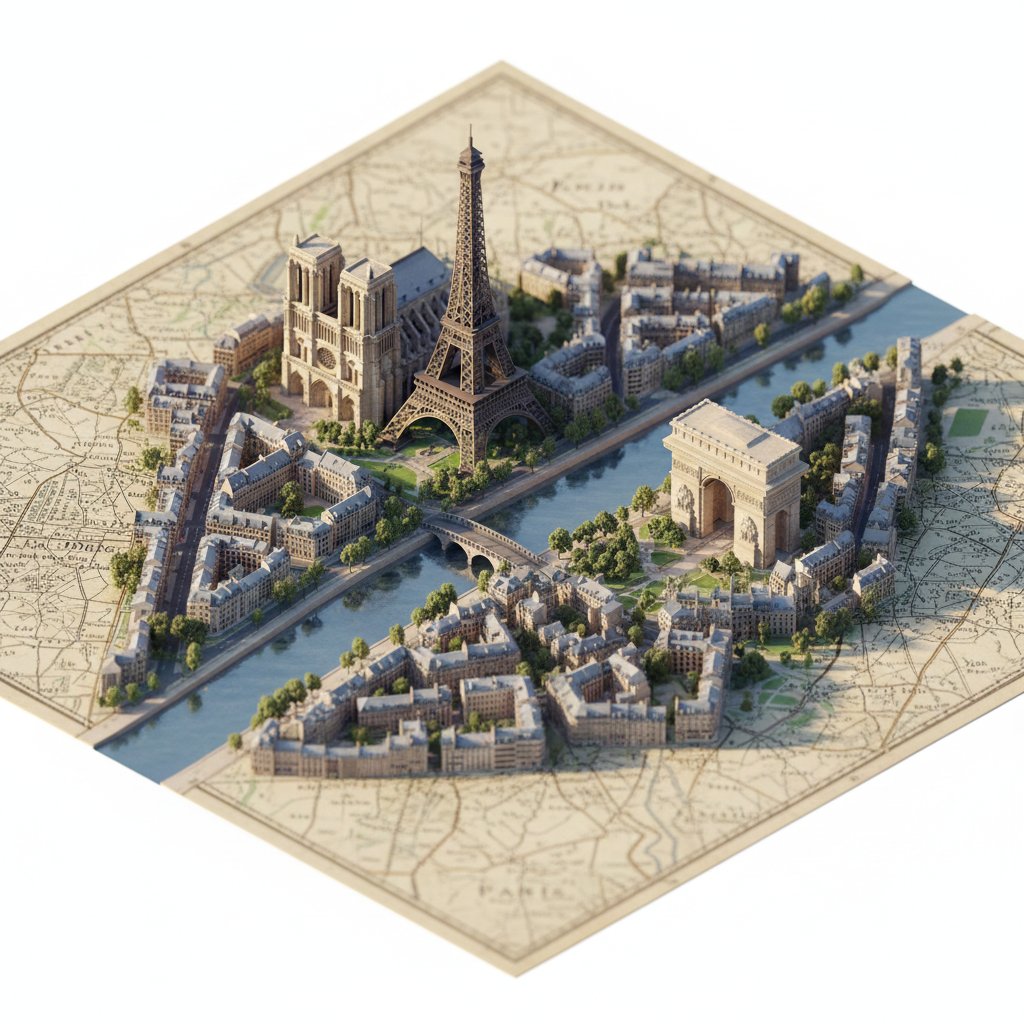
Photorealistic Diorama Isometric Map Prompt
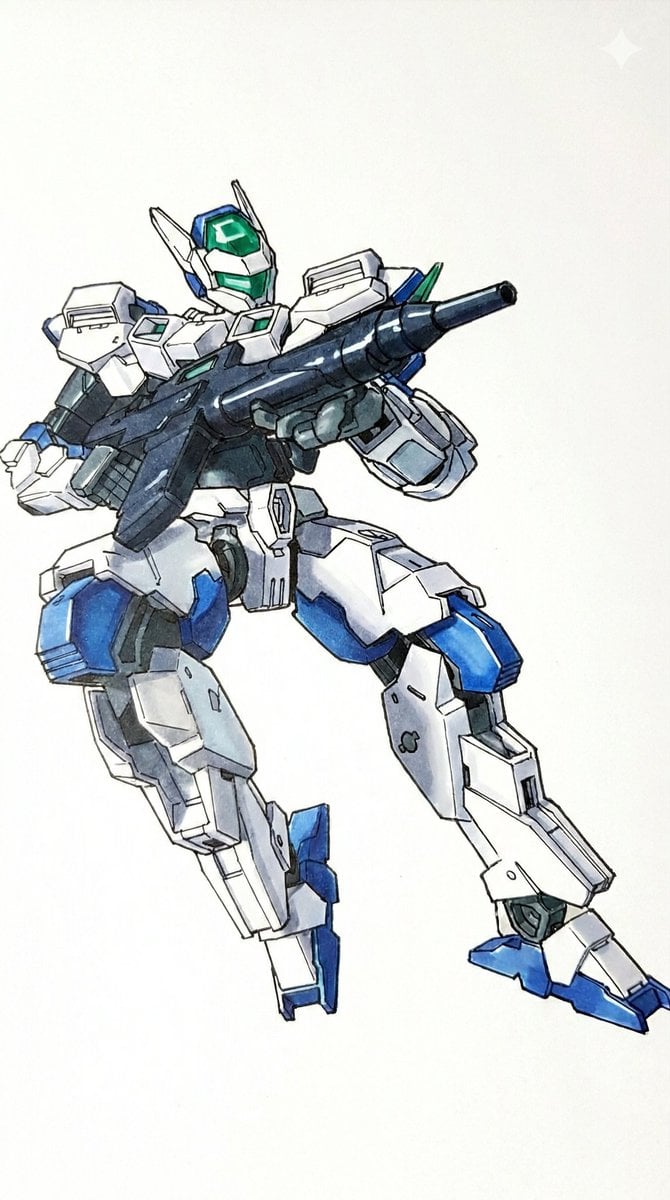
Plamodel Photo Style Transfer Prompt
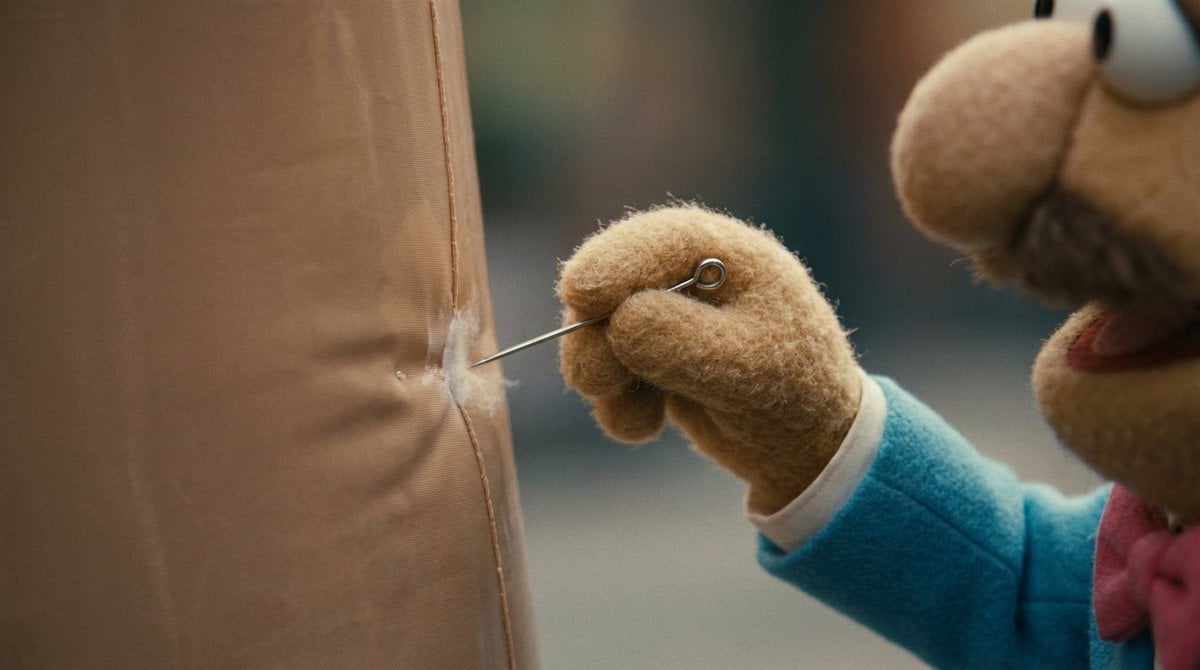
Workflow for Style Transfer and Storyboard Generation
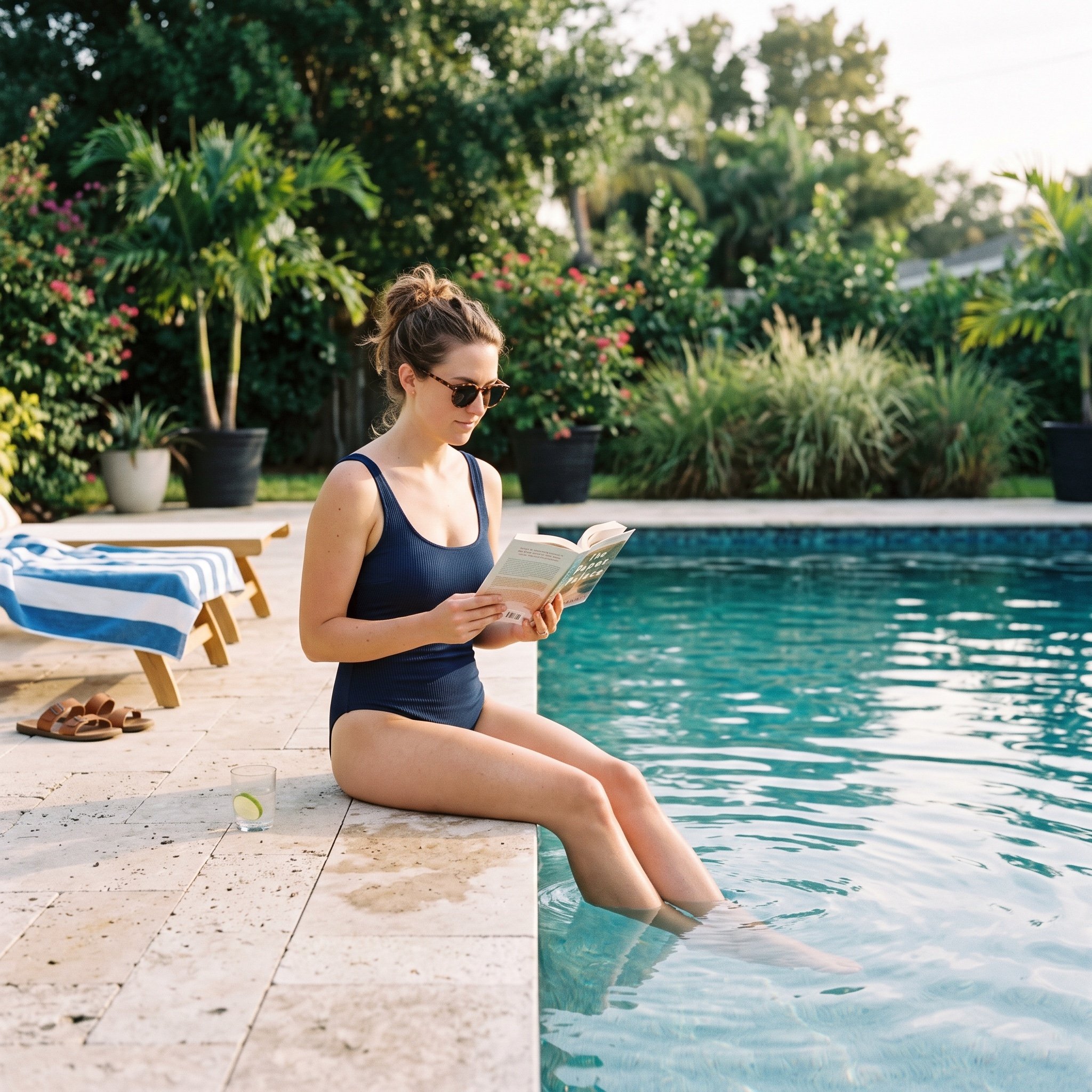
Pool Prompt for Realistic Image Generation
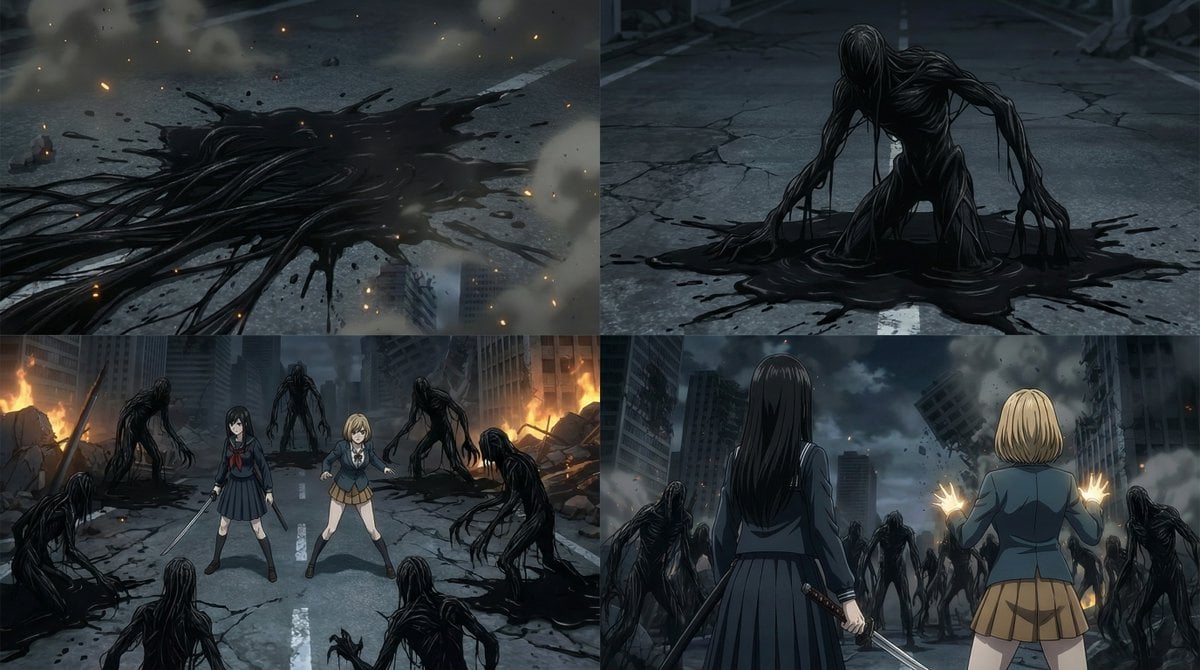
2000s OVA Style High School Girl Monster Hunt

Free Christmas Promotional Prompt
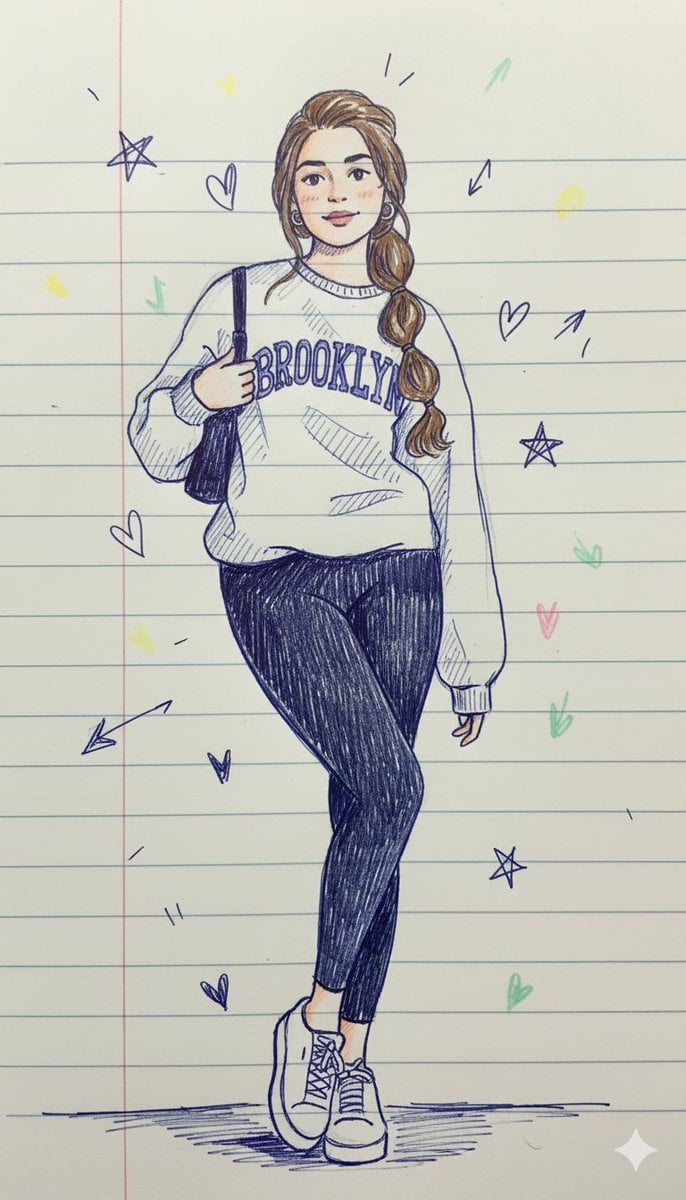
Notebook Pen Doodle Identity Preservation Prompt
Browse template categories
Executive Office Phone Call Portrait questions
How do I use the Executive Office Phone Call Portrait template?
Add your photo if the template asks for one, edit the prompt if you like — the template's model and format are already selected — and press Generate. Your version opens in PicX Studio.
Can I customize the Executive Office Phone Call Portrait template?
Yes. You can change the subject, setting, lighting, mood, format, and available model controls before creating your image.
Is the Executive Office Phone Call Portrait template free?
Opening and editing this template is free. Generating uses credits, shown on the Generate button when you are signed in.
Which AI model should I use?
Start with GPT Image 2, which is the model associated with this template. You can compare another compatible model for a different finish.
Looking for something else? Browse all templates.

Your photo, any look
Thousands of ready templates for every top image and video model, from one credit balance.