How do I use the 3D Cartoon Sports Poster template?
Edit the prompt in the box under the preview — the template's model and format are already selected — and press Generate. Your version appears right on this page.
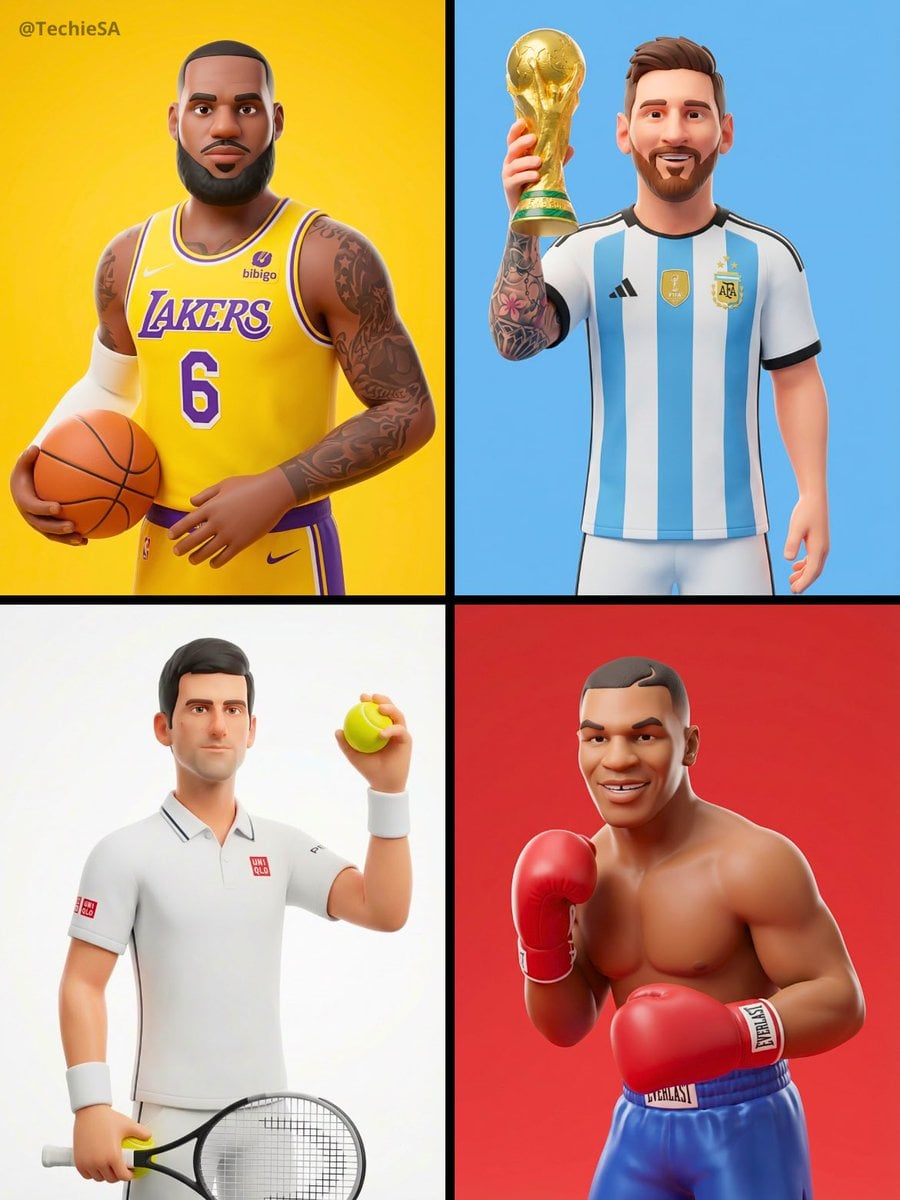
A high-energy vertical poster prompt for a 3D cartoon athletic character with explosive color and motion.

A high-energy vertical social media poster bursting with motion and excitement, a cool 3D cartoon character — {argument name="character description" default="a young athletic girl with a blonde ponytail wearing a neon yellow sports jacket white leggings and chunky white sneakers"}, captured mid-air in a powerful jumping pose with one fist punching upward toward the sky, her expression fierce and determined with oversized stylized eyes full of fire, surrounding her an {argument name="surrounding elements" default="explosion of giant 3D inflatable objects in vivid colors — oversized lightning bolt shapes in electric yellow, large glossy spheres in hot pink and cobalt blue, floating star bursts and speed lines"} radiating outward from her body suggesting explosive movement, the background a bold gradient from deep purple at the top to vibrant coral orange at the bottom, {argument name="main typography" default="bold ultra-heavy condensed white typography at the top reading \"NO LIMITS\""} in massive letters with a subtle neon yellow drop shadow, smaller punchy subtitle below "Push harder · Go further · Never stop", tiny decorative spark and flame symbols scattered across the composition, premium sports brand 3D illustration quality, 9:16 vertical ratio
A high-energy vertical social media poster bursting with motion and excitement, a cool 3D cartoon character — {argument name="character description" default="a young athletic girl with a blonde ponytail wearing a neon yellow sports jacket white leggings and chunky white sneakers"}, captured mid-air in a powerful jumping pose with one fist punching upward toward the sky, her expression fierce and determined with oversized stylized eyes full of fire, surrounding her an {argument name="surrounding elements" default="explosion of giant 3D inflatable objects in vivid colors — oversized lightning bolt shapes in electric yellow, large glossy spheres in hot pink and cobalt blue, floating star bursts and speed lines"} radiating outward from her body suggesting explosive movement, the background a bold gradient from deep purple at the top to vibrant coral orange at the bottom, {argument name="main typography" default="bold ultra-heavy condensed white typography at the top reading \"NO LIMITS\""} in massive letters with a subtle neon yellow drop shadow, smaller punchy subtitle below "Push harder · Go further · Never stop", tiny decorative spark and flame symbols scattered across the composition, premium sports brand 3D illustration quality, 9:16 vertical ratio
Edit the prompt in the box under the preview — the template's model and format are already selected — and press Generate. Your version appears right on this page.
Yes. You can change the subject, setting, lighting, mood, format, and available model controls before creating your image.
Opening and editing this template is free. Generating uses credits, shown on the Generate button when you are signed in.
Start with GPT Image 2, which is the model associated with this template. You can compare another compatible model for a different finish.
Follow a topic to a crawlable collection of related PicX Studio templates.