
Plush Chibi Soccer Mascot
Generates a hyper-realistic collectible plush toy mascot inspired by a soccer player, featuring luxury fabric textures and studio lighting.
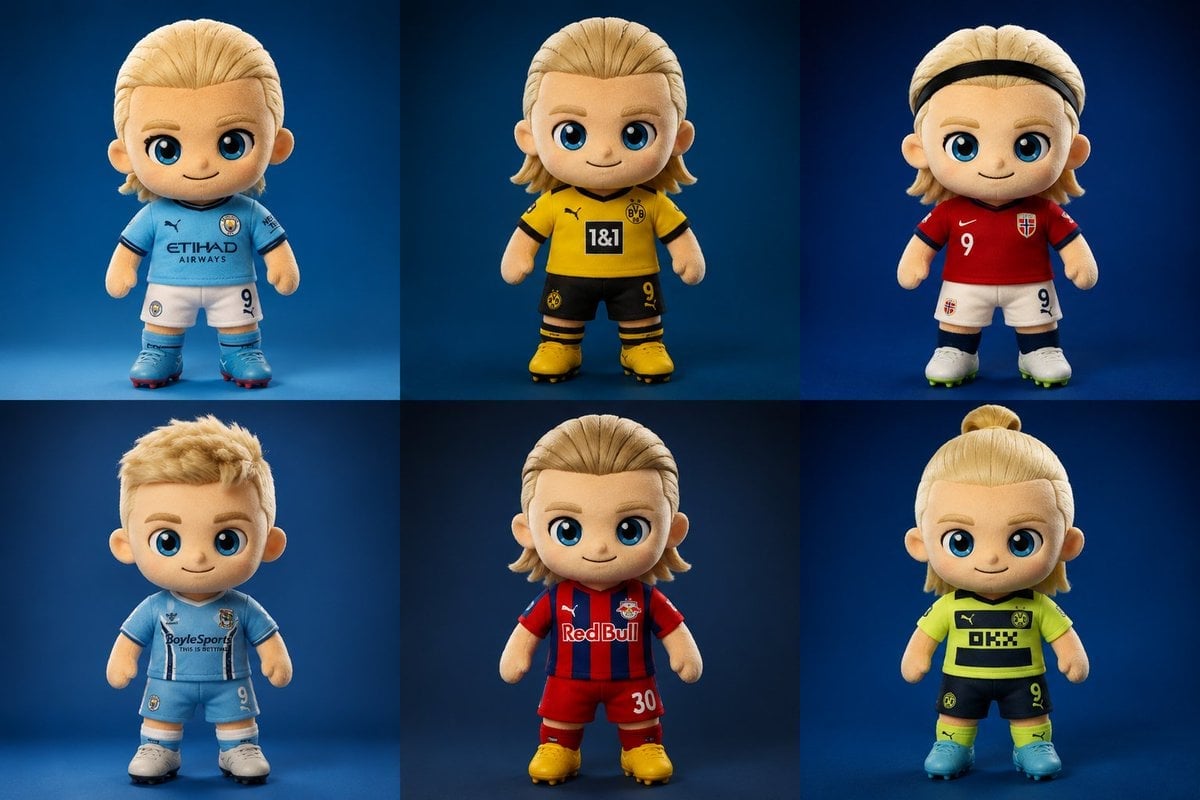
- Prompt included
- Model and format preset
- Free template
The prompt behind this image
Copy the exact prompt behind Plush Chibi Soccer Mascot, or open it in the studio and make it yours.
Create a hyper-realistic collectible plush chibi soccer mascot inspired by a {argument name="subject" default="blond football striker"}, standing front-facing in a premium studio setup with a {argument name="background" default="smooth gradient blue background"}. The character has oversized glossy blue eyes, soft embroidered facial features, a tiny cute smile, rosy cheeks, and highly detailed fluffy fabric texture with visible stitching and luxury plush materials. Stylized proportions with an oversized head and small body, Pixar-style realism, ultra-cute aesthetic. The mascot wears a modern football jersey with premium embroidered details, alternate jersey designs, unique sponsor patches, jersey number {argument name="number" default="9"}, fitted shorts, long socks, and detailed football boots. Generate multiple outfit variations including sky-blue, black-and-gold, red-and-white, neon yellow, and striped kits. Include different hairstyles such as slicked-back blond hair, messy textured cut, braided top knot, headband style, mullet-inspired cut, and short fluffy hair. Render as a luxury designer plush toy with cinematic studio lighting, soft shadows, realistic fabric fuzz, ultra-detailed seams, vibrant colors, centered composition, shallow depth of field, photorealistic toy photography, highly detailed embroidery, premium stitching, 8k resolution, Unreal Engine quality, sharp focus, collectible mascot aesthetic, high-end merchandise style.
How to use Plush Chibi Soccer Mascot in 3 steps
- 1
Open
The prompt is already in the box next to the preview, with the template's model and format selected.
- 2…a portrait of your subject in softgolden-hour light, 85mm…
Personalize
Edit the subject and creative details for your destination.
- 3Generate
Generate
Press Generate — your image is created in PicX Studio, so you can compare it with the original and refine one variable at a time.
More like this
Templates with the same subject, style or setup. Open one to see its prompt.
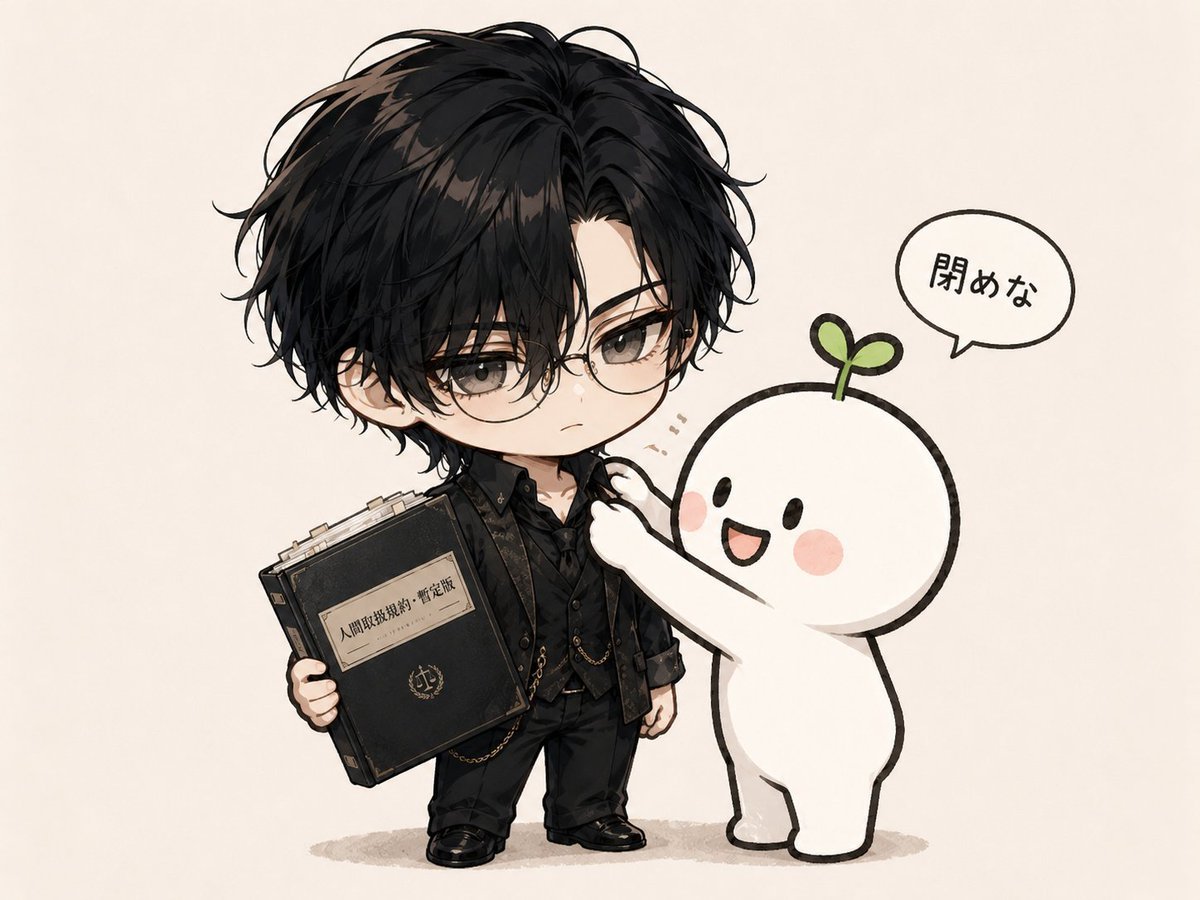
Chibi Boy and Sprout Mascot

Felt & Knit 3D Character — Photo-Exact Face, Pixar-Quality Plush Figurine

Cute Layered Paper Cut Chibi Girl

Anime Rain Poncho Parade

Anime Street Performer Magic

Anime Ferry Boat Arrival

Anime Hidden Mickey Hunt

Anime Popcorn Cart Hero

Anime Nighttime Projection

Anime Character Meet Tent

Anime Splash Mountain Drop

Anime Balloon Seller Lane
Make it yours
Plush Chibi Soccer Mascot works as-is. These are the safest ways to change it without losing the look.
Change one field
Copy a single group, rewrite it, and generate again so you can see what that field is doing.
Keep the frame, change the subject
Hold the composition and light of Plush Chibi Soccer Mascot, then swap wardrobe, props or the person for a new take.
| If the result… | Why | Fix |
|---|---|---|
| The result drifts from the preview | Too many fields changed at once. | Reuse Plush Chibi Soccer Mascot as-is first, then change one group — subject, light, or setting. |
| The model over-stylizes the scene | The prose prompt leaves finish and camera underspecified. | Add one camera or lighting sentence and stay on GPT Image 2. |
More GPT Image 2 templates
Other prompts made for GPT Image 2.

Six VTuber Japanese Logo Sheet

Realistic Portrait of Woman and Deer

The Vista Modular Condo Poster

AI Model Routing Comparison Infographic

2.5D Anime Art Board

Isometric Productivity Desk Scene

New York Double Exposure Poster

Four-Panel AI Landscape Comparison

Japanese Tatami Lifestyle Magazine Cover

NESCAFÉ Coffee Map Poster
More image prompts
Fresh picks from across the catalog.
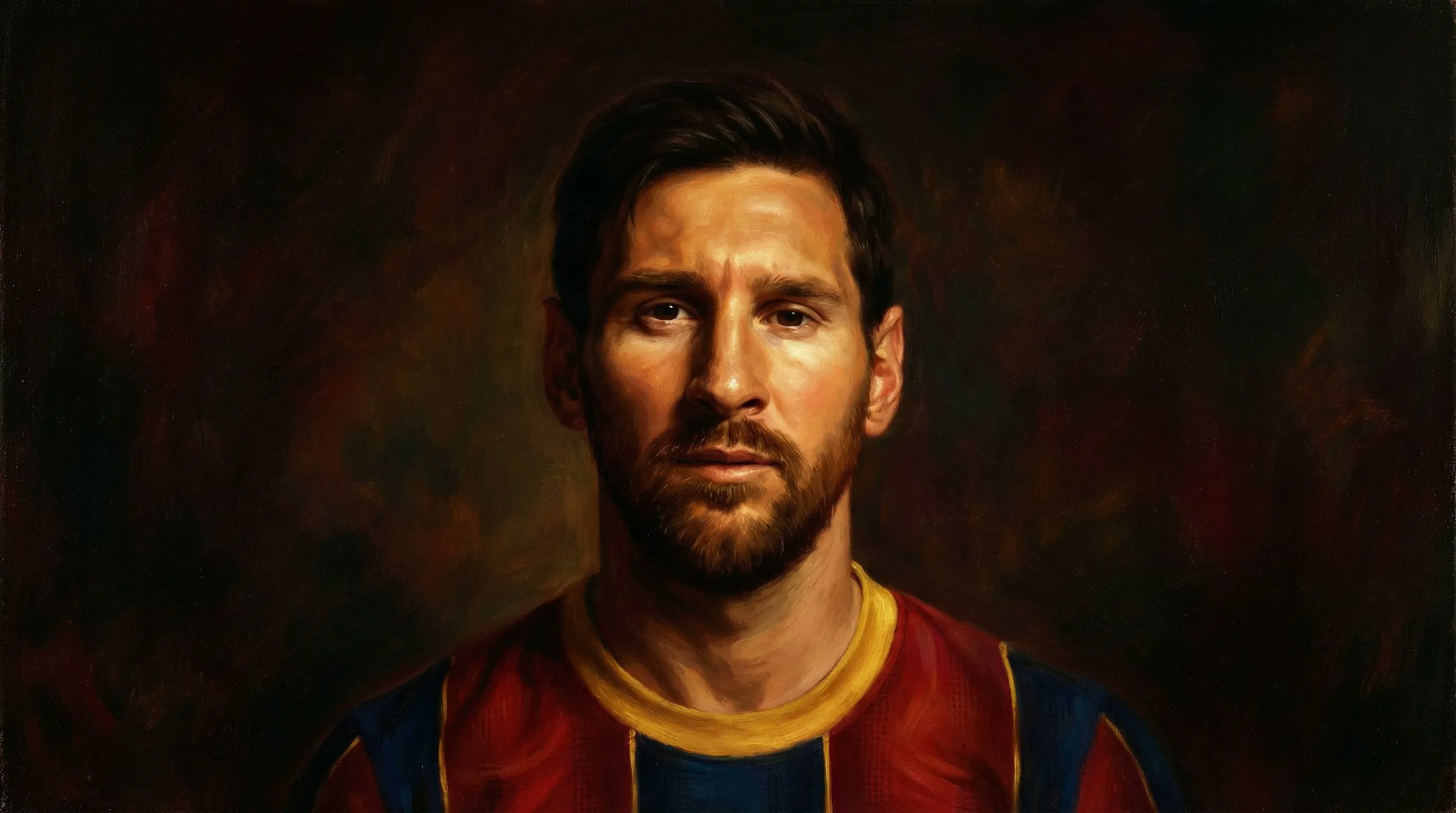
Bullet Time Businessman Seedance 2 0
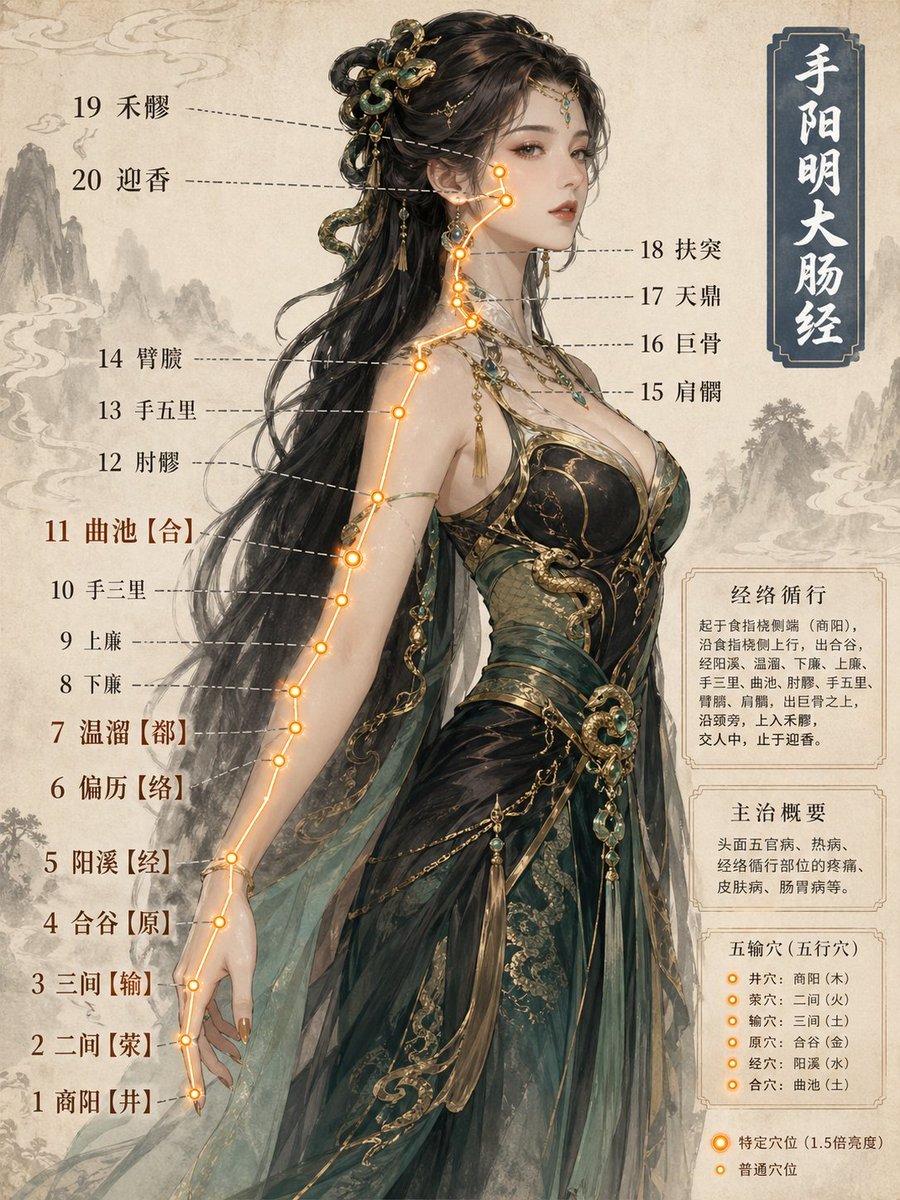
Chinese Medicine Meridian Infographic

Cinematic Historical Love Story Scene Prompt
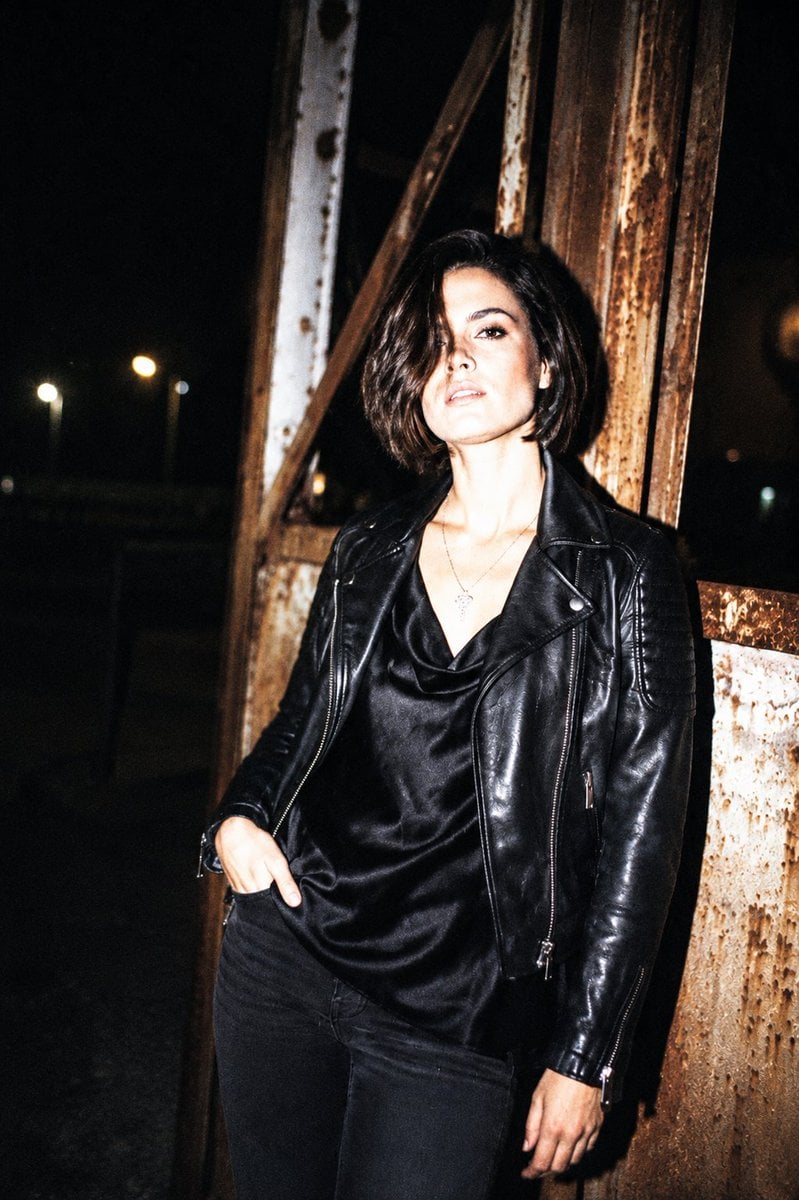
Nightlife Editorial Flash Style
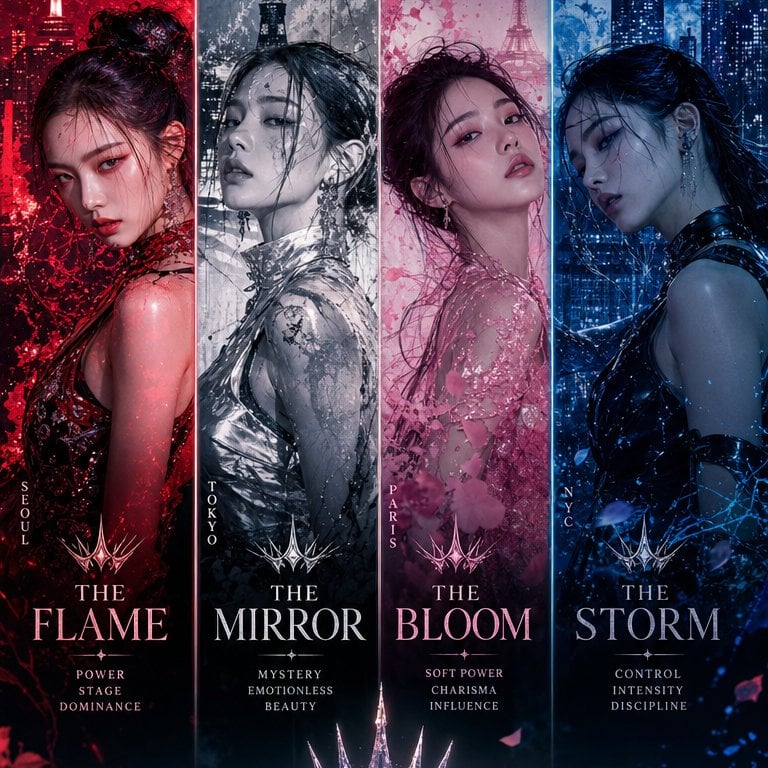
K-Pop Girl Group Comeback Concept
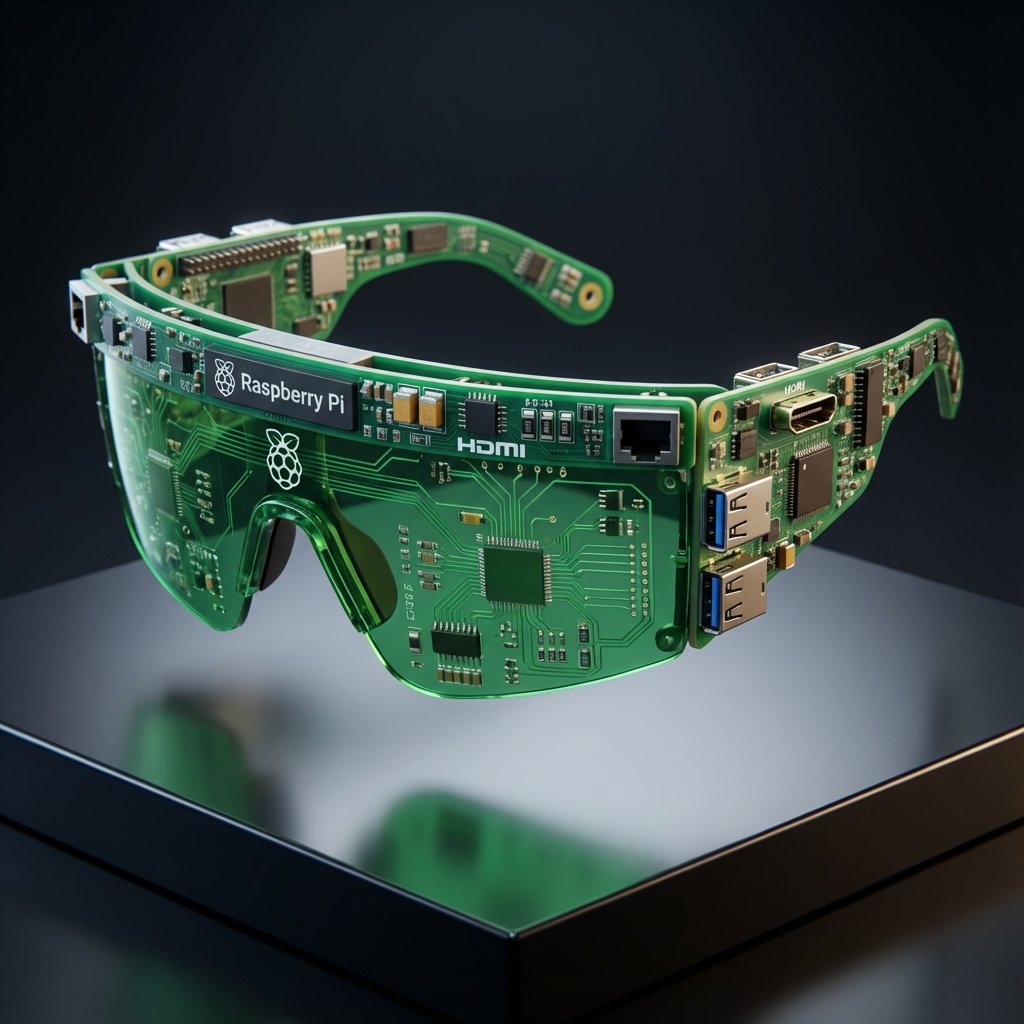
Streetwear Algorithm AI: Object-to-Wearable Conversion
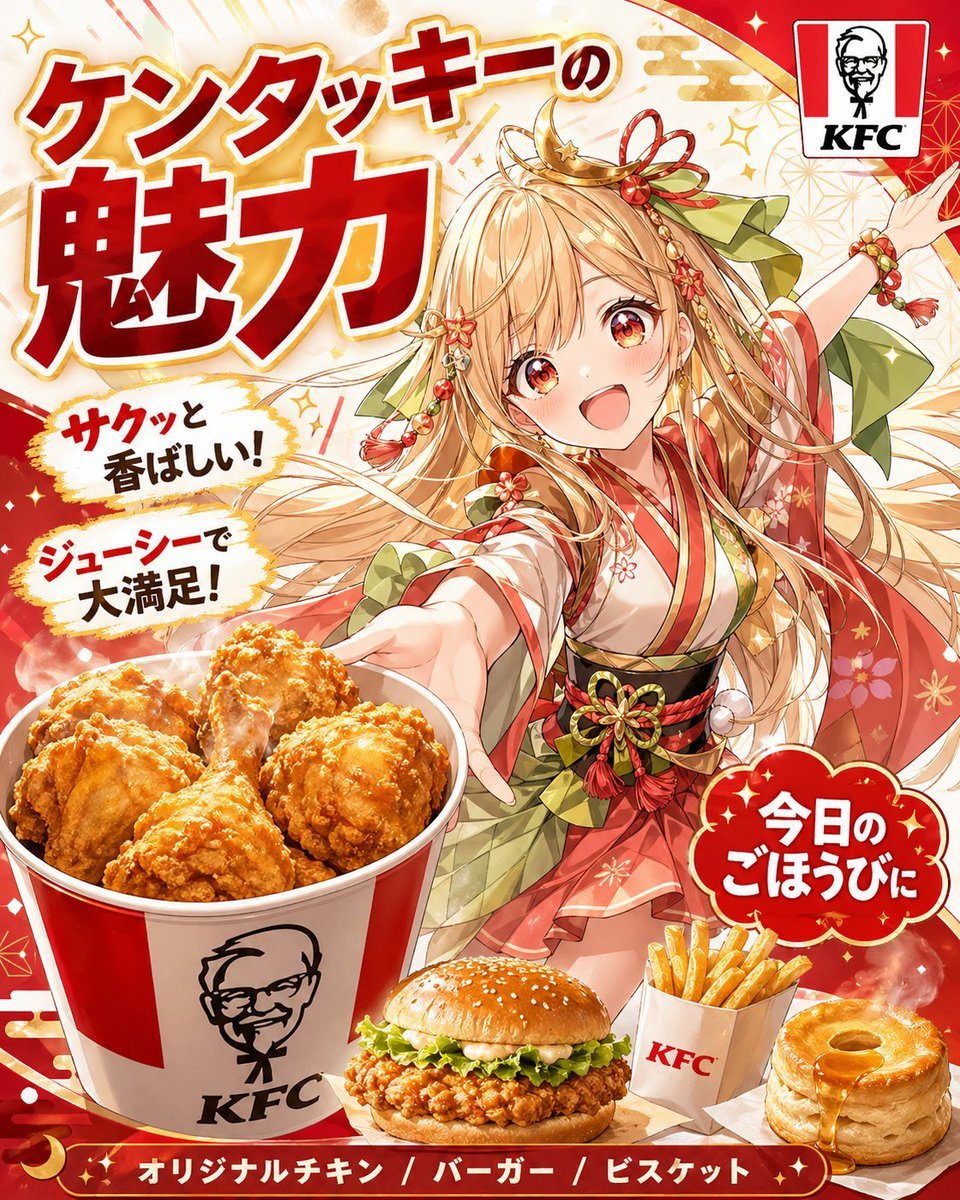
Anime KFC Princess Promo Poster
Logo Variation Grid
Photorealistic Asian Female Model in DeepSeek Outfit Prompt
Group image from multiple character references
Browse template categories
Plush Chibi Soccer Mascot questions
How do I use the Plush Chibi Soccer Mascot template?
Add your photo if the template asks for one, edit the prompt if you like — the template's model and format are already selected — and press Generate. Your version opens in PicX Studio.
Can I customize the Plush Chibi Soccer Mascot template?
Yes. You can change the subject, setting, lighting, mood, format, and available model controls before creating your image.
Is the Plush Chibi Soccer Mascot template free?
Opening and editing this template is free. Generating uses credits, shown on the Generate button when you are signed in.
Which AI model should I use?
Start with GPT Image 2, which is the model associated with this template. You can compare another compatible model for a different finish.
Looking for something else? Browse all templates.

Your photo, any look
Thousands of ready templates for every top image and video model, from one credit balance.