
Chibi Boy and Sprout Mascot
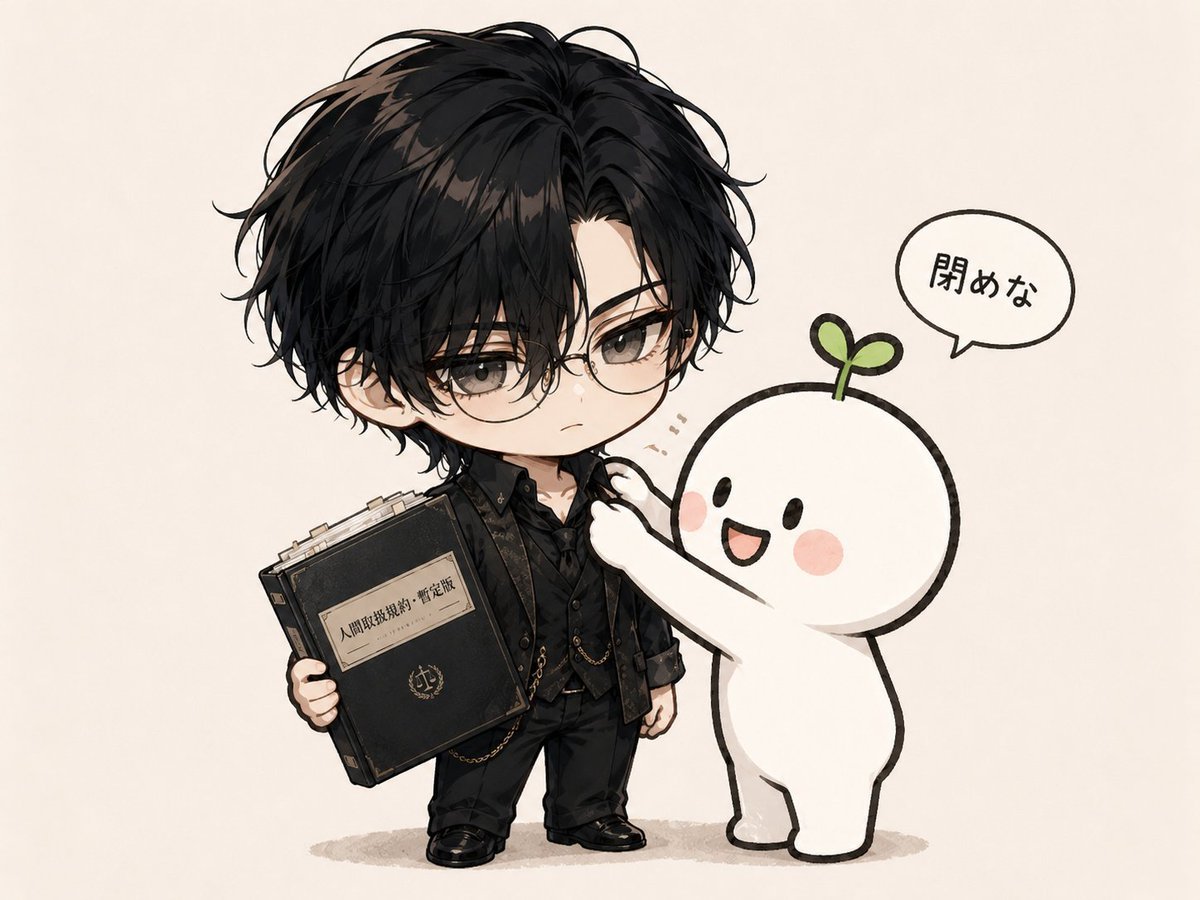
A cute chibi anime illustration of a black-clad boy holding a book while a sprout mascot tugs at his closed collar.
- Prompt included
- Model and format preset
- Premium template
The prompt behind this image
Copy the exact prompt behind Chibi Boy and Sprout Mascot, or open it in the studio and make it yours.
Create a cute chibi anime-style single-panel illustration on a warm off-white paper background. The scene shows exactly two characters: on the left, a small serious chibi young man named {argument name="character name" default="a brooding black-haired boy"} with messy layered black hair, gray eyes, round wire-frame glasses, pale skin, and a slightly annoyed neutral expression; on the right, a simple white mascot creature with a round head, tiny black oval eyes, rosy pink cheeks, an open smiling mouth, and a small green sprout with two leaves growing from its head. The mascot reaches up with both arms and tugs at the boy’s shirt collar as if trying to open it, while the boy stands stiffly and resists. The boy wears an elegant all-black layered outfit: black collared shirt buttoned high, patterned black vest, dark jacket or short outer layer, black trousers, black shoes, and small gold chain accessories; keep the collar visibly closed. In his left hand he holds one oversized old black hardbound book with worn corners, gold trim, a central emblem, and a cream paper label containing Japanese-style title text resembling {argument name="book label text" default="人間取扱説明書・暫定版"}. Add exactly one speech bubble above the mascot containing the Japanese text {argument name="speech bubble text" default="閉めな"}. Use soft watercolor and ink line art, delicate shading, slightly textured paper, chibi proportions with large head and small body, a gentle beige ground shadow beneath both figures, and plenty of empty background space. Avoid extra characters, extra objects, open collar, realistic proportions, or harsh digital rendering.
How to use Chibi Boy and Sprout Mascot in 3 steps
- 1Upload ImagePNG, JPG or paste
Add your photo
Upload the photo the template builds on. The prompt, model and format are already set.
- 2…a portrait of your subject in softgolden-hour light, 85mm…
Personalize
Edit the subject and creative details for your destination.
- 3Generate
Generate
Press Generate — your image is created in PicX Studio, so you can compare it with the original and refine one variable at a time.
More like this
Templates with the same subject, style or setup. Open one to see its prompt.

Cute Layered Paper Cut Chibi Girl

Anime Rain Poncho Parade

Anime Street Performer Magic

Anime Ferry Boat Arrival

Anime Hidden Mickey Hunt

Anime Popcorn Cart Hero

Anime Nighttime Projection

Anime Character Meet Tent

Anime Splash Mountain Drop

Anime Balloon Seller Lane

Anime Pirate Ship Stage

Anime Monorail Sunset
Make it yours
Chibi Boy and Sprout Mascot works as-is. These are the safest ways to change it without losing the look.
Change one field
Copy a single group, rewrite it, and generate again so you can see what that field is doing.
Keep the frame, change the subject
Hold the composition and light of Chibi Boy and Sprout Mascot, then swap wardrobe, props or the person for a new take.
| If the result… | Why | Fix |
|---|---|---|
| The result drifts from the preview | Too many fields changed at once. | Reuse Chibi Boy and Sprout Mascot as-is first, then change one group — subject, light, or setting. |
| The model over-stylizes the scene | The prose prompt leaves finish and camera underspecified. | Add one camera or lighting sentence and stay on GPT Image 2. |
More GPT Image 2 templates
Other prompts made for GPT Image 2.

Six VTuber Japanese Logo Sheet

Realistic Portrait of Woman and Deer

The Vista Modular Condo Poster

AI Model Routing Comparison Infographic

2.5D Anime Art Board

Isometric Productivity Desk Scene

New York Double Exposure Poster

Four-Panel AI Landscape Comparison

Japanese Tatami Lifestyle Magazine Cover

NESCAFÉ Coffee Map Poster
More image prompts
Fresh picks from across the catalog.
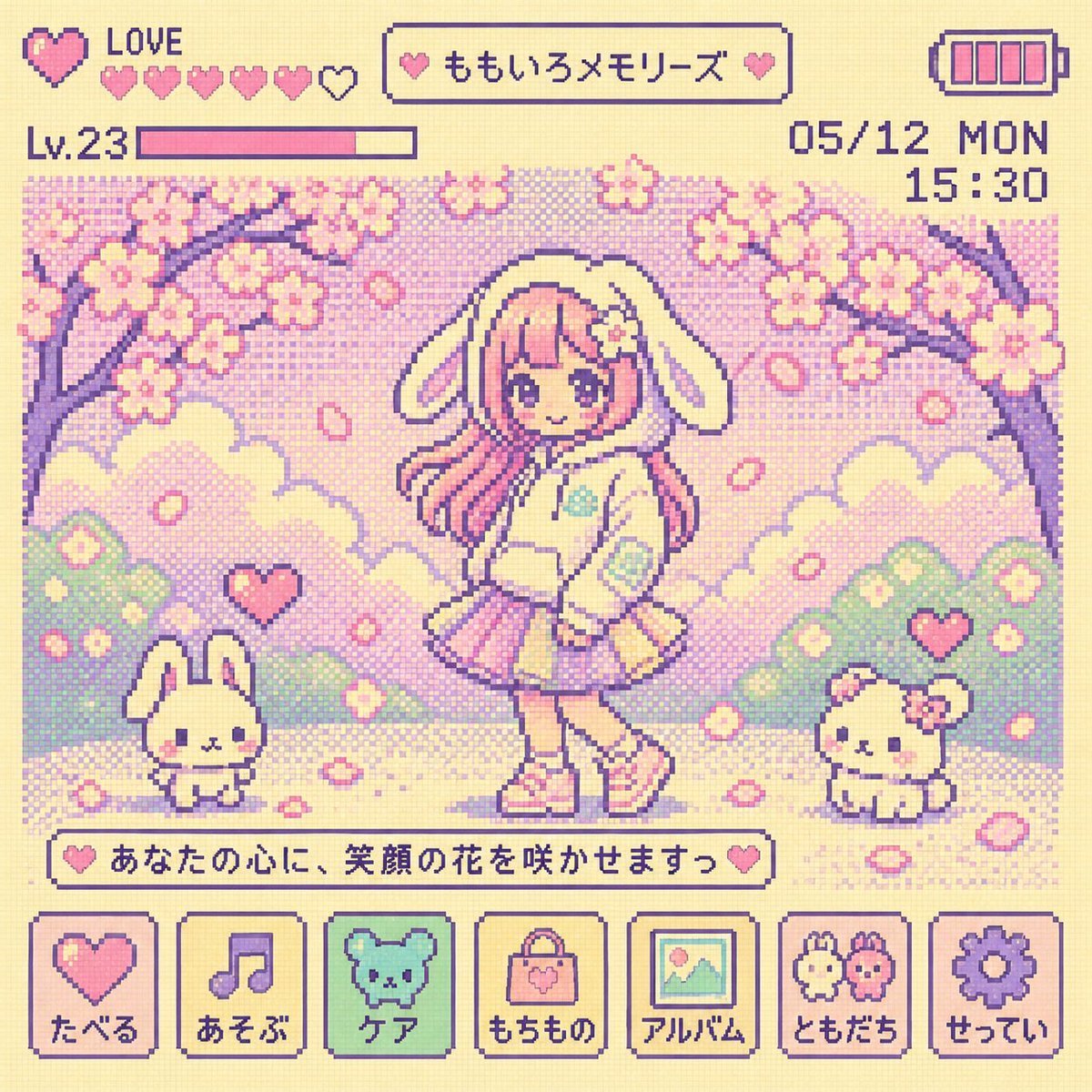
Y2K Tamagotchi LCD Filter
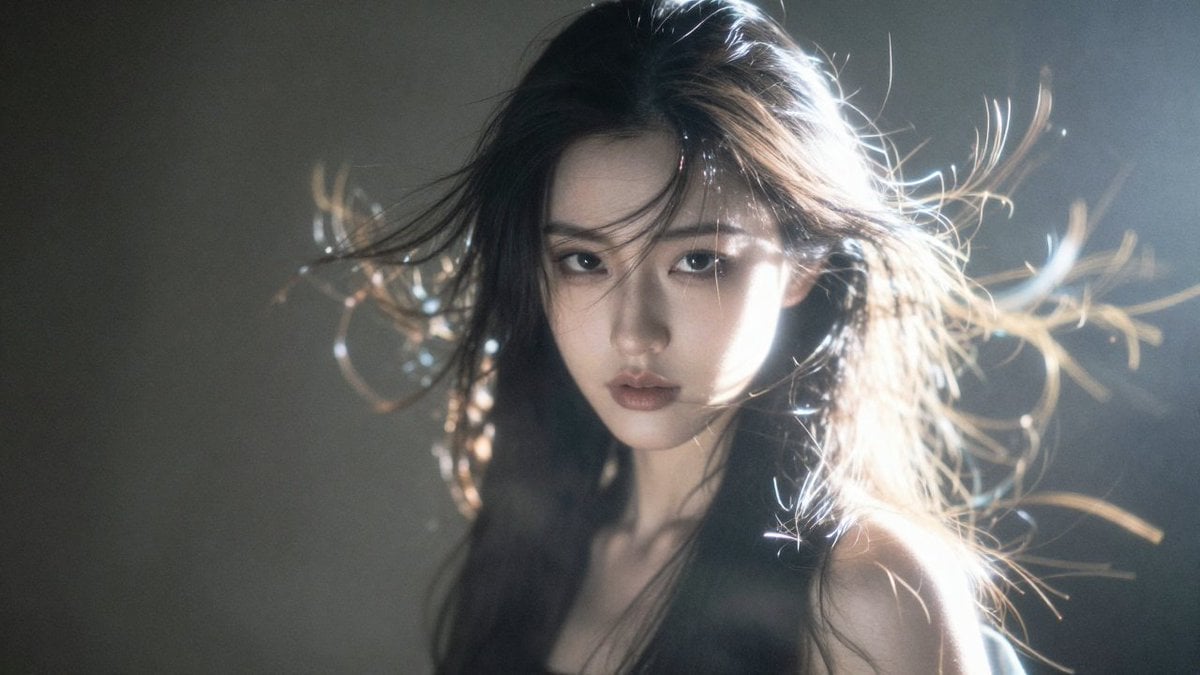
Hyper-Detailed Saber Cosplay Film Photography Prompt
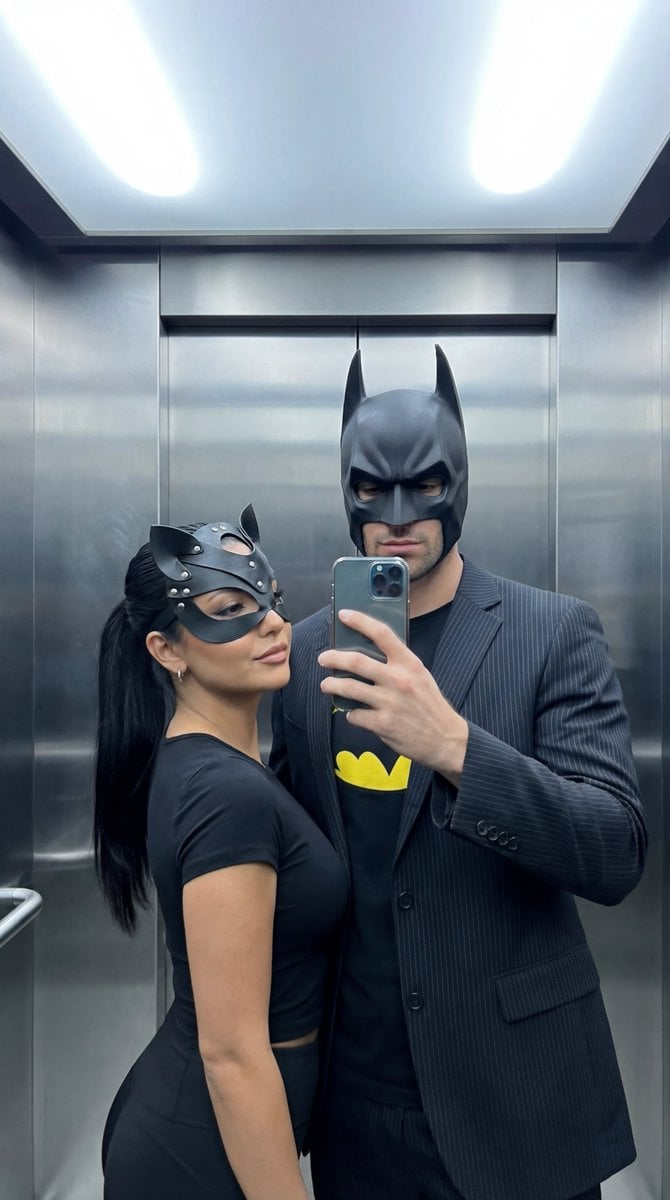
Cinematic Mirror Selfie: Batman and Catwoman Cosplay
Sci-Fi Book Cover Diorama Grid Prompt
Cinematic Urban Street Portrait
Lego Racer on Exploding Volcano Slope
Cinematic Studio Portrait with Floating Feathers
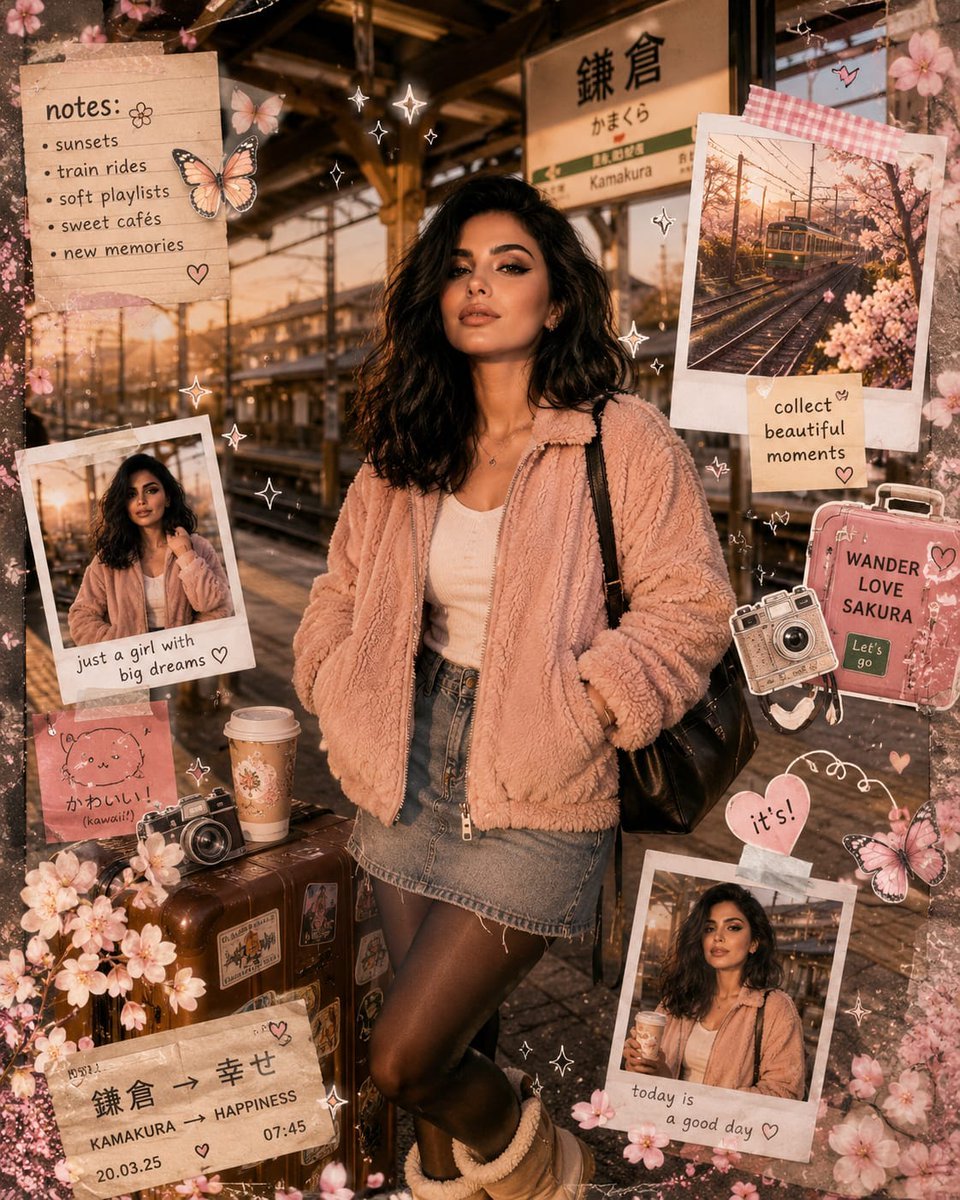
Kawaii Journal and Miniature Diorama Styles
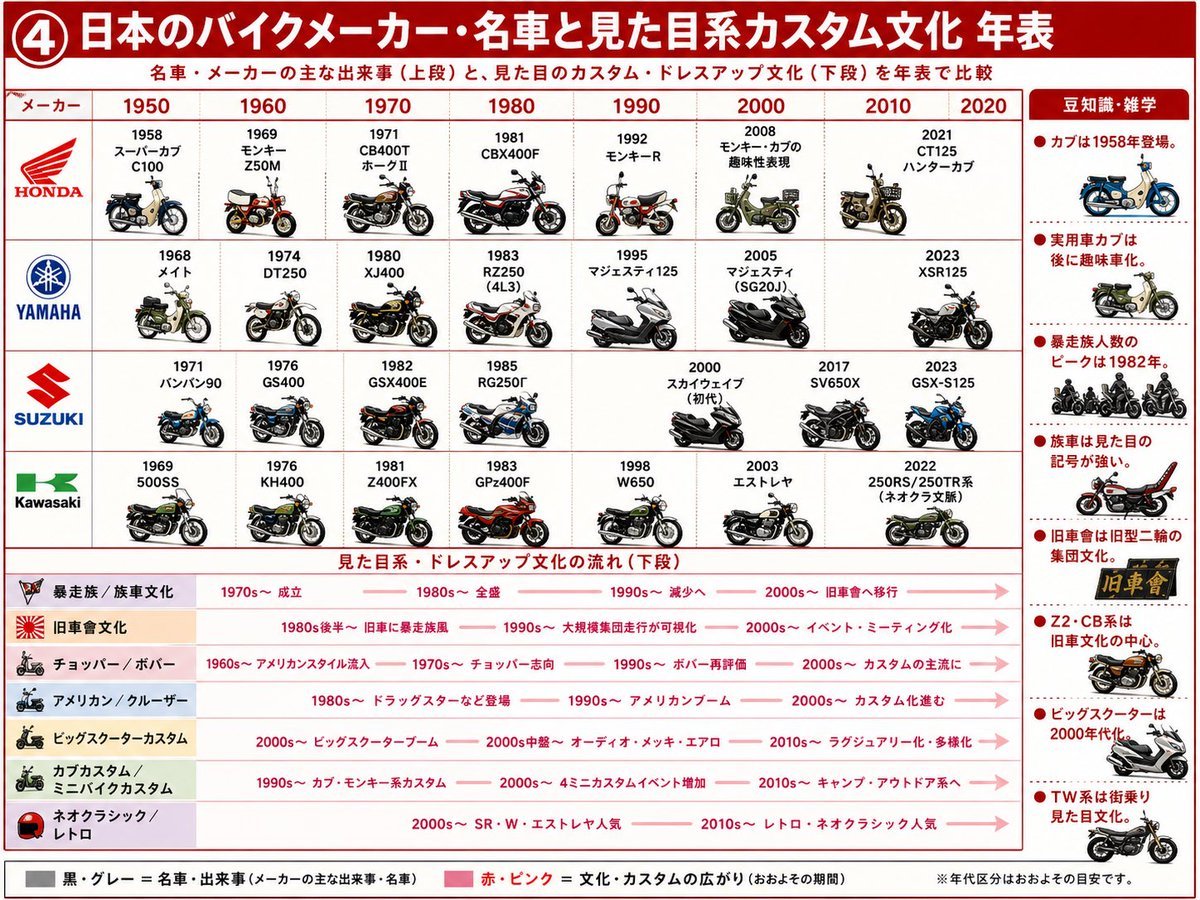
Japanese Motorcycle Culture Timeline
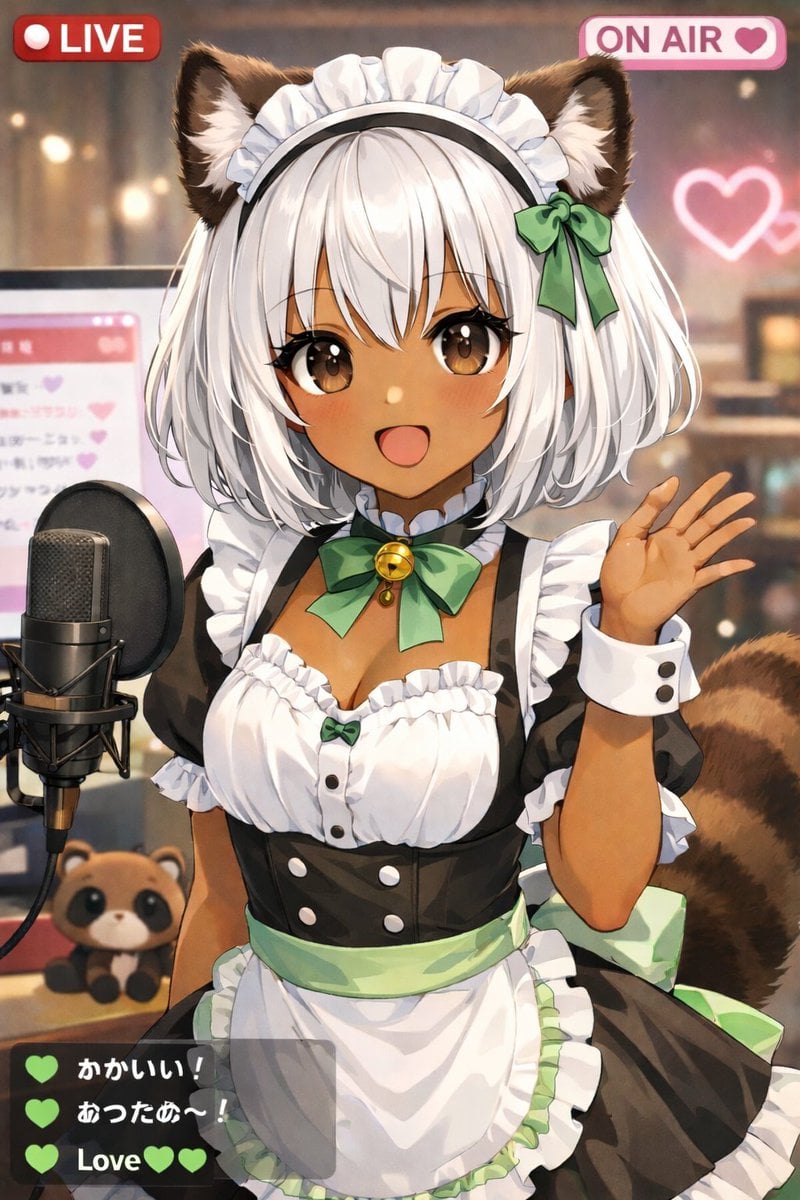
Anime VTuber Live Stream Overlay
Browse template categories
Chibi Boy and Sprout Mascot questions
How do I use the Chibi Boy and Sprout Mascot template?
Add your photo if the template asks for one, edit the prompt if you like — the template's model and format are already selected — and press Generate. Your version opens in PicX Studio.
Can I customize the Chibi Boy and Sprout Mascot template?
Yes. You can change the subject, setting, lighting, mood, format, and available model controls before creating your image.
Is the Chibi Boy and Sprout Mascot template free?
Opening and editing this template is free. Generating uses credits, shown on the Generate button when you are signed in.
Which AI model should I use?
Start with GPT Image 2, which is the model associated with this template. You can compare another compatible model for a different finish.
Looking for something else? Browse all templates.

Your photo, any look
Thousands of ready templates for every top image and video model, from one credit balance.