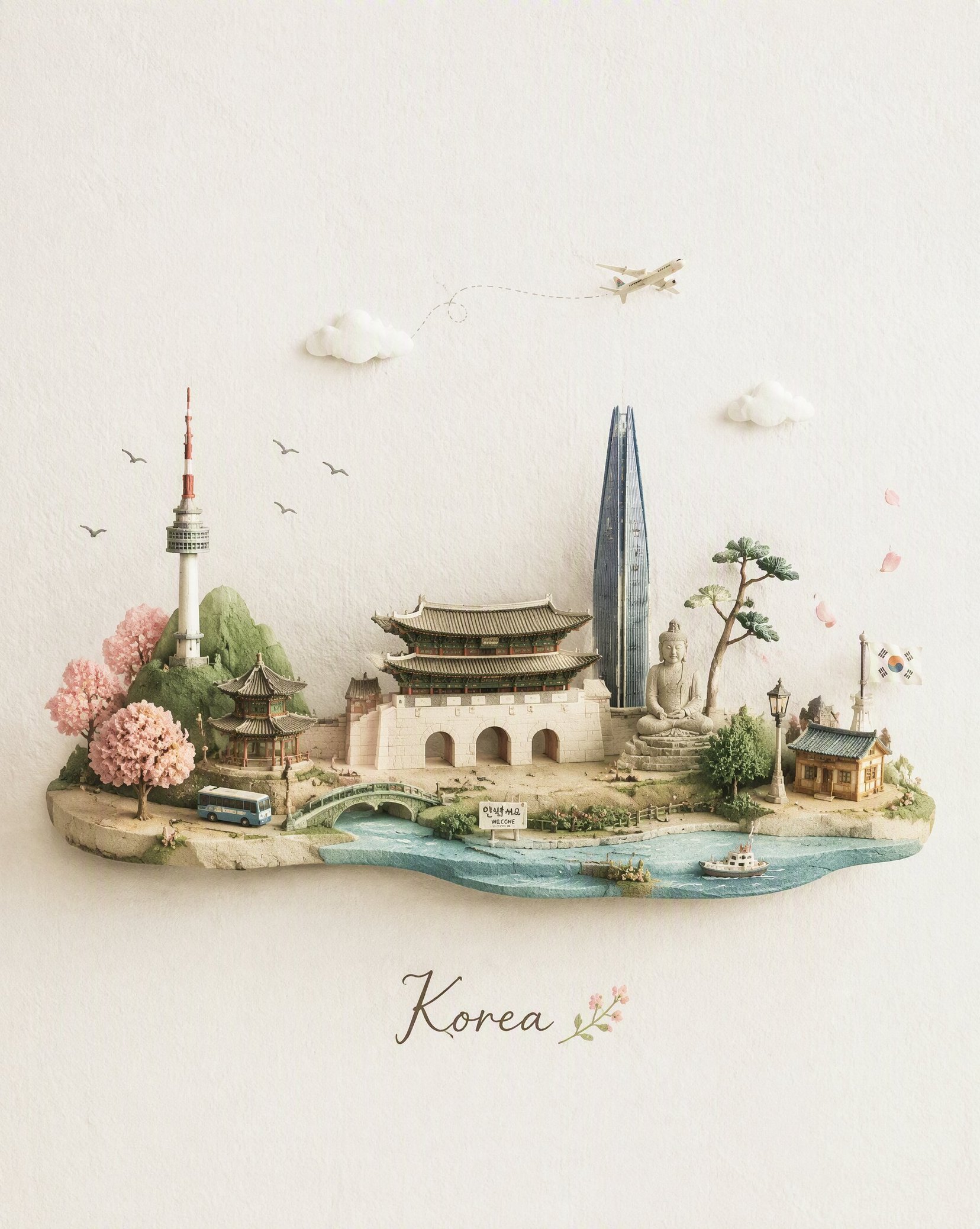
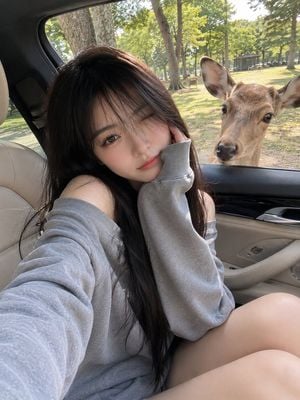
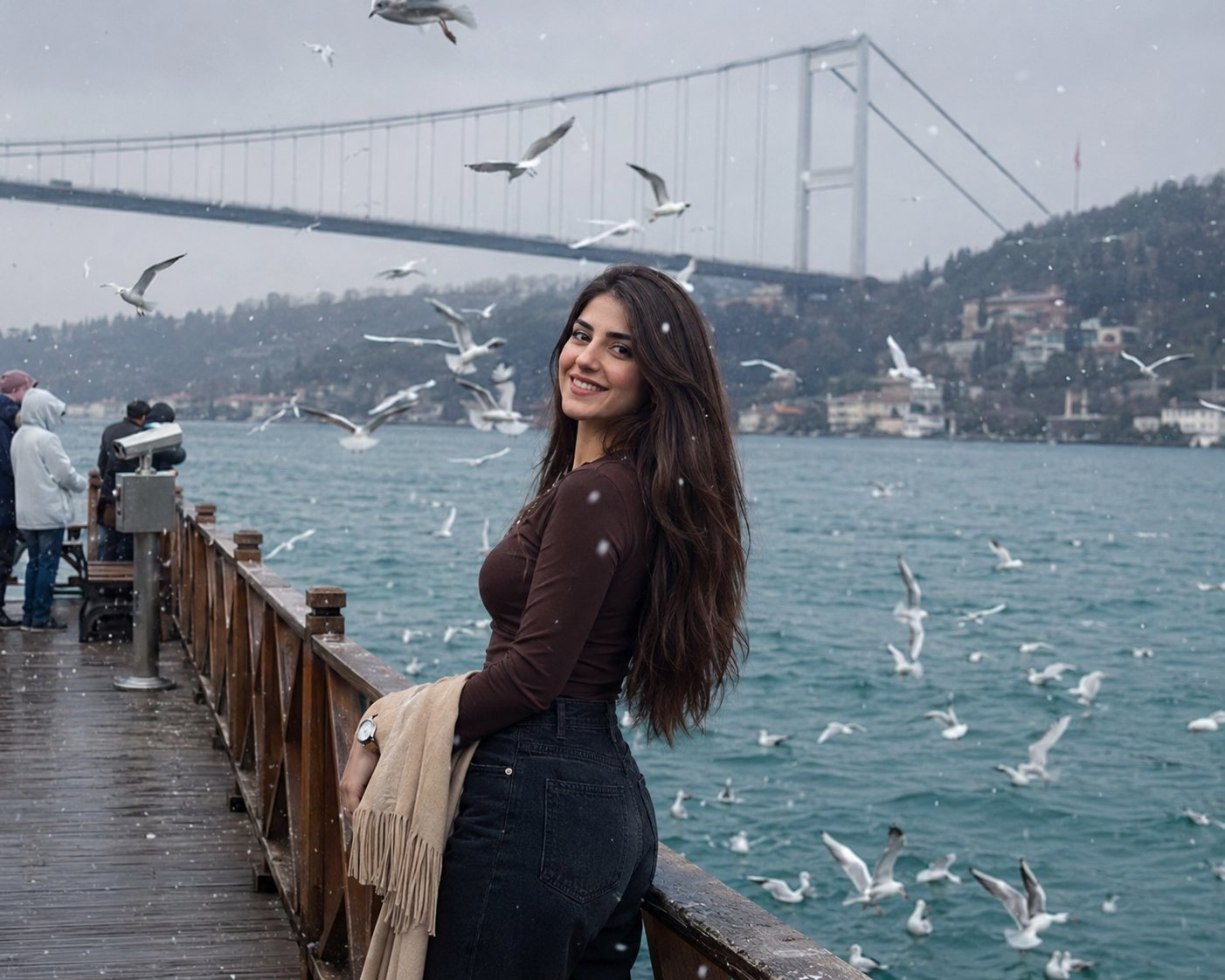
How do I use the Travel Snapshot Collage Prompt template?
Edit the prompt in the box under the preview — the template's model and format are already selected — and press Generate. Your version appears right on this page.
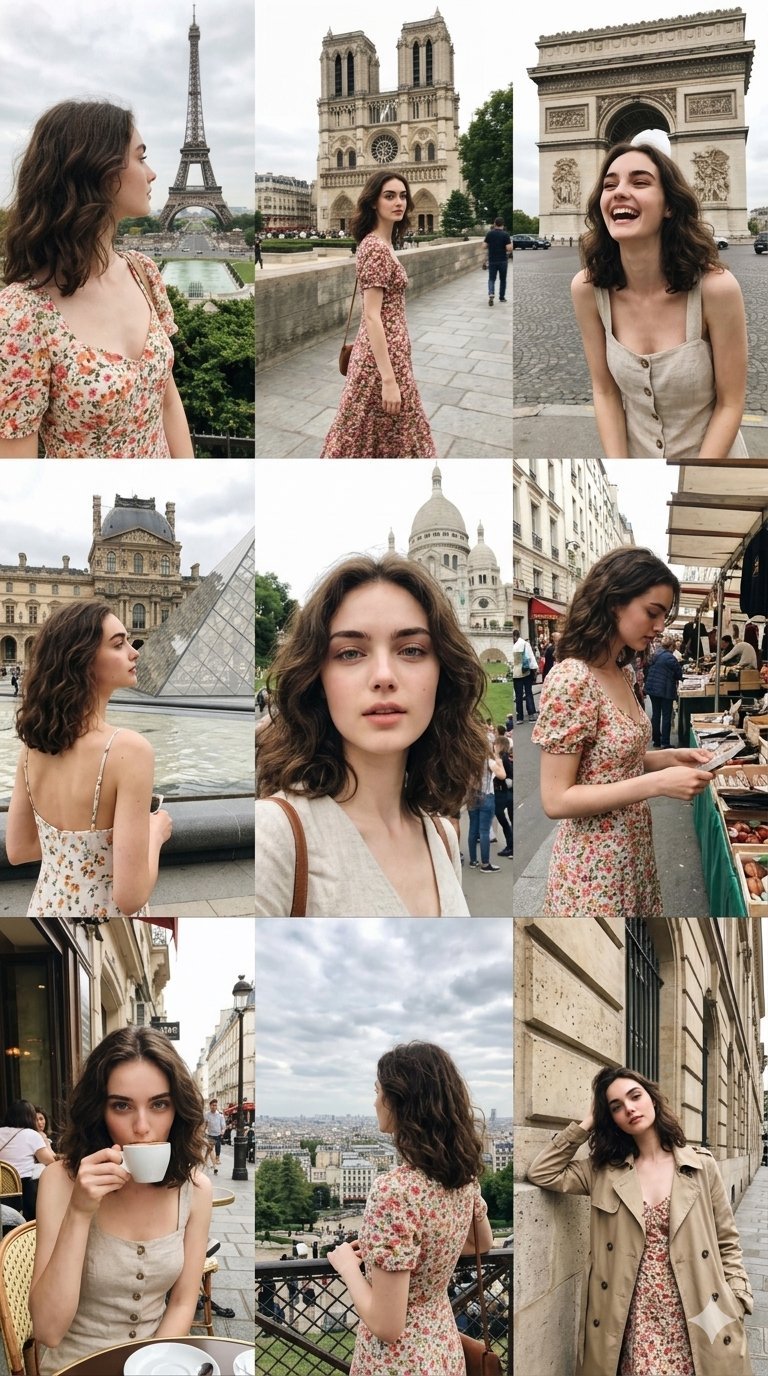
A detailed prompt for creating a nostalgic, 12-frame collage of smartphone-style travel photos depicting a solo journey.

A 12-frame collage of candid, emotional snapshots of a young {argument name="ethnicity" default="Chinese"} woman traveling alone in {argument name="location" default="Phuket Island"}, casually captured on a {argument name="device" default="smartphone"}. Each frame feels like a fleeting personal memory — imperfect, sun-drenched, intimate, and unposed. The woman has a naturally curvy figure with a soft, feminine silhouette, subtly emphasizing her bust without exaggeration. Her presence feels real and unstyled, like a private photo album. Scenes include: walking barefoot on the beach, seaside under the strong sunlight, palm trees swaying, overexposed ocean reflections, small local cafés, a modest motel room, sunset the coast, night markets, views from inside a moving car. Shot with a smartphone aesthetic: slight motion blur, soft focus, blown-out highlights from tropical sunlight, lens flare, sun glare, high ISO noise at night, uneven framing, accidental cropping. Composition feels random and spontaneous — subject sometimes off-center, partially cut off, mid-motion, or obscured by light leaks. Lighting varies: harsh midday sun, warm golden hour glow, deep sunset tones, humid night street lighting. Color grading: faded cinematic tones, slightly desaturated with warm highlights, nostalgic film-like look, subtle grain, lifted blacks. Emotion: solitude, fleeting youth, bittersweet nostalgia, quiet introspection, like memories from a trip taken alone. Layout: 12 images arranged in a loose, imperfect collage grid, slightly tilted and misaligned like a scrapbook. No text, no watermark.
A 12-frame collage of candid, emotional snapshots of a young {argument name="ethnicity" default="Chinese"} woman traveling alone in {argument name="location" default="Phuket Island"}, casually captured on a {argument name="device" default="smartphone"}. Each frame feels like a fleeting personal memory — imperfect, sun-drenched, intimate, and unposed. The woman has a naturally curvy figure with a soft, feminine silhouette, subtly emphasizing her bust without exaggeration. Her presence feels real and unstyled, like a private photo album. Scenes include: walking barefoot on the beach, seaside under the strong sunlight, palm trees swaying, overexposed ocean reflections, small local cafés, a modest motel room, sunset the coast, night markets, views from inside a moving car. Shot with a smartphone aesthetic: slight motion blur, soft focus, blown-out highlights from tropical sunlight, lens flare, sun glare, high ISO noise at night, uneven framing, accidental cropping. Composition feels random and spontaneous — subject sometimes off-center, partially cut off, mid-motion, or obscured by light leaks. Lighting varies: harsh midday sun, warm golden hour glow, deep sunset tones, humid night street lighting. Color grading: faded cinematic tones, slightly desaturated with warm highlights, nostalgic film-like look, subtle grain, lifted blacks. Emotion: solitude, fleeting youth, bittersweet nostalgia, quiet introspection, like memories from a trip taken alone. Layout: 12 images arranged in a loose, imperfect collage grid, slightly tilted and misaligned like a scrapbook. No text, no watermark.
Edit the prompt in the box under the preview — the template's model and format are already selected — and press Generate. Your version appears right on this page.
Yes. You can change the subject, setting, lighting, mood, format, and available model controls before creating your image.
Opening and editing this template is free. Generating uses credits, shown on the Generate button when you are signed in.
Start with GPT Image 2, which is the model associated with this template. You can compare another compatible model for a different finish.
Follow a topic to a crawlable collection of related PicX Studio templates.