
Photographed MIDI Piano Score Sheet
This generates a realistic overhead photo of a printed piano sheet-music page converted from a MIDI file, useful for mockups, music-tech visuals, or document-style illustrations.
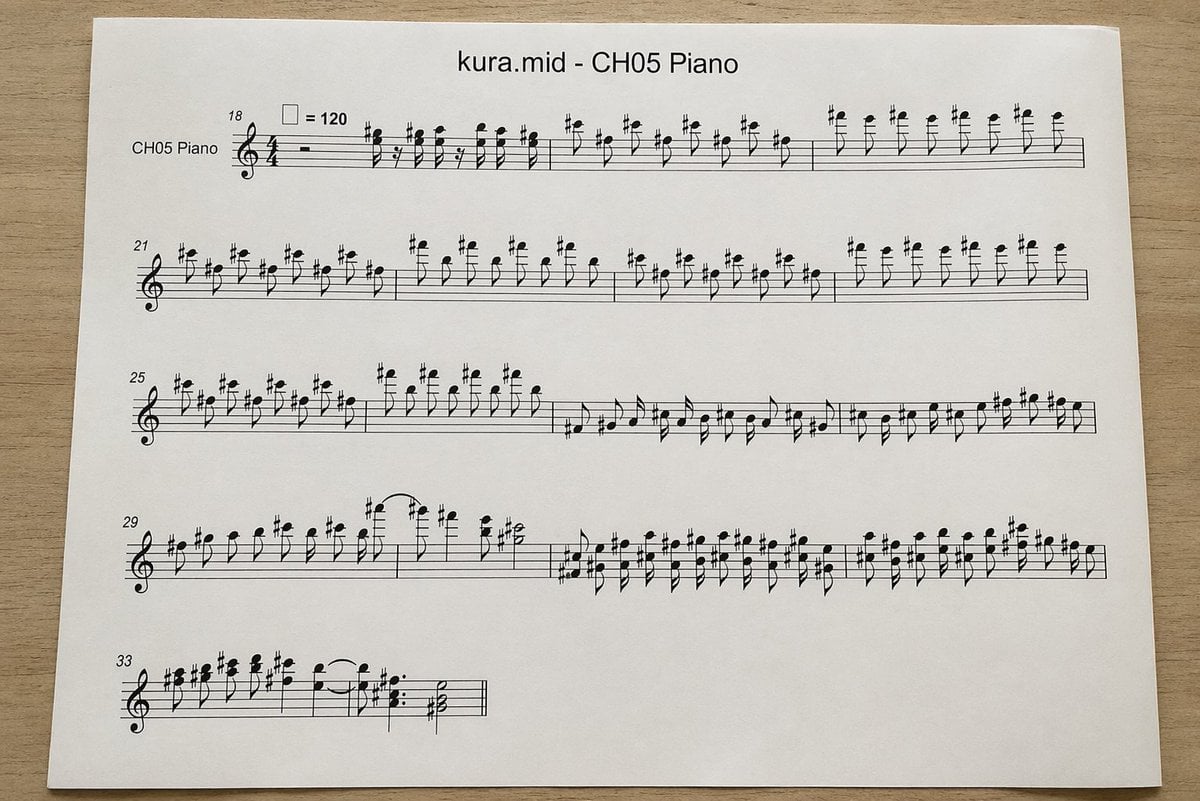
- Prompt included
- Model and format preset
- Free template
The prompt behind this image
Copy the exact prompt behind Photographed MIDI Piano Score Sheet, or open it in the studio and make it yours.
A top-down realistic photograph of a single white sheet of printer paper placed on a light wood desk, showing a computer-generated music score. The page is centered horizontally with slight perspective and soft natural indoor lighting, minimal shadows, and a clean document-print look. At the top center, print the title "{argument name="file name" default="kura.mid"} - {argument name="track name" default="CH05 Piano"}" in a plain sans-serif font. Below it is a piano staff system rendered in standard black music notation with a treble clef and 4/4 time signature, designed to look like an automatically converted MIDI excerpt rather than carefully engraved sheet music. On the far left of the first system, include the instrument label "CH05 Piano". Show exactly 5 horizontal systems of notation on the page, beginning with measure numbers 18, 21, 25, 29, and 33 at the left edges of the systems. Near the first system, include a tempo marking with a quarter-note symbol equals 120. Fill the staves with dense, slightly awkward but plausible black notes, accidentals, stems, slurs, and rests, with many sharp signs and repeated short-note figures in the upper register, visually resembling piano transcription from MIDI. The first 3 systems should be long and nearly full width; the 4th system should also be long; the 5th system should be short, occupying only the left portion of the page. Keep the notation legible but somewhat mechanically spaced. Use a clean white page with wide margins and no handwritten marks, no colored elements, no extra graphics, just the printed score sheet photographed on a desk.
How to use Photographed MIDI Piano Score Sheet in 3 steps
- 1Upload ImagePNG, JPG or paste
Add your photo
Upload the photo the template builds on. The prompt, model and format are already set.
- 2…a portrait of your subject in softgolden-hour light, 85mm…
Personalize
Edit the subject and creative details for your destination.
- 3Generate
Generate
Press Generate — your image is created in PicX Studio, so you can compare it with the original and refine one variable at a time.
More like this
Templates with the same subject, style or setup. Open one to see its prompt.

Dancer Character - Four View Reference Sheet

Movement Sheet - Dance Reference (Seedance 2.0)
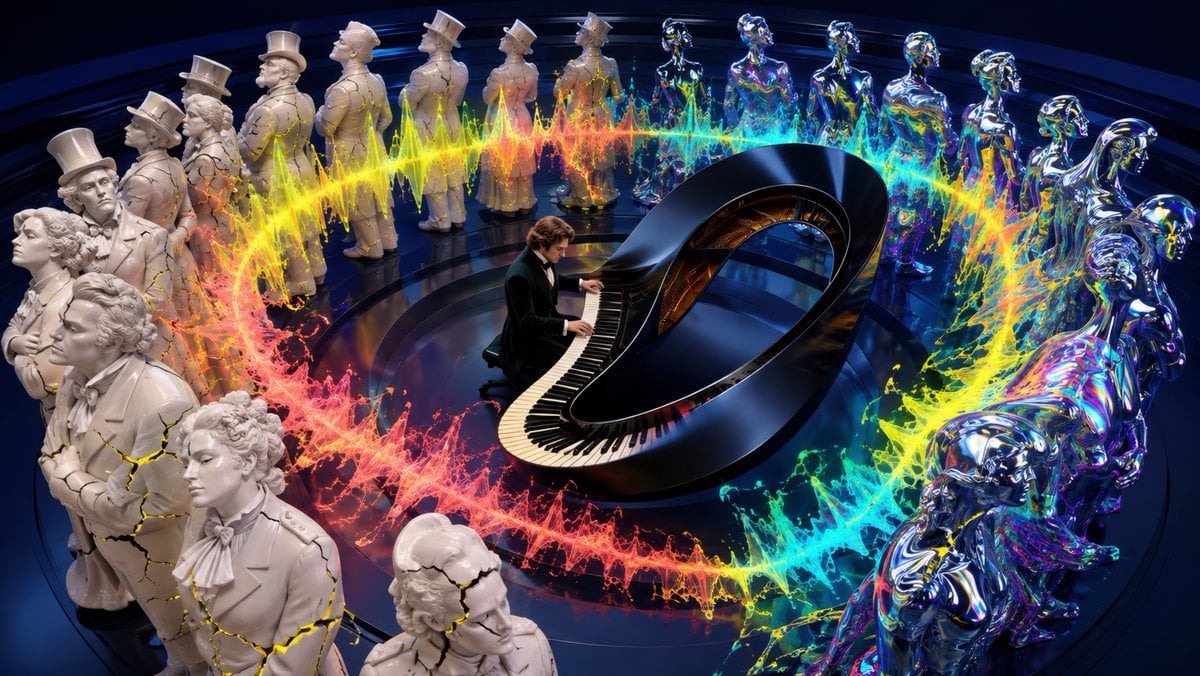
Surreal Brahms Piano Concerto Arena
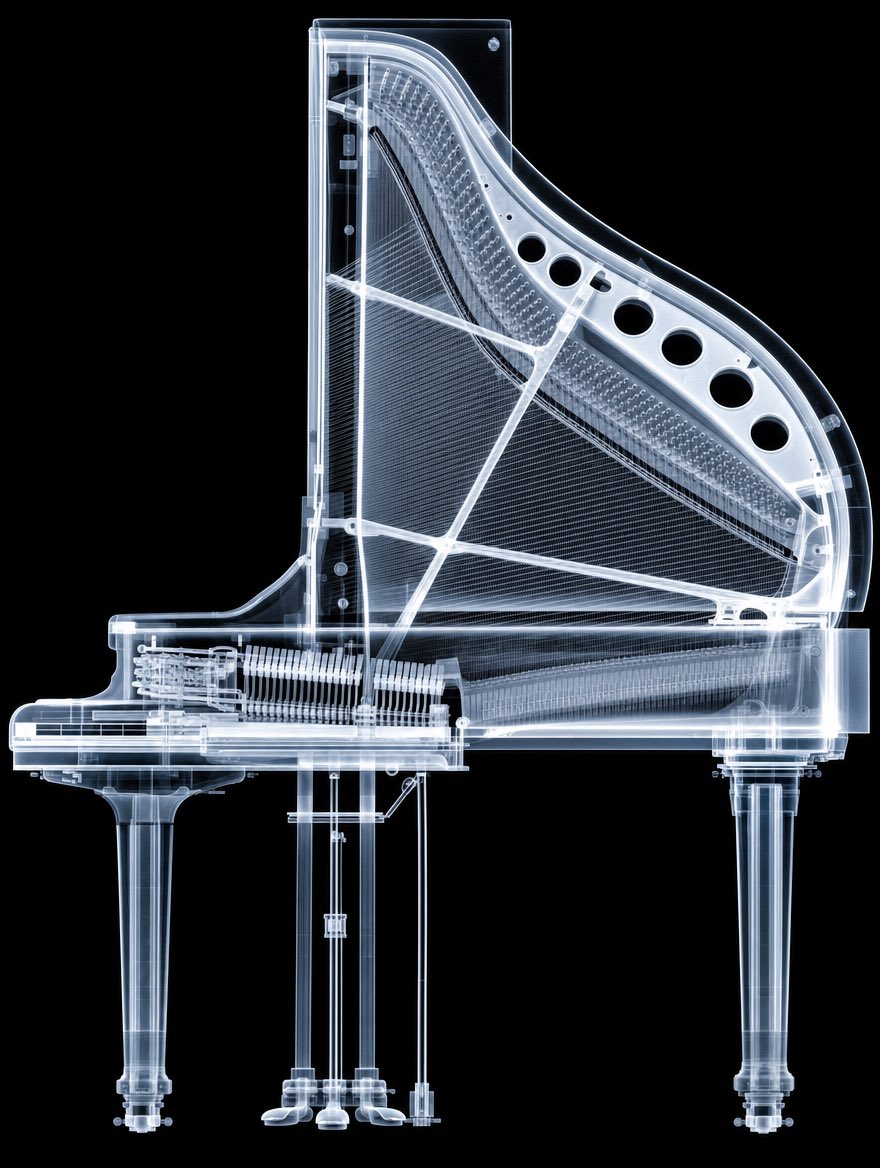
X-Ray Transparent Grand Piano
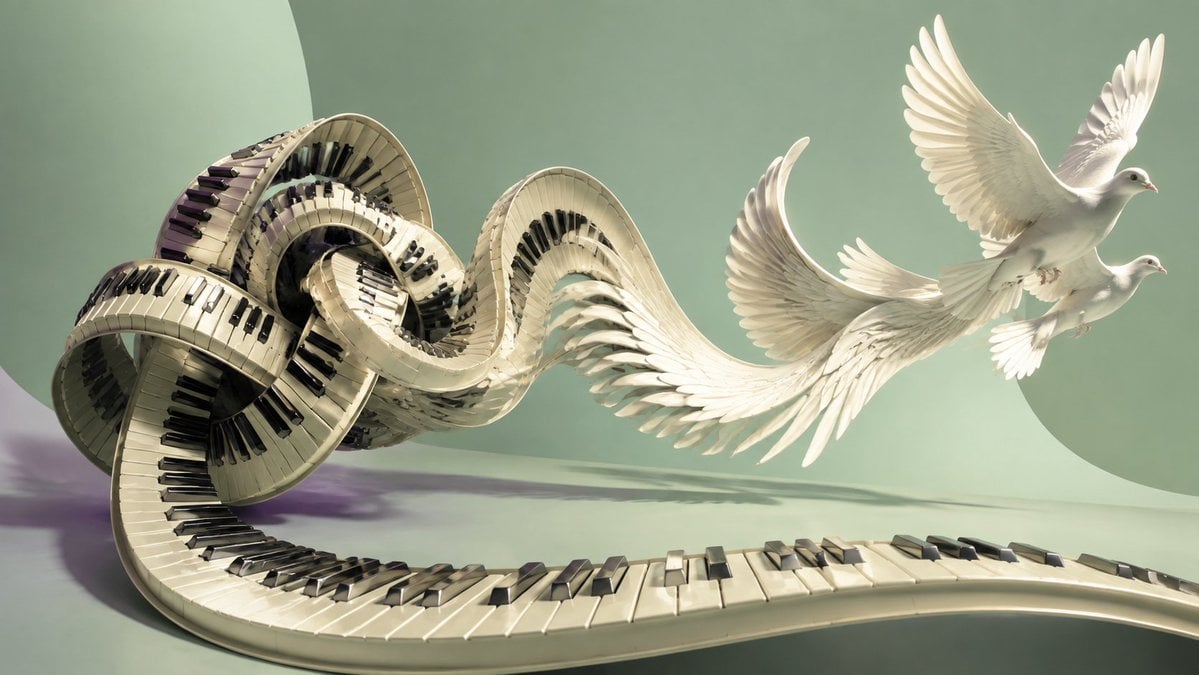
Piano Keyboard Transforming Into Doves
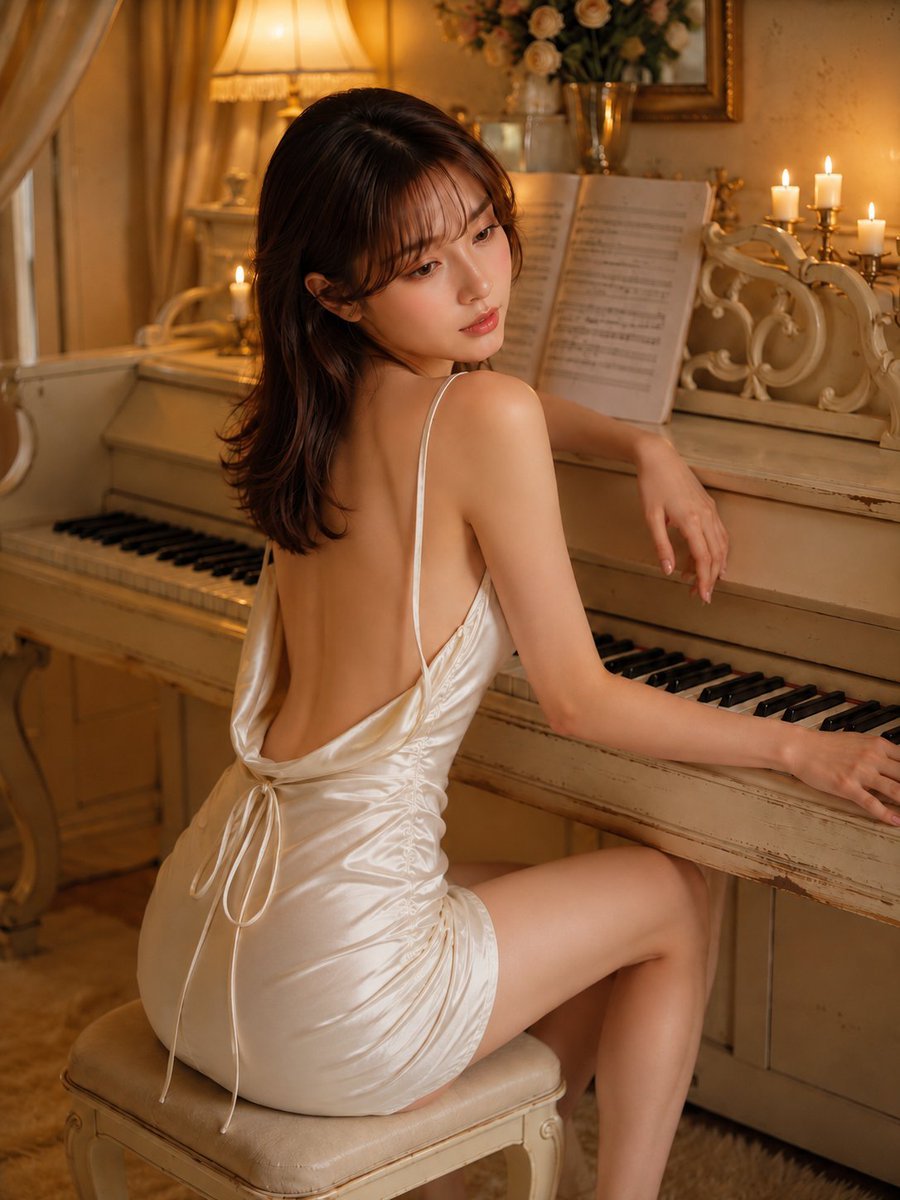
Piano Woman in White Satin Dress

A photographed from a 35-degree overhead angle, standing alone

Surreal Opera Score Collage

Minimalist Piano Recital Poster
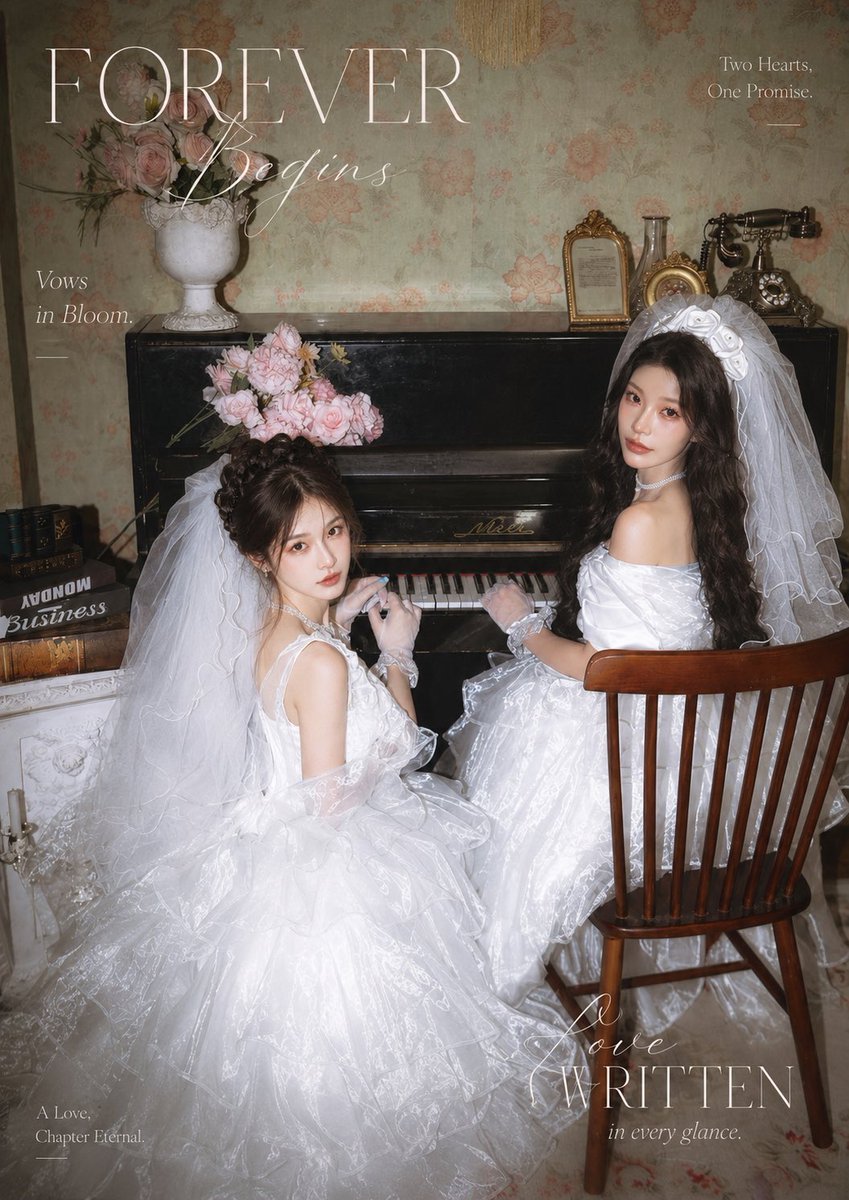
Vintage Piano Brides Magazine Cover

Chopin Playing Piano (Fantasy Style)

Chopin Playing Piano (Cyberpunk Style)
Make it yours
Photographed MIDI Piano Score Sheet works as-is. These are the safest ways to change it without losing the look.
Change one field
Copy a single group, rewrite it, and generate again so you can see what that field is doing.
Keep the frame, change the subject
Hold the composition and light of Photographed MIDI Piano Score Sheet, then swap wardrobe, props or the person for a new take.
| If the result… | Why | Fix |
|---|---|---|
| The result drifts from the preview | Too many fields changed at once. | Reuse Photographed MIDI Piano Score Sheet as-is first, then change one group — subject, light, or setting. |
| The model over-stylizes the scene | The prose prompt leaves finish and camera underspecified. | Add one camera or lighting sentence and stay on GPT Image 2. |
More GPT Image 2 templates
Other prompts made for GPT Image 2.

Six VTuber Japanese Logo Sheet

Realistic Portrait of Woman and Deer

The Vista Modular Condo Poster

AI Model Routing Comparison Infographic

2.5D Anime Art Board

Isometric Productivity Desk Scene

New York Double Exposure Poster

Four-Panel AI Landscape Comparison

Japanese Tatami Lifestyle Magazine Cover

NESCAFÉ Coffee Map Poster
More image prompts
Fresh picks from across the catalog.
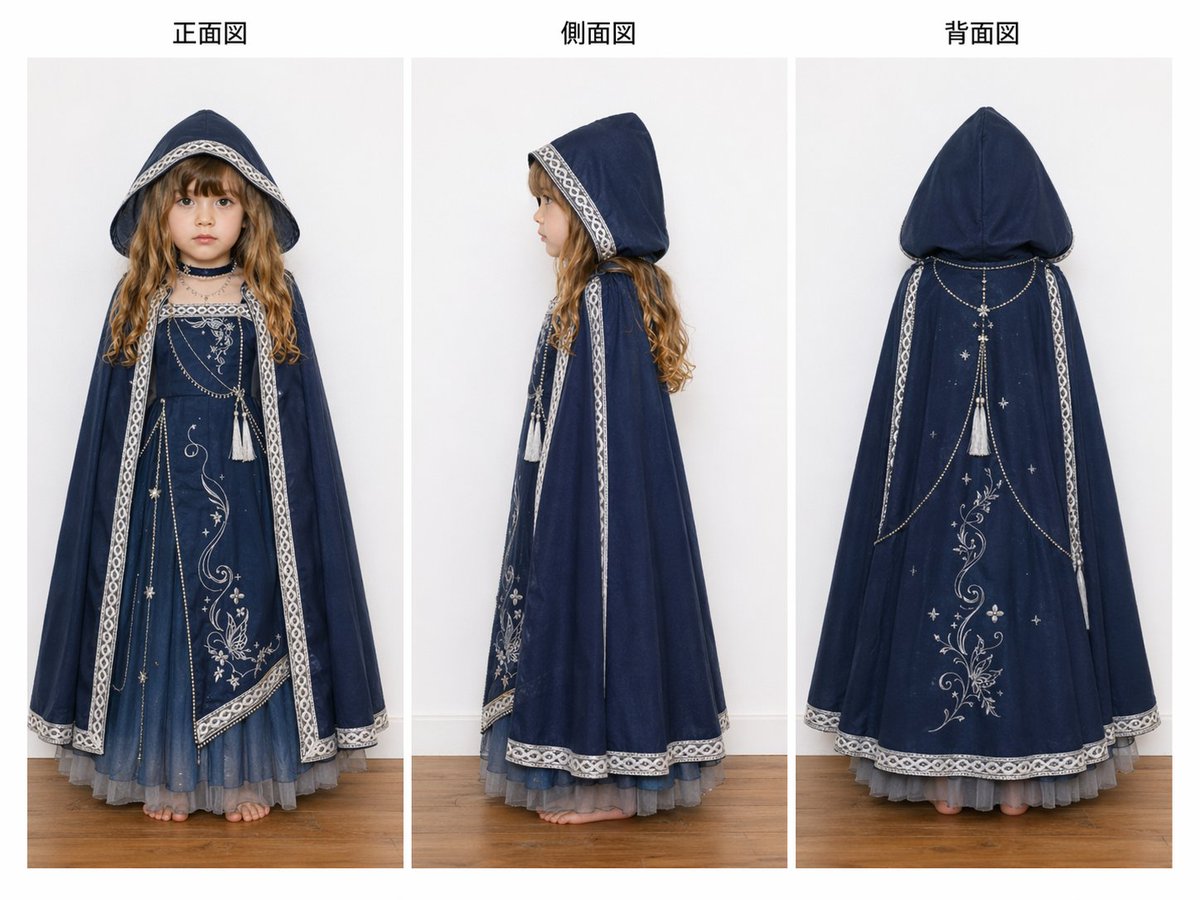
Three-View Hooded Fantasy Dress Sheet

Sunlit Spring Blossom Portrait

Urban Fantasy Summoning Scene with Liquid Sharks
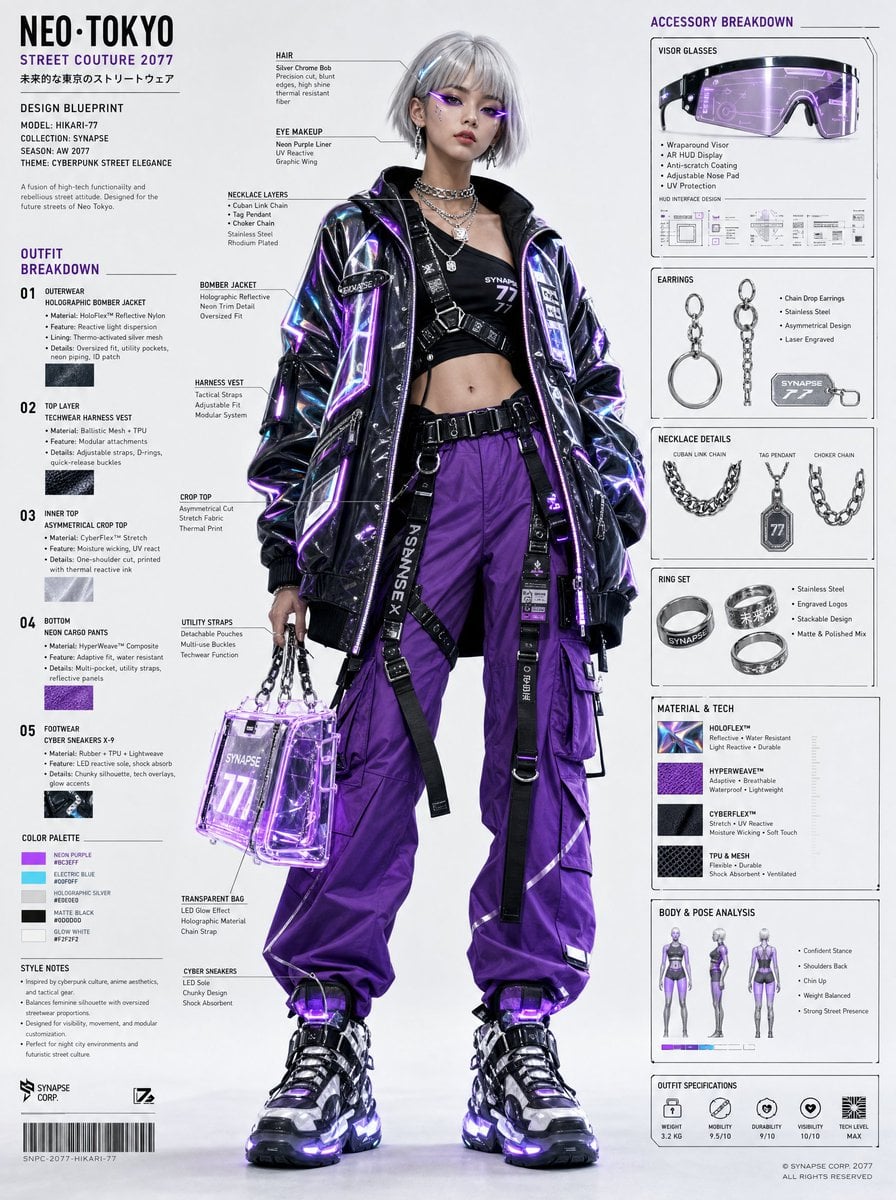
Cyberpunk Fashion Blueprint Sheet

Ultra-Premium Arabian Luxury Perfume Product Photography

Neon Business Info-Product Thumbnail

Isekai Dinosaur Transformation Prompt

Modern Urban Editorial Portrait of a Man

Anime Character Vogue Cover

Vogue Cover Identity Preservation Prompt
Browse template categories
Photographed MIDI Piano Score Sheet questions
How do I use the Photographed MIDI Piano Score Sheet template?
Add your photo if the template asks for one, edit the prompt if you like — the template's model and format are already selected — and press Generate. Your version opens in PicX Studio.
Can I customize the Photographed MIDI Piano Score Sheet template?
Yes. You can change the subject, setting, lighting, mood, format, and available model controls before creating your image.
Is the Photographed MIDI Piano Score Sheet template free?
Opening and editing this template is free. Generating uses credits, shown on the Generate button when you are signed in.
Which AI model should I use?
Start with GPT Image 2, which is the model associated with this template. You can compare another compatible model for a different finish.
Looking for something else? Browse all templates.

Your photo, any look
Thousands of ready templates for every top image and video model, from one credit balance.