
Photoreal Luxury Bar Portrait (Leopard Dress)
A detailed JSON prompt for generating an ultra-photorealistic editorial portrait of a confident woman in a leopard print slip dress, sitting in a luxury cocktail bar, emphasizing warm amber lighting, an on-camera flash…
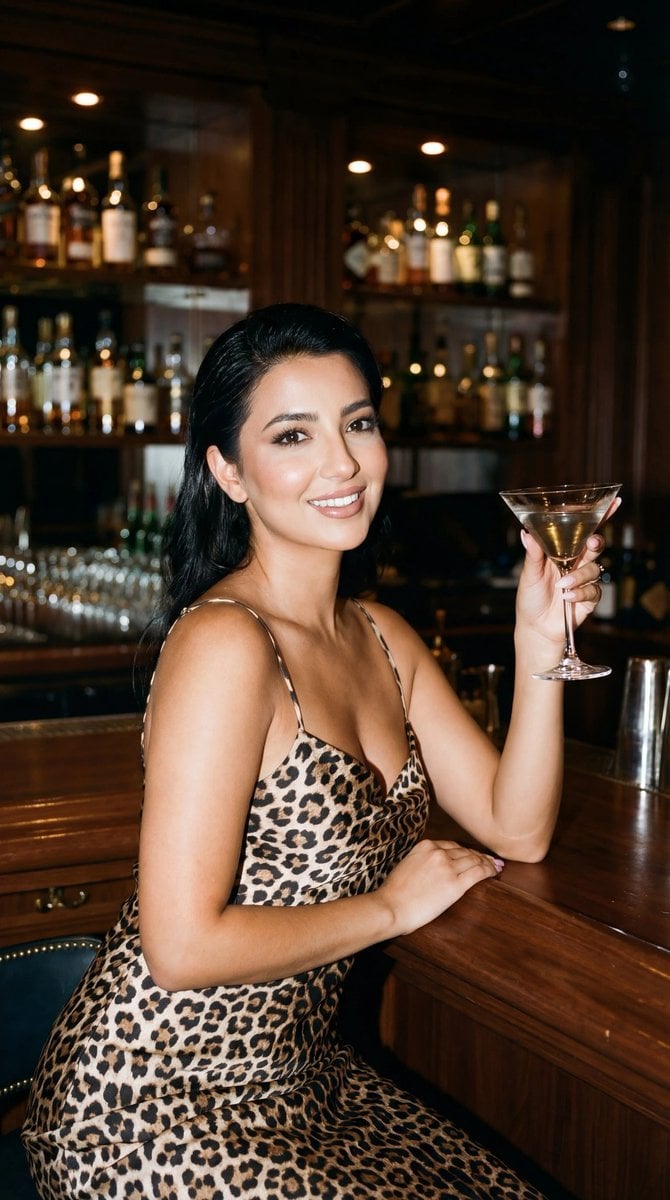
- Prompt included
- Model and format preset
- Free template
The prompt behind this image
Copy the exact prompt behind Photoreal Luxury Bar Portrait (Leopard Dress), or open it in the studio and make it yours.
{ "generation_request": { "meta_data": { "tool": "NanoBanana Pro", "task_type": "photoreal_luxury_bar_portrait", "version": "v1.1_LEOPARD_DRESS_BAR_FACE_VISIBLE_NO_TEXT", "priority": "highest", "language": "tr" }, "references": { "reference_image_1": { "source": "UPLOAD_REFERENCE_IMAGE (REQUIRED)", "purpose": "POSE_COMPOSITION_STYLE_ANCHOR", "strict_lock": true, "preserve_pose": true, "preserve_body_proportions": true, "no_body_rescale": true } }, "global_constraints": { "rating": "PG-13", "no_explicit_sexual_content": true, "no_text": true, "no_logos": true, "no_watermark": true }, "output_settings": { "aspect_ratio": "3:4", "orientation": "portrait", "resolution_target": "ultra_high_res", "render_style": "ultra_photoreal_editorial_night_flash", "sharpness": "crisp_but_natural", "film_grain": "subtle_35mm", "color_grade": "warm_amber_luxury_bar", "dynamic_range": "natural_not_hdr", "skin_rendering": "real_texture_no_retouch" }, "creative_prompt": { "scene_summary": "Lüks, koyu ahşap kaplamalı klasik kokteyl barında gece çekimi. Leopar desenli ipek/saten slip elbise giyen kadın barda oturuyor ve elinde martini kadehi var. Işık sıcak ve sinematik, ortam premium ve şık.", "key_change_request": "YÜZ TAMAMEN GÖRÜNSÜN: saç yüzü kapatmasın. Saç yana taranmış veya arkaya atılmış olsun; iki göz, kaşlar ve burun net şekilde görünür. Yüz kameraya 3/4 dönük veya doğrudan kameraya bakıyor.", "environment": { "location": "luxury hotel bar / classic cocktail bar", "background": "parlak koyu ahşap paneller, bar şişeleri ve cam raflar, yumuşak bokeh ışıklar", "lighting": "on-camera flash hissi + sıcak ortam ışıkları; doğal gölgeler; gerçekçi yansımalar" }, "subject": { "count": 1, "pose": "bar taburesinde oturuyor, bir koluyla barı destekliyor, diğer elinde martini kadehi hafif yukarıda", "expression": "cool, confident, relaxed", "hair": "yüzü kapatmayan dalgalı saç; saç gözlerin üstüne düşmesin; yüz açık ve net", "makeup": "soft glam, doğal ama belirgin göz makyajı, hafif ışıltılı cilt (retouch yok)", "wardrobe": "{argument name="dress pattern" default="leopard print"} slip dress (saten/ipek hissi), ince askılı", "details": "gerçekçi tırnaklar, minimal takı ve saat" }, "camera_style": { "framing": "3:4, medium-full portrait", "lens_feel": "35mm-50mm feel, shallow depth of field", "focus": "GÖZLER RAZOR SHARP; yüz net; kadeh ve el doğal netlikte", "look": "real photo, not CGI, not painterly" }, "quality_guards": { "no_ai_look": true, "no_beauty_filter": true, "no_hdr": true, "no_over_sharpening": true, "faces_must_be_clean": true, "hands_and_fingers
How to use Photoreal Luxury Bar Portrait (Leopard Dress) in 3 steps
- 1
Open
The prompt is already in the box next to the preview, with the template's model and format selected.
- 2…a portrait of your subject in softgolden-hour light, 85mm…
Personalize
Edit the subject and creative details for your destination.
- 3Generate
Generate
Press Generate — your image is created in PicX Studio, so you can compare it with the original and refine one variable at a time.
More like this
Templates with the same subject, style or setup. Open one to see its prompt.
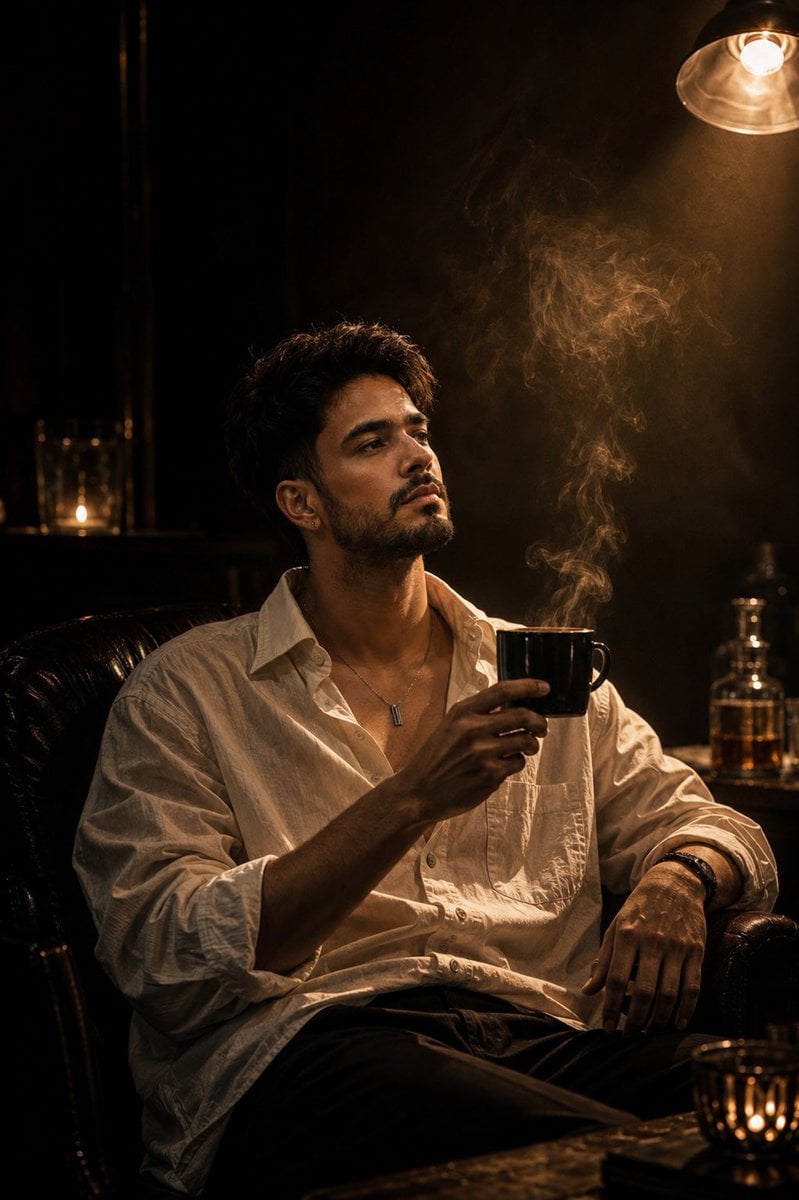
Luxury Whiskey Bar Introspective Portrait
Gold Bar Chess Set
Gold Bars Under Glass
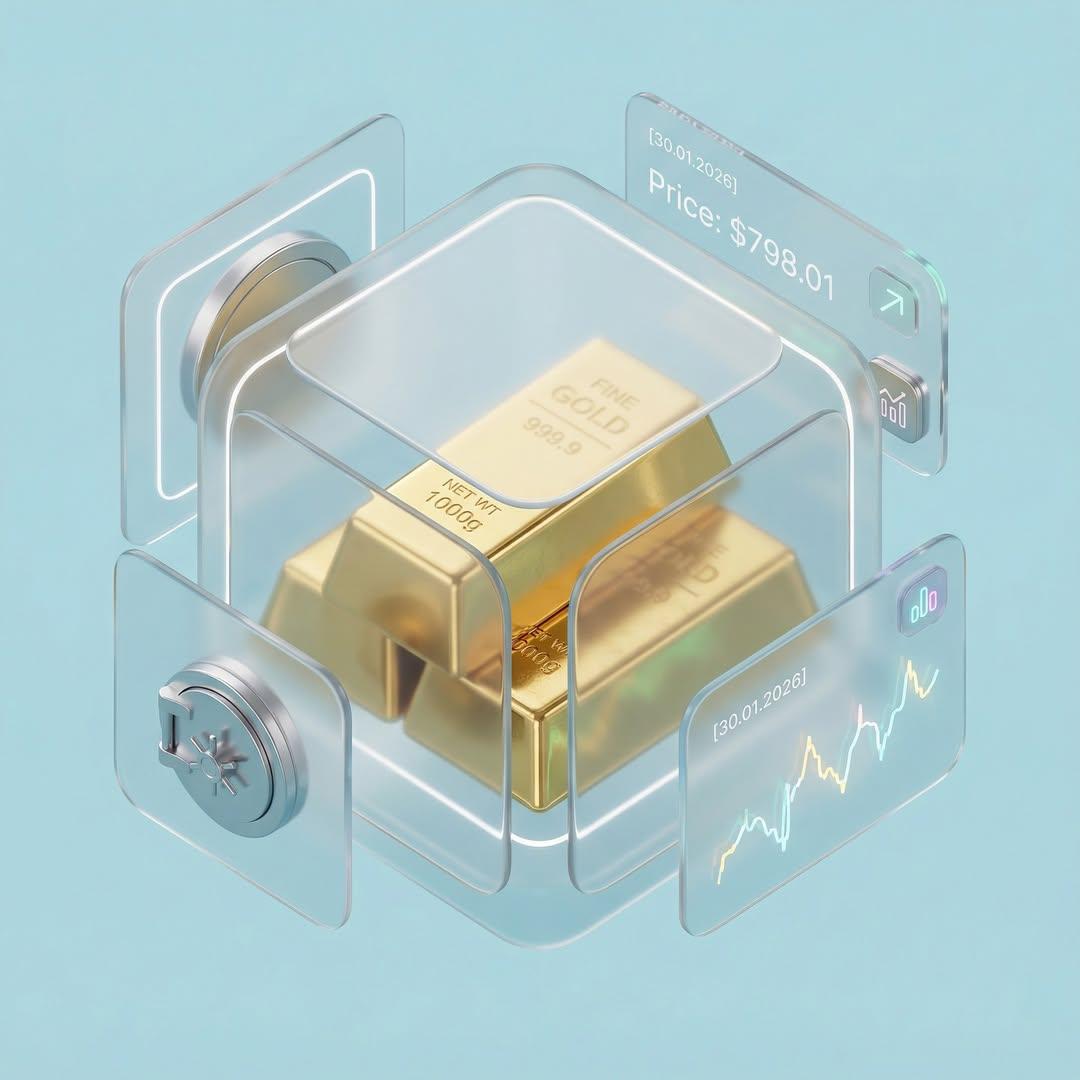
Gold Bar Vault Macro
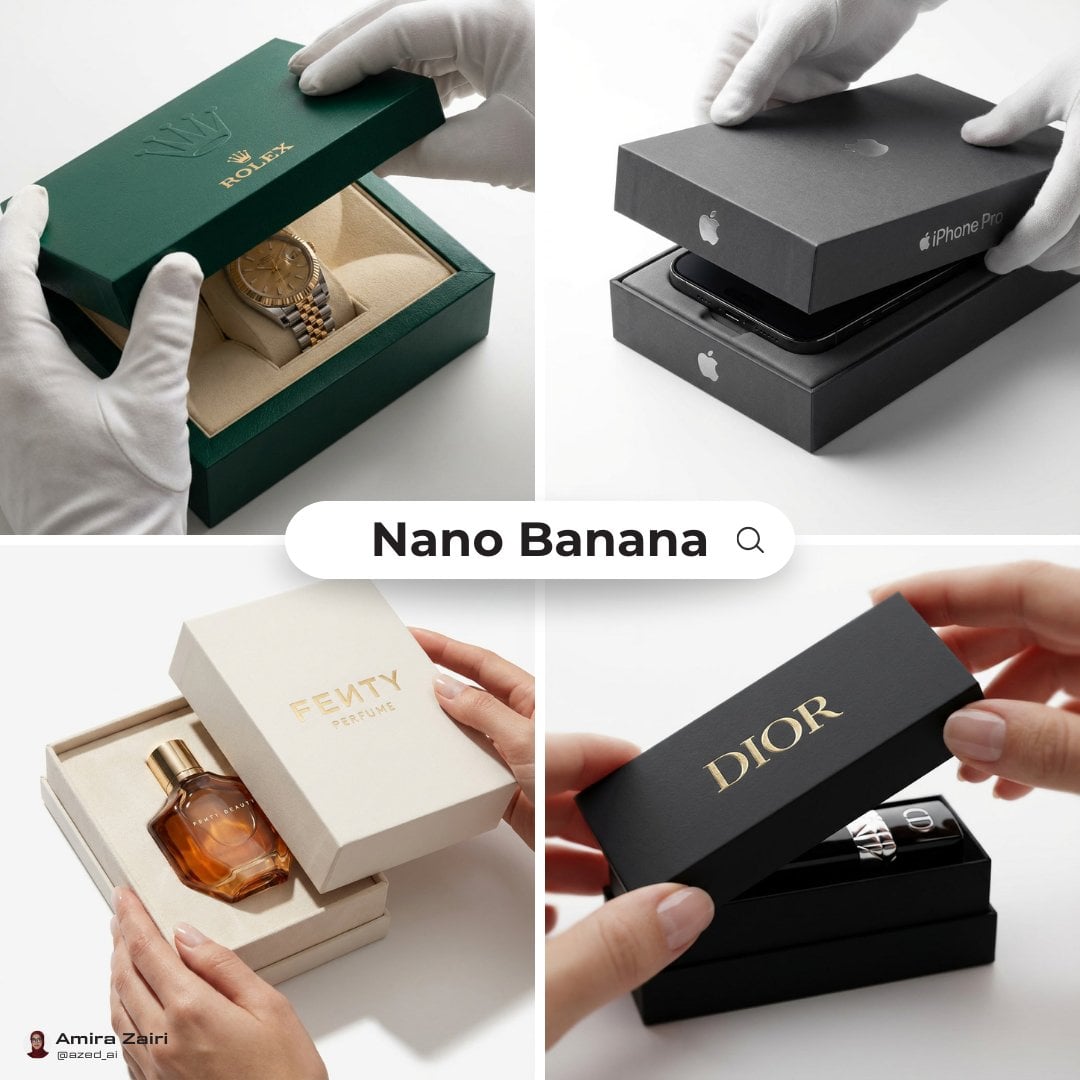
Gold Bars Isometric Clay
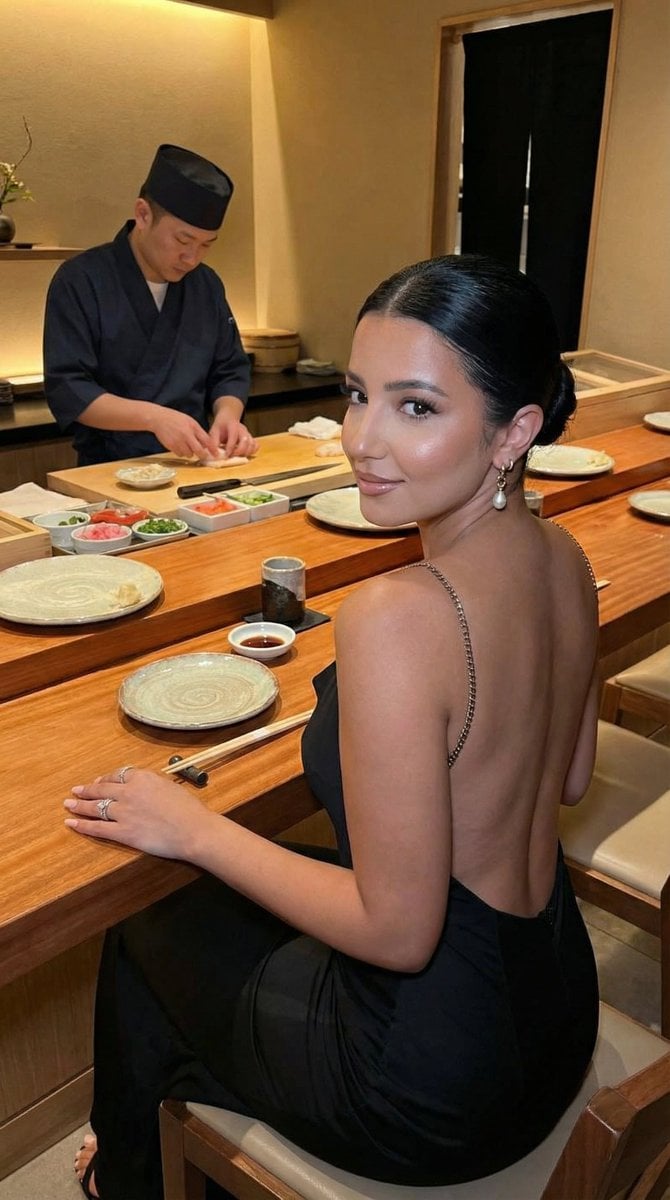
Luxury Omakase Sushi Bar Editorial Portrait (Image-to-Image)
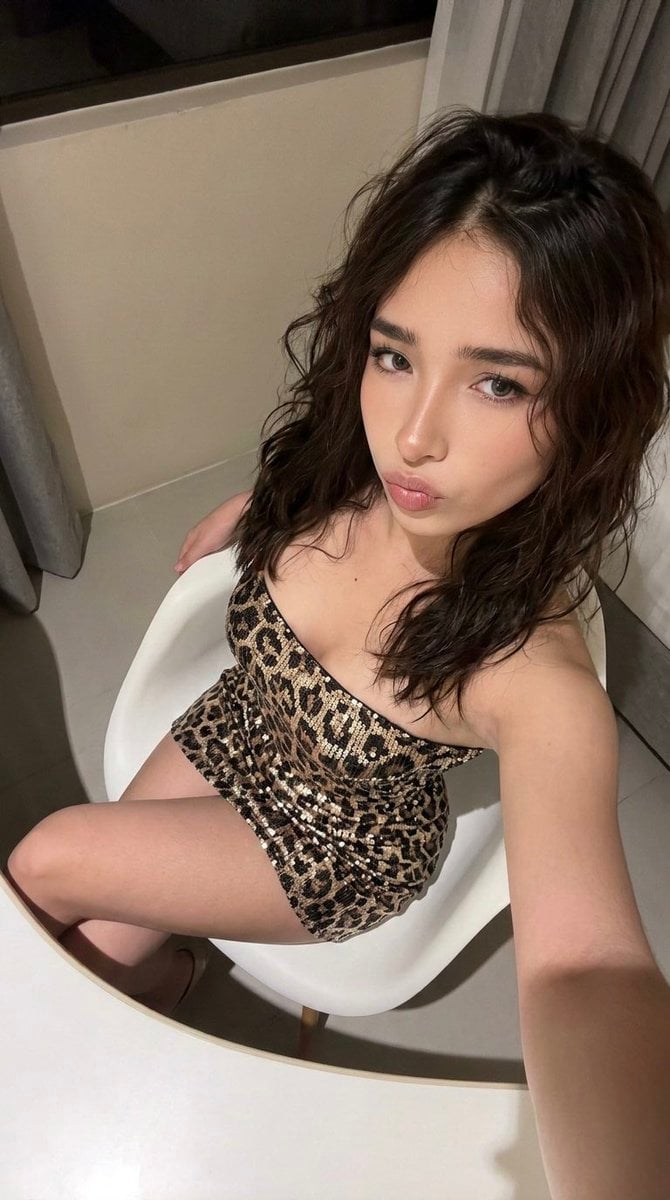
High-Angle Seated Portrait with Leopard Sequined Mini-Dress

Nano Banana Pro Photoreal Playful Couple

Found Photograph: Us, 1970

80s Couple Studio Portrait

80s Bollywood Star

80s Golden Hour Cinema
Make it yours
Photoreal Luxury Bar Portrait (Leopard Dress) works as-is. These are the safest ways to change it without losing the look.
Change one field
Copy a single group, rewrite it, and generate again so you can see what that field is doing.
Keep the frame, change the subject
Hold the composition and light of Photoreal Luxury Bar Portrait (Leopard Dress), then swap wardrobe, props or the person for a new take.
| If the result… | Why | Fix |
|---|---|---|
| The result drifts from the preview | Too many fields changed at once. | Reuse Photoreal Luxury Bar Portrait (Leopard Dress) as-is first, then change one group — subject, light, or setting. |
| The model over-stylizes the scene | The prose prompt leaves finish and camera underspecified. | Add one camera or lighting sentence and stay on Nano Banana 2. |
More Nano Banana 2 templates
Other prompts made for Nano Banana 2.

Photorealistic Leaf Shaped Like a Dragon

K-Pop Idol Portrait Grid for Rapid Selection

Poetic Rain Forest Portrait During Golden Hour

Urban Street Portrait with Cartoon Inner Self Duo

Candid Nighttime Photo with Cat Prompt

High-Concept 3D Diorama Generation Prompt

Cinematic Futuristic Studio Portrait Template

Skincare Editorial Photography Collage Prompt

Hyper-Realistic Commercial Product Photography (Splash Effect)

Hyper-Realistic Nightclub Portrait Prompt
More image prompts
Fresh picks from across the catalog.
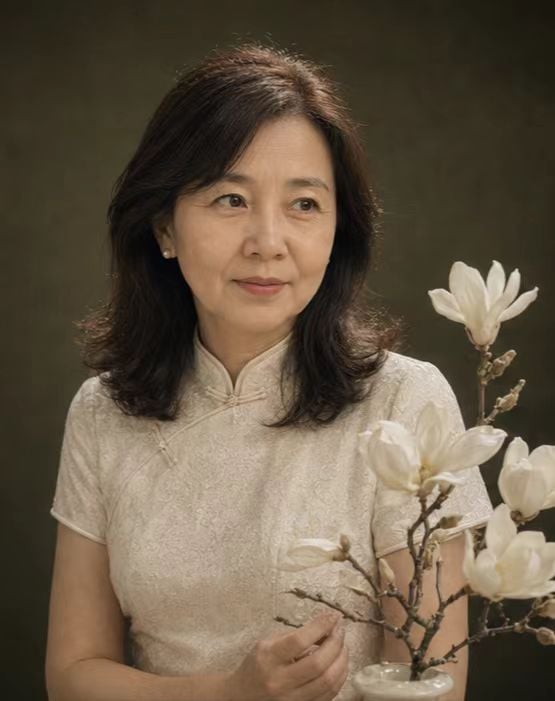
Retro New Chinese Qipao Portrait Grid
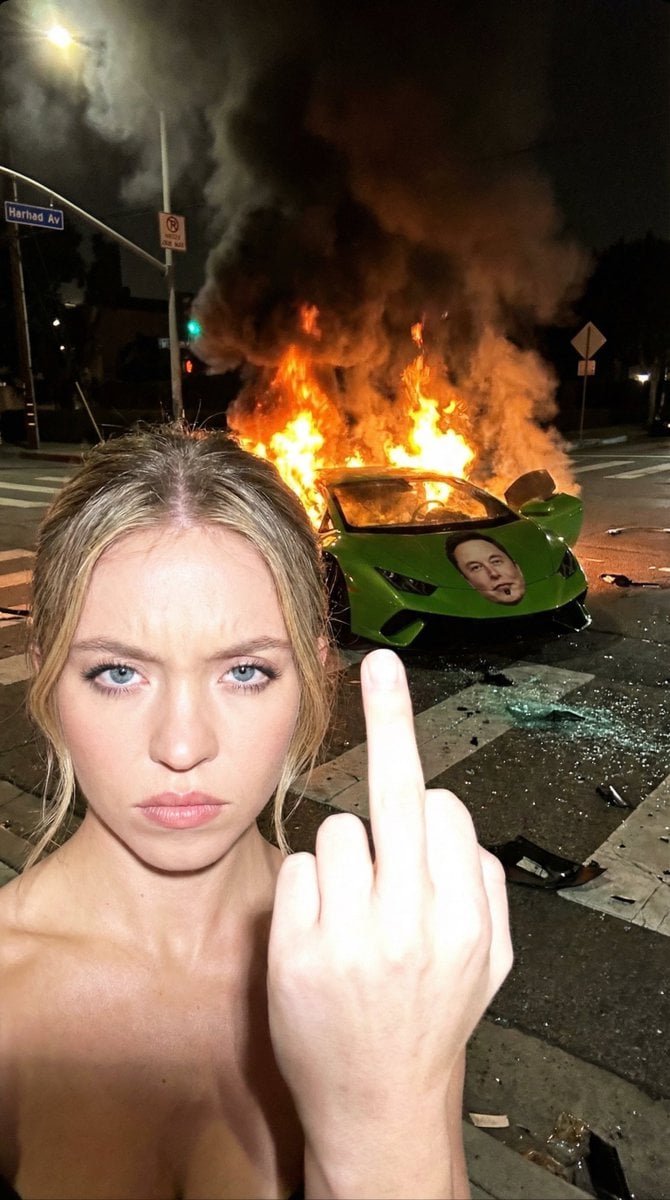
The Crash & The Gesture: Aggressive Street Photography
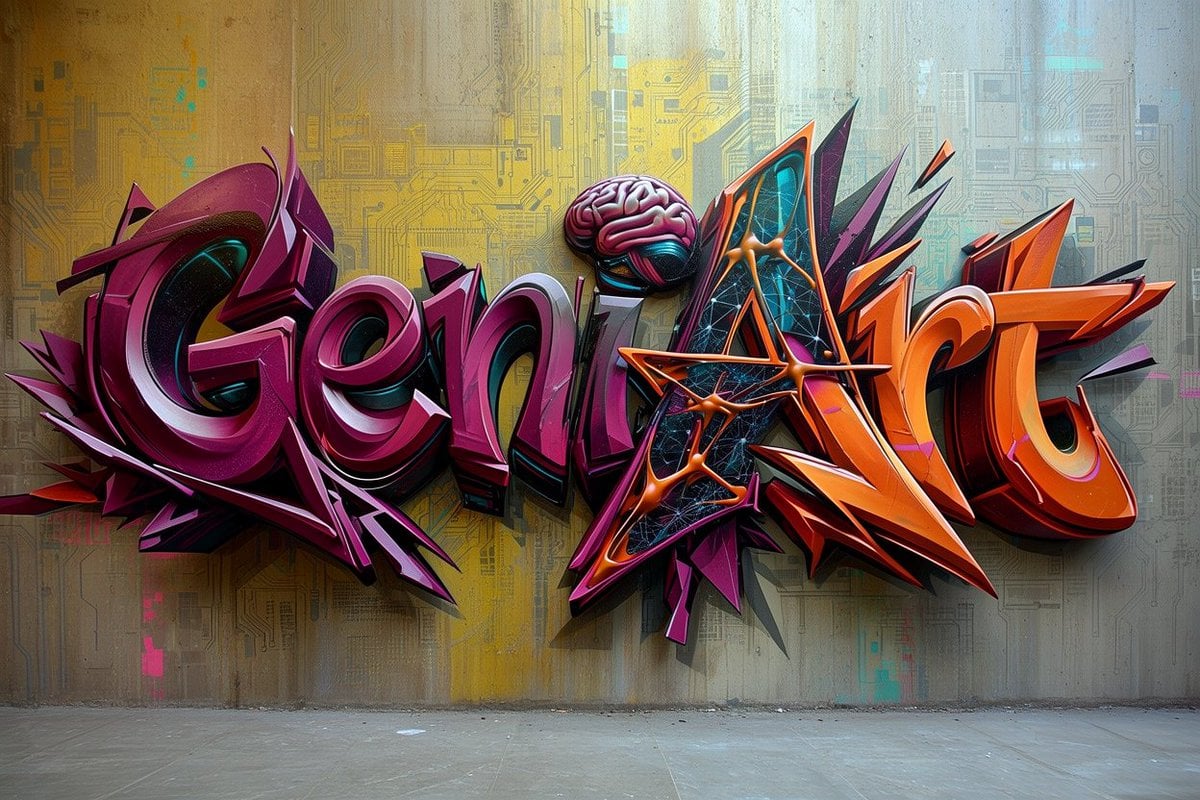
Futuristic 3D Graffiti Mural
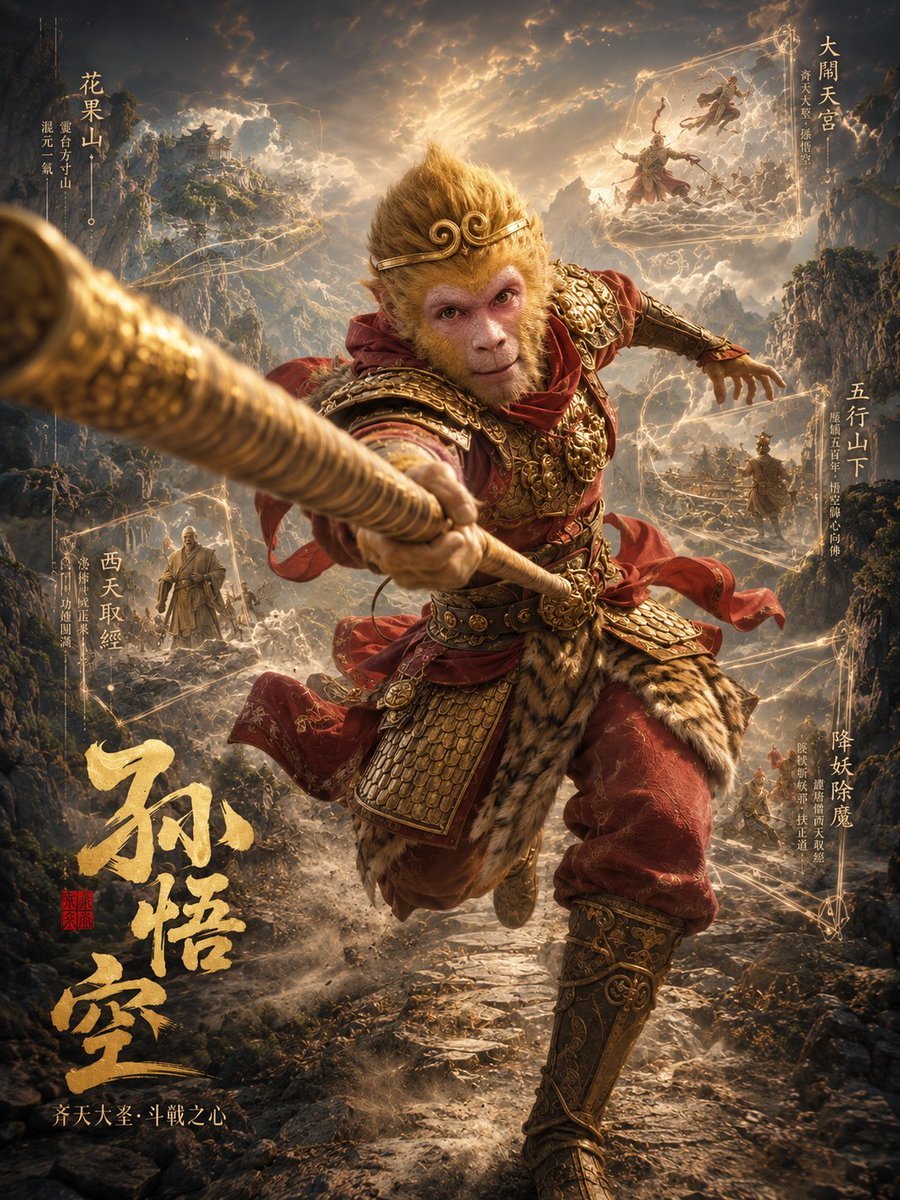
Sun Wukong Epic Fantasy Poster
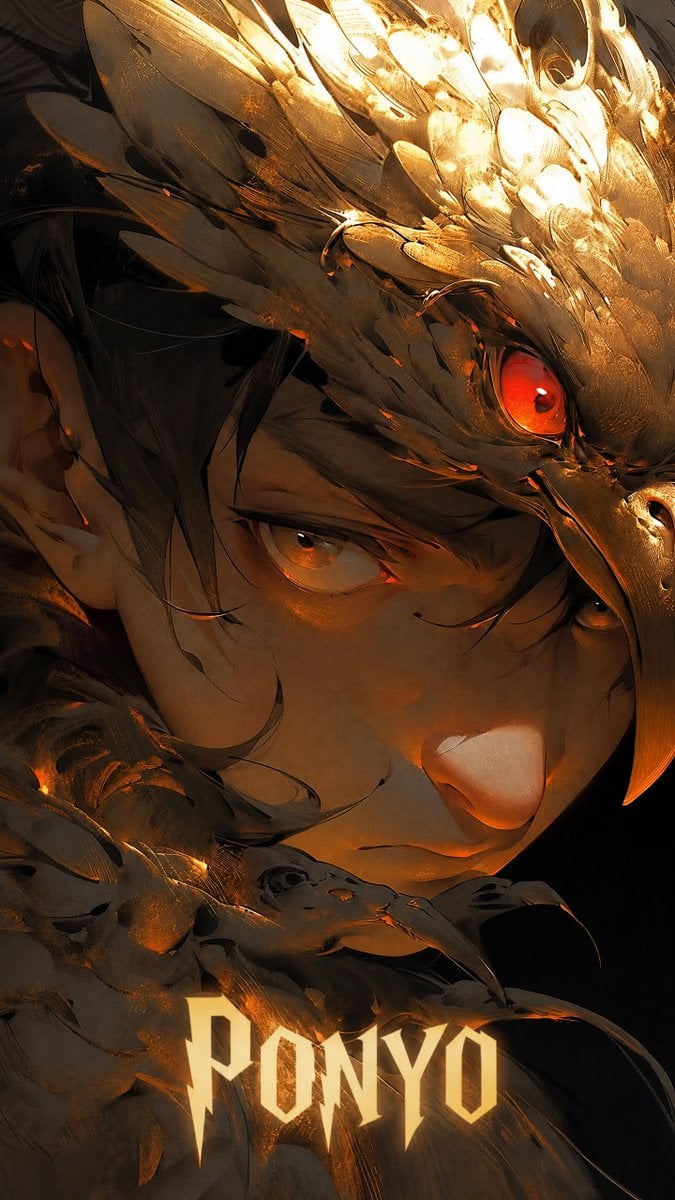
Half-Human Raven God Card Portrait
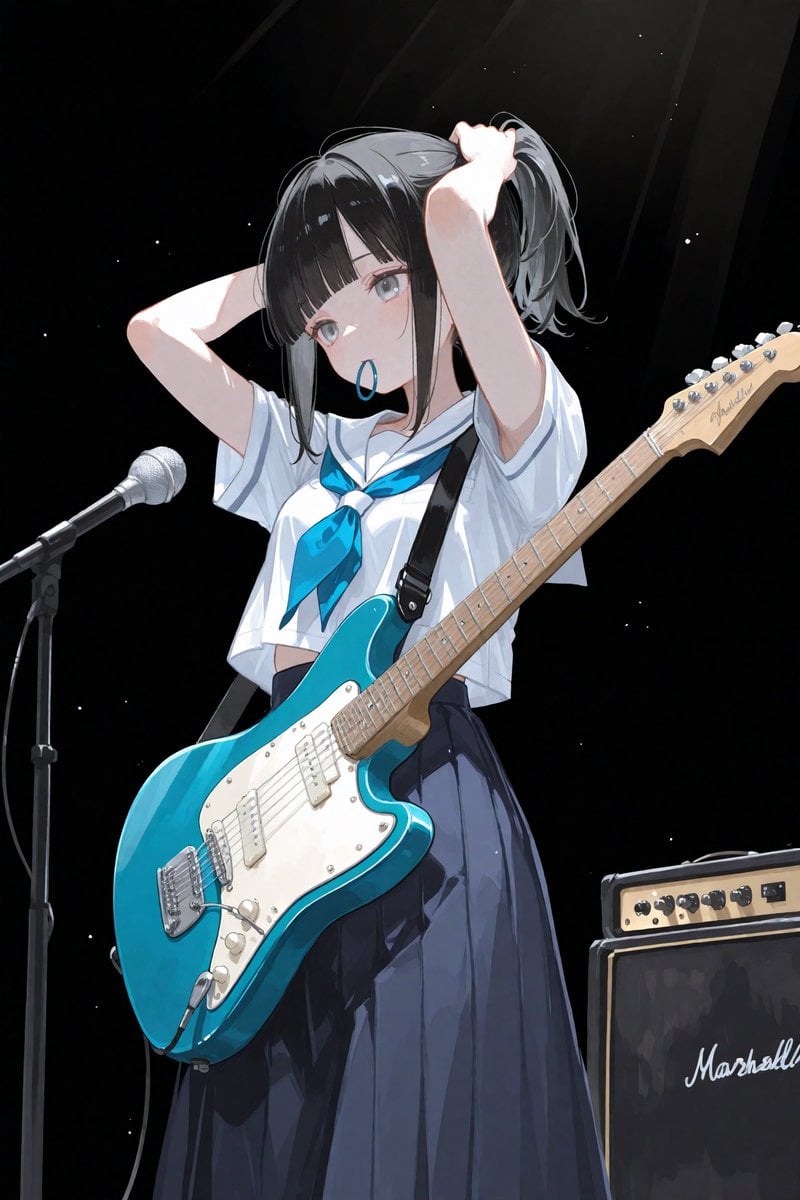
Anime Schoolgirl Guitarist on Stage
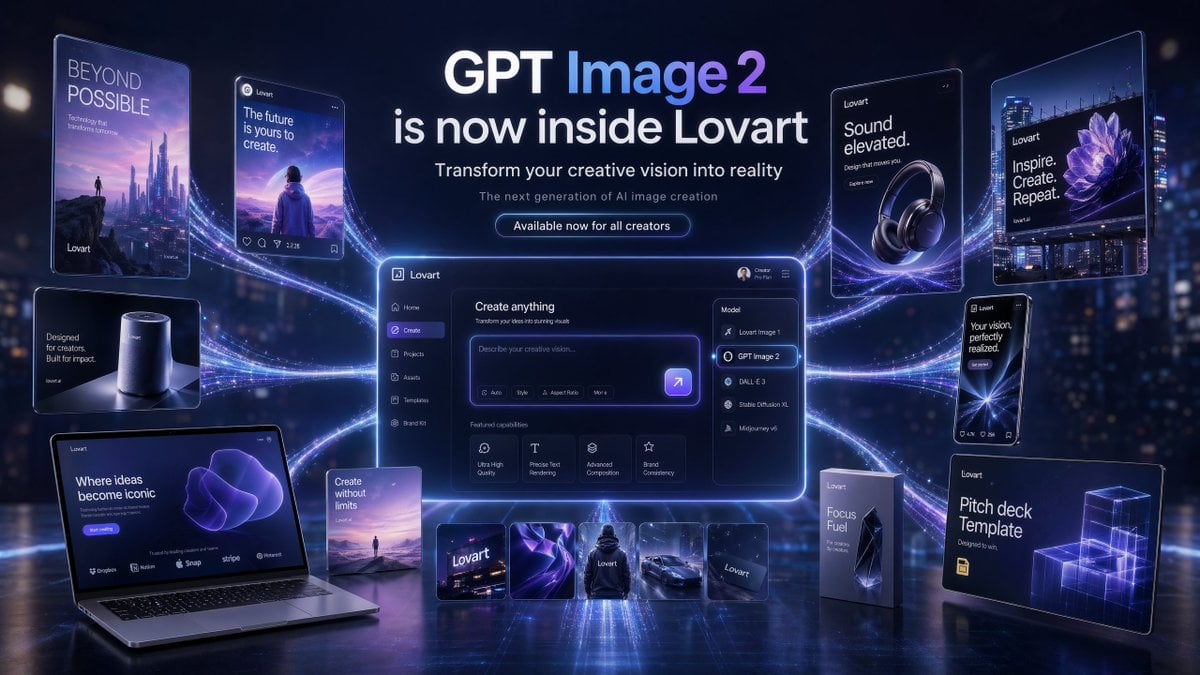
Futuristic GPT Image 2 Launch Banner
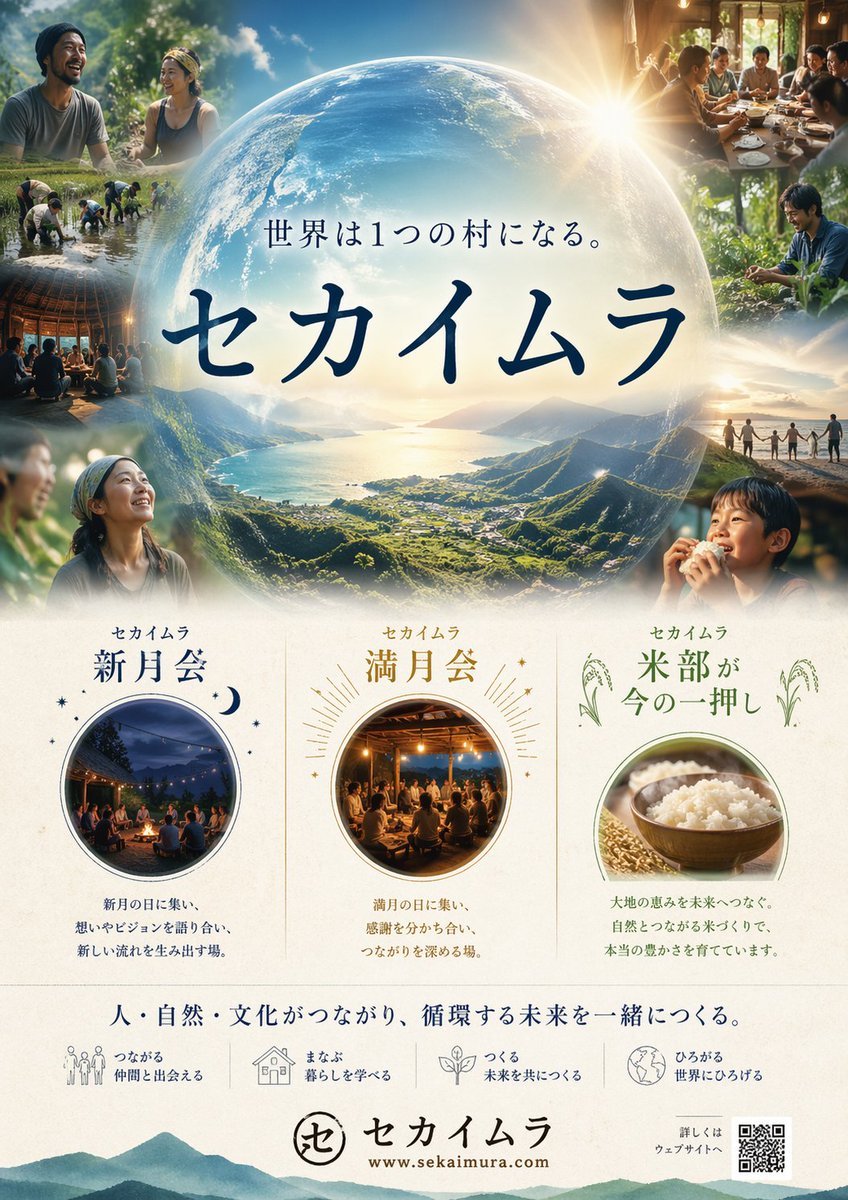
Japanese Eco-Community Promo Poster
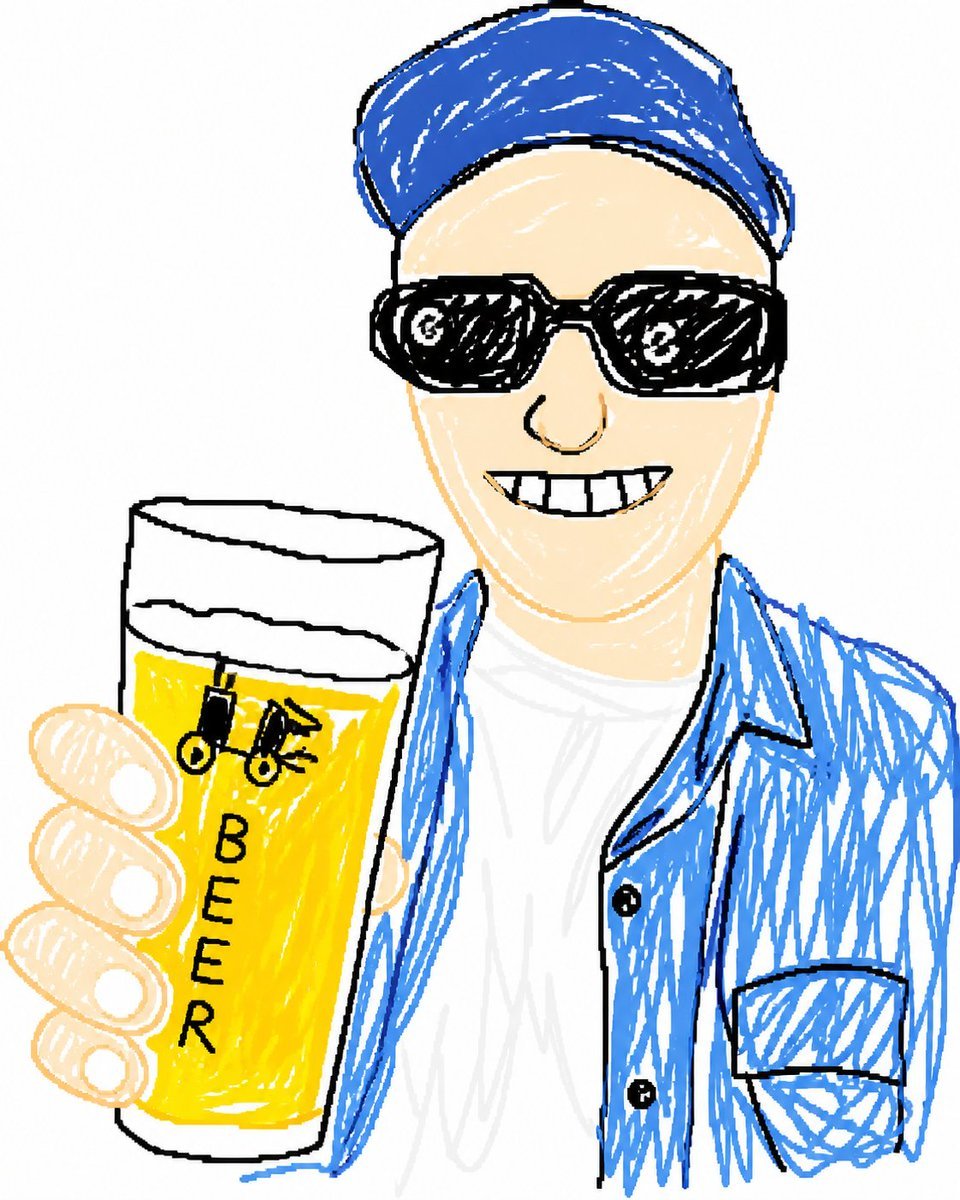
Doodle Beer Selfie Portrait
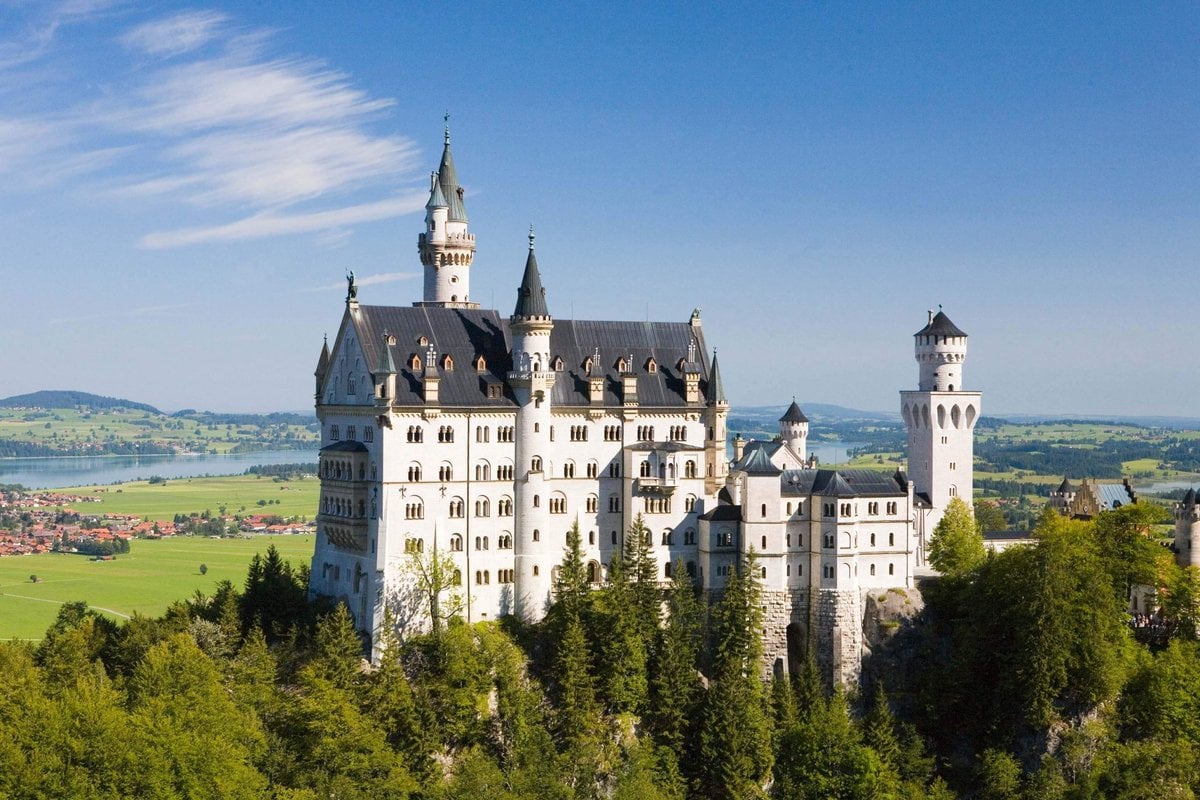
Architectural Blueprint Generation
Browse template categories
Photoreal Luxury Bar Portrait (Leopard Dress) questions
How do I use the Photoreal Luxury Bar Portrait (Leopard Dress) template?
Add your photo if the template asks for one, edit the prompt if you like — the template's model and format are already selected — and press Generate. Your version opens in PicX Studio.
Can I customize the Photoreal Luxury Bar Portrait (Leopard Dress) template?
Yes. You can change the subject, setting, lighting, mood, format, and available model controls before creating your image.
Is the Photoreal Luxury Bar Portrait (Leopard Dress) template free?
Opening and editing this template is free. Generating uses credits, shown on the Generate button when you are signed in.
Which AI model should I use?
Start with Nano Banana 2, which is the model associated with this template. You can compare another compatible model for a different finish.
Looking for something else? Browse all templates.

Your photo, any look
Thousands of ready templates for every top image and video model, from one credit balance.