
Photoreal librarian presenting AI book
This prompt generates a realistic commercial-style portrait of a librarian-like woman presenting an AI-themed book, suitable for promotional book ads or social media marketing visuals.
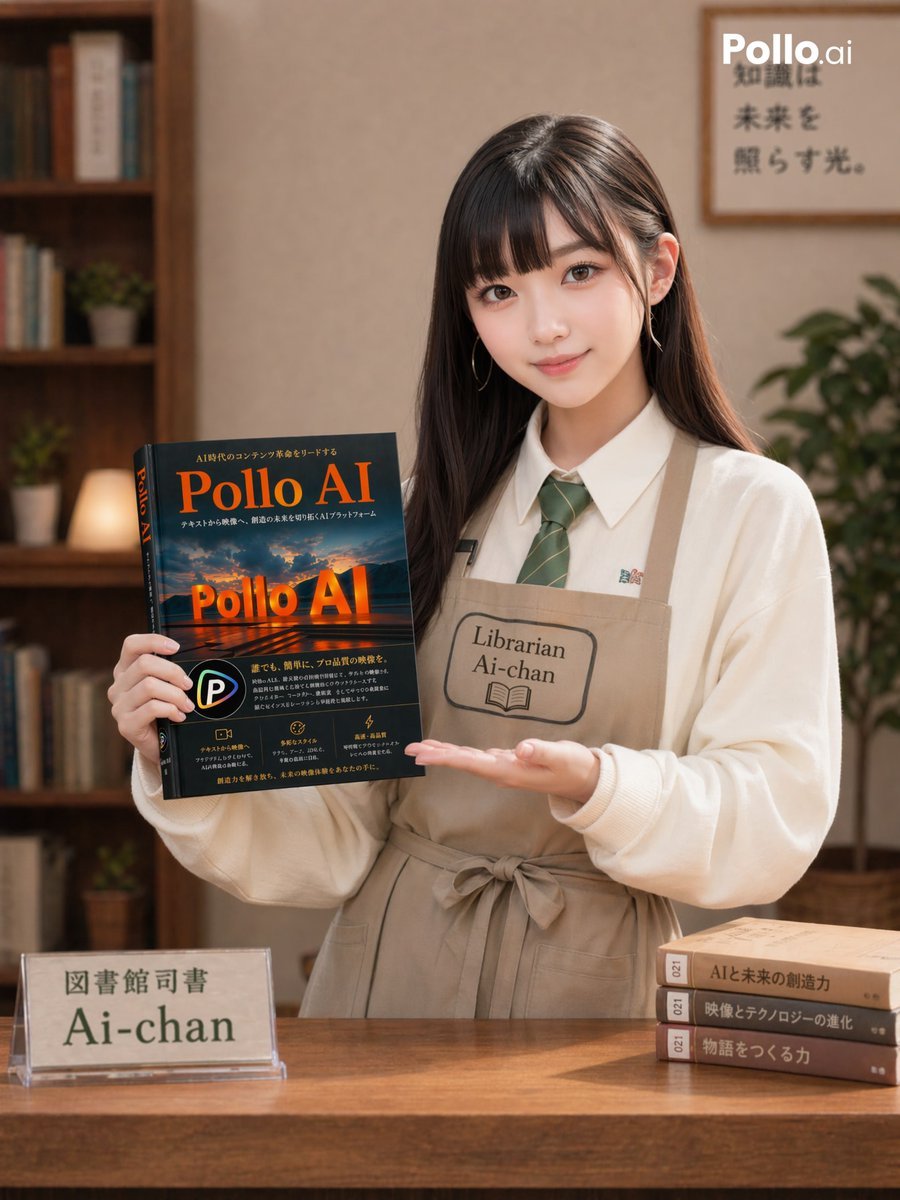
- Prompt included
- Model and format preset
- Free template
The prompt behind this image
Copy the exact prompt behind Photoreal librarian presenting AI book, or open it in the studio and make it yours.
A photorealistic vertical promotional portrait in a cozy modern library or bookstore interior, showing a young East Asian woman standing behind a wooden counter and presenting a large book toward the camera. She has long straight dark brown hair parted near the center, small delicate earrings, and a neat, friendly, professional appearance. She wears a white button-up shirt, a muted green striped necktie, and a beige apron tied at the waist with a stitched name patch reading “Librarian Ai-chan” and a small open-book icon. Her left hand holds the book upright at chest height, angled slightly toward the viewer, while her right hand is open beneath it in a classic product-introduction gesture. The book is the clear focal point: a glossy dark cover with dramatic orange title text reading “Pollo AI” twice, one large at the top and one glowing near the center over a cinematic landscape image, plus smaller Japanese subtitle and feature text and a circular P-style logo near the lower left. Place a transparent acrylic desk sign on the left side of the counter with Japanese text above and the large name “Ai-chan” below. On the right side of the counter, stack exactly 3 hardcover books horizontally, each with numbered spine labels and Japanese titles. In the softly blurred background, include a tall wooden bookshelf on the left with books, small potted plants, and a warm lamp; a framed wall poster on the upper right with Japanese writing; and a leafy indoor plant on the far right. Add a small white “Pollo.ai” watermark in the top-right corner. Use warm ambient lighting, shallow depth of field, soft beige and wood tones, realistic skin and fabric texture, clean commercial composition, and the polished look of a professional lifestyle advertisement for a book or AI-related publication. Keep the framing from mid-thigh to above the head in a portrait 3:4 aspect ratio.
How to use Photoreal librarian presenting AI book in 3 steps
- 1Upload ImagePNG, JPG or paste
Add your photo
Upload the photo the template builds on. The prompt, model and format are already set.
- 2…a portrait of your subject in softgolden-hour light, 85mm…
Personalize
Edit the subject and creative details for your destination.
- 3Generate
Generate
Press Generate — your image is created in PicX Studio, so you can compare it with the original and refine one variable at a time.
More like this
Templates with the same subject, style or setup. Open one to see its prompt.

Photoreal Village Lanterns Minecraft Scene

Photoreal Snow Biome Name Tag UI

Photoreal Selfie Minecraft Block World

Photoreal Selfie Minecraft Village Ghast UI
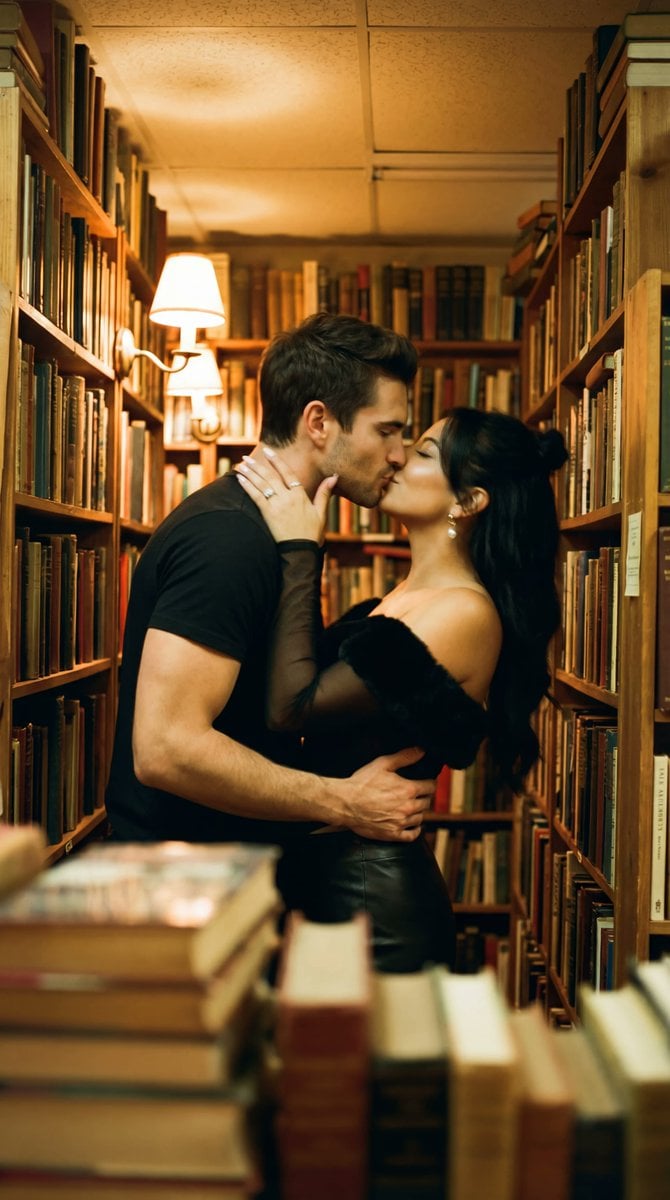
Photorealistic Cinematic Kiss in a Cozy Bookstore Aisle
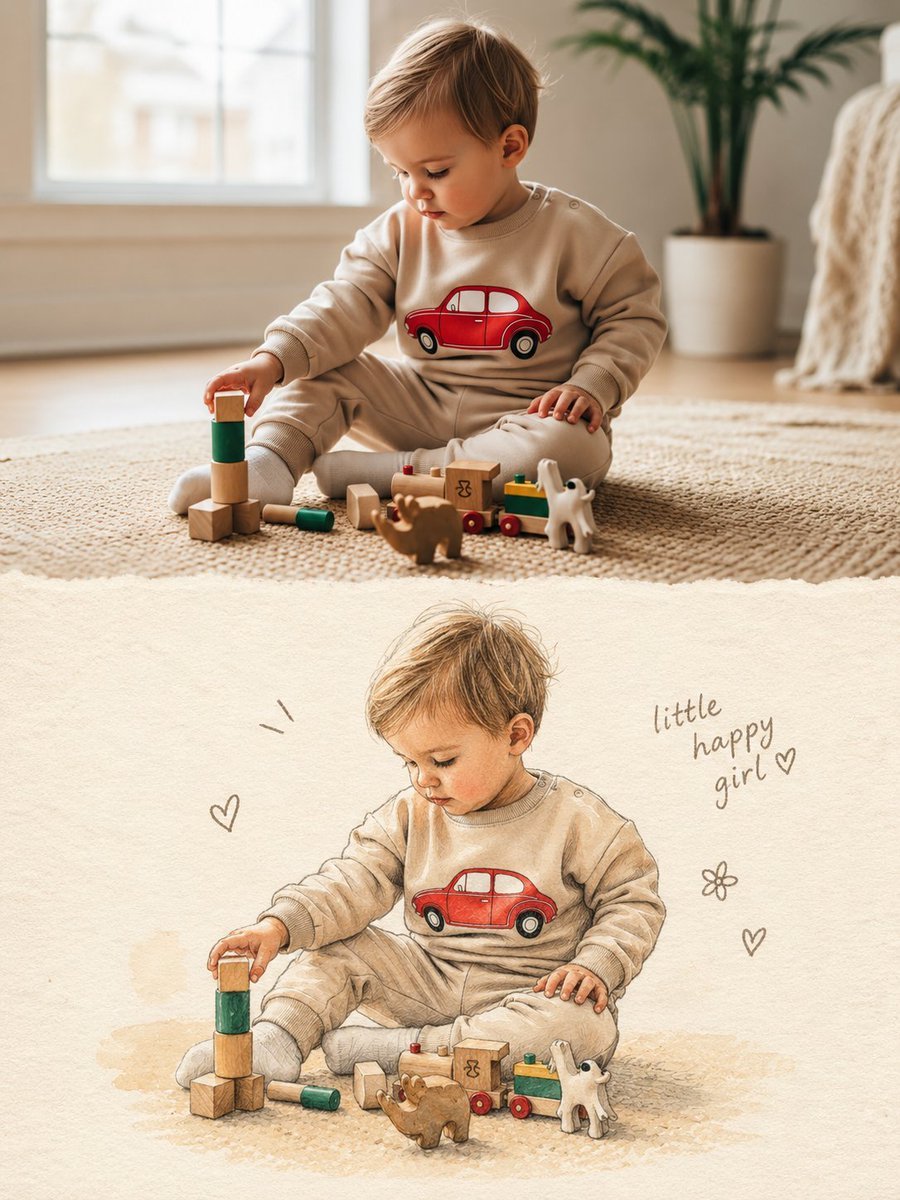
Split Photo and Storybook Illustration
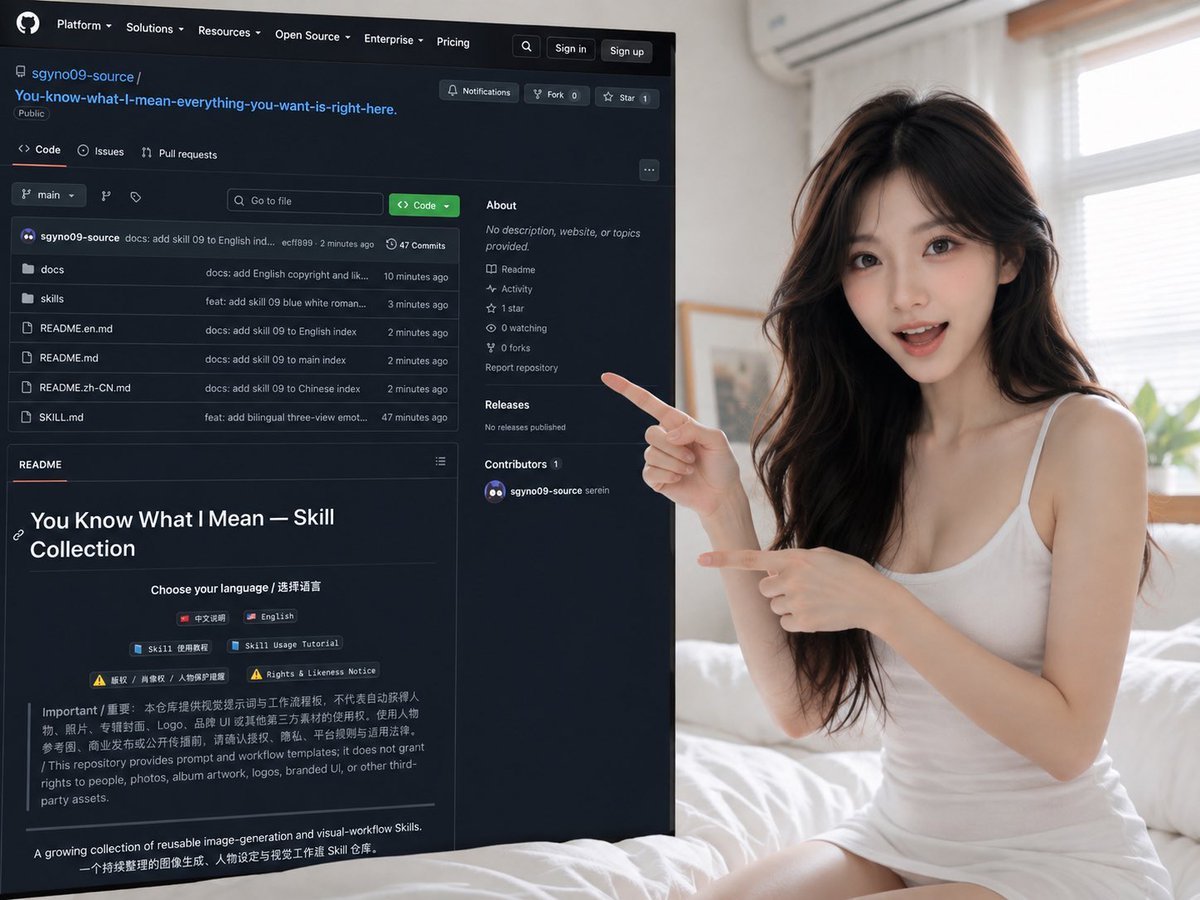
Woman Presenting GitHub Skill Repository
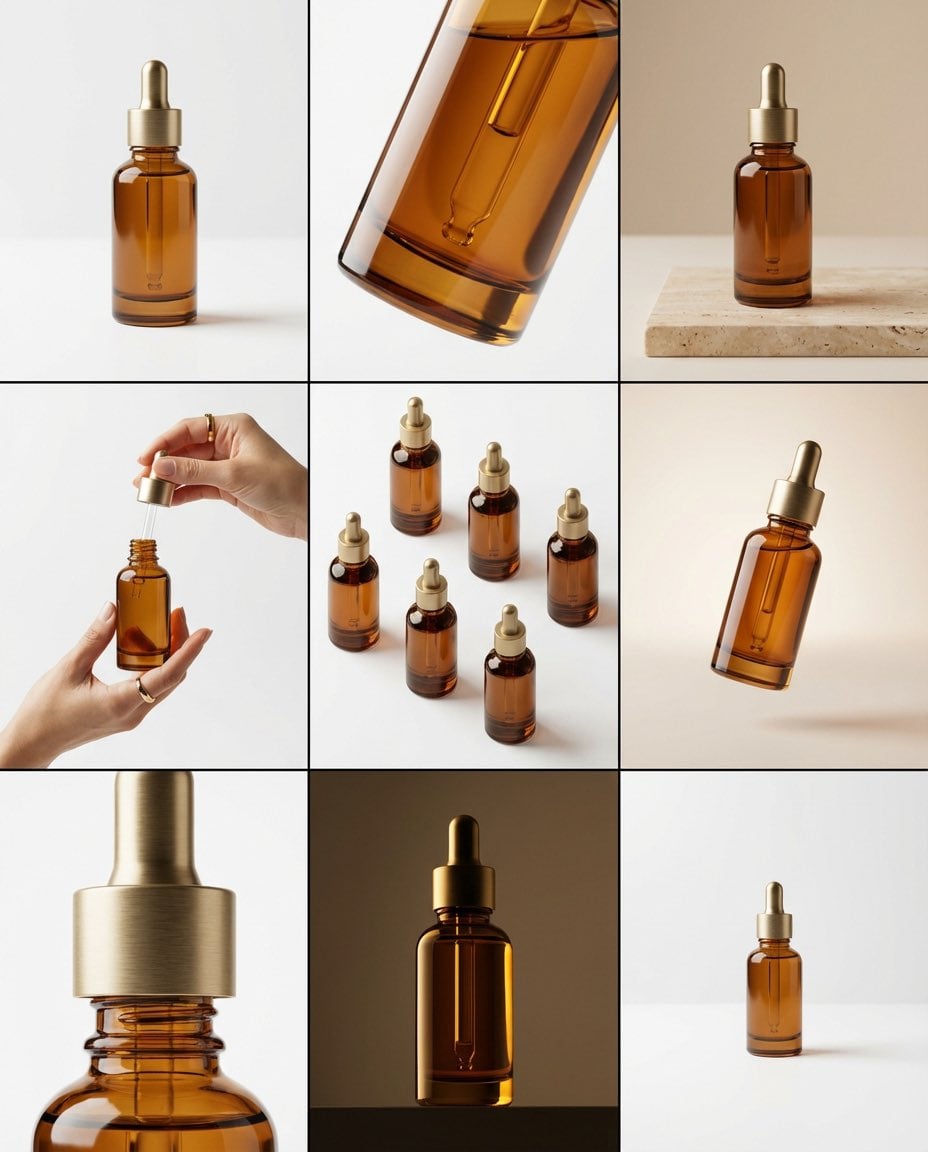
Brand visual storyboard for presenting your product with Nano Banana Pro
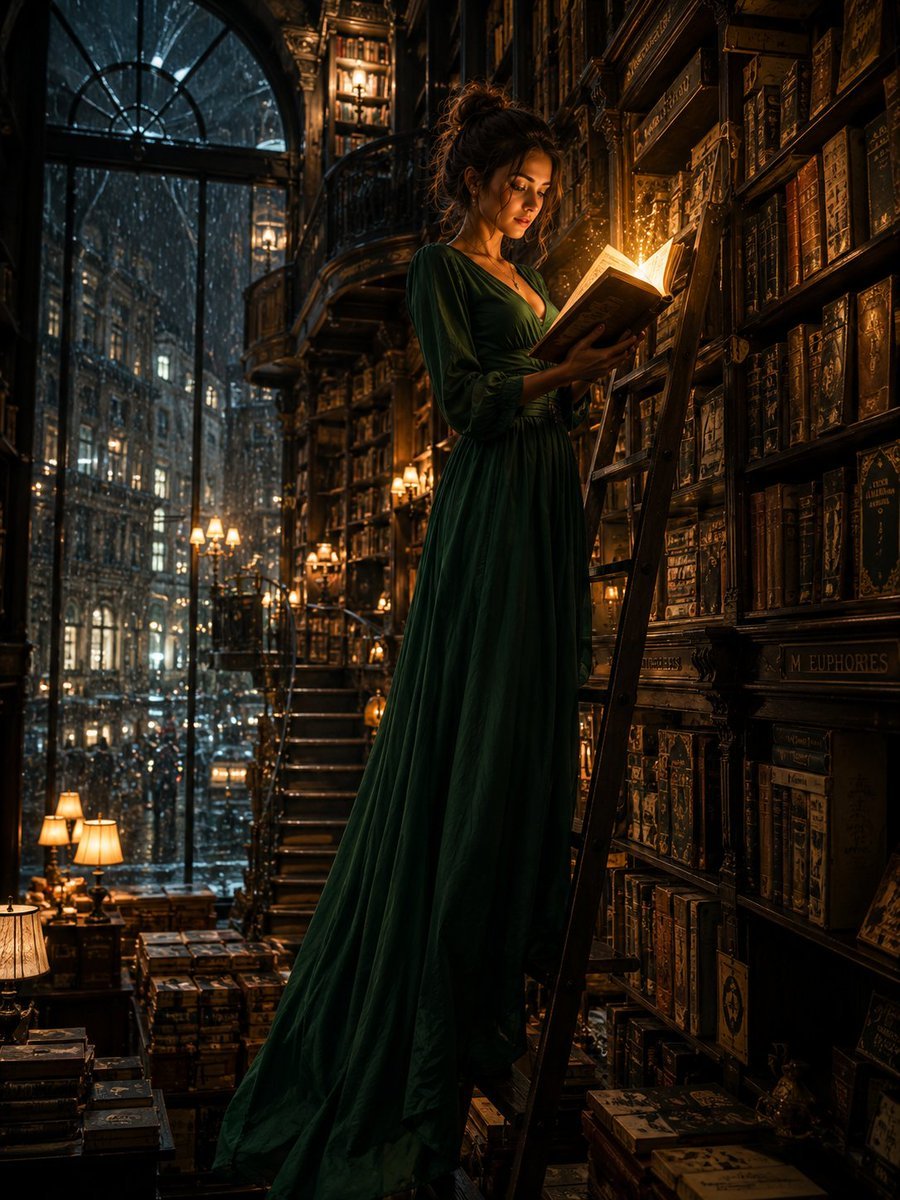
Cinematic Midnight Bookstore Mystery
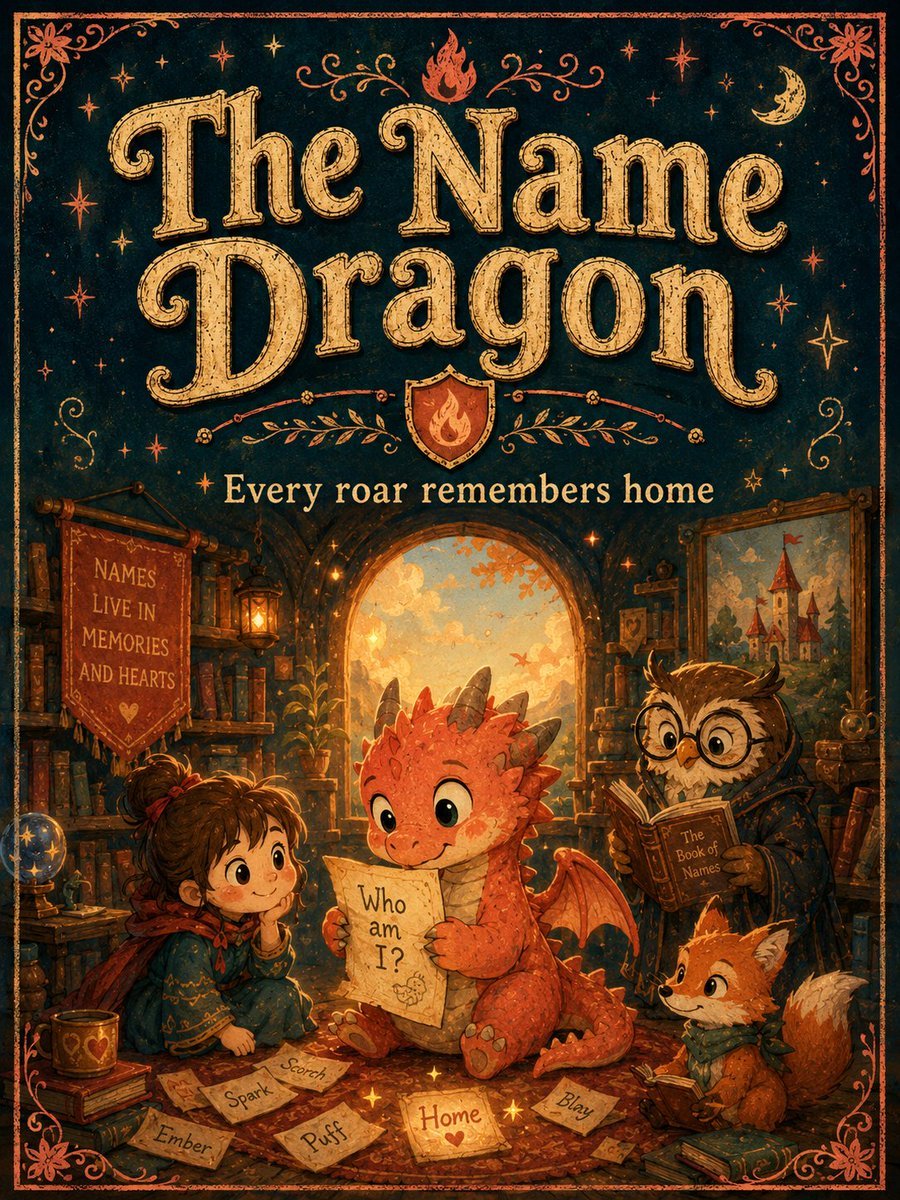
Vintage Name Dragon Storybook Poster

Three Kingdoms Pop-Up Book Scene
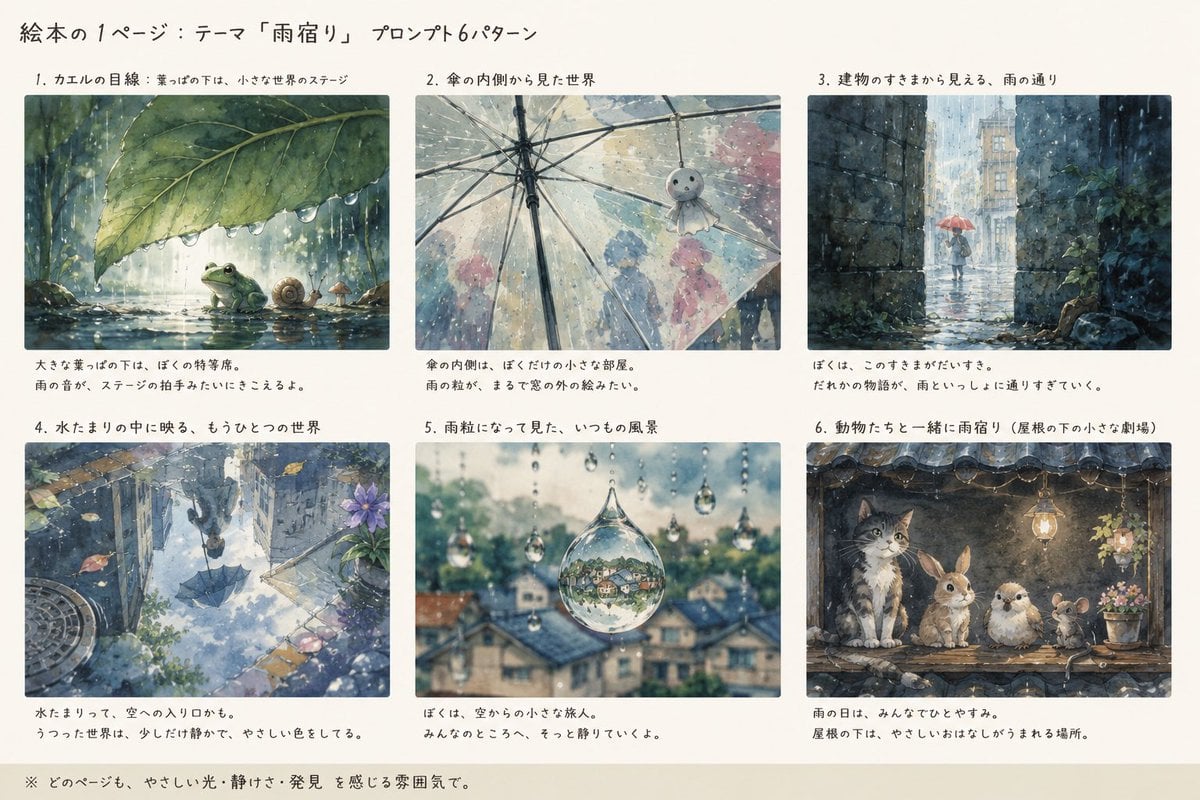
Rain Lodging Picture Book Prompt Sheet
Make it yours
Photoreal librarian presenting AI book works as-is. These are the safest ways to change it without losing the look.
Change one field
Copy a single group, rewrite it, and generate again so you can see what that field is doing.
Keep the frame, change the subject
Hold the composition and light of Photoreal librarian presenting AI book, then swap wardrobe, props or the person for a new take.
| If the result… | Why | Fix |
|---|---|---|
| The result drifts from the preview | Too many fields changed at once. | Reuse Photoreal librarian presenting AI book as-is first, then change one group — subject, light, or setting. |
| The model over-stylizes the scene | The prose prompt leaves finish and camera underspecified. | Add one camera or lighting sentence and stay on GPT Image 2. |
More GPT Image 2 templates
Other prompts made for GPT Image 2.

Six VTuber Japanese Logo Sheet

Realistic Portrait of Woman and Deer

The Vista Modular Condo Poster

AI Model Routing Comparison Infographic

2.5D Anime Art Board

Isometric Productivity Desk Scene

New York Double Exposure Poster

Four-Panel AI Landscape Comparison

Japanese Tatami Lifestyle Magazine Cover

NESCAFÉ Coffee Map Poster
More image prompts
Fresh picks from across the catalog.

Cinematic Jeep Driver Portrait Prompt with Face Match
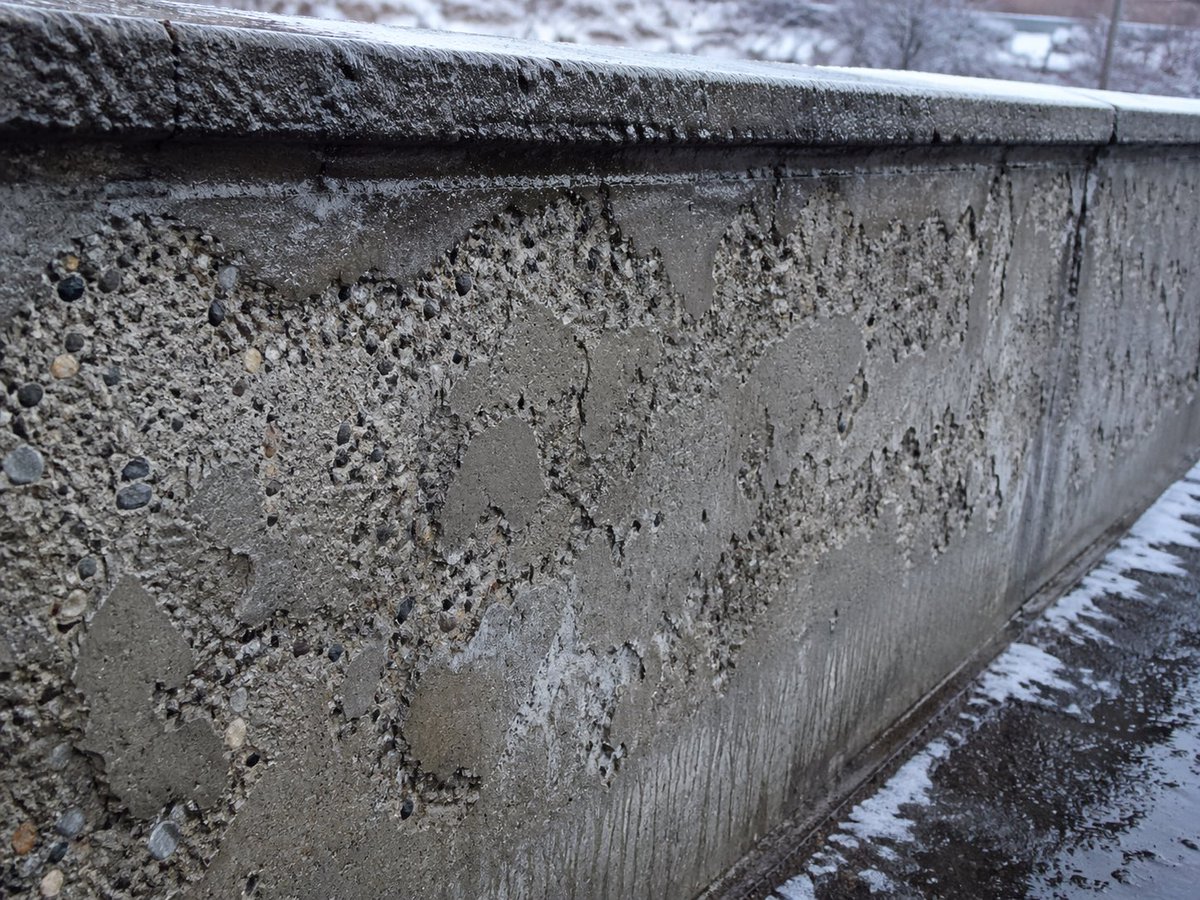
Winter Concrete Salt Damage Close-Up
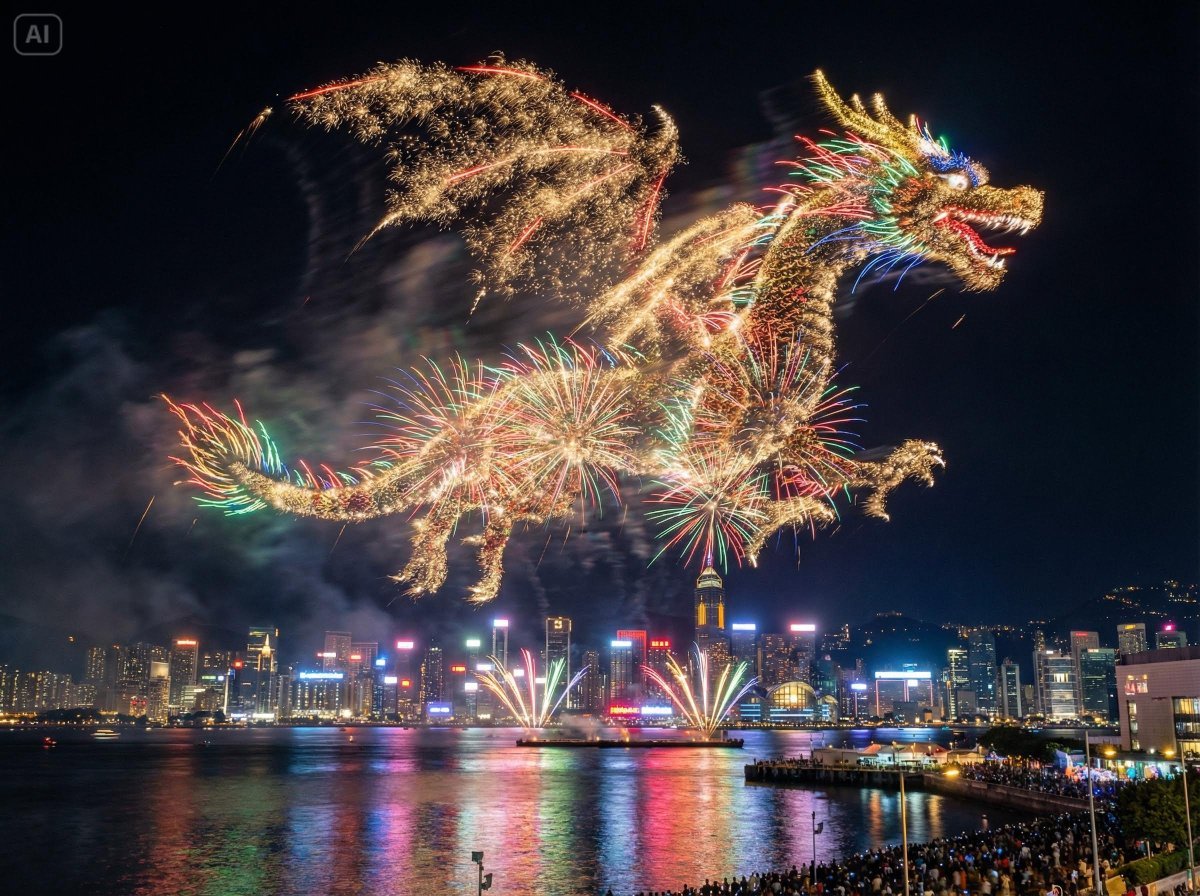
Photorealistic Fireworks Display Prompt for Dreamina AI

Chinese Ink Animation Poster Style
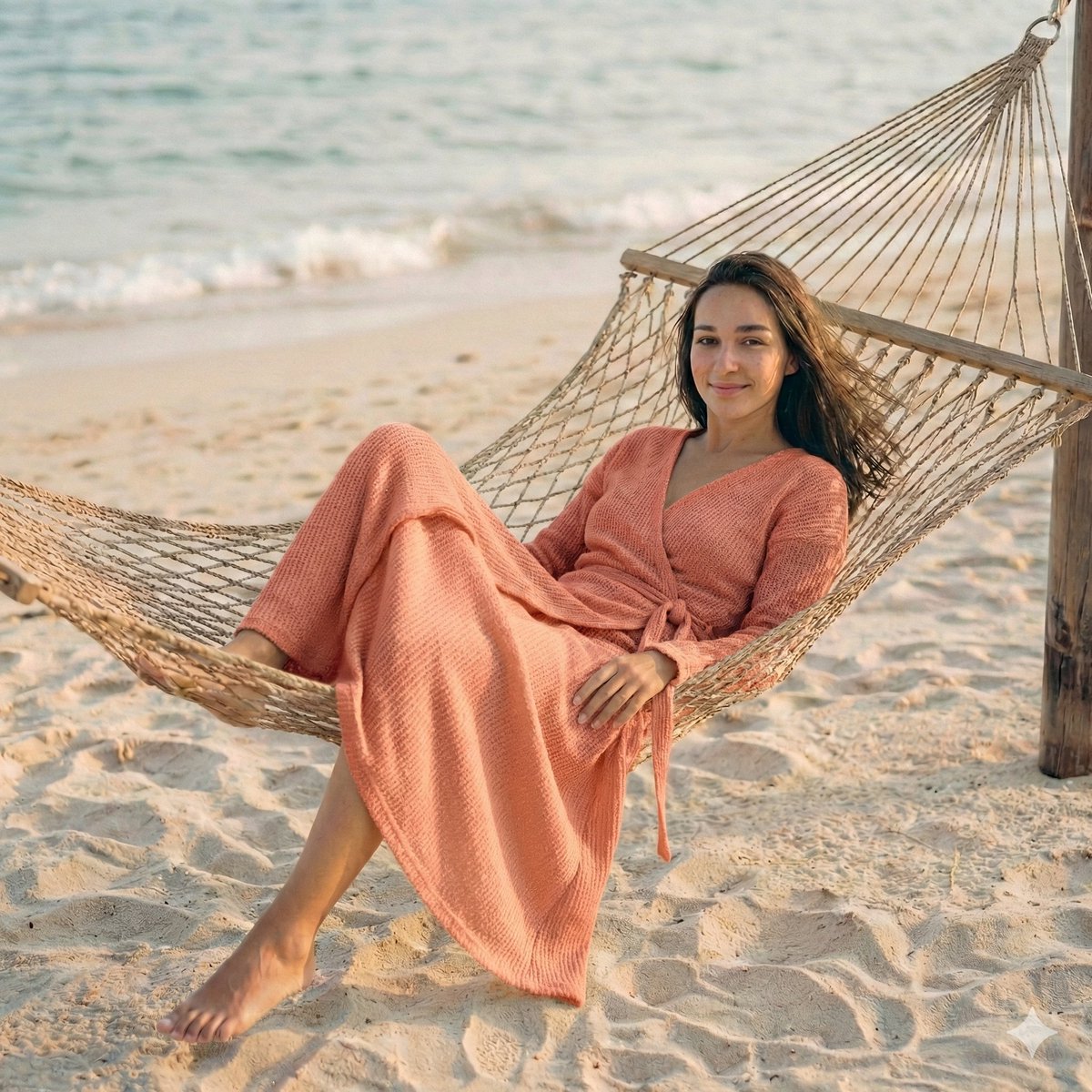
Hyper-Realistic Cinematic Beach Portrait Prompt (Duplicate)
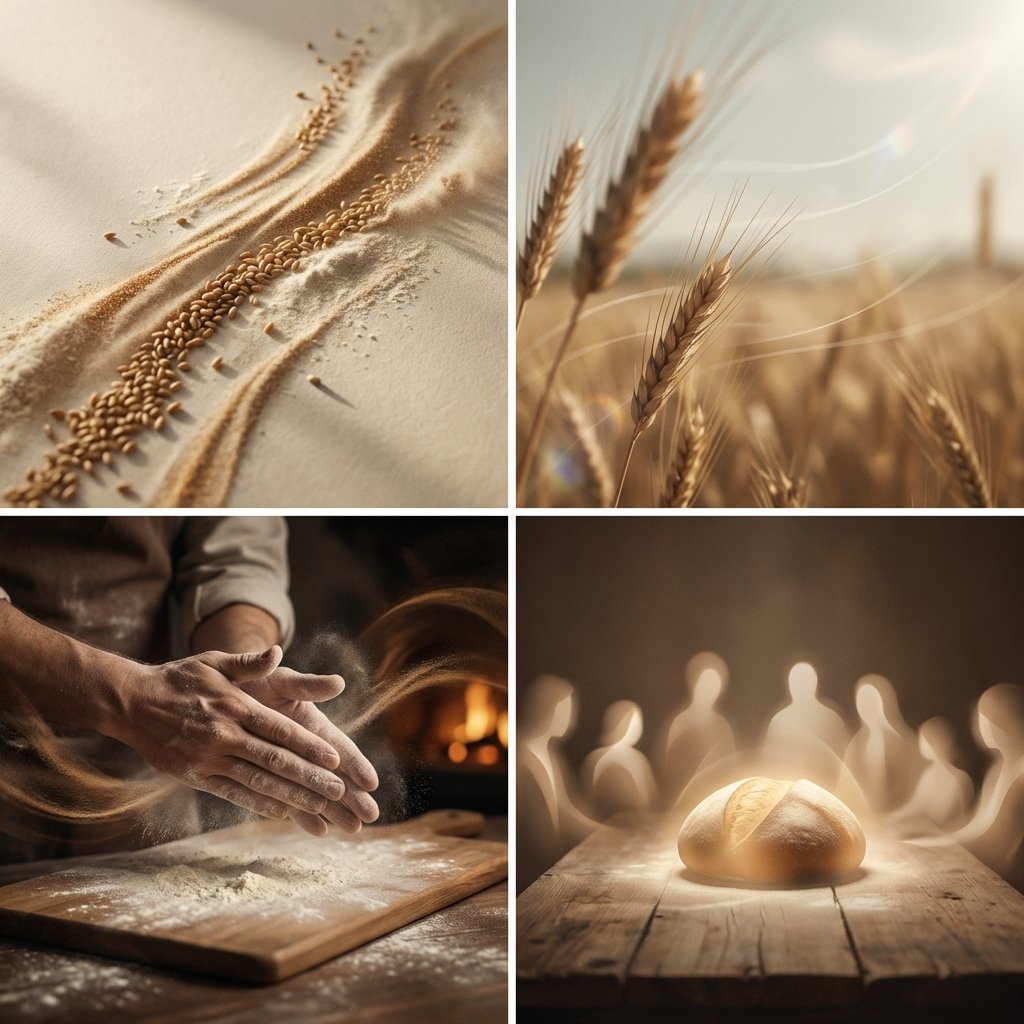
Conceptual Visual Storytelling Asset Prompt
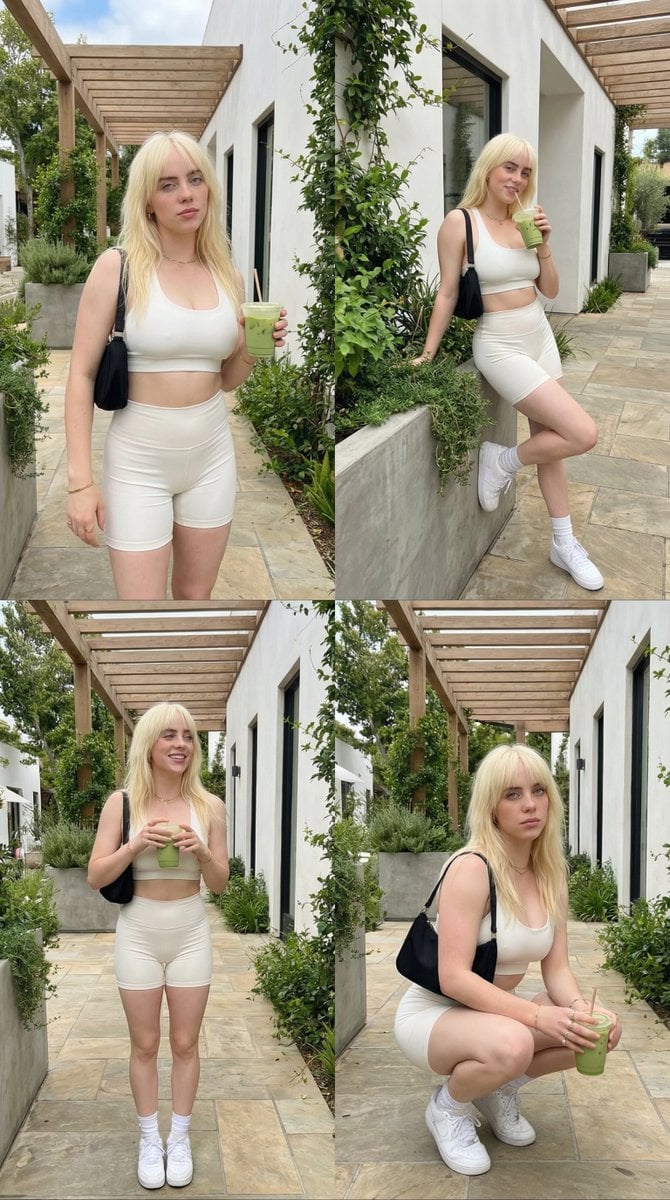
2x2 Grid Lifestyle Fashion Collage
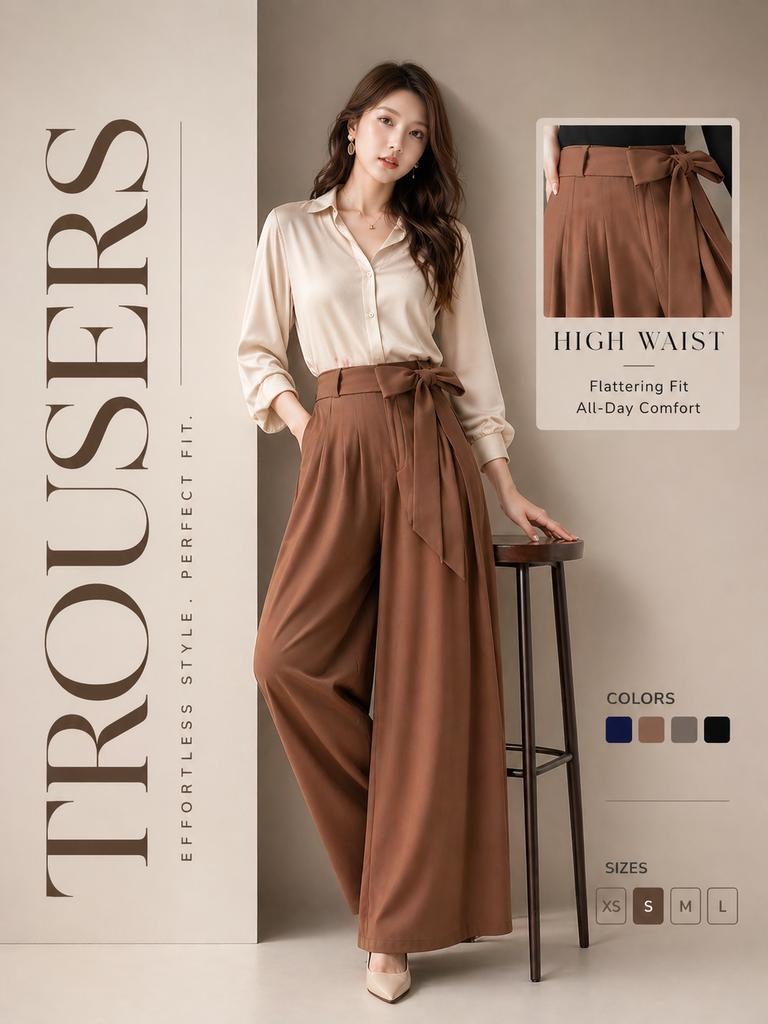
High-End Trousers Advertising Poster
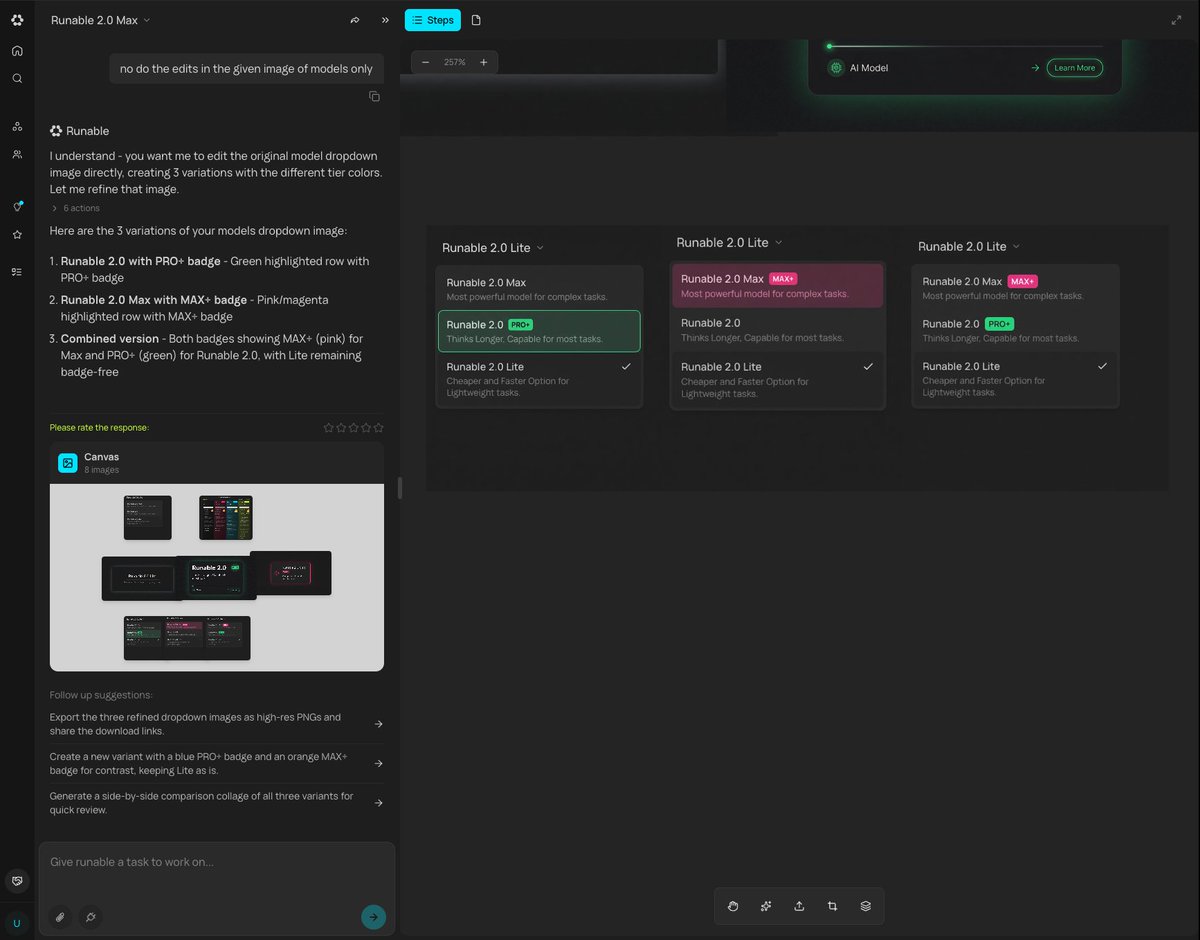
Generating Multiple Runnable Modes/States

Surreal Comedy Portrait with Miniatures
Browse template categories
Photoreal librarian presenting AI book questions
How do I use the Photoreal librarian presenting AI book template?
Add your photo if the template asks for one, edit the prompt if you like — the template's model and format are already selected — and press Generate. Your version opens in PicX Studio.
Can I customize the Photoreal librarian presenting AI book template?
Yes. You can change the subject, setting, lighting, mood, format, and available model controls before creating your image.
Is the Photoreal librarian presenting AI book template free?
Opening and editing this template is free. Generating uses credits, shown on the Generate button when you are signed in.
Which AI model should I use?
Start with GPT Image 2, which is the model associated with this template. You can compare another compatible model for a different finish.
Looking for something else? Browse all templates.

Your photo, any look
Thousands of ready templates for every top image and video model, from one credit balance.