
Rain Lodging Picture Book Prompt Sheet
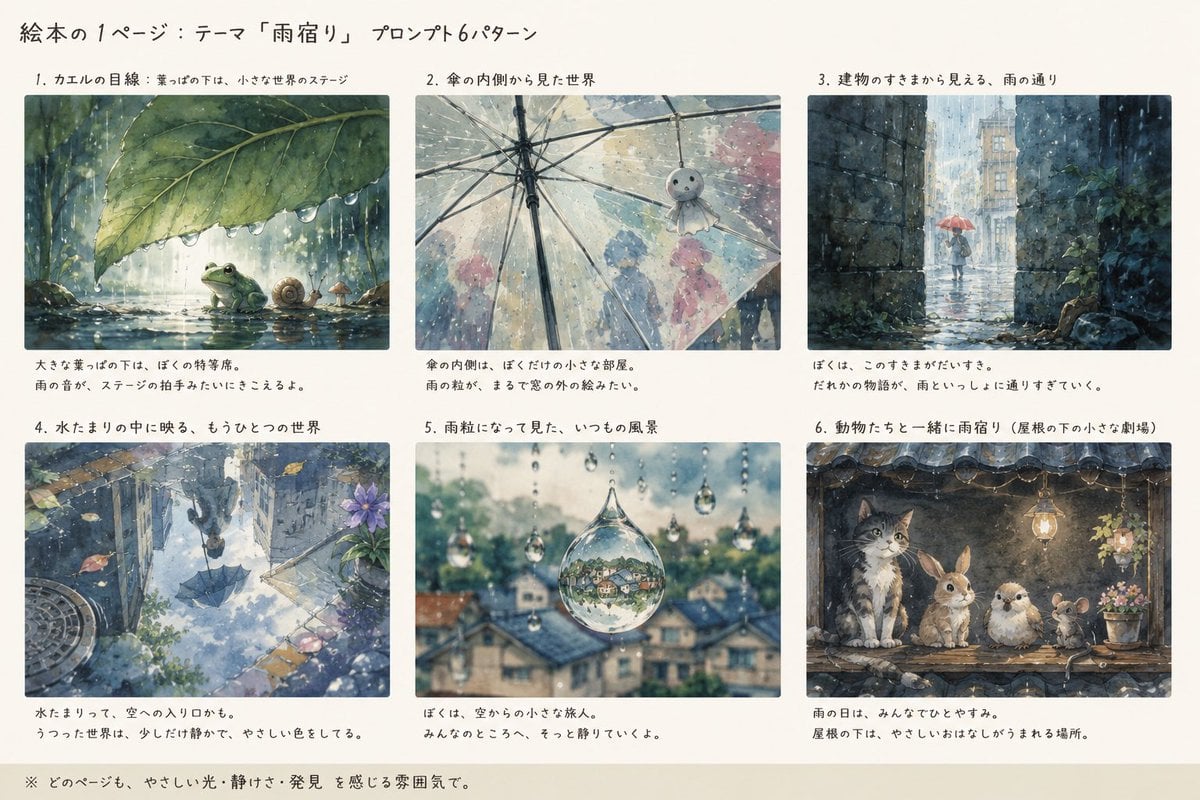
Creates a Japanese watercolor concept sheet with six picture-book prompt variations about sheltering from the rain.
- Prompt included
- Model and format preset
- Premium template
The prompt behind this image
Copy the exact prompt behind Rain Lodging Picture Book Prompt Sheet, or open it in the studio and make it yours.
Goal: Create a horizontal illustrated concept sheet for a picture book page, showing exactly 6 prompt variations for the theme {argument name="theme" default="rain lodging"}, with Japanese handwritten-style headings and captions. Canvas: Wide 16:9 off-white paper background, like a printed presentation page. Use a soft watercolor picture-book style, gentle rain atmosphere, quiet discovery, warm muted colors, delicate ink outlines, natural paper texture, no photorealism. Main title: At the top left, write in Japanese: 「絵本の1ページ:テーマ『雨宿り』プロンプト6パターン」. Use casual handwritten black text. Layout: Arrange exactly 6 rectangular watercolor image panels in a clean 3 columns × 2 rows grid. Each panel has a numbered Japanese title above it and a short two-line Japanese caption below it. Keep generous margins, consistent spacing, and the feel of a design board or prompt-comparison sheet. Panel 1: Title 「1. カエルの目線:葉っぱの下は、小さな世界のステージ」. Image: low frog-eye viewpoint under a large green leaf during rain; raindrops bead along the leaf edge, a green frog sits beside a small snail and tiny mushroom on wet ground, soft forest background and reflected water. Caption: 「大きな葉っぱの下は、ぼくの特等席。雨の音が、ステージの拍手みたいにきこえるよ。」 Panel 2: Title 「2. 傘の内側から見た世界」. Image: view from inside a transparent umbrella, with umbrella ribs visible as strong black lines; blurred silhouettes of people and pastel umbrellas outside in the rain, and a small hanging teru teru bozu charm near the right side. Caption: 「傘の内側は、ぼくだけの小さな部屋。雨の粒が、まるで窓の外の絵みたい。」 Panel 3: Title 「3. 建物のすきまから見える、雨の通り」. Image: narrow dark stone passage or alley framing a rainy street beyond; a small child or figure with a red umbrella walks away in the distance, city buildings softened by rain, ivy on the wall. Caption: 「ぼくは、このすきまがだいすき。だれかの物語が、雨というしおりを通りすぎていく。」 Panel 4: Title 「4. 水たまりの中に映る、もうひとつの世界」. Image: reflective puddle on a city path showing an upside-down rainy world: buildings, umbrella silhouette, sky, leaves, flowers, and manhole details around the puddle edge. Caption: 「水たまりって、空への入り口かも。うつった世界は、少しだけ静かで、やさしい色をしてる。」 Panel 5: Title 「5. 雨粒になって見た、いつもの風景」. Image: close-up of hanging raindrops, with one large central droplet containing an inverted miniature village reflection; blurred rooftops and greenery in the background, shallow depth of field, sparkling rain. Caption: 「ぼくは、空からの小さな旅人。みんなのところへ、そっと降りていくよ。」 Panel 6: Title 「6. 動物たちと一緒に雨宿り(屋根の下の小さな劇場)」. Image: under an old tiled roof or eave, exactly 4 animals shelter together from the rain: a tabby cat, a rabbit, a small round bird, and a mouse. Warm hanging lantern light, potted flowers on the side, raindrops falling from the roof edge, cozy theatrical composition. Caption: 「雨の日は、みんなでひとやすみ。屋根の下は、やさしいおはなしがうまれる場所。」 Footer note: Along the bottom left, write in Japanese: 「※ どのページも、やさしい光・静けさ・発見を感じる雰囲気で。」 Constraints: Include exactly 6 panels and exactly the 4 animals listed in panel 6. Keep all visible text in Japanese as specified, handwritten and legible. Avoid extra logos, watermarks, modern UI elements, or additional panels. The overall mood should be gentle, poetic, rainy, quiet, and suitable for a children’s picture book concept sheet.
How to use Rain Lodging Picture Book Prompt Sheet in 3 steps
- 1Upload ImagePNG, JPG or paste
Add your photo
Upload the photo the template builds on. The prompt, model and format are already set.
- 2…a portrait of your subject in softgolden-hour light, 85mm…
Personalize
Edit the subject and creative details for your destination.
- 3Generate
Generate
Press Generate — your image is created in PicX Studio, so you can compare it with the original and refine one variable at a time.
More like this
Templates with the same subject, style or setup. Open one to see its prompt.

Meet Me When It Rains
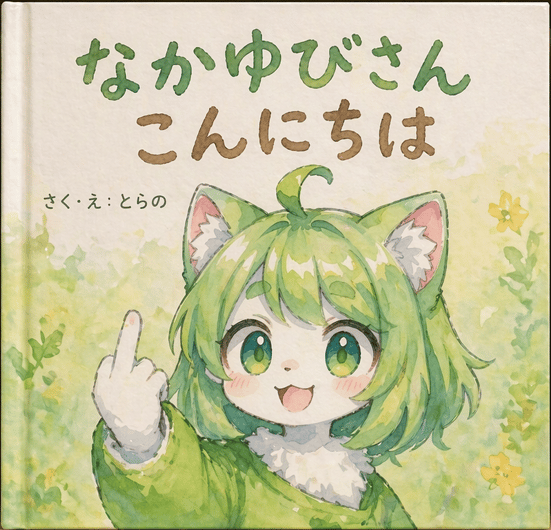
Watercolor Picture Book Cover
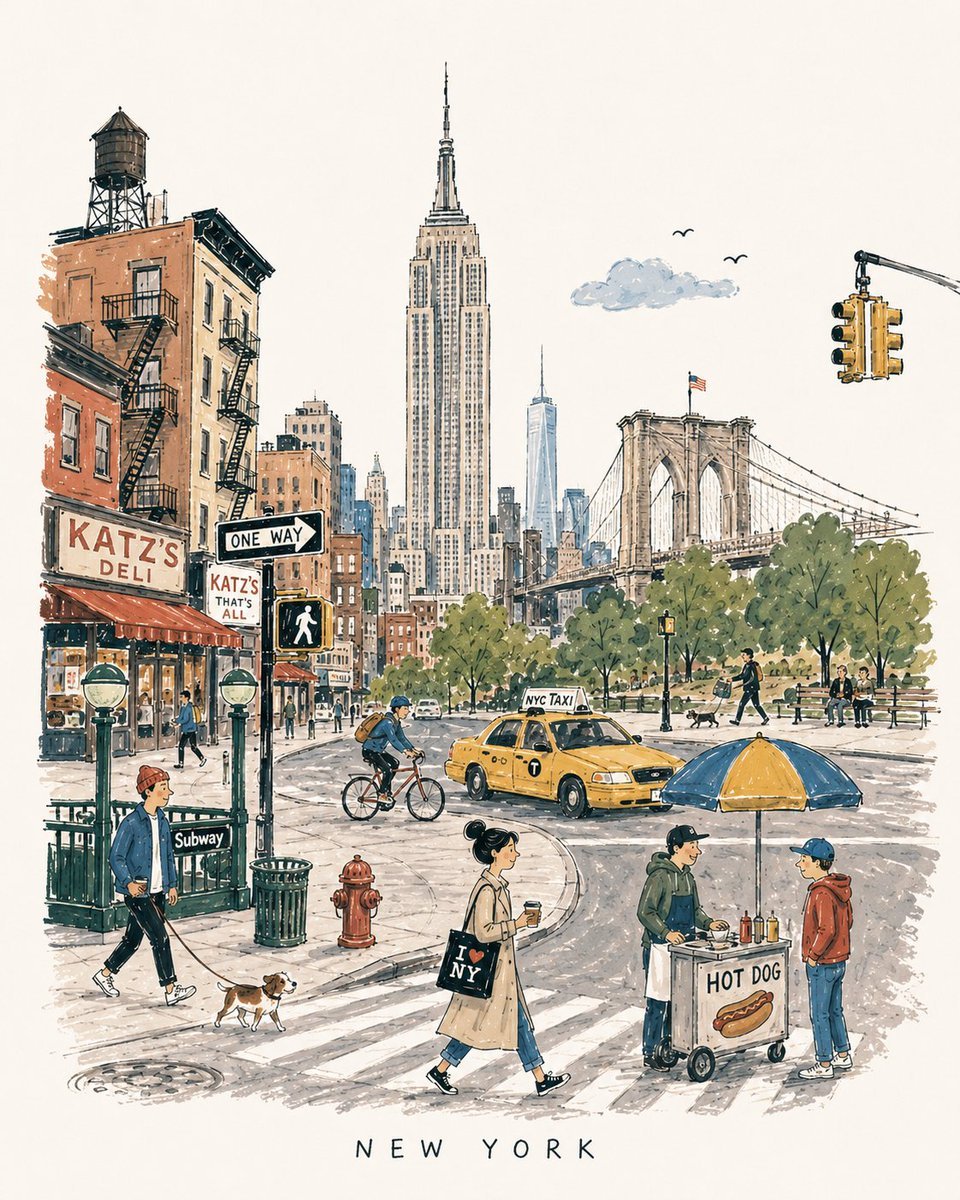
Mid-Century City Travel Picture Book
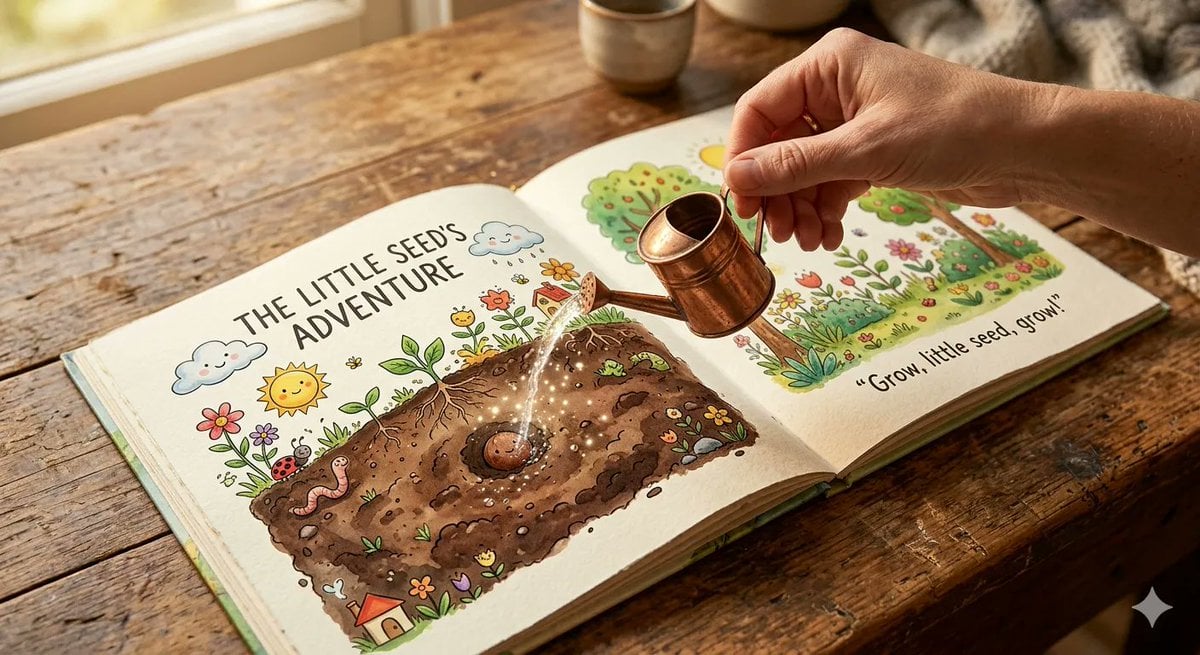
An open children s picture book rests on a wooden table, showing
Picture Book Style Raccoon Characters
Orange Cat Picture Book Illustration

Rainy Night Android Cyberpunk Portrait

Spider-Man Noir Detective Rain Alley
Crayon Style Picture Book Illustration
Children's Picture Book Layout

Dancer Character - Four View Reference Sheet

Movement Sheet - Dance Reference (Seedance 2.0)
Make it yours
Rain Lodging Picture Book Prompt Sheet works as-is. These are the safest ways to change it without losing the look.
Change one field
Copy a single group, rewrite it, and generate again so you can see what that field is doing.
Keep the frame, change the subject
Hold the composition and light of Rain Lodging Picture Book Prompt Sheet, then swap wardrobe, props or the person for a new take.
| If the result… | Why | Fix |
|---|---|---|
| The result drifts from the preview | Too many fields changed at once. | Reuse Rain Lodging Picture Book Prompt Sheet as-is first, then change one group — subject, light, or setting. |
| The model over-stylizes the scene | The prose prompt leaves finish and camera underspecified. | Add one camera or lighting sentence and stay on GPT Image 2. |
More GPT Image 2 templates
Other prompts made for GPT Image 2.

Realistic Portrait of Woman and Deer

The Vista Modular Condo Poster

AI Model Routing Comparison Infographic

2.5D Anime Art Board

Isometric Productivity Desk Scene

New York Double Exposure Poster

Four-Panel AI Landscape Comparison

Japanese Tatami Lifestyle Magazine Cover

NESCAFÉ Coffee Map Poster

Brutalist Cogito Chinese Typography Poster
More image prompts
Fresh picks from across the catalog.
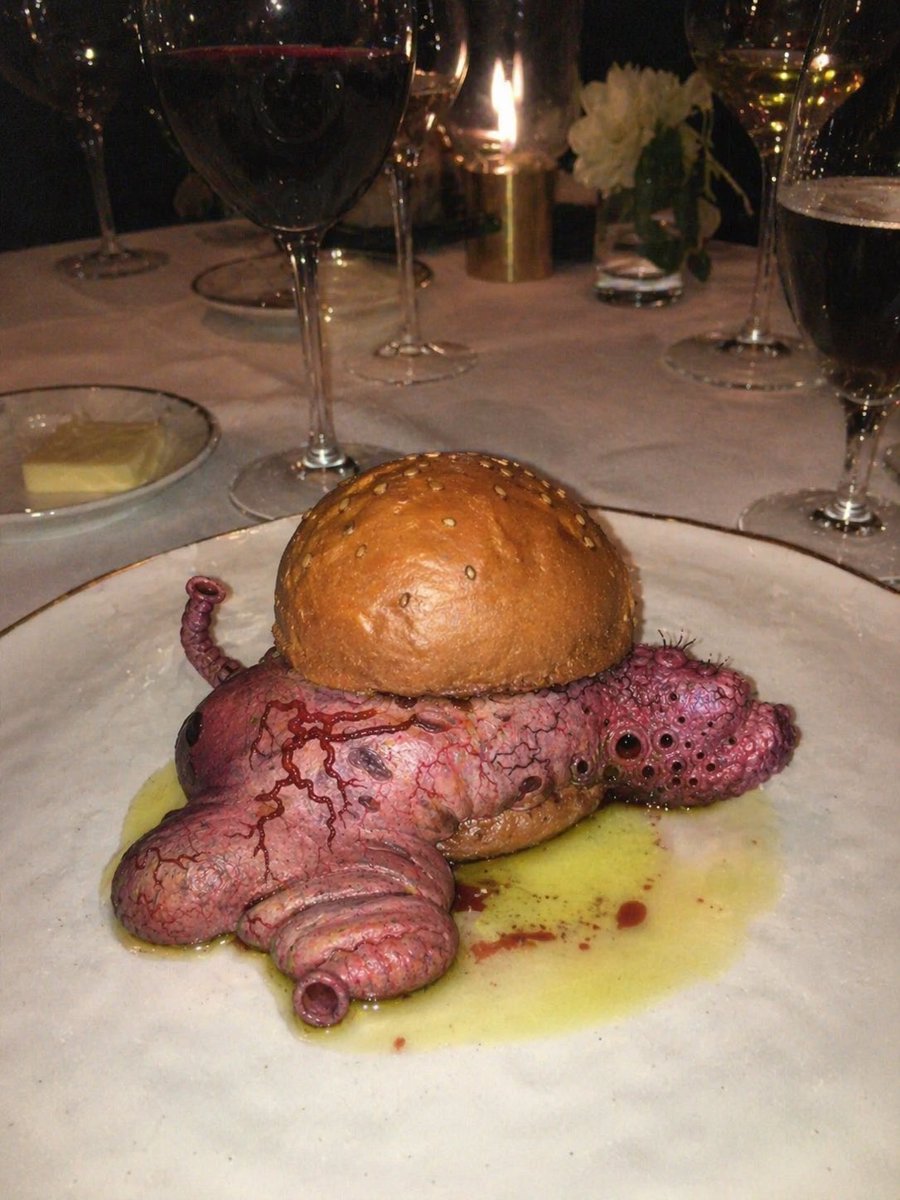
Surreal Octopus Burger Fine Dining Photo
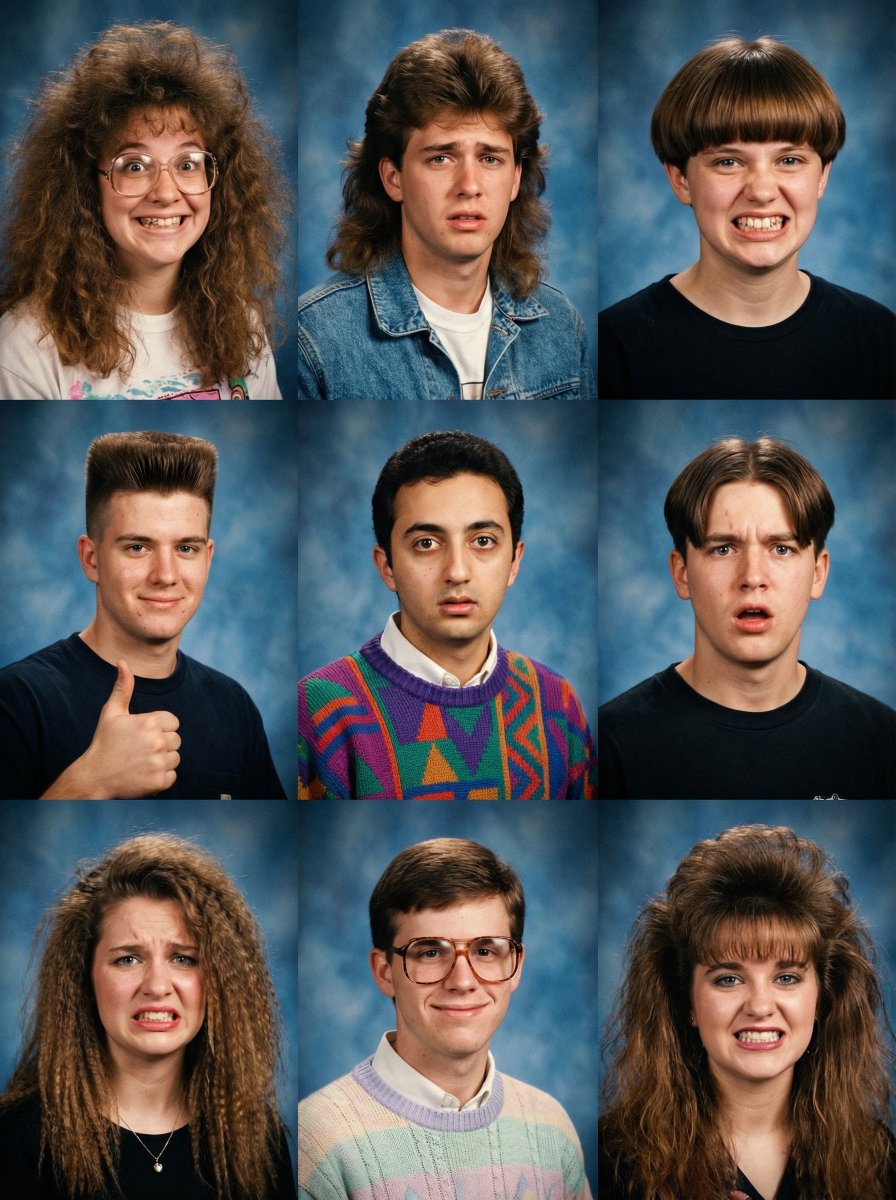
90s Yearbook Grid Collage
Realistic Selfie With Face Privacy Block
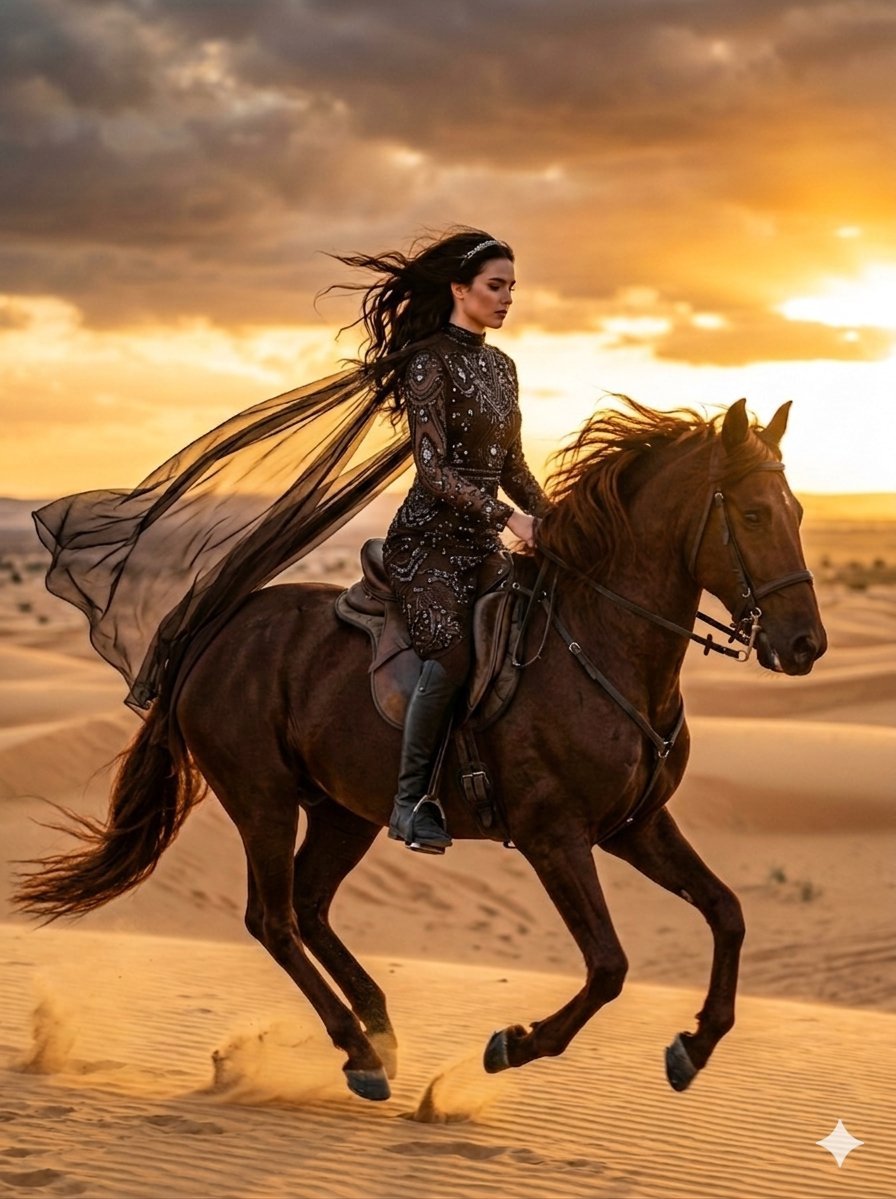
Cinematic Desert Horse Rider
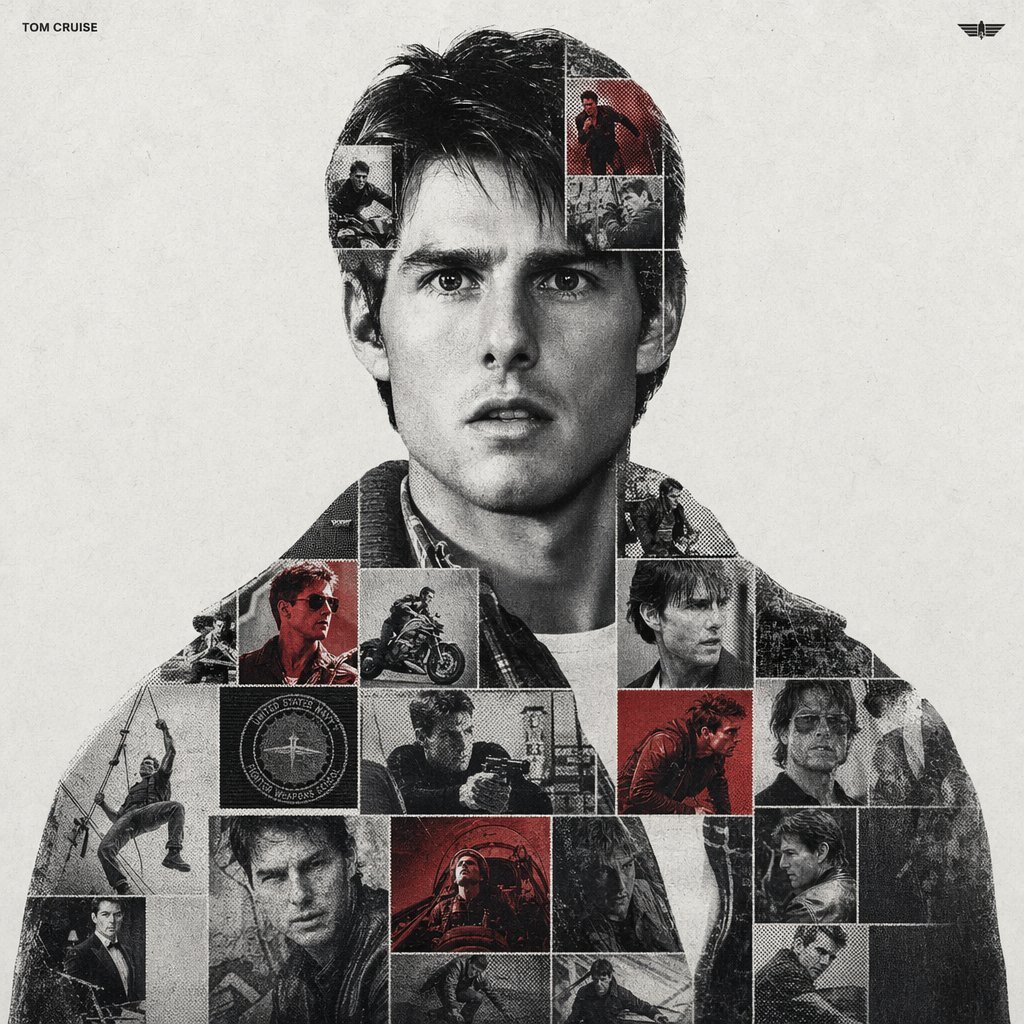
Dual Exposure Sports Graphic

Minimalist BMW Commercial Ad
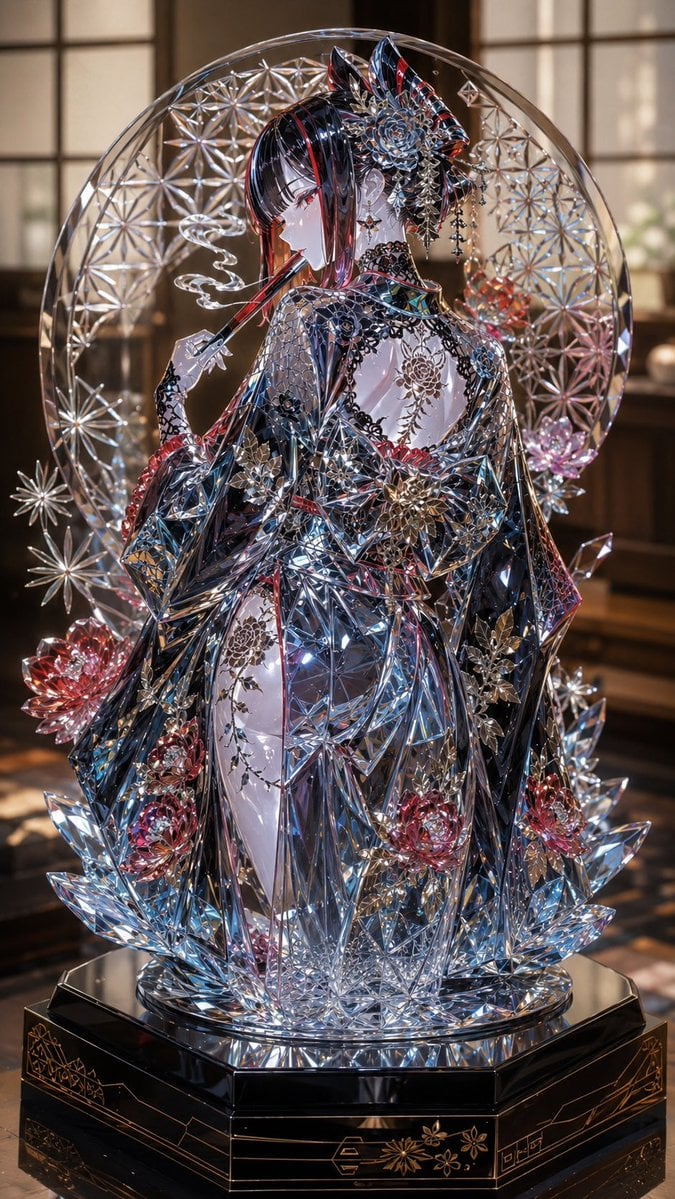
Edo Kiriko Gothic Kimono Glass Maiden
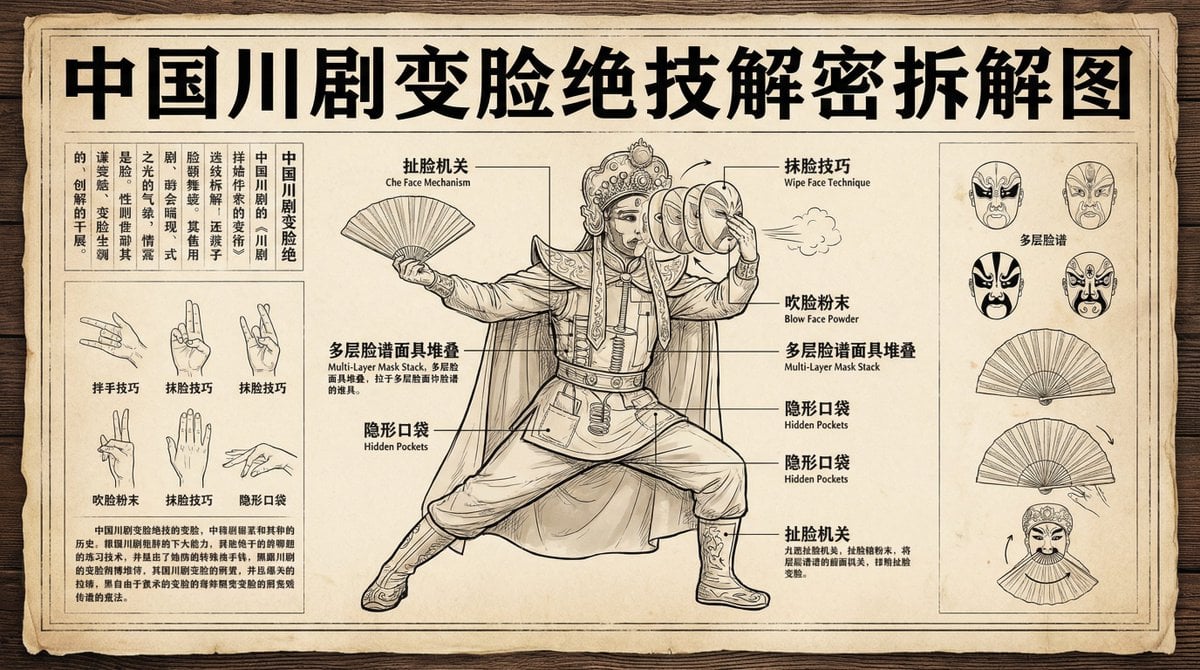
Sichuan opera face-changing technique infographic
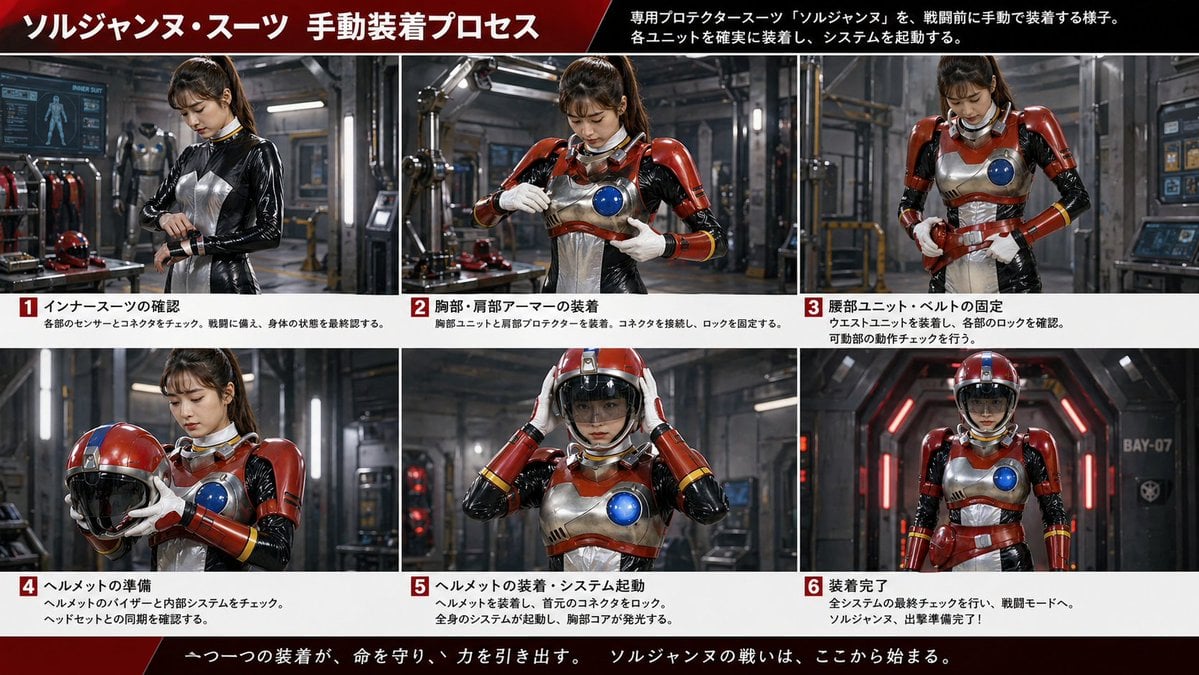
Japanese Sci-Fi Suit-Up Process Board
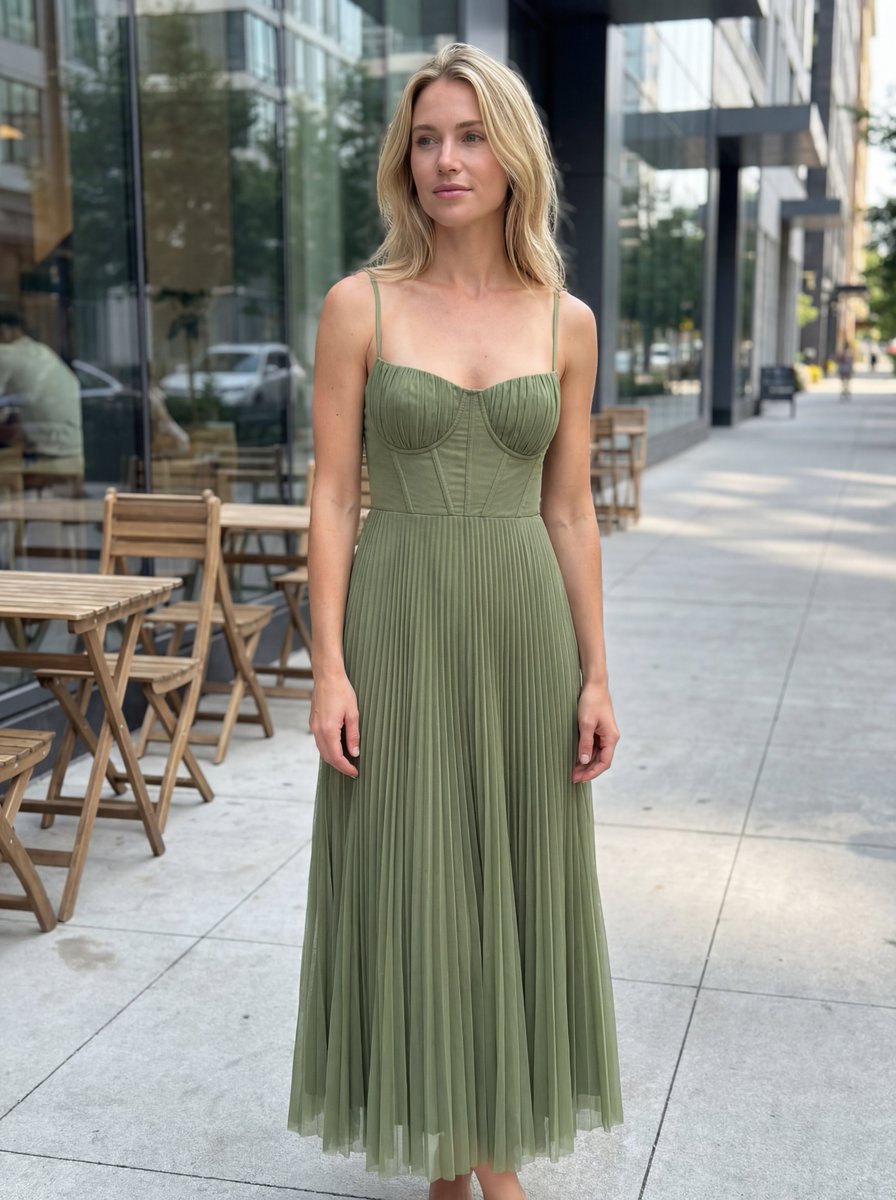
E-commerce Product Listing: Realistic UGC Dress Photo
Browse template categories
Rain Lodging Picture Book Prompt Sheet questions
How do I use the Rain Lodging Picture Book Prompt Sheet template?
Add your photo if the template asks for one, edit the prompt if you like — the template's model and format are already selected — and press Generate. Your version opens in PicX Studio.
Can I customize the Rain Lodging Picture Book Prompt Sheet template?
Yes. You can change the subject, setting, lighting, mood, format, and available model controls before creating your image.
Is the Rain Lodging Picture Book Prompt Sheet template free?
Opening and editing this template is free. Generating uses credits, shown on the Generate button when you are signed in.
Which AI model should I use?
Start with GPT Image 2, which is the model associated with this template. You can compare another compatible model for a different finish.
Looking for something else? Browse all templates.

Your photo, any look
Thousands of ready templates for every top image and video model, from one credit balance.