
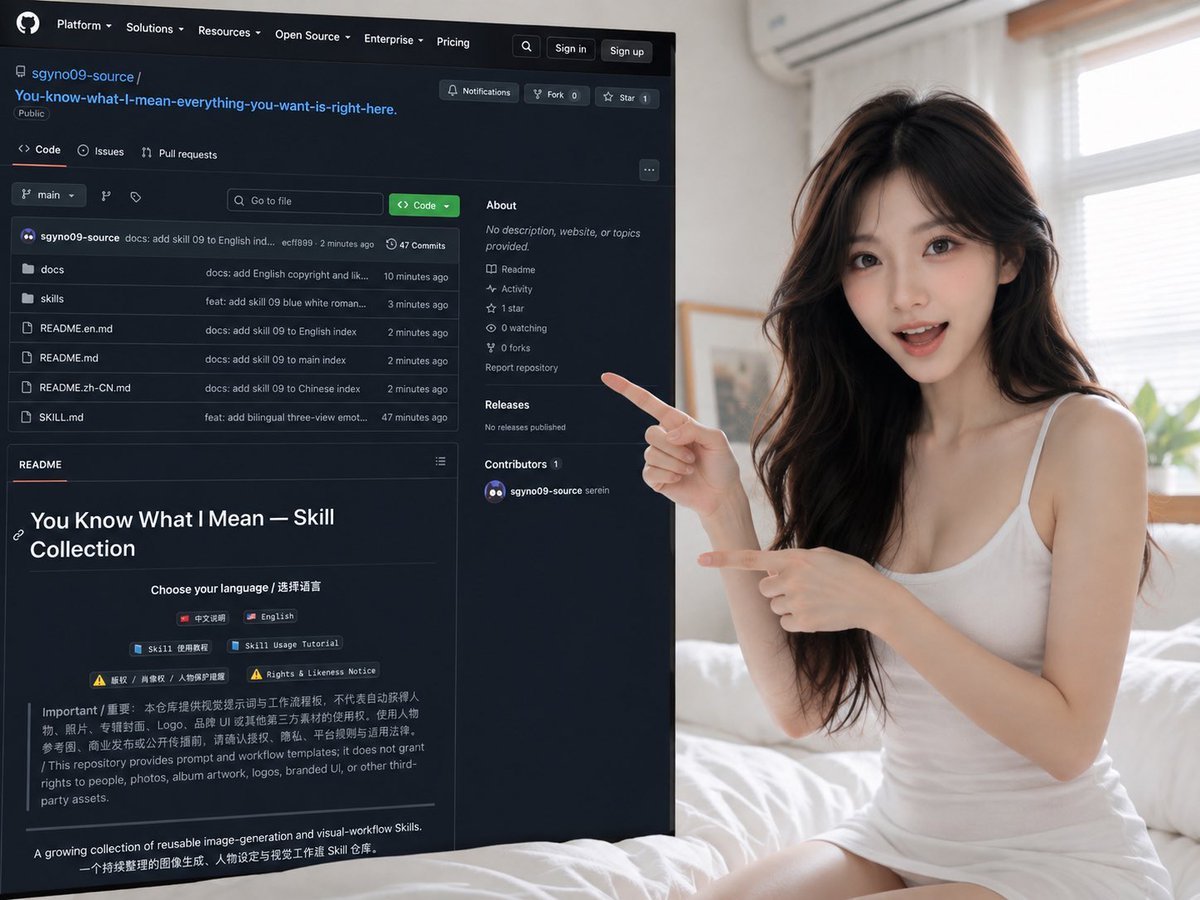
Woman Presenting GitHub Skill Repository
A photorealistic promotional image of a woman pointing to a dark-mode GitHub repository page for a skill collection.
- Prompt included
- Model and format preset
- Free template
The prompt behind this image
Copy the exact prompt behind Woman Presenting GitHub Skill Repository, or open it in the studio and make it yours.
Goal: Create a photorealistic social-media promo image showing a young woman presenting a large GitHub repository page on a screen in a bright bedroom. Canvas: Horizontal 4:3 image, realistic camera perspective, soft daylight, shallow depth of field. The composition is split: the left 60% is occupied by a large dark-mode GitHub webpage angled slightly in perspective, and the right 40% shows the presenter sitting on a white bed. Main subject: A pretty young East Asian woman with {argument name="hair color" default="long wavy dark brown hair"}, fair skin, natural makeup, large expressive eyes, and a friendly open-mouth smile. She wears a simple {argument name="outfit" default="white sleeveless fitted dress"}. She is seated on white bedding, leaning toward the screen, pointing at it with both hands: her upper hand points leftward toward the repo sidebar, and her lower hand points diagonally toward the lower README area. Her pose should feel like a creator enthusiastically introducing a resource. Environment: Bright minimal bedroom with white sheets, pale walls, a window with blinds on the right, a wall-mounted air conditioner above, and soft warm daylight. Background is slightly blurred while the woman and screen remain crisp. GitHub page details: Show a dark-mode GitHub repository page with a black/navy interface. The repository owner is {argument name="GitHub username" default="sgyno09-source"} and the repository name is {argument name="repository name" default="You-know-what-I-mean-everything-you-want-is-right-here."}. Include a small Public badge. The top navigation bar contains exactly 6 visible items: Platform, Solutions, Resources, Open Source, Enterprise, Pricing. Include search, Sign in, and Sign up buttons at top right. Repository interface: Include exactly 4 visible repository tabs labeled Code, Issues, Pull requests, and an unlabeled fourth tab/icon area. Under the tabs, show a branch dropdown labeled main, a Go to file search field, and a green Code button. The file list contains exactly 6 rows: docs folder, skills folder, README.en.md, README.md, README.zh-CN.md, and SKILL.md. Add small commit messages and timestamps to the right, plus a top line showing 47 Commits. Right sidebar on the GitHub page: Include an About section with the text "No description, website, or topics provided." Include exactly 5 small sidebar links/stats: Readme, Activity, 1 star, 0 watching, 0 forks. Include Report repository, Releases with "No releases published", and Contributors showing 1 contributor. README area: The lower half of the GitHub screen shows a README preview. Large heading text: {argument name="README title" default="You Know What I Mean — Skill Collection"}. Below it, show "Choose your language / 选择语言" and exactly 6 small pill buttons: 中文说明, English, Skill 使用教程, Skill Usage Tutorial, 版权 / 肖像权 / 人物保护提醒, Rights & Likeness Notice. Add a paragraph of small bilingual warning text and a final line describing it as a growing collection of reusable image-generation and visual-workflow skills. Visual style: Photorealistic, high-resolution, clean influencer-tech aesthetic, realistic screen glow, accurate dark GitHub UI styling, crisp readable large text, minor small text may be slightly imperfect but should look like a real webpage screenshot. Avoid watermarks, extra logos beyond the GitHub-style interface, distorted hands, or extra fingers.
How to use Woman Presenting GitHub Skill Repository in 3 steps
- 1Upload ImagePNG, JPG or paste
Add your photo
Upload the photo the template builds on. The prompt, model and format are already set.
- 2…a portrait of your subject in softgolden-hour light, 85mm…
Personalize
Edit the subject and creative details for your destination.
- 3Generate
Generate
Press Generate — your image is created in PicX Studio, so you can compare it with the original and refine one variable at a time.
More like this
Templates with the same subject, style or setup. Open one to see its prompt.

Woman in Mall with Chanel Bag - Heart Gesture

Floating Woman Above Cityscape with Notifications
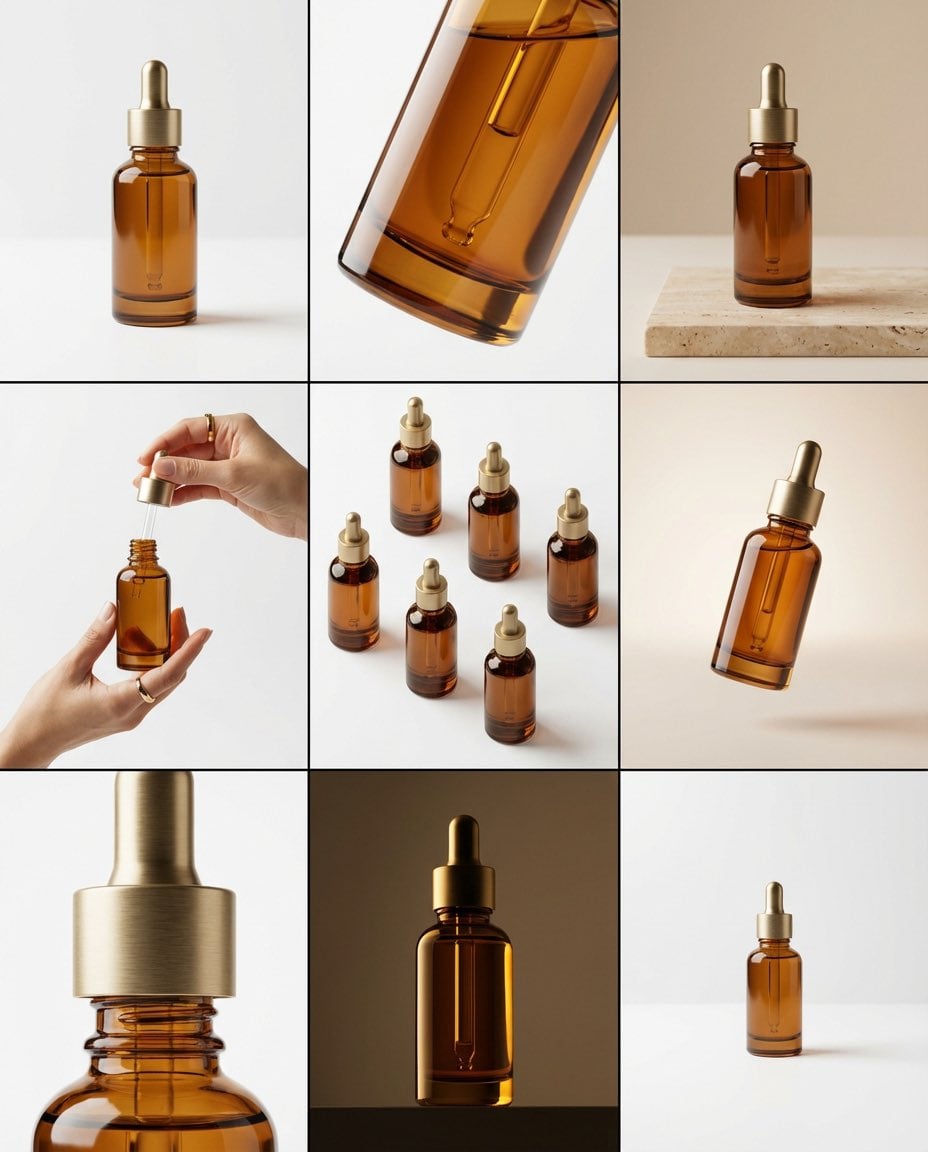
Brand visual storyboard for presenting your product with Nano Banana Pro

Consistent Social Media Cover Agent Skill

Photoreal librarian presenting AI book
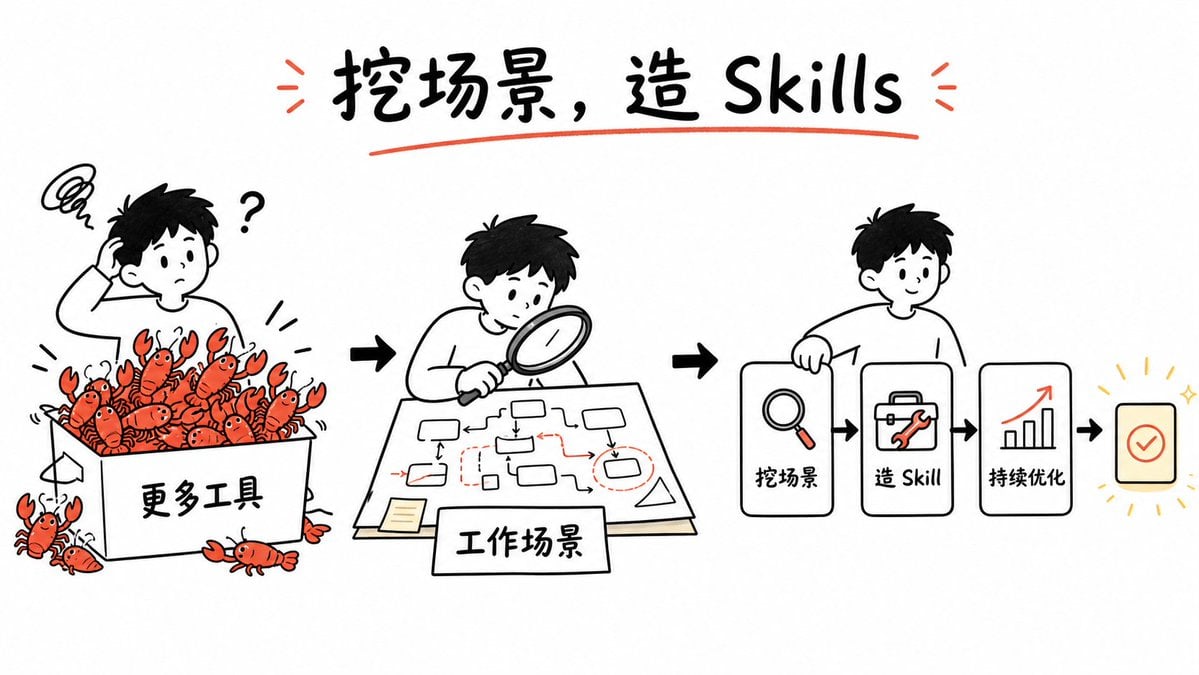
Whiteboard Skill-Building Workflow
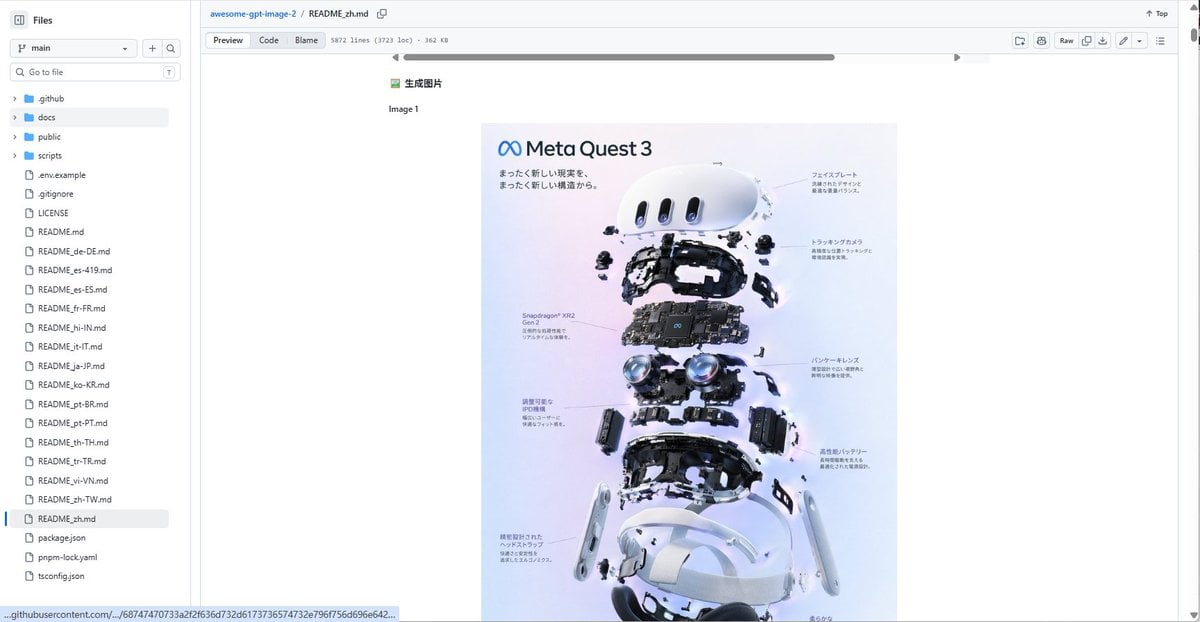
GitHub README with Meta Quest 3 Poster
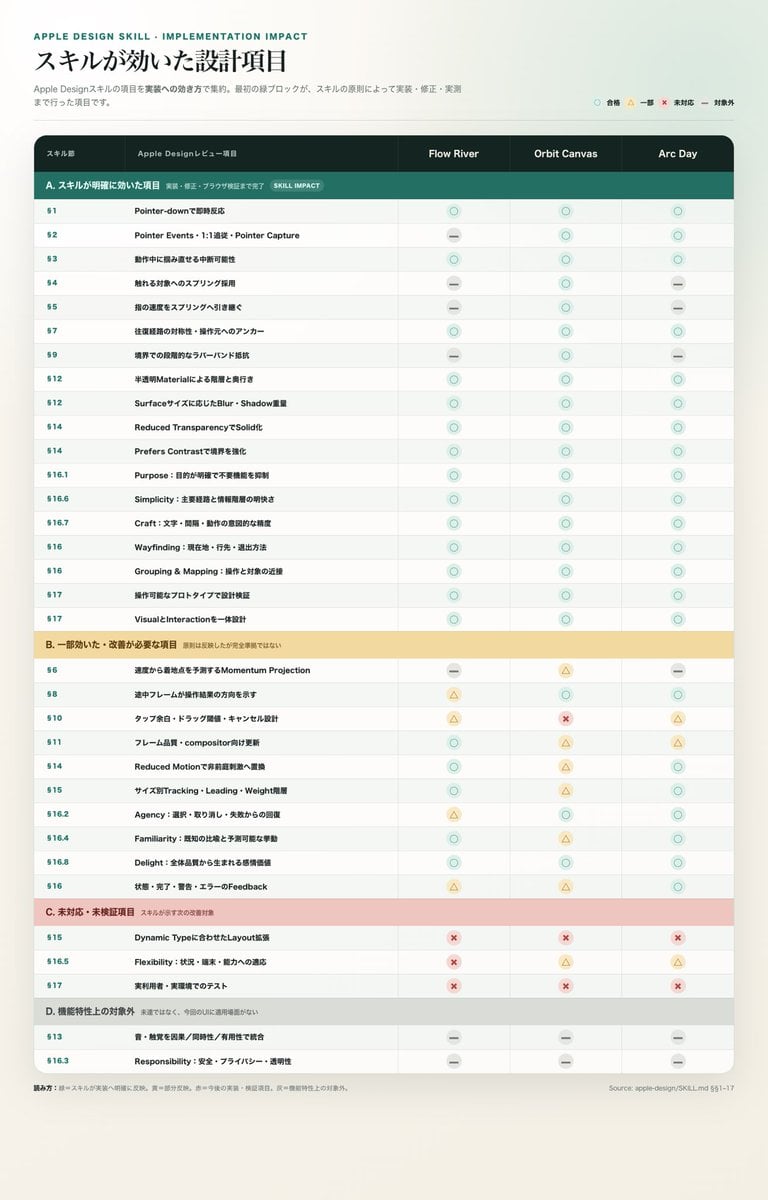
Apple Design Skill Impact Matrix
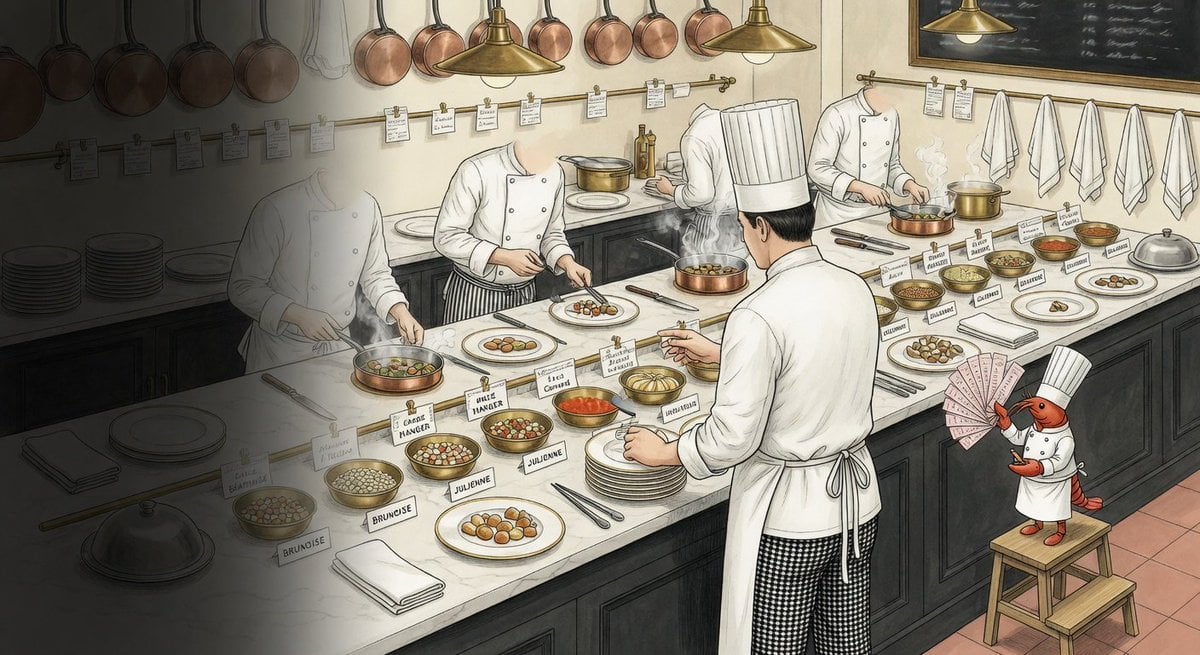
Cursed Repository Kitchen Illustration
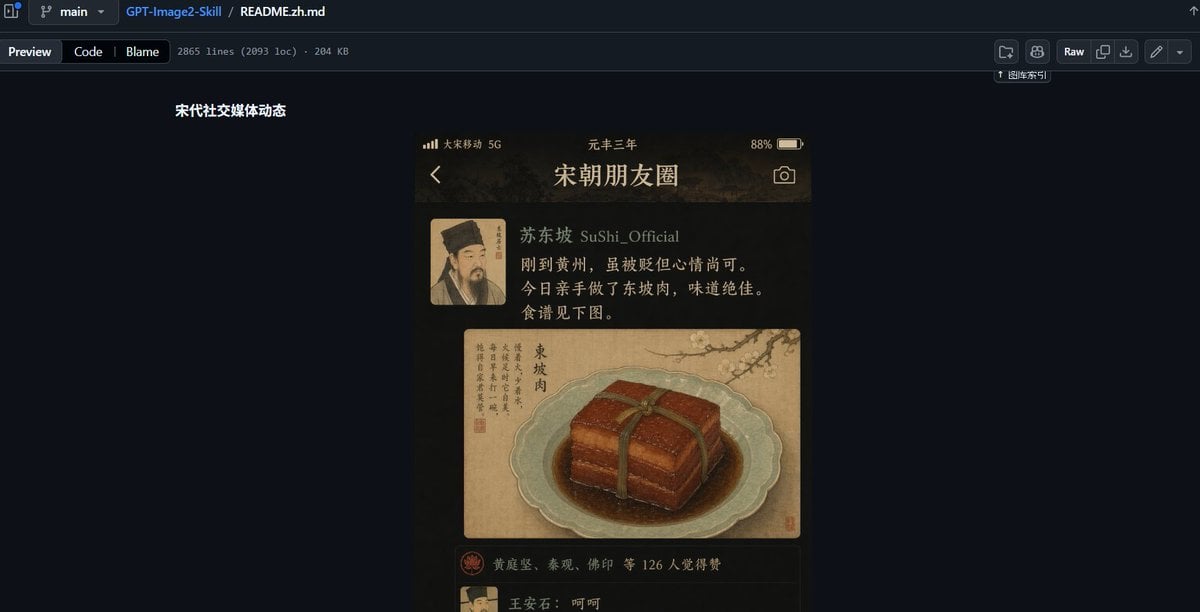
GitHub README Ancient Social Feed
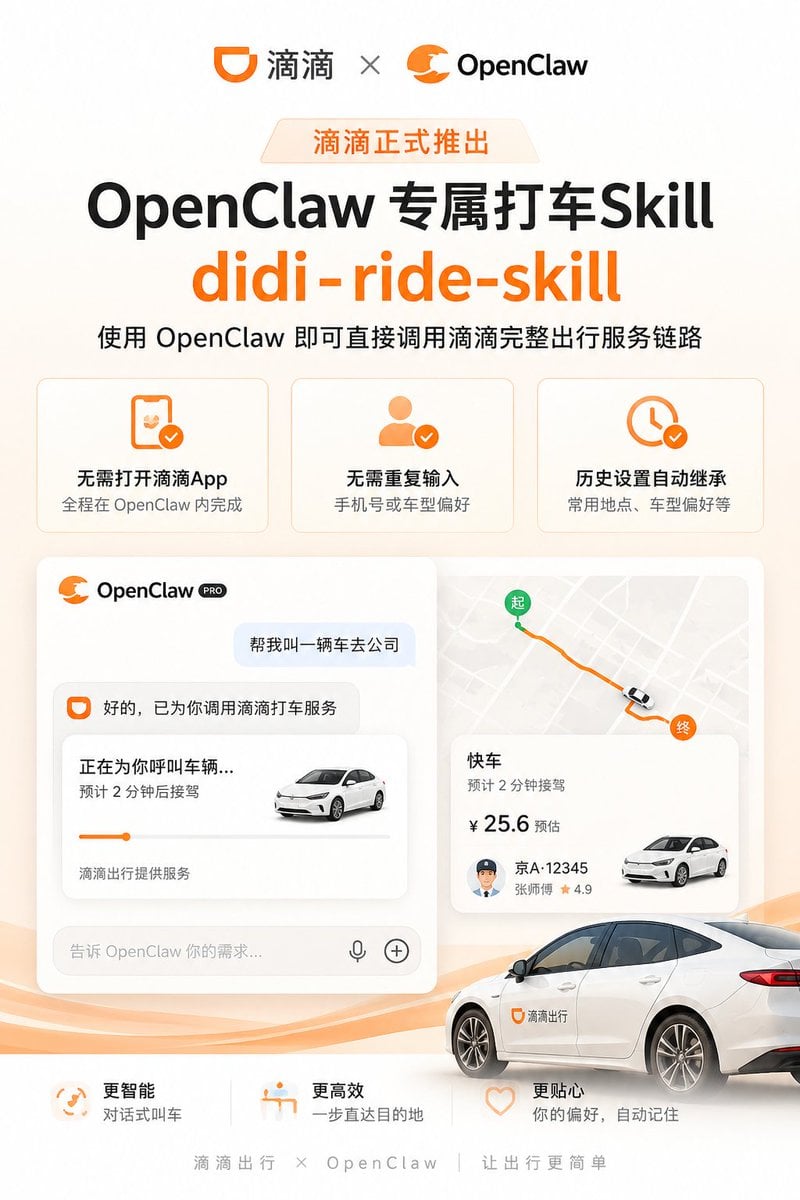
Didi OpenClaw Ride Skill Poster

Fantasy GPTImage2 Skill Banner
Make it yours
Woman Presenting GitHub Skill Repository works as-is. These are the safest ways to change it without losing the look.
Change one field
Copy a single group, rewrite it, and generate again so you can see what that field is doing.
Keep the frame, change the subject
Hold the composition and light of Woman Presenting GitHub Skill Repository, then swap wardrobe, props or the person for a new take.
| If the result… | Why | Fix |
|---|---|---|
| The result drifts from the preview | Too many fields changed at once. | Reuse Woman Presenting GitHub Skill Repository as-is first, then change one group — subject, light, or setting. |
| The model over-stylizes the scene | The prose prompt leaves finish and camera underspecified. | Add one camera or lighting sentence and stay on GPT Image 2. |
More GPT Image 2 templates
Other prompts made for GPT Image 2.

Six VTuber Japanese Logo Sheet

The Vista Modular Condo Poster

AI Model Routing Comparison Infographic

2.5D Anime Art Board

Isometric Productivity Desk Scene

New York Double Exposure Poster

Four-Panel AI Landscape Comparison

Japanese Tatami Lifestyle Magazine Cover

NESCAFÉ Coffee Map Poster

Brutalist Cogito Chinese Typography Poster
More image prompts
Fresh picks from across the catalog.
Japanese Roller Coaster Sales Banner
Subtle Brand Texture Visual Prompt
City Night Scene Illustration with Composition Reference
Car Selfie with Cheese Cracker Prompt
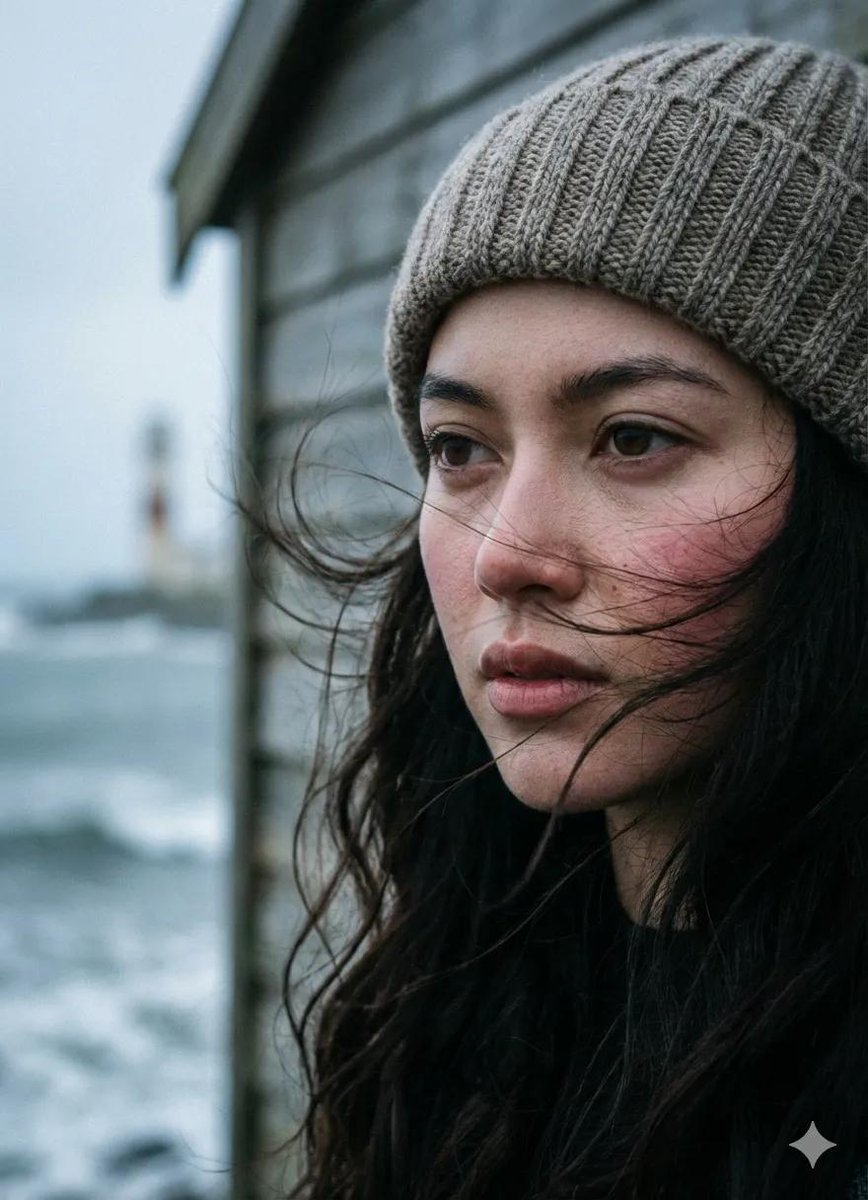
Cinematic Seaside Pier Portrait Prompt
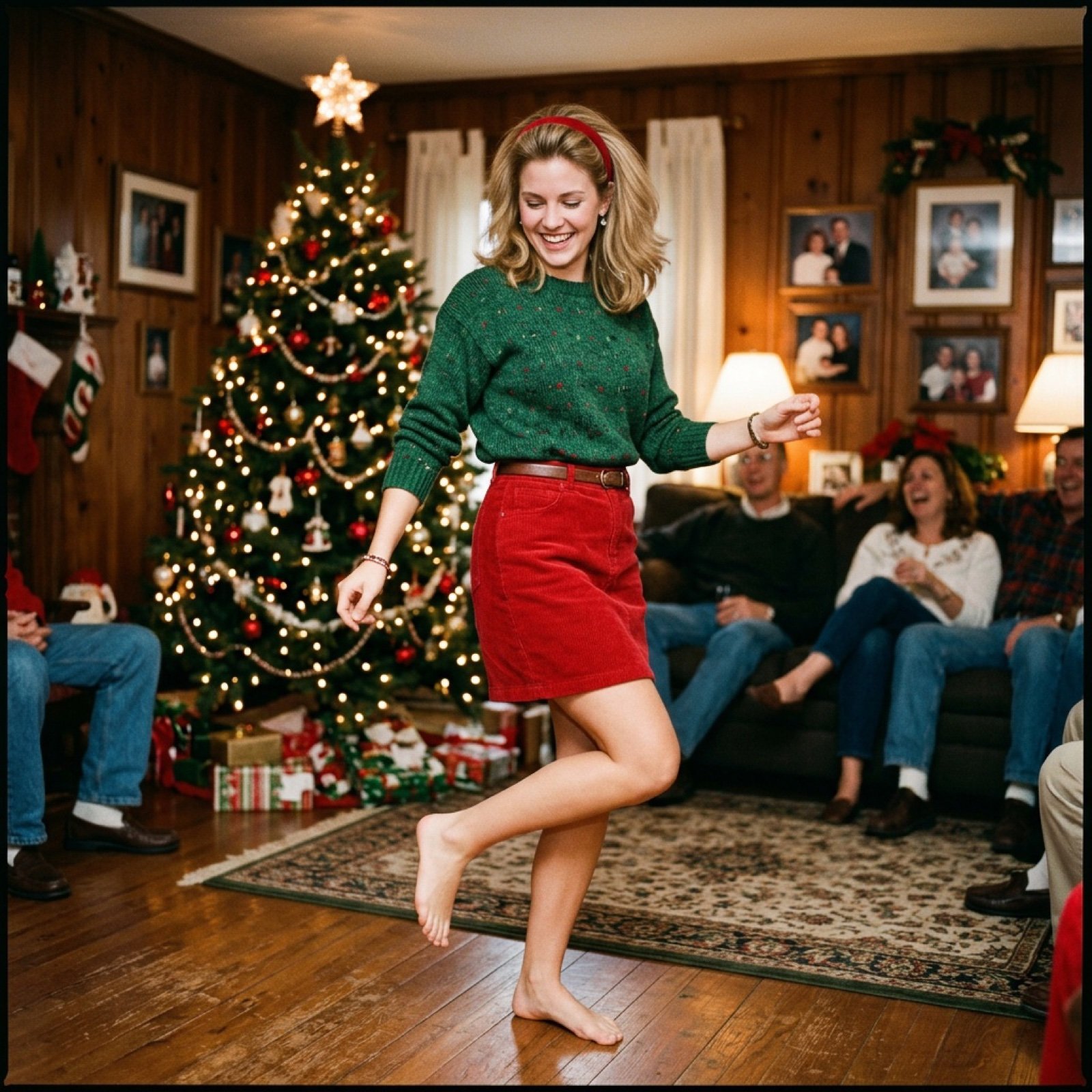
Nostalgic Candid Holiday Scene with Motion Blur
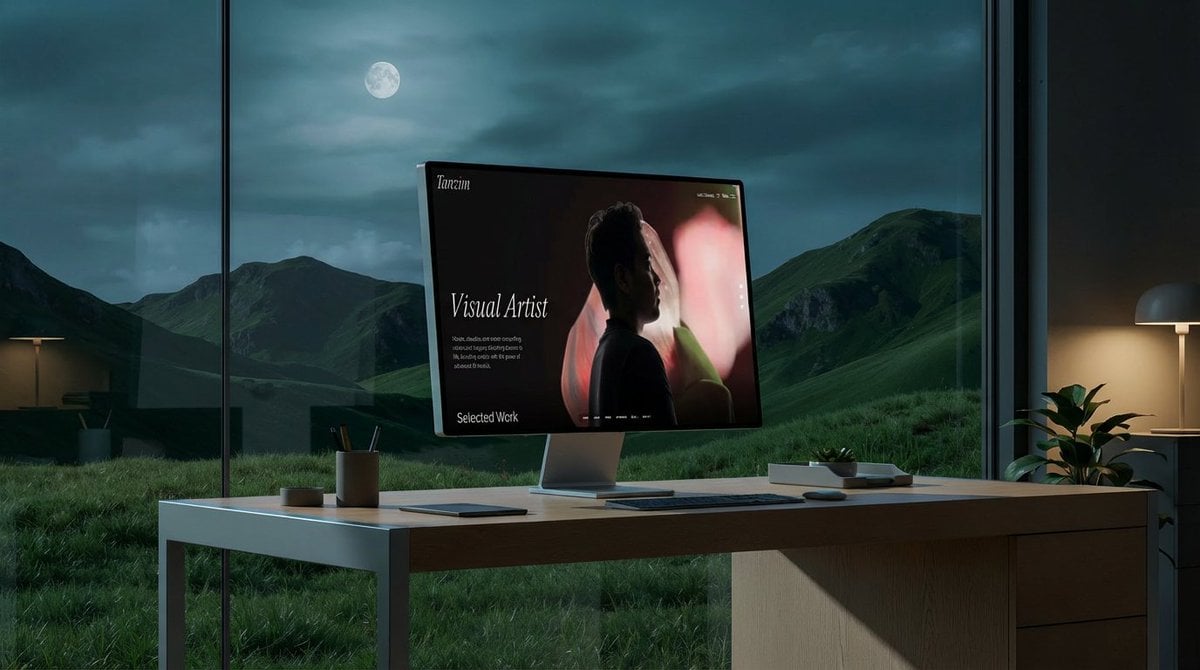
Mockup generation prompt for screen replacement
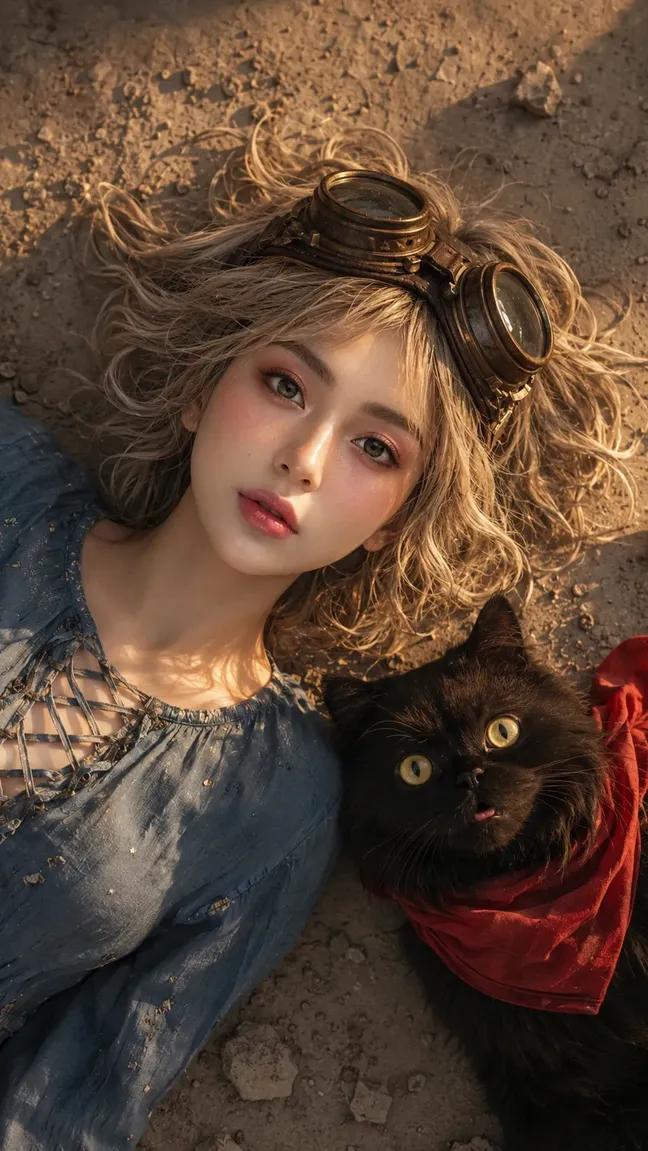
Face-Locked Image Edit with Cat
Neon Kyoto Rain Alley
Korean Girl Group Style Photo Shoot Prompt
Browse template categories
Woman Presenting GitHub Skill Repository questions
How do I use the Woman Presenting GitHub Skill Repository template?
Add your photo if the template asks for one, edit the prompt if you like — the template's model and format are already selected — and press Generate. Your version opens in PicX Studio.
Can I customize the Woman Presenting GitHub Skill Repository template?
Yes. You can change the subject, setting, lighting, mood, format, and available model controls before creating your image.
Is the Woman Presenting GitHub Skill Repository template free?
Opening and editing this template is free. Generating uses credits, shown on the Generate button when you are signed in.
Which AI model should I use?
Start with GPT Image 2, which is the model associated with this template. You can compare another compatible model for a different finish.
Looking for something else? Browse all templates.

Your photo, any look
Thousands of ready templates for every top image and video model, from one credit balance.