
GitHub README with Meta Quest 3 Poster
Generates a realistic GitHub repository README screenshot featuring a centered Meta Quest 3 exploded-view infographic, useful for showcasing prompt repositories or documentation pages.
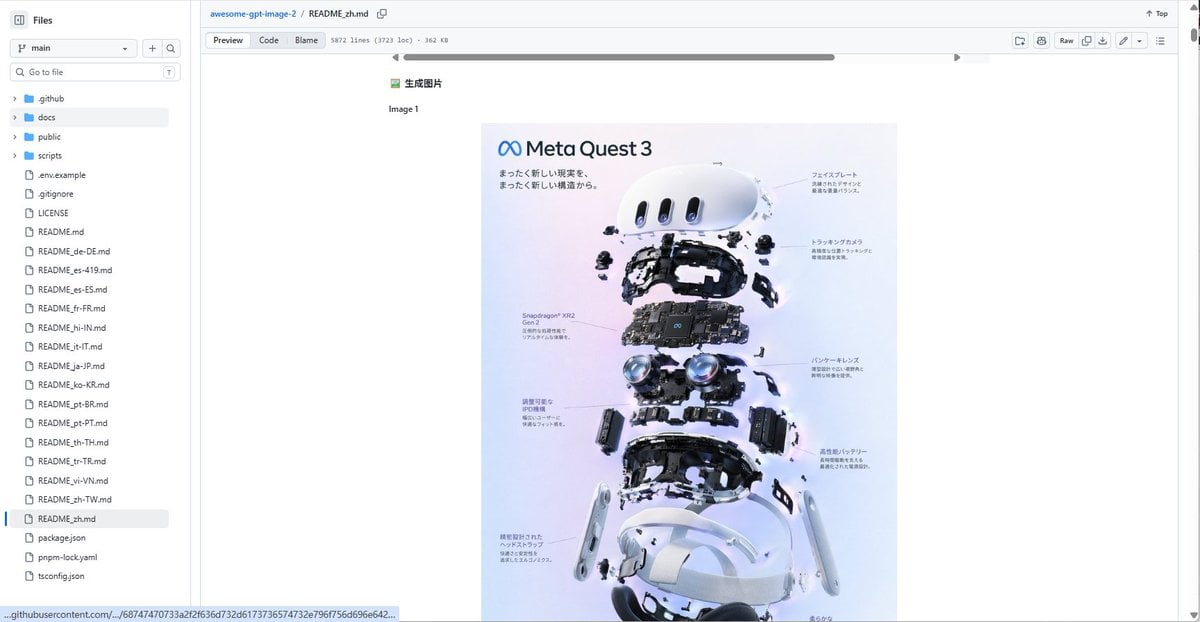
- Prompt included
- Model and format preset
- Premium template
The prompt behind this image
Copy the exact prompt behind GitHub README with Meta Quest 3 Poster, or open it in the studio and make it yours.
Goal: Create a realistic desktop browser screenshot of a GitHub repository page showing a markdown README preview for {argument name="repository name" default="awesome-gpt-image-2"}, with a large embedded product teardown poster centered in the document. Canvas: Wide 16:9 screenshot, approximately 1200×625 px, light GitHub interface theme, crisp UI text, no browser address bar visible, repository file view cropped to the GitHub content area. Layout: Left sidebar file explorer, top repository breadcrumb/header, markdown toolbar row, and main README preview area. The main content should show a small Chinese heading “生成图片”, the label “Image 1”, and below it a centered vertical poster image. The page has a horizontal scrollbar near the top of the README content and a vertical page scrollbar on the far right. Left sidebar details: Show the “Files” panel with a branch selector set to “main”, a search field labeled “Go to file”, and exactly 25 visible file/folder entries: 4 folders named “.github”, “docs”, “public”, “scripts”; then 21 files named “.env.example”, “.gitignore”, “LICENSE”, “README.md”, “README_de-DE.md”, “README_es-419.md”, “README_es-ES.md”, “README_fr-FR.md”, “README_hi-IN.md”, “README_it-IT.md”, “README_ja-JP.md”, “README_ko-KR.md”, “README_pt-BR.md”, “README_pt-PT.md”, “README_th-TH.md”, “README_tr-TR.md”, “README_vi-VN.md”, “README_zh-TW.md”, “README_zh.md”, “package.json”, “pnpm-lock.yaml”, plus “tsconfig.json” visible at the bottom if space allows. Highlight “README_zh.md” as the selected file. Top header details: Breadcrumb reads “awesome-gpt-image-2 / README_zh.md”. Include the tabs/buttons “Preview”, “Code”, and “Blame”, plus metadata text similar to “5872 lines (3723 loc) · 362 KB”. On the right show compact GitHub controls including “Raw” and small icon buttons. Embedded poster content: The poster is a clean product-exploded-view infographic for {argument name="product name" default="Meta Quest 3"}. It has a soft pastel lavender-to-blue background, the Meta infinity logo and title “Meta Quest 3” at top left, Japanese subtitle text beneath, and an exploded vertical stack of VR headset components. Count exactly 9 main component layers from top to bottom: 1 white curved front faceplate, 2 small sensor/camera modules floating around it, 3 black internal frame, 4 central motherboard labeled Snapdragon XR2 Gen 2, 5 dual pancake lens assembly, 6 side battery/controller-like modules, 7 lower black head strap/inner frame, 8 two white side arms, 9 white outer headset shell and bottom padding. Add fine Japanese callout labels with thin leader lines on both left and right sides, but keep them small and slightly unreadable like a real screenshot. Visual style: Photorealistic GitHub UI screenshot, clean white background, small sans-serif UI fonts, subtle gray dividers, blue link accents, centered document content with wide margins. The poster should be high-quality glossy tech advertising imagery with realistic shadows, floating hardware parts, and precise product-render lighting. Constraints: Do not add people, do not add extra popups or modal windows, keep the GitHub interface recognizable, preserve the Chinese/Japanese text where specified, and make the screenshot look like a real repository README preview rather than a standalone poster.
How to use GitHub README with Meta Quest 3 Poster in 3 steps
- 1Upload ImagePNG, JPG or paste
Add your photo
Upload the photo the template builds on. The prompt, model and format are already set.
- 2…a portrait of your subject in softgolden-hour light, 85mm…
Personalize
Edit the subject and creative details for your destination.
- 3Generate
Generate
Press Generate — your image is created in PicX Studio, so you can compare it with the original and refine one variable at a time.
More like this
Templates with the same subject, style or setup. Open one to see its prompt.
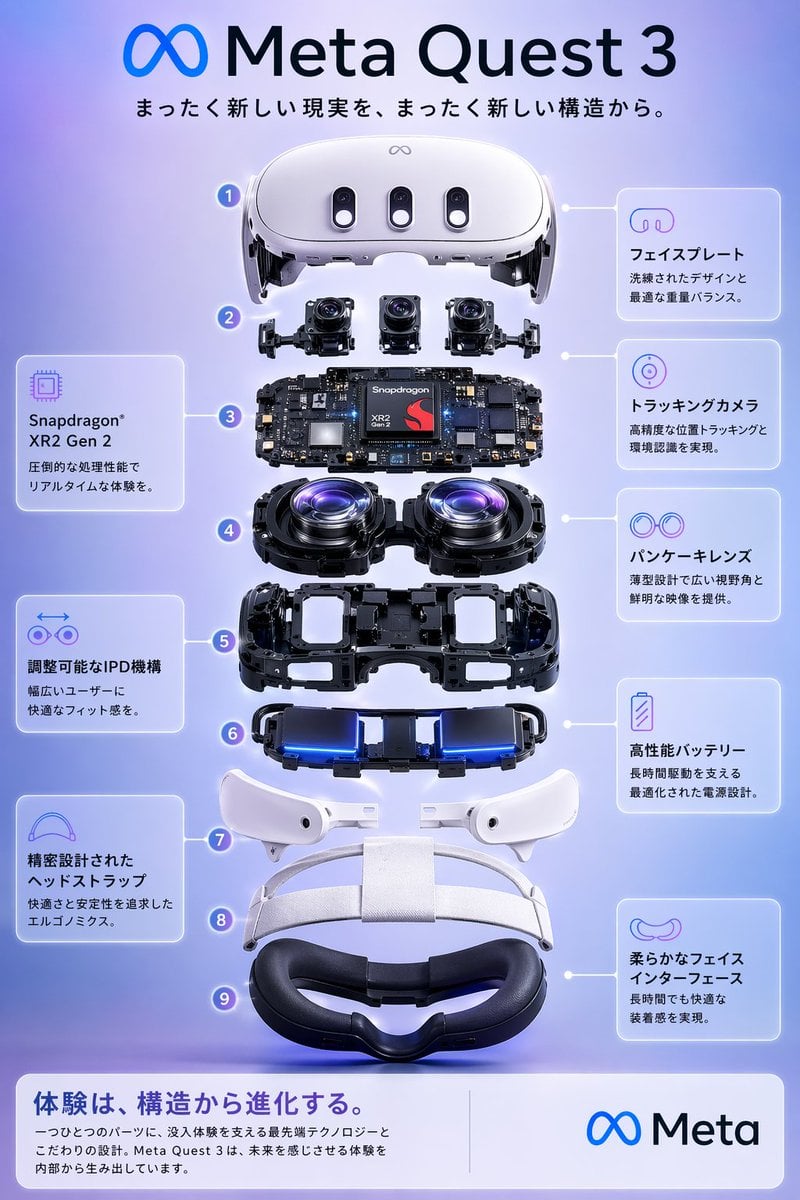
Meta Quest 3 Exploded View Poster

Japan Travel Brochure Poster

Cartoon TV Show Poster Pack

Trendy Cafe Drink Promo Poster

Urban Fashion Editorial Collage Streetwear Poster

Premium Fashion Editorial Cover Layout System

Polo Ralph Lauren Luxury American Heritage Fashion Campaign

Monochrome Halftone Editorial Fashion Poster

Retro Mirror Luxury Fashion Campaign Poster

Luxury Fashion Campaign Typography Poster System

Premium Fashion Editorial Campaign Poster System

Ultra-Stylized High-Fashion Streetwear Poster
Make it yours
GitHub README with Meta Quest 3 Poster works as-is. These are the safest ways to change it without losing the look.
Change one field
Copy a single group, rewrite it, and generate again so you can see what that field is doing.
Keep the frame, change the subject
Hold the composition and light of GitHub README with Meta Quest 3 Poster, then swap wardrobe, props or the person for a new take.
| If the result… | Why | Fix |
|---|---|---|
| The result drifts from the preview | Too many fields changed at once. | Reuse GitHub README with Meta Quest 3 Poster as-is first, then change one group — subject, light, or setting. |
| The model over-stylizes the scene | The prose prompt leaves finish and camera underspecified. | Add one camera or lighting sentence and stay on GPT Image 2. |
More GPT Image 2 templates
Other prompts made for GPT Image 2.

Six VTuber Japanese Logo Sheet

Realistic Portrait of Woman and Deer

The Vista Modular Condo Poster

AI Model Routing Comparison Infographic

2.5D Anime Art Board

Isometric Productivity Desk Scene

New York Double Exposure Poster

Four-Panel AI Landscape Comparison

Japanese Tatami Lifestyle Magazine Cover

NESCAFÉ Coffee Map Poster
More image prompts
Fresh picks from across the catalog.
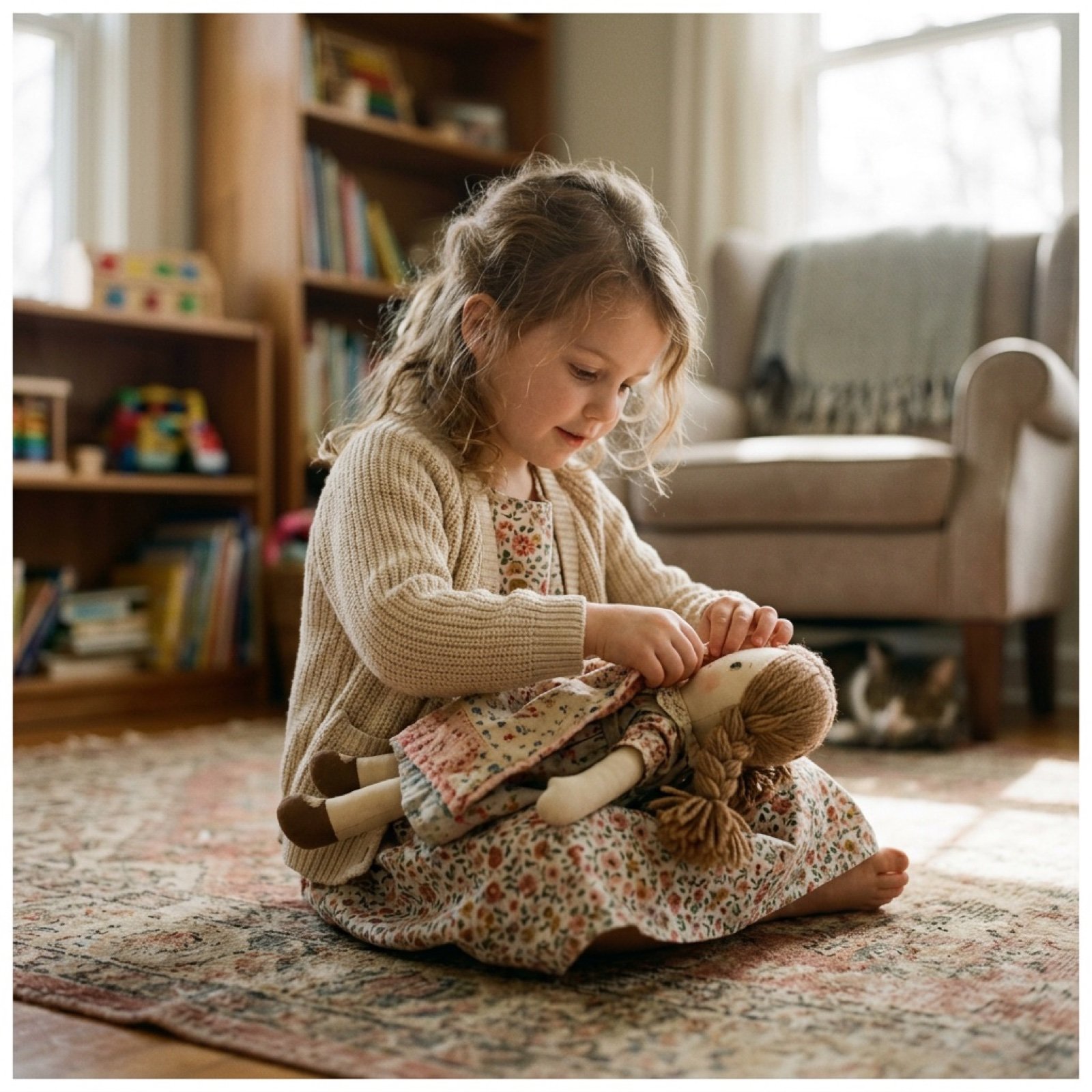
Cinematic Video Prompt for Girl Playing with Doll
Generate black-and-white storyboards from an image
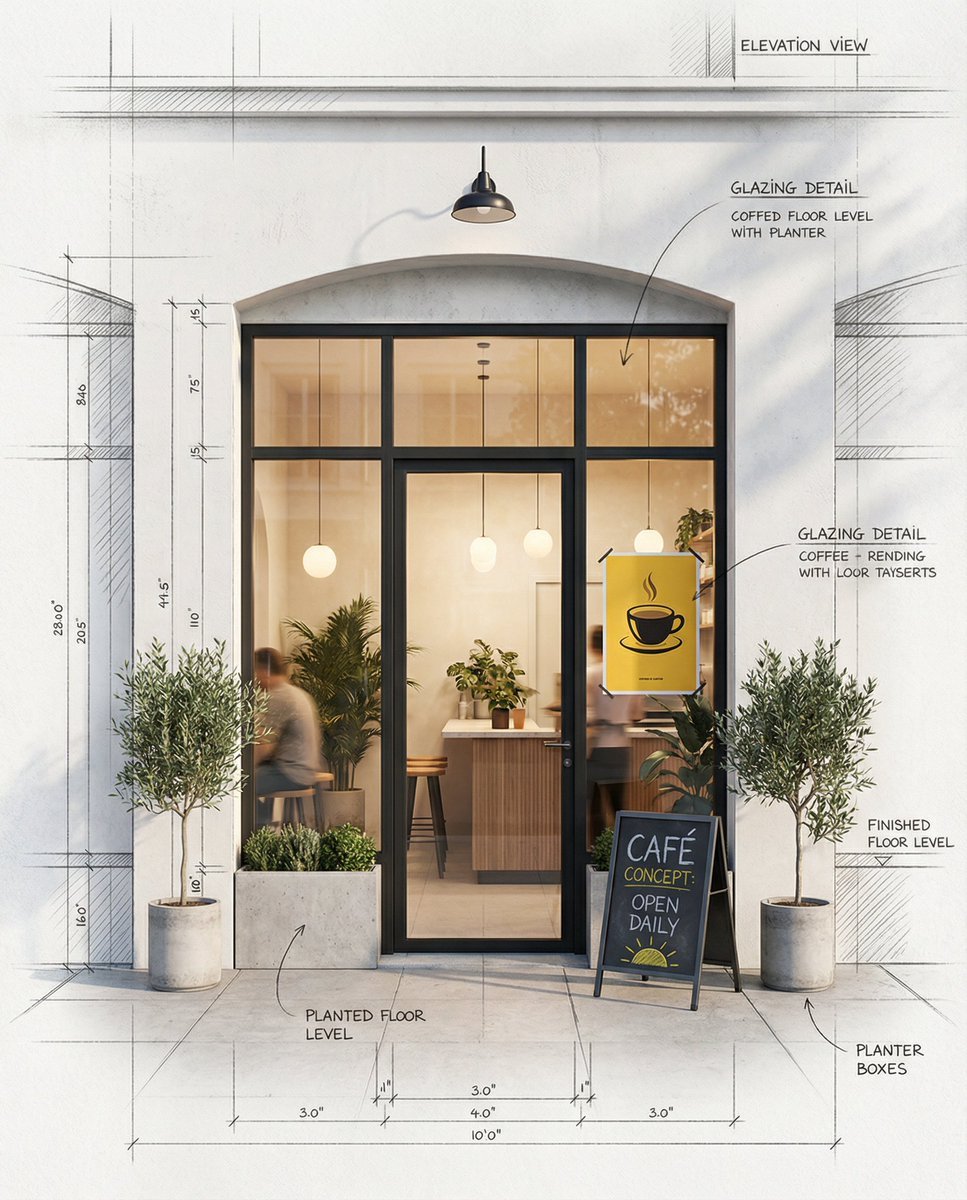
Architectural Concept Rendering: Sketch to Photorealism
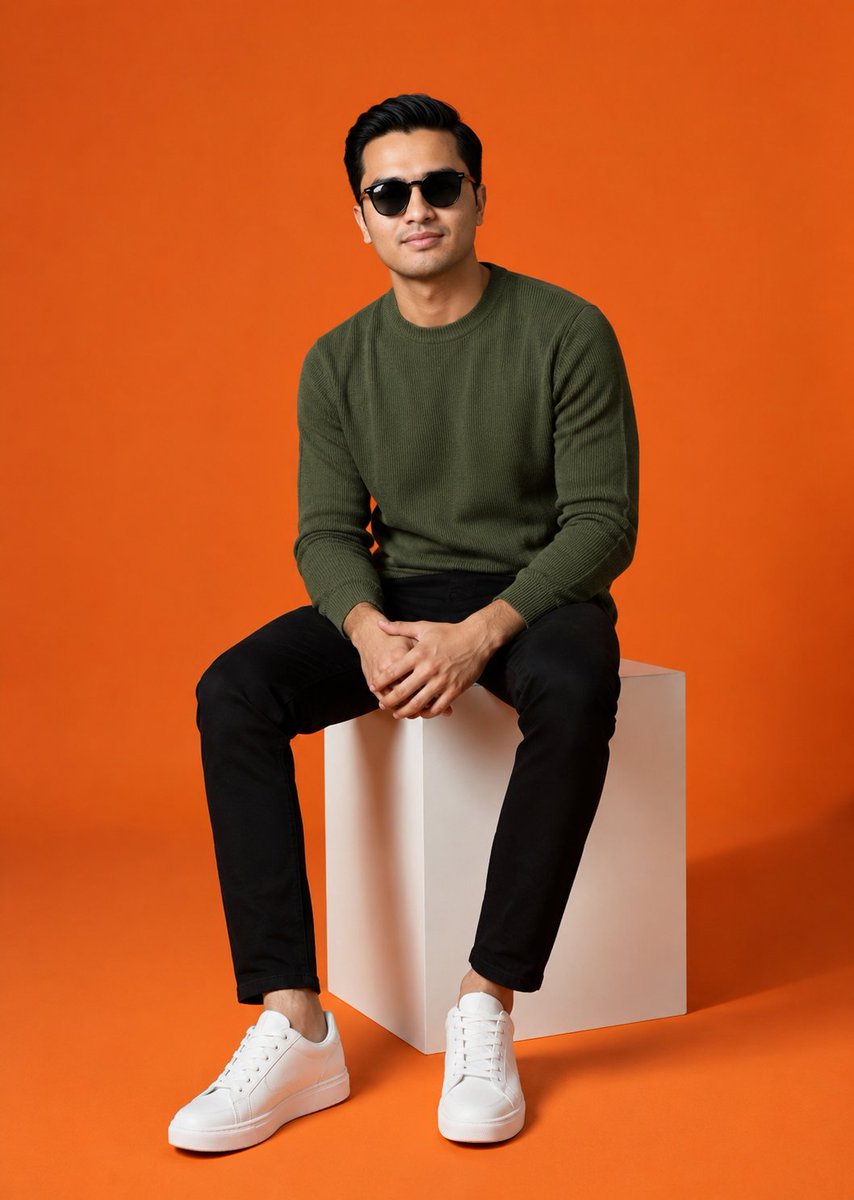
Minimalist Studio Fashion Shot
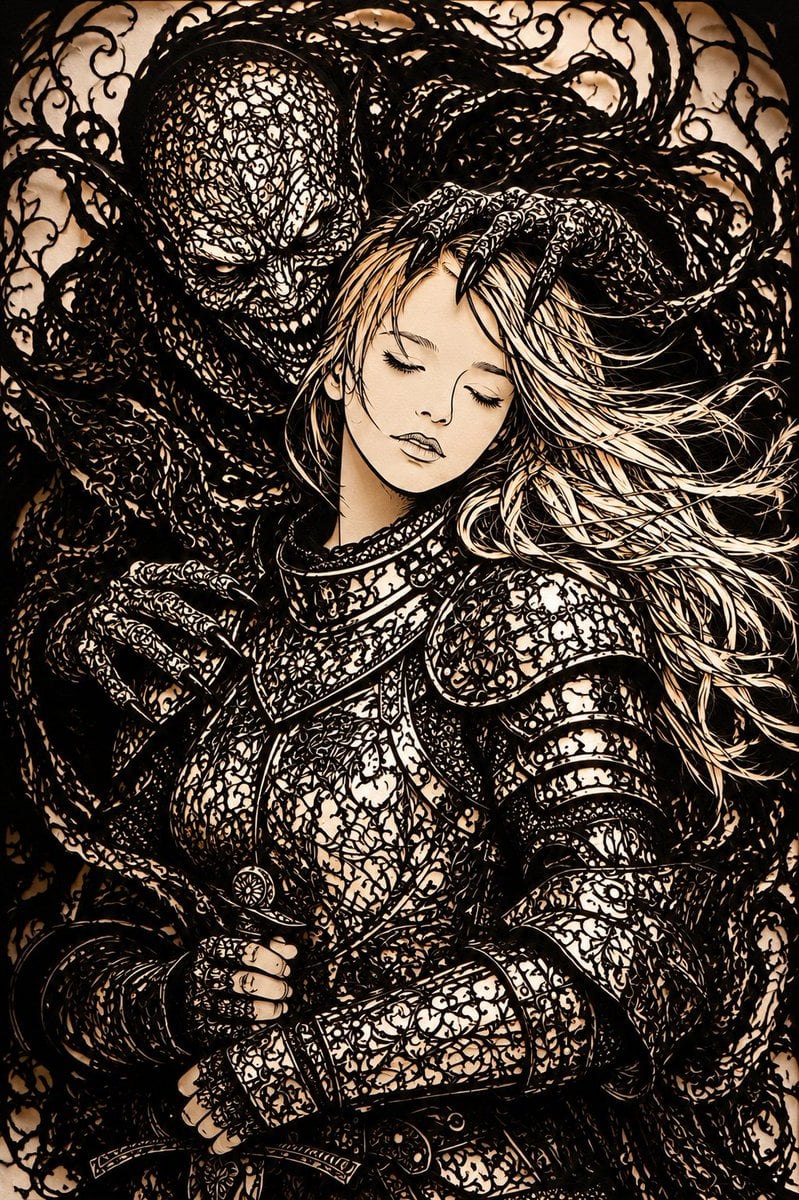
Dark Fantasy Kirie Knight and Demon
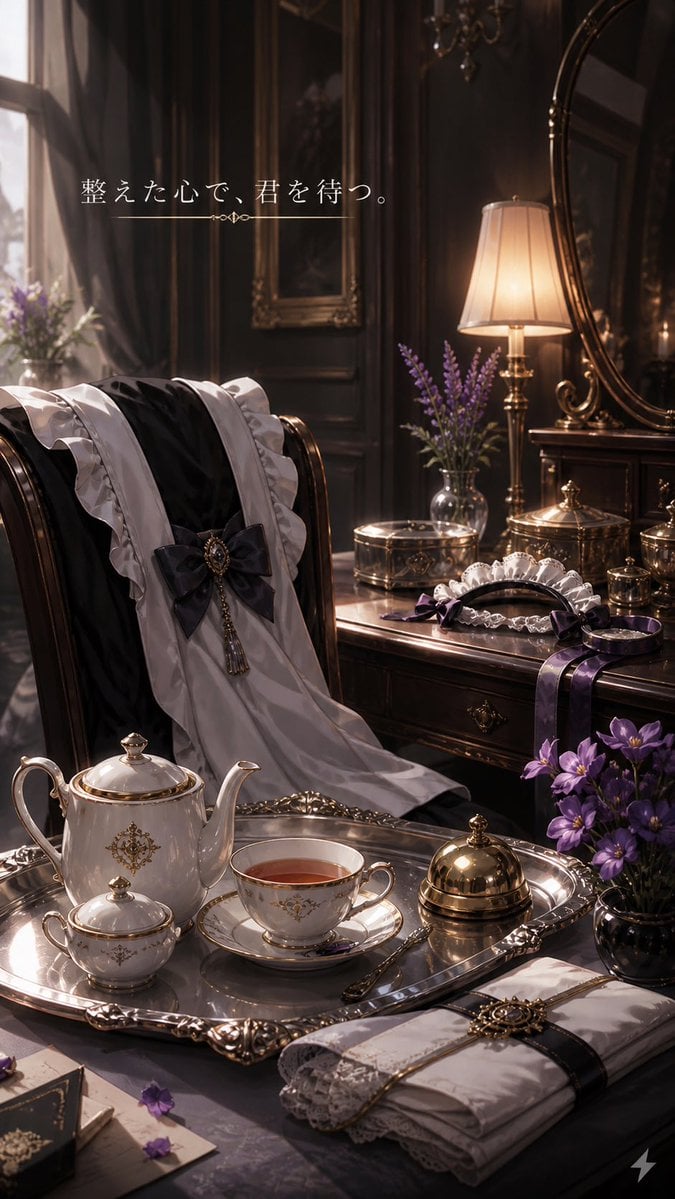
Victorian Tea Room Waiting Wallpaper

Photorealistic Leaf Shaped Like a Dragon
Image Generation Prompt: Altering a Chopin Painting
05 Santa Monica Pier — California Series
Cyberpunk Mecha Warrior Poster
Browse template categories
GitHub README with Meta Quest 3 Poster questions
How do I use the GitHub README with Meta Quest 3 Poster template?
Add your photo if the template asks for one, edit the prompt if you like — the template's model and format are already selected — and press Generate. Your version opens in PicX Studio.
Can I customize the GitHub README with Meta Quest 3 Poster template?
Yes. You can change the subject, setting, lighting, mood, format, and available model controls before creating your image.
Is the GitHub README with Meta Quest 3 Poster template free?
Opening and editing this template is free. Generating uses credits, shown on the Generate button when you are signed in.
Which AI model should I use?
Start with GPT Image 2, which is the model associated with this template. You can compare another compatible model for a different finish.
Looking for something else? Browse all templates.

Your photo, any look
Thousands of ready templates for every top image and video model, from one credit balance.