
Cyberpunk Mecha Warrior Poster
High-fidelity sci-fi poster prompt combining Japanese mecha anime style with futuristic street fashion.
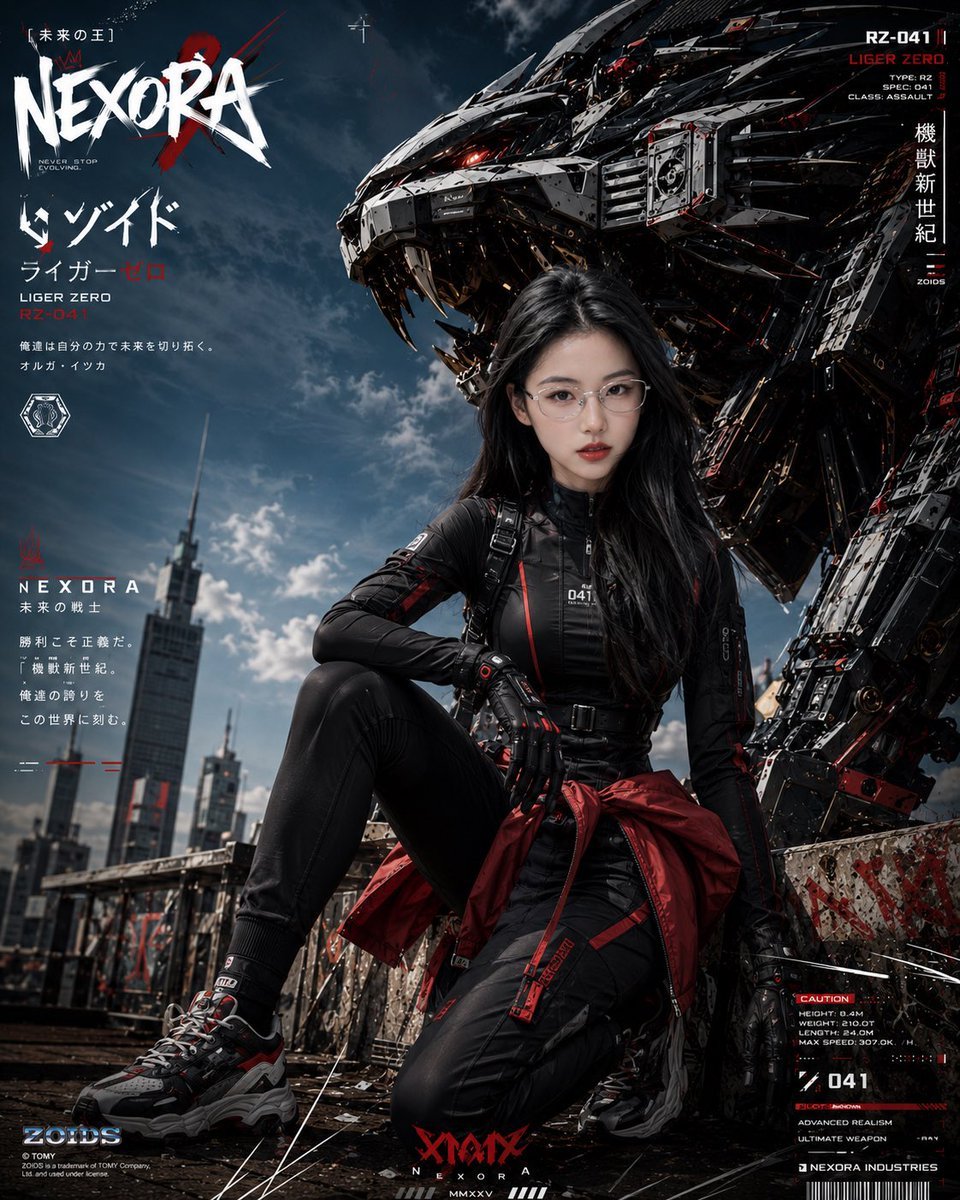
- Prompt included
- Model and format preset
- Free template
The prompt behind this image
Copy the exact prompt behind Cyberpunk Mecha Warrior Poster, or open it in the studio and make it yours.
Use the uploaded person as the sole identity reference, keeping the facial features, proportions of the features, long black hair, thin silver-framed glasses, cool/aloof aura, and a genuine, natural expression consistent. Create a highly finished, vertical sci-fi mecha poster, aspect ratio 4:5. The visual style is high-end cyberpunk × mecha warrior × Japanese-anime-style promotional poster × futuristic street-fashion editorial. The subject is a young Asian woman, sitting on the edge of an urban ruin rooftop or industrial roof, with a massive mechanical beast behind her — a mechanical lion-tiger / mecha Liger — huge in size, with white-and-black metal armor, glowing red eyes, sharp mechanical teeth, complex armor structures, hydraulic joints, a mechanical spine, red energy lines, exposed cables, and battle-damage details. The character wears futuristic techwear street combat gear: a red functional jacket / white tech hoodie / black tactical bodysuit, adjustable as needed; paired with black cargo pants, a tactical skirt, functional suspenders/harness, red streamers, metal buckles, fingerless gloves, and thick-soled functional sneakers. The outfit overall uses a black, white, and red color scheme, with tactical tags, ID numbers, a mecha-pilot feel, and street-fashion flair. The character's pose is natural and powerful: sitting / crouching / kneeling on one knee / leaning on the edge of the rooftop, eyes looking straight into the camera, with an expression that can be calm, determined, smiling, slightly tipsy, confident, or in a battle-ready state. The face should not look stiff — realistic skin, delicate but not overly plastic-looking features, hair with a slight wind-blown feel. The background is a futuristic city rooftop, with tall buildings, antennas, and industrial structures in the distance, under an overcast sky or blue-gray clouds. The foreground has a worn concrete wall, graffiti, red spray paint, scratches, metal debris, dust, and battle traces — the overall mood grand, dangerous, fashionable, and cinematic. Add plenty of high-end poster-layout elements to the image: a large title "NEXORA" in the top-left corner, in a rough white graffiti-style font, with a red X-shaped scratch mark behind it; add vertical Japanese text, English mecha ID numbers, HUD readouts, warning labels, barcodes, industrial markings, a battle data panel, red-and-white thin-line decorations, scan-frame graphics, a brand logo, and a futuristic typography system. The text layout should feel like a combination of a Japanese mecha-anime promotional poster and a high-end game character-design poster — dense but orderly. Visual style: ultra detailed, cinematic lighting, photorealistic sci-fi poster, cyberpunk mecha fashion editorial, high contrast, sharp focus, dynamic low-angle perspective, dramatic sky, realistic skin texture, premium poster design, red black white color palette, gritty rooftop, mechanical beast guardian, Japanese typography, futuristic HUD, fashion magazine composition, 8k concept art quality. Avoid: a broken/distorted face, a stiff expression, distorted glasses, incorrect fingers, oddly proportioned body, overly garbled/illegible text, an overly empty background, mecha details blurring into a mess, a low-quality look, plastic-looking skin, excessive sexualization, and excessive cartoonishness.
How to use Cyberpunk Mecha Warrior Poster in 3 steps
- 1Upload ImagePNG, JPG or paste
Add your photo
Upload the photo the template builds on. The prompt, model and format are already set.
- 2…a portrait of your subject in softgolden-hour light, 85mm…
Personalize
Edit the subject and creative details for your destination.
- 3Generate
Generate
Press Generate — your image is created in PicX Studio, so you can compare it with the original and refine one variable at a time.
More like this
Templates with the same subject, style or setup. Open one to see its prompt.

Neon Glitch Cyber Symbiote Music Poster
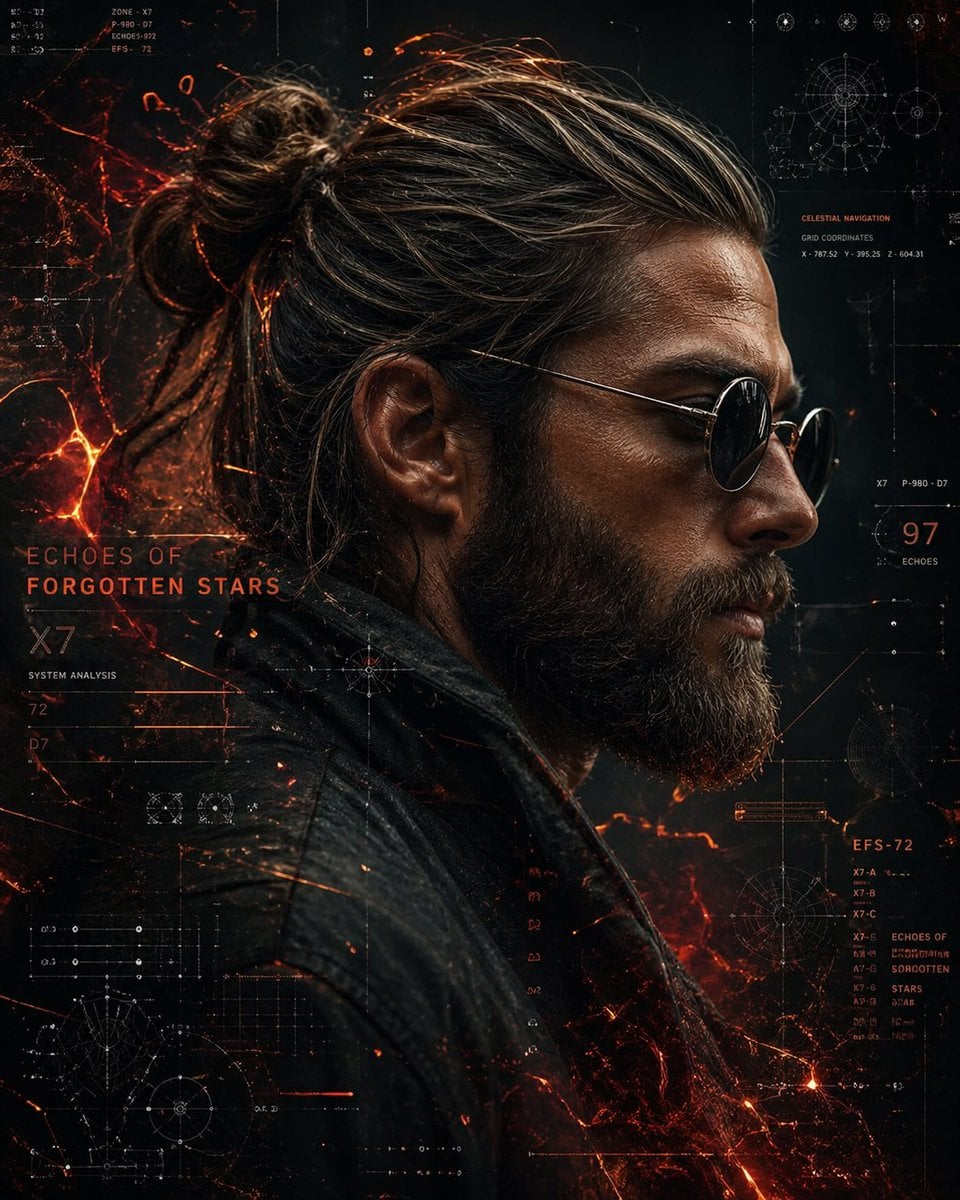
Cinematic Side Profile Cyberpunk Hero Poster

Black Liquid Cyberpunk Portrait Poster

Japan Travel Brochure Poster

Obscured Cyberpunk Girl Poster

Gothic Mecha Sword Warrior
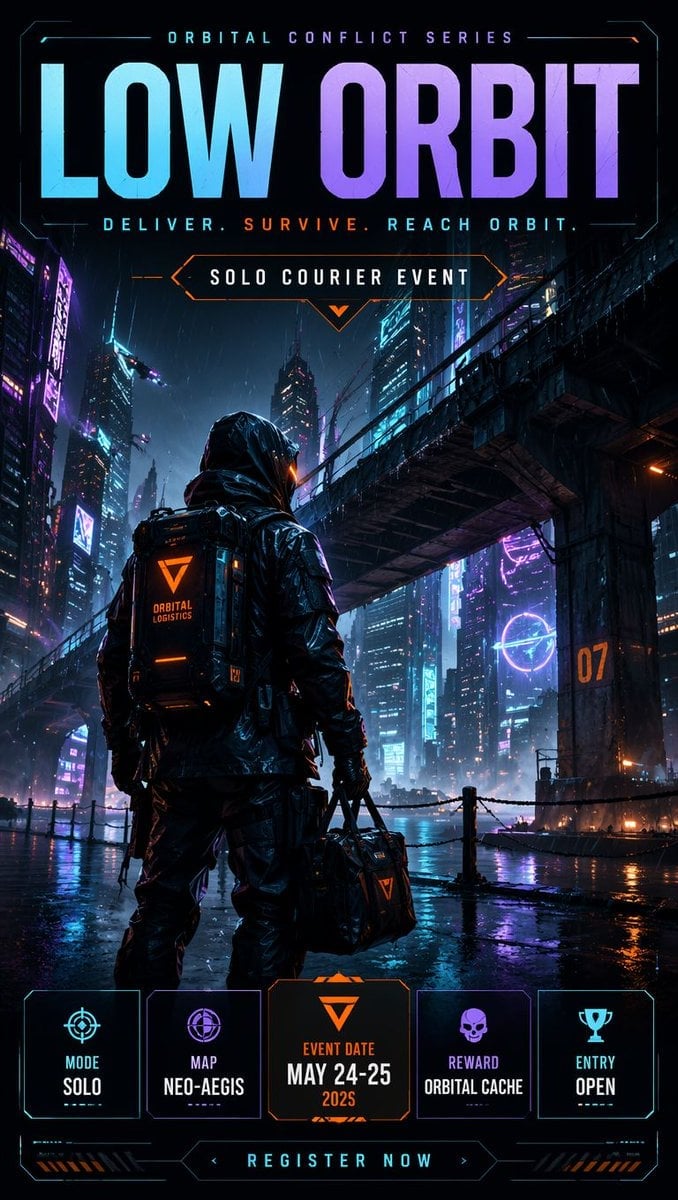
Cyberpunk Esports Courier Poster

Cartoon TV Show Poster Pack

Trendy Cafe Drink Promo Poster

Urban Fashion Editorial Collage Streetwear Poster

Premium Fashion Editorial Cover Layout System

Polo Ralph Lauren Luxury American Heritage Fashion Campaign
Make it yours
Cyberpunk Mecha Warrior Poster works as-is. These are the safest ways to change it without losing the look.
Change one field
Copy a single group, rewrite it, and generate again so you can see what that field is doing.
Keep the frame, change the subject
Hold the composition and light of Cyberpunk Mecha Warrior Poster, then swap wardrobe, props or the person for a new take.
| If the result… | Why | Fix |
|---|---|---|
| The result drifts from the preview | Too many fields changed at once. | Reuse Cyberpunk Mecha Warrior Poster as-is first, then change one group — subject, light, or setting. |
| The model over-stylizes the scene | The prose prompt leaves finish and camera underspecified. | Add one camera or lighting sentence and stay on GPT Image 2. |
More GPT Image 2 templates
Other prompts made for GPT Image 2.

Six VTuber Japanese Logo Sheet

Realistic Portrait of Woman and Deer

The Vista Modular Condo Poster

AI Model Routing Comparison Infographic

2.5D Anime Art Board

Isometric Productivity Desk Scene

New York Double Exposure Poster

Four-Panel AI Landscape Comparison

Japanese Tatami Lifestyle Magazine Cover

NESCAFÉ Coffee Map Poster
More image prompts
Fresh picks from across the catalog.
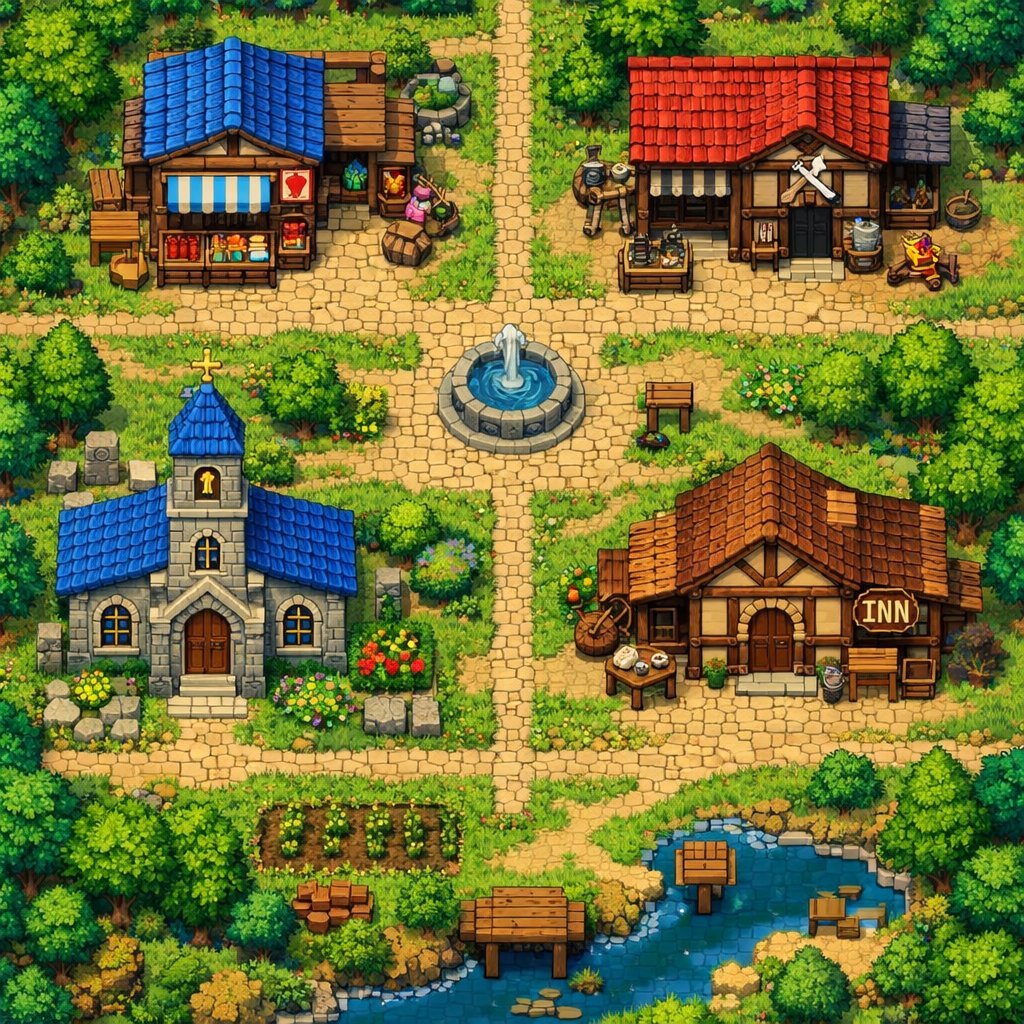
2D Pixel Art Village Map Prompt (ChatGPT)
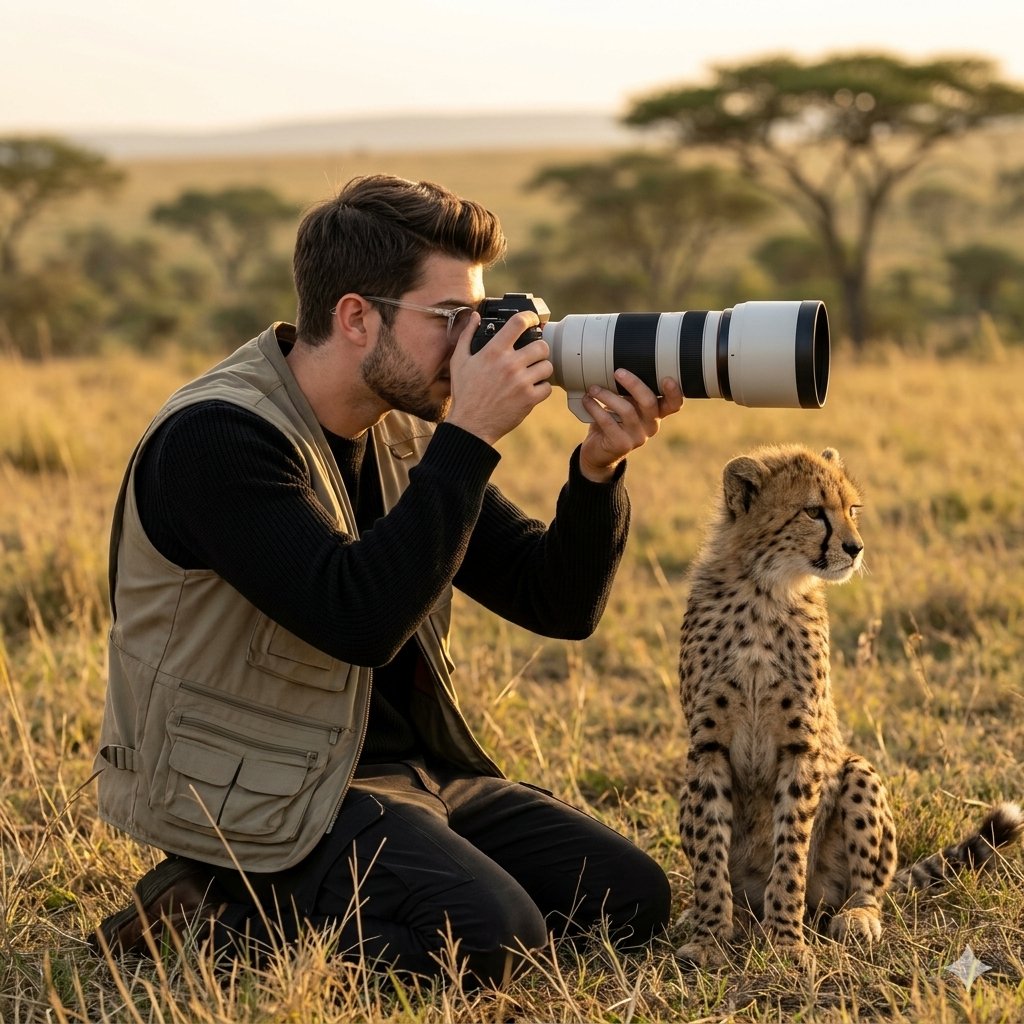
Wildlife Photographer with Cheetah Cub
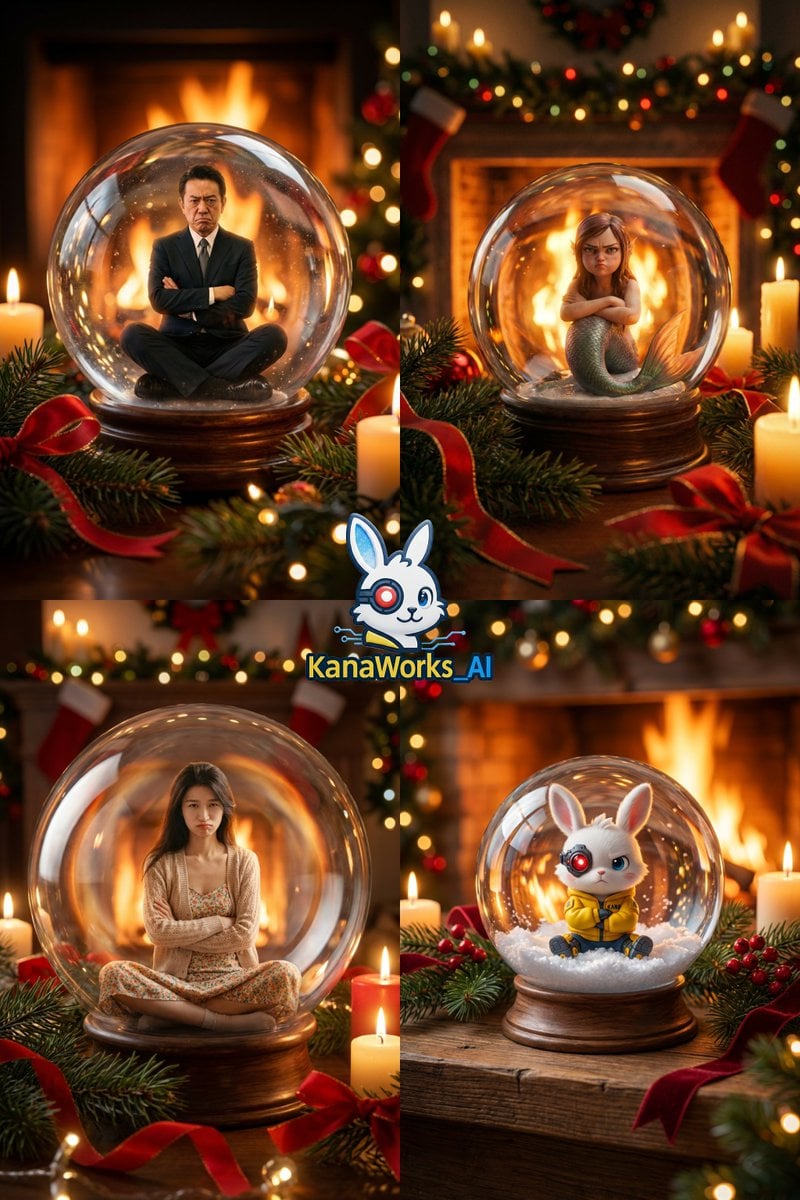
Christmas Snow Globe Prompt

Historical Event Visualizer
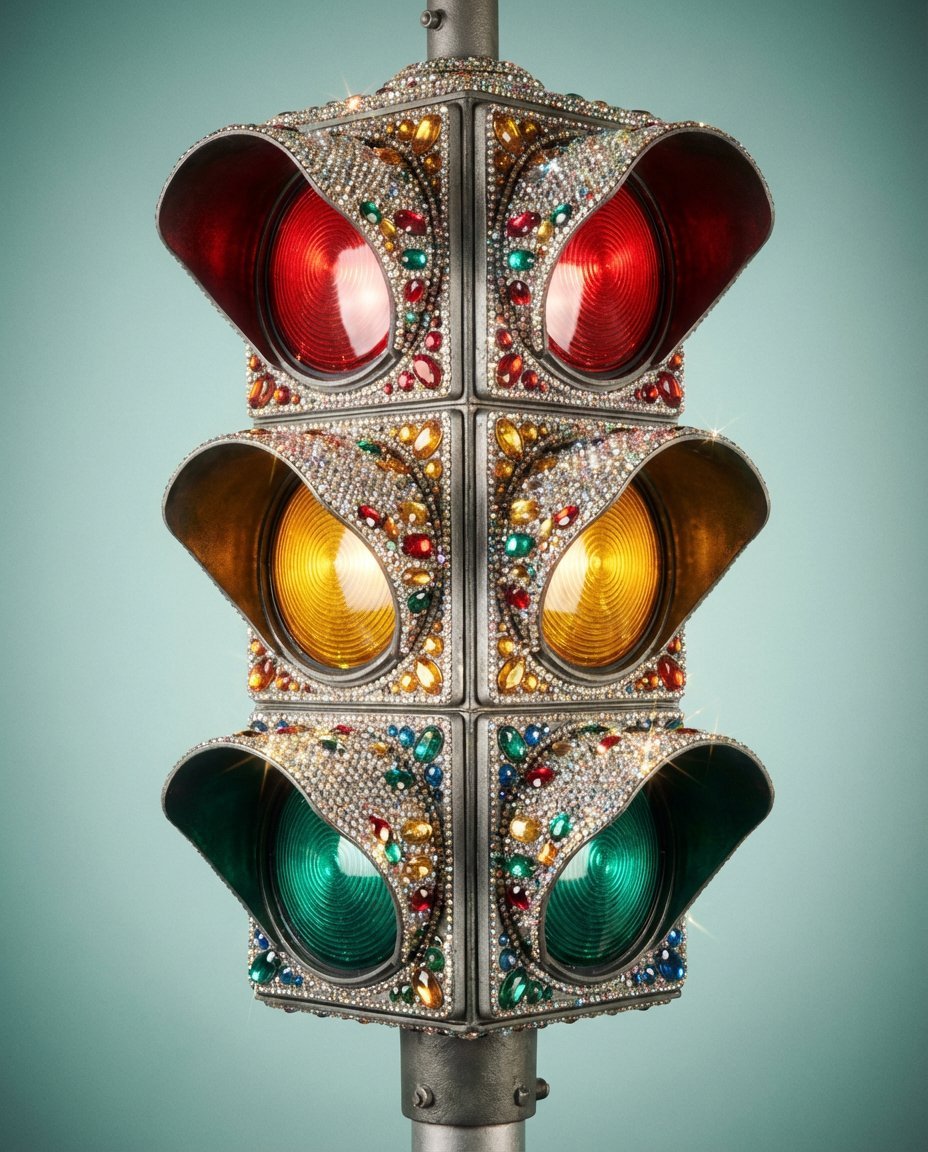
Rhinestone Encrusted Vintage Traffic Light Close-Up
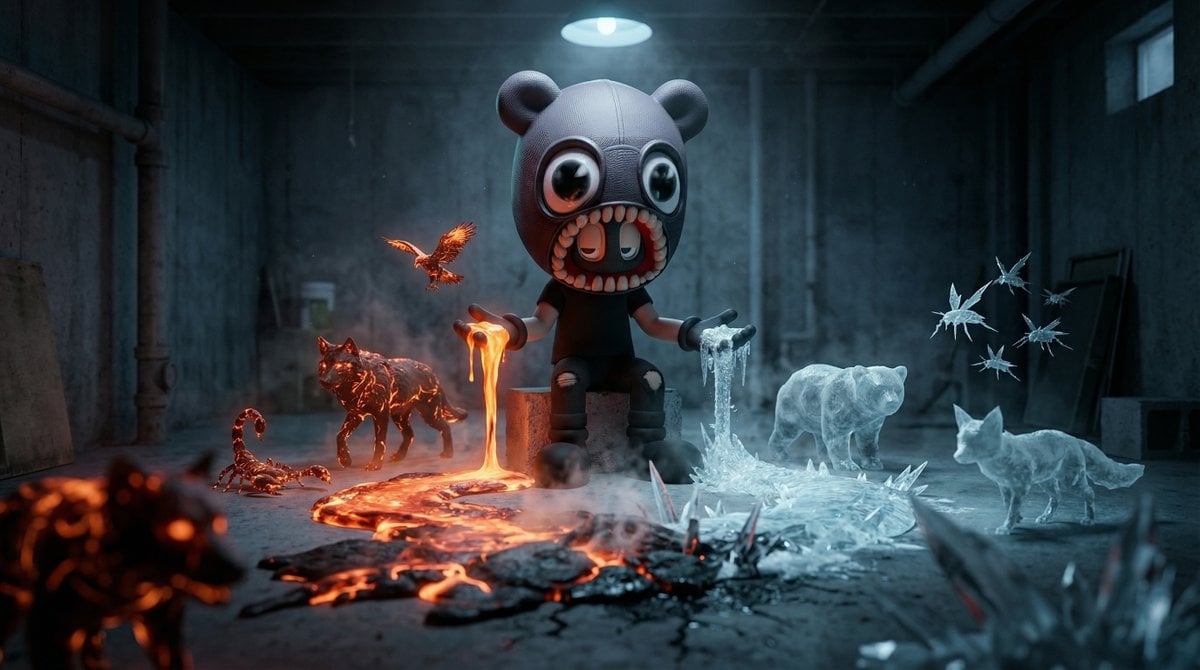
Cinematic Dark Fantasy Scene of Elemental Collision
Futuristic Nature and Technology Landscape Portrait
Grunge Collage Fashion Portrait
Parisian Café Lifestyle Portrait
Melancholic Lin Daiyu Portrait
Browse template categories
Cyberpunk Mecha Warrior Poster questions
How do I use the Cyberpunk Mecha Warrior Poster template?
Add your photo if the template asks for one, edit the prompt if you like — the template's model and format are already selected — and press Generate. Your version opens in PicX Studio.
Can I customize the Cyberpunk Mecha Warrior Poster template?
Yes. You can change the subject, setting, lighting, mood, format, and available model controls before creating your image.
Is the Cyberpunk Mecha Warrior Poster template free?
Opening and editing this template is free. Generating uses credits, shown on the Generate button when you are signed in.
Which AI model should I use?
Start with GPT Image 2, which is the model associated with this template. You can compare another compatible model for a different finish.
Looking for something else? Browse all templates.

Your photo, any look
Thousands of ready templates for every top image and video model, from one credit balance.