
Architectural Concept Rendering: Sketch to Photorealism
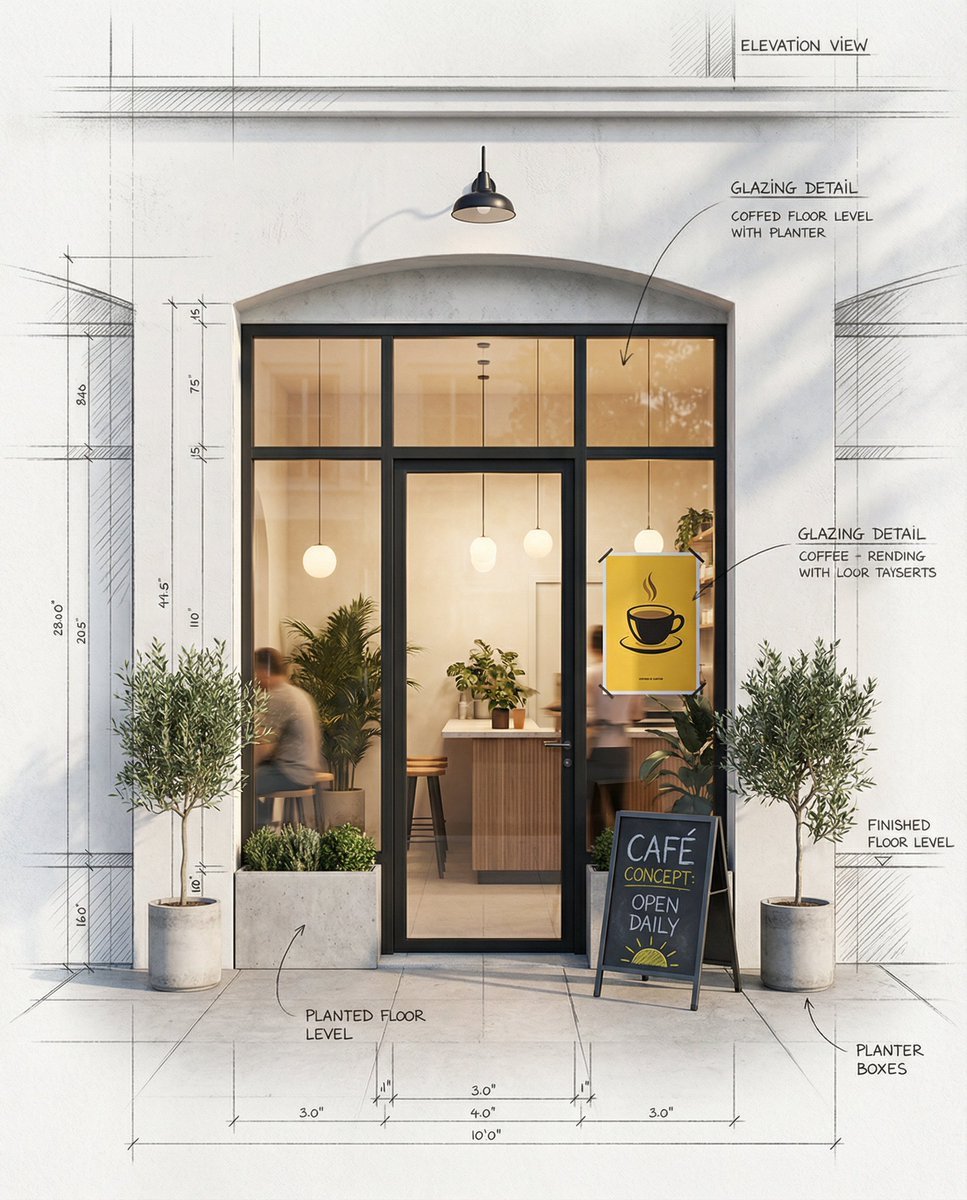
A highly detailed prompt for generating an architectural concept rendering of a modern café storefront.
- Prompt included
- Model and format preset
- Free template
The prompt behind this image
Copy the exact prompt behind Architectural Concept Rendering: Sketch to Photorealism, or open it in the studio and make it yours.
"Architectural concept rendering of a modern café storefront, ultra-detailed, blending clean technical sketch and high-end photorealism. The composition features a perfectly symmetrical black-framed glass window and door set into a pristine white minimalist façade with subtle texture. Through the central window, a warmly lit, inviting café interior is visible, with soft pendant lights, lush green plants, a compact wooden counter, a few stools, and hints of people blurred in the background for a lived-in feel. Surrounding the window, delicate pencil sketch lines, dimension marks, hatching, construction grids, and small handwritten architectural annotations overlay the wall and ground plane, seamlessly merging drafting aesthetics with finished reality. Add realistic exterior details such as a small black metal lamp centered above the arch or lintel, a neatly designed sandwich board sign on the sidewalk with faint chalk writing, and two tasteful potted plants flanking the entrance in simple modern planters. Emphasize a balanced contrast between crisp monochrome sketch outlines and selective, refined color accents — warm yellow ambient lighting inside, a single bold yellow poster in the window, natural green foliage, and soft, directional shadows on the pavement. The overall mood is elegant, creative, and conceptual, evoking a high-end architectural visualization that appears to transition gradually from blueprint lines at the edges into fully realized photographic realism at the center."
How to use Architectural Concept Rendering: Sketch to Photorealism in 3 steps
- 1
Open
The prompt is already in the box next to the preview, with the template's model and format selected.
- 2…a portrait of your subject in softgolden-hour light, 85mm…
Personalize
Edit the subject and creative details for your destination.
- 3Generate
Generate
Press Generate — your image is created in PicX Studio, so you can compare it with the original and refine one variable at a time.
More like this
Templates with the same subject, style or setup. Open one to see its prompt.
Nano Banana Pro Identity Lock — Composition + Face Reference
Highly detailed isometric 3D rendering of in architectural visualization
Calligraphic Asian Concept Art Rendering
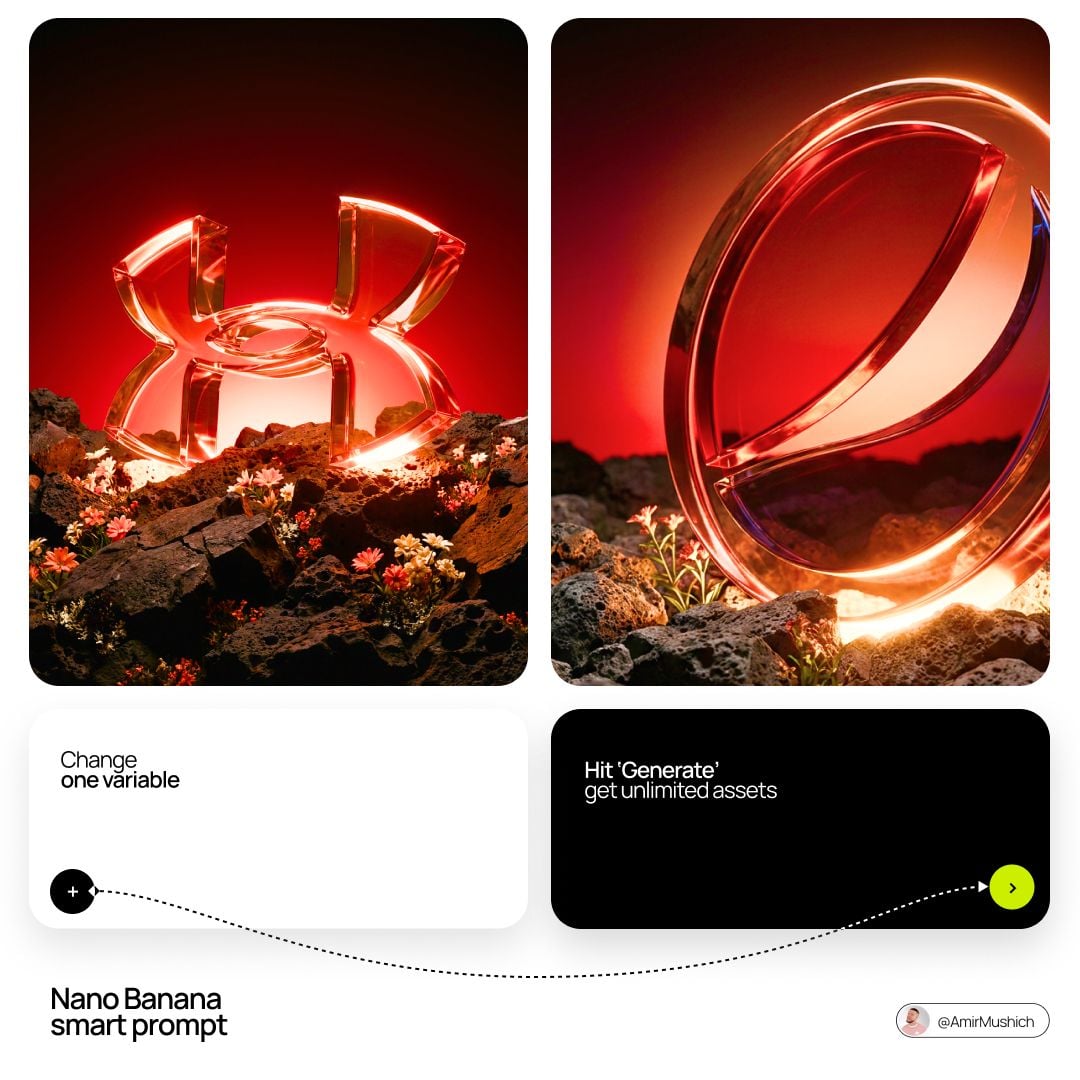
Glass Brand Logo Volcanic Landscape
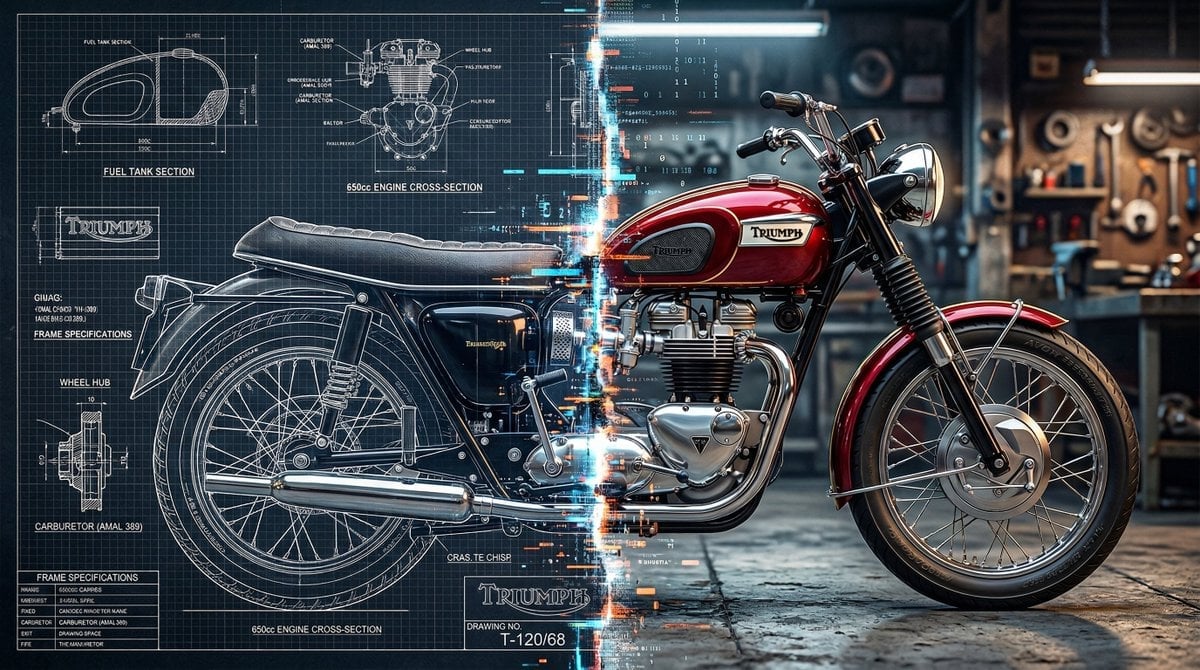
Blueprint Split Reality Archetype Prompt
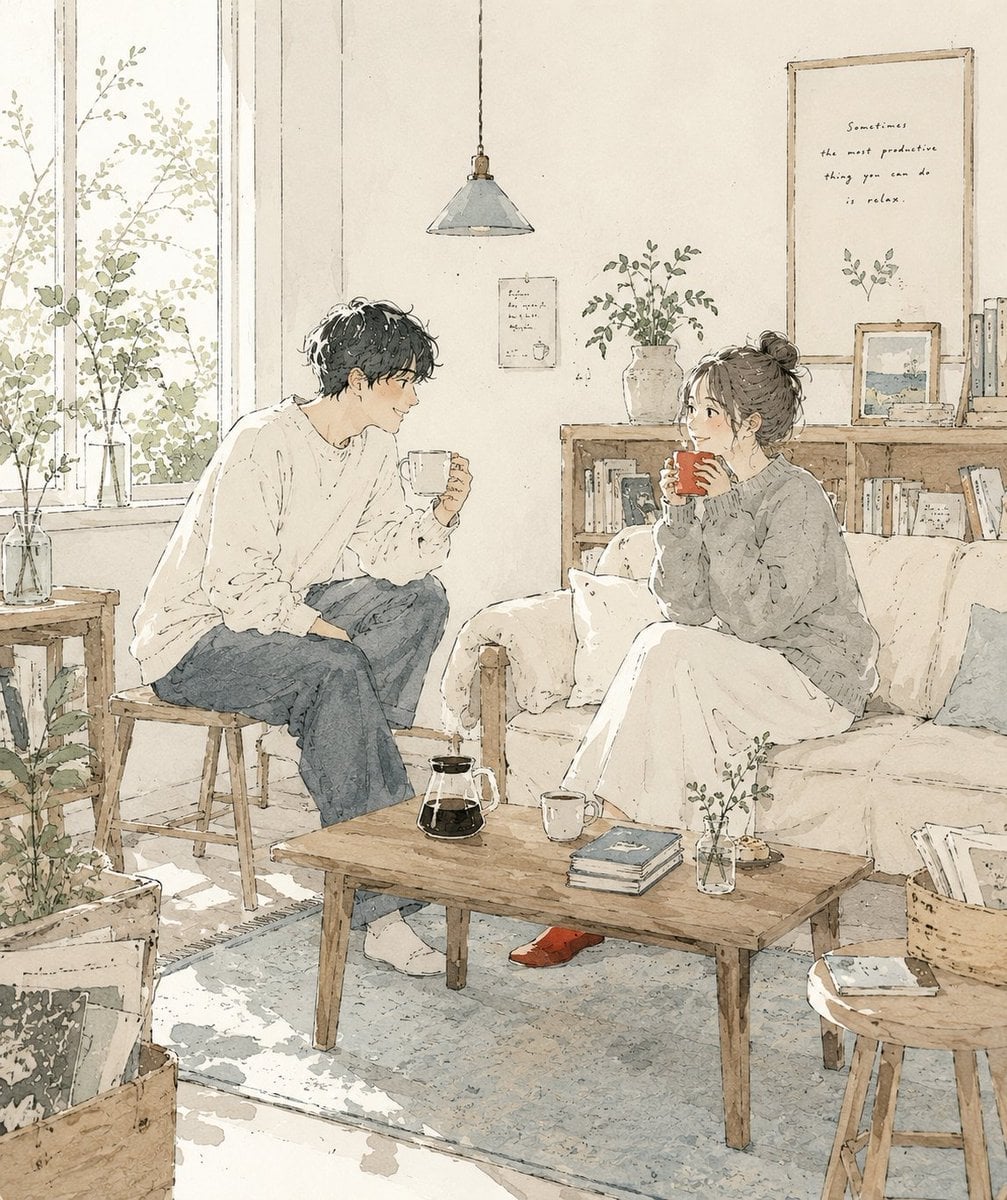
Japanese Café Sketch Duo Illustration
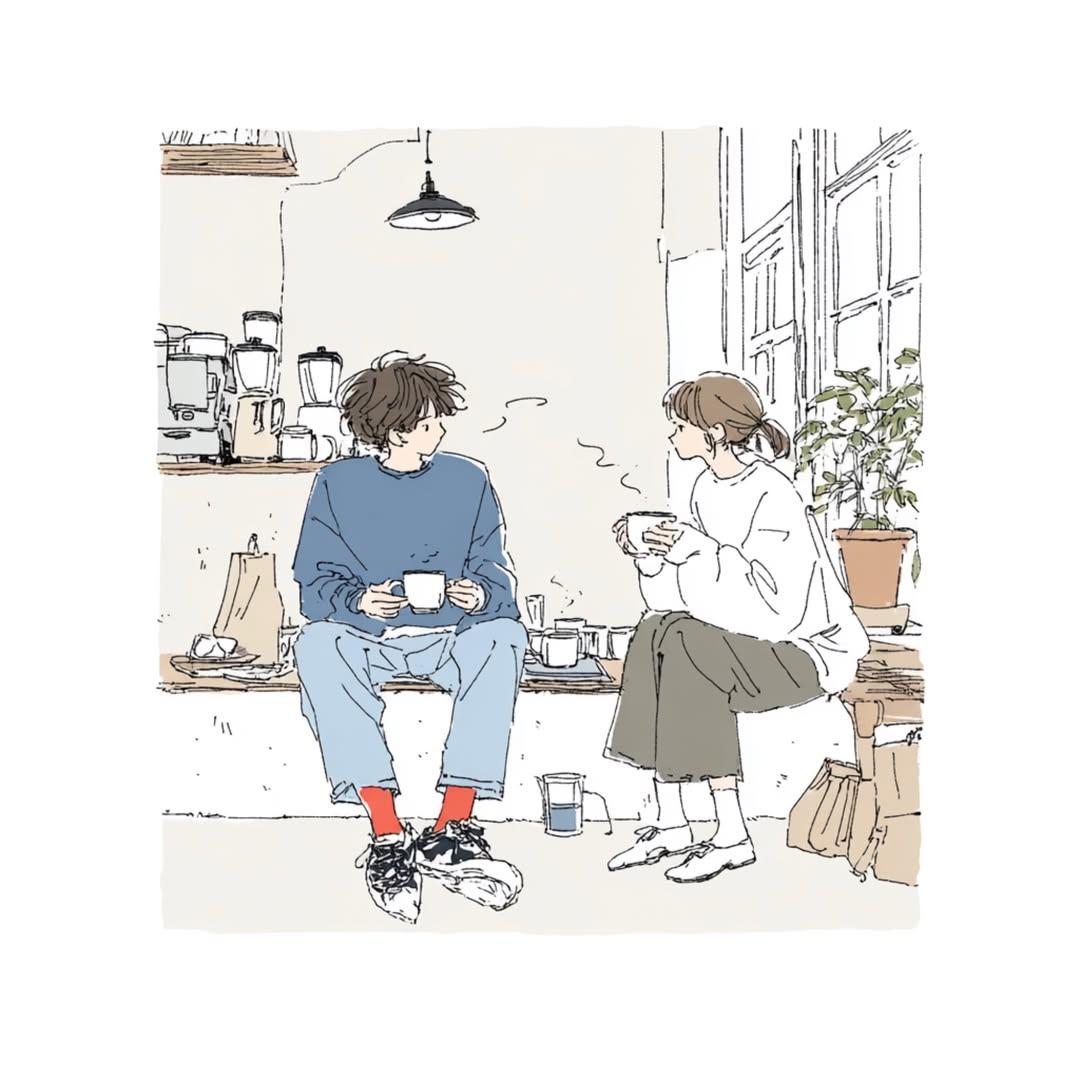
Delicate Japanese Café Lifestyle Illustration
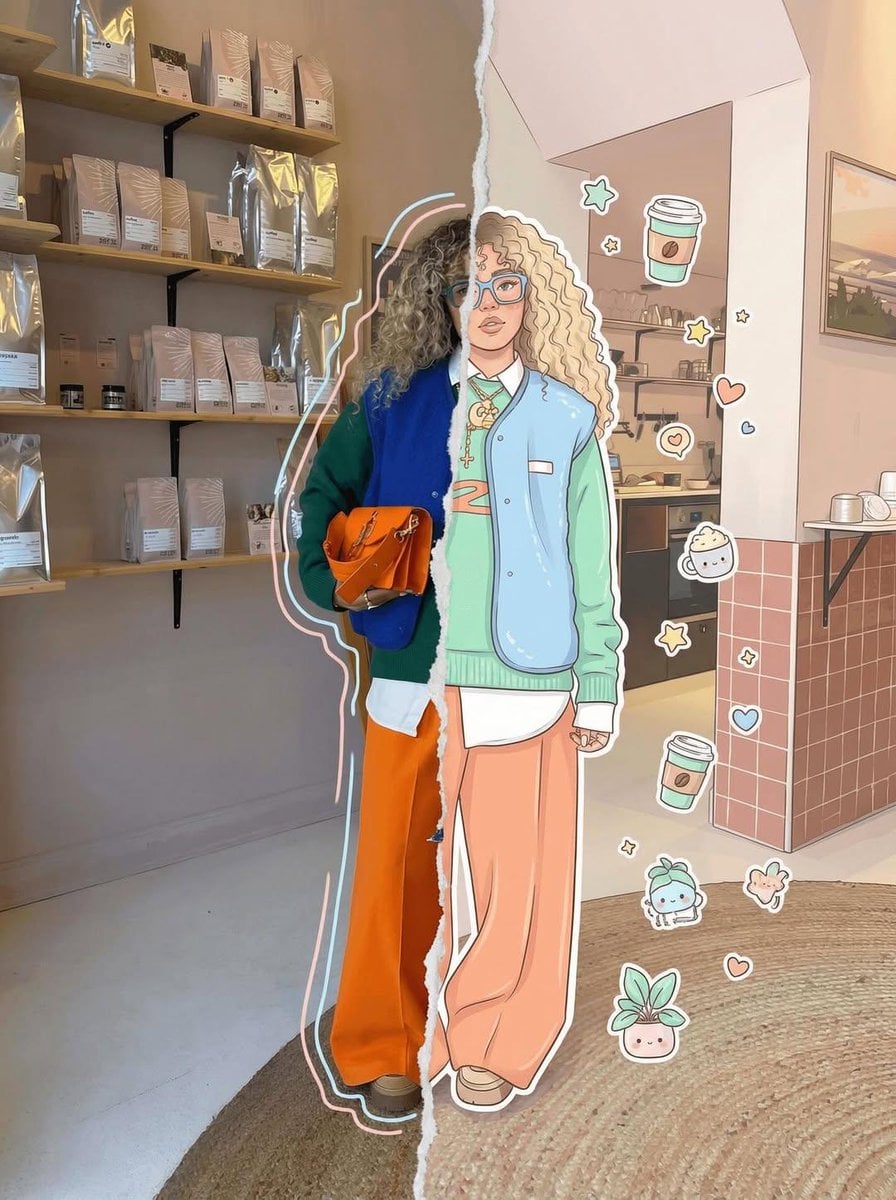
Real Illustration Split Portrait Transition
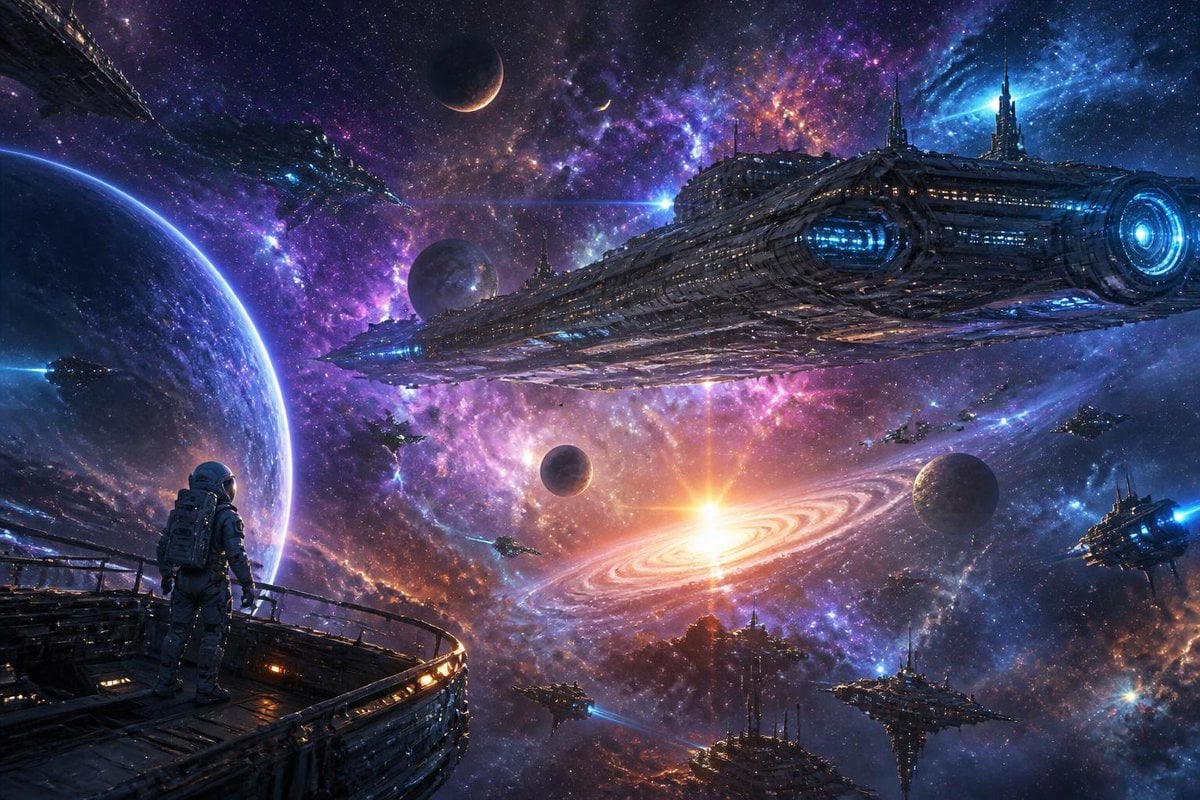
Galactic Space Exploration Rendering
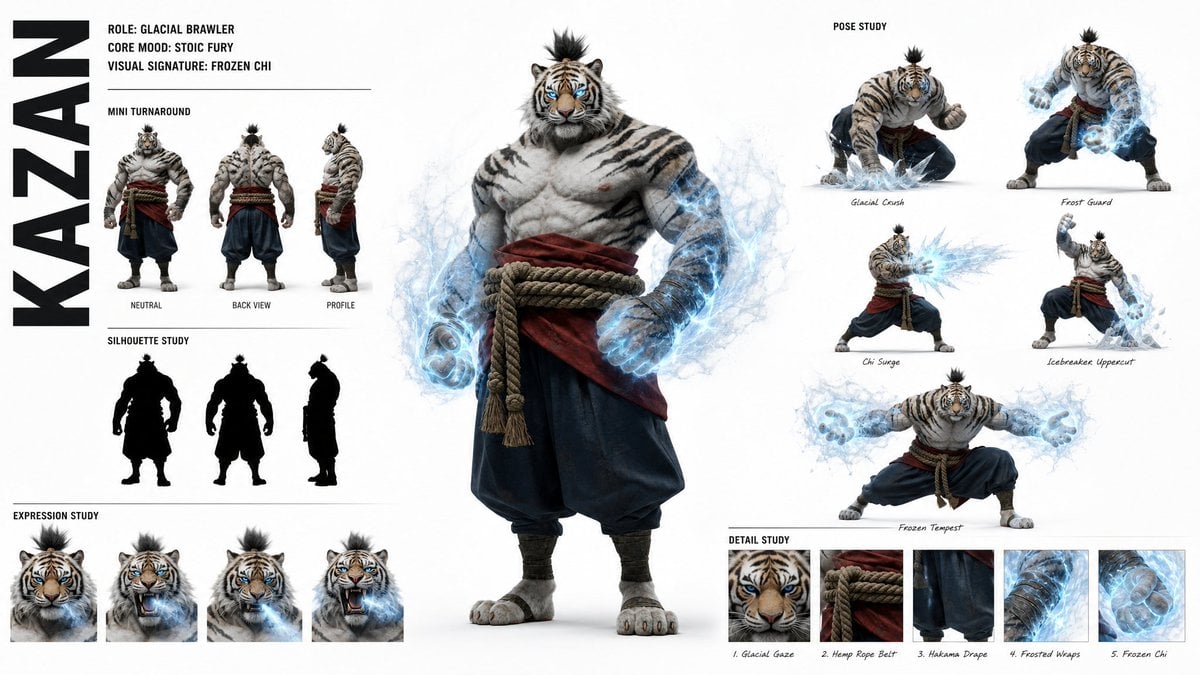
High-Fashion Character Concept Art Sheet
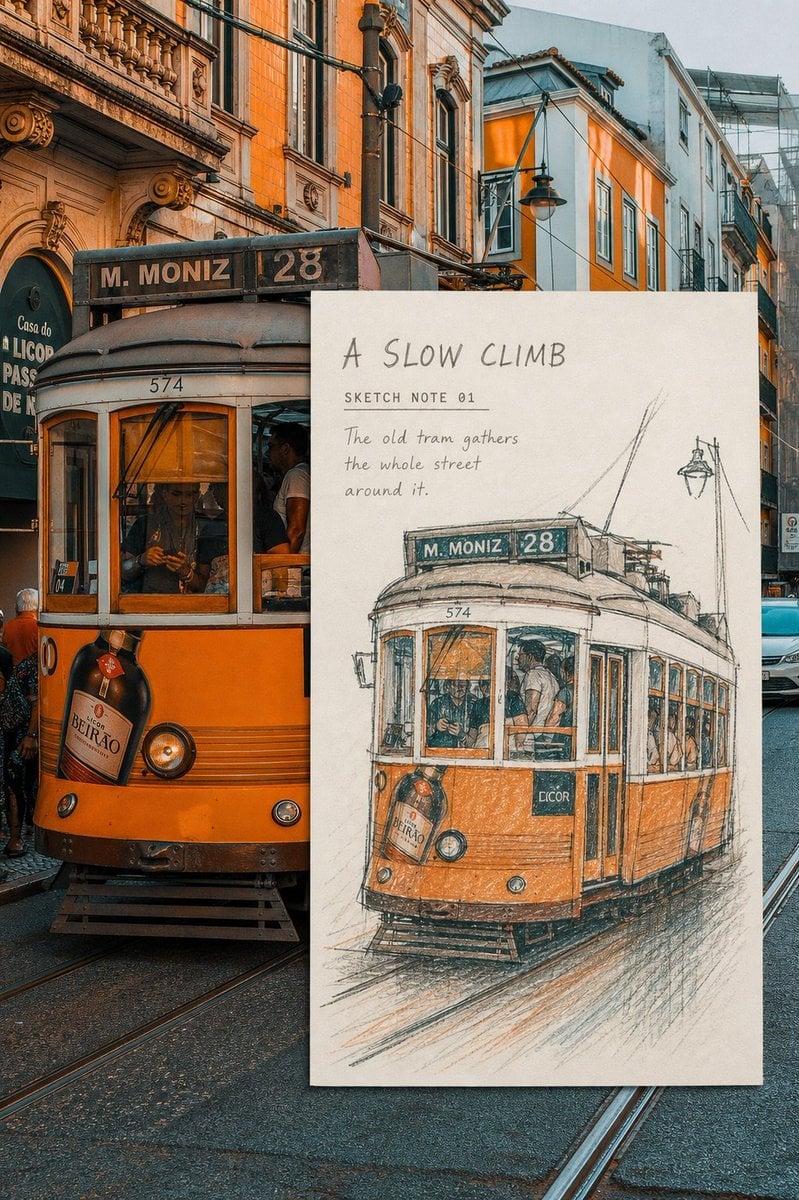
Real-Scene Inset Sketch Poster
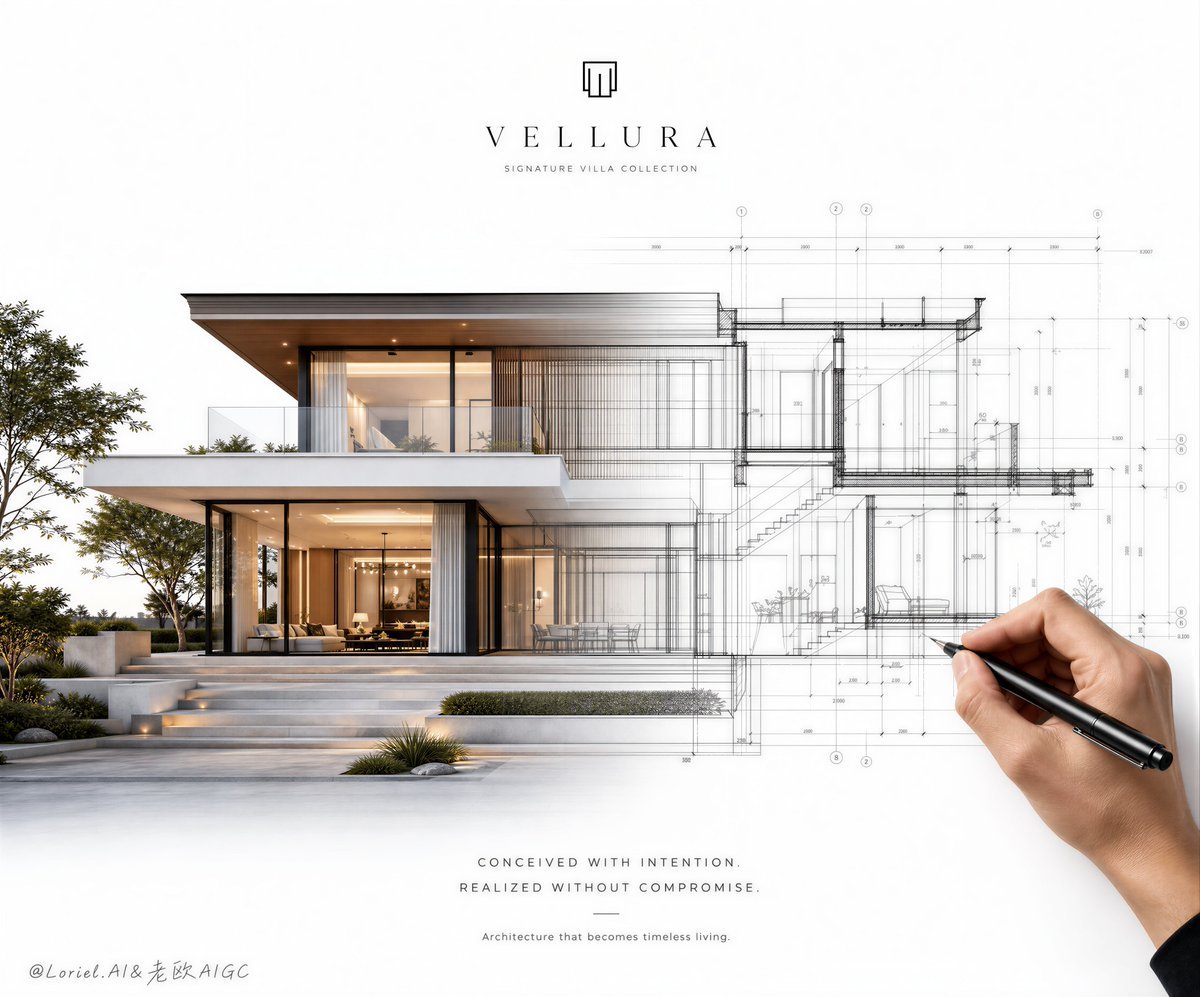
Architectural Villa Blueprint Poster
Make it yours
Architectural Concept Rendering: Sketch to Photorealism works as-is. These are the safest ways to change it without losing the look.
Change one field
Copy a single group, rewrite it, and generate again so you can see what that field is doing.
Keep the frame, change the subject
Hold the composition and light of Architectural Concept Rendering: Sketch to Photorealism, then swap wardrobe, props or the person for a new take.
| If the result… | Why | Fix |
|---|---|---|
| The result drifts from the preview | Too many fields changed at once. | Reuse Architectural Concept Rendering: Sketch to Photorealism as-is first, then change one group — subject, light, or setting. |
| The model over-stylizes the scene | The prose prompt leaves finish and camera underspecified. | Add one camera or lighting sentence and stay on Nano Banana 2. |
More Nano Banana 2 templates
Other prompts made for Nano Banana 2.

Photorealistic Leaf Shaped Like a Dragon

K-Pop Idol Portrait Grid for Rapid Selection

Poetic Rain Forest Portrait During Golden Hour

Urban Street Portrait with Cartoon Inner Self Duo

Candid Nighttime Photo with Cat Prompt

High-Concept 3D Diorama Generation Prompt

Cinematic Futuristic Studio Portrait Template

Skincare Editorial Photography Collage Prompt

Hyper-Realistic Commercial Product Photography (Splash Effect)

Hyper-Realistic Nightclub Portrait Prompt
More image prompts
Fresh picks from across the catalog.
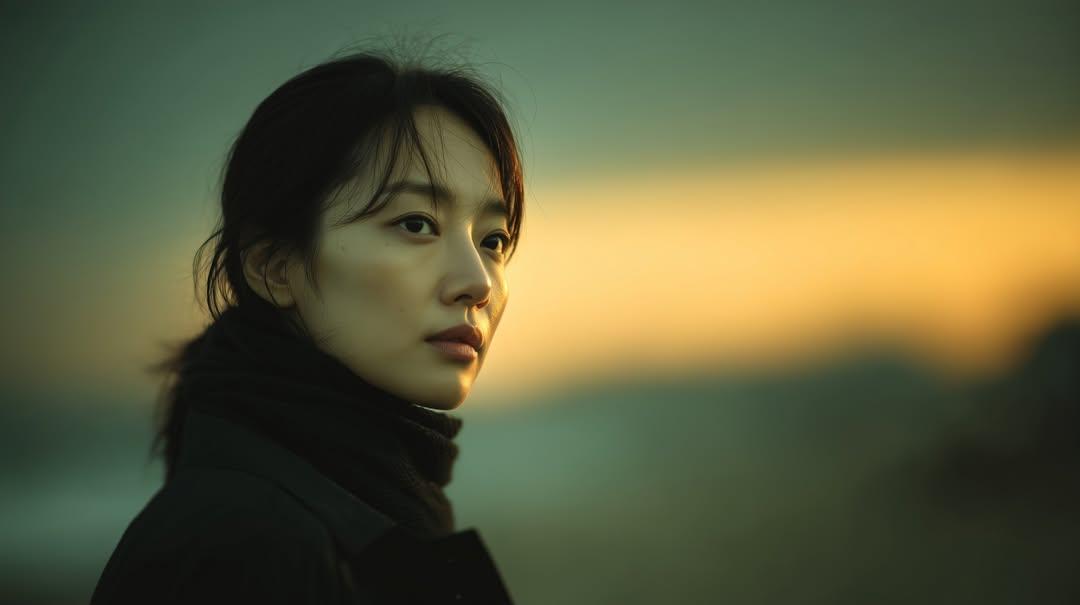
Cinematic Sunset Portrait of East Asian Woman

3D Historical Biography Poster Template
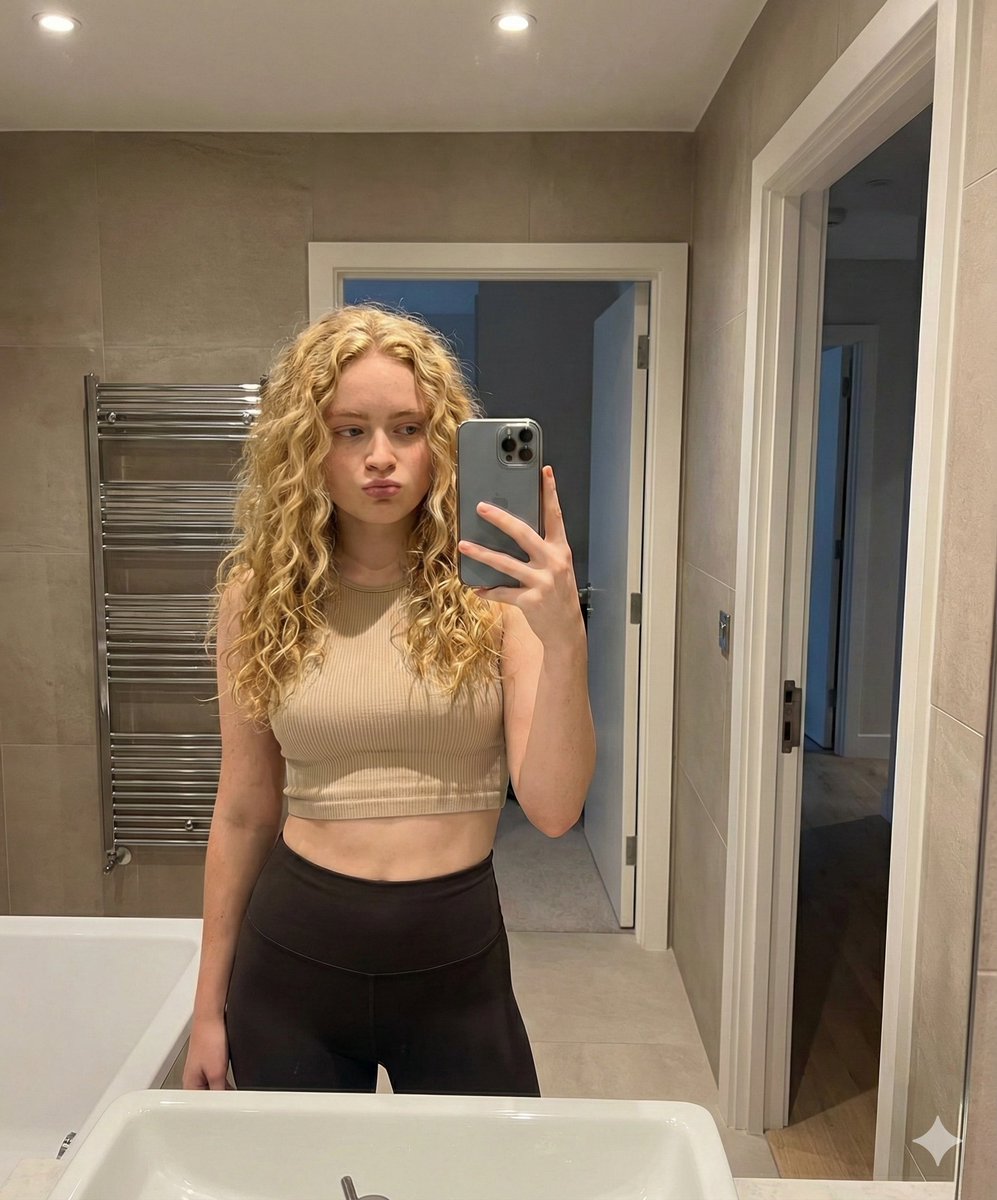
Mirror Selfie in Modern Bathroom Prompt

Dark Fantasy Movie Poster
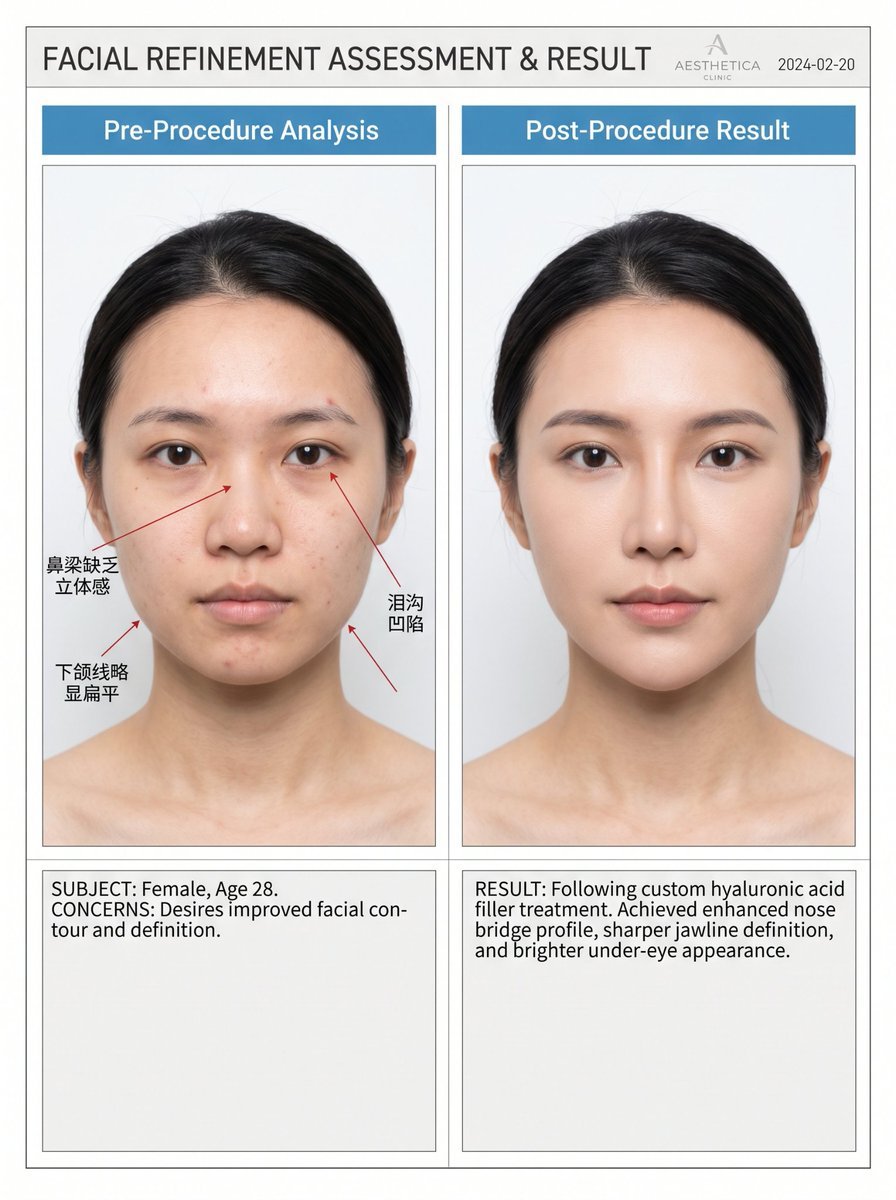
Medical Aesthetic Analysis Comparison Prompt

Baseball Garlic Pepper Chips Bag
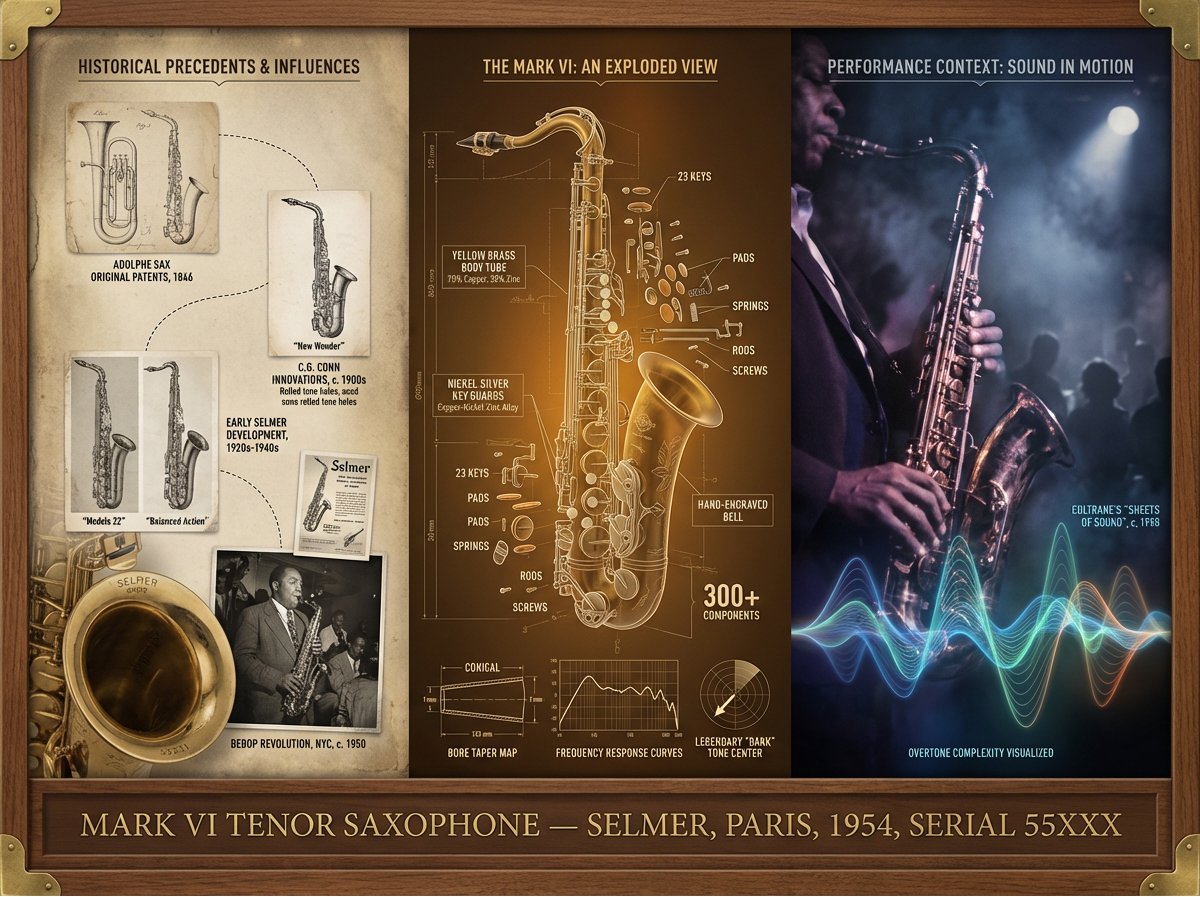
Instrument Genealogy Board (Luthier's Legacy)
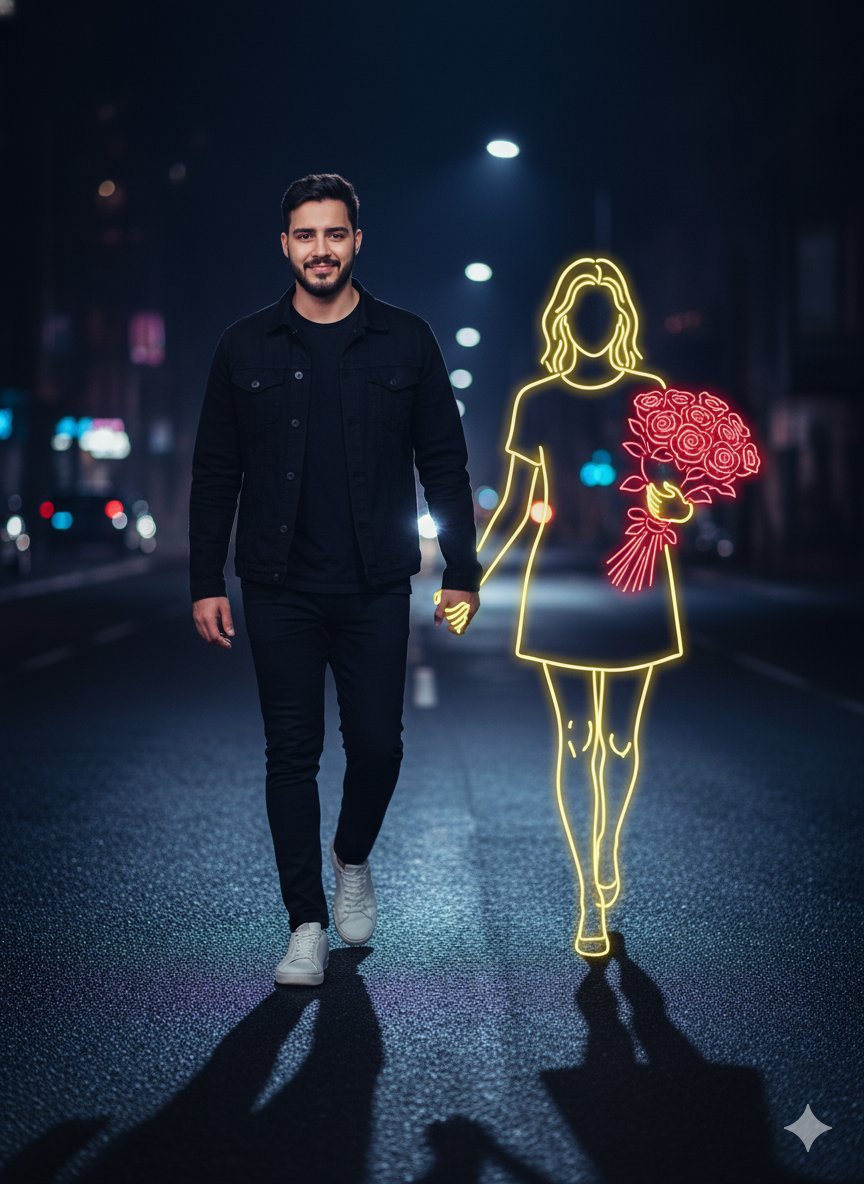
Cinematic Night Portrait with Neon Silhouette
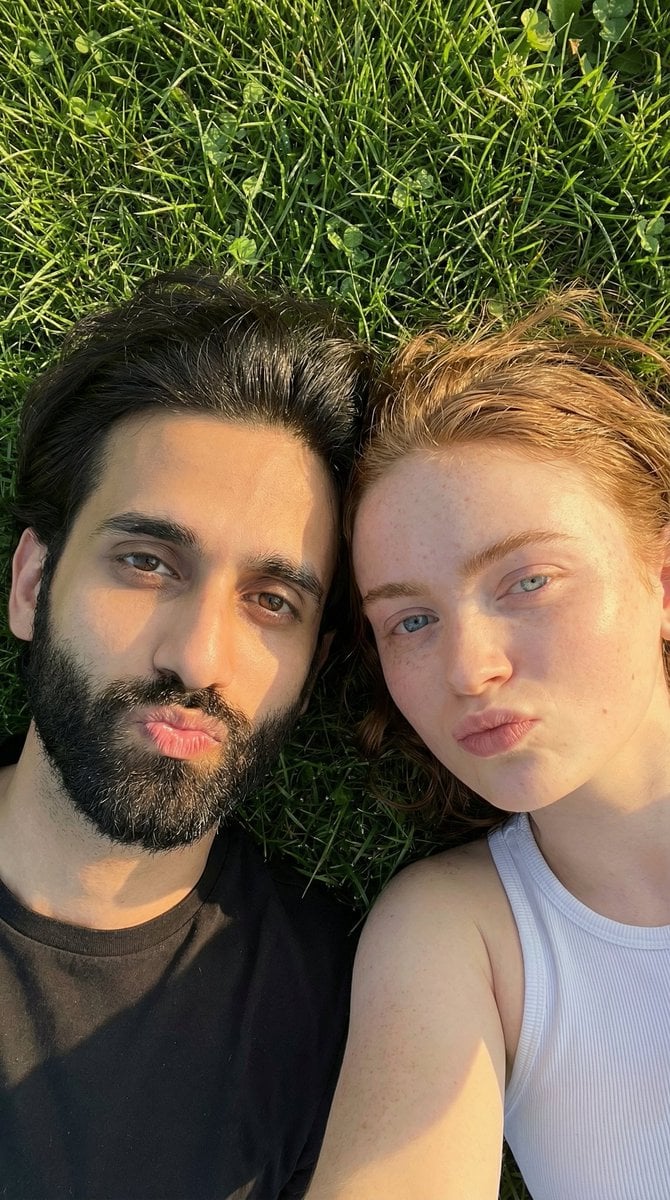
Golden Hour Selfie Couple

Clinic Plus Strong Hair Ad
Browse template categories
Architectural Concept Rendering: Sketch to Photorealism questions
How do I use the Architectural Concept Rendering: Sketch to Photorealism template?
Add your photo if the template asks for one, edit the prompt if you like — the template's model and format are already selected — and press Generate. Your version opens in PicX Studio.
Can I customize the Architectural Concept Rendering: Sketch to Photorealism template?
Yes. You can change the subject, setting, lighting, mood, format, and available model controls before creating your image.
Is the Architectural Concept Rendering: Sketch to Photorealism template free?
Opening and editing this template is free. Generating uses credits, shown on the Generate button when you are signed in.
Which AI model should I use?
Start with Nano Banana 2, which is the model associated with this template. You can compare another compatible model for a different finish.
Looking for something else? Browse all templates.

Your photo, any look
Thousands of ready templates for every top image and video model, from one credit balance.