
Neon Kyoto Rain Alley
Generates a cinematic cyberpunk Kyoto-inspired night scene with floating parasols, torii gates, rain reflections, and a lone kimono-clad figure.
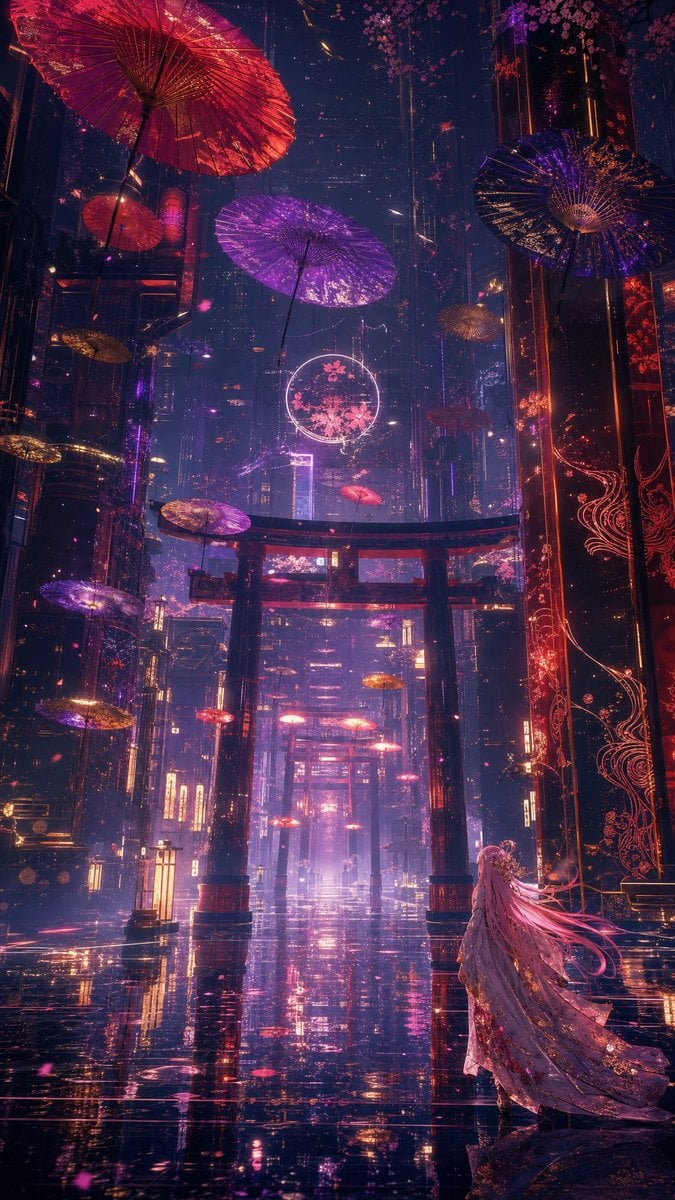
- Prompt included
- Model and format preset
- Free template
The prompt behind this image
Copy the exact prompt behind Neon Kyoto Rain Alley, or open it in the studio and make it yours.
Create a vertical cinematic fantasy cyberpunk cityscape at night in a neon-soaked futuristic Kyoto-inspired alley after rain, with a glossy black reflective street stretching into deep perspective. The scene contains 13 visible floating Japanese parasols: 1 huge red parasol dominating the upper left corner, 1 large violet parasol near the upper center, 1 dark indigo parasol on the upper right, 1 small red parasol on the left balcony, 1 small gold parasol at mid-left, 1 small gold parasol near the upper-right distance, 1 violet parasol at lower left, 1 gold-violet parasol at lower-left midground, 1 gold parasol near the lower-left edge, 1 red parasol in the central distance, 1 red parasol just below the foreground gate, and 2 tiny red parasols farther down the avenue. Add three red torii gates aligned down the center of the street, the nearest gate large and silhouetted against pink-purple haze. Towering dark skyscrapers rise on both sides, decorated with glowing red filigree patterns, vertical neon signs, suspended cables, cherry blossom branches, and drifting pink petals. Place a lone female figure in the lower right foreground, viewed from behind, wearing a long ornate flowing kimono or cloak in pale lavender and rose gold, with extremely long {argument name="hair color" default="silvery pink"} hair streaming to the right as if caught by wind; she gazes toward the illuminated gates and distant city. Use a color palette of {argument name="neon palette" default="magenta, violet, crimson, amber, and deep midnight blue"}, intense wet reflections, volumetric mist, glowing particles, high contrast rim lighting, intricate detail, epic scale, dreamlike atmosphere, anime-inspired dark fantasy, ultra-detailed concept art, 9:16 portrait composition, no readable text, no borders, no watermark.
How to use Neon Kyoto Rain Alley in 3 steps
- 1Upload ImagePNG, JPG or paste
Add your photo
Upload the photo the template builds on. The prompt, model and format are already set.
- 2…a portrait of your subject in softgolden-hour light, 85mm…
Personalize
Edit the subject and creative details for your destination.
- 3Generate
Generate
Press Generate — your image is created in PicX Studio, so you can compare it with the original and refine one variable at a time.
More like this
Templates with the same subject, style or setup. Open one to see its prompt.

Rainy Night Android Cyberpunk Portrait
Rainy Night Android Cyberpunk Portrait

Spider-Man Noir Detective Rain Alley
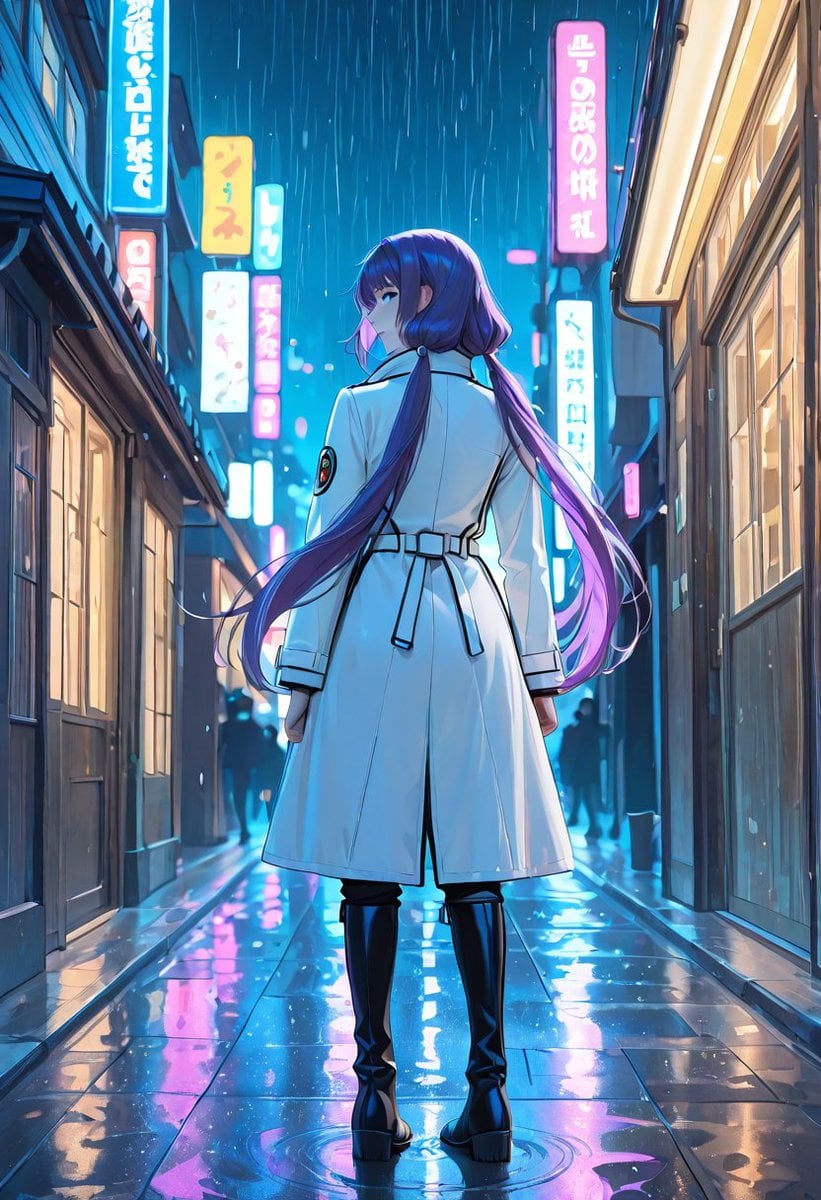
Rainy Neon Anime Alley Woman

Meet Me When It Rains

80s Neon Disco Night
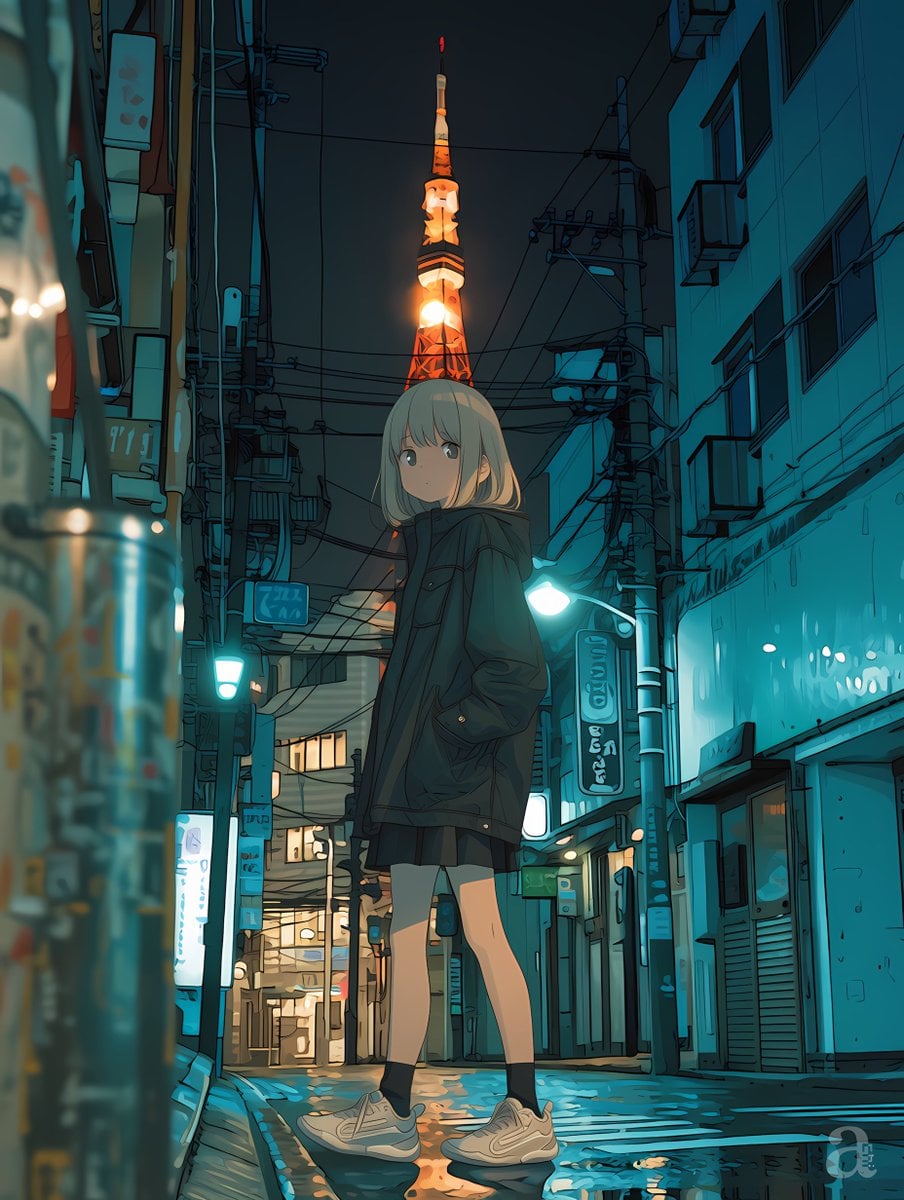
Anime Girl in Rainy Tokyo Alley

Cartoon TV Show Poster Pack

Korean Idol Partial Shadow Editorial Portrait

Cyberpunk Neon Profile Fashion Portrait

Neon Night Crosswalk Candid Portrait

Subway Platform Quiet Introspective Portrait
Make it yours
Neon Kyoto Rain Alley works as-is. These are the safest ways to change it without losing the look.
Change one field
Copy a single group, rewrite it, and generate again so you can see what that field is doing.
Keep the frame, change the subject
Hold the composition and light of Neon Kyoto Rain Alley, then swap wardrobe, props or the person for a new take.
| If the result… | Why | Fix |
|---|---|---|
| The result drifts from the preview | Too many fields changed at once. | Reuse Neon Kyoto Rain Alley as-is first, then change one group — subject, light, or setting. |
| The model over-stylizes the scene | The prose prompt leaves finish and camera underspecified. | Add one camera or lighting sentence and stay on GPT Image 2. |
More GPT Image 2 templates
Other prompts made for GPT Image 2.

Six VTuber Japanese Logo Sheet

Realistic Portrait of Woman and Deer

The Vista Modular Condo Poster

AI Model Routing Comparison Infographic

2.5D Anime Art Board

Isometric Productivity Desk Scene

New York Double Exposure Poster

Four-Panel AI Landscape Comparison

Japanese Tatami Lifestyle Magazine Cover

NESCAFÉ Coffee Map Poster
More image prompts
Fresh picks from across the catalog.
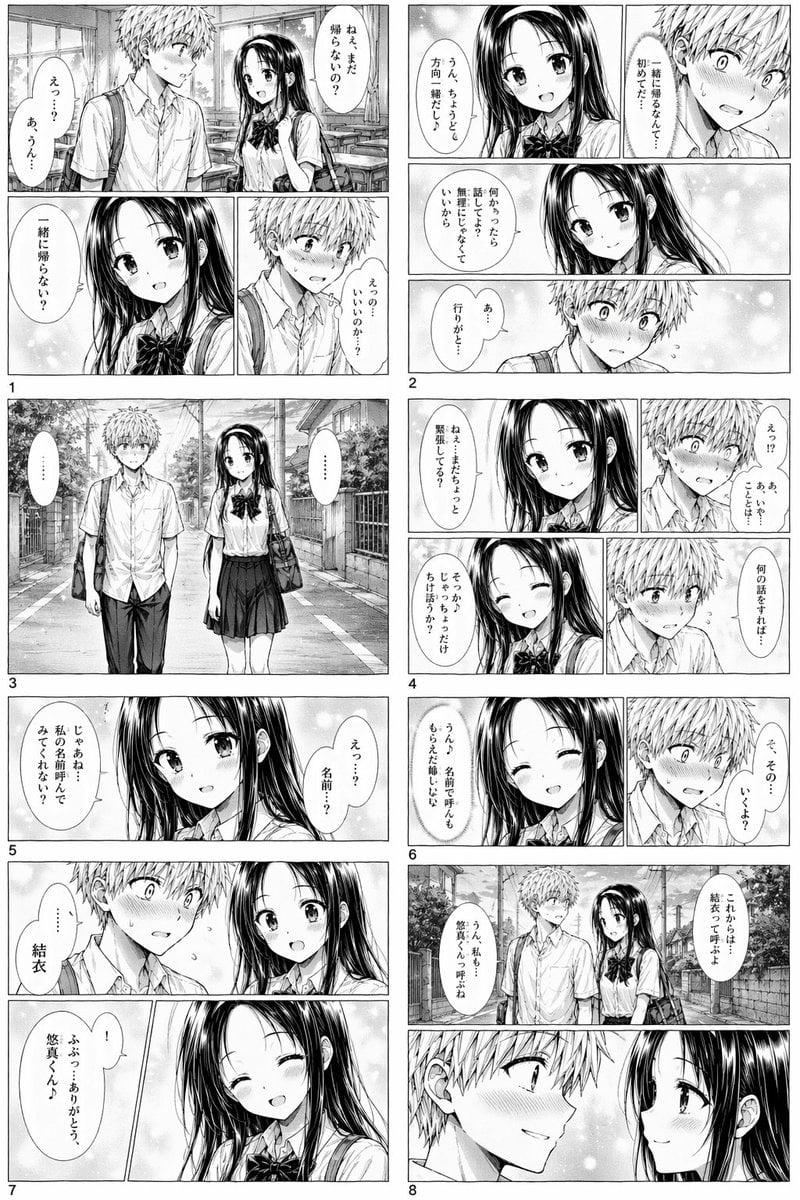
Romantic High School Manga Page
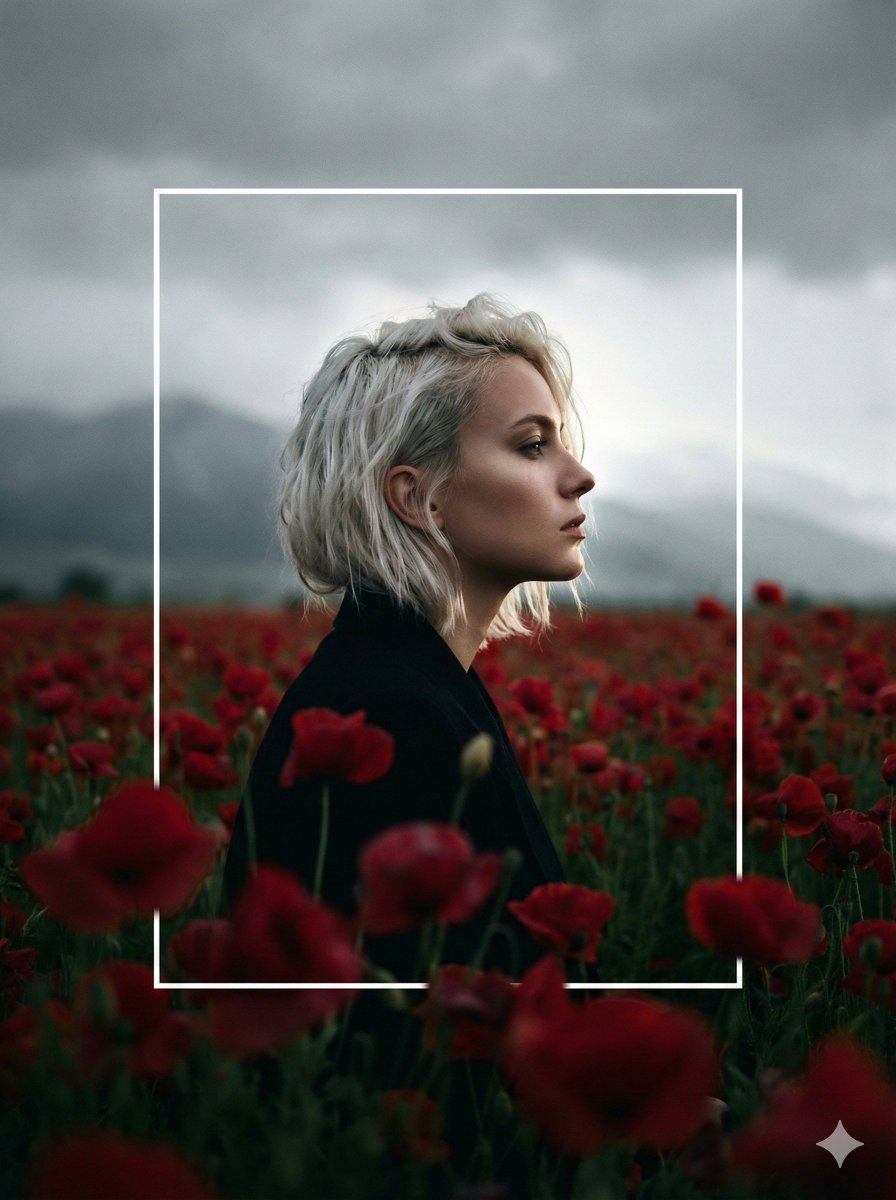
Cinematic Profile Portrait in Crimson Field with Frame Overlay

Wooden Beer Mug Render

Monochrome Paparazzi Fashion Poster
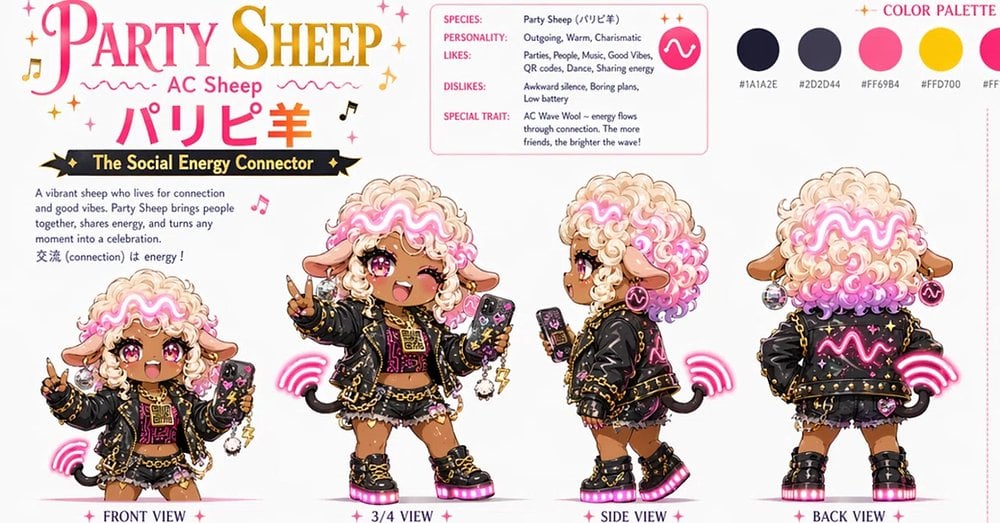
Party Sheep Character Design Sheet

X Sheldon056 Ultra Realistic Fashion Campaign Poster Featuring
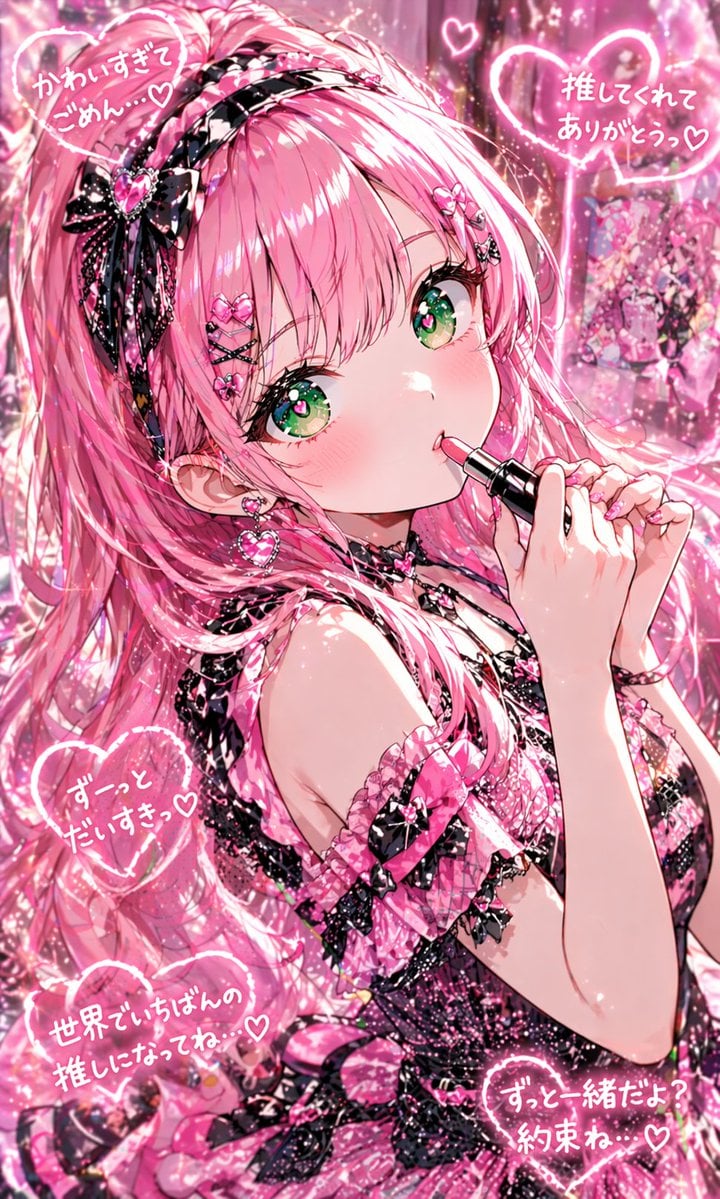
Pink Kawaii Idol Lipstick Portrait
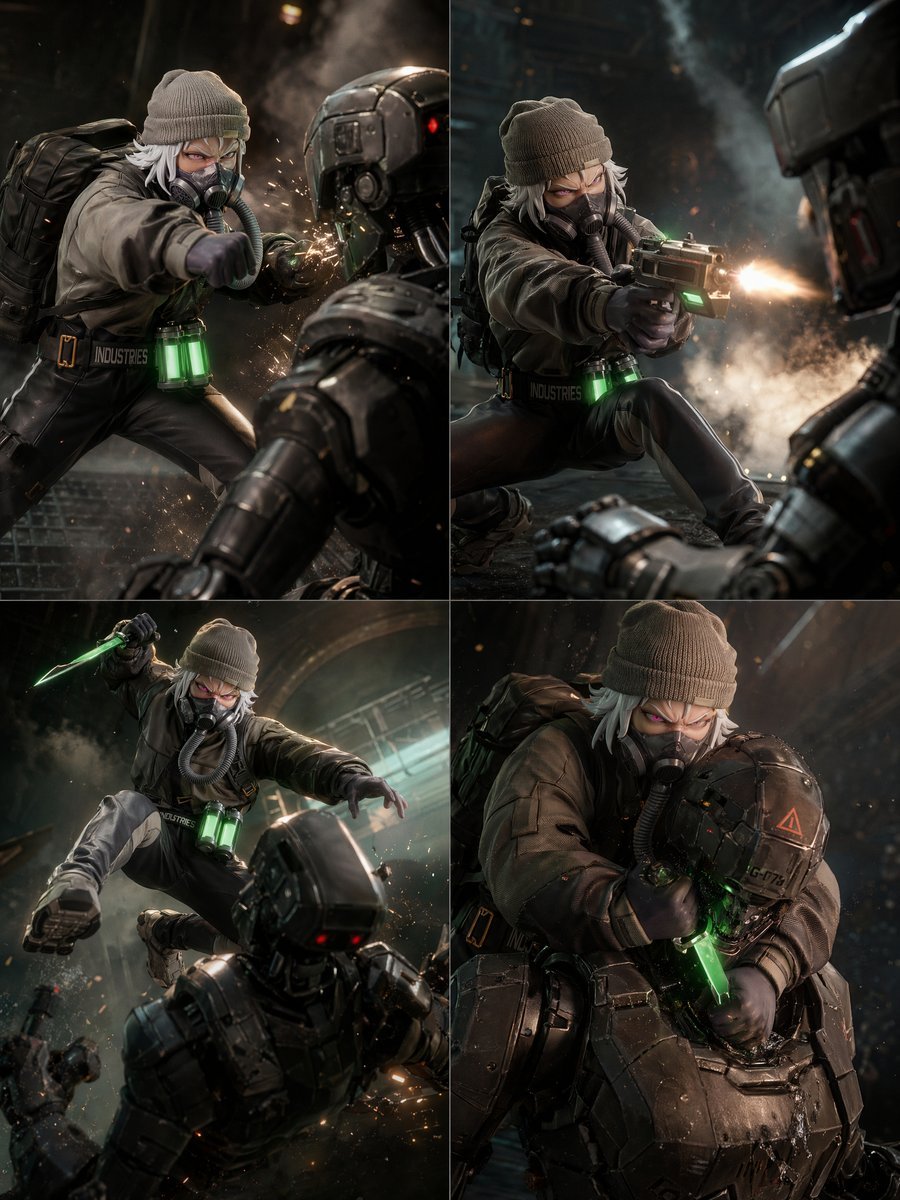
2x2 Sci-Fi Combat Action Grid
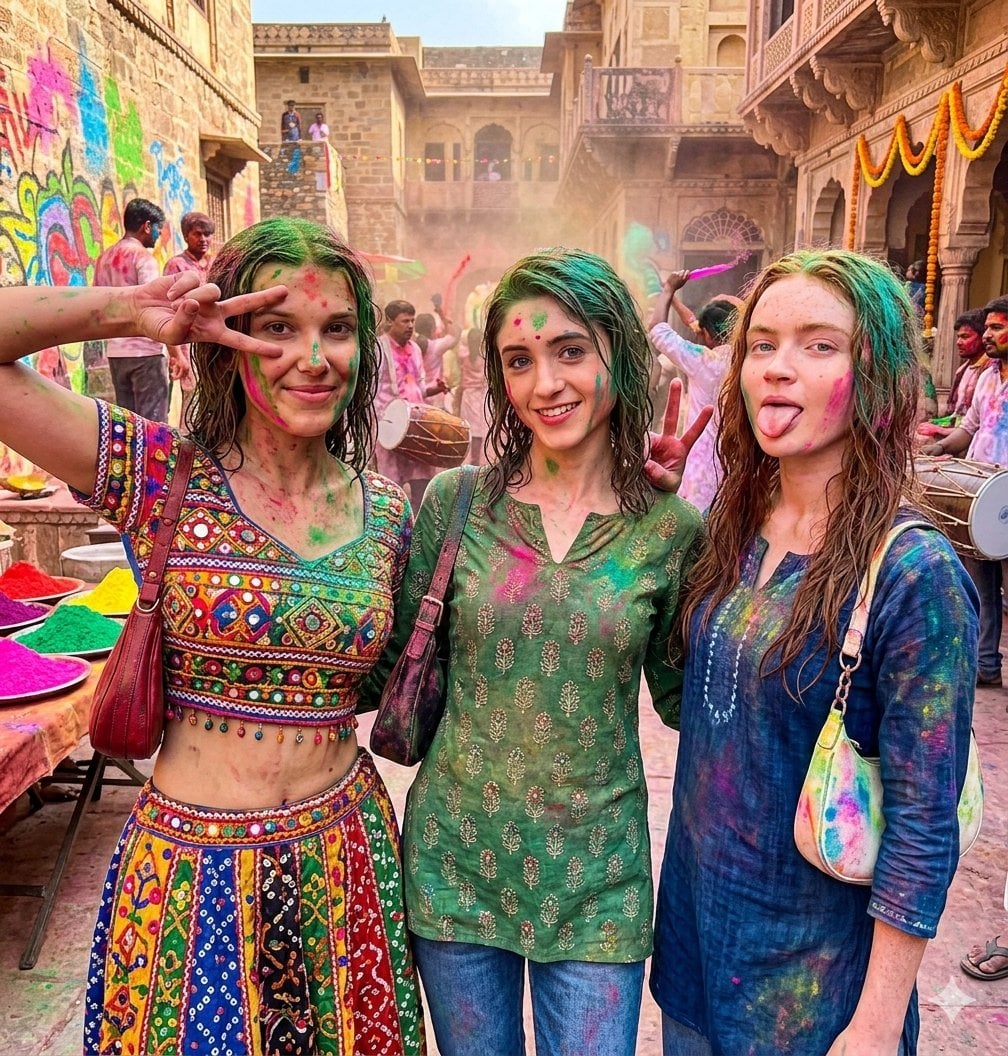
Holi Festival Cinematic Photojournalism
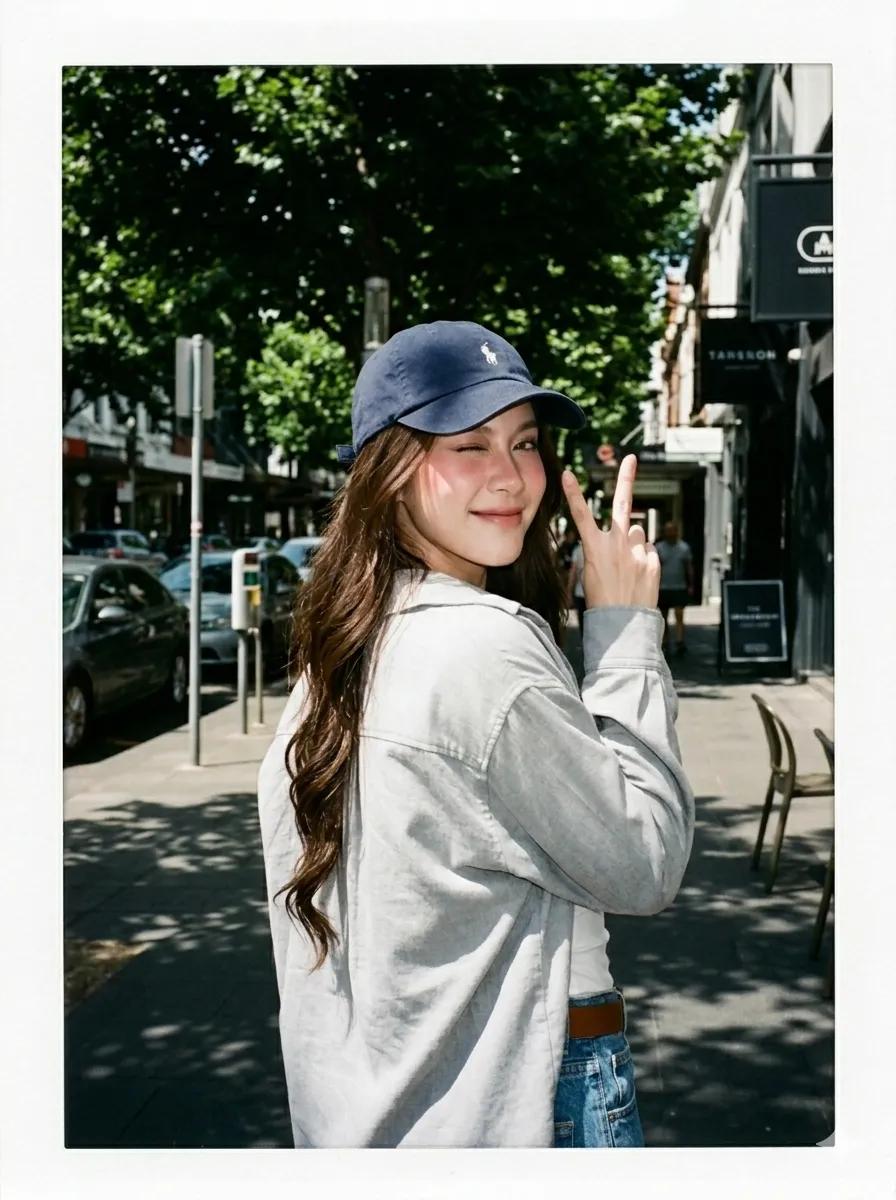
Summer Street Lifestyle Photography
Browse template categories
Neon Kyoto Rain Alley questions
How do I use the Neon Kyoto Rain Alley template?
Add your photo if the template asks for one, edit the prompt if you like — the template's model and format are already selected — and press Generate. Your version opens in PicX Studio.
Can I customize the Neon Kyoto Rain Alley template?
Yes. You can change the subject, setting, lighting, mood, format, and available model controls before creating your image.
Is the Neon Kyoto Rain Alley template free?
Opening and editing this template is free. Generating uses credits, shown on the Generate button when you are signed in.
Which AI model should I use?
Start with GPT Image 2, which is the model associated with this template. You can compare another compatible model for a different finish.
Looking for something else? Browse all templates.

Your photo, any look
Thousands of ready templates for every top image and video model, from one credit balance.