
Fantasy GPTImage2 Skill Banner
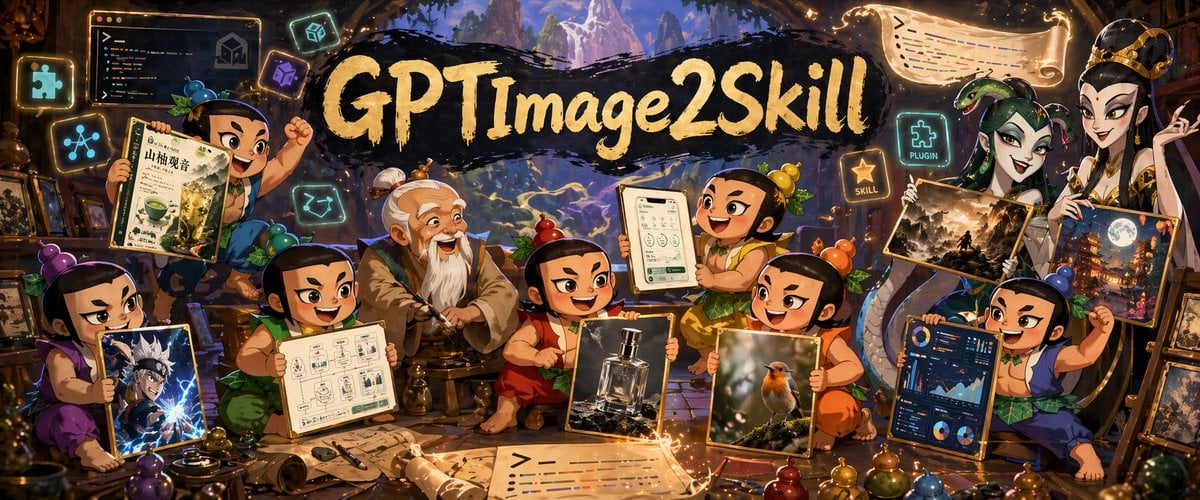
A cinematic fantasy poster showing mythic chibi apprentices presenting eight kinds of AI-generated artwork around a central GPTImage2Skill title, ideal for promotional banners about image prompting and creative tools.
- Prompt included
- Model and format preset
- Free template
The prompt behind this image
Copy the exact prompt behind Fantasy GPTImage2 Skill Banner, or open it in the studio and make it yours.
A richly detailed fantasy workshop poster in a wide cinematic composition, centered on a large hand-painted black brushstroke banner with glowing golden calligraphy reading {argument name="headline text" default="GPTImage2Skill"}. The scene is a cozy magical studio inside a wooden cavern or ancient scholar’s hut, packed with warm amber lantern light, glowing UI icons, scrolls, tools, potion bottles, and framed artworks, with a distant mystical mountain landscape visible through the opening behind the banner. Arrange exactly 9 human figures total: 6 cheerful chibi mythic apprentices inspired by Journey to the West, 1 elderly master seated at center with white hair in twin buns and a long white beard, and 2 tall elegant fantasy women standing on the right side. Several faces are intentionally obscured by soft blurred rectangles. The apprentices have round expressive faces, small stocky bodies, topknots, colorful traditional outfits in purple, green, red, orange, yellow, and blue, and energetic triumphant poses as if showing off creations. The old master sits calmly in the middle, hands resting on a staff, surrounded by the children. The 2 women on the right wear ornate robes and gold accessories, one crowned, posed like mysterious patrons or spirit queens. Include exactly 8 showcased image boards or screens held by the characters: 1 herbal tea package design with Chinese-style layout and green drink imagery, 1 anime warrior character illustration with electric blue effects, 1 monochrome product sketch sheet or UI wireframe page, 1 mobile app interface mockup on a tablet, 1 luxury perfume bottle product photo, 1 small bird wildlife photograph, 1 dark fantasy landscape painting, and 1 blue analytics dashboard screen. Surround the group with exactly 7 glowing interface/sign elements: 1 code monitor in the upper left, 1 neon puzzle-piece icon, 1 neon network-node icon, 1 neon cube icon, 1 neon image-frame icon, 1 glowing sign reading “PLUGIN”, and 1 glowing sign reading “SKILL”. Add 2 illuminated floating scrolls with stylized code-like lines, one near the top right and one near the bottom center foreground. The environment should feel busy, celebratory, and handcrafted, mixing Chinese myth, generative AI creativity, game art, app design, product photography, dashboards, and illustration. Use ultra-detailed digital painting, storybook fantasy aesthetics, dramatic rim lighting, warm gold and orange highlights, teal-blue magical accents, layered depth, dense props, whimsical sparks, and a polished promotional banner look.
How to use Fantasy GPTImage2 Skill Banner in 3 steps
- 1Upload ImagePNG, JPG or paste
Add your photo
Upload the photo the template builds on. The prompt, model and format are already set.
- 2…a portrait of your subject in softgolden-hour light, 85mm…
Personalize
Edit the subject and creative details for your destination.
- 3Generate
Generate
Press Generate — your image is created in PicX Studio, so you can compare it with the original and refine one variable at a time.
More like this
Templates with the same subject, style or setup. Open one to see its prompt.
Fantasy GPT Image 2 Skill Banner
Fantasy GPT Image Skills Banner

Anime Fantasy Celestial Movie Poster
Anime Fantasy Celestial Movie Poster

Minecraft Fantasy Kingdom Voxel Landscape

Unfinished Sketch Comes Alive Portrait

Open Travel Journal Overhead Still Life

Tiny Woman Miniature Fantasy Macro Scene
JSON Seedance - Fairy Macro Flight
Videogame Cinematic Trailer - Seedance 2.0

Coffee Boba Product Poster
Woman Presenting GitHub Skill Repository
Make it yours
Fantasy GPTImage2 Skill Banner works as-is. These are the safest ways to change it without losing the look.
Change one field
Copy a single group, rewrite it, and generate again so you can see what that field is doing.
Keep the frame, change the subject
Hold the composition and light of Fantasy GPTImage2 Skill Banner, then swap wardrobe, props or the person for a new take.
| If the result… | Why | Fix |
|---|---|---|
| The result drifts from the preview | Too many fields changed at once. | Reuse Fantasy GPTImage2 Skill Banner as-is first, then change one group — subject, light, or setting. |
| The model over-stylizes the scene | The prose prompt leaves finish and camera underspecified. | Add one camera or lighting sentence and stay on GPT Image 2. |
More GPT Image 2 templates
Other prompts made for GPT Image 2.

Six VTuber Japanese Logo Sheet

Realistic Portrait of Woman and Deer

The Vista Modular Condo Poster

AI Model Routing Comparison Infographic

2.5D Anime Art Board

Isometric Productivity Desk Scene

New York Double Exposure Poster

Four-Panel AI Landscape Comparison

Japanese Tatami Lifestyle Magazine Cover

NESCAFÉ Coffee Map Poster
More image prompts
Fresh picks from across the catalog.
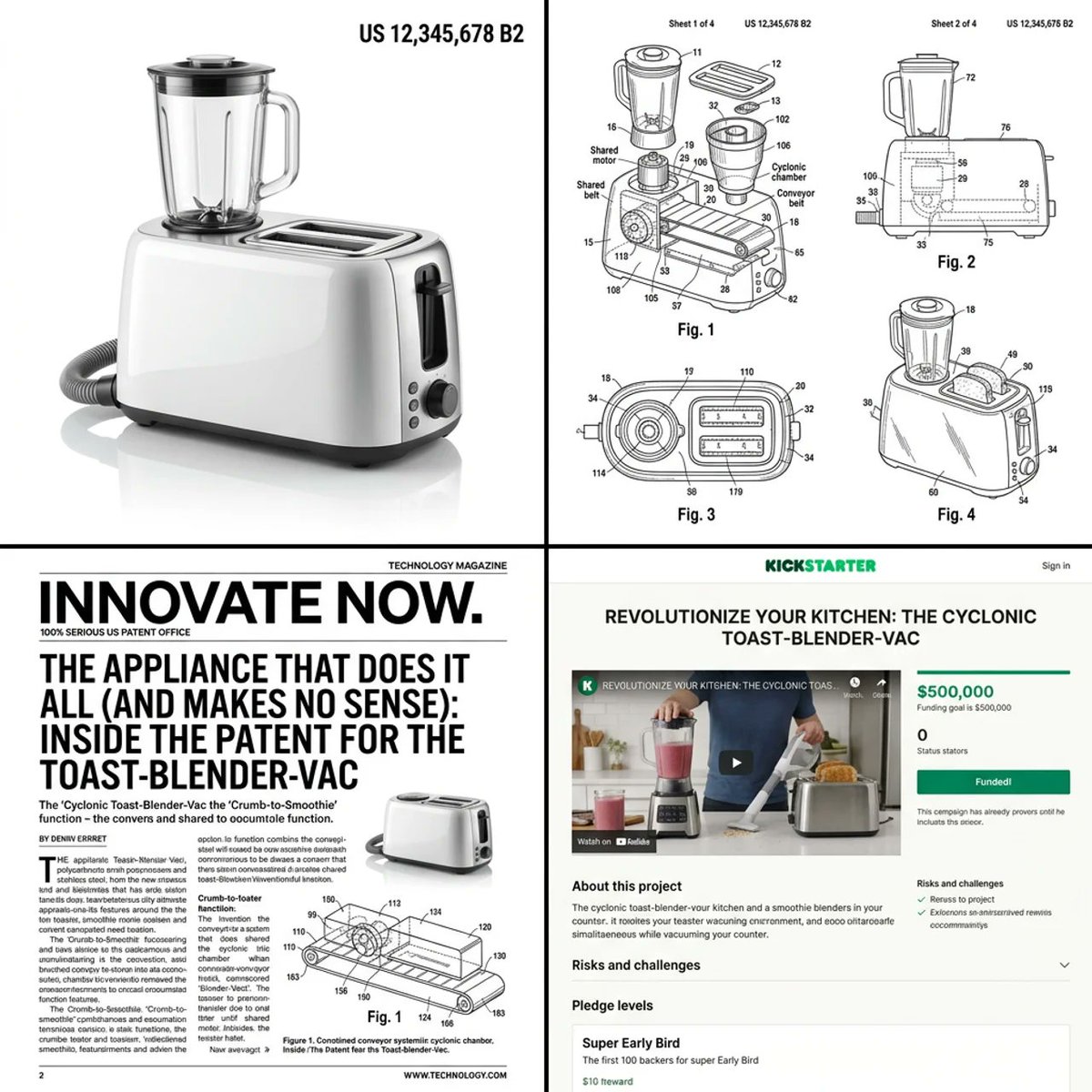
Multi-step prompt for generating absurd patent documents and product renders
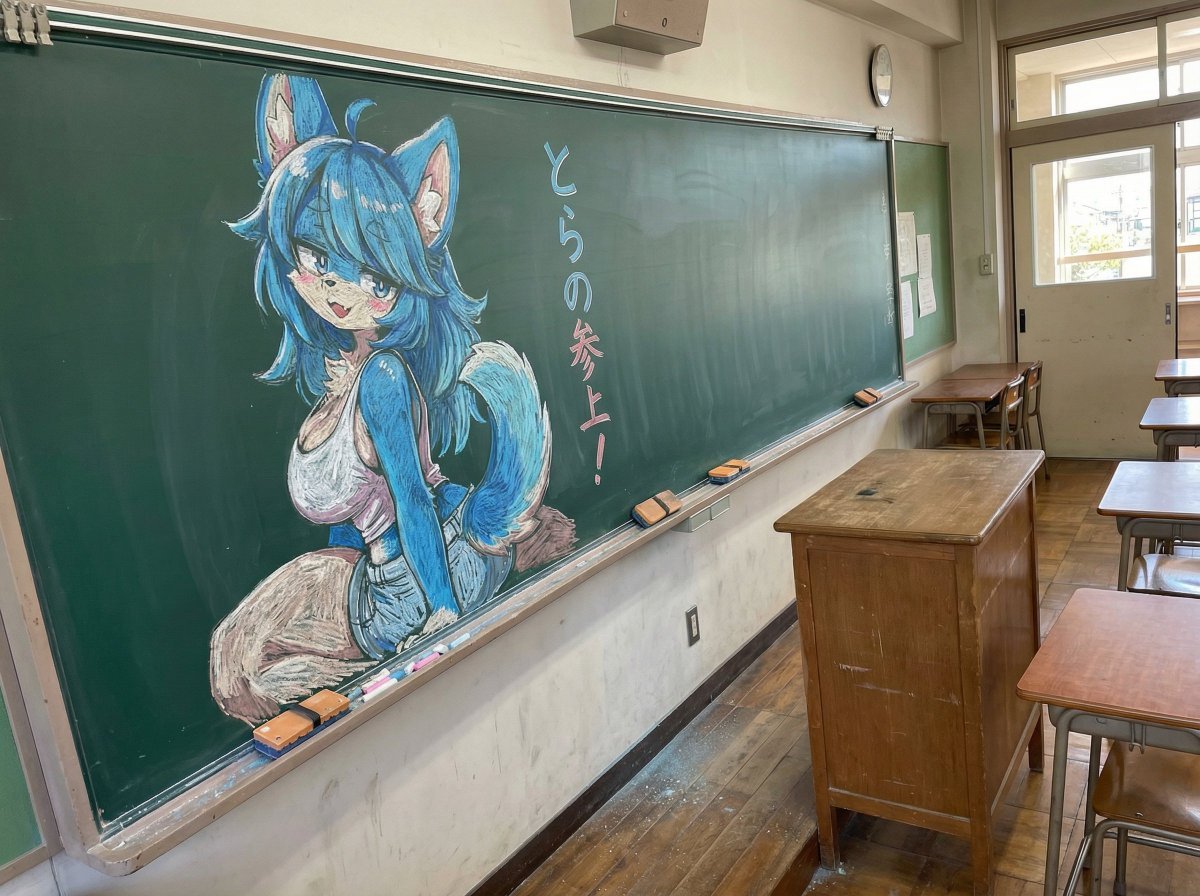
Chalk drawing of an illustration on a classroom blackboard
Censored School Uniform Street Portrait
Josephine Langford Casual Bedroom Portrait
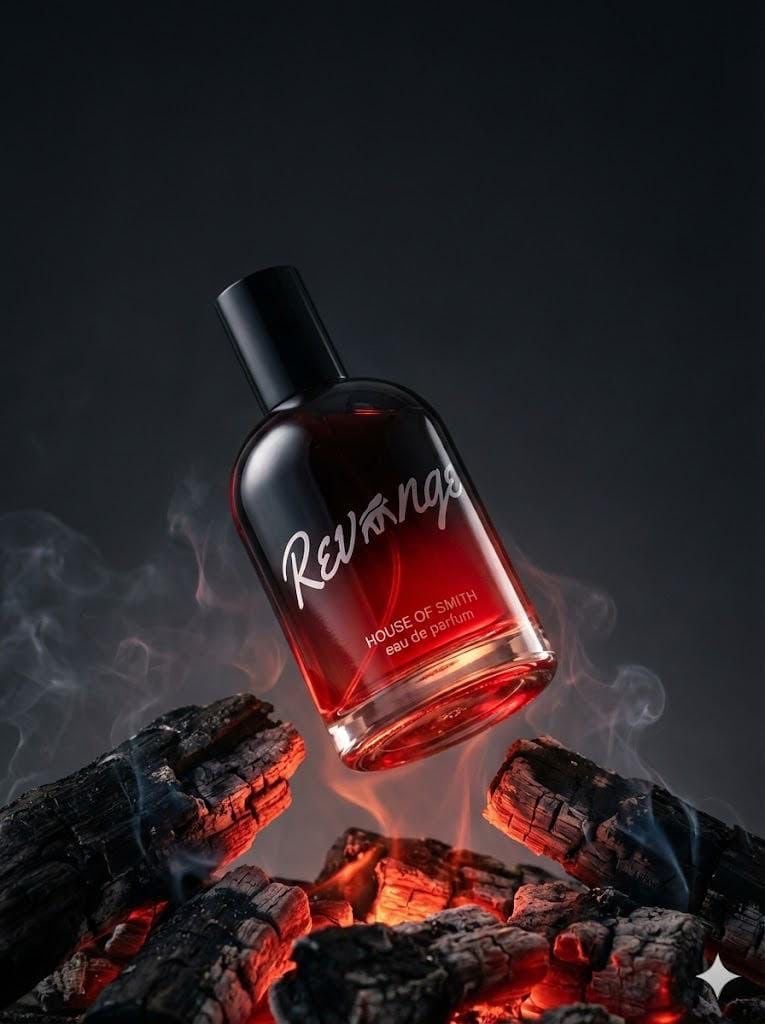
Ultra-realistic Product Portrait for Fragrance Campaign
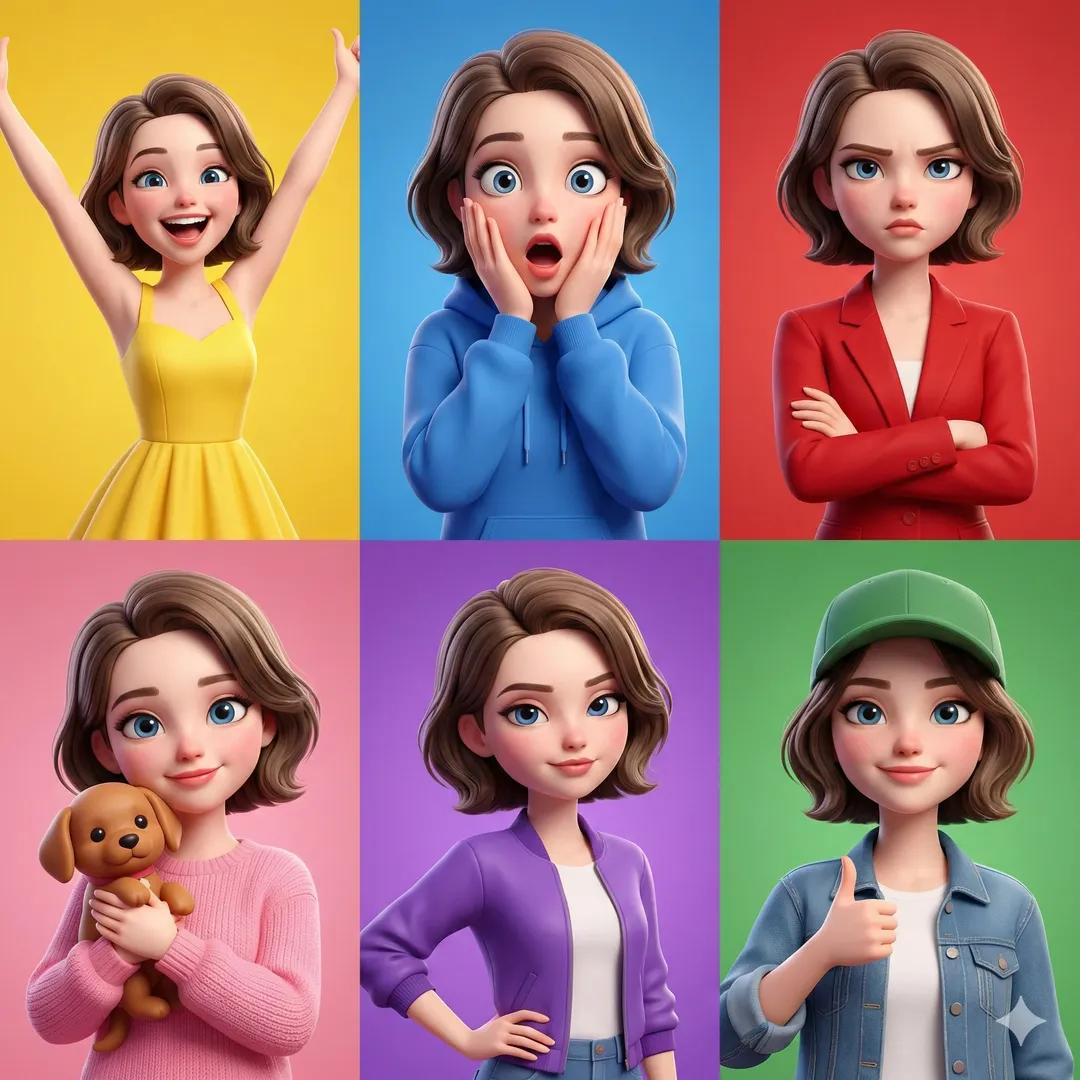
3D Pixar-Style Character Emotion Grid Prompt
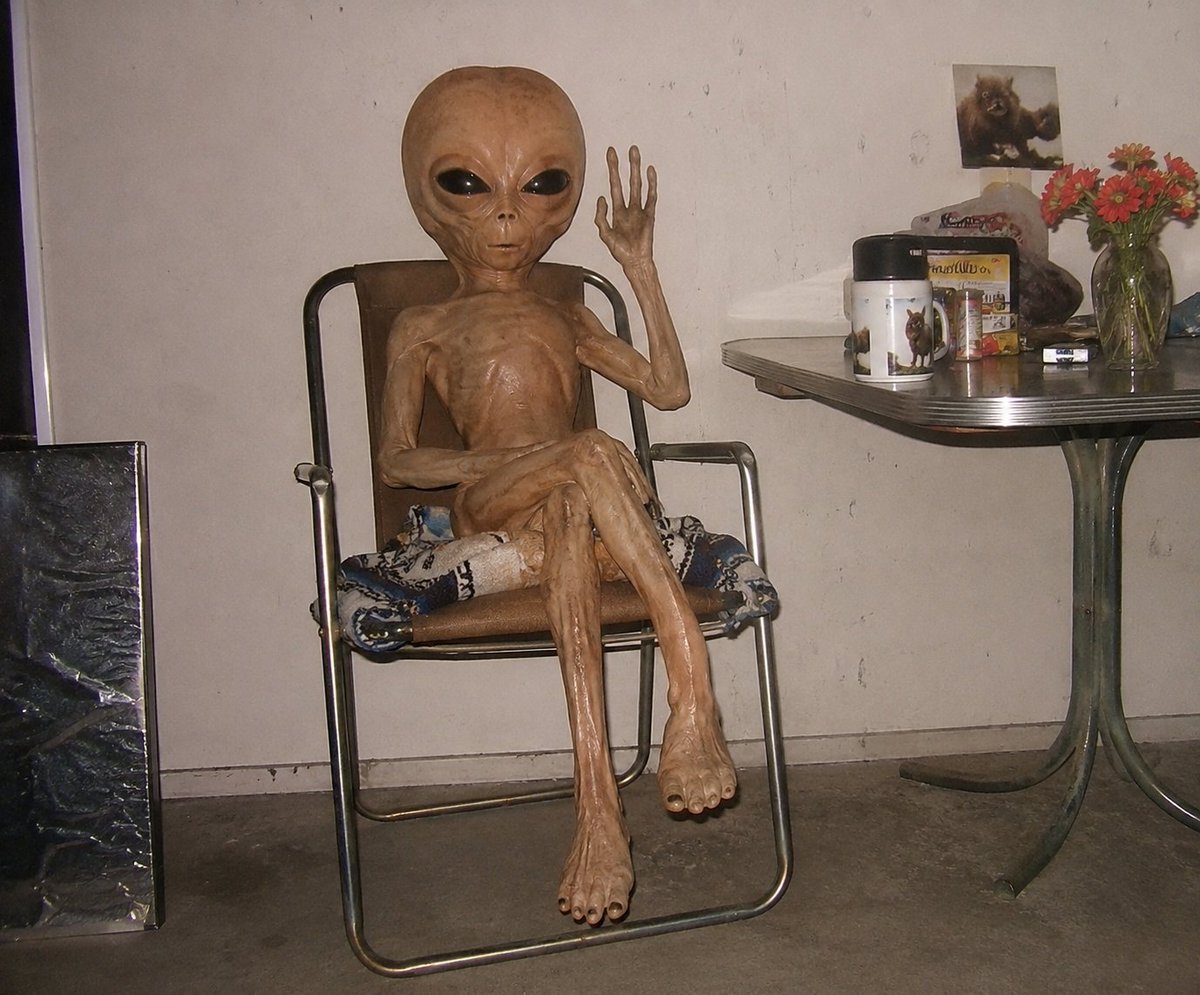
Censored Humanoid Snapshot
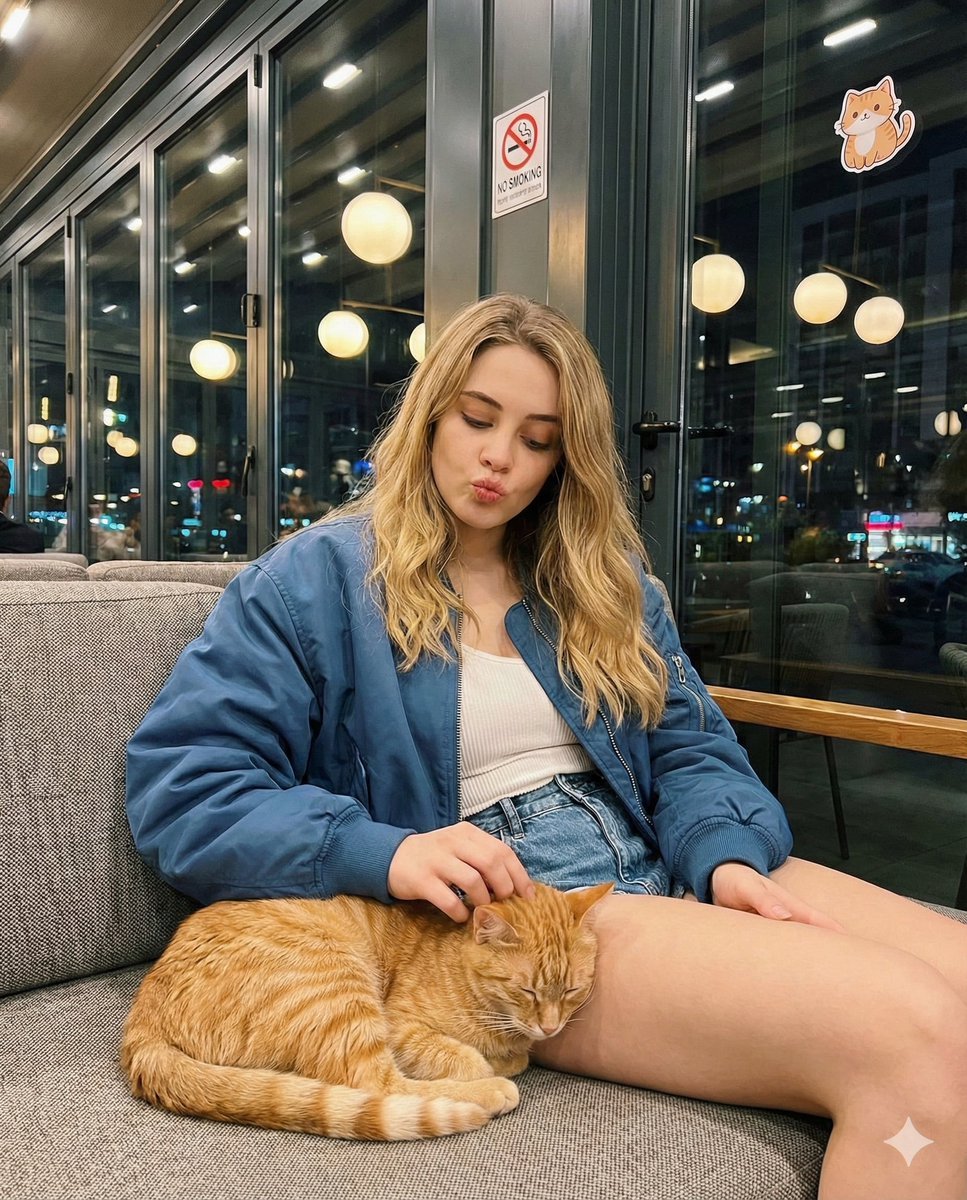
Candid cafe snapshot with a cat
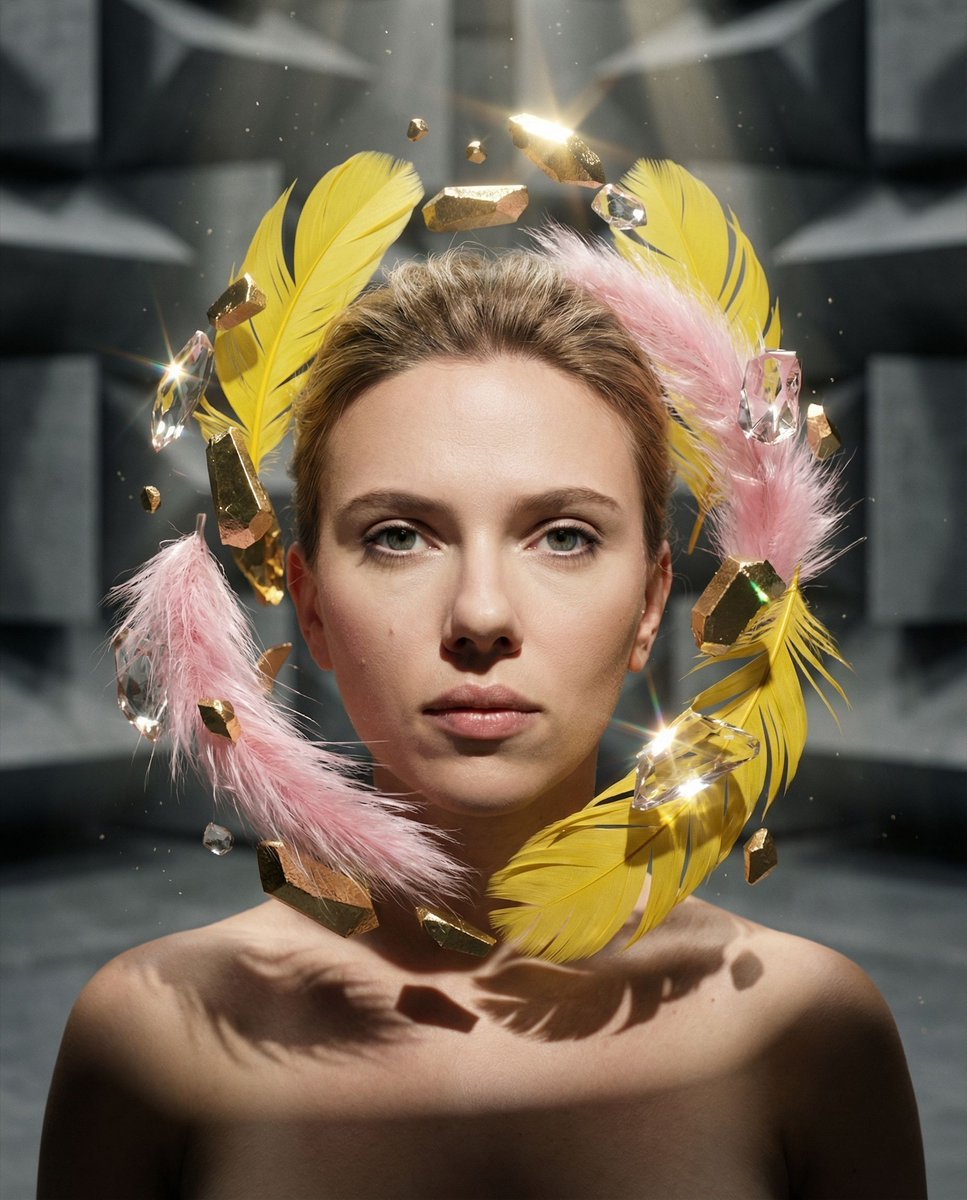
Surreal Portrait with Floating Elements
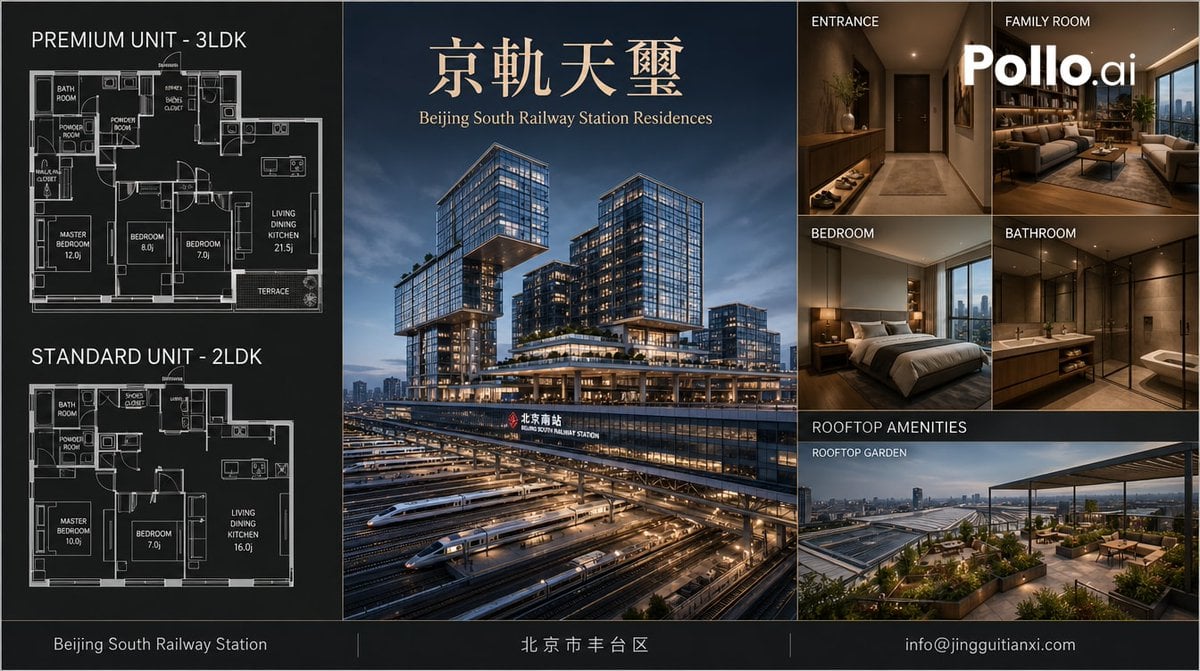
Luxury Beijing Apartment Brochure
Browse template categories
Fantasy GPTImage2 Skill Banner questions
How do I use the Fantasy GPTImage2 Skill Banner template?
Add your photo if the template asks for one, edit the prompt if you like — the template's model and format are already selected — and press Generate. Your version opens in PicX Studio.
Can I customize the Fantasy GPTImage2 Skill Banner template?
Yes. You can change the subject, setting, lighting, mood, format, and available model controls before creating your image.
Is the Fantasy GPTImage2 Skill Banner template free?
Opening and editing this template is free. Generating uses credits, shown on the Generate button when you are signed in.
Which AI model should I use?
Start with GPT Image 2, which is the model associated with this template. You can compare another compatible model for a different finish.
Looking for something else? Browse all templates.

Your photo, any look
Thousands of ready templates for every top image and video model, from one credit balance.