
Pink Surreal Wall Street Fashion Scene
A whimsical surreal editorial image of a suited figure on a pale Wall Street-like street with pink animal characters and selective pink accents, ideal for luxury concept art or eye-catching social media visuals.
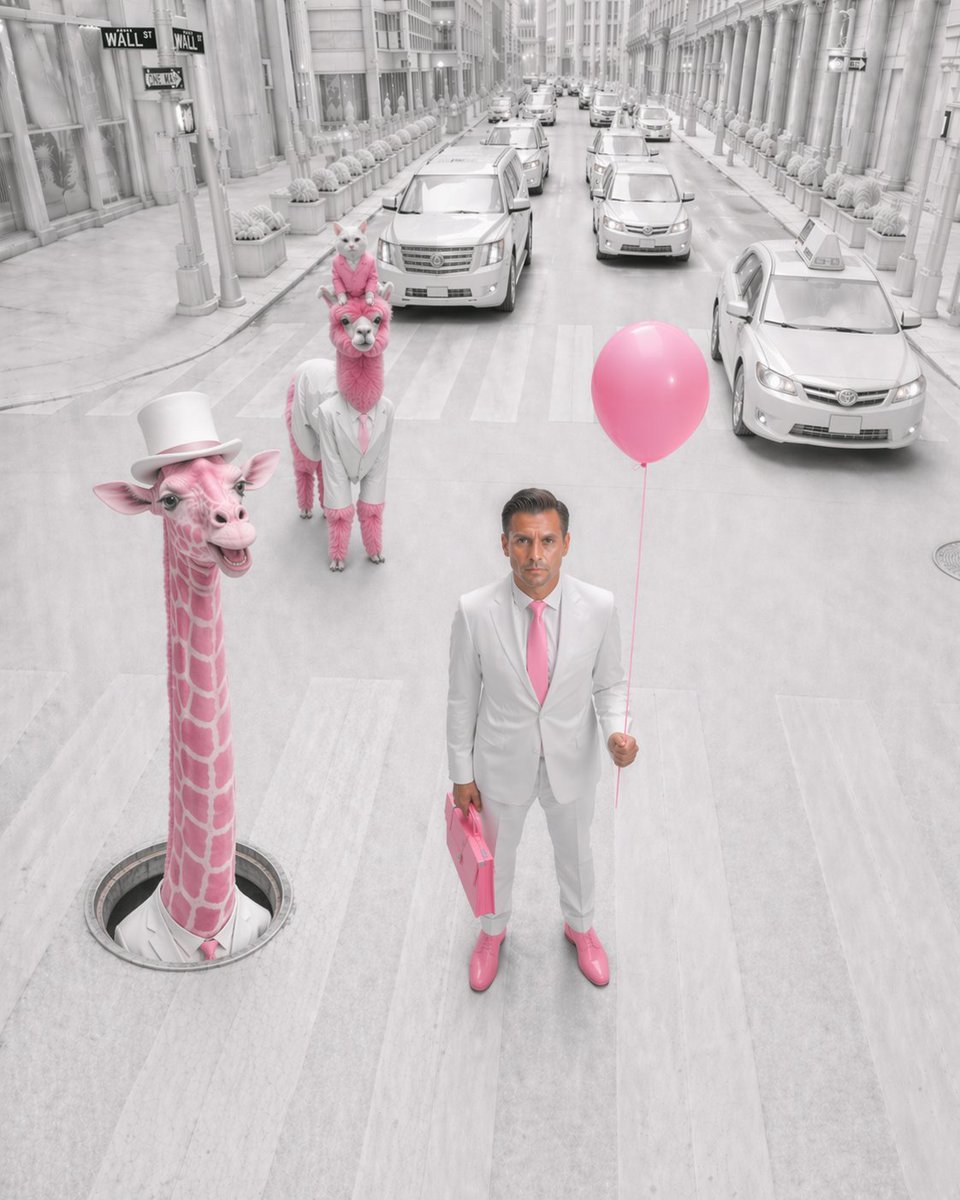
- Prompt included
- Model and format preset
- Premium template
The prompt behind this image
Copy the exact prompt behind Pink Surreal Wall Street Fashion Scene, or open it in the studio and make it yours.
A surreal fashion editorial photograph on a city street modeled after Wall Street, shot from a slightly elevated front-facing angle in a tall vertical composition. The entire environment is nearly monochrome white and pale gray, with only selective pink accents standing out vividly. In the foreground, a faceless {argument name="person" default="adult man"} stands in the middle of a crosswalk wearing a crisp white suit, white shirt, {argument name="tie color" default="pink"} tie, and glossy {argument name="shoe color" default="pink"} dress shoes, holding 1 pink balloon in his right hand and 1 pink briefcase in his left hand. To his left, 1 surreal pink giraffe emerges vertically from a round manhole in the street, wearing a white top hat and a white collar with a pink tie, smiling playfully. Behind him in the center-left lane stands 1 pink alpaca or llama dressed in a white suit with a pink tie, and perched on its head is 1 small white cat wearing a tiny pink accessory, posed upright and looking forward. The street is lined with tall classical stone buildings, repeated columns, storefront windows, rows of identical potted shrubs, and multiple pale luxury cars and taxis receding into the distance. Include visible Wall Street-style street signs near the upper left corner. The road surface, cars, buildings, and sky should all be bleached white-gray for a dreamlike high-key look, while the pink elements remain saturated: the giraffe, the alpaca, the balloon, the briefcase, the tie, and the shoes. Style: whimsical surrealism, luxury editorial photography, immaculate symmetry, soft overcast light, clean cinematic realism, uncanny yet elegant atmosphere, ultra-detailed textures, shallow facial detail on the human with the face intentionally obscured or blurred.
How to use Pink Surreal Wall Street Fashion Scene in 3 steps
- 1Upload ImagePNG, JPG or paste
Add your photo
Upload the photo the template builds on. The prompt, model and format are already set.
- 2…a portrait of your subject in softgolden-hour light, 85mm…
Personalize
Edit the subject and creative details for your destination.
- 3Generate
Generate
Press Generate — your image is created in PicX Studio, so you can compare it with the original and refine one variable at a time.
More like this
Templates with the same subject, style or setup. Open one to see its prompt.
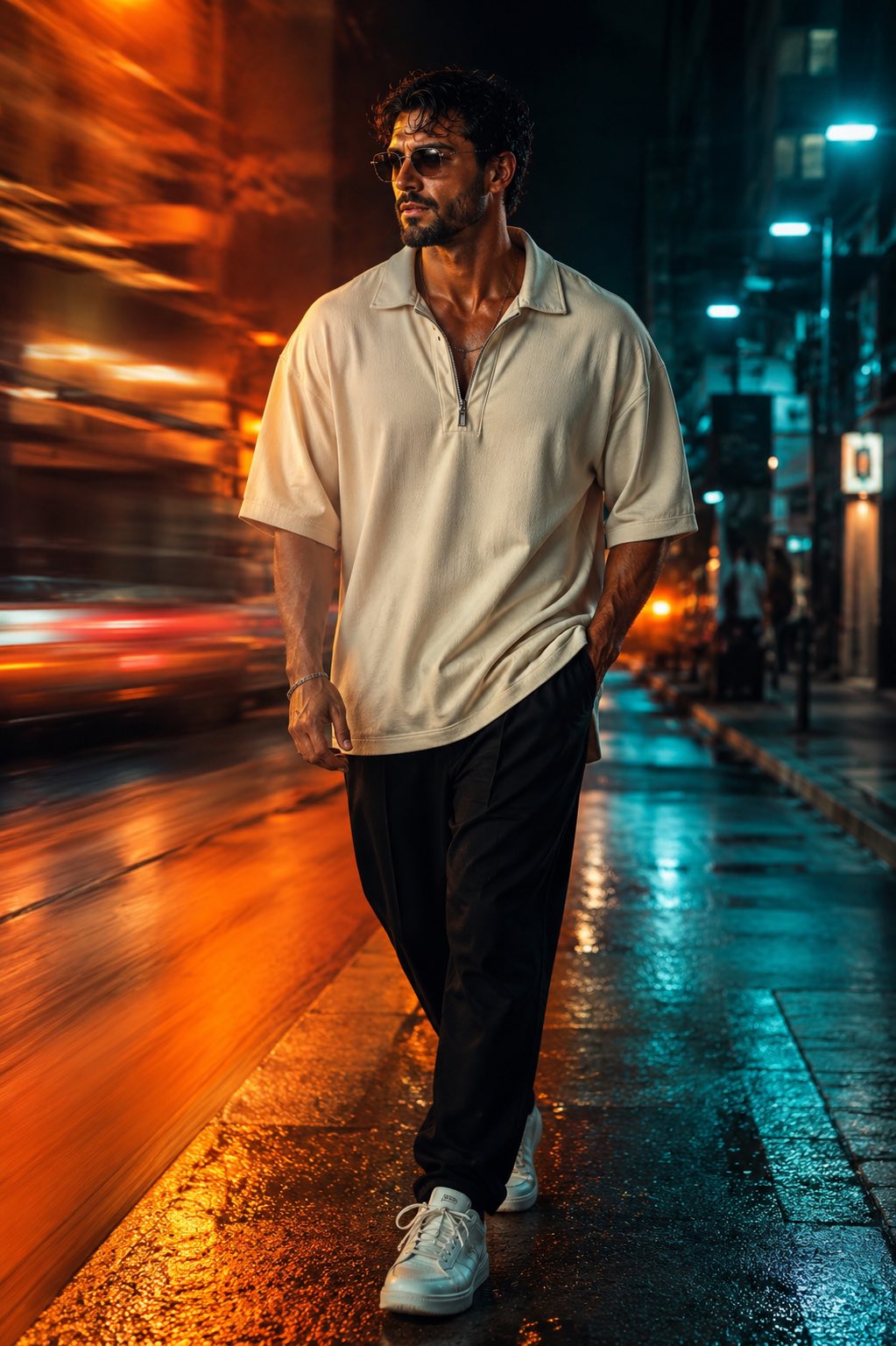
Face-Locked Cream Half-Zip Street Walk
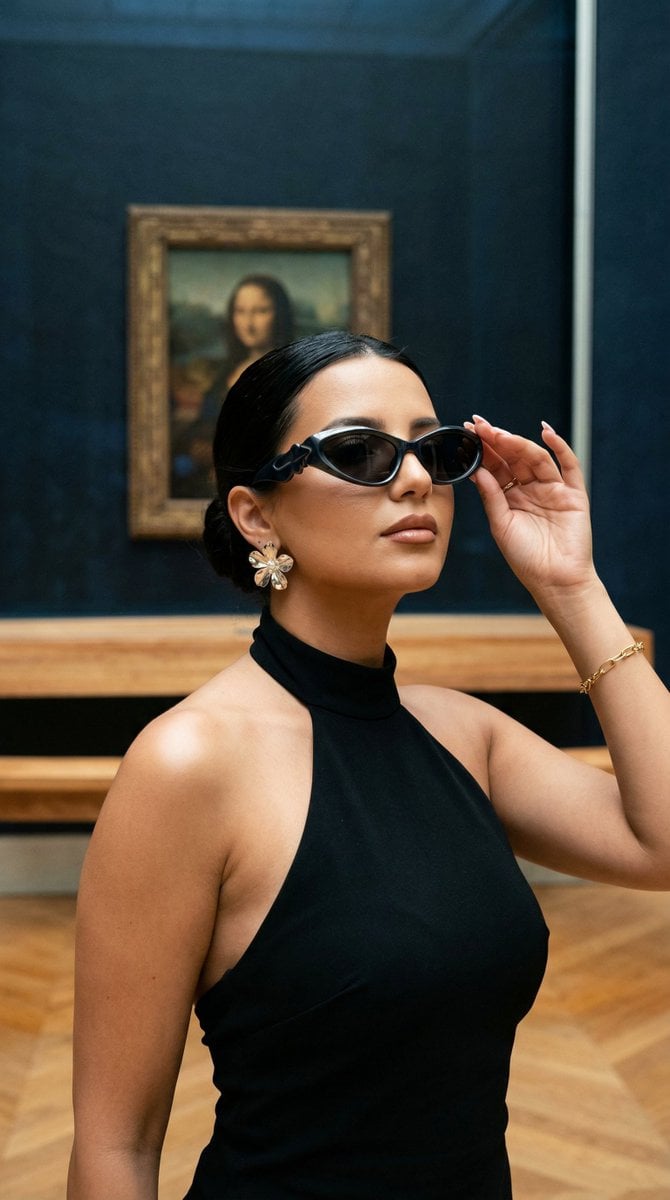
Nano Banana - Street Paris T-Shirt
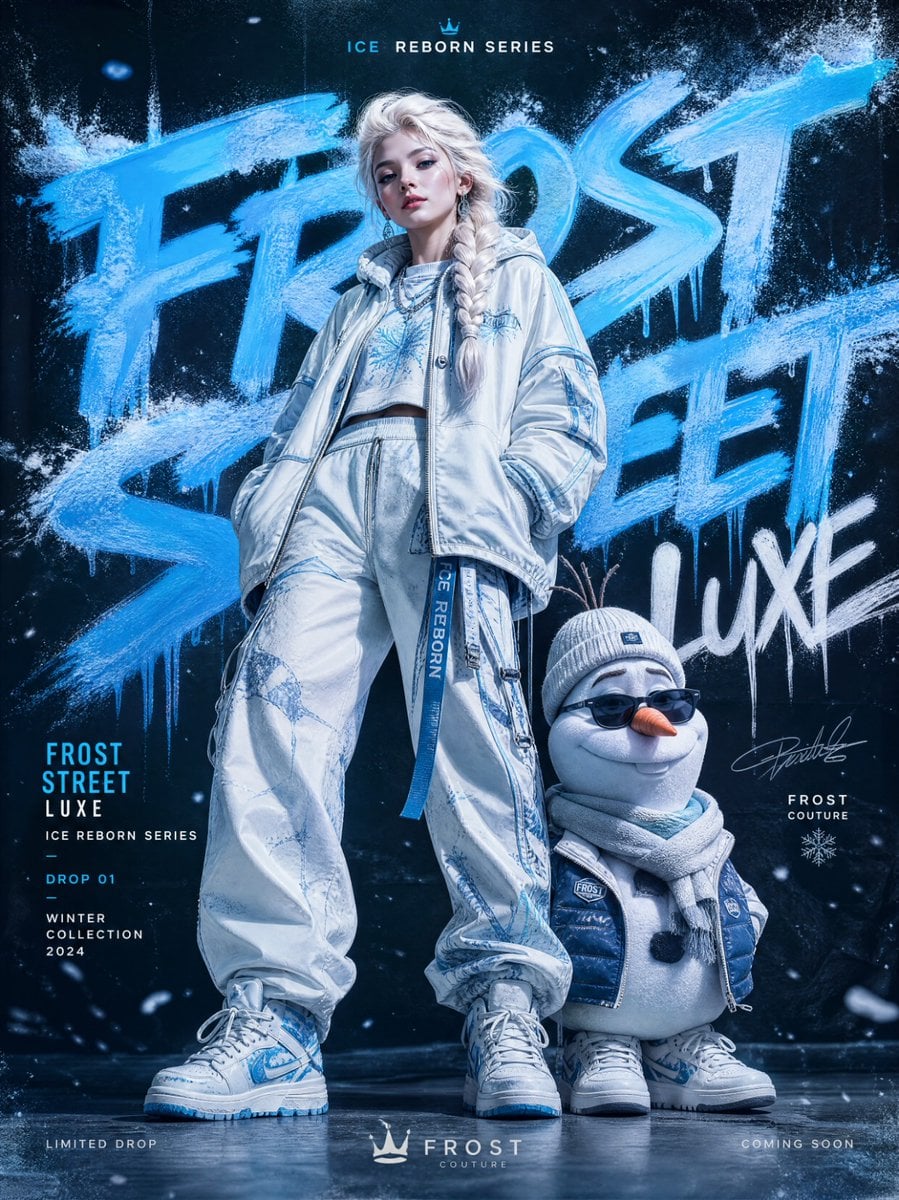
Frozen Street Luxe Graffiti Fashion Campaign
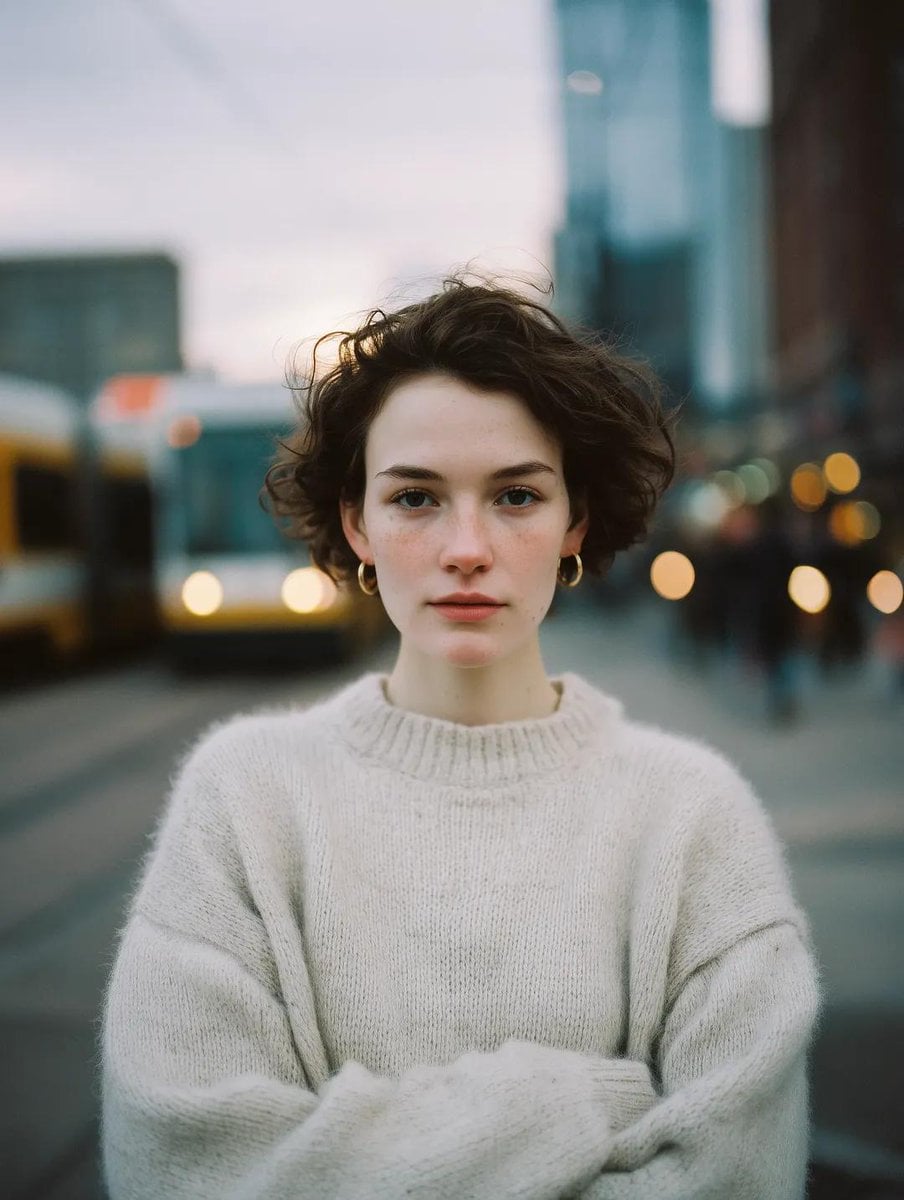
Blue Hour Editorial Fashion Portrait
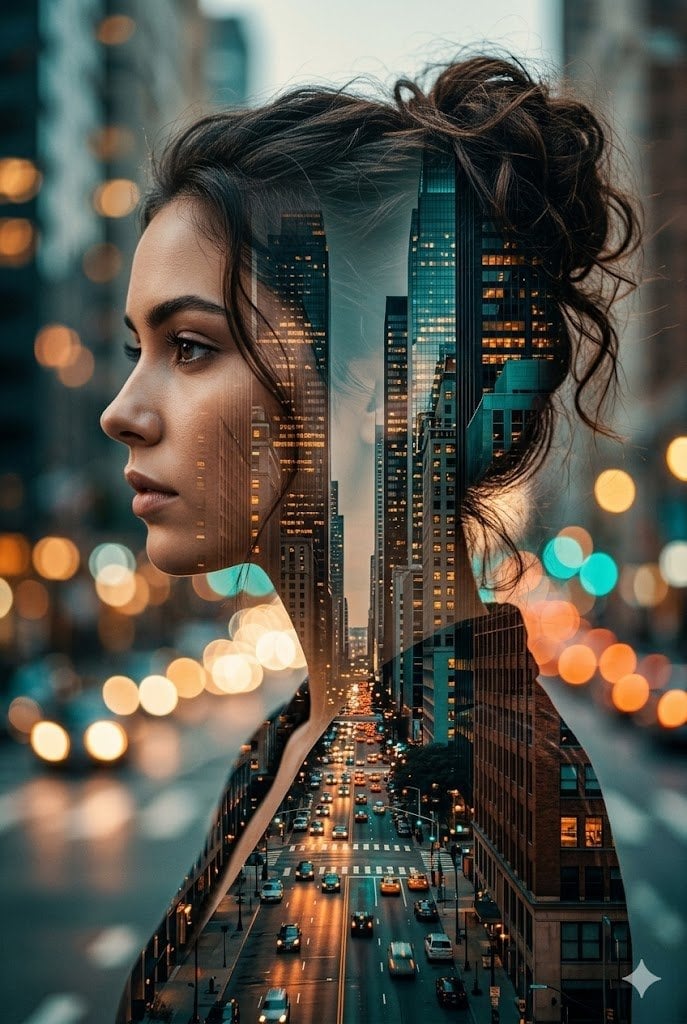
Double Exposure City Street Portrait

Two Tickets, One Night

Meet Me When It Rains
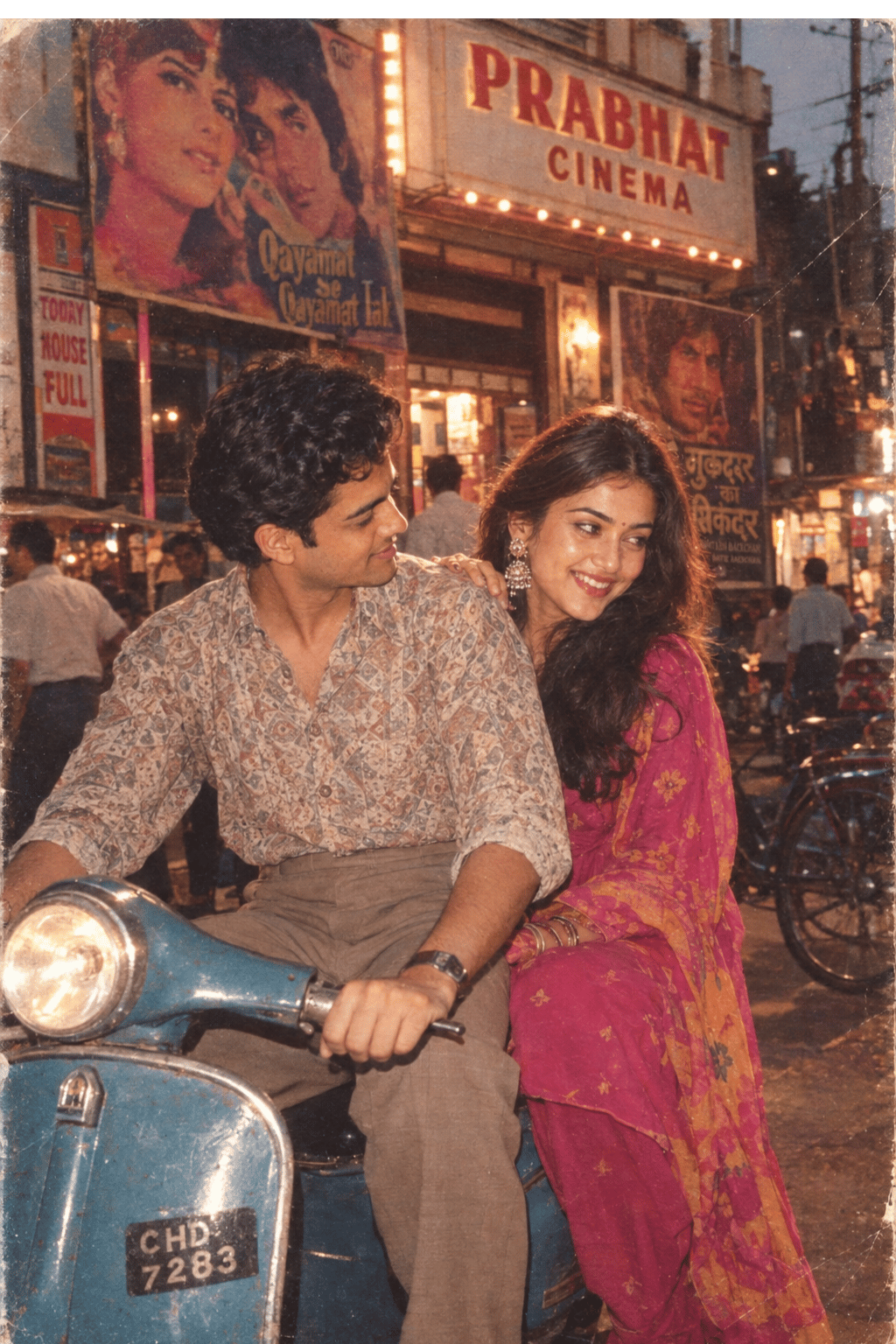
Two Hearts. One Scooter.

80s College Gate

1988 Mall Style

80s Polka Dot Saree
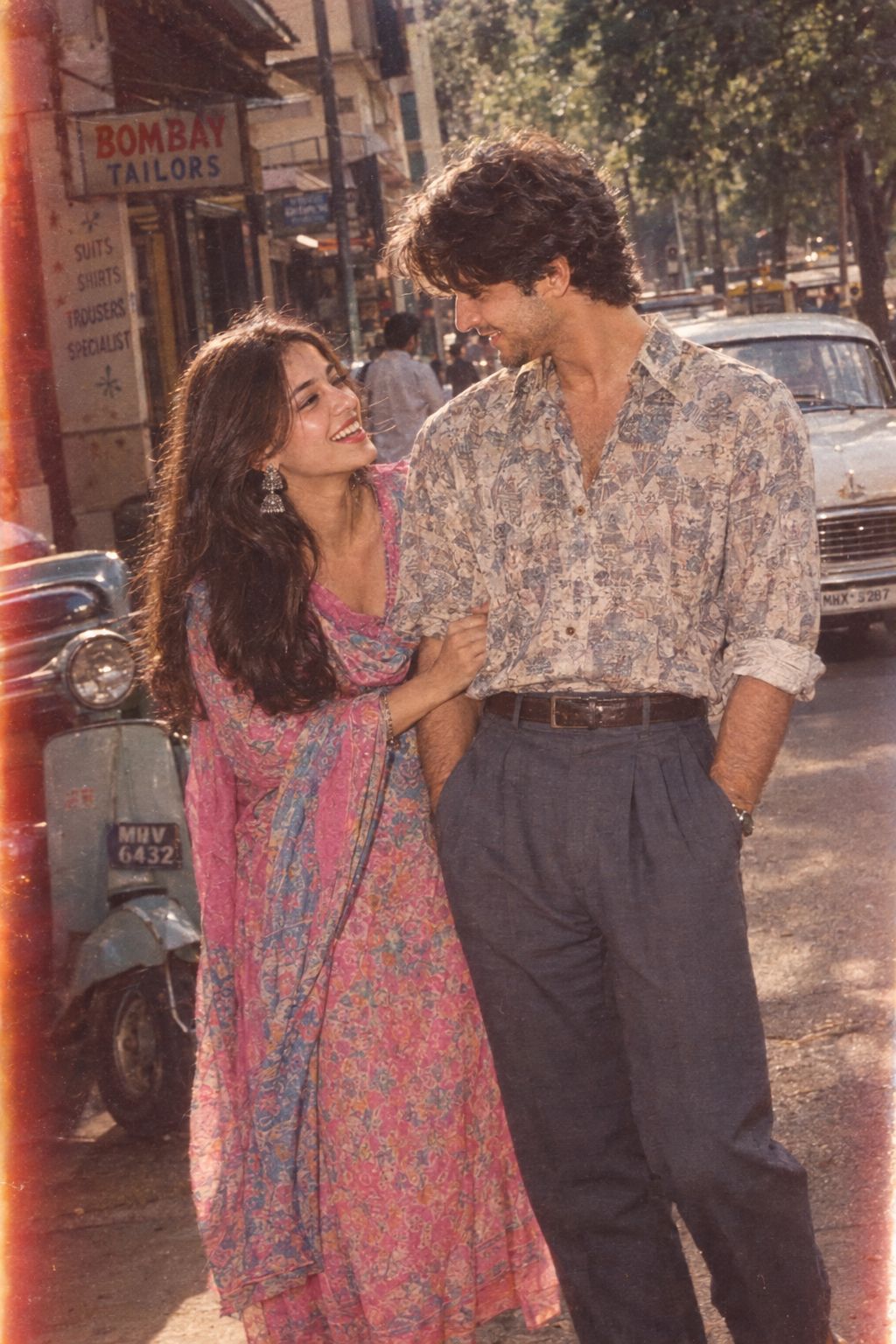
1986 Street Couple
Make it yours
Pink Surreal Wall Street Fashion Scene works as-is. These are the safest ways to change it without losing the look.
Change one field
Copy a single group, rewrite it, and generate again so you can see what that field is doing.
Keep the frame, change the subject
Hold the composition and light of Pink Surreal Wall Street Fashion Scene, then swap wardrobe, props or the person for a new take.
| If the result… | Why | Fix |
|---|---|---|
| The result drifts from the preview | Too many fields changed at once. | Reuse Pink Surreal Wall Street Fashion Scene as-is first, then change one group — subject, light, or setting. |
| The model over-stylizes the scene | The prose prompt leaves finish and camera underspecified. | Add one camera or lighting sentence and stay on GPT Image 2. |
More GPT Image 2 templates
Other prompts made for GPT Image 2.

Six VTuber Japanese Logo Sheet

Realistic Portrait of Woman and Deer

The Vista Modular Condo Poster

AI Model Routing Comparison Infographic

2.5D Anime Art Board

Isometric Productivity Desk Scene

New York Double Exposure Poster

Four-Panel AI Landscape Comparison

Japanese Tatami Lifestyle Magazine Cover

NESCAFÉ Coffee Map Poster
More image prompts
Fresh picks from across the catalog.
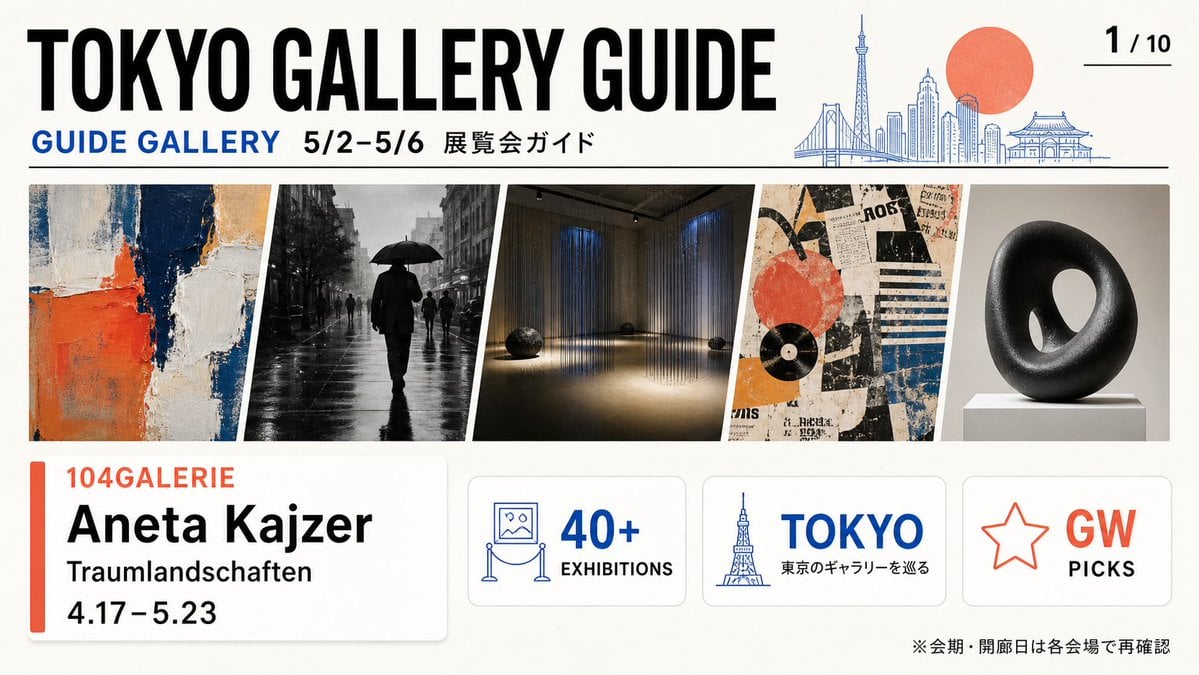
Tokyo Gallery Guide Brochure
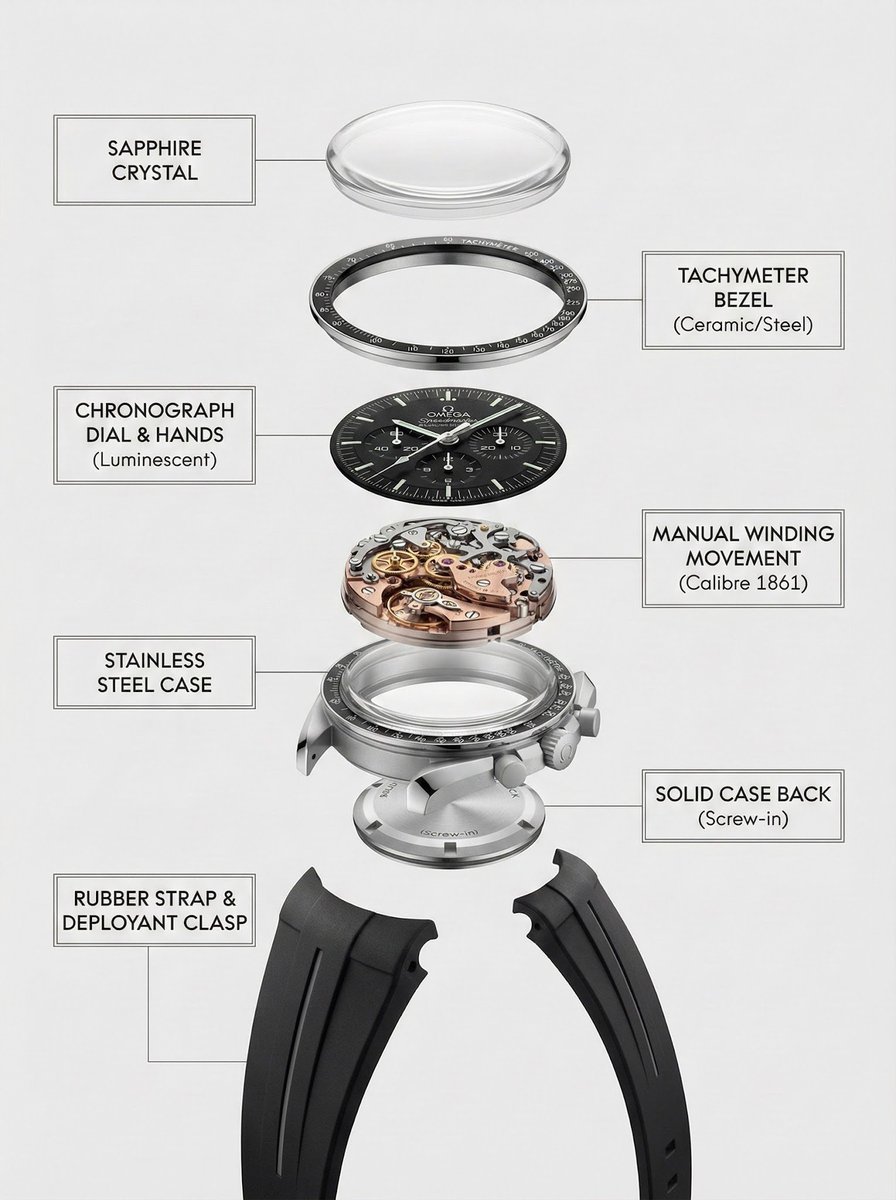
Exploded Product Breakdown Image Generation Prompt
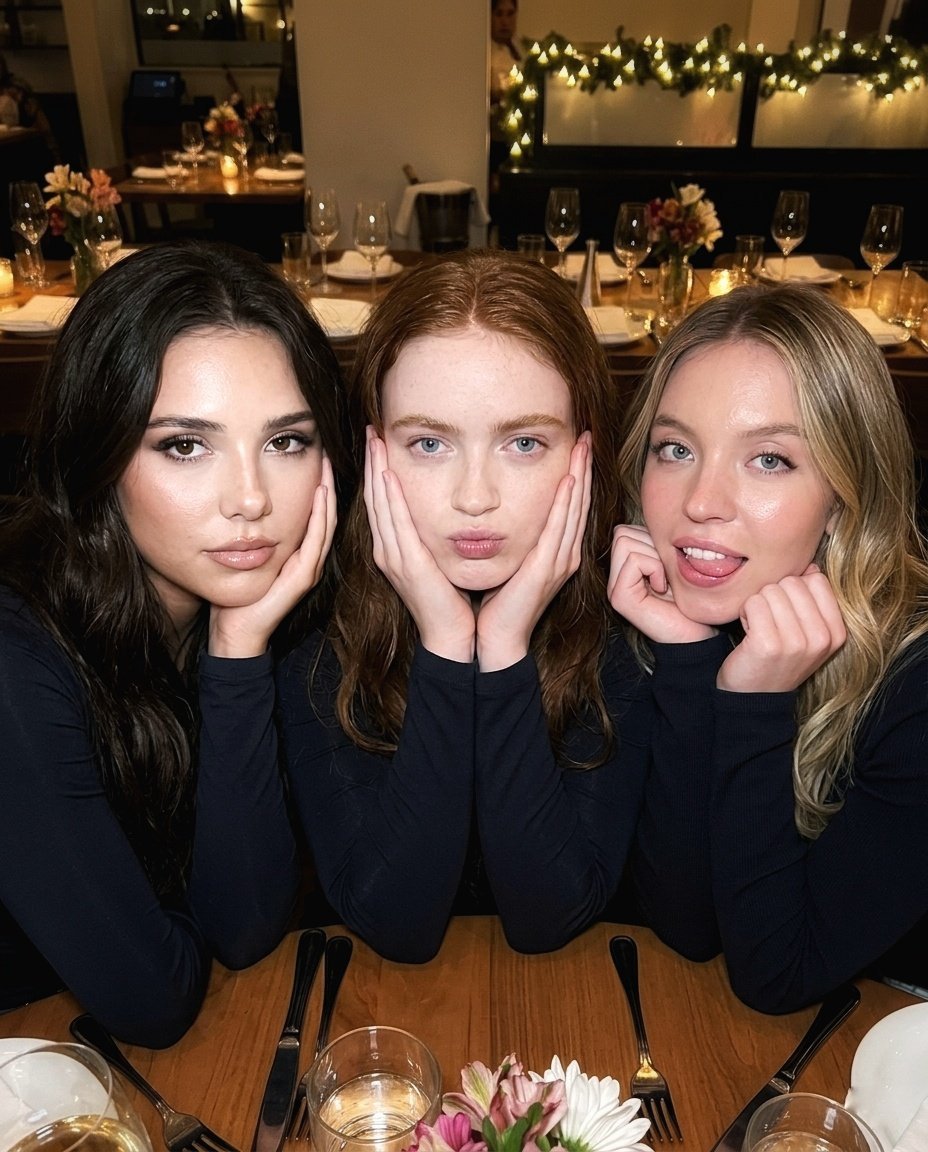
Ultra-Realistic Restaurant Table Selfie
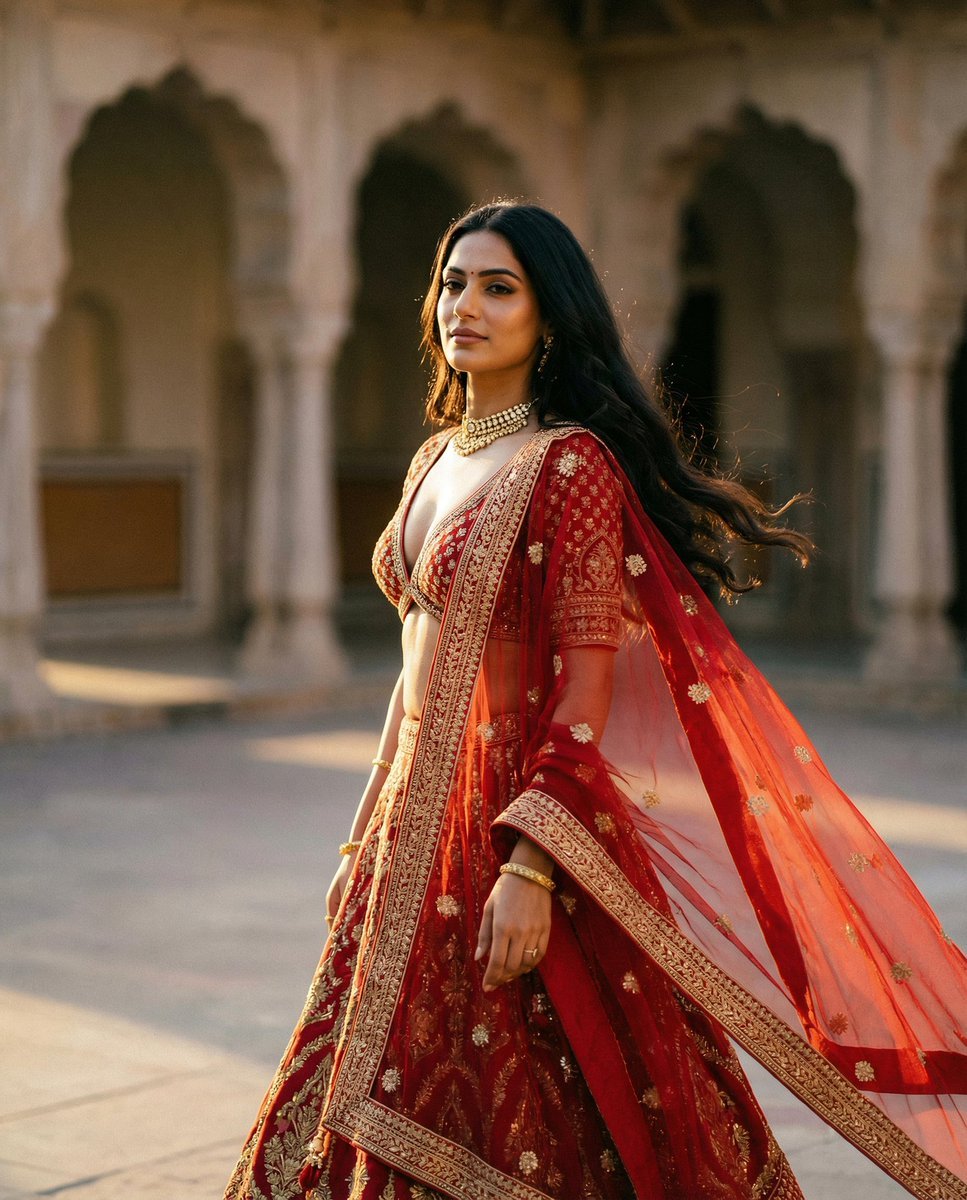
Cinematic Indian Royal Bridal Portrait
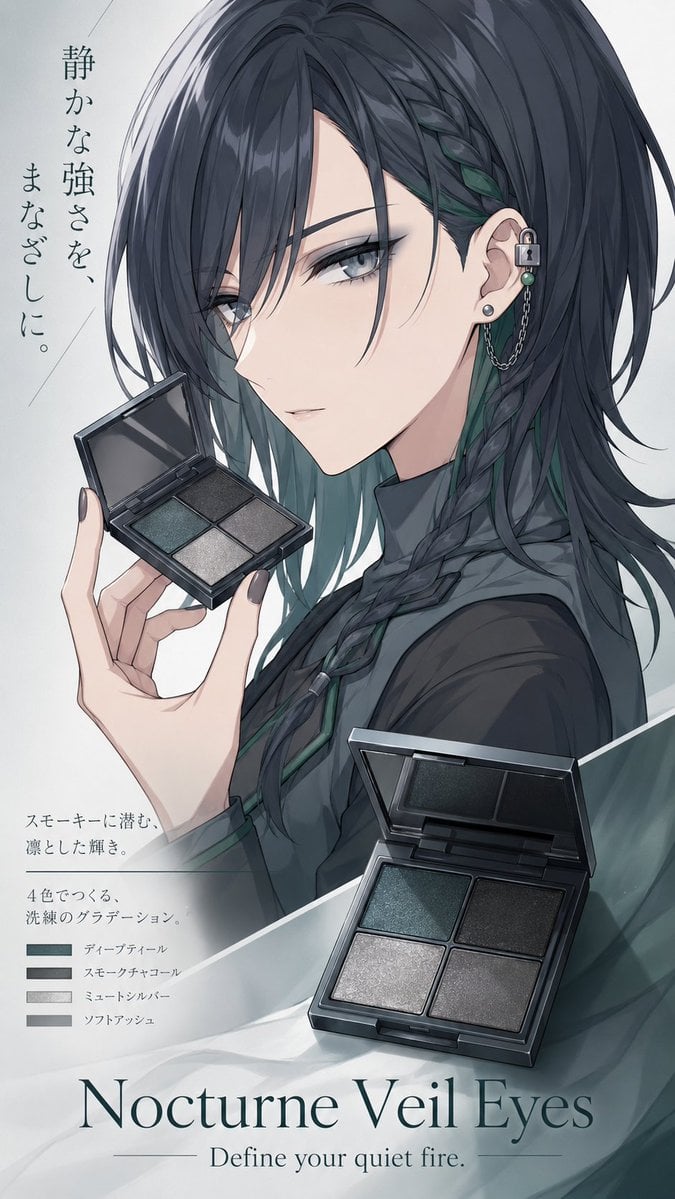
Nocturne Veil Eyes Anime Beauty Poster
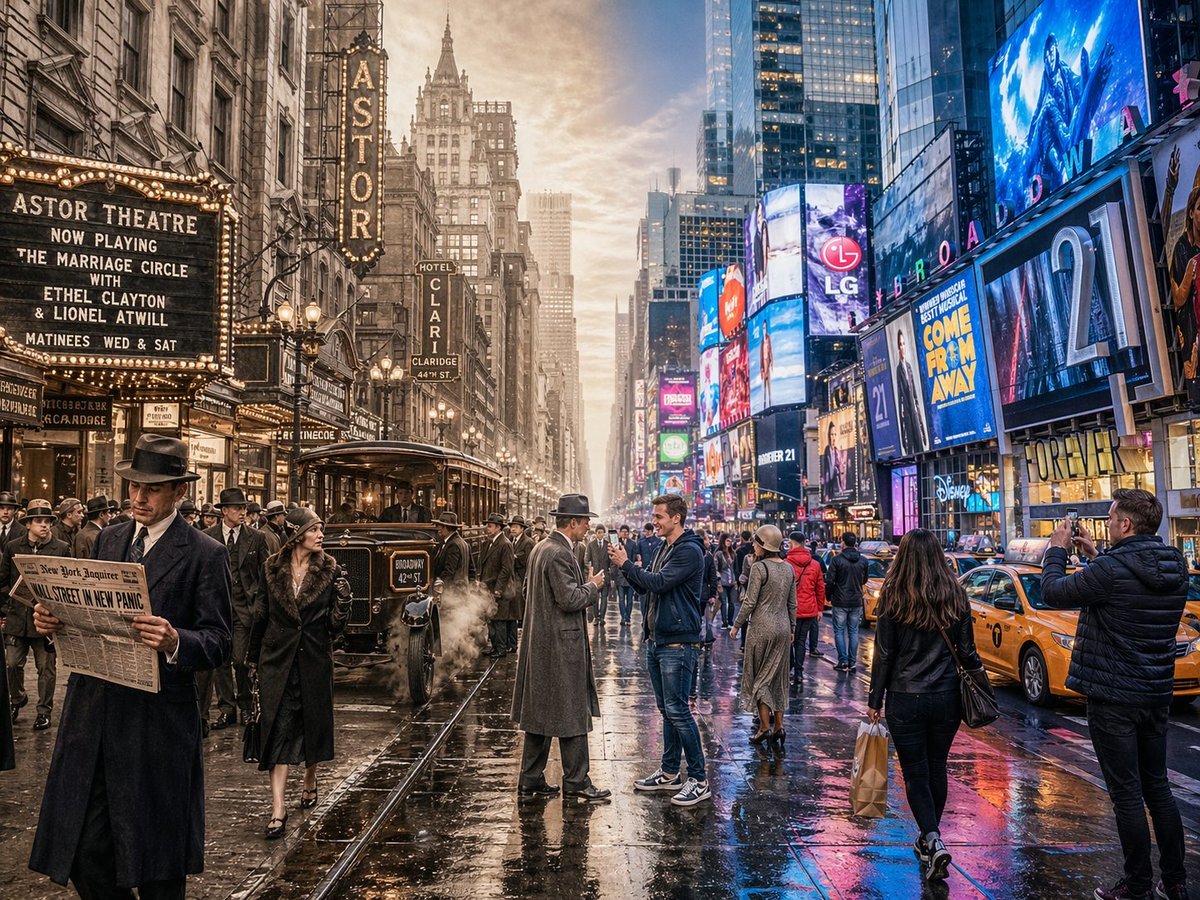
Split-Screen Time Travel Scene
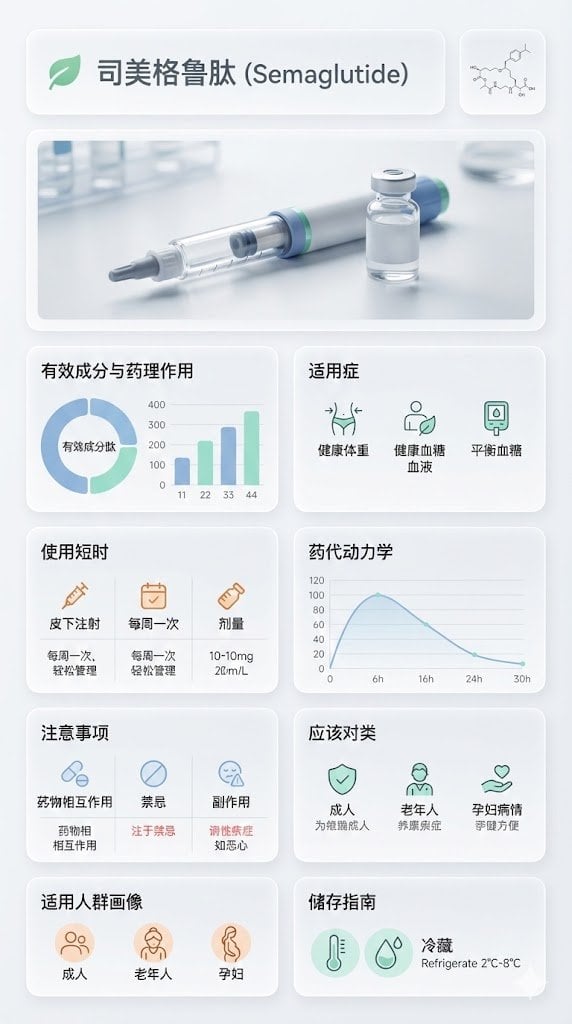
Medical Infographic Poster for Drug Information (Bento Grid Style)
Ultra-Realistic Beverage Product Photography (Lemonate)
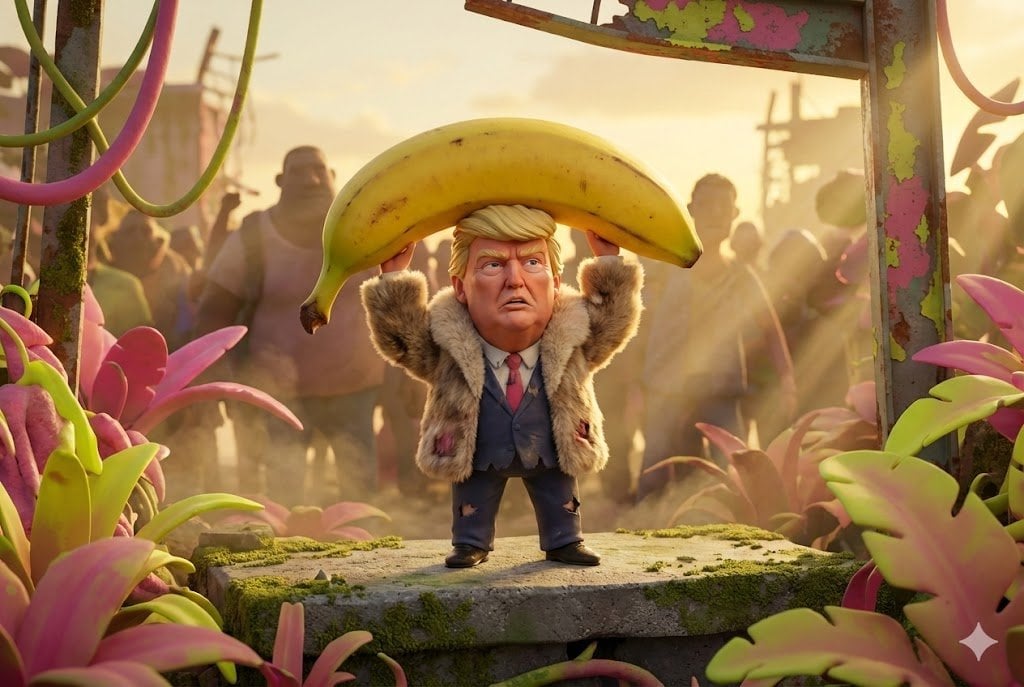
Pixar-Style Giant World Character Prompt
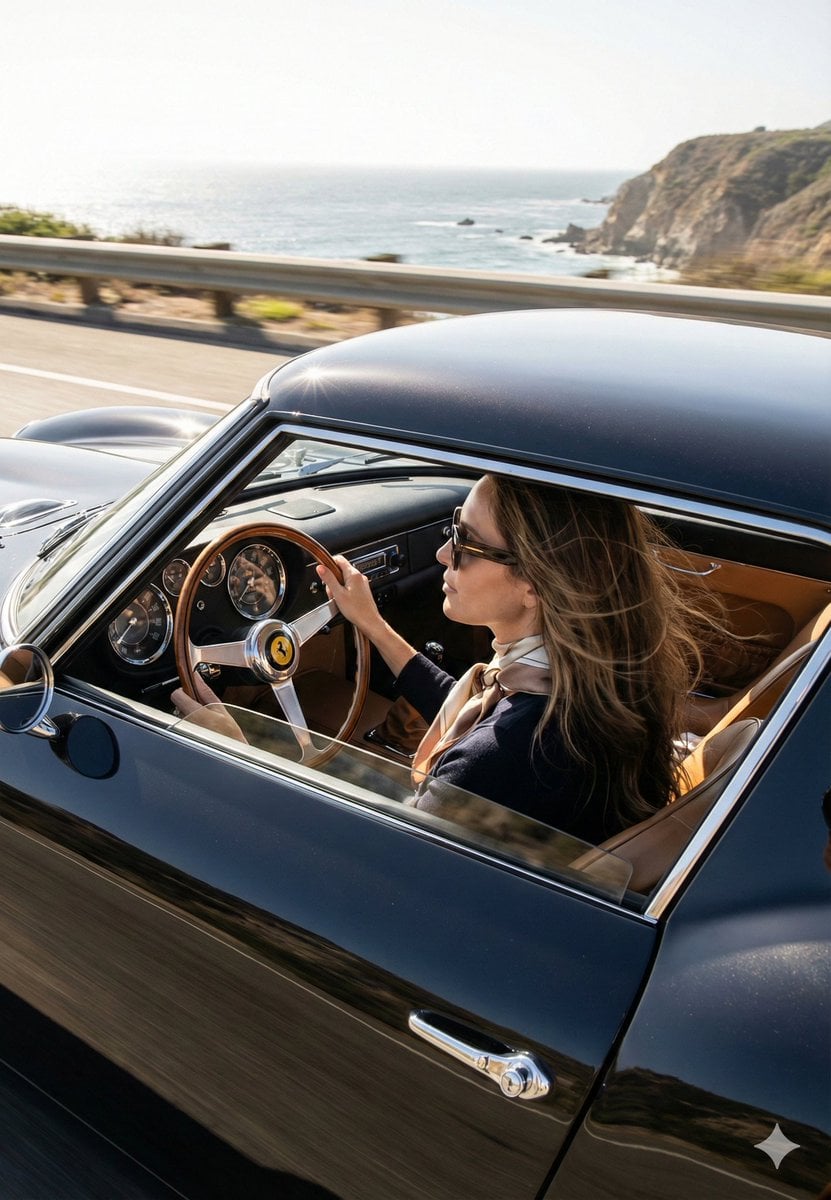
Cinematic Coastal Drive Portrait
Browse template categories
Pink Surreal Wall Street Fashion Scene questions
How do I use the Pink Surreal Wall Street Fashion Scene template?
Add your photo if the template asks for one, edit the prompt if you like — the template's model and format are already selected — and press Generate. Your version opens in PicX Studio.
Can I customize the Pink Surreal Wall Street Fashion Scene template?
Yes. You can change the subject, setting, lighting, mood, format, and available model controls before creating your image.
Is the Pink Surreal Wall Street Fashion Scene template free?
Opening and editing this template is free. Generating uses credits, shown on the Generate button when you are signed in.
Which AI model should I use?
Start with GPT Image 2, which is the model associated with this template. You can compare another compatible model for a different finish.
Looking for something else? Browse all templates.

Your photo, any look
Thousands of ready templates for every top image and video model, from one credit balance.