
X Timeline With Blurred Fashion Photos
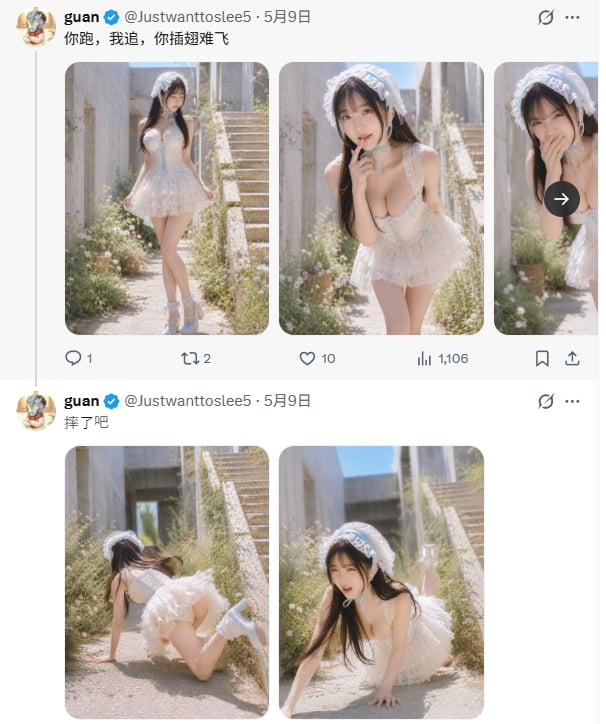
Generates a realistic X/Twitter screenshot mockup with two Chinese posts and five sunlit, face-blurred fashion photo thumbnails.
- Prompt included
- Model and format preset
- Premium template
The prompt behind this image
Copy the exact prompt behind X Timeline With Blurred Fashion Photos, or open it in the studio and make it yours.
Goal: Create a realistic screenshot-style image of an X/Twitter timeline showing two stacked posts by the same verified account, featuring soft, sunlit fashion photo thumbnails with intentionally blurred faces. Canvas: Vertical mobile screenshot, approximately 606 × 724 px, white X/Twitter interface background, thin pale divider lines, left-aligned timeline column, cropped as if captured from a phone or browser feed. Layout: Show exactly 2 tweets stacked vertically from the same account. Each tweet has a small circular anime-style profile avatar on the far left, bold display name {argument name="display name" default="guan"}, blue verified check, handle {argument name="handle" default="@Justwanttoslee5"}, date {argument name="date" default="5月9日"}, a three-dot menu at the top right, and a small muted/visibility-style icon near the upper right edge. The tweet text is in Chinese: first tweet text {argument name="first tweet text" default="你跑,我追,你插翅难飞"}; second tweet text {argument name="second tweet text" default="摔了吧"}. Top tweet media: Include exactly 3 rounded-corner image cards in a horizontal row. Card 1 shows a full-body outdoor portrait of a young woman in a frilly white lace mini dress, white headpiece, thigh-high socks or boots, standing on a sunlit garden path near concrete stairs. Card 2 shows a closer leaning pose in the same outfit with one hand near the chin, shallow depth of field, bright sunlight, plants and steps behind. Card 3 is partially cropped on the right edge, showing the same subject close-up with hands near the face; overlay a dark circular right-arrow button centered over this partial card. All visible faces must be strongly blurred with a square/soft mosaic blur. Top tweet engagement row: Under the media row show exactly 5 engagement items/icons from left to right: reply icon with count 1, repost icon with count 2, heart icon with count 10, analytics bars icon with count 1,106, bookmark icon, and share/upload icon at the far right. Use muted dark blue-gray Twitter UI icon styling. Second tweet media: Include exactly 2 rounded-corner image cards side by side below the second tweet text. Card 1 shows the same woman in the white lace outfit on all fours or falling forward on the sunny garden path, photographed from behind/side, with long dark hair moving and stairs/plants in the background. Card 2 shows a front/side crawling or fallen pose on the path, long dark hair falling forward, same outfit, concrete stairs and blue sky behind, with the face blurred by a square/soft mosaic. Visual style: Make the UI crisp and realistic like an actual X/Twitter screenshot, while the embedded photos are soft, high-key, slightly dreamy, warm sunlight, shallow depth of field, pale beige concrete, green weeds and small flowers, outdoor stairway setting. The subject wears a white frilly lace dress, white lace bonnet/headband, and light-colored boots/socks. Keep skin and lighting natural, not glossy or plastic. Constraints: Do not add extra tweets, extra media cards, extra buttons, watermarks, or unrelated text. Maintain the exact count of 2 tweets, 5 total visible media thumbnails, and the engagement counts listed above. Faces in all photo thumbnails must remain blurred and unidentifiable.
How to use X Timeline With Blurred Fashion Photos in 3 steps
- 1Upload ImagePNG, JPG or paste
Add your photo
Upload the photo the template builds on. The prompt, model and format are already set.
- 2…a portrait of your subject in softgolden-hour light, 85mm…
Personalize
Edit the subject and creative details for your destination.
- 3Generate
Generate
Press Generate — your image is created in PicX Studio, so you can compare it with the original and refine one variable at a time.
More like this
Templates with the same subject, style or setup. Open one to see its prompt.

80s College Gate

1988 Mall Style

80s Polka Dot Saree

Urban Fashion Editorial Collage Streetwear Poster

Polo Ralph Lauren Luxury American Heritage Fashion Campaign

Cinematic Street Fashion Photographer Portrait

High-Fashion Editorial Magazine Cover ICON

Fine Art Monochrome Fashion Portrait

Korean Streetwear Minimalist Campaign Portrait

Cinematic Korean Streetwear Street Portrait

Korean Model Floating Magazine Pages Campaign

Blue Backdrop Luxury Fashion Portrait Campaign
Make it yours
X Timeline With Blurred Fashion Photos works as-is. These are the safest ways to change it without losing the look.
Change one field
Copy a single group, rewrite it, and generate again so you can see what that field is doing.
Keep the frame, change the subject
Hold the composition and light of X Timeline With Blurred Fashion Photos, then swap wardrobe, props or the person for a new take.
| If the result… | Why | Fix |
|---|---|---|
| The result drifts from the preview | Too many fields changed at once. | Reuse X Timeline With Blurred Fashion Photos as-is first, then change one group — subject, light, or setting. |
| The model over-stylizes the scene | The prose prompt leaves finish and camera underspecified. | Add one camera or lighting sentence and stay on GPT Image 2. |
More GPT Image 2 templates
Other prompts made for GPT Image 2.

Six VTuber Japanese Logo Sheet

Realistic Portrait of Woman and Deer

The Vista Modular Condo Poster

AI Model Routing Comparison Infographic

2.5D Anime Art Board

Isometric Productivity Desk Scene

New York Double Exposure Poster

Four-Panel AI Landscape Comparison

Japanese Tatami Lifestyle Magazine Cover

NESCAFÉ Coffee Map Poster
More image prompts
Fresh picks from across the catalog.
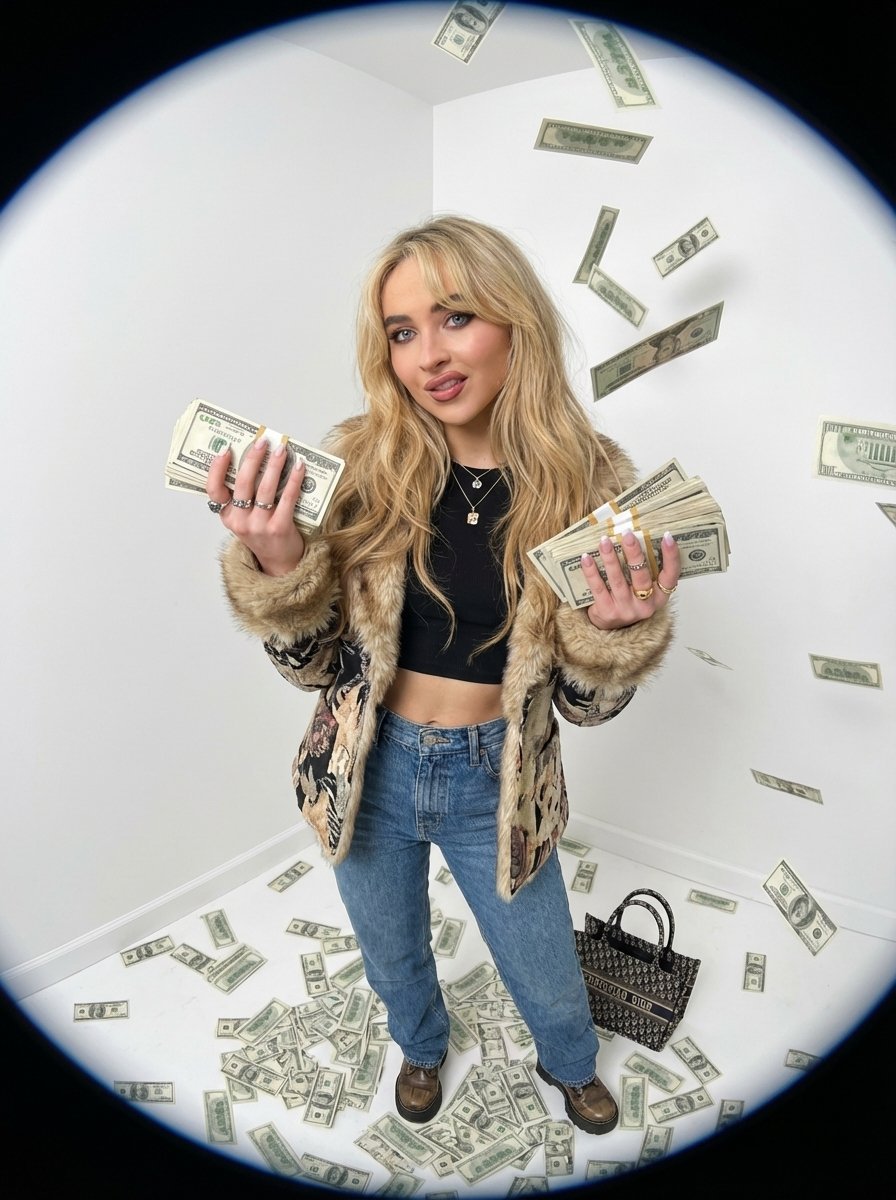
Fisheye portrait with money in a white studio
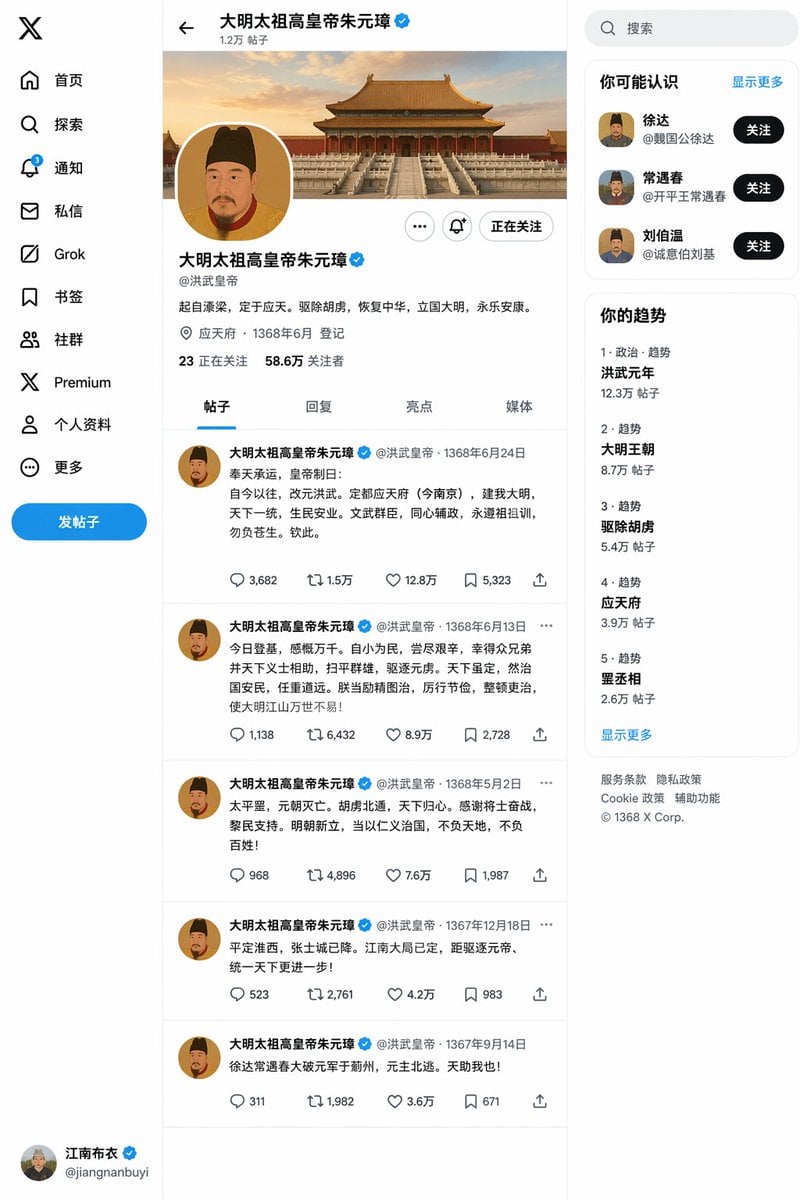
Ming Dynasty Social Media Post
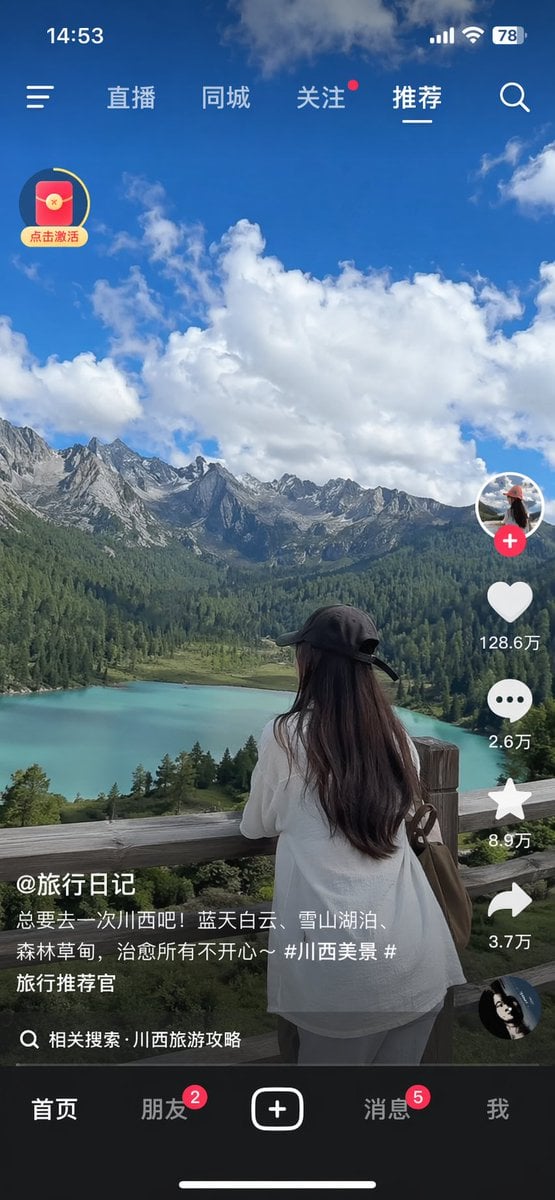
Short-Video App Interface Mockup
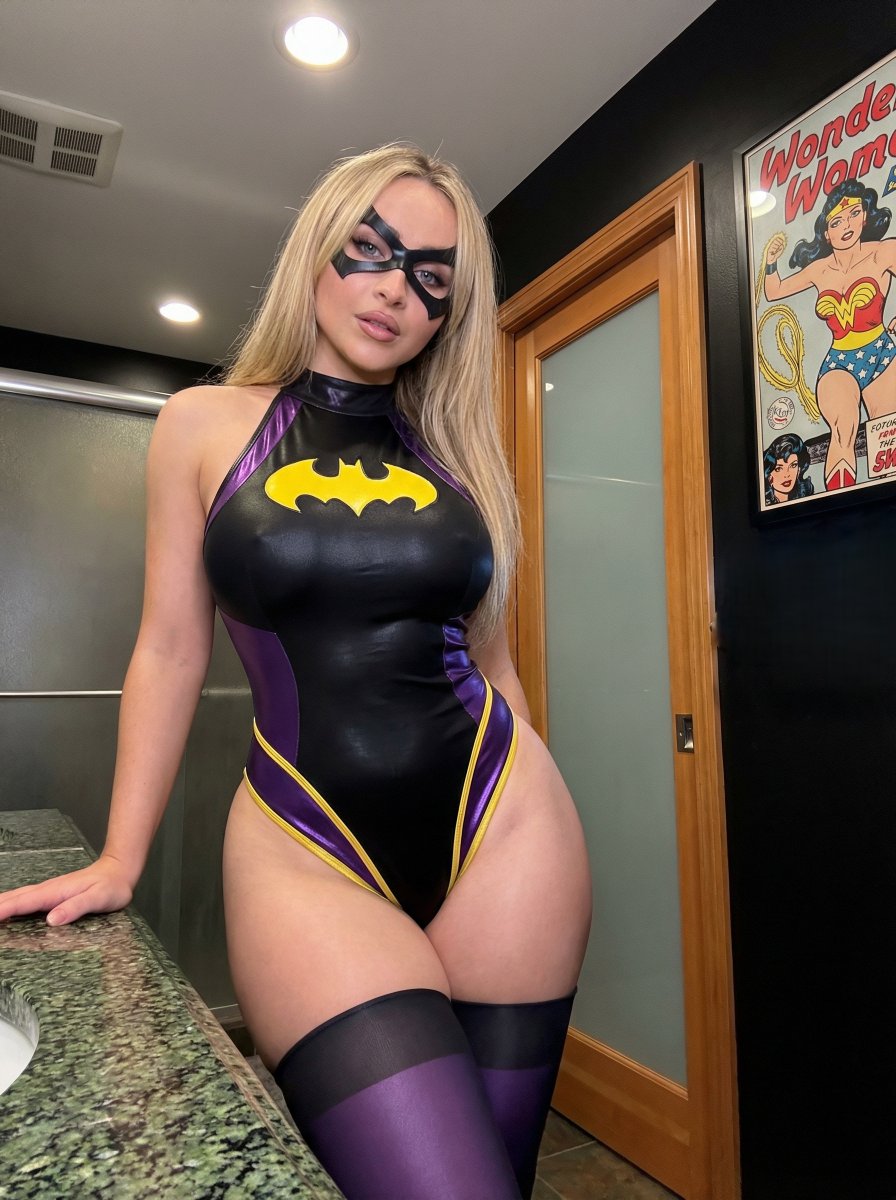
Batgirl Bodysuit Portrait with Likeness Preservation Prompt
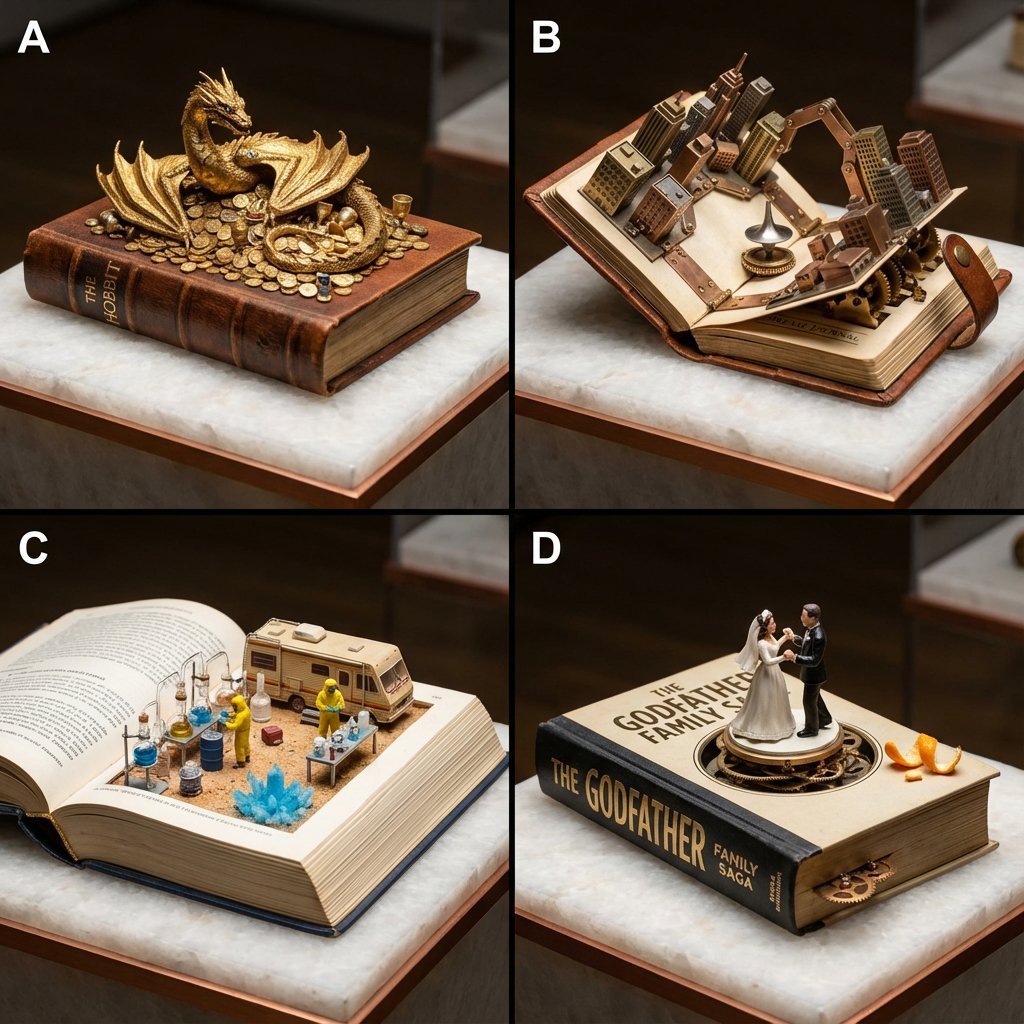
Book-Themed Diorama Grid Prompt
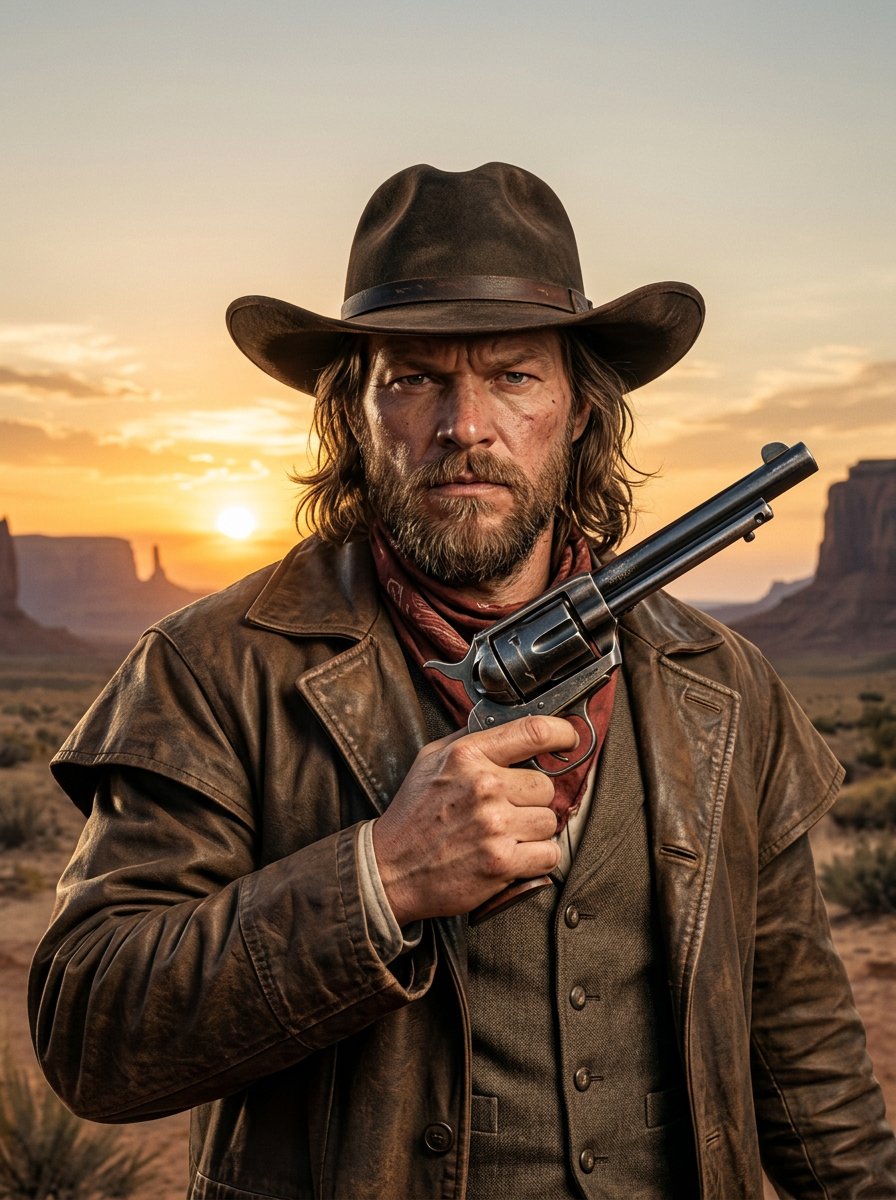
make me a cowboy poster

Flyer Redesign Prompt using Nano Banana Pro
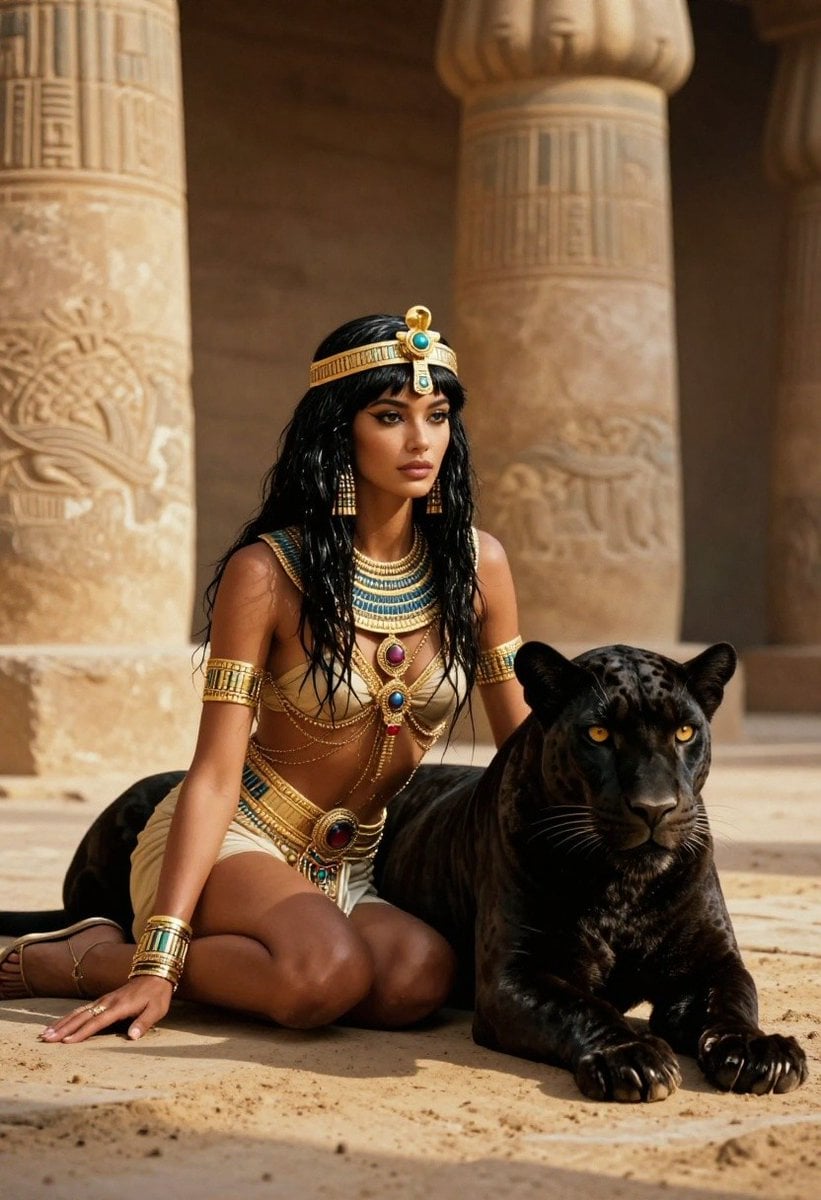
Ancient Egyptian Queen with Black Panther
Ultra-Realistic 3D Automotive Brand Render
Dreamy Garden Swing Portrait
Browse template categories
X Timeline With Blurred Fashion Photos questions
How do I use the X Timeline With Blurred Fashion Photos template?
Add your photo if the template asks for one, edit the prompt if you like — the template's model and format are already selected — and press Generate. Your version opens in PicX Studio.
Can I customize the X Timeline With Blurred Fashion Photos template?
Yes. You can change the subject, setting, lighting, mood, format, and available model controls before creating your image.
Is the X Timeline With Blurred Fashion Photos template free?
Opening and editing this template is free. Generating uses credits, shown on the Generate button when you are signed in.
Which AI model should I use?
Start with GPT Image 2, which is the model associated with this template. You can compare another compatible model for a different finish.
Looking for something else? Browse all templates.

Your photo, any look
Thousands of ready templates for every top image and video model, from one credit balance.