
Cup Noodle Factory Cross-Section Diorama
A highly detailed architectural and industrial diorama prompt showing the inner workings of a cup noodle factory with cinematic lighting.
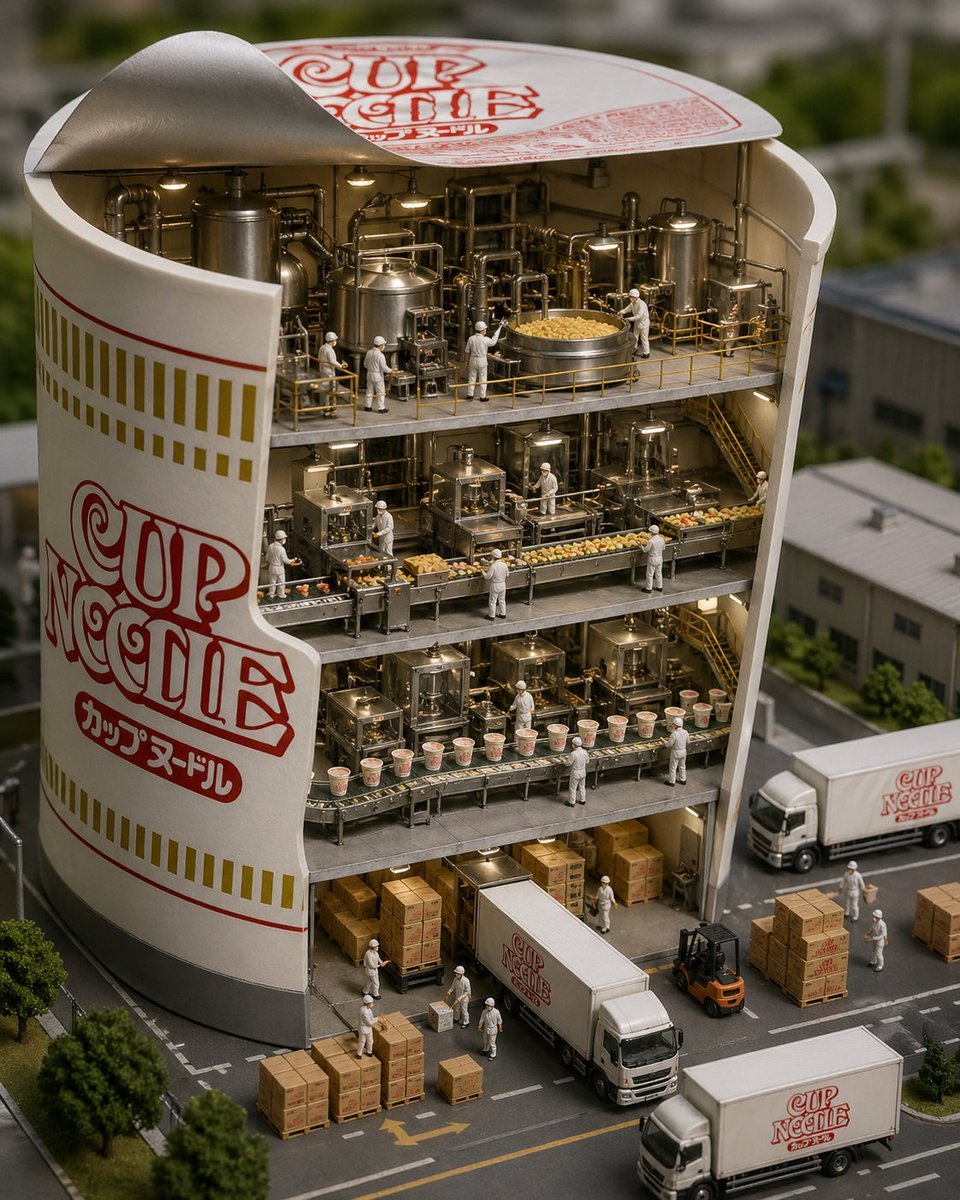
- Prompt included
- Model and format preset
- Free template
The prompt behind this image
Copy the exact prompt behind Cup Noodle Factory Cross-Section Diorama, or open it in the studio and make it yours.
A precise diorama showing a cross-section of a {argument name="subject" default="giant cup noodle container"}. Inside, a multi-layered manufacturing factory, pipes and tanks, workers processing, filling, and packaging the noodles. On the lower level, boxing and truck shipping. Realistic and finely detailed, cinematic lighting, high-resolution photo.
How to use Cup Noodle Factory Cross-Section Diorama in 3 steps
- 1
Open
The prompt is already in the box next to the preview, with the template's model and format selected.
- 2…a portrait of your subject in softgolden-hour light, 85mm…
Personalize
Edit the subject and creative details for your destination.
- 3Generate
Generate
Press Generate — your image is created in PicX Studio, so you can compare it with the original and refine one variable at a time.
More like this
Templates with the same subject, style or setup. Open one to see its prompt.

FIFA World Cup — Brazil National Pass Diorama
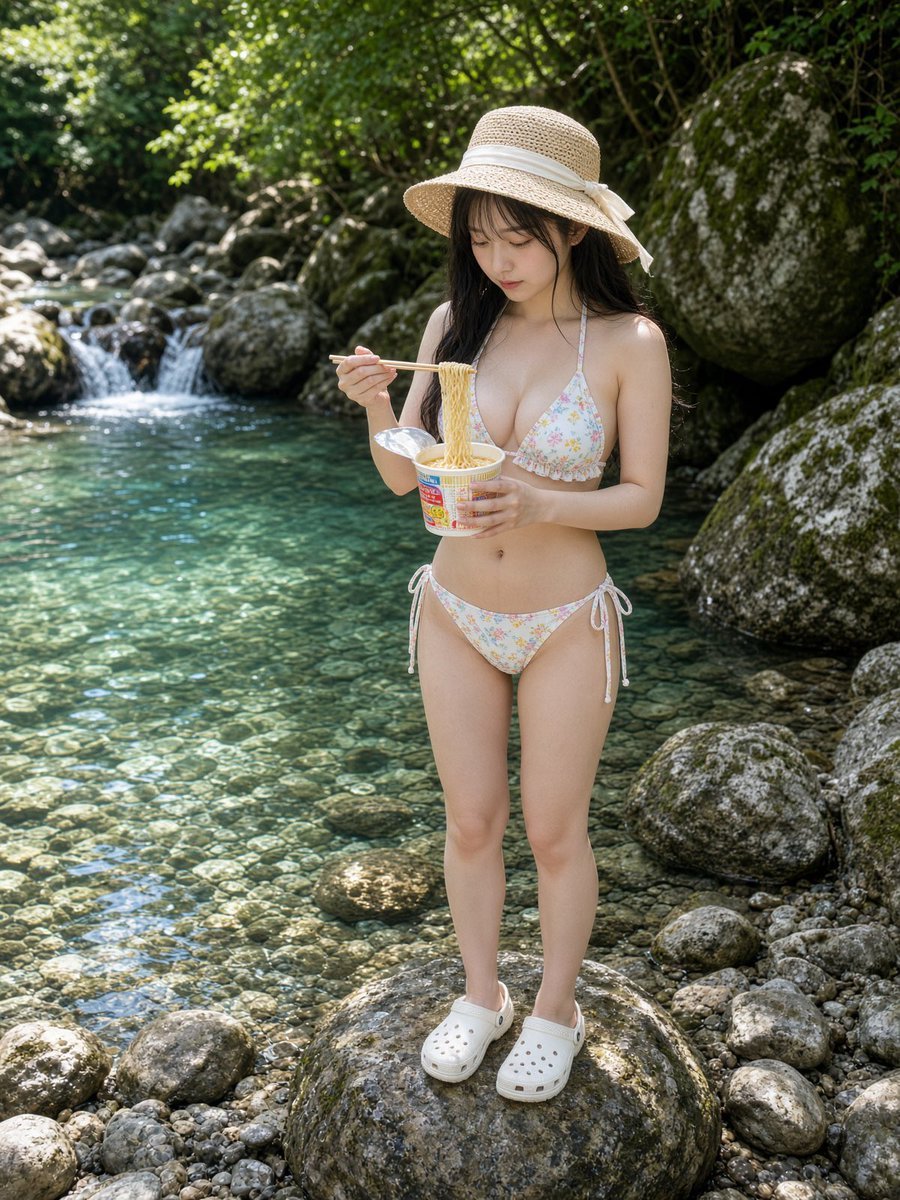
Cup Noodles by a Clear Stream
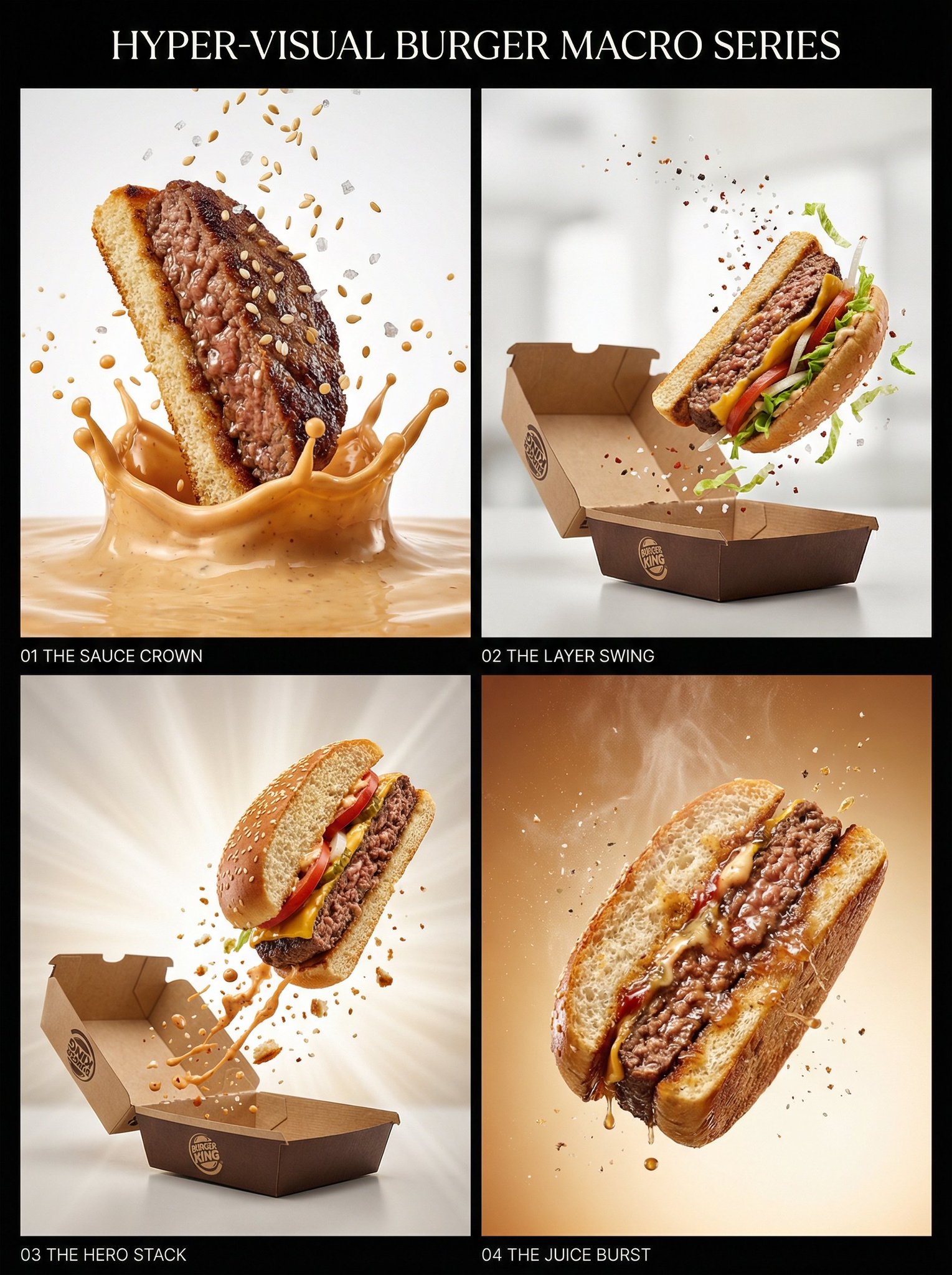
Juicy burger slice beef patty cross-section with bun edge

Layered Paper Cut Forest Diorama

Soft Handcrafted Paper-Cut Layered Illustration

Isometric Process Educational Diorama

Isometric Brand Store Diorama
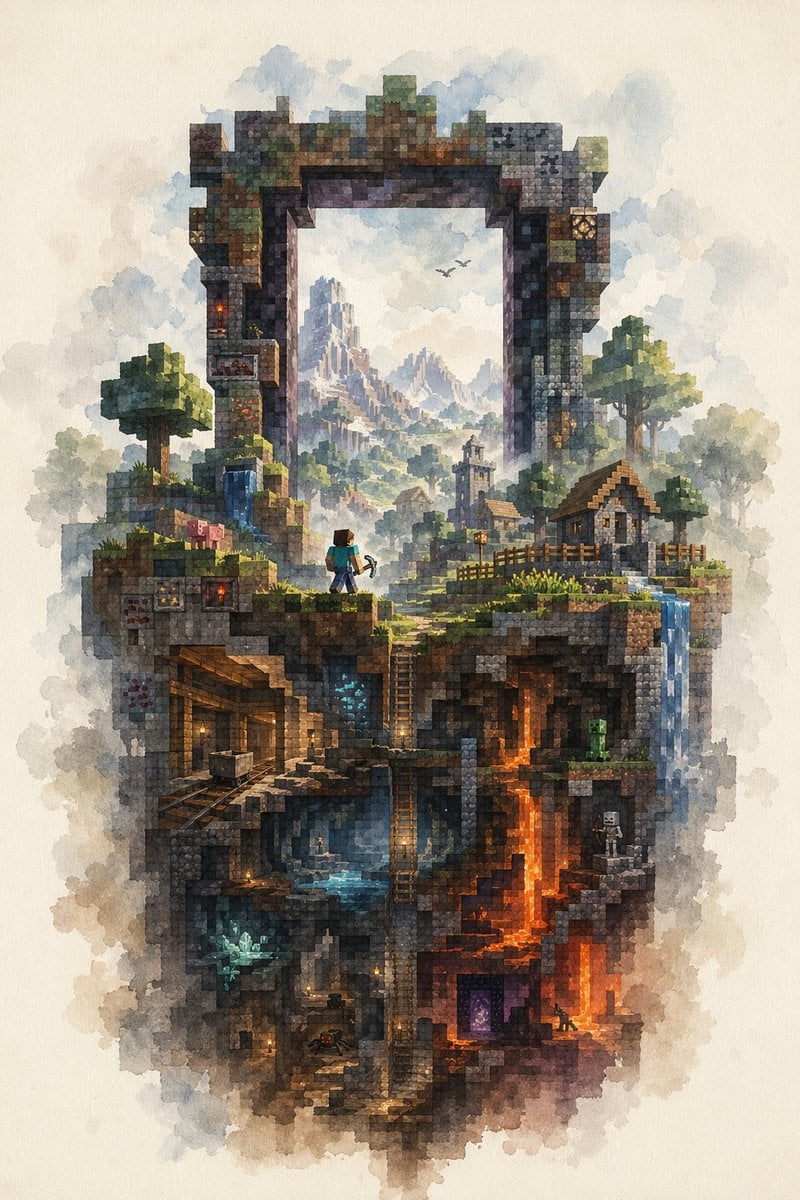
Watercolor Minecraft World Cross-Section
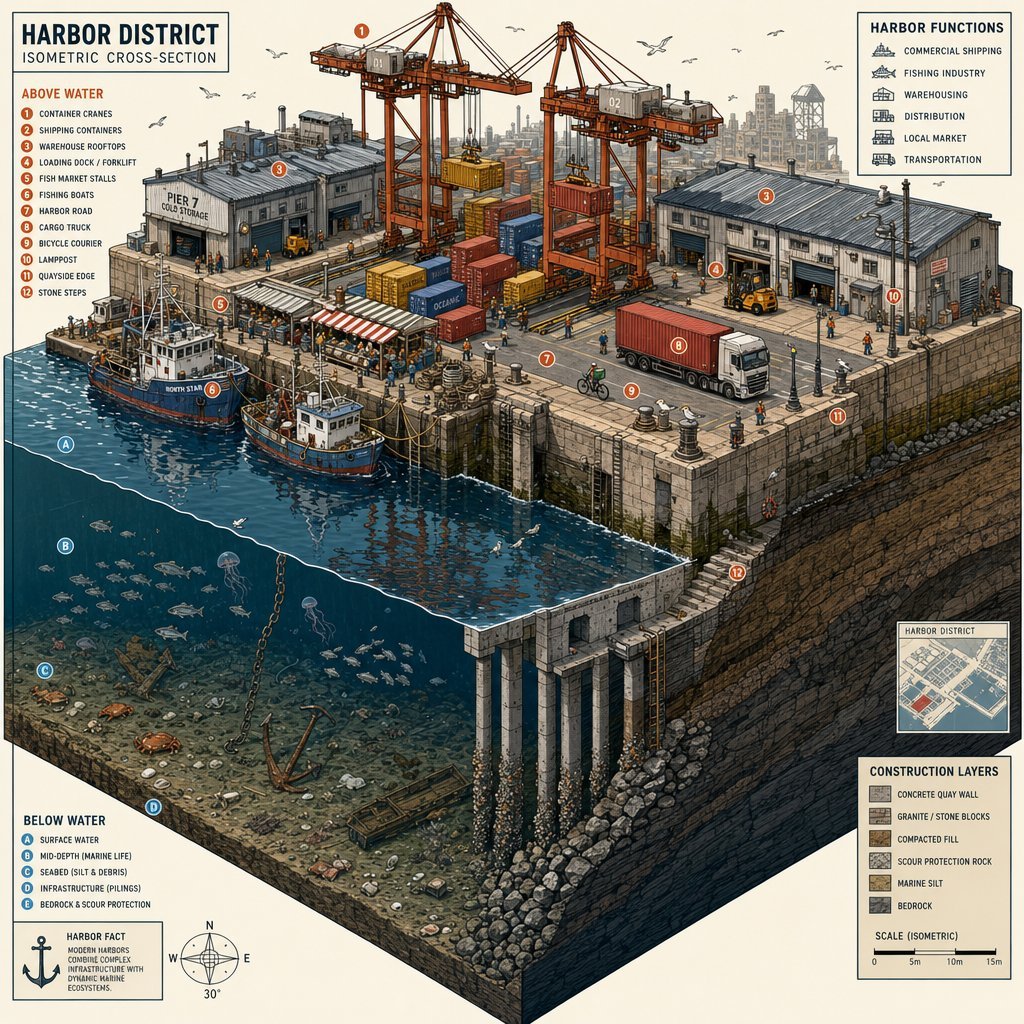
Isometric Harbor District Cross-Section
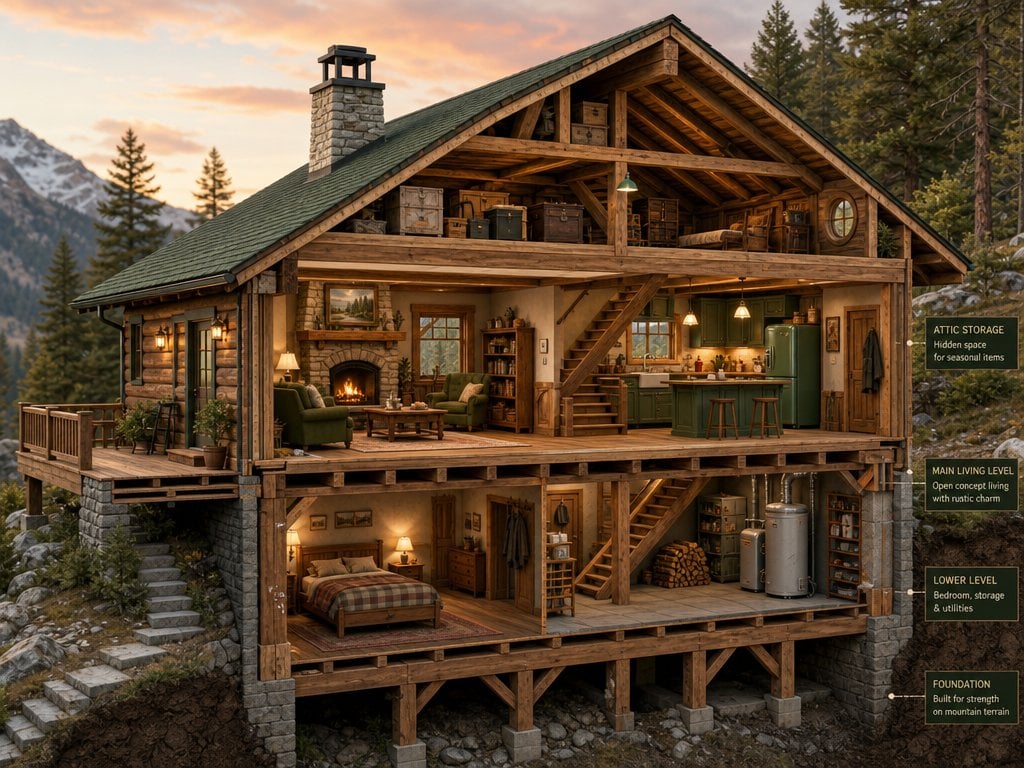
Cross-Section Cutaway Render
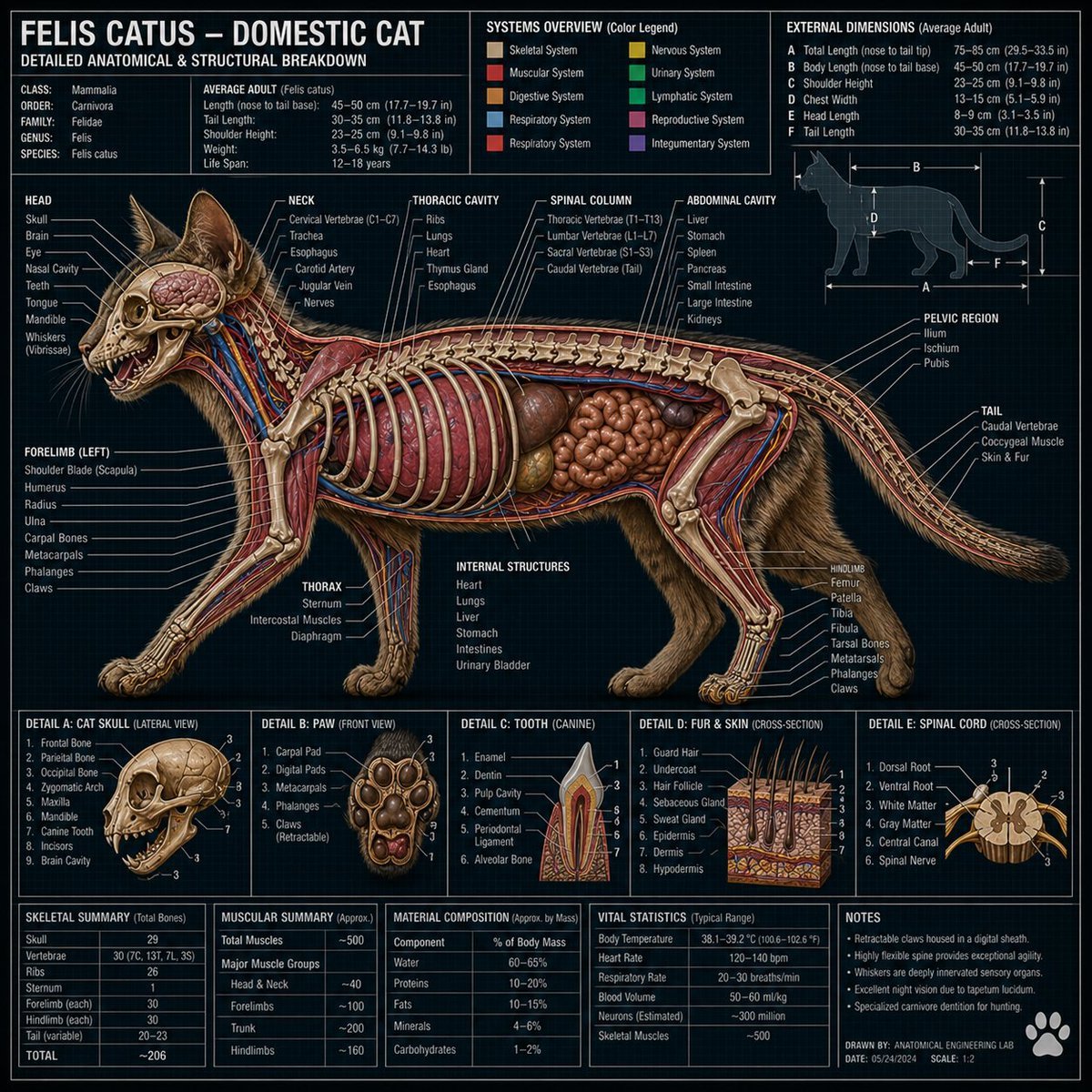
Technical Cross-Section Diagram
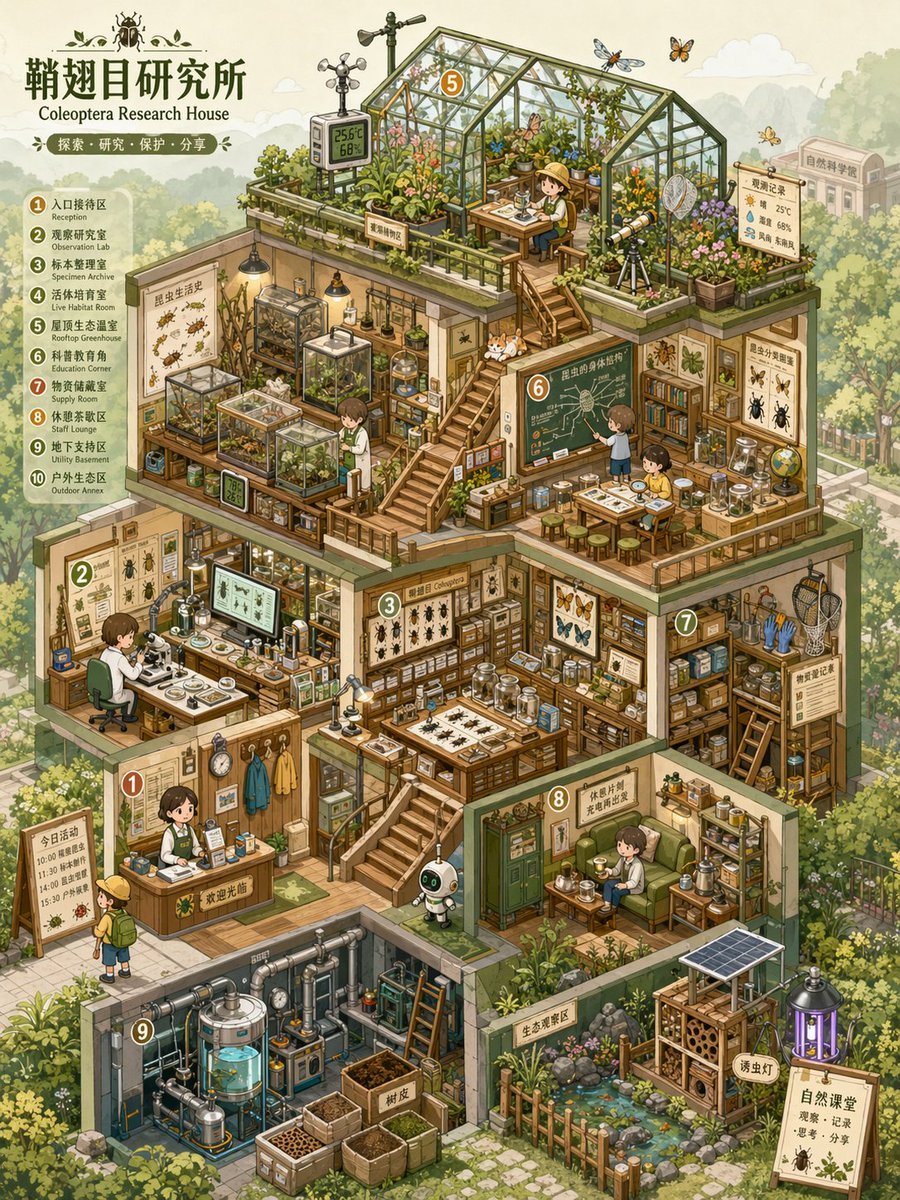
Isometric Micro-World Cross-Section Archive
Make it yours
Cup Noodle Factory Cross-Section Diorama works as-is. These are the safest ways to change it without losing the look.
Change one field
Copy a single group, rewrite it, and generate again so you can see what that field is doing.
Keep the frame, change the subject
Hold the composition and light of Cup Noodle Factory Cross-Section Diorama, then swap wardrobe, props or the person for a new take.
| If the result… | Why | Fix |
|---|---|---|
| The result drifts from the preview | Too many fields changed at once. | Reuse Cup Noodle Factory Cross-Section Diorama as-is first, then change one group — subject, light, or setting. |
| The model over-stylizes the scene | The prose prompt leaves finish and camera underspecified. | Add one camera or lighting sentence and stay on GPT Image 2. |
More GPT Image 2 templates
Other prompts made for GPT Image 2.

Six VTuber Japanese Logo Sheet

Realistic Portrait of Woman and Deer

The Vista Modular Condo Poster

AI Model Routing Comparison Infographic

2.5D Anime Art Board

Isometric Productivity Desk Scene

New York Double Exposure Poster

Four-Panel AI Landscape Comparison

Japanese Tatami Lifestyle Magazine Cover

NESCAFÉ Coffee Map Poster
More image prompts
Fresh picks from across the catalog.
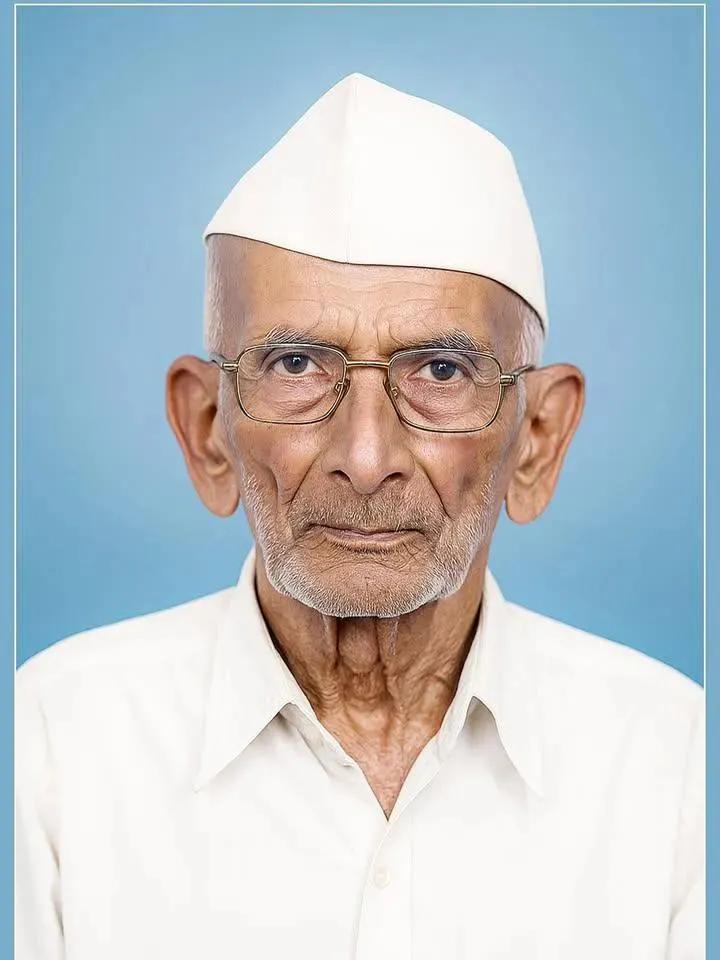
Old Photo Restoration and Modernization
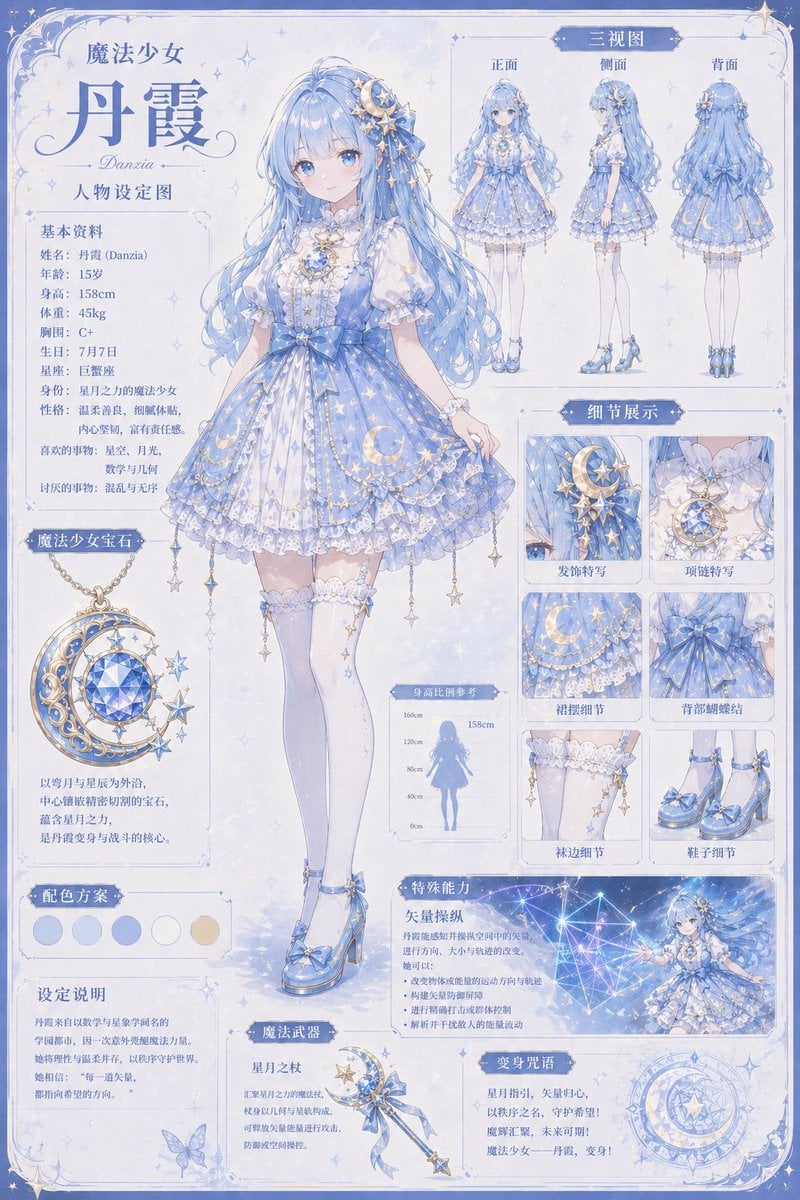
Celestial Magical Girl Reference Sheet
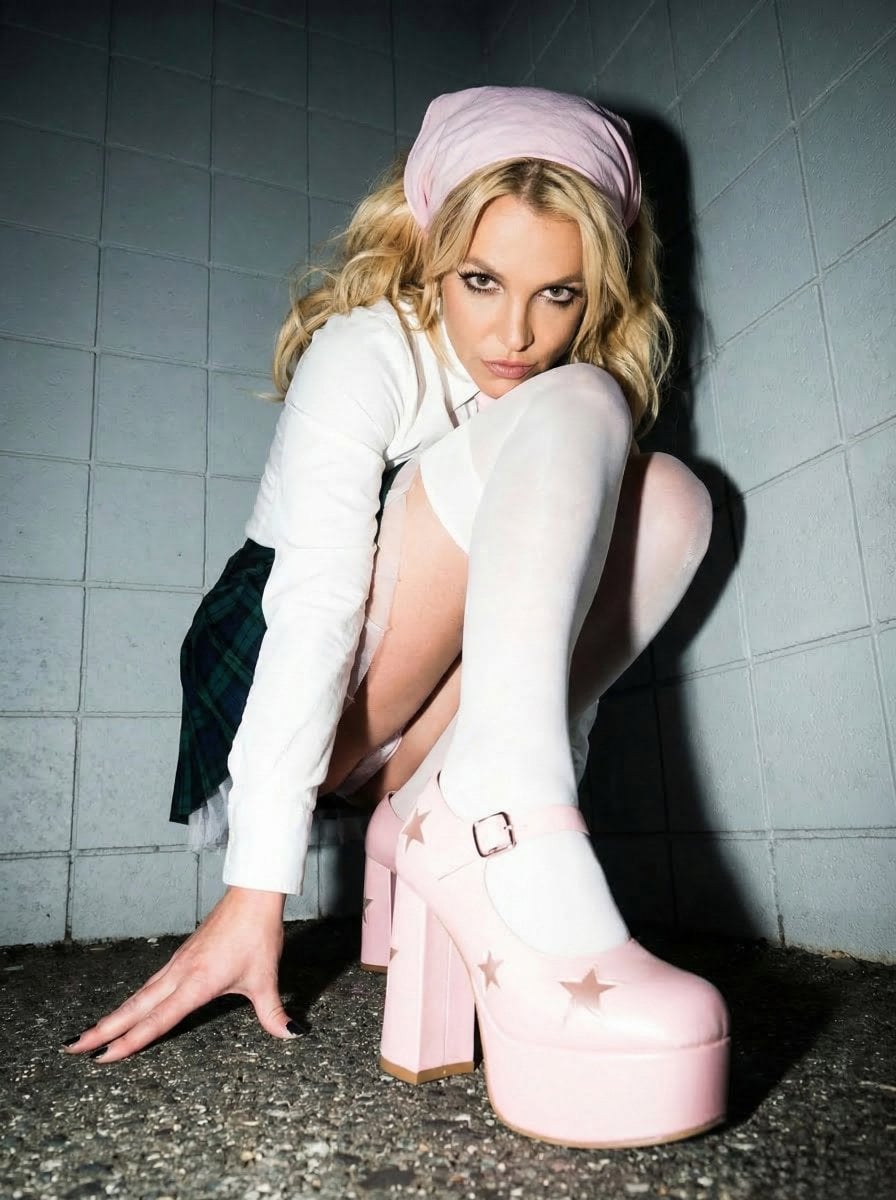
Avant-garde Punk Schoolgirl Portrait for Nano Banana Pro
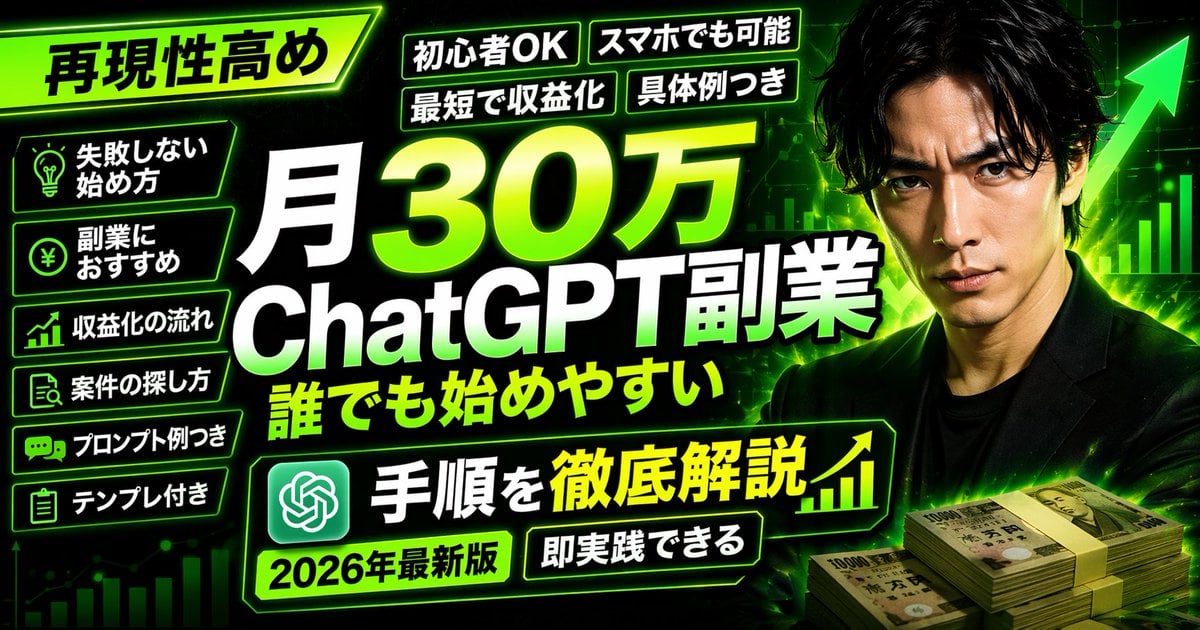
Neon Business Info-Product Thumbnail
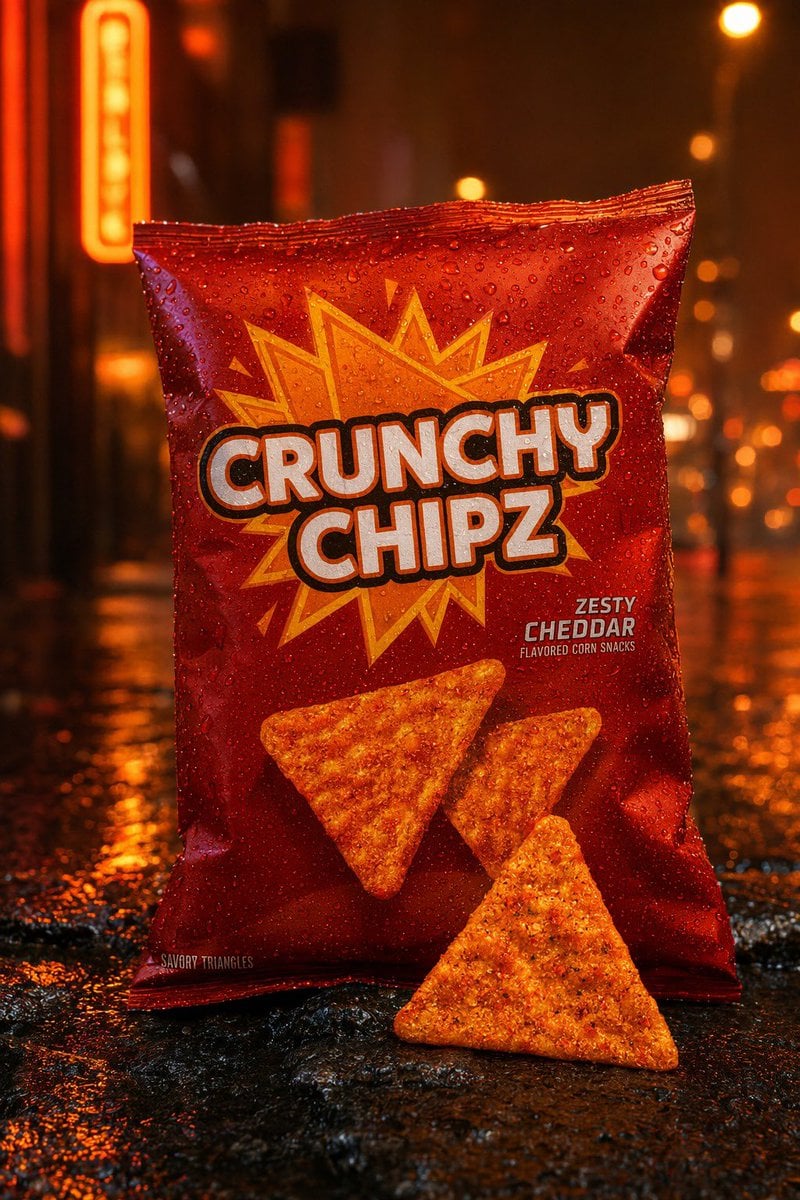
Neon Rain Snack Bag Ad
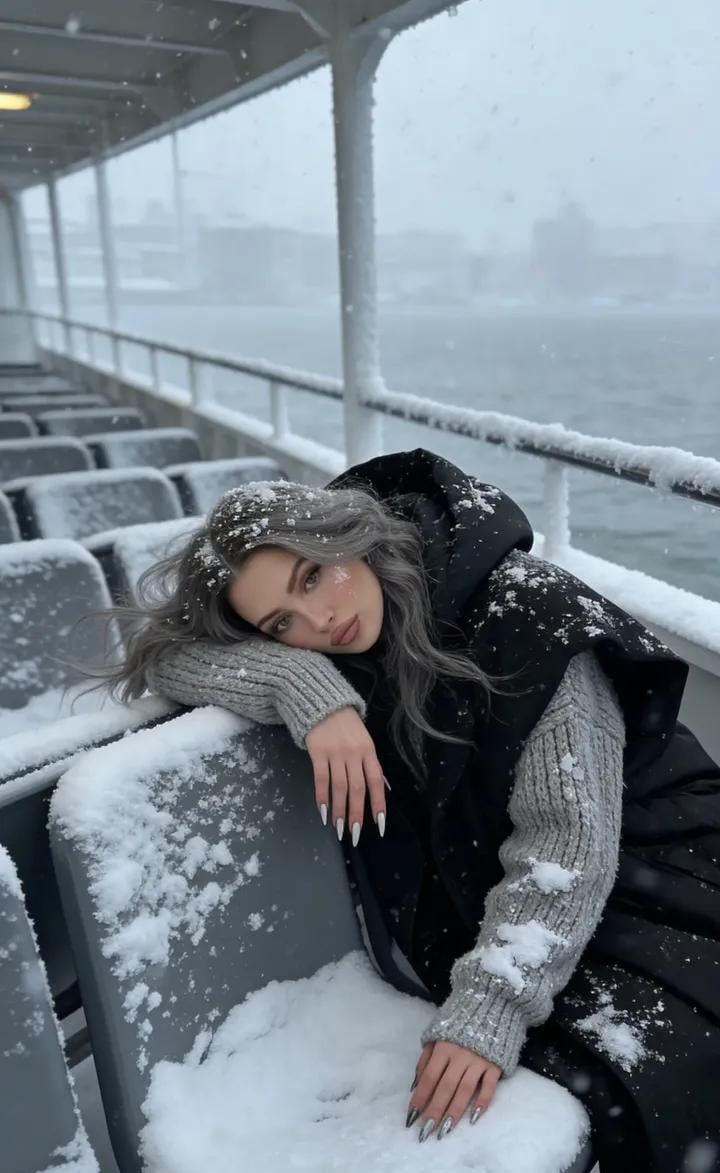
Serene Winter Ferry Portrait
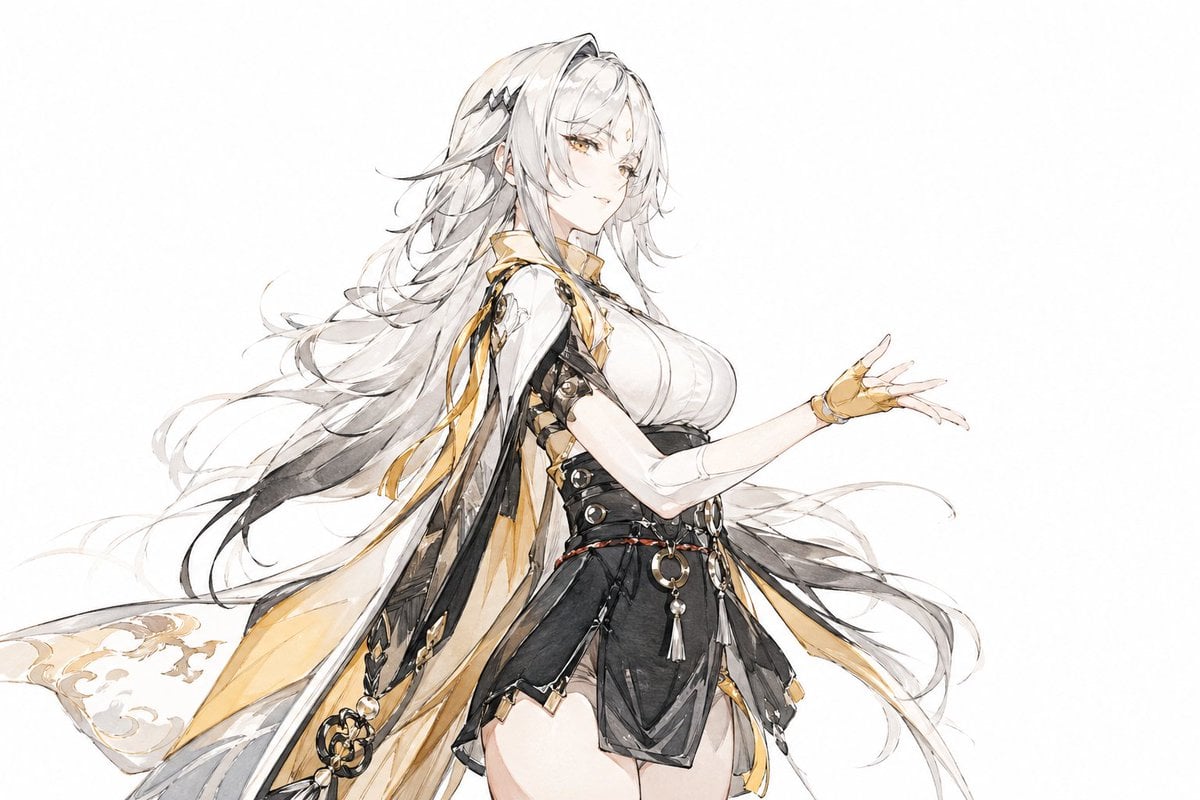
Traditional Chinese Ink Illustration Style
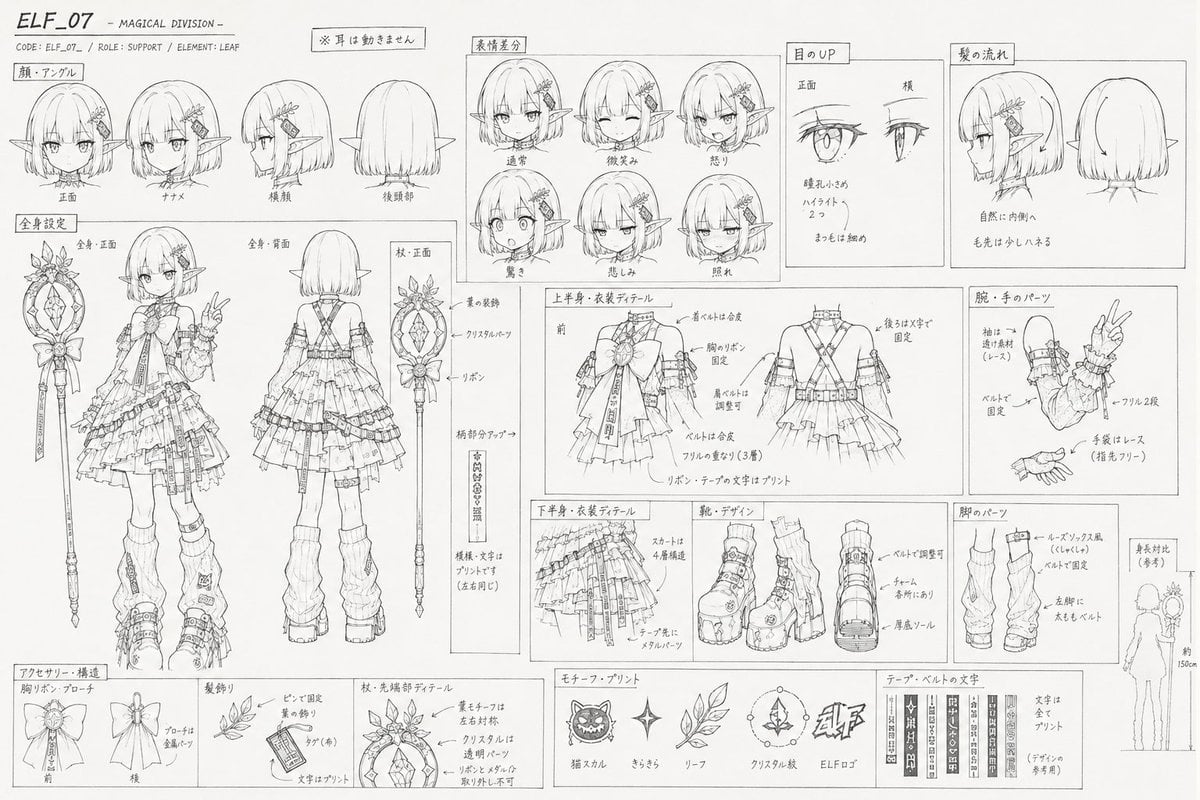
Professional Anime Character Line Art Sheet

Editorial Caricature Illustration of a Man

Ultra-Realistic Blueberry Yogurt Splash Commercial
Browse template categories
Cup Noodle Factory Cross-Section Diorama questions
How do I use the Cup Noodle Factory Cross-Section Diorama template?
Add your photo if the template asks for one, edit the prompt if you like — the template's model and format are already selected — and press Generate. Your version opens in PicX Studio.
Can I customize the Cup Noodle Factory Cross-Section Diorama template?
Yes. You can change the subject, setting, lighting, mood, format, and available model controls before creating your image.
Is the Cup Noodle Factory Cross-Section Diorama template free?
Opening and editing this template is free. Generating uses credits, shown on the Generate button when you are signed in.
Which AI model should I use?
Start with GPT Image 2, which is the model associated with this template. You can compare another compatible model for a different finish.
Looking for something else? Browse all templates.

Your photo, any look
Thousands of ready templates for every top image and video model, from one credit balance.