
Traditional Chinese Ink Illustration Style
A detailed artistic prompt for generating traditional East Asian line-art illustrations with ink brush strokes and light watercolor washes, applied to a game character.
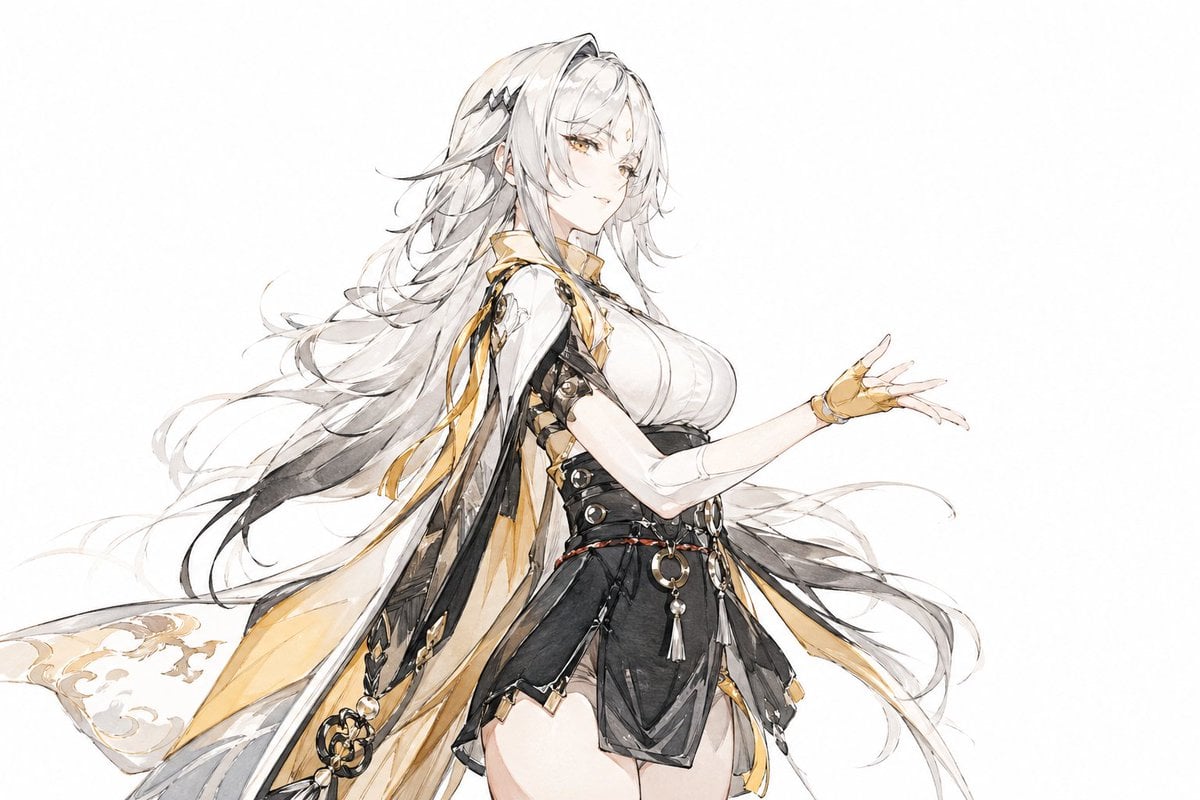
- Prompt included
- Model and format preset
- Free template
The prompt behind this image
Copy the exact prompt behind Traditional Chinese Ink Illustration Style, or open it in the studio and make it yours.
[Character/Theme] = {argument name="character" default="Master Yixuan from Zenless Zone Zero (绝区零)"} An East Asian calligraphic linear character color illustration, with a baimiao (plain-line) skeletal structure, line drawing leading the form, and a light, expressive (xieyi-style) coloring. Brush-and-ink lines, a mixed-hair brush touch, centered-tip brushwork, with side-tip strokes creating flying-white texture in places, and a dry-brush feel. Hair strands drawn with fine, thread-like lines, an open contour, broken and doubled lines, a play of solid and void. Large areas of negative space, a white paper ground, treating blank space as if it were ink (计白当黑). Transparent watercolor glazing, light ink washes, with areas of boneless-style (mogu) color application. The color layers are translucent, the color patches pure, the edges soft, minimal light-and-shade, a diffused sense of light, low contrast, and flattened coloring. The character must be drawn strictly according to their original design's clothing, hairstyle, and accessories — do not apply a generic hanfu template; preserve the character's own clothing logic. Hand structure should be accurate, all five fingers complete and clear, joints natural, gestures elegant. Fully rendered in color, with the skin, hair, clothing, and accessories unified in clear, translucent color.
How to use Traditional Chinese Ink Illustration Style in 3 steps
- 1
Open
The prompt is already in the box next to the preview, with the template's model and format selected.
- 2…a portrait of your subject in softgolden-hour light, 85mm…
Personalize
Edit the subject and creative details for your destination.
- 3Generate
Generate
Press Generate — your image is created in PicX Studio, so you can compare it with the original and refine one variable at a time.
More like this
Templates with the same subject, style or setup. Open one to see its prompt.
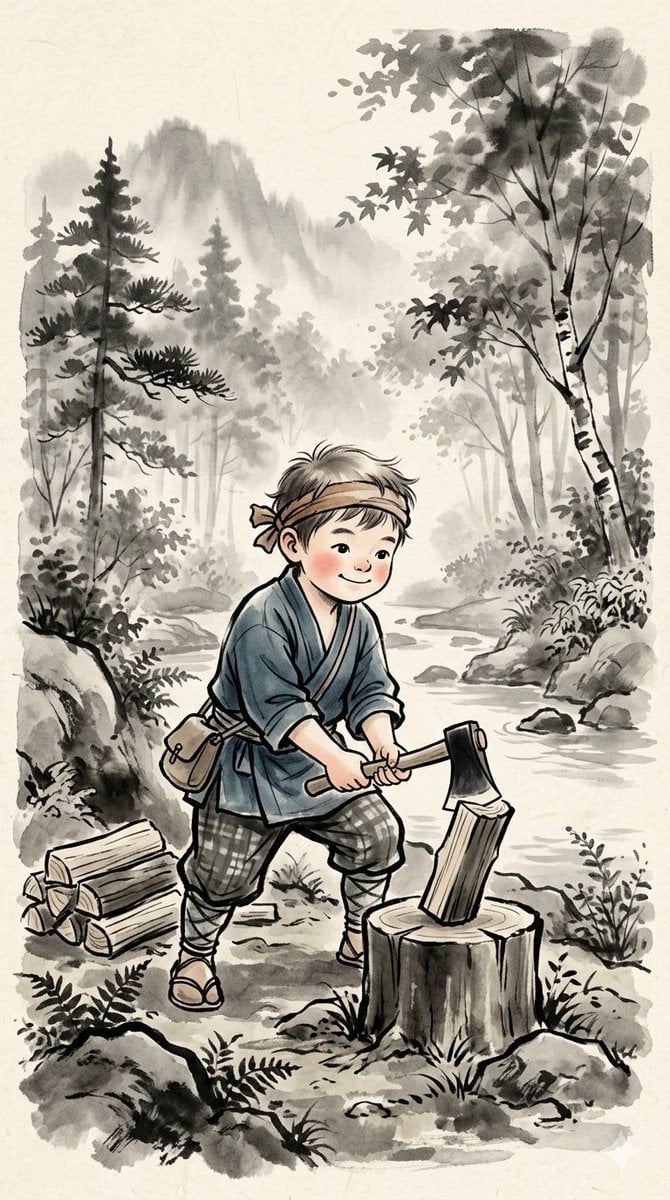
Traditional Japanese Ink Children Illustration
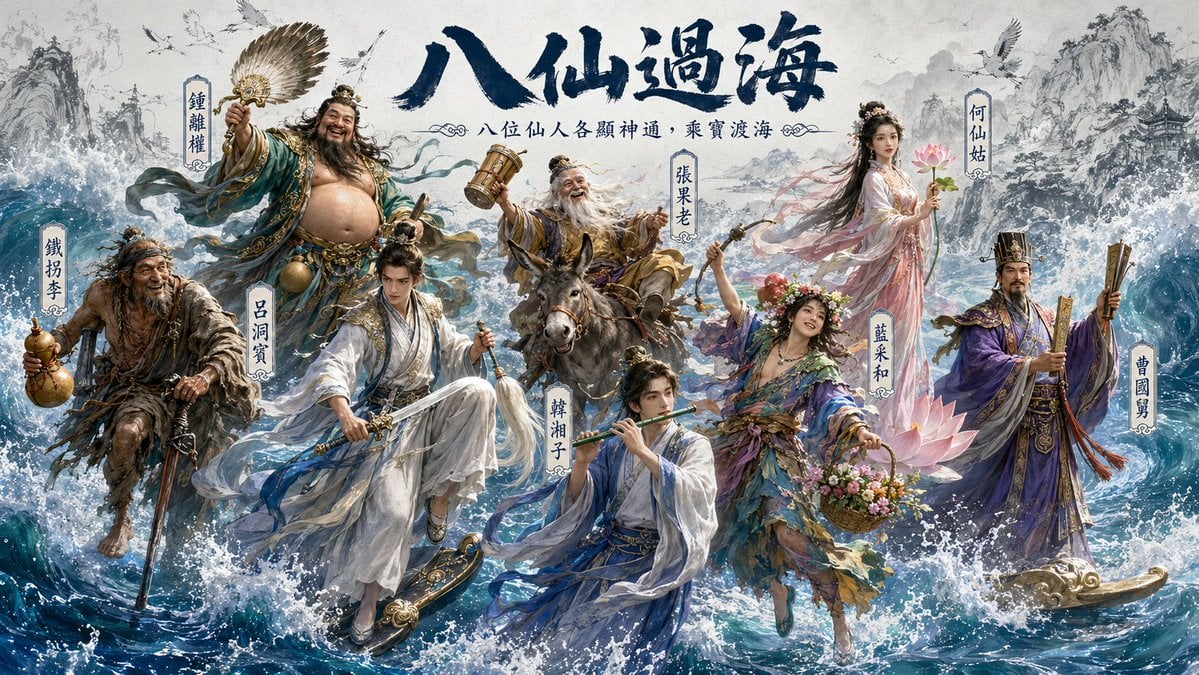
Hybrid CGI Ink-Wash Chinese Illustration
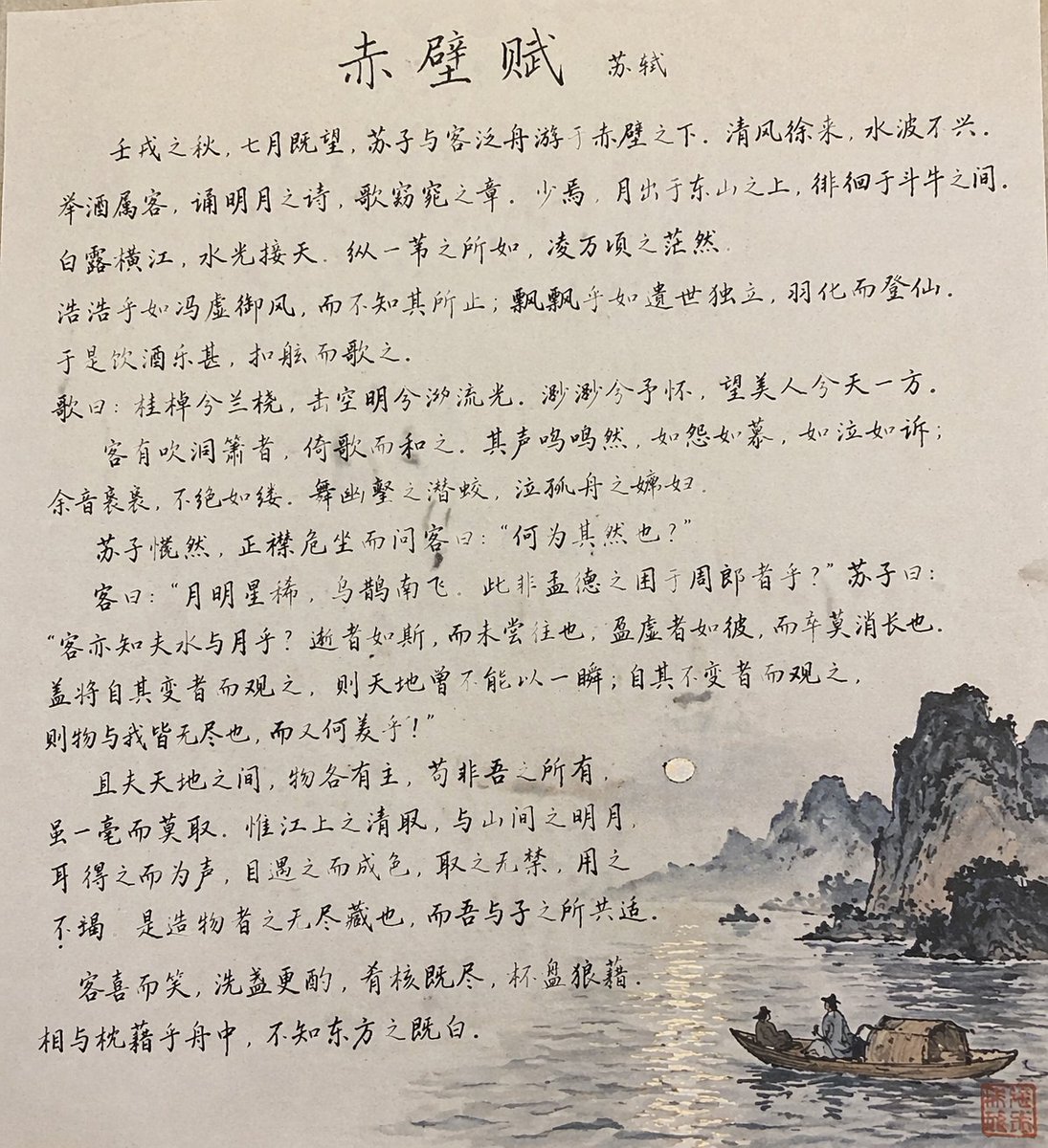
Traditional Chinese Calligraphy and Ink Painting

Anime Catgirl in Chinese Ink Landscape
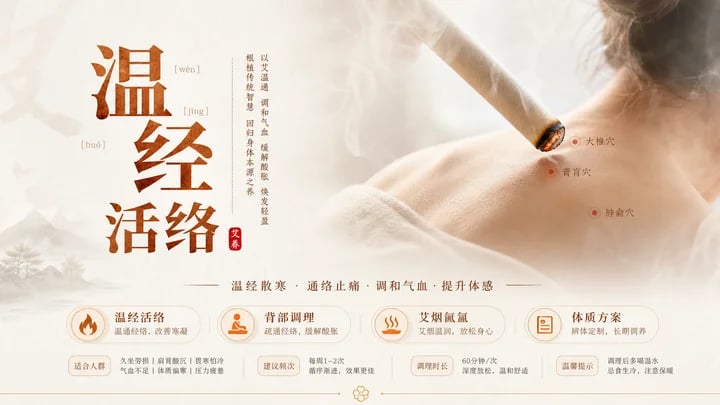
Traditional Chinese Moxibustion Poster
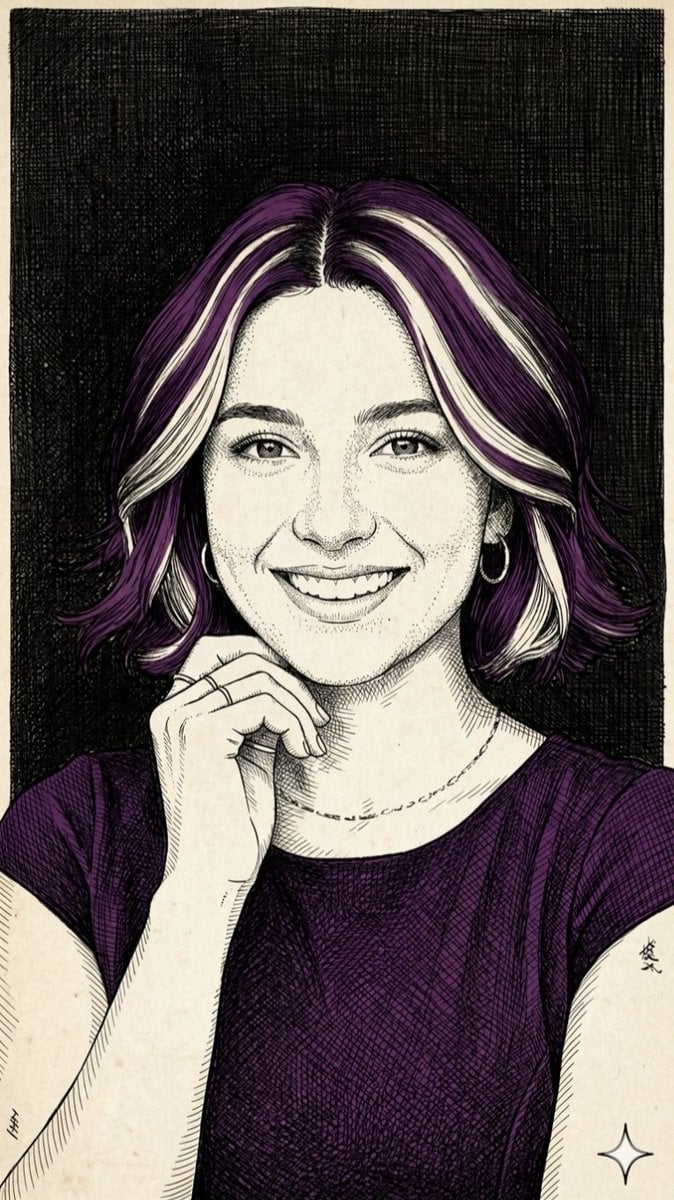
Pen-and-Ink Cross-Hatching Illustration
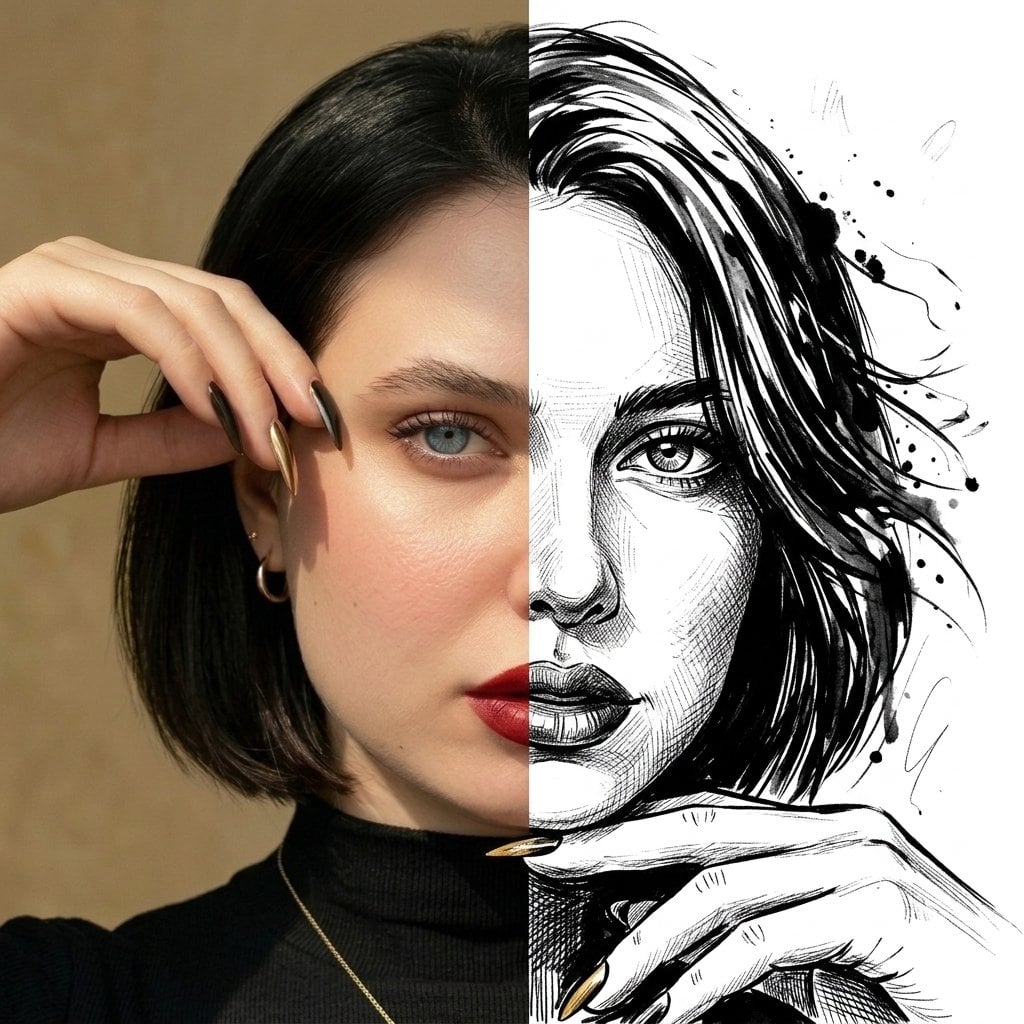
Split Face Photo and Ink Illustration
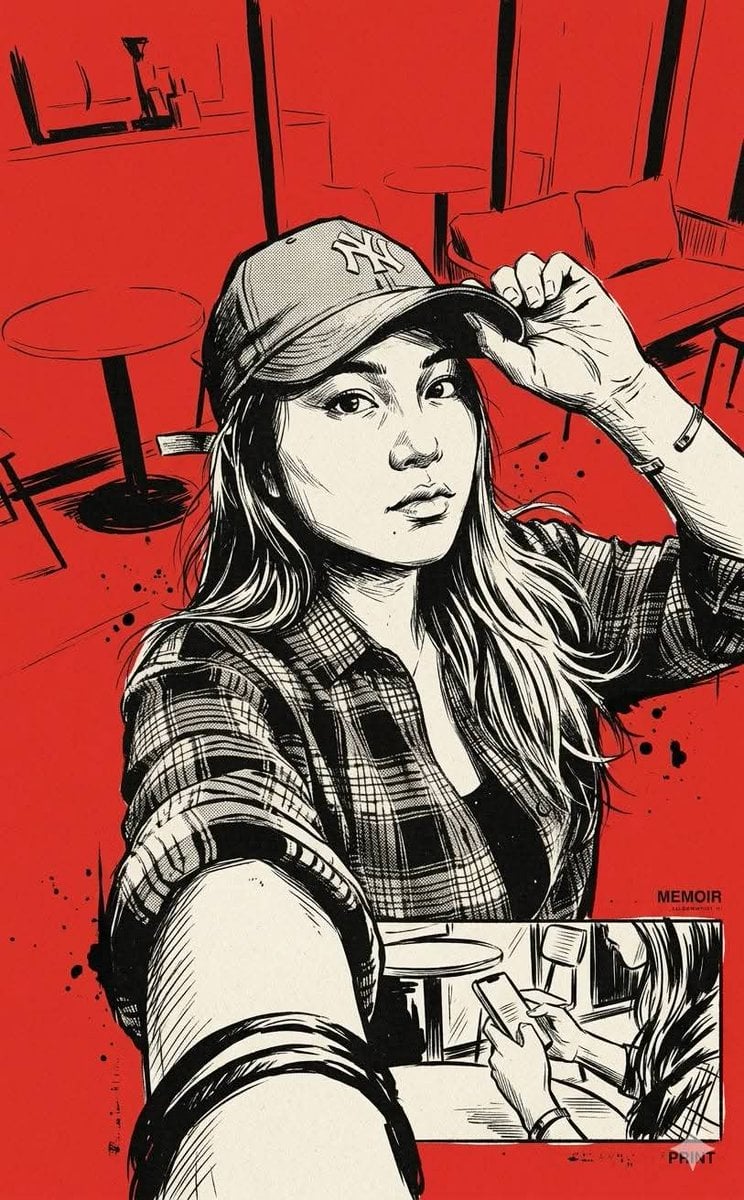
Vintage Noir Ink Illustration

Quiet Minimalist Anime Style Guide

Real Illustration Split Portrait Transition
Quiet Minimalist Anime Style Guide

Watercolor Café Cheesecake Editorial Illustration
Make it yours
Traditional Chinese Ink Illustration Style works as-is. These are the safest ways to change it without losing the look.
Change one field
Copy a single group, rewrite it, and generate again so you can see what that field is doing.
Keep the frame, change the subject
Hold the composition and light of Traditional Chinese Ink Illustration Style, then swap wardrobe, props or the person for a new take.
| If the result… | Why | Fix |
|---|---|---|
| The result drifts from the preview | Too many fields changed at once. | Reuse Traditional Chinese Ink Illustration Style as-is first, then change one group — subject, light, or setting. |
| The model over-stylizes the scene | The prose prompt leaves finish and camera underspecified. | Add one camera or lighting sentence and stay on GPT Image 2. |
More GPT Image 2 templates
Other prompts made for GPT Image 2.

Six VTuber Japanese Logo Sheet

Realistic Portrait of Woman and Deer

The Vista Modular Condo Poster

AI Model Routing Comparison Infographic

2.5D Anime Art Board

Isometric Productivity Desk Scene

New York Double Exposure Poster

Four-Panel AI Landscape Comparison

Japanese Tatami Lifestyle Magazine Cover

NESCAFÉ Coffee Map Poster
More image prompts
Fresh picks from across the catalog.
Instructing Costume Correction via Reference Image
Steampunk Chibi Witch Sticker Illustration
Cyberpunk Izanagi Divine Warrior

Old Photo Restoration Prompt
Pixar Sticker Set 3x3 Grid of Emotions
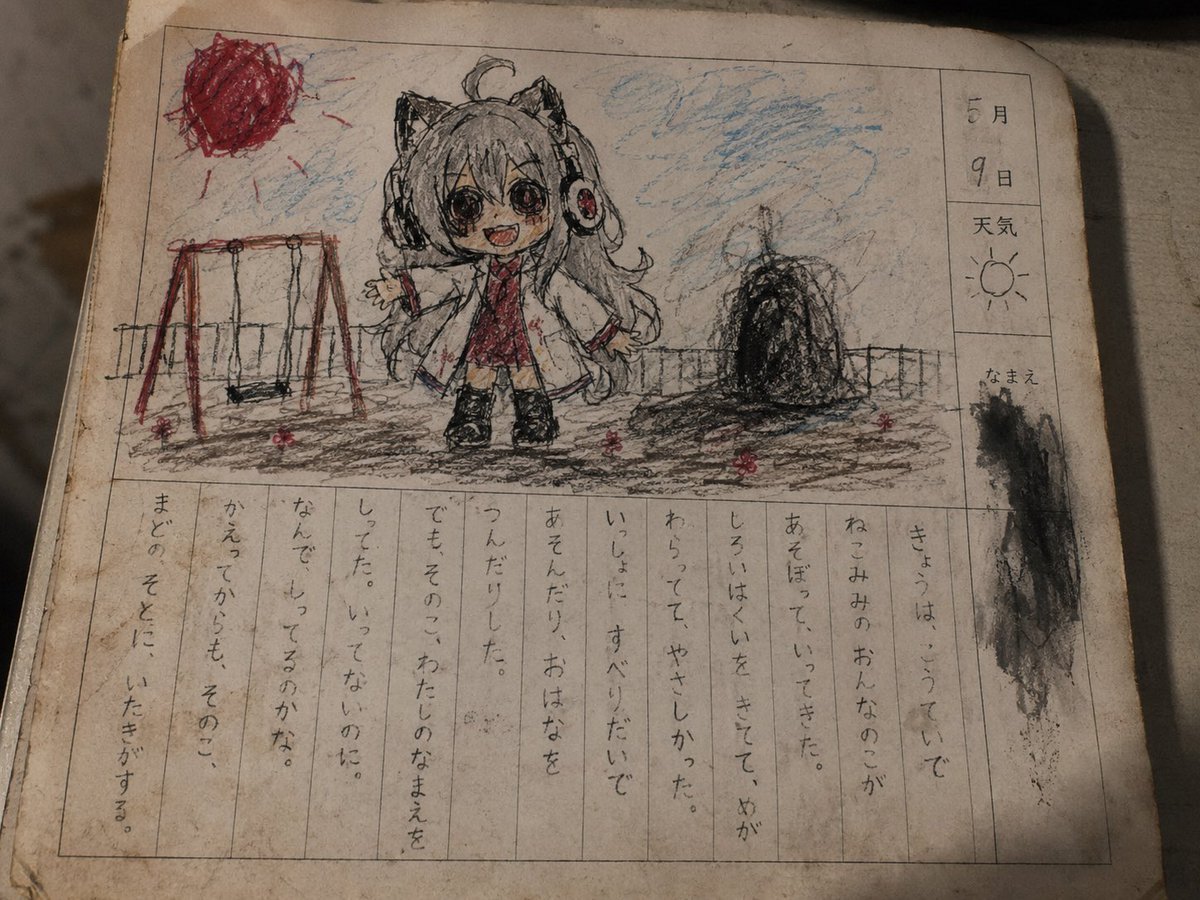
Cursed Japanese School Diary Prompt
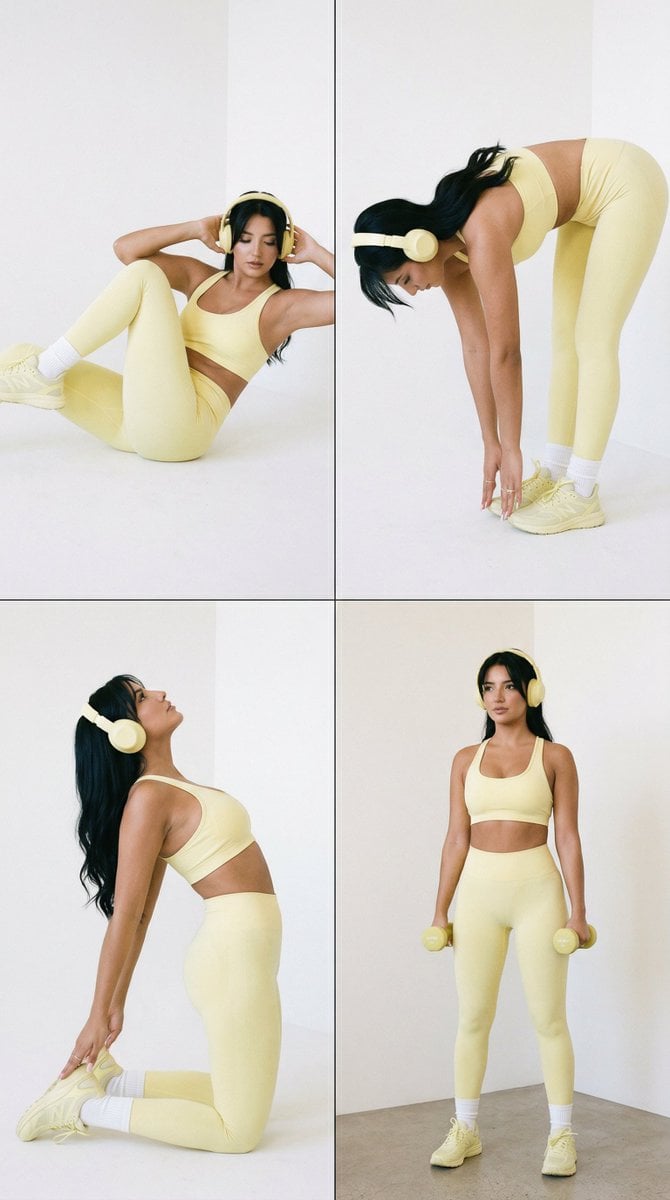
Nano Banana Pro Fitness Editorial Grid Prompt (Yellow Activewear, Identity Locked)
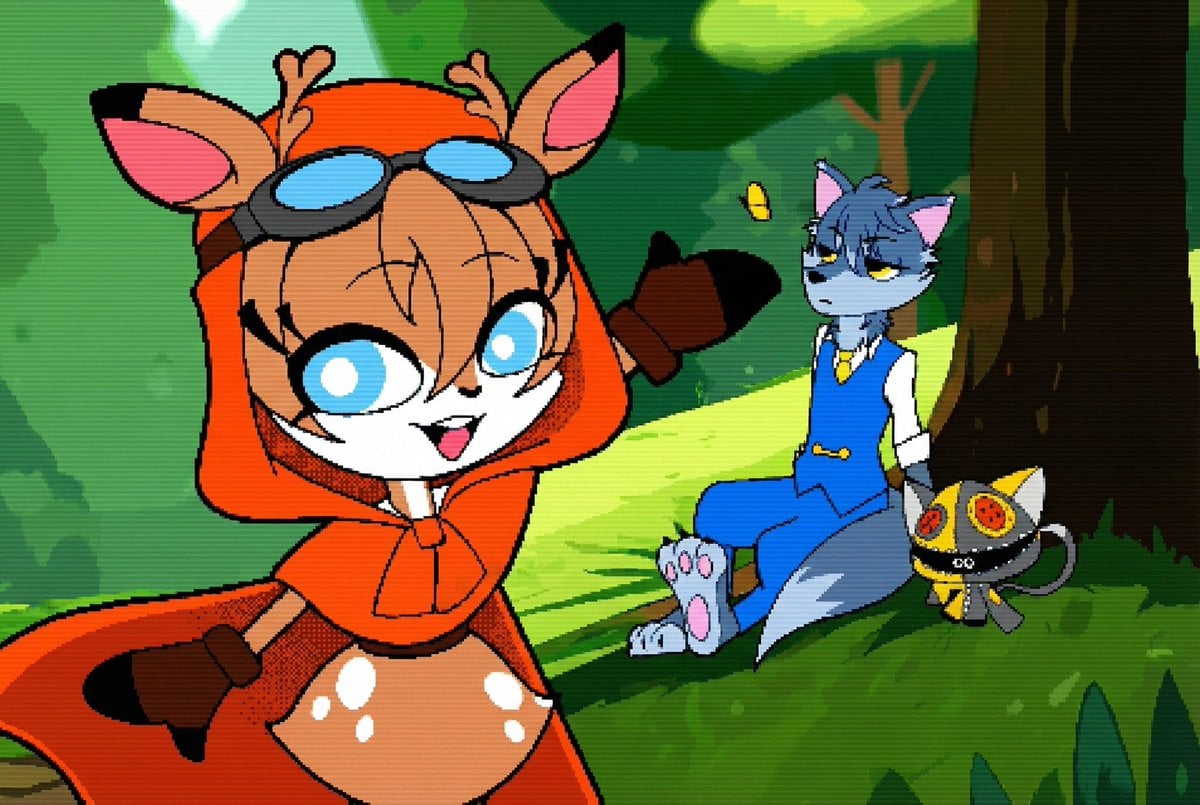
Convert illustration to retro Game Boy Advance-style pixel art
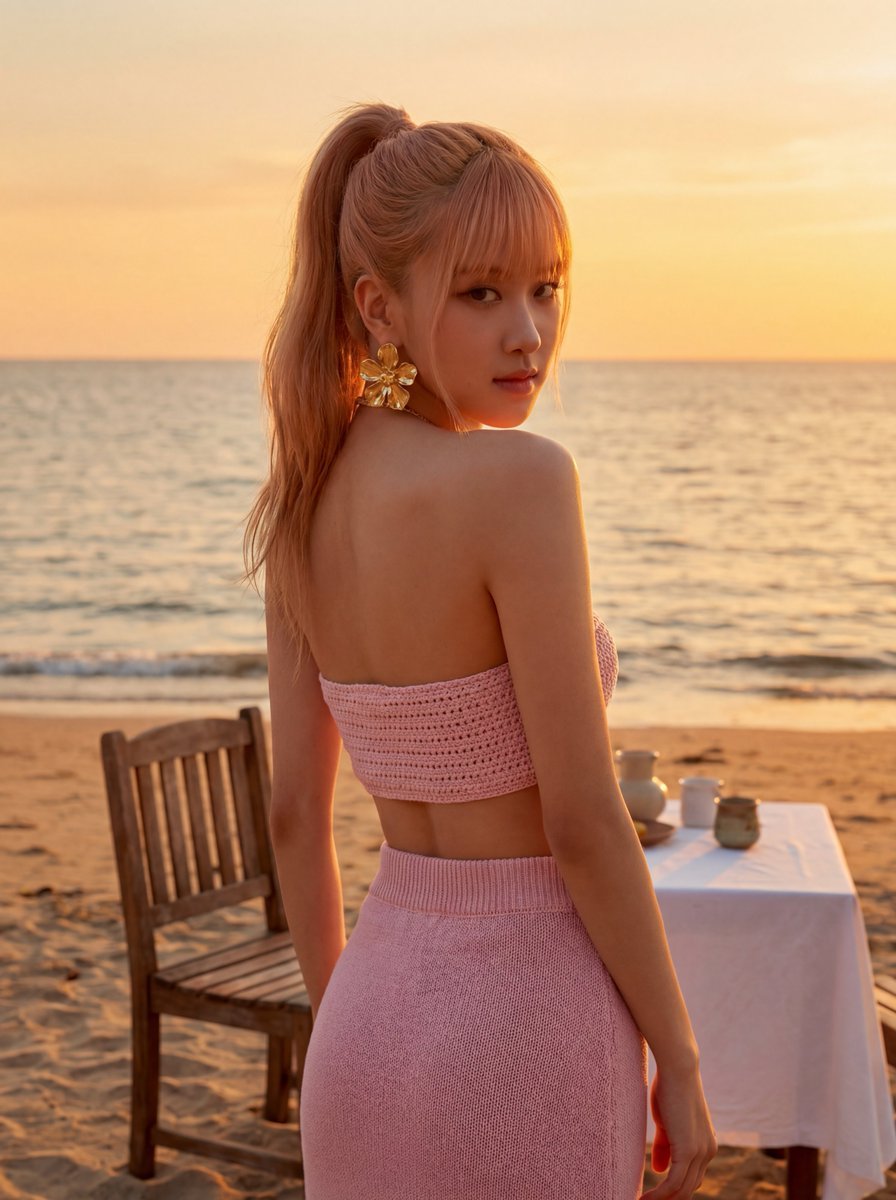
Rosé (BLACKPINK) at Sunset Beach
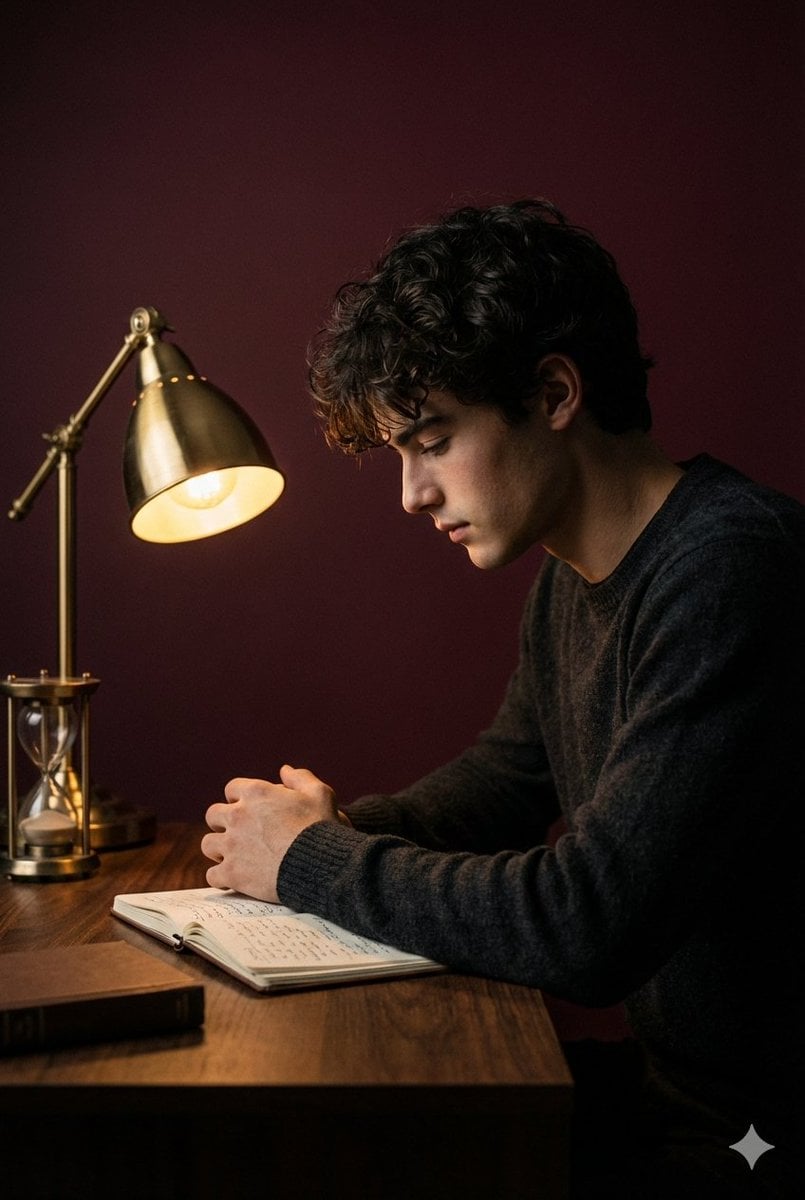
Cinematic Low-Key Indoor Portrait
Browse template categories
Traditional Chinese Ink Illustration Style questions
How do I use the Traditional Chinese Ink Illustration Style template?
Add your photo if the template asks for one, edit the prompt if you like — the template's model and format are already selected — and press Generate. Your version opens in PicX Studio.
Can I customize the Traditional Chinese Ink Illustration Style template?
Yes. You can change the subject, setting, lighting, mood, format, and available model controls before creating your image.
Is the Traditional Chinese Ink Illustration Style template free?
Opening and editing this template is free. Generating uses credits, shown on the Generate button when you are signed in.
Which AI model should I use?
Start with GPT Image 2, which is the model associated with this template. You can compare another compatible model for a different finish.
Looking for something else? Browse all templates.

Your photo, any look
Thousands of ready templates for every top image and video model, from one credit balance.