
Monumental Chinese Ocean Poster
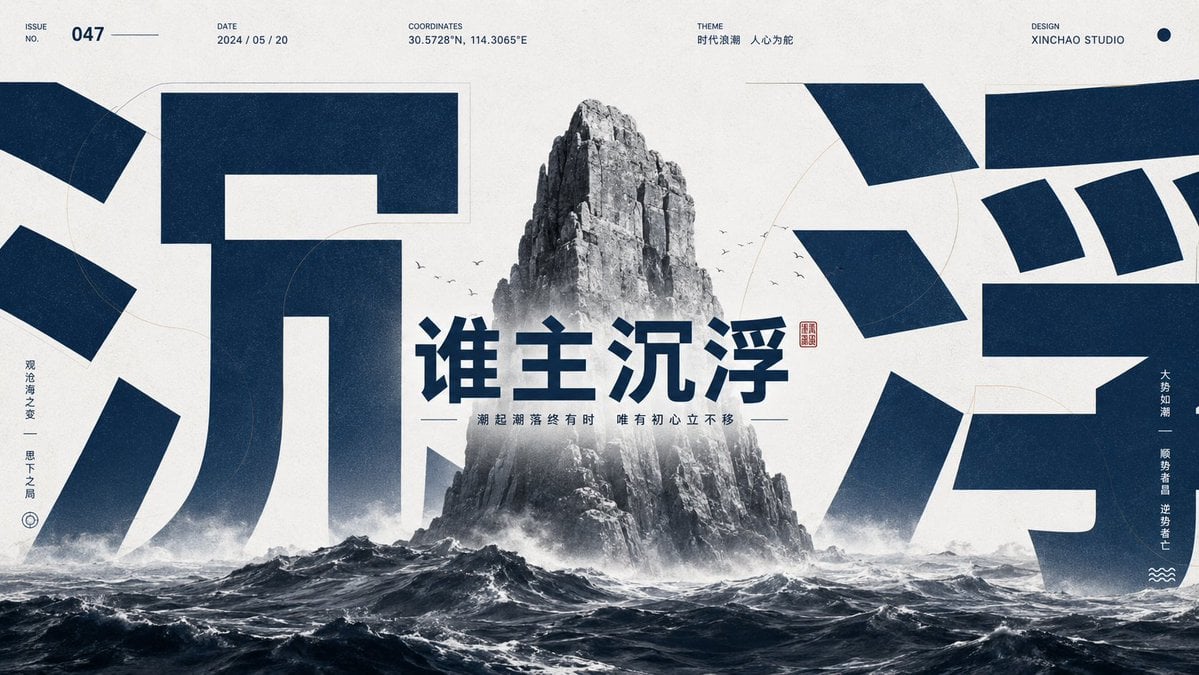
A bold widescreen Chinese editorial cover featuring a stormy sea stack, oversized cropped characters, and manifesto-style typography for social media covers.
- Prompt included
- Model and format preset
- Premium template
The prompt behind this image
Copy the exact prompt behind Monumental Chinese Ocean Poster, or open it in the studio and make it yours.
Goal: Create a dramatic Chinese self-media cover poster with a monumental ocean-rock symbol, oversized cropped typography, and a bold manifesto headline. Canvas: Wide 16:9 horizontal cover, off-white textured paper background with dark navy ink, high contrast, editorial poster composition, cinematic but graphic. Layout: Place a grayscale jagged sea stack mountain rising vertically from a stormy ocean in the exact center. The lower third is filled with dark rolling waves, white foam, mist, and spray. Behind and around the mountain, use two enormous cropped dark-navy Chinese characters as abstract architectural shapes: the left giant character represents “沉” and occupies the left half, cropped by the canvas edges; the right giant character represents “浮” and occupies the right half, also heavily cropped. The huge characters should sit behind the central mountain and partially disappear behind mist and waves. Main text: Center the large navy headline {argument name="headline text" default="谁主沉浮"} across the middle of the mountain and mist. Use bold geometric Chinese display type, sharp and authoritative. Add a small red square seal stamp to the right of the headline. Under the headline, add one thin horizontal divider line on each side of the subtitle and the subtitle {argument name="subtitle text" default="潮起潮落终有时 唯有初心立不移"} in small condensed navy type. Top metadata: Add exactly 5 small metadata blocks along the top margin in minimalist uppercase editorial style: 1) ISSUE NO. with value {argument name="issue number" default="047"} and a thin line after it, 2) DATE with value {argument name="date" default="2024 / 05 / 20"}, 3) COORDINATES with value {argument name="coordinates" default="30.5728°N, 114.3065°E"}, 4) THEME with small Chinese text “时代浪潮 人心为舵”, 5) DESIGN with value “XINCHAO STUDIO” plus one small navy dot near the top-right corner. Side text and icons: Add exactly 2 vertical side quote columns. Left column near the left edge reads “观沧海之变 — 思天下之局” with a small circular target-like icon below it. Right column near the right edge reads “大势如潮 — 顺势者昌 逆势者亡” with a small three-wave icon below it. Keep the side text small, vertical, and navy. Graphic details: Add faint thin circular guide arcs and subtle construction lines in pale beige behind the typography. Add a small flock of tiny black birds around the mountain, roughly 12 birds, scattered on both sides of the peak. Use realistic grayscale texture for the rock and ocean, but keep the typography flat, solid navy. Add light grain, print texture, slight ink bleed, and subtle vignette. No people, no extra logos, no additional text beyond the specified elements.
How to use Monumental Chinese Ocean Poster in 3 steps
- 1Upload ImagePNG, JPG or paste
Add your photo
Upload the photo the template builds on. The prompt, model and format are already set.
- 2…a portrait of your subject in softgolden-hour light, 85mm…
Personalize
Edit the subject and creative details for your destination.
- 3Generate
Generate
Press Generate — your image is created in PicX Studio, so you can compare it with the original and refine one variable at a time.
More like this
Templates with the same subject, style or setup. Open one to see its prompt.

Japan Travel Brochure Poster

Surreal Cat Astronaut — Humanoid Face Freefall

Cartoon TV Show Poster Pack

Trendy Cafe Drink Promo Poster

Urban Fashion Editorial Collage Streetwear Poster

Premium Fashion Editorial Cover Layout System

Polo Ralph Lauren Luxury American Heritage Fashion Campaign

Monochrome Halftone Editorial Fashion Poster

Retro Mirror Luxury Fashion Campaign Poster

Luxury Fashion Campaign Typography Poster System

Premium Fashion Editorial Campaign Poster System

Ultra-Stylized High-Fashion Streetwear Poster
Make it yours
Monumental Chinese Ocean Poster works as-is. These are the safest ways to change it without losing the look.
Change one field
Copy a single group, rewrite it, and generate again so you can see what that field is doing.
Keep the frame, change the subject
Hold the composition and light of Monumental Chinese Ocean Poster, then swap wardrobe, props or the person for a new take.
| If the result… | Why | Fix |
|---|---|---|
| The result drifts from the preview | Too many fields changed at once. | Reuse Monumental Chinese Ocean Poster as-is first, then change one group — subject, light, or setting. |
| The model over-stylizes the scene | The prose prompt leaves finish and camera underspecified. | Add one camera or lighting sentence and stay on GPT Image 2. |
More GPT Image 2 templates
Other prompts made for GPT Image 2.

Six VTuber Japanese Logo Sheet

Realistic Portrait of Woman and Deer

The Vista Modular Condo Poster

AI Model Routing Comparison Infographic

2.5D Anime Art Board

Isometric Productivity Desk Scene

New York Double Exposure Poster

Four-Panel AI Landscape Comparison

Japanese Tatami Lifestyle Magazine Cover

NESCAFÉ Coffee Map Poster
More image prompts
Fresh picks from across the catalog.

Cinematic Portrait of a Young Man By Gem
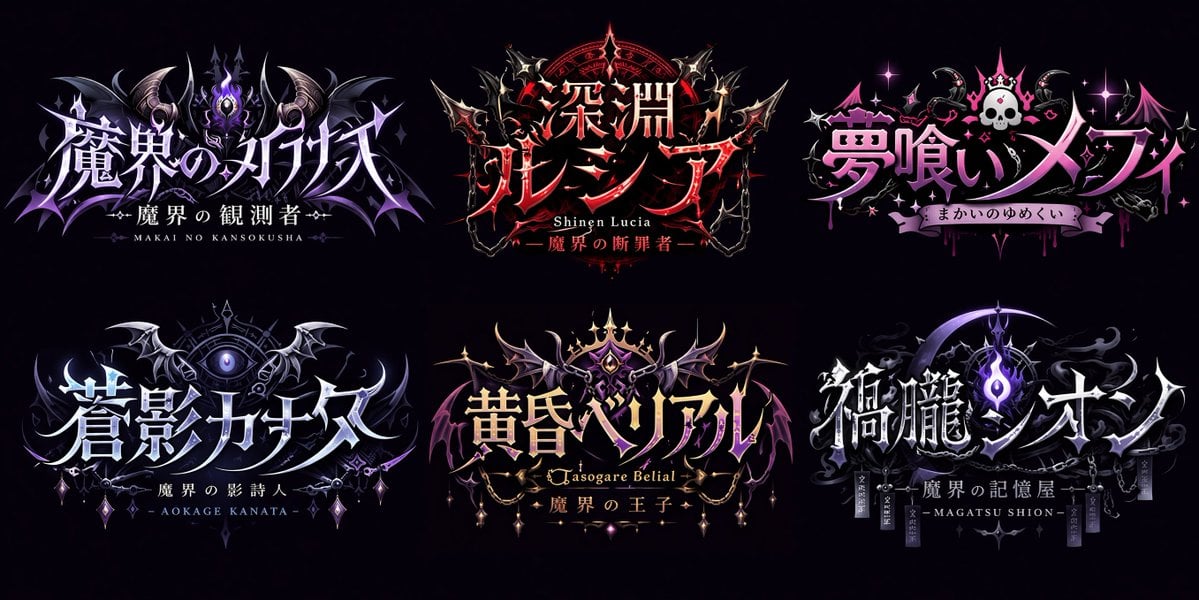
Gothic VTuber Logo Grid
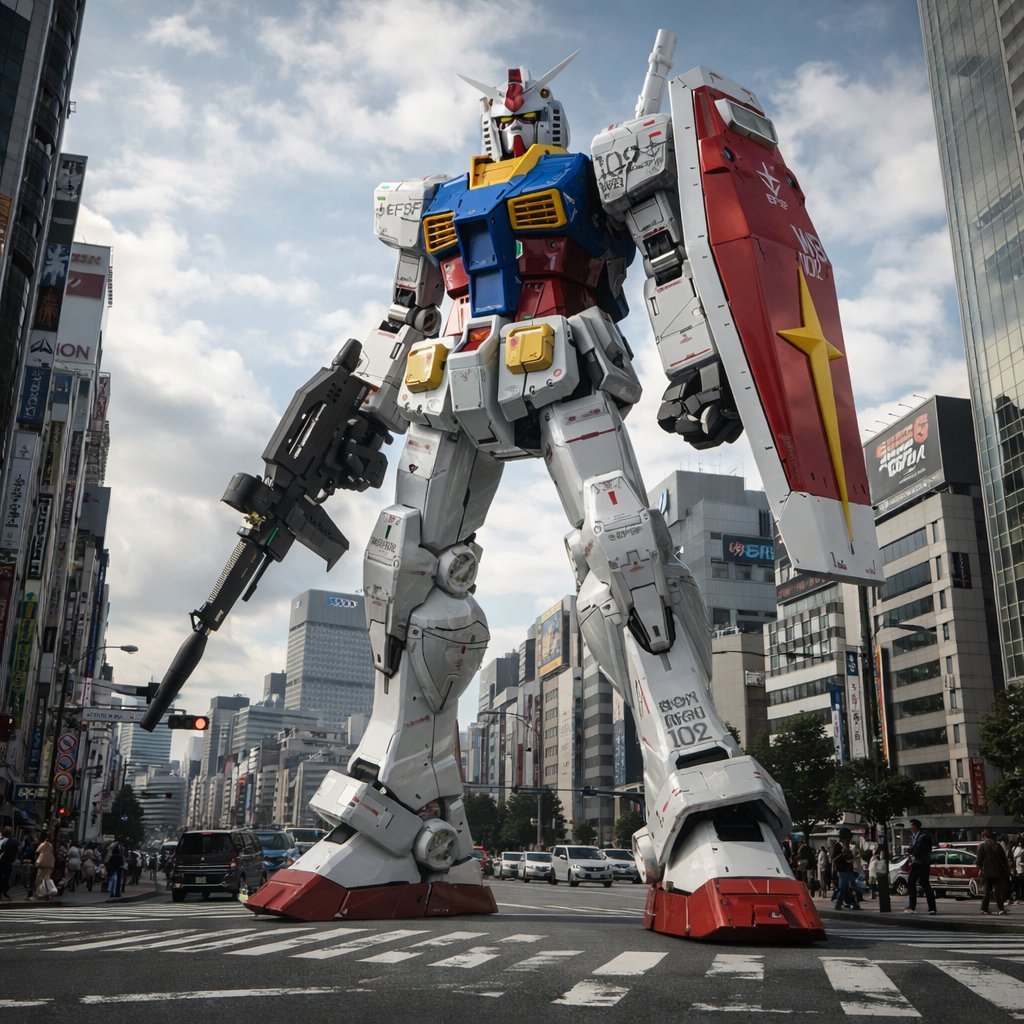
Gundam Model Detail Enhancement and Background Addition

2D to 3D Illustration Conversion Prompt
Nano Banana 2 Prompt Failure and Comparison
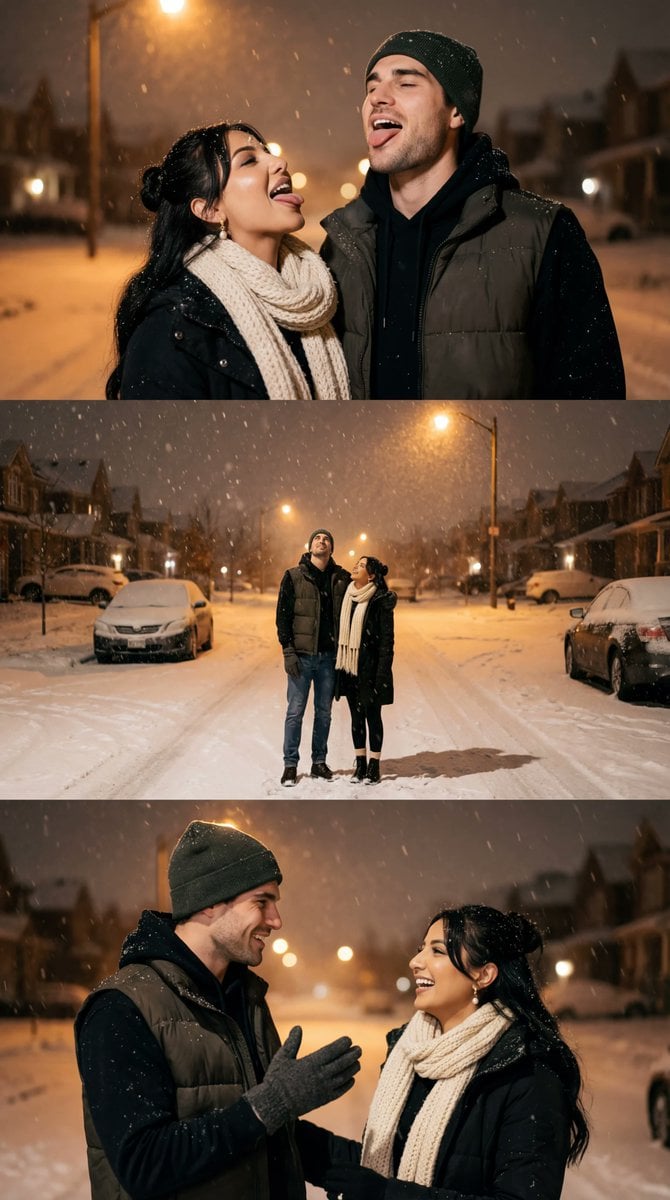
Cinematic Winter Night Couple Triptych
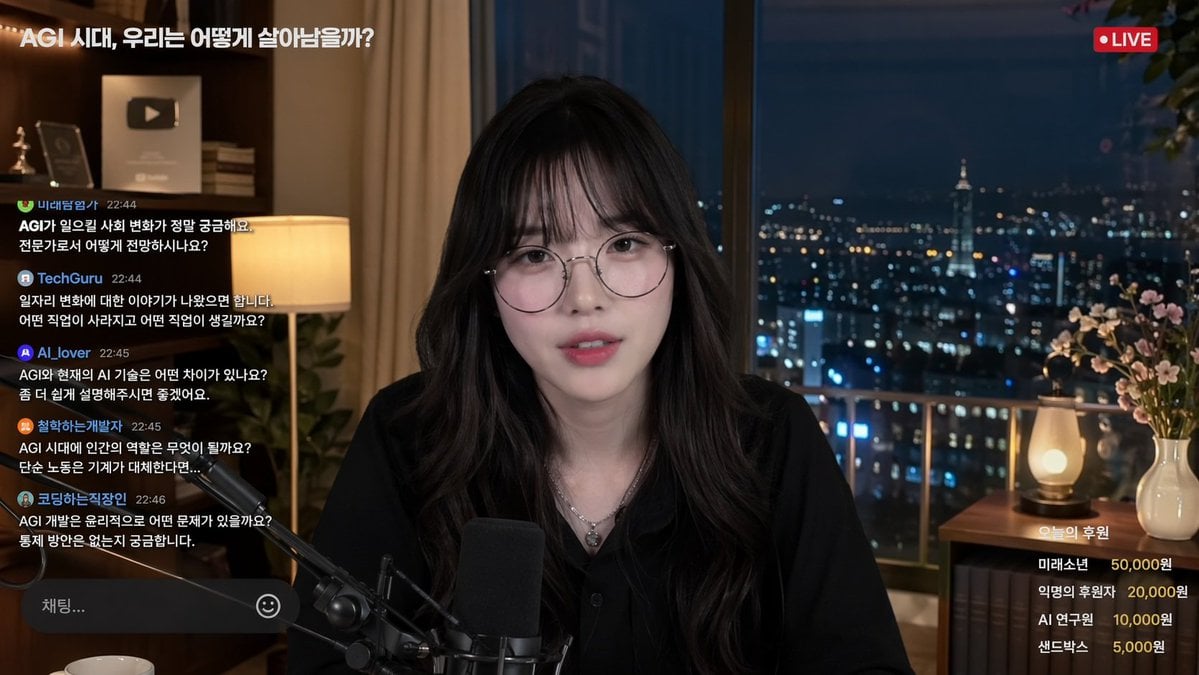
Livestream Interface Mockup
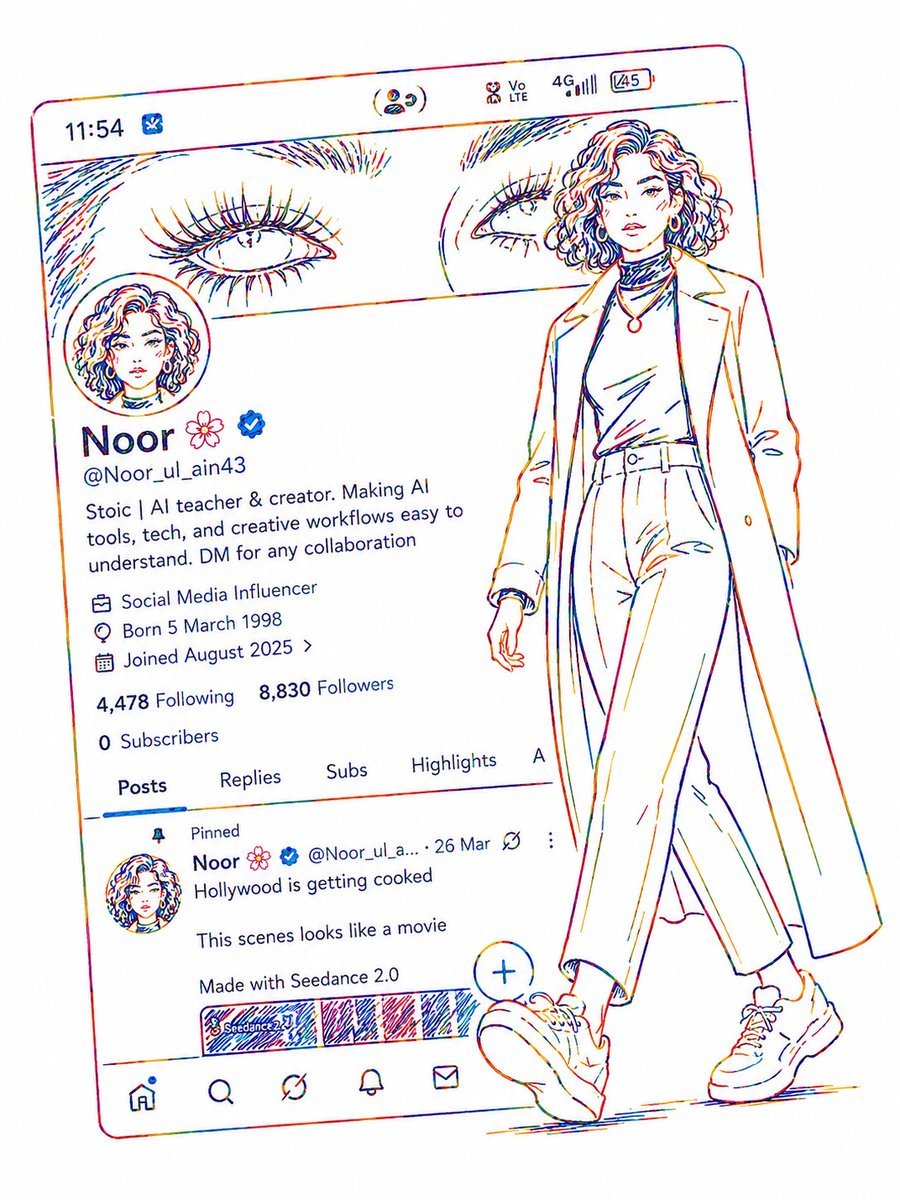
Minimalist Neon UI Character Illustration
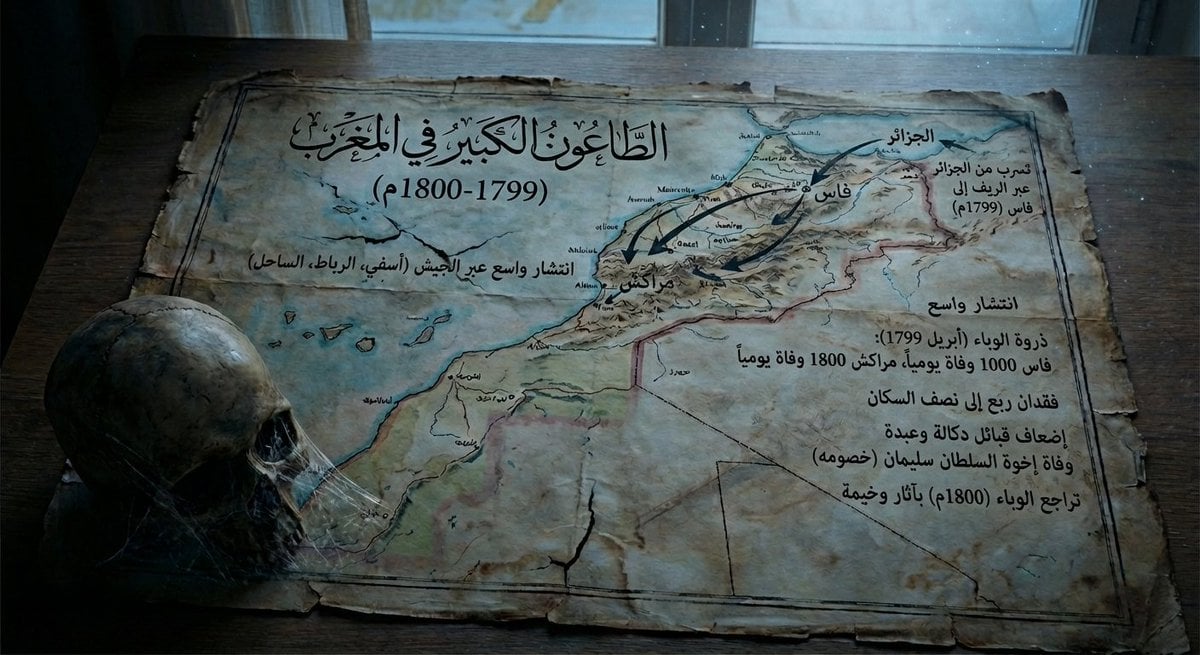
Map of Morocco in 1799–1800 with plague spread
Photorealistic Glass-Skin Portrait
Browse template categories
Monumental Chinese Ocean Poster questions
How do I use the Monumental Chinese Ocean Poster template?
Add your photo if the template asks for one, edit the prompt if you like — the template's model and format are already selected — and press Generate. Your version opens in PicX Studio.
Can I customize the Monumental Chinese Ocean Poster template?
Yes. You can change the subject, setting, lighting, mood, format, and available model controls before creating your image.
Is the Monumental Chinese Ocean Poster template free?
Opening and editing this template is free. Generating uses credits, shown on the Generate button when you are signed in.
Which AI model should I use?
Start with GPT Image 2, which is the model associated with this template. You can compare another compatible model for a different finish.
Looking for something else? Browse all templates.

Your photo, any look
Thousands of ready templates for every top image and video model, from one credit balance.