
Smart Prompt for High-End Editorial Fashion Triptych Campaign
A sophisticated smart prompt designed for Nano Banana Pro to generate a hyper-realistic editorial fashion photography triptych campaign for a specified brand.
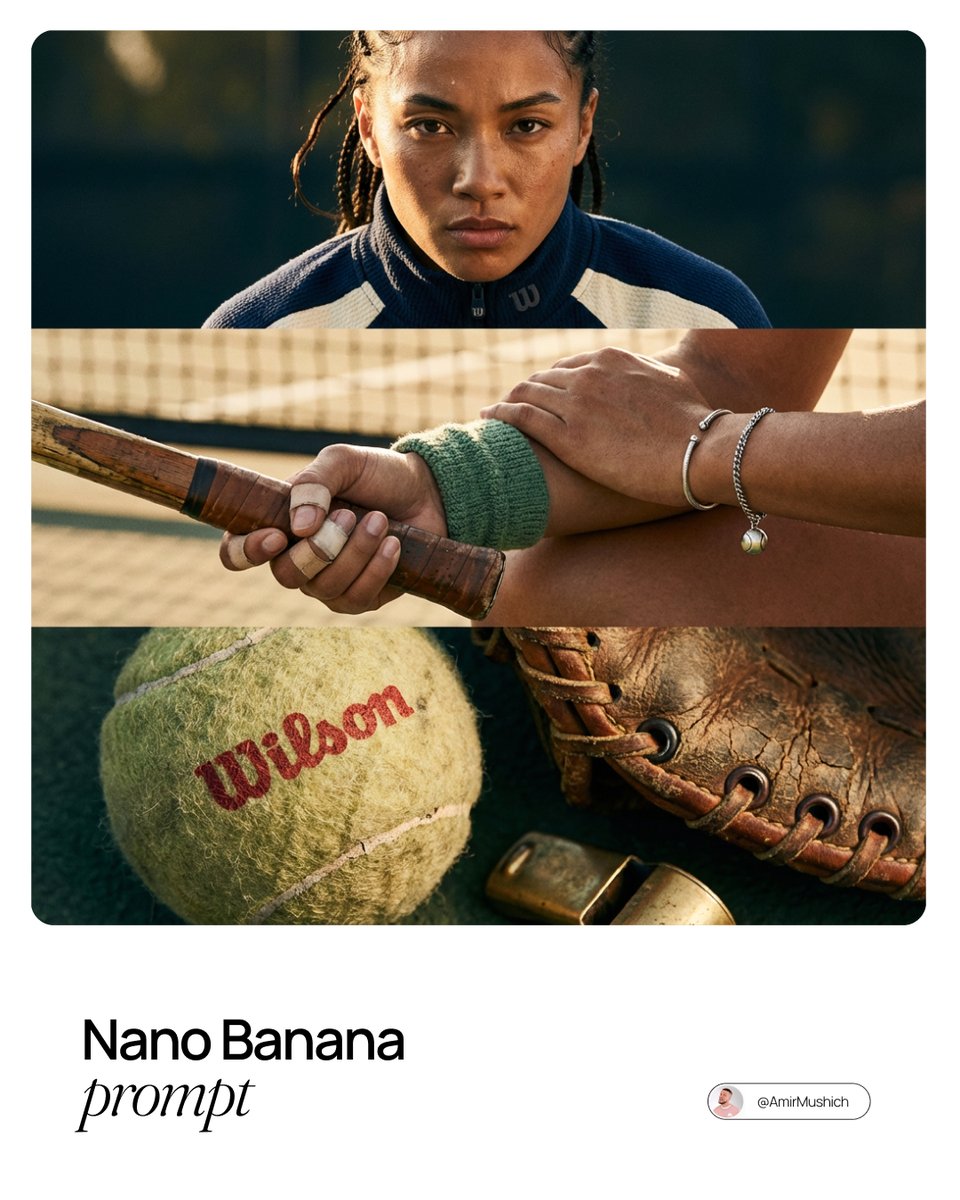
- Prompt included
- Model and format preset
- Free template
The prompt behind this image
Copy the exact prompt behind Smart Prompt for High-End Editorial Fashion Triptych Campaign, or open it in the studio and make it yours.
A high-end, hyper-realistic editorial fashion photography triptych campaign for brand: {argument name="brand name" default="[BRAND NAME]"}. THE TASK: Act as a world-class fashion photographer (e.g., Steven Meisel, Paolo Roversi, or Harley Weir) shooting a defining image campaign for {argument name="brand name" default="[BRAND NAME]"}. You must create a cohesive 3-panel editorial layout, stacked horizontally (top, middle, bottom panels). The focus is intensely on cinematic close-ups and textural details. THE MUSE (AI AUTONOMY): Analyze the deepest archetype, aesthetic, philosophy, and target audience lifestyle of {argument name="brand name" default="[BRAND NAME]"}. Based only on this analysis, autonomously generate the ultimate human muse for the brand. You determine their gender, age, unique ethnicity, striking features, and charismatic attitude. This person is not a model posing; they are the living embodiment of the brand's spirit. THE TRIPTYCH NARRATIVE & COMPOSITION (HORIZONTAL STACK - CLOSE-UP FOCUS): The three stacked panels must form a unified, intimate visual essay about the brand's essence, prioritizing tight framing. Top Panel (The Intense Portrait): A cinematic, tight headshot focusing on the eyes and face. Intense, communicative gaze. Highlighting skin texture and emotion. Middle Panel (The Gesture/Action): A tight crop focusing on a specific body part in motion or repose—hands clutching something, the curve of a neck, a mouth smoking a cigarette, posture. It conveys the character's attitude without showing the whole body. Bottom Panel (The Ultimate Texture/Symbol): An extreme macro close-up. A detail of a unique garment fabric, a piece of jewelry, a symbolic prop relevant to the brand's lifestyle, or an abstract texture from their environment. STYLING & BOLD CHOICES (CRITICAL): Push boundaries. The styling must be avant-garde high fashion. Incorporate unexpected elements to create an "art-house" feel: weird accessories, juxtaposed garments, props, or even a touch of deliberate absurdity if it fits the brand's vibe. The image must feel raw, expensive, and tactile. TECHNICAL AESTHETICS: Hyper-realism: Strong film grain, highly detailed textures (pores, fabric weave), realistic depth of field. Lighting: Bold, cinematic, and dramatic. Use chiaroscuro, colored gels, harsh sunlight, or moody shadows depending on the brand's DNA. Color: A sophisticated, editorial color grading palette that is perfectly harmonious and relevant to {argument name="brand name" default="[BRAND NAME]"}.
How to use Smart Prompt for High-End Editorial Fashion Triptych Campaign in 3 steps
- 1
Open
The prompt is already in the box next to the preview, with the template's model and format selected.
- 2…a portrait of your subject in softgolden-hour light, 85mm…
Personalize
Edit the subject and creative details for your destination.
- 3Generate
Generate
Press Generate — your image is created in PicX Studio, so you can compare it with the original and refine one variable at a time.
More like this
Templates with the same subject, style or setup. Open one to see its prompt.

Blue Backdrop Luxury Fashion Portrait Campaign

Luxury Black-and-White Fashion Contact Sheet

untitled

Google Gemini Nano Banana Pro

Conceptual Fashion Portrait in Spider We

01 Skincare Split Portrait — Nano Banana 2

24 The Getty Center — California Series

21 Glass Floor Skyscraper — California Series

19 Luxury Helicopter Travel — California Series

08 Rodeo Drive Luxury Exit — California Series

03 Beverly Hills Convertible — California Series

Gpt Image 2 Fashion Portrait
Make it yours
Smart Prompt for High-End Editorial Fashion Triptych Campaign works as-is. These are the safest ways to change it without losing the look.
Change one field
Copy a single group, rewrite it, and generate again so you can see what that field is doing.
Keep the frame, change the subject
Hold the composition and light of Smart Prompt for High-End Editorial Fashion Triptych Campaign, then swap wardrobe, props or the person for a new take.
| If the result… | Why | Fix |
|---|---|---|
| The result drifts from the preview | Too many fields changed at once. | Reuse Smart Prompt for High-End Editorial Fashion Triptych Campaign as-is first, then change one group — subject, light, or setting. |
| The model over-stylizes the scene | The prose prompt leaves finish and camera underspecified. | Add one camera or lighting sentence and stay on Nano Banana 2. |
More Nano Banana 2 templates
Other prompts made for Nano Banana 2.

Photorealistic Leaf Shaped Like a Dragon

K-Pop Idol Portrait Grid for Rapid Selection

Poetic Rain Forest Portrait During Golden Hour

Urban Street Portrait with Cartoon Inner Self Duo

Candid Nighttime Photo with Cat Prompt

High-Concept 3D Diorama Generation Prompt

Cinematic Futuristic Studio Portrait Template

Skincare Editorial Photography Collage Prompt

Hyper-Realistic Commercial Product Photography (Splash Effect)

Hyper-Realistic Nightclub Portrait Prompt
More image prompts
Fresh picks from across the catalog.
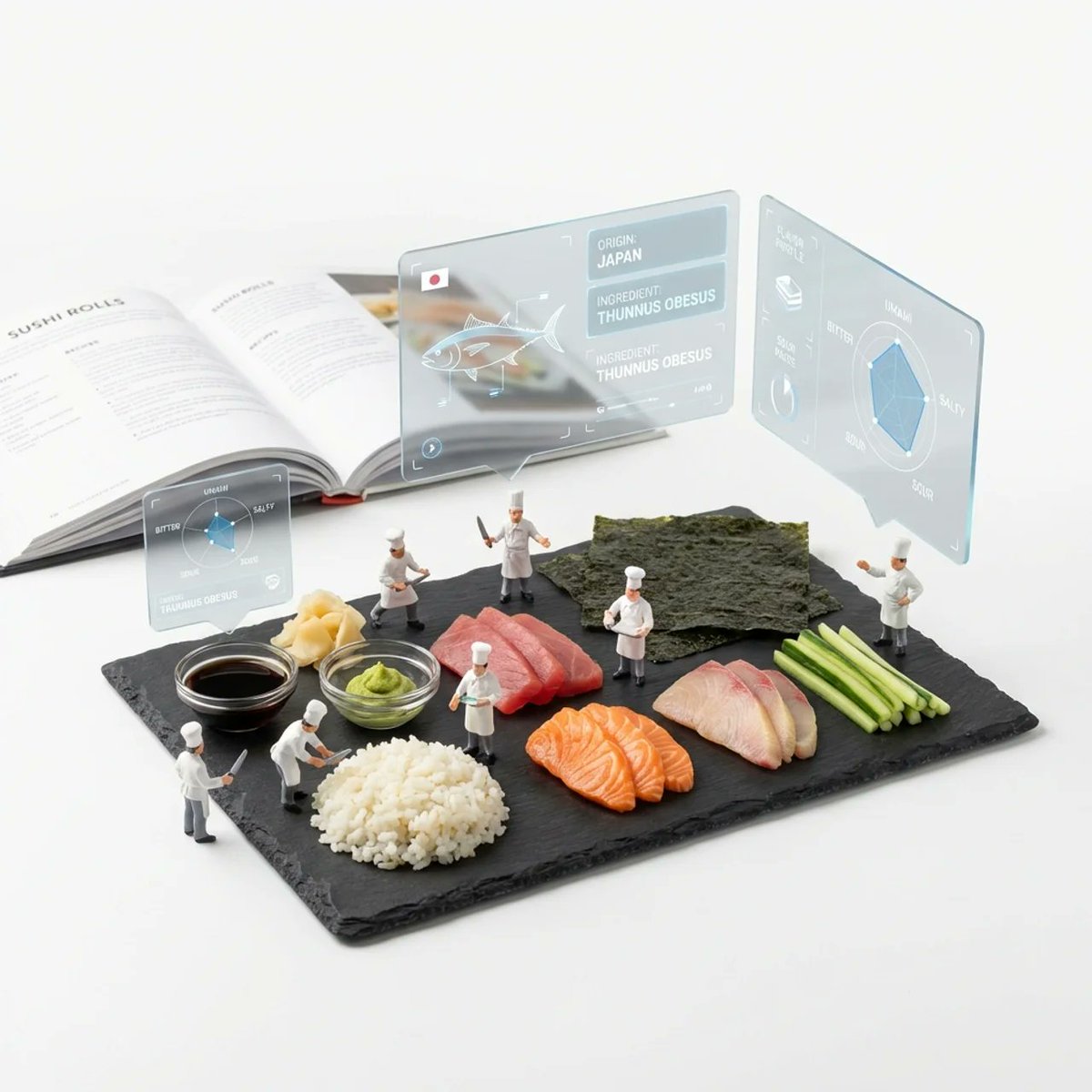
Deconstructed Ingredients Visualization
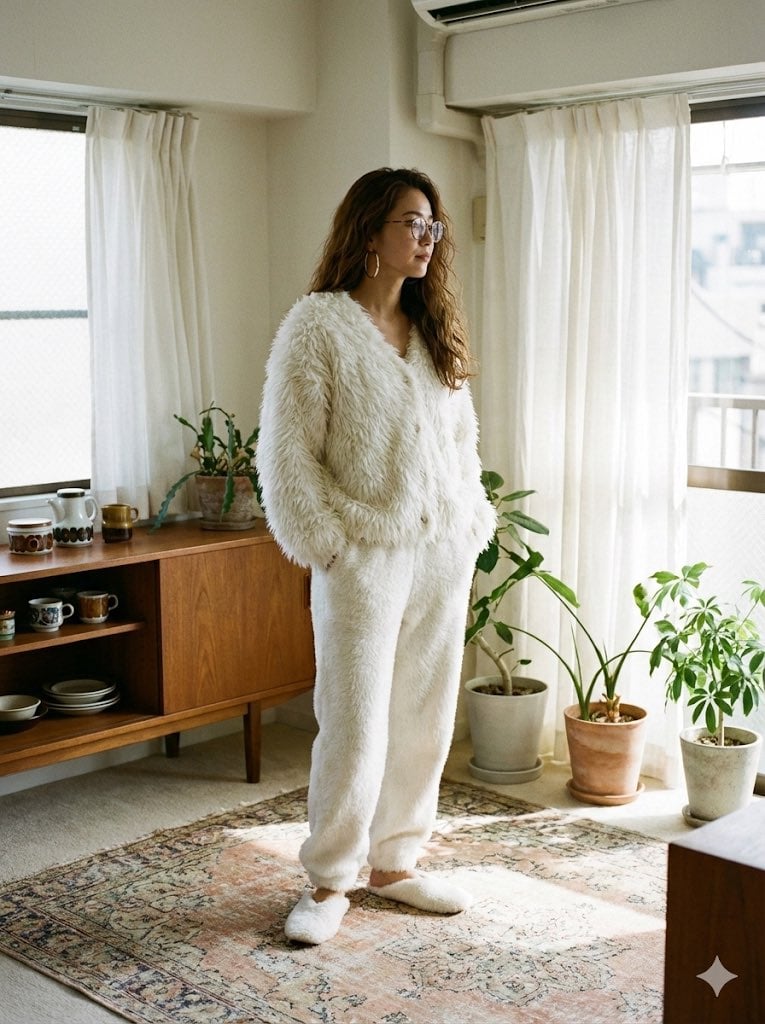
Cozy Retro Loungewear with Shaggy Faux Fur
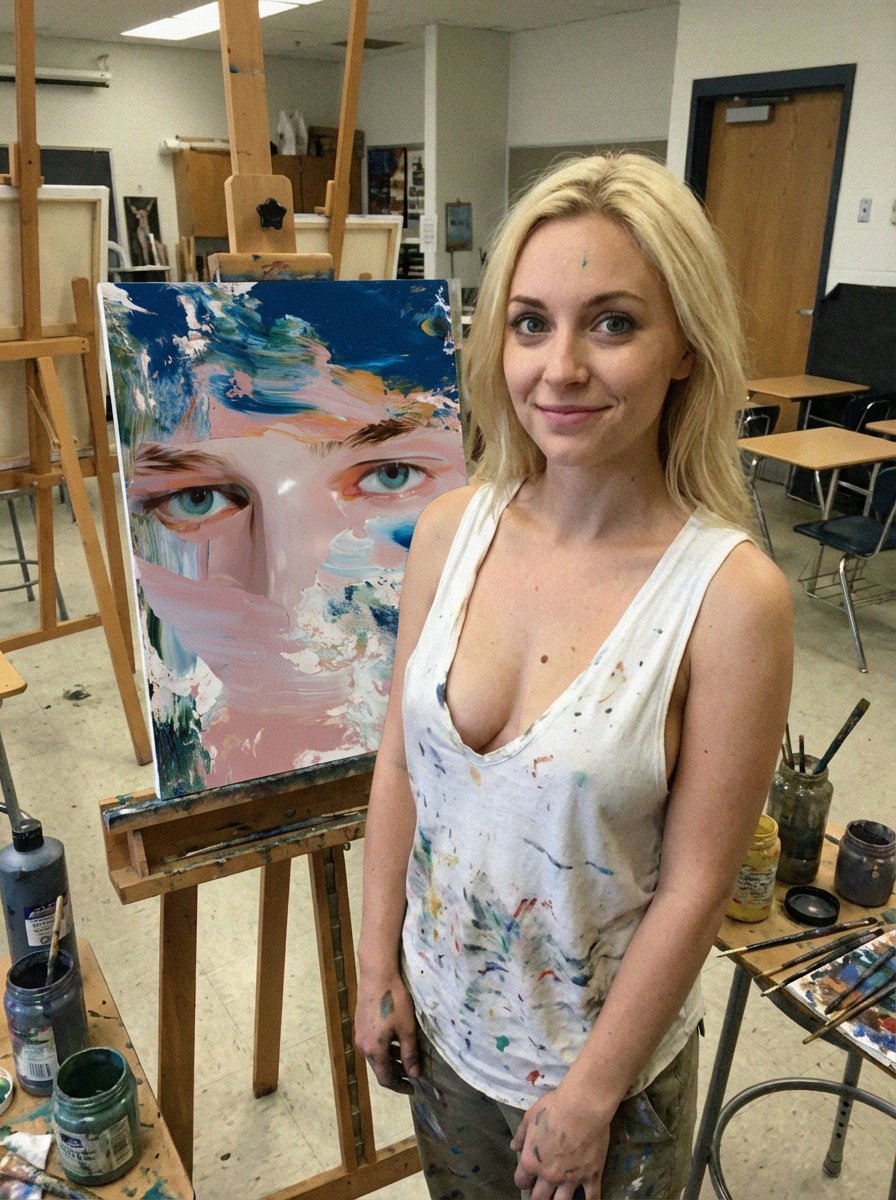
Low-Quality Smartphone Photo of an Artist in a Classroom
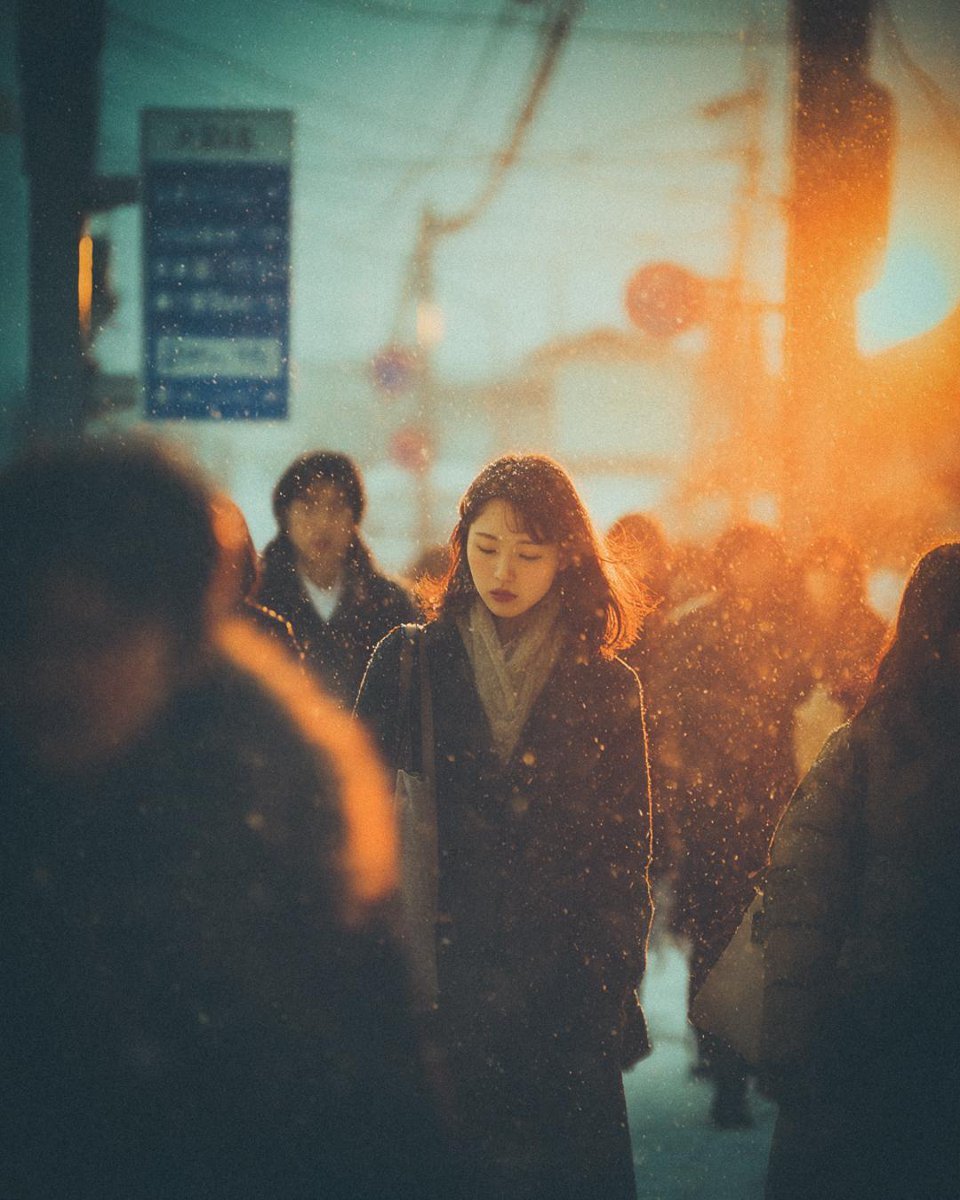
Cinematic Moody Street Photography Prompt
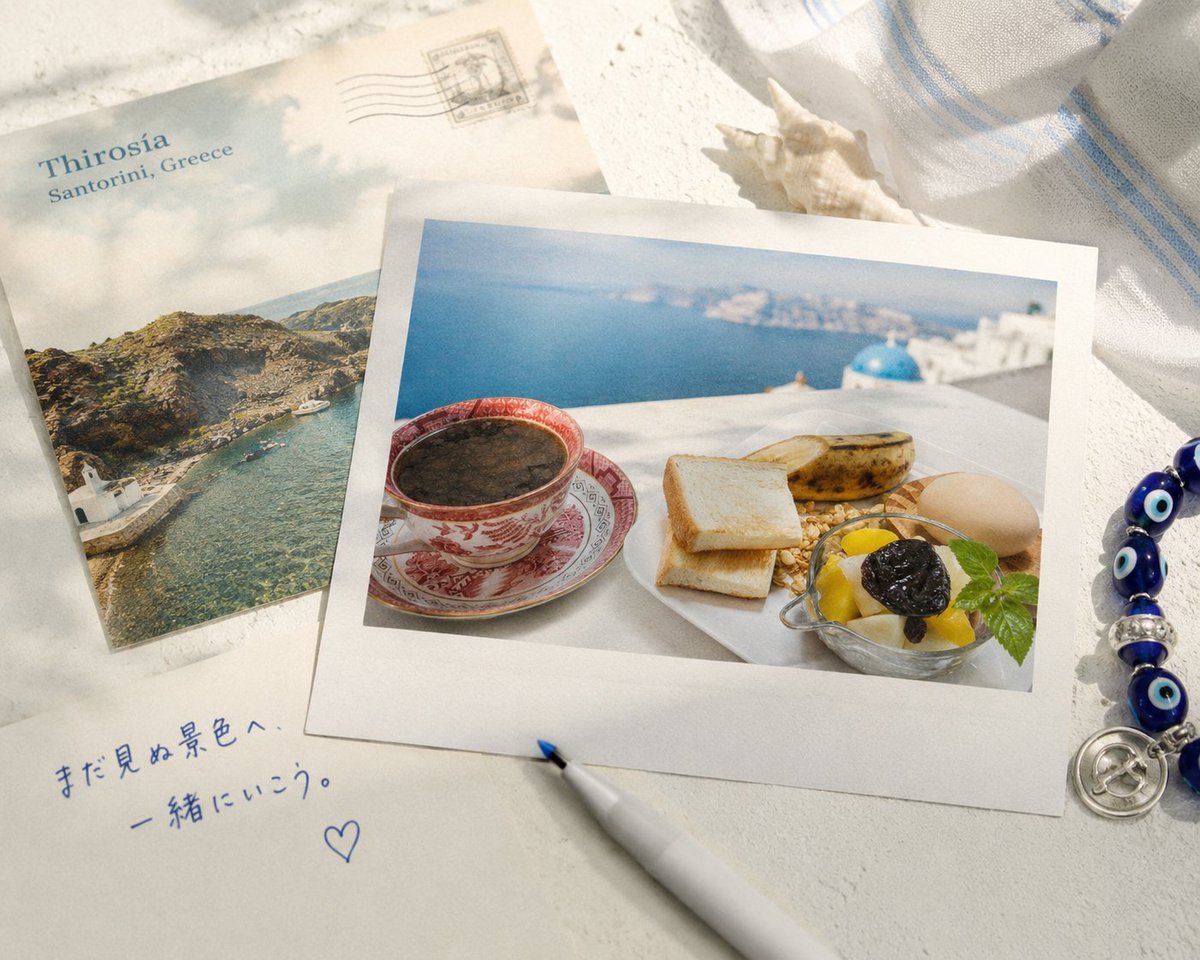
Santorini Breakfast Travel Flat Lay
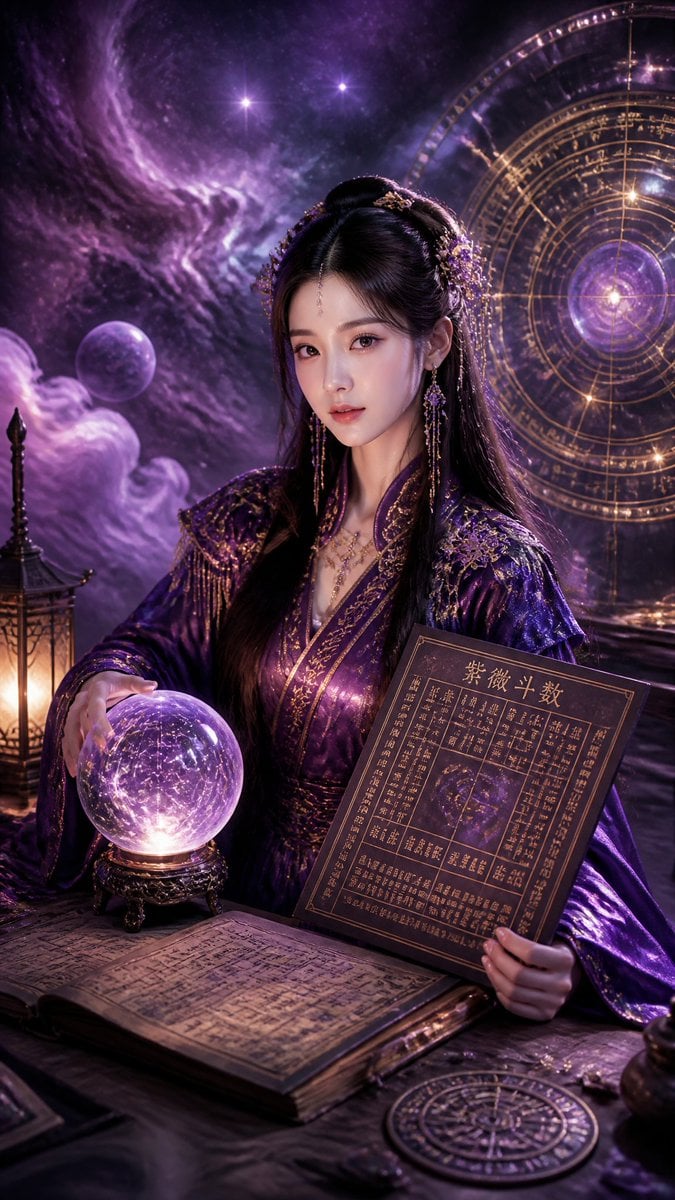
Cyberpunk Hanfu Mystic Diviner
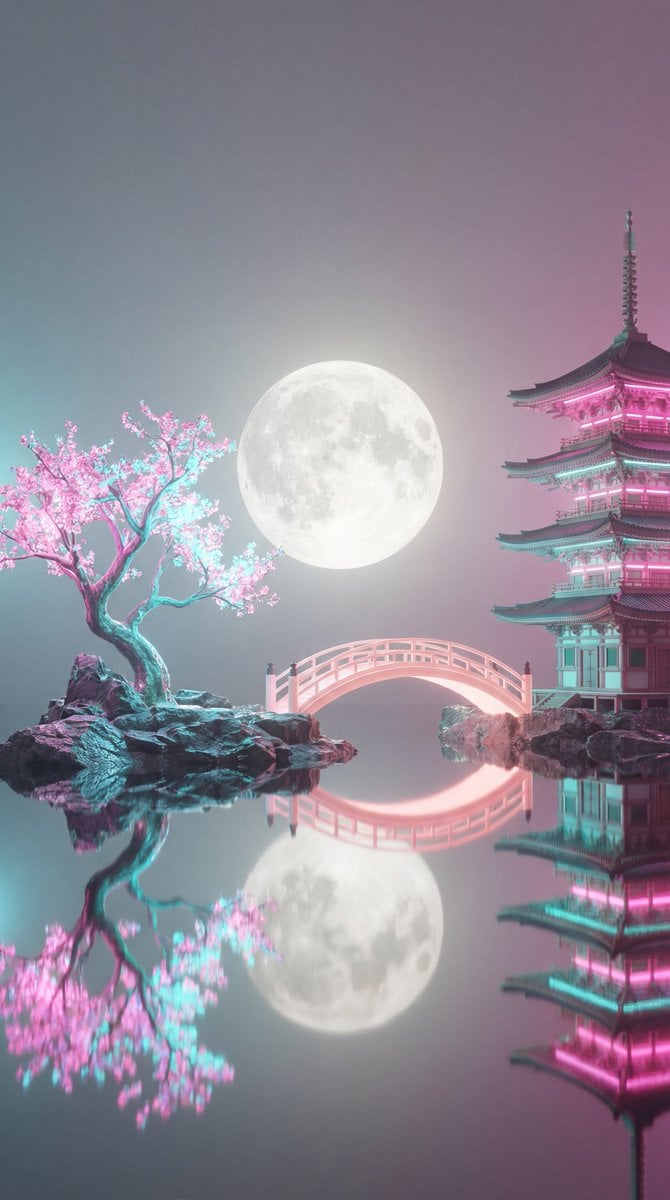
Surreal Vaporwave Night Landscape
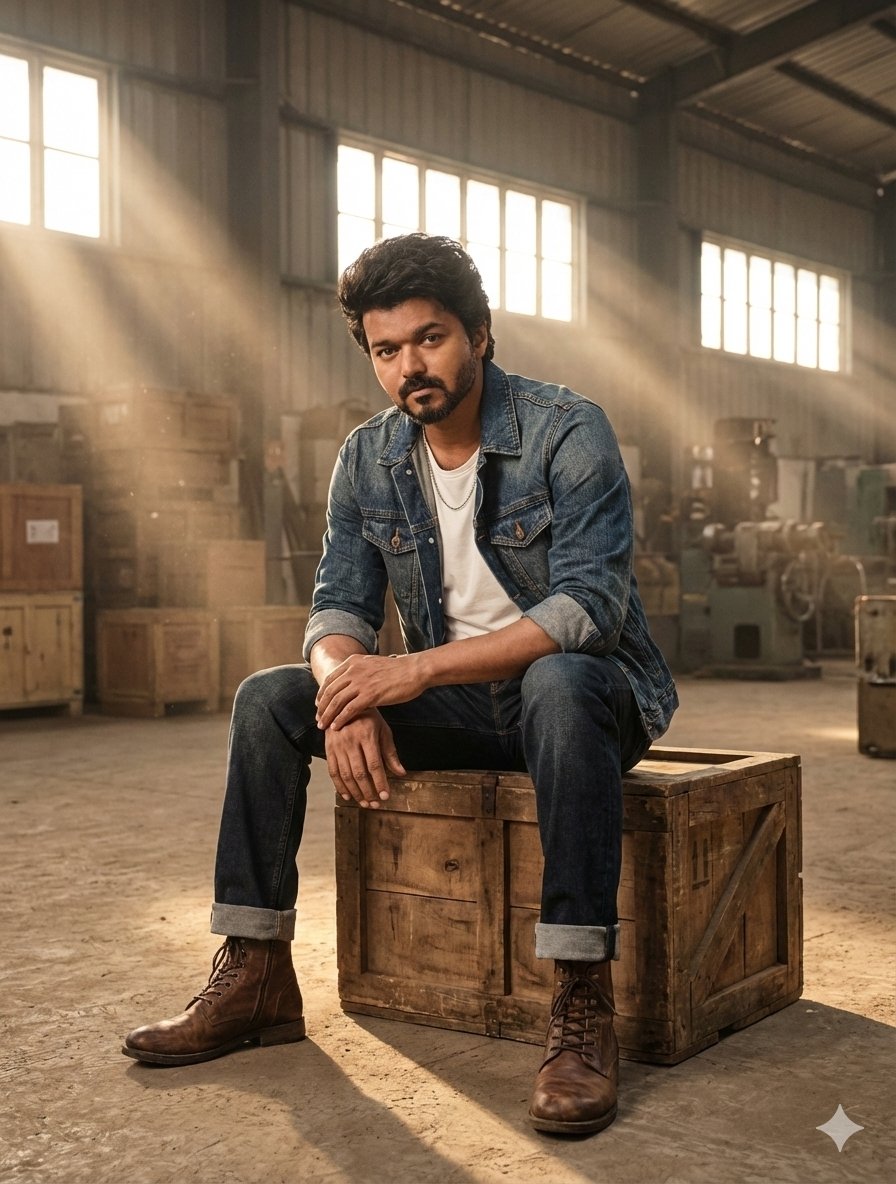
Hyper-Realistic Portrait in Dusty Warehouse
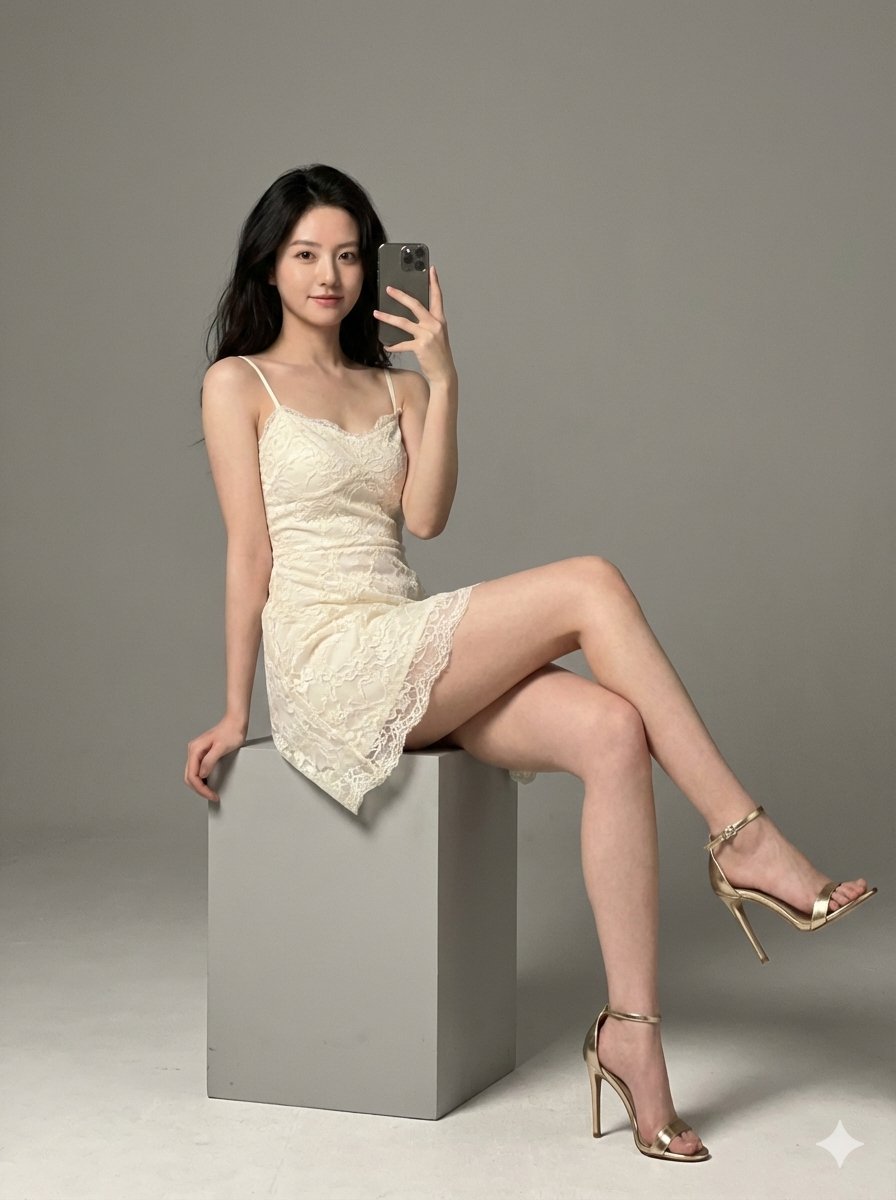
Hyper-Realistic High-Fashion Portrait in Ivory Lace Minidress
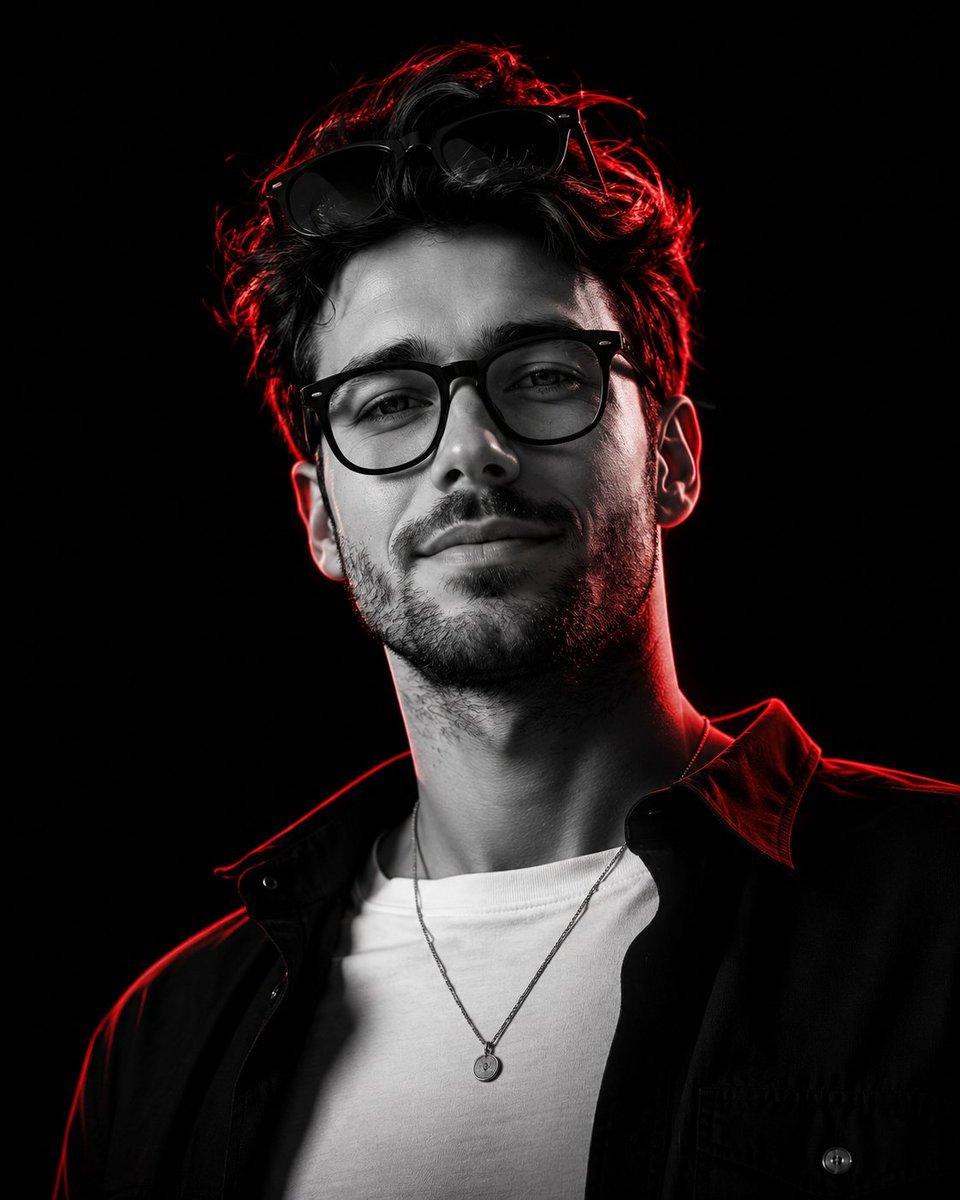
Monochrome Low-Angle Portrait with Red Glow
Browse template categories
Smart Prompt for High-End Editorial Fashion Triptych Campaign questions
How do I use the Smart Prompt for High-End Editorial Fashion Triptych Campaign template?
Add your photo if the template asks for one, edit the prompt if you like — the template's model and format are already selected — and press Generate. Your version opens in PicX Studio.
Can I customize the Smart Prompt for High-End Editorial Fashion Triptych Campaign template?
Yes. You can change the subject, setting, lighting, mood, format, and available model controls before creating your image.
Is the Smart Prompt for High-End Editorial Fashion Triptych Campaign template free?
Opening and editing this template is free. Generating uses credits, shown on the Generate button when you are signed in.
Which AI model should I use?
Start with Nano Banana 2, which is the model associated with this template. You can compare another compatible model for a different finish.
Looking for something else? Browse all templates.

Your photo, any look
Thousands of ready templates for every top image and video model, from one credit balance.