
Vintage Car Kaijin Villain
Generates a full-body tokusatsu enemy monster suit combining a humanoid villain with vintage car armor for creature design or character concept art.
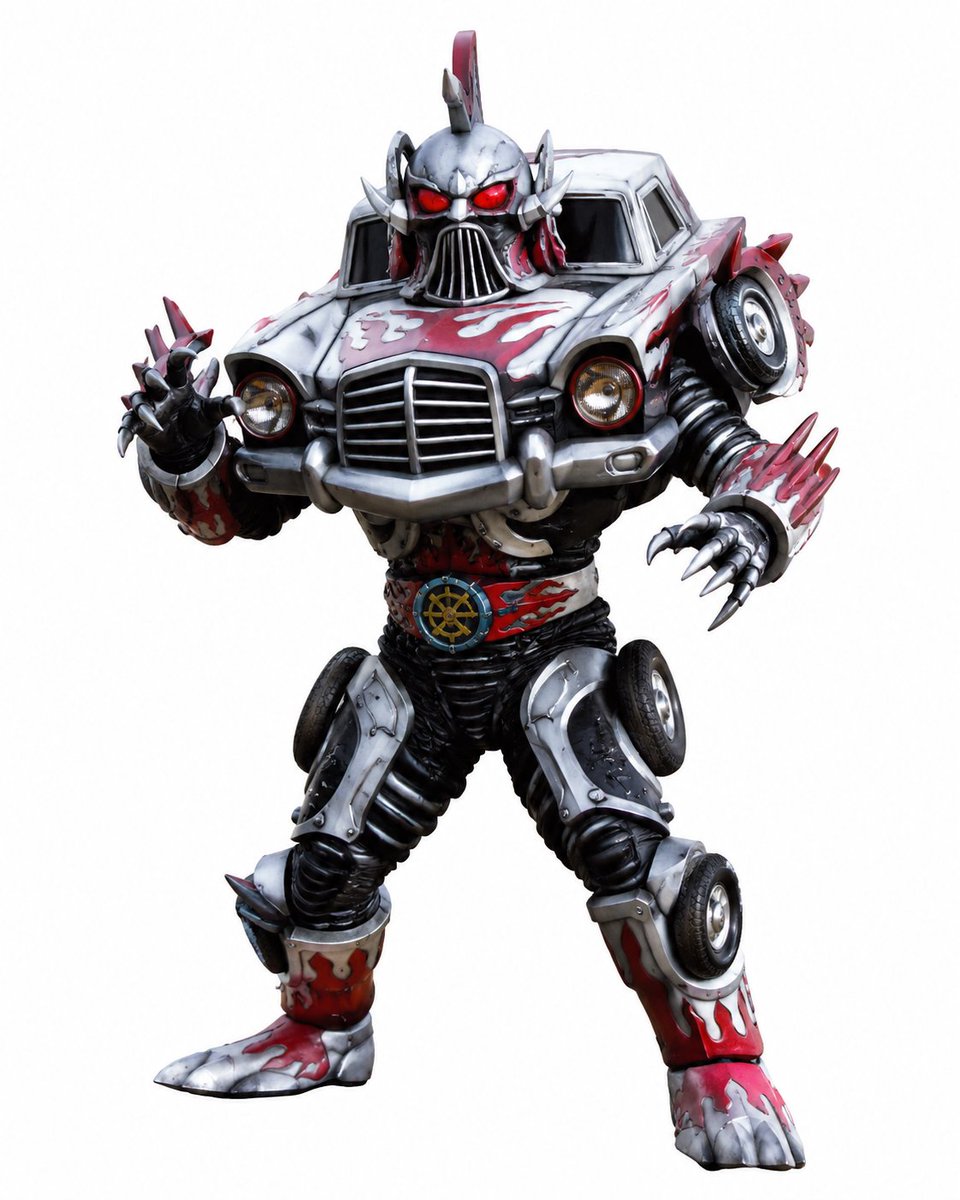
- Prompt included
- Model and format preset
- Free template
The prompt behind this image
Copy the exact prompt behind Vintage Car Kaijin Villain, or open it in the studio and make it yours.
Create a full-body tokusatsu-style enemy kaijin monster suit that looks like a humanoid made from a vintage car, standing in a dynamic studio character render on a plain white background. The villain should be centered, facing forward in a powerful action pose with one clawed hand reaching toward the viewer and the other arm bent outward. Use a bulky practical-suit aesthetic with glossy hard armor, rubbery black undersuit joints, and exaggerated monster proportions. The torso is the front half of an old sedan: silver hood and fenders as chest armor, large chrome grille in the center, two round headlights, bumper pieces, dark windshield panels forming the upper shoulders, and worn red flame-like paint streaks over chipped silver metal. The head is a sinister car-themed skull helmet above the hood, with glowing red eyes, a vertical chrome grille mouth, angular cheek spikes, side fins, and a red mohawk-like fin on top. Include exactly 6 visible wheel elements: 1 spare tire mounted near the right shoulder, 1 wheel on the right thigh/hip area, 1 wheel on the left outer thigh, 1 wheel on the right shin, and 2 partially visible tire-like wheel details integrated into the torso/arm structure. The arms are armored with car body panels and end in sharp silver talons; add red-and-silver spiked cuffs, with exactly 5 claws visible on the forward left hand and exactly 4 claws visible on the right hand. The legs are black ribbed mechanical suit material with silver knee armor, red flame-painted shin guards, chunky monster boots, and metallic toe claws. Add a circular belt emblem at the waist like a nautical steering-wheel gear medallion in blue and gold. Color palette: weathered silver chrome, black rubber, blood red paint, dark shadows, and small gold headlight accents. Render as a high-detail realistic action figure / practical monster costume photo, dramatic but clean studio lighting, crisp edges, no text, no logo, no scenery, no watermark. Optional customization: make the monster theme {argument name="monster theme" default="vintage car kaijin"}, main armor color {argument name="main armor color" default="weathered silver chrome"}, accent paint color {argument name="accent paint color" default="blood red flame streaks"}, eye color {argument name="eye color" default="glowing red"}, background {argument name="background" default="plain white studio background"}.
How to use Vintage Car Kaijin Villain in 3 steps
- 1Upload ImagePNG, JPG or paste
Add your photo
Upload the photo the template builds on. The prompt, model and format are already set.
- 2…a portrait of your subject in softgolden-hour light, 85mm…
Personalize
Edit the subject and creative details for your destination.
- 3Generate
Generate
Press Generate — your image is created in PicX Studio, so you can compare it with the original and refine one variable at a time.
More like this
Templates with the same subject, style or setup. Open one to see its prompt.










Make it yours
Vintage Car Kaijin Villain works as-is. These are the safest ways to change it without losing the look.
Change one field
Copy a single group, rewrite it, and generate again so you can see what that field is doing.
Keep the frame, change the subject
Hold the composition and light of Vintage Car Kaijin Villain, then swap wardrobe, props or the person for a new take.
| If the result… | Why | Fix |
|---|---|---|
| The result drifts from the preview | Too many fields changed at once. | Reuse Vintage Car Kaijin Villain as-is first, then change one group — subject, light, or setting. |
| The model over-stylizes the scene | The prose prompt leaves finish and camera underspecified. | Add one camera or lighting sentence and stay on GPT Image 2. |
More GPT Image 2 templates
Other prompts made for GPT Image 2.

Six VTuber Japanese Logo Sheet

Realistic Portrait of Woman and Deer

The Vista Modular Condo Poster

AI Model Routing Comparison Infographic

2.5D Anime Art Board

Isometric Productivity Desk Scene

New York Double Exposure Poster

Four-Panel AI Landscape Comparison

Japanese Tatami Lifestyle Magazine Cover

NESCAFÉ Coffee Map Poster
More image prompts
Fresh picks from across the catalog.
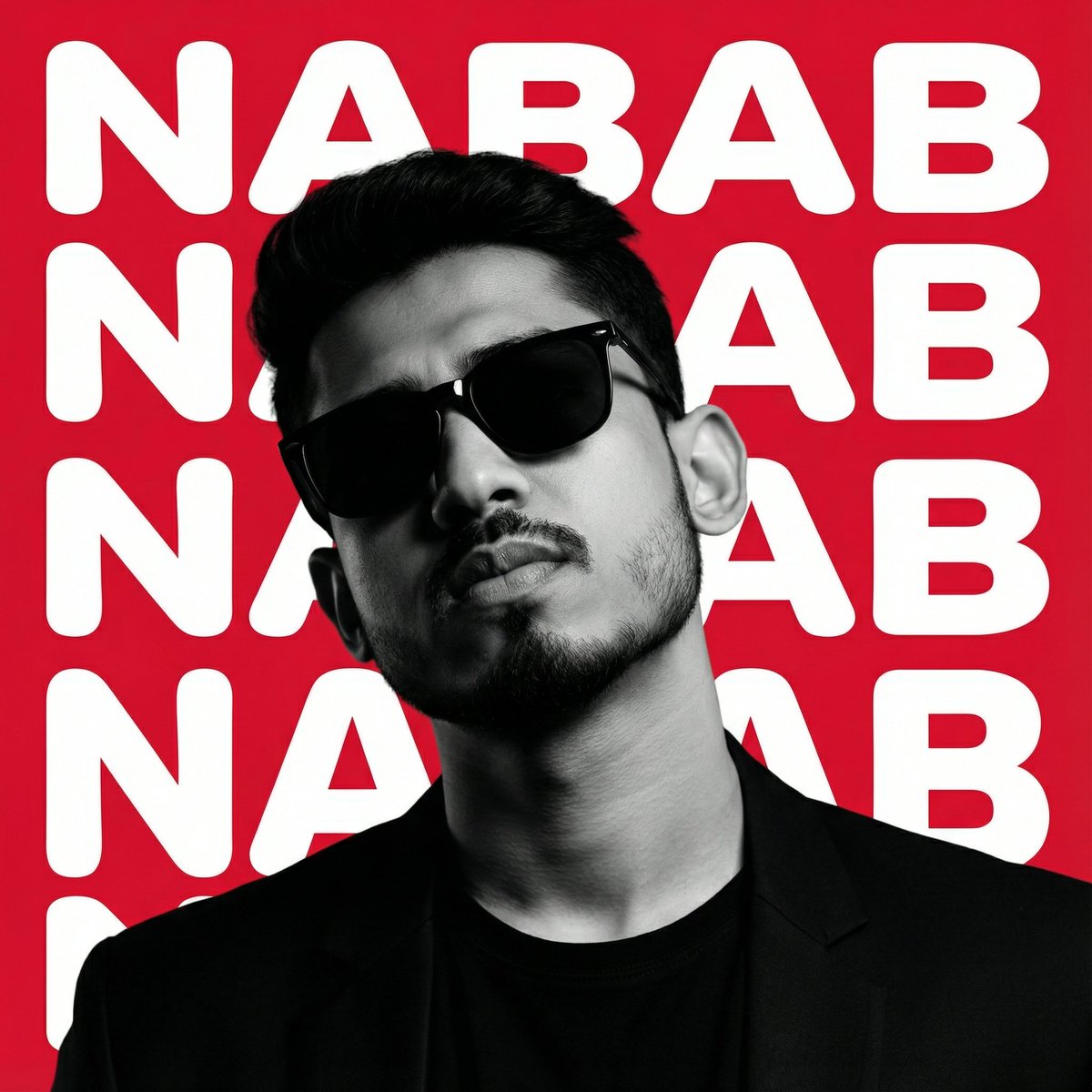
High-Contrast Graphic Poster Portrait
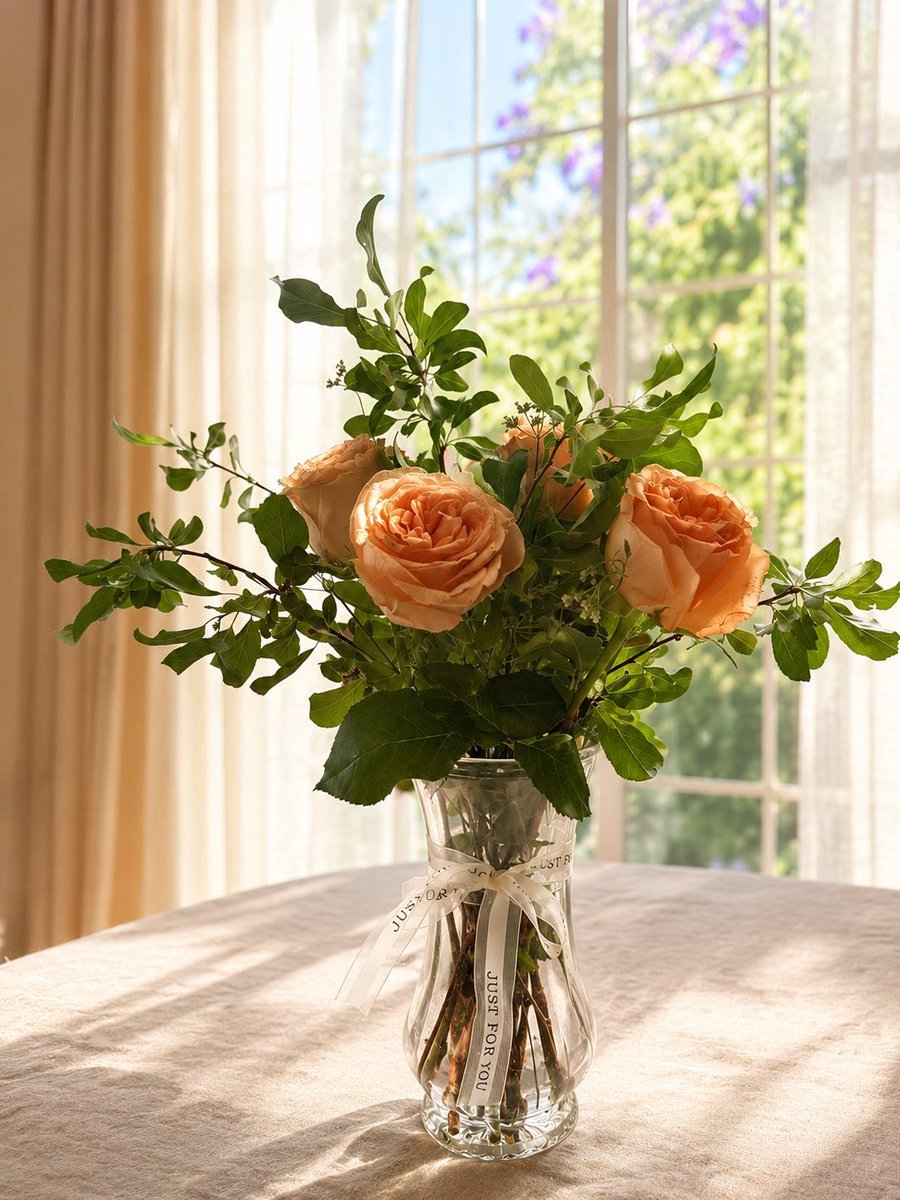
Sunlit Bouquet Photo Retouch
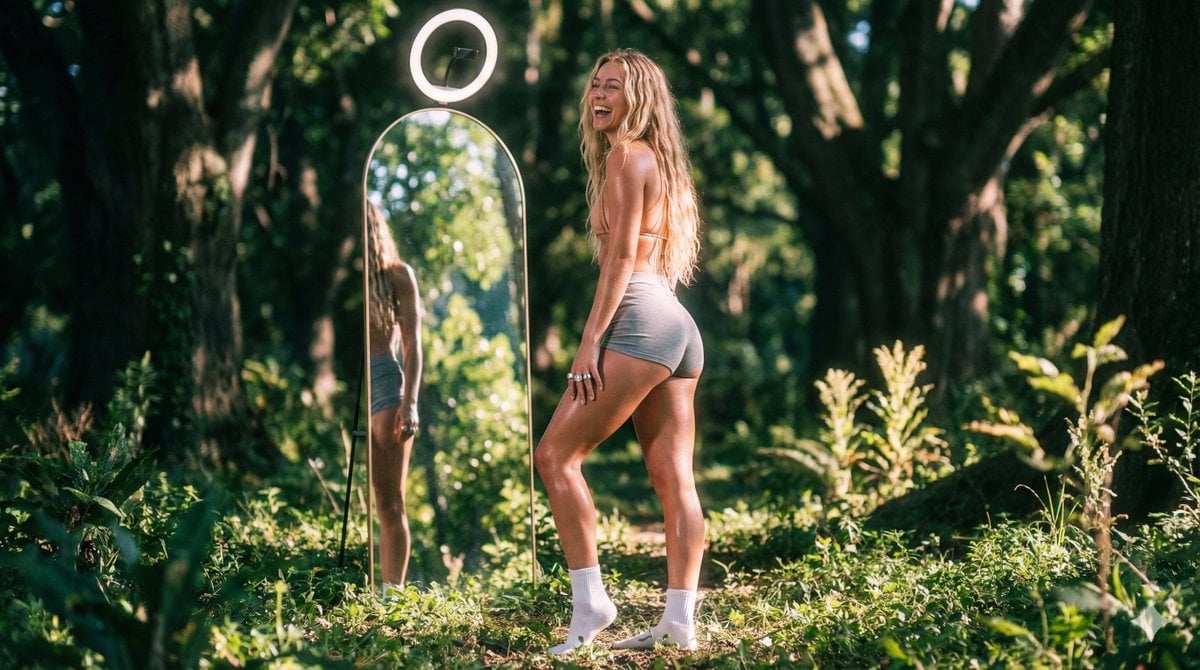
Vaporwave Fitness Shoot in Enchanted Forest
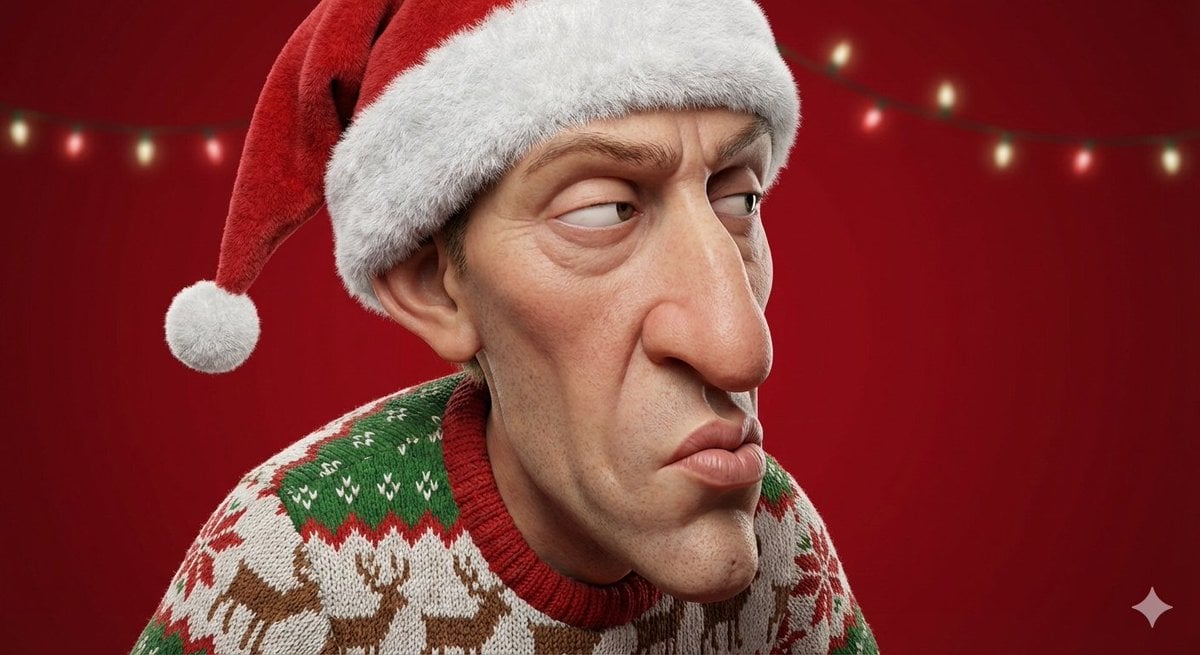
Stylized 3D Cartoon Portrait with Realistic Textures
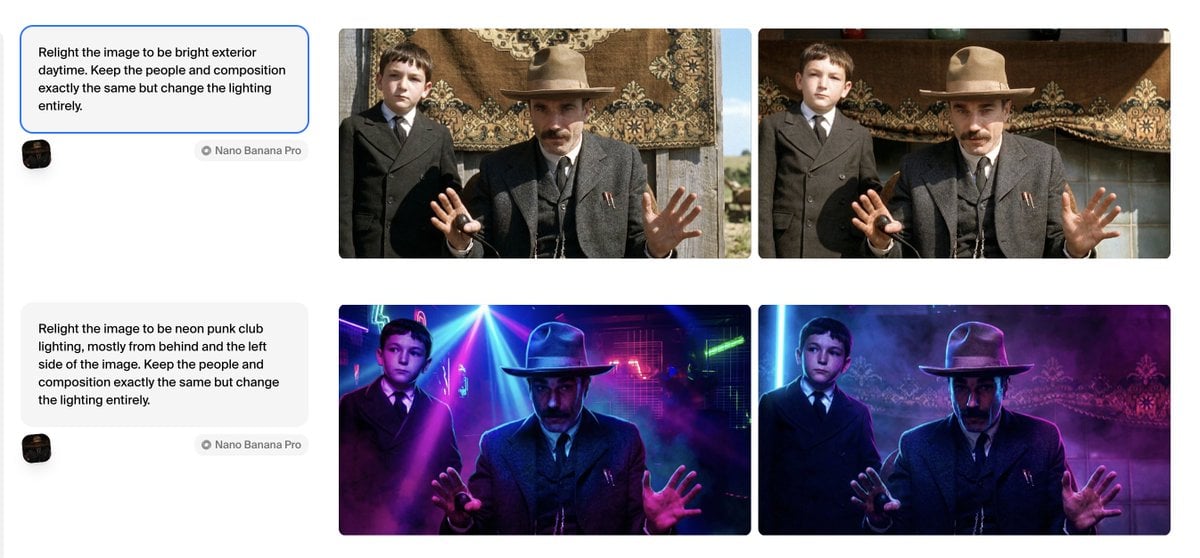
Relight Image to Daytime Prompt
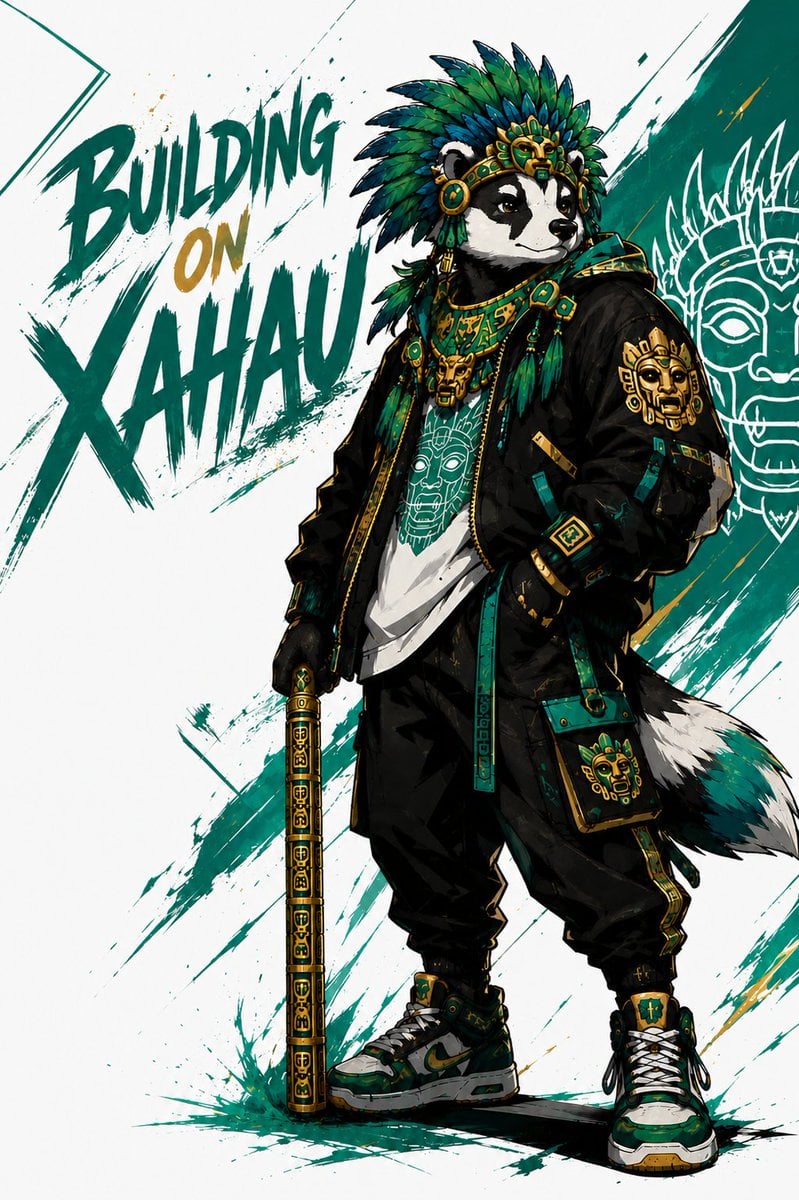
Xahau Panda Streetwear Poster
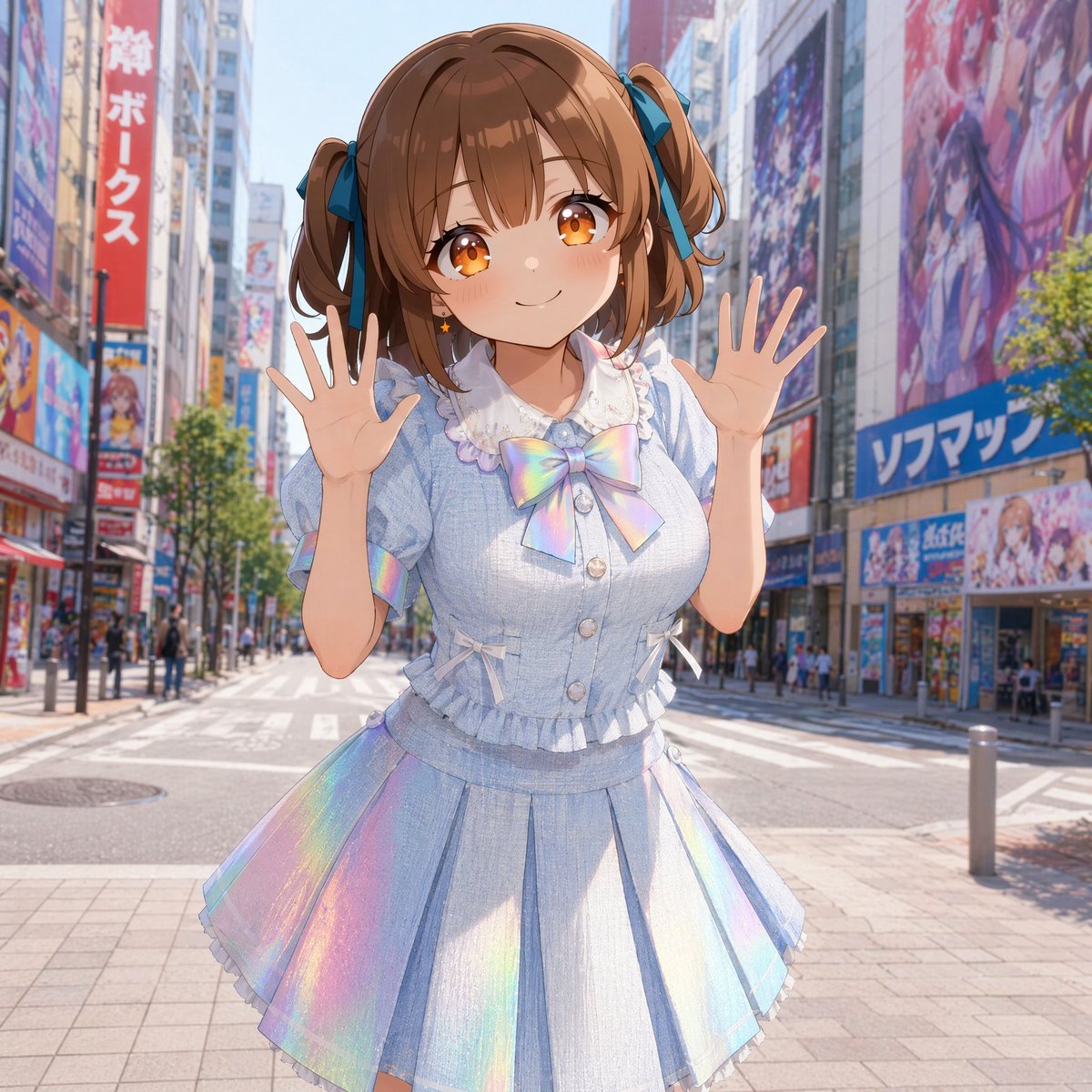
Censored Idol Girl in Akihabara
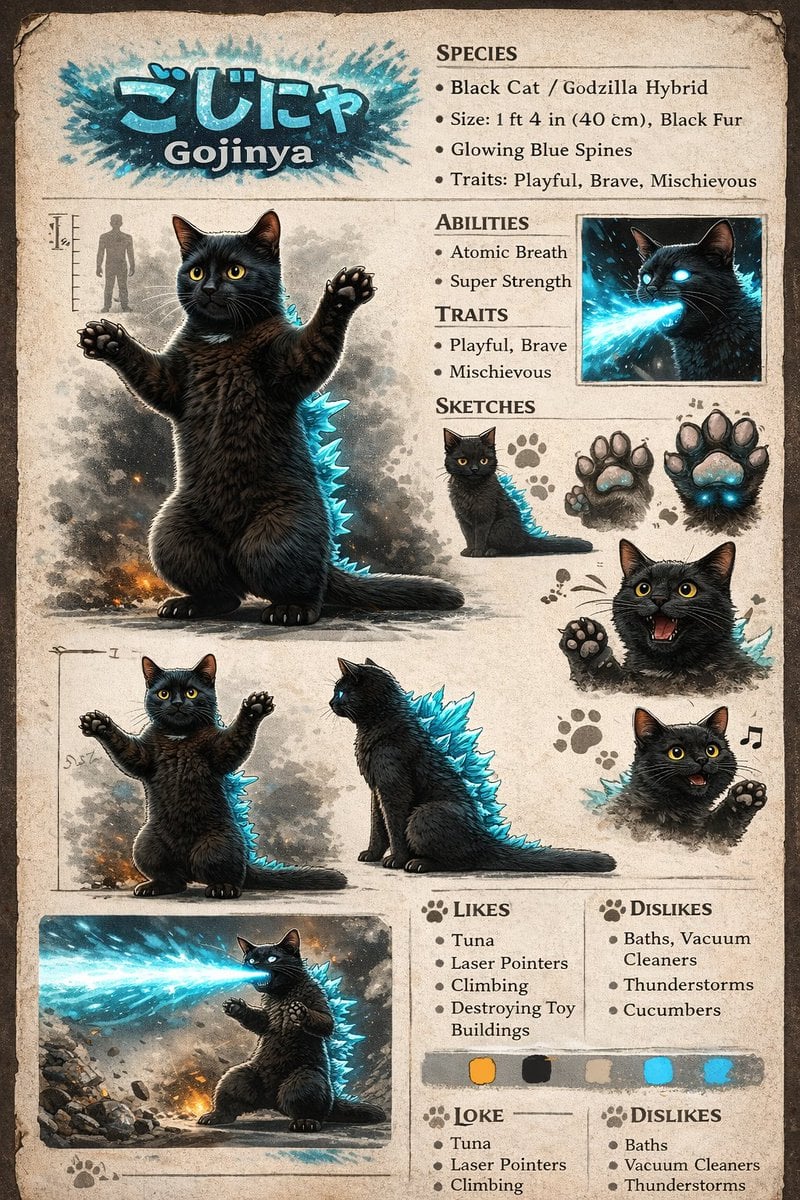
Creature Concept Reference Sheet
Childhood Memory Crayon Art
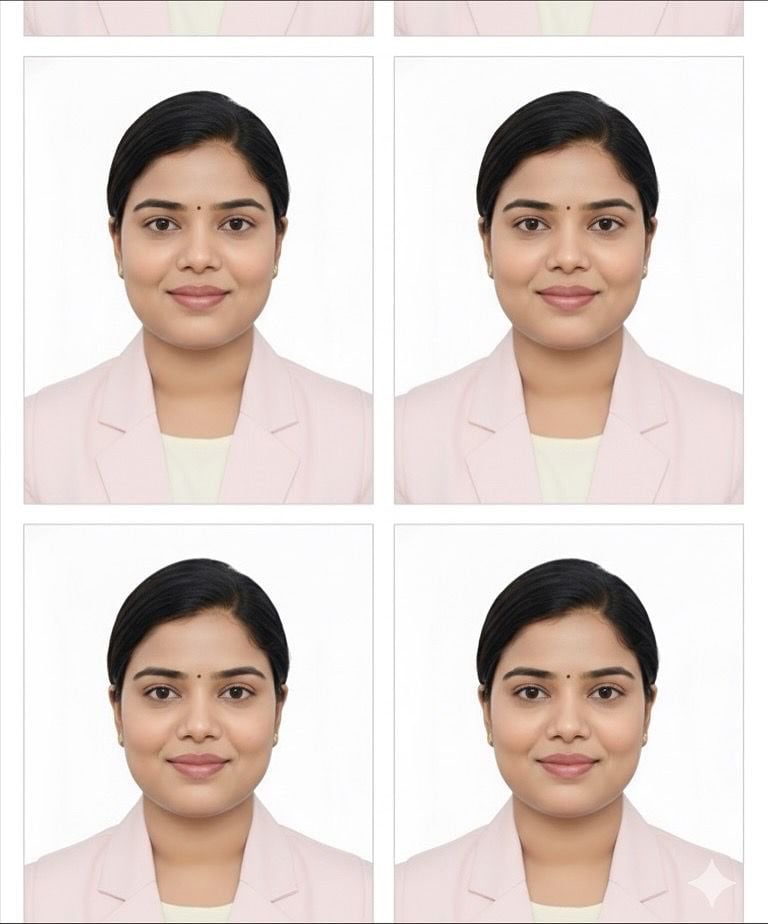
Passport Photo Grid Generation
Browse template categories
Vintage Car Kaijin Villain questions
How do I use the Vintage Car Kaijin Villain template?
Add your photo if the template asks for one, edit the prompt if you like — the template's model and format are already selected — and press Generate. Your version opens in PicX Studio.
Can I customize the Vintage Car Kaijin Villain template?
Yes. You can change the subject, setting, lighting, mood, format, and available model controls before creating your image.
Is the Vintage Car Kaijin Villain template free?
Opening and editing this template is free. Generating uses credits, shown on the Generate button when you are signed in.
Which AI model should I use?
Start with GPT Image 2, which is the model associated with this template. You can compare another compatible model for a different finish.
Looking for something else? Browse all templates.

Your photo, any look
Thousands of ready templates for every top image and video model, from one credit balance.