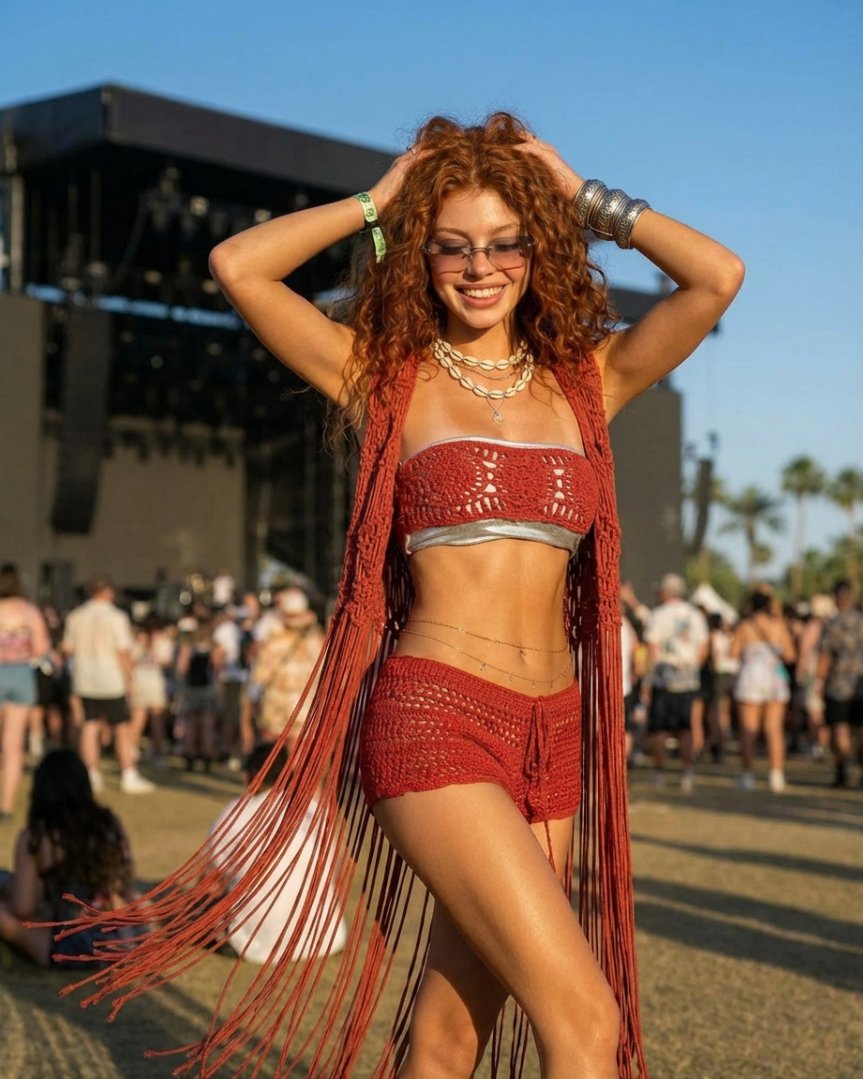
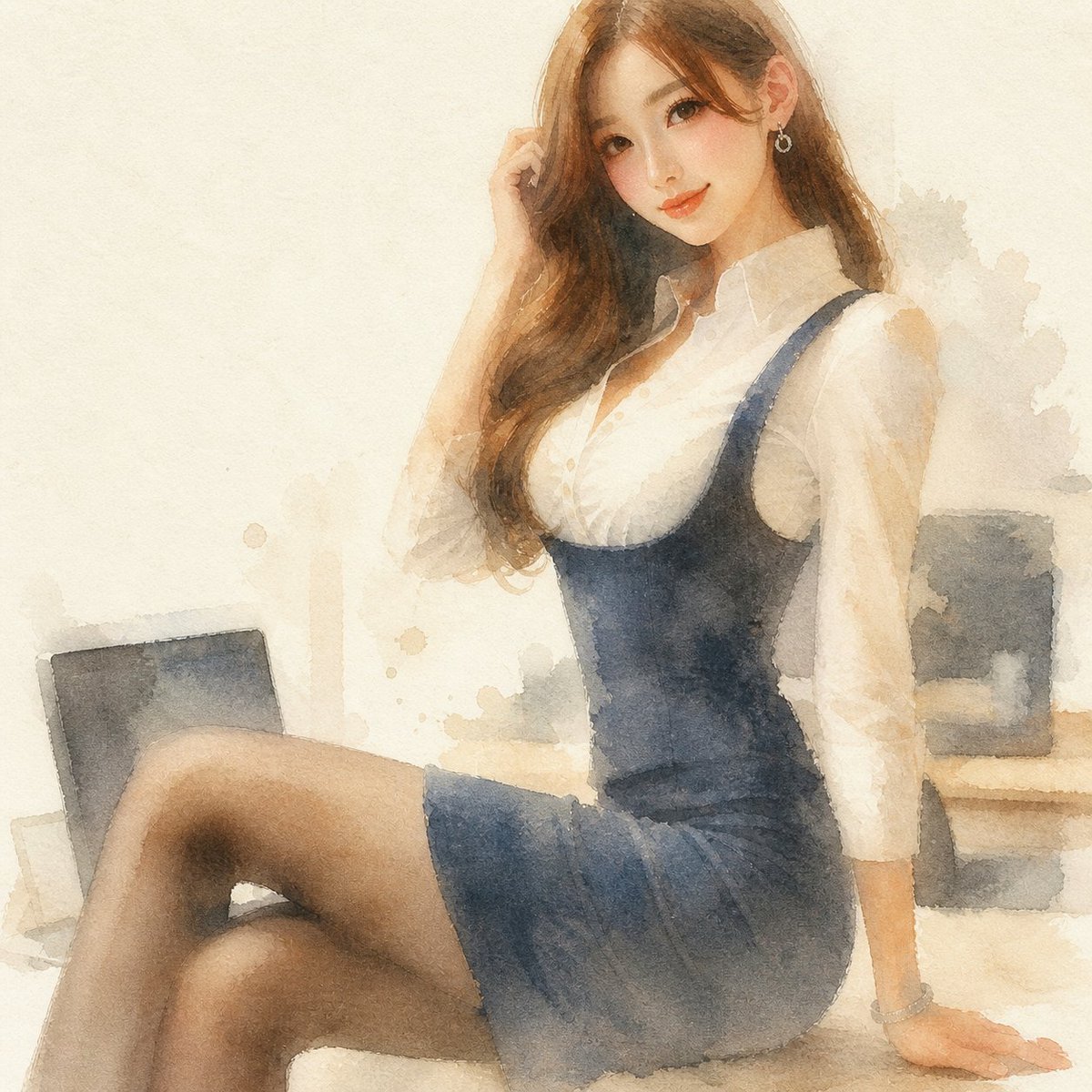
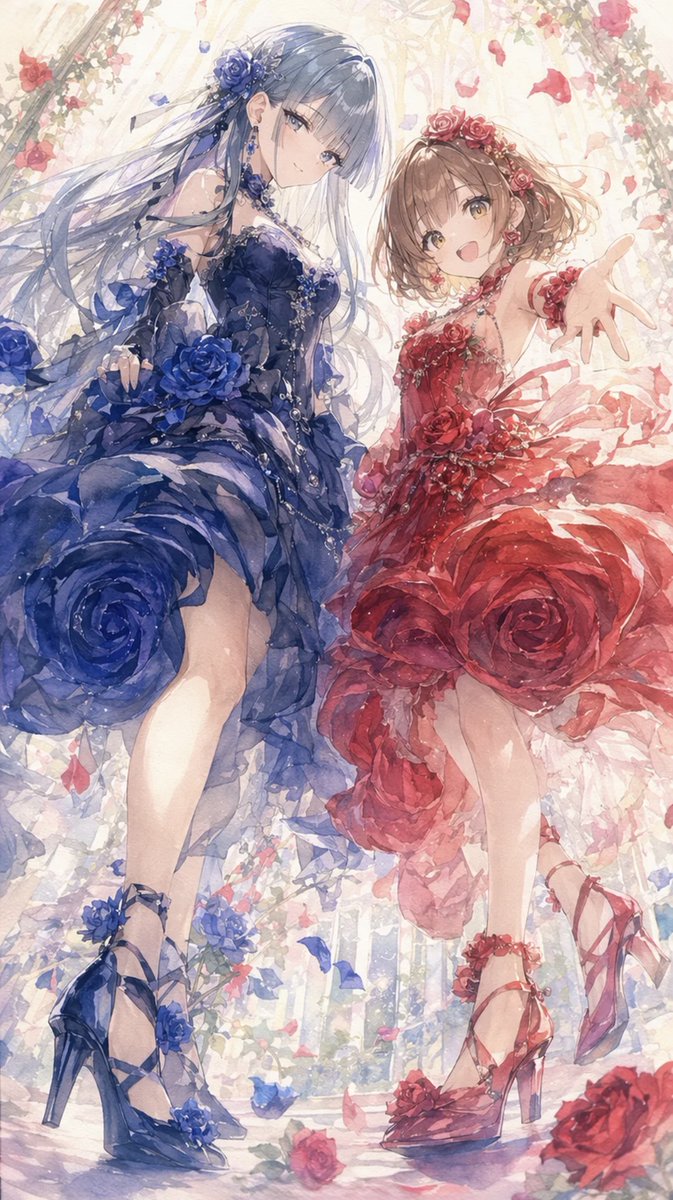
How do I use the Chiaroscuro Selfie Portrait Prompt template?
Choose the primary action to open PicX Studio with the available template settings. Review the model and format, personalize the creative direction, and generate when ready.
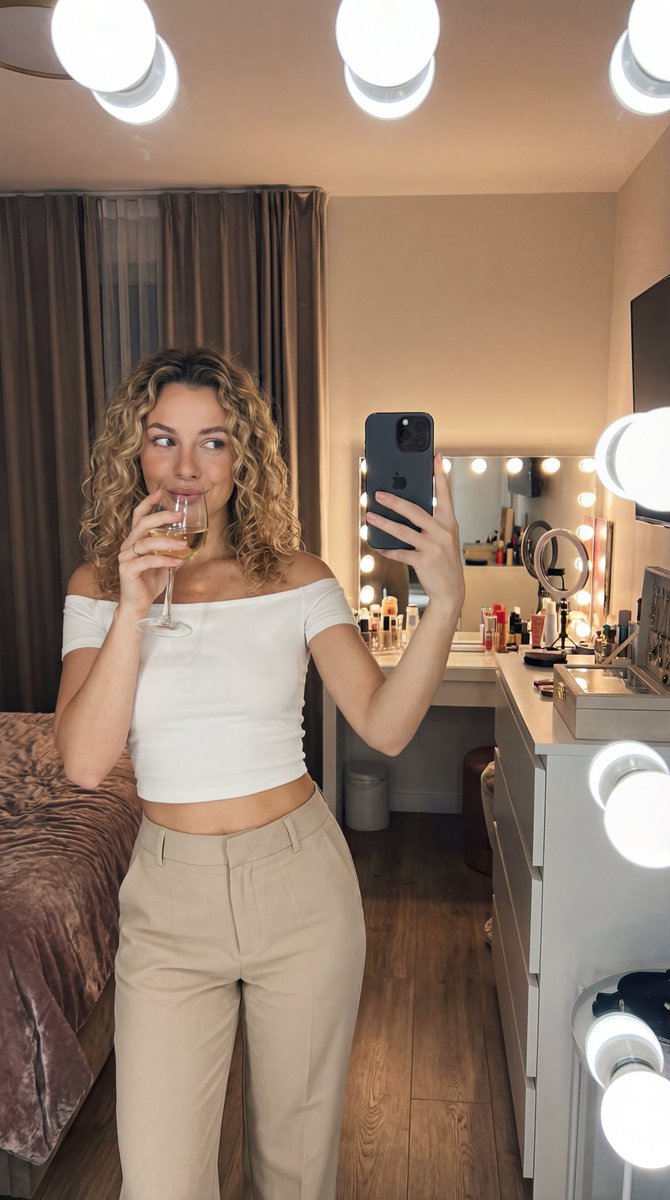
A detailed prompt for generating a close-up horizontal self-portrait of a woman on a bed, using a low-angle shot from below. Change the subject, setting, or lighting one variable at a time.

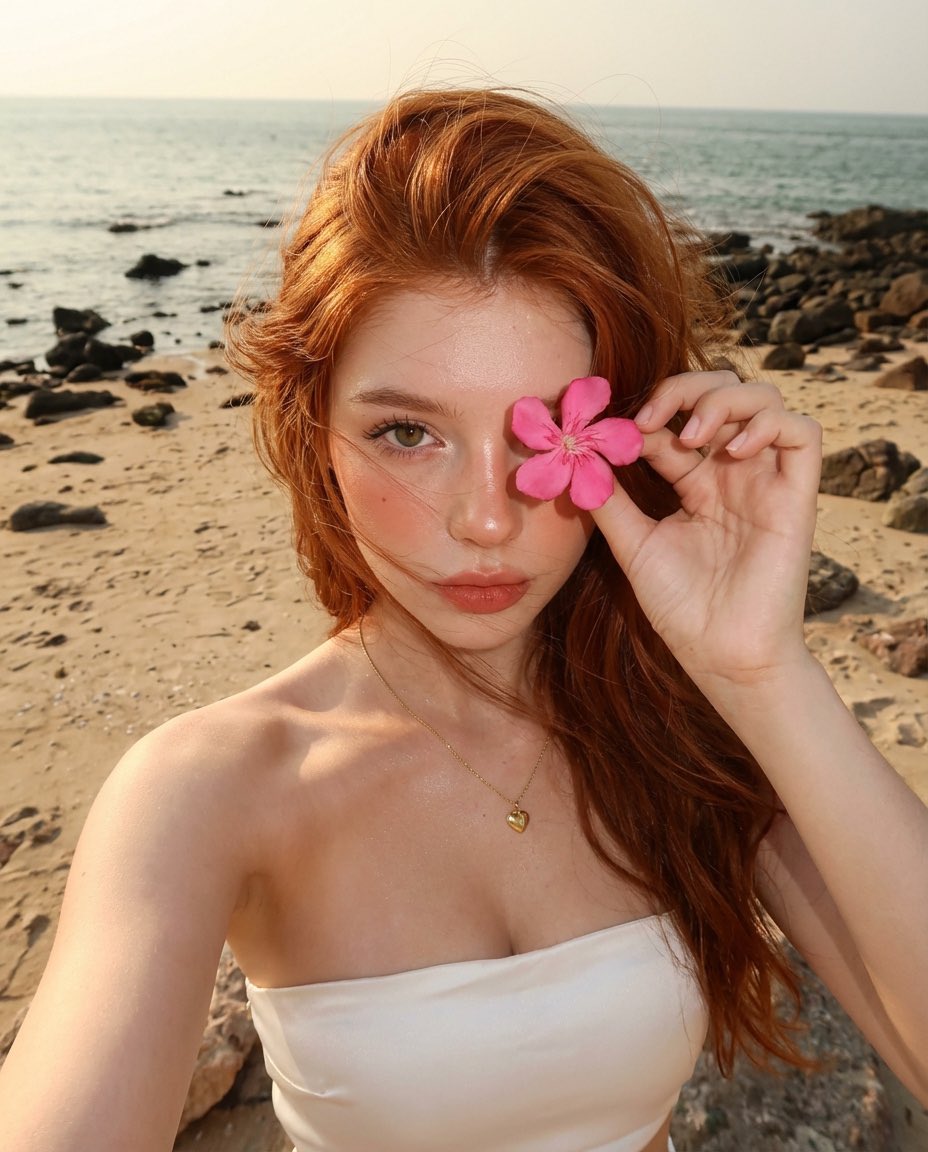
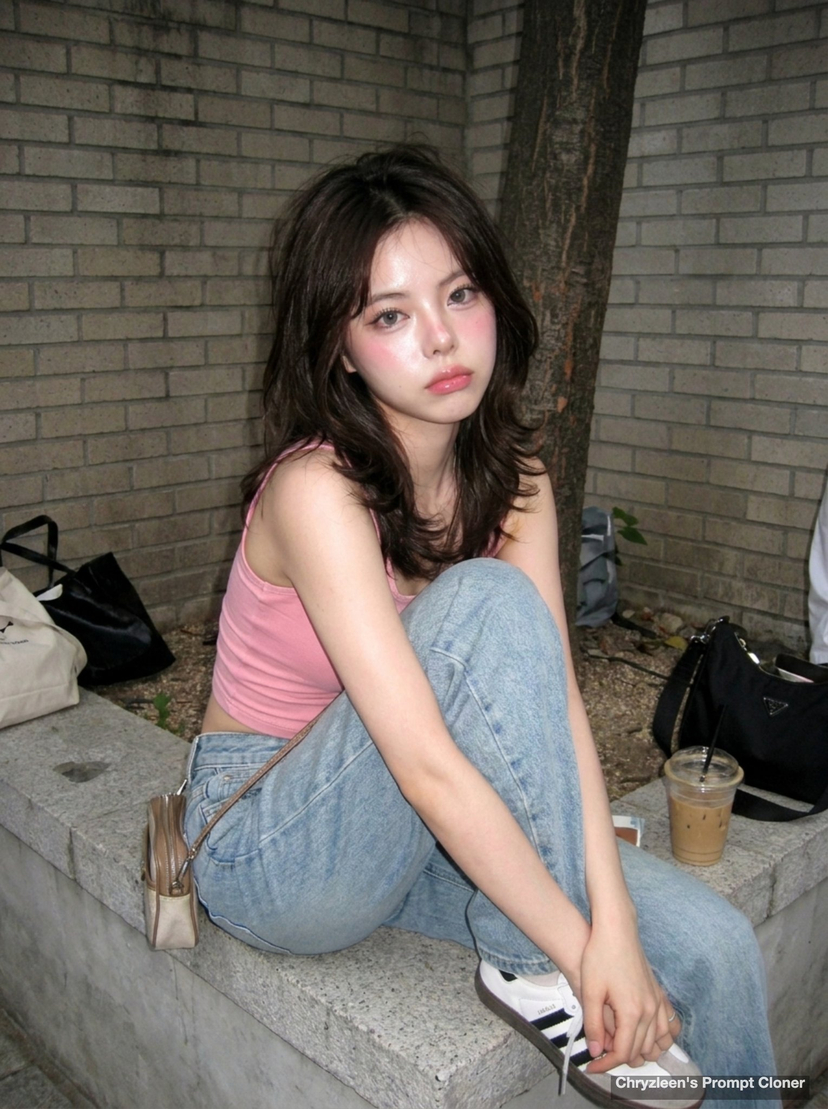
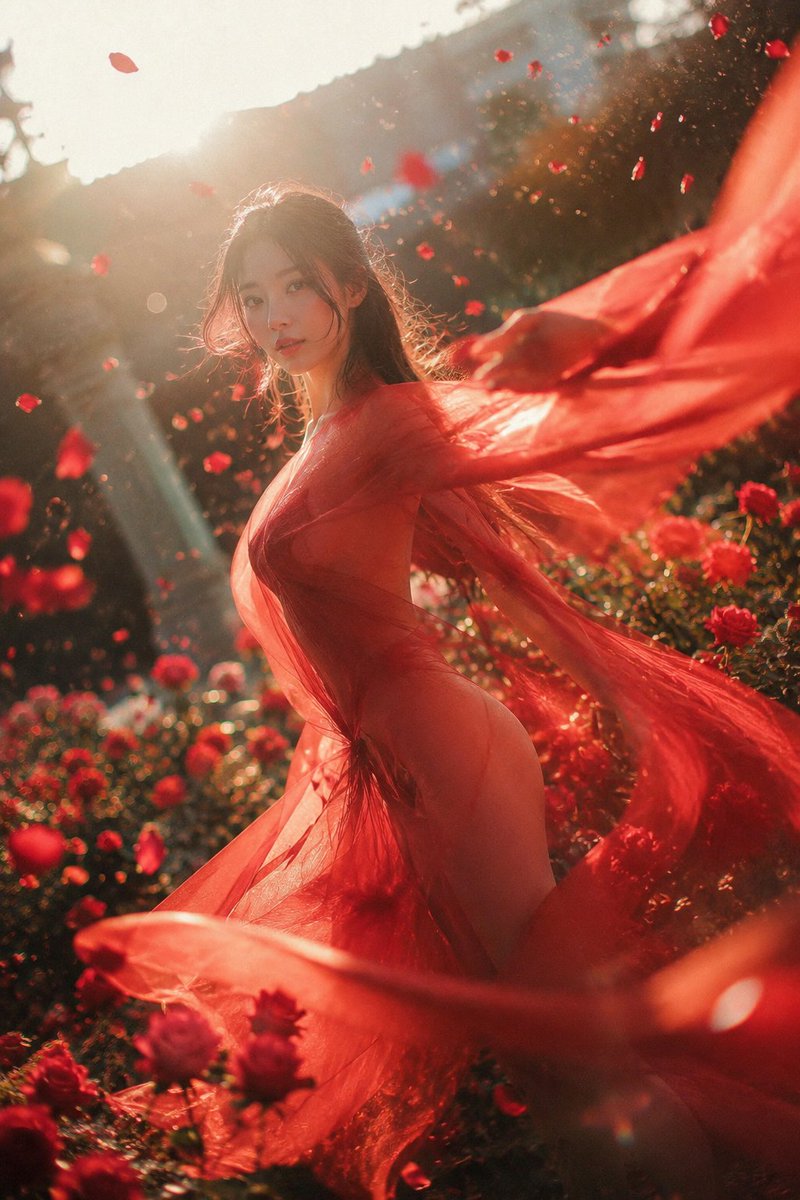
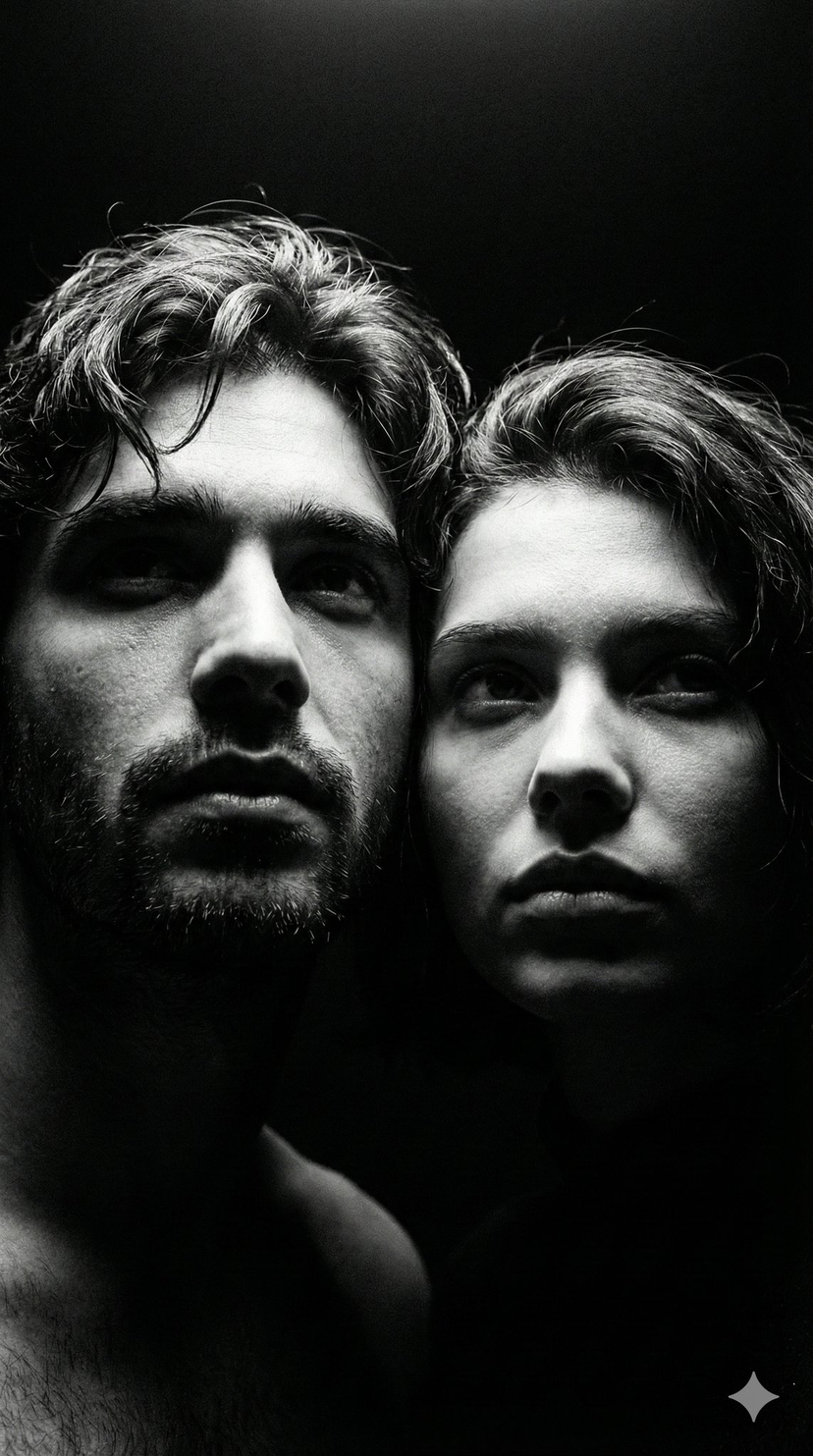
Close-up horizontal self-portrait of a beautiful young woman (use uploaded face exactly), low-angle shot from below. She’s taking a selfie on a bed, head resting on left hand, soft natural smile. Long wavy light-brown shiny hair partly covers her face and lips, revealing one eye through strands. Wearing black t-shirt and heart-charm bracelet. Strong natural side light from left window creates dramatic chiaroscuro on fair skin, highlighting cheekbones, nose, and collarbone.
Choose the primary action to open PicX Studio with the available template settings. Review the model and format, personalize the creative direction, and generate when ready.
Yes. You can change the subject, setting, lighting, mood, format, and available model controls before creating your image.
This template is free to open and customize. Generation usage is shown in PicX Studio before you create.
Start with Nano Banana 2, which is the model associated with this template. You can compare another compatible model for a different finish.
Follow a topic to a crawlable collection of related PicX Studio templates.
43,474 public templates available. Verified via the PicX Studio public templates API; refreshed hourly.
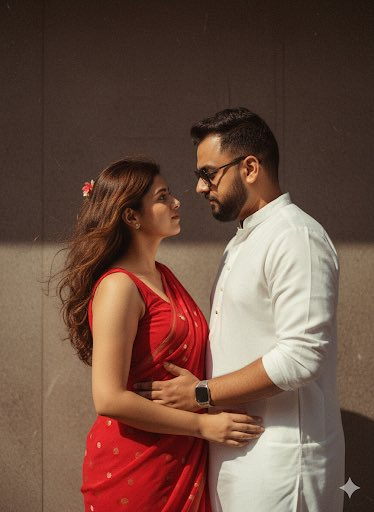




![118-google-nano-banana-pro-skincare-product- — A professional skincare shot of a [product container] with [cap/lid], labeled [brand, product, descriptor, volume](/_next/image?url=https%3A%2F%2Fcdn.picxstudio.com%2Fuploads%2Fpost118_img0_332898b8-29ea-42a9-87ab-9ed746a3f944.jpg&w=828&q=100)









![86-hyper-realistic-ai-selfie-prompt-generat — Raw iPhone [model] photo, [shot type] of [character details: age, ethnicity, specific features], [hair with imperf](/_next/image?url=https%3A%2F%2Fcdn.picxstudio.com%2Fuploads%2Fpost86_img0_c444d40d-a07d-4013-8b75-e692799481c0.jpg&w=828&q=100)

![69-untitled — FORMAT: 15s / 145 BPM / 14 SHOTS
SUBJECT: @[image1]
WARDROBE: Clean modern outfit
ENVIRONMENT: Street / indoor transitions
MOOD: Discovery → contr](/_next/image?url=https%3A%2F%2Fcdn.picxstudio.com%2Fuploads%2Fpost69_img0_d45faecf-38c3-4bcb-81a4-f6eb1cf42bb2.jpg&w=828&q=100)





![Naive doodle-style subject illustration — A doodle-style {argument name="subject" default="[subject]"}, naive lines, humorous shape exaggeration](https://pbs.twimg.com/media/G6Wl2YxbsAARB2b.jpg)













![Cinematic Portrait in Ruined Gothic Cathedral — Cinematic dramatic portrait of [{argument name="subject description" default="your description"}], low camera an](https://pbs.twimg.com/media/HDX5akwaMAAa-uL.jpg)

![Psychedelic Mathematics Fractal Prompt for Menger Sponge — <instruction> Role: Act as a Mathematician and Architect.
Input:[fractal set]. Analysis: The fractal](https://pbs.twimg.com/media/G9_f_RmWkAEeKmh.jpg)