How do I use the Sydney Sweeney Studio Portrait in Blue Denim template?
Choose the primary action to open PicX Studio with the available template settings. Review the model and format, personalize the creative direction, and generate when ready.
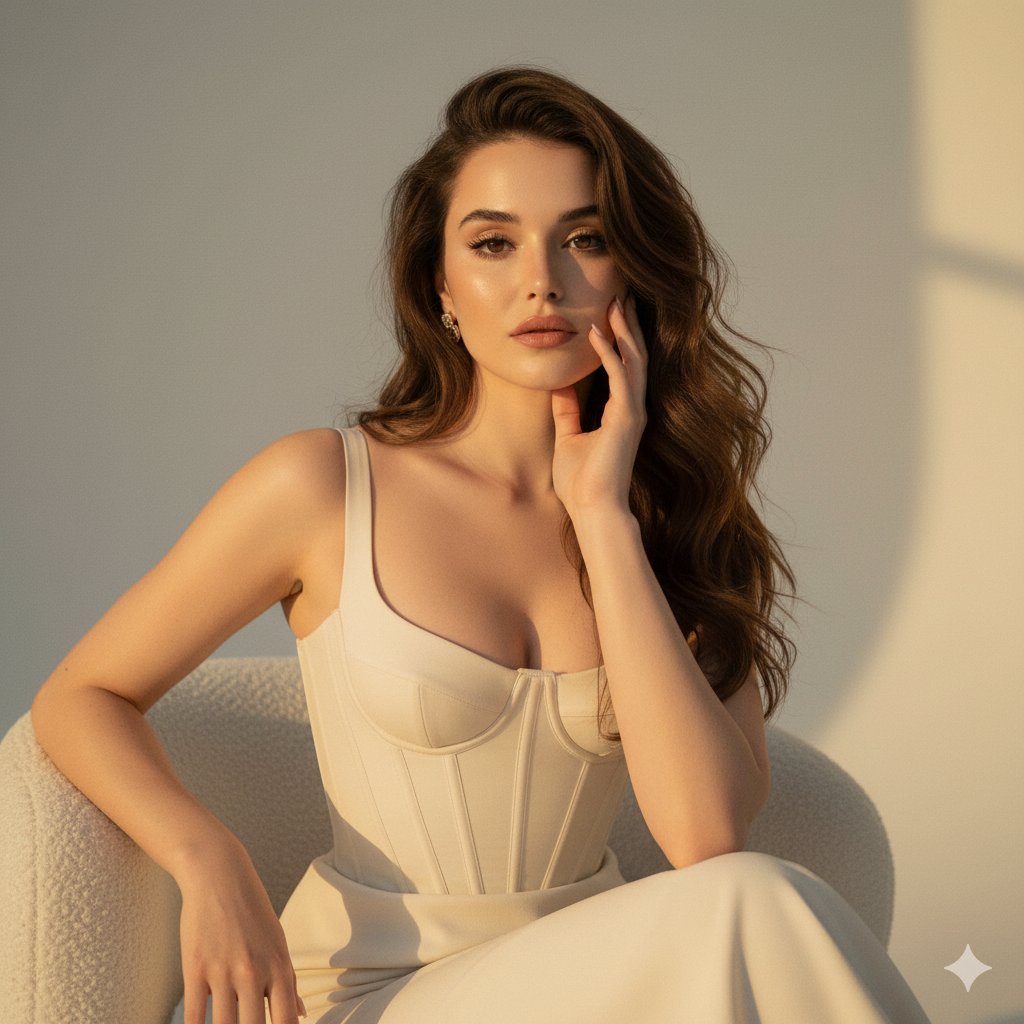
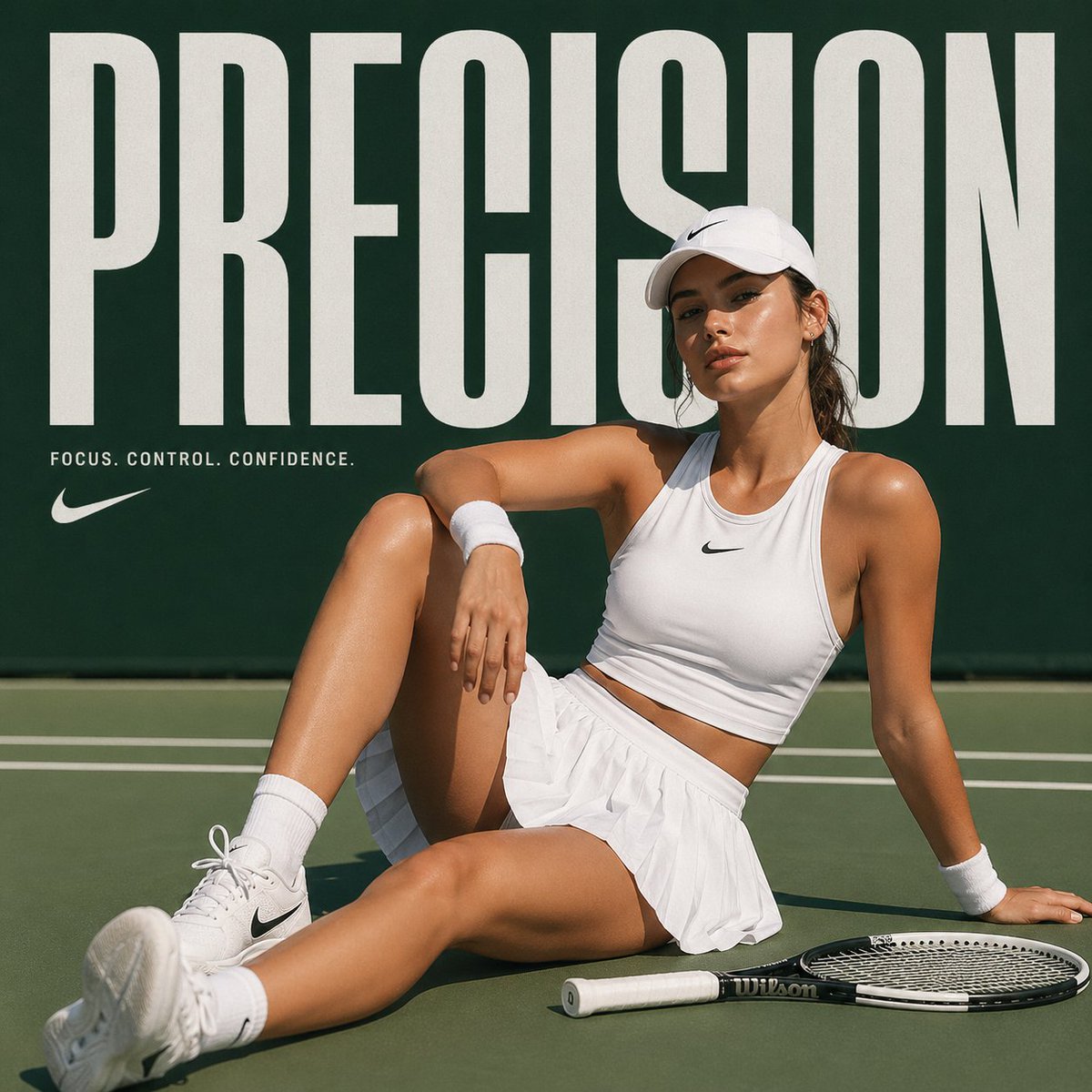
A highly structured prompt for generating a hyper-realistic studio portrait of Sydney Sweeney wearing a light blue top and denim jeans, focusing on preserving her identity, detailed facial features, professional studio lighting, and a magazine editorial quality. (free to use) — Free AI image template on PicX Studio.
{ "image_prompt": { "subject": { "identity": "{argument name="identity" default="Sydney Sweeney"}", "face": "Highly detailed face of Sydney Sweeney, looking directly at the camera with a soft, natural, closed-mouth smile. Subtle, glowing makeup, nude-pink lips, defined eyelashes, and soft eyeshadow.", "hair": "Long, voluminous, wavy blonde hair, parted down the middle and cascading over both shoulders." }, "wardrobe": { "top": "Fitted, light blue, ribbed sleeveless high-neck top (halter/tank style).", "bottoms": "Classic medium-wash blue high-waisted denim jeans with a visible silver button and standard five-pocket styling." }, "accessories": { "earrings": "Dangling gold statement earrings.", "necklace": "Delicate, thin gold chain necklace.", "bracelet": "Chunky gold chain-link bracelet on the left wrist." }, "pose_and_composition": { "pose": "Standing portrait. The subject is leaning gently with her right forearm resting on a transparent, clear acrylic block. Her left arm is relaxed down by her side.", "camera_angle": "Eye-level, medium-length portrait shot from the waist up." }, "environment": { "background": "Clean, seamless studio backdrop featuring a subtle dark gray to warm brownish gradient, slightly lighter directly behind the subject.", "lighting": "Professional studio lighting. Soft, diffused, and even illumination that highlights the facial features beautifully while casting gentle, natural shadows on the backdrop and clothing." }, "technical_specifications": { "resolution": "4k resolution, HD photo", "aspect_ratio": "9:16", "style": "Hyper-realistic portrait photography, photorealistic, cinematic lighting, ultra-detailed, sharp focus, magazine editorial quality." } } }
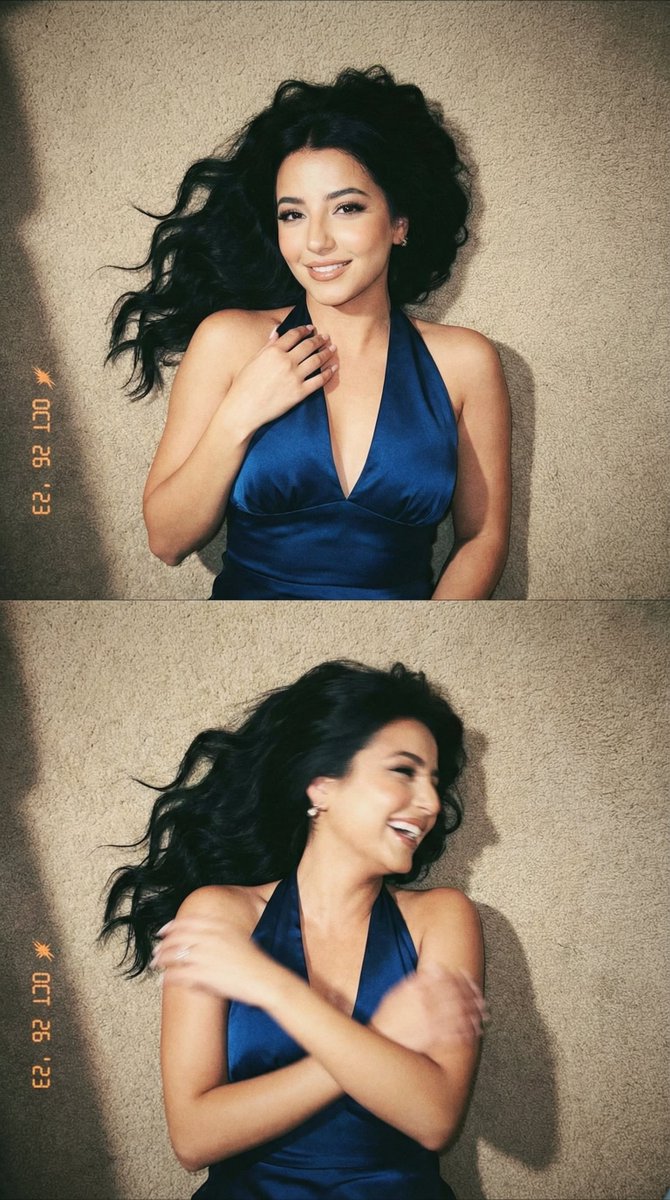
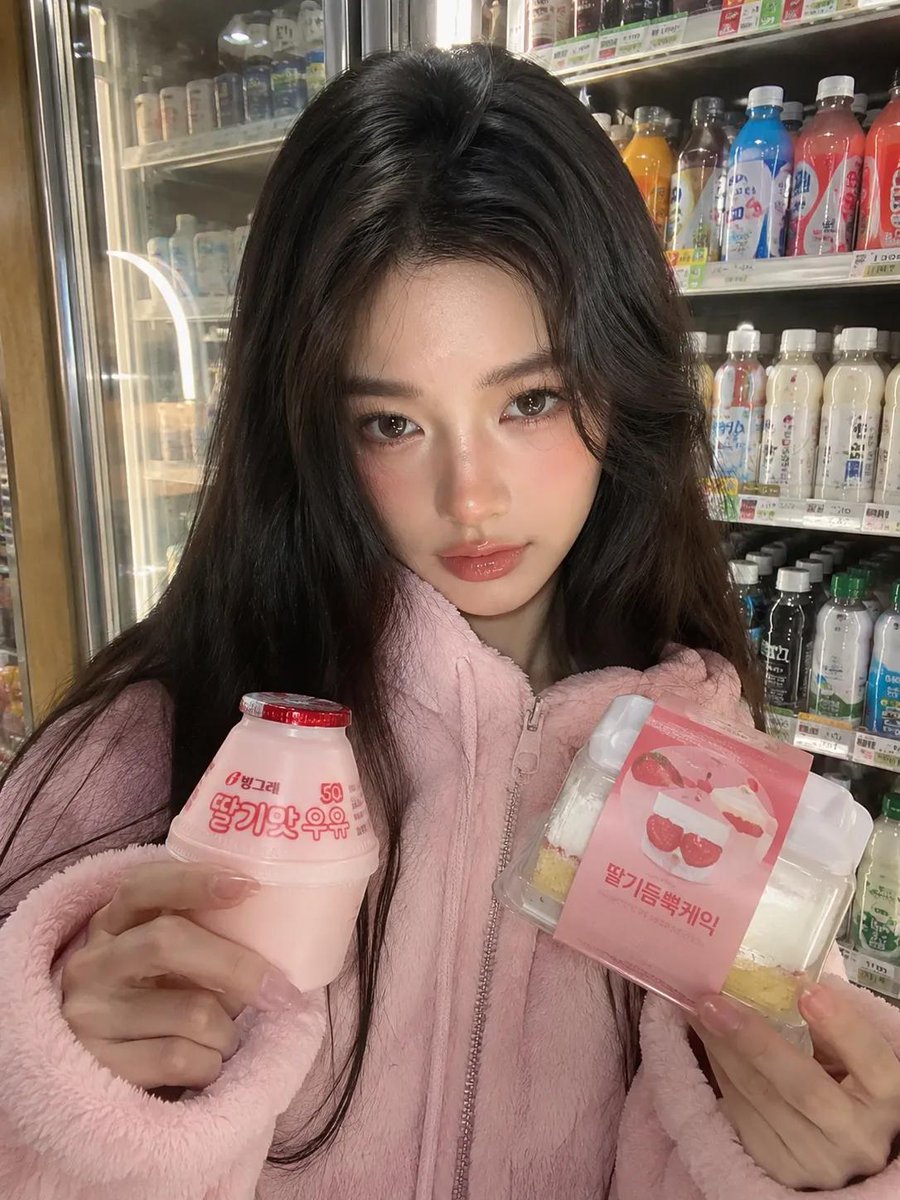
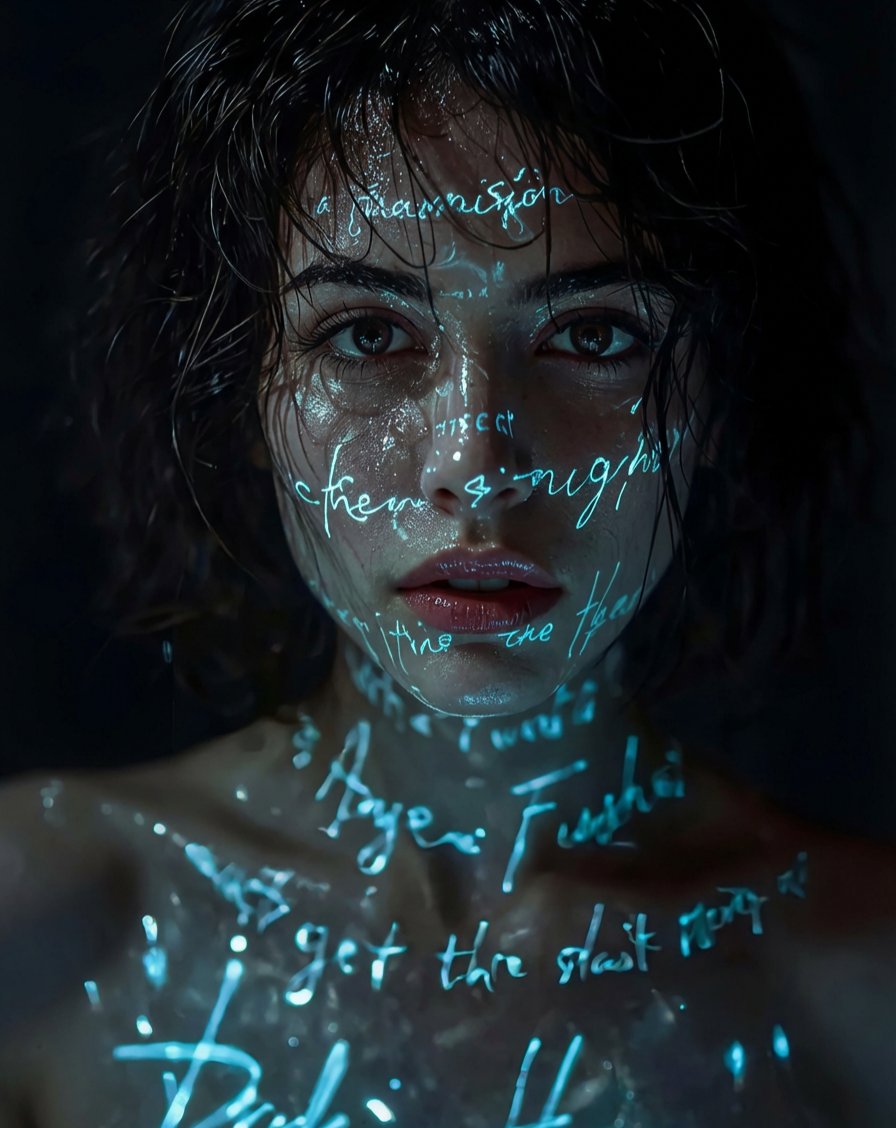
Use Sydney Sweeney Studio Portrait in Blue Denim to plan an AI image around nano-banana-2 generation. Match the preview's composition first, then personalize the subject, setting, and mood for your own project.
Use the primary action to load the template settings in PicX Studio.
Adjust the subject and creative details for your destination.
Create the image, compare the result with the preview, and refine one variable at a time.
A continuous mix — similar concepts first, woven with same-model prompts and fresh picks from the catalog.
Choose the primary action to open PicX Studio with the available template settings. Review the model and format, personalize the creative direction, and generate when ready.
Yes. You can change the subject, setting, lighting, mood, format, and available model controls before creating your image.
This template is free to open and customize. Generation usage is shown in PicX Studio before you create.
Start with nano-banana-2, which is the model associated with this template. You can compare another compatible model for a different finish.
Follow a topic to a crawlable collection of related PicX Studio templates.
39,155 public templates available. Verified via the PicX Studio public templates API; refreshed hourly.
A continuous mix — similar concepts first, woven with same-model prompts and fresh picks from the catalog.