
Luxury Bag Meets Discount Chaos Poster
This prompt generates a vertically composed fashion-ad poster that contrasts a refined Hermes-style Birkin product shot with explosive Pinduoduo-style subsidy graphics for satirical luxury collaboration visuals.

- Prompt included
- Model and format preset
- Free template
The prompt behind this image
Copy the exact prompt behind Luxury Bag Meets Discount Chaos Poster, or open it in the studio and make it yours.
A vertical 9:16 luxury-fashion parody advertising poster with a single centered handbag as the hero product, designed as a brutal collision between ultra-premium maison branding and chaotic Chinese e-commerce discount graphics. The top half should feel like an elegant Hermes-style campaign: a warm beige and taupe atelier interior with soft morning window light, shallow depth of field, refined wall paneling, a wooden worktable, and visible artisan tools including exactly 6 workshop elements around the bag: a brush cup with several brushes on the left, a small ceramic vase on the far left, a leather awl or burnishing tool on the table front left, a knife-like leather tool on the table front left edge, an adjustable desk lamp on the right, and a spool of thread on the right. At the top center place a gold luxury logo with a horse-and-carriage icon above the word HERMÈS and PARIS beneath it, followed by one giant serif headline reading BIRKIN in gold. In the center, show one large structured crocodile-embossed Birkin-style handbag in {argument name="bag color" default="warm greige taupe"}, front-facing, highly detailed leather texture, polished gold hardware, upright handles, sitting on the tabletop, photographed like a premium product shot. Across the right-middle of the bag, add one torn-paper rip effect revealing aggressive discount advertising underneath; around the tear add exactly 5 digital glitch accents in neon magenta, green, cyan, black, and white. On the torn area place exactly 3 visible Chinese promo stickers layered diagonally: a small red sticker reading 福利价, a large red sticker reading 百亿补贴, and a black sticker with bright outline reading 亿补贴. The bottom third of the poster should erupt into a loud comic-book and livestream-sale visual explosion with torn-paper separation from the luxury upper half. Use saturated red, yellow, white, black, and cyan with sharp starburst shapes, speed lines, heavy outlines, and flying gold coins. Include exactly 7 bottom promotional text blocks: 1 large central red banner reading 百亿补贴, 1 red rounded rectangle below it with the Pinduoduo logo and the text 拼多多, 2 side banners partially cropped with 拼多多, 2 additional yellow-red 百亿补贴 bursts at the lower left and lower center, and 1 handwritten black calligraphy slogan at the lower right reading 砍一刀. Add one extra handwritten black phrase at the lower left reading 只需9.9元!. The overall composition must feel like an elite fashion campaign violently invaded by cheap viral bargain marketing, with cinematic lighting, strong visual hierarchy, realistic product rendering, premium typography above, explosive discount chaos below, and intentional aesthetic contrast between sophistication and low-cost internet commerce. Make it look like a high-end brand collaboration key visual poster for {argument name="collaboration brand text" default="拼多多 × 爱马仕"} promoting {argument name="promo text" default="百亿补贴铂金包"}.
How to use Luxury Bag Meets Discount Chaos Poster in 3 steps
- 1Upload ImagePNG, JPG or paste
Add your photo
Upload the photo the template builds on. The prompt, model and format are already set.
- 2…a portrait of your subject in softgolden-hour light, 85mm…
Personalize
Edit the subject and creative details for your destination.
- 3Generate
Generate
Press Generate — your image is created in PicX Studio, so you can compare it with the original and refine one variable at a time.
More like this
Templates with the same subject, style or setup. Open one to see its prompt.

Luxury Sliced Wordmark Player Poster
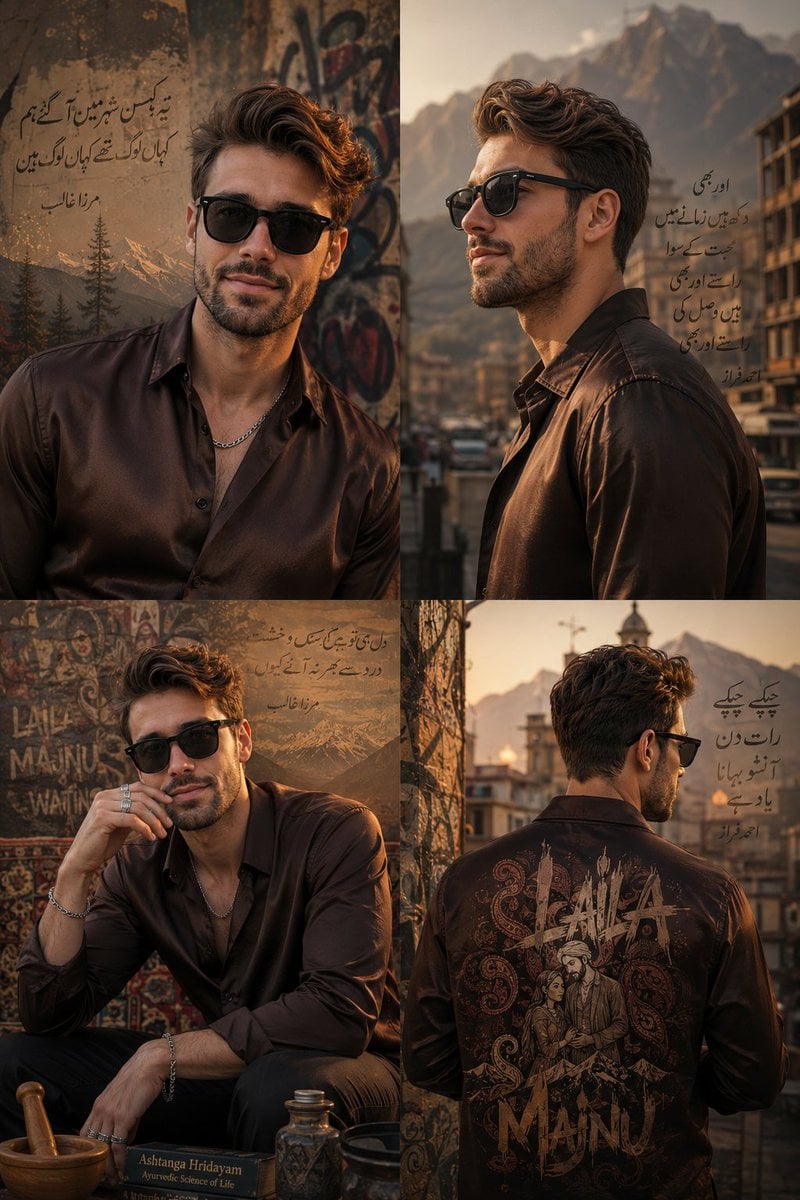
Luxury Urban Chaos Fashion Poster

Japan Travel Brochure Poster

Luxury ABKR Portrait Poster
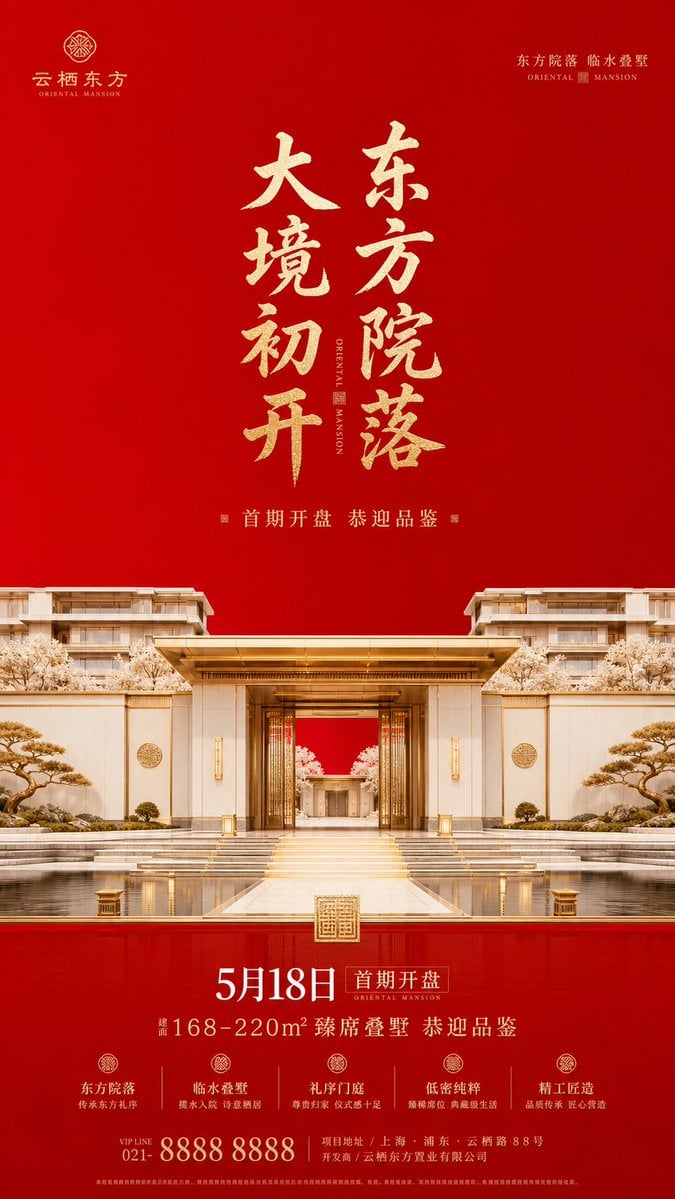
Luxury Oriental Mansion Opening Poster

Doctor Doom Luxury Armor Poster
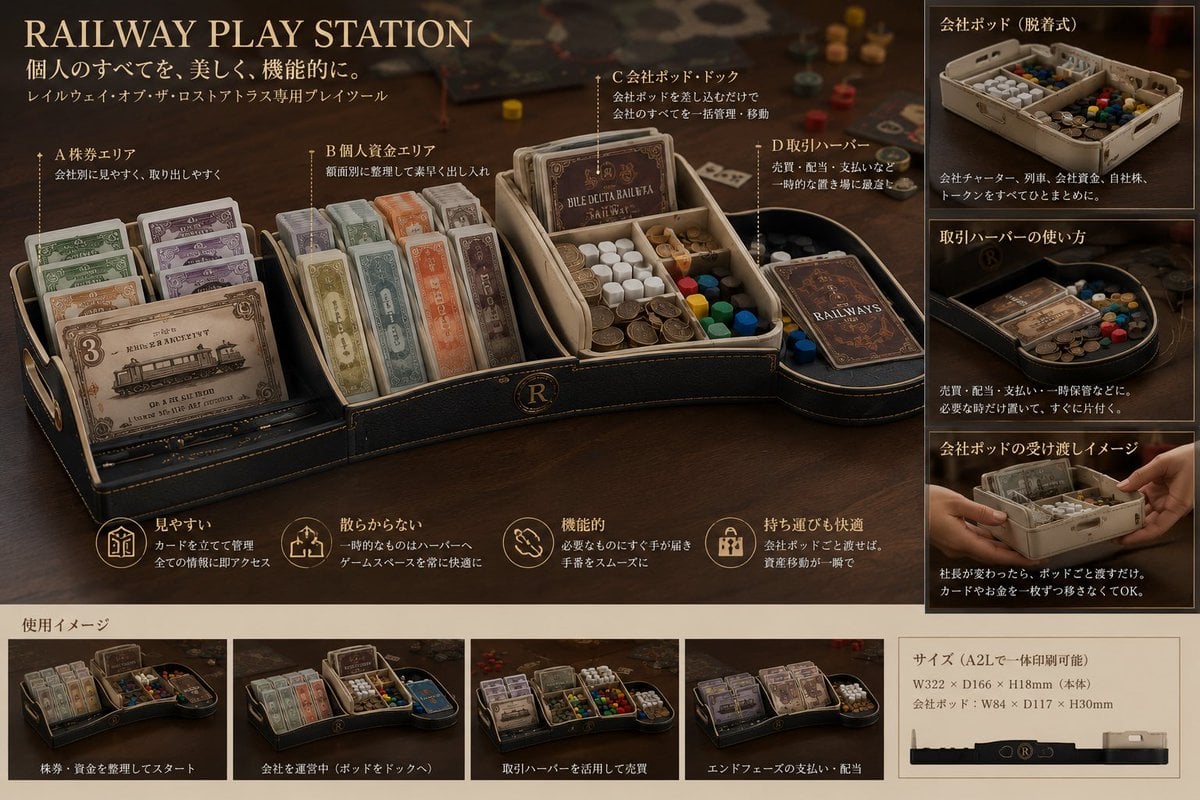
Luxury Railway Board Game Organizer Poster
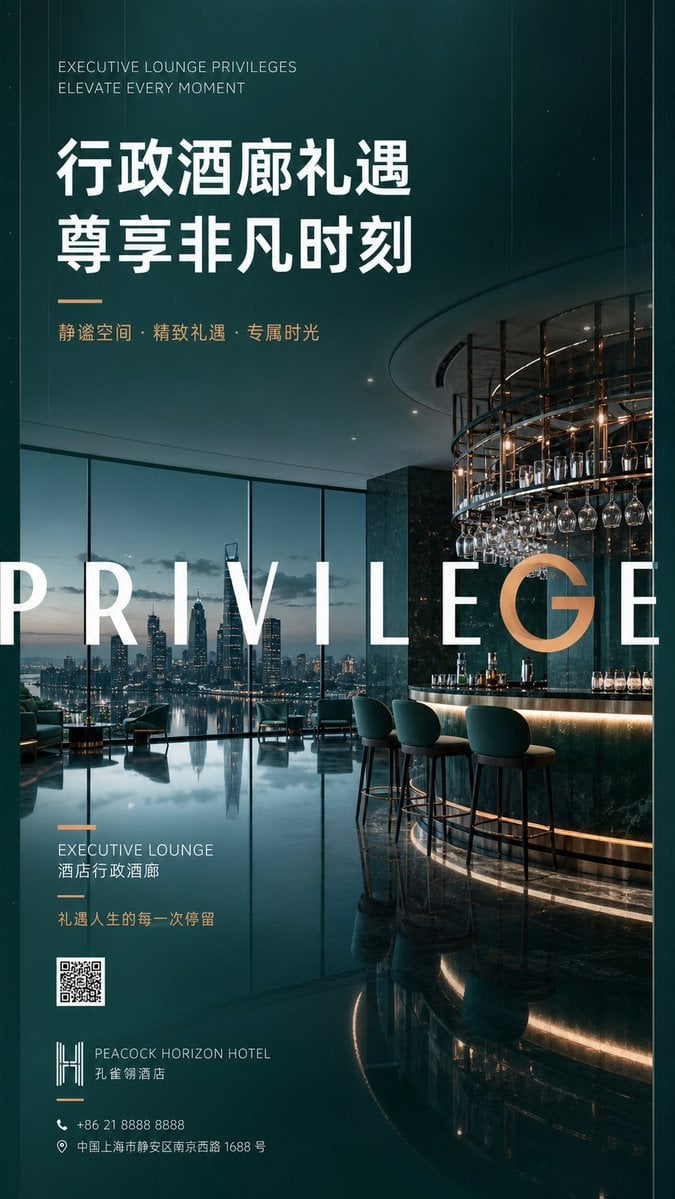
Luxury Executive Lounge Hotel Poster
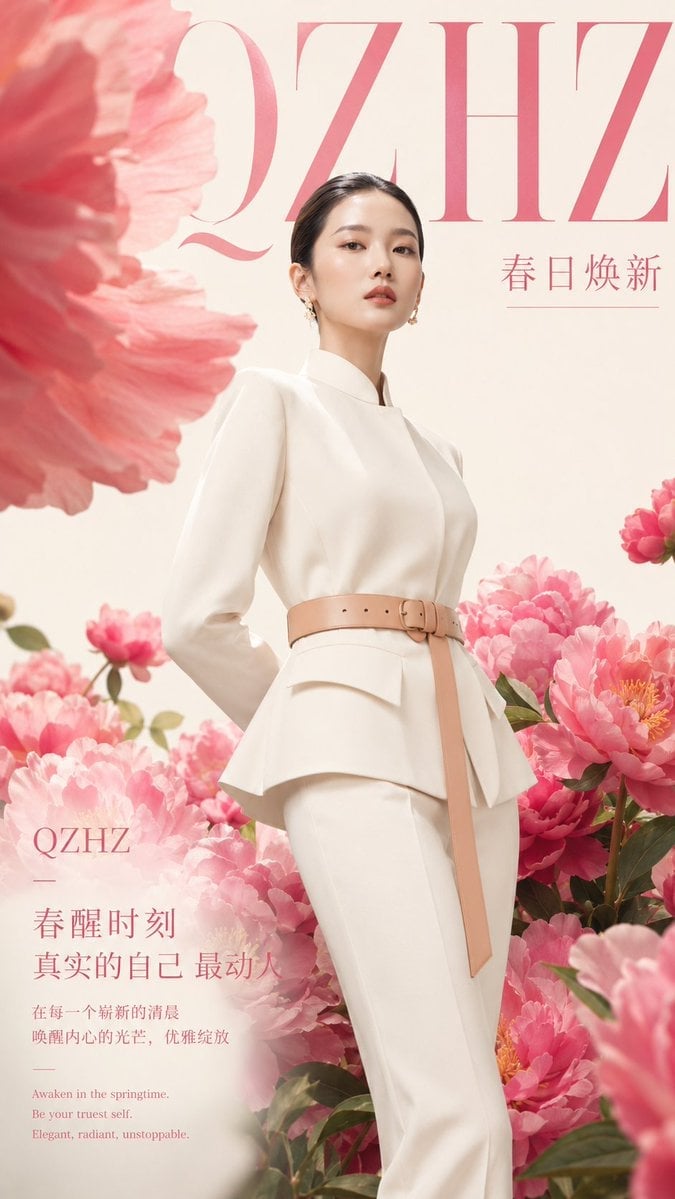
Luxury Spring Peony Fashion Poster
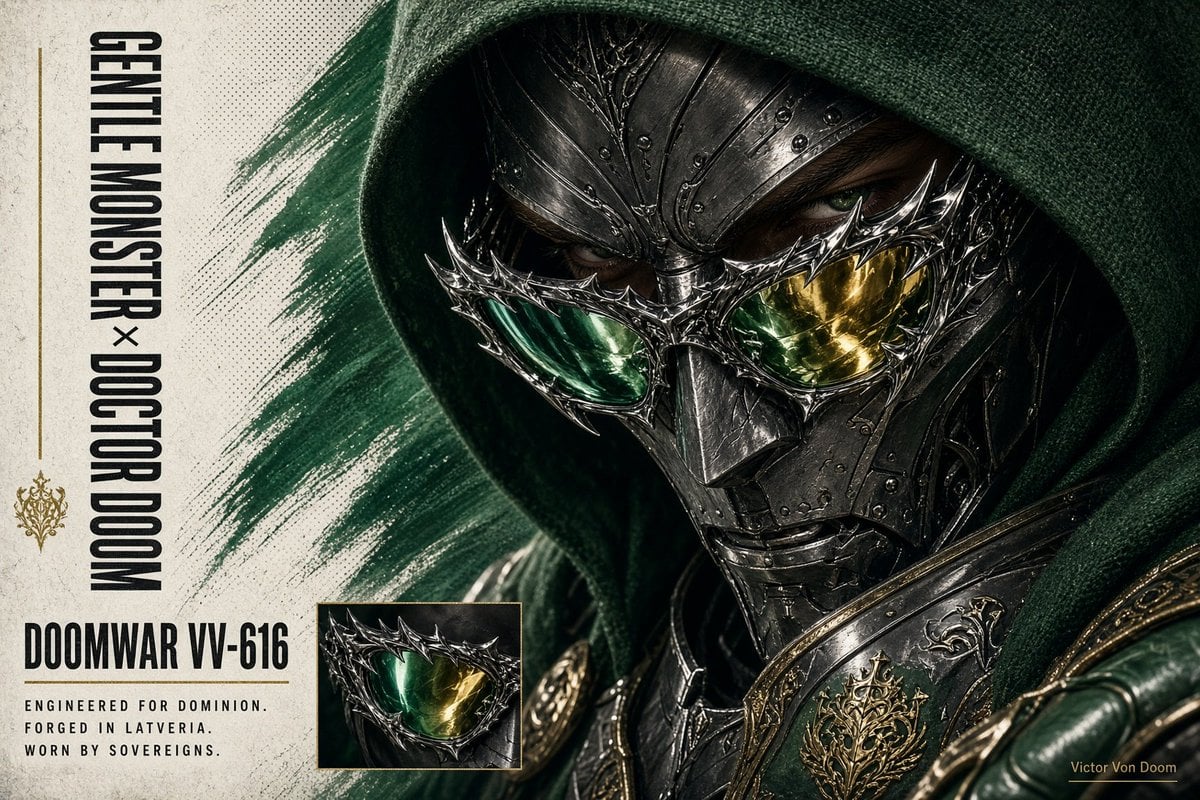
Doctor Doom Luxury Eyewear Poster
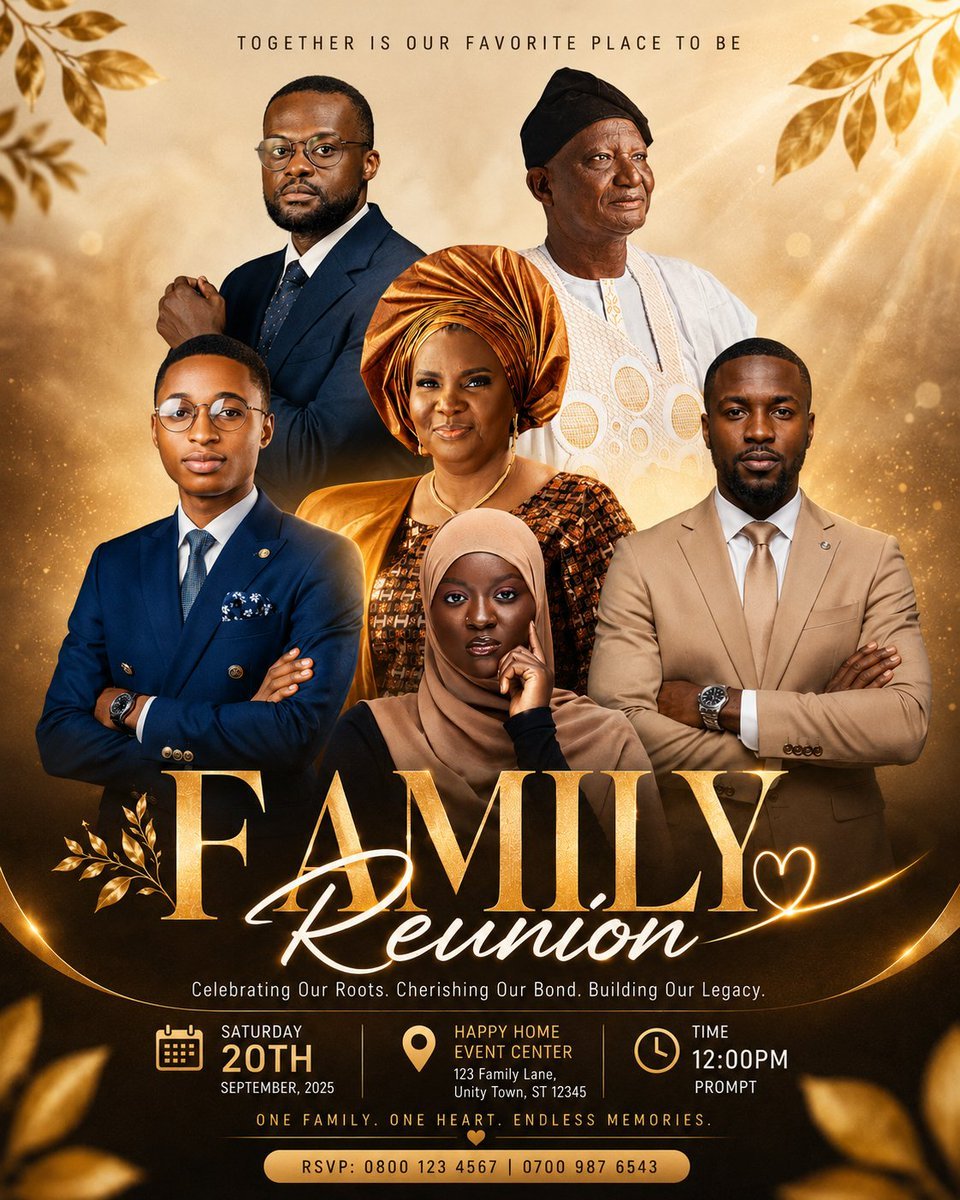
Luxury Family Reunion Poster
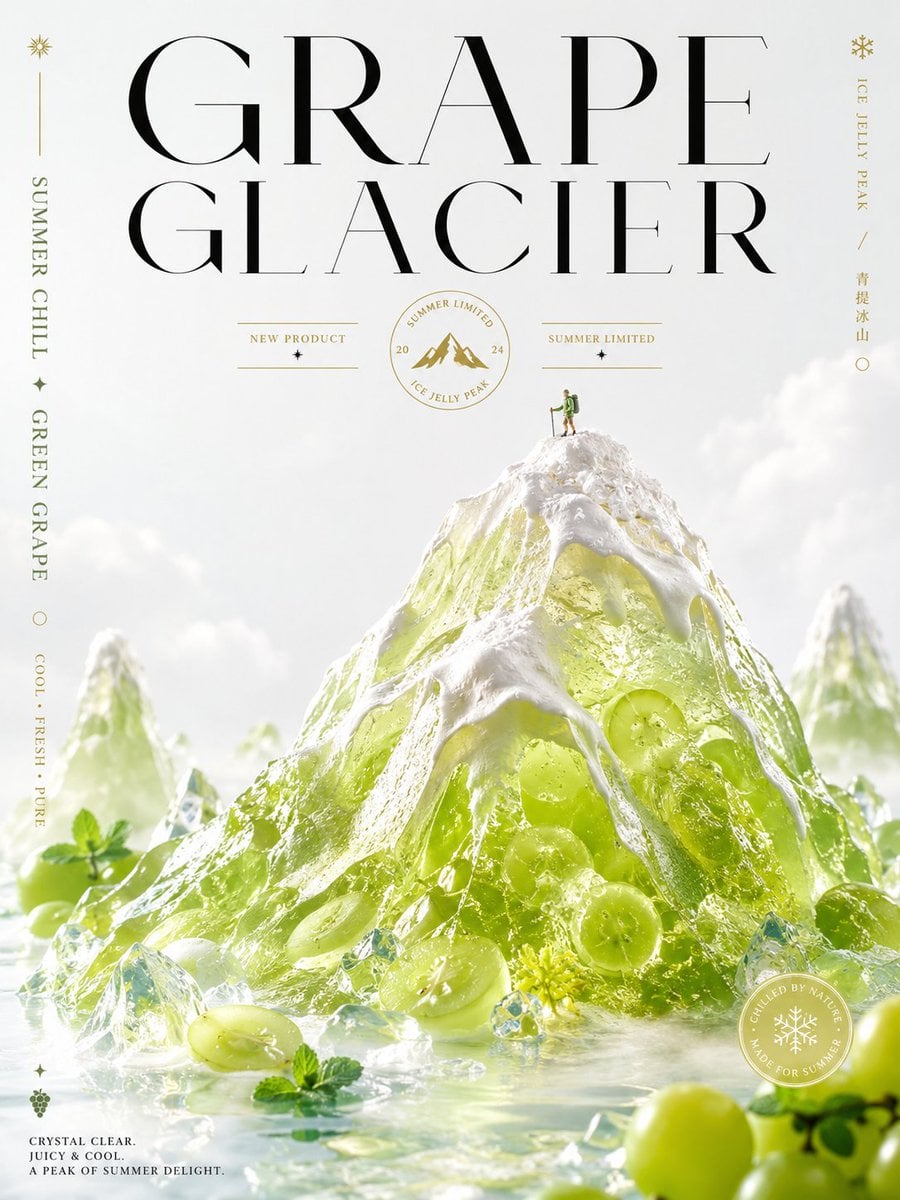
Luxury Grape Glacier Poster
Make it yours
Luxury Bag Meets Discount Chaos Poster works as-is. These are the safest ways to change it without losing the look.
Change one field
Copy a single group, rewrite it, and generate again so you can see what that field is doing.
Keep the frame, change the subject
Hold the composition and light of Luxury Bag Meets Discount Chaos Poster, then swap wardrobe, props or the person for a new take.
| If the result… | Why | Fix |
|---|---|---|
| The result drifts from the preview | Too many fields changed at once. | Reuse Luxury Bag Meets Discount Chaos Poster as-is first, then change one group — subject, light, or setting. |
| The model over-stylizes the scene | The prose prompt leaves finish and camera underspecified. | Add one camera or lighting sentence and stay on GPT Image 2. |
More GPT Image 2 templates
Other prompts made for GPT Image 2.

Six VTuber Japanese Logo Sheet

Realistic Portrait of Woman and Deer

The Vista Modular Condo Poster

AI Model Routing Comparison Infographic

2.5D Anime Art Board

Isometric Productivity Desk Scene

New York Double Exposure Poster

Four-Panel AI Landscape Comparison

Japanese Tatami Lifestyle Magazine Cover

NESCAFÉ Coffee Map Poster
More image prompts
Fresh picks from across the catalog.
Fluffy Pirate Cat Captain Portrait
Cinematic Romantic Editorial: Balcony Flower Exchange
Head in Styrofoam Meat Tray Prompt
action movie hollywood movie hollywood fight scene... (IMAGE-NANO_BANANA)
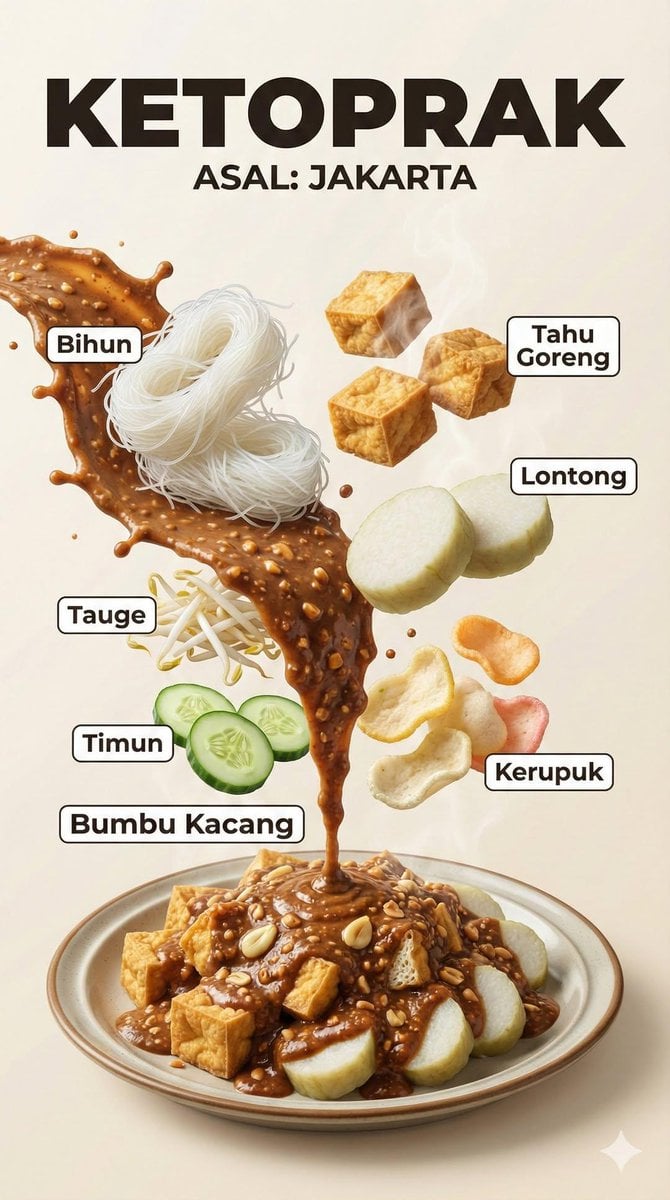
Hyper-Realistic Indonesian Food Infographic Poster
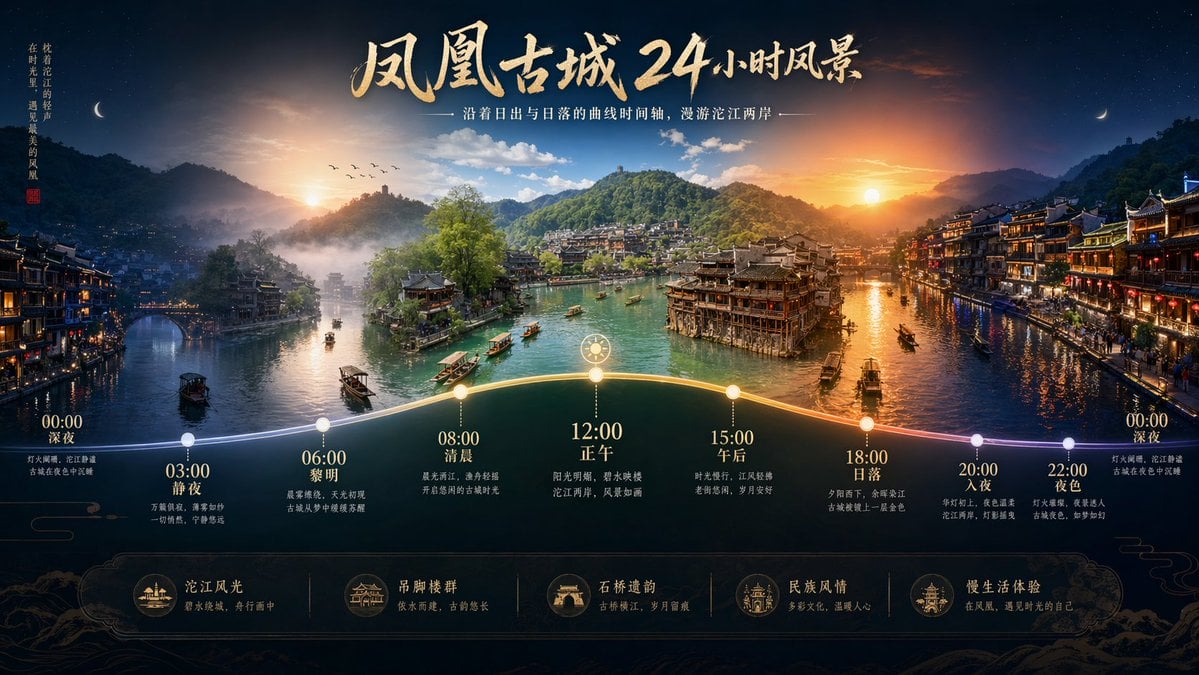
Time-lapse Timeline Landscape Prompt
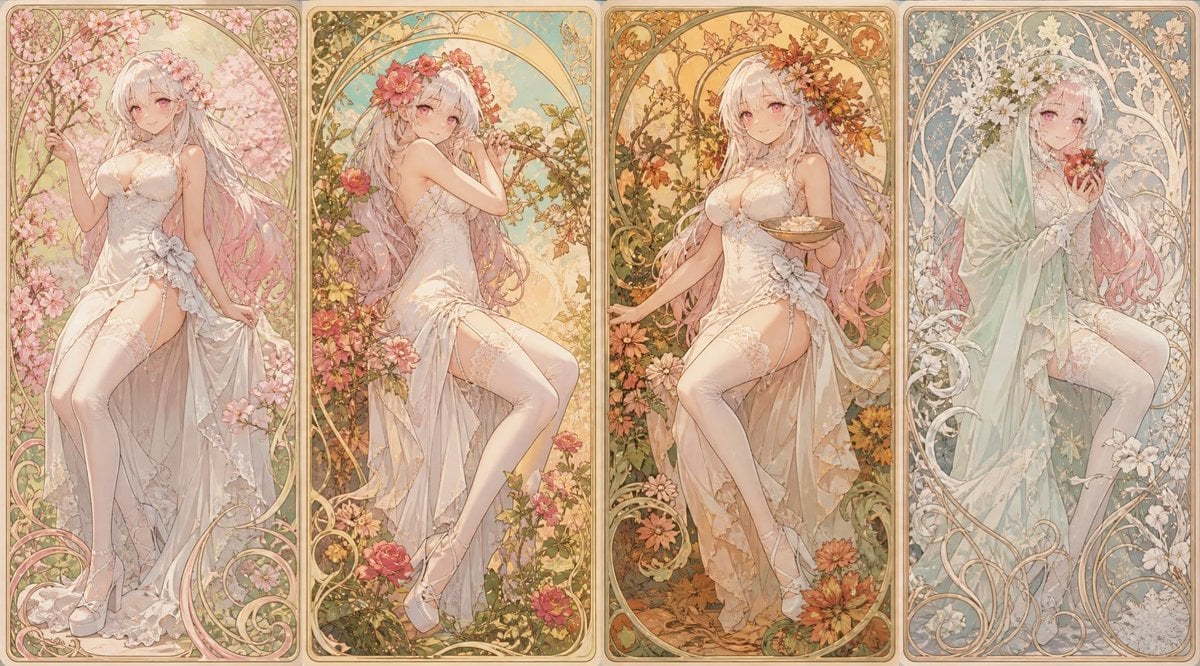
Mucha Style Seasonal Art Nouveau
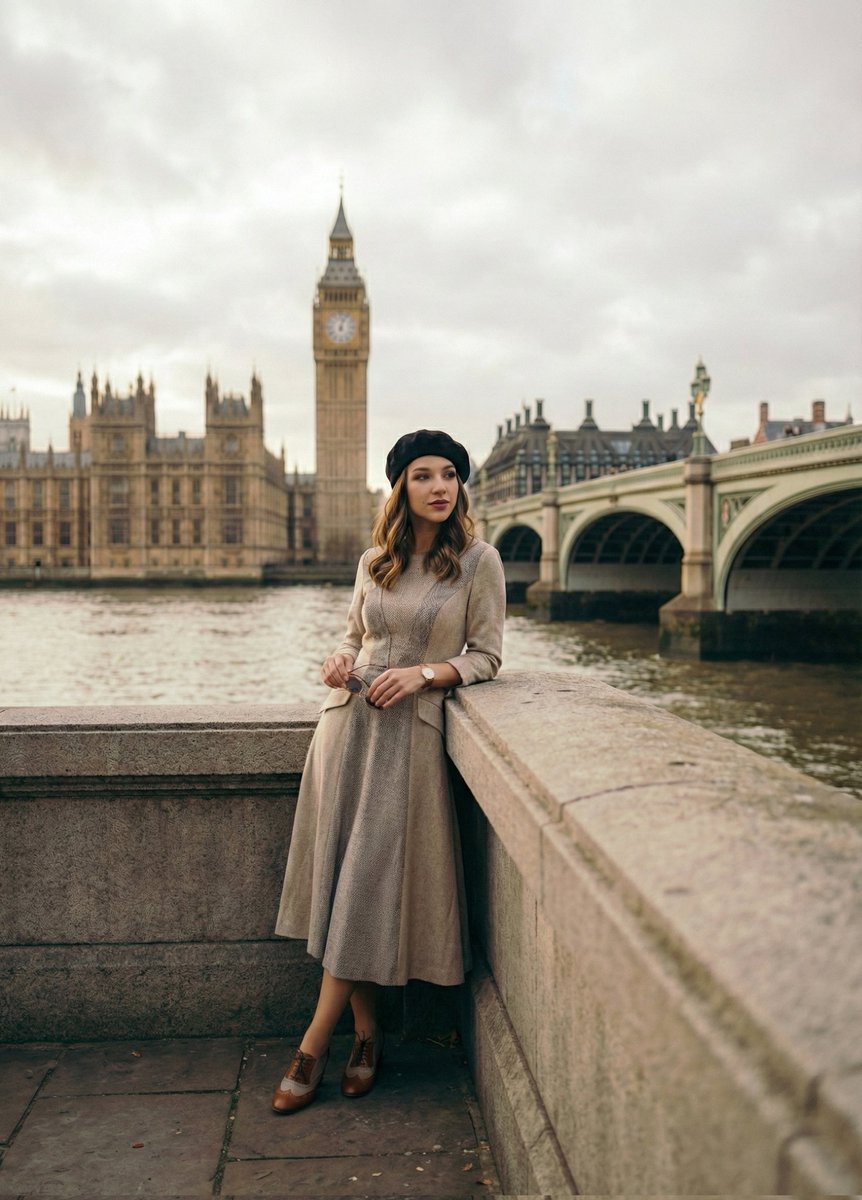
Cinematic Portrait beside the Thames River in London
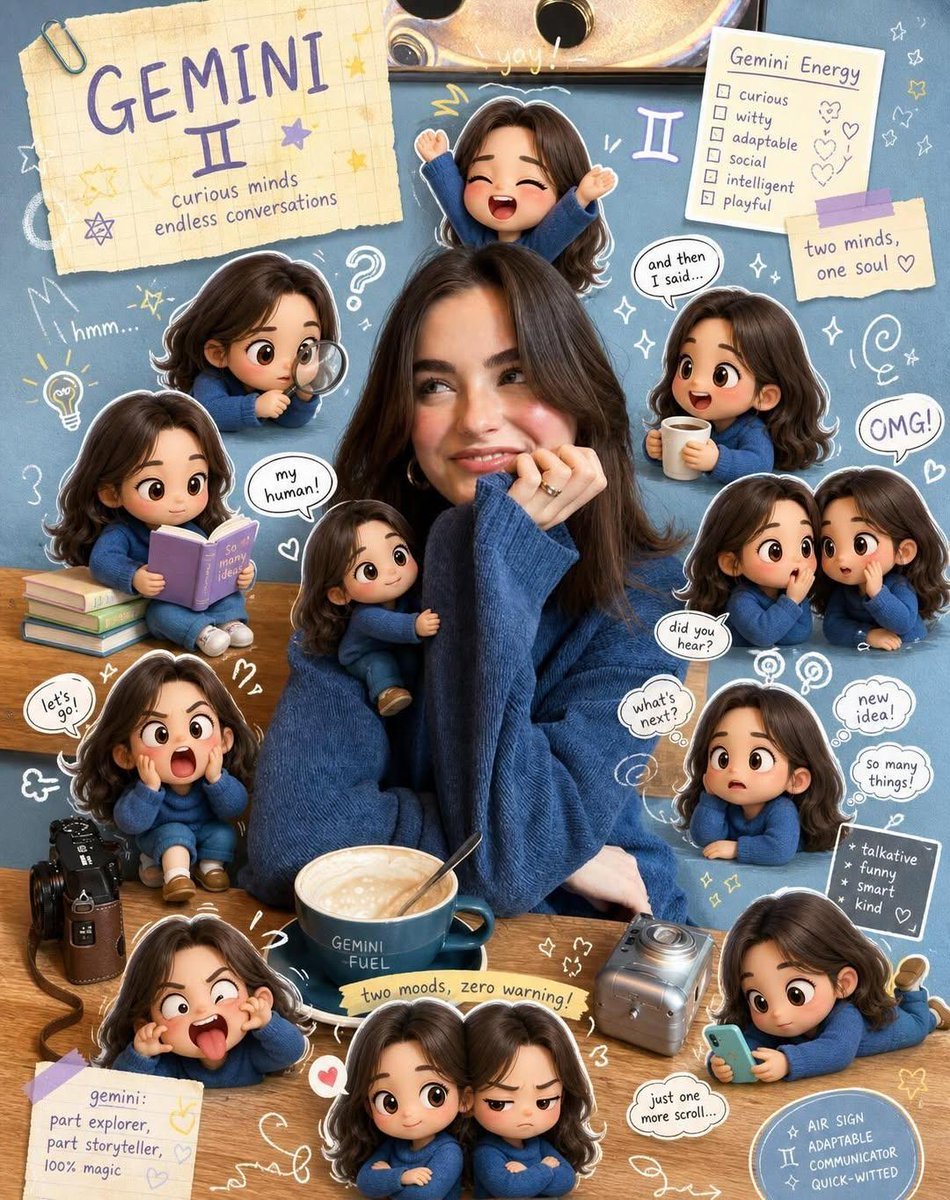
Taurus Zodiac Poster Design
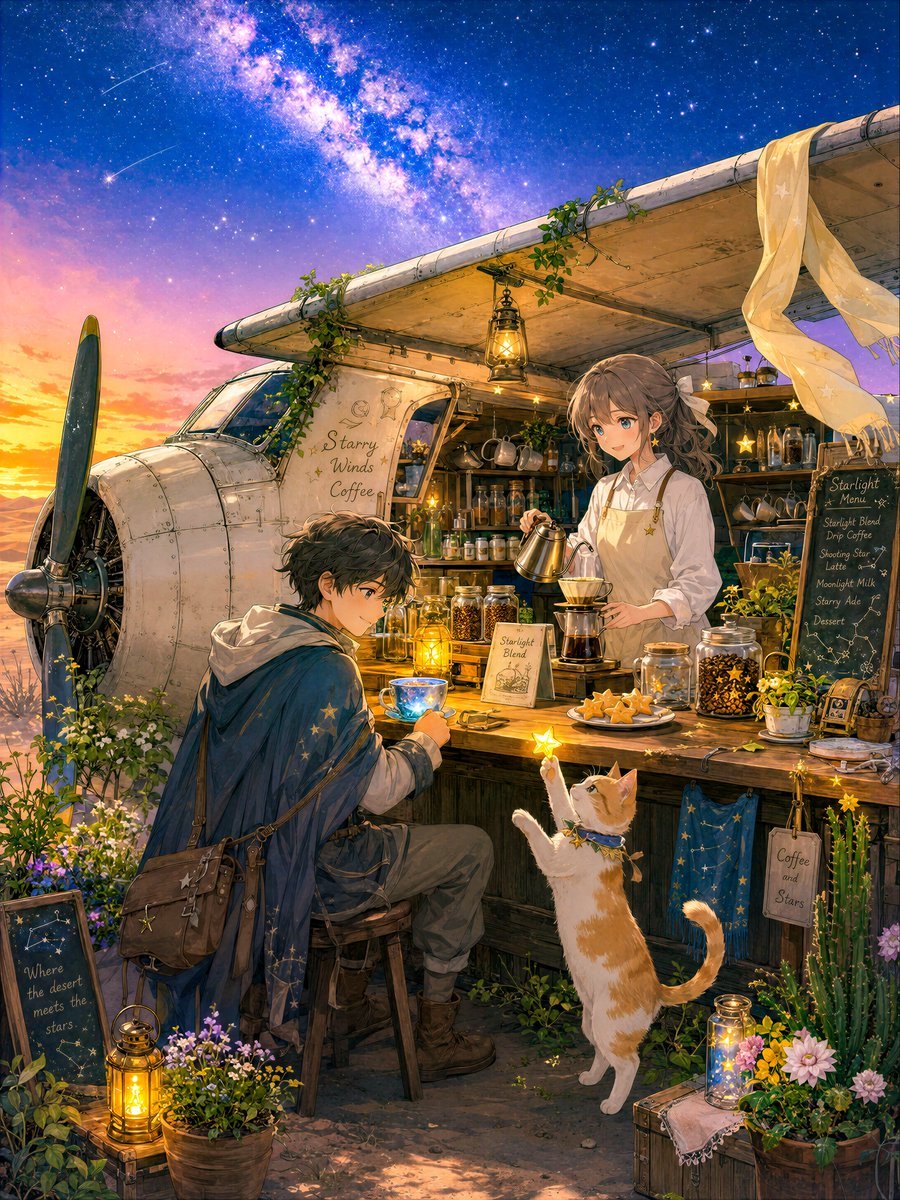
Desert Night Airplane Cafe Story
Browse template categories
Luxury Bag Meets Discount Chaos Poster questions
How do I use the Luxury Bag Meets Discount Chaos Poster template?
Add your photo if the template asks for one, edit the prompt if you like — the template's model and format are already selected — and press Generate. Your version opens in PicX Studio.
Can I customize the Luxury Bag Meets Discount Chaos Poster template?
Yes. You can change the subject, setting, lighting, mood, format, and available model controls before creating your image.
Is the Luxury Bag Meets Discount Chaos Poster template free?
Opening and editing this template is free. Generating uses credits, shown on the Generate button when you are signed in.
Which AI model should I use?
Start with GPT Image 2, which is the model associated with this template. You can compare another compatible model for a different finish.
Looking for something else? Browse all templates.

Your photo, any look
Thousands of ready templates for every top image and video model, from one credit balance.