
Luxury Grape Glacier Poster
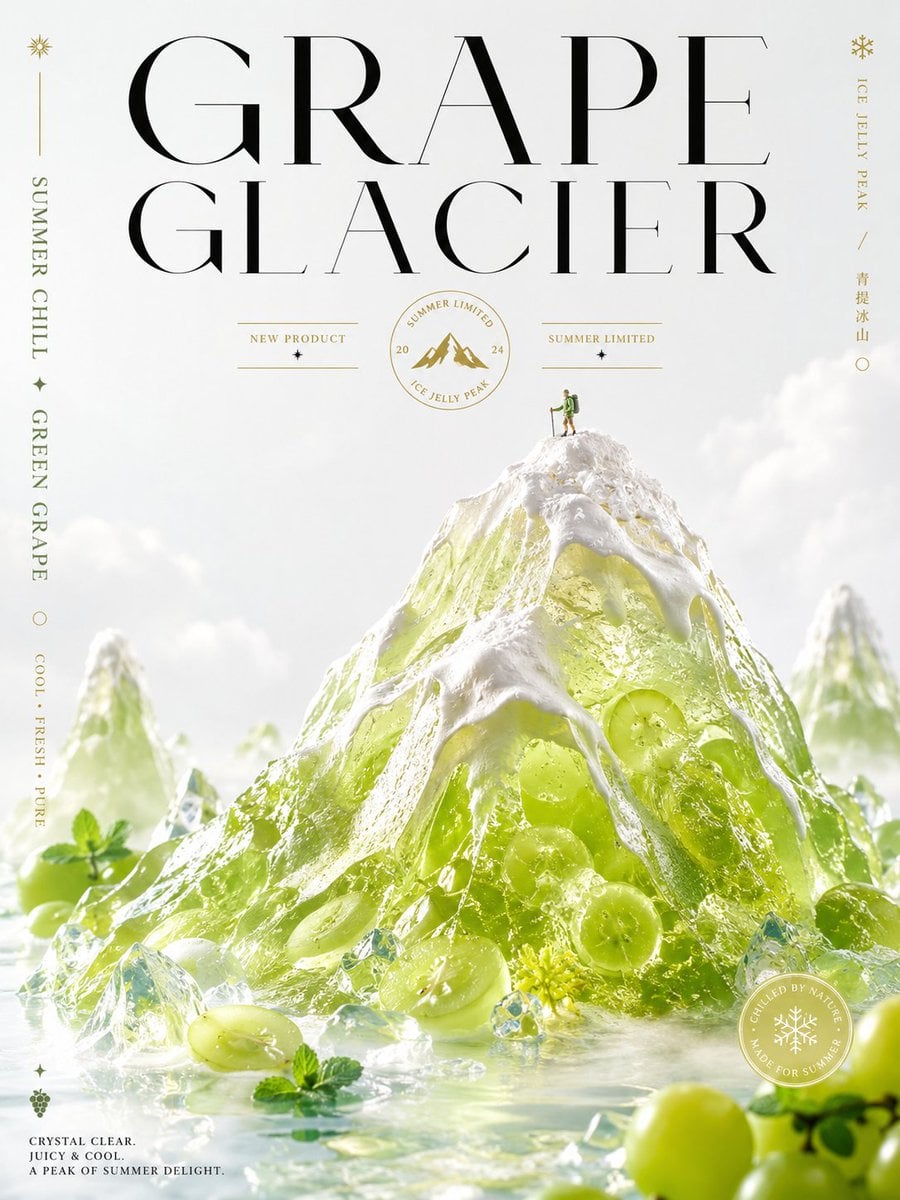
Creates a premium vertical food-ad poster featuring a translucent green grape jelly mountain styled as an icy alpine dessert campaign.
- Prompt included
- Model and format preset
- Premium template
The prompt behind this image
Copy the exact prompt behind Luxury Grape Glacier Poster, or open it in the studio and make it yours.
Goal: Create a luxurious editorial beverage/dessert poster for a fictional summer product called {argument name="product name" default="GRAPE GLACIER"}, blending mountain landscape, translucent grape jelly, ice, and high-fashion typography. Canvas: Vertical poster, 3:4 ratio, bright white studio background with soft mist and pale clouds. Premium magazine-ad composition with lots of airy negative space at the top and a cold, glossy dessert landscape in the lower two-thirds. Main subject: A giant translucent green grape-jelly mountain shaped like an alpine peak, centered and slightly lower than mid-frame. The jelly is lime-green to pale chartreuse, crystal clear, with whole green grapes visibly embedded inside. Thick white whipped-cream or snow-like topping drapes over the ridges like snowcaps. The mountain sits in shallow icy water with floating crushed ice crystals, grape halves, whole green grapes, small mint leaves, and tiny yellow-green blossoms. Add two softer, out-of-focus jelly mountains in the background, one on the left and one on the right, for depth. Human scale detail: Place exactly 1 tiny hiker standing on the summit of the main jelly mountain, wearing green hiking clothes and a backpack, holding trekking poles, emphasizing the mountain scale. Typography and text layout: Use enormous elegant high-contrast Didot/Bodoni-style black serif type across the top in two lines: line 1 “GRAPE”, line 2 “GLACIER”. Letters should be very tall, refined, and widely spaced, partially overlapping the open sky area but not covering the mountain peak. Add fine gold accent typography and rules throughout, like a luxury product campaign. Visible text elements, exactly 10 distinct text groups: 1. Main title: “GRAPE GLACIER”. 2. Left vertical side text: “SUMMER CHILL”. 3. Left vertical side text below it: “GREEN GRAPE”. 4. Left vertical side text near lower left: “COOL · FRESH · PURE”. 5. Small center-left label: “NEW PRODUCT”. 6. Small center-right label: “SUMMER LIMITED”. 7. Circular gold emblem under the title: “SUMMER LIMITED” around the top, “ICE JELLY PEAK” around the bottom, “20” on the left and “24” on the right, with a small mountain icon in the middle. 8. Right vertical side text: “ICE JELLY PEAK”. 9. Right vertical side text in Chinese: “青提冰山”. 10. Bottom-left caption: “CRYSTAL CLEAR. JUICY & COOL. A PEAK OF SUMMER DELIGHT.” Decorative elements, exactly 8 small gold/green graphic accents: a small sunburst at the upper left, a thin vertical gold line below it, a small snowflake at the upper right, a small star below each of the two small center labels, one outlined circle on the left side, one small diamond/star near the lower left, and one tiny grape-cluster icon at the bottom left. Seal detail: Add exactly 1 circular translucent white-and-gold seal near the lower right over the icy water, containing a snowflake icon and the words “CHILLED BY NATURE” and “MADE FOR SUMMER”. Color and materials: White, pale gold, icy transparent green, crystal blue highlights, glossy wet reflections, soft vapor, frosted glass, realistic jelly translucency, sparkling ice refraction. Product flavor is {argument name="flavor" default="green grape"}; keep the grapes vivid and fresh. Style: Ultra-polished luxury food advertising, photorealistic 3D render mixed with editorial graphic design, bright high-key lighting, crisp macro details in the foreground, shallow depth of field, ethereal summer-cold atmosphere, premium dessert aesthetics. Constraints: Keep all text clean and legible, avoid extra text beyond the listed groups, use exactly 1 hiker, exactly 3 jelly mountains total, and maintain a refined minimalist white-and-gold poster look.
How to use Luxury Grape Glacier Poster in 3 steps
- 1Upload ImagePNG, JPG or paste
Add your photo
Upload the photo the template builds on. The prompt, model and format are already set.
- 2…a portrait of your subject in softgolden-hour light, 85mm…
Personalize
Edit the subject and creative details for your destination.
- 3Generate
Generate
Press Generate — your image is created in PicX Studio, so you can compare it with the original and refine one variable at a time.
More like this
Templates with the same subject, style or setup. Open one to see its prompt.



Make it yours
Luxury Grape Glacier Poster works as-is. These are the safest ways to change it without losing the look.
Change one field
Copy a single group, rewrite it, and generate again so you can see what that field is doing.
Keep the frame, change the subject
Hold the composition and light of Luxury Grape Glacier Poster, then swap wardrobe, props or the person for a new take.
| If the result… | Why | Fix |
|---|---|---|
| The result drifts from the preview | Too many fields changed at once. | Reuse Luxury Grape Glacier Poster as-is first, then change one group — subject, light, or setting. |
| The model over-stylizes the scene | The prose prompt leaves finish and camera underspecified. | Add one camera or lighting sentence and stay on GPT Image 2. |
More GPT Image 2 templates
Other prompts made for GPT Image 2.

Six VTuber Japanese Logo Sheet

Realistic Portrait of Woman and Deer

The Vista Modular Condo Poster

AI Model Routing Comparison Infographic

2.5D Anime Art Board

Isometric Productivity Desk Scene

New York Double Exposure Poster

Four-Panel AI Landscape Comparison

Japanese Tatami Lifestyle Magazine Cover

NESCAFÉ Coffee Map Poster
More image prompts
Fresh picks from across the catalog.

Nano Banana Pro 4-Panel Manga Prompt: The Ultimate Choice
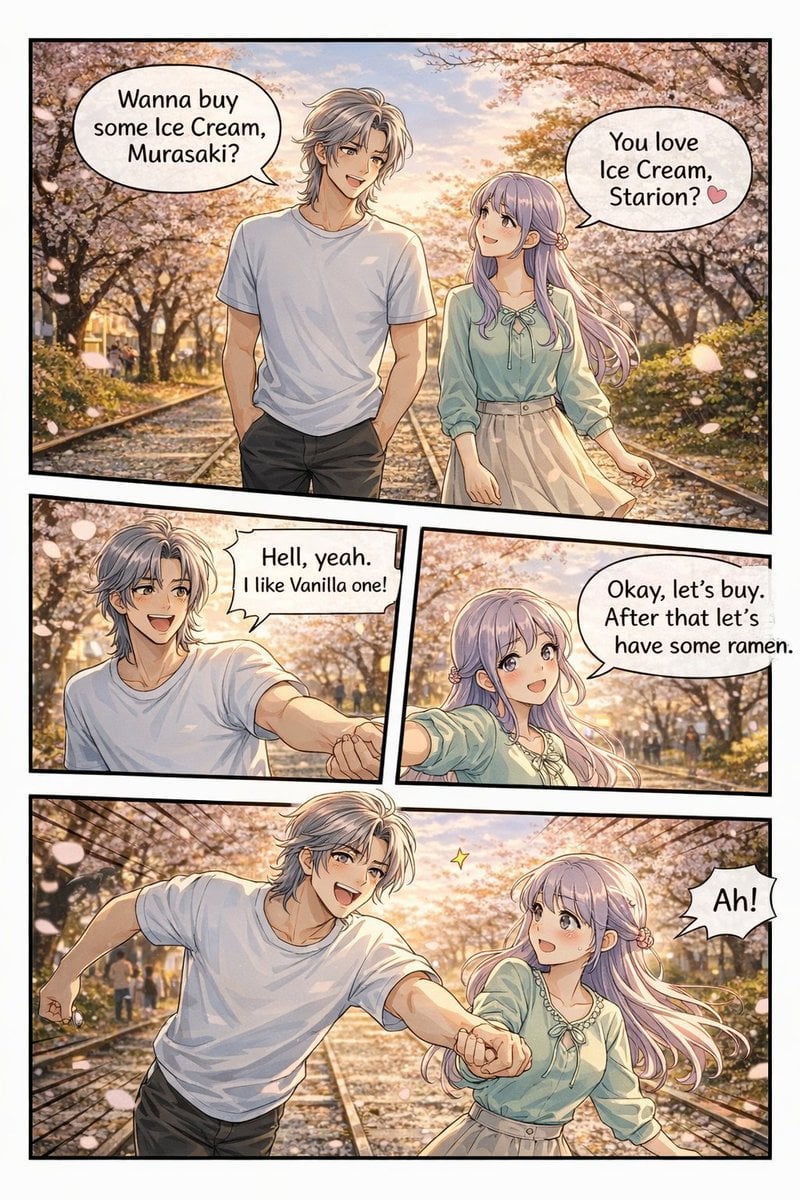
Panel Anime Romance Comic Strip
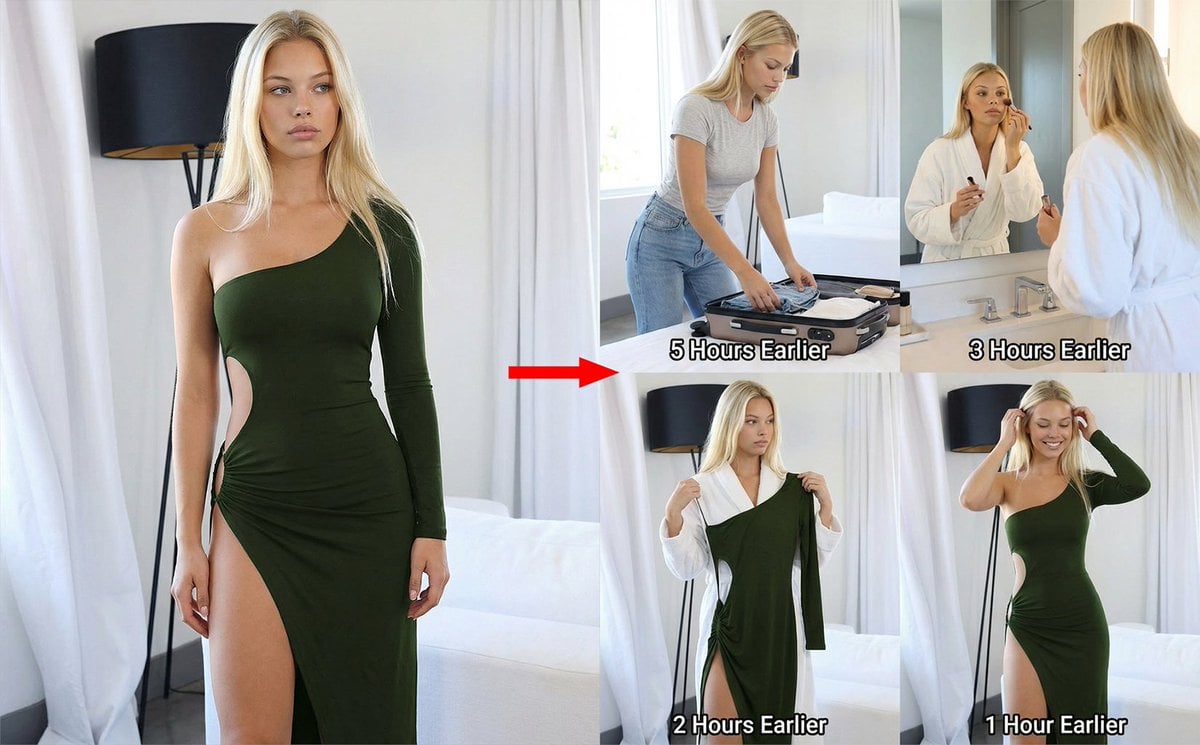
2x2 Grid Prompt for Preceding Events
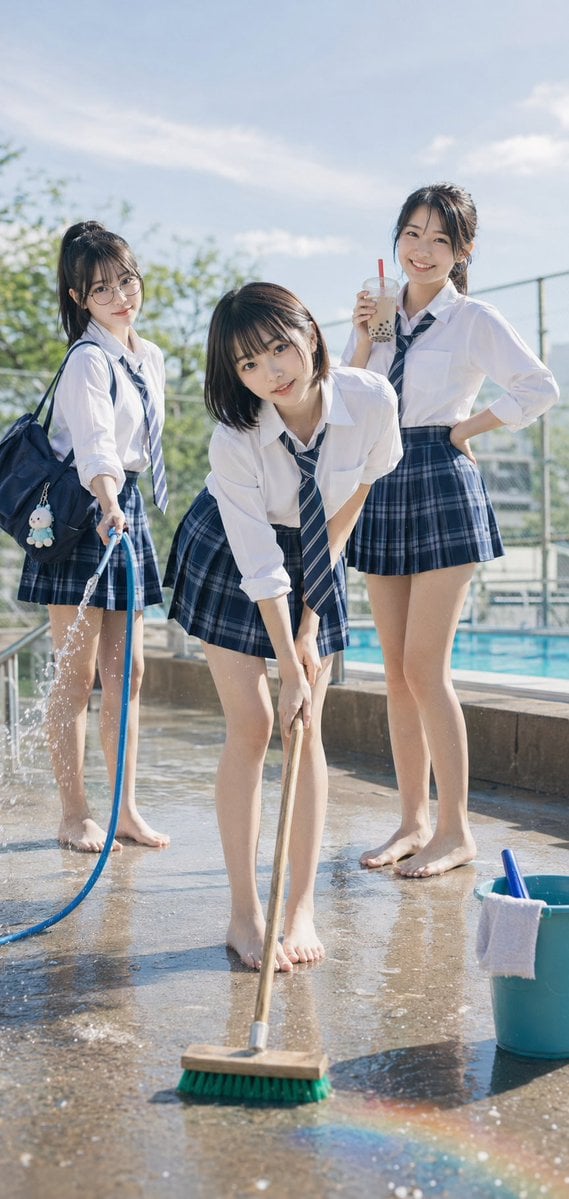
Poolside School Cleaning Scene

Urban Fantasy Summoning Scene with Liquid Sharks
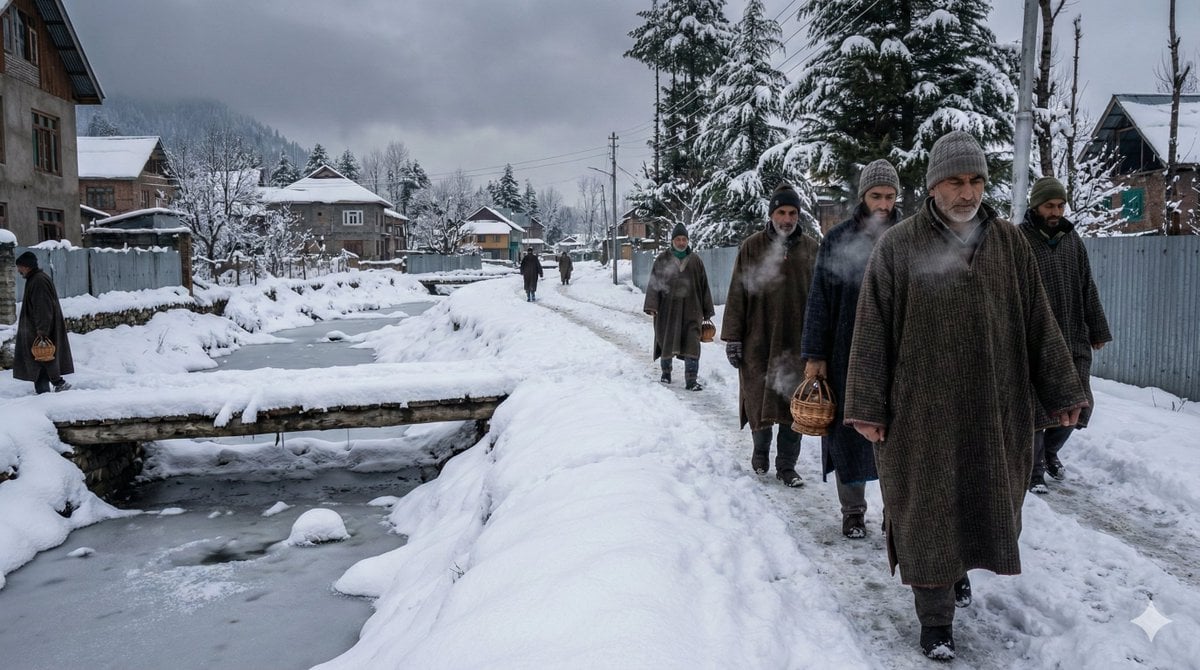
Cinematic Winter Scene in Kashmir Prompt
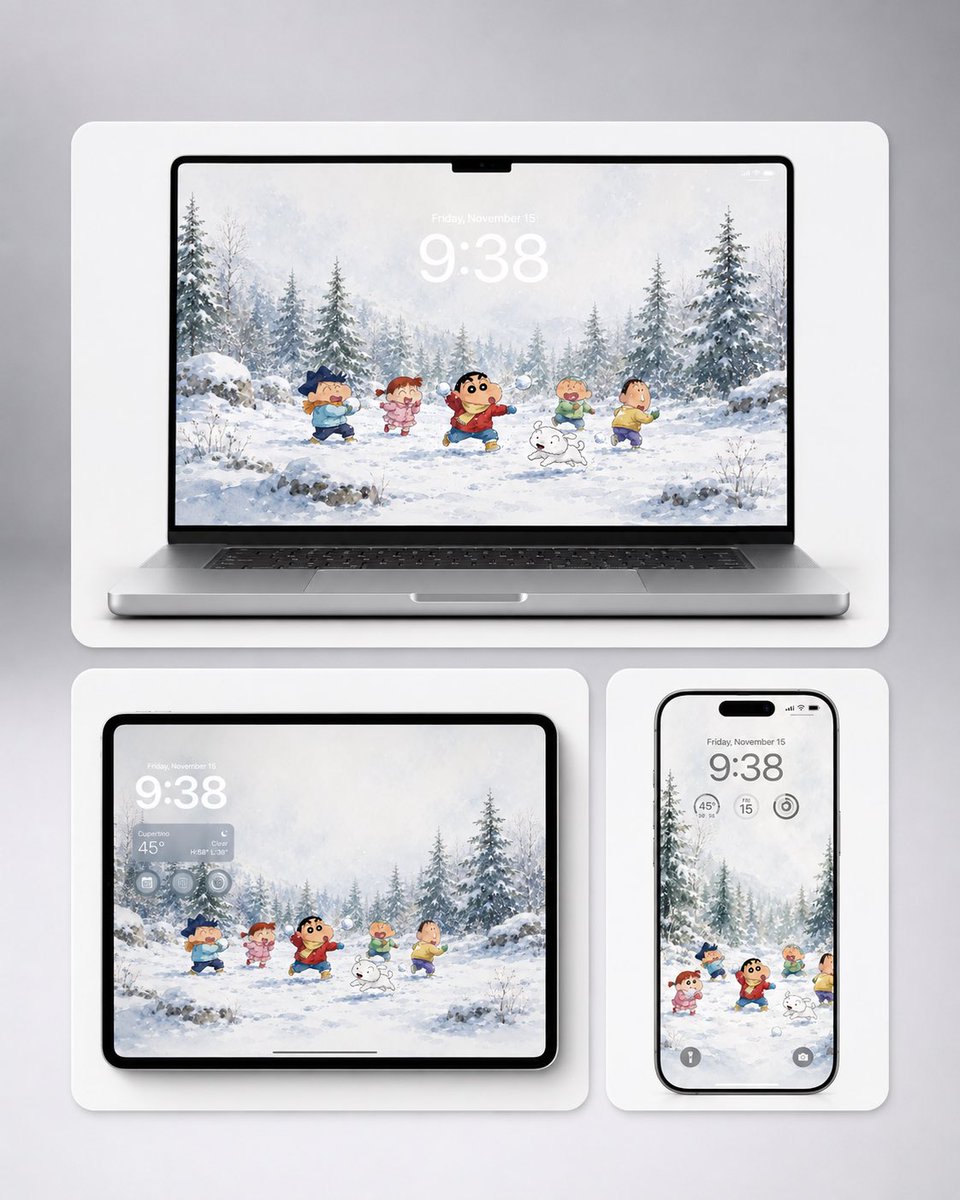
Shin-chan Winter Device Wallpaper Mockup
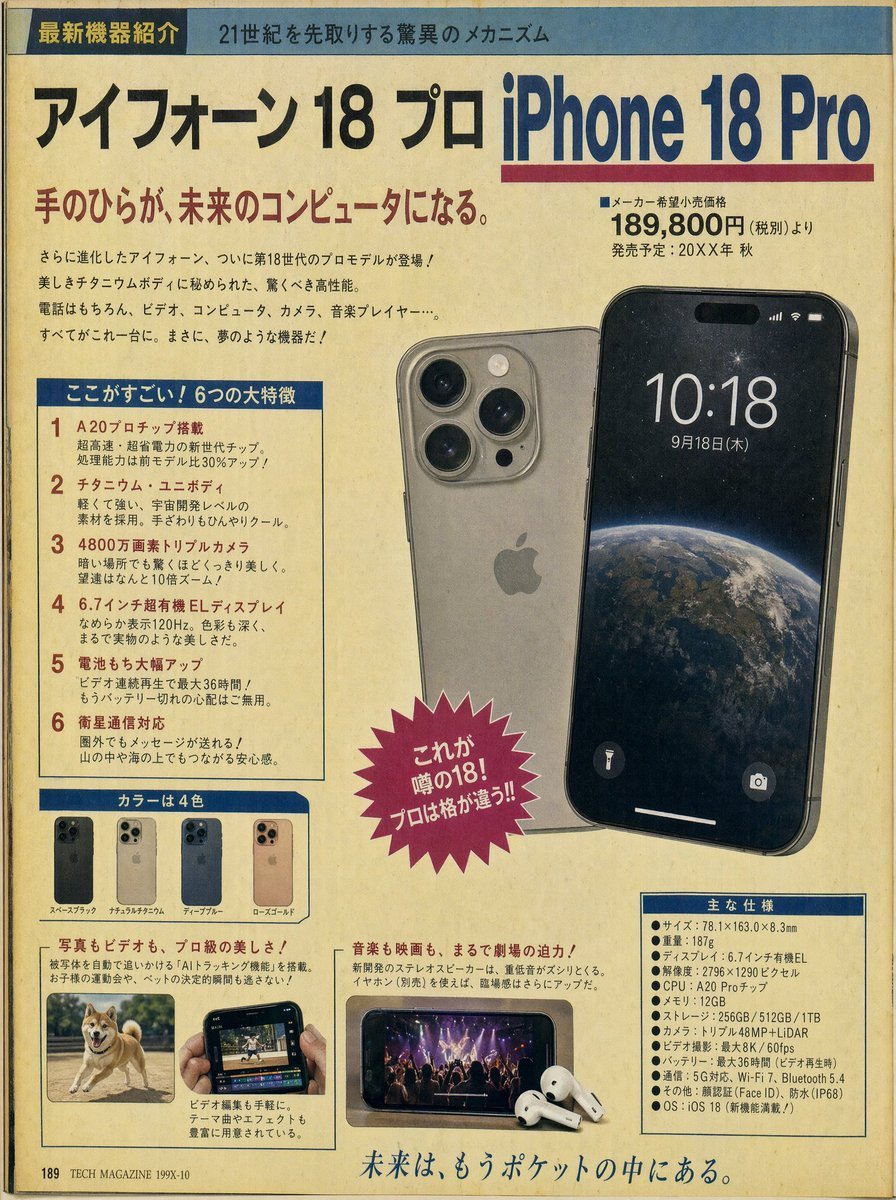
Retro Japanese Tech Magazine Layout
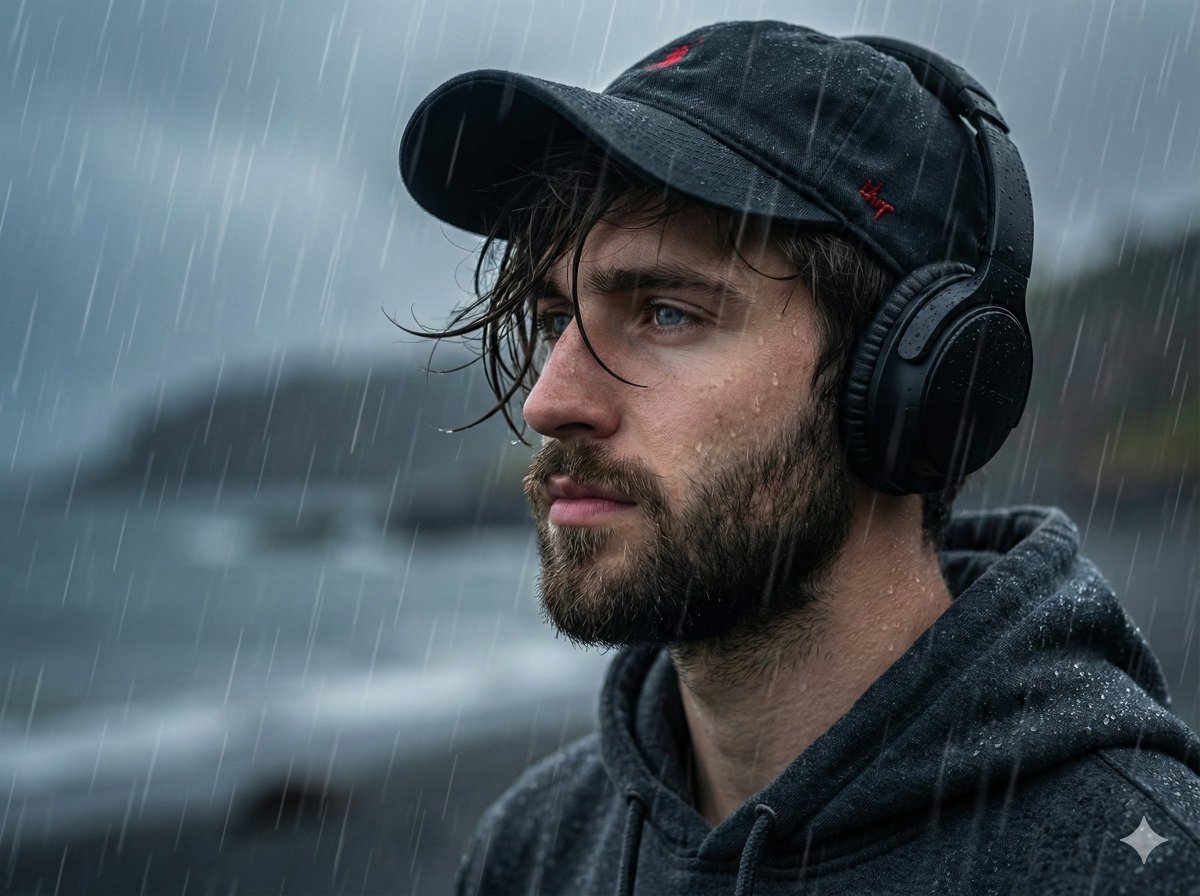
Melancholic Portrait in Coastal Rain
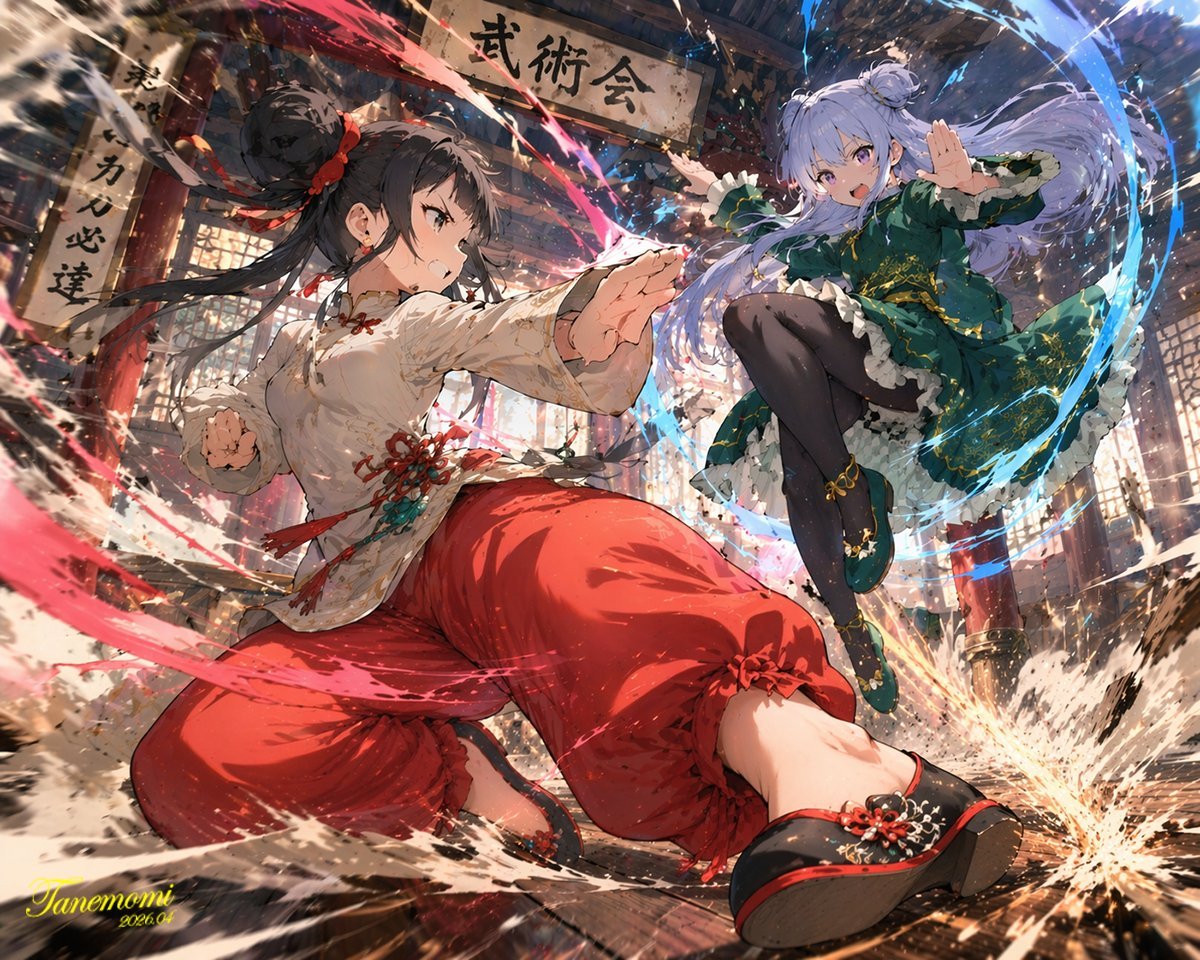
Gpt2 Anime Martial Arts Battle Illustration
Browse template categories
Luxury Grape Glacier Poster questions
How do I use the Luxury Grape Glacier Poster template?
Add your photo if the template asks for one, edit the prompt if you like — the template's model and format are already selected — and press Generate. Your version opens in PicX Studio.
Can I customize the Luxury Grape Glacier Poster template?
Yes. You can change the subject, setting, lighting, mood, format, and available model controls before creating your image.
Is the Luxury Grape Glacier Poster template free?
Opening and editing this template is free. Generating uses credits, shown on the Generate button when you are signed in.
Which AI model should I use?
Start with GPT Image 2, which is the model associated with this template. You can compare another compatible model for a different finish.
Looking for something else? Browse all templates.

Your photo, any look
Thousands of ready templates for every top image and video model, from one credit balance.