
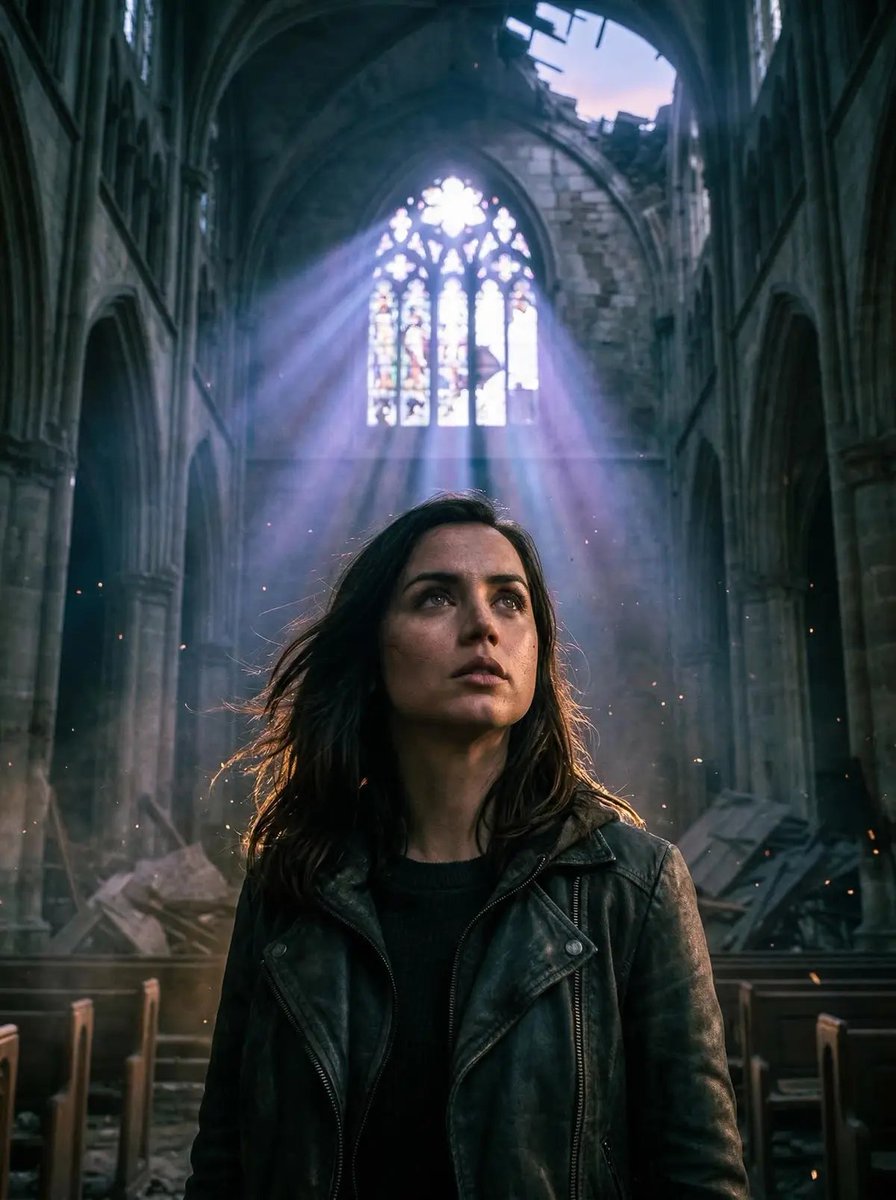
Cinematic Portrait in Ruined Gothic Cathedral
A dramatic, cinematic portrait prompt for Gemini Nano Banana 2, featuring a subject in an abandoned gothic cathedral at twilight, emphasizing low-angle perspective, intense volumetric god rays, chiaroscuro shadows, and…
- Prompt included
- Model and format preset
- Free template
The prompt behind this image
Copy the exact prompt behind Cinematic Portrait in Ruined Gothic Cathedral, or open it in the studio and make it yours.
Cinematic dramatic portrait of [{argument name="subject description" default="your description"}], low camera angle looking up heroically, intense volumetric god rays piercing through shattered stained-glass windows and collapsed roof in an abandoned gothic cathedral at twilight, cool blue-purple volumetric light beams cutting through thick dust, incense-like haze, and floating particles, strong rim lighting and subtle warm backlight halo around the face and hair, sharp chiaroscuro shadows sculpting facial features, towering ruined stone arches, broken pews and debris softly blurred in background, dynamic contemplative pose - head tilted slightly upward toward the divine light, eyes gazing intensely into the beams, subtle wind moving hair and clothing, moody ethereal atmosphere blending dystopian ruin with sacred majesty, film still from dark fantasy epic, volumetric fog everywhere, god rays dominating composition, ultra-realistic skin texture with pores and subtle highlights, anamorphic lens flares, cinematic color grade with deep teal shadows and faint golden rim, shot on 35mm Arri Alexa, directed by Ridley Scott or Guillermo del Toro, atmospheric depth, masterpiece.
How to use Cinematic Portrait in Ruined Gothic Cathedral in 3 steps
- 1
Open
The prompt is already in the box next to the preview, with the template's model and format selected.
- 2…a portrait of your subject in softgolden-hour light, 85mm…
Personalize
Edit the subject and creative details for your destination.
- 3Generate
Generate
Press Generate — your image is created in PicX Studio, so you can compare it with the original and refine one variable at a time.
More like this
Templates with the same subject, style or setup. Open one to see its prompt.

Gothic Nun Cathedral Portrait
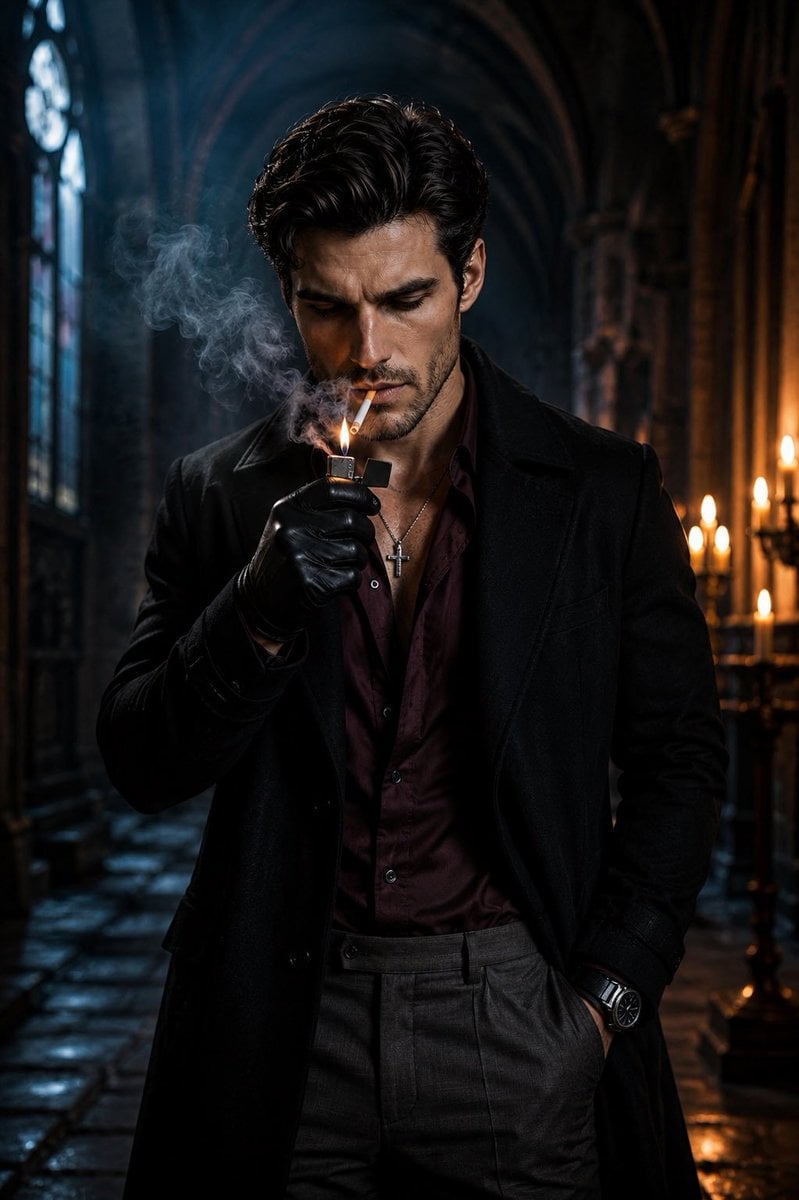
Cinematic Gothic Cathedral Portrait
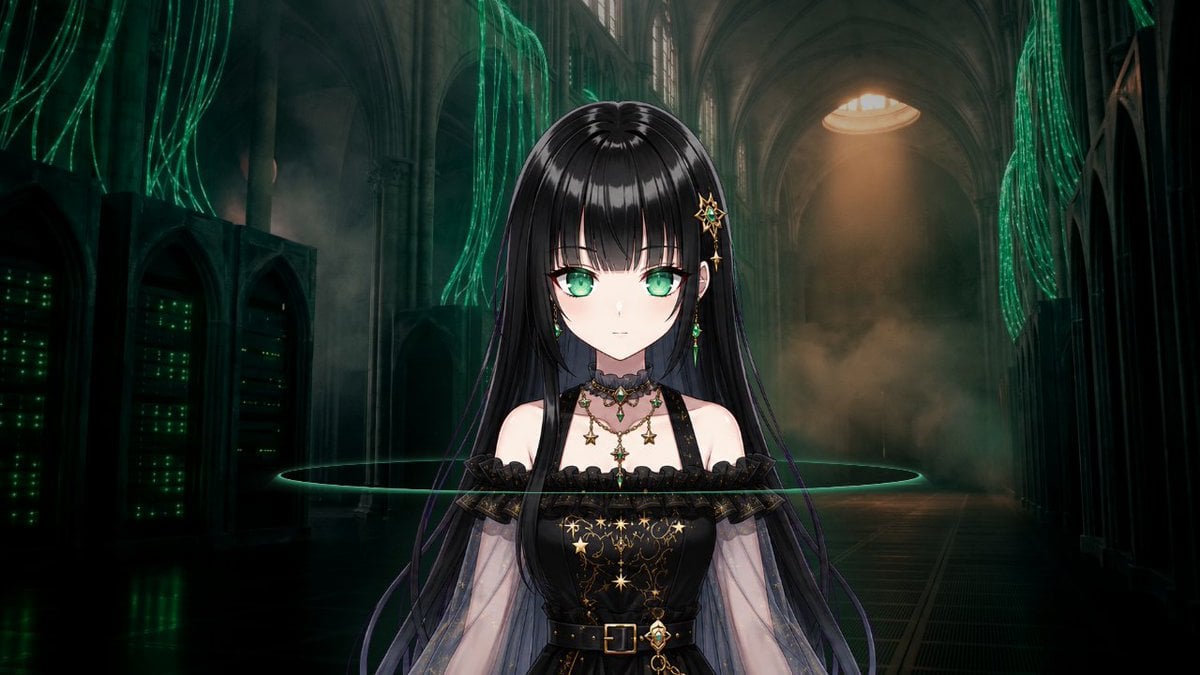
Gothic Cyber VTuber Cathedral Portrait

Found Photograph: Us, 1970

80s Couple Studio Portrait

80s Bollywood Star

80s Golden Hour Cinema

Me in 1985

1985 Studio Portrait
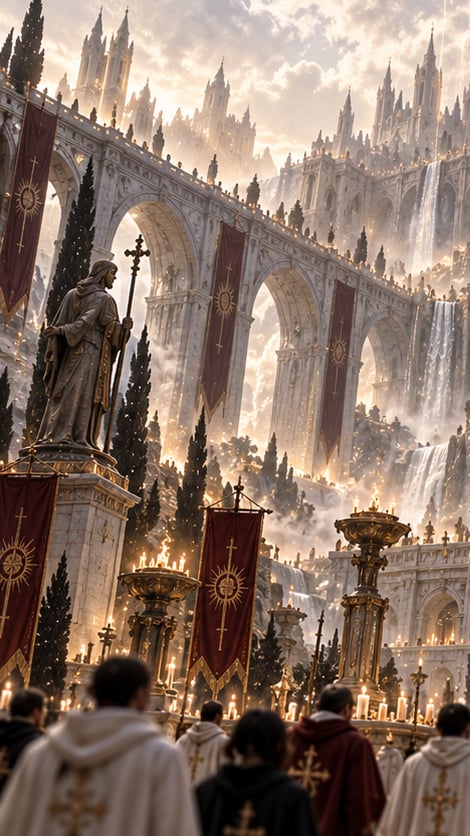
Gothic Saint Pilgrimage Cathedral

Hyper-Realistic Minecraft POV Portrait
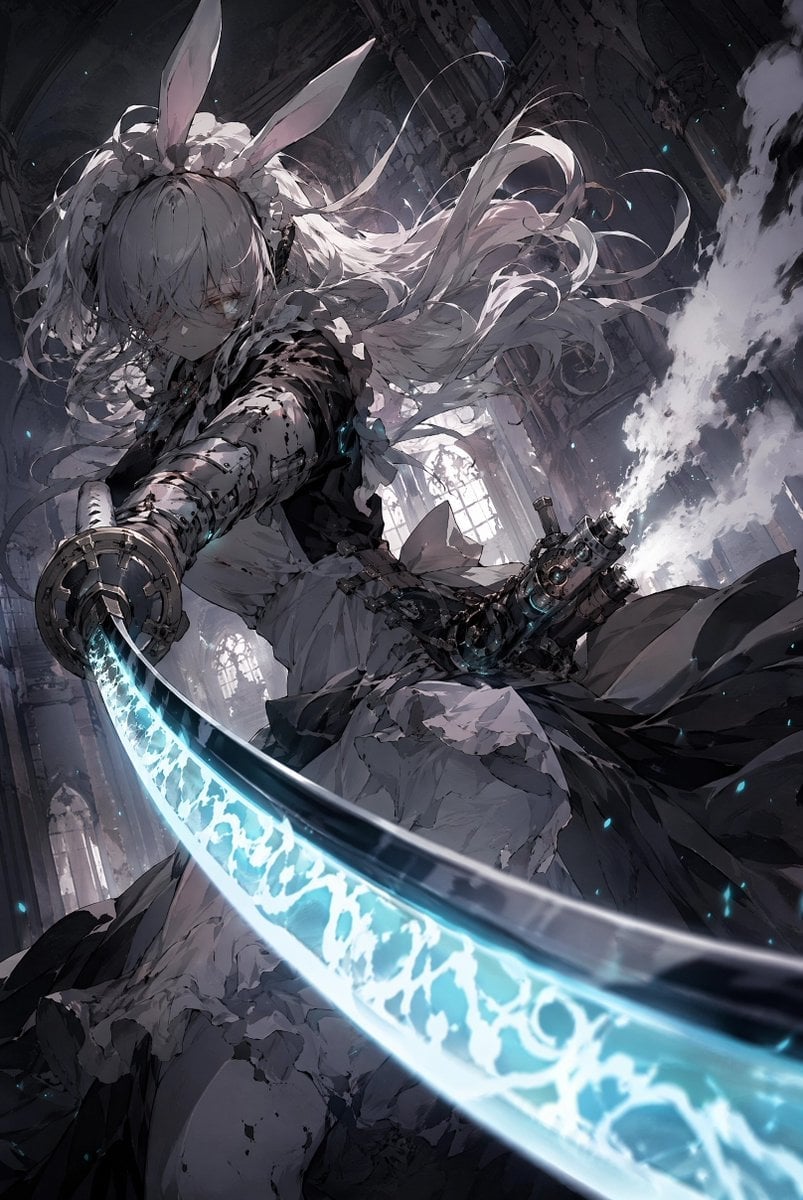
Rabbit-Eared Swordswoman in Ruined Cathedral
Make it yours
Cinematic Portrait in Ruined Gothic Cathedral works as-is. These are the safest ways to change it without losing the look.
Change one field
Copy a single group, rewrite it, and generate again so you can see what that field is doing.
Keep the frame, change the subject
Hold the composition and light of Cinematic Portrait in Ruined Gothic Cathedral, then swap wardrobe, props or the person for a new take.
| If the result… | Why | Fix |
|---|---|---|
| The result drifts from the preview | Too many fields changed at once. | Reuse Cinematic Portrait in Ruined Gothic Cathedral as-is first, then change one group — subject, light, or setting. |
| The model over-stylizes the scene | The prose prompt leaves finish and camera underspecified. | Add one camera or lighting sentence and stay on Nano Banana 2. |
More Nano Banana 2 templates
Other prompts made for Nano Banana 2.

Photorealistic Leaf Shaped Like a Dragon

K-Pop Idol Portrait Grid for Rapid Selection

Poetic Rain Forest Portrait During Golden Hour

Urban Street Portrait with Cartoon Inner Self Duo

Candid Nighttime Photo with Cat Prompt

High-Concept 3D Diorama Generation Prompt

Cinematic Futuristic Studio Portrait Template

Skincare Editorial Photography Collage Prompt

Hyper-Realistic Commercial Product Photography (Splash Effect)

Hyper-Realistic Nightclub Portrait Prompt
More image prompts
Fresh picks from across the catalog.

Hyper-Realistic Red Bull Can Ice Explosion Commercial
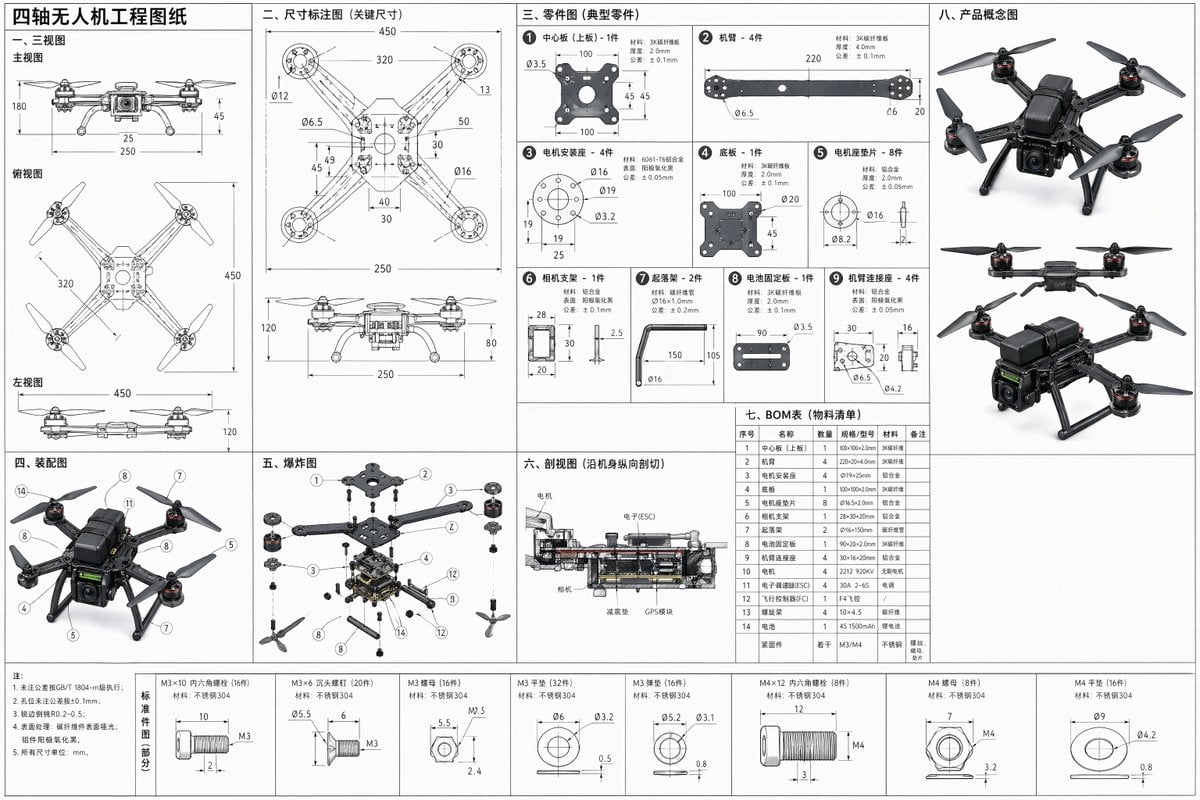
Technical Drone Engineering Blueprint
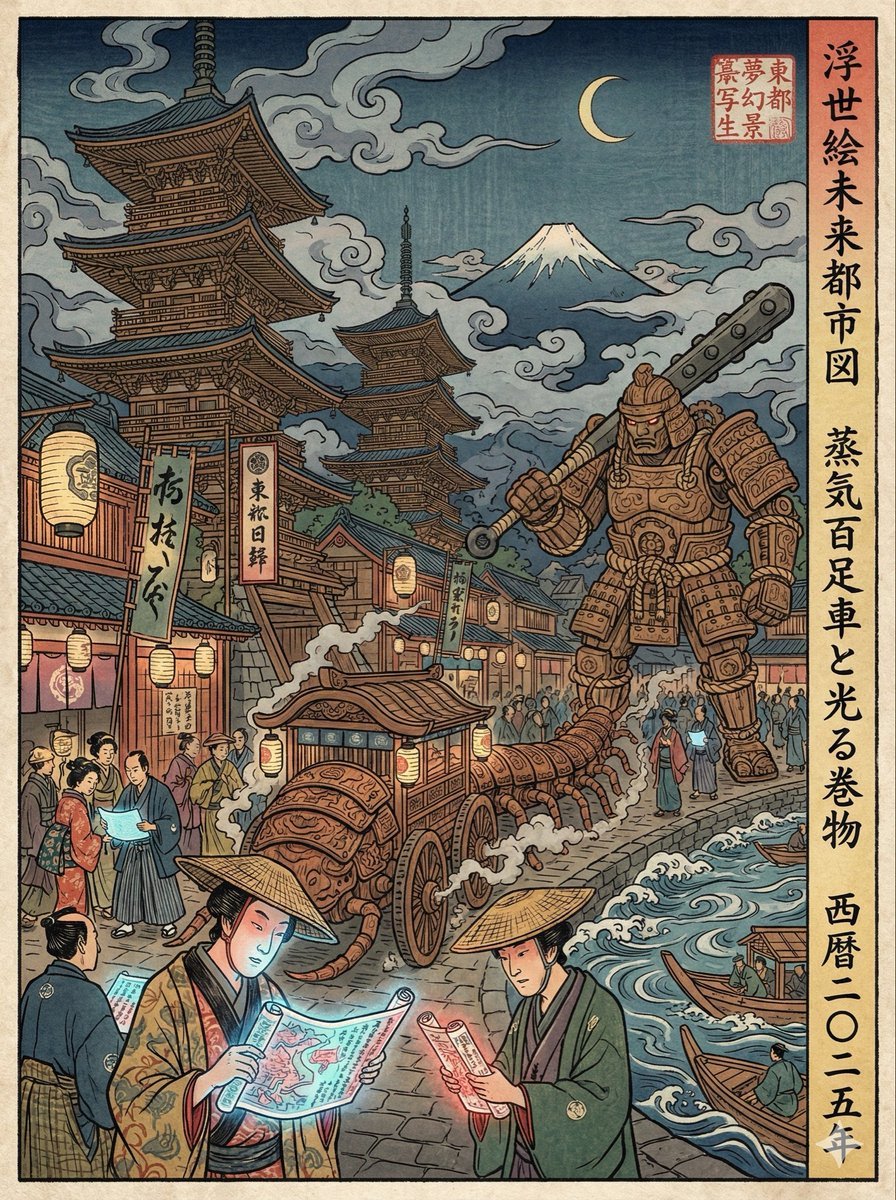
Edo-period Ukiyo-e reinterpretation of a modern scene
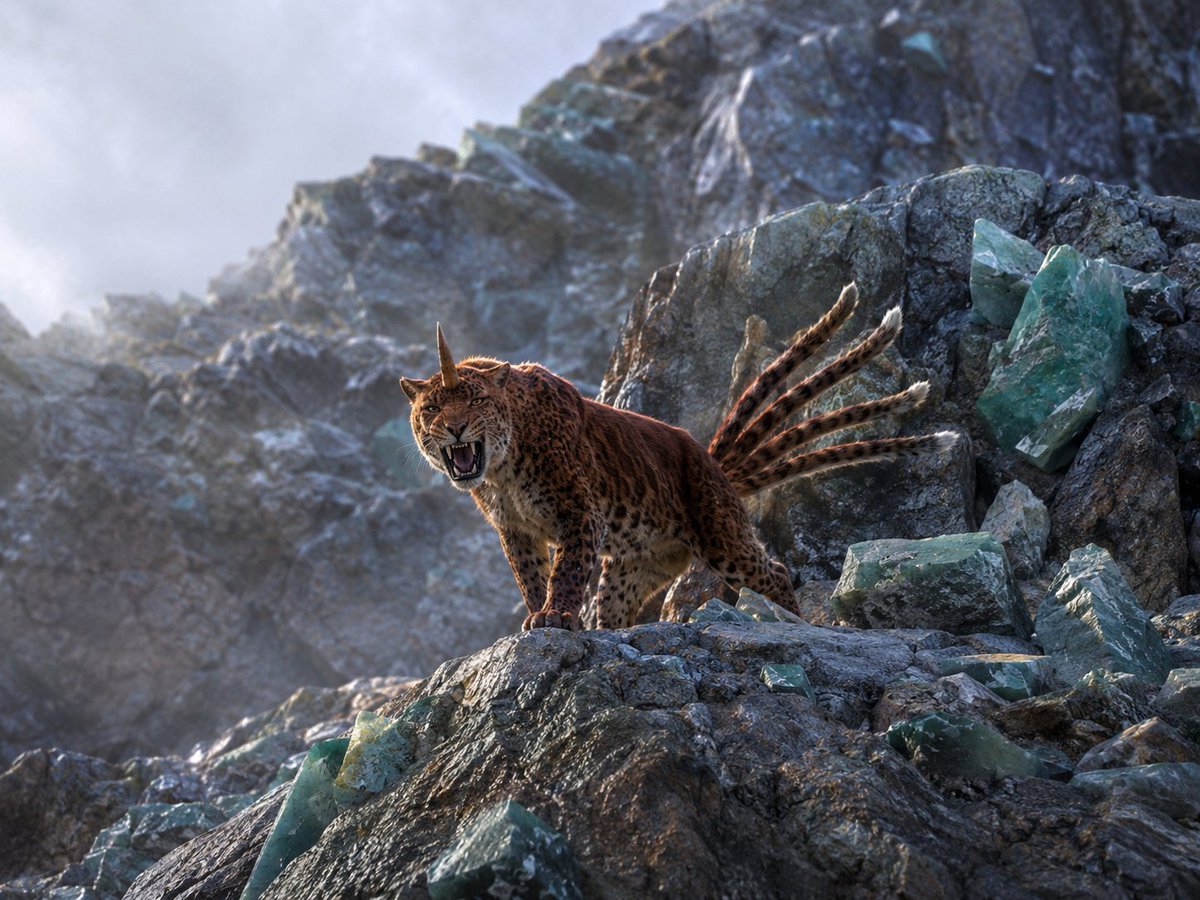
Horned Six-Tailed Mountain Beast

Surreal Violet Sports Ad Poster
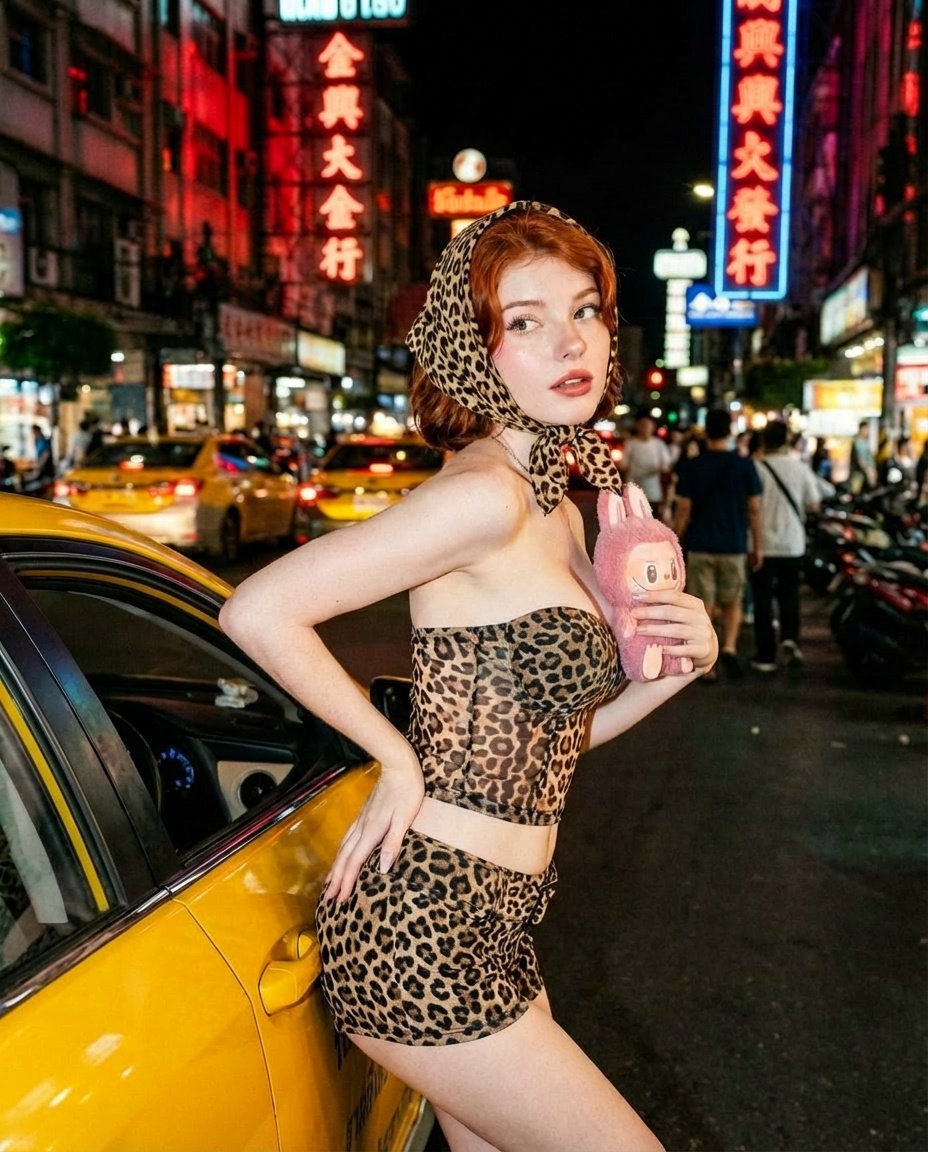
Neon City Nightlife Fashion Editorial Prompt
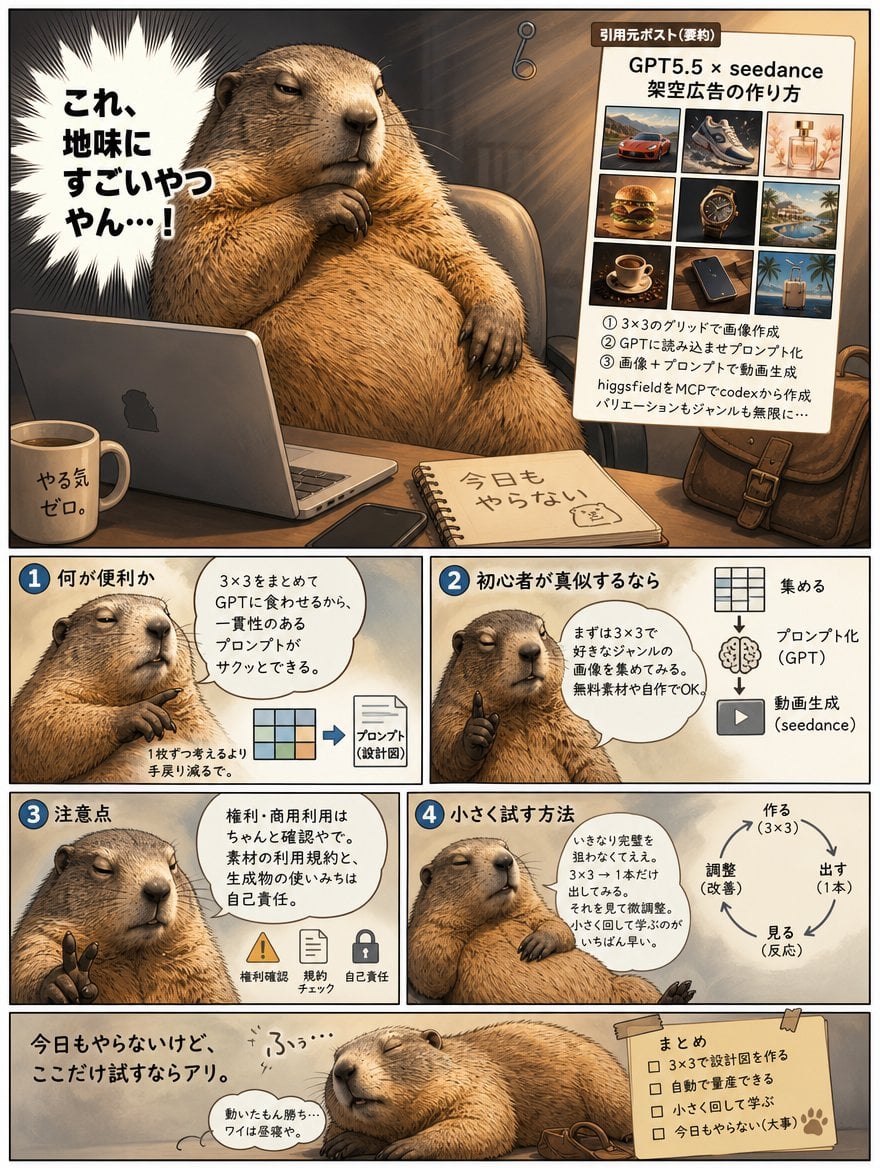
Lazy Capybara Ad Workflow Comic

VTuber Logo Concept Grid

X Chatgptpaglu Gpt Image 2 on Yapper So
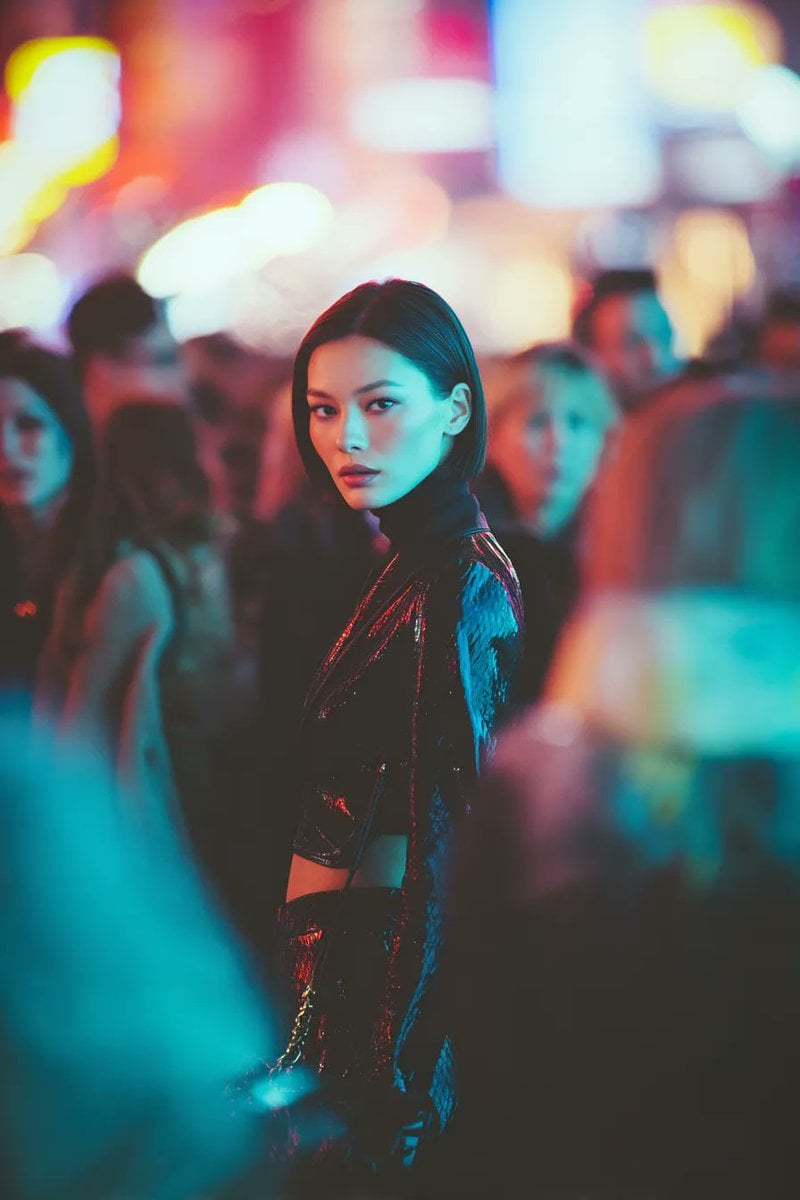
Ultra-realistic Cyberpunk Fashion Portrait
Browse template categories
Cinematic Portrait in Ruined Gothic Cathedral questions
How do I use the Cinematic Portrait in Ruined Gothic Cathedral template?
Add your photo if the template asks for one, edit the prompt if you like — the template's model and format are already selected — and press Generate. Your version opens in PicX Studio.
Can I customize the Cinematic Portrait in Ruined Gothic Cathedral template?
Yes. You can change the subject, setting, lighting, mood, format, and available model controls before creating your image.
Is the Cinematic Portrait in Ruined Gothic Cathedral template free?
Opening and editing this template is free. Generating uses credits, shown on the Generate button when you are signed in.
Which AI model should I use?
Start with Nano Banana 2, which is the model associated with this template. You can compare another compatible model for a different finish.
Looking for something else? Browse all templates.

Your photo, any look
Thousands of ready templates for every top image and video model, from one credit balance.