
Lazy Capybara Ad Workflow Comic
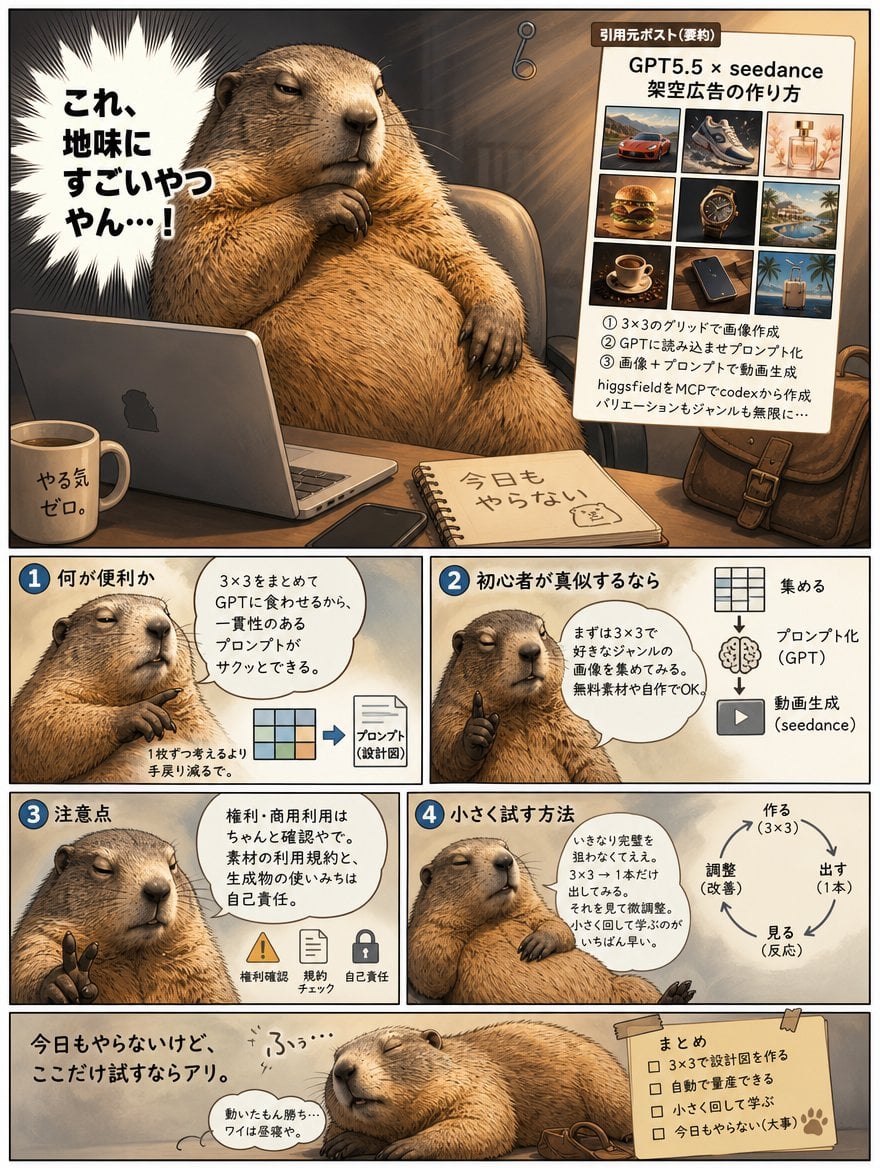
A Japanese instructional comic showing a sleepy capybara explaining a 3×3 GPT and seedance workflow for scalable ad video creation.
- Prompt included
- Model and format preset
- Free template
The prompt behind this image
Copy the exact prompt behind Lazy Capybara Ad Workflow Comic, or open it in the studio and make it yours.
Goal: Create a single-page Japanese manga-style instructional comic about using a 3×3 image grid with GPT and seedance to generate advertising videos, narrated by a lazy but wise capybara. Make it look like a polished social media explainer comic with warm lighting, detailed animal rendering, and hand-drawn panel borders. Canvas: Vertical 4:5 page, about 768×960 px, cream paper background with thin black outer border. Use a warm sepia-brown palette, soft shadows, cinematic illustration, semi-realistic capybara fur, manga speech bubbles, and clean readable Japanese typography. Main character: A large chubby capybara with tan-brown fur, sleepy half-closed eyes, relaxed smug expression, and small dark paws. The capybara acts like a laid-back advertising strategist. Optional name: {argument name="character name" default="lazy capybara strategist"}. Layout: Use exactly 6 comic areas: 1 large hero panel at the top, 4 smaller instructional panels in a 2×2 grid underneath, and 1 wide closing panel at the bottom. Hero panel: The capybara sits at a wooden desk in a dim cozy office, one paw under its chin, in front of an open silver laptop. On the desk include exactly 4 visible desk items: a white mug labeled 「やる気ゼロ。」, a black smartphone, a spiral notebook labeled 「今日もやらない」 with a tiny capybara doodle, and a brown leather satchel at the right. Add a dramatic white spiky manga burst on the left with bold text: {argument name="burst quote" default="これ、地味にすごいやつやん…!"}. On the right side of the hero panel place a pinned beige reference poster titled 「引用元ポスト(要約)」 and main headline 「GPT5.5 × seedance 架空広告の作り方」. The poster contains exactly 9 thumbnail images in a 3×3 grid: red sports car, sneaker, perfume bottle, burger, luxury wristwatch, resort pool, coffee cup, smartphone on desk, tropical suitcase/beach scene. Under the grid, show four short numbered Japanese steps explaining: create images in a 3×3 grid, feed them to GPT to convert into a prompt, combine images plus prompt to generate video, and create variations with #higgsfield and MCP. Instruction panel 1: Top-left small panel with blue circle number 「1」 and title 「何が便利か」. Show capybara from the chest up, thoughtful and unimpressed. Include one speech bubble saying 「3×3をまとめてGPTに食わせるから、一貫性のあるプロンプトがサクッとできる。」 Add a small visual diagram at the bottom: a tiny 3×3 color grid arrow to a document icon labeled 「プロンプト(設計図)」. Add small caption 「1枚ずつ考えるより手戻り減るで。」 Instruction panel 2: Top-right small panel with blue circle number 「2」 and title 「初心者が真似するなら」. Capybara raises one finger like giving advice. Include a speech bubble: 「まずは3×3で好きなジャンルの画像を集めてみる。無料素材や自作でOK。」 On the right show exactly 3 vertically stacked icons with arrows: a 3×3 grid labeled 「集める」, a brain labeled 「プロンプト化(GPT)」, and a play button labeled 「動画生成(seedance)」. Instruction panel 3: Bottom-left small panel with blue circle number 「3」 and title 「注意点」. Capybara holds up two fingers with a serious sleepy expression. Speech bubble: 「権利・商用利用はちゃんと確認やで。素材の利用規約と、生成物の使いみちは自己責任。」 Along the bottom include exactly 3 warning icons with labels: yellow warning triangle 「権利確認」, document 「規約チェック」, lock 「自己責任」. Instruction panel 4: Bottom-right small panel with blue circle number 「4」 and title 「小さく試す方法」. Capybara leans on the panel edge, explaining calmly. Speech bubble: 「いきなり全額を狙わなくてええ。3×3→1本だけ出してみる。それを見て微調整。小さく回して学ぶのがいちばん早い。」 On the right draw a circular workflow with exactly 4 steps and arrows: 「作る(3×3)」, 「出す(1本)」, 「見る(反応)」, 「調整(改善)」. Closing panel: Wide bottom panel. Capybara lies sprawled on the desk, eyes closed, extremely lazy, with tiny snore text 「ふぅ…」. Large text on the left: {argument name="closing line" default="今日もやらないけど、ここだけ試すならアリ。"}. Add a small thought bubble: 「動いたもん勝ち…ワイは昼寝や。」 On the right place a taped yellow sticky-note checklist titled 「まとめ」 with exactly 4 unchecked items: 「3×3で設計図を作る」, 「自動で量産できる」, 「小さく回して学ぶ」, 「今日もやらない(大事)」, plus a paw-print mark. Visual style: Detailed semi-realistic capybara, manga/comic instructional layout, warm office lighting, soft beige shadows, expressive Japanese lettering, blue numbered badges, hand-drawn ink outlines, slight paper texture, humorous but professional social media explainer aesthetic. Constraints: Keep all Japanese text legible and in the locations described. Use exactly 6 panels, exactly 9 poster thumbnails, exactly 4 desk items, exactly 3 icons in panel 2, exactly 3 warning icons in panel 3, and exactly 4 workflow steps in panel 4. No photorealistic humans, no extra panels, no watermark, no English replacement for the visible Japanese labels.
How to use Lazy Capybara Ad Workflow Comic in 3 steps
- 1Upload ImagePNG, JPG or paste
Add your photo
Upload the photo the template builds on. The prompt, model and format are already set.
- 2…a portrait of your subject in softgolden-hour light, 85mm…
Personalize
Edit the subject and creative details for your destination.
- 3Generate
Generate
Press Generate — your image is created in PicX Studio, so you can compare it with the original and refine one variable at a time.
More like this
Templates with the same subject, style or setup. Open one to see its prompt.
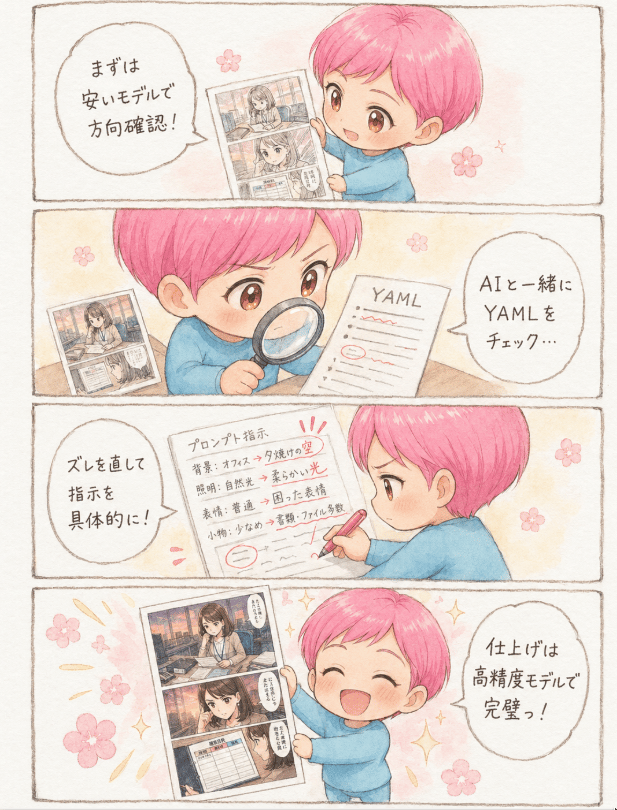
Watercolor AI Manga Workflow Comic

Pop Art Superhero Explosion Poster

Hero Portrait Comic Multi-Panel Poster

Spider-Man Noir Detective Rain Alley
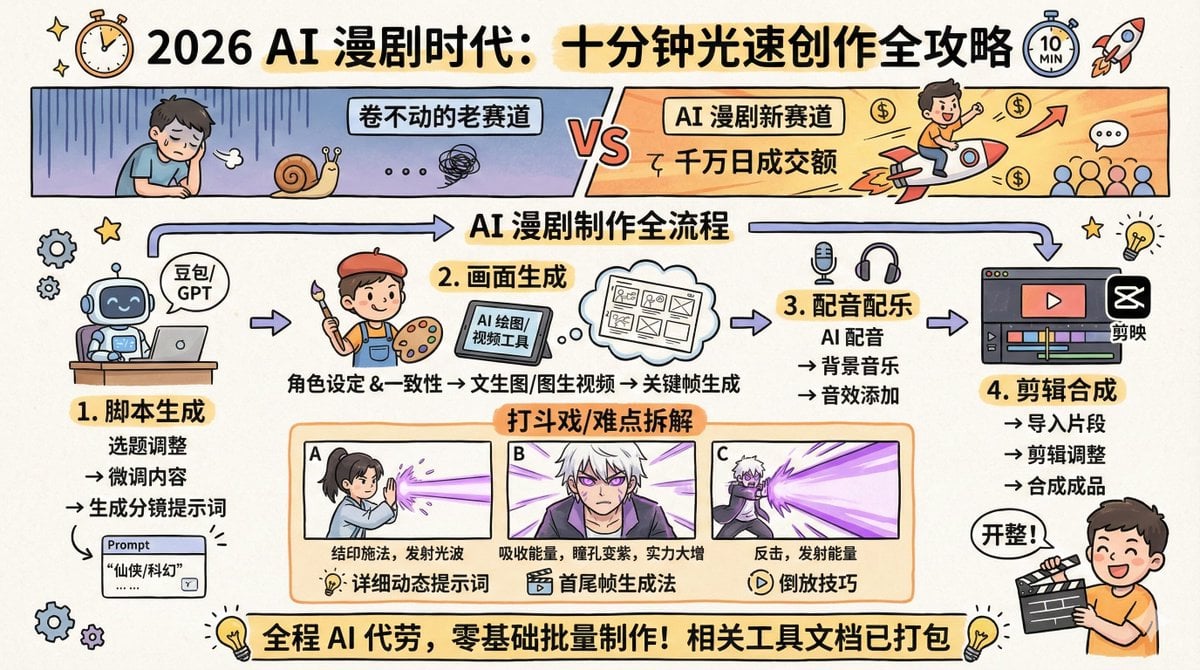
AI Comic Production Workflow and Infographic Prompt

Gpt2 E Commerce Main Image 9 Panel Product Tvc Storyboard
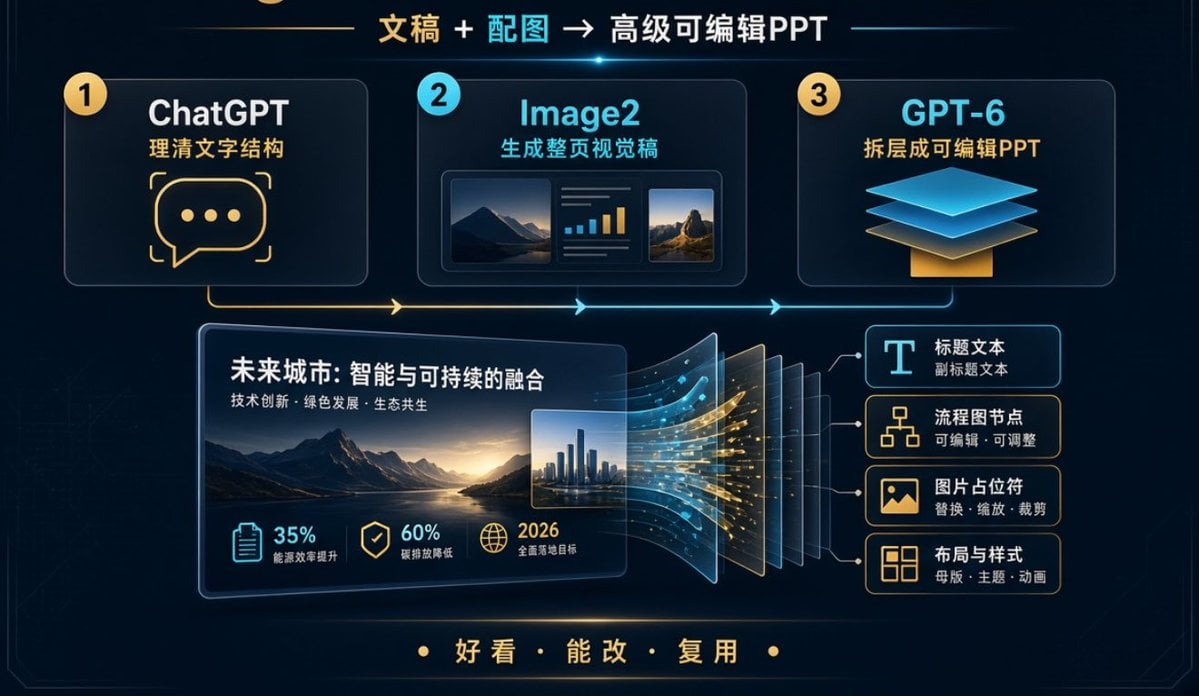
Editable PPT Workflow Infographic

Isometric Workflow Automation Illustration
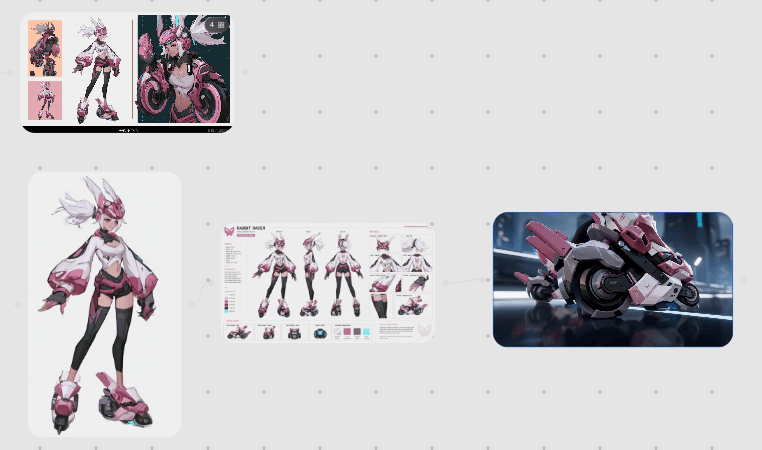
Rabbit Racer Workflow Board
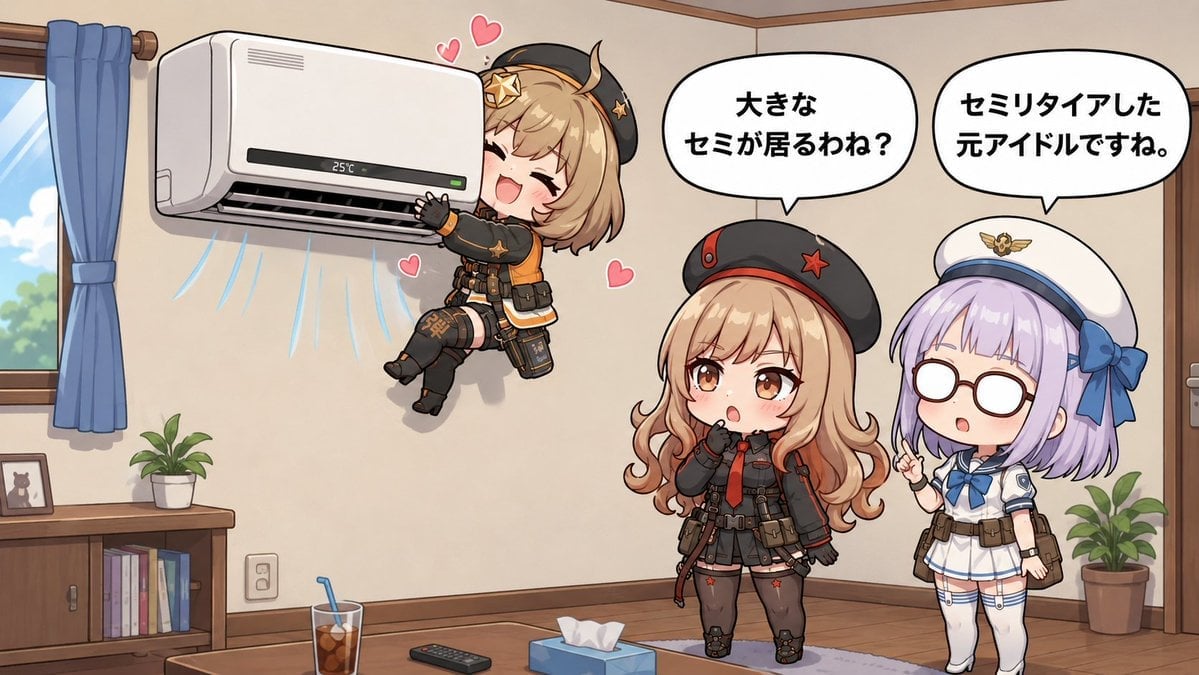
Chibi Girls Hugging Air Conditioner Comic
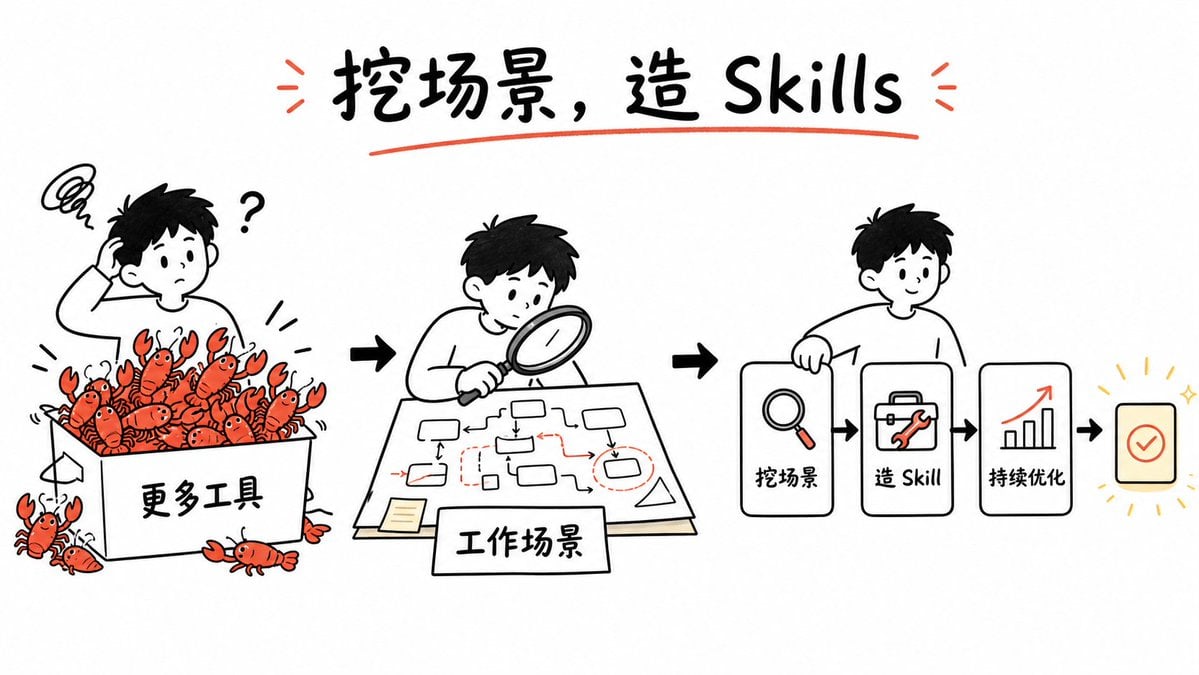
Whiteboard Skill-Building Workflow
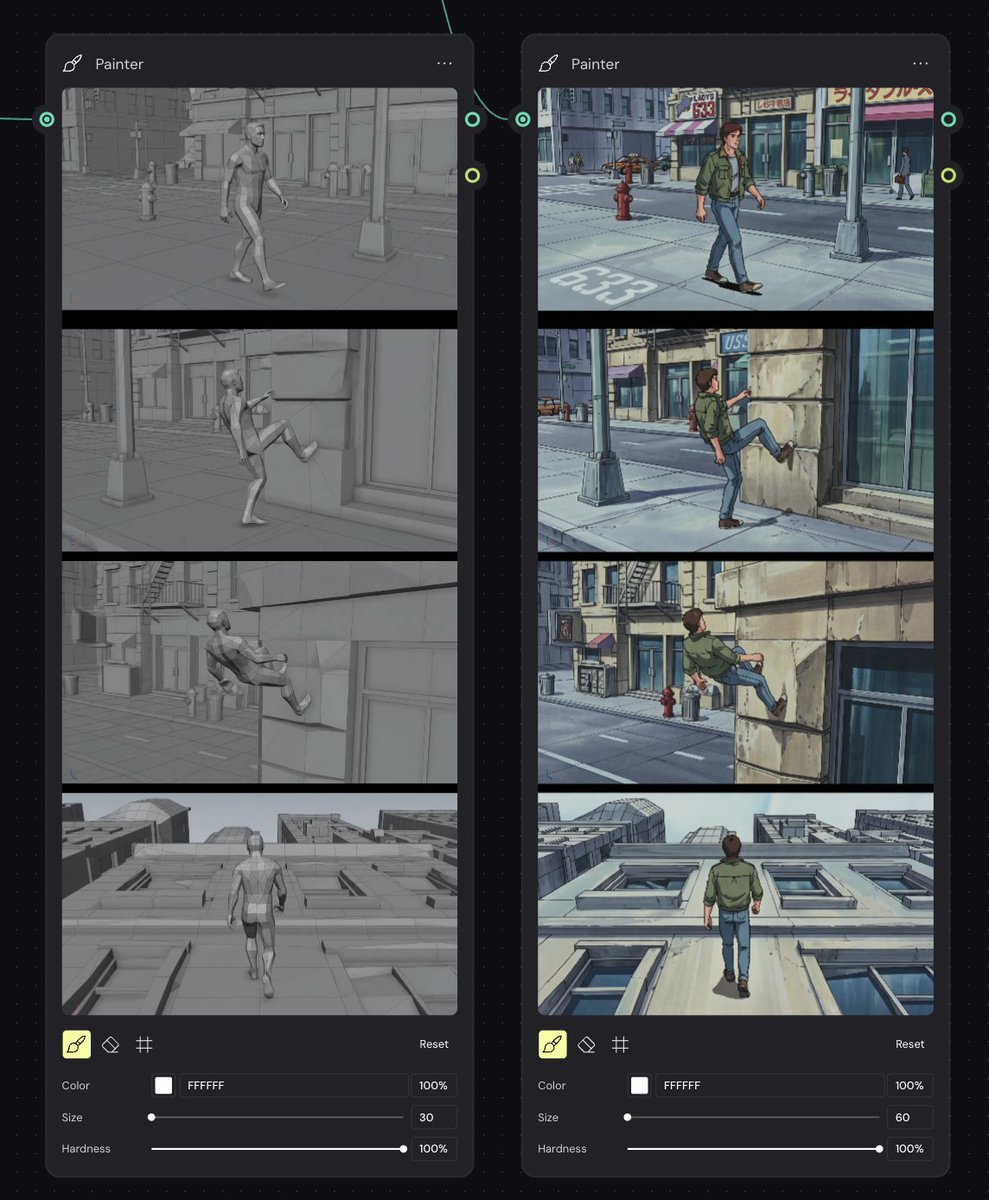
Storyboard Re-Render Workflow UI
Make it yours
Lazy Capybara Ad Workflow Comic works as-is. These are the safest ways to change it without losing the look.
Change one field
Copy a single group, rewrite it, and generate again so you can see what that field is doing.
Keep the frame, change the subject
Hold the composition and light of Lazy Capybara Ad Workflow Comic, then swap wardrobe, props or the person for a new take.
| If the result… | Why | Fix |
|---|---|---|
| The result drifts from the preview | Too many fields changed at once. | Reuse Lazy Capybara Ad Workflow Comic as-is first, then change one group — subject, light, or setting. |
| The model over-stylizes the scene | The prose prompt leaves finish and camera underspecified. | Add one camera or lighting sentence and stay on GPT Image 2. |
More GPT Image 2 templates
Other prompts made for GPT Image 2.

Six VTuber Japanese Logo Sheet

Realistic Portrait of Woman and Deer

The Vista Modular Condo Poster

AI Model Routing Comparison Infographic

2.5D Anime Art Board

Isometric Productivity Desk Scene

New York Double Exposure Poster

Four-Panel AI Landscape Comparison

Japanese Tatami Lifestyle Magazine Cover

NESCAFÉ Coffee Map Poster
More image prompts
Fresh picks from across the catalog.
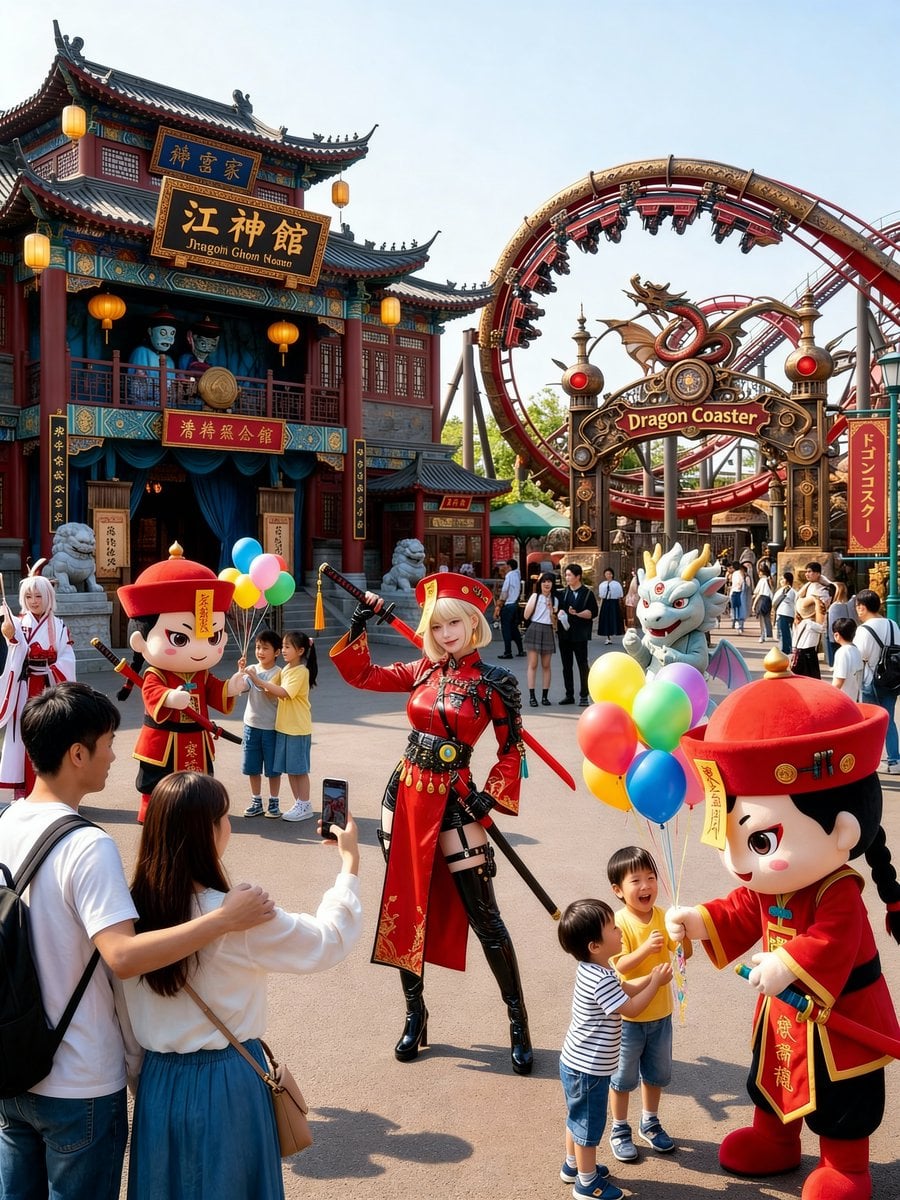
Amusement Park Prompt Template for Character Placement

Photorealistic Cinematic Portrait of Luis Miguel as a Jamaican Reggae Musician
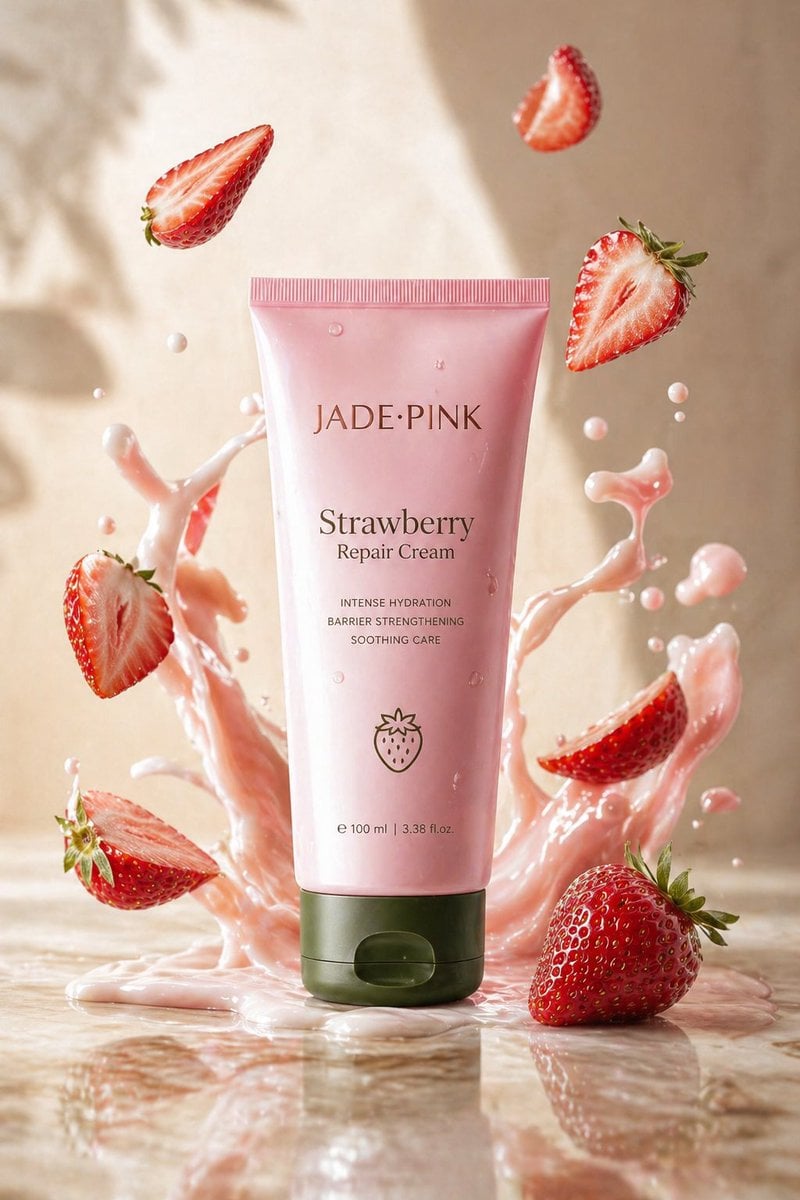
Strawberry Repair Cream Product Shot
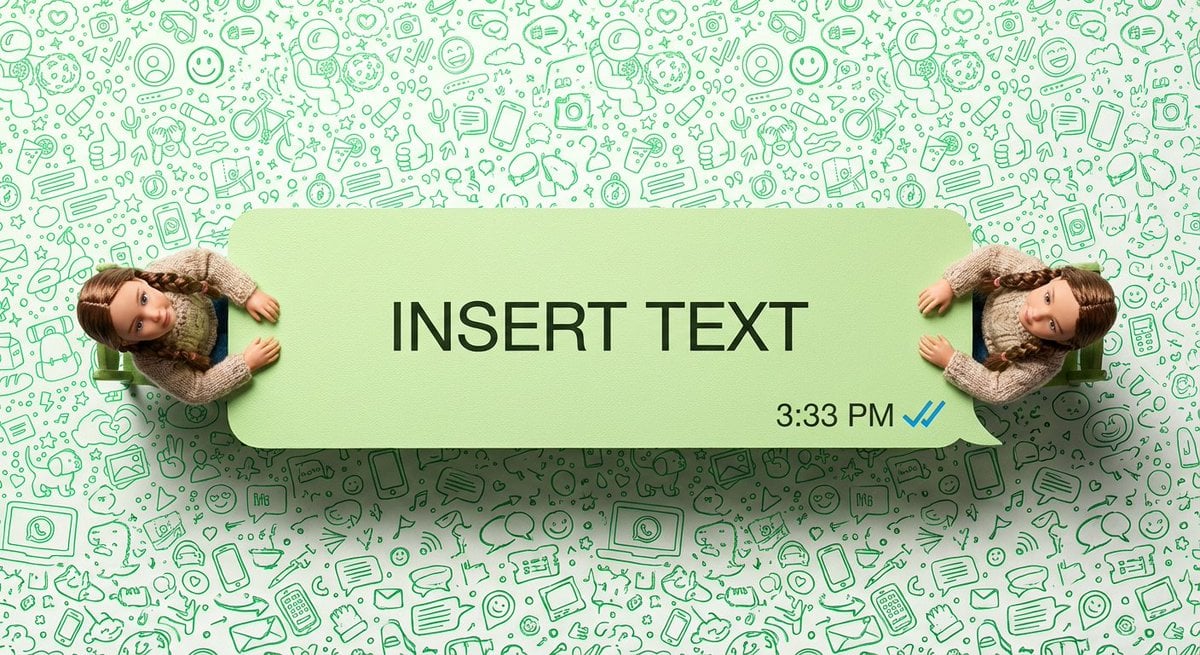
WhatsApp Speech Bubble Dining Table Macro Shot
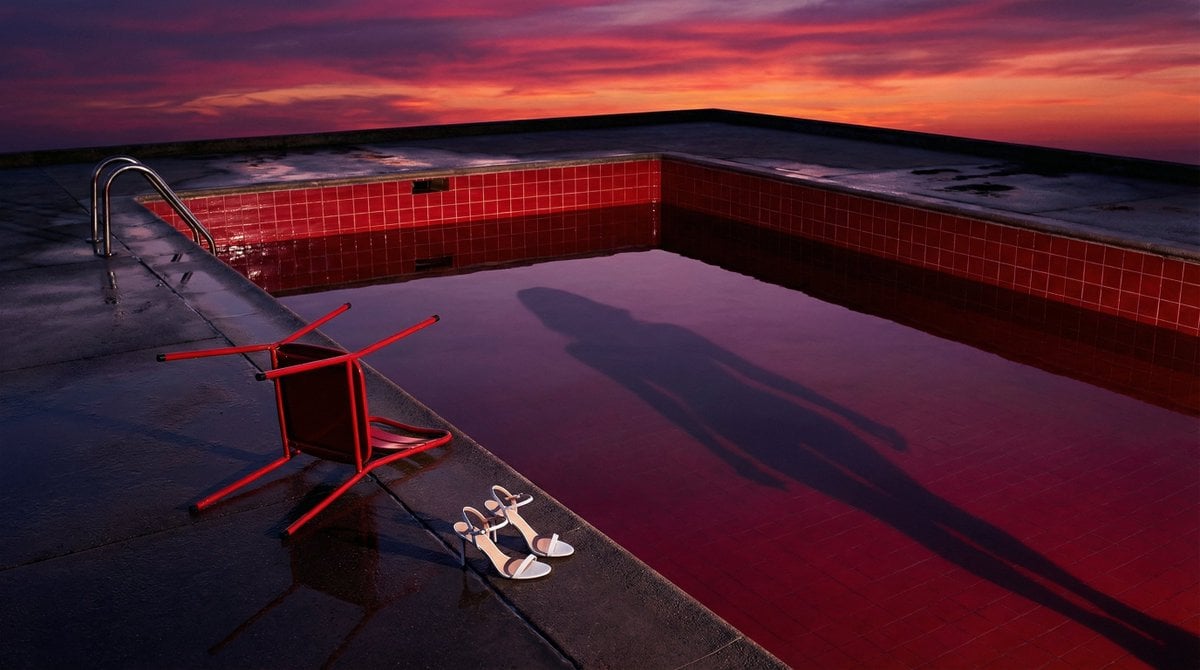
Surreal Guy Bourdin Style Pool Scene

Holiday Elegance Portrait with Face Reference
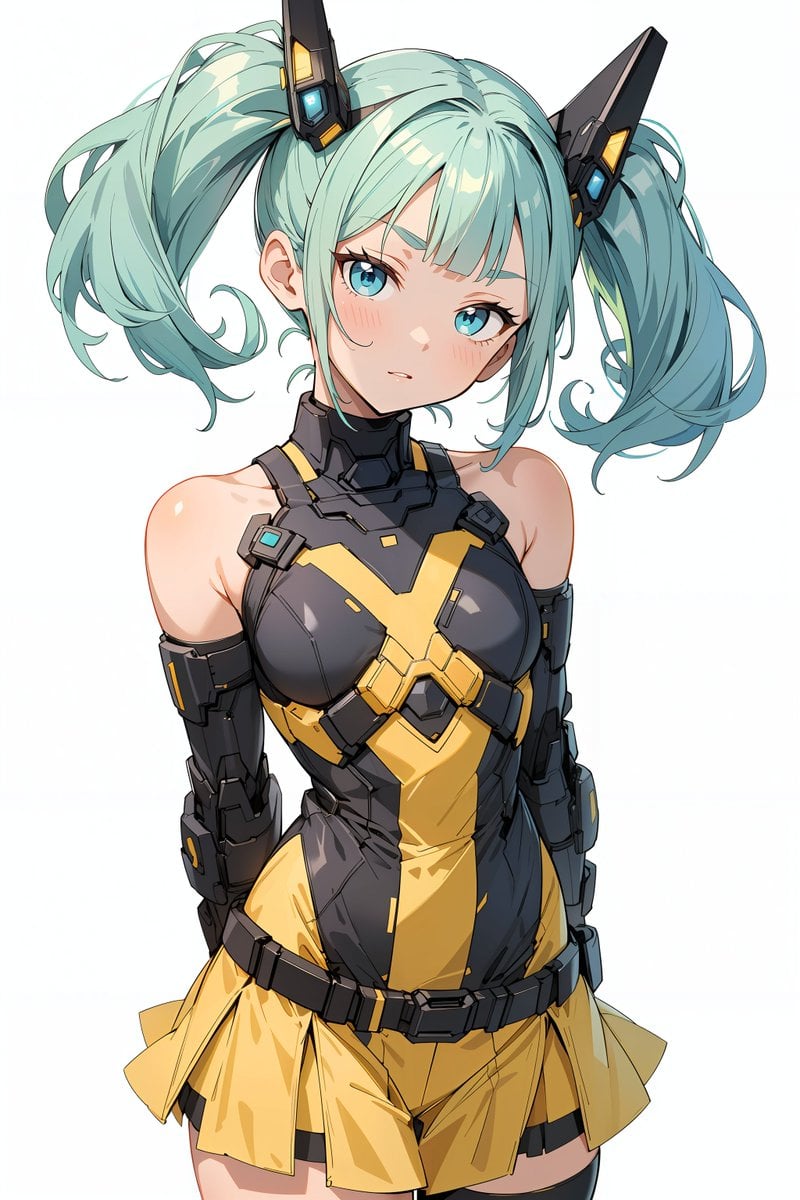
Energy field barrier VFX and pose adjustment YAML prompt
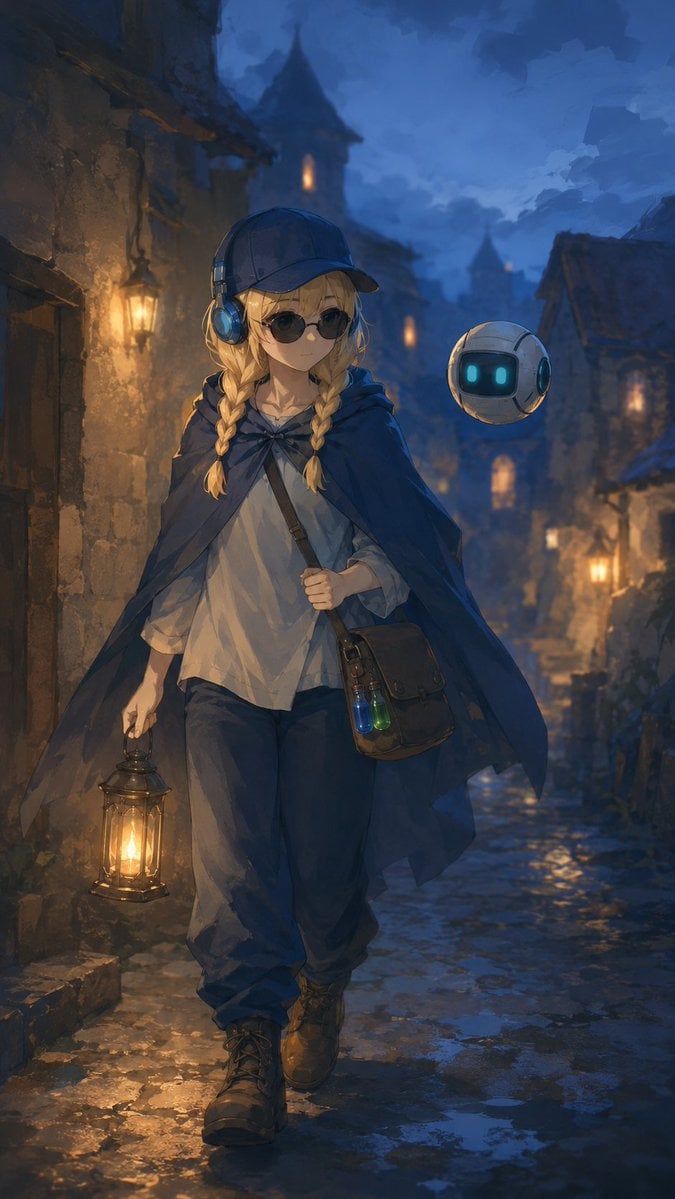
Traveling Alchemist in Rainy Fantasy Alley
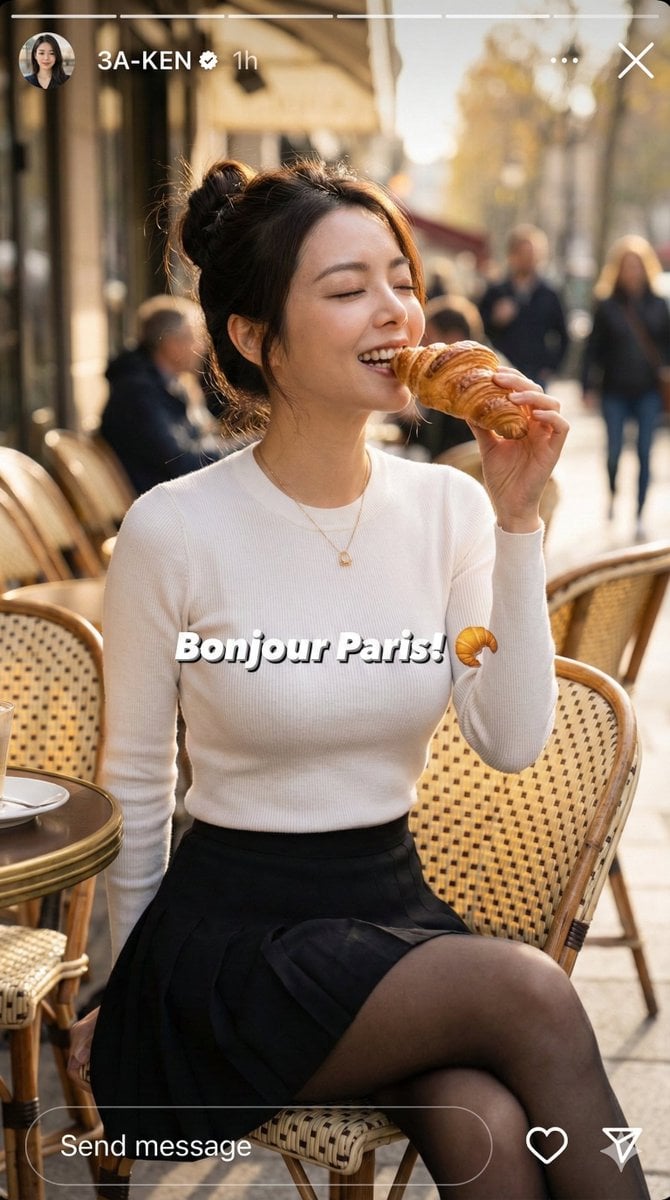
Instagram Story Prompt: Parisian Morning Croissant Selfie
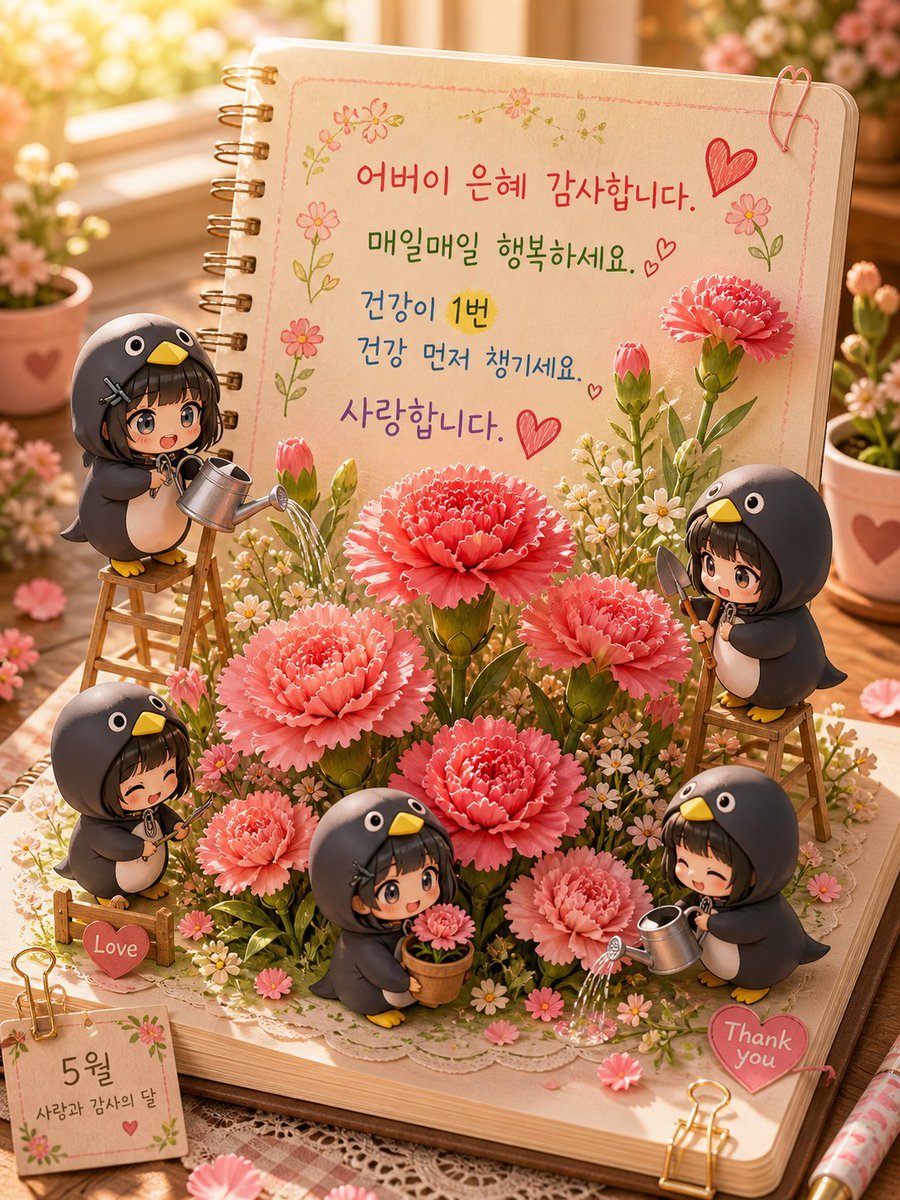
3D Pop-up Parents Day Card
Browse template categories
Lazy Capybara Ad Workflow Comic questions
How do I use the Lazy Capybara Ad Workflow Comic template?
Add your photo if the template asks for one, edit the prompt if you like — the template's model and format are already selected — and press Generate. Your version opens in PicX Studio.
Can I customize the Lazy Capybara Ad Workflow Comic template?
Yes. You can change the subject, setting, lighting, mood, format, and available model controls before creating your image.
Is the Lazy Capybara Ad Workflow Comic template free?
Opening and editing this template is free. Generating uses credits, shown on the Generate button when you are signed in.
Which AI model should I use?
Start with GPT Image 2, which is the model associated with this template. You can compare another compatible model for a different finish.
Looking for something else? Browse all templates.

Your photo, any look
Thousands of ready templates for every top image and video model, from one credit balance.