
Isometric Workflow Automation Illustration
A clean corporate hero illustration of a person interacting with a laptop-based automation workflow, suitable for business websites and SaaS landing pages.

- Prompt included
- Model and format preset
- Free template
The prompt behind this image
Copy the exact prompt behind Isometric Workflow Automation Illustration, or open it in the studio and make it yours.
Create a clean isometric corporate website illustration on a white background, showing a stylized laptop at the center with a workflow automation diagram on its screen. A human figure in a red sweater, black pants, and white shoes stands to the right of the laptop, reaching forward and pressing a red rounded-square node on the screen. Use a modern vector/3D hybrid style with thick black outlines, soft gray shadows, white surfaces, and a limited palette of orange, red, black, and light gray. Include exactly 7 distinct surrounding objects connected by black circuit-like lines with small orange circular junctions: 1 large orange gear in the upper left behind the laptop screen, 1 small red gear on the right, 1 white rounded cube with an orange top tile in the upper right, 1 white/red rounded cube with a pie-chart icon in the lower left, 1 small white rounded cube with an orange check mark at the bottom center, 1 stacked white server-like cube with an orange top and small orange/red dots in the lower right, and 1 central laptop with a visible keyboard and trackpad. On the laptop screen include exactly 5 workflow UI elements: 2 red rounded-square nodes with white circular centers, 1 orange rounded rectangle in the middle, 1 white rounded rectangle with three small colored dots, and 1 black curved connector leading to the right red node. Keep the composition airy, minimal, friendly, and suitable as a corporate site hero asset for {argument name="business theme" default="automation and digital workflow"}. No text, no logos, no photorealism, no clutter.
How to use Isometric Workflow Automation Illustration in 3 steps
- 1Upload ImagePNG, JPG or paste
Add your photo
Upload the photo the template builds on. The prompt, model and format are already set.
- 2…a portrait of your subject in softgolden-hour light, 85mm…
Personalize
Edit the subject and creative details for your destination.
- 3Generate
Generate
Press Generate — your image is created in PicX Studio, so you can compare it with the original and refine one variable at a time.
More like this
Templates with the same subject, style or setup. Open one to see its prompt.

Quiet Minimalist Anime Style Guide

Real Illustration Split Portrait Transition
Quiet Minimalist Anime Style Guide

Watercolor Café Cheesecake Editorial Illustration
Real Illustration Split Portrait Transition

Bold Side Profile Superhero Poster

Hero Portrait Comic Multi-Panel Poster

Spider-Verse Painterly Portrait Poster

Captain Tsubasa Anime World Cup Poster

Anime Character Charm Analysis Sheet

Isometric Process Educational Diorama

Isometric Brand Store Diorama
Make it yours
Isometric Workflow Automation Illustration works as-is. These are the safest ways to change it without losing the look.
Change one field
Copy a single group, rewrite it, and generate again so you can see what that field is doing.
Keep the frame, change the subject
Hold the composition and light of Isometric Workflow Automation Illustration, then swap wardrobe, props or the person for a new take.
| If the result… | Why | Fix |
|---|---|---|
| The result drifts from the preview | Too many fields changed at once. | Reuse Isometric Workflow Automation Illustration as-is first, then change one group — subject, light, or setting. |
| The model over-stylizes the scene | The prose prompt leaves finish and camera underspecified. | Add one camera or lighting sentence and stay on GPT Image 2. |
More GPT Image 2 templates
Other prompts made for GPT Image 2.

Six VTuber Japanese Logo Sheet

Realistic Portrait of Woman and Deer

The Vista Modular Condo Poster

AI Model Routing Comparison Infographic

2.5D Anime Art Board

Isometric Productivity Desk Scene

New York Double Exposure Poster

Four-Panel AI Landscape Comparison

Japanese Tatami Lifestyle Magazine Cover

NESCAFÉ Coffee Map Poster
More image prompts
Fresh picks from across the catalog.
Sun-Drenched Candid Selfie Portrait

Livestream Screenshot Prompt
Under Glass Floor Perspective Shot
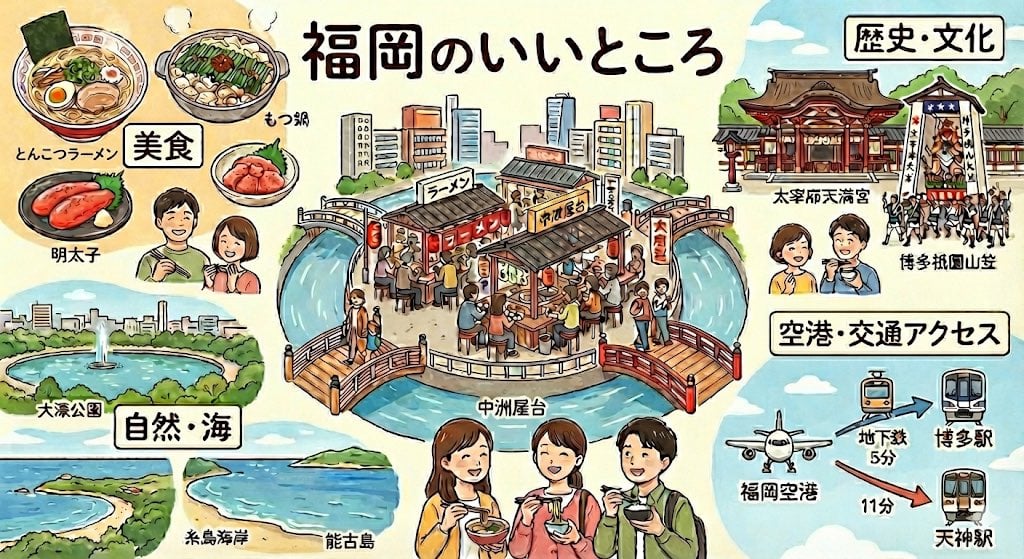
Summarize Fukuoka’s good points in one image
Overhead Anime Girl Peace Sign Portrait
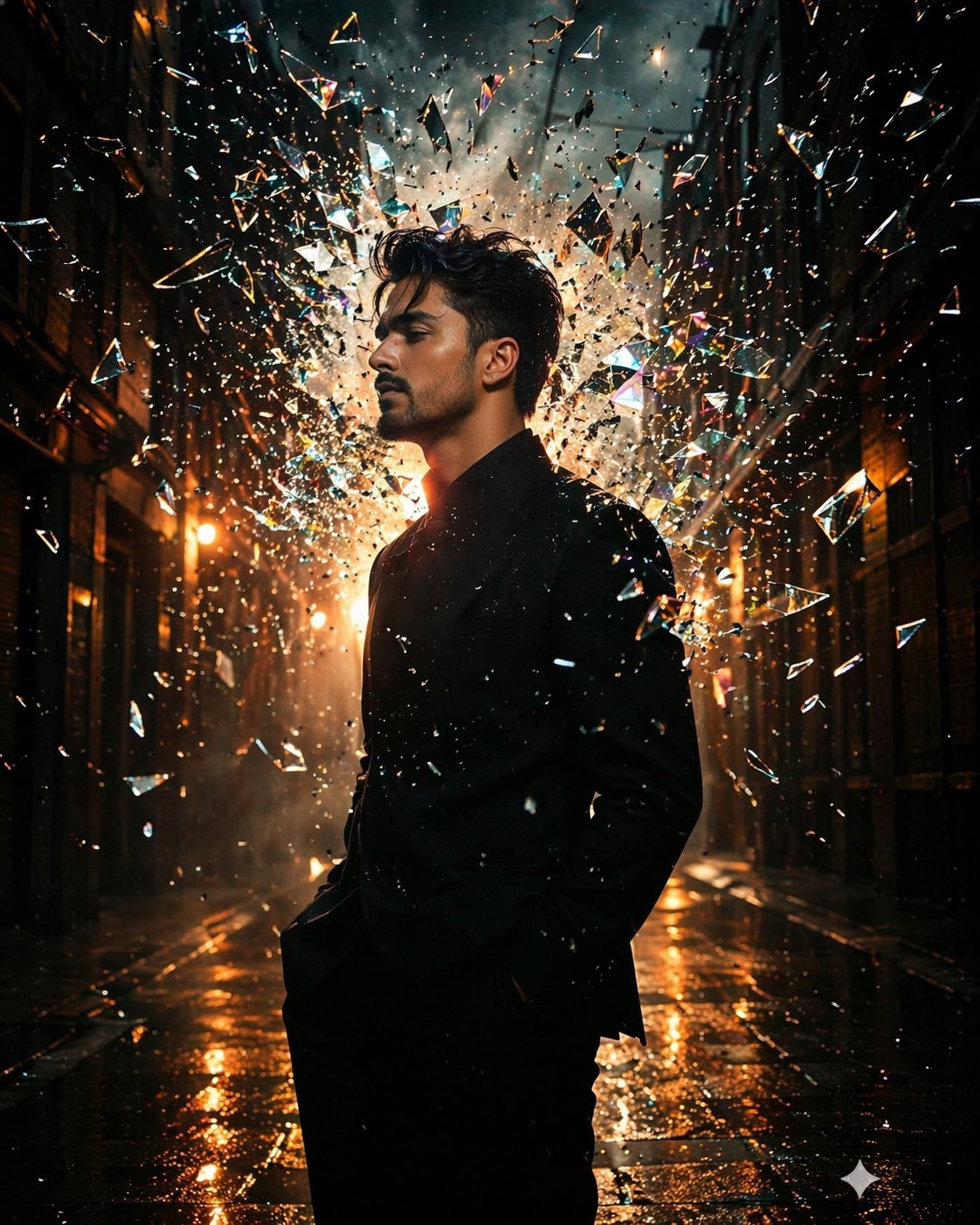
Google Nano Banana Pro
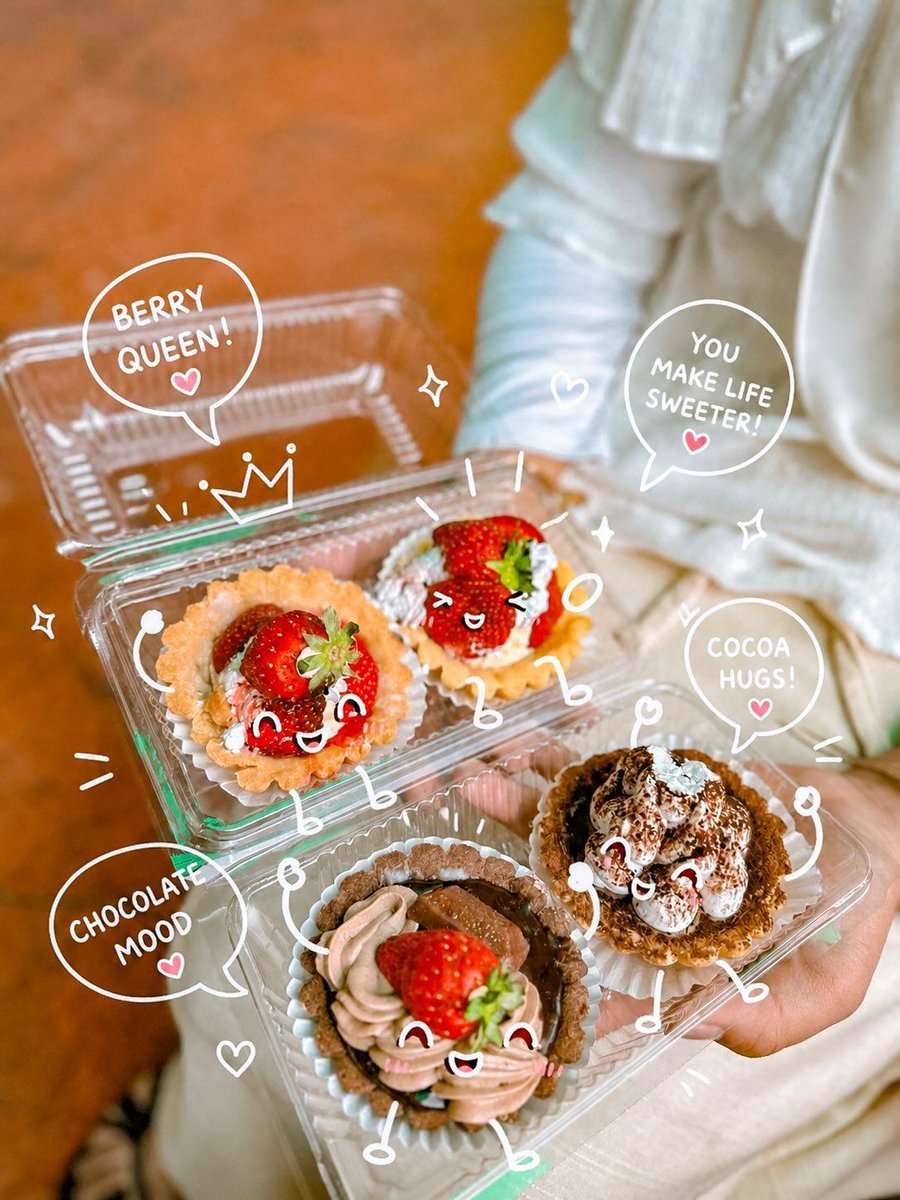
Kawaii Dessert Food Photography with Doodles

Golden Meadow Portrait with Pets
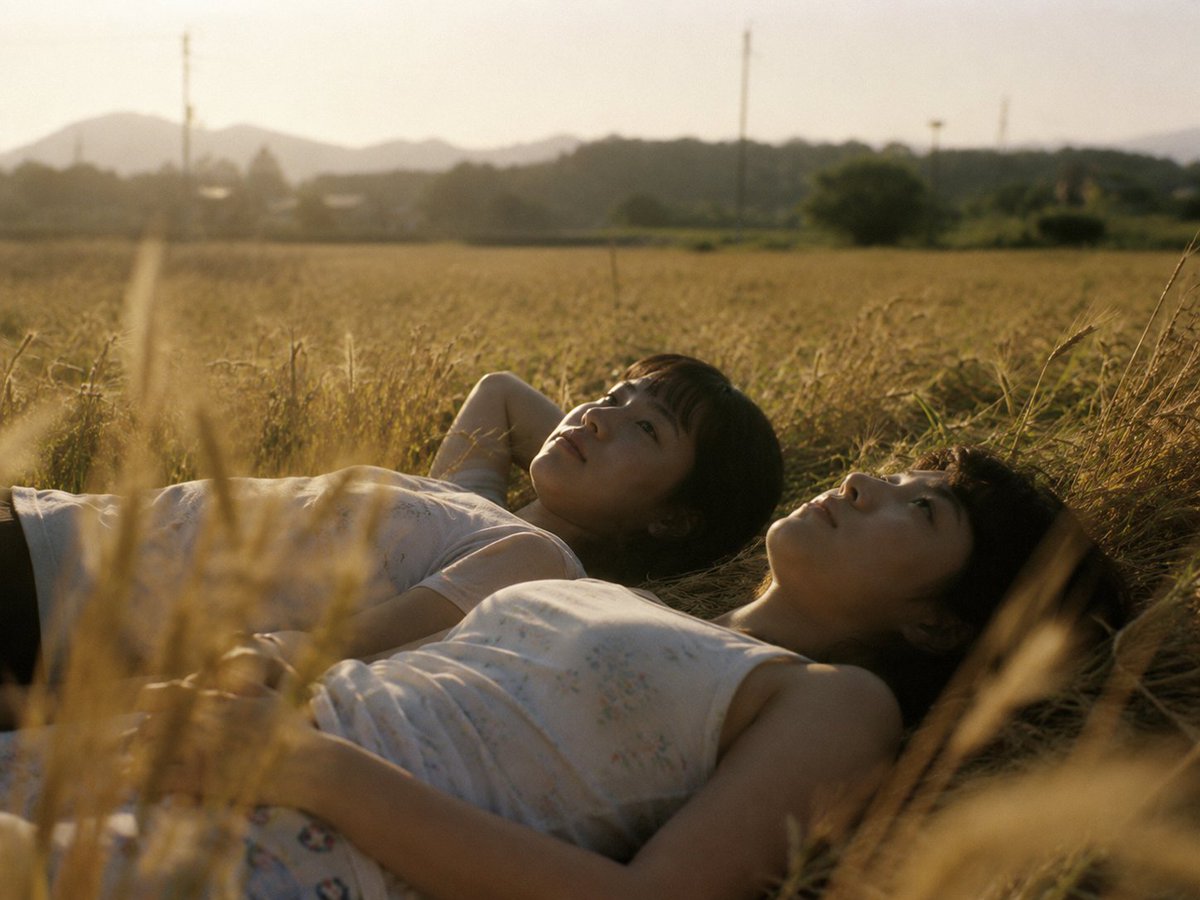
Golden Field Sunset Portrait

Surreal Dystopian Conceptual Portrait Prompt (Facial Lock)
Browse template categories
Isometric Workflow Automation Illustration questions
How do I use the Isometric Workflow Automation Illustration template?
Add your photo if the template asks for one, edit the prompt if you like — the template's model and format are already selected — and press Generate. Your version opens in PicX Studio.
Can I customize the Isometric Workflow Automation Illustration template?
Yes. You can change the subject, setting, lighting, mood, format, and available model controls before creating your image.
Is the Isometric Workflow Automation Illustration template free?
Opening and editing this template is free. Generating uses credits, shown on the Generate button when you are signed in.
Which AI model should I use?
Start with GPT Image 2, which is the model associated with this template. You can compare another compatible model for a different finish.
Looking for something else? Browse all templates.

Your photo, any look
Thousands of ready templates for every top image and video model, from one credit balance.