
Gothic Cyber VTuber Cathedral Portrait
A cinematic anime-style key visual of a masked gothic cyber-diva VTuber in a dark cathedral server hall, useful for music game or AITuber concept art.
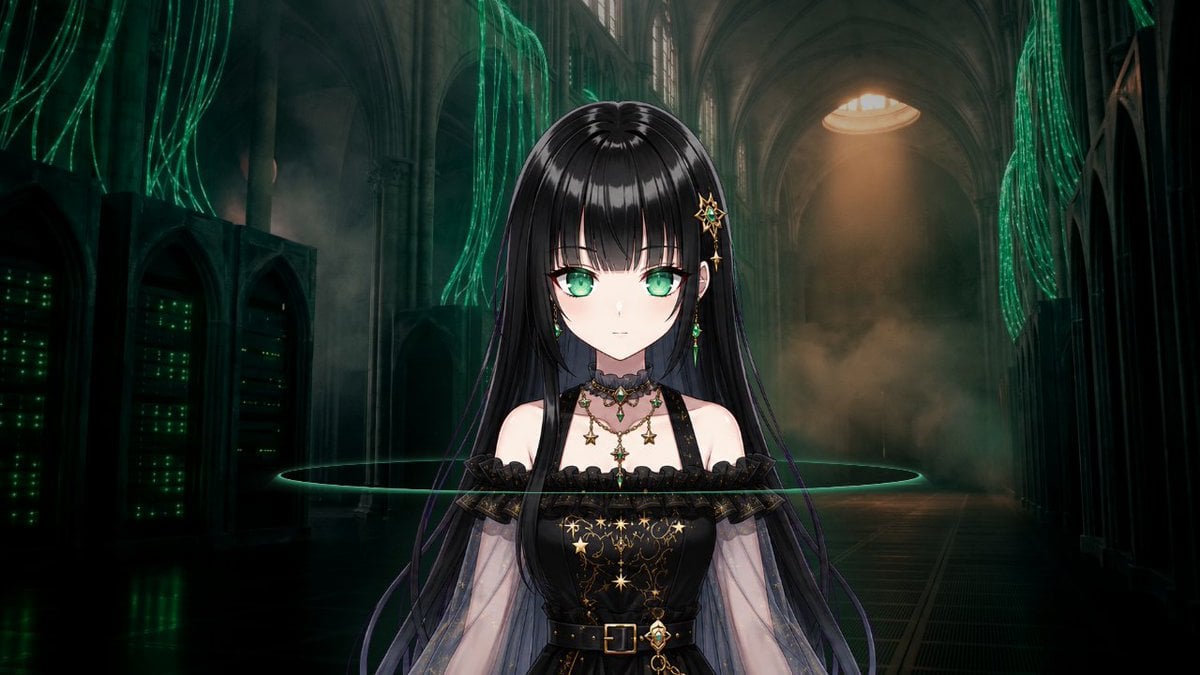
- Prompt included
- Model and format preset
- Free template
The prompt behind this image
Copy the exact prompt behind Gothic Cyber VTuber Cathedral Portrait, or open it in the studio and make it yours.
Create a cinematic anime VTuber-style half-body portrait of {argument name="character name" default="a gothic cyber-diva"} standing centered in a dark cathedral-like server hall. The character has very long glossy {argument name="hair color" default="black hair with subtle purple strands"}, straight bangs, pale skin, and her face is intentionally covered by a soft blurred gray square placeholder, as if the facial area is masked for later Live2D design. She wears an ornate black gothic off-shoulder dress with sheer translucent sleeves, lace trim, a fitted bodice decorated with gold constellation, star, moon, and chain motifs, a black belt with a gold buckle, layered necklaces with green jewels and star charms, and a gold star hair ornament with dangling emerald accents on one side. Show exactly 8 notable outfit/accessory elements: 1 black off-shoulder lace dress, 2 sheer sleeves, 3 gold constellation embroidery, 4 black belt with gold buckle, 5 layered jewel necklaces, 6 dangling cross/star chest charm, 7 gold star hairpin, 8 green gem earrings or hair-chain accents. The background is a vast ruined cyber-gothic cathedral interior with high arches, tall columns, dark stone, server racks glowing with green lights on the left, hanging streams of luminous green cables from the ceiling and side walls, smoky mist, a warm circular skylight beam in the far upper center, and a thin neon-green horizontal ring of light passing behind the character at chest height. Use a 16:9 widescreen composition, centered symmetrical framing, dramatic low-key lighting, teal-green cyberpunk glow mixed with warm amber backlight, high detail, polished anime illustration blended with realistic architectural atmosphere, mysterious music-game / AITuber key visual mood. No text, no watermark, no extra characters.
How to use Gothic Cyber VTuber Cathedral Portrait in 3 steps
- 1Upload ImagePNG, JPG or paste
Add your photo
Upload the photo the template builds on. The prompt, model and format are already set.
- 2…a portrait of your subject in softgolden-hour light, 85mm…
Personalize
Edit the subject and creative details for your destination.
- 3Generate
Generate
Press Generate — your image is created in PicX Studio, so you can compare it with the original and refine one variable at a time.
More like this
Templates with the same subject, style or setup. Open one to see its prompt.
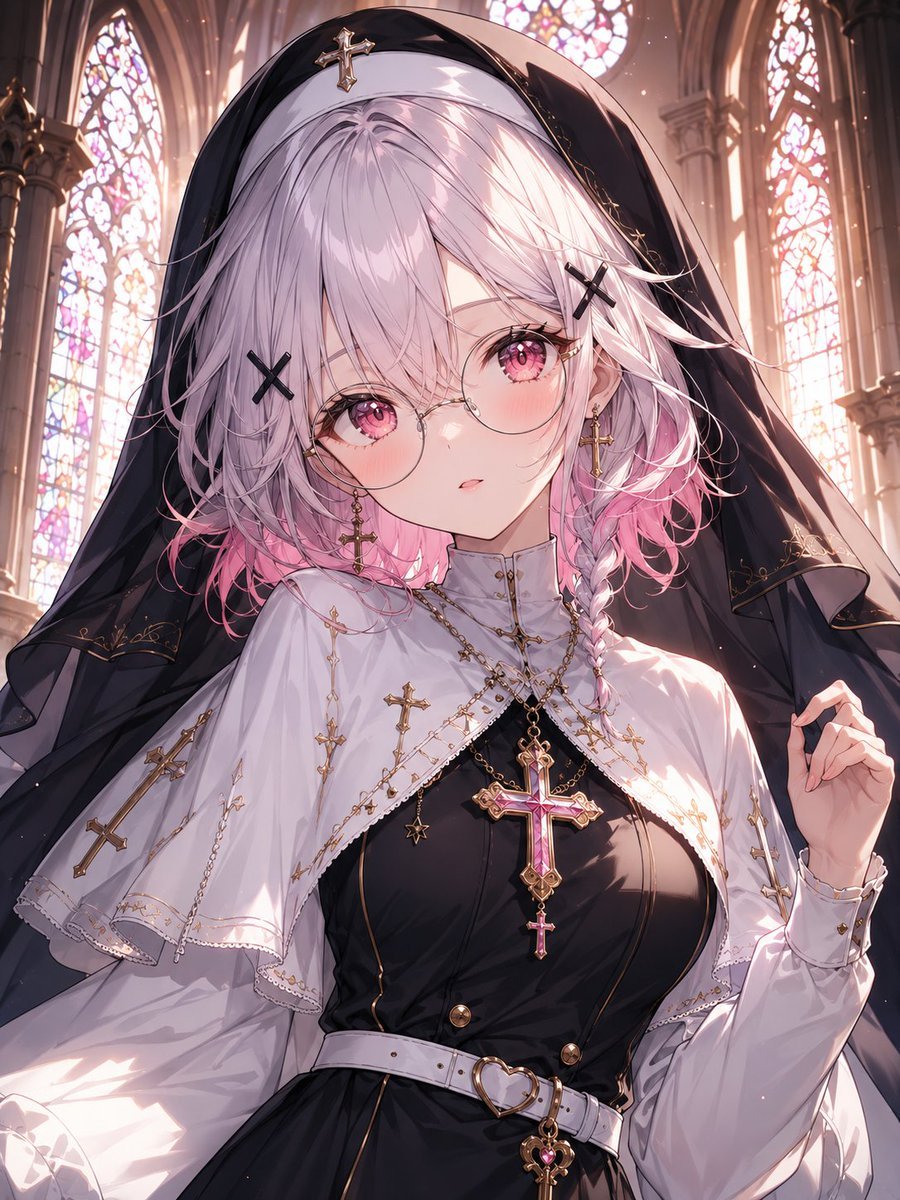
Gothic Nun Cathedral Portrait
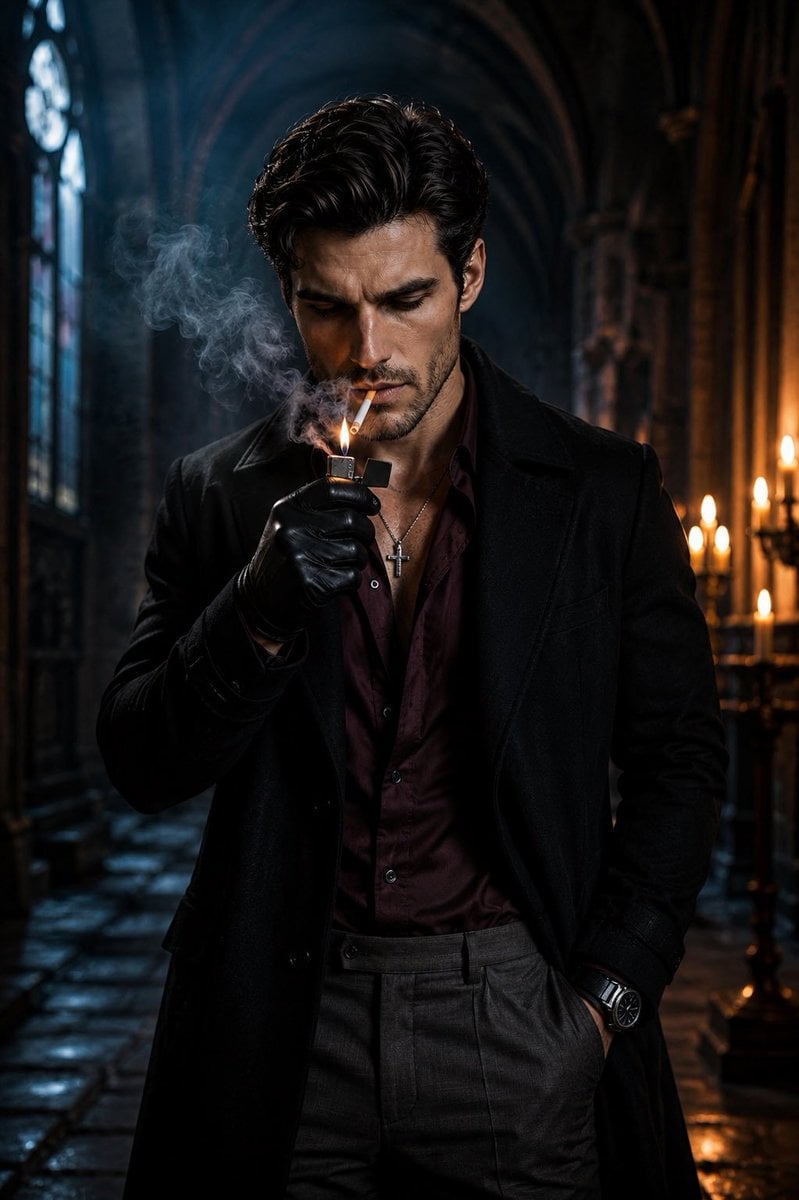
Cinematic Gothic Cathedral Portrait
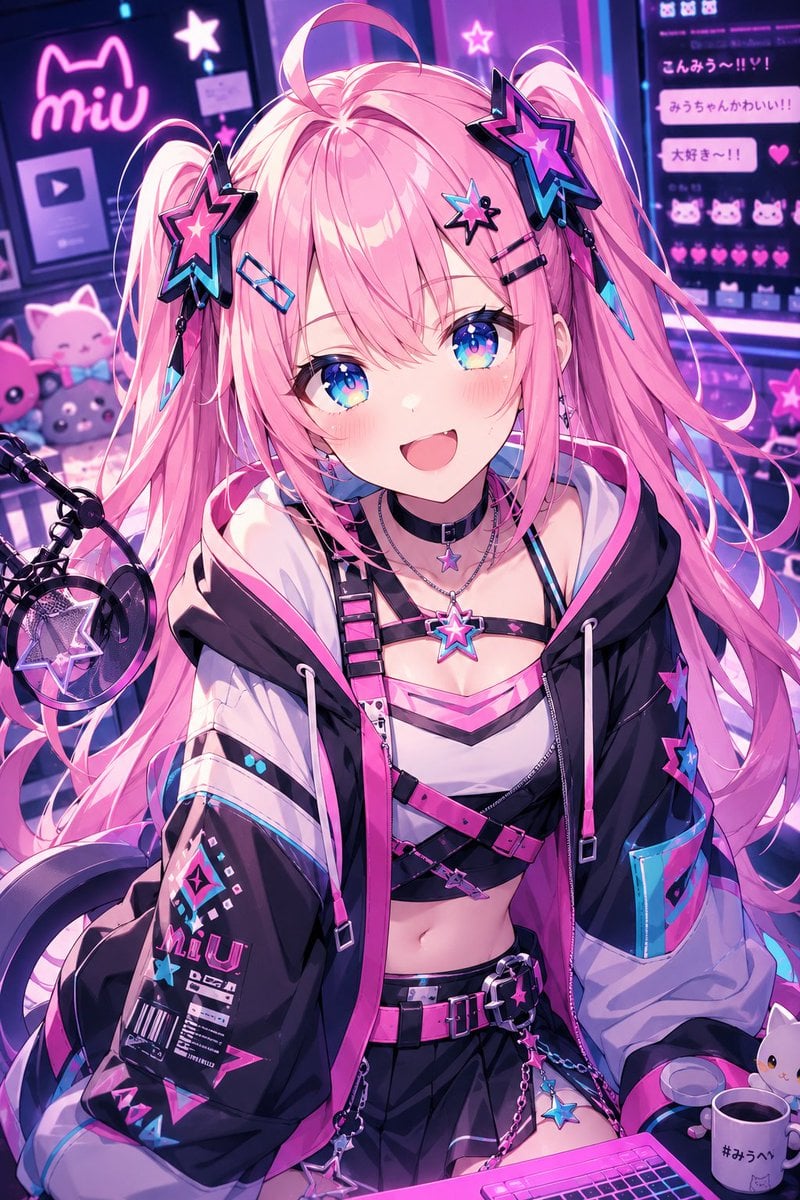
Neon Cyber-Kawaii VTuber Portrait
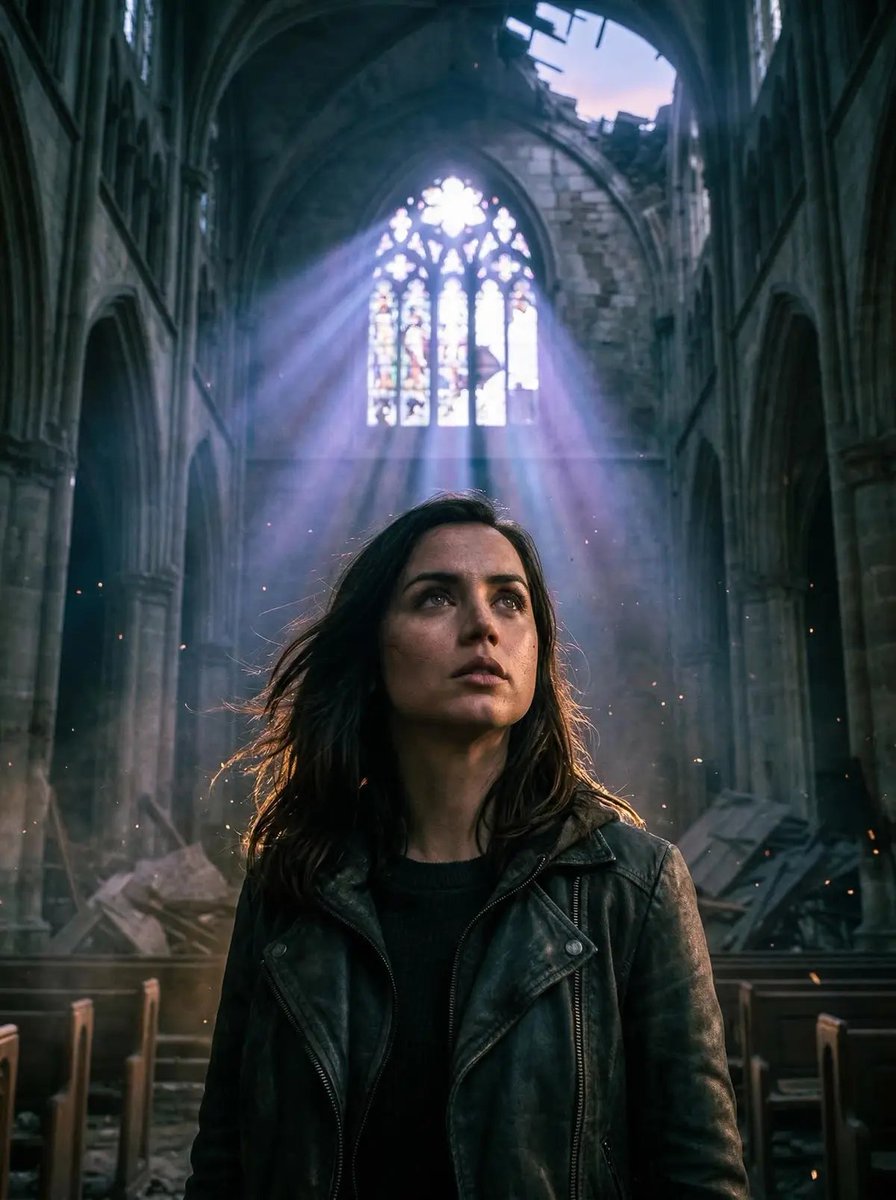
Cinematic Portrait in Ruined Gothic Cathedral

Found Photograph: Us, 1970

80s Couple Studio Portrait

80s Bollywood Star

80s Golden Hour Cinema

Me in 1985

1985 Studio Portrait
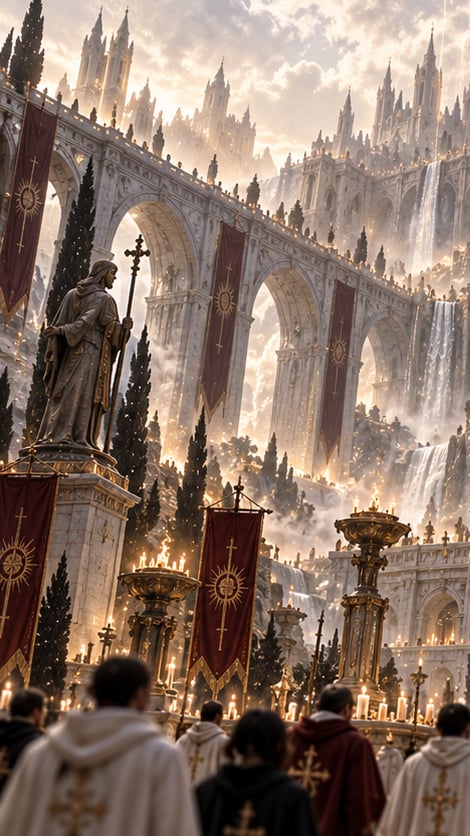
Gothic Saint Pilgrimage Cathedral

Hyper-Realistic Minecraft POV Portrait
Make it yours
Gothic Cyber VTuber Cathedral Portrait works as-is. These are the safest ways to change it without losing the look.
Change one field
Copy a single group, rewrite it, and generate again so you can see what that field is doing.
Keep the frame, change the subject
Hold the composition and light of Gothic Cyber VTuber Cathedral Portrait, then swap wardrobe, props or the person for a new take.
| If the result… | Why | Fix |
|---|---|---|
| The result drifts from the preview | Too many fields changed at once. | Reuse Gothic Cyber VTuber Cathedral Portrait as-is first, then change one group — subject, light, or setting. |
| The model over-stylizes the scene | The prose prompt leaves finish and camera underspecified. | Add one camera or lighting sentence and stay on GPT Image 2. |
More GPT Image 2 templates
Other prompts made for GPT Image 2.

Six VTuber Japanese Logo Sheet

Realistic Portrait of Woman and Deer

The Vista Modular Condo Poster

AI Model Routing Comparison Infographic

2.5D Anime Art Board

Isometric Productivity Desk Scene

New York Double Exposure Poster

Four-Panel AI Landscape Comparison

Japanese Tatami Lifestyle Magazine Cover

NESCAFÉ Coffee Map Poster
More image prompts
Fresh picks from across the catalog.

Ultra-Realistic Professional Headshot for Creator Economy
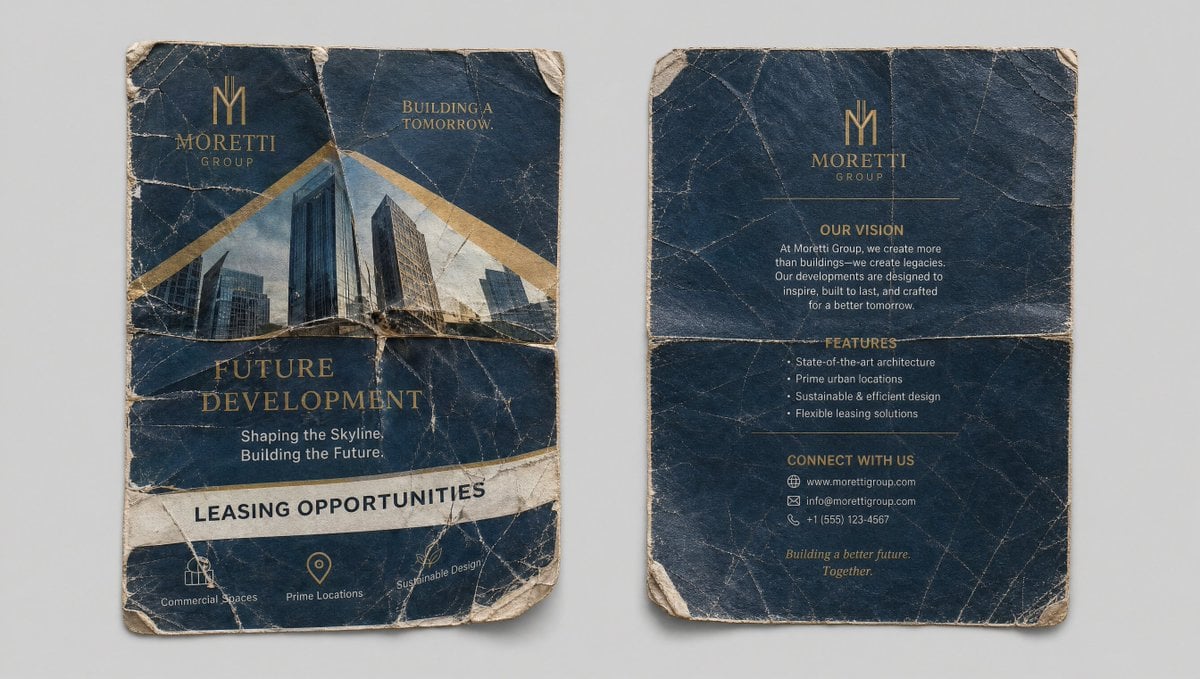
Crumpled Flyer Reference Sheet
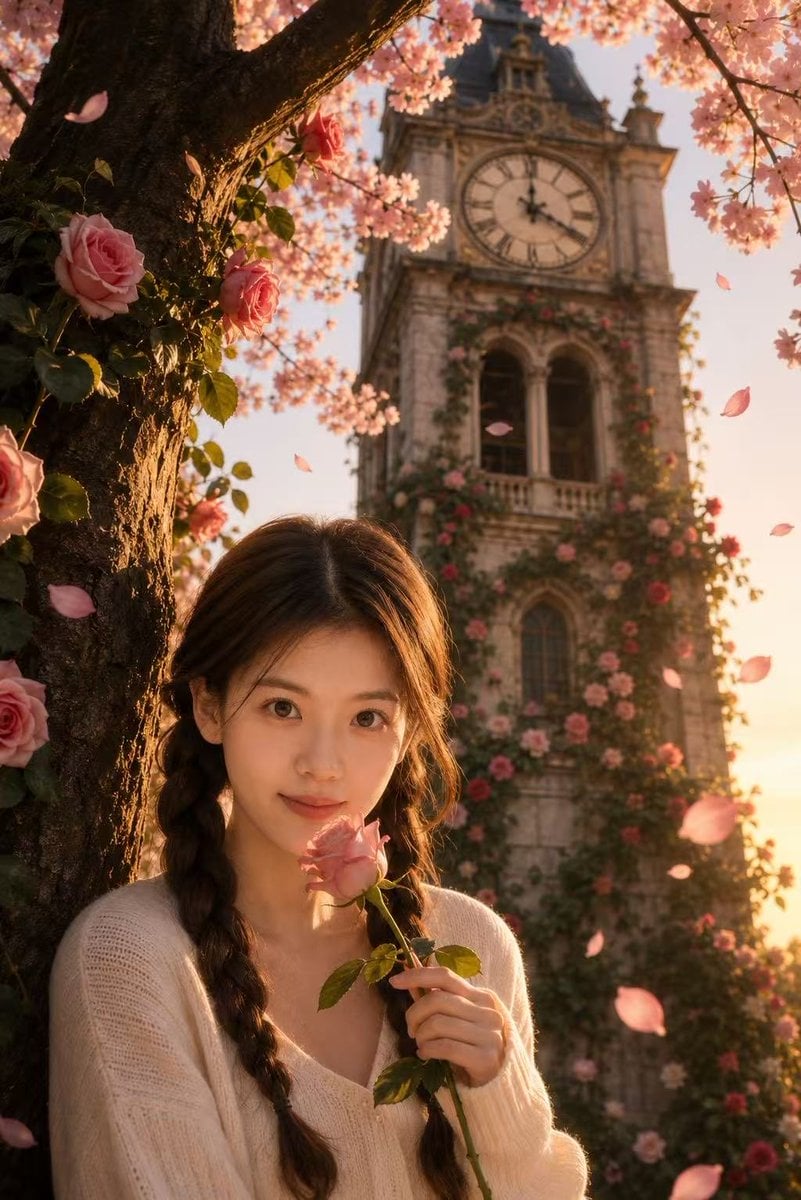
Sakura Rose Clock Tower Portrait
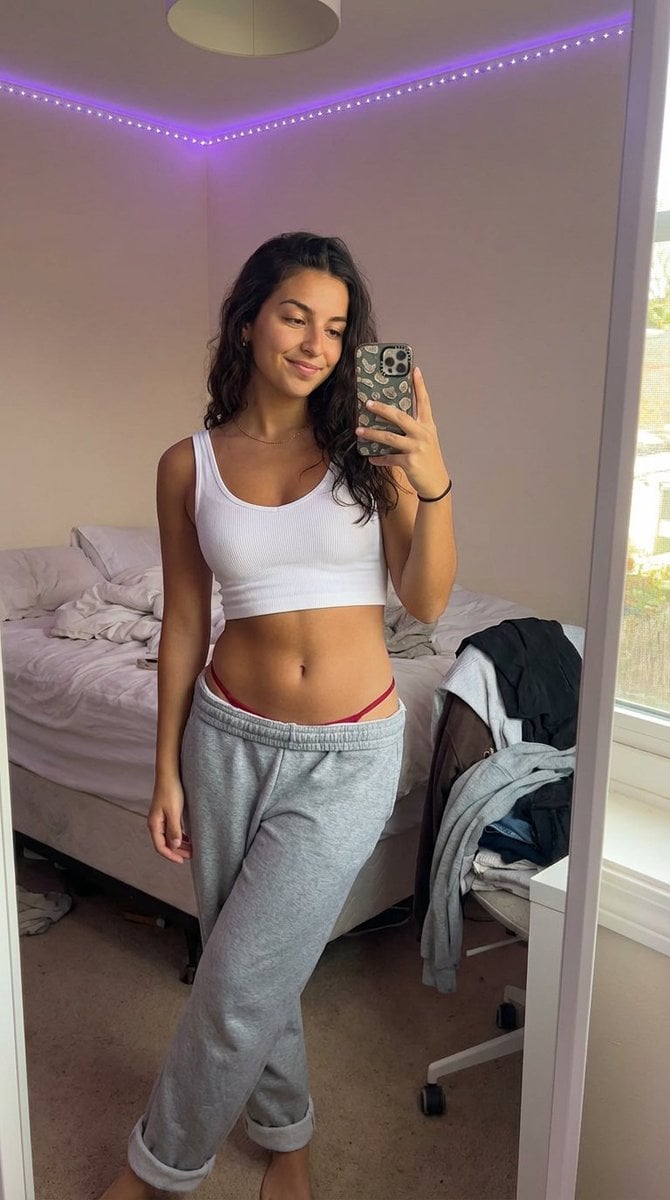
Realistic 'Lazy-Hot' Mirror Selfie in Dorm Room
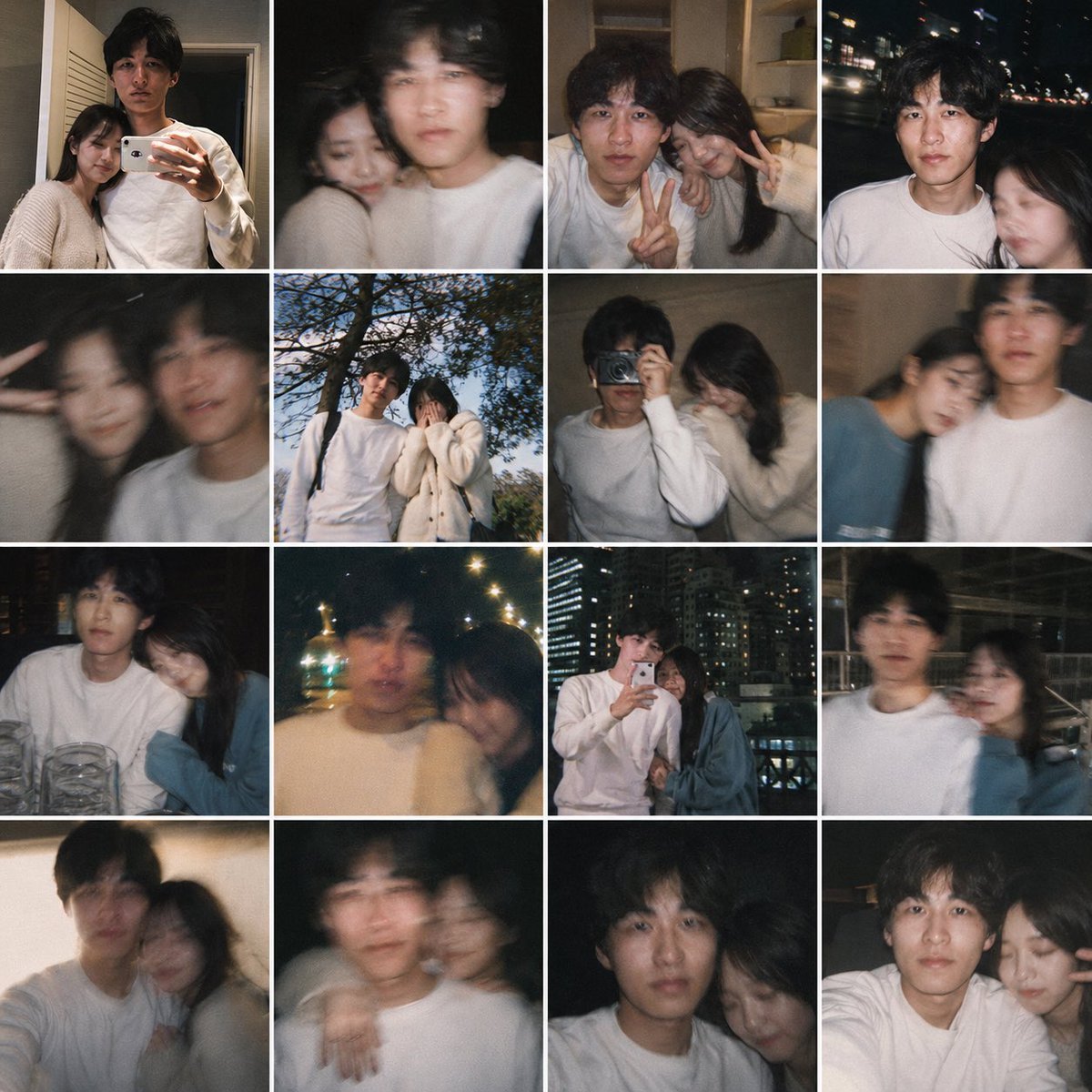
Fake Couple Photo Dump Collage
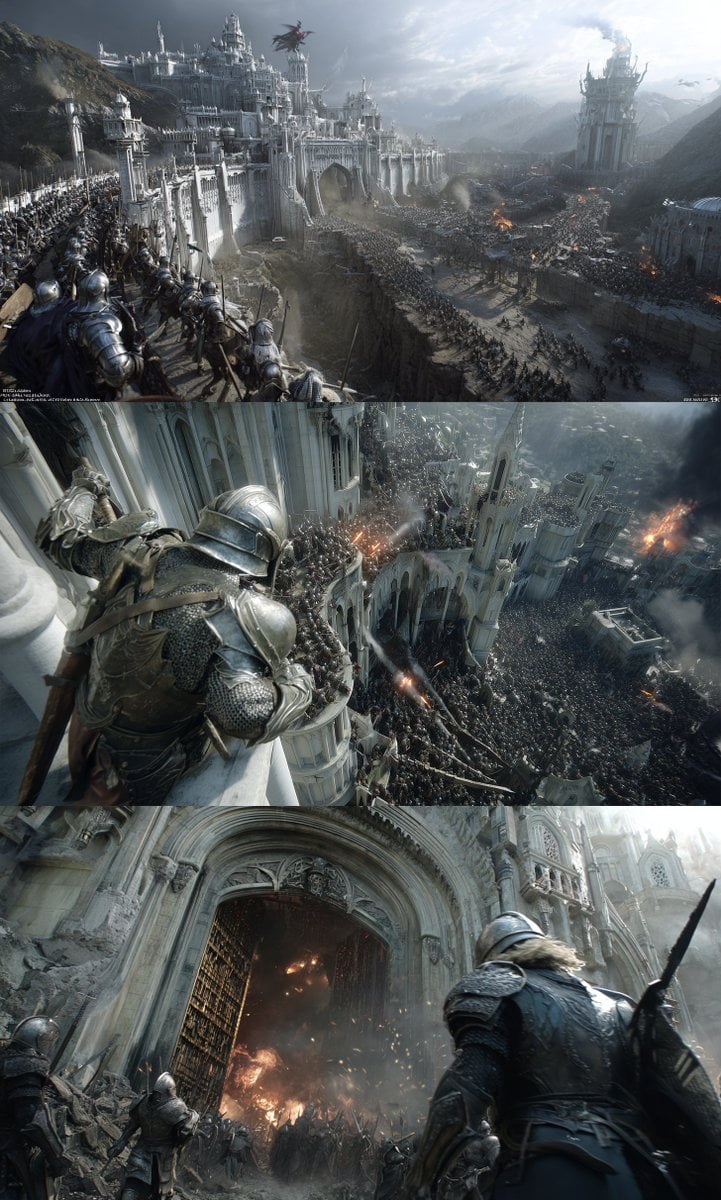
Hyper-realistic cinematic conversion prompt for nano-banana-pro

Whimsical Programmer Almanac Infographic
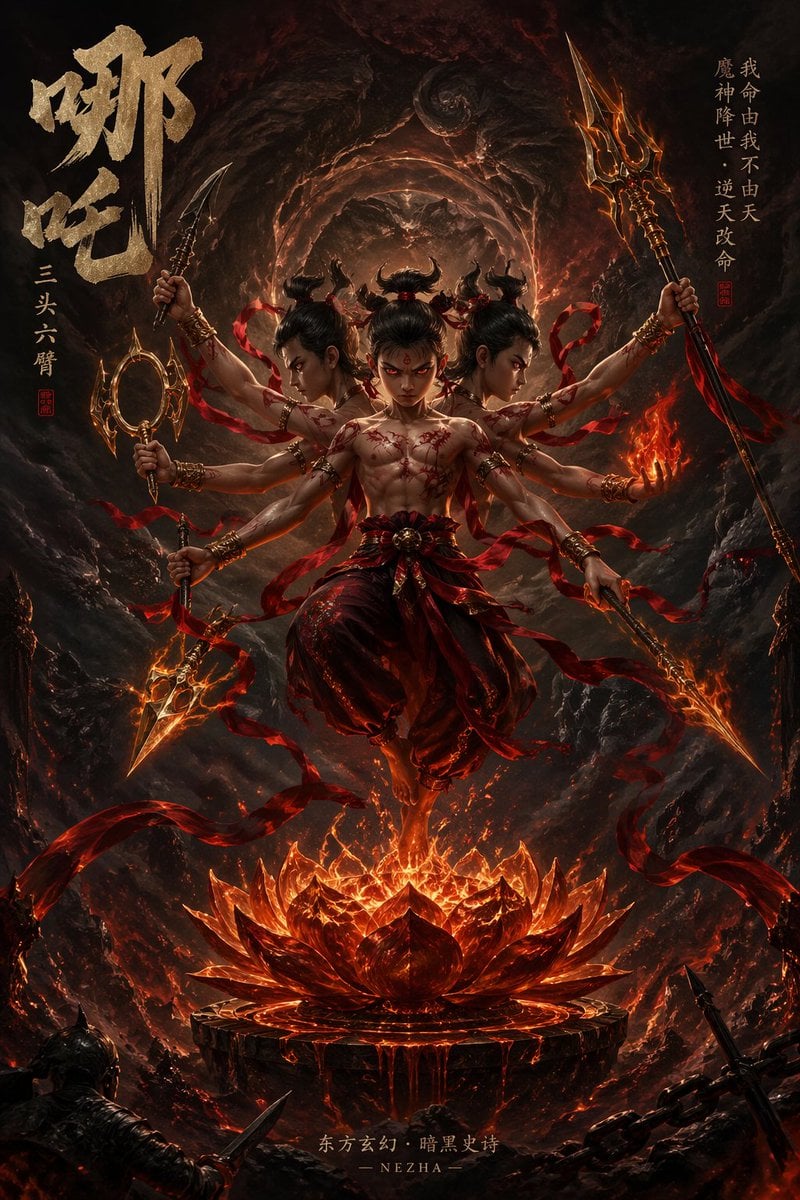
Epic Fantasy Novel Cover for Nezha

Neon Foam Pop Logo Prompt
System Prompt for 80s VHS Aesthetic Image Generation (REWIND)
Browse template categories
Gothic Cyber VTuber Cathedral Portrait questions
How do I use the Gothic Cyber VTuber Cathedral Portrait template?
Add your photo if the template asks for one, edit the prompt if you like — the template's model and format are already selected — and press Generate. Your version opens in PicX Studio.
Can I customize the Gothic Cyber VTuber Cathedral Portrait template?
Yes. You can change the subject, setting, lighting, mood, format, and available model controls before creating your image.
Is the Gothic Cyber VTuber Cathedral Portrait template free?
Opening and editing this template is free. Generating uses credits, shown on the Generate button when you are signed in.
Which AI model should I use?
Start with GPT Image 2, which is the model associated with this template. You can compare another compatible model for a different finish.
Looking for something else? Browse all templates.

Your photo, any look
Thousands of ready templates for every top image and video model, from one credit balance.