
Hyper-realistic cinematic conversion prompt for nano-banana-pro
This is a detailed image generation prompt specifically designed for nano-banana-pro to convert existing reference images (like MJ generations) into ultra-realistic, live-action cinematic stills.
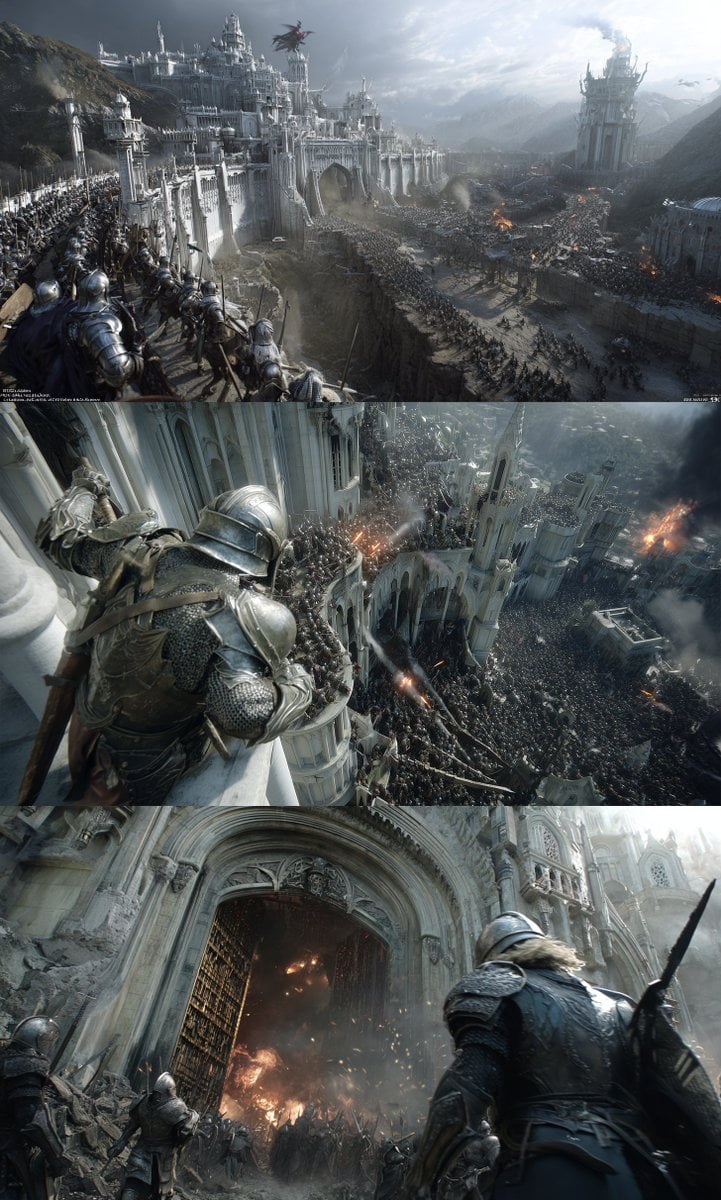
- Prompt included
- Model and format preset
- Free template
The prompt behind this image
Copy the exact prompt behind Hyper-realistic cinematic conversion prompt for nano-banana-pro, or open it in the studio and make it yours.
Core requirement: Transform all elements in the reference image — including the character, scene, props, and environment — entirely into an ultra-realistic, live-action real-world scene, as if it were a film still shot on location. Character transformation: Strictly preserve the original character's hairstyle, clothing, expression, facial features, body language, and overall temperament, converting them into the look of a real actor. Scene transformation: • Restore the comic/illustration scene into a real, physically shootable space • All props, furniture, and architecture must be built sets or real location shots • Realistic material textures: fabric wrinkles, wood-grain texture, metal reflections, wall texture • Rich environmental detail: dust, wear marks, lived-in details • Spatial perspective and lighting that follow the laws of physics Photography style: cinema-grade on-location photography • Deep depth-of-field composition, sharp from foreground to background • Film texture, soft grain and rich color gradation • Dramatic light-and-shadow contrast: warm tungsten work lamps vs. cool natural dusk light • The subject stands out while the environment retains its narrative quality • Set design and photography on the level of Blade Runner or The Grand Budapest Hotel Technical specifications: • Film: Kodak Vision3 500T (cinematography standard) • Suitable scenes: night scenes, low-light environments, indoor tungsten lighting • Aperture: f/8–f/11 (deep depth of field, full-frame sharpness) • Focal length: 35mm–50mm (standard cinematic field of view) • Resolution: 4K cinema or higher • Color: warm, saturated tungsten color temperature, with shadow detail preserved • Lighting design: three-point lighting or combined with natural light, creating cinema-grade light-and-shadow layering Set-design requirements: • Built sets or on-location shooting, avoiding any sense of CG compositing • Props and set dressing consistent with the character's background and era setting • Spatial design with a sense of depth and lived-in atmosphere • Walls, floors, ceilings, and other environmental elements have a realistic texture • Background people (if any) must also be real actors, avoiding blurring them out Negative prompt (strictly avoid): • Blurred background, shallow depth of field, bokeh, out of focus • Cartoon, anime, illustration style, hand-drawn texture, CG-render feel • Flattened composition, lack of spatial depth • Fake sets, green-screen compositing marks, digital backgrounds • Facial distortion, disproportion, AI-generation artifacts • Low quality, digital noise, pixelation, over-sharpening • Overexposed harsh light, plastic-like texture, excessive digital post-processing • Floating props, physically implausible elements, texture-mapped material feel • Empty background, lack of detail, monotonous environment Reference style: master-level cinematography works — the on-location shooting aesthetic of Roger Deakins, Emmanuel Lubezki, and Hoyte van Hoytema.
How to use Hyper-realistic cinematic conversion prompt for nano-banana-pro in 3 steps
- 1Upload ImagePNG, JPG or paste
Add your photo
Upload the photo the template builds on. The prompt, model and format are already set.
- 2…a portrait of your subject in softgolden-hour light, 85mm…
Personalize
Edit the subject and creative details for your destination.
- 3Generate
Generate
Press Generate — your image is created in PicX Studio, so you can compare it with the original and refine one variable at a time.
More like this
Templates with the same subject, style or setup. Open one to see its prompt.

Woman in Mall with Chanel Bag - Heart Gesture

Image-to-3D Conversion Prompt for nano banana pro
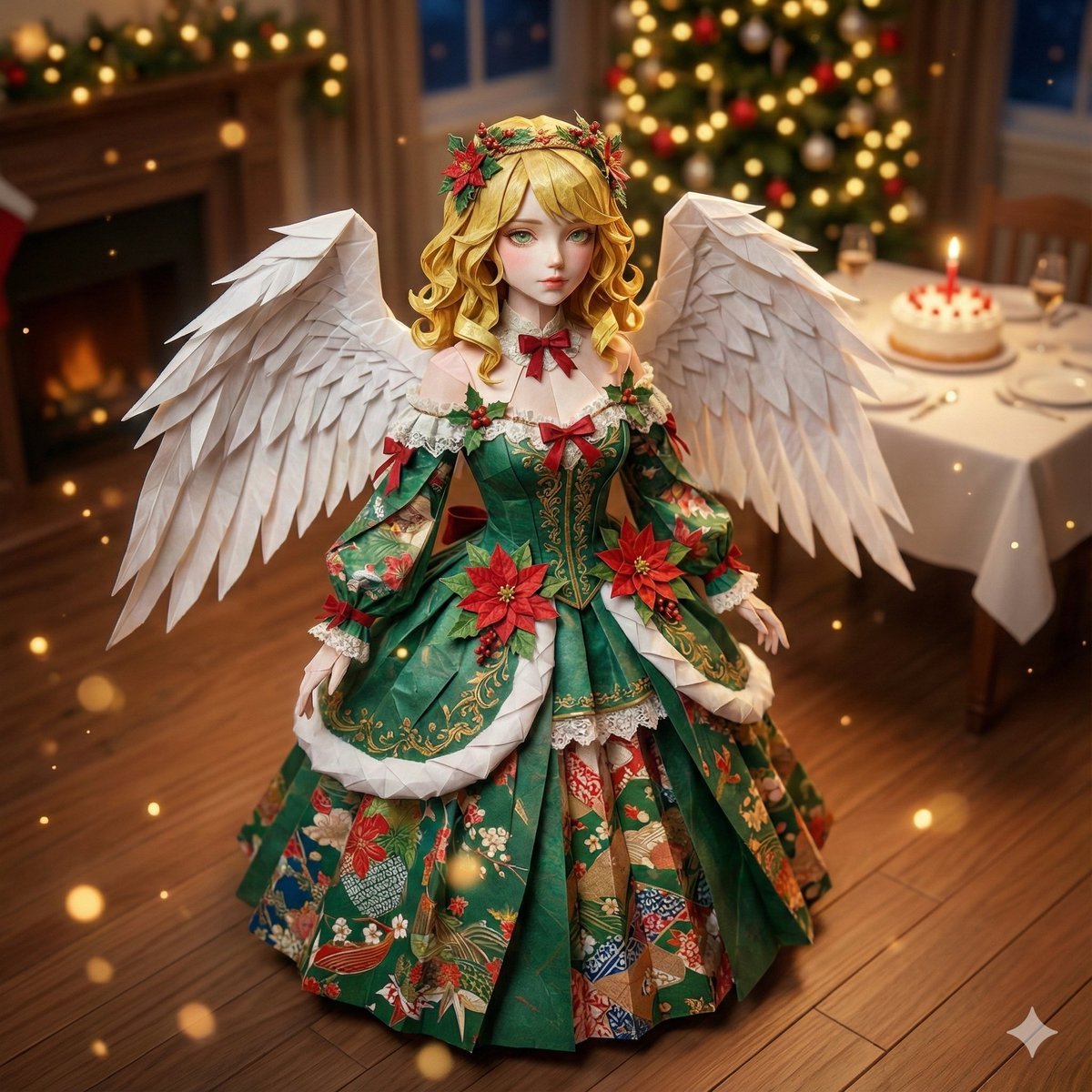
Origami Style Conversion Prompt for Nano Banana Pro

VFX Comparison Image Prompt (Before/After) for Nano Banana Pro

Nano Banana Prompt for Consistent Character Jumpshots

Cinematic Camera Instructions for Nano Banana Pro

Manga Generation Prompt Template for Nano Banana Pro

Hyper-Realistic Commercial Food Photography Prompt for Gemini Nano Banana Pro
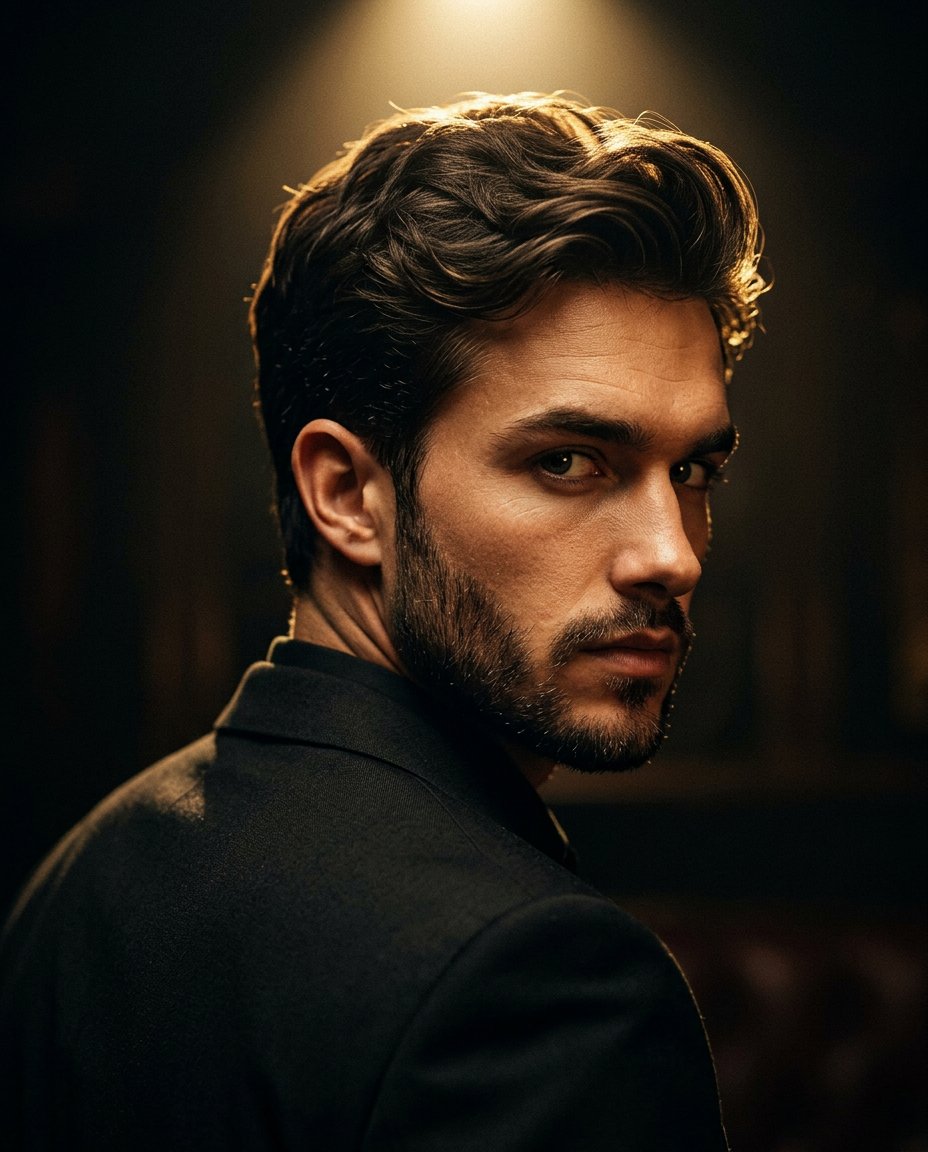
Cinematic Portrait Prompt for Google Nano Banana Pro

Multi-Frame Lifestyle Portrait Prompt for Nano Banana Pro

Low-Key Product Photography Prompt for Gemini Nano Banana Pro
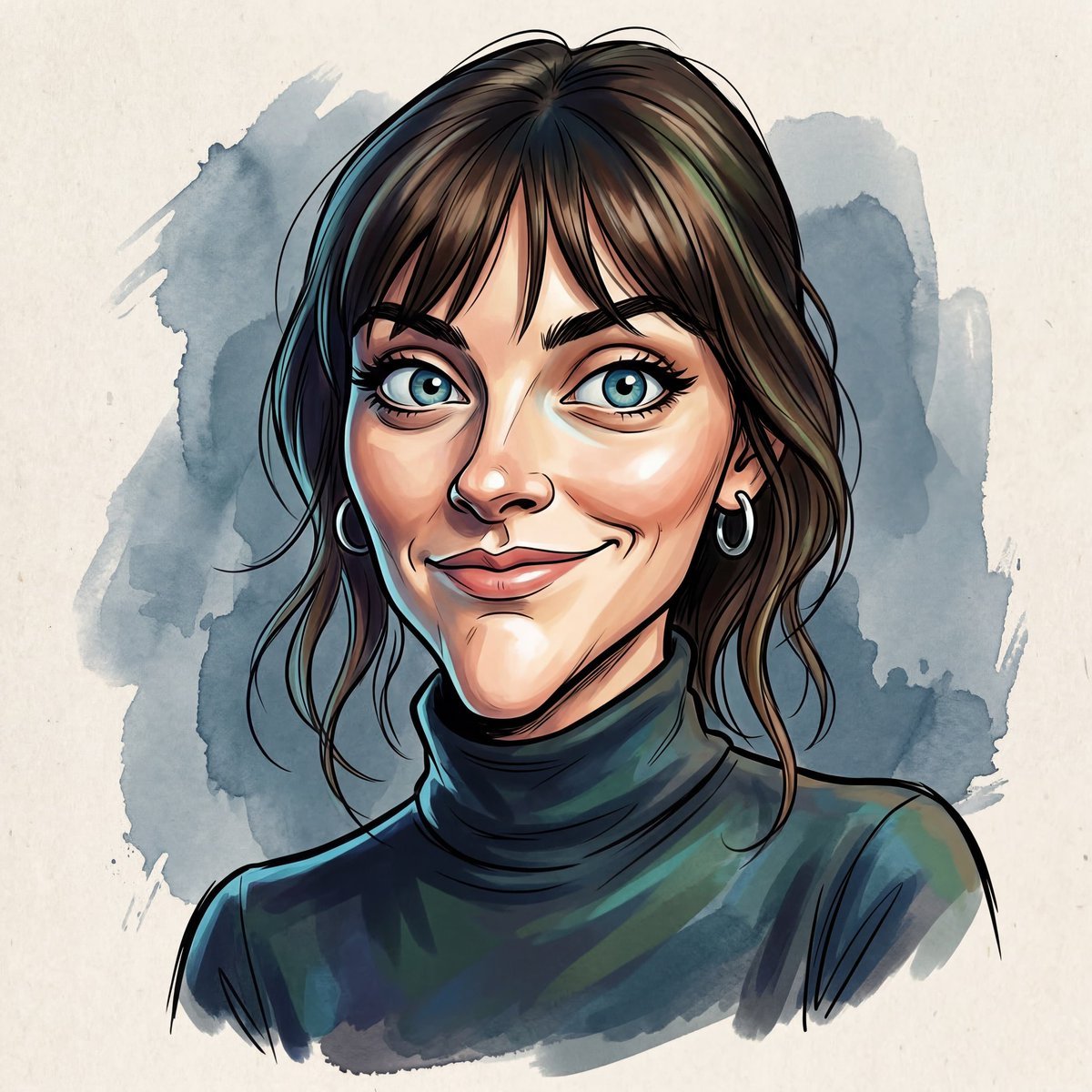
Masterpiece Political Caricature Prompt for Nano Banana 2
Make it yours
Hyper-realistic cinematic conversion prompt for nano-banana-pro works as-is. These are the safest ways to change it without losing the look.
Change one field
Copy a single group, rewrite it, and generate again so you can see what that field is doing.
Keep the frame, change the subject
Hold the composition and light of Hyper-realistic cinematic conversion prompt for nano-banana-pro, then swap wardrobe, props or the person for a new take.
| If the result… | Why | Fix |
|---|---|---|
| The result drifts from the preview | Too many fields changed at once. | Reuse Hyper-realistic cinematic conversion prompt for nano-banana-pro as-is first, then change one group — subject, light, or setting. |
| The model over-stylizes the scene | The prose prompt leaves finish and camera underspecified. | Add one camera or lighting sentence and stay on Nano Banana 2. |
More Nano Banana 2 templates
Other prompts made for Nano Banana 2.

Photorealistic Leaf Shaped Like a Dragon

K-Pop Idol Portrait Grid for Rapid Selection

Poetic Rain Forest Portrait During Golden Hour

Urban Street Portrait with Cartoon Inner Self Duo

Candid Nighttime Photo with Cat Prompt

High-Concept 3D Diorama Generation Prompt

Cinematic Futuristic Studio Portrait Template

Skincare Editorial Photography Collage Prompt

Hyper-Realistic Commercial Product Photography (Splash Effect)

Hyper-Realistic Nightclub Portrait Prompt
More image prompts
Fresh picks from across the catalog.
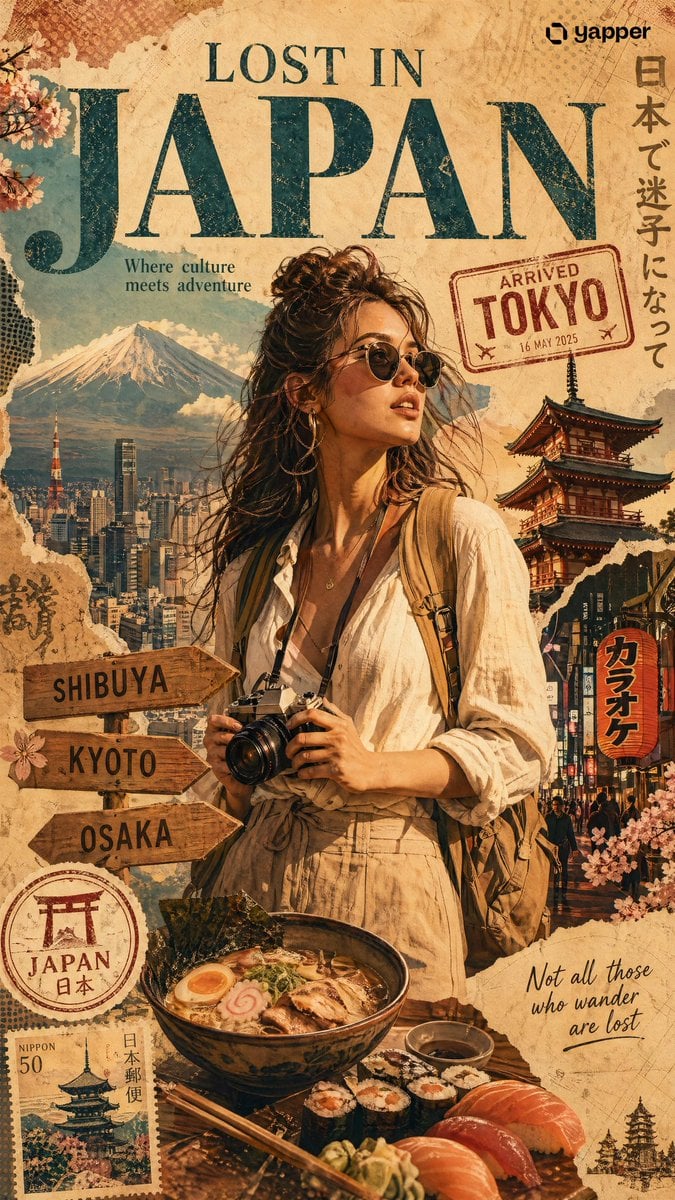
X Chatgptpaglu Gpt Image 2 on Yapper So
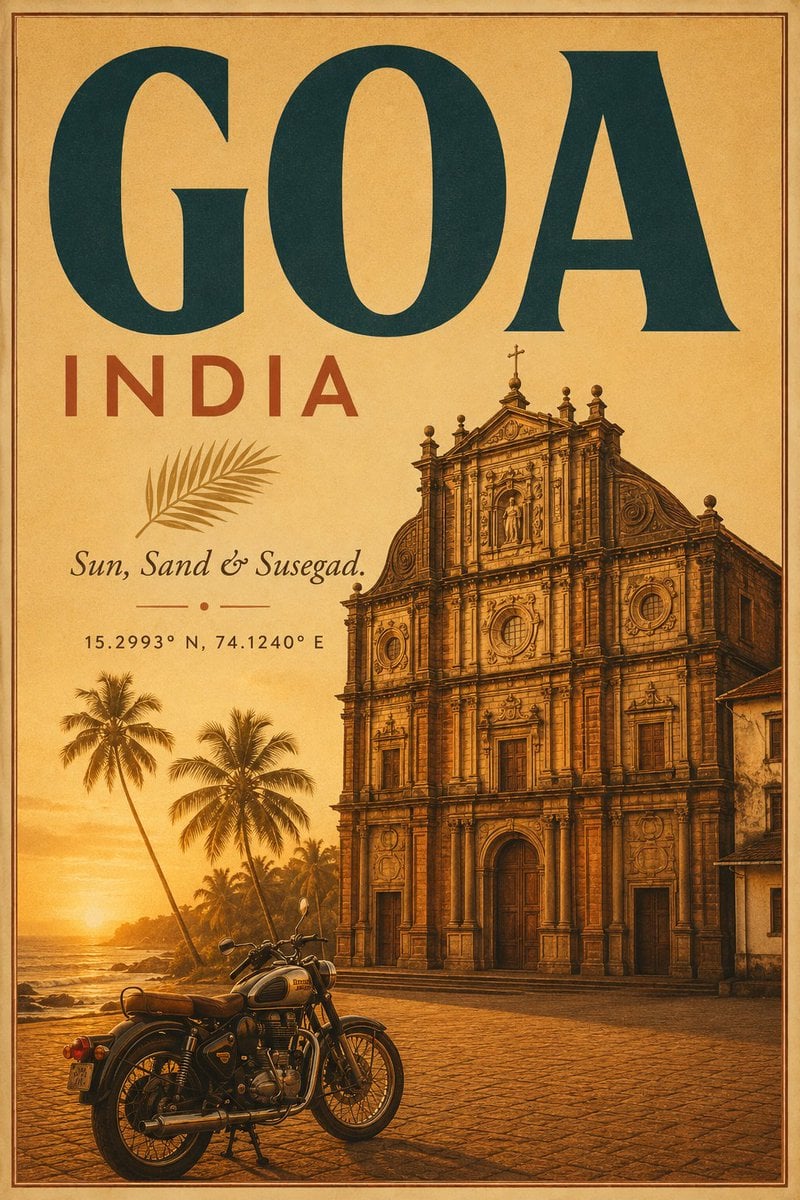
Vintage Goa Travel Poster
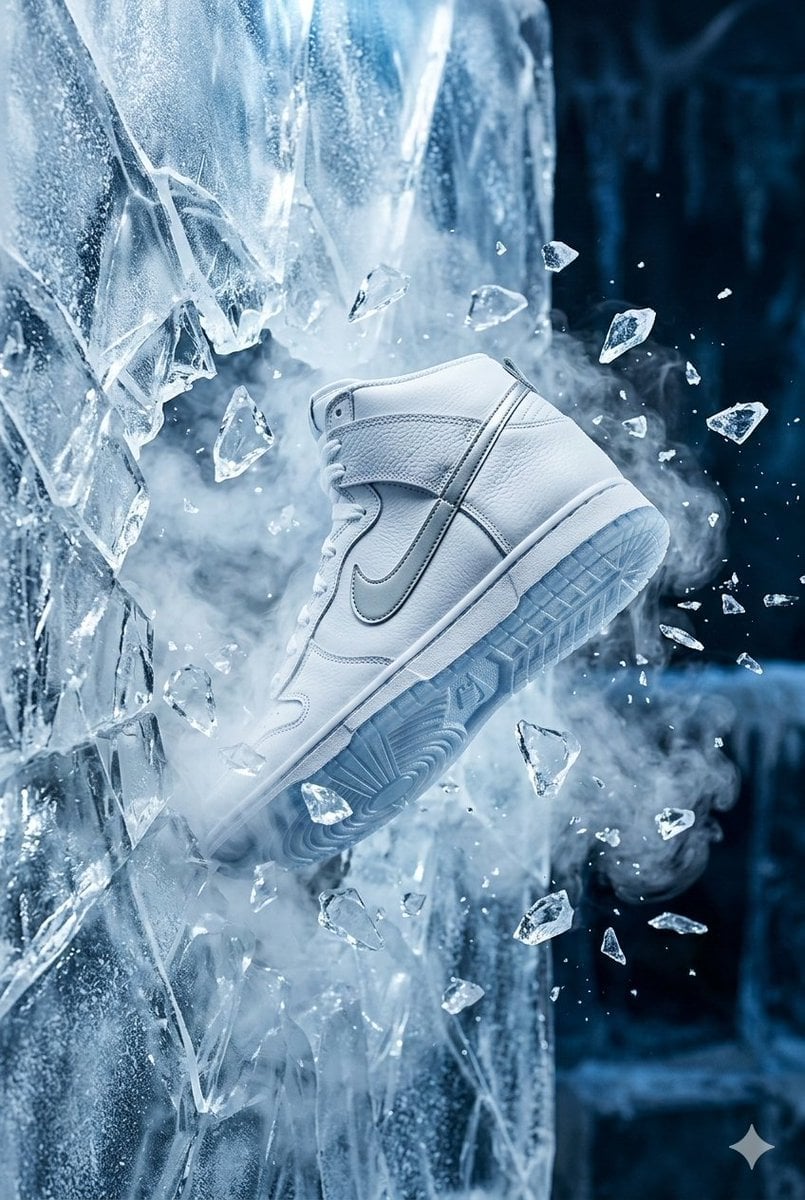
Nike Dunk Bursting Through Crystalline Wall
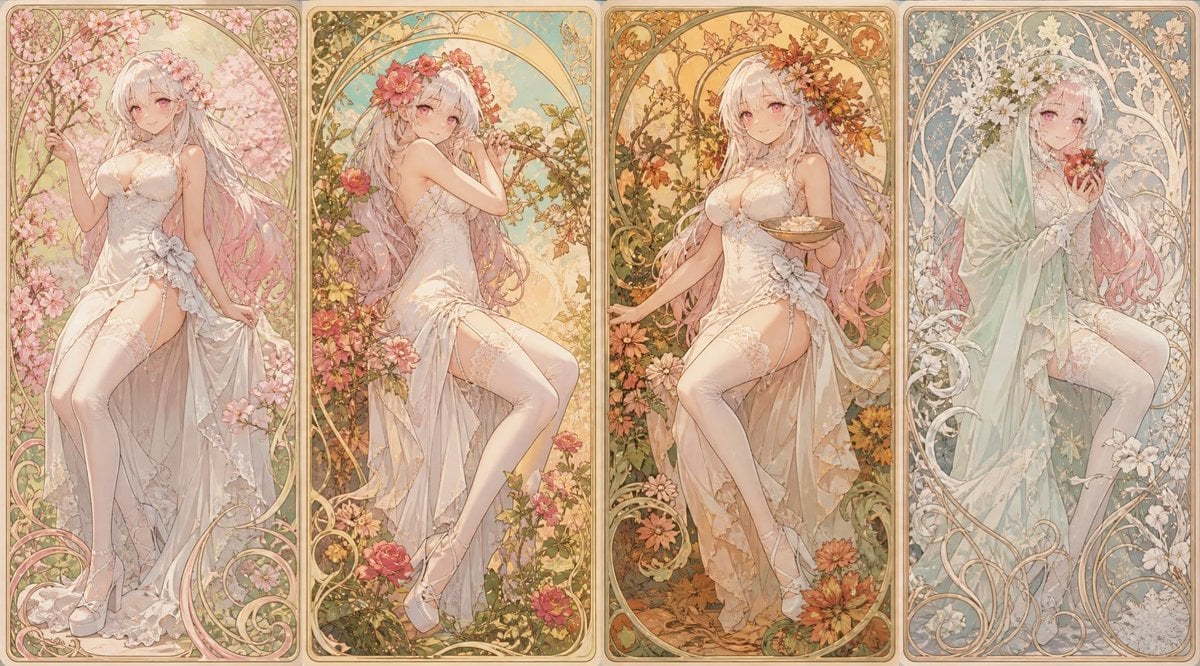
Mucha Style Seasonal Art Nouveau
Macro close-up product detail prompt
Panel Medieval Duel Storyboard

Stylized Pop Art Vector Portrait
Hollywood-Style Cinematic Photo with Time Distortion
Twin Kimono Sakura Watercolor
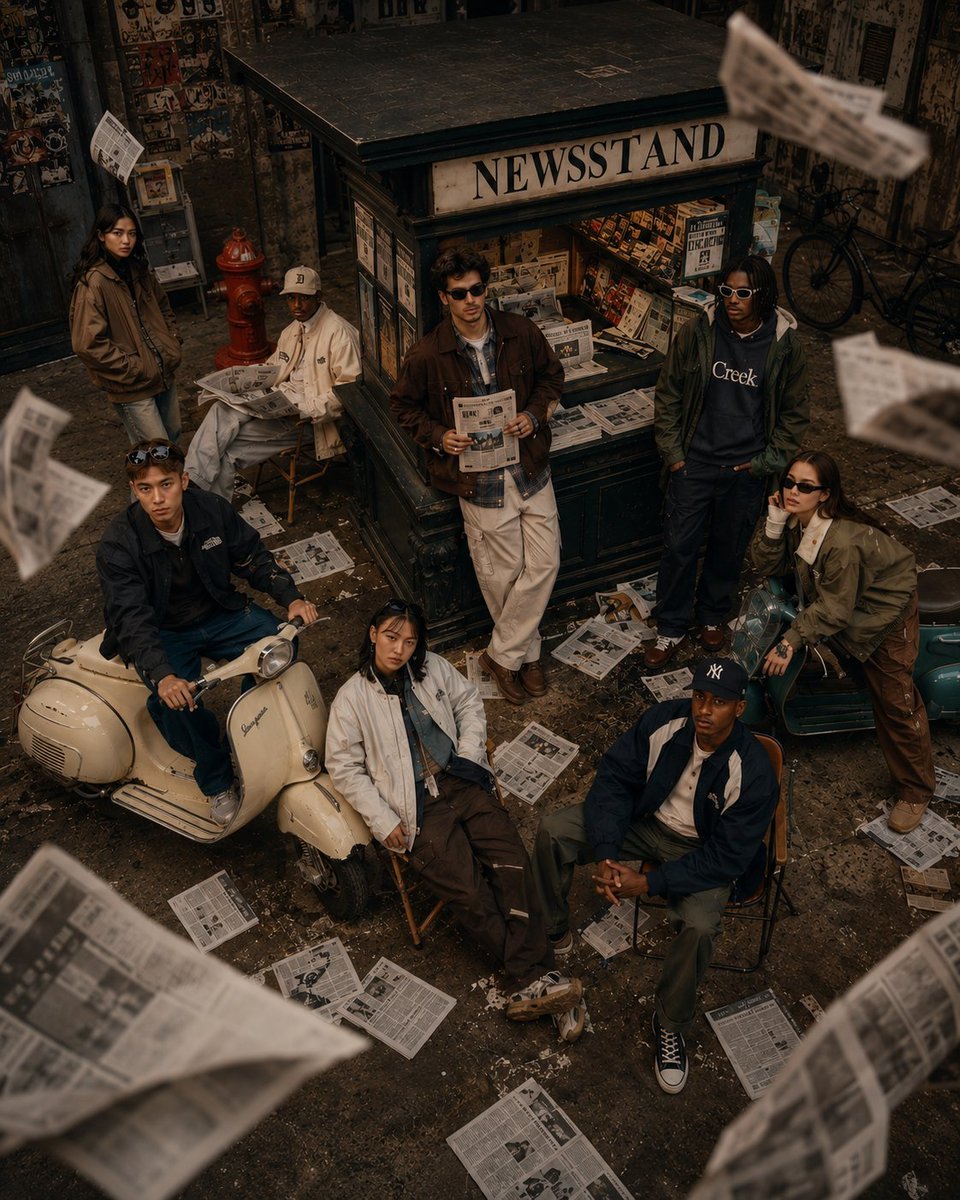
90s Retro Streetwear Fashion Editorial
Browse template categories
Hyper-realistic cinematic conversion prompt for nano-banana-pro questions
How do I use the Hyper-realistic cinematic conversion prompt for nano-banana-pro template?
Add your photo if the template asks for one, edit the prompt if you like — the template's model and format are already selected — and press Generate. Your version opens in PicX Studio.
Can I customize the Hyper-realistic cinematic conversion prompt for nano-banana-pro template?
Yes. You can change the subject, setting, lighting, mood, format, and available model controls before creating your image.
Is the Hyper-realistic cinematic conversion prompt for nano-banana-pro template free?
Opening and editing this template is free. Generating uses credits, shown on the Generate button when you are signed in.
Which AI model should I use?
Start with Nano Banana 2, which is the model associated with this template. You can compare another compatible model for a different finish.
Looking for something else? Browse all templates.

Your photo, any look
Thousands of ready templates for every top image and video model, from one credit balance.